Customer Ratings & Reviews



- Model:
- 4460C022
- |
- SKU:
- 6426774
Customer reviews
Rating 4 out of 5 stars with 226 reviews
(226 customer reviews)Rating by feature
- Value4.1
Rating 4.1 out of 5 stars
- Quality4.1
Rating 4.1 out of 5 stars
- Ease of Use3.9
Rating 3.9 out of 5 stars
Customers are saying
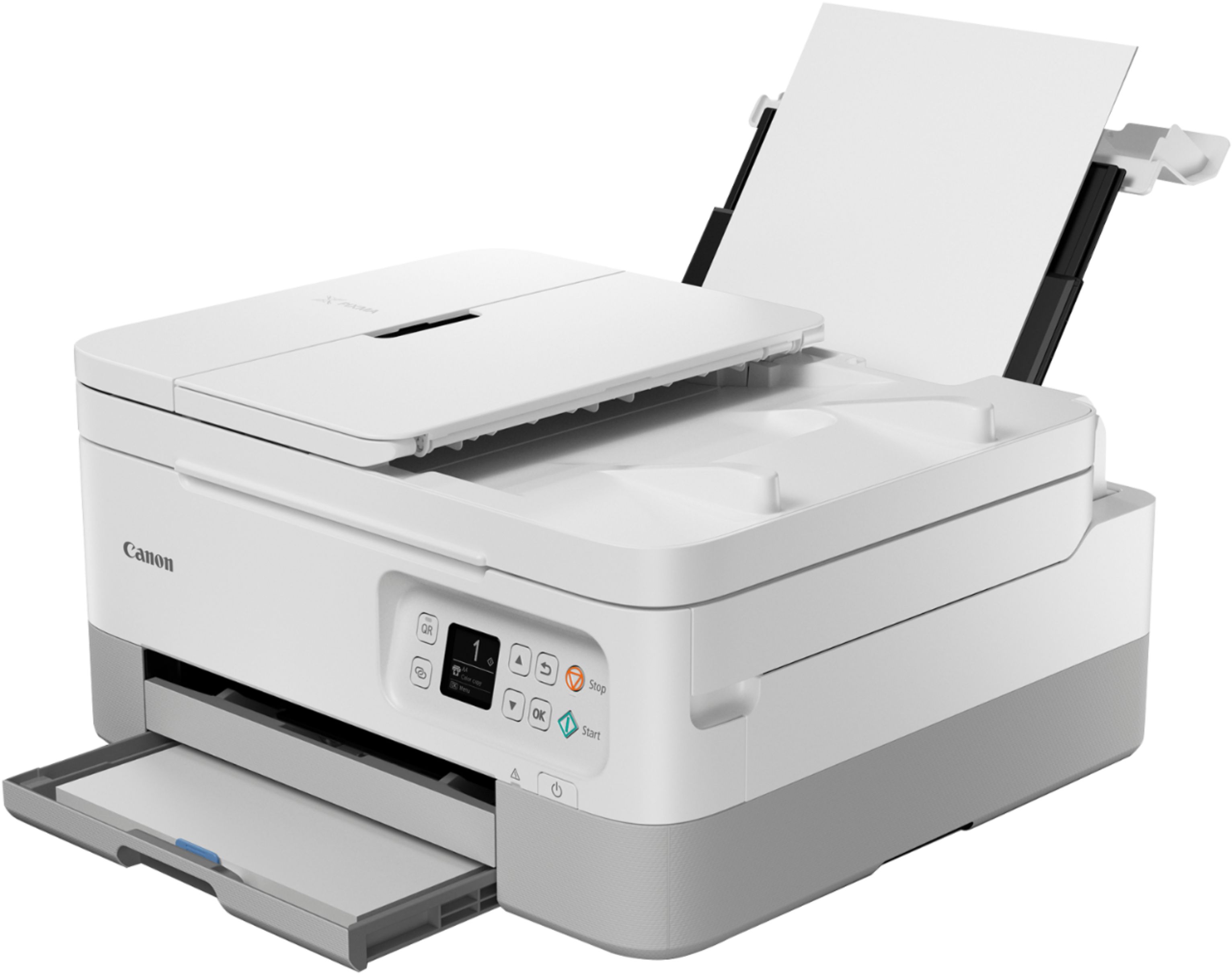
Customers value the Pixma TR7020's high-quality prints and its ease of setup and use. Many appreciate its quiet operation. However, some users experienced issues with paper jams and inconsistent wireless connectivity. A few also noted that the printer automatically powers off after periods of inactivity.
This summary was generated by AI based on customer reviews.
Rated 2 out of 5 stars
Disappointed
||Posted . Owned for 1 month when reviewed.This reviewer received promo considerations or sweepstakes entry for writing a review.Why can't manuels be include w/products anymore? The little getting started booklet s exactly that. How to put ink in, how to to paper in, etc. Put in web info in back for additional assitance, got a number to call, and sounded like it could be some kind of scam. Tried to go directly to Canon, another challenge. Now for some reason, can't get the back tray to go back into slots. Don't want to force or put pressure bc it's fragile. So here I go again having to try contact canon for something simple, but yet complicated.
This review is from Canon - Pixma TR7020 Wireless All-In-One Inkjet Printer - Black
No, I would not recommend this to a friend- Pros mentioned:Ease of use, Print quality
Rated 4 out of 5 stars
Good option for small home office
||Posted . Owned for 1 month when reviewed.This reviewer received promo considerations or sweepstakes entry for writing a review.Setting up the printer to wifi initially was surprisingly easy. Setting it up to a second wifi was much harder. I use this printer at work and sometimes when one network drops we switch to a different one. Because I this, I find myself using the usb cable most of the time to print. The printer didn't even come with a usb cable, which is kind of a bummer. Otherwise, it's a good value for the price, it can print on legal paper, and the scanning quality is decent.
This review is from Canon - Pixma TR7020 Wireless All-In-One Inkjet Printer - Black
I would recommend this to a friend - Pros mentioned:Print qualityCons mentioned:Auto power off
Rated 4 out of 5 stars
Review
||Posted . Owned for 3 weeks when reviewed.This reviewer received promo considerations or sweepstakes entry for writing a review.Its a great quality printer. The only problem I have is that the printer shuts off after being on for a period of time and I cannot figure out how to bypass that feature. I'm use to my printers staying on all the time. Whenever I print something I have to physically get up and turn the printer on.
This review is from Canon - Pixma TR7020 Wireless All-In-One Inkjet Printer - Black
I would recommend this to a friend - Pros mentioned:Ease of use, Print quality
Rated 4 out of 5 stars
Quality printer
||Posted . Owned for 3 weeks when reviewed.This reviewer received promo considerations or sweepstakes entry for writing a review.I am very satisfied with the performance of this printer. It produces quality printing and was easy to set up. It does turn itself off, which can be a little annoying - - but is probably for the best to avoid wasting energy. My one quibble is that the black ink that came with the printer ran out very quickly.
This review is from Canon - Pixma TR7020 Wireless All-In-One Inkjet Printer - Black
I would recommend this to a friend - Pros mentioned:Print quality
Rated 4 out of 5 stars
Great printer, but wifi is a challenge
||Posted . Owned for 1 month when reviewed.This reviewer received promo considerations or sweepstakes entry for writing a review.Very nice printer, seems quite solid and well-designed. I am generally a fan of Canon printers (nice print, great paper transport = works with labels and envelopes :) I am giving only 4 stars right now because I cannot get it to connect to wifi (works fine off cable, but I have several laptops, and need wifi to have it work with all). Oddly, I was on a business trip and upon getting back, neither of my existing two printers worked on wifi anymore. Thus I bought the TR7020, thinking Canon had stopped support (printer driver updates) for the older printers (they do last a lot longer, it seems, than the company supports the drivers for). The TR7020 was a brand new model three weeks ago, and it may be that Apple / Canon are still working on integrating the drivers... Per fault codes the printer offers, there is too much interference with my wifi -- odd since that was not a problem before, and the laptops are not affected in any way... maybe after 3 more re-boots of router and 3 of the laptops, it may work with wifi, or maybe either Canon or Apple have added the missing element in the meantime. When I get it connected, I am sure it will merit that fifth star..
This review is from Canon - Pixma TR7020 Wireless All-In-One Inkjet Printer - Black
I would recommend this to a friend - Pros mentioned:Print quality
Rated 5 out of 5 stars
Optimistic
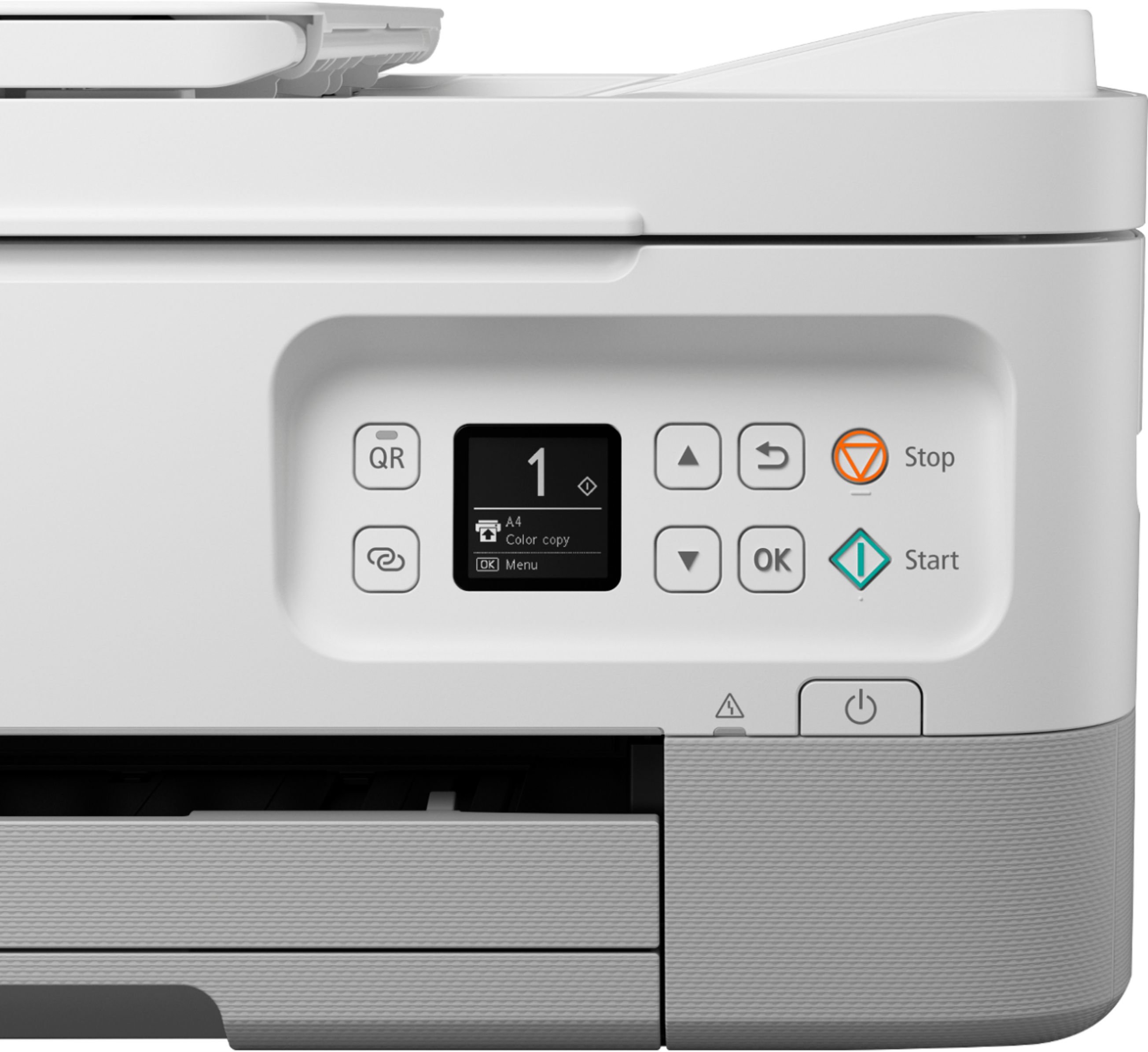
||Posted . Owned for 3 weeks when reviewed.This reviewer received promo considerations or sweepstakes entry for writing a review.Aesthetically I liked the printer in white but was hesitant due to potential discoloration. I bought it in the black color and the appearance is very nice. The top 2/3 portion is actually more of a charcoal color with the bottom 1/3 the black color. Setup was extremely easy with no glitches (the last printer I had was a different brand and setup was a stressful experience). My only suggestion to improve the setup procedure is to include in the “getting started” setup guide a diagram of the control panel (located on the front of the printer) with the explanation of the control buttons. Although most of the buttons are self-explanatory there are a few that need an explanation. I had to search the online manual to find the page with this information. Also, the setup guide should mention that the cassette tray to load paper is on the extreme bottom located below the paper return tray. Printing is easy and the color looks good. I haven’t yet printed on photo paper thus I can’t review the quality of photographs. Nor have I yet used the scanner feature. As a copier it works as well as the printer.
This review is from Canon - Pixma TR7020 Wireless All-In-One Inkjet Printer - Black
I would recommend this to a friend - Pros mentioned:Print qualityCons mentioned:Auto power off
Rated 5 out of 5 stars
MARKS CANON PIXMA TR7020 REVIEW.
||Posted . Owned for 3 weeks when reviewed.This reviewer received promo considerations or sweepstakes entry for writing a review.We Previously were Satisfied/Content with an Earlier Canon Pixma Printer Model' it Finally Stopped Working after Several (3-4) Years; Hence, I Researched Similar Newer Canon Pixma All-I-One Ink Jet Models, and after Reading the Reviews decided on the TR7020 Model. Had to Buy a New USB Cable, Which Like the Power Cord was a Little Tricky to Connect Because the Ports are Recessed and Angled. Once Powered Up; Went to the Canon On-Line Internet Site to Set-Up. Printer Works Fine; Does Consume Initial Ink Supply Especially Black. Printer also Automatically Shuts Itself Down after a Short Period of Non-Use. All Said; a Good Printer for the Price; Recommend that You Purchase an Ink Cartridge Supply when You Buy this Printer
I would recommend this to a friend - Pros mentioned:Ease of use, Print qualityCons mentioned:Paper jam
Rated 4 out of 5 stars
Easy installation
||Posted .This reviewer received promo considerations or sweepstakes entry for writing a review.Easy installation, great quality. But it is required to restart the printer frequently due to paper jam
This review is from Canon - Pixma TR7020 Wireless All-In-One Inkjet Printer - Black
I would recommend this to a friend - Pros mentioned:Ease of use, Print qualityCons mentioned:Paper jam
Rated 5 out of 5 stars
Very satisfied.
||Posted . Owned for 3 weeks when reviewed.This reviewer received promo considerations or sweepstakes entry for writing a review.I like the Canon-Pixma very much. It does everything very fast. The instructions are easy to follow, no paper jams and easy to load.
This review is from Canon - Pixma TR7020 Wireless All-In-One Inkjet Printer - Black
I would recommend this to a friend - Pros mentioned:Ease of use, Print quality
Rated 4 out of 5 stars
TR7020 Printer
||Posted . Owned for 3 weeks when reviewed.This reviewer received promo considerations or sweepstakes entry for writing a review.The printer was easy to set up and it has good print quality as well as coping of documents. I have had Canon previously and was happy with that one also.
This review is from Canon - Pixma TR7020 Wireless All-In-One Inkjet Printer - Black
I would recommend this to a friend - Pros mentioned:Ease of useCons mentioned:Auto power off
Rated 4 out of 5 stars
Works well
||Posted . Owned for 1 month when reviewed.This reviewer received promo considerations or sweepstakes entry for writing a review.Works well, easy to connect to wifi. Only compliant is that the printer shuts off after being idle for too long. You have to manually turn the printer on each time, which is a mild inconvenience.
This review is from Canon - Pixma TR7020 Wireless All-In-One Inkjet Printer - Black
I would recommend this to a friend Rated 4 out of 5 stars
Reliable
||Posted . Owned for 3 weeks when reviewed.This reviewer received promo considerations or sweepstakes entry for writing a review.We replaced our "old" Cannon Pixma printer after 6 years with this one. We find the Cannon product to be reliable, though it uses a lot of ink. This one is no different. We are already replacing the black ink cartridge, so be forewarned. Even on draft setting, the printer consumes a lot of ink. The printer turns itself off, when idle for an extended period of time so we are retraining ourselves to turn the printer on, before hitting the "print" icon. The printer has NO scan key on the device itself. The only way to scan is by using the application on your laptop or downloading the Cannon printer app to your smart device. It's inconvenient. We did not see this on the description when making the purchase. We would have purchase a different Cannon device, one with the scan feature integrated into the printer itself.
This review is from Canon - Pixma TR7020 Wireless All-In-One Inkjet Printer - Black
I would recommend this to a friend- Pros mentioned:Ease of use, Noise level, Print quality
Rated 5 out of 5 stars
Get this one
||Posted . Owned for 3 weeks when reviewed.This reviewer received promo considerations or sweepstakes entry for writing a review.Easy to set up, quieter than my old Canon, ink is especially easy to load, vs my old printer, sharp print.
This review is from Canon - Pixma TR7020 Wireless All-In-One Inkjet Printer - Black
I would recommend this to a friend - Pros mentioned:Print quality
Rated 4 out of 5 stars
Replacement for MX 410
||Posted . Owned for less than 1 week when reviewed.This reviewer received promo considerations or sweepstakes entry for writing a review.Purchased through Best Buy for delivery. No problems with the delivery, in fact it came a day earlier than advertised. Set up was easier than I anticipated even though it was not as intuitive as I hoped for. I did manage to muddle around and get things working as advertised in less time than I expected.This printer replaced a Canon MX 410. It is just as fast printing and copying my usual day to day items. Have not scanned anything yet, but I don't expect any issues. I like the smaller foot print.
This review is from Canon - Pixma TR7020 Wireless All-In-One Inkjet Printer - Black
I would recommend this to a friend - Pros mentioned:Print quality
Rated 5 out of 5 stars
Perfect for mist home offices and student homework
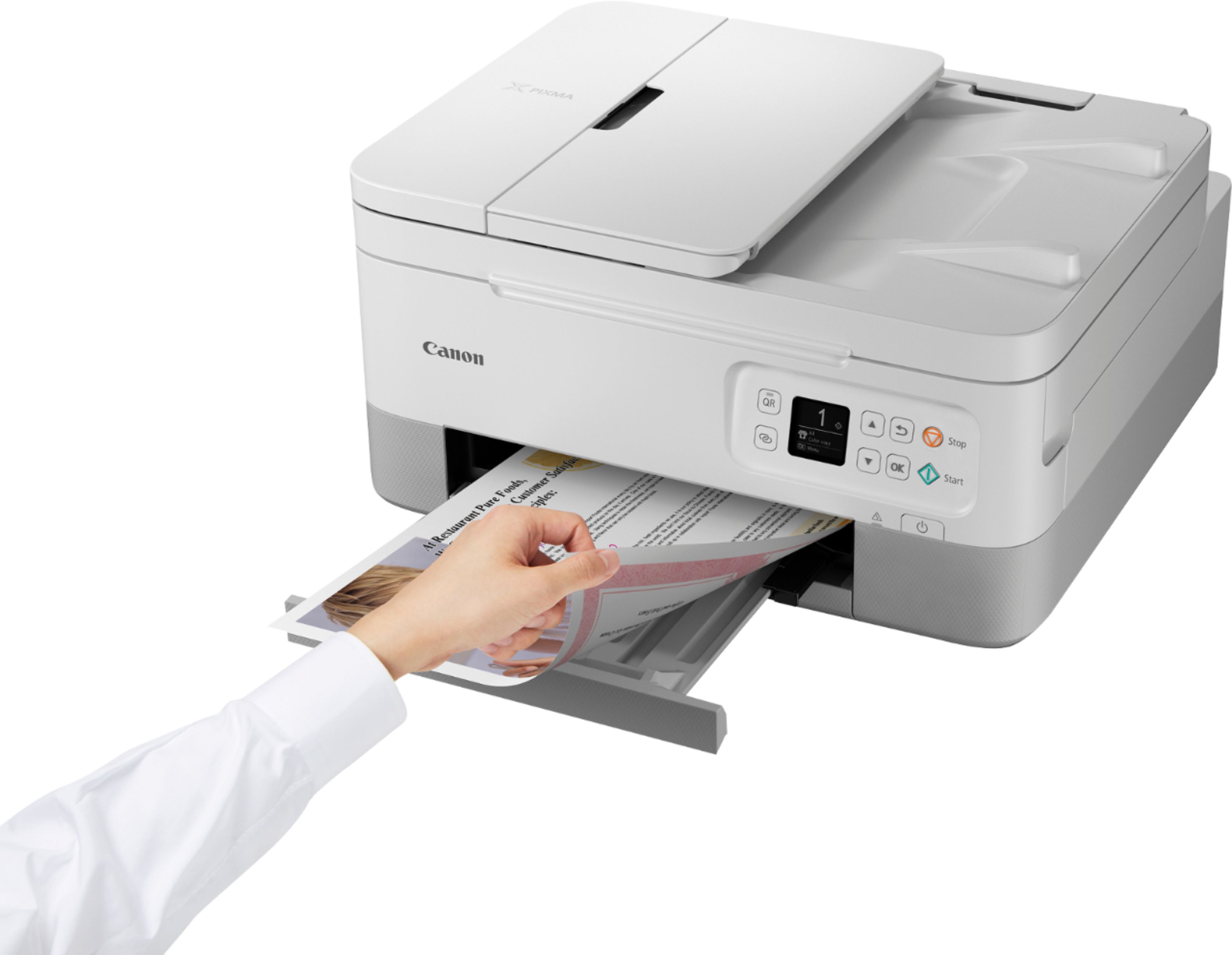
||Posted .This reviewer received promo considerations or sweepstakes entry for writing a review.I only bought this because my perfectly good printer was made obsolete when cloud print was replaced by air print. What I like better about this Canon over my last Canon is that the bottom drawer holds paper and is stored internally away from dust and random pet air. The tray that catches printouts is more sturdy and easily slides into its slot after printing. Print quality is fine. It’s a bit slow. I like that it prints duplex. Better for the environment and cheaper on paper. I’d like it better if I didn’t feel like I was forced to replace a perfectly good printer that was only 7 years old.
This review is from Canon - Pixma TR7020 Wireless All-In-One Inkjet Printer - Black
I would recommend this to a friend - Pros mentioned:Ease of use, Print quality
Rated 5 out of 5 stars
Great printer
||Posted . Owned for 3 weeks when reviewed.This reviewer received promo considerations or sweepstakes entry for writing a review.Okay, super long story short. I’m a small business owner, I use a printer a lot and had bought a printer that cost almost $200. It stopped working, bought another one for $100. It sucked! Can’t return it. So I bought this one and it’s amazing! Easy to install, easy to use, and ink isn’t an arm or a leg!
This review is from Canon - Pixma TR7020 Wireless All-In-One Inkjet Printer - Black
I would recommend this to a friend - Pros mentioned:Ease of use
Rated 5 out of 5 stars
Good printer
||Posted . Owned for 1.5 years when reviewed.This reviewer received promo considerations or sweepstakes entry for writing a review.Good printer. No problems! Easy connection to my wireless network.
This review is from Canon - Pixma TR7020 Wireless All-In-One Inkjet Printer - Black
I would recommend this to a friend - Cons mentioned:Connectivity
Rated 4 out of 5 stars
Our Canon
||Posted . Owned for 3 weeks when reviewed.This reviewer received promo considerations or sweepstakes entry for writing a review.Im happy with our printer except for the fact that there isn't anywhere to plug in your phone or iPad to print something your not able to get a snapshot of
This review is from Canon - Pixma TR7020 Wireless All-In-One Inkjet Printer - Black
I would recommend this to a friend - Pros mentioned:Noise level
Rated 4 out of 5 stars
Works like it is supposed to.
||Posted . Owned for 1 month when reviewed.This reviewer received promo considerations or sweepstakes entry for writing a review.Seems to be working just fine. Haven't had to buy ink yet but haven't printed a whole lot. The smartphone app is a little wonky but it seems to work. It is pretty quiet. The text that I have printed isn't quite as dark and crisp as I am used to seeing but it is not bad.
This review is from Canon - Pixma TR7020 Wireless All-In-One Inkjet Printer - Black
I would recommend this to a friend - Pros mentioned:Ease of use, Print quality
Rated 5 out of 5 stars
Much happier with this choice!
||Posted .This reviewer received promo considerations or sweepstakes entry for writing a review.After a very frustrating experience with the HP Envy (4hrs w/tech support=defective printer) I purchased this Canon Pixma TR7020. Set up was a breeze! Connected easily to my wifi and laptop. Prints great and very user friendly.
I would recommend this to a friend