Customer Ratings & Reviews








- Model:
- CH-9303101-NA
- SKU:
- 6453151
Rating by feature
- Value
Rating 4.5 out of 5 stars
- Quality
Rating 4.5 out of 5 stars
- Ease of Use
Rating 4.7 out of 5 stars
Customers are saying
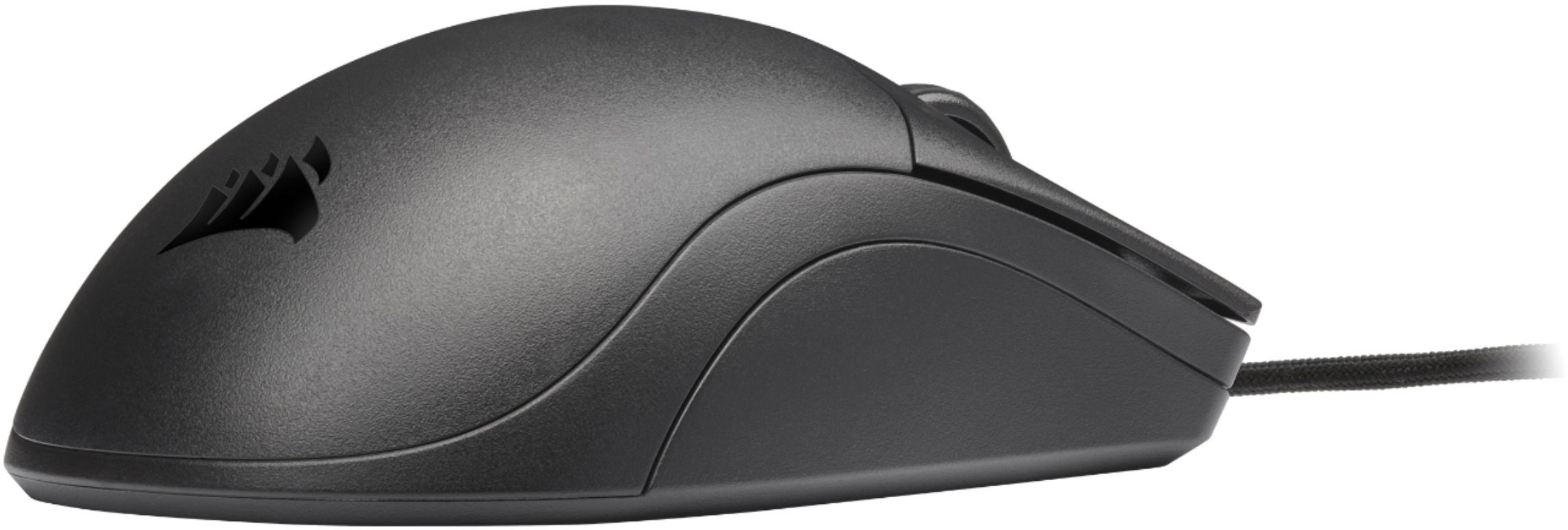
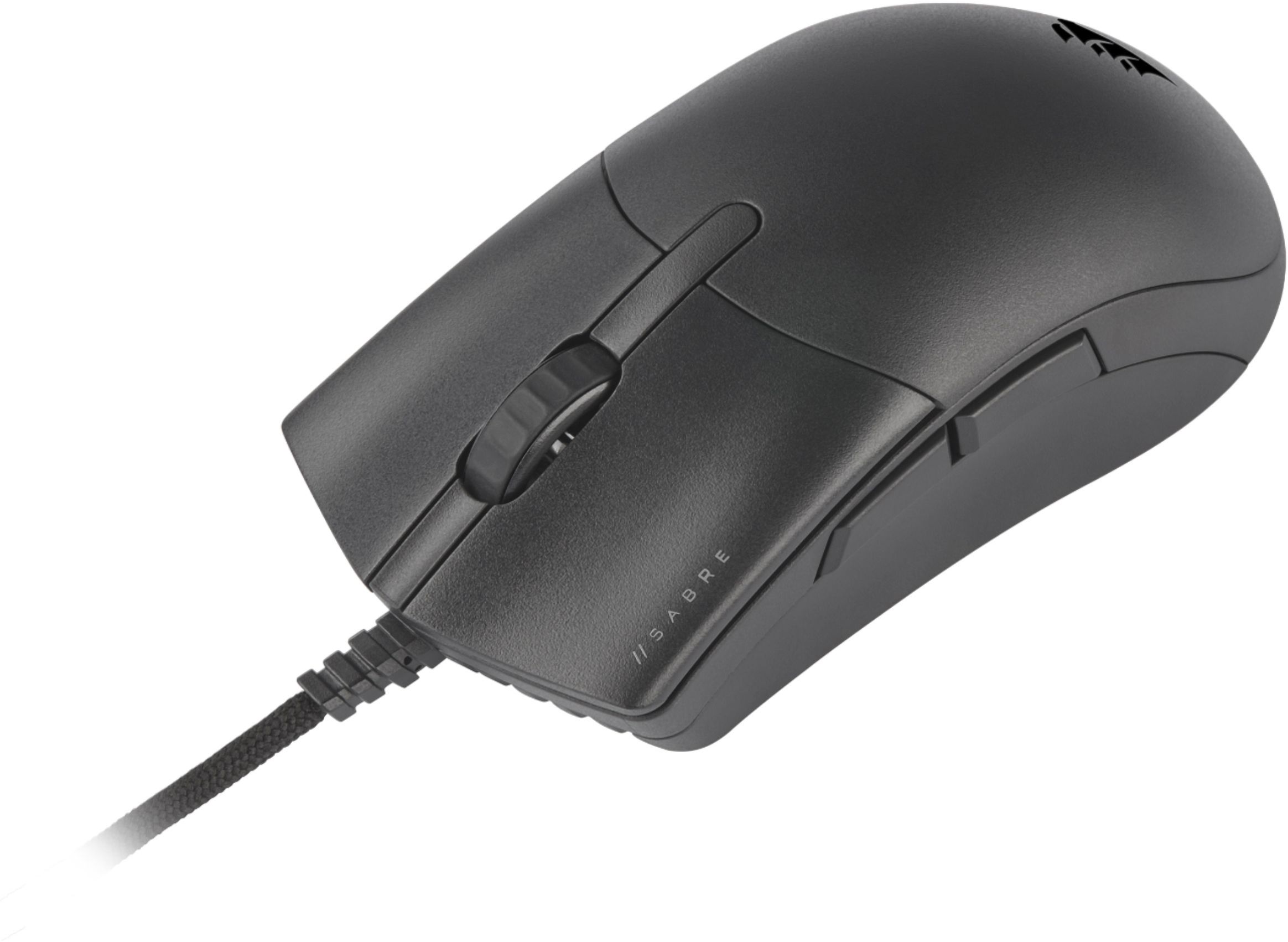
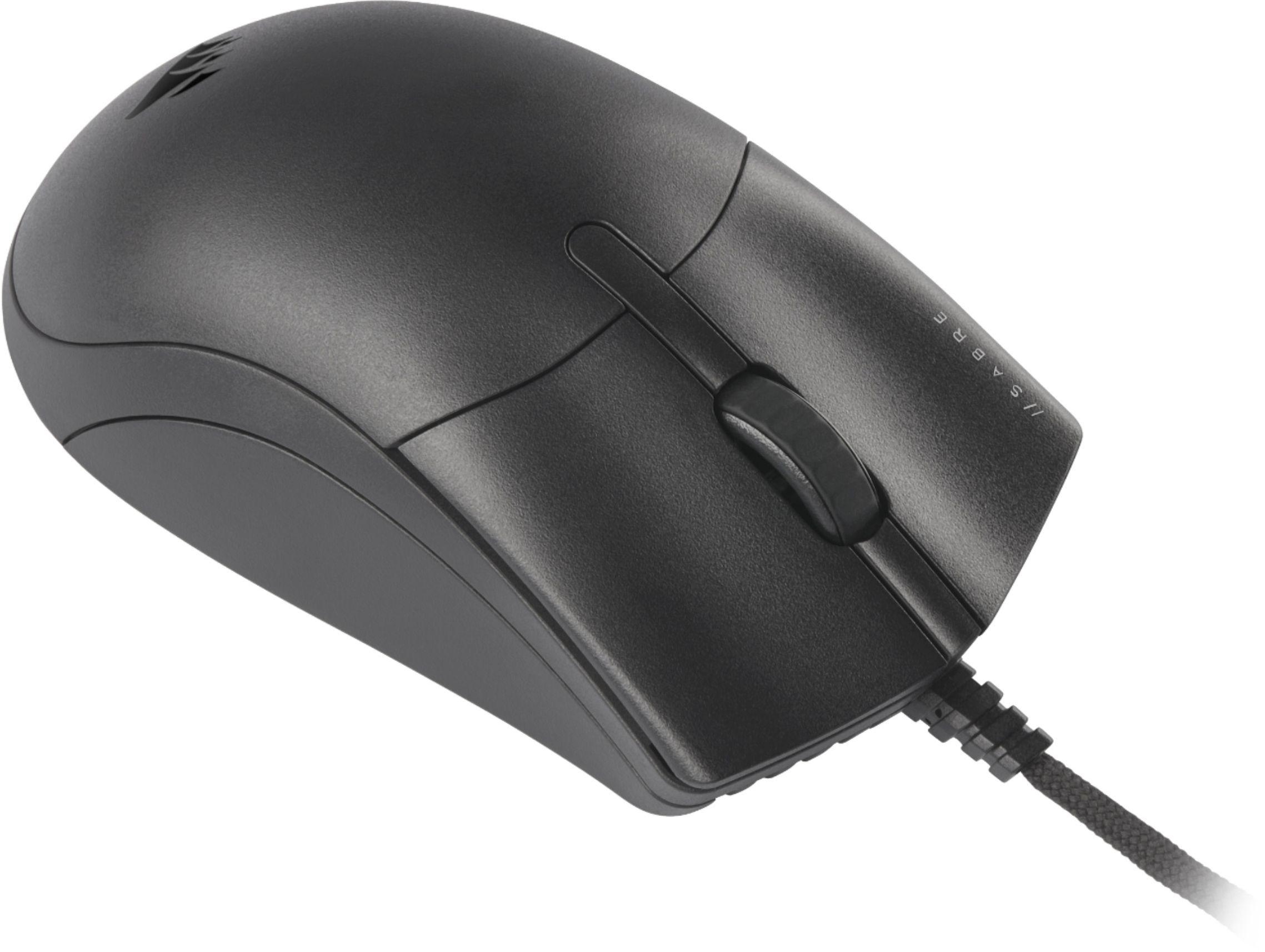
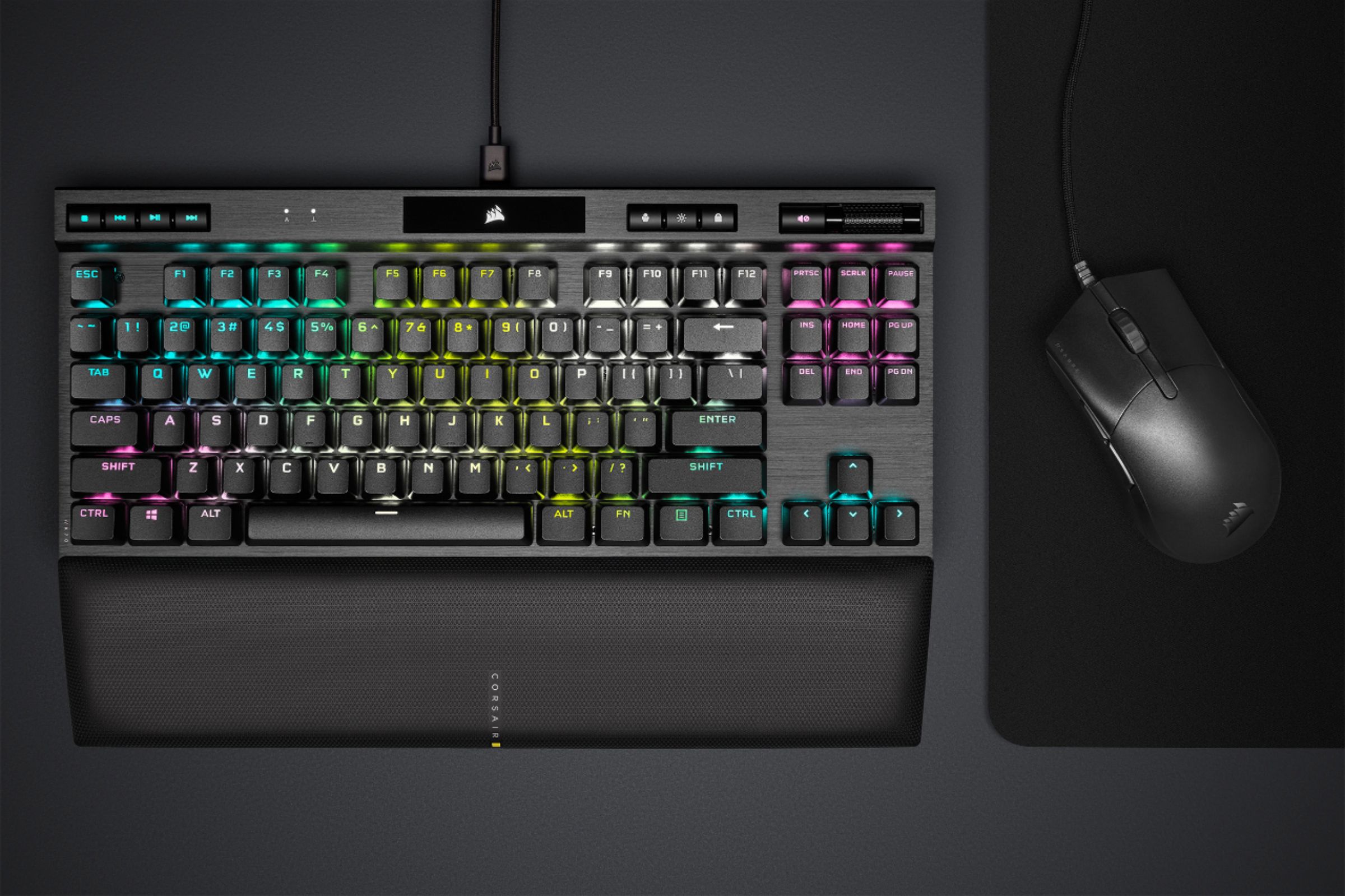
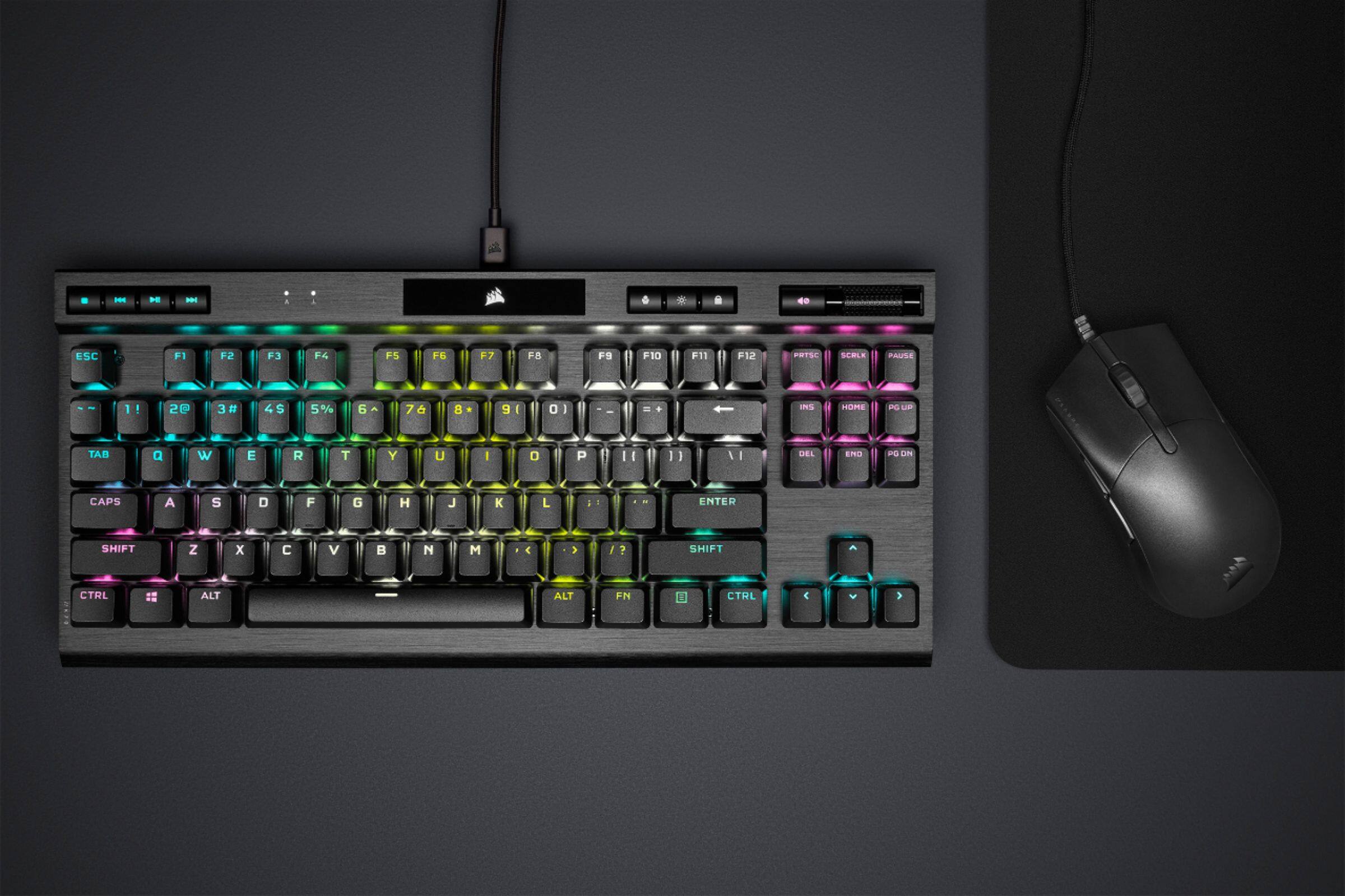
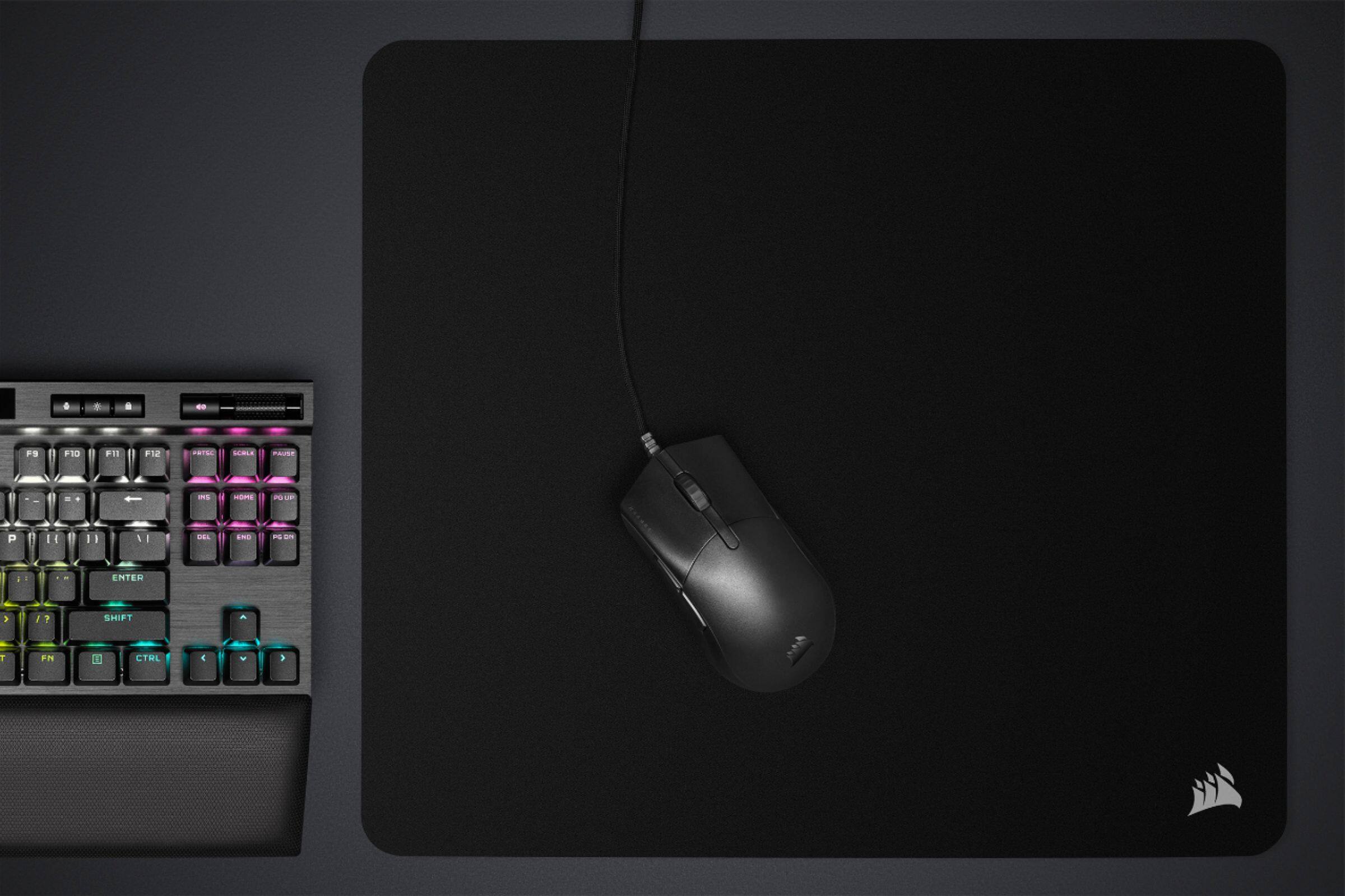
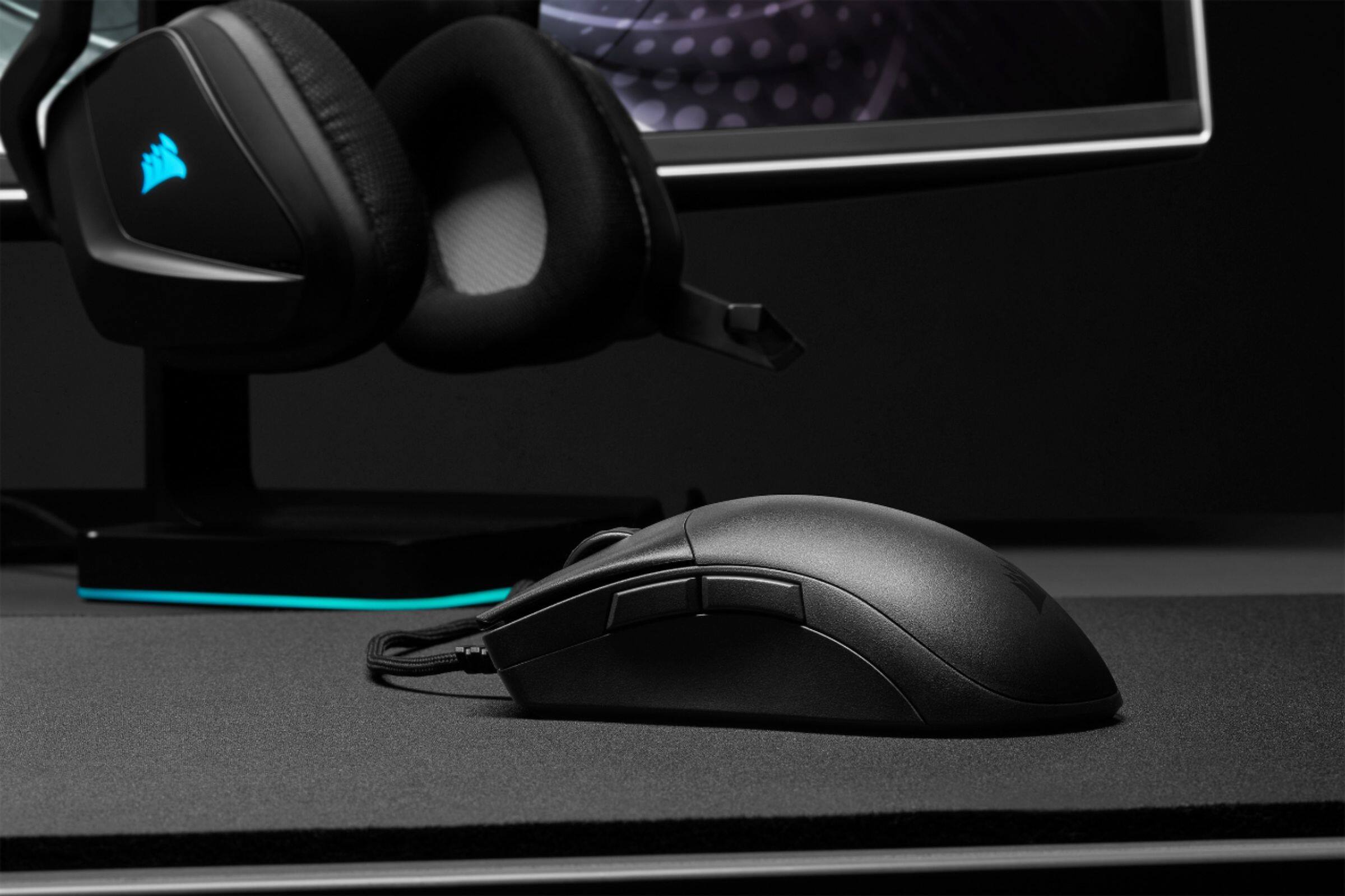
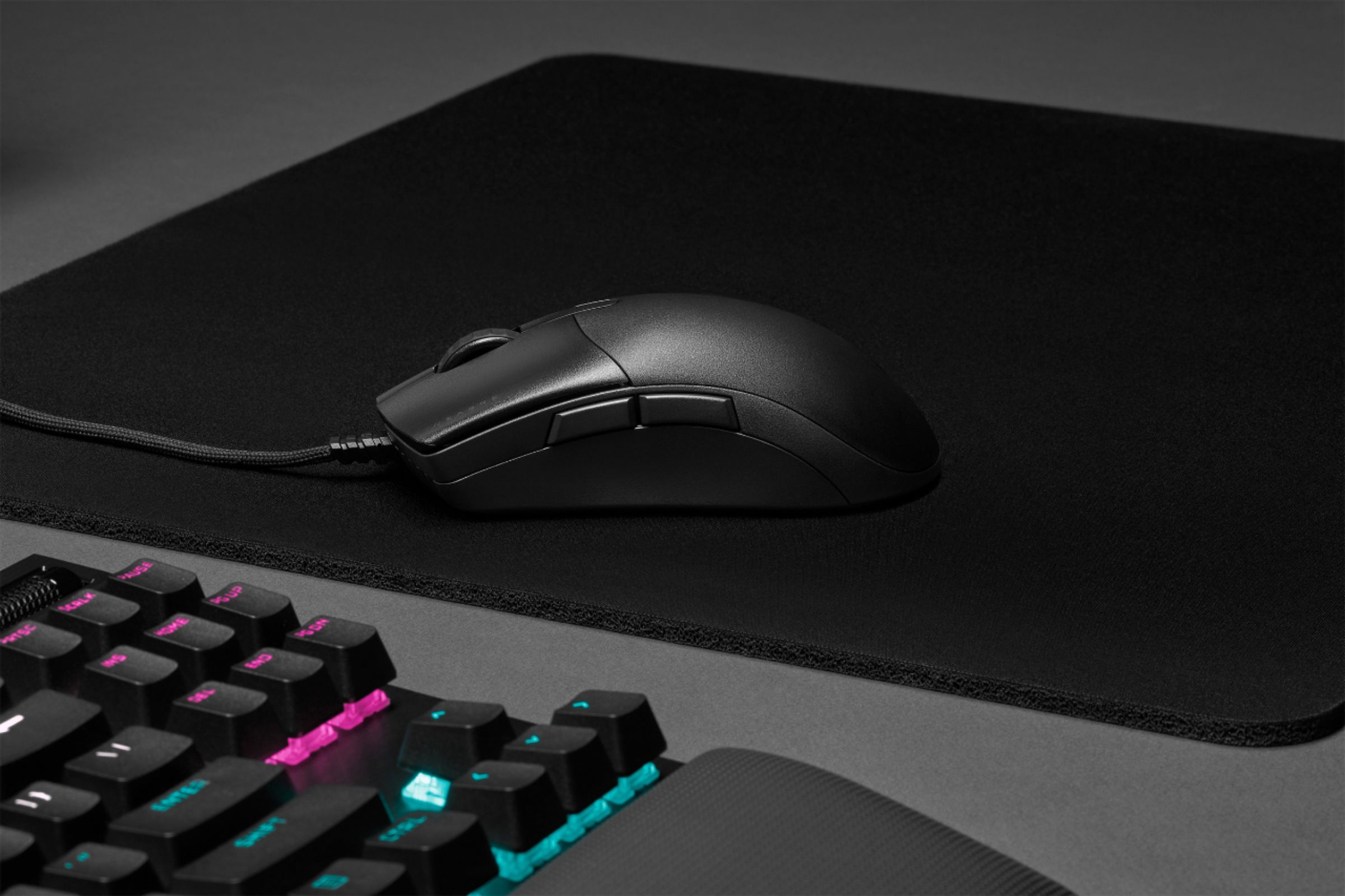
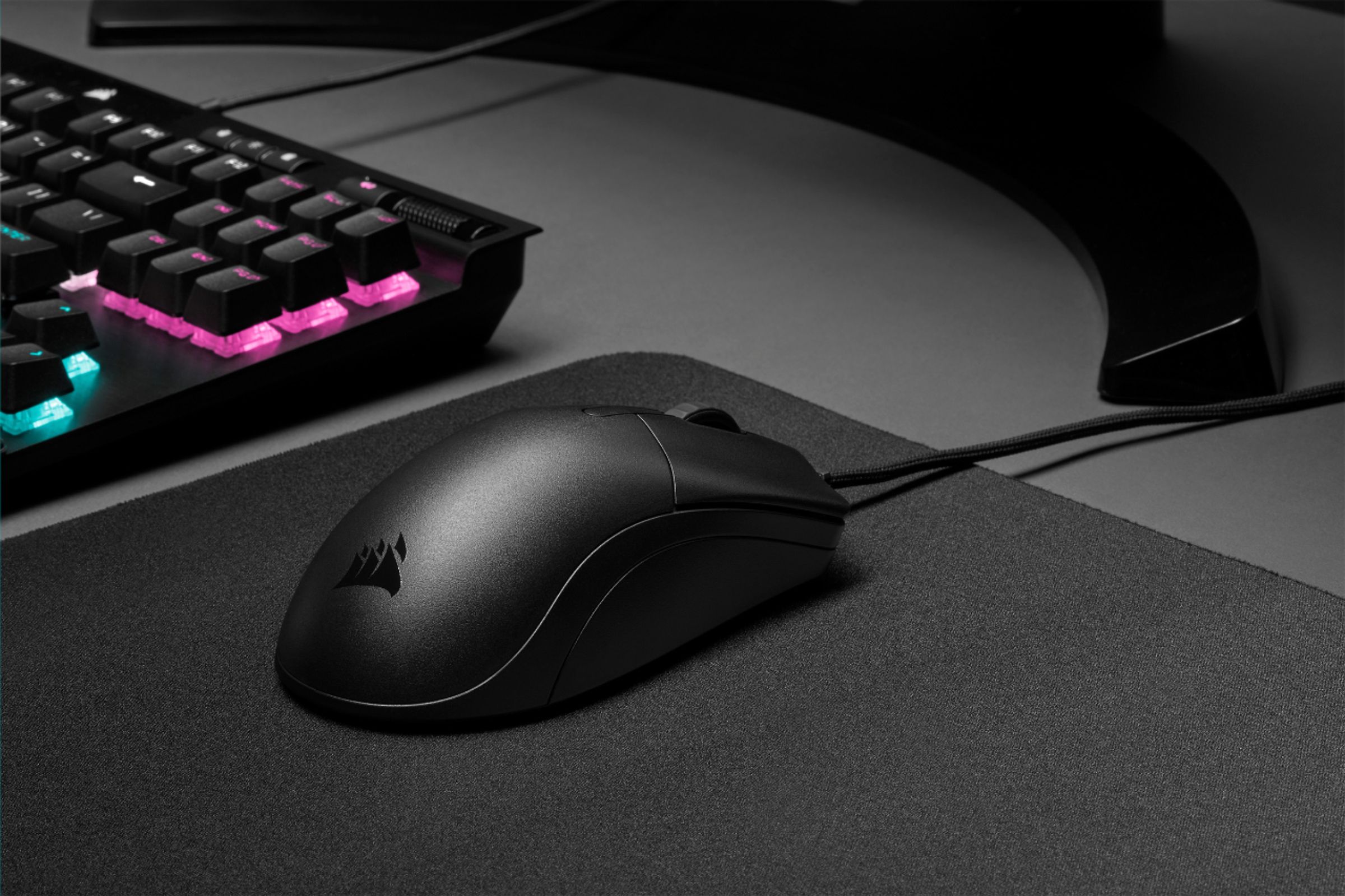
Customers admire the CHAMPION SERIES SABRE PRO's lightweight design and responsiveness, praising its accuracy and comfortable shape for extended use. However, some users find the lack of RGB lighting and the somewhat slippery plastic casing to be drawbacks. The included cable and customizable DPI settings also receive positive feedback.
This summary was generated by AI based on customer reviews.
- Pros mentioned:Responsiveness
Big Hands rejoice! A palm grippers dream!
||Posted .This reviewer received promo considerations or sweepstakes entry for writing a review.If you have large hands you need to give this mouse a try this mouse. I've tried all kinds of mice trying to find the sweet spot, but when I put this in my hands it was like it was made for it. Love the responsiveness, the mouse clicks feel so good. I guess the best way to describe it would be like the first time I typed on a custom built mechanical keyboard with lubed stabs and switches. The side button are in the perfect location for my thumb, I don't feel like I can't reach them like some of the other smaller light weight mice. If your computer can handle it turn polling rate to 8000, like wow. I have the RGB version coming, but will likely keep the non-rgb for my laptop. If your hands are small you should probably look to another mouse. It's now my daily driver.
I would recommend this to a friend - Pros mentioned:Comfort, Dpi, ResponsivenessCons mentioned:Rgb lighting

A Mouse Designed for Performance!
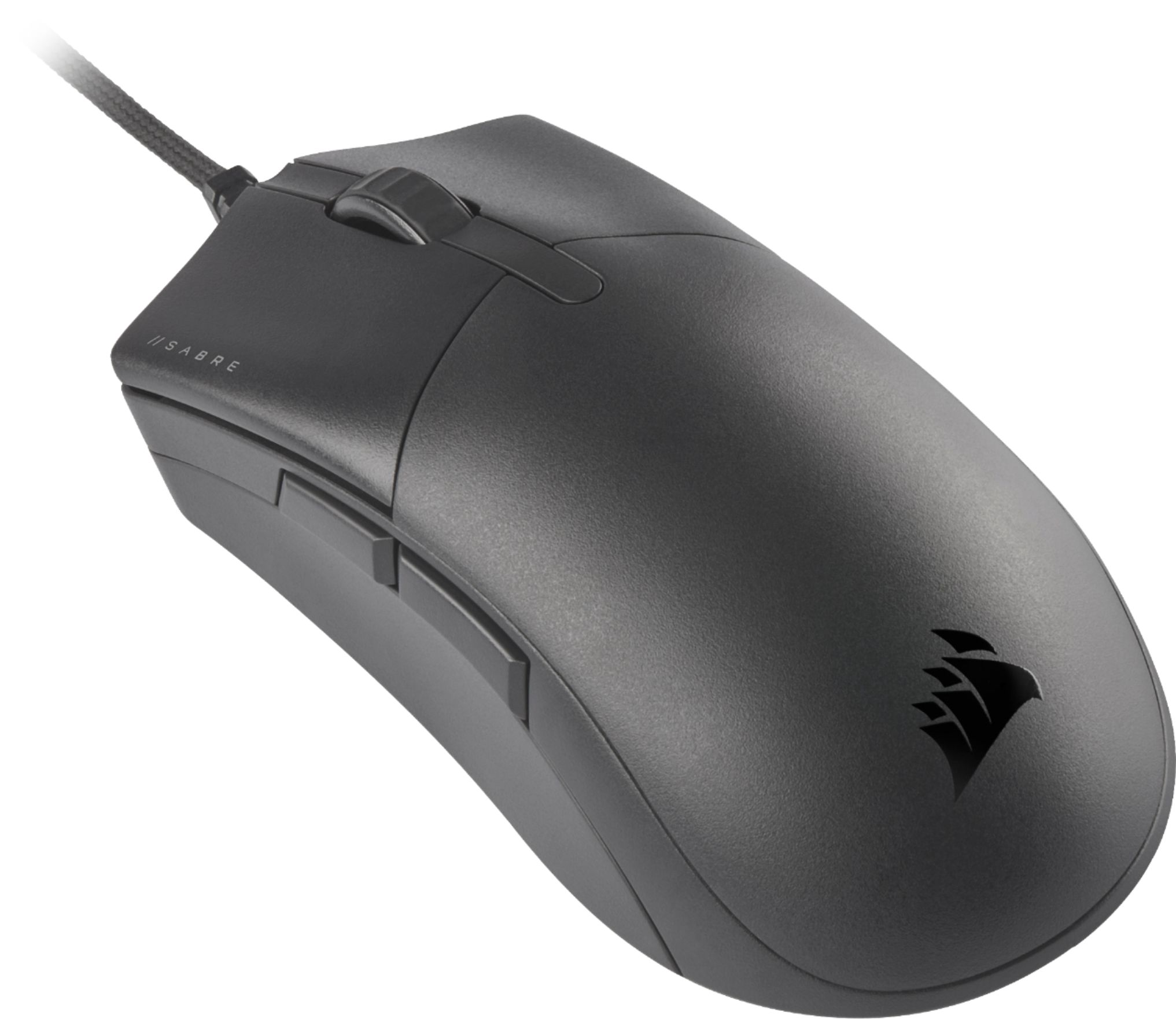
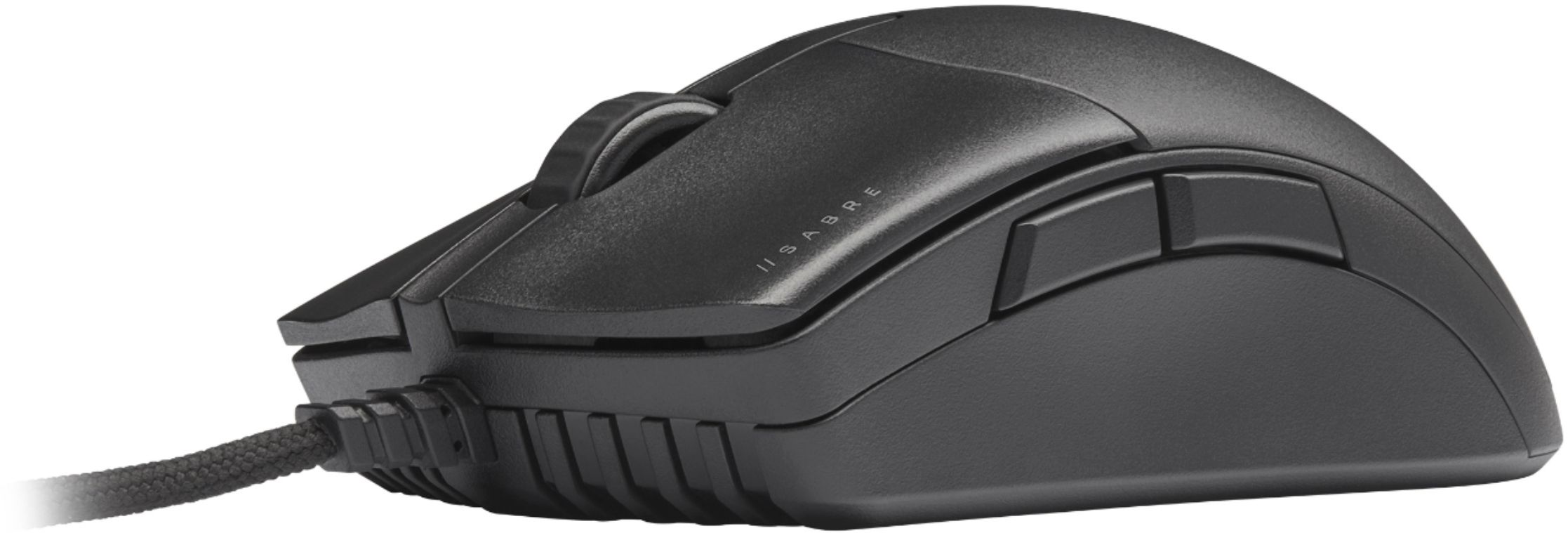
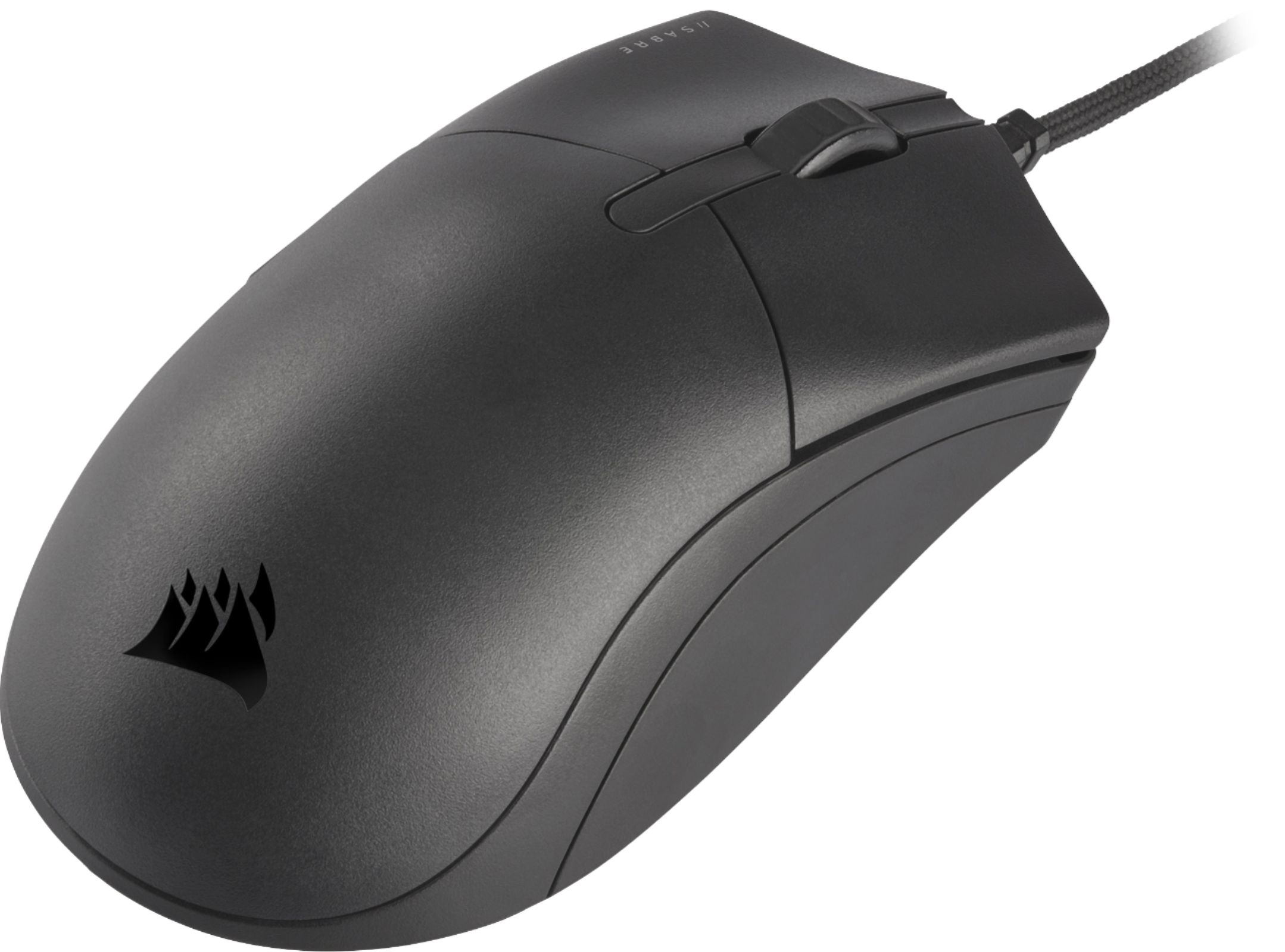
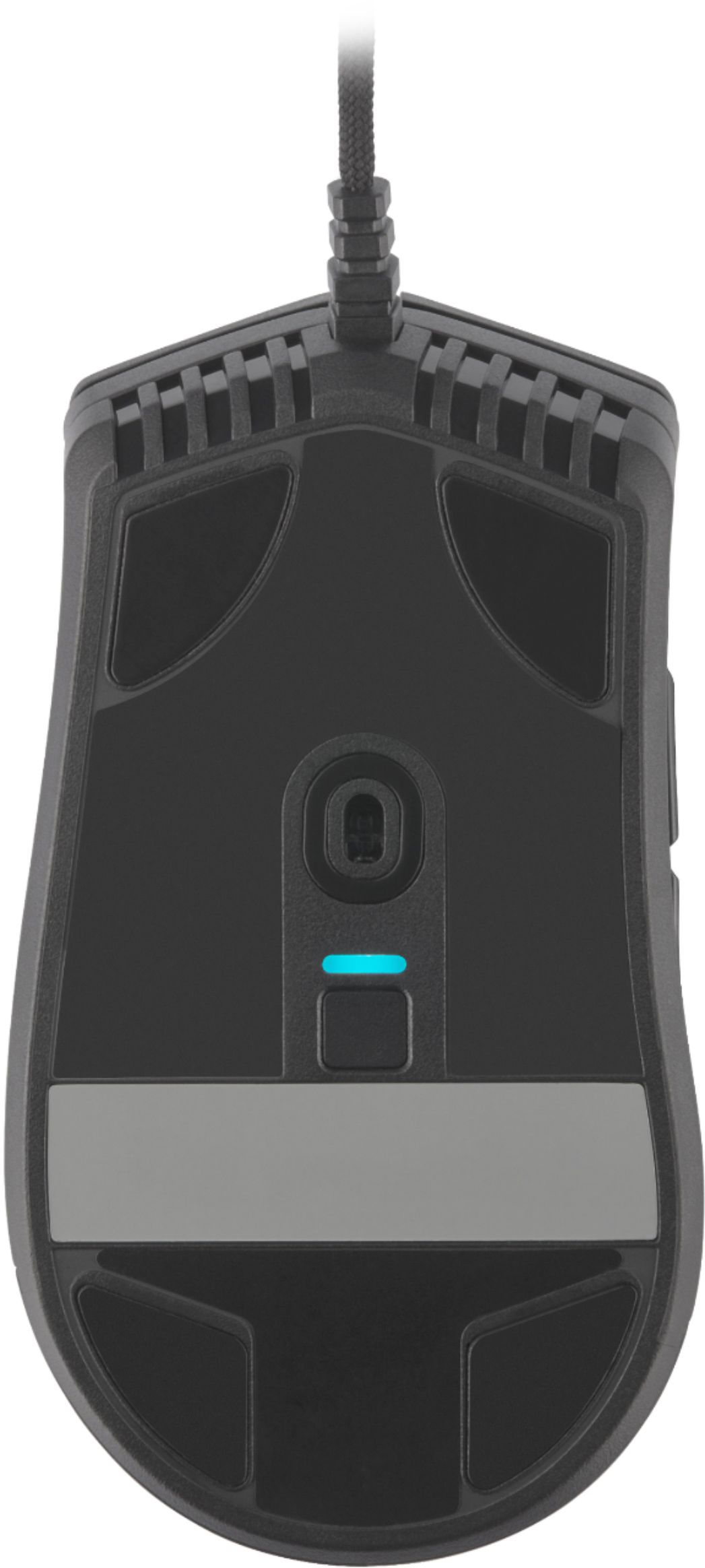
|Posted .This reviewer received promo considerations or sweepstakes entry for writing a review.The Corsair Sabre Pro gaming mouse is truly designed for gamers who are looking to take their gaming to the next level. The Sabre Pro offers many features that would enhance your gaming experience overall. This mouse is all plug-and-play and there is very little set-up you will need to do. After using this mouse for a couple of days, all I have to say is that I’ve had a wonderful experience with it so far. In the box, you will receive the Sabre Pro gaming mouse, mouse guide, and a warranty sheet. Note that this mouse is NOT wireless. Also, note that the mouse does not have any visible RGB lighting on top. The only RGB lighting this mouse has is the DPI indicator on the bottom which is customizable through the Corsair iCue software. The Sabre Pro has great responsiveness. When using it for games and such, I did not notice any lag times and any strike of the buttons was completely accurate. I like lighter mouse's more than heavier mouse's, and thus far, this mouse has been one of the lightest mouse's I have used. The mouse only weighs 69g and maneuverability feels a lot more satisfying compared to other mouse's. The mouse does have a braided cable and I have noticed there is little to no drag from it. In other mouse's I have used with braided cables, the drag is noticeable but the drag on this one is minimal. I’m not a professional gamer but do play games occasionally. I mostly tested the mouse on FPS games and the mouse felt responsive and smooth for the most part. The mouse is robust and fits my medium-sized hand well. A superb job on the ergonomics! The buttons feel solid as well and I am sure the mouse will take the 50 million clicks Corsair mentions. I have used my computer more this time of year and have noticed that the mouse did not bring any discomfort from using it for a prolonged amount of time. Comfort-wise, I would give the mouse a solid 10! The iCue software is optional but I would recommend it since the software allows you to fully customize your mouse to your liking. The software so far has an easy-to-follow UI and is overall polished. The following are items you customize on your Sabre Pro: - Key Assignments – This allows you to assign functions to keys on the software profile. - DPI – This allows you to change DPI(up to 18,000 DPI) and set DPI presets. DPI RGB light is also customizable as well. - Surface Calibration – Calibrates your mouse to the mouse surface for the best tracking. - Device Settings – Update mouse firmware, access advanced settings, etc. Overall, the Sabre Pro is a solid mouse built for gaming. I did not run into any issues and have enjoyed using the mouse with any gaming and computer work I have been doing these past couple of days. The mouse’s customizable features and overall ergonomics are some of the prominent features the mouse has to offer. I would have liked more “visible” RGB and possibly the option to go wireless but regardless of this, I do recommend that everyone tries out the Sabre Pro by Corsair.
I would recommend this to a friend - Pros mentioned:Responsiveness
Perfect FPS mouse
||Posted .This reviewer received promo considerations or sweepstakes entry for writing a review.Awesome mouse. Happy with this purchase. I have a large hand and it’s fits perfect. Very accurate when playing FPS games. Latency is FANTASTIC. EXTREMELY RESPONSIVE. Would totally recommend, ESPECIALLY for the price.
I would recommend this to a friend - Pros mentioned:Cable, Dpi, Weight
Fast accurate gaming mouse
|Posted .This reviewer received promo considerations or sweepstakes entry for writing a review.User Evaluation of CORSAIR Sabre Pro Champion Series Gaming Mouse Summary report: Product meets described functions. Upfront this is not a top accent lighted unit! Detailed results: This unit was very light and extremely fast. The cord was flexible, long, and tangle free. High quality unit for a gaming mouse with the right game and computer equipment. This was tested on a gaming computer and the XBOX gaming APP for PC. Downside: If you normally use a game machine with an OEM controller this will be a complete change on how you do gaming. You can link some game controllers to your laptop to retain some of the functionality (XBOX X was ok). However, this mouse and also the game controller normally use a combination of keyboard functions with some mouse/controller functions depending on the game. Games that are designed for multi-use platforms may not do was well as a dedicated PC designed game. Since I have Game Pass Ultimate, I did not purchase any games for PC only. So far the easiest game I have used for this mouse is Dungeon Minecraft. 2020 Flight Simulator (250GB) and more were also tested. Flight simulator was a difficult game to play without a traditional stick as in modern aircraft. Flight controls were keyboard strokes with the mouse viewing cockpit instruments. Minecraft was a joy to play and was more typical mouse oriented game. Published specs: PRODUCT DESCRIPTION Wired from Corsair The Corsair Sabre Pro Gaming Mouse is designed for pros, weighing an ultra-light 69g and equipped with a drag-reducing flexible paracord cable for responsive, unhindered movements. Corsair QUICKSTRIKE Buttons ensure every click is immediate and responsive, while Corsair AXON hyper-processing technology delivers inputs to your PC up to 8x faster with 8,000Hz hyper-polling. The Sabre Pro is equipped with an 18,000 DPI optical sensor customizable in 1 DPI steps, with a DPI button to cycle through five presets on-the-fly. Finished with high-quality materials such as OMRON switches and 100% PTFE glide pads, and a signature plate for your personalization, the Sabre Pro will cut through the competition. Manuf. article number: CH-9303101-EU STOP//// Download software from Corsair!!!! Download “https://www.corsair.com/us/en/downloads” BRAND Corsair, everything a gamer needs - The brand has been a household name since the mid-90s with their PC components and has gone from being a challenging pioneer in gaming to one of the world's most established companies in the gaming industry. In 2014, Corsair expanded its product portfolio to include gaming accessories, including mice, headsets and keyboards. SPECIFICATIONS CONNECTION Connection USB Wireless No OTHER INFORMATION Weight tuning No PROPERTIES Sensor model PixArt PMW3392 Sensor Optical DPI 18000 dpi Number of buttons 6 Ambidextrous No Backlight Yes Scroll wheel Yes Color Black SIZE & WEIGHT Cable length 1.8 m Width 70 mm Depth 129 mm Height 43 mm Weight 69 g WARRANTY Warranty 2 year warranty Key Features 1. Built for Champions: CORSAIR CHAMPION SERIES products are designed for and tested by top esports professionals – helping to carry you to victory with a tournament-grade mouse featuring a comfortable ergonomic shape for claw and palm grips, long-term comfort, and fast movement with hyper-responsive inputs. 2. Ultra-Light Agility: Weighing in at just 69g to support rapid movements and twitch reflexes, the SABRE PRO’s sturdy design keeps up with your longest matches. 3. CORSAIR QUICKSTRIKE Buttons: Spring-loaded design delivers zero gap between the primary mouse buttons and their switches, so your clicks, shots, and spells are faster than ever. 4. CORSAIR AXON Hyper-Processing Technology: Transmits your movements and clicks to your PC up to 8x faster than conventional gaming mice with 8,000Hz hyper-polling. 5. Drag-Reducing Paracord Cable: An extremely light and flexible cable with a paracord weave dramatically reduces resistance and drag to keep your mouse movements fluid and agile. 6. Native 18,000 DPI Optical Sensor: A custom PixArt PMW3392 sensor, with 450 IPS tracking at up to 50G acceleration, delivers unbeatable precision fully customizable in 1 DPI resolution steps. 7. Durable OMRON Switches: Built with trusted OMRON left and right-click switches, guaranteeing tournamentgrade performance for 50 million clicks. 8. Five Onboard DPI Presets: Can be re-programmed to tune your sensitivity steps on-the-fly, and cycled through using a DPI button with LED indication located on the underside of the mouse to prevent accidental changes. 9. 100% PTFE Glide Pads: Mouse feet built from ultra-low friction PTFE pads offer the smoothest glide and quickest movements and are easy to replace if it gets worn down on your journey to the top. 10. Make Your Signature Move: The SABRE PRO’s signature strip lets you personalize your mouse with your or your favorite player’s signature, a personalized sketch, or anything you can imagine. 11. Powerful iCUE Software: Enables quick DPI adjustments, with custom macros or button remaps for all six mouse buttons in a single interface Best Buy link none Cosair link: Imagery and Downloads CORSAIR Logo Usage Guidelines http://www.corsair.com/press Product Images https://corsair.sharepoint.com/:f:/s/MarketingCommunications/ErbCK4SanSZHgcavIs8L2J8BaJ tmPSKDhFe3fmo2dsKjSw?e=G2WxNs CORSAIR iCUE Software Windows | macOS
I would recommend this to a friend - Pros mentioned:Dpi, ResponsivenessCons mentioned:Design, Rgb lighting
Good but not great
|Posted .This reviewer received promo considerations or sweepstakes entry for writing a review.The Corsair Sabre gaming mouse comes in to help give you the competitive edge in FPS gaming. Rather or not it delivers is going to be based of your own personal perspective. Hopefully this review will help to answer any questions you have. First off out the box you get the main unit and plenty of cable to run your mouse to which ever port you please. The mouse is lightweight and pretty comfortable for the most part. One thing i noticed as far as weight goes is this unit does not provide additional weights to fit the desire of your gaming experience. Me personally i like a little bit of a heaver weight when playing FPS this way i don't over shoot when clicking my quick tabs. Let me get this out of the way right not for all you RGB fans out there, this unit is not RGB and the only thing that comes close to it is the little LED light on the bottom side of the mouse which changes colors to let you know what DPI setting your in. Speaking of which that is the second thing i noticed was the placement of the DPI button. For the life of me i can not understand why Corsair opted to place the DPI button on bottom of the mouse instead of the top near the scroll wheel. This means if you wish to change your DPI setting on the fly you have to lift the mouse up, flip it over and press the button. I guess that's their way of giving you the competitive edge, or are they trying to give your competition the competitive edge? Hmmm.. Anyways for those of you barely getting in to gaming your DPI setting is Dots Per Inch, which basically controls cursor speed or sensitivity. Through the ICue (which you need to have the latest software) you can adjust your key assignments, which are your five buttons. Two on the side, left click, right click, and scroll wheel click. DPI can be set through ICue and you can set it as high as 18000. Also you can adjust and set separate DPI settings for your X and Y axis which is kinda cool. You have five different settings you can set for your DPI along with a sniper mode. Alright enough about that because well, that's pretty much the basics as to what you can do. As far as gameplay goes, this mouse is meant to be used for FPS such as COD or battlefield. I would not use this mouse as a mmo mouse as you have very limited buttons to map. Over all when it came to gameplay the mouse was very responsive and what felt like was a 1ms of responsive time, there was no lag that i could pick up on. The button mapping was easy to manage and quick access to the side buttons made accessing my utilities a breeze. With the DPI setting on the bottom side it made switching between my sniper mode and close quarter mode a big pain. Here's the bottom line guys. This is a very basic entry level mouse that offers a affordable edge for people wanting to get in to FPS. However what really gets me and prevents me from wanting to recommend this to friends is that the DPI button is on the bottom, which makes no sense and the fact that there are better designed FPS mouse out there in this price point makes it hard for me to get behind it. For me this is a hard pass, however if your a fan of corsair then by all means give it a try.
No, I would not recommend this to a friend Corsair Mouse
||Posted . Owned for 2 weeks when reviewed.This reviewer received promo considerations or sweepstakes entry for writing a review.This is the smoothest mouse I’ve ever purchased, literally feels like it’s wireless it’s super smooth on the surface and practically feels like it’s gliding on your mousepad 10/10 for me
I would recommend this to a friendYeah it’s pretty good
||Posted . Owned for 1 month when reviewed.This reviewer received promo considerations or sweepstakes entry for writing a review.It’s really nice so 10/10 I’m not really gonna complain
I would recommend this to a friend- Pros mentioned:Cable, Weight
Can a mouse improve your game? YES!
|Posted .This reviewer received promo considerations or sweepstakes entry for writing a review.After countless hours of warzone with my old Alienware gaming mouse, the scroll wheel took a turn for the worse and fell off its track. Time for a new gaming mouse but after much experience on what I was looking for in a mouse, this Corsair Sabre Pro meets my demands. Pros: • Light but not cheapie light • The cord is soft and doesn’t drag or catch on things • Buttons are just the right about of click Cons: • DPI adjustment button is on the bottom of the mouse • No adjustable weights • No adjustable thumb/pinky rest My last gaming mouse had adjustable weights, thumb and pinky rest. Do I miss those features when I went to the Corsair Sabre? NOPE! I thought I was downgrading on feature but turns out they were just fluff and I personally didn’t need those adjustments. My initial thought on the lightness of the mouse was that it was TOO light. But I was wrong as the lightness helped me snap around with ease and control. My style of play is aggressive so I love how I can snap around with accuracy. DPI adjustment button is on the bottom of the mouse, which I find is strange but ok if you don’t change on the fly. Some might want to change DPI settings on the fly depending on what they are doing. Sniping for one is great with lower DPI. Is it a deal killer? Not for me since I run and gun. Things I love about this mouse is the low drag cord. This cable is so soft and light that it doesn’t catch on anything nor will the weight of the cord drag on the mouse. Super bonus. The click of the mouse button is also super satisfying. It’s a short travel with a fast rebound so repeated clicking won’t hinder your gaming. The scroll wheel is nicely rubberized and has a distinct detent feeling. Lastly, you don’t need to download their app for the mouse to work. It works great out of the box and the preset DPI adjustments will suit most. I did download the app because you can customize the DPI settings and also be able to calibrate the mouse to the mouse pad surface. Super neat. I do recommend this gaming mouse to everyone who wants a serious gaming mouse without the useless frills.
I would recommend this to a friend - Pros mentioned:Responsiveness, Weight
No drag, very responsive
|Posted .This reviewer received promo considerations or sweepstakes entry for writing a review.Let me first say that I've usually avoided wired mice since the wire usually slows me down. I know that gamers prefer wired over wireless. I was very surprised that the wire on this mouse was paracord, very flexible and did nothing to drag or slow me down. Now lets talk about other features. Along with the normal left/right click and scroll wheel, there is two programable buttons on the left side and a third on the bottom. By default the button on the bottom cycles through different DPI settings, each setting will change the indicator light near the button. These DPI settings can be customized and the indicator light color set for each of the settings. It's not the best location to have the button, but it does keep the user from bumping it accidentally. All the other buttons can be customized to suit your needs. I've included a screenshot of the program setting. Multiple profiles can be created with different mappings and assign them to specific apps/games. Very light weight and easy to pack. I wish it was little less of an arch on the wrist, but it is pretty comfortable to use. Very responsive and glides smoothly on the mouse pad surface.
I would recommend this to a friend - Pros mentioned:Weight
If You Need To Be Fast
|Posted .This reviewer received promo considerations or sweepstakes entry for writing a review.I've been using this mouse for a few days and playing around with software( ICue) to program my buttons. If you're serious about your online gaming expirience, you definitely want to have a prfilr or few set-up on the fly toggles per match. ICue does a good job with this and it allows you the ability to change up DPI( dots per inch) giving you super curser travel with nary a twitch of the wrist. I didn't find this that useful,, as it was already set to my usual DPI of 400. Any gamer with cat-like reflexes will benefit from these added options. The software also allows you to set the RGB lighting to your whole set-up( if you've compatible equipment. I like the style , because it doesn't seem to tangle as easily ( one of the reasons I prefer wireless mice. But this also leads to the latency issue. The wired aspect allows for better latency and more accuracy when in a heated battle( where it will be needed) I personally have a problem with the mouse being so light-weight. This could be a good thing also, for a gamer that has that precision touch. For me, however, I find that need more mass. The mouse does have the ability to colaberate itself to whatever surface you are using as your pad, making for a more comfortable and use-friendly expirience. Basically, it boils down to how fast your reflexes are. This is Champion series mouse after all. Out of the box, I love what it has and the button mapping is great. But it's just too light for me. If there were a weighted option, I'd jump at that. But can't deny it's skills. I do recommend this to serious gamers. Headshots all day baby!
I would recommend this to a friend - Pros mentioned:Cable, Comfort, Weight
Almost perfect
||Posted . Owned for less than 1 week when reviewed.This reviewer received promo considerations or sweepstakes entry for writing a review.I purchased this mouse on launch day after seeing a few reviews of it on YouTube. I love a good, large ergonomic mouse and prefer them to be as light as possible. The shape is definitely meant for larger hands, but it isn't too unruly. I intentionally purchased the Pro and not the Pro RGB as it was 5 grams less and also $5 less at the time of purchase. The materials used do feel a little cheap and the left click on my unit has a little bit of rattle before the trigger actually engages the switch, but is otherwise an incredibly nice mouse. Other than the rattle, the clicks feel nice and responsive and are easy to actuate. The lightness of the mouse combined with the comfortable shape makes it easy to use for hours on end. The scroll wheel is accurate and the encoder works flawlessly. Each step is well defined and there isn't too much resistence. The side buttons are well placed and easy to actuate, but sound different than the main mouse 1 and 2 clicks. The paracord-esque cable is a little bit stiff, but not too bad in a bungee. It's certainly better than a rubber cable. Even with the little quirks, I still highly recommend this if you like lightweight ergonomic mice.
I would recommend this to a friend Excellent gaming mouse
|Posted .This reviewer received promo considerations or sweepstakes entry for writing a review.First off, there is no dazzling lightshow. If you expect pretty colors, you should consider another mouse. This mouse is all business. The packaging is thoughtful, and fully recyclable. Before using the mouse for gaming, I swapped my daily mouse for this one and right away you feel the difference in responsiveness. My wife used the computer while I was away and she found it "twitchy". I then explained to her that gaming mice have a responsiveness range that could be adjusted to her liking and we quickly found a setting she found acceptable for everyday use. I personally am not dazzled by shiny objects, and was more interested in its performance. And perform it does! Up to 18K DPI optical sensor, 8000HZ polling rate, OMRON switches, oh my! I used this mouse extensively to play FPS games such as TF2 and Valorant. On both cases the mouse performed wonderfully. I like the size of the mouse because I have big hands and some mice are too small for my paws. The cable is braided, and "limp" enough that it doesn't drag or catches on things. The only critique I have is the weight. It is very light, which some people might like, but I prefer to have some heft. Especially with such a responsive beast. They could've feasibly included a set of weight for people like me. But that's just one person's opinion. You should try it for yourself. I like the DPI presets and how you get visual confirmation of the changes (the LED changes color with each selection) and that you can further adjust/customize by downloading the app and setting it up to your liking. The overall feel of the mouse is one of quality. From the finish, to the feel of the clicky buttons, the no drag cord, and smoothly gliding pads, it all works well together. I can't say that it has improved my gameplay by much, but it has proven to be a consistent performer. One thing I did notice is that my flick shots are more accurate with this mouse. I would definitely recommend this to someone with big hands who needs a decent gaming mouse.
I would recommend this to a friend- Pros mentioned:WeightCons mentioned:Rgb lighting, Side buttons
I didn't think I could drop Razer so quickly
||Posted .This reviewer received promo considerations or sweepstakes entry for writing a review.TL;DR Didn't think I improved my aim by 20% and I didn't think I could go back to wired but here I am more than satisfied! CONS I like to start with the cons so you are more than aware of the grips I could have with the item but to my surprise hardly any! When I first put my hands on the mouse I noticed that the side buttons have more of a sharper shape to them compared to other mice of similar design. I personally would have rounded the off just a bit to go in line with the shape of the mouse but to some it might be more of a plus to know exactly where you are hovering over the buttons. For some the RGB missing is missing but that is why they made the other version with it included. I was looking for a mouse that didn't have any to speak of (weird huh?). I like the mouse without it and I sure hope this comes more a tend like Razer did with their Deathadder Black Edition which is why I wanted my hands on this one. The biggest thing as of right now is the firmware problems that are going on with the mouse specifically version v1.9.23. I installed this version and Windows bricked the mouse as a whole (so this one I'm reviewing is the second one. I know firmware is one of those things you should keep updated as often as you can but since I'm not really noticing any problems with this current version I won't be upgrading any time soon. Despite this I won't be taking any points away from this since, if I don't upgrade I won't have any problems. PROS Just like how I mentioned with the cons as soon as I put my hand on the mouse I knew this was going to be a keeper even with the buttons aside. I have been a big Razer fan for almost a decade using a variety of their peripherals over the years and the Deathadder being my favorite over all of them. But this mouse...made me ditch their kit all together. If Corsair continues to produce this mouse I plan on using this mouse and replacing it with the specific part until they discontinue it. The clicks are more than satisfying to click I don't feel or notice any rebound on the switch coming back up. It's light but too light to where you can control. The build quality is alright but better than most...even compared to Razer's product. The scroll wheel does feel a bit mediocre with no HARD tactile bumps on it but something I easily got used to no problem. it is a BIT pricey for a mouse like this that is all function but not flair so deeding on how you see it, might be worth it. Keep it up with designs like this Corsair and ditch that M65 you keep making for whatever reason!
I would recommend this to a friend - Pros mentioned:Cable, Comfort, Responsiveness
Good Mouse
||Posted . Owned for 2 weeks when reviewed.This reviewer received promo considerations or sweepstakes entry for writing a review.This mouse really surprised me; though comfort varies person to person; in my case it fit my hand just right. It’s responsive, and definitely has quality construction; the buttons are solid and the mouse does not rattle if you shake it around. The light “shoelace” type usb cord is a nice plus aswell.
I would recommend this to a friend - Pros mentioned:Comfort, Weight
High quality, high performance, low price
||Posted . Owned for 1 month when reviewed.This reviewer received promo considerations or sweepstakes entry for writing a review.For those with bigger hands who want a lightweight mouse that performs at a high level that features a low cost, this mouse will do it. The wire feels near non-existent, the 8K polling rate is on its way there and, most importantly, its really comfortable in the hand. Easy recommend.
I would recommend this to a friend - Pros mentioned:Cable, Dpi
good, but not great
||Posted . Owned for 2 weeks when reviewed.This reviewer received promo considerations or sweepstakes entry for writing a review.I received this mouse as a free gift when I purchased a corsair mechanical keyboard. For some reason, they want $55 for it if you purchase it outright, which is ridiculous. This is not a $55 mouse - it's a $30 mouse at best. I prefer the formfactor of a logitech mouse when compared to this one. However, the DPI is good and the braided cable is a nice touch. It's just been such a long time since I've owned a wired mouse, that I don't even really know what to say. This corsair mouse also includes 2 thumb buttons on the side, which is a must for productivity. All I can say is, thanks for the free mouse. I'll probably only use it as a backup - but thank you.
No, I would not recommend this to a friend - Pros mentioned:Responsiveness, Weight
Good enough
||Posted . Owned for less than 1 week when reviewed.This reviewer received promo considerations or sweepstakes entry for writing a review.Great mouse for the price. Light weight. Responsiveness.
I would recommend this to a friend - Pros mentioned:Weight
Great inexpensive mouse
||Posted . Owned for 7 months when reviewed.This reviewer received promo considerations or sweepstakes entry for writing a review.My son needed a fairly inexpensive gaming mouse for his gaming laptop and this fit the needs without breaking the bank. We love it and it feels great with accurate feedback. The back and forward buttons on the mouse are very useful for assigning controls in-game.
I would recommend this to a friend A solid choice.
Posted .This reviewer received promo considerations or sweepstakes entry for writing a review.This is a nice mouse with good response time. No complaints.
I would recommend this to a friend- Pros mentioned:Cable, Dpi, Weight
Light and super responsive, but slippery
|Posted .This reviewer received promo considerations or sweepstakes entry for writing a review.Mouse review The left switch on my usual gaming mouse was starting to get the dreaded double-click of doom, so I was pretty happy to replace it with the Corsair Sabre Pro Champion Series Gaming Mouse for FPS/MOBA games. Unlike the usual gaming mice on the market these days, there's no rainbow lightshow, no ridiculous number of extra buttons other than the now standard forward/back thumb buttons, no real ornamentation of any kind other than the logo. It's an all black affair except for the color indicator underneath to show what dpi setting you are using. I honestly prefer it this way, as I was having to cover my old mouse up at night to be able to sleep. The cord is wrapped with paracord, in a looser weave, to eliminate both snags and drag. My first impression on using the mouse was how slippery it felt. I use a claw grip, so the mouse is mostly squezed between the tips of my thumb, ring finger, and pinky finger, with the remaining fingers barely touching the left and right mouse buttons. I have to use an extra light touch with this mouse, as the Corsair Quickstrike buttons have zero gap and feels as though I could actuate the switch just by blowing on the button. I constantly feel like the mouse is going to slip right out of my hand during furious firefights in Overwatch, especially when lifting it during a 720 no-scope. I'm having to squeeze extra hard with my thumb just to feel like I have a secure enough grip. I have been experimenting with switching up my grip so that I use more of a feather touch. That, and pumping the dpi to the max so I don't have to move it very much, I find works great for my regular desk job usage, but when I drop the sensitivity down for games, I can't help but squeeze the heck out of it. While the mouse does have a button to perform an on-the-fly dpi change (with 5 different settings), the fact that it's located on the bottom means you have to stop and lift your mouse to adjust it, so any shots you have lined up would be ruined if you're the type to drop your sensitivity once you found that sweet spot to snipe from (though thankfully some games will let you set different sensitivity while looking through the scope). And while I appreciate the different colors to represent the dpi setting, the choice of colors don't make sense. Red, white, green, purple, cyan? Which one was the fast one again? The downloadable iCue software (version 4.9.350 at time of this review) allows you to create different sensitivity profiles and remap your buttons. If the built in dpi settings aren't enough for you, you can tweak each of the 5 settings individually. It also has various hardware monitors, in case you want yet another visualizer for checking out your CPU/GPU temps and loads. Ultimately, the Corsair Sabre Pro Champion Series Gaming Mouse is a pretty solid affair. It delivers on performance, with an understated styling. I like the fact that it looks like a plain old regular mouse on the surface, while offering the features like on-the-fly dpi adjustments not seen in standard desktop mice. While it sits comfortably in the hand, the surface texture can feel slippery. I would have liked a rougher texture or a different, more grippy material around where I attach my claw. I would also have preferred a better location for the dpi switcher button, to make it easier to adjust without having to stop and lift the mouse. And though I can appreciate the extra sensitive clicker, I do find myself clicking unintentionally with my trigger happy index finger due to the ultra-low actuation force needed.
I would recommend this to a friend