Customer Ratings & Reviews


- Model:
- CA-9011167-NA
- SKU:
- 6080702
Rating by feature
- Value
Rating 4.2 out of 5 stars
- Quality
Rating 4.8 out of 5 stars
- Ease of Use
Rating 4.8 out of 5 stars
Customers are saying
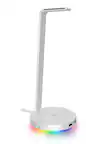
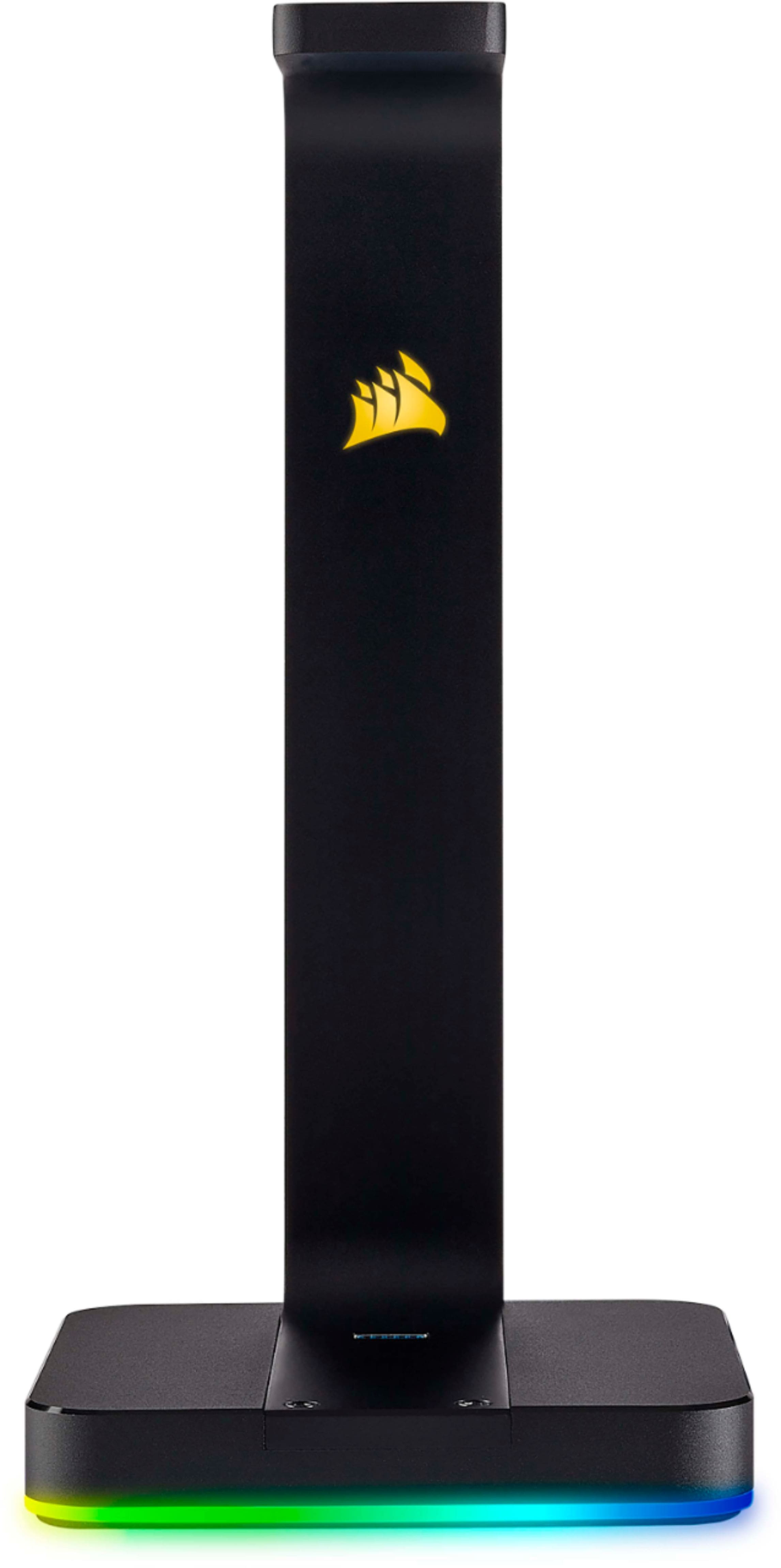
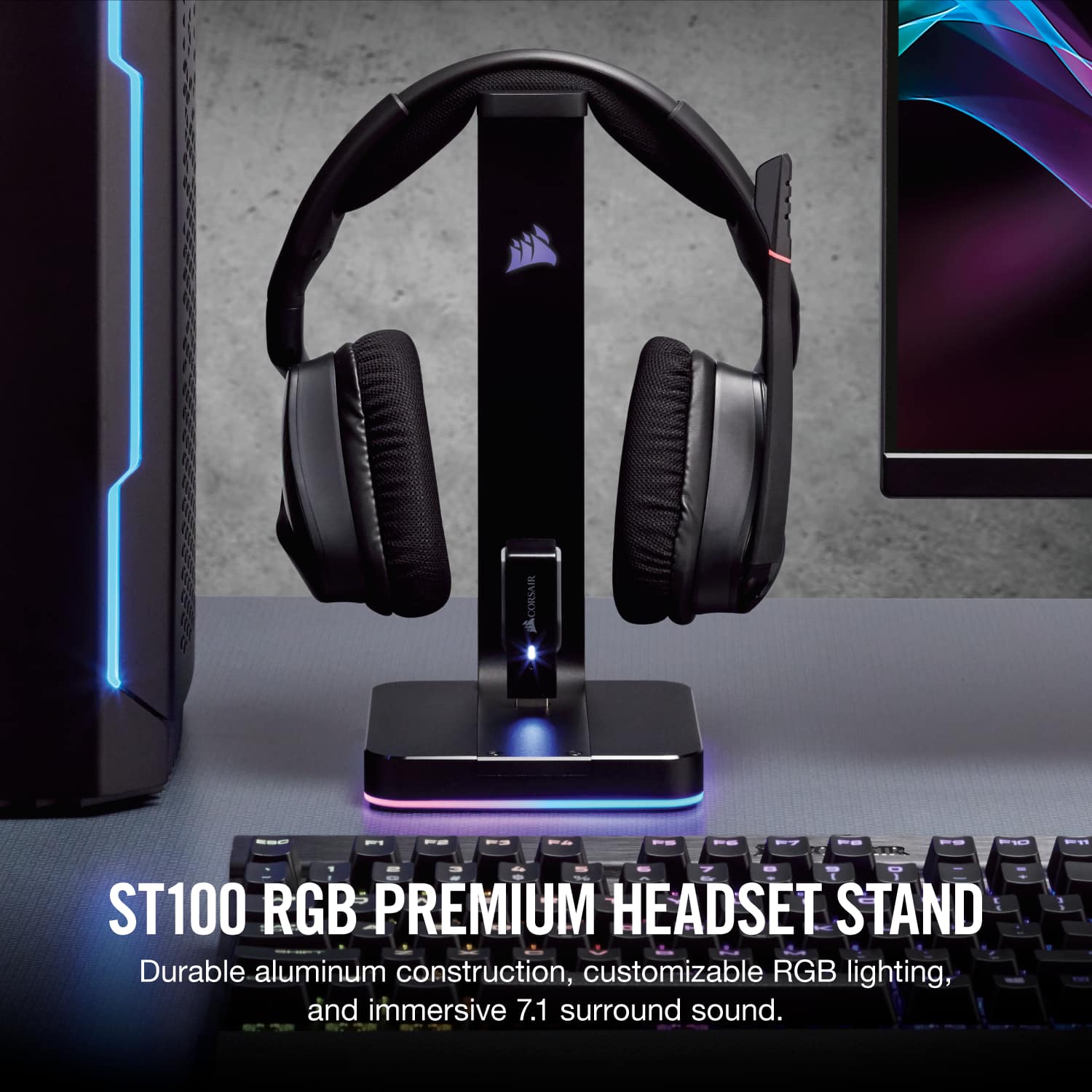
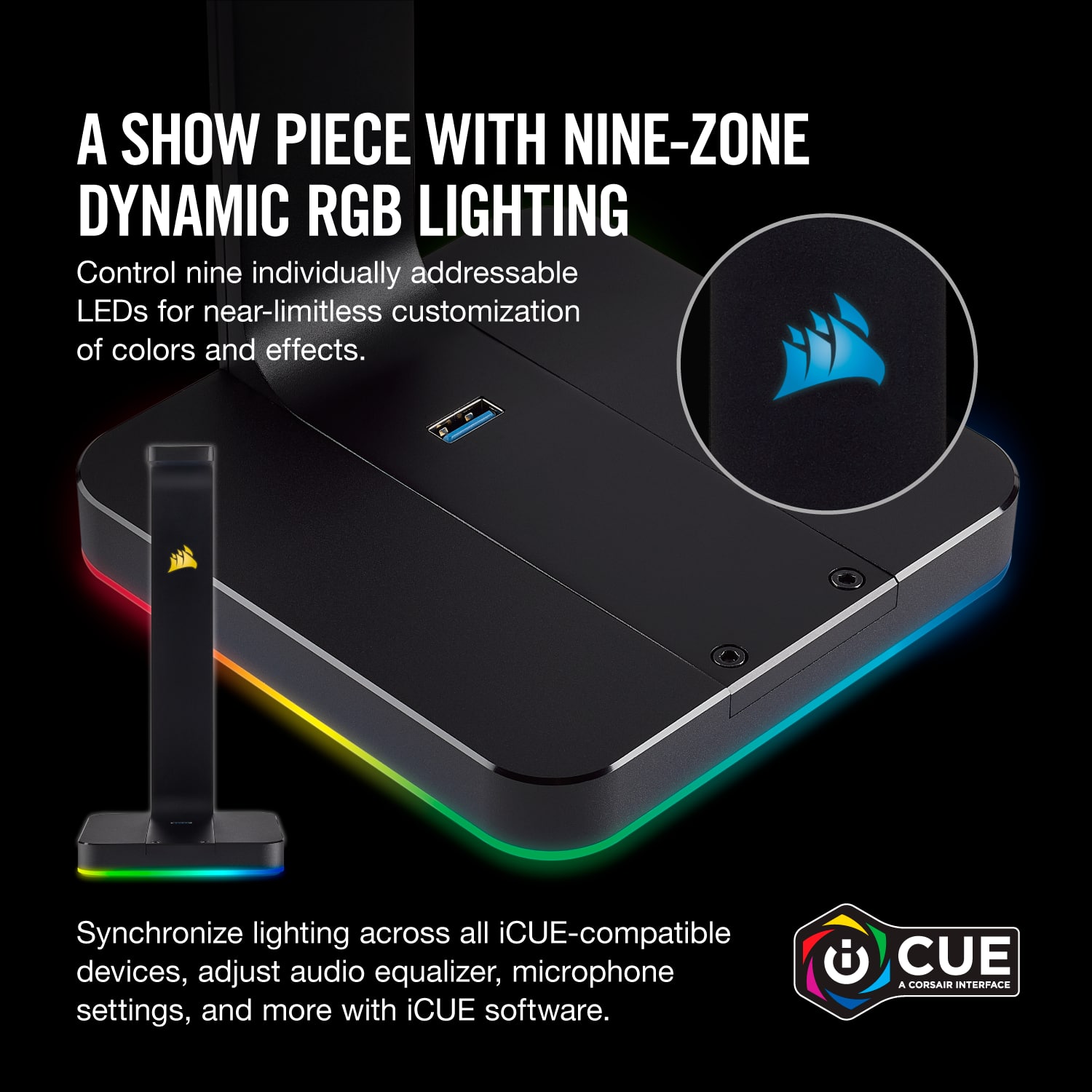
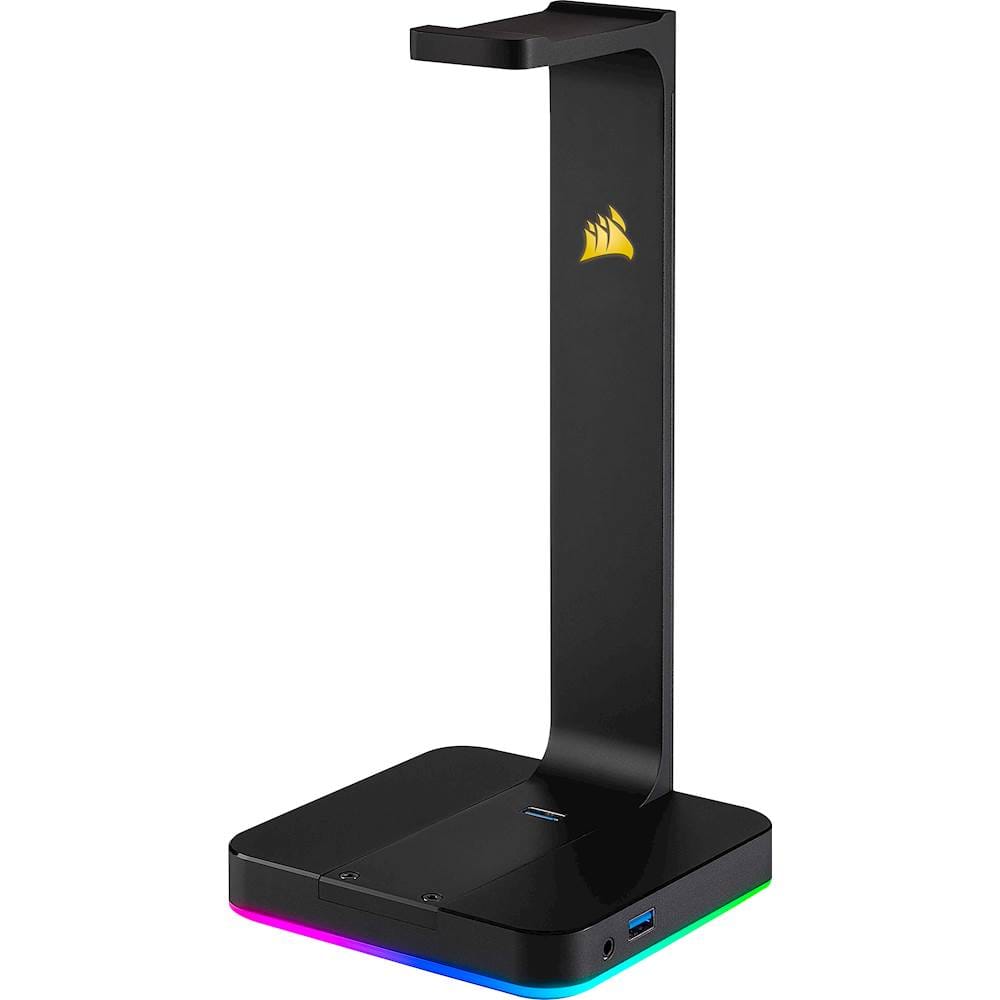
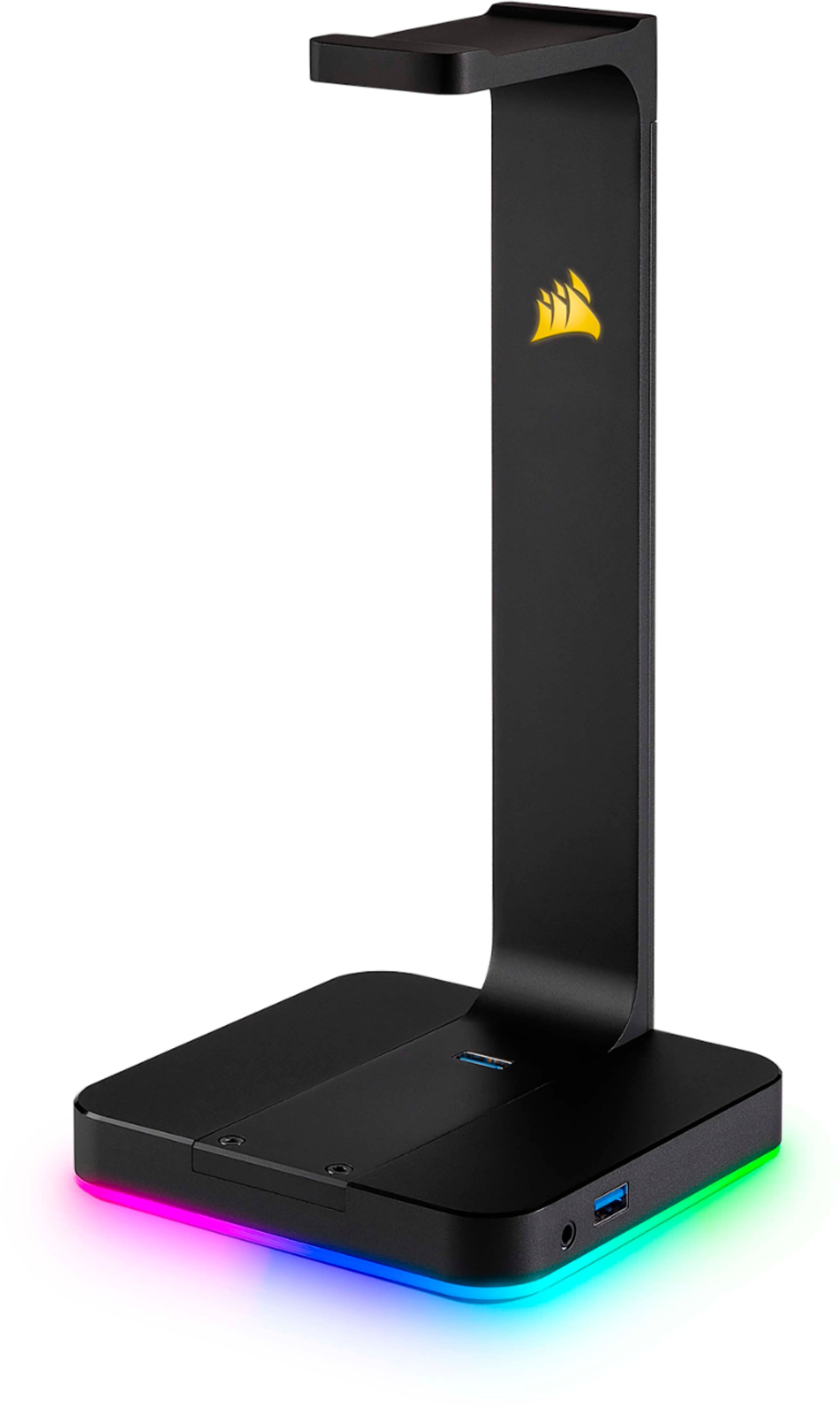
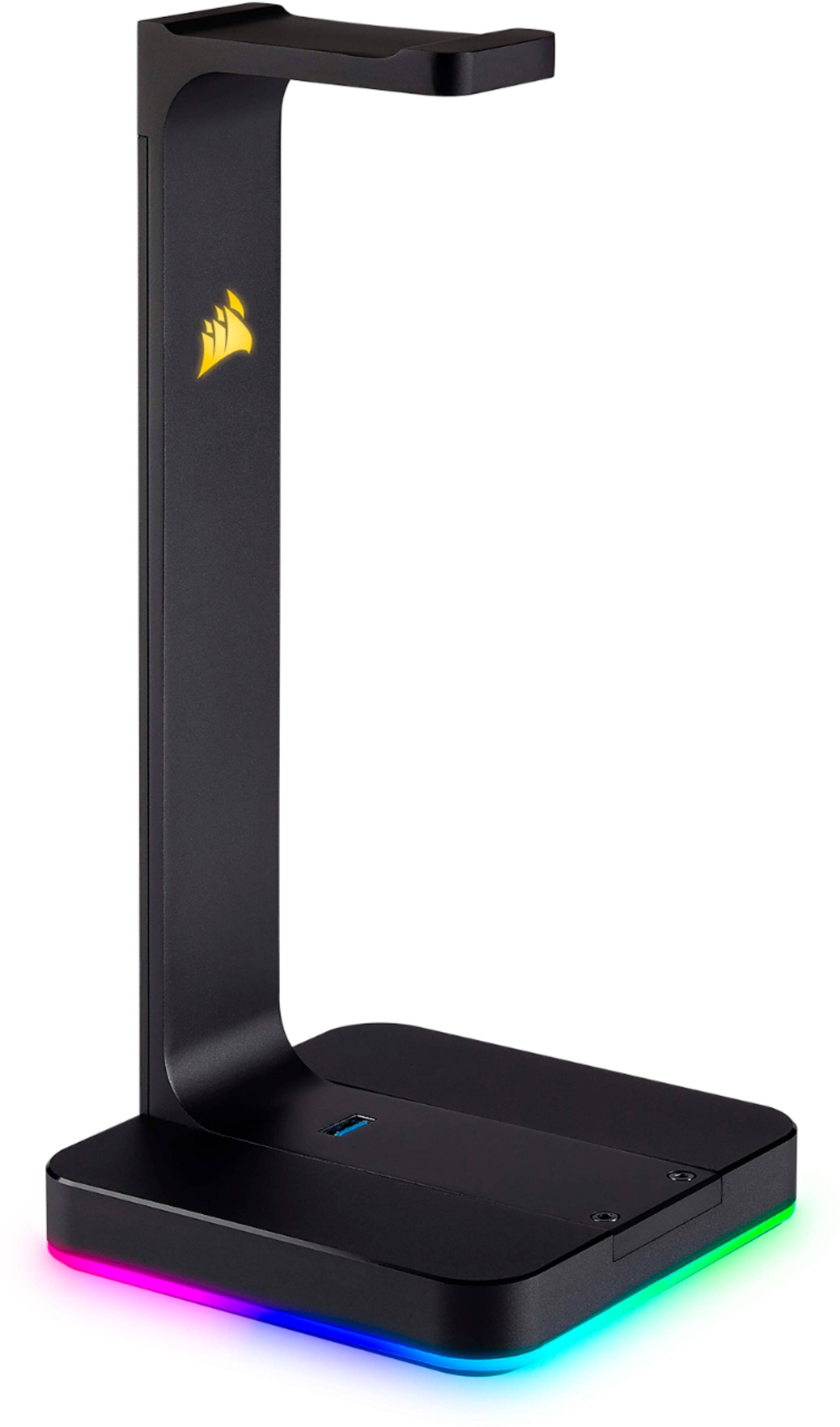
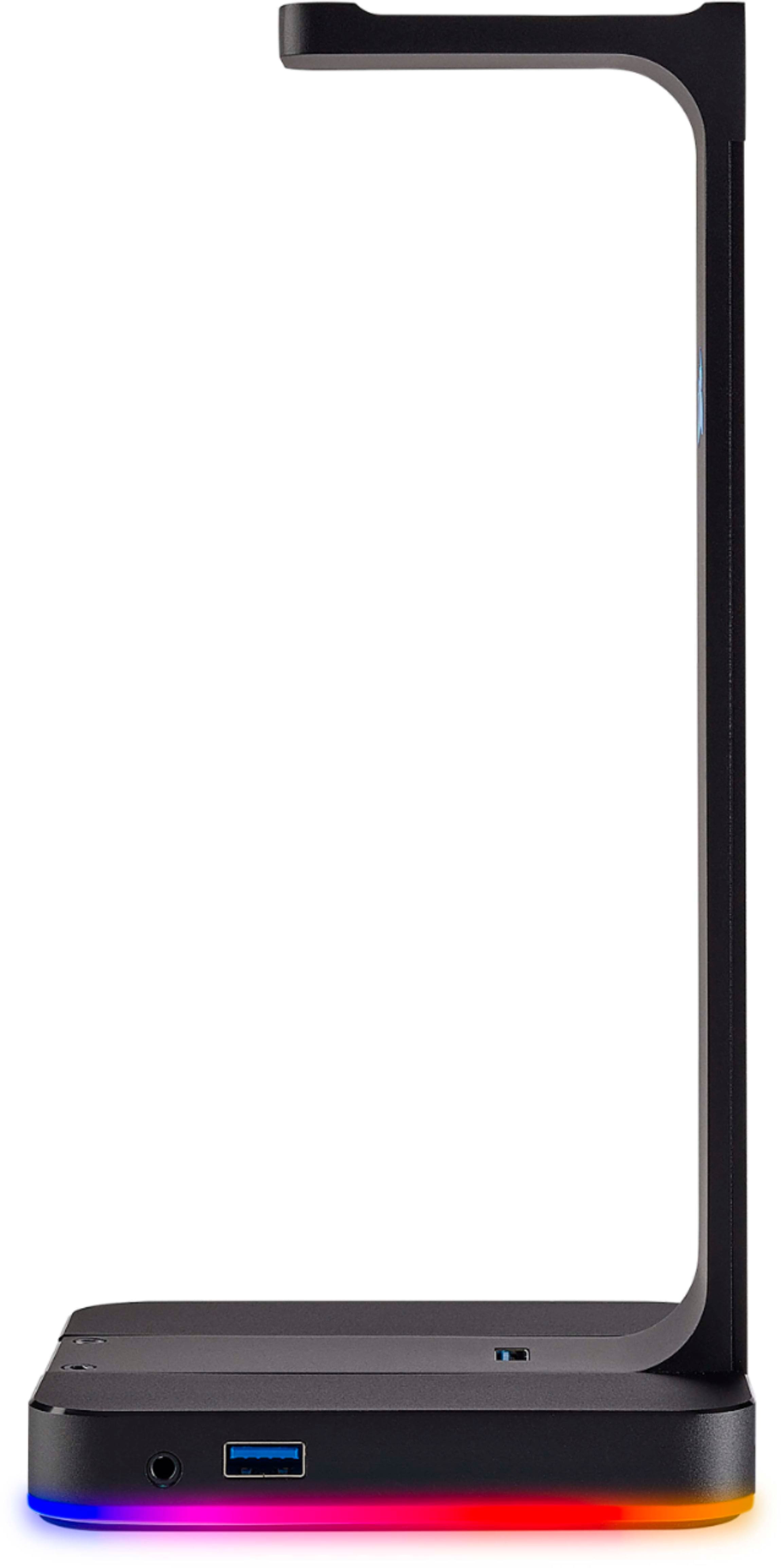
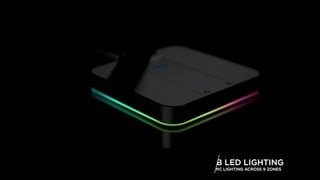
Customers are positive about the Gaming ST100 RGB Premium Headset Stand's features, especially the RGB lighting and additional USB ports. Users appreciate its sturdiness, appealing design, and compatibility with software. However, some customers feel the price is a bit high.
This summary was generated by AI based on customer reviews.
- Pros mentioned:Rgb, Sturdiness, Usb ports
Das Nice
||Posted .This reviewer received promo considerations or sweepstakes entry for writing a review.This headset stand is really sturdy and looks really good, it matches all my other corsair devices and its great to keep my headset off of the side of my desk for my cats to play with. Loving the 2 USB ports.
I would recommend this to a friend - Pros mentioned:Rgb, SturdinessCons mentioned:Price
Great stand
||Posted . Owned for 3 weeks when reviewed.This reviewer received promo considerations or sweepstakes entry for writing a review.This is a cool headphone stand. It’s sturdy, weighted, and the RGB lighting adds a nice touch. Setup was super easy and setting up the lighting is easy as well. Only gave it 4 stars because of the price. $50 is a bit expensive for what it is, but if the price doesn’t bother you then it’s worth it.
I would recommend this to a friend - Pros mentioned:Rgb, Usb ports
Why? Actually, Why Not?!
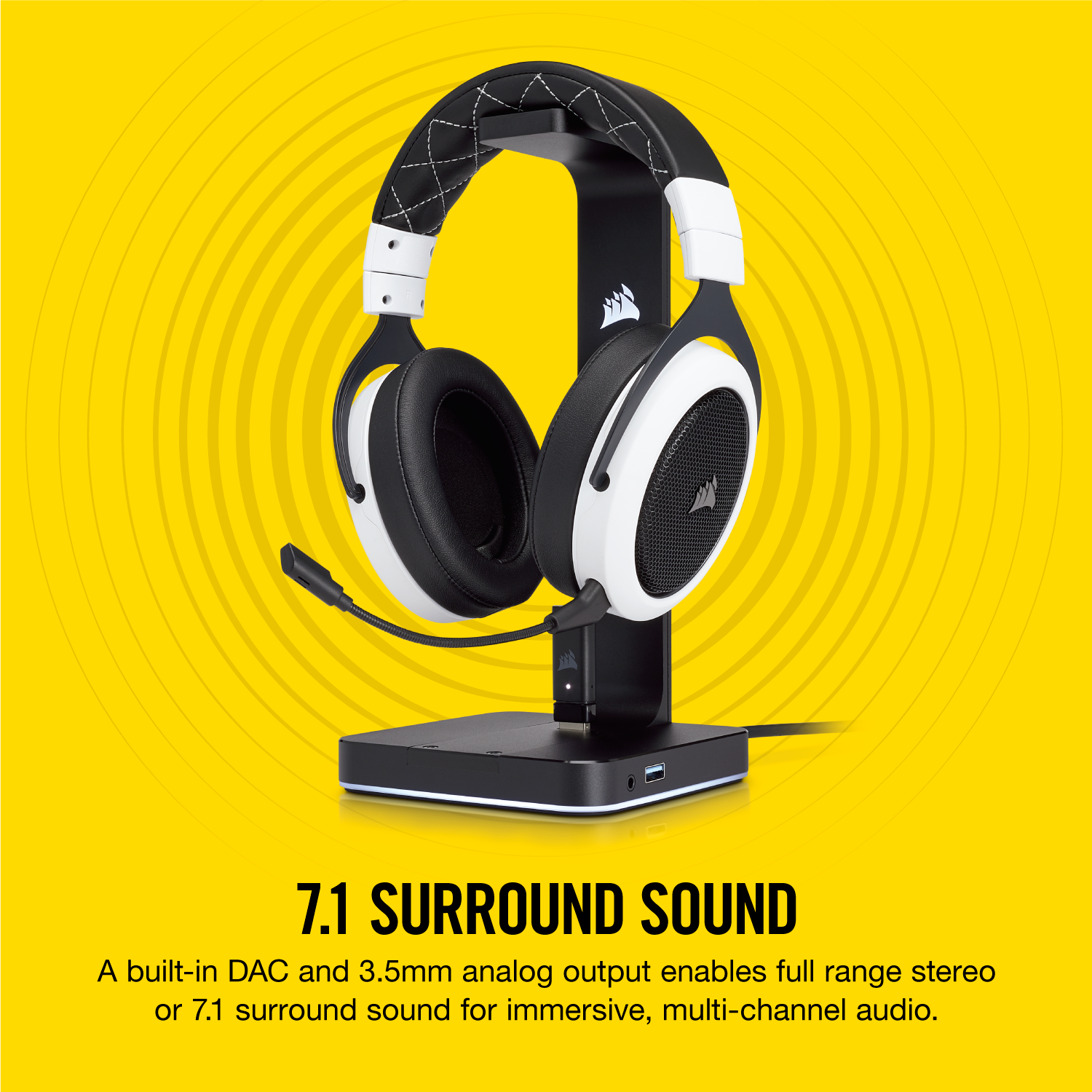
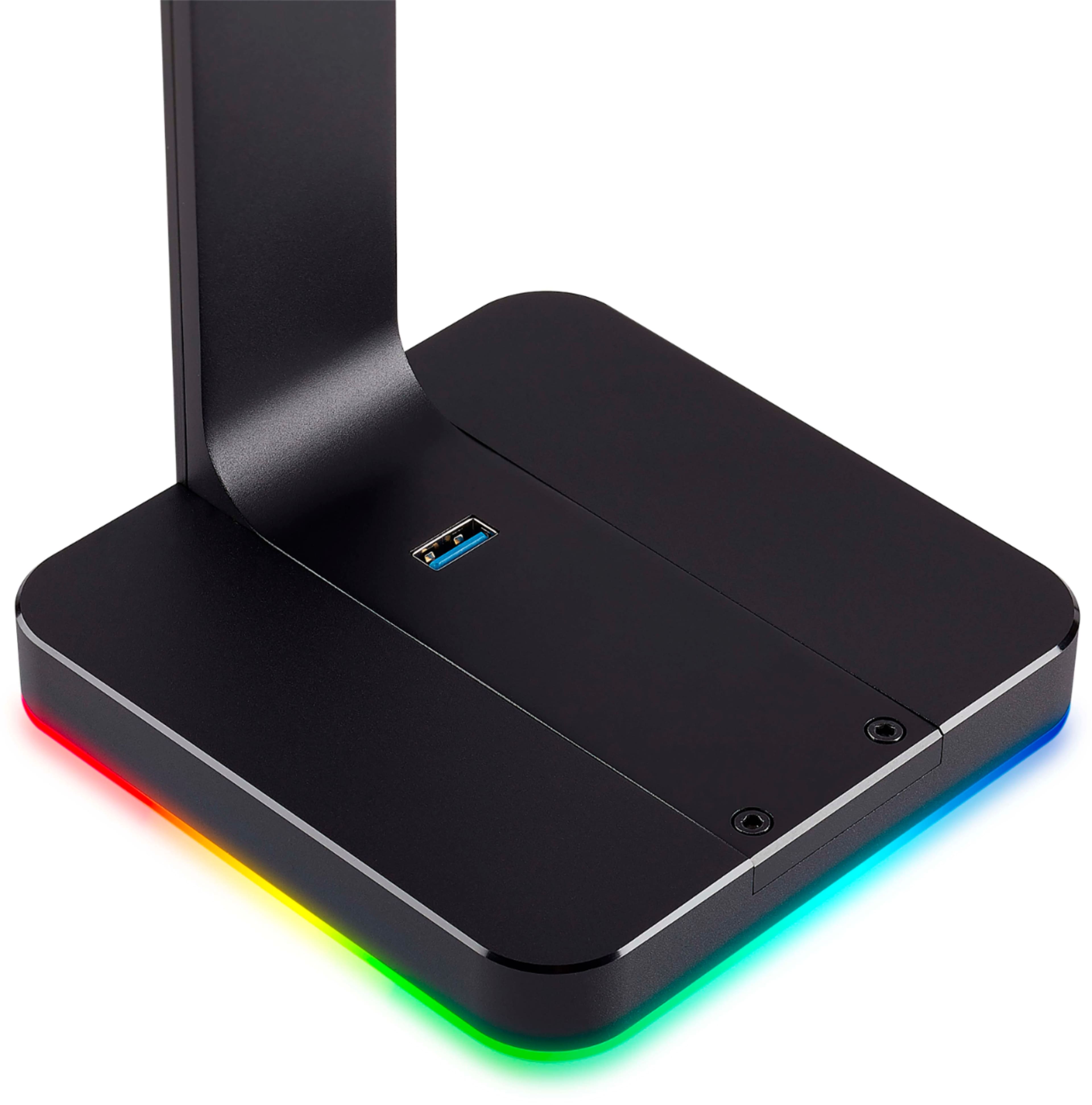
||Posted .This reviewer received promo considerations or sweepstakes entry for writing a review.The Corsair ST100 RGB Premium Headset is one of those purchases that, if I being honest, makes no sense at all...until you buy it! I honestly don't care about the RGB, and I bought it mostly with Best Buy points, but the available USB ports and headphone DAC makes this headphone amp a no-brainer!! Not only do you get a sexy , illuminating place to rest your headphones, but you get functionality with the two added USB ports and the awesome, nice sounding, BUILT-IN headphone DAC!!! So the question is not why should you buy the Corsair headphone stand? NO! The question is, WHY don't you already own the ST100?!
I would recommend this to a friend - Pros mentioned:Rgb, Usb ports
Looks Amazing on a Desk and Offers 2 USB 3.0 Ports
||Posted . Owned for 1 week when reviewed.This reviewer received promo considerations or sweepstakes entry for writing a review.The RGB is bright and clean, and the product itself is robust and adds a really nice look to any setup. Pairs wonderfully with Corsair branded headphones, and the 2 USB 3.0 ports were a very nice touch.
I would recommend this to a friend - Pros mentioned:Rgb
Returned the Razer one and got this!
||Posted .This reviewer received promo considerations or sweepstakes entry for writing a review.Built quality is amazing compare to razer and lighting effects are fixed now in ICUE so works amazing with my LT 100 lighting towers! Fits perfectly in any RGB setup !
I would recommend this to a friend - Pros mentioned:Rgb, Sturdiness
Looks great, and very well made.
||Posted .This reviewer received promo considerations or sweepstakes entry for writing a review.Bought this Corsair headset holder to go with my new HP Omen computer and matching Corsair RGB products. this headset holder is very well made and very sturdy the RGB lighting is a plus, and it looks very cool.
I would recommend this to a friend - Pros mentioned:Rgb, Usb ports
cost as much as my headset but so worth it
||Posted . Owned for 3 months when reviewed.This reviewer received promo considerations or sweepstakes entry for writing a review.subtle but stands out too. always get comments onn it. very nice - thinking about buying another one for my 2nd corsair headset. I have many corsair products and they really are top notch. I love that this has a usb port for charging and the ICUE app from corsair is easy to use to manage the RGB
I would recommend this to a friend - Pros mentioned:RgbCons mentioned:Price
Beautifull headphone stand.
||Posted . Owned for 1 month when reviewed.This reviewer received promo considerations or sweepstakes entry for writing a review.It looks so awesome and matches the rest of my coputer desk setup. Too expansive but love the look.
I would recommend this to a friend - Pros mentioned:Usb ports
I mean it's expensive, BUT IT'S PRETTY!
||Posted . Owned for less than 1 week when reviewed.This reviewer received promo considerations or sweepstakes entry for writing a review.If you are like me and enjoy wasting your hard earned money on things that have pretty RGB LEDs then look no further! This is the headset stand for you! Not only is it pretty, it actually does have a level of functionality! It has 2 USB 3.1 ports as well as a3.5mm headphone jack.
I would recommend this to a friend - Pros mentioned:Rgb, Sturdiness
Recommend
||Posted . Owned for 1.5 years when reviewed.This reviewer received promo considerations or sweepstakes entry for writing a review.I like it. Like the color changing light. Its sturdy. Can charge off of the base. No issues setting up.
I would recommend this to a friend - Pros mentioned:Sturdiness
ST100 - wanted but not needed
||Posted . Owned for less than 1 week when reviewed.This reviewer received promo considerations or sweepstakes entry for writing a review.First of all , Looks Nice and have good quality? (Yes), Have some nice Features (Yes), Do you really need it (No), Again if you are into corsair ecosystem and don't want to have multiple programs running for each peripheral and also about the price( yeah why not). You can easily replace its features using other devices or items. I thought a lot before buying it because of the price. I will like it to have more USB ports. I still need to test it with my configuration ( laptop and PC) and a KVM switch monitor. Wait for deals or you can grab one a refurbished one from their manufacturer. My original plan was to get a hook and a USB adapter but since it was a gift to me , why not.
I would recommend this to a friend Premium Quality
||Posted . Owned for 1 week when reviewed.This reviewer received promo considerations or sweepstakes entry for writing a review.At first you would think, $69.99 for a stand to hold my headset? No way! But I encourage you to buy this as the build quality is worth every penny. Not to mention, the two USB Passthroughs built into the device. This stand completes my not only my love for Corsair products but my gaming setup as well. Thank you to Corsair for making this product and thanks to BestBuy for selling this product. Worth every penny.
I would recommend this to a friend- Pros mentioned:Sturdiness
Nice sturdy headphone stand
||Posted . Owned for 2 weeks when reviewed.This reviewer received promo considerations or sweepstakes entry for writing a review.Strong and sturdy headphone stand that fits nicely with the rest of my Corsair products. Bought one for myself and one for the wife, who absolutely loves hers.
I would recommend this to a friend Great looking stand.
||Posted . Owned for 1.5 years when reviewed.This reviewer received promo considerations or sweepstakes entry for writing a review.It pairs great with the CORSAIR VIRTUOSO XT that I have. It does the job!
I would recommend this to a friend- Pros mentioned:Rgb

Complete your gaming setup
|Posted . Owned for 1 month when reviewed.This reviewer received promo considerations or sweepstakes entry for writing a review.Such a clean look for gaming headphones to go when not in use.
I would recommend this to a friend - Pros mentioned:Usb ports
Elegant and useful
||Posted .This reviewer received promo considerations or sweepstakes entry for writing a review.Not only it looks great while keeping my earphones organized but it also increases the amount of USB slots available on my computer and works as a USB extension cord. It is worth every penny.
I would recommend this to a friend Give your gaming desk a ‘wow’ factor
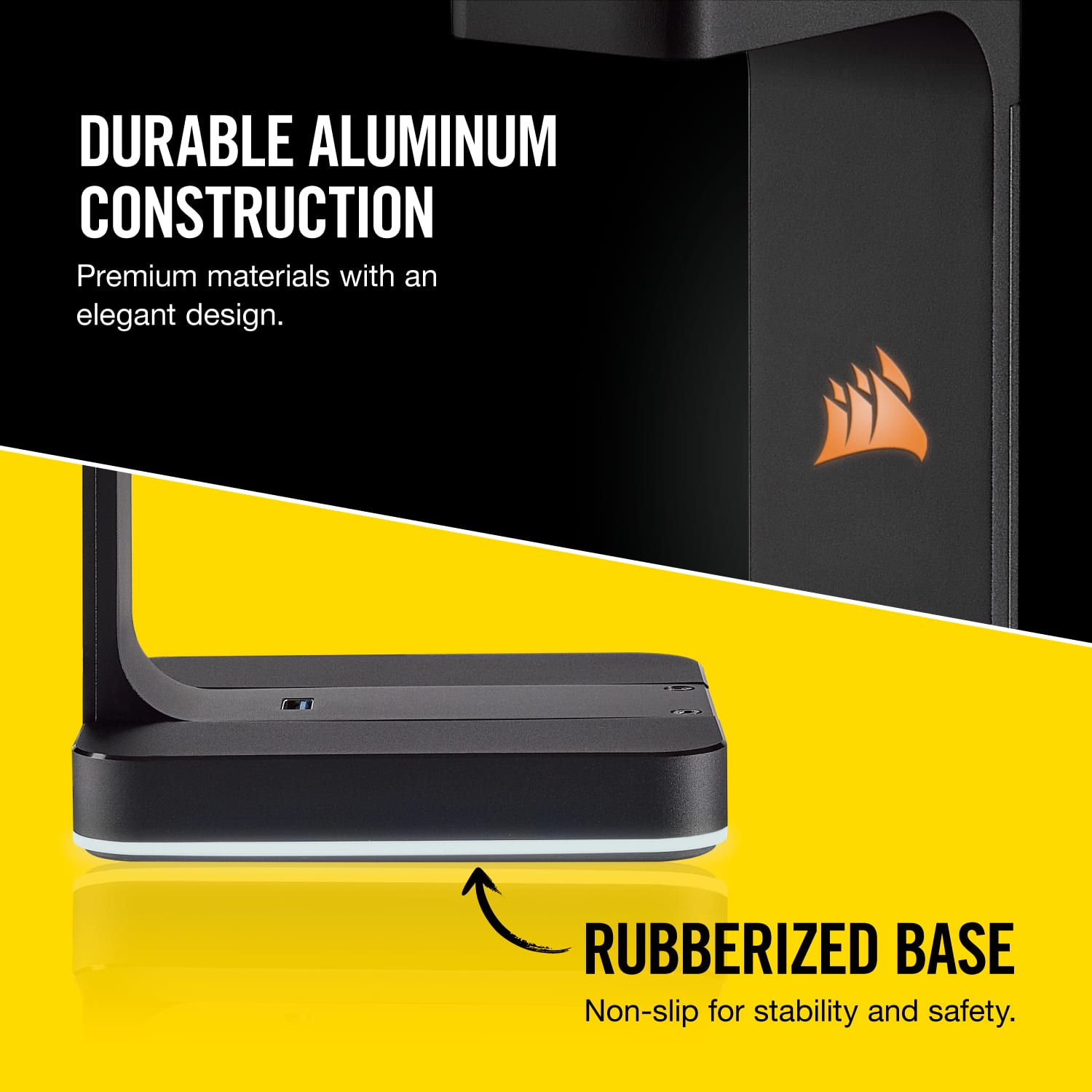
||Posted . Owned for less than 1 week when reviewed.This reviewer received promo considerations or sweepstakes entry for writing a review.Looks great! Very solid aluminum construction and a sturdy, rubberized base. The colors aren’t quite as pronounced on the bottom light bar as I would have expected, but very satisfied nonetheless. I purchased this as a potential alternative to other ambient lighting, but it doesn’t quite get the job done for what I want. No fault of the product though, as that’s not what it’s marketed as!
I would recommend this to a friend- Pros mentioned:Sturdiness
worth my money
||Posted .This reviewer received promo considerations or sweepstakes entry for writing a review.This RGB stand is solid and sturdy. I'm big fan of Corsair brand and bought this stand for my 2 Corsair VOIP headsets.
I would recommend this to a friend - Pros mentioned:Rgb
Great Stand
||Posted . Owned for 1 week when reviewed.This reviewer received promo considerations or sweepstakes entry for writing a review.Great stand, RGB matches the rest of my PC, works as described.
I would recommend this to a friend - Pros mentioned:Sturdiness
Really great product
||Posted . Owned for 3 weeks when reviewed.This reviewer received promo considerations or sweepstakes entry for writing a review.Works really well, looks great, sturdy. It’s 100% worth the price.
I would recommend this to a friend