Customer Ratings & Reviews


- Model:
- CD-9010001-NA
- SKU:
- 6409313
Rating by feature
- Value
Rating 3.6 out of 5 stars
- Quality
Rating 4.3 out of 5 stars
- Ease of Use
Rating 4.1 out of 5 stars
Customers are saying
Customers are satisfied with the brightness, easy setup, and customization options of the iCUE LS100 Smart Lighting Strip Starter Kit. The lighting strips are also expandable, allowing users to add more strips if desired. Some customers have expressed concerns about the strength of the magnets used to hold the strips in place and the price of the product.
This summary was generated by AI based on customer reviews.
Rgb
||Posted . Owned for 3 weeks when reviewed.This reviewer received promo considerations or sweepstakes entry for writing a review.Absolutely astonished and works tremendously! Would recommend
I would recommend this to a friendLove the vibrant colors!
||Posted . Owned for 1 month when reviewed.This reviewer received promo considerations or sweepstakes entry for writing a review.These are a must have for your desk or even inside your pc case
I would recommend this to a friendLight
||Posted . Owned for 1 month when reviewed.This reviewer received promo considerations or sweepstakes entry for writing a review.Got light real nice colors for the computer nice. Buy
I would recommend this to a friendCool
||Posted .This reviewer received promo considerations or sweepstakes entry for writing a review.Cool Cool Cool Cool Cool Cool Cool Cool Cool Cool C
I would recommend this to a friendBest Out
||Posted . Owned for 1 month when reviewed.This reviewer received promo considerations or sweepstakes entry for writing a review.Just purchased 1 and I’m about to purchase another one
I would recommend this to a friend- Cons mentioned:Magnets
Good Lighting System
||Posted . Owned for 2 weeks when reviewed.This reviewer received promo considerations or sweepstakes entry for writing a review.This is a waste of money, The magnets are not able to hold up the lighting strips on their own. I would never recommend them for a person with a curved monitor as the magnets really don't work. I like the software being compatible with all of Corsair's other products but its hard to justify paying so much if the lights are just going to constantly fall off.
No, I would not recommend this to a friendBrand response from Corsair Art
Posted .Hi,
Sorry to hear you had issues with these. Please contact us at your earliest convenience so we can try to make it right: support.corsair.com
-Art
- Pros mentioned:Customization, Installation

Luxury RGB Lighting with iCUE
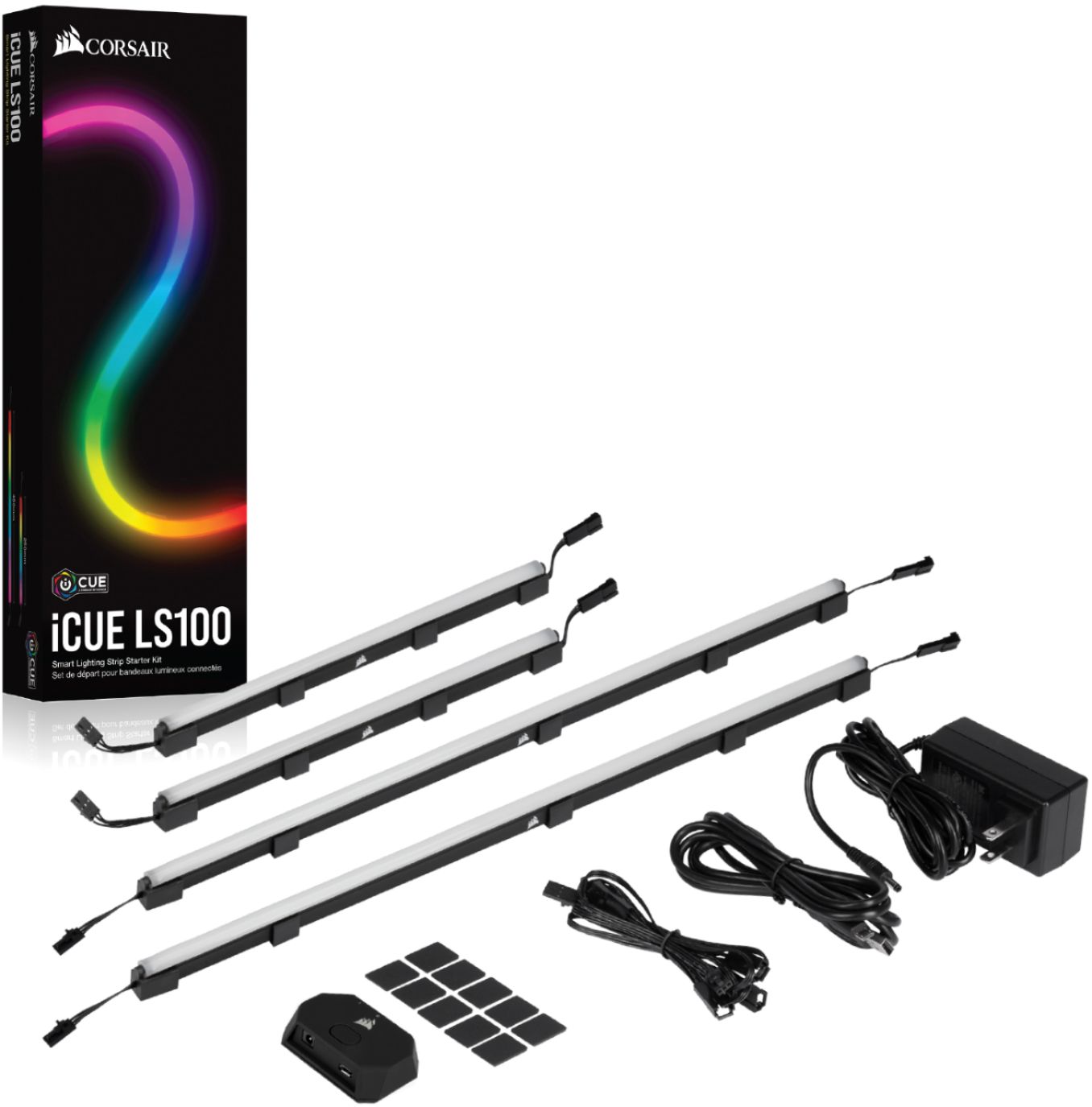
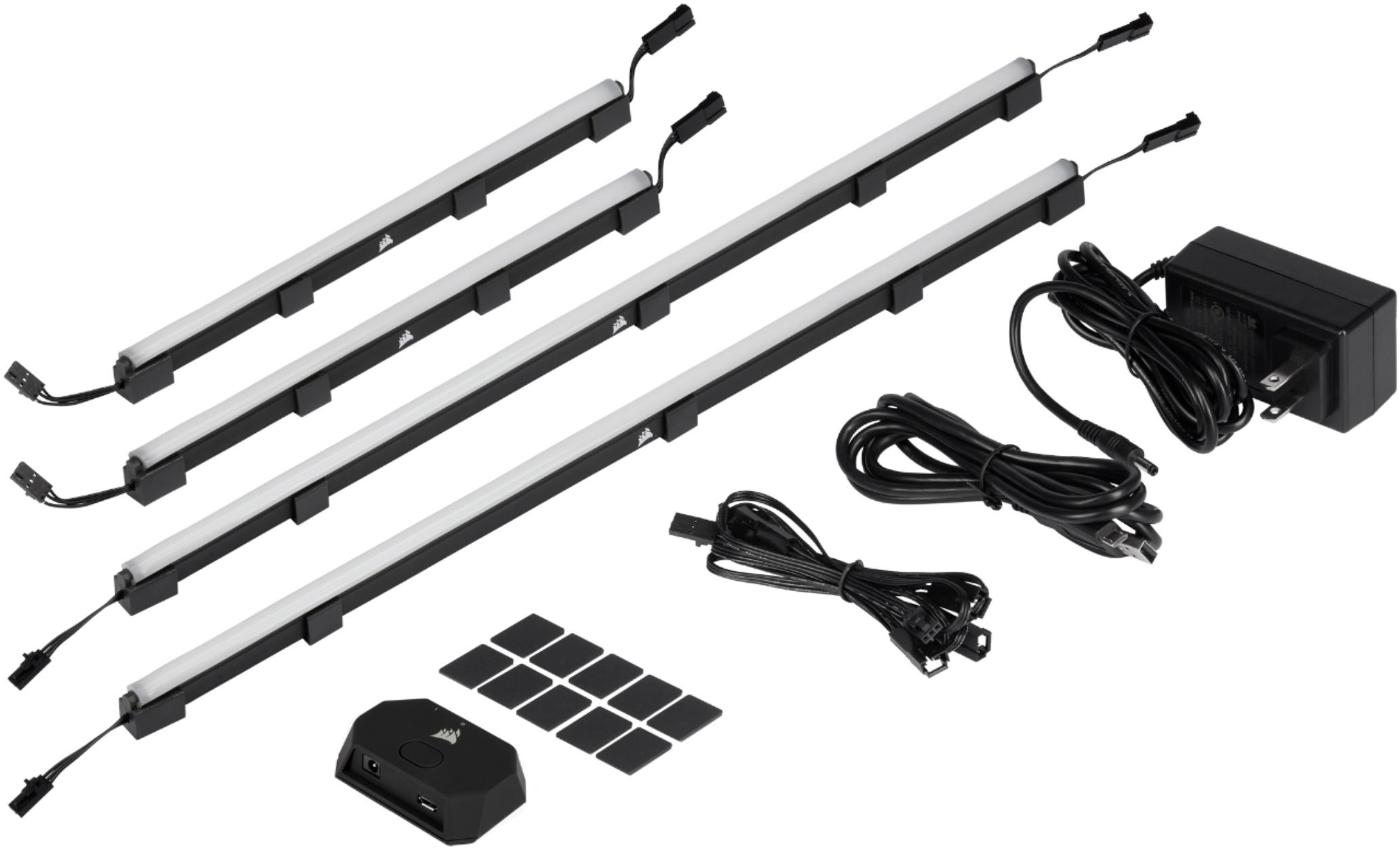
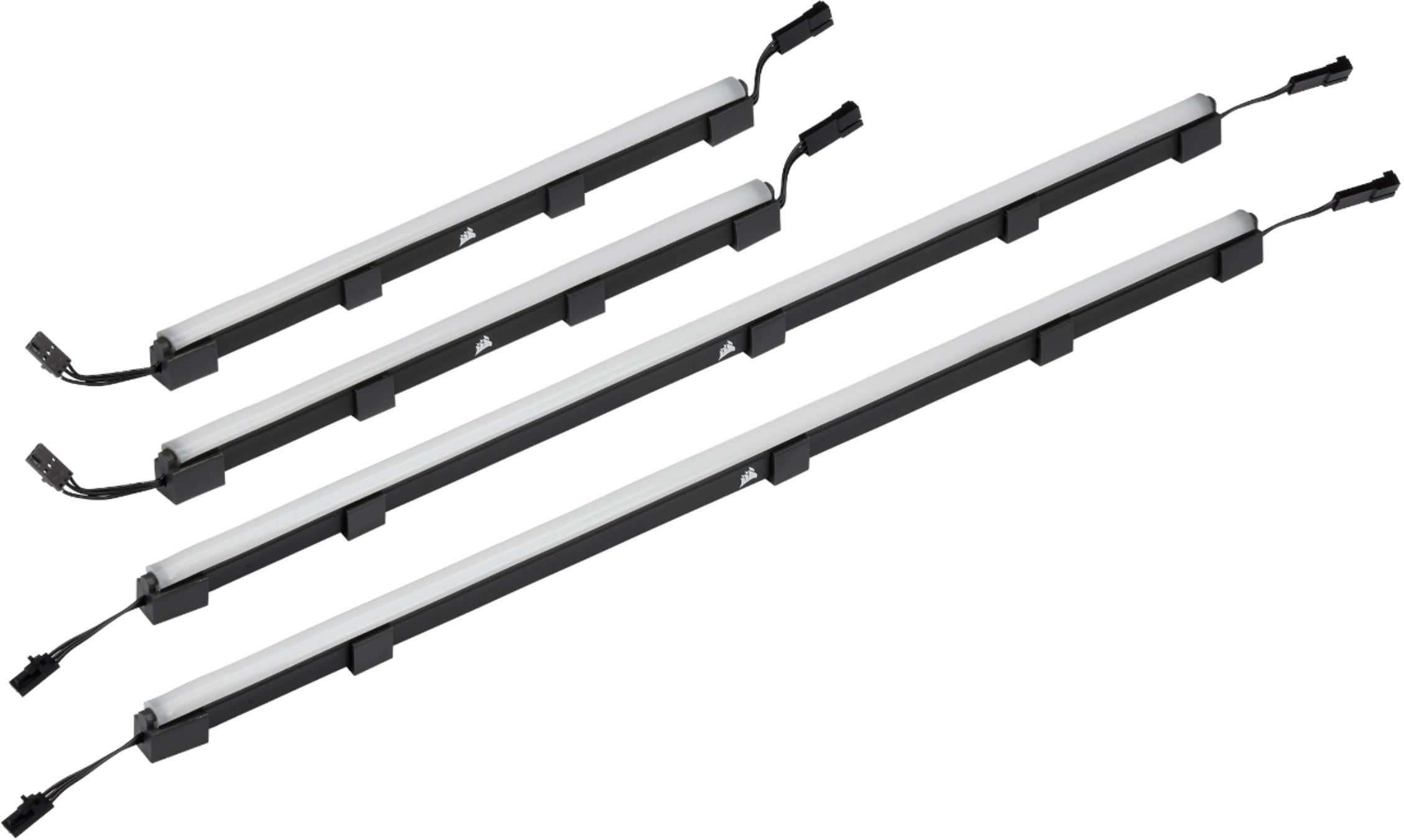
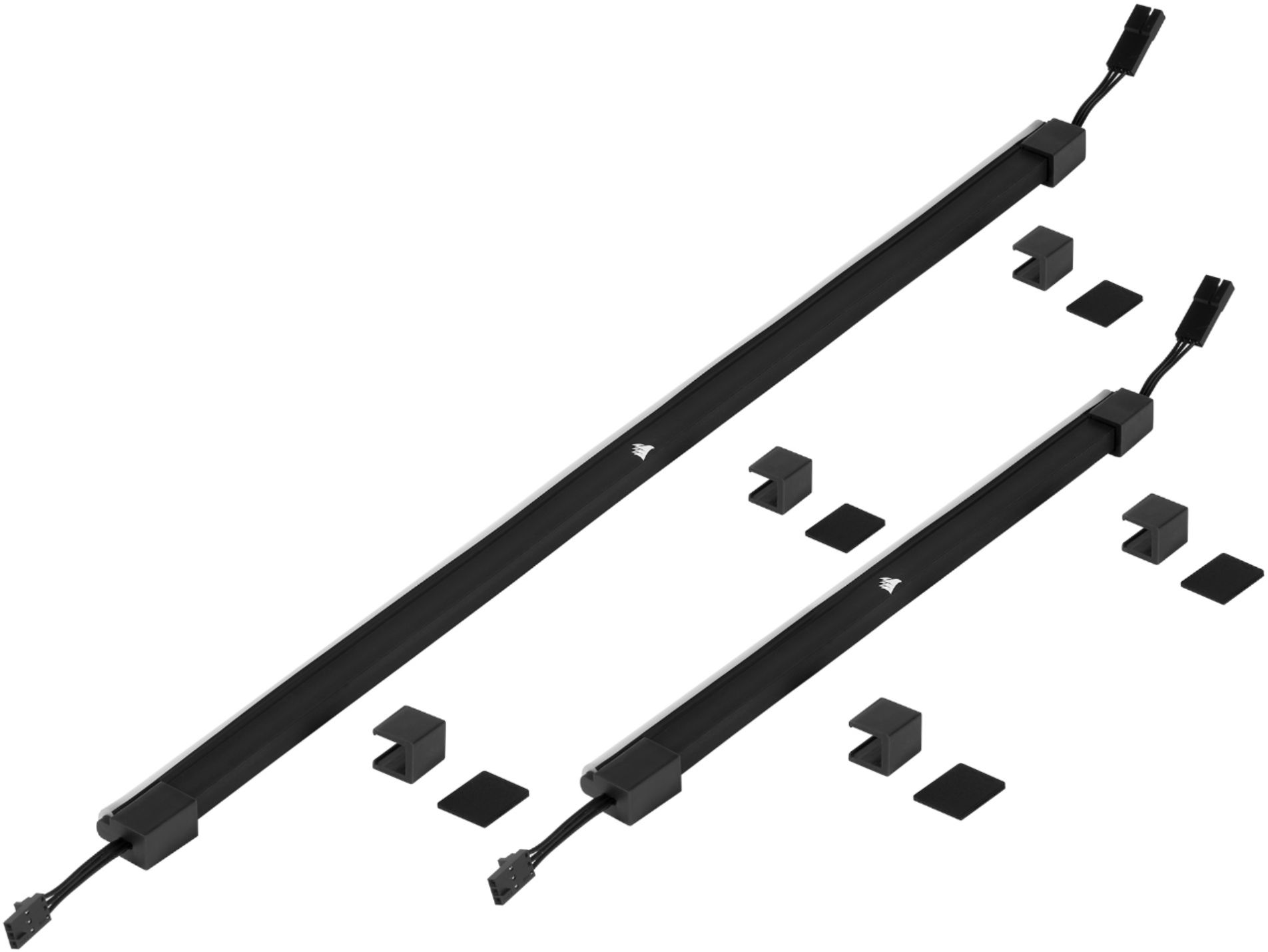
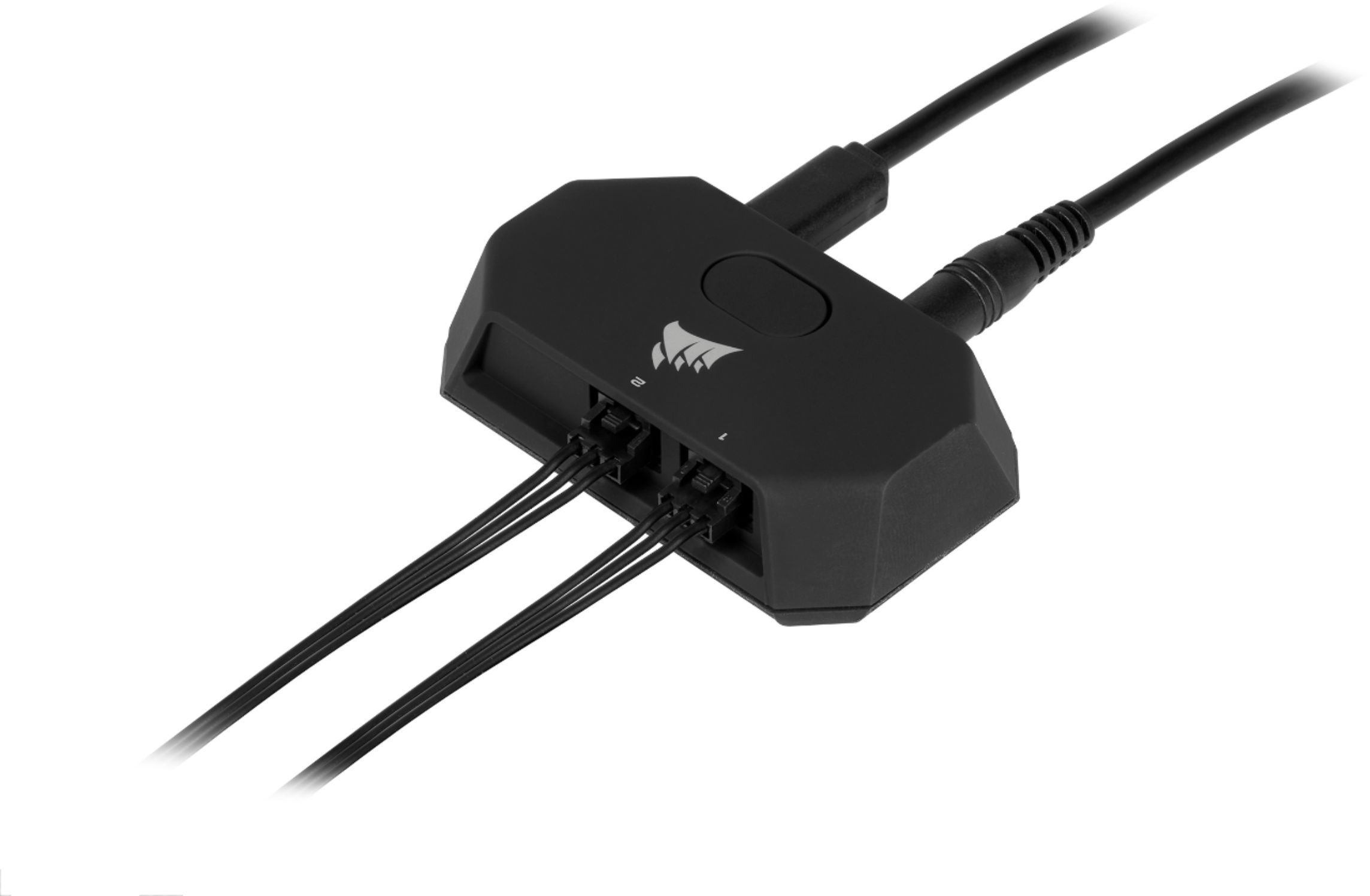
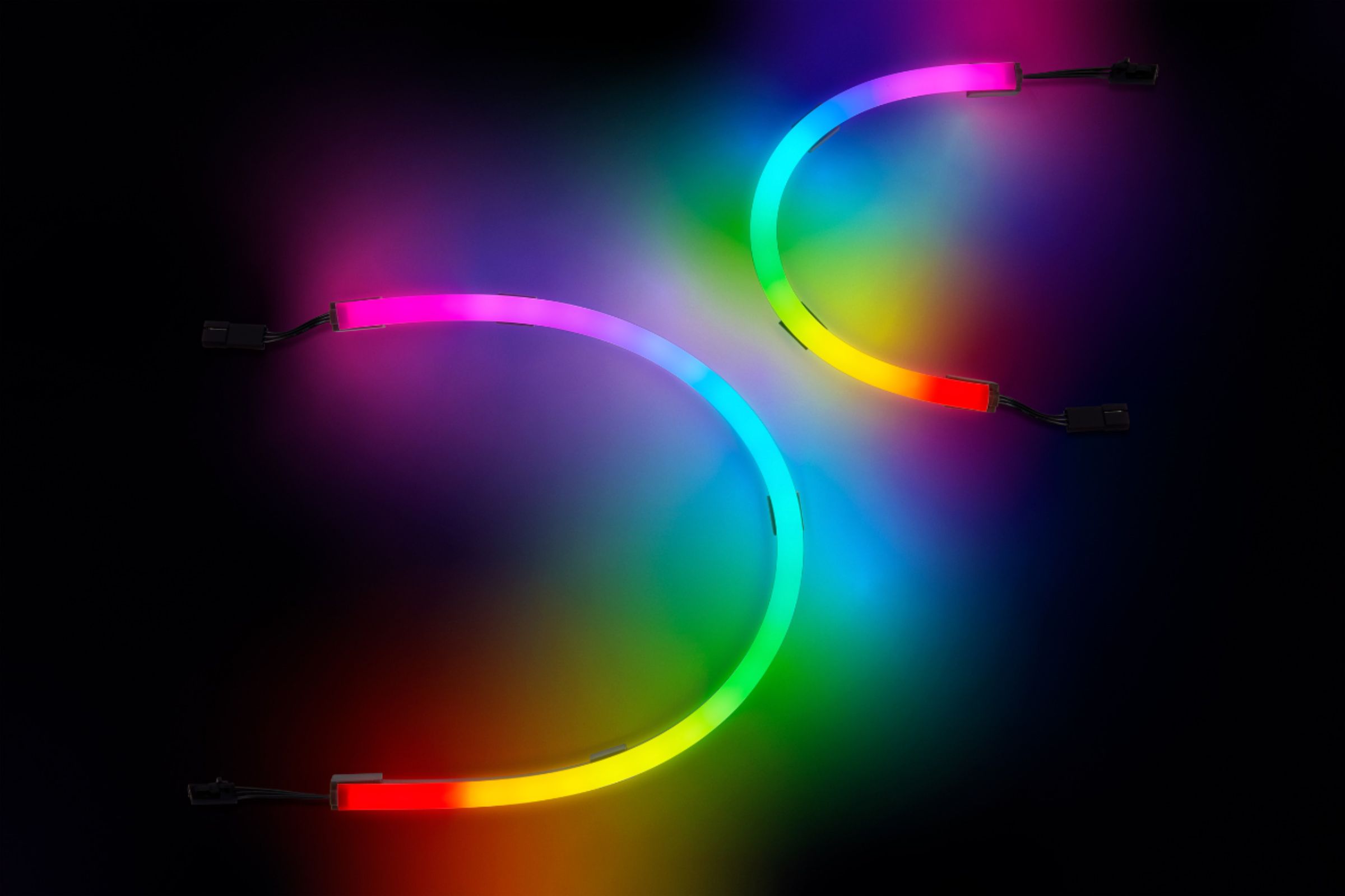
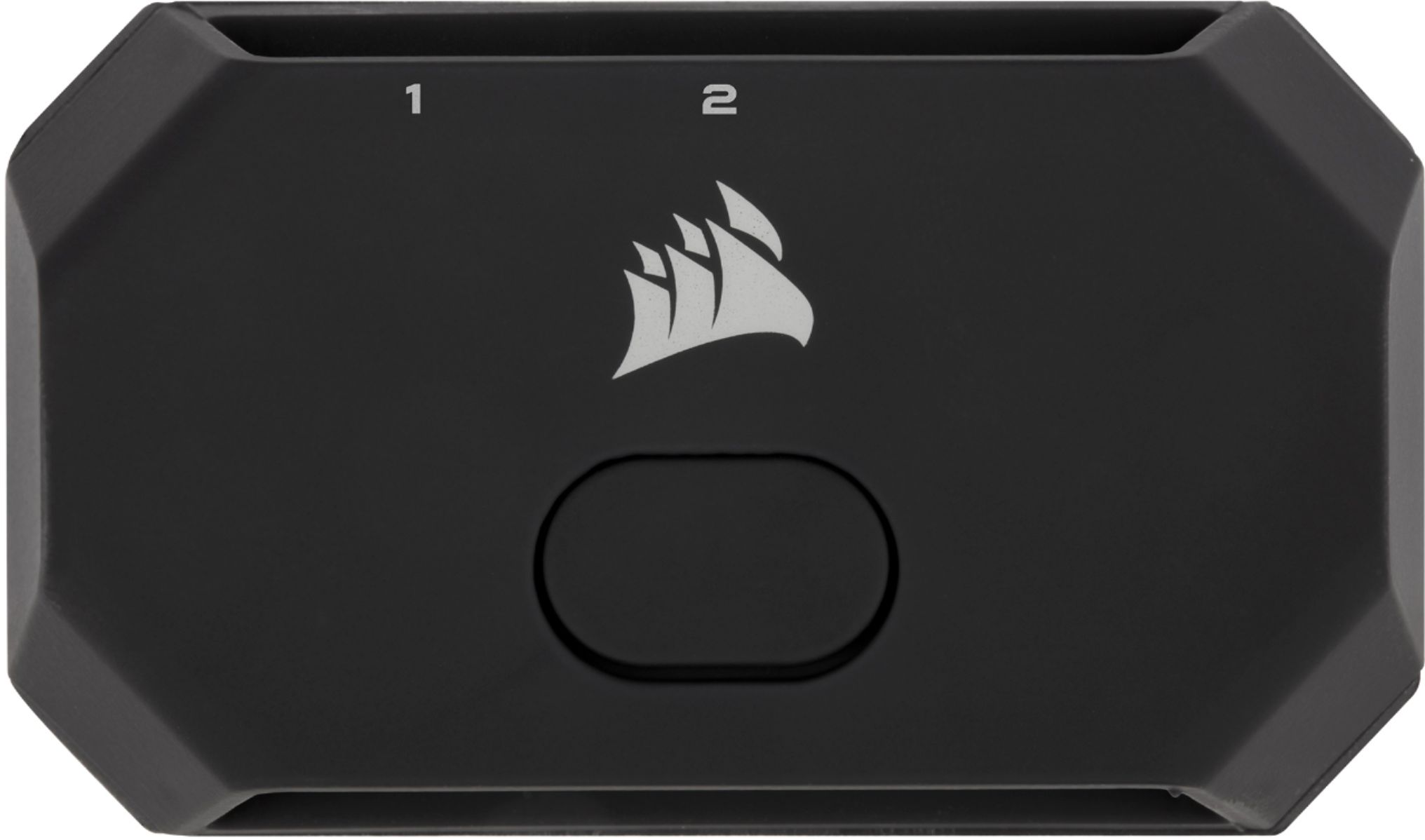
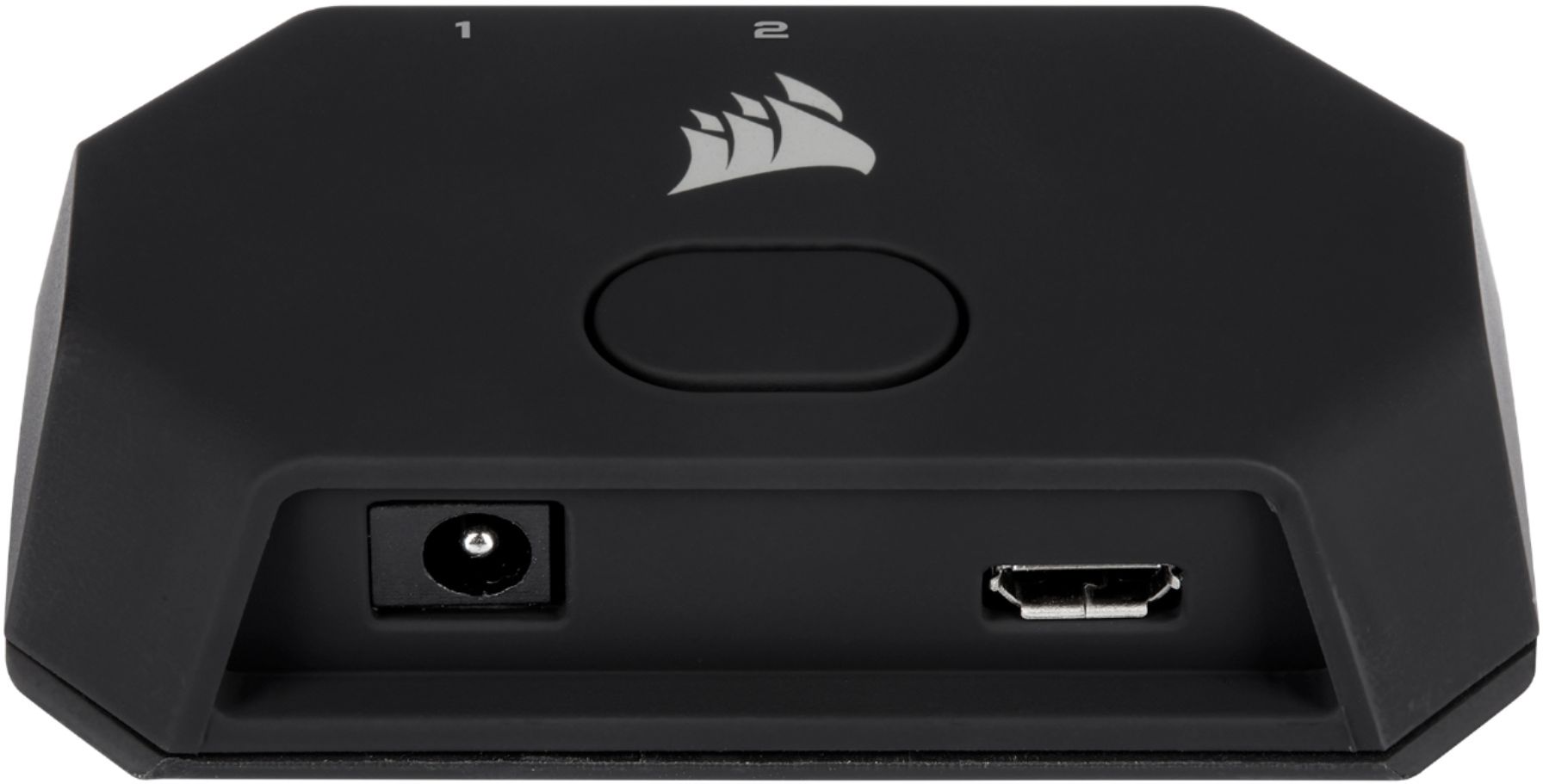
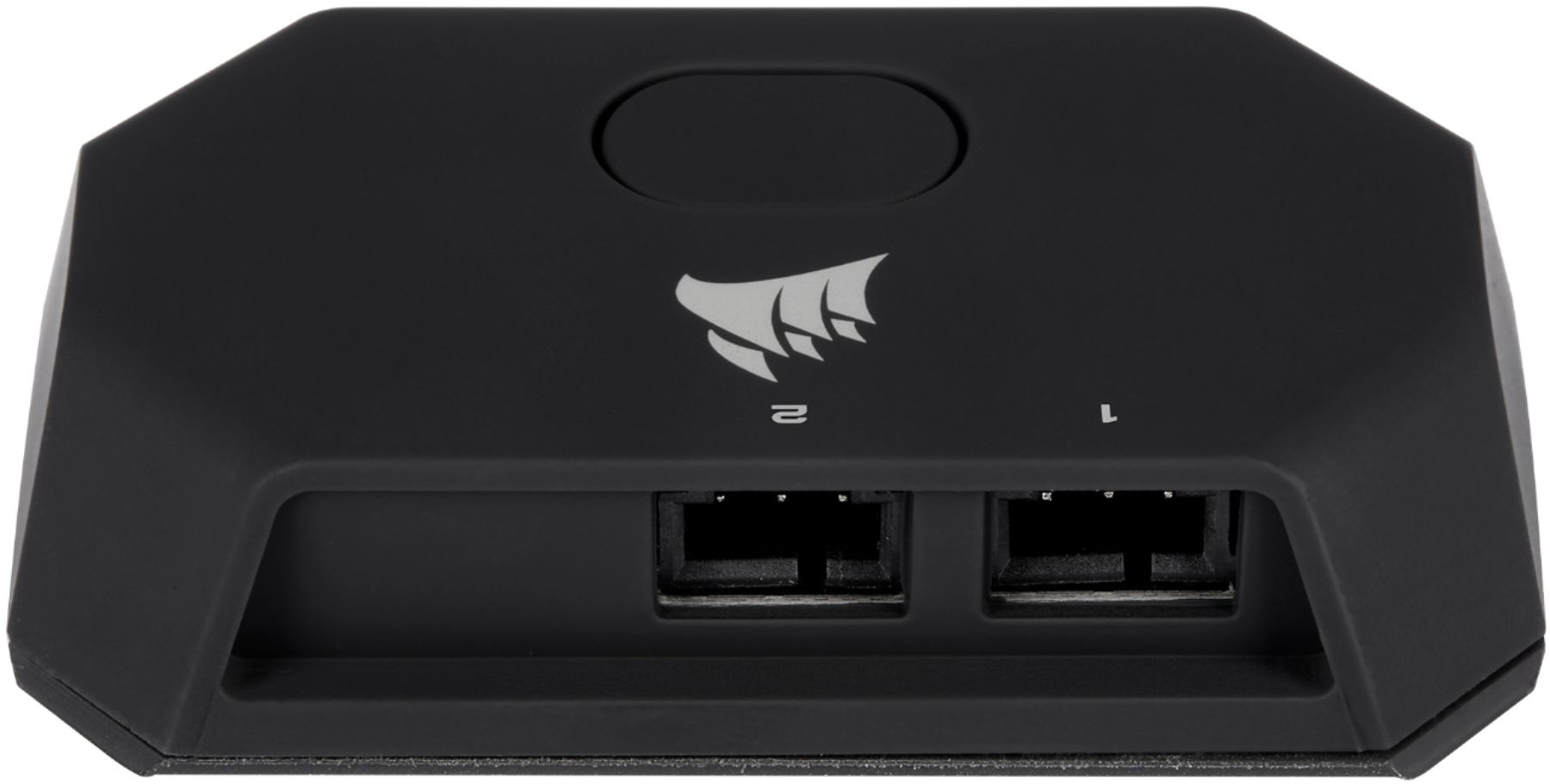
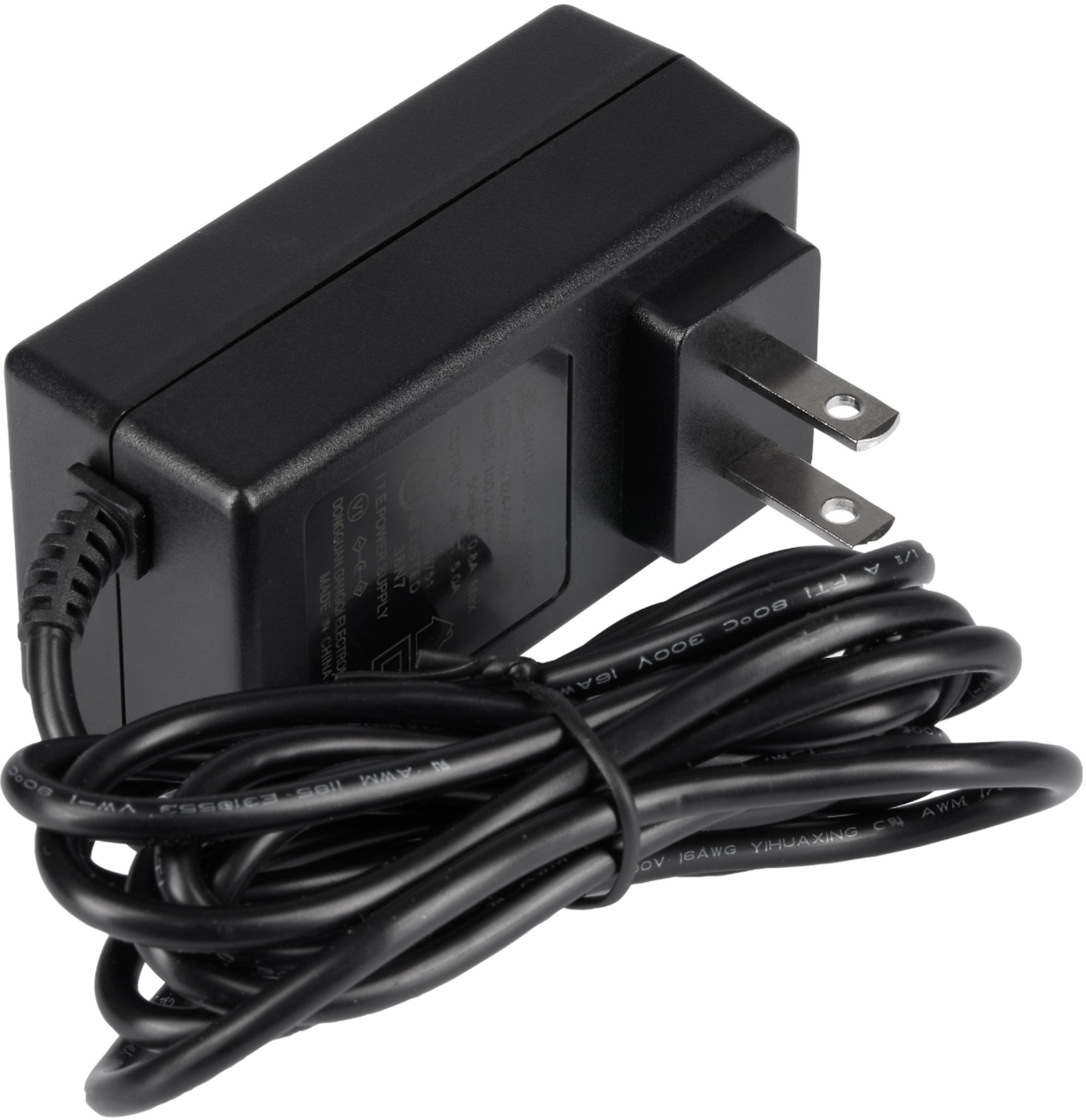
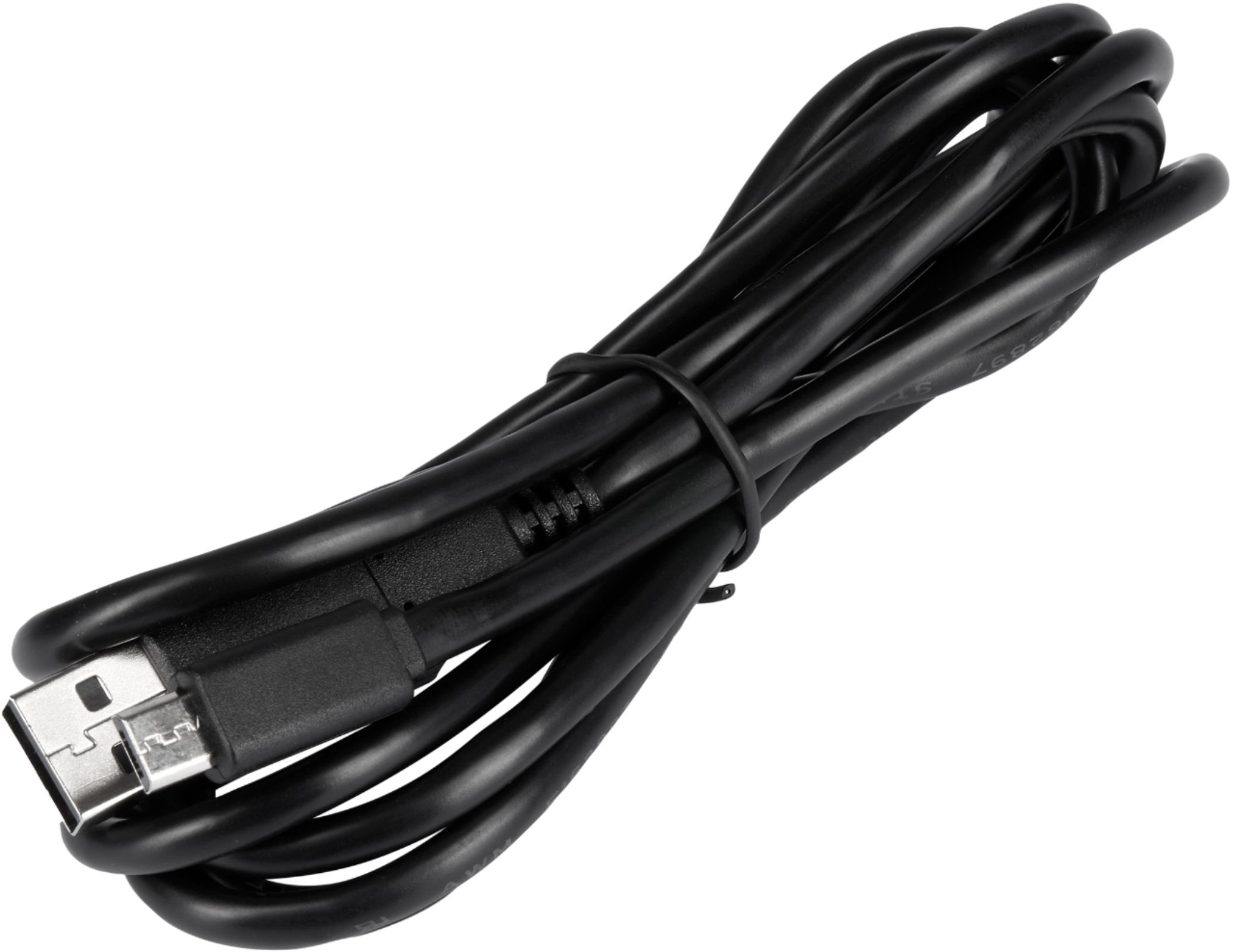
|Posted .This reviewer received promo considerations or sweepstakes entry for writing a review.The Corsair – iCUE LS100 Smart Lighting Strip Starter Kit enables environment RGB integration into the Corsair experience. A major keyword there, is Corsair. The iCUE software is the gem of a resource, allowing to connect multiple Corsair devices into one interface, for universal control of accessories. With already having a couple Corsair products, the iCUE program was already on my computer. This streamlined setup, and within 5 minutes of plugging in the lights and turning on my computer, the lighting strips were setup and ready to go. Of course, if one does not already have iCUE, it may be downloaded to the computer to enable functionality of the light strips. From what I can determine, the software is required to use the lights. Given this, internet is a necessity to download the software, as we have seemed to leave the ages of download discs in the past. In the box: The LS100 lighting controller, AC power supply, USB cable, 2 long and 2 short LED strips, extension cables, and adhesive metal pieces. With this, are the requirements to run the LED strips – a computer with an open USB port, and an open AC plug. So, just recognize that you need both to run the LED strips. The LED strips themself are sleek. Previously, I was using just a white LED strip piece… these are a remarkable upgrade, a sleek black presentation with a cover to diffuse the direct LED light color. Of course, with the design the likelihood of seeing the actual strips is slim, but still present well. When I first plugged in the lights, my wife said WOAHHH, as the LEDs present vivid color. With magnetic clips to facilitate installation, attachment is quick and much less messy that a tear off adhesive strip. When searching for LEDs, the color and customization are key to myself. The Corsair Smart Lighting Strip encompasses these aspects brilliantly. First, orange and purple. These two colors are the bane of my existence, as I LOVE them, but often times LEDs are not able to create these colors as robust and bold, but these strips did the trick! As with these colors, other options present well also. The customization options are quite vast. There are two areas on the control box, I could only get 1 to be the “Smart” Corsair lights, leaving the other plug in for other brand LEDs. I found that a nice aspect, to allow for further RGB setup without having to solely obtain Corsair brand (because of course, the more RGB the better). The iCUE software, allows a vast amount of options. Mode may be chosen (single vs dual monitor). Color options include predefined choices (rainbow, color waves, etc), or various custom options. This lets the user choose the color and match their desired effect. I can’t really imagine too many desires that are not achievable. One of the limits of the starter kit, is that there are only 4 LED strips, but of course, more may be added – hence “starter” kit. This is a great aspect, as there is not limitation is the customization! If searching for a great starter kit, I would urge any Corsair lover to obtain these light strips to keep organization and uniform optimization. And… of course, to anyone else searching for a put together kit with great customization, this is not only that but may very well be a gateway RBG to the world of iCUE by Corsair.
I would recommend this to a friend - Cons mentioned:Price
NOOOO
||Posted . Owned for 4 months when reviewed.This reviewer received promo considerations or sweepstakes entry for writing a review.Definitely not worth the price. I hate to name drop but you're so much better off going to Walmart and buying a "monster" brand light. Same if not better quality at literally 1/8 of the costs, maybe even more in certain cases.
No, I would not recommend this to a friend - Pros mentioned:Brightness, Installation
Why did I not have these sooner!
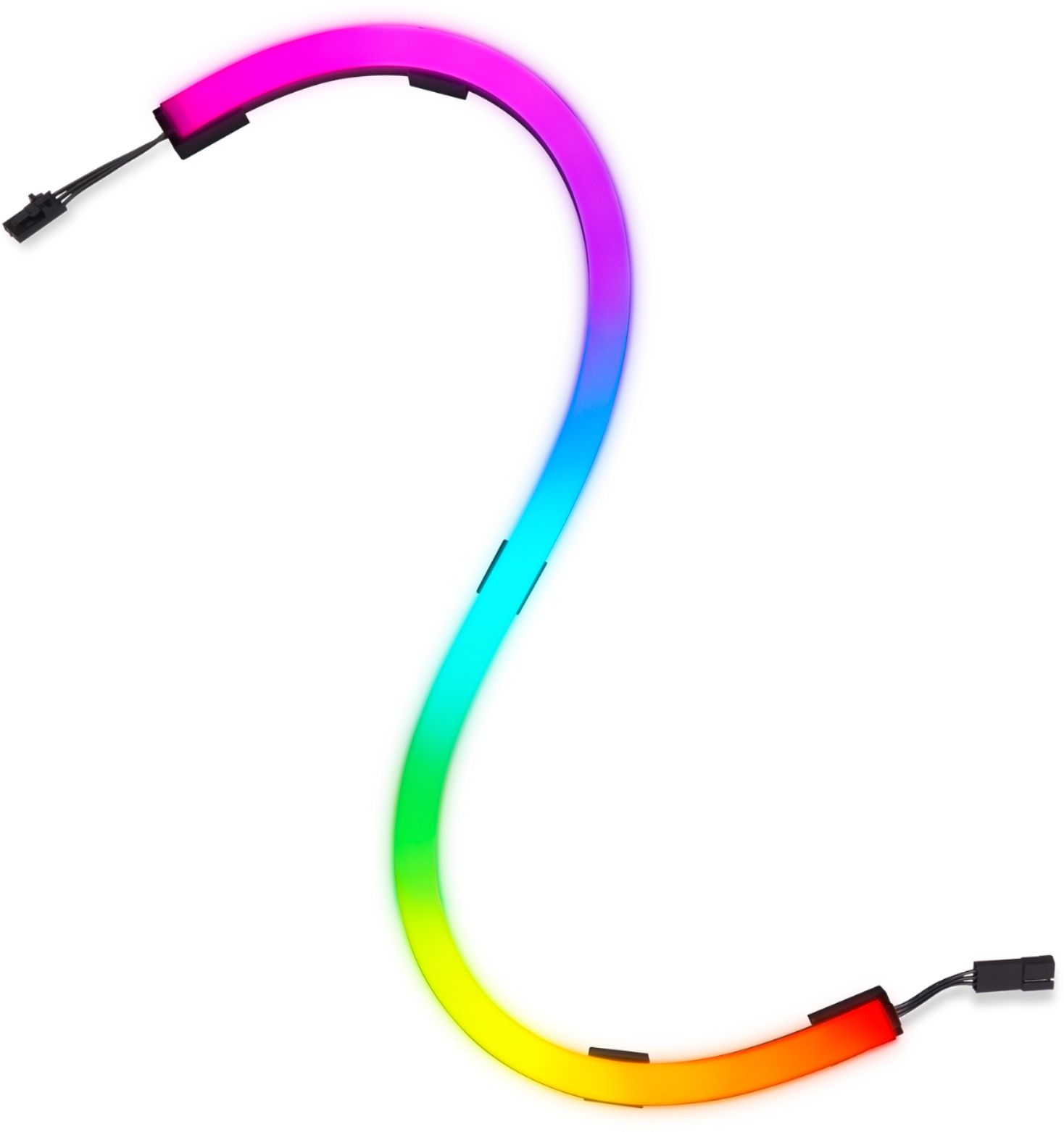
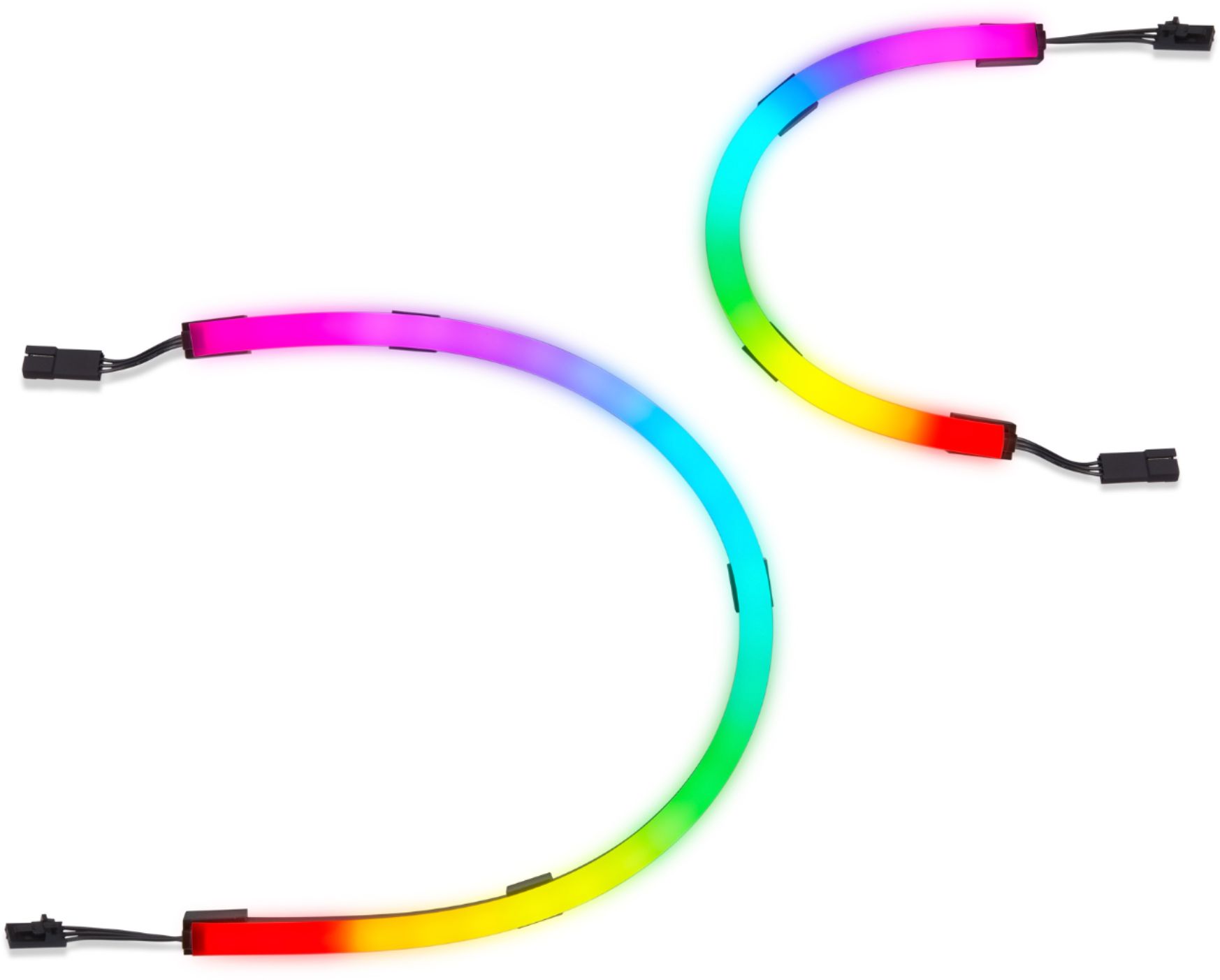
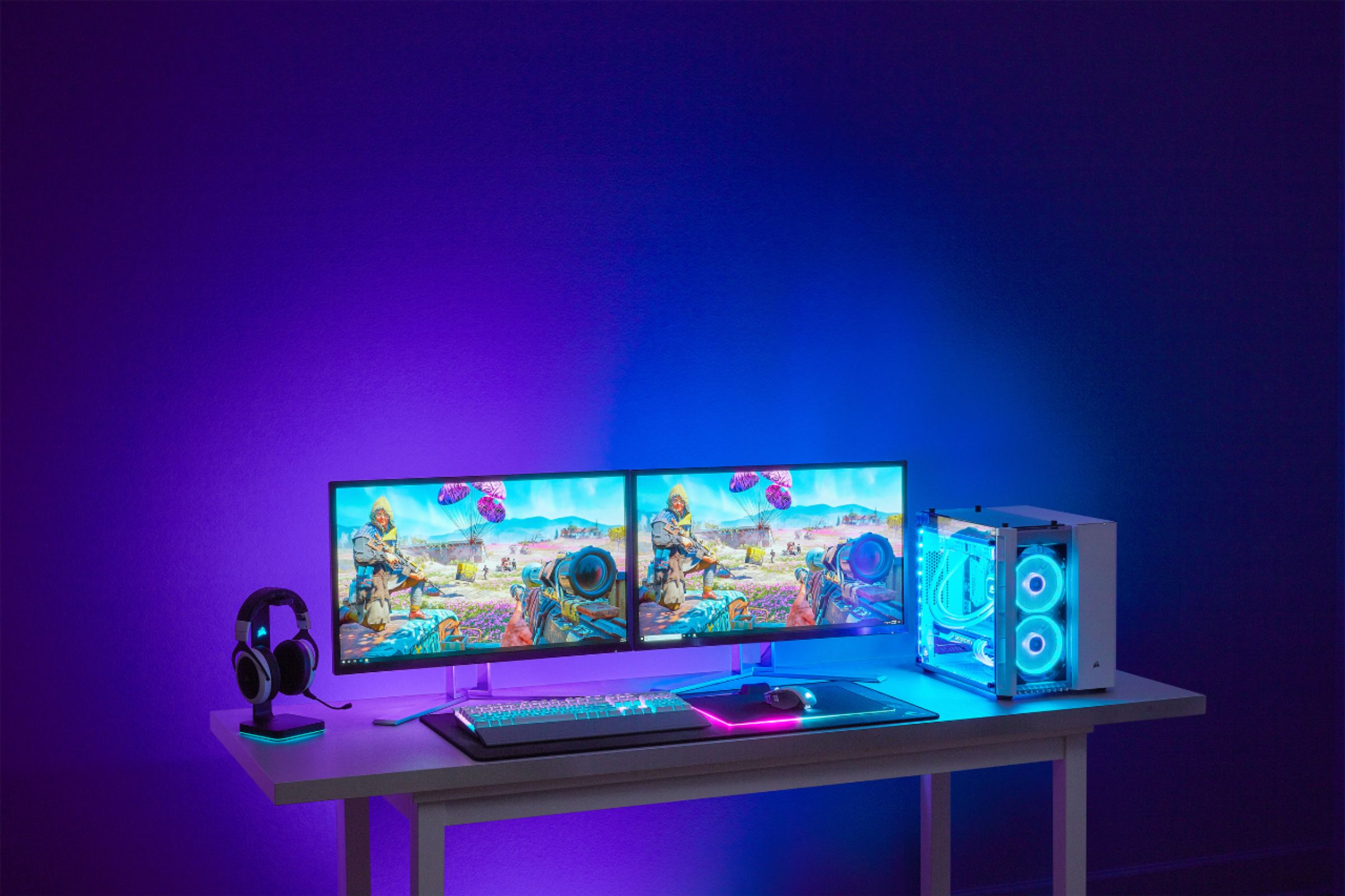
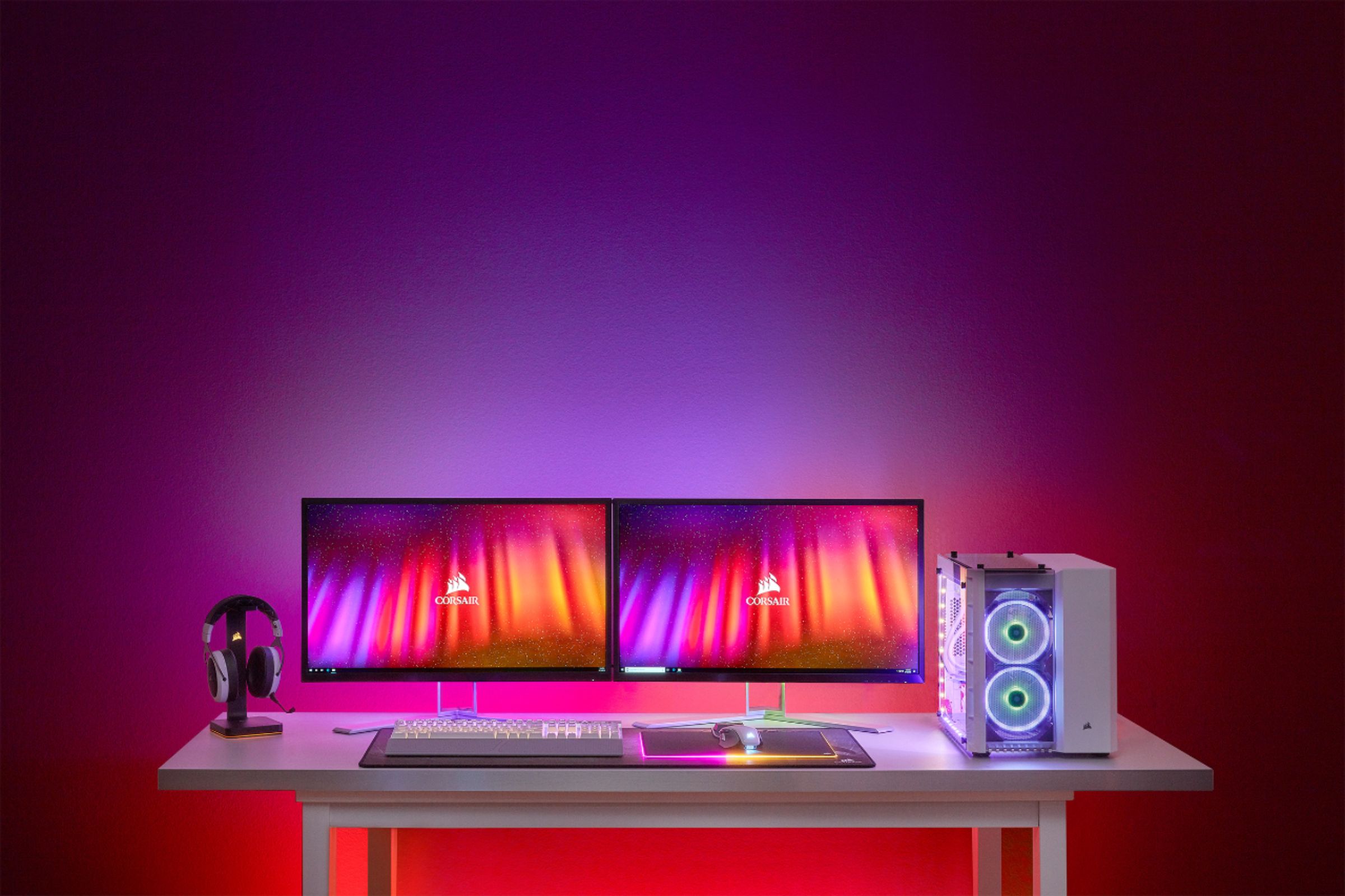
|Posted .This reviewer received promo considerations or sweepstakes entry for writing a review.OK...Wow These things are simply awesome. I've had LED strip lights and such before, but they were always a little cheesy and flimsy, but the iCUE LS100 light strips are incredible. Installation was easy. The starter kit comes with 2 long bars and 2 short bars. They were perfectly sized for my 27" monitor. There are self adhesive mounting plates that stick to the back of the monitor, and then the actual light strips connect to those magnetically. Super cool and very flexible installation design. The back of my monitor is all kinds of curvy and has cord cut outs, but between the flexibility of the strips and fact that you can reposition the mounting pads on the strips, it was no problem. Downloading the iCUE software was simple enough. Definitely make sure you have the current version of the software. These lights are highly configurable. I only scratched the surface of what they are capable of. You can create multiple custom lighting layers. It's really spectacular. The brightness is fantastic, and the color are vivid and true. There are plenty of cool presets to play with if you aren't into customizing stuff, but the sky is the limit if you like to play around. You can configure down to each individual LED. What I really wanted was the ambient lighting that would change along with the media content on my screen. WOW. It is so good. brightness, colors, flashes...everything is dead on with the media content. It adds a ton to both movies and games. I do have on word of caution. The first laptop connected to a monitor I tried to use it with wasn't able to handle ambient lighting. The laptop only had USB-C connections...no HDMI. All of the preset effects would work, but the ambient lighting would not when I was running it through a USB-C multi adaptor to get my HDMI connection. I'm not sure if was that laptop, that dongle, or if it just doesn't work if you don't have a direct HDMI port on your machine, but you might want be careful if you don't have one. Once I switched a different laptop that had HDMI, everything worked seamlessly. These light feel really well made. They aren't as flexible as the flimsy strip light, but that's due to high quality materials and the fact that the lights are in white tubes rather than being fully exposed LED's. Those tubs make for excellent blending of colors and smooth transitions. If you have any trouble figuring out how to set them up, there are some super easy to follow tutorials on youtube. I would definitely recommend these if you are a media buff or gamer. it adds a ton to the immersion experience.
I would recommend this to a friend - Pros mentioned:Installation
Great option for adding ambient lighting
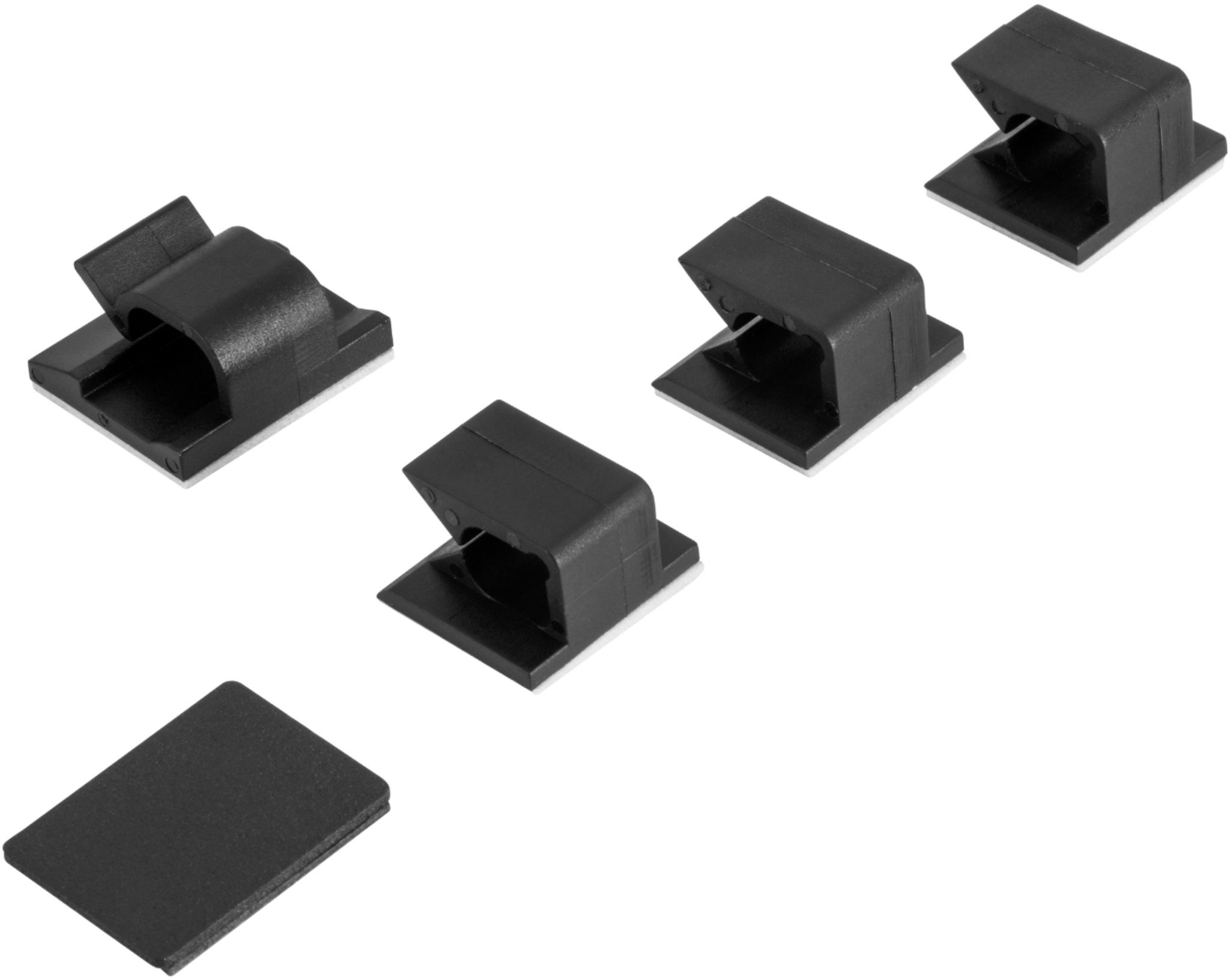
|Posted .This reviewer received promo considerations or sweepstakes entry for writing a review.I've never been a really big fan behind RGB. I use it on my keyboard all the time however as it's nice to have different profiles for games. Outside of that, even my PC lacks it. That said, these strips are really nice. They're very adaptive depending on what you need them for. Be it adding lighting to the back of a TV, a monitor, inside your case, or in my instance, having ambient controllable lighting for under and on the sides of my standing desk. Since there's no lighting under there and I sometimes need to be able to see down there, these lights, while probably over the top for my intended application, work perfect. There was just enough length in the RGB strips and the cables to get all 4 strips exactly where I wanted them. There's plenty of color options and even some really nice animated ones. You can also setup profiles to take advantage of some programs that will react with your lighting to give you little more immersion with your games/movies/programs. I didn't really get around to testing this though. I think the only drawback is needing iCUE. I do wish I could have controlled the RGB via my motherboards control or a different app since I use multiple different products on my PC. This just means that it's one more piece of software that has to be installed to control something else. If you've already got Corsair Mice, Keyboards, Headsets etc... Then this won't be a big issue for you as you've likely already got iCUE installed and running. Installation was quick. As there's a lot of metal to my desk and a metal cable management and organization tray running the width of my desk it was easy to just stick the strips on. Corsair made it so depending on your setup you can either use the adjustable Magnetic clips or you can use the included adhesive clips to install them just how you need them. So far I've not had any issue with the strips drooping, falling off or moving out of place even when raising or lowering my desk. Even when I've accidentally bumped in to the desk they've stayed in place. I'm quite thoroughly pleased with the strips, and the fact I can add more down the line which I likely will, makes this a great addition for use case. I might even consider grabbing some of the tower RGB strips to place on the desk to give me some more lighting options.
I would recommend this to a friend Corsair FAIL
||Posted . Owned for 3 weeks when reviewed.This reviewer received promo considerations or sweepstakes entry for writing a review.I really wanted to like these but it did not happen! The main reason that these lights fail was because of the mounting hardware. The mounting hardware came with 3m double sided tape that was not user friendly, and small little magnets. Some of the tape was unusable as I could not remove the protective film. But looking past that... once I finally had the mounting hardware set which were the little magnets. They did not properly hold the lights in place. Any little movement of my monitor and the lights would fall. I really love corsair products but not these!
No, I would not recommend this to a friendBrand response from Corsair Art
Posted .Hi,
Thank you for your feedback. Please don't hesitate to get in touch with us if you require new mounting hardware, we'd be happy to help: support.corsair.com
-Albert
- Cons mentioned:Magnets
Trash don’t buy these
||Posted .This reviewer received promo considerations or sweepstakes entry for writing a review.Magnets? Really? Literally kept falling off goodjob corsair next time use double sided tape as an option
No, I would not recommend this to a friendBrand response from Corsair
Posted .Hi Gaby,
Sorry to hear, we have had lots of feedback that the magnets work very well. If you're having trouble installing them, we'd like to help! Please reach out to our support team so we can work with you directly: support.corsair.com -Brian
3 of the 4 lights Stopped Working
||Posted . Owned for 3 weeks when reviewed.This reviewer received promo considerations or sweepstakes entry for writing a review.Bought the corsair ls100 light kit July 13 2020. On July 31st 3 of the 4 strips had stopped working. The time i spent in getting my set-up looking great went down the drain with a bad purchase. Thanks to best buy the return was not a problem.
No, I would not recommend this to a friendBrand response from Corsair Art
Posted .Hi,
And sorry to hear about the issues. If you ever run into more problems with our products, don't forget to reach out and we'll do our best to help: support.corsair.com
-Art
Horrible light set
||Posted . Owned for 1 week when reviewed.This reviewer received promo considerations or sweepstakes entry for writing a review.The hype of computers and the lights have just made everyone go crazy and to realize that you spend $110 on this product at the time of purchase for nothing more than a flexible light tube and two strips of LED lights is definitely not worth it
No, I would not recommend this to a friendBrand response from Corsair Art
Posted .Hi Joe,
Did you have any actual issues with the product itself? The price and contents are visible before purchase.
If you have anything else we can help with, please reach out: support.corsair.com
-Art
- Pros mentioned:Installation
Any Gamer Would Love This Setup
|Posted .This reviewer received promo considerations or sweepstakes entry for writing a review.This setup just makes your game much more intense and you will feel more into your games as you play. This starter kit comes with the smart lighting controller, micro USB to USB A cable, RGB extension cable, cable management clips, metal plates with adhesive tape on the back, power supply and 2 short and 2 long RGB LED strips. Additional RGB LED strips are available if you want to extend to a second monitor. Installing the lighting strips onto the back of your monitor is not that hard, if you follow these few tips I learned. I made sure to put the magnetic plates on the lighting strip first, then peeled off the adhesive cover on the plates and put it all into place on the back of the monitor, making sure the adhesive was secure. Follow that all along the back of the monitor and you should have no problems. I found this the easiest way. I did the same for the controller and it went smoothly. Next plug the AC adapter and USB cable into the controller and plug all the light strips together and the first one into the channel 1 slot on the controller. You will need the iCue program to control the settings for the lighting strips. In the program you will want to first choose LS100 Starter Kit tile to set this up and then choose Lighting Setup. Under Lighting Channel 1, I chose single monitor mode. If you have a second monitor, you will need to purchase the extension kit and set that up and choose dual monitor. I then went down to the Lighting Channel 1 tab and you can chose from some of the preset modes of colors or make your own. I chose the Rainbow effect and it is pretty. You can also change the speed of which the colors change from here also. While playing games though I change the setting to ambient, then video lighting and it matches the colors on the screen as I am playing. I like that when playing music you can chose audio lighting and the lighting matches the music. There are so many different scenarios you can set up with these lighting strips. I am still experimenting with them to see what suits me the best. Experiment with them and you will find what is right for you and you can change your settings at any time. There is a little bit of a learning curve for beginners, if you aren’t familiar with this type of lighting and haven’t worked with RGB lighting before on the mouse or keyboards, but it is certainly not overwhelming and worth it. Playing games on your computer with this is really incredible. It brings more dimensions into any game you play. It surrounds my PC with changing colors as the game changes scenes.
I would recommend this to a friend - Cons mentioned:Magnets
Really only one application in mind
|Posted .This reviewer received promo considerations or sweepstakes entry for writing a review.This was built w/ the application of putting it around the back of your monitor in mind, only. The magnets which hold the little controller aren't strong enough for under-table mounting, which is where I chose to put mine. It's constantly falling off. The software to configuring the lights is confusing when it comes to setting up the order/size of the lights you've installed and I have found it's not consistent between channels one and two. The controller/power supply isn't strong enough to wire all 4 lights to one of the outputs, so keep this in mind if you plan on buying more lights to extend the setup. Initially I'd thought this would allow the dominant color of my screen to be shown w/ the lights but cannot figure out if/how this is possible w/ the given software. iCue in general is a very unintuitive system - I have a mouse from Corsair and it's equally confusing to configure & set up. We also couldn't get it configured for mic/audio reaction, either. If I can't figure out how to configure your stuff w/ what's in the box and the software you give me, you're not getting 5 stars. Needing to contact support, dive into forums, etc. means your User Experience isn't there.
No, I would not recommend this to a friend - Pros mentioned:Brightness, Installation
Bright and beautiful
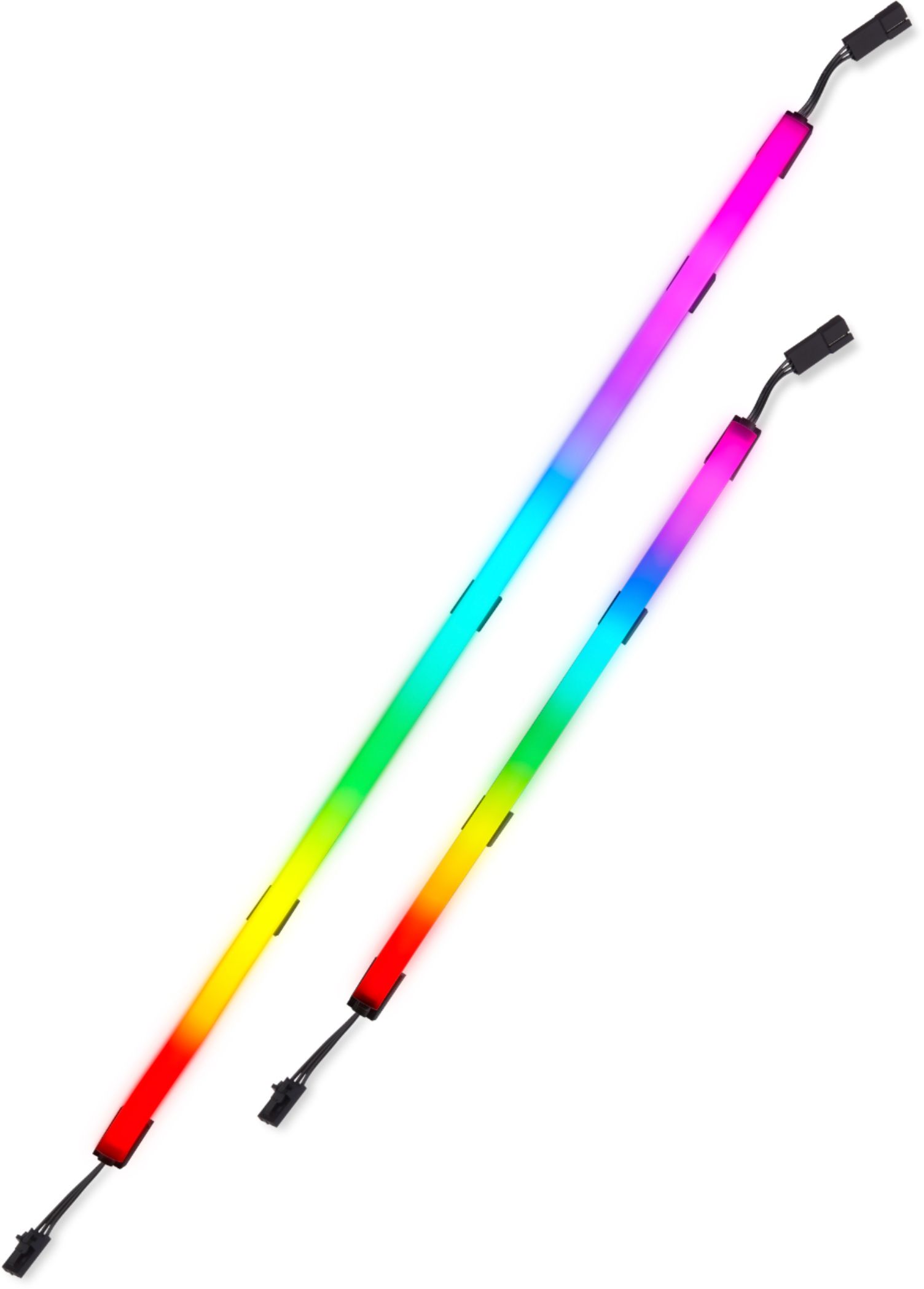
|Posted .This reviewer received promo considerations or sweepstakes entry for writing a review.These LED tubes are very bright (controllable) and the interior LEDs are not visible through the frosted surface which gives a nice even glow. The iCUE software (tested on Windows) provides an incredible menu of options. I didn't put the strips on my monitor because it's large and faces a window. Instead I mounted them to my full tower case. I love the colors and the setup is very easy. This is really a very easy way to add a bit of color and the ability to have the lighting change based on CPU temperature, etc. is a great feature.
I would recommend this to a friend Does not work
||Posted . Owned for 3 months when reviewed.This reviewer received promo considerations or sweepstakes entry for writing a review.The product has simply stopped working. The first 2 inches or so work, and every other light freezes on one color after about 5 seconds. Endlessly frustrating. Do Not Buy
No, I would not recommend this to a friendBrand response from Corsair Art
Posted .Hi Patrick,
Sorry to hear that the lighting has stopped working so soon, we'd like to help! Please reach out to our support team so we can work with you directly: support.corsair.com
-Brian
They look nice while they last
||Posted . Owned for 6 months when reviewed.This reviewer received promo considerations or sweepstakes entry for writing a review.Ive had these for just over months and they have quit working entirely this morning, one of the smaller strips had half of it stop working about 2 weeks ago.
No, I would not recommend this to a friendBrand response from Corsair Art
Posted .Hi Curtis,
Sorry to hear your lighting kit has stopped working. Please get in touch with us, we'll be sure to get you a replacement: support.corsair.com
-Albert
Terrible quality
||Posted . Owned for less than 1 week when reviewed.This reviewer received promo considerations or sweepstakes entry for writing a review.One of the light strip failed less than a week after I received and assembled them. TERRIBLE QUALITY! NOT RECOMMENDED!
No, I would not recommend this to a friendBrand response from Corsair Art
Posted .Hi Geno,
That's indeed unfortunate. Please reach out directly so we can help out: support.corsair.com
-Art