Customer Ratings & Reviews

- Model:
- CH-914901E-NA
- SKU:
- 12243229
Rating by feature
- Value
Rating 4.4 out of 5 stars
- Quality
Rating 4.7 out of 5 stars
- Ease of Use
Rating 4.5 out of 5 stars
Trust when I say just get this keyboard already!
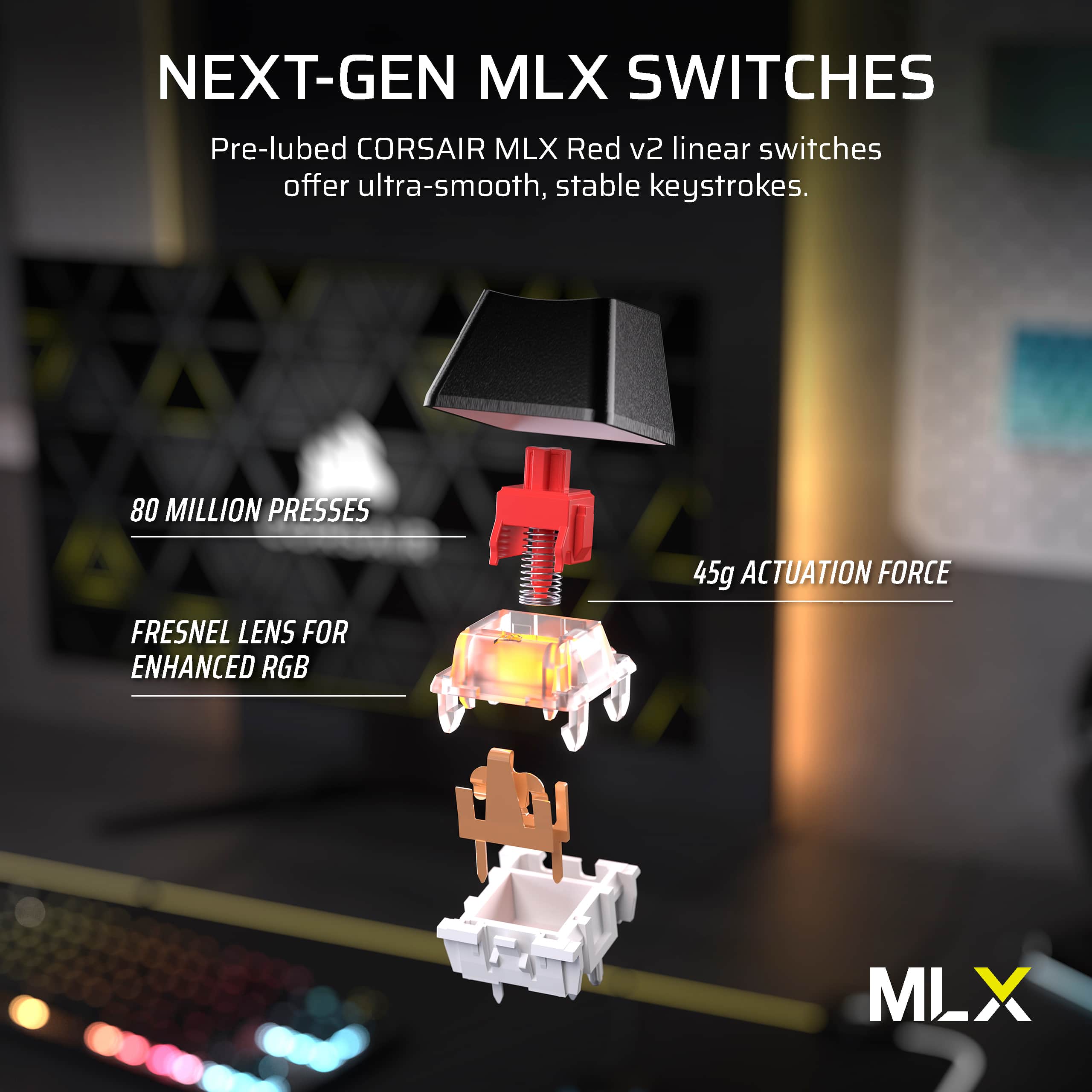
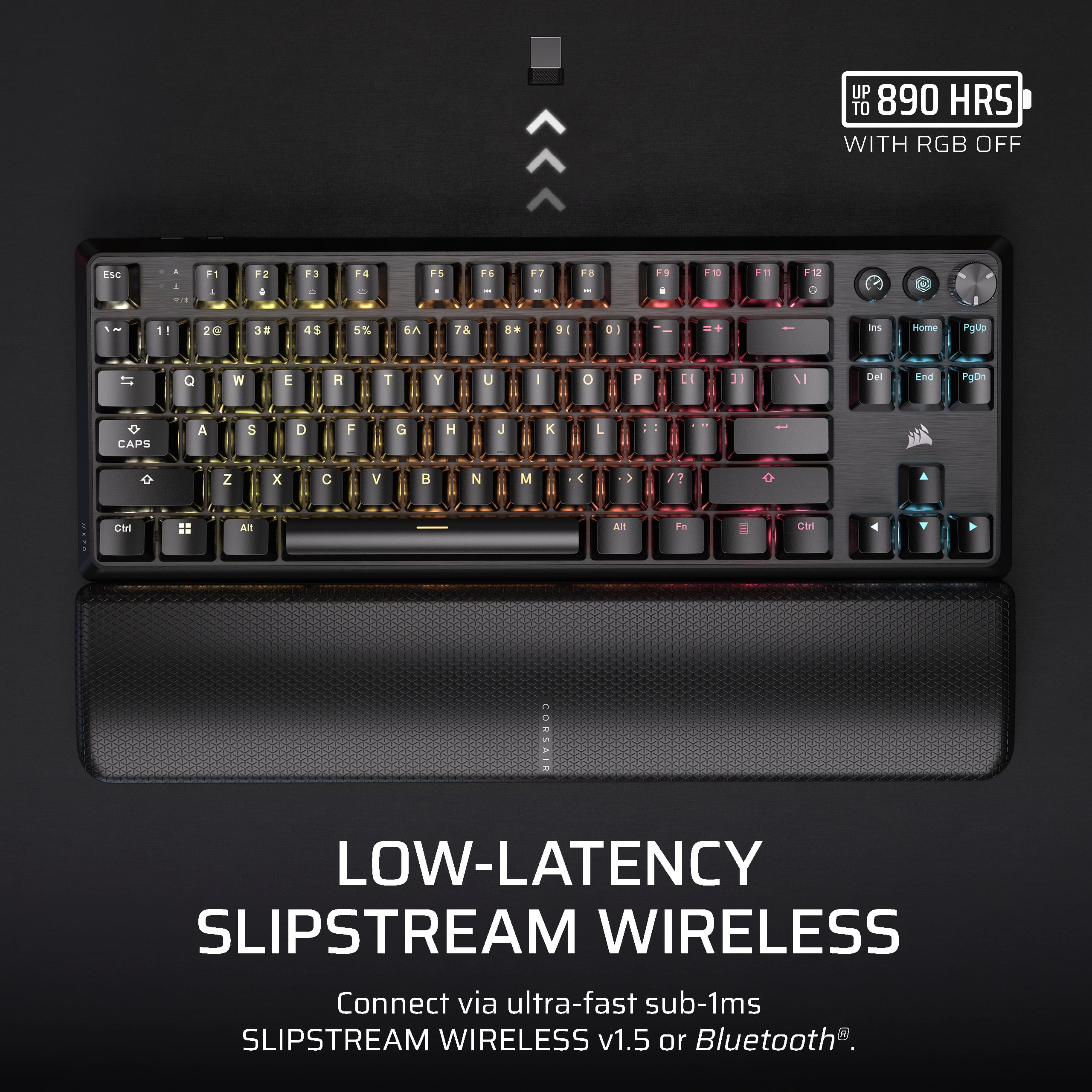
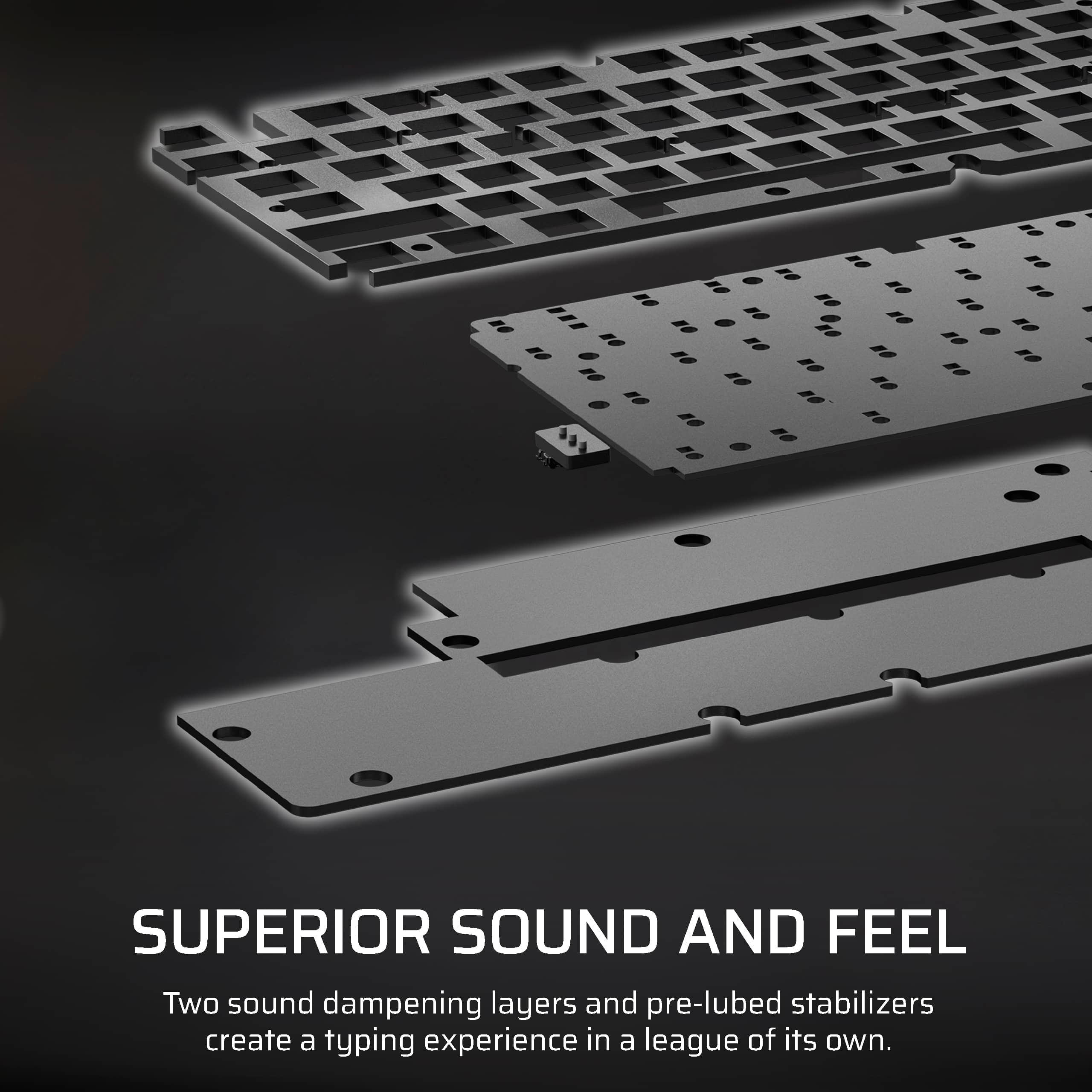
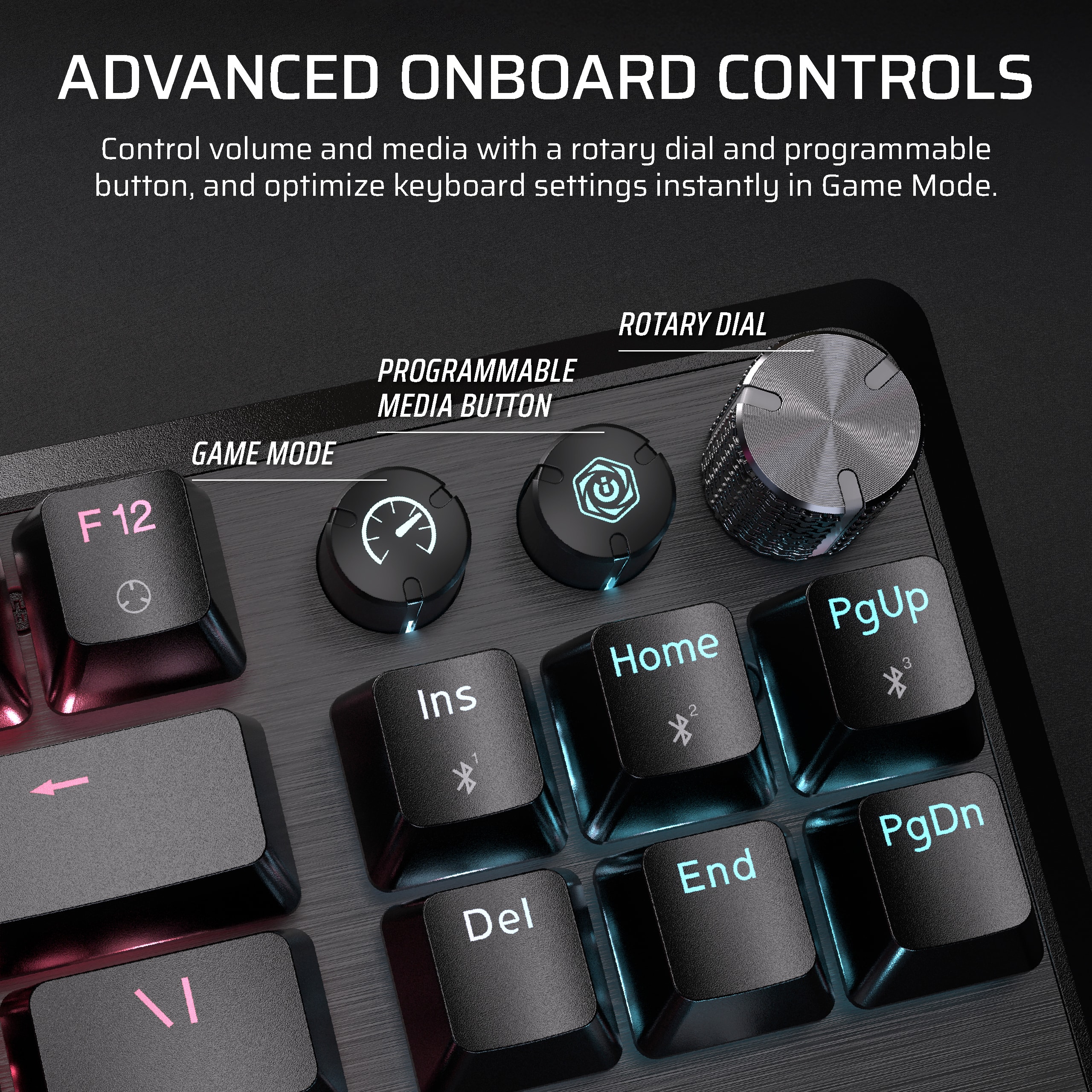
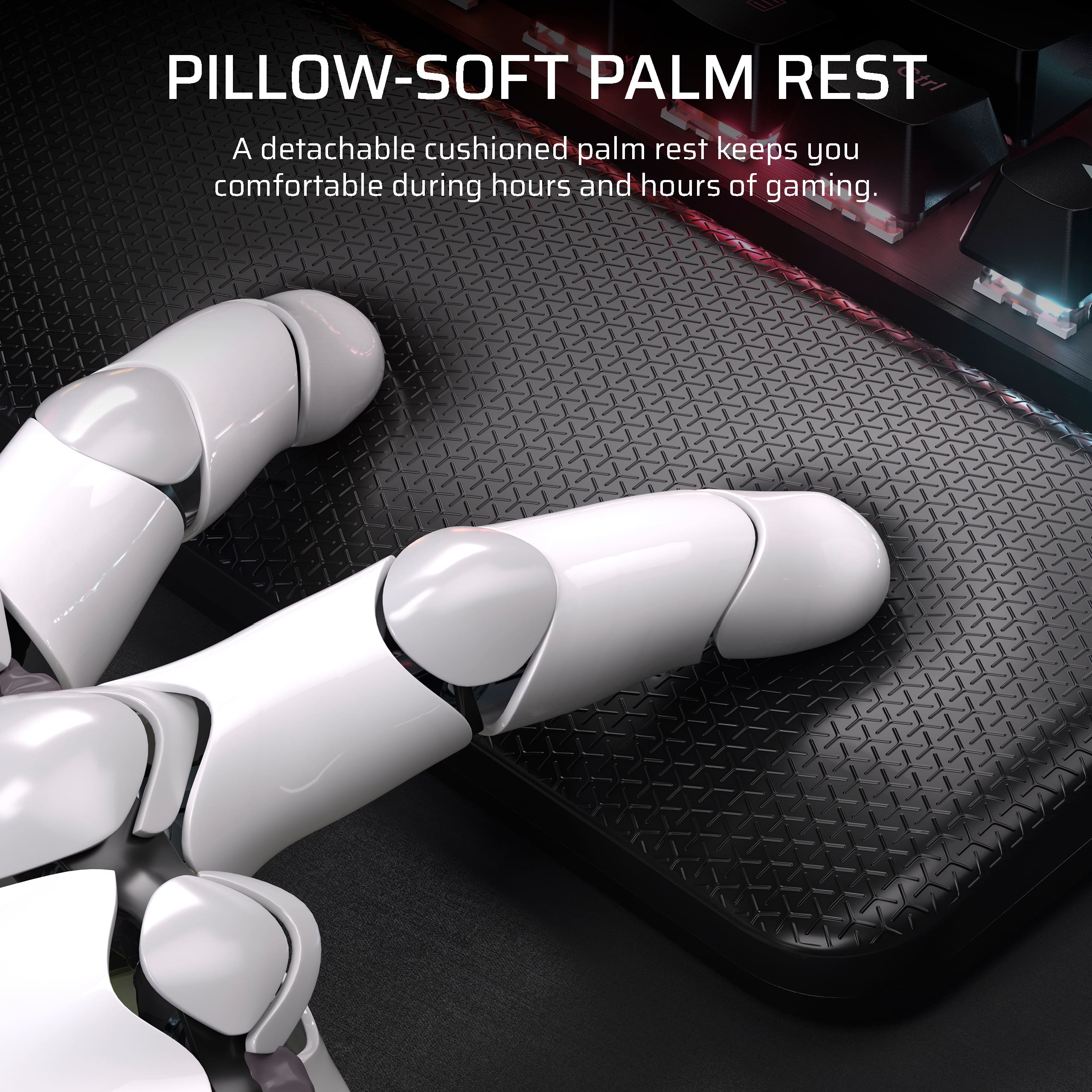
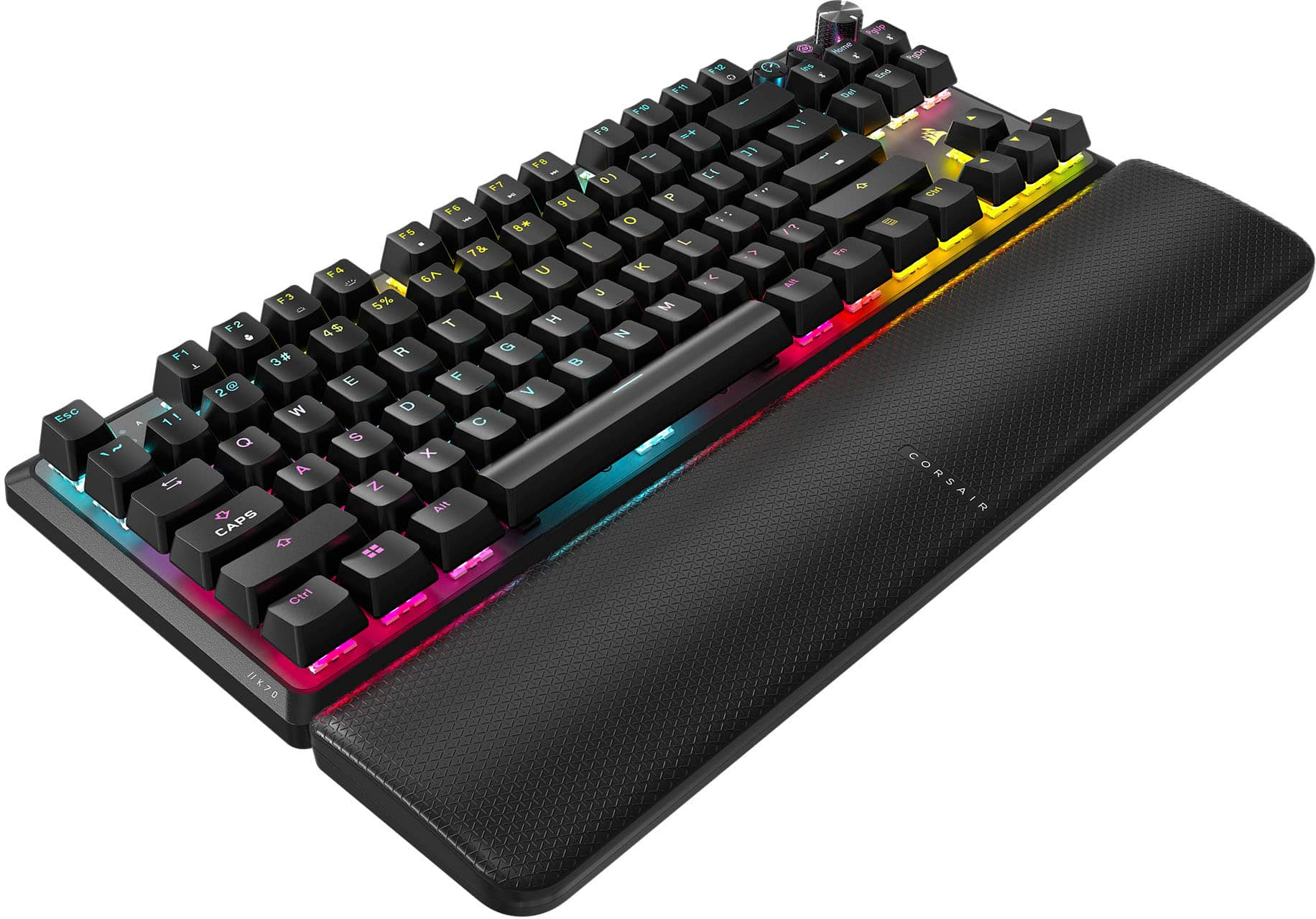
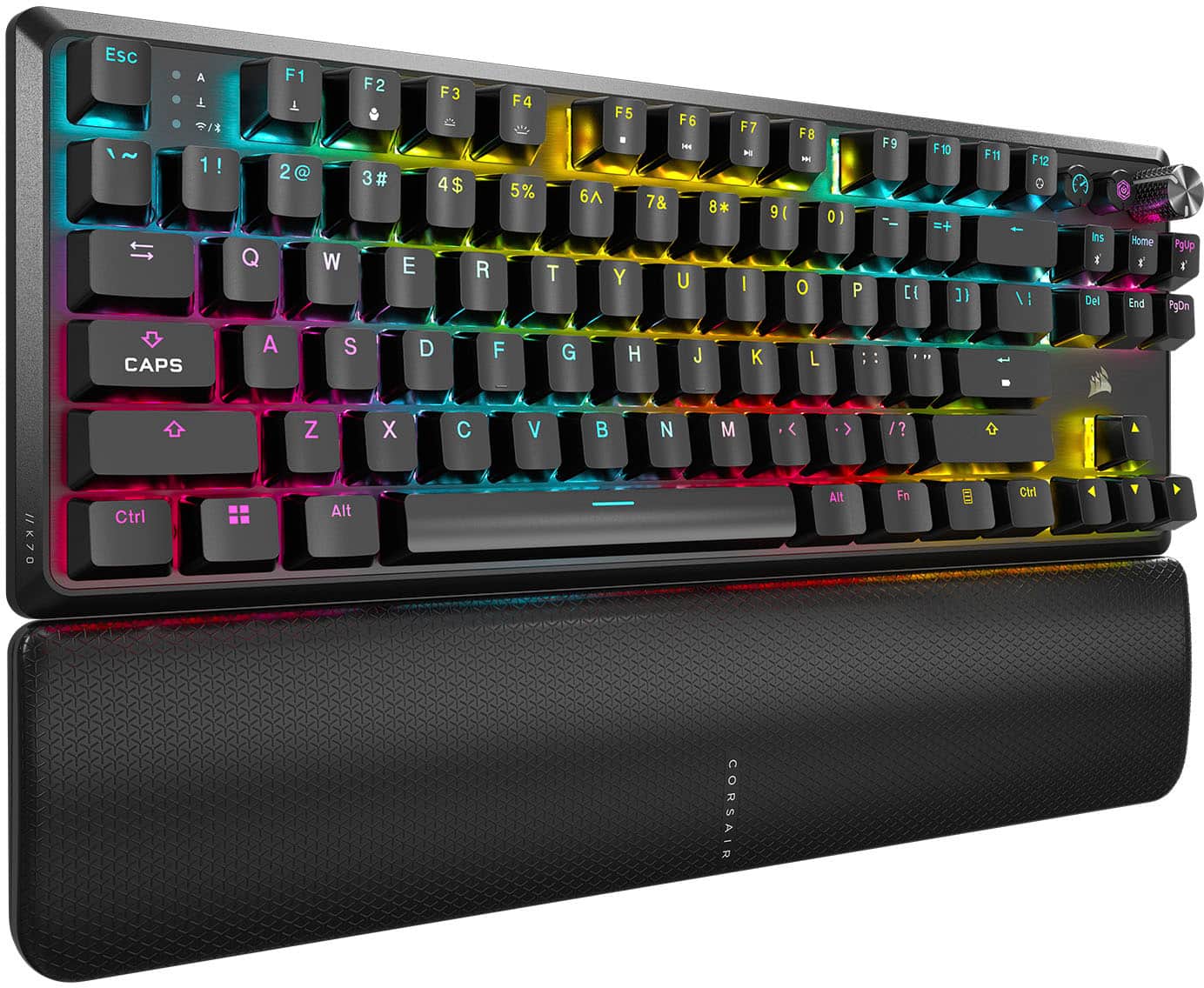
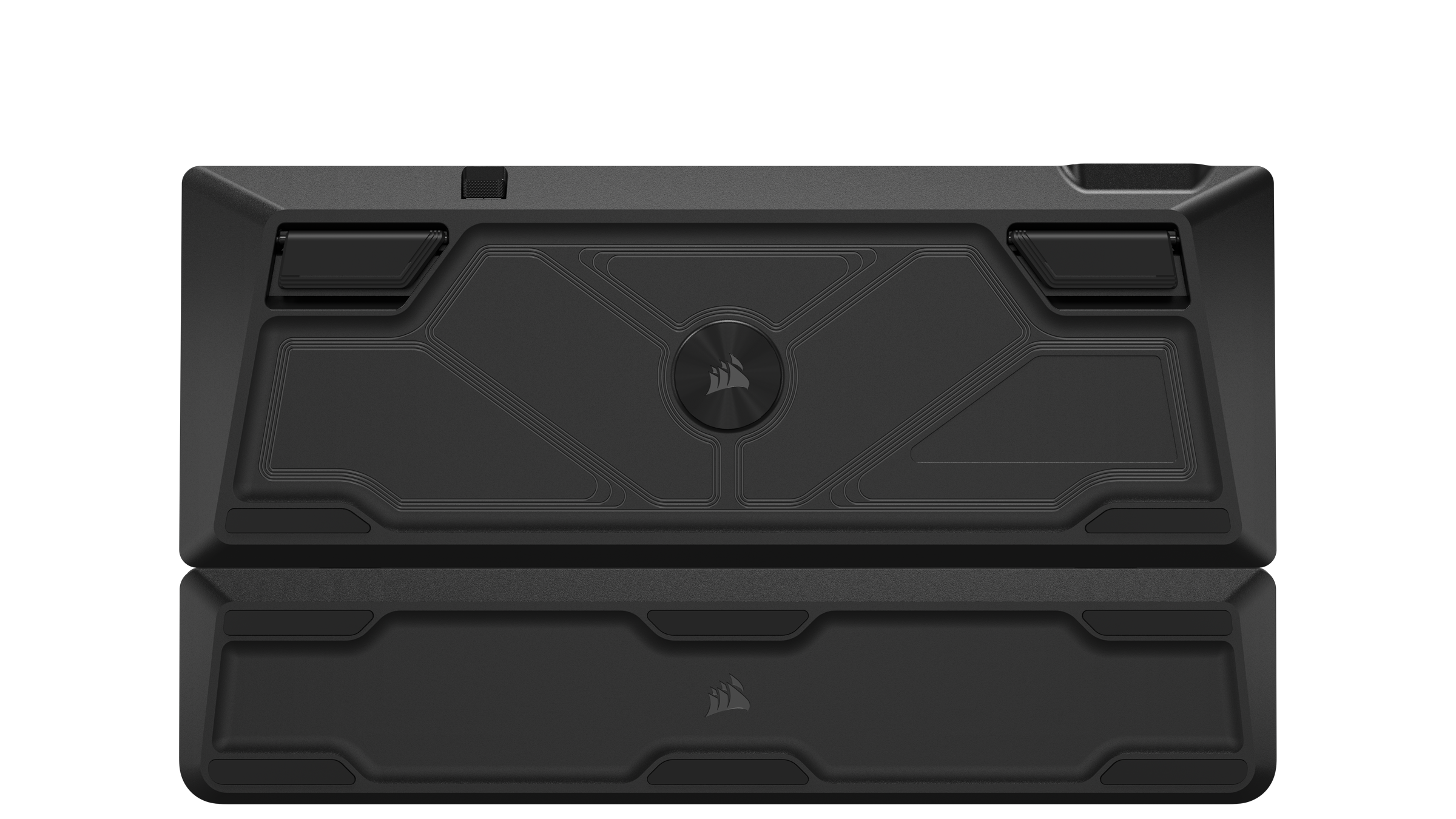
||Posted . Owned for less than 1 week when reviewed.This reviewer received promo considerations or sweepstakes entry for writing a review.My quest for the best Corsair keyboard for your buck. As someone who first purchased the Corsair K70 Pro, switched to the K65 Plus, then finally to the K70 CORE TKL, I can tell you this is the best keyboard out of all of them. These are my reasons: ------------------------------------------------------------------------------------ K70 Pro ------------------------------------------------------------------------------------ Pros: -Aluminum top plate for durability -Braided USB-C cable (Removable) -100% Keyboard layout -Tournament Mode -Stand-alone media controls -Stand-alone (mouse-click) Brightness, RGB Profile switch, and Windows lock keys. -On-board RGB Profiles utilizing 8mb internal storage completely customized in ICUE -Two elevation levels Cons: -I had the one with MX Silver "Speed" switches, which made the keys have the hollow, middle-school typing experience. along with no sound insulation and the aluminum top plate, an audible ring after each keypress would occur. -Not huge, but a scroll "barrel" rather than a knob. Frankly, not well for ergonomics. -Only wired input -Hard plastic wrist wrest (to be fair it had slots where it would connect with the keyboard magnetically, which means it wasn't going anywhere) Overall, a well-rounded keyboard for the sale price of $100. ------------------------------------------------------------------------------------ K65 Plus ------------------------------------------------------------------------------------ Pros: -ABSOLUTELY GODLY TYPING EXPERIENCE! The quietest keyboard I have ever used! -Solid knob with on-board switching for zoom, scrolling types, keyboard brightness, and volume using the FN+arrow keys. -Red Corsair MLX switches + two layers of sound insulation = holy typing experience. -Hot-swappable switches with included key puller and switch remover -Three separate Bluetooth connections along with wireless (using USB Slipstream dongle) and a detachable and braided USB-C cable -Two elevation levels Cons: -Price tag of $165! -And for that price you get a plastic top plate?? -75% layout, which makes typing multiple keys at once commonplace (though that may just be a skill issue) -...Corsair, why did you make the key's not see-through? this is where they truly fumbled, and that whenever you're in a dark room trying to locate keys, the RGB does an under glow effect rather that illuminate the keys. Truly disappointed with Corsair and dropping the ball on this one. -As far as I remember, no onboard RGB profiles. So to switch profiles, you would actually go into the ICUE software and manually change the software profile. -no wristrest (not a huge thing) The K65 Plus, In my opinion, isn't worth the steep price of $165 if you're looking for those little improvements that make your typing/gaming experience better. Plus, with the price, it would almost be better just buying a custom keyboard at that point. ------------------------------------------------------------------------------------ The moment you've been waiting for: K70 CORE TKL ------------------------------------------------------------------------------------ Pros: - See-through keys (found on the Pro, but not the K65 Plus) -RUBBER wrist-rest, which doesn't have the slots like the K70 Pro, but still magnetically attaches to the keyboard. -Customizable knob functions using FN+F12 (like the K65) -Corsair Red MLX V2 switches with two layers of sound insulation for a truly thick typing experience with no metallic ring (unlike the K70 Pro) -Aluminum top plate for durability (featured with K70 Pro) -On-board 5-profile RGB switching that can be used in BT, Wireless, and Wired modes. (Connectivity options found on the K65) -Speaking of connectivity: 3 Bluetooth connections, Slipsteam dongle, and wired (no type of wireless for K70 Pro) -Detachable and braided USB-C cable (which i just use to charge it) (found on all previously mentioned keyboards) -Two separate keys for Gaming mode preset (customizable in ICUE) and programmable media button (found on no other keyboard) -Only one level of medium elevation, but not a dealbreaker (other keyboards had 2 levels of elevation to choose from) Cons: -Although I just noticed this as I was typing, but the functions keys don't illuminate along with the regular keys and the shift keys, so locating any of the functions with the FN button pressed is a struggle in a dark environment. -I didn't choose this keyboard first... I just took about half an hour to type this using the K70 Core TKL, and overall, it is an astonishing keyboard for $100 (price check on Corsair's website). You get the rubberized wrist-wrest with an aluminum top plate, a relatively quiet typing experience, three methods of connection (two being wireless), on-board RGB profile switching that is stored in the keyboard, gaming switch, multifunction knob, and all within a TKL layout that prevents multiple keypresses while everything necessary is still in reach. For the same price point, this is the keyboard that I found had the most things right with it (and trust me, I tried two other keyboards). This will be my endgame keyboard for the foreseeable future. Thank you for reading.
I would recommend this to a friendGo wireless
||Posted . Owned for 3 weeks when reviewed.This reviewer received promo considerations or sweepstakes entry for writing a review.Quality : Solid Sound: Decent , would prefer less noisy but ost fine. RGB: Good , I mean it has software at least. And it's wireless which is the main reason I bought this one , I hate cables.
I would recommend this to a friend
Fast, Quiet, Great RGB, Great TKL with Extra Keys
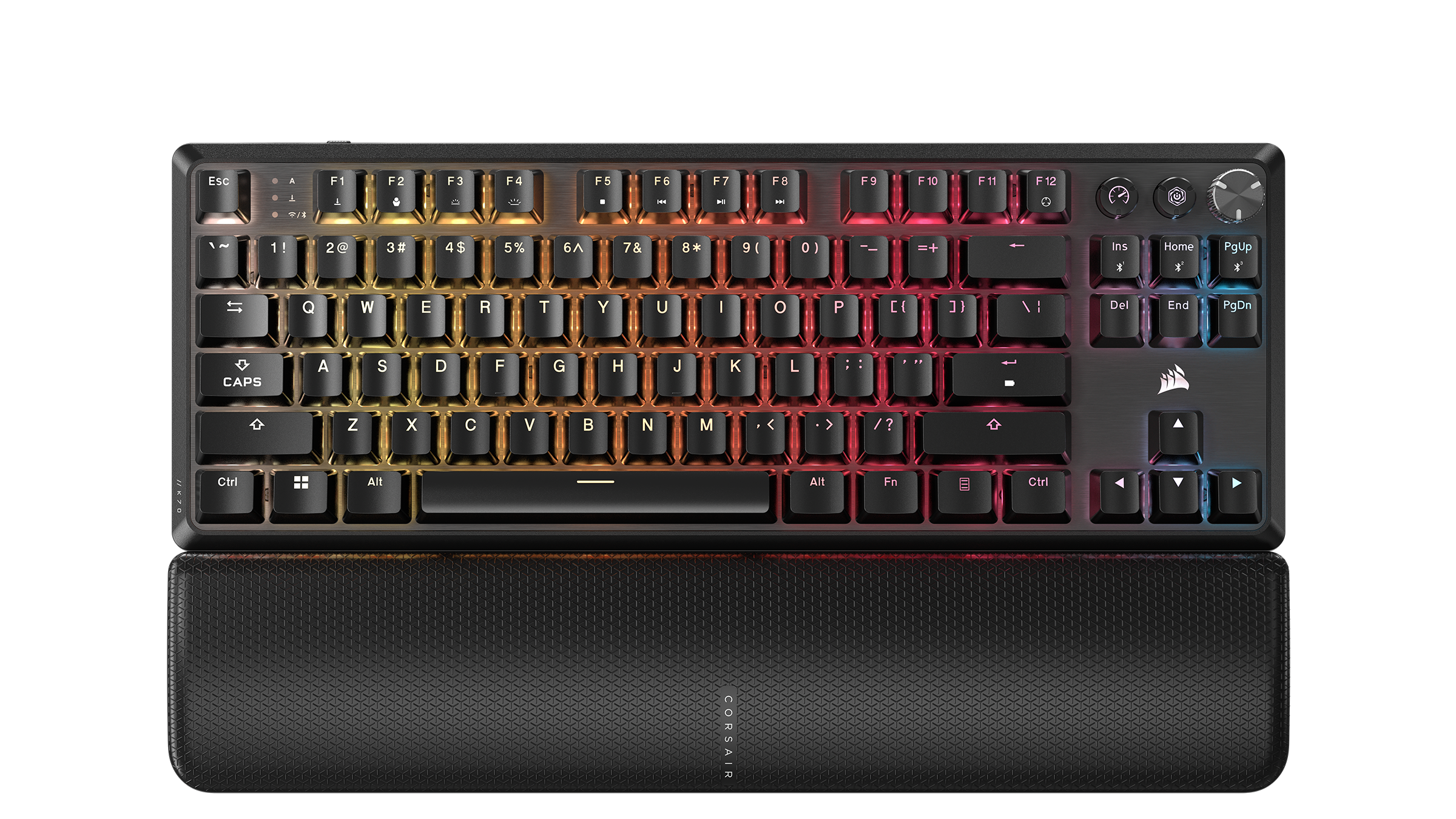
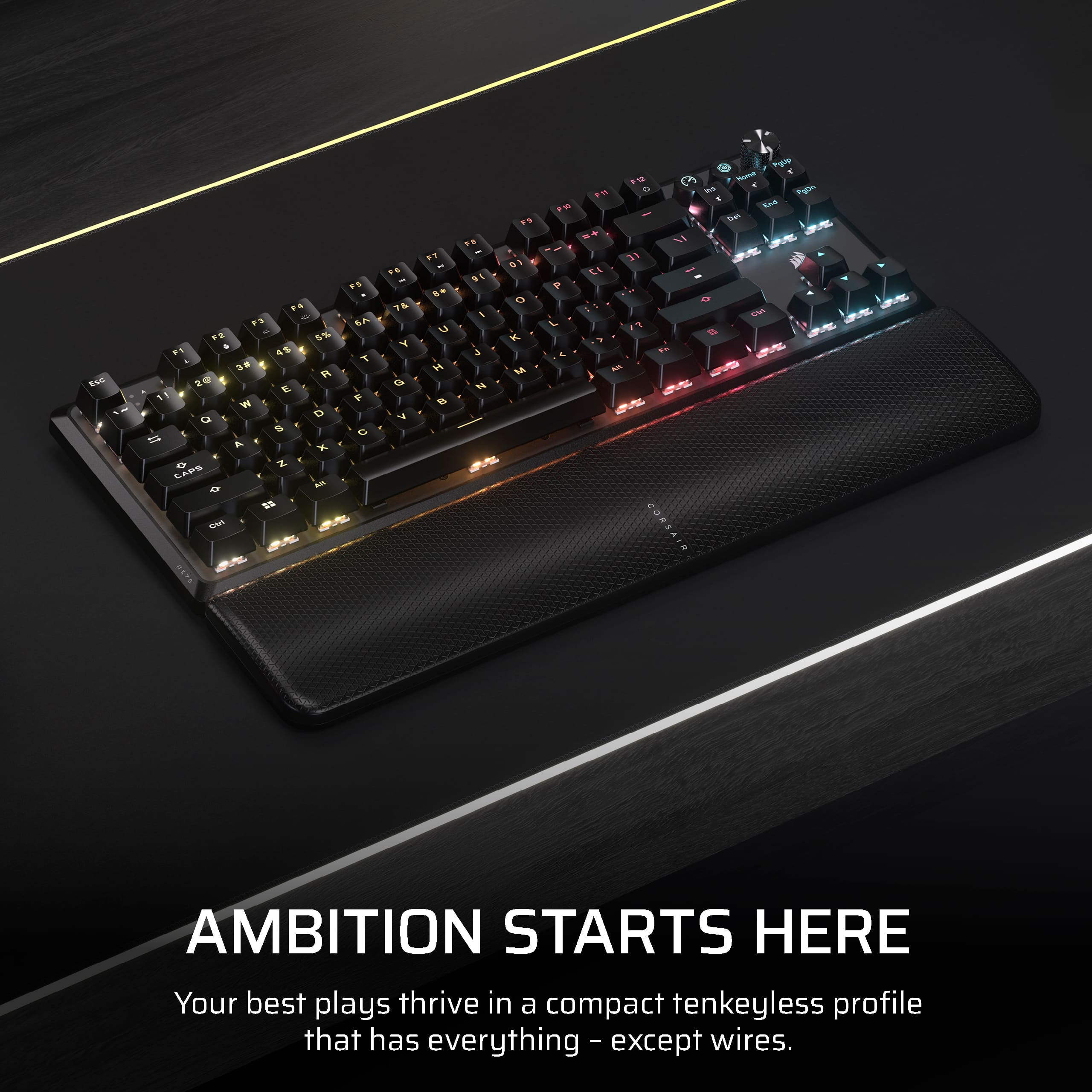
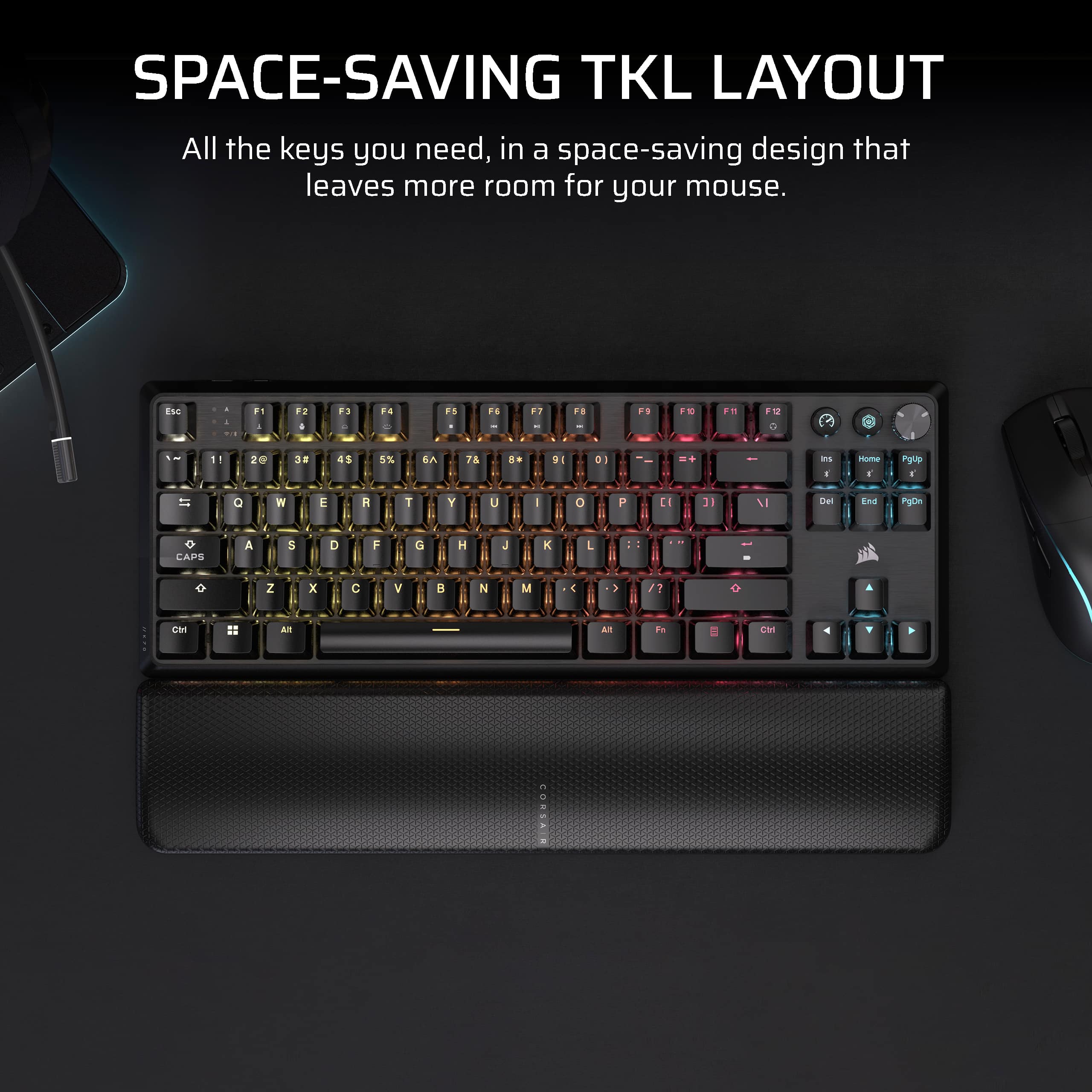
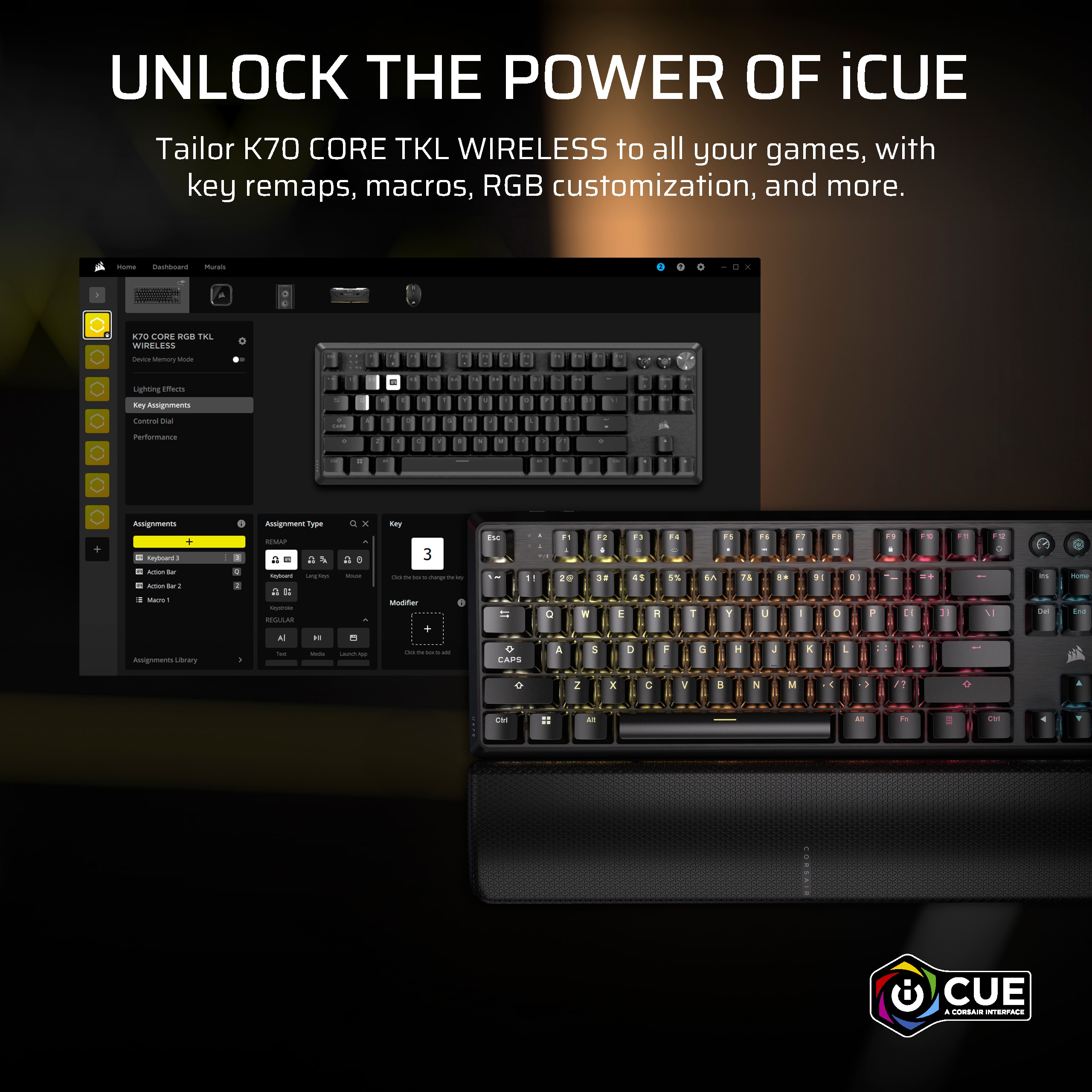
|Posted .This reviewer received promo considerations or sweepstakes entry for writing a review.I have been using the Corsair K70 Core TKL Wireless for a few days now. It's a fast, quiet, RGB gaming keyboard made better by being a TKL with a few extra keys. The excellent Corsair iCue software gives all the customizations you need, and the included wrist pad/support is actually a very nice extra. What's in the box - Corsair TKL K70 Wireless - Slipstream Wireless Dongle - USB A to USB C cable - wrist pad/support (tip, it's underneath the cardboard supporting the keyboard) First Impressions Corsair make good gear. Full stop. The K70 Wireless TKL is no exception. It has a great weight, sits neatly on your desk, and looks premium. What you notice first is that while it's a TKL keyboard it's technically a TKL+ because the K70 has up/down arrow keys, Ins, Del, Home, End, PgUp, PgDn as well as a 2 custom buttons and a volume control. The K70 is still a very compact keyboard and smaller than a full ten-key keyboard. More on the extra keys later. Setup Setup is easy. Download the Corsair iCue app (free, hit skip on the Corsair website if asked for your email as no registration required) and follow the prompts. I always say that the Cosair iCue app is one of the better apps out there, regular updates, clean UI. First setup you will be prompted for firmware updates for the slipstream dongle and then the keyboard. The keyboard update requires the USB cable. I only had one hiccup which is a had an older wired Corsair keyboard connected at the same time - once I unplugged that, everything went smooth. In Use There's a lot to test - typing, gameplay, customizations include RGB, speed. Typing, the keys are MLX Red V2s. Corsair rate them with 4mm travel. What is notable is Corsair has set the keys up with a dampener - so there's no's clack clack you get with typical. mechanical keyboards. In use, you get fast responses (Corsair rate the polling at 1000Hz) and great travel but I did find that set with the stand up, I was more comfortable using the included magnetically attached wrist support. I did try using without the wrist support, but it was just more comfortable with it. It's also worth noting that the extra custom keys, there's a media, game mode, and volume control - these can be customized with the iCue software to adjust polling rates, keyboard backlights, volume, and more. What's good The K70 is fast and quiet, I like the quiet. Less likely to be judged for late night game sessions! The iCue software continues to be exceptional. The RGB is great and you can literally customize every single key - great if you're hyper obsessed. My key color pattern screenshot is included. I will see the extra keys make this a great mixed-use keyboard. I use this on my gaming desktop (i9-13th Gen, 3050) but if you occasionally need something that can be used for work the extra keys are useful. What's not so good On two of my keys (Esc and PgUp) the RGB backlights seemed to be not coming through the key characters. This is not a backlight issue (I checked) and impossible for me to photograph (I tried!) I think it's the narrowness of the E in ESC and the P in PgUp that give the illusion. It's not a deal breaker, just something I noticed and not a fault or complaint. It seems to be more noticeable on certain RGB color combinations. Overall LOVE the Corsair K70 TKL. Honestly, it's hard to ever fault Corsair as their focus on quality and great iCue software is always a winner. If you're after a TKL but want something with a bit more, this is a great keyboard.
I would recommend this to a friendNice gaming keyboard for simplicity
||Posted .This reviewer received promo considerations or sweepstakes entry for writing a review.I like the compactness of the keyboard. I have every feature I need and it doesn't feel as the keys are too close to each other. The location of the keys helps to type documents properly and it at least have the directional keys and the function keys that the smaller keyboards doesn't have or tried to combine with with other keys, which makes it complicated to use. I also like the key noises, it's not too loud and clicky but it gives a nice feedback of the key coming back to me to type again. Having a play/pause button and volume knob on the keyboard also makes it easier to control the simple things needed on my computer. The wireless connectivity and setup is also amazing and quick. Never had a keyboard that functions so quickly and connects so easily.
I would recommend this to a friendGreat Keyboard...AND Wireless!
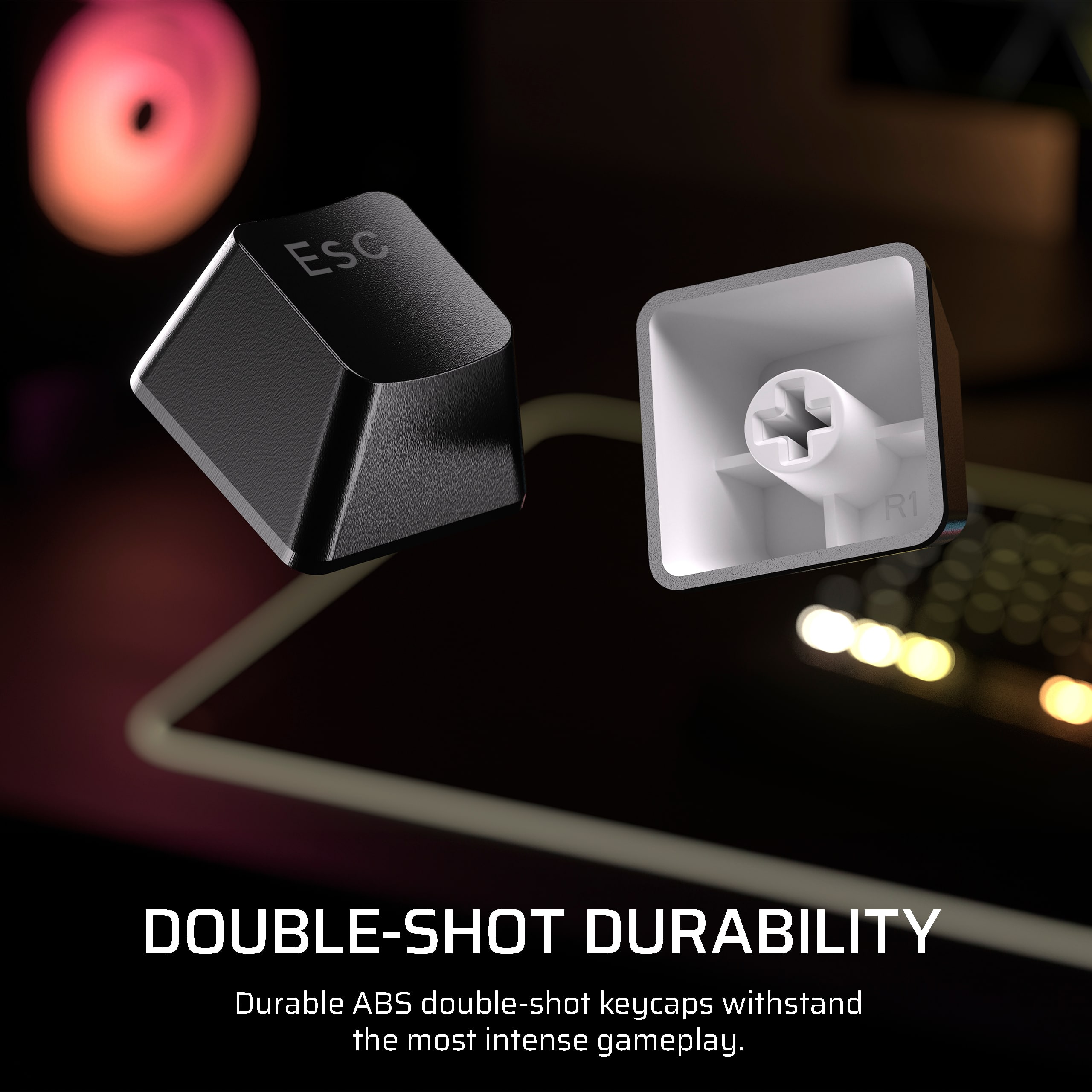
|Posted .This reviewer received promo considerations or sweepstakes entry for writing a review.First things first. DO NOT throw away the packaging. The dongle is black. The packaging is black. The dongle is on the right side of the packaging above the USB cable in a small cutout that is way too easy to miss. Save yourself some dumpster diving! First BIG improvement from other K series I have used, the keycaps let the light shine through. Transparent letters make a world of difference. My biggest beef with the keyboard is the wrist rest. The magnets are not very strong, so it will slide on you if you are in a heated exchange. This is both good and bad. My monster hands require me to adjust the wrist rest to the left about an inch, otherwise my palm slips off the rest. There is not much you can't adjust. This is a well designed keyboard and iCue management software gives you all the options you need to change what you want. You have 5 onboard storage slots for saving your configs. There is no limitations to what can be stored, unlike other vendors. You also have all the preprogrammed modes you can run through. The saved configs are done through the iCue application. You do not need to have the software running if you use a KVM to switch machines. Just need iCue installed on one machine. Your saved configs are usable even over BT or wireless configuration. You need to use the USB cable to apply changes or modify the saved configs. You can save a connection to 3 BT devices, one wireless dongle and also have USB cable option. Plenty of ways to connect. Battery life seems very good. It takes a couple hours plugged in while in use to fully charge. The enter key lets you know the status of your charge. The FN keys and many onboard keys or knobs allow you to change what your settings are. I do find the FN key being on the right a little unusual for some reason. The key lock light, BT/wireless light and download light are beside the esc key. Odd placement there as well. Key travel is almost perfect. Spacing is ideal. I am not hitting multiple keys with my monster hands like I did my previous keyboard. Overall, I absolutely am loving this keyboard, even if it did not have the wireless capabilities. Wireless is just icing on the cake. I will be using this with my daily PC and grab it when I am using the streaming laptop in the living room. So much easier not having to get up to type an address in for what we are planning on watching. The negatives are not enough to lower below 5 stars. One thing I do wish, the back light could be just a little brighter.
I would recommend this to a friendCorsair K70 Core TKL Gaming Keyboard
||Posted . Owned for 1 month when reviewed.This reviewer received promo considerations or sweepstakes entry for writing a review.The Corsair K70 Core TKL is a slim and high-performance keyboard that combines style, functionality, and portability. The tenkeyless factor allows this keyboard to save space without compromising on performance, and it's one of the most desired keyboards for gamers and professionals alike. The aluminum framework is sturdy and will last for a long time. The keyboard mechanical switches are clicky, satisfying, and quick, which feels amazing while gaming or typing. Also, RGB lighting is vibrant and completely customizable with Corsair's iCUE software, adding a dynamic aesthetic to your setup. But the wireless connectivity is a little lacking. Although the keyboard supports connection via USB dongle for low-latency performance, I experienced persistent problems with the dongle either not connecting or failing to maintain a stable link. After some troubleshooting with no success, I had to resort to Bluetooth mode to use the keyboard wirelessly. While Bluetooth suffices for most tasks, it does not quite offer the same latency-free experience needed in competitive gaming. Despite this connectivity hiccup, the Corsair K70 Core TKL remains an excellent keyboard for its build quality, features, and typing feel. If Corsair resolves the dongle connectivity issues in a future update or release, this keyboard would easily be among the best in its class. Until then, it’s worth considering if you’re okay with the occasional need to switch to Bluetooth.
I would recommend this to a friendVery solid keyboard.
||Posted . Owned for less than 1 week when reviewed.This reviewer received promo considerations or sweepstakes entry for writing a review.So far no qualms with the quality. The RGB is very cool, noticeable but subtle. The included wrist rest help a lot with comfort. I just wish it was easier to clean.
I would recommend this to a friendClean, Compact, Amazing
||Posted . Owned for less than 1 week when reviewed.This reviewer received promo considerations or sweepstakes entry for writing a review.Clean, compact, and sounds amazing. The creamy keys bring a great vibe and aren't as distracting as louder keys can be. Customizable, has a lot of options in the software and overall is a great keyboard.
I would recommend this to a friendKeyboard
||Posted . Owned for 2 weeks when reviewed.This reviewer received promo considerations or sweepstakes entry for writing a review.The Corsair - k70 core TKL compact wirelss rbg is the best. the battery last with out having to charge everyday. the keyboard itself is compact and easy to use and the lighting easy to set up. its a gaming keyboard but i use it for everything. i ordered a keyboard off the internet and well lets just say it was the worst even plugged in. so i got this Corsair from best buy in store and the Corsair will be your best choice. love the key board. i always say go cheap get cheap but this board was a great deal. love it.
I would recommend this to a friendGaming keyboard
||Posted . Owned for 1 month when reviewed.This reviewer received promo considerations or sweepstakes entry for writing a review.I love this keyboard is super comfortable also the volume fixtures and gaming mode are awesome
I would recommend this to a friendAwesome keyboard
||Posted .This reviewer received promo considerations or sweepstakes entry for writing a review.Great keyboard, is Bluetooth and wired, can change colors and mechanical aspect works just the way I’d want it to
I would recommend this to a friendAwesome keyboard
||Posted . Owned for 1 month when reviewed.This reviewer received promo considerations or sweepstakes entry for writing a review.Small form factor. Keys feel great. Holds a charge for a long time. Multiple ways for connection to pc.
I would recommend this to a friendGet it... You'll love it!
||Posted . Owned for 1 month when reviewed.This reviewer received promo considerations or sweepstakes entry for writing a review.I absolutely love this keyboard. Customization is super simple with iCue and the tactile feel/sound are perfect for me. The wrist rest is one of the nicest I've had. Overall, the build/materials quality is spot on. Totally recommend! Also, having had recent experience with Corsair customer service for another product, I give 5 stars for them as a company as well.
I would recommend this to a friendVery Great Keyboard
||Posted .This reviewer received promo considerations or sweepstakes entry for writing a review.very great to use especially in gaming and work, it last for hours and you can even customize the colors by using the icue. i love how it sounds too, this might be the best keyboard that i have found, very worth it to buy
I would recommend this to a friendGreat keyboard
||Posted . Owned for 1 month when reviewed.This reviewer received promo considerations or sweepstakes entry for writing a review.Great keyboard and the perfect size to not need to many function keys. Also great to have a loud keyboard that i could use while the reat of the family is kn bed
I would recommend this to a friendK70 core tcl keyboard
||Posted . Owned for 5 months when reviewed.This reviewer received promo considerations or sweepstakes entry for writing a review.Very fluid key strokes, nice sound dampening. Great quality that feels comfortable on wrists and hands. The software is easy to program. Not much to dislike.
I would recommend this to a friendLove this Keyboard
||Posted . Owned for 2 weeks when reviewed.This reviewer received promo considerations or sweepstakes entry for writing a review.This a wonderful keyboard if you are looking from something sleek comfortable and easily cleaned. Not to loud aswell!
I would recommend this to a friendWireless keyboard.
||Posted . Owned for 2 weeks when reviewed.This reviewer received promo considerations or sweepstakes entry for writing a review.Cool colors and easy to use icue app but it inly works part of the time whem its not plugged in.
No, I would not recommend this to a friendGreat Keyboard!
||Posted . Owned for 1 month when reviewed.This reviewer received promo considerations or sweepstakes entry for writing a review.Overall it is a great keyboard. Has a nice sound when typing, no issues with connectivity or typing extra characters, and has many extra nice to have features included.
I would recommend this to a friendthe best keyboard I've ever had
||Posted .This reviewer received promo considerations or sweepstakes entry for writing a review.it's really good for the pricing the arm pillow is decently comfy and it sounds and feels good to use.
I would recommend this to a friend