Customer Ratings & Reviews

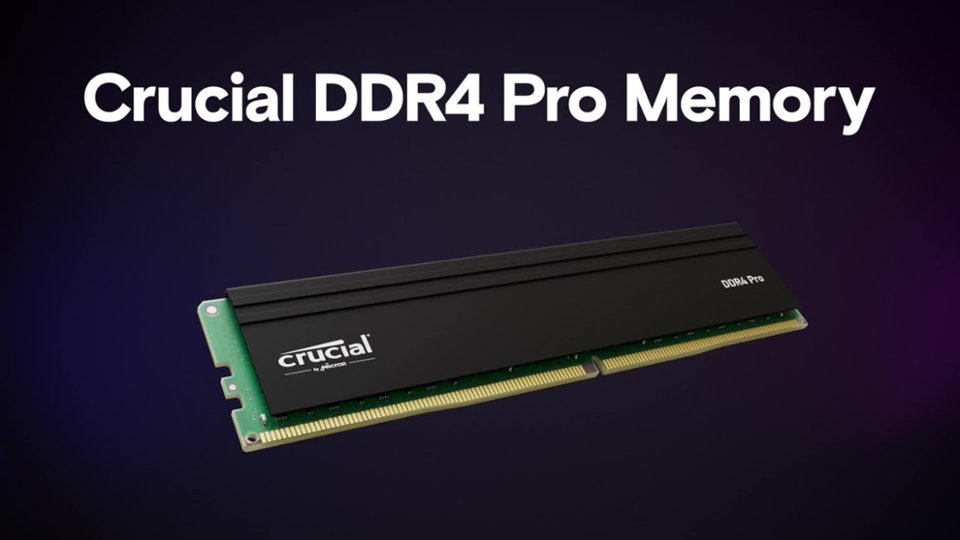
- Model:
- CP2K16G4DFRA32A
- SKU:
- 11525684
Rating by feature
- Value
Rating 4.7 out of 5 stars
- Quality
Rating 4.8 out of 5 stars
- Ease of Use
Rating 4.8 out of 5 stars

Serious power up for your critical computer needs!
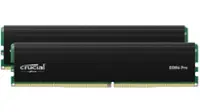
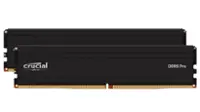
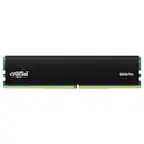
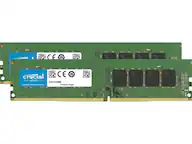
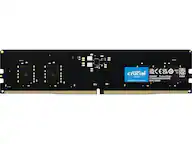
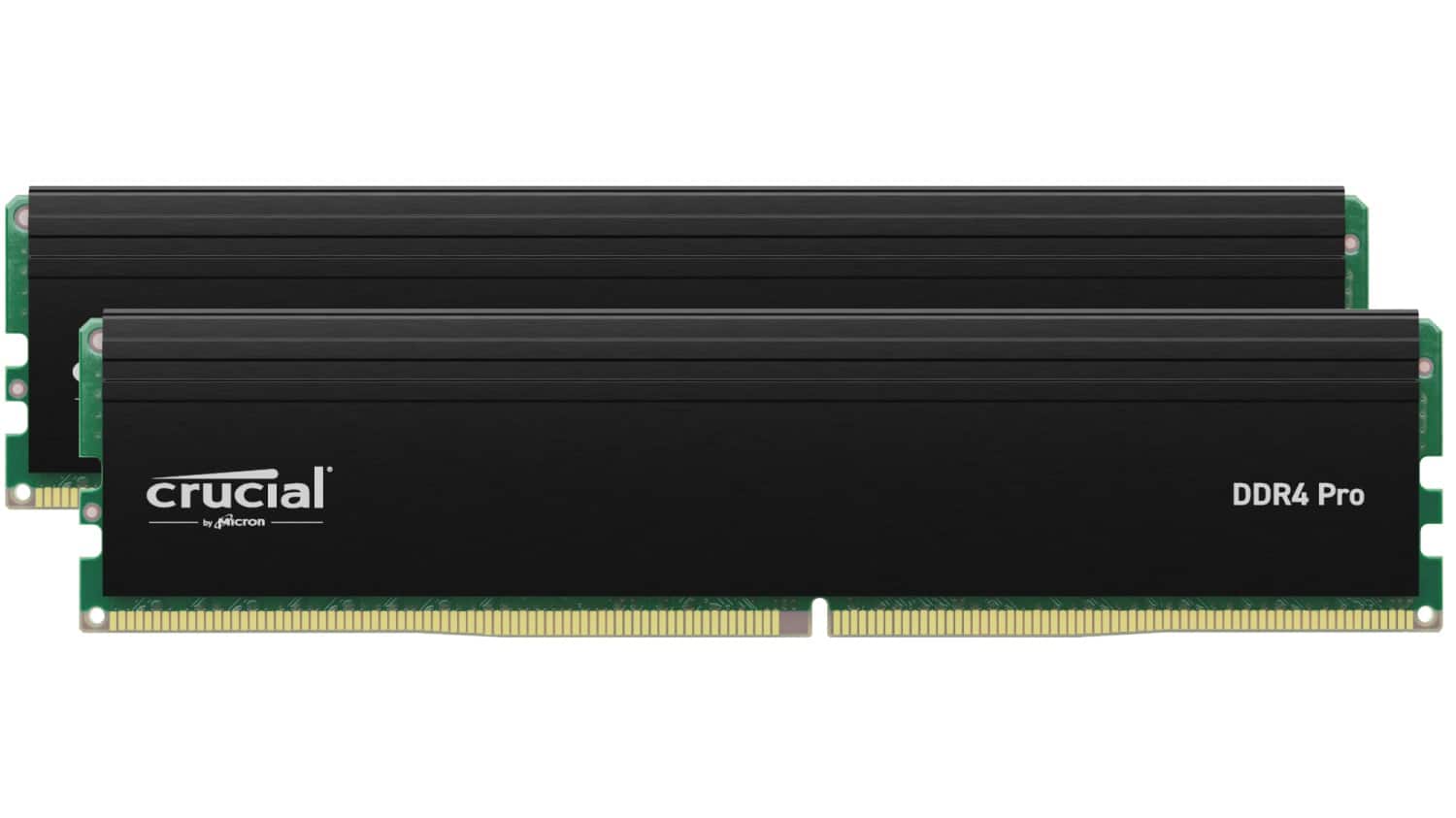
|Posted .This reviewer received promo considerations or sweepstakes entry for writing a review.The Crucial Pro 32GB Kit (2x16GB) 3200 MT/s DDR4 brings serious a RAM upgrade to your computer or gaming system with this powerful RAM Chip set. 2x16GB chips easily replace your existing RAM and brings speed, performance, and minimal lag times when you need it most. Quality construction you can feel compared to other RAM chip brands. Easy to install and ready to use! This chip set was easy to swap out for the existing 2x8 set in our gaming computer and after the initial reboot, the power of these 2 upgrades was immediately evident. The load time for the computer was nearly cut in half, everything was extremely responsive, and saw a noticeable increase in performance for online and connected gaming. Benchmark testing also showed these results after running 2 different tests to ensure it wasn't a placebo effect. PROS - Crucial brand, quality, and performance. - Quality build and feel compared to other brands. - Easy to install - DDR4-3200 DIMM generation and speed - Benchmark testing prove the speed, clock, and power of these chips. CONS - None at this time.
I would recommend this to a friendGreat Upgrade
|Posted .This reviewer received promo considerations or sweepstakes entry for writing a review.I installed the Crucial Pro 32GB Kit (2x16GB) DDR4-3200 UDIMM CL22 (8Gbit/16Gbit) in my Asus S500TD Performance Desktop to upgrade it from its out-of-the-box 8GB of RAM. The 2 memory modules installed easily by first removing the old RAM. Then line up the center gap on the new DIMMs and press in the lower side until you hear an audible click. Then press in the upper side. Finally secure the retainer clip. After that, using an open-source stand-alone memory tester called Memtest86+, I tested the new memory. Both tested at 100%, without issue. The desktop that I upgraded is primarily serving as a streaming media server using Plex. It also runs software for remote access called TeamViewer and Powerchute for controlling shutdowns in the event of a power loss. Overall the unit starts quicker and now has extra capacity that allows it to serve multiple media streams effortlessly. I am very happy with the Crucial Pro 32GB kit. And currently priced at only $70, I would highly recommend it to anyone who needs to give their desktop a bump in performance.
I would recommend this to a friendWorth the price
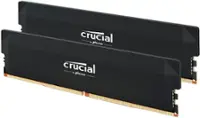
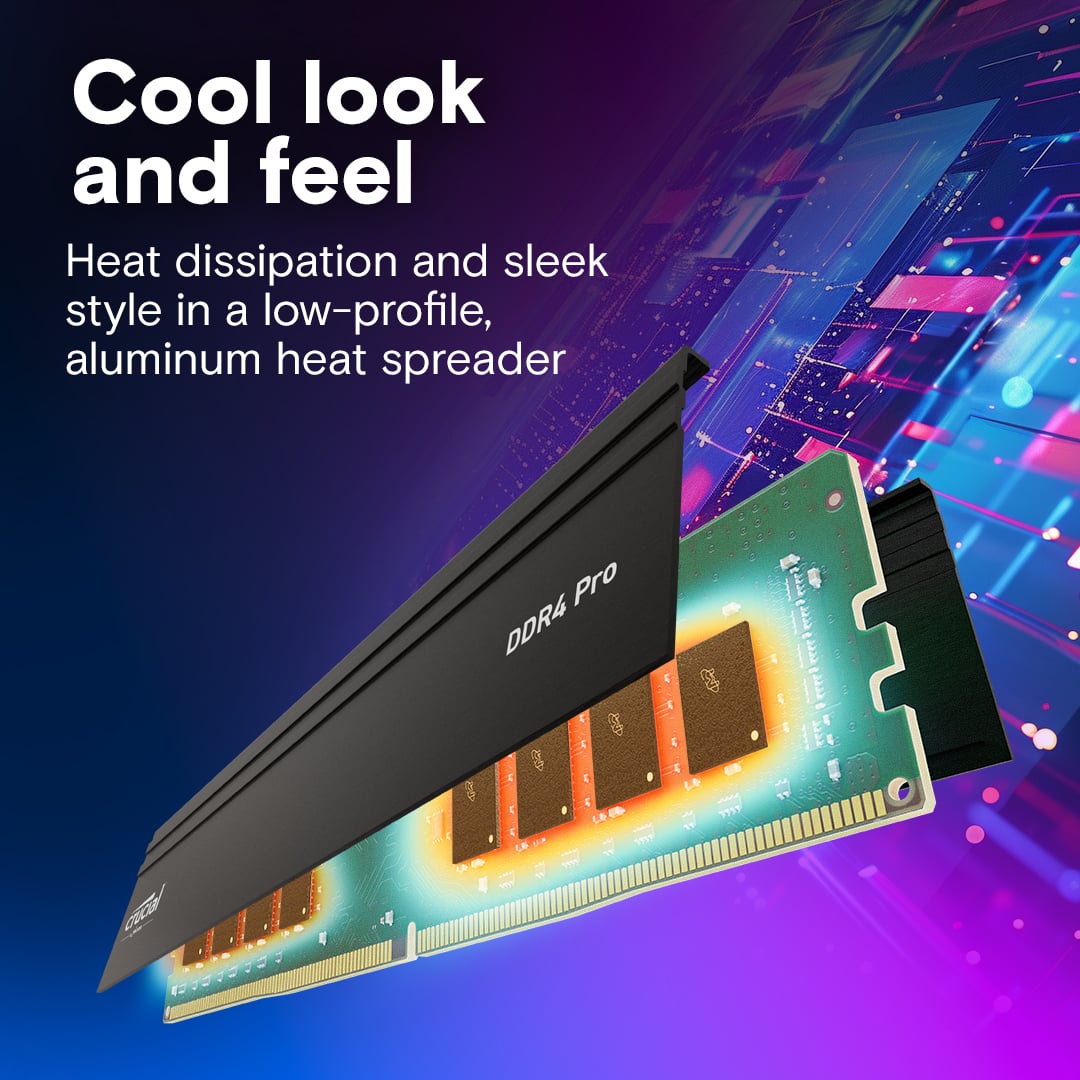
Posted .This reviewer received promo considerations or sweepstakes entry for writing a review.I needed some no frill ram without anything special like RGB as my Lenovo with the I7 that I bought a few years back is at the stage where it doesn't need to be replaced just yet, but needs a little beefing up here and there. I upgraded the 12 gigs that it came with to 32 using these two 16 gig sticks. The increase in speed and smoothness in which apps load is very apparent. I do like the heat sinks in them that help them disipate heat.
I would recommend this to a friendGood Enough Upgrade For Just About Anyone
|Posted .This reviewer received promo considerations or sweepstakes entry for writing a review.I just upgraded one of my gaming PCs to 32GB of memory, but my other PC only had 16, so I thought the Crucial Pro 32GB Kit would be a good upgrade for it and I wasn’t wrong. The Crucial Pro 32GB Kit (2x16GB) DDR4-3200 is an excellent choice for gamers, content creators, and other power users who need a lot of memory. It’s also one of the quickest ways to get more performance out of a PC. If are at 8GB or 16GB of DDR4 then this is your ticket to better multitasking and even higher frame rates in your games. In terms of performance, the Crucial Pro 32GB Kit is rated at PC320, so while not the fastest DDR4 on the market, it sits right in the middle of the pack. I didn’t run any benchmarks because honestly if you’re looking for benchmarks then you wouldn’t really be looking at this product as it’s not geared toward the enthusiast market. The Crucial Pro line is more geared towards professionals that want good enough performance backed by Crucial’s quality and lifetime warranty. Overall, the Crucial Pro 32GB Kit is a great choice for anyone who needs a lot of memory or wants to upgrade their system for better performance. It is well-made, reliable, and fast enough. I wouldn’t shy away from recommending this to anyone. Here are some of the pros and cons of the Crucial Pro 32GB Kit: Pros: Fast enough performance Lifetime warranty Reliable Great for more casual gamers, video editors, and other power users Cons: Can be somewhat expensive Not geared toward extreme gamers/power users It may not be compatible with all systems (Please check the website for compatibility)
I would recommend this to a friendFast load times with smoother frames
|Posted .This reviewer received promo considerations or sweepstakes entry for writing a review.The Crucial Pro is a pretty easy choice to make for those looking to upgrade their hardware all without breaking the bank. And while there are no pretty RGB lighting options, these two sticks are a powerhouse to be reckoned with. The crucial pro is a perfect choice and easy fit for anyone using PCie 4 or 5. And while i have not personally tested this on the gen 3s i have read that it will work on that board. The Crucial sticks are very easy to install and at 32 gigs combined between the two this allows for additional memory slots to be freed up. Read and write speed is amazingly fast at a stock clock speed of 3200mhz. This truly requires no overclocking as load times between scene is done within seconds rather than minutes. You can expect smoother and more importantly steadier frame rates while gaming high pace games. If your a gamer looking for a upgrade and truly don't care for looks then this is simply an easy buy as the speeds are more than enough for anything your going to throw at it. If your new to the PC building world and your wondering whats the difference between these sticks and a set of $300 ones, not much honestly. The more expensive sticks are going to have RGB lighting and offer slightly more overclock however at 32 gigs at 3200mhz there is nothing in the gaming world at this point that i can think that would require more power and speed. If you truly don't care about lighting and looks then do yourself a favor and buy these sticks of RAM. They will be able to easily handle AAA gaming with the right set up.
I would recommend this to a friendGreat Memory Upgrade!
|Posted .This reviewer received promo considerations or sweepstakes entry for writing a review.The Crucial Pro 32GB desktop memory upgrade kit is worth every penny, especially if you are using your desktop computer for very labor intensive tasks, such as video editing, photo edition, and computer gaming. Honestly, it put my computer well over the amount of DDR4 memory that I needed. I edit a lot of photos and videos. The desktop I have came with some preinstalled, but using large editing software was slow and clunky. It always took a lot of time to load the software and then, while making edits, the software was slow to react to the changes I made. The Crucial Pro 32GB memory upgrade changed all that. All I had to do was match the specs from my desktop to the upgrade kit to ensure it would fit for my desktop. After that, I simply shut down the computer and unplugged it. I took the side cover off the desktop tower and removed the old DDR4 memory that was preinstalled. Once the old memory chips were removed, I slid the new ones into place. They literally clicked into place. I placed the cover back on the computer, plugged it back into a power source, and turned the computer on. It was JUST THAT SIMPLE! There was not software to be installed. The computer's speed is noticeably faster already! Upgrade your computer, you'll be glad you did!
I would recommend this to a friendEasy upgrade
|Posted .This reviewer received promo considerations or sweepstakes entry for writing a review.Adding extra memory can be a quick and easy way to increase the performance of your computer. Some computers can be a little more involved but for the most part, memory is the easiest performance upgrade even for the novice. Crucial by Micron has long been one of those names you know you can count on when it comes to memory and that’s still so. My girlfriends 13 year old son is a huge pc gamer so any advantage he can get when it comes to gaming he will take it! He has a gaming tower that has 4 easily accessible memory slots and is upgradeable to 64gb. The machine came with 16gb from the factory so going from 16 to 48gb, this gave him a noticeable increase in frame rate and overall performance. When he started gaming two years ago on this machine the 16gb worked fine, but as he got into more graphically intense games he definitely noticed a difference. Stepping up to 48gb, he’s noticed an increase in load times and graphics as the frame rates are higher and much more steady especially when he puts the settings to max. If you’re computer needs a performance boost, the quickest and easiest way is a memory upgrade and Crucial is a name you can trust.
I would recommend this to a friendGood for price ram
Posted .This reviewer received promo considerations or sweepstakes entry for writing a review.Works great for the price point, been running these sticks of ram for a few months and im satisfied.
I would recommend this to a friendBest RAM that you could buy for gaming
Posted .This reviewer received promo considerations or sweepstakes entry for writing a review.I had a easy time buying it, getting updates and it works perfectly in my PC. I had a bad experience buying RAM elsewhere and it didn't when I got it, but this pair worked fine on first installation into the slot without having a tantrum.
I would recommend this to a friendCrucial 32gb ram sticks
Posted .This reviewer received promo considerations or sweepstakes entry for writing a review.arrived in 18 hours from online order! extremely happy about the speed and ease of install!
I would recommend this to a friendBig upgrade and very helpful, too!
Posted .This reviewer received promo considerations or sweepstakes entry for writing a review.I ordered this ram and it came very quickly. It was exactly what I needed to upgrade from the 16gb that I had previously. I do a lot of video editing on Vegas Pro so for me, 32gb was just what I needed to help speed up encoding and capturing video. Highly recommened to buy if you do a lot of media work and editing; otherwise, most people will be able to get by with at least 16 gb for now.
I would recommend this to a friendRam Upgrade
Posted .This reviewer received promo considerations or sweepstakes entry for writing a review.This ram was exactly what i need to speed up the response of an old computer on-site
I would recommend this to a friendBang for the buck
Posted .This reviewer received promo considerations or sweepstakes entry for writing a review.Bang for the buck, simple and elegant. No bells and whistles, does what it says!
I would recommend this to a friendUpgraded Speed of Desktop
Posted .This reviewer received promo considerations or sweepstakes entry for writing a review.Worked perfectly, doubling speed of my desktop computer.
I would recommend this to a friendMemory by MICRON
Posted .This reviewer received promo considerations or sweepstakes entry for writing a review.Micron memory modules, yes they just work with no glitches.
I would recommend this to a friendPro Ram not working on Dell inspiron 3910
Posted .This reviewer received promo considerations or sweepstakes entry for writing a review.Could not use Pro ram, PC would not boot Classic worked fine?
No, I would not recommend this to a friend