Customer Ratings & Reviews
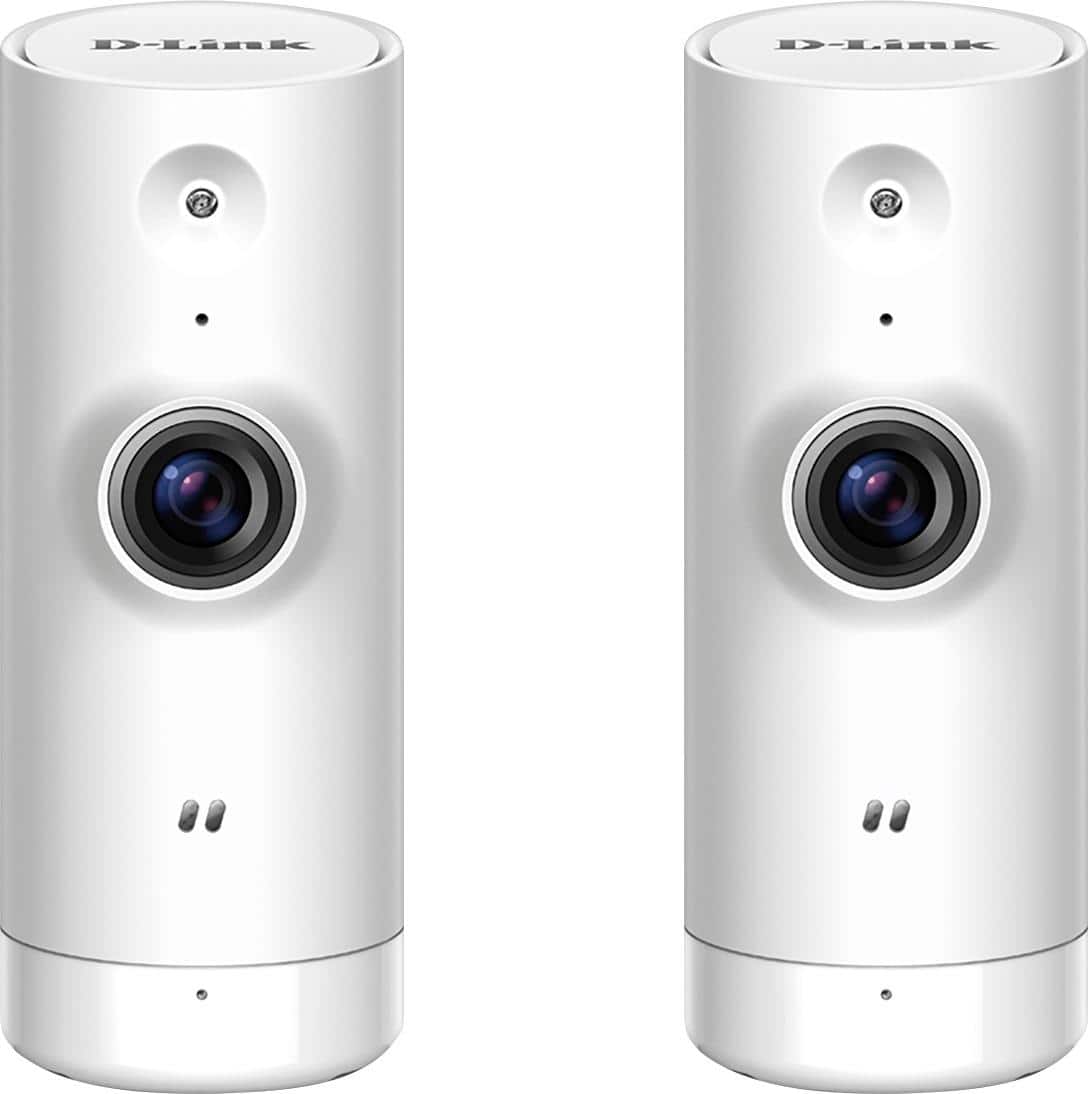
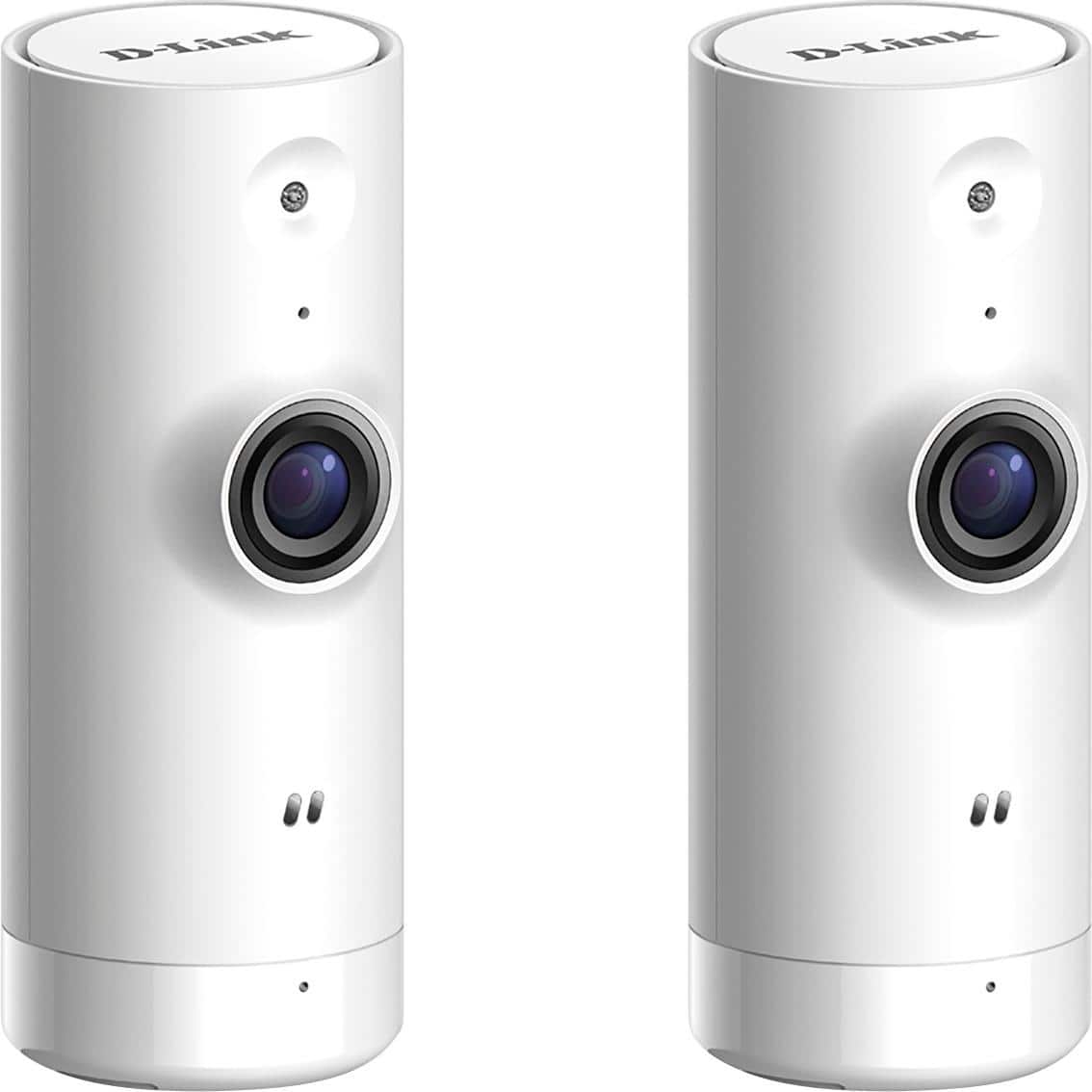
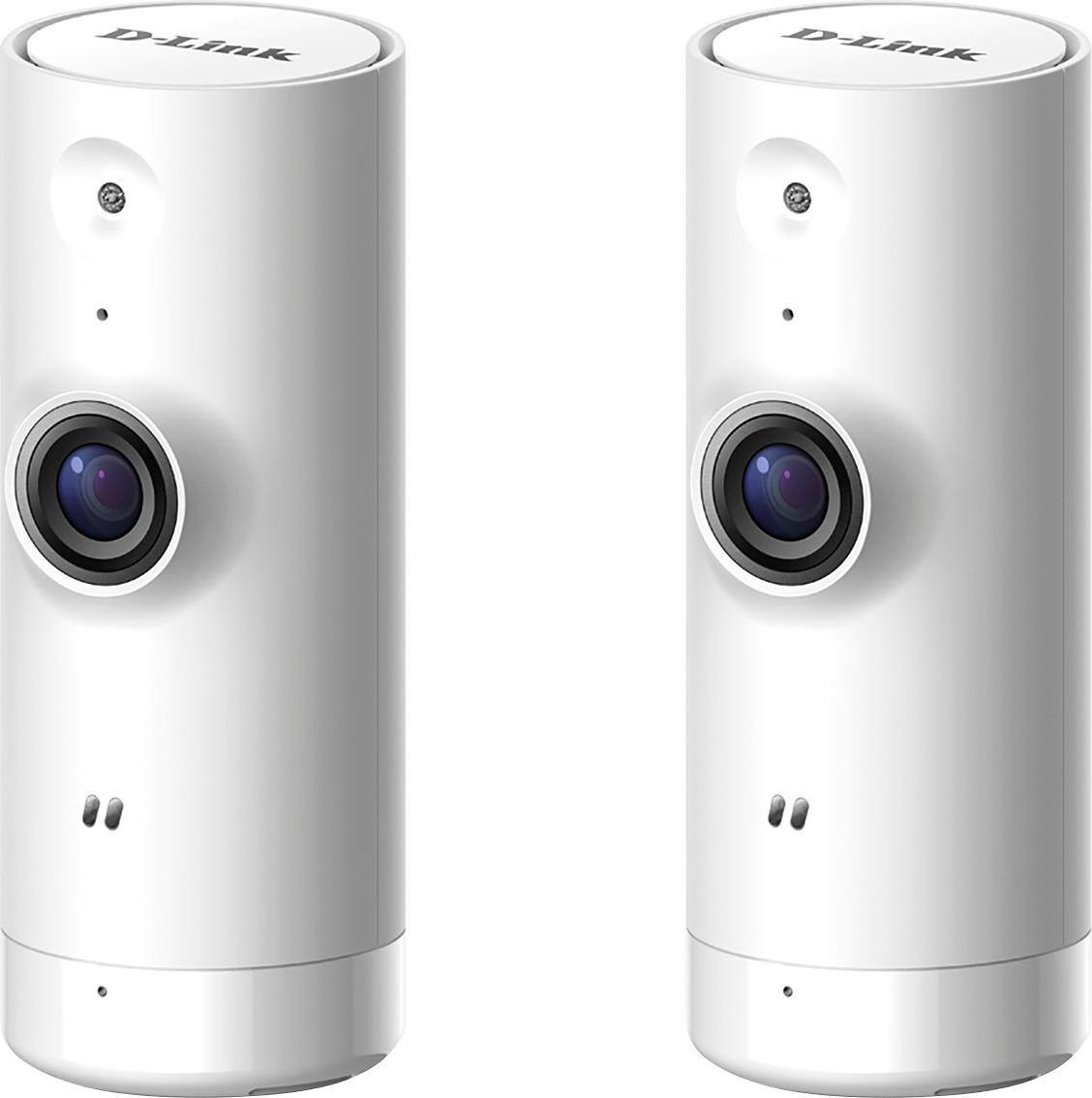
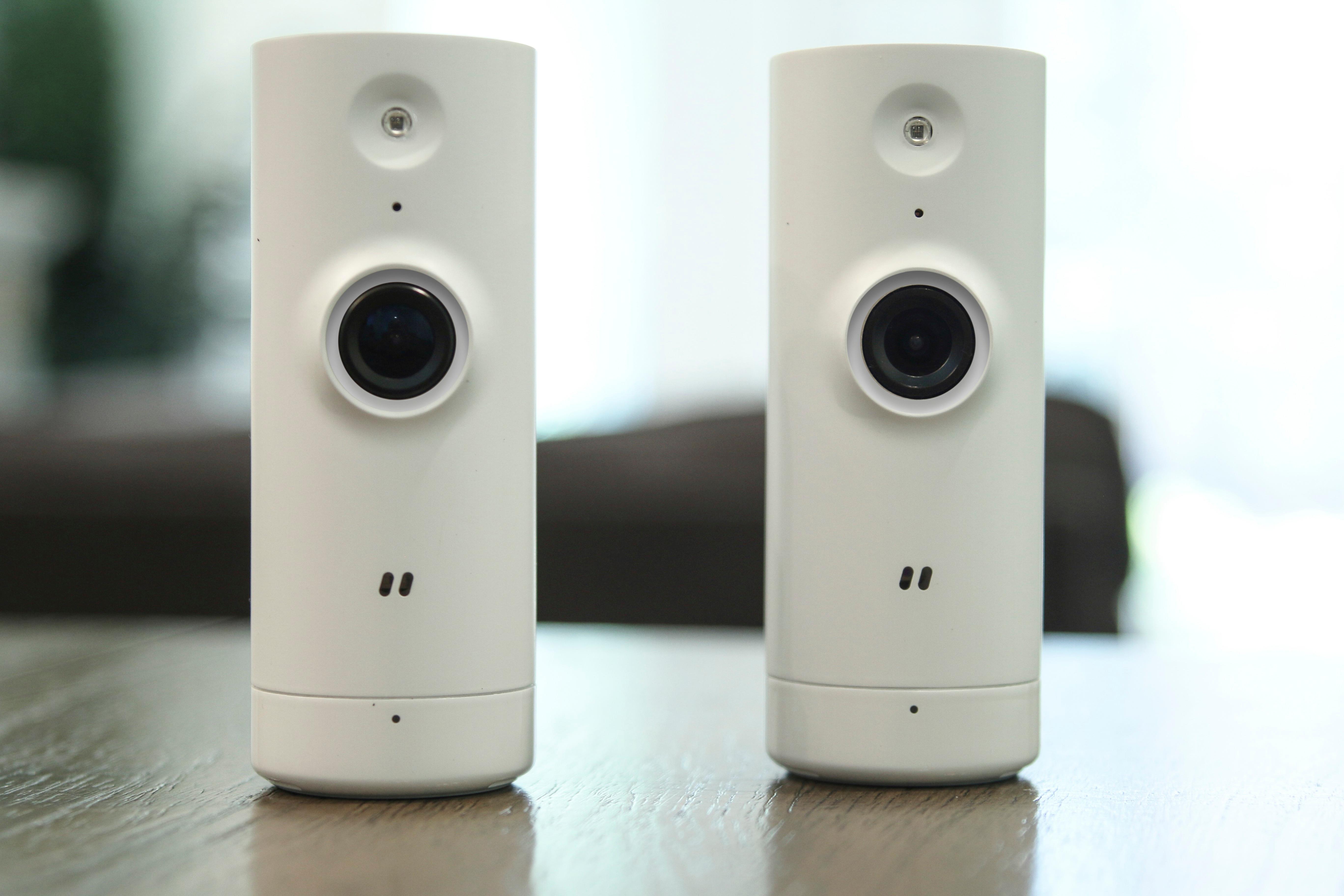



- Model:
- DCS-8000LH/2PK-US
- SKU:
- 6031403
Rating by feature
- Value
Rating 4.3 out of 5 stars
- Quality
Rating 4.1 out of 5 stars
- Ease of Use
Rating 4.2 out of 5 stars
Customers are saying
Customers regard the DCS Indoor 720p Wi-Fi Network Surveillance Camera favorably for its image quality, ease of use, and affordability. Many appreciate the camera's night vision capabilities and reliable motion detection. However, some users find the app challenging to navigate and express disappointment with the lack of cloud storage options. The need for a constant power source is also a recurring concern.
This summary was generated by AI based on customer reviews.
Super slow
||Posted .This reviewer received promo considerations or sweepstakes entry for writing a review.Cameras did not connect easily to WiFi, they would detect motion after it would happen Only able to view live feed not recorded
No, I would not recommend this to a friend- Pros mentioned:Ease of use

Great Indoor Cameras
|Posted .This reviewer received promo considerations or sweepstakes entry for writing a review.These D link camera far surpassed my expectations in quality and ease of use. My first surprise was how tiny the camera's were much smaller than i expected which make it much easier to put pretty much anywhere we need it. We have a baby coming soon as these cameras are going to end up being perfect to be able to watch the baby in their crib while we are downstairs with our other kids. The set up was a breeze I plugged in the power to the camera loaded up the app went through a couple of steps and was up an running within 10 mins. The app works well and you are able to set up notifications so if the camera hears noise or movement it will notify you. The lag between the movement and notification is a bit long for my liking and it during my testing it did not notify me everytime, but it works reasonably well If you are in the market for some indoor cameras I would give these a shot they are extremely easy to use and the quality is very good.
I would recommend this to a friend Cameras
||Posted . Owned for 1.5 years when reviewed.This reviewer received promo considerations or sweepstakes entry for writing a review.This camera was horrible. Bought it to replace my insignia one. Didn’t even come close to that one
No, I would not recommend this to a friendDOES NOT WORK
||Posted .This reviewer received promo considerations or sweepstakes entry for writing a review.worked well for a month. Now I can not reset the camera to insert the new wifi.
No, I would not recommend this to a friendNot worth it
||Posted .This reviewer received promo considerations or sweepstakes entry for writing a review.Does not record or have motion detector therefore it's not a security camera
No, I would not recommend this to a friendApp is very poor
||Posted .This reviewer received promo considerations or sweepstakes entry for writing a review.Quality isn’t there and the app is unstable and hard to use.
No, I would not recommend this to a friend- Pros mentioned:Camera quality
Does what I need
|Posted .This reviewer received promo considerations or sweepstakes entry for writing a review.My husband and I are retired. We do trips in our motorhome leaving our dog and cat to be checked on daily by family. We wanted these cameras to check in on our babies to make sure all was well and to receive notifications of movement. I’ve only had one camera set up so far to watch the dog who has a doggie door on the back side of the house. The cat camera will be on the front. These are indoor cameras and I placed one on a bookcase faced toward the doggie door and her indoor crate. I followed the quick start directions, downloaded the d-link app to my iPhone and set up my account. Fairly simple to accomplish using my iPhone to scan a bar code on the bottom of the little camera and entering my email and password. I was easily able to connect to WiFi and was able to get a picture. The picture was bright and clear. There is a day mode, night mode and auto, which worked great. You can even snap a photo or record video directly on your device remotely. You can also use multiple devices, as long as you download the app and log in to your account. All nice to know. I understood how I would be able to log in remotely to check on my pup. After that, I frankly couldn’t figure out some of the fine tuning. I live in a rural area and get my internet via satellite which has very limited data plans in my area. I was concerned about streaming video constantly. I called support this morning to get some questions answered, relative to notifications and the ability to chose monitoring times. I do not want to keep a continuous data stream running on my WiFi. The rep was very patient with me and answered all my questions. Unfortunately, there is no on/0ff switch or a way to set dates and times for streaming only when we are away. When I’m home, I will have to unplug the camera to prevent streaming our daily movements. However, I believe I can remedy that by using my home router protocols when we will be out of town. With a couple of tweaks, I was able to narrow the “active” view to the dog crate and door. I think this is going to give some peace of mind when we leave our pets to vacation. Our son will get in trouble if I see an empty water bowl when I check in. Lol. This is a very nice gadget Giving us the ability to know if our little guys need help when we are away. Wish I had unlimited internet service, but do love living in the boondocks!
I would recommend this to a friend - Pros mentioned:Night vision
Good bang for buck
Posted .This reviewer received promo considerations or sweepstakes entry for writing a review.Bought a pair of these cameras in addition to a Samsung Smart Cam to evaluate for my home security system. Currently running a SmartThings hub with a fair amount of home monitoring devices, but wanted a way to verify an intrusion visually. Decided ultimately to keep these cameras and return the SmartCam for my needs. Since I'm not looking for high quality video or recording, I didn't need 1080p, and I found that the difference between 1080p and 720p was negligible. Yes, if you want a recording, you do need to go into the app and record locally, but again, that wasn't a feature I required. The cloud access and app support is good, but there are some issues with viewing the streams on a computer, rather than in the dlink lite app. Also seems like the app is well supported - people complained about there being no way to turn the status light off, and in the next app update they added that functionality. I will be adding more of these to my home in the future. Pros - Small, un-obtrusive, light, easy to hide/conceal - Quick setup, although it did take a try or two using the application on Android - Excellent night vision, can make out figures at 30ft - Good functionality on app - Very short lag time, less than a second - Excellent price Cons - Audible sound from camera when switching on/off night mode - No good mounting solutions, at least put a threaded hole or flat spot on the camera to help mount - Application and camera access is spotty from computer. Can't get video on Chrome, can only get video from one camera on IE
I would recommend this to a friend - Pros mentioned:Camera quality
Pretty solid cameras
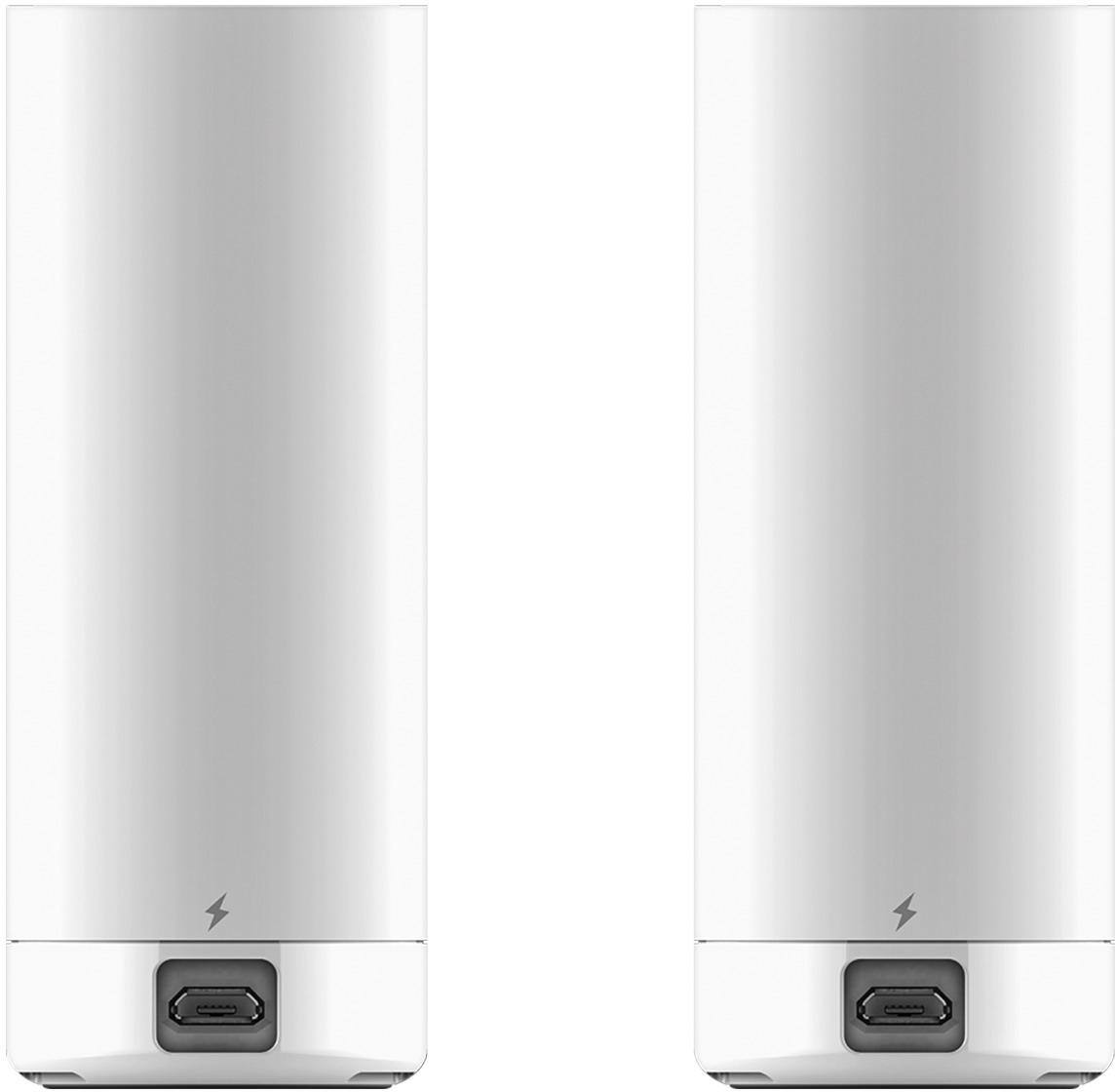
|Posted .This reviewer received promo considerations or sweepstakes entry for writing a review.Pretty nice little cameras. Good video quality even in relatively low light. They're about the size of the cardboard tube in your paper towels so they're not overly big in anyway. Two downsides to these cameras is that 1) these have to be plugged into an outlet. I happen to place mine in an area where there was one but I know that this won't be the case for everyone. 2) there are no mounting brackets for this camera. If you want to wall mount it then you'll have to head to the hardware store and jury rig something up.
I would recommend this to a friend - Pros mentioned:Camera quality
Does the job
|Posted .This reviewer received promo considerations or sweepstakes entry for writing a review.Received the wifi camera pretty quickly in the mail. Read the instructions on how to install the cameras and the app on my phone. Connecting the cameras to the wifi and my phone took 4 attempts, but they did connect. The cameras are clear and give a great picture. My only other hangup with the cameras is they aren't wireless. They have to stay plugged in to work, however that is just my personal preference. No issues with the cameras and they work as expected.
I would recommend this to a friend - Pros mentioned:Camera quality, Motion detection, Night vision
Great cameras for the price!
Posted .This reviewer received promo considerations or sweepstakes entry for writing a review.Like others have stated, know what your expectations are. For the price, you get TWO pretty decent WiFi cameras. The image is really good with plenty of light, and is reliable with the IR LED and Night Vision mode on. If your trying to see the freckles on someones face 50 feet from the camera, these are not for you. Motion detection works very well, setup is pretty straight forward with the myDlink app, the FREE 24 hr of cloud storage is plenty for me, but Dlink offers pay plans as well. This product suites my needs perfectly, with a price that's a steal!
I would recommend this to a friend Useful, but....
Posted .This reviewer received promo considerations or sweepstakes entry for writing a review.I have kids. Kids can get into tons of things. Sometimes you need to keep an eye on them from a different part of your house. That's where these came into play. I was considering picking up some baby monitors. A video-enabled baby monitor would've run $90+ for a single camera. I figured, getting 2 cameras for $90 wouldn't be a bad idea. So, I picked these up. Setting them up is easy. Just download the myDLink app, then open it. Scan the QR Code on the bottom of the camera to connect. Once your phone connects, you can complete the setup. The cameras will connect to your existing Wireless network. At this point, you'll notice the myDLink software will begin pushing for you to connect to their network. This means the cameras will authenticate against DLink's site and allow you to access your cameras from anywhere in the world. Given my distrust of exposing my information to the world, I opted not to do this. So, the cameras are set up now. What do you do? Connect to them, right? Connecting to the cameras is a test of patience. My Galaxy Note 8 takes 30-60 seconds to connect to the camera. Once connected, the best thing to do is stay connected. I've used these cameras to watch my sleeping infant. They work great. The boast is 720p resolution. Yes and no. This is 720p at 30FPS, but it's also a low 720p. You're not getting as much detail as you'd expect. While better than 480p, the visuals were a lower bitrate. The system offers Push Notifications. This means that you'll receive a notification on your Android or iOS device when an alert is triggered. This is true, with a caveat. To activate this functionality, you must sign up for a DLink account on their site. Then you must broadcast the cameras through the internet Yes, I have serious reservations about doing this. Overall, it's not bad for the price. If you're looking for a baby monitor, this is much cheaper than anything by VTech, Motorola, and other infant monitor solutions. If you're looking for a security camera, it'll do the trick, but I wouldn't use this as my primary security system. I would recommend these cameras, but with the understanding that a wired, home security system is a much better solution.
I would recommend this to a friend- Pros mentioned:Camera quality, Night vision
Not good for recording
Posted .This reviewer received promo considerations or sweepstakes entry for writing a review.Bought these cameras yesterday and will be taking them back. I can't figure out the point of them besides someone who wants to check on live view once in awhile or someone who lives on their phone to watch it. You can record to your phone, but only if you have the app open, as soon as you hit the home button on your phone it stops recording and saves the recording. It does have good quality night vision and good quality picture, but it just doesn't work for what we need it for.
No, I would not recommend this to a friend - Pros mentioned:Motion detection
Good for the money.
Posted .This reviewer received promo considerations or sweepstakes entry for writing a review.For the money I really like these cameras. The motion and sound detection seem to work well. I had no problems at all setting them up and as soon as my husband downloaded the app and logged in he could see the cameras. Yes they have to be plugged in and you have to manually record buy really to have a simple security camera or an extra camera for watch babies/children I think they do the job.
I would recommend this to a friend Just plain don't work
|Posted .This reviewer received promo considerations or sweepstakes entry for writing a review.I'm a very persistent and technically capable individual. I'm a developer. I write computer code for a living. I have a network router that, when I had a cable technician come in to look at an issue, the first thing he said was "Well, we know it's not an issue with this router!". I say all of this to say that I'm not above troubleshooting and I know my way around networking products. These cameras don't work. I was unable to get them to connect to my network after countless tries, resets, modifications, etc. After emailing support, I tried a couple of extra things that were suggested. Still nothing. I was told to call support to get further help and was given some other troubleshooting tips (mostly involving changing network settings that I really didn't want to change but did anyways. I have a lot of devices that have no issues connecting to my router) and at the end of it, the last solution she had was that the ! in my network password might be causing the problem. I told her I didn't want to change my password and she said that was all there was left to try. So after hanging up the phone, I changed the password to remove the "special characters" from my password and still no luck. Both cameras do the same thing, so on the positive side, I'm sure it's some little quirk in my network that's causing this issue, but if they have an issue connecting to a top of the line router while I've never experienced any other issues connecting countless devices before this, I can't give them a pass on that. I'd love to leave feedback on the quality of this camera and other things, but I just can't. I was never able to see an image. As far as I've READ about these cameras, I don't think I would have much use for them anyways. There is no way to passively record things like a security camera. You have to be logged into the app and hit the record button yourself and it record directly to your phone/tablet. There's no web interface for these cameras either. I would hope that would change in the future but those reasons alone make these cameras pretty useless to me. Bottom line, you might have more luck connecting these to your network. I wish you the best. I did not have a fun week trying to get these to do anything at all, but even if I did, I don't think they would have been very great for me anyways.
No, I would not recommend this to a friendGood on WiFi, Bad on Data
|Posted .This reviewer received promo considerations or sweepstakes entry for writing a review.This product is compact and can fit into most tight spaces. The vision of the camera is an acceptable range for a whole room, and the app works flawlessly.....when the phone is on the same WiFi as the camera. I tried to access the live feed while on my phone's data (I made sure I wasn't at my data limit) and the video was so choppy and distorted. Aside from the video quality, the camera does not have a wall mount option which is a misstep in design. It wouldn't be bad if I had a bookshelf to put it on but my room wasn't set up that way. Even if I had a bookshelf, the adapter cord is not long enough to go high up on the shelf.
No, I would not recommend this to a friend- Cons mentioned:App
Setup and Support issues....
Posted .This reviewer received promo considerations or sweepstakes entry for writing a review.I purchased this camera pack to monitor my dogs when I was away at work. Initial setup worked just fine, however the cameras required a firmware update after running them for the first time. Update seemed to work fine but then the cameras wouldn't connect to my router. After multiple attempts with the generic MyD-link Lite phone App, I upgraded to the better looking full App. This only made matter worse, as the new app couldn't find the cameras, or it would bog down trying to connect to the router. The cameras would appear to be connected (green lights showing) but then would fail to appear on my app. So I got online to try and get support. I could see my cameras on their website... my account showed them both, but the cloud browser wouldn't connect because it claimed my version of Firefox was not supported... so I followed their steps to revert to the old version of Firefox... that didn't work. I tried changing to Edge/Internet Explorer... fail again. I switched to Chrome... still no good. I figured out I could connect the cameras to my router using the base firmware, and the My D-link Lite App... can view them on my phone but none of the functions that they are supposed to be able to do work. I submitted my concerns to D-Link about this, the only response I got was "we are currently updating the website". That was 8 months ago.... and still no change in performance from anything.
No, I would not recommend this to a friend Avoid like the plague
Posted .This reviewer received promo considerations or sweepstakes entry for writing a review.I cannot tell you what the pros and cons of these are. I cannot connect them to my network. I have a Galaxy S9+, and it could not find EITHER of the cameras. No networks came up, and nothing worked. I will be returning these and getting all of my money, and my rewards certificates back. This was nothing but an afternoon lost to an utter and complete exercise in frustration. I spent 45 minutes on the phone with tech support and in the end was told I would probably just need to take them back. I would say it is a 90 dollar box of paperweights, but they are too light to even fulfill that role.
No, I would not recommend this to a friendGARBAGE!!!
Posted .This reviewer received promo considerations or sweepstakes entry for writing a review.Once you update firmware, which the app pretty much forces you to by asking every time you try to view, these cameras turn into straight trash. They no longer work with the app (D-Link lite) and once you get the new app it’s not even available on all platforms (I use an amazon fire tablet). The cameras also no longer detect motion nor audio. These are trash! DO NOT WASTE YOUR MONEY!!!
No, I would not recommend this to a friendYou get what you pay for...
Posted .This reviewer received promo considerations or sweepstakes entry for writing a review.These cameras are cheaply made, and the software that accompanies them is poorly written. Set-up doesn't always work, the bluetooth connection is super buggy on android, you need a special browser plugin to view the video, and the image quality is poor.
No, I would not recommend this to a friend