Customer Ratings & Reviews





- Model:
- i7300-7319BLK-PUS
- SKU:
- 6409063
Rating by feature
- Battery Life
Rating 3.7 out of 5 stars
- Speed
Rating 4.0 out of 5 stars
- Display
Rating 4.3 out of 5 stars
Customers are saying
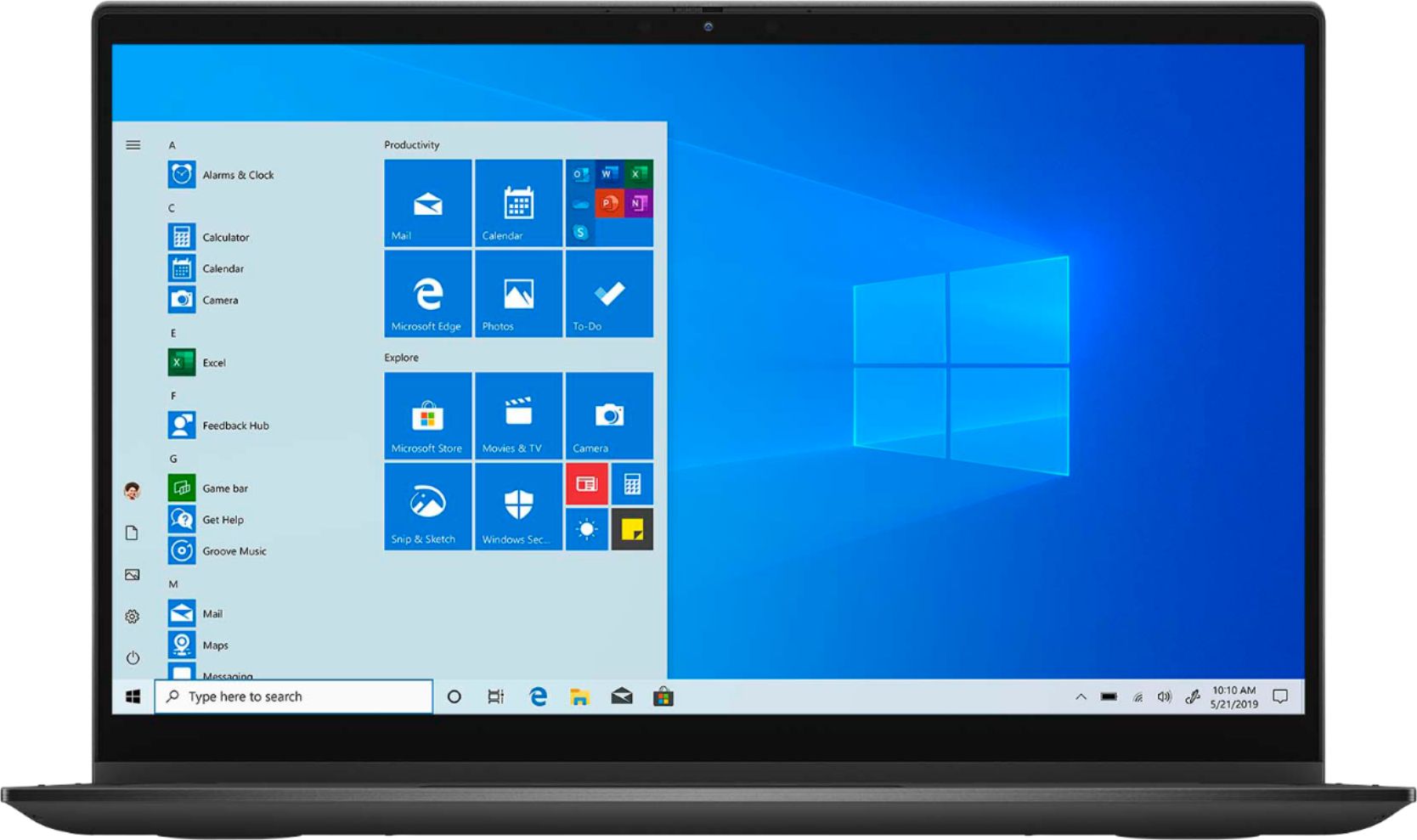
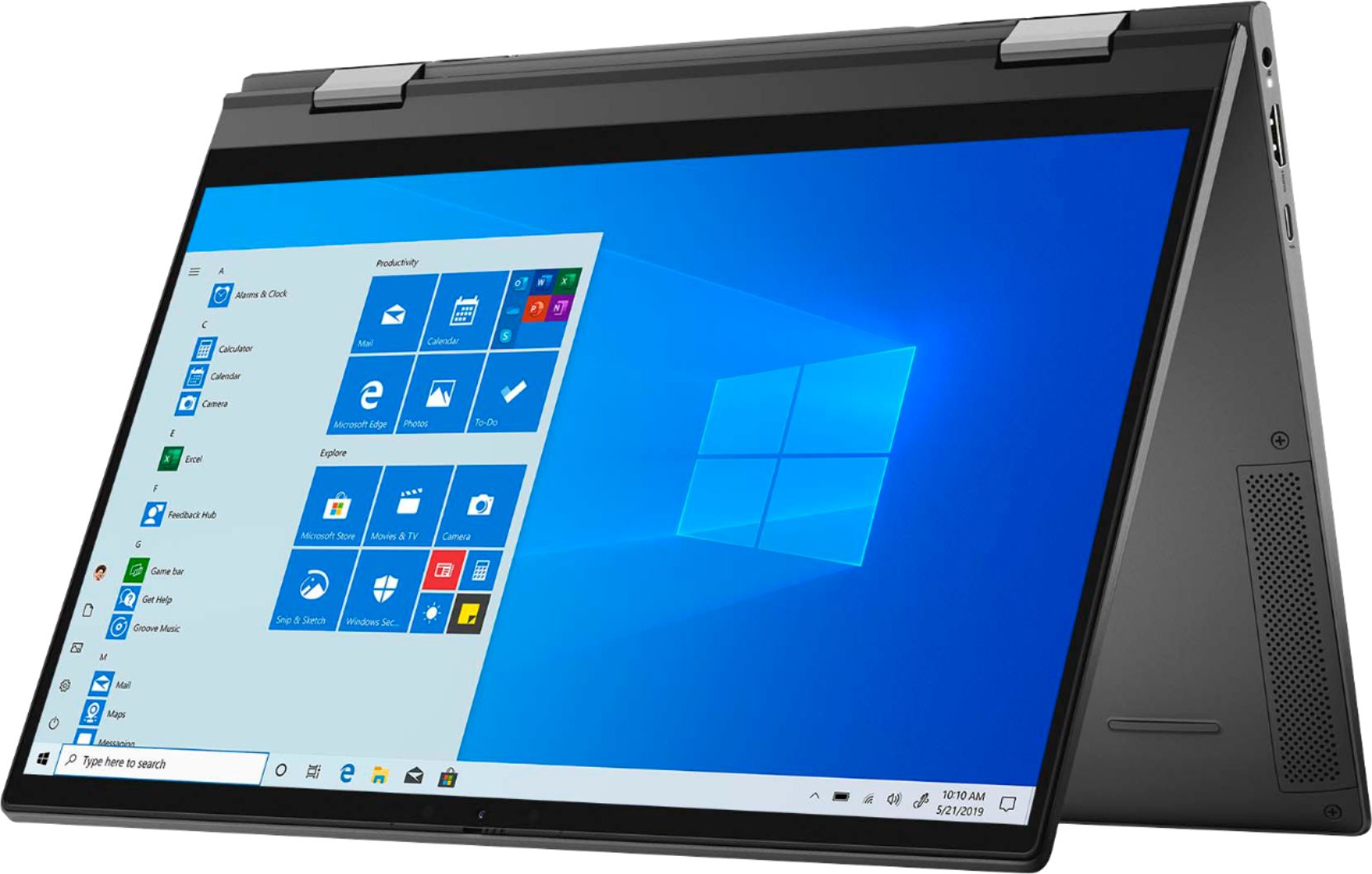
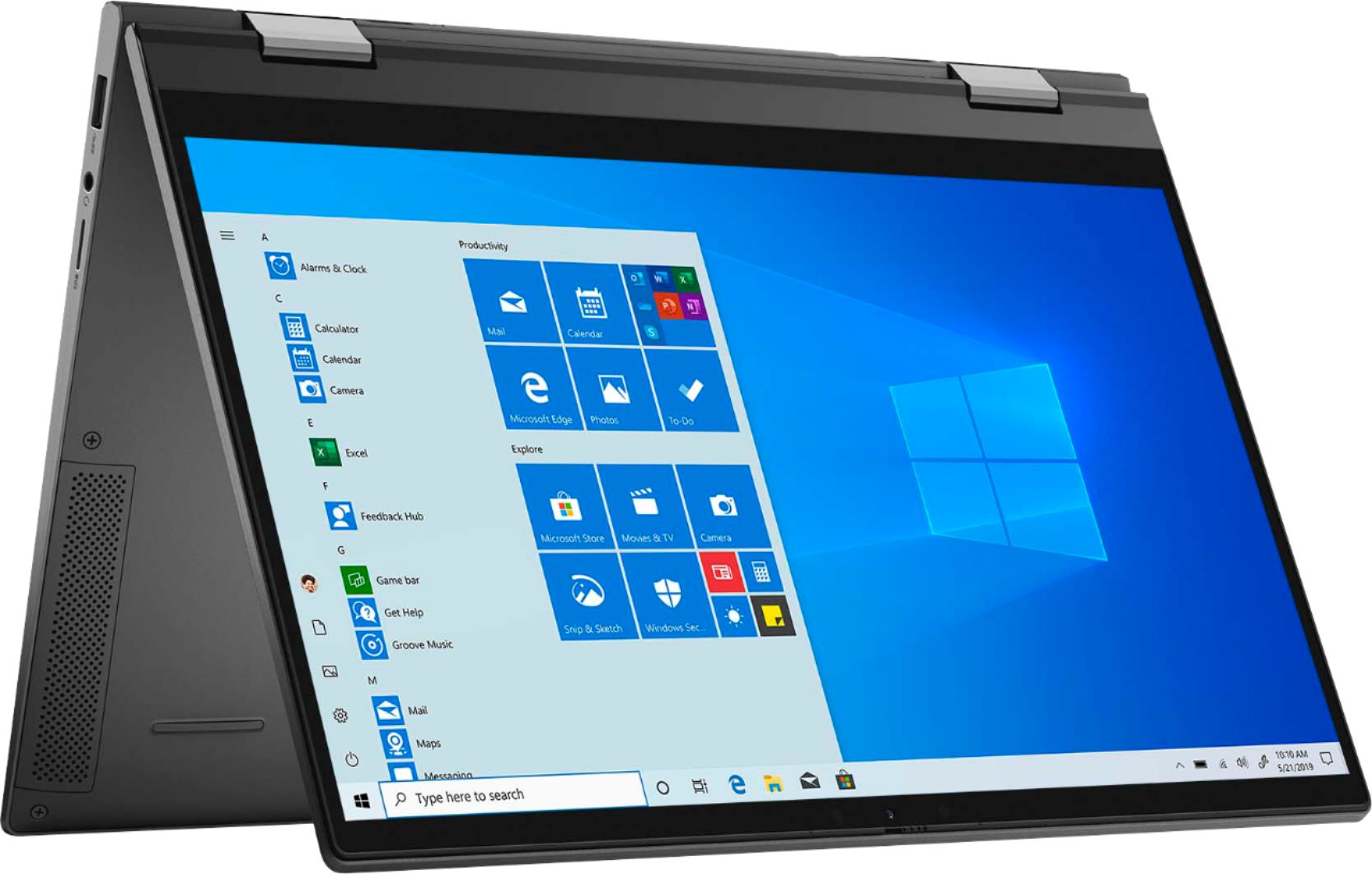
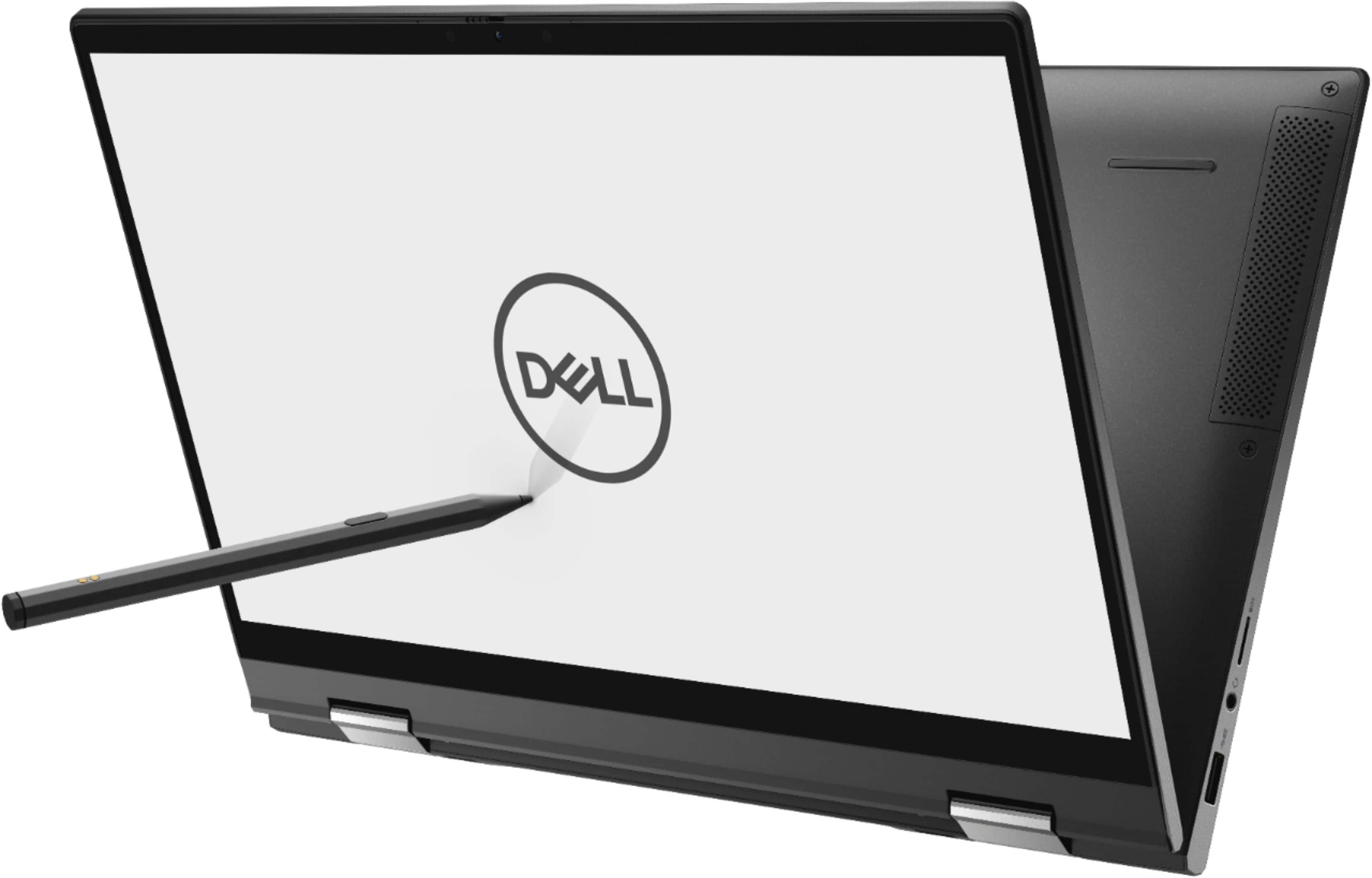
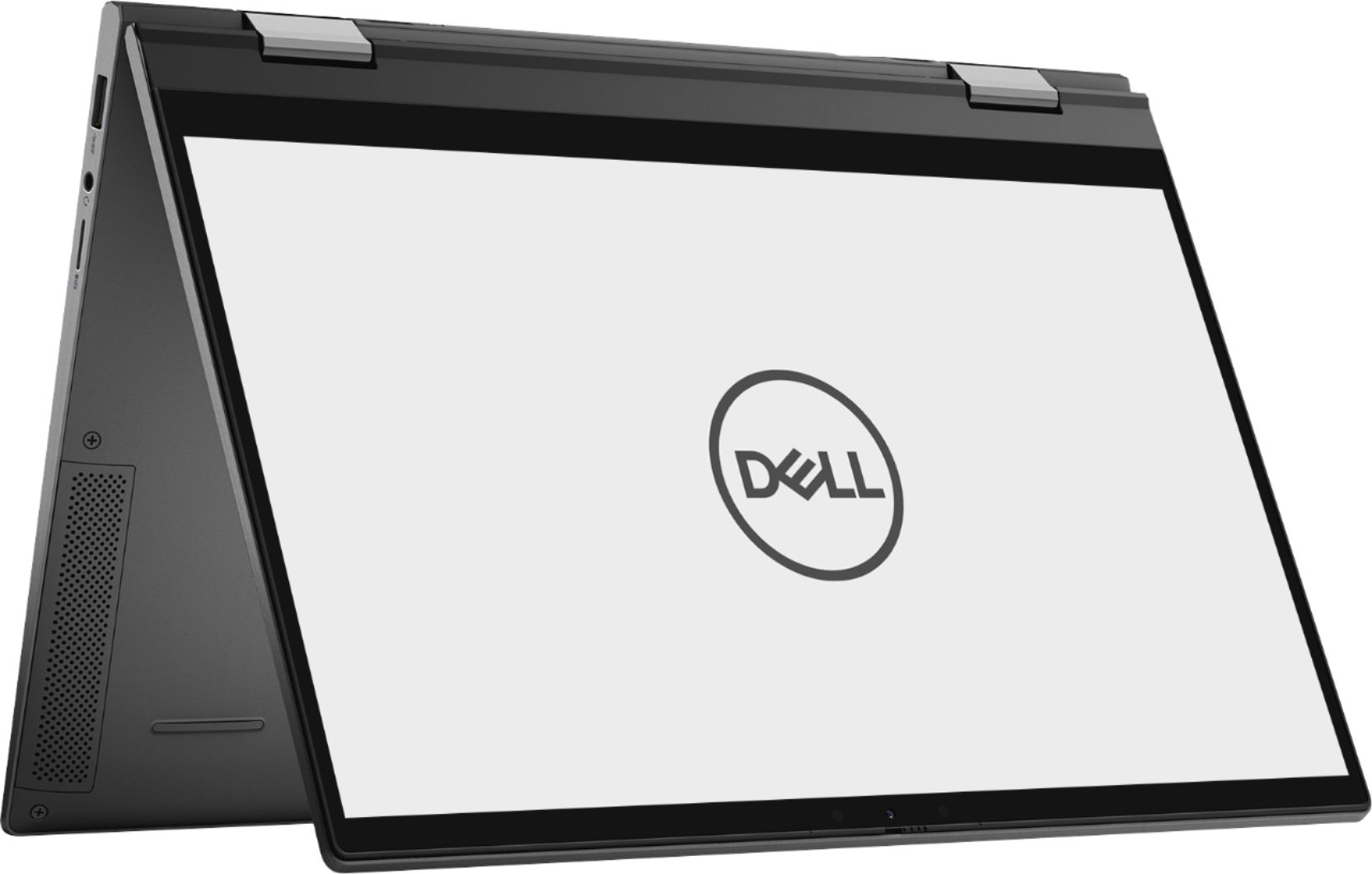
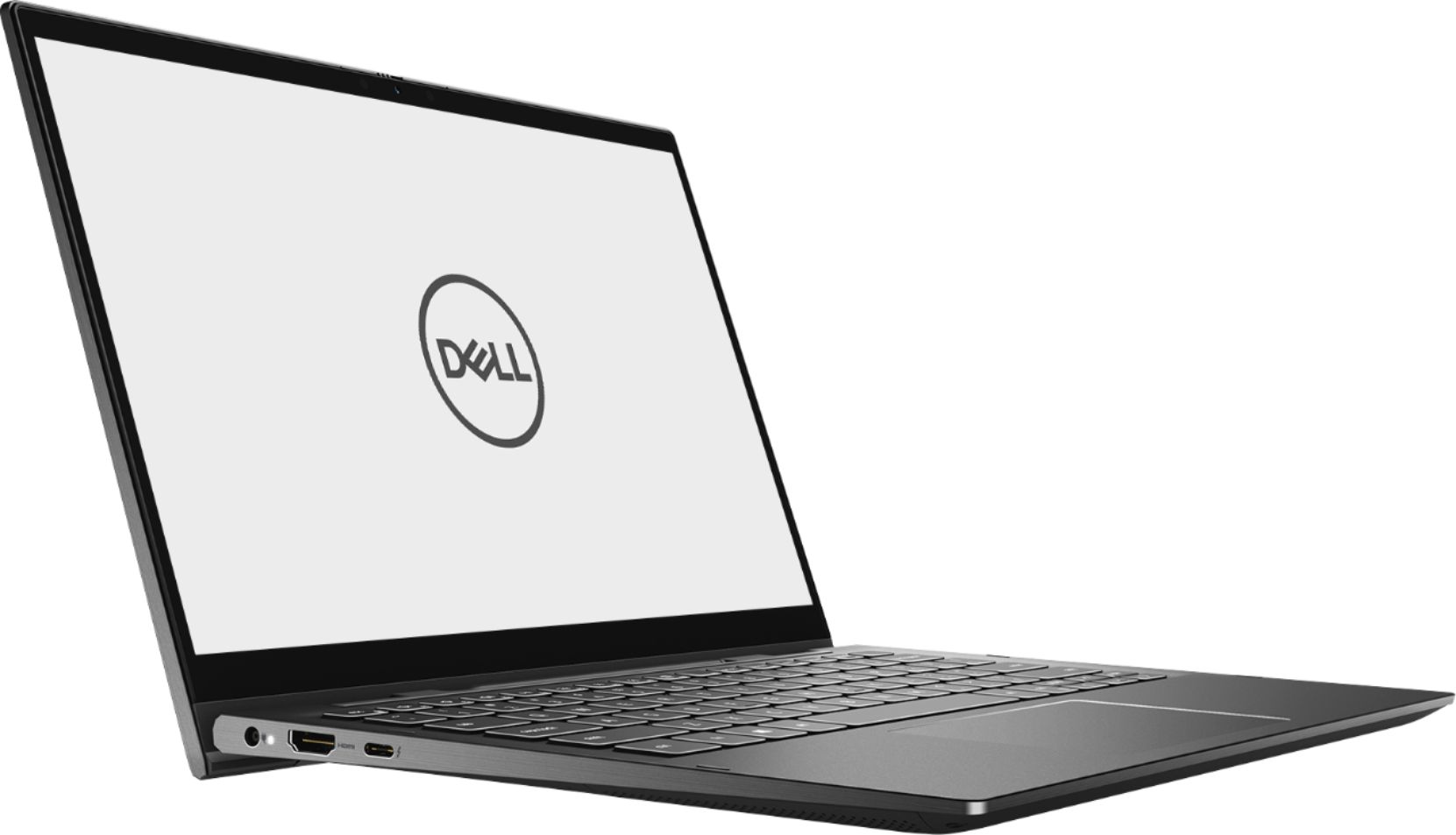
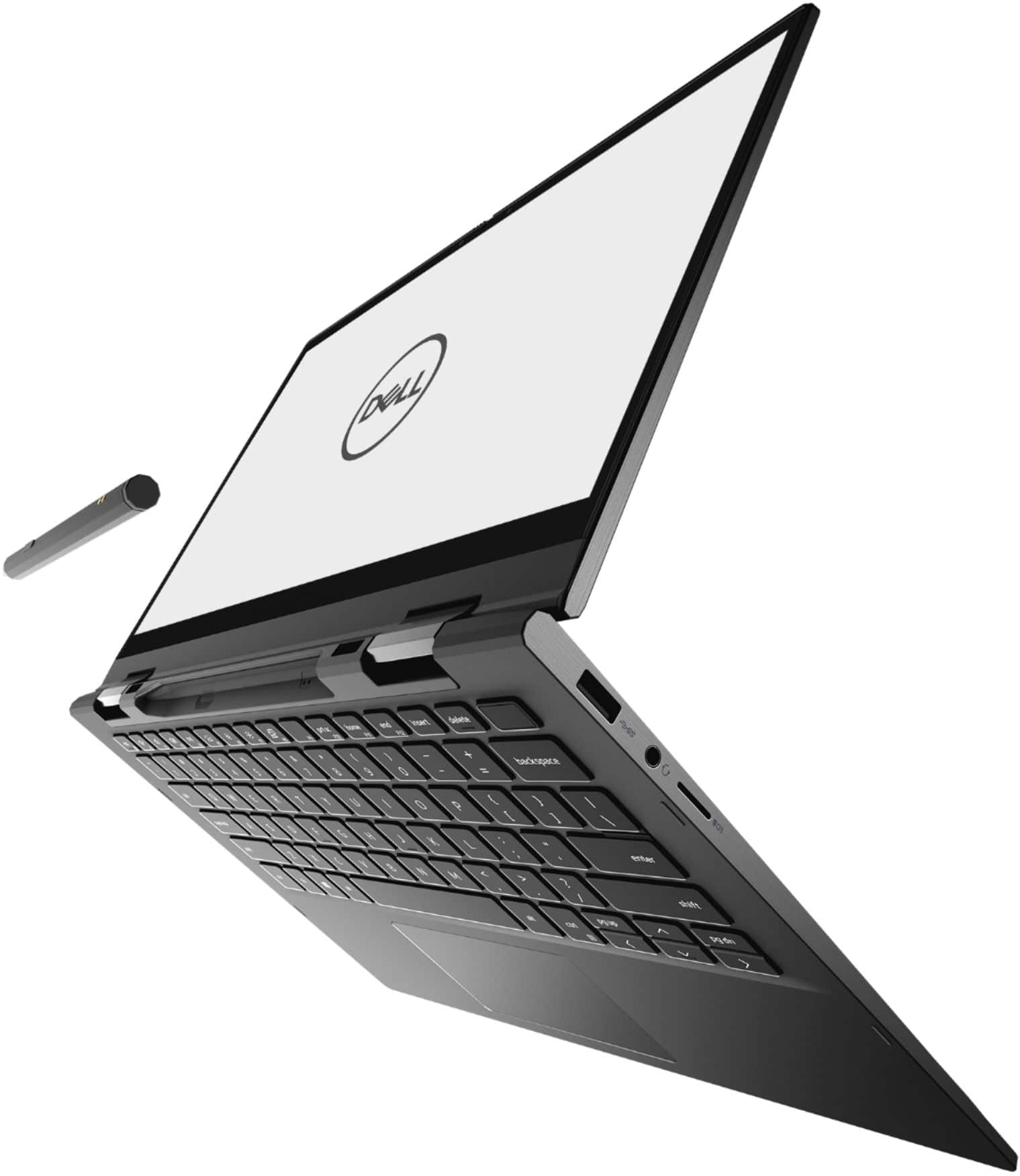
Customers enjoy the fast performance, touch screen, and affordable price of the Inspiron 13 7000 2-in-1 laptop. They appreciate its compact size, portability, and lightweight design, as well as the beautiful 4K display. However, some users have concerns about the battery life, overheating issues, and fan noise.
This summary was generated by AI based on customer reviews.
It’s okay
||Posted . Owned for 10 months when reviewed.This reviewer received promo considerations or sweepstakes entry for writing a review.I purchased two of these, one of them has a sticky a key out of the box and the other ones fan makes a rattling noise anytime it is tilted, I’ve had the laptops for about 6 months now and I’m already purchasing an Alienware instead. The display is gorgeous though
No, I would not recommend this to a friendDEFECTIVE IN LESS THAN TWO HOURS
||Posted . Owned for less than 1 week when reviewed.This reviewer received promo considerations or sweepstakes entry for writing a review.All I had a chance to do with the Dell Inspiron 13 7000 Series 2-in-1 was to unpack it, charge it, register it, choose a password, and download drivers and apps, and pack it back in the box. I tried to turn the computer on just after using it, and could not power up. All my personal information is on the computer! Now, I have three inconveniences, mail it back, return it to the nearest Best Buy, or have a brand-new computer repaired at the nearest store. In my opinion, it is way too early to repair a new computer. Is this a warning of what I can expect with this computer? Life is too short to spend worrying about a computer! I AM RETURNING IT! I wish other purchasers a better outcome.
No, I would not recommend this to a friendOk
||Posted . Owned for 3 months when reviewed.This reviewer received promo considerations or sweepstakes entry for writing a review.It wasn’t what I needed him I didn’t handle the job that I need to add in my business so I had to switch to an Apple but I mean it’s OK computer but it’s not it was this was what up what I need
I would recommend this to a friendNot as Excited Anymore
||Posted .This reviewer received promo considerations or sweepstakes entry for writing a review.I have had the Dell - Inspiron for weeks. The pen does not work at all. The computer gave me one month of free virus protection. Yet, it states there are viruses. Very disappointed.
No, I would not recommend this to a friendForget the Fingerprint Sensor - IT's JUNK
||Posted . Owned for 2 months when reviewed.This reviewer received promo considerations or sweepstakes entry for writing a review.When the fingerprint sensor doesn't unlock computer on a brand new computer - I call it JUNK. It worked only once and never since. A waste time. Not impressed at all! C'mon Dell.
No, I would not recommend this to a friendBrand response from YourDellTeam
Posted .Disappointed,
Thanks for your review and we're sorry that your fingerprint reader is no longer working properly. We'd recommend the steps in this article to help troubleshoot the fingerprint reader: https://dell.to/32bckET.
Best,
Bryan
1-800-624-9896
Disappointed
||Posted .This reviewer received promo considerations or sweepstakes entry for writing a review.If I could give no stars I would I was very disappointed in this purchase. I went to my local Best Buy to look at computers long story short they didn’t have it in stock so it was either I order one or drive almost an hour away to pick one up. I drove all the way up to another Best Buy and all the way home and the computer was defective. Took it back the next day they told me I could either exchange for the same computer or pick something else so I got the surface pro and it was the best decision I made.
No, I would not recommend this to a friendworse experience at best buy
||Posted .This reviewer received promo considerations or sweepstakes entry for writing a review.I just picked up this open box laptop from Briton-MI, first that was just laptop and half cord attached on the top of laptop no power chord. when i open this laptop making too much noise like a fan grinding. called customer service they said i have to take it back to the same store where you bought from that is 1 hour drive from my place the customer service was worse experience at best buy. will try to call the same store tomorrow and lets see what they says.
No, I would not recommend this to a friendBrand response from YourDellTeam
Posted .Hello,
Thank you for your review. We are sorry to hear you are experiencing issues with the fan noise on this PC. We hope the technician at the store near you can help with additional issues. In the meantime, I have provided a link that should resolve the fan noise issue you are experiencing.
Fan noise: http://dell.to/34Z2ZkN
For additional support, please call Dell directly at 1-800-624-9896
Best, Lexy
Don't trust open box certified items.
||Posted . Owned for 1 month when reviewed.This reviewer received promo considerations or sweepstakes entry for writing a review.If I would be able to put cero I will do it, well as soon as I received the laptop I noticed a problem with windows loading, I did a lot of troubleshooting in order to fix all the issues found it, I am sending the laptop to dell for repair, the screen flickering happens in the first day and I was not able to stop it. I don't know how best buy certified this laptop to resell it. Definitely, I will not buy a dell again and I will not trust open box items from best buy.
No, I would not recommend this to a friendjeanette Hercik, Founding partner
||Posted . Owned for 1 month when reviewed.This reviewer received promo considerations or sweepstakes entry for writing a review.It is already with the geek squad for a complete overhaul of its operating system. I kept getting notices to subscribe to Macafee security system. The computer froze and then I couldn't get to the chrome browser--then the mouse arrow disappeared in the middle of me making a zoom presentation. I purchased a malware protection software that was loaded on the computer--obviously not one good enough.
No, I would not recommend this to a friendBrand response from YourDellTeam
Posted .atticus,
We're sorry to hear about the freezing issues that you've been having with this computer. We'd recommend the following steps to diagnose the freezes:
1. Run a Computer Diagnostic. To determine if your computer is experiencing a hardware problem, run the Dell Preboot System Assessment (PSA) Diagnostics. For information on how to run Diagnostics, and to determine the issue, refer to Dell Knowledge Base Article: http://dell.to/2iaiujA.
2. Check Safe Mode for Symptoms. To boot into safe mode, please follow the instructions below:
a) Start the computer.
b) Tap 'F8' on the keyboard immediately and every one second until the Dell logo screen disappears. From there you will see the Windows Advanced Options Menu on the screen. (If the Windows Advanced Options Menu does not appear, restart the system and try again.)
c) Select Safe mode with Networking and press Enter.
d) Log on as the administrator or as a user with administrative access.
e) Open applications and test the computer in safe mode. If the symptoms exist in safe mode, please continue the troubleshooting steps in this article. If the symptoms do not exist in safe mode, the issue is likely related to a driver or software and you may wish to complete step 3 to see if you are able to resolve the lockups or freezing.
3. Check for Malware. Malware (Virus, Spyware, etc.) can definitely cause a Windows system to lock up or appear to hang. To check for malware on your system and to ensure that your computer is up to date on security software, visit Dell Knowledge Base Article: http://dell.to/2wWP1zI.
You can read the full article here - http://dell.to/2tW5m33.
Best,
Bryan
1-800-624-9896
- Cons mentioned:Battery life
Junk
||Posted . Owned for 1 month when reviewed.This reviewer received promo considerations or sweepstakes entry for writing a review.The battery would not charge and it was the second one I purchased same problem
No, I would not recommend this to a friend - Cons mentioned:Battery life
Poor Battery life and it shuts down it self a lot
||Posted . Owned for 3 weeks when reviewed.This reviewer received promo considerations or sweepstakes entry for writing a review.It turns off it self. Battery dies in two hours. Colors are great but not worth it
No, I would not recommend this to a friendBrand response from YourDellTeam
Posted .Inspiron,
Thanks for your review and we're sorry that your computer is not performing as well as you hoped it would. Here are some tips to help extend the life of your computer's battery:
Change the Power Plan:
1. On the notification area of the taskbar, right-click the Battery icon.
2. On the options list, click Power Options.
3. Select a power plan on the battery meter, such as Power Saver or Balanced. Windows 10 has a built in 'Battery Saver' mode that can be activated to extend your system's battery life. The Battery Saver mode will monitor and limit background activity and other features such as push notifications. You do have the option to enable or disable this mode within settings or within advanced Battery Saver settings, you can customize the mode to best suit your needs.
a) Click on the Action Center icon in the taskbar and select the tile for Battery Saver.
b) If running Cortana then type Battery Saver into the search box and select from the results.
Within the Battery Saver settings page, you will be able to turn on and off the feature and customize the feature to best meet your needs.
c) Turn Battery Saver On or Off.
d) Additional settings available via the Battery use and Battery saver settings links.
e) Battery use shows further info on apps and their power usage.
f) Battery Saver Settings screen allows you to customize further Battery Saver feature.
You can read the full article here - http://dell.to/2vfXWf4.
If you are still having issues with your computer turning off, we'd recommend that you check the Power Manager settings to see if there is a checkbox that you can uncheck that allows your computer to shut down while in sleep mode in order to conserve power.
We'd also recommend checking the auto update settings on your computer so that updates are run at a time when you are not using your computer. These updates may be causing your computer to shut down when they are finished.
Lastly, here's an article that you can read that may help with your screen color concerns: https://dell.to/2CLF6yC.
Best,
Bryan
1-800-624-9896
Very Disappointed
||Posted . Owned for less than 1 week when reviewed.This reviewer received promo considerations or sweepstakes entry for writing a review.Very disappointed in Dell. The laptop gets very hot, unable to place it on my lap. The active pen provided didn't work. The camera was very scrappy. The webcam view was terrible. The battery lasted maybe 3 hours before a recharge was needed. I am utterly disappointed in dell, going to best buy now and returning this laptop.
No, I would not recommend this to a friendBrand response from YourDellTeam
Posted .thorson13,
We're sorry to hear about the issues that you're having with your new computer. In the future we'd recommend the following tips to help keep your computer at a cooler temperature:
Tips for Proper Usage:
1. Dell does not recommend placing portable systems directly on your lap. Due to reductions in the thickness of modern portable systems, heat transfer can be an issue.
2. Using a portable system (Laptop) on a hard, flat, non-cloth surface will increase airflow and reduce heat from underneath and inside the system.
Using the portable system on a blanket, pillow, or other types of cloth will cover up the fan cause the computer to overheat and can cause permanent damage.
3. It is recommended to use the portable system in a Room temperature of 0°C to 35°C (32°F to 95°F) with a Humidity level no greater than 90%.
4. Use compressed air to clean the vents on a regular basis.
5. Using a cooling pad can decrease heat and increase performance.
6. If you want to know the temperature limitations for your system, go to the Dell Support Website, look up your system model then open the user guide under the manuals link.
You can read the full article here - http://dell.to/2uJ8AdG.
If you'd like to extend the life of your computer's battery you can try these tips:
Change the Power Plan:
1. On the notification area of the taskbar, right-click the Battery icon.
2. On the options list, click Power Options.
3. Select a power plan on the battery meter, such as Power Saver or Balanced. Windows 10 has a built in 'Battery Saver' mode that can be activated to extend your system's battery life. The Battery Saver mode will monitor and limit background activity and other features such as push notifications. You do have the option to enable or disable this mode within settings or within advanced Battery Saver settings, you can customize the mode to best suit your needs.
a) Click on the Action Center icon in the taskbar and select the tile for Battery Saver.
b) If running Cortana then type Battery Saver into the search box and select from the results.
Within the Battery Saver settings page, you will be able to turn on and off the feature and customize the feature to best meet your needs.
c) Turn Battery Saver On or Off.
d) Additional settings available via the Battery use and Battery saver settings links.
e) Battery use shows further info on apps and their power usage.
f) Battery Saver Settings screen allows you to customize further Battery Saver feature.
You can read the full article here - http://dell.to/2vfXWf4.
Best,
Bryan
1-800-624-9896
Alright
||Posted .This reviewer received promo considerations or sweepstakes entry for writing a review.Right out of the box we started seeing it glitch when unlocking. Or opening back up, it starts to freeze.
No, I would not recommend this to a friendBrand response from YourDellTeam
Posted .Spiderman,
Thanks for your review. We're sorry to hear about the freezing issues that you're having with your computer. We'd recommend the following steps to diagnose these freezes:
1. Run a Computer Diagnostic. To determine if your computer is experiencing a hardware problem, run the Dell Preboot System Assessment (PSA) Diagnostics. For information on how to run Diagnostics, and to determine the issue, refer to Dell Knowledge Base Article: http://dell.to/2iaiujA.
2. Check Safe Mode for Symptoms. To boot into safe mode, please follow the instructions below:
a) Start the computer.
b) Tap 'F8' on the keyboard immediately and every one second until the Dell logo screen disappears. From there you will see the Windows Advanced Options Menu on the screen. (If the Windows Advanced Options Menu does not appear, restart the system and try again.)
c) Select Safe mode with Networking and press Enter.
d) Log on as the administrator or as a user with administrative access.
e) Open applications and test the computer in safe mode. If the symptoms exist in safe mode, please continue the troubleshooting steps in this article. If the symptoms do not exist in safe mode, the issue is likely related to a driver or software and you may wish to complete step 3 to see if you are able to resolve the lockups or freezing.
3. Check for Malware. Malware (Virus, Spyware, etc.) can definitely cause a Windows system to lock up or appear to hang. To check for malware on your system and to ensure that your computer is up to date on security software, visit Dell Knowledge Base Article: http://dell.to/2wWP1zI.
You can read the full article here - http://dell.to/2tW5m33.
Best,
Bryan
1-800-624-9896
Didn’t work
||Posted . Owned for 3 weeks when reviewed.This reviewer received promo considerations or sweepstakes entry for writing a review.I got this computer and plugged it in and charged it overnight. It never charged. It kept saying it wasn't the right power cord for it even though it was the one that came with it. Called Dell and they told us the computer needed updated, but it wouldn’t updated because the battery was to dead. We took it back. A brand new computer out of the box and it wouldn’t work.
No, I would not recommend this to a friendTrash overheating
||Posted . Owned for 1 month when reviewed.This reviewer received promo considerations or sweepstakes entry for writing a review.Awful, it’s not very powerful to do low requirement tasks on illustrator, and whenever I try to anyway, it ends up being hot enough to iron my clothes. I’m serious don’t buy this and put it on your couch or bed because it might catch on fire with how hot this thing gets. Also theres a lot of lies on the website so do your own research.
No, I would not recommend this to a friendBrand response from YourDellTeam
Posted .John,
Thanks for your review and we're sorry that your computer is not meeting your needs. There have been several driver updates released for your computer over the past few months, we'd recommend checking to see if all of your drivers are up to date: https://dell.to/2G21dFy.
If you'd like some other tips on how to operate your computer at a cooler temperature, you can try these:
Tips for Proper Usage:
1. Dell does not recommend placing portable systems directly on your lap. Due to reductions in the thickness of modern portable systems, heat transfer can be an issue.
2. Using a portable system (Laptop) on a hard, flat, non-cloth surface will increase airflow and reduce heat from underneath and inside the system.
Using the portable system on a blanket, pillow, or other types of cloth will cover up the fan cause the computer to overheat and can cause permanent damage.
3. It is recommended to use the portable system in a Room temperature of 0°C to 35°C (32°F to 95°F) with a Humidity level no greater than 90%.
4. Use compressed air to clean the vents on a regular basis.
5. Using a cooling pad can decrease heat and increase performance.
6. If you want to know the temperature limitations for your system, go to the Dell Support Website, look up your system model then open the user guide under the manuals link.
You can read the full article here - http://dell.to/2uJ8AdG.
Best,
Bryan
1-800-624-9896
BitLocker recovery key is unknown
||Posted . Owned for more than 2 years when reviewed.This reviewer received promo considerations or sweepstakes entry for writing a review.Laptop is locked, it is asking for BitLocker Recovery Key. I don’t know anything about it and not able to recover using the steps provided. Need assistance on BitLocker recovery key for my machine.
No, I would not recommend this to a friendGreat for 26 days
||Posted . Owned for 3 weeks when reviewed.This reviewer received promo considerations or sweepstakes entry for writing a review.The camera stopped working 27 days after purchasing
No, I would not recommend this to a friendBrand response from YourDellTeam
Posted .1234abc,
Thanks for your review. We're sorry to hear that your camera stopped working. We'd recommend checking to see if there are any driver or software updates available for your computer: https://dell.to/2G21dFy.
You can also read Dell's One Year Limited Warranty terms here: http://dell.to/2tNsVOs.
Please reach out to Dell's Technical Support Team with any questions that you may have: http://dell.to/2sH7Qlm.
Best,
Bryan
1-800-624-9896
Nothing but trouble out of this laptop.
||Posted . Owned for less than 1 week when reviewed.This reviewer received promo considerations or sweepstakes entry for writing a review.The laptop seemed well built, and it had nice features but it blue screened on me multiple times and it would restart after it updated it just stayed on a black screen. I exchanged it for an HP envy 360 15.6 inch and it works really well I’m satisfied with it.
No, I would not recommend this to a friendlaptop gone?
||Posted .This reviewer received promo considerations or sweepstakes entry for writing a review.Received message saying my order has been picked up. I am at work... Best buy chat is not available, store is not picking up their phones...
No, I would not recommend this to a friendBrand response from YourDellTeam
Posted .Rudlow,
We're sorry to hear about the issues that you're having with your computer order. We'd recommend reaching out to Best Buy's Support Team for additional information about your order: http://bit.ly/2v2IVhI.
Best,
Bryan
1-800-624-9896
Not impressed
||Posted . Owned for 1 week when reviewed.This reviewer received promo considerations or sweepstakes entry for writing a review.I returned this laptop 48 hours after i purchased it. It got so hot it left a mark on my desk. The 4k display was far worse than my 720 display from the tv in my basement.
No, I would not recommend this to a friend