Customer Ratings & Reviews
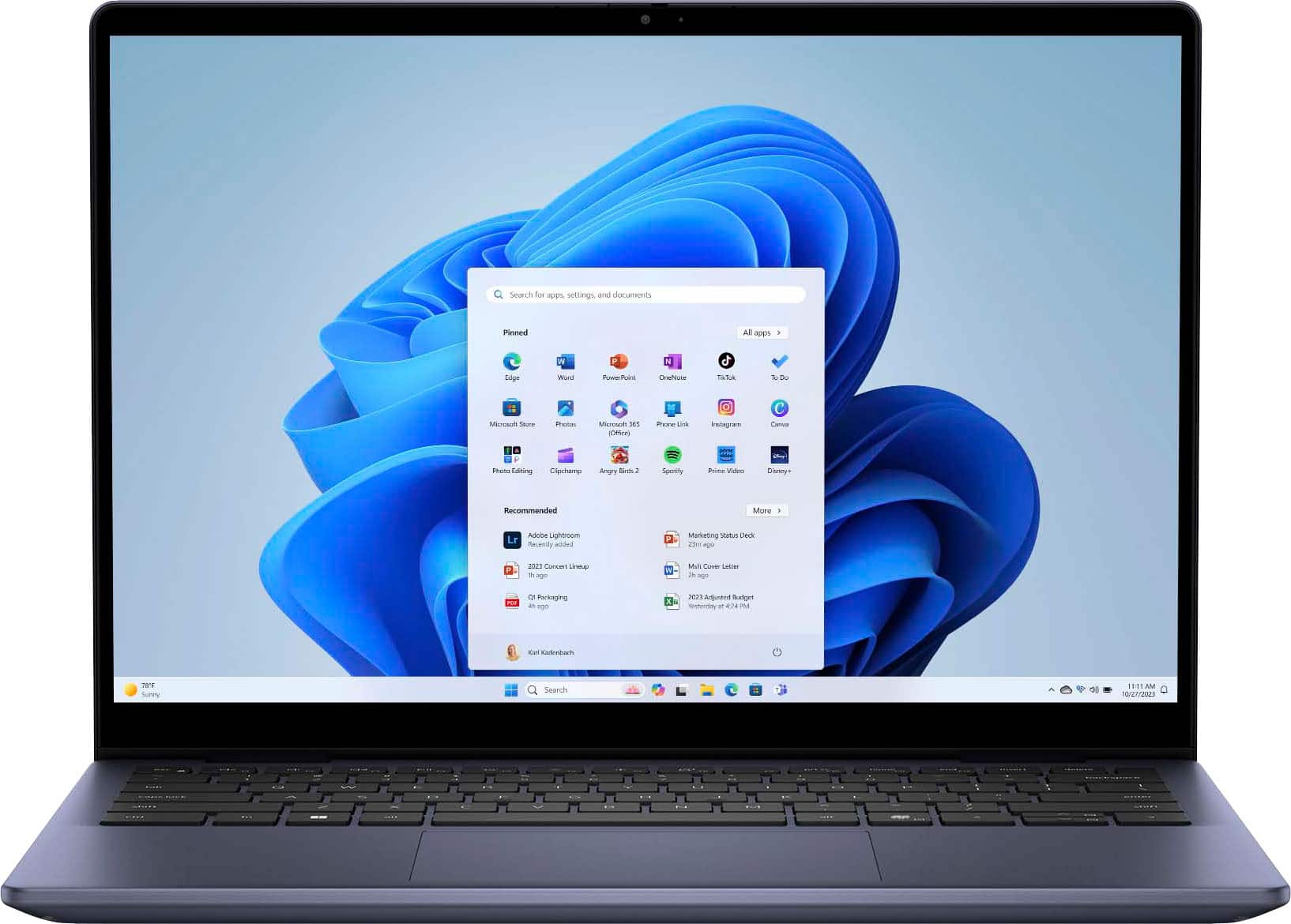












- Model:
- i7445-5333BLU-PUS
- SKU:
- 6576719
Rating by feature
- Battery Life
Rating 4.5 out of 5 stars
- Speed
Rating 4.5 out of 5 stars
- Display
Rating 4.6 out of 5 stars
Customers are saying
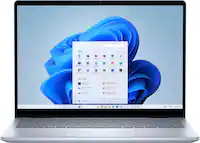
Customers value the Inspiron 14 for its excellent overall performance and adequate processor speed. Many appreciate its portability, good battery life, and fabulous touchscreen. Some customers have expressed concerns about the weight and fan noise.
This summary was generated by AI based on customer reviews.
Cant charge
||Posted . Owned for 3 weeks when reviewed.This reviewer received promo considerations or sweepstakes entry for writing a review.Received product with wring charger. Store does not have them. Sent a chat and they said call support. Support wants us to retuen the entire computer and reorder instead of sending correct charger. Absolutely ridiculous they would make us do this. We will try and find a charger on out own. As for operation. We have no clue as it needs charging.
No, I would not recommend this to a friendWorst place to buy stuff
||Posted . Owned for less than 1 week when reviewed.This reviewer received promo considerations or sweepstakes entry for writing a review.The worst experience i had at best buy. I am a tourist from Dubai and bought first-time from best buy. I was told by 1 store they are out of stock and sent to another one, they were also out of stock although it showed 2 in there stock. And then i was told it will be delivered to my apt. Which never happened. And order got canceled automatically. And was refunded. I didn't wanted the refund. Never buyin again from that. Got a better deal from micro center.
I would recommend this to a friendWorst Computer Ever: Help!!!
||Posted . Owned for 1 month when reviewed.This reviewer received promo considerations or sweepstakes entry for writing a review.Absolutely the worst computer I have ever owned. I am, actually, in the process of bringing it to the dealer hoping for repair or return.
No, I would not recommend this to a frienddon't buy
||Posted . Owned for 2 months when reviewed.This reviewer received promo considerations or sweepstakes entry for writing a review.stop working, had it since 09\05\2024 buy something else
No, I would not recommend this to a friend- Pros mentioned:Processor speed, Touchscreen

Dell - Inspiron 14 2-in-1 Touch Laptop is great
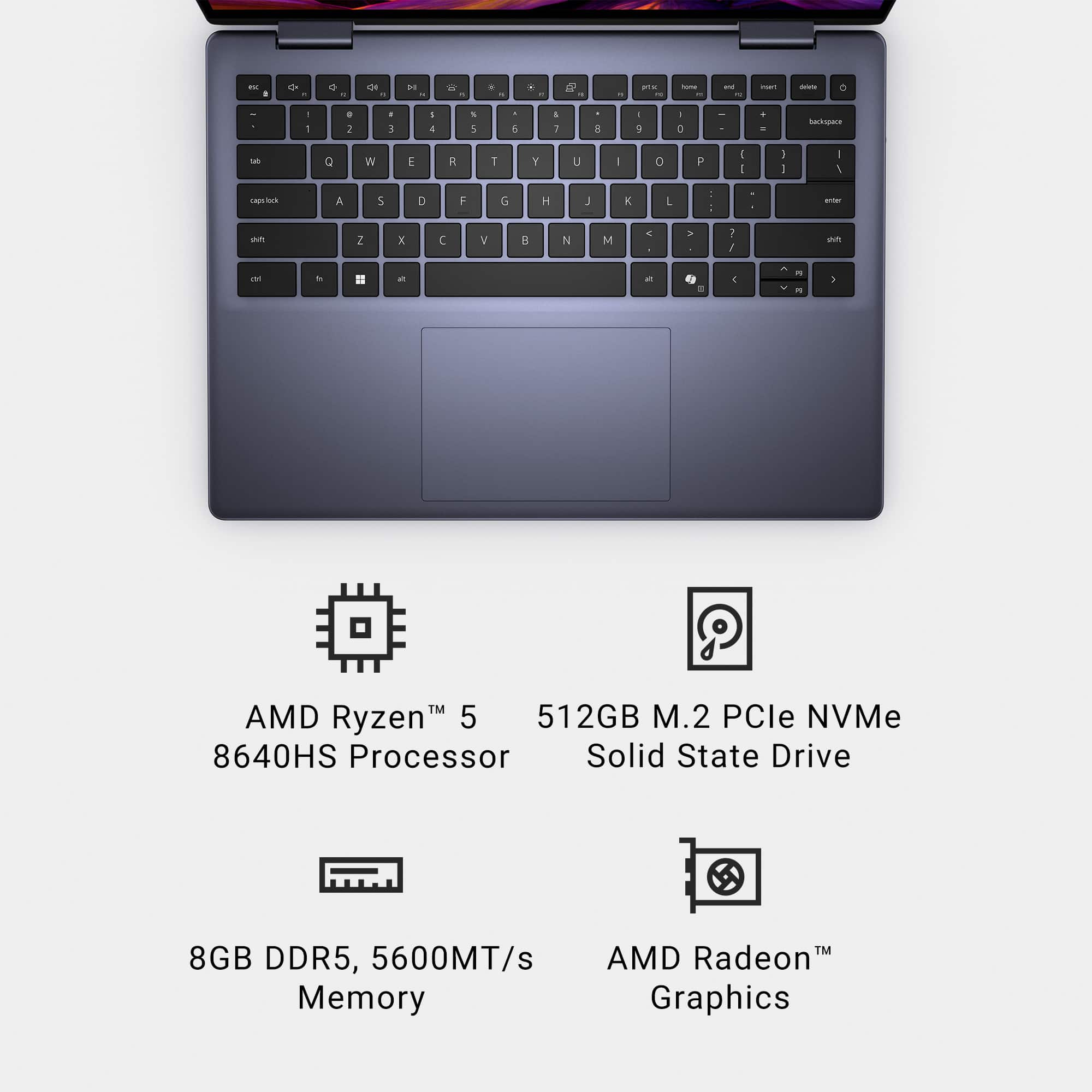
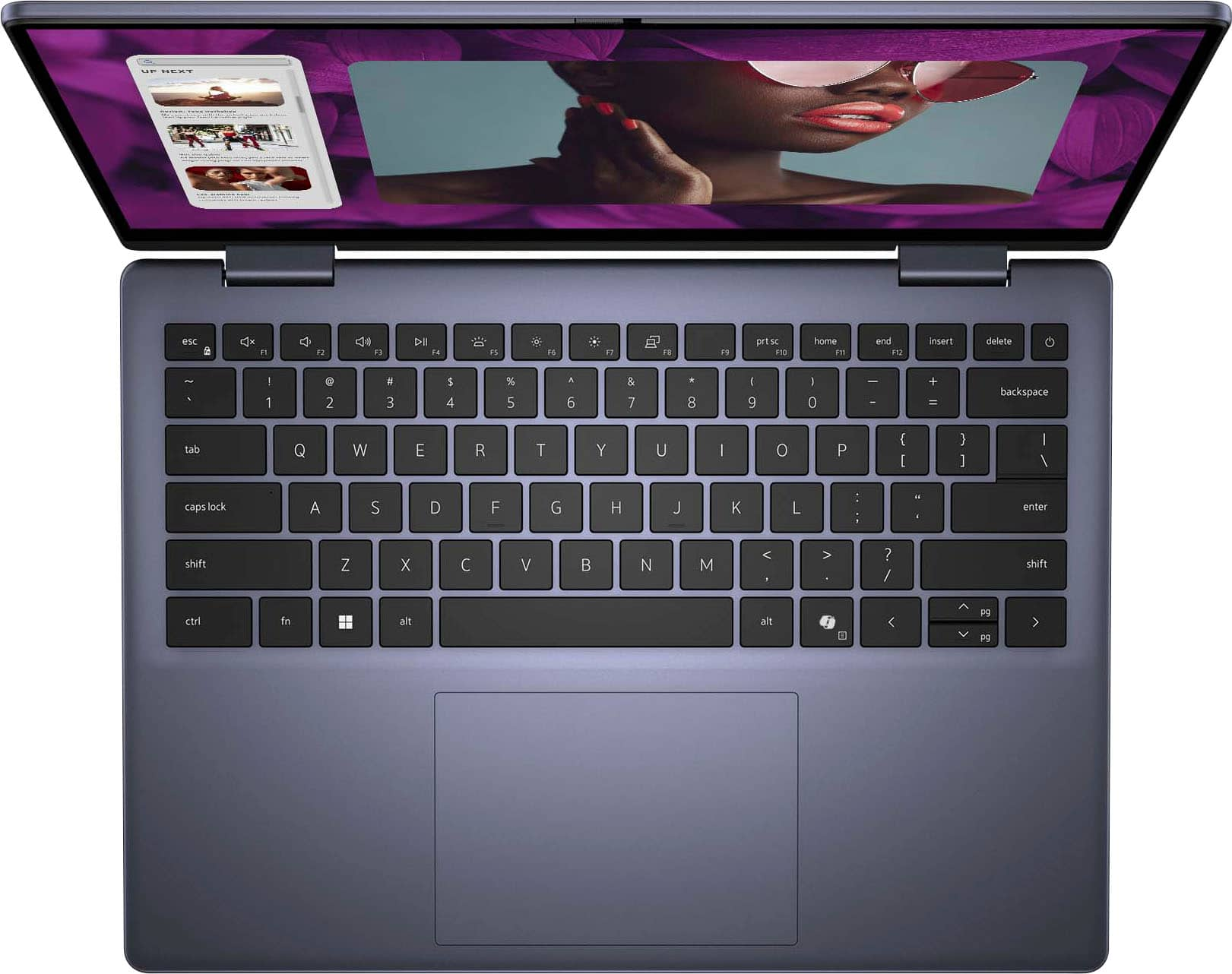
|Posted .This reviewer received promo considerations or sweepstakes entry for writing a review.Quality - The case and screen is very good. The resolution is HD quality and is very clear and bright. I use the laptop for creating documents, spreadsheets and presentations mainly. Easy to read text and menus in all applications. Some of that is probably due to using Windows 11 with this graphics card. Very impressed. Video - I watch a ton of you tube videos and all of them are good, none are 4k on the laptop, but when I plug this into my docking station, 4k is very good, my tv upconverts lower resolution very nicely. Hardware - The AMD Ryzen 5 Processor with 8GB of Ram and 512GB harddrive is very sufficient. No lag or any other issues while using this for my meetings with several people. Colleagues are able to hear me through the mic and speakers. I also connect a headset which connects flawlessly. Built in DELL Support app - updates firmware and other hardware without fail. Ran this the first time I used the laptop and it worked flawlessly. Using as a tablet. I use a pen which is designed for touch laptops. Works very good and smooth. Fingerprint scanner to login was a breeze to setup and use - no issues. Setup - Easy to setup and get going within a few minutes. Updates were very quick to download and to install - Again no issues. If you need a laptop that performs and does the job and you don’t need it for a gaming machine, this is the laptop I would highly recommend.
I would recommend this to a friend Not good
||Posted .This reviewer received promo considerations or sweepstakes entry for writing a review.I have issues with it. Not totally satisfied Then best buy does not help much
No, I would not recommend this to a friend- Pros mentioned:Touchscreen
Super happy!
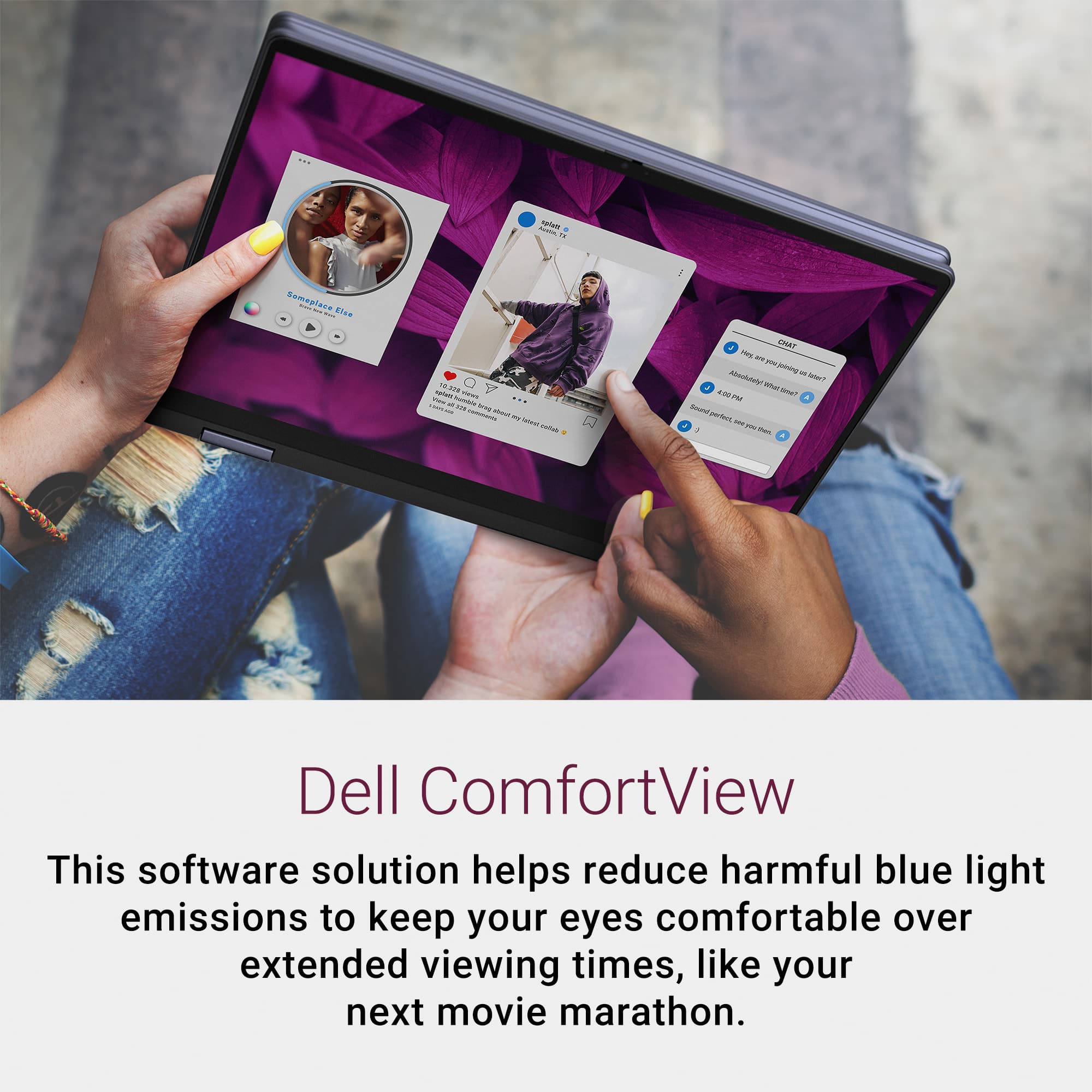
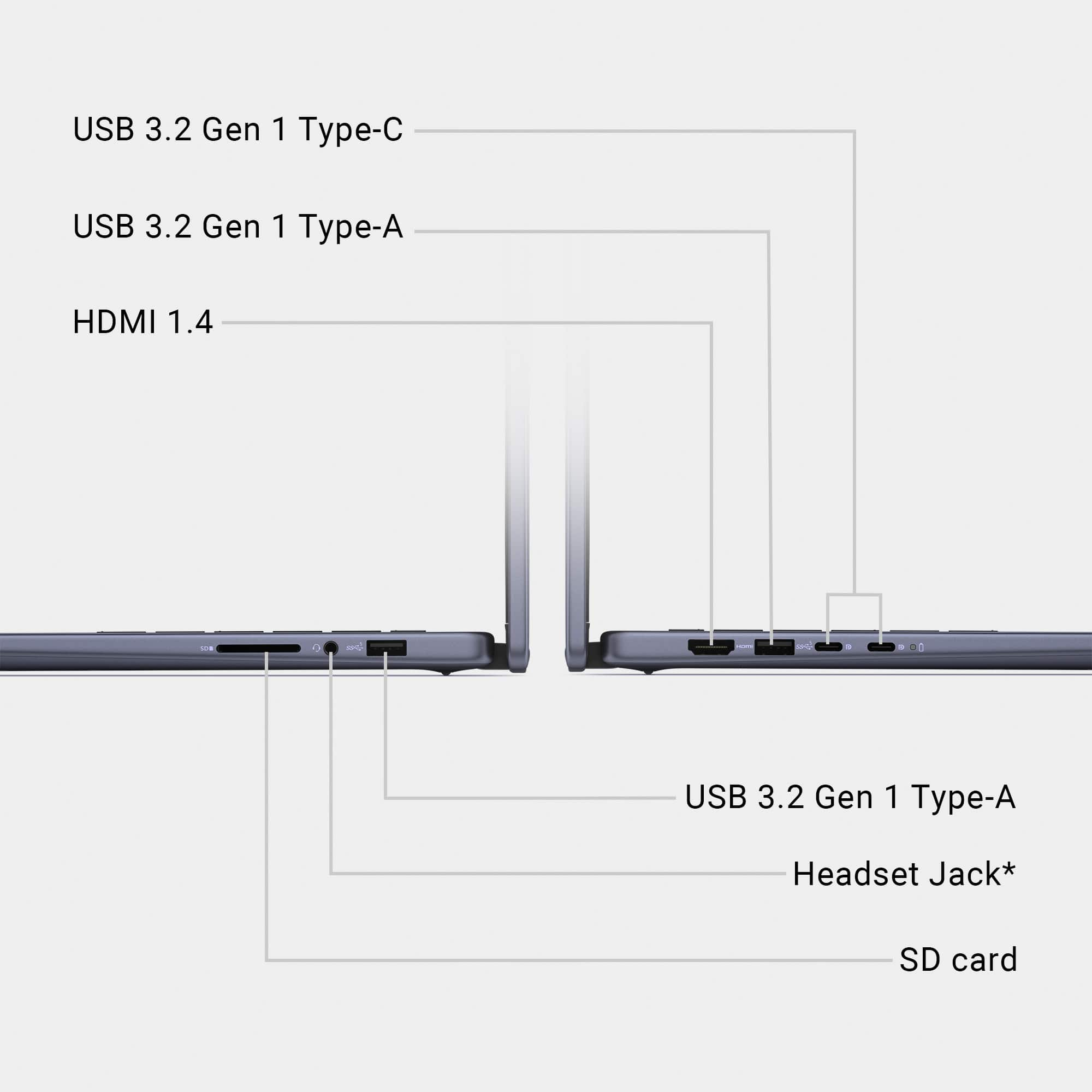
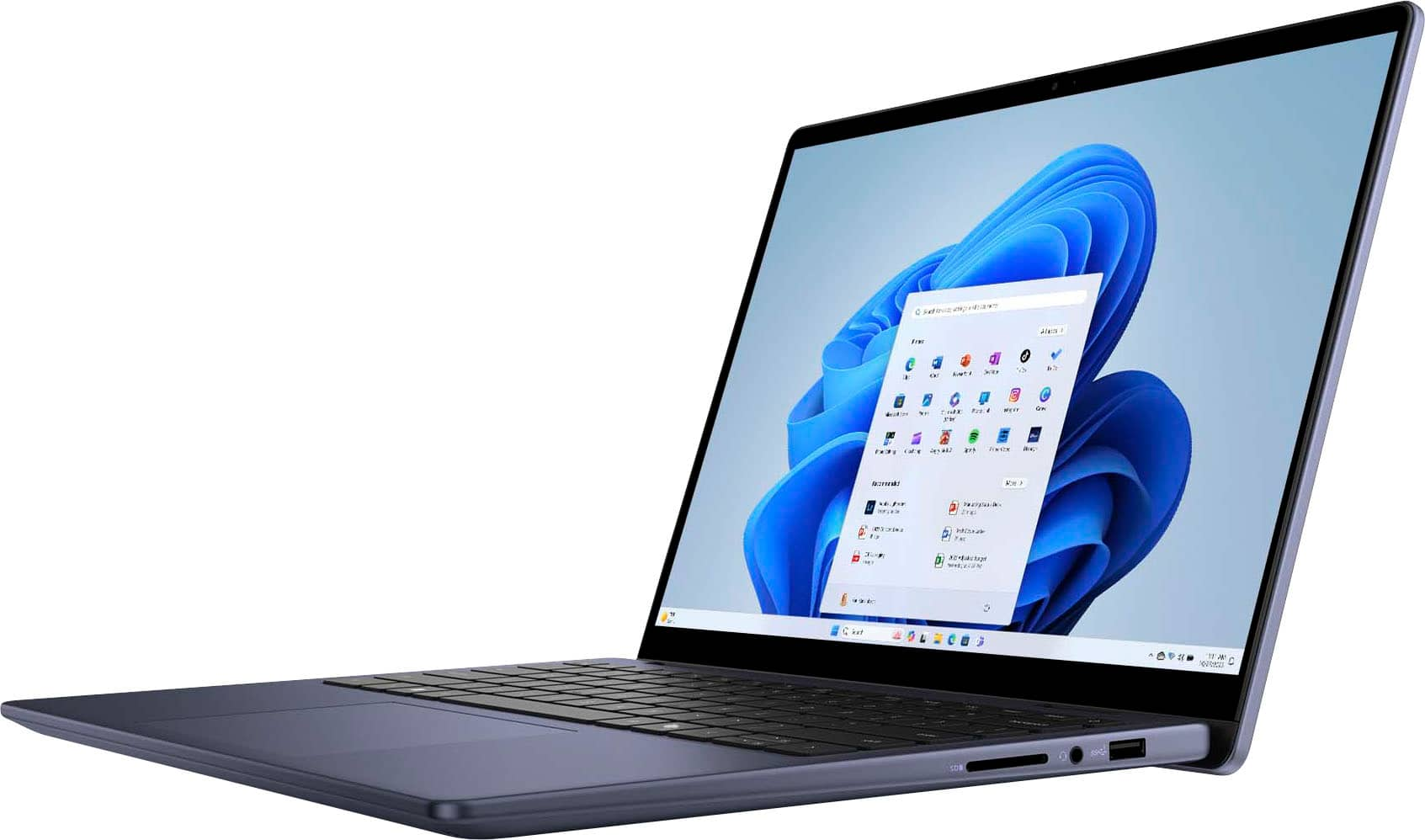
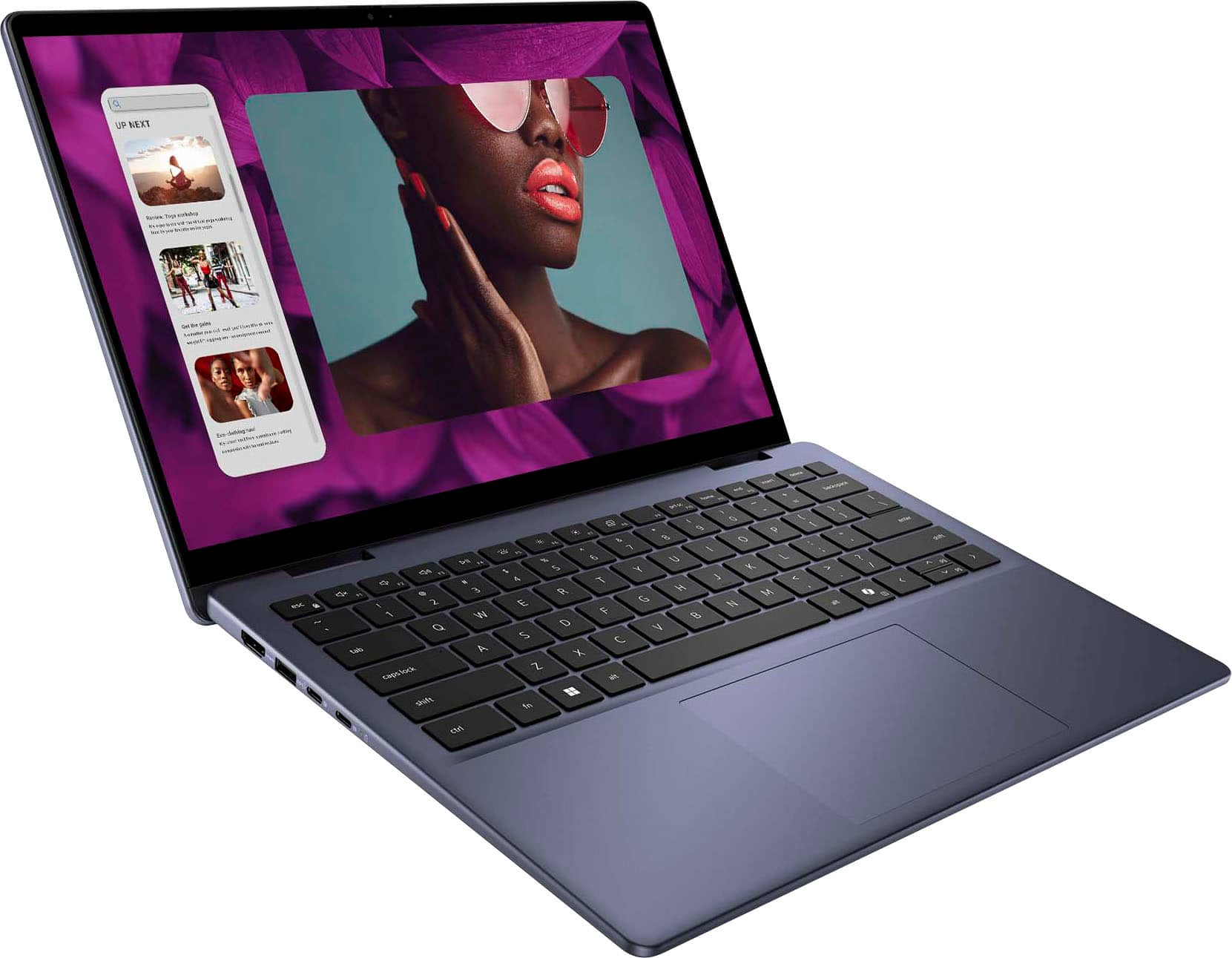
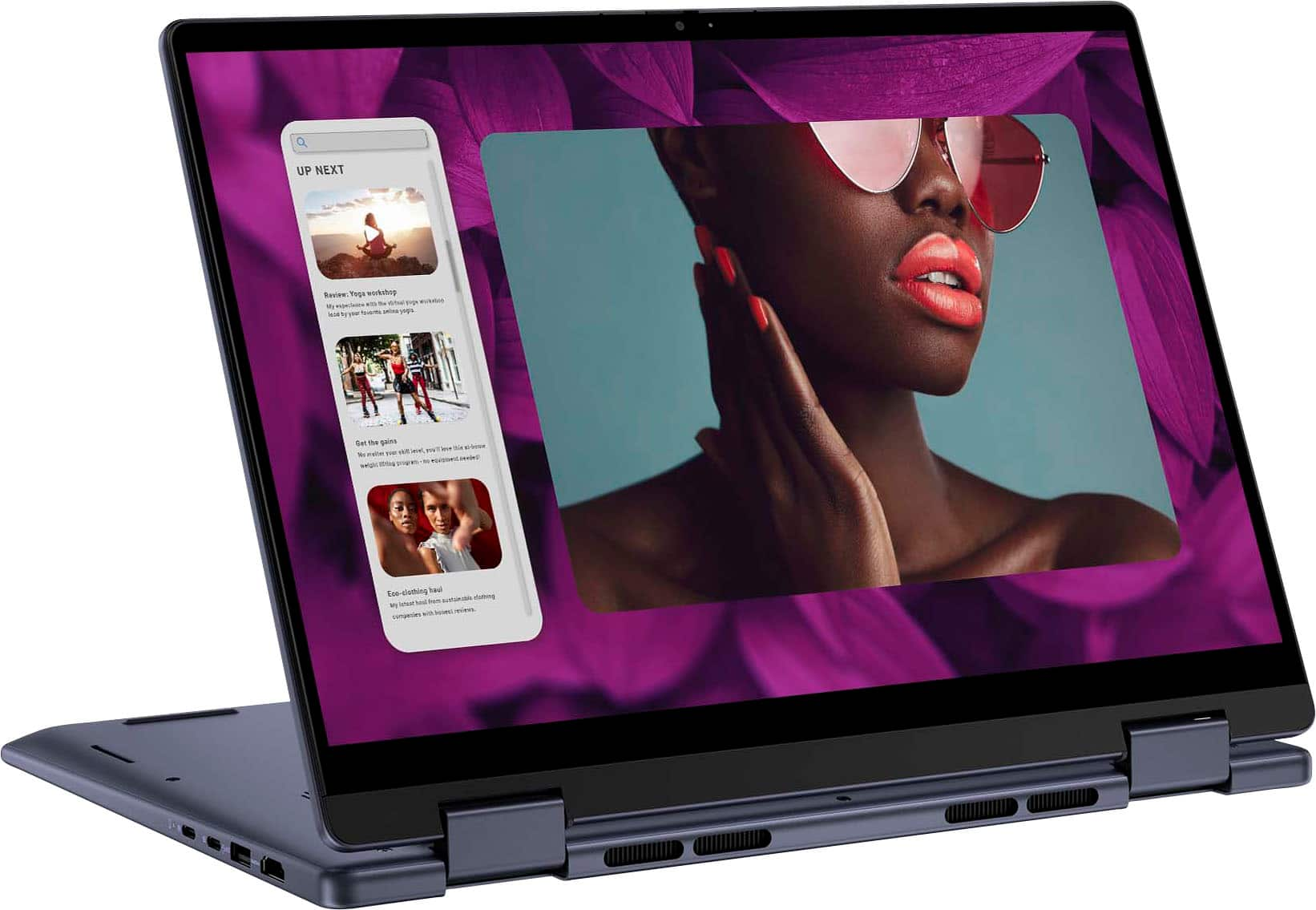
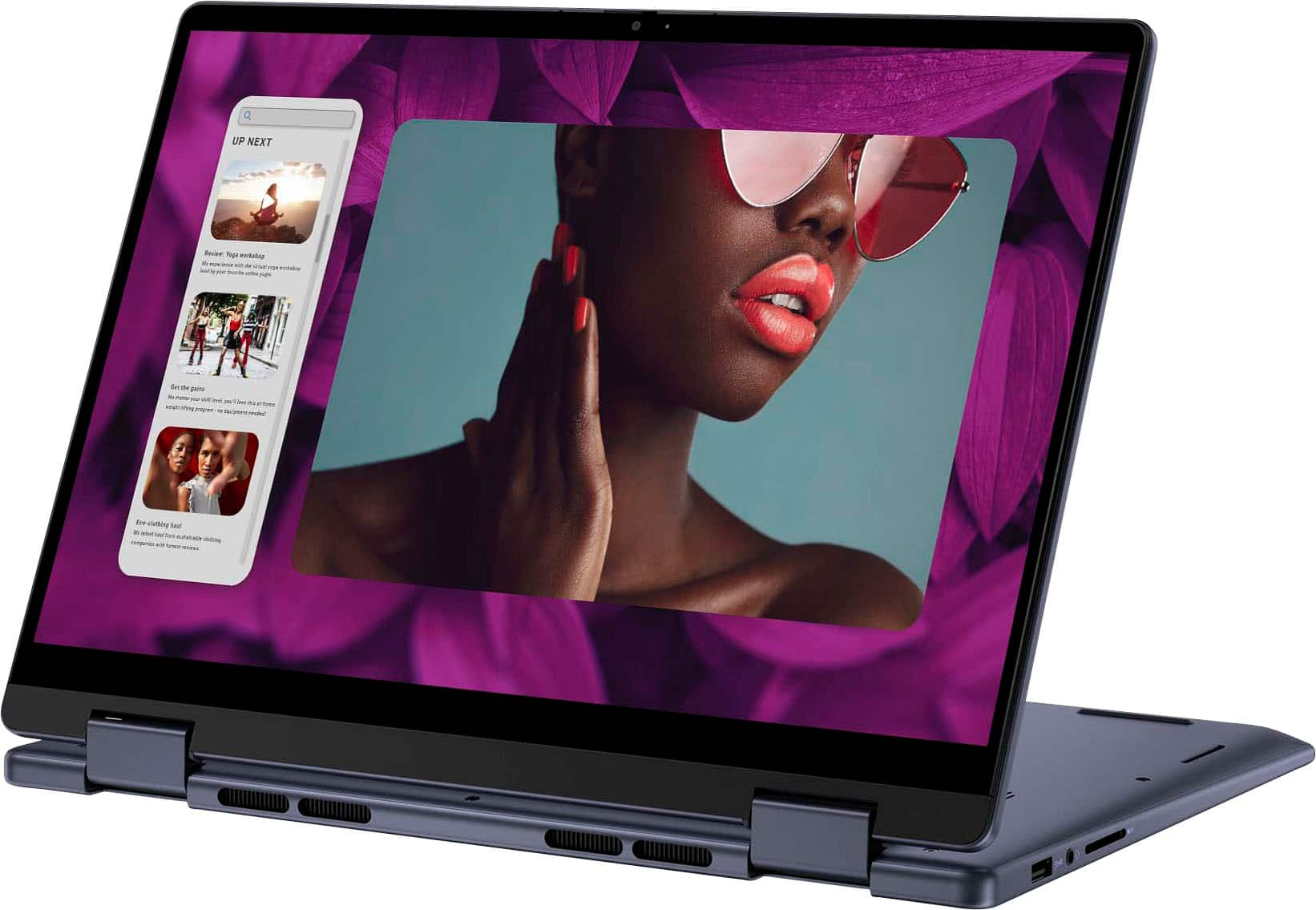
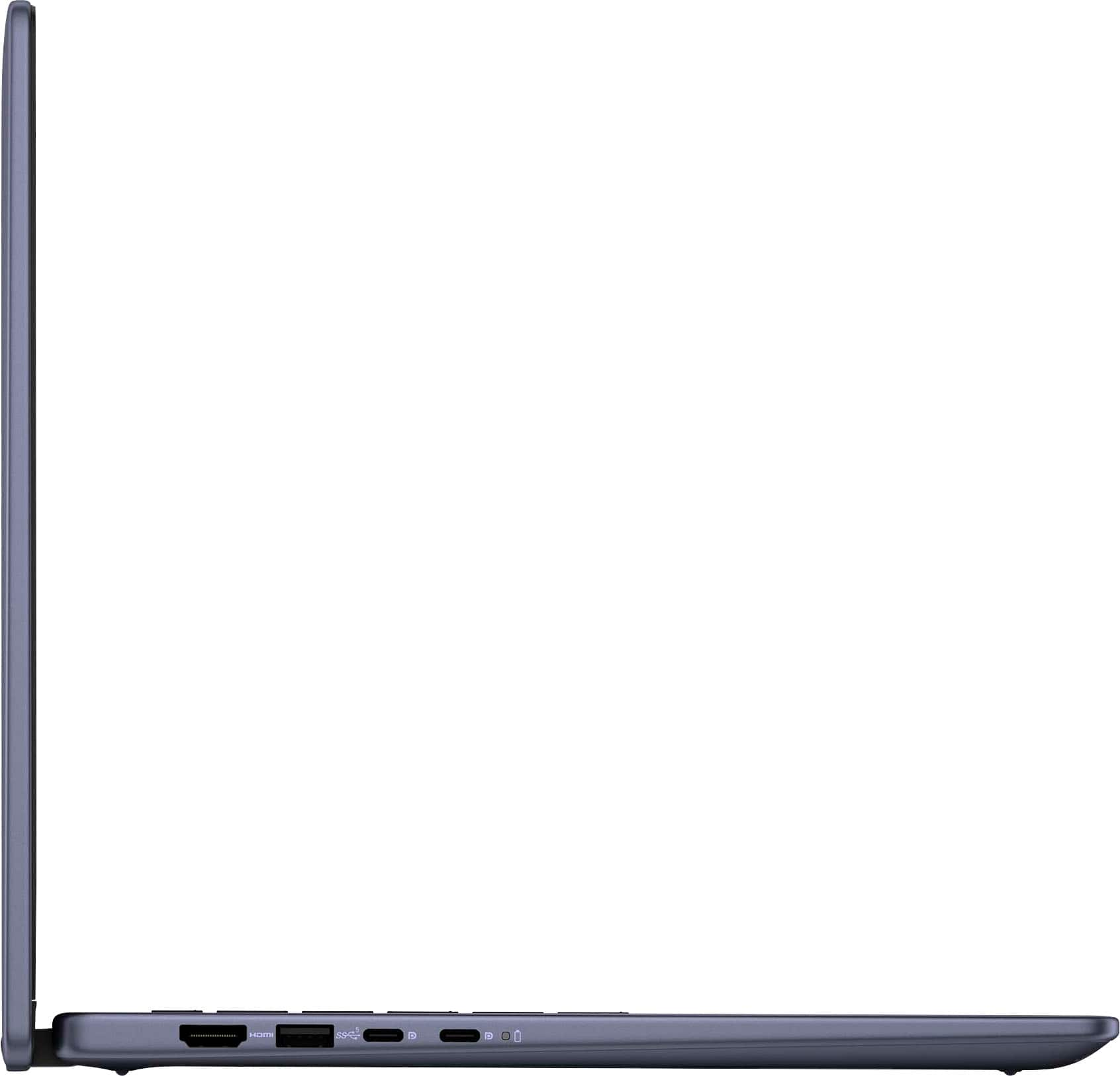
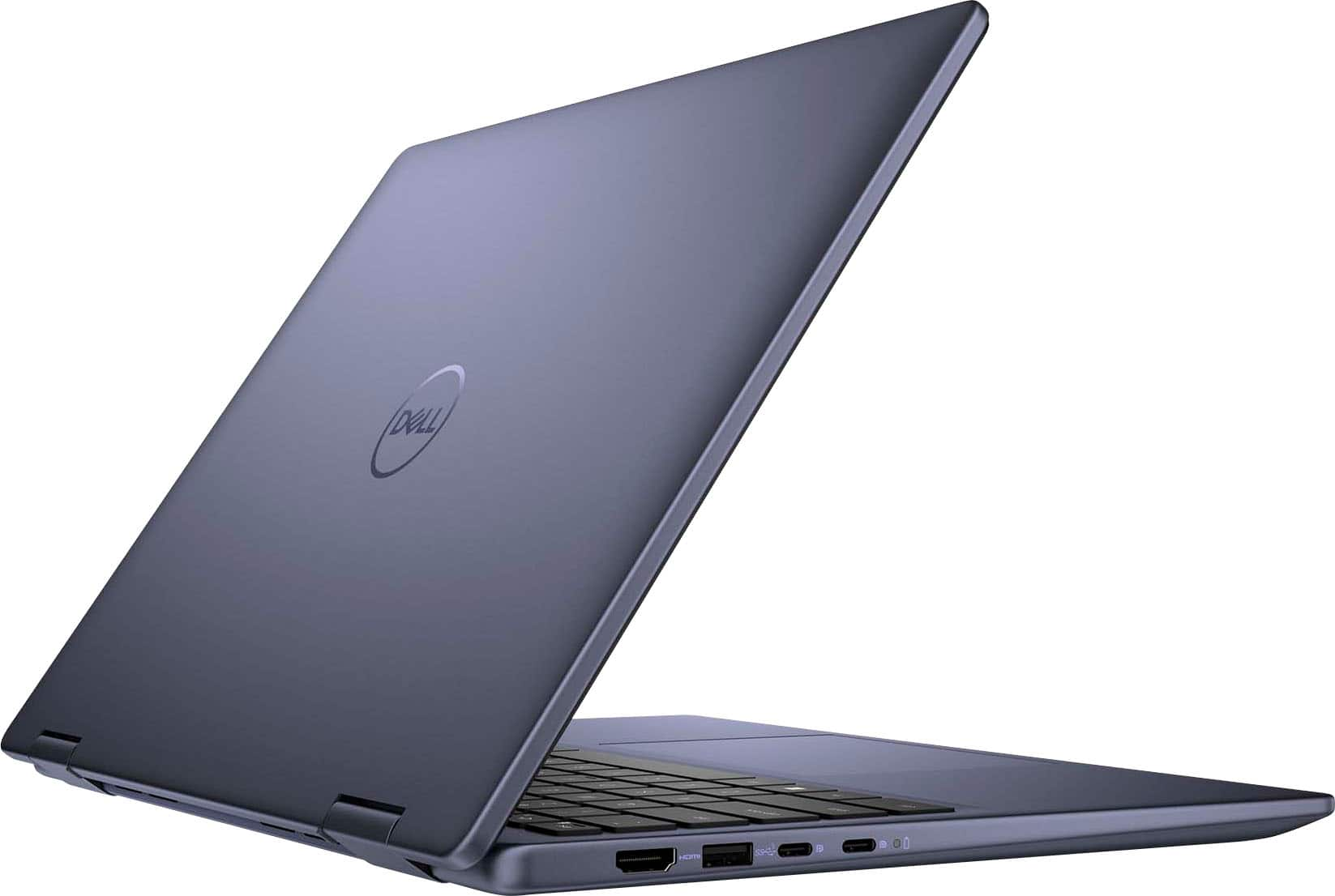
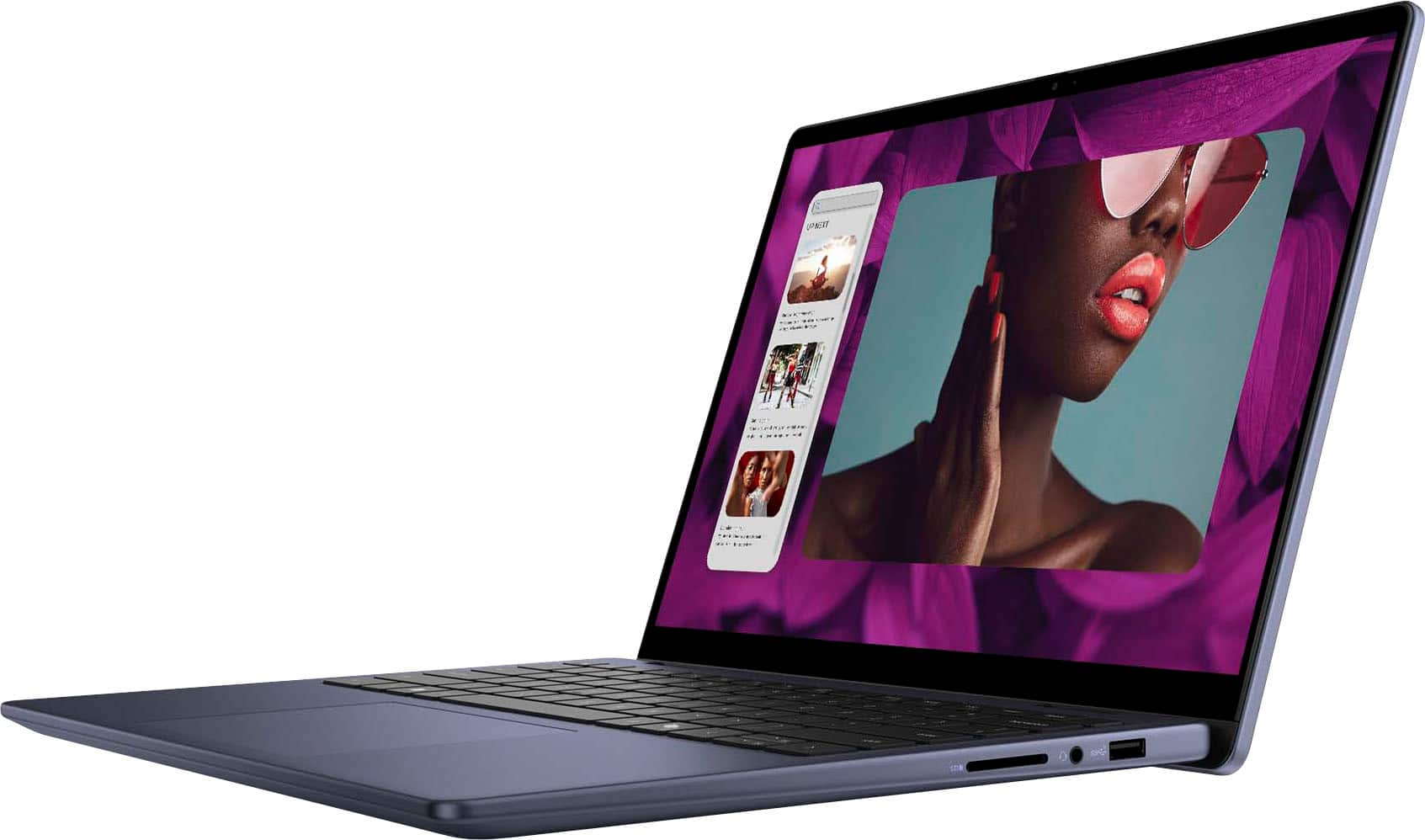
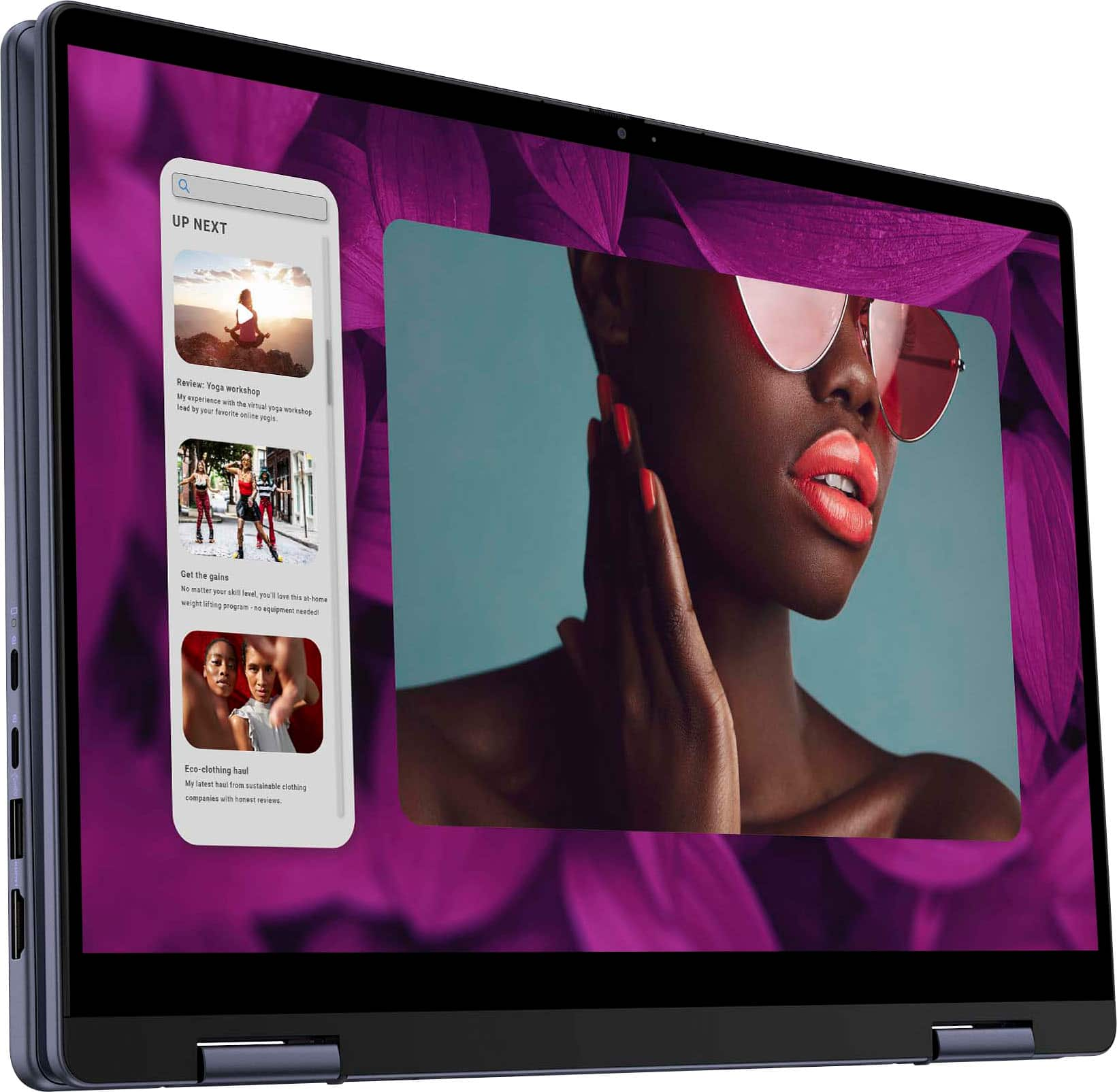
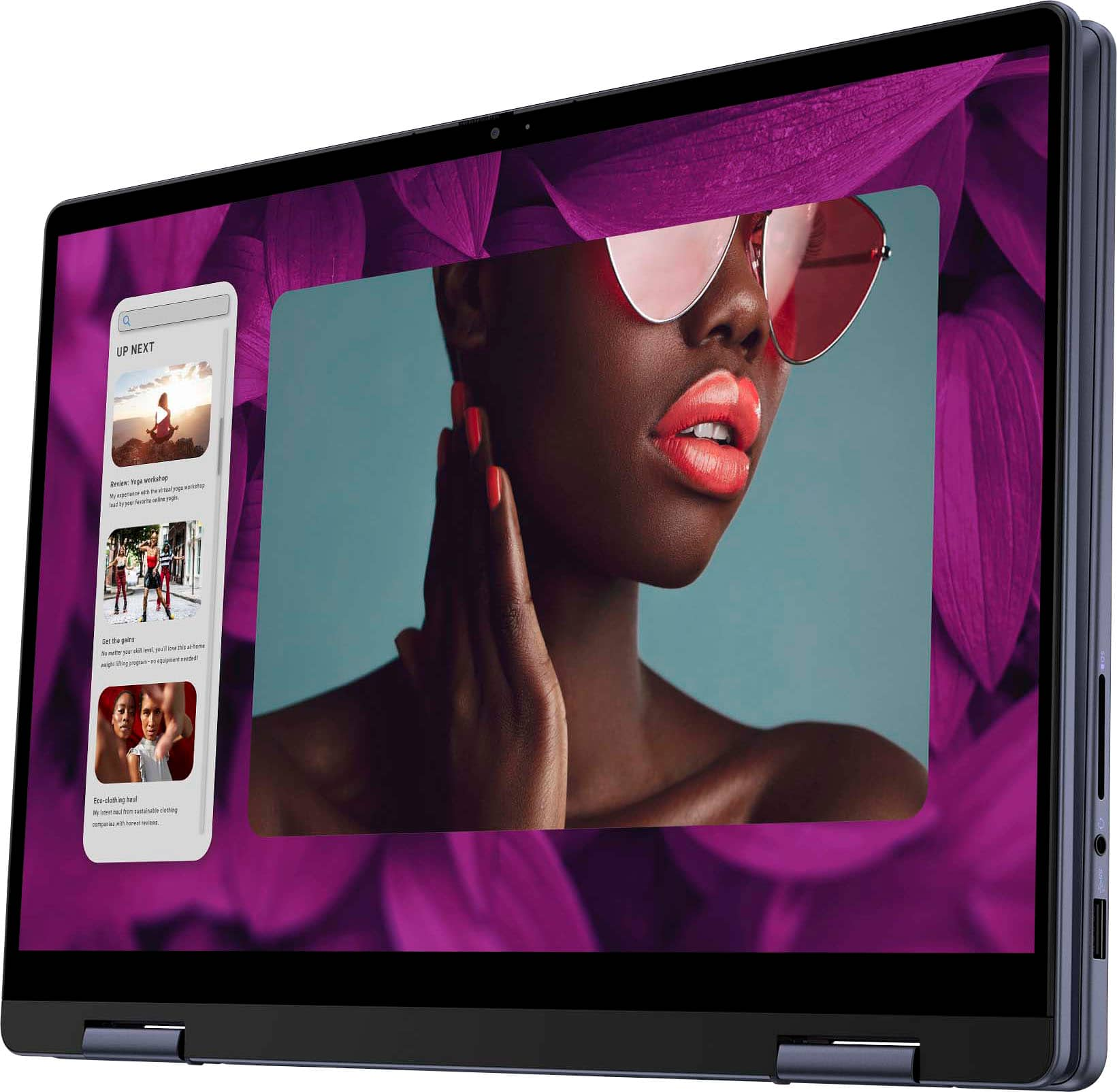
|Posted .This reviewer received promo considerations or sweepstakes entry for writing a review.Dell Inspiron 14" 2 in 1 touch laptop, I love the size for travel rather than my larger laptop more compact to fit in my bag better. It was a quick and easy set up . With 8 GB memory, 512 GB SSD. I wasn't sure about the color but Midnight Blue was actually really nice. It has an HDMI! I was excited about that over companies removing stuff people use and need also has two USB A one and n each side of the laptop, headset Jack and another thing I'm excited about an SD card slot. Comes with windows built in, a fingerprint reader but can also use password or a pin which I find awesome! Love options! Dell made this laptop awesome feels extremely sturdy not cheaply made at all. The color display is very vivid, love the touch screen it's sensitive enough to the touch to not get frustrated with it. The keyboard flips back to be able to watch movies, backlighting keyboard makes it nice working with the lights off. I liked how easy it was to connect to my wireless printer I also use an external wireless mouse & the response was incredibly. I highly recommend this laptop. For students, small business work and travel. Definitely can't go wrong.
I would recommend this to a friend Open Box Laptop NOT "Excellent"
||Posted . Owned for 1 month when reviewed.This reviewer received promo considerations or sweepstakes entry for writing a review.This was an open box purchase... "excellent condition". Cosmetically great but operationally not. Screen flickered randomly.
No, I would not recommend this to a friendThis isn’t a great computer
||Posted . Owned for 5 months when reviewed.This reviewer received promo considerations or sweepstakes entry for writing a review.Stopped working a week after I bought it. Keeps restarting
No, I would not recommend this to a friend- Pros mentioned:Portability, Processor speed
Great Value Balanced Laptop
|Posted .This reviewer received promo considerations or sweepstakes entry for writing a review.The Dell - Inspiron 14 2-in-1 Touch Laptop - AMD Ryzen 5 Processor - AMD Radeon Graphics - 8 GB Memory - 512 GB SSD is a great little quality budget laptop. I got this as a family laptop for the basement. We use it for pretty basic web-browsing, e-mail and office apps for word processing, excell etcetera. I also loaded a photo editing suite and it handles all of that quite well. The processor is the AMD Ryzen 5 8000 Seriesis a solid processor this type of use. It's not going to let you burn through high use intense gaming but it's great basic PC use. In all, a solid choice. The drive is SSD 512 gig. Big enough for this kind of use, especially in the on-line / streaming world we live in. As most modern laptops, the SSD is much faster and more reliable than the disk based "hard drives' of old. Again, a solid choice for this type of casual use. The display is touch-screeen, which is great for my wife. I can't tell you the number of times I have looked over when she is using a non-touch laptop and is tapping at the screen wondering why nothings working. While it's funny to wtch for me, it's frusturating for her. This little screen eliminates that humorous activity. Further on the screen, it's 1900 X 1200 for full HD resolution. It refreshes at 600 Hz (600 times a second). That is nice for this type of laptop. Again, the hard-core gamer who may be used to much higher refresh ratesmay not be satisfied, but 99% of userswill be perfectly satisfied. This little guy has 8 GB of DDR 5 memory. Plenty for most casual users. End of the day, this is a great choice for what most folks would need. And it's balanced in an attractive package that offers great portability. I would reccomend to a friend.
I would recommend this to a friend Good laptop but fan could be quieter
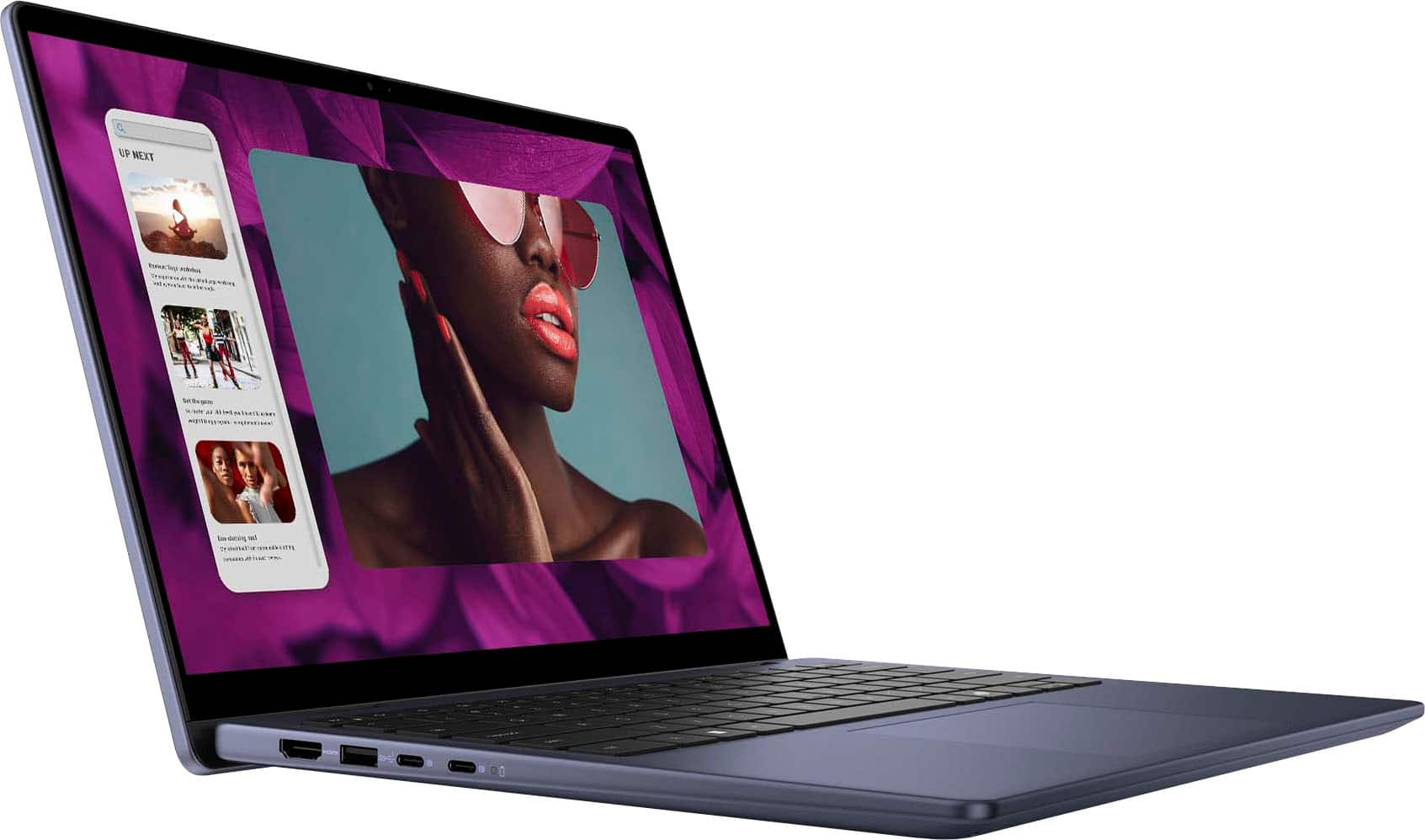
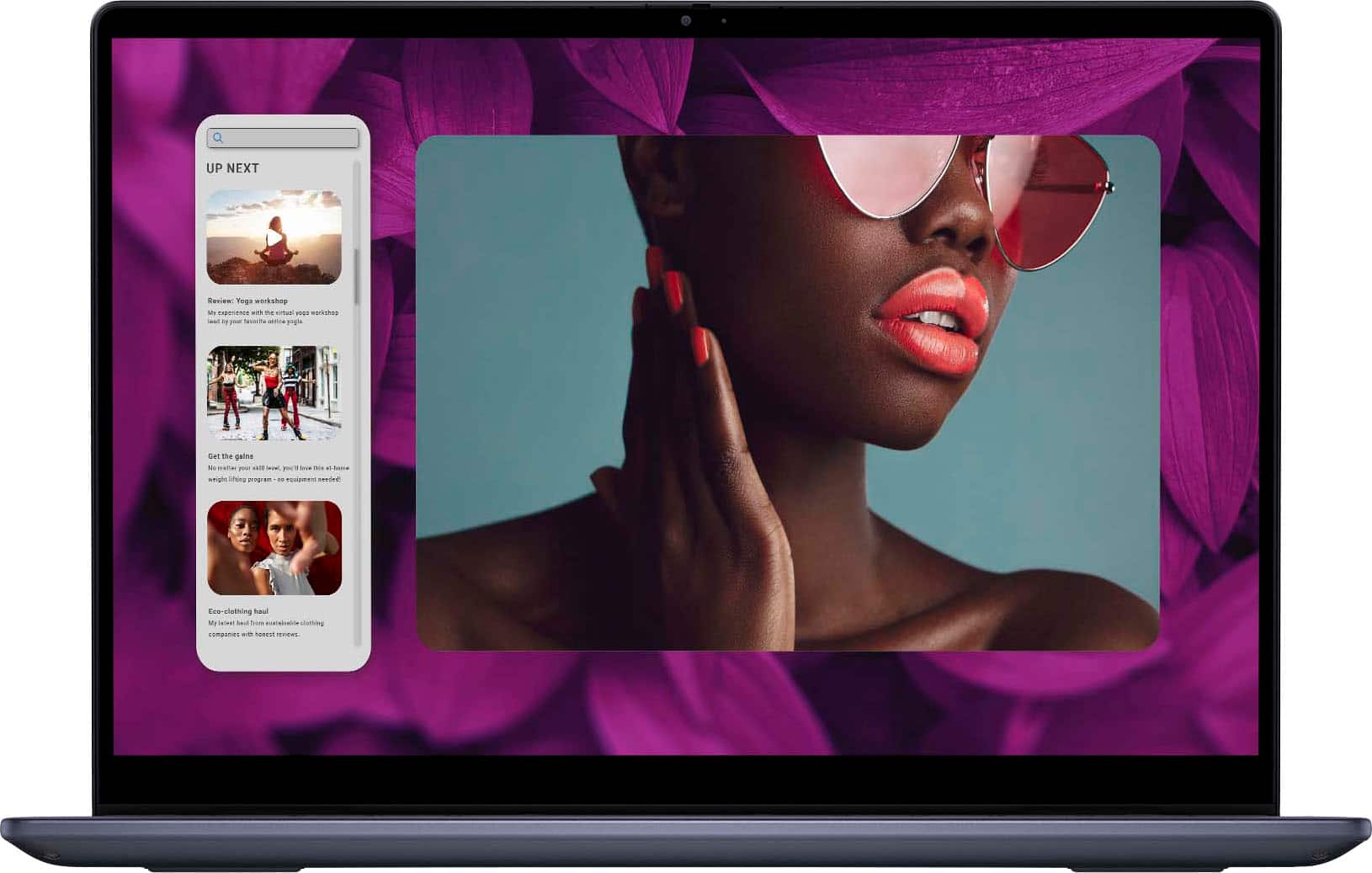
|Posted .This reviewer received promo considerations or sweepstakes entry for writing a review.The Dell Inspiron 14” 2-in-1 Touch is a pretty good laptop. The laptop has a good outer body design that has a sleek look to it and a nice color. However, it’s a slight fingerprint magnet. I use a microfiber cleansing cloth every so often to keep it clean. It has a rather large trackpad. The trackpad does a good job of moving the mouse cursor around the screen and the tap functions work well too. The keys on the keyboard are backlit and the keys have very good key travel. The keys also have a nice feel when typing. The 14” screen has good dynamic contrast. It has a glossy finish which will have some glare in certain lighting situations. The laptop comes with two USB-C ports, two USB A ports, an HDMI port, SD card slot, and a headphone jack. The laptop does a great job of opening apps and doing daily tasks with ease. My only gripe is the cooling fan. It comes on way too often and is much louder than my liking. Even when I got into the settings and changing it to Quiet Mode, the fan still comes out. It’s not as loud as in normal or power mode, but it’s still on. Other than the fan issue, it’s a very good laptop.
I would recommend this to a friend- Pros mentioned:Battery life
Great laptop for light work. Needs more memory.
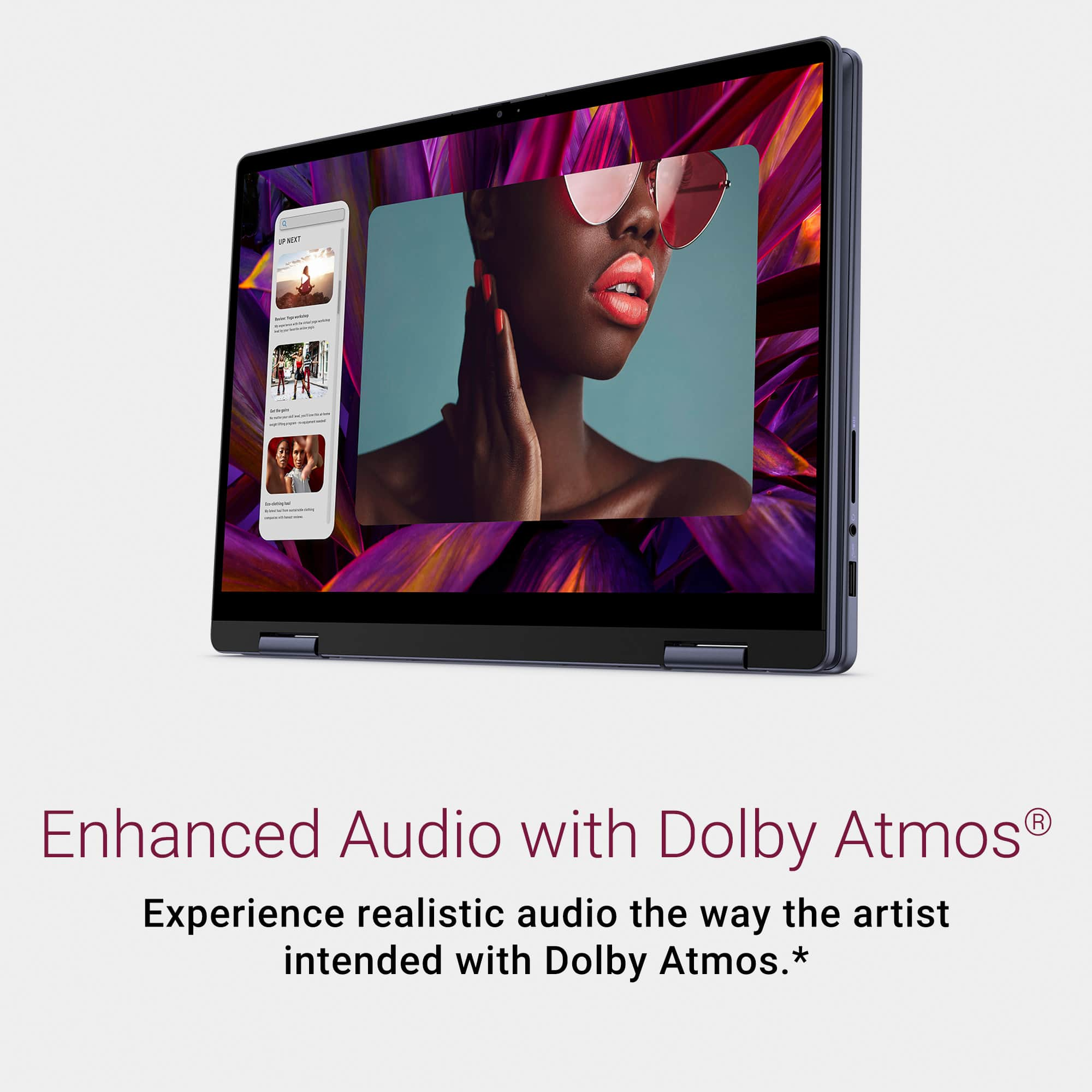
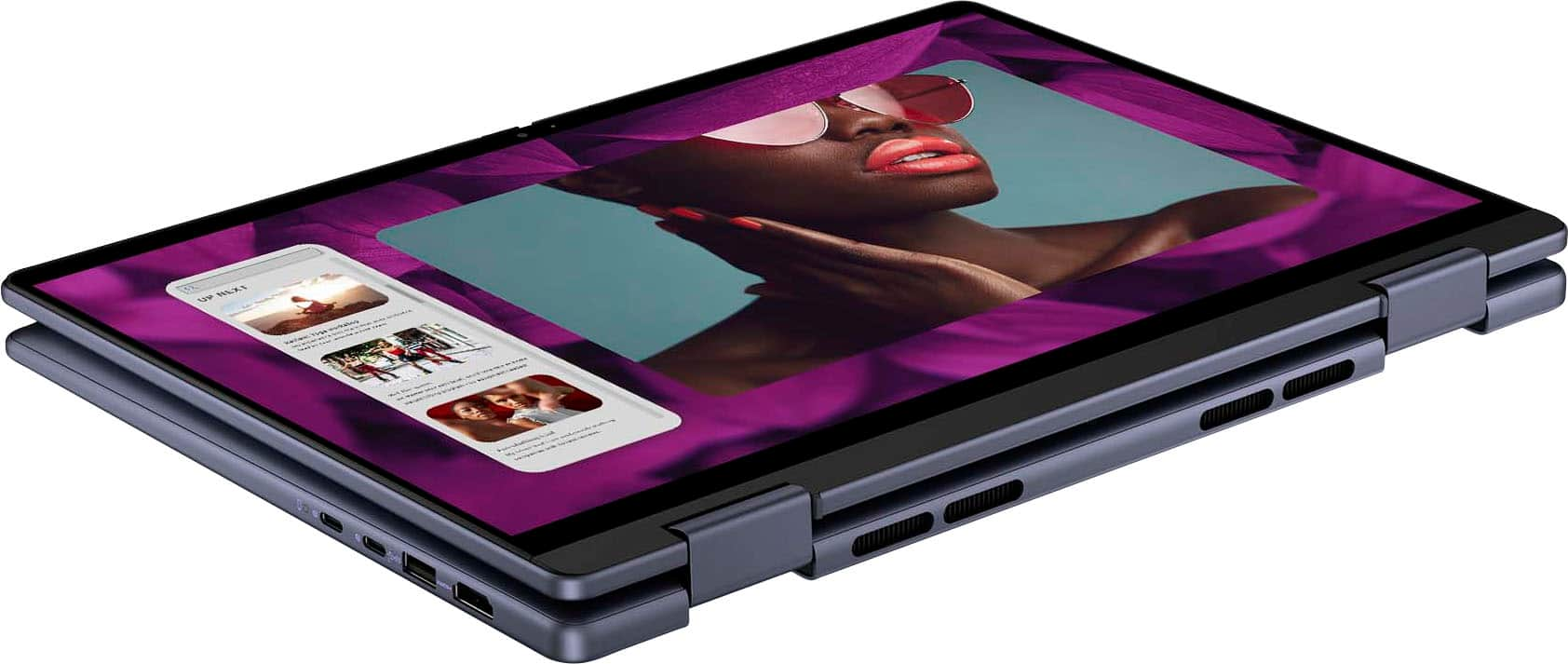
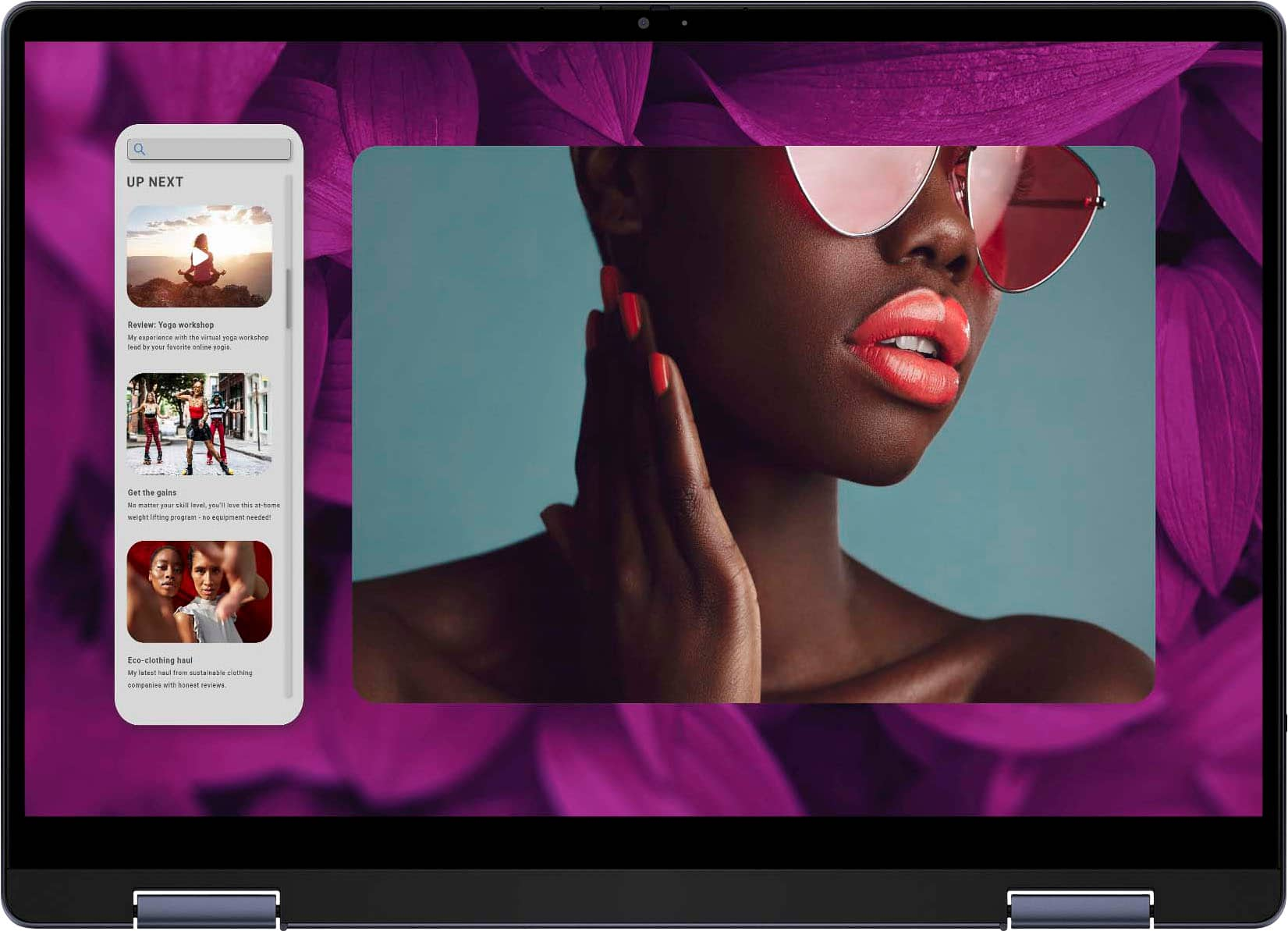
|Posted .This reviewer received promo considerations or sweepstakes entry for writing a review.Pro: Battery life Windows Hello with fingerprint reader Trackpad and keys Con: Only 8gb ram The 14” Inspiron is a light yet sturdy 2 in 1. It has a nice bright display and good sounding speakers. There’s a good amount of ports, including 2 USB 3, 2 USB-C PD, HDMI, SD card reader, and a headphone jack. One of the USB-C ports is used for the laptop power supply, and both can be used for quick charging other devices. It also has Windows Hello with a fingerprint reader for faster logging in. The keyboard keys feel nice to type on without feeling too spongy or stiff. The trackpad is large with a tactile click. Specs The Ryzen 5 is powerful enough for casual and work activities, and may run some light games. However, the low amount of memory won’t allow any heavy or too many multitasking tasks. This model only has 8gb of ram, which is barely the minimum. Windows already takes about 4gb and with having a few browser tabs open, you’re already using almost 90% of your memory. The 500gb of storage is about what you’d get for a light laptop. Display and Audio The 1920x1200 (16:10) display is nice and bright with vivid colors. The wider screen is good for watching cinematic movies. The hinge is a little hard to open and close, and requires two hands with some force. The 1080p webcam is good. It’s a bit washed out with skin tone, but good enough for calls. It also has a privacy shutter slider. The front down firing speakers are better than expected. It sounds a bit boxy, especially with the bass. It gets plenty loud, but it starts to sound more hollow starting above 50%. It does have Dolby Atmos for the speakers, which is on by default, boosting the bass a bit. Functionality The battery life is great, lasting up to 6 hours while doing less demanding activities like browsing and streaming videos. It also doesn’t get hot, with the heat being vented out at the top of the hinge, leaving only the top part of the body a bit warm. Fan noise is also quiet even during gaming sessions. Overall, good performance with the exception of not enough memory.
I would recommend this to a friend - Pros mentioned:Battery life
What a pleasure!
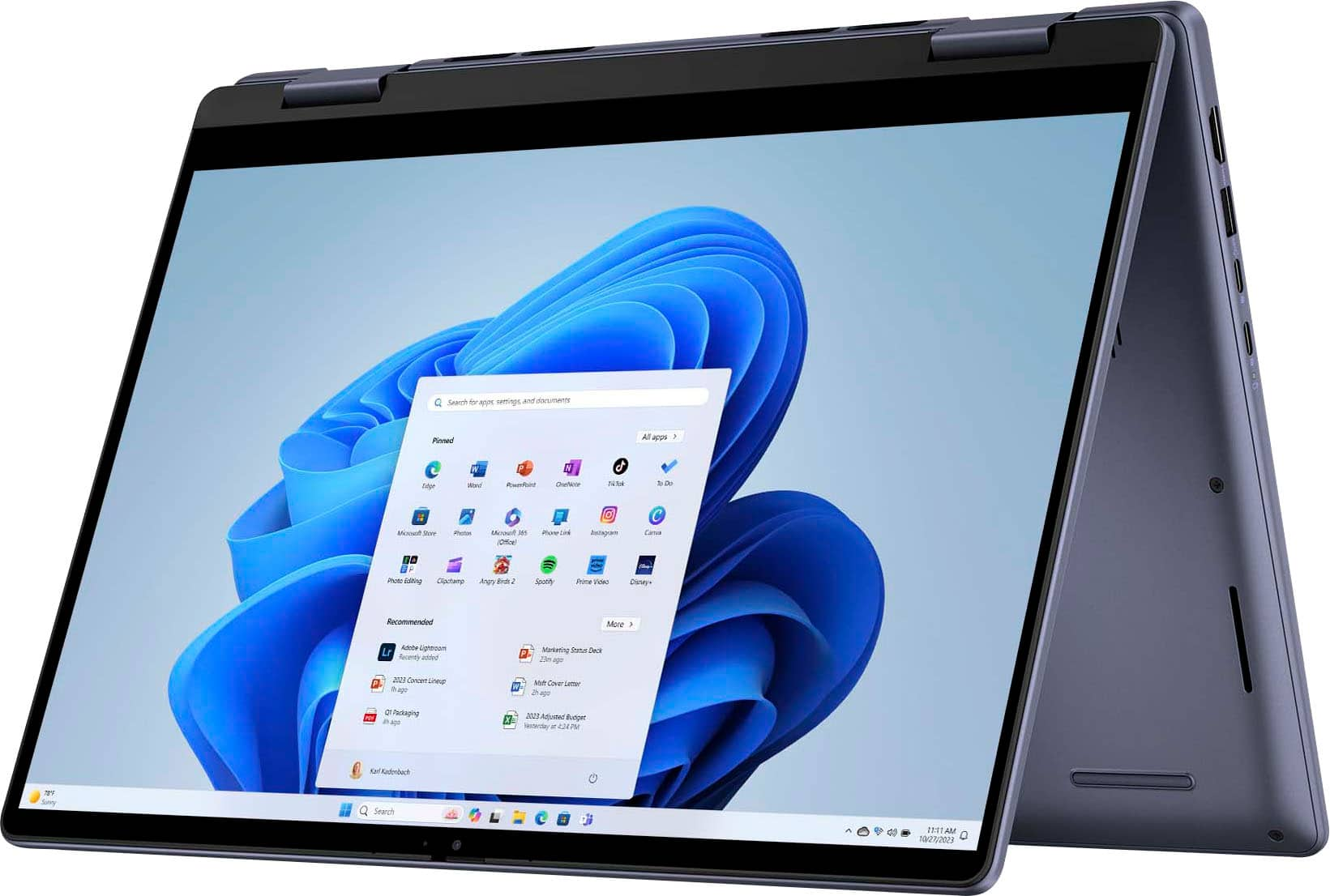
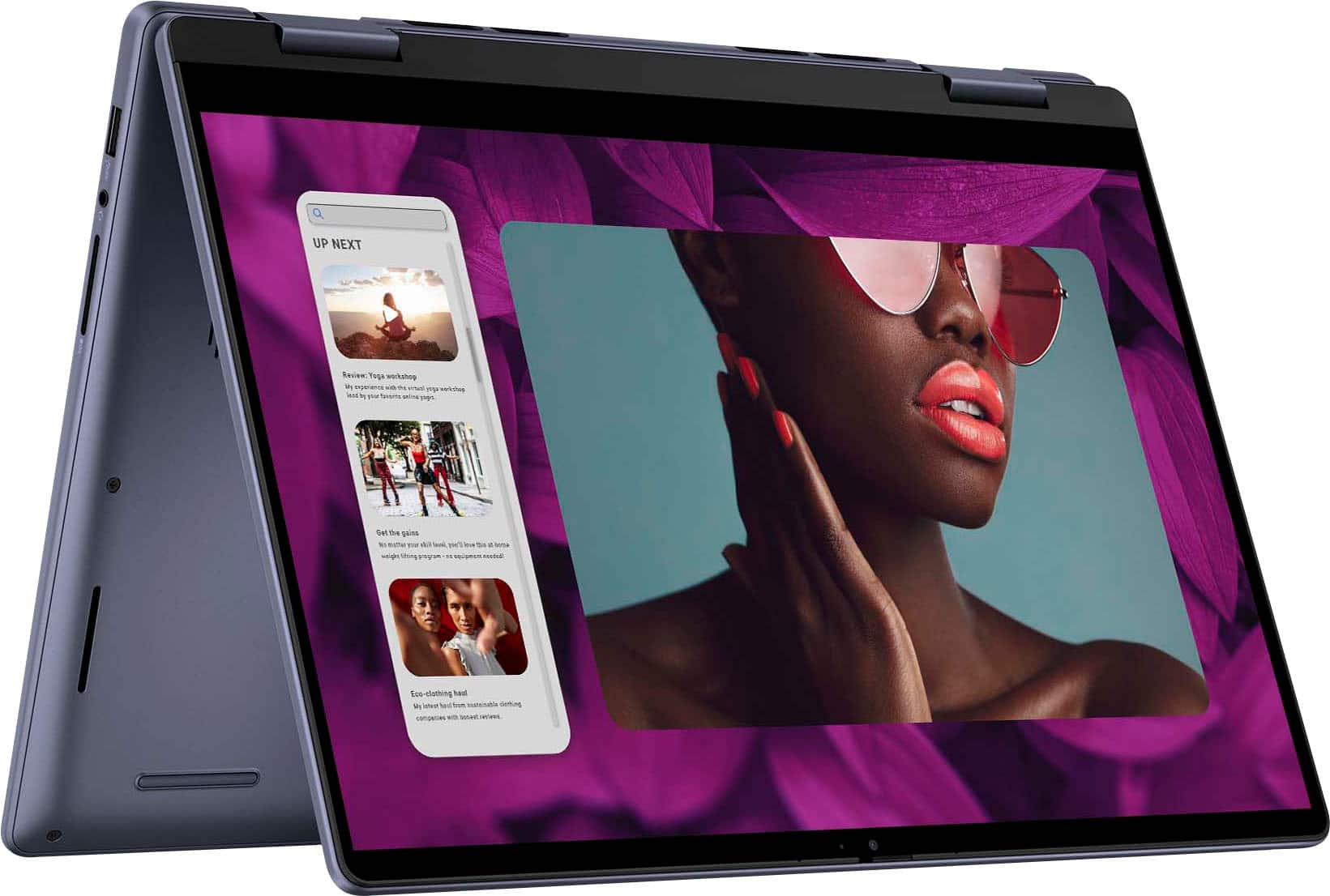
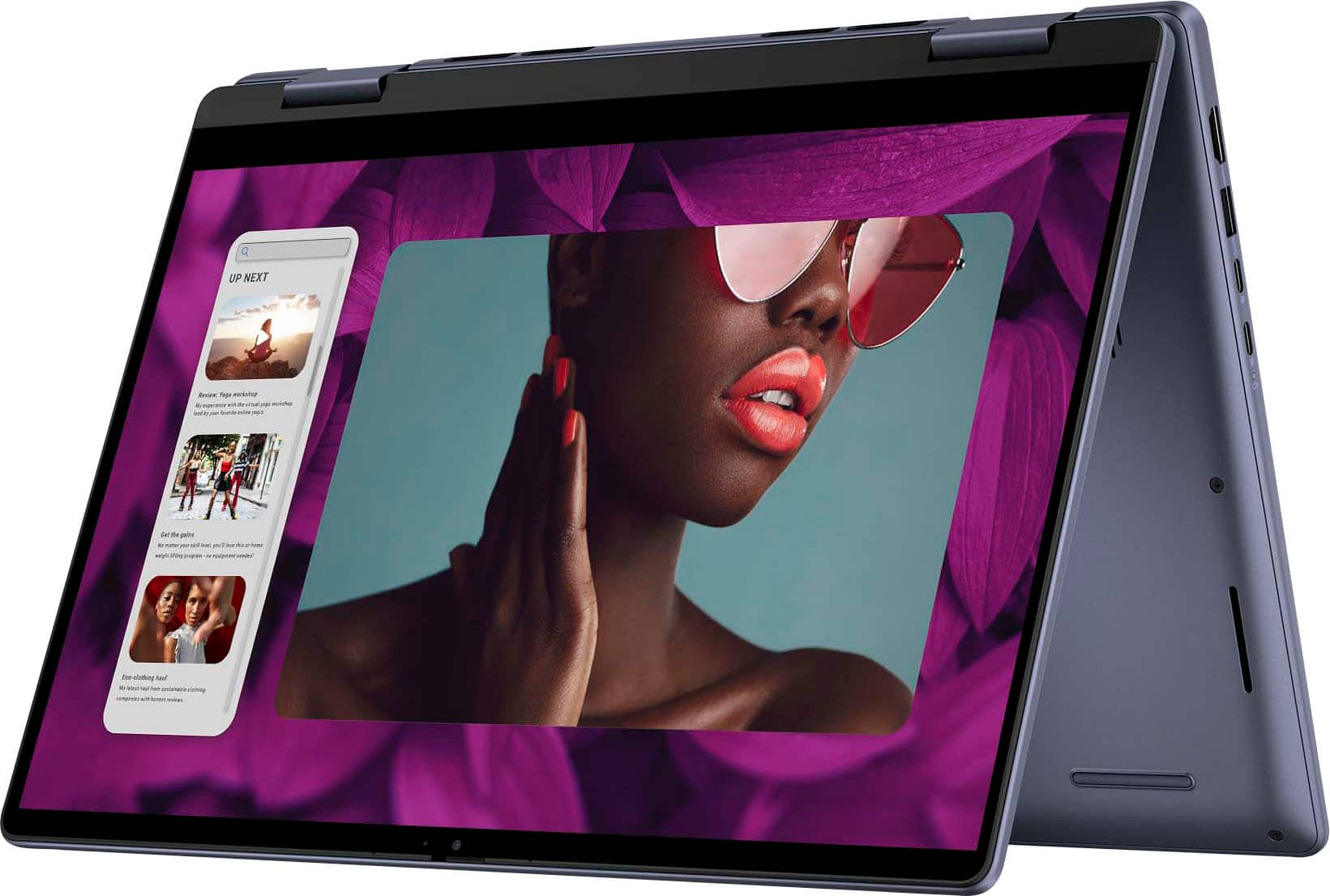
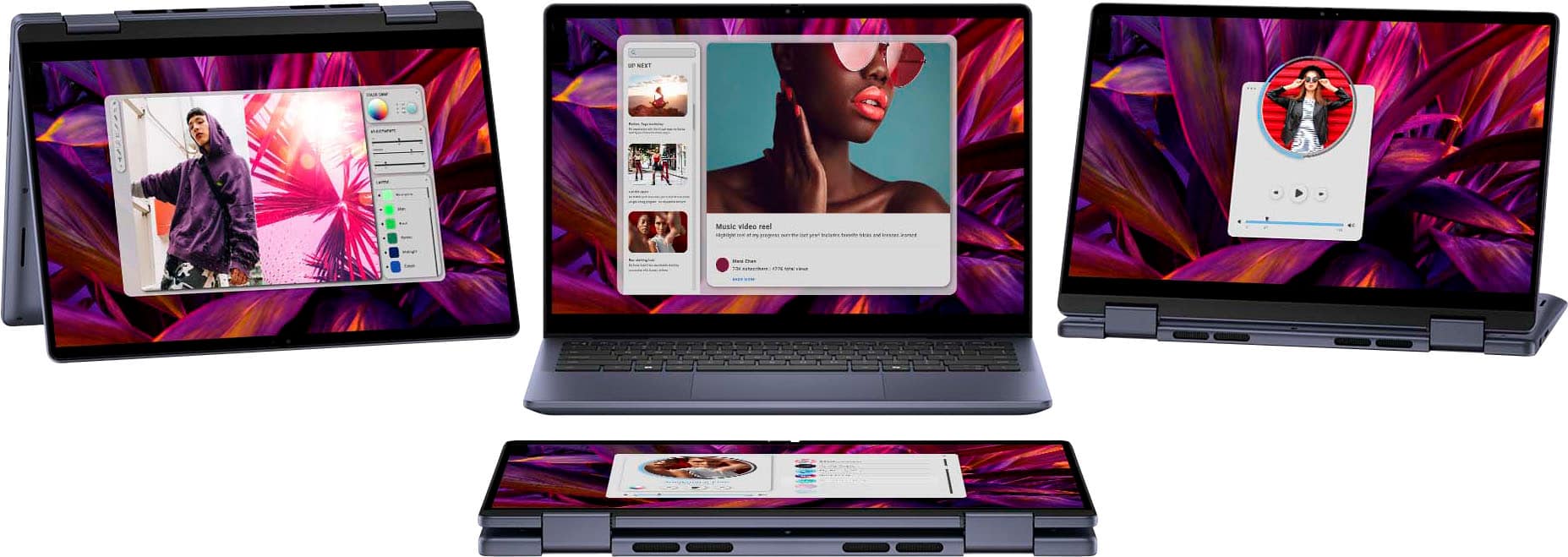
|Posted .This reviewer received promo considerations or sweepstakes entry for writing a review.Review for Dell - Inspiron 14 2-in-1 Touch Laptop - AMD Ryzen(TM) 5 8640HS processor - 8 GB Memory - 512 GB SSD - Midnight Blue It’s been a while since I got a new laptop, so I did some looking around before I chose this one. I wanted a basic machine for day-to-day work: email, social media, spreadsheet projects, and video calls. The “2-in-1” refers to regular laptop use with the keyboard and touchpad or you can flip it around and use the touch screen like a tablet. You can also “tent it” to make the screen easy to see for a video call. I really liked the idea of this versatility! Right out of the box, I was impressed with how light and yet solid the overall device felt. Its aluminum case makes it feel strong and solid, yet easy to pick up and carry. The “midnight blue” color is both classic and stylish looking. The “up to 10 hours” of battery life sounds wonderful, although I have yet to use it long enough in one sitting to know if that’s accurate. The hinges are also extremely solid feeling; using it as a laptop or a tablet makes this a critical design element for me. The machine boots very fast - within 30 seconds and of course, in sleep mode, even faster. The screen is bright and sharp and the illuminated keyboard is a pleasure to use in low light. I tested the camera during a video call, and asked my coworkers how I looked, and they said “clear and clean!” The small, easy to flip, privacy cover for the camera is also very nice. The setup procedure was smooth and helped me move all my important files and links over from my old pc. I’m enjoying the simplicity and versatility of this new laptop and looks forward to years of good use from it.
I would recommend this to a friend - Pros mentioned:Overall performance
The perfect laptop for home, student and office
|Posted .This reviewer received promo considerations or sweepstakes entry for writing a review.Dell consistently offers very nice laptops that provide great performance at an exceptional value. This model is no exception. Laptops are designed for various purposes and this model is a great option for home, office, and student use. The video card is more than sufficient for common productivity applications commonly used for word processing, email use and web browsing. The memory and storage should prove to be more than sufficient for most household, student, and small business applications. I would not recommend this particular model for gaming users due to the amount of memory and the video card / graphics included with the laptop. I was able to browse the web quickly, install Microsoft Office, and download software with ease. The system boots up quickly, updates quickly, and runs my installed applications with ease. The video resolution is very good for anything I am using the laptop to run. Setup was simple and straight forward and updates were handled seamlessly. The touchscreen is fast and responsive, and I always appreciate the backlit keyboard. The mouse is also very responsive and accurate.
I would recommend this to a friend Put this on your back to school list
Posted .This reviewer received promo considerations or sweepstakes entry for writing a review.Great laptop for a student. Perfect size, not too heavy or bulky. Good amount of memory for college student. This is the 3rd one we've purchased for our students and will probably purchase a 4th when the time comes.
I would recommend this to a friend- Pros mentioned:Battery life
A Mixed Experience for Me
|Posted .This reviewer received promo considerations or sweepstakes entry for writing a review.The Dell - Inspiron 14 2-in-1 Touch Laptop (AMD Ryzen(TM) 5 8640HS processor - 8 GB Memory - 512 GB SSD - Midnight Blue) is a mixed bag for me. On the one hand … I like the look and feel of the laptop. Although it’s not particularly light, it still feels sleek and looks thinner than it actually is. It also has a solid feel to it’s overall build. The keyboard and trackpad feel great and work well and the backlighting on the keys is helpful. The hinge is substantial, worked well, and gave me a great sense of confidence in using the Inspiron in various configurations. The battery-life was also better than other laptops I’ve used in this category. The speakers put out strong, but thin, sound. The image quality of the screen was very nice for computing tasks, though it seems a bit grainy when watching HD videos. On the other hand … It may be that my particular unit has problems, but the best way I can describe my experience of using the Dell - Inspiron 14 2-in-1 Touch Laptop is ‘glitchy’. The key problem I had was connecting to the internet at home. For some reason, the Inspiron does not provide internet access when connected to my home wifi (Verizon). It connects to the signal, but then indicates that there’s no internet. This is while every other computer and device in the home is buzzing along fine. I went through all of the various approaches to fixing it - restart the laptop, restart the wifi, go through diagnostics, etc., repeat. It did show internet briefly once, but then reverted to the ‘no internet’ status. Having both Windows and Mac laptops, I double-checked the other Windows laptop to make sure it was using the same version. Yep. So, I have to assume it’s not Windows. It works fine when hooked up to my work wifi, although it did take some extra steps to get it to connect for the first time. This is just puzzling to me. I found that the fingerprint sensor was also intermittent in its effectiveness. When it does work, it’s very quick. However, a number of times, I had to revert to using my PIN because the fingerprint sensor was unresponsive. At first, the responsiveness of the touchscreen when in tablet mode was mixed. Enough so that I had to bend it back to use the keyboard a few times. However … After installing the latest upgrades (on my work wifi), it does seem like both the fingerprint sensitivity and the touchscreen sensitivity have improved. Unfortunately, I still have not been able to successfully get it to provide internet access when connected to my home wifi. So … The Dell - Inspiron 14 2-in-1 laptop has a lot of promise, but I cannot recommend it - yet.
No, I would not recommend this to a friendBrand response from YourDellTeam
Posted .Hello JBCTECH,
We would like to thank you for taking the time to leave us your review. We are sorry to hear that you are not 100% satisfied with your Dell Inspiron 14 2-in-1 Touch Laptop due to the numerous issues you are experiencing.
Furthermore, we always strive to get better and reviews like yours help us develop products our customers love.
Your feedback with regard to the build quality and possibilities for upgrade will be shared with our quality team for consideration in future improvements.
Below I have provided steps with the full article to help you.
1. Run the Network Troubleshooter.
a) Touch and hold or right-click the network icon (Available Networks or Network Icon, located in the lower right-hand corner).
b) Touch or click Troubleshoot problems and then follow the prompts.
You can read the full article here - https://url.dell.com/276dbb
If you are still experiencing any issues or have any concerns or questions, please do not hesitate to get in touch with Dell using the information provided below so that we can help you resolve the issue to your satisfaction.
Chat or call: https://bit.ly/DellSupportTeam
Phone number to Dell: 1-800-624-9896
Best,
Minhaj@Dell
- Pros mentioned:Overall performance
Love this
Posted .This reviewer received promo considerations or sweepstakes entry for writing a review.OMG!! THE gentleman was sooooo nice and gave me everything that i needed!! He was super nice and i am estatic that everurhing works properly!! He really gave me all that i need and more! I went in to get my computer fixed i thought, but came out with a new computer , hard drive and office suite!
I would recommend this to a friend - Pros mentioned:Portability
Great Computer!
Posted .This reviewer received promo considerations or sweepstakes entry for writing a review.Great computer and easy to use. Just what i needed!
I would recommend this to a friend Pretty nice
Posted .This reviewer received promo considerations or sweepstakes entry for writing a review.Turned out to be a very nice laptop. The speakers are amazing.
I would recommend this to a friendNot what I expected from Dell
Posted .This reviewer received promo considerations or sweepstakes entry for writing a review.I have a Dell laptop for work, and because I like it so much, I decided to buy this as my personal laptop. The screen hinge design is not the best, after just over a year I closed it and heard a crack. Then I carefully opened it and heard more cracking, and small plastic fragments were coming out of the right hinge. It damaged the screen frame and after looking up if other users have had this issue, it seems common. Other users complained that the right hinge specifically broke. I was not able to get a hold of anyone from Dell to assist with this. It's too bad because otherwise the system worked great for my needs.
No, I would not recommend this to a friend