Customer Ratings & Reviews
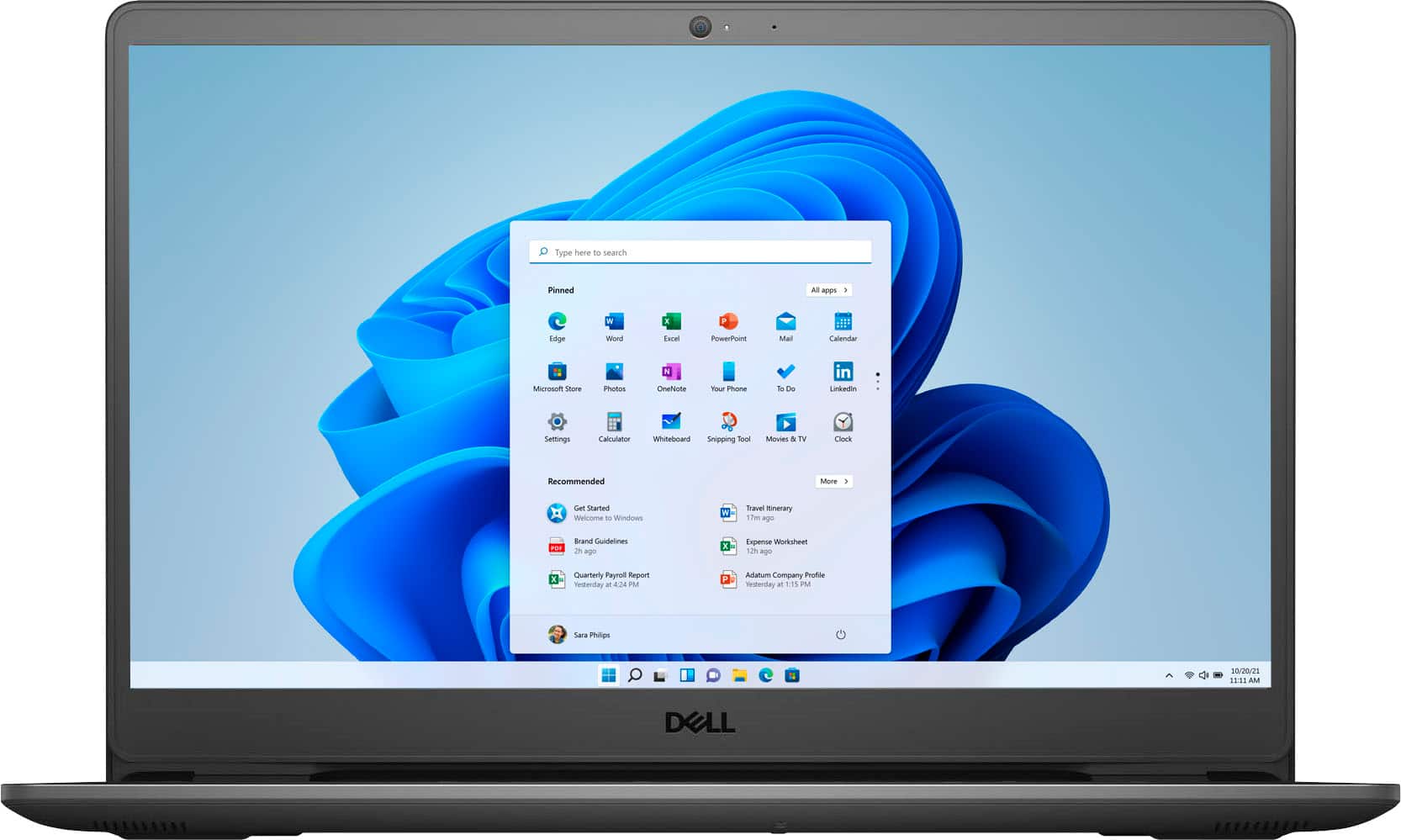
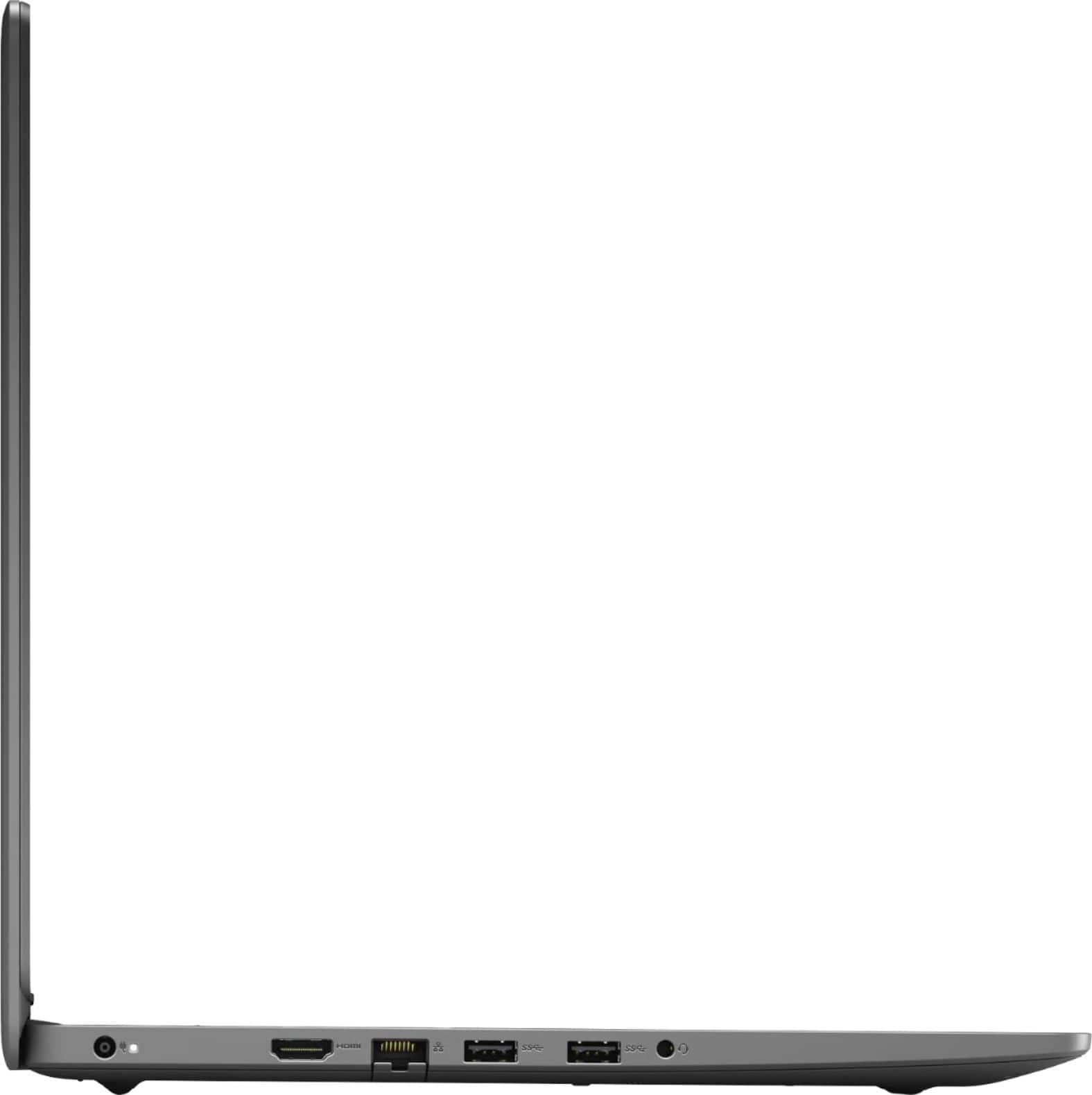

- Model:
- i3505-A542BLK-PUS
- SKU:
- 11024702
Rating by feature
- Battery Life
Rating 4.4 out of 5 stars
- Speed
Rating 4.5 out of 5 stars
- Display
Rating 4.5 out of 5 stars
Faulty after a year
Posted .This reviewer received promo considerations or sweepstakes entry for writing a review.Worked really good at first. After a year of use, (mind you I am a student and only use my laptop for school stuffs). It started having charging issues and won't come on. You can imagine how frustrating that is as a student.
No, I would not recommend this to a friendBrand response from YourDellTeam
Posted .Hello Iffy,
We would like to thank you for taking the time to provide us with your feedback. We are sorry to hear that you have come across some issues with your Dell Inspiron laptop because it stopped charging. We understand how frustrating this could be.
Below I have provided some links to troubleshooting articles that should help with this issue:
How to Troubleshoot AC Adapter Issues on Dell Laptops: https://dell.to/3tM9l2w
How to Troubleshoot Dell Laptop Battery Issues: https://dell.to/3w4HehP
System Battery Shows “Plugged in Not Charging”: https://dell.to/3i4RVbC
If the issues with your Inspiron are still not resolved after utilizing the troubleshooting options above, please contact the Dell Support Team at 1-800-624-9896 for further guidance.
Best,
Katarina@Dell
Should you need further assistance, you can contact Dell directly with the information below.
Chat or call: https://bit.ly/DellSupportTeam
Phone number to Dell 1-800-624-9896
Don't buy this!
Posted .This reviewer received promo considerations or sweepstakes entry for writing a review.I would give this computer less than 1 star if i could. We have had issues ever since we purchased it. I have spent hours on the phone with Dell. They have sent a technician to my home 3 times to replace parts. Yet is still doesn't turn on when opened. I give up. After begging for a refund or an exchange I am just dumping this computer and switching to another brand. Dell is HORRIBLE!
No, I would not recommend this to a friendBrand response from YourDellTeam
Posted .Hello,
Thank you for taking the time to share your input and review. We are extremely sorry to hear about your experience with your laptop not turning on. We would like to assist you as soon as possible. Below are steps that can assist with troubleshooting your startup issue.
Here are the recommended steps for troubleshooting this issue:
1. If the computer is displaying the Dell logo and does not move past that point, it has probably failed POST.
2. If the power indicator lights up and it is amber or orange, this is usually an indicator that it has failed POST.
3. If you see text on a black screen, the computer is currently performing the POST. If the computer stays in that condition and does not move past it, it has probably failed POST.
4. If the video screen displayed anything at all during the startup process but is now black, this probably indicates that the computer failed POST.
5. If the computer is beeping or if Caps/Num/Scroll Locks are flashing, note if there is a particular pattern in which it beeps or flashes.
6. If the computer is not beeping and caps/num/scroll locks are not flashing, unplug all connections and remove all media communication devices (e.g. external monitors); reconnect one at a time and check if the computer functions.
7. For a notebook, press and hold the Fn key and then press the power button. This starts the pre-boot testing and will launch ePSA. In case you have a Desktop at the Dell logo screen tap the F12 key to enter One Time Boot Menu and use the arrow keys to highlight Diagnostics and press enter.
8. You can read the full article here - http://dell.to/2uj1Sby.
We recommend following the steps above to resolve your issue. If the issue continues, please contact Dell Support at your earliest convenience at 1-800-264-9896.
Best,
Wendy C.
https://bit.ly/DellSupportTeam.
Phone number to Dell: 1-800-264-9896.
Dell is a crappy company
Posted .This reviewer received promo considerations or sweepstakes entry for writing a review.OK Computer, but glitches sometimes and has trouble communicating with my printer and router. Would have given 3-4 stars but the charge cord is ripping apart after 1.5 years and I only use it twice a week .
No, I would not recommend this to a friendBrand response from YourDellTeam
Posted .Hello,
Thank you for sharing your feedback and review. We apologize for your issues with your laptop performance, your charge cord ripping apart, and connecting your printer and router. We really do appreciate your feedback and will use it to help improve our current and future products. Below are steps that can help with your connection.
1. Run the Network Troubleshooter.
a) Touch and hold or right-click the network icon (Available Networks or Network Icon, located in the lower right-hand corner).
b) Touch or click Troubleshoot problems and then follow the prompts.
2. You can read the full article here - http://dell.to/2sLtwRh.
Lastly, here is the link to the full article to assist with your performance issue: https://dell.to/32wo0Ss. We invite you to review the product Support Page if any other concerns arise.
Sincerely,
Wendy C.
https://bit.ly/DellSupportTeam.
Phone number to Dell: 1-800-264-9896.