Customer Ratings & Reviews
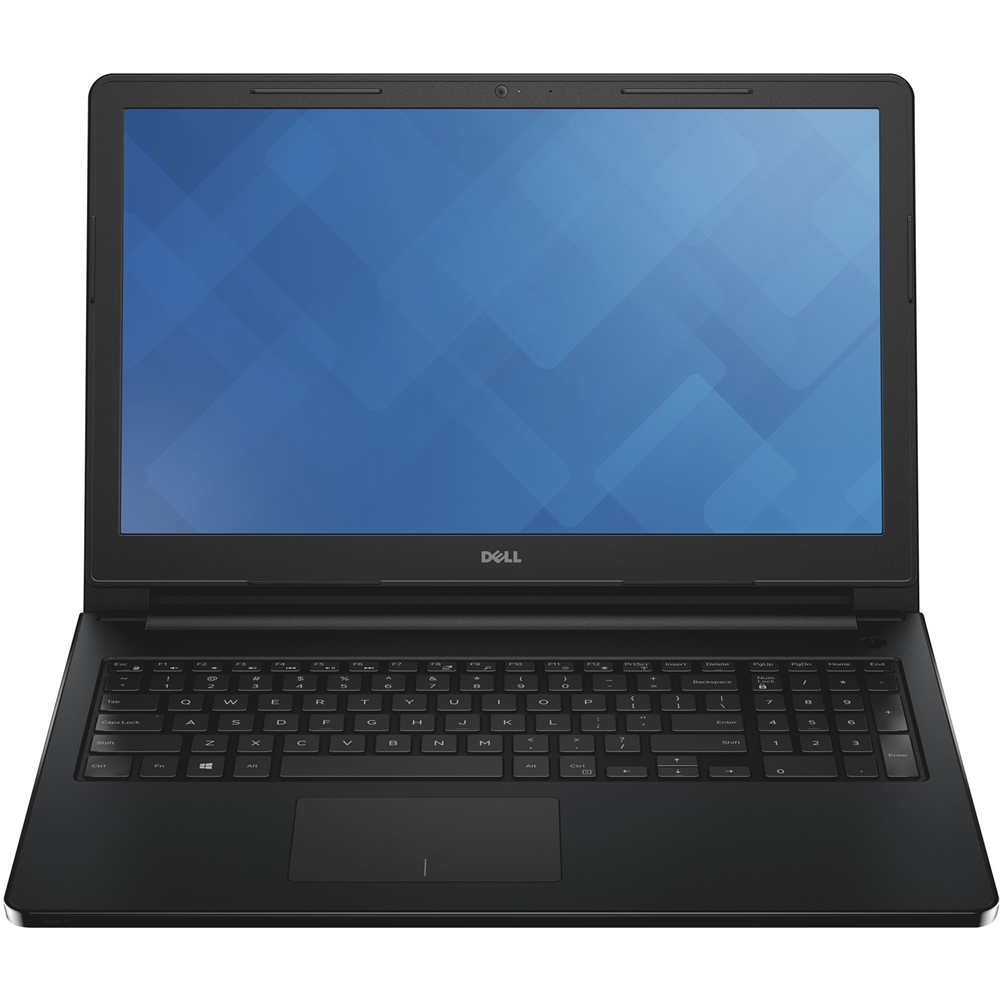
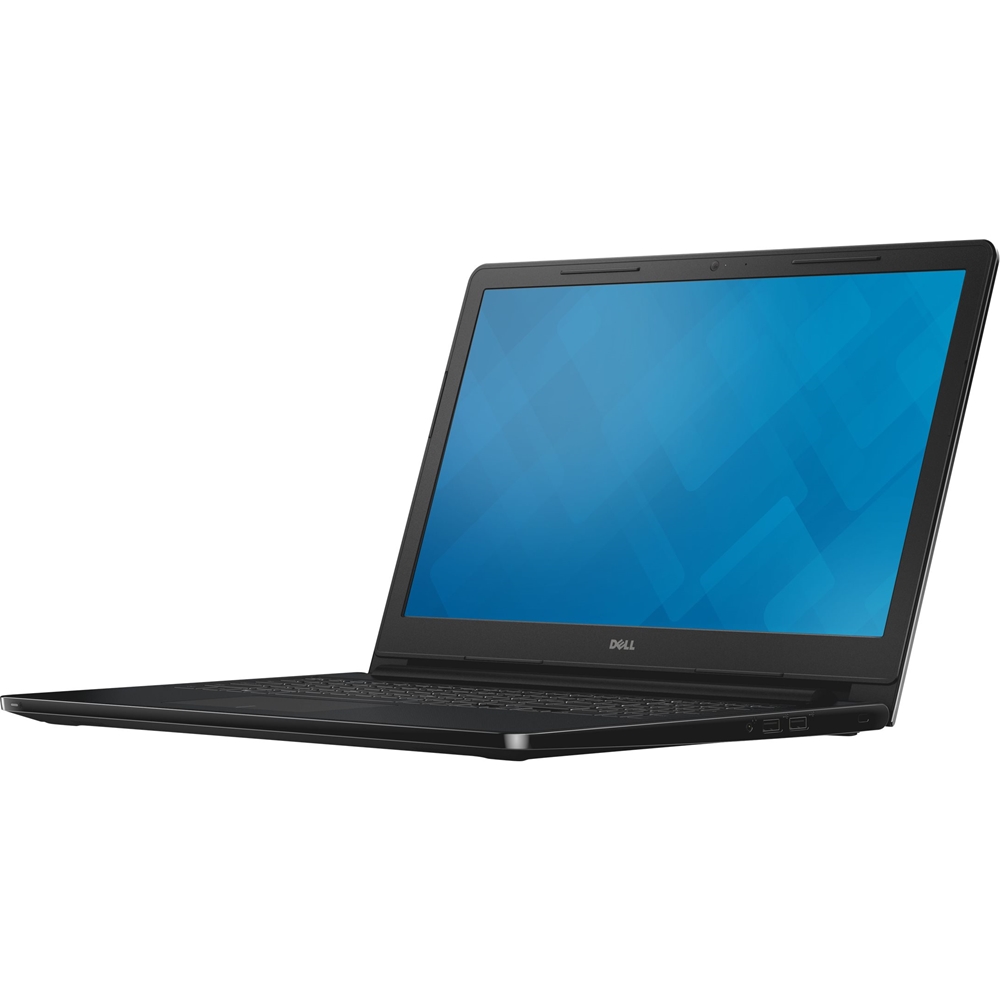
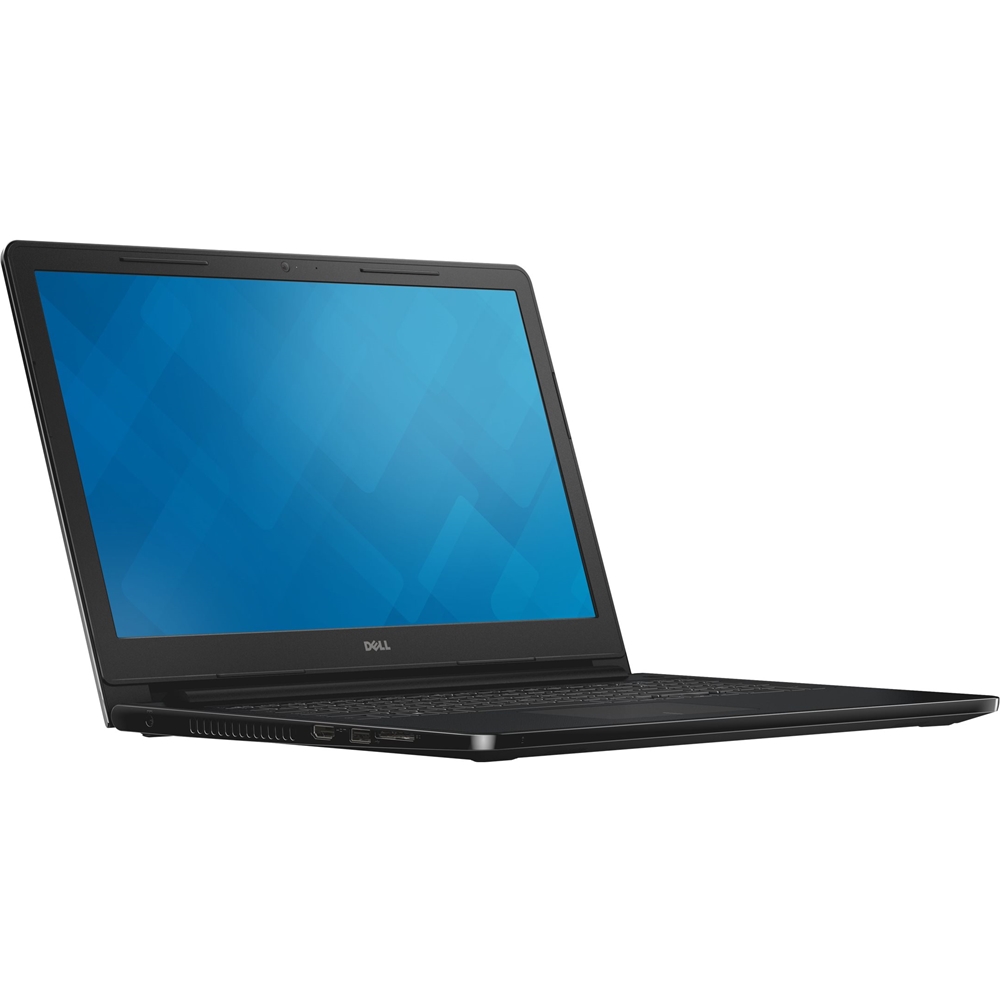
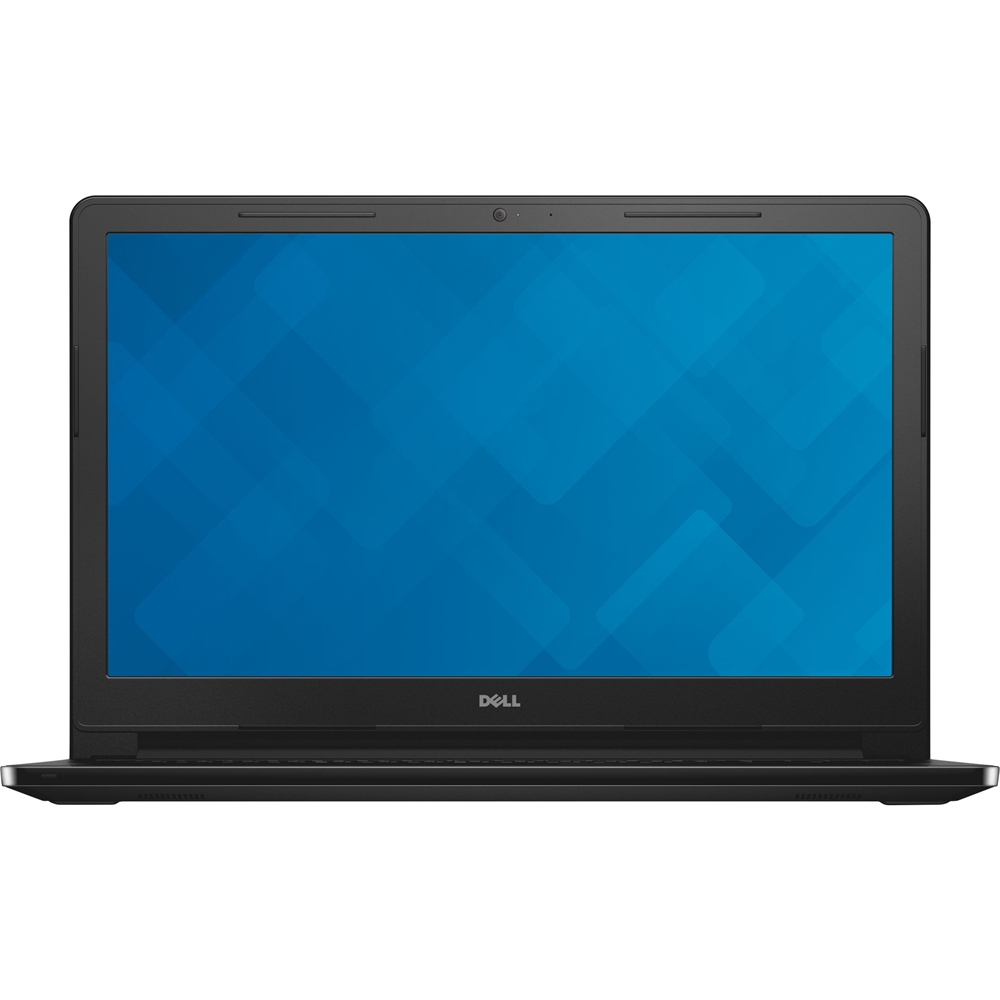
- Model:
- I35524042BLK
- SKU:
- 4976800
to a friend
Customers are saying
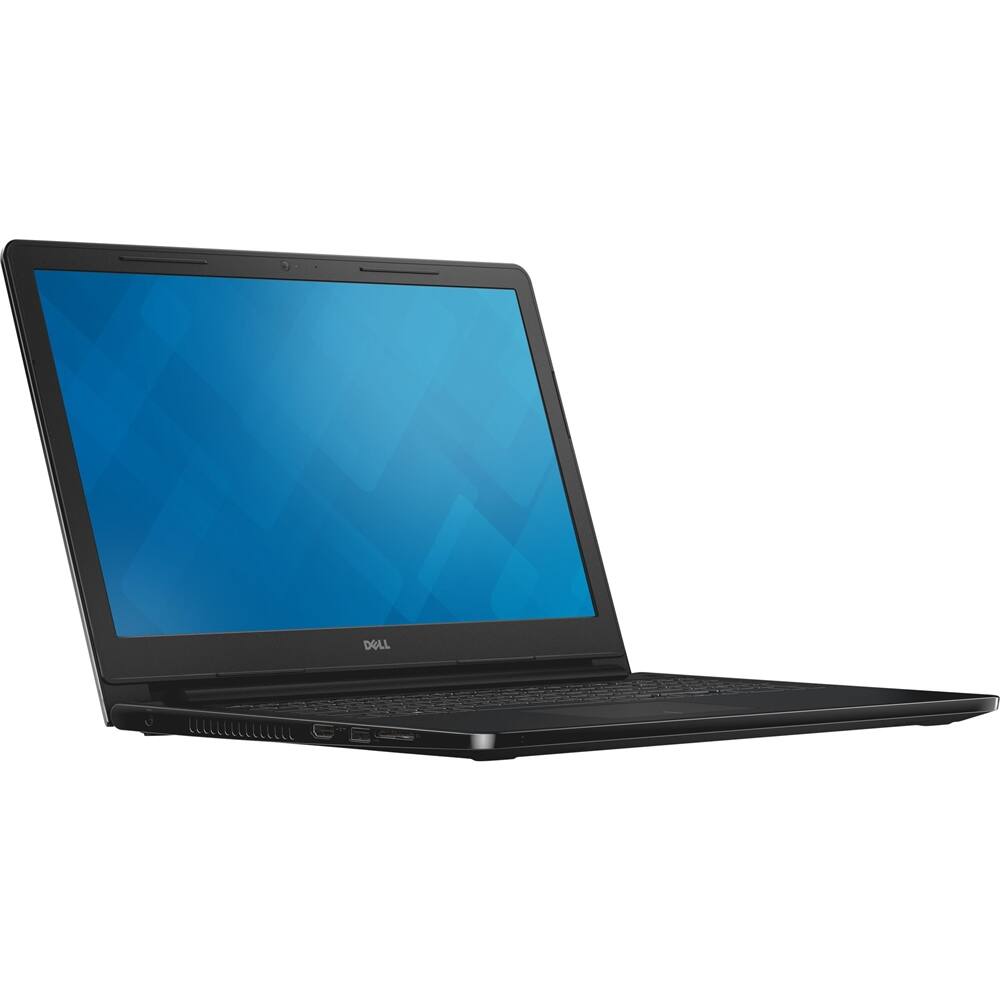
Customers consistently note the performance issues and slowness of the Inspiron 15.6" Laptop. Many have reported problems since day one of usage, while others have mentioned that the laptop started to work slowly after only a few days.
This summary was generated by AI based on customer reviews.
- Cons mentioned:Internet connectivity, Performance, Slow
Save your money!!
Posted .This reviewer received promo considerations or sweepstakes entry for writing a review.Where to begin? For starters, this is the worst investment I have ever made. I thought this was a steal when I came across it because I was looking for something similar to what I already had, and I don't have hundreds of thousands of dollars to spend on a computer. Plus, it is practically impossible to find a computer with the CD/DVD internal hard drive already installed, so I thought I lucked out. I WAS WRONG ABOUT EVERYTHING! This computer came with problems from day one. I thought that maybe some kinks or bugs needed to be worked out and it would eventually do what it was supposed to do. I WAS WRONG AGAIN! This computer is slow... slow... and slow.. Did I mention it was slow? On top of that, I'm not even a gamer who was looking for all the extras. I'm just a regular college student studying for some of the most important classes of my entire academic career in my Masters program, and I ended up with this useless piece of cheap plastic. That's exactly what it is. I'm taking this back to the store. They can have it back. I just want my money!!! The internet and various programs stopped responding at random. It's a good thing I get my Microsoft Office for free as a student because if I paid for that program and downloaded it with my product key, I would be one angry customer. More than I am right now!! Why? I'm glad you asked!! Because I even changed my bill around and purchased a higher internet package to get a faster speed because I thought that was it. Imagine my surprise when I found out that it wasn't that either. The thing operated like it already had a virus for it to be a "new" computer.
No, I would not recommend this to a friendBrand response from YourDellTeam
Posted .Dear LadyLestat, We're sorry to hear about the issues that you've had with your new Inspiron laptop since you purchased it. We would recommend that you run a diagnostic test on your laptop which can be found here on Dell's Product Support page - http://dell.to/2tMrEoJ. In order to make sure that your Drivers are up to date you can visit the Driver detection page for your device here - http://dell.to/2tIiGdS. Related to the slowness of your device we'd recommend that you read the following Dell Support article - http://dell.to/2tSulGV. If you are continuing to have connection issues with your device you can find steps to help this problem here - http://dell.to/2uo9kVb. We hope that your device will be running the way you intended it to soon.

- Cons mentioned:Charging port
DO NOT BUY ANY DELL COMPUTER
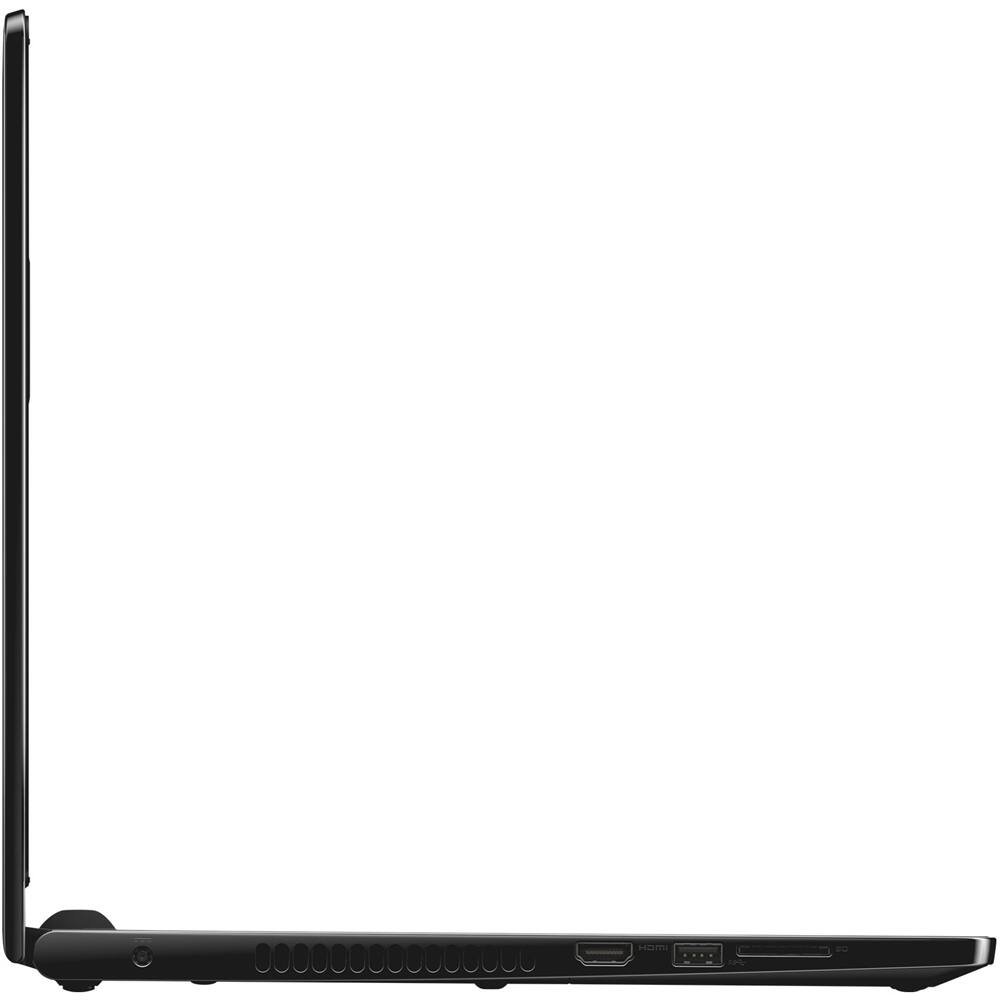
Posted .This reviewer received promo considerations or sweepstakes entry for writing a review.I would NEVER buy a DELL laptop again. I purchased this computer and in two months the charging port broke. DELL refused to fix it unless I want to pay $159.00 for a defective part. I asked to speak to someone in the US and was told since I didn't buy the extended warranty from Dell, I am not entitled to talk with someone stateside which just blew me away. If you have to call Dell customer support you will have a difficult time understanding the foreigner in their service center. They will not even consider that the damaged port could be a quality issue. I also tried taking it to the Geek Squad for an evaluation and was told there was nothing they could do to help. The unit was never dropped or damaged and the charger broke with normal use.
No, I would not recommend this to a friend - Cons mentioned:Performance
Not Happy
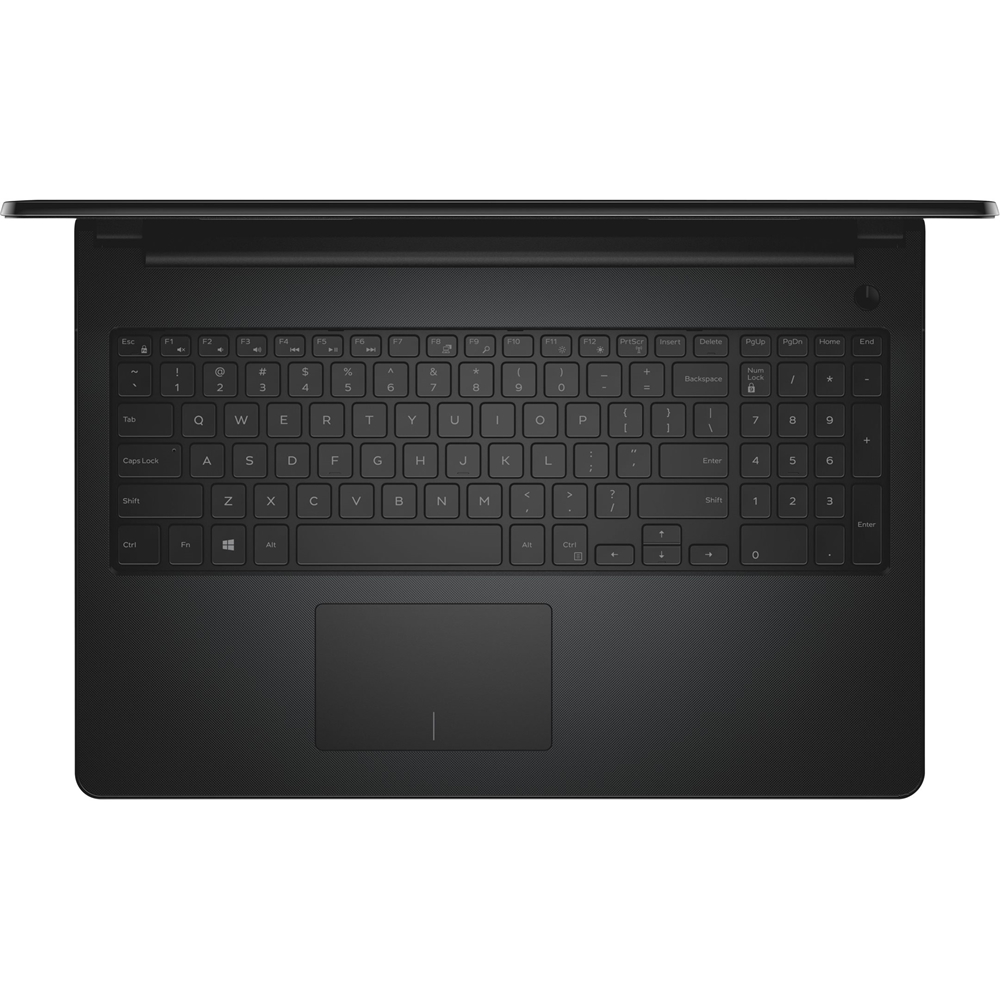
Posted .This reviewer received promo considerations or sweepstakes entry for writing a review.Really, miserable with this computer. It has a lot of good features I won't go into. The BIG problem is the touchpad is not sensitive, and I have tried adjusting it per the instructions, and it freezes up and really makes the whole internet experience laborious and just.not.enjoyable. I didn't even know in this day and age a computer could be so slow. With a 2 year warranty package I paid just under $500 and that is WAY too much for the poor, poor performance of this laptop. Things you can do (and I have done) while waiting for a page to open. 1. Let the dog out 2. Let the dog in 3. Catch up on your reading 4.Peruse an entire day of cable listings on the TV 5. Fix that broken nail 6. Grab a snack 7. and so on The computer performs wonderfully unless you want to open another page. And that is just wrong. And the scrolling is also verklempt. So sad I have to shlep alll the way across town or, I might even actually be stuck with this also ran. Not a good feeling. Do yourself a favor and don't buy this computer.
No, I would not recommend this to a friendBrand response from YourDellTeam
Posted .Hello CozyJ - Thanks for your detailed review. We're sorry to hear that your new Dell computer is not performing as well as you had hoped it would. We'd recommend the following steps for calibrating your touch pad - Some Notebooks and Tablets with Keyboards have added gesture features to the touchpad hardware and drivers. A few of these features are two or three finger scrolling, pinch zoom, circle zoom, rotate and swiping. These new features may be the reason for the erratic cursor movement since most are turned on by default. You can disable or modify the way the features work in the touchpad driver properties. Here are some tips to modify these settings:
1. In the Search box, type main.cpl.
2. Touch or click main.cpl in the list of programs.
3. Touch or click the Dell Touchpad tab.
4. Touch or click on the picture of the touchpad.
5. Touch or click Gestures (depending on your computer there may not be a Gestures option).
6. Change the options as preferred.
7. Touch or click Save.
8. Touch or click the X in the upper-right corner to close the Dell Touchpad Utility.
9. Touch or click OK on the Mouse Properties window.
10. If the touchpad still does not work after following the preceding steps, refer to Dell Knowledge Base article - http://dell.to/2iaiujA. You can read the full article here - http://dell.to/2tqmS02.
For help with the speed of your computer, we'd recommend the following -
Delete temporary files and directories
1. Click Start, then in the search bar type "disk". Disk Cleanup should appear on the menu above the search box.
2. Run disk cleanup and eliminate unneeded temporary files (Search results, Internet Cache and other windows temp files you may no longer need)
3. Select files you want to delete then click OK to start the cleanup process. Uninstall applications you no longer use
1) Open the Programs and Features application in Control Panel.
2) Scan the list of applications installed for ones that you no longer use.
3) Highlight any application you no longer use and then click the uninstall button at the top of the list.
Follow the prompts to uninsRepeat for each application you want to uninstall.
5. Move large files and/or seldom used files to backup media (Photos, Music you seldom listen to, application downloads after the application has been installed etc.).
Empty the Recycle Bin. - Bryan
- Cons mentioned:Internet connectivity, Performance
Waste of money
Posted .This reviewer received promo considerations or sweepstakes entry for writing a review.Do not waste your money, last computer was an inexpensive Lenovo, worked fantastic for 7-8 years, and was looking for a replacement. I cheaped out and bought this for $315....wish I never did, so far used it four times in four months to pay bills ONLY, out of the four had to reboot twice, once said "repairing disk" and "repaired drive E"??? What it's brand new!? Also, as I sit here for the fourth time it hasn't loaded the internet properly for 45 minutes, second time out of four uses. Unacceptable regardless of price. Do yourself a favor DO NOT PURCHASE.....P0S
No, I would not recommend this to a friendBrand response from YourDellTeam
Posted .DontbuyaDell5100 - We're so sorry to hear that you are experiencing problems with your brand new laptop. We know this is not how you intended it to work when you purchased it. Please be assured that all Dell computers running Windows 10 come with the Dell Support Assist app. We'd recommend running this app on your computer to make sure that you have all of the current software and drivers installed on your device. Dell computers also come with a One Year Limited Warranty if you believe something needs to be repaired. You can view the terms of our Warranty here - http://dell.to/2tNsVOs. We hope that you do not continue to experience issues once the latest software and drivers are installed.
P.O.S.
Posted .This reviewer received promo considerations or sweepstakes entry for writing a review.Should've known a cheap computer would be full of cheaply-made and poorly-put together parts. This computer started acting up even within the first 2 weeks, but I unfortunately waited it out. Less than 3 months in and I've had 6+ episodes of Windows 10's status bar freezing with immovable pop-ups on the screen and being completely unresponsive (forcing me to CTRL ALT DEL for restarting since the Windows button wouldn't even work); 12 episodes of the sound card completely turning off, distorting sound to a half-speed watery-sounding bastardization of what was playing, or suddenly becoming replaced by an unending rattling sound in the middle of using; and 1 episode of the wireless internet access point within the laptop to completely stop working: Each time only a restart (sometimes 3 times in a row) would fix it. Just learned Best Buy only gives you 15 days from delivery (not even when actually opened and started using) to return or refund. Piece of junk. Do not buy. Causes more anxiety than it's worth. Do yourself a favor and pay 3 times more for a better reviewed item, preferably elsewhere. Very disappointed in Dell for this as I have always had good luck buying through them, and will avoid Best Buy forever now. Perhaps when I am not so incensed I will call back the "Geek Squad" since Best Buy's customer service was so unhelpful. Huge waste of money - ridiculously angry customer here.
No, I would not recommend this to a friendGreat Value!
Posted .This reviewer received promo considerations or sweepstakes entry for writing a review.This laptop meets all my needs and is a great value for the price!
I would recommend this to a friendgood for what you need it for
Posted .This reviewer received promo considerations or sweepstakes entry for writing a review.if you're anything but a gamer, its perfect for you. nerding ain't easy
I would recommend this to a friendIt doesn't even deserve 1 star
Posted .This reviewer received promo considerations or sweepstakes entry for writing a review.This laptop sucks that's all. Would I recommend to a friend? Definitely not!
No, I would not recommend this to a friend