Customer Ratings & Reviews

- Model:
- I3567-3970BLK-PUS
- SKU:
- 6299822
Rating by feature
- Value
Rating 4.5 out of 5 stars
- Quality
Rating 4.6 out of 5 stars
- Ease of Use
Rating 4.7 out of 5 stars
Customers are saying
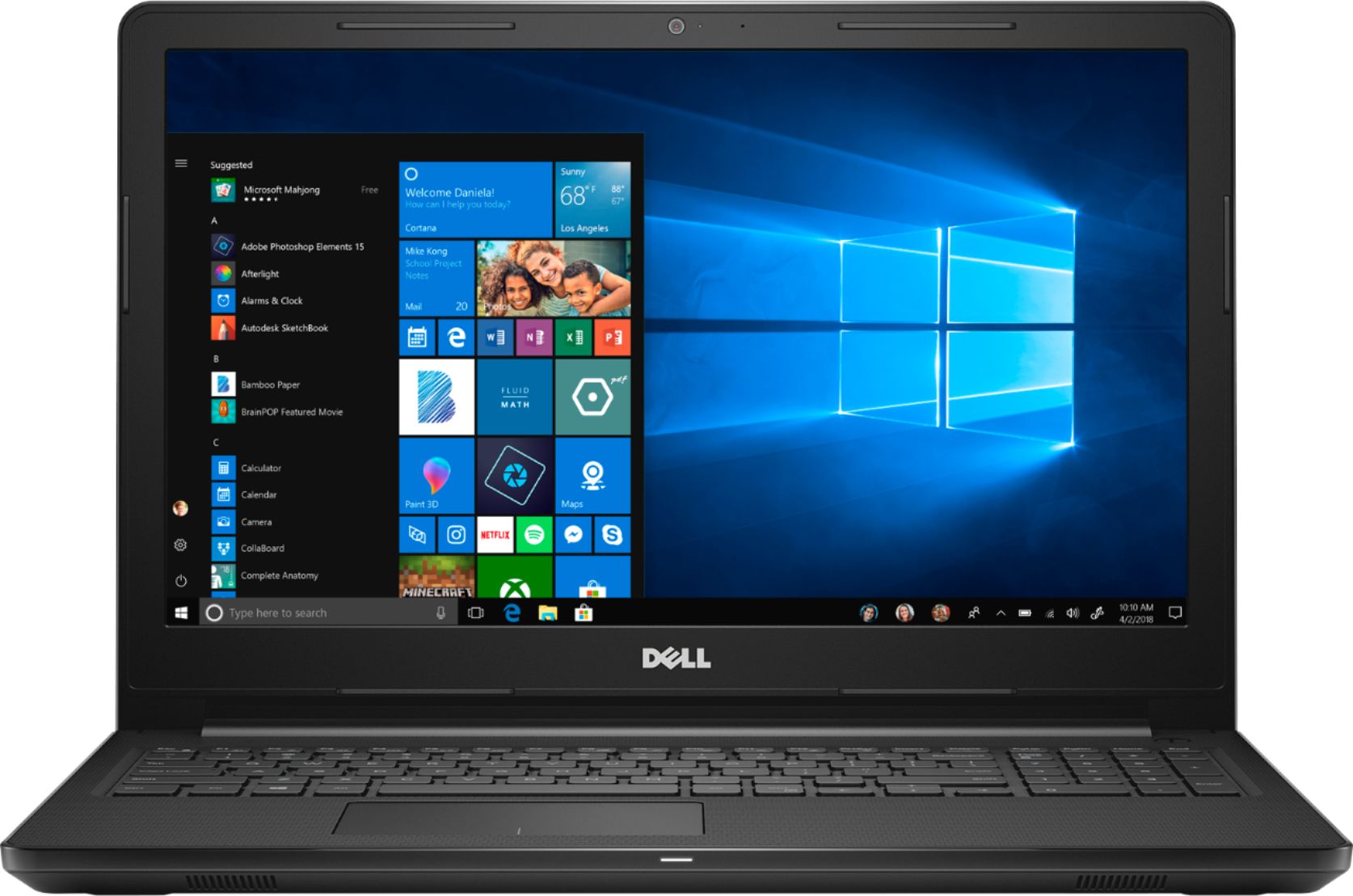
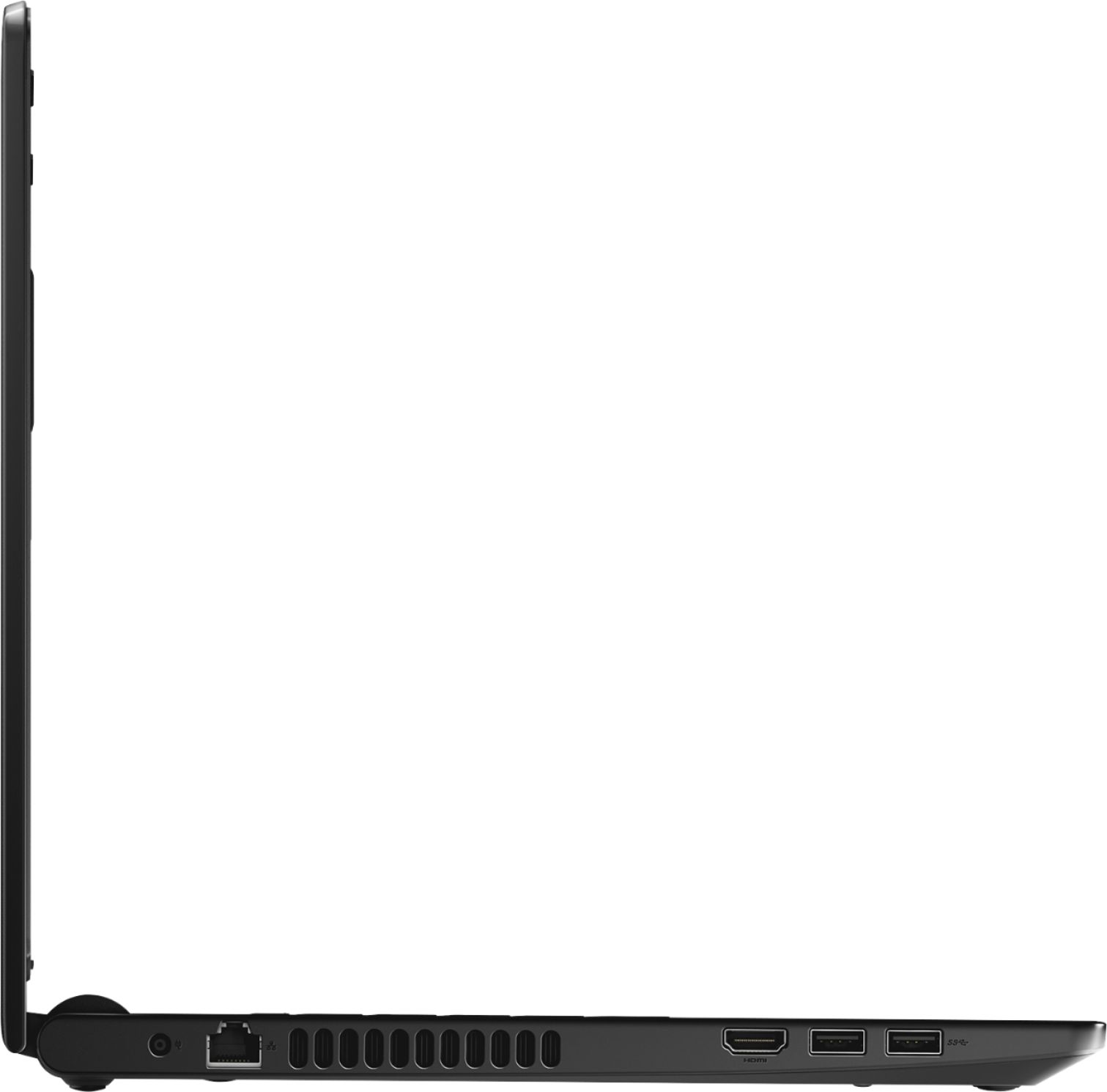
Customers express satisfaction with the Inspiron 15.6" Touch-Screen Laptop, praising its touch screen capabilities, affordable price, and simple setup process. The inclusion of a solid-state drive is also seen as a positive feature. However, some customers have concerns about the lack of an optical drive and the overall build quality of the laptop.
This summary was generated by AI based on customer reviews.
- Pros mentioned:Touch screen
touch screen is awesome
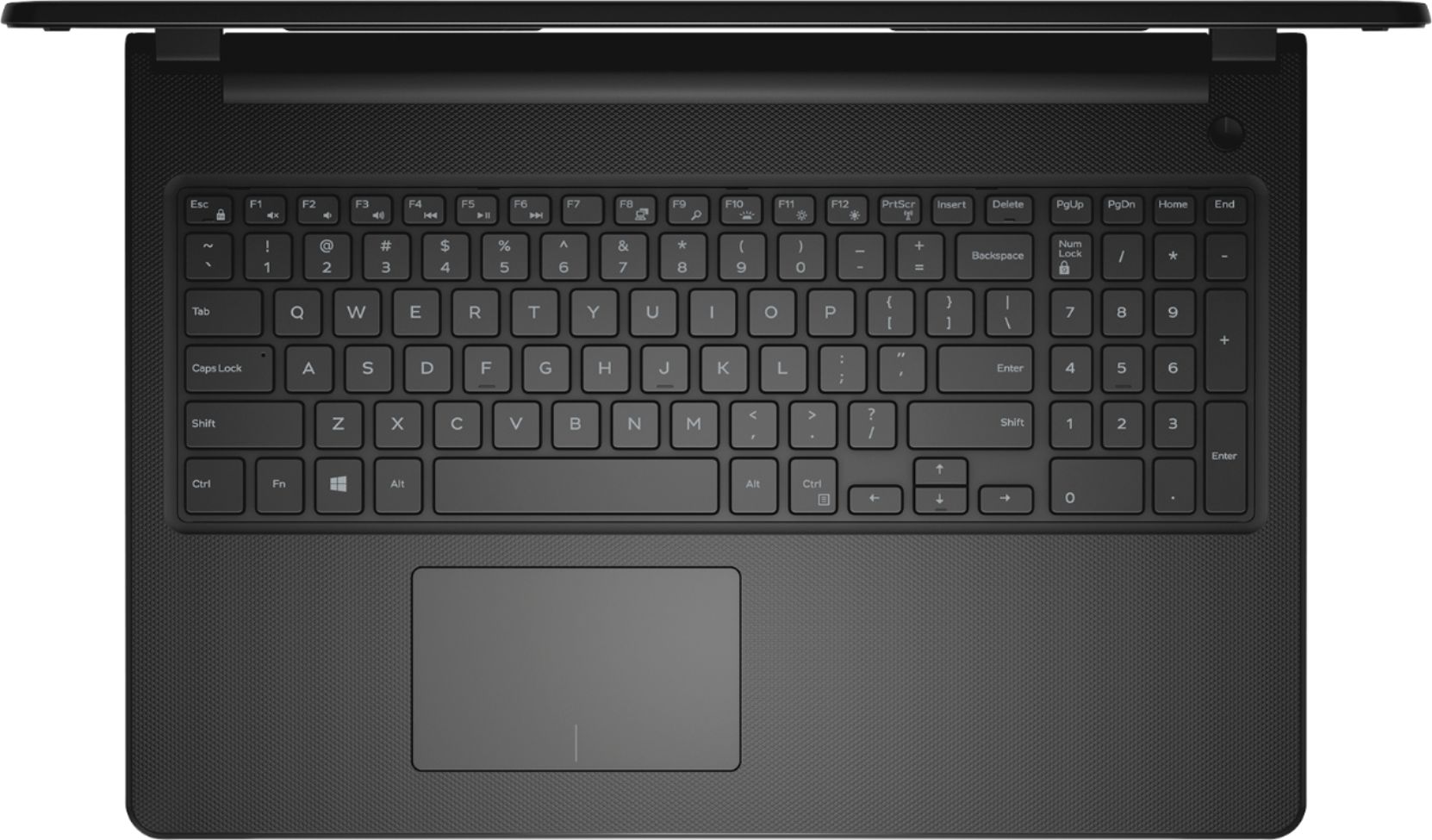
||Posted .This reviewer received promo considerations or sweepstakes entry for writing a review.keyboard is smooth, touchscreen is a great feature
I would recommend this to a friend - Pros mentioned:Price
No issues, perfect computer for our needs
||Posted .This reviewer received promo considerations or sweepstakes entry for writing a review.Nice computer, nice price. All the basics you need
I would recommend this to a friend Replacement Computer
||Posted .This reviewer received promo considerations or sweepstakes entry for writing a review.I bought this because my old computer basically died and to replace the parts would cost more then a new computer. It's a good computer for what I do. Email, Quicken, Facebook, some work papers. I really like the weight of it though, really light and I travel a lot with it so that is nice :-)
I would recommend this to a friendFastest Set Up for Any Laptop
||Posted .This reviewer received promo considerations or sweepstakes entry for writing a review.I open the box and turn on the laptop and in two minutes computer was ready and linked to both my Wifi and Google. Easiest and fastest setup available. I rated a 4 out of 5 because I didn’t like the mouse pad. Still a great laptop for the price.
I would recommend this to a friendReturned
||Posted .This reviewer received promo considerations or sweepstakes entry for writing a review.Computer was purchased online for $299. I returned it as kept receiving error message that I had wrong power cord and the computer would not charge. I tried updating computer and it never did remove the error message nor charge the computer past 45%.
No, I would not recommend this to a friendBrand response from YourDellTeam
Posted .HoopsJunkie,
We appreciate your feedback. We're sorry that your computer was not charging correctly for you. In the future we'd encourage you to reach out to Dell's Technical Support Team for additional assistance: http://dell.to/2sH7Qlm.
Best,
Bryan
1-800-624-9896
Works Great
||Posted .This reviewer received promo considerations or sweepstakes entry for writing a review.I love the ssd soooo fast. Really nice and smooth. The case is nice looking and seems sturdy. The hinges are sturdy too. What a great screen. The display is perfect. My pictures look fantastic. Just love it
I would recommend this to a friend- Pros mentioned:Price
Dell Laptop
||Posted .This reviewer received promo considerations or sweepstakes entry for writing a review.This is a good basic laptop. It is not the fastest or lightest one you can purchase. It is decent for light web browsing and emailing. The price point is good for what is does.
I would recommend this to a friendBrand response from YourDellTeam
Posted .Arch,
Thanks for your feedback. We're glad that your laptop is working well for the most part. If you do have questions about your laptop you can always check our Product Support Page here: http://dell.to/2uBnCA3.
Best,
Bryan
1-800-624-9896
Good Budget Laptop
||Posted .This reviewer received promo considerations or sweepstakes entry for writing a review.I purchased this laptop to replace my kiddo's aging laptop that is 5 years old. Biggest compliment second day was that numerous tabs could be opened without unit crashing, lol. Offspring states good budget laptop.
I would recommend this to a friend- Pros mentioned:Ssd
Good computer
||Posted .This reviewer received promo considerations or sweepstakes entry for writing a review.Would have given a 4 star but the mouse pad and buttons are a bit clunky. Pad is not very sensitive SSD drive is great superb fast start up times about 25vseconds
I would recommend this to a friendBrand response from YourDellTeam
Posted .Hello Gizmo,
Thanks for your review. We're sorry that the touchpad is not meeting your needs. If you'd like to re-calibrate your touchpad you can follow these steps:
Some Notebooks and Tablets with Keyboards have added gesture features to the touchpad hardware and drivers. A few of these features are two or three finger scrolling, pinch zoom, circle zoom, rotate and swiping. These new features may be the reason for the erratic cursor movement since most are turned on by default. You can disable or modify the way the features work in the touchpad driver properties. Here are some tips to modify these settings:
1. In the Search box, type main.cpl.
2. Touch or click main.cpl in the list of programs.
3. Touch or click the Dell Touchpad tab.
4. Touch or click on the picture of the touchpad.
5. Touch or click Gestures (depending on your computer there may not be a Gestures option).
6. Change the options as preferred.
7. Touch or click Save.
8. Touch or click the X in the upper-right corner to close the Dell Touchpad Utility.
9. Touch or click OK on the Mouse Properties window.
10. If the touchpad still does not work after following the preceding steps, refer to Dell Knowledge Base article - http://dell.to/2iaiujA.
You can read the full article here - http://dell.to/2tqmS02.
We hope this helps your computer perform better for you.
Best,
Bryan
1-800-624-9896
Entry level
||Posted .This reviewer received promo considerations or sweepstakes entry for writing a review.I bought this laptop for my Mother in Law. She needed something to connect to the internet and to play some simple games. Added Office 365 and she is good to go. Simple to use great for the little things.
I would recommend this to a friendlove my computer
||Posted . Owned for 1.5 years when reviewed.This reviewer received promo considerations or sweepstakes entry for writing a review.after my old computer died I did some research on buying a new one and spoke to a person very knowledgeable in computers. This is what he suggested I purchase, happy I did.
I would recommend this to a friendGood computer for the price
||Posted .This reviewer received promo considerations or sweepstakes entry for writing a review.The Dell systems are good products for home and business use. The one I purchased has been operationally sound and simple to use, I was happy to find out that the platform was fairly clean of ads!
I would recommend this to a friendGreat computer for a very good price
||Posted .This reviewer received promo considerations or sweepstakes entry for writing a review.I Just need a computer for internet surfing, buying concert tickets and email. No gaming. This computer is perfect for me. My tablet and cell phone screens are too small for extended time comfort.
I would recommend this to a friendCan't go wrong
||Posted .This reviewer received promo considerations or sweepstakes entry for writing a review.I brought this laptop several years ago for daughter and she has not experienced any problems. I brought this one for myself and I'm hoping to have the same experience. This was also a great buy.
I would recommend this to a friendGreat Computer for family
||Posted .This reviewer received promo considerations or sweepstakes entry for writing a review.I bought this as secondary computer for the the kids to use for homework and besides the size of the harddrive which i have now upgraded it have been great!
I would recommend this to a friendIt was a gift
||Posted .This reviewer received promo considerations or sweepstakes entry for writing a review.I can't really give a personal informed review as it was a gift for my niece. She said she loves it and it fit her needs perfectly. School and streaming are her primary uses.
I would recommend this to a friend- Pros mentioned:Price
It's OK. Not as fast as I hoped for
||Posted .This reviewer received promo considerations or sweepstakes entry for writing a review.Internet connectivity is erratic at times. For the price(under 300), it was a decent deal for what we get.
I would recommend this to a friendBrand response from YourDellTeam
Posted .Praveen,
Thanks for your review. We're sorry that your computer is not working as well as you hoped it would. Here are some steps to work on your connectivity:
1. Download and install the latest Wireless Card driver. (https://dell.to/2th3Tpe) After updating the driver, re-establish the connection with the Wireless Access Point and check the wireless performance.
2. If the issue persists, proceed to step 3.
3. Power-cycle the local network. Shut down the Dell system, the Wireless Access Point/Router and the Modem. Wait a minimum of 60 seconds before powering up the components in the following order:
4. Power ON the Modem, and wait for it to boot fully.
5. Power ON the Wireless Access Point/Router, and wait for it to boot fully.
6. Power ON the Dell system.
7. Open Network and Sharing Center
8. In the left side navigation pane, click on Change Adapter Settings
9. Right click on the wireless connection icon and select Properties followed by the Configure button
10. Under Wireless Options, select the Wireless N mode
11. For Windows 8 or later systems click the Advanced tab and look for 802.11n Mode on the right you will be given the option to Enable or Disable. If the mode is not visible you may need to update your drivers and firmware.
12. From the drop-down menu, choose Disable followed by Ok
13. This should restore the wireless download and upload speed. Internet speed can be tested at http://speedtest.net.
Best,
Bryan
1-800-624-9896
Works ok
||Posted . Owned for 8 months when reviewed.This reviewer received promo considerations or sweepstakes entry for writing a review.Of course the touch screen can malfunction if it gets dirty (dusty) so keep it clean. I prefer a regular laptop over the touchscreen.
I would recommend this to a friendGreat Budget Laptop
||Posted .This reviewer received promo considerations or sweepstakes entry for writing a review.Paid only $299 for this on Black Friday, great deal for the money. Definitely a bargain laptop, can't compare to $900 units. But a hellova lot of bang for the buck!!!
I would recommend this to a friendGreat laptop
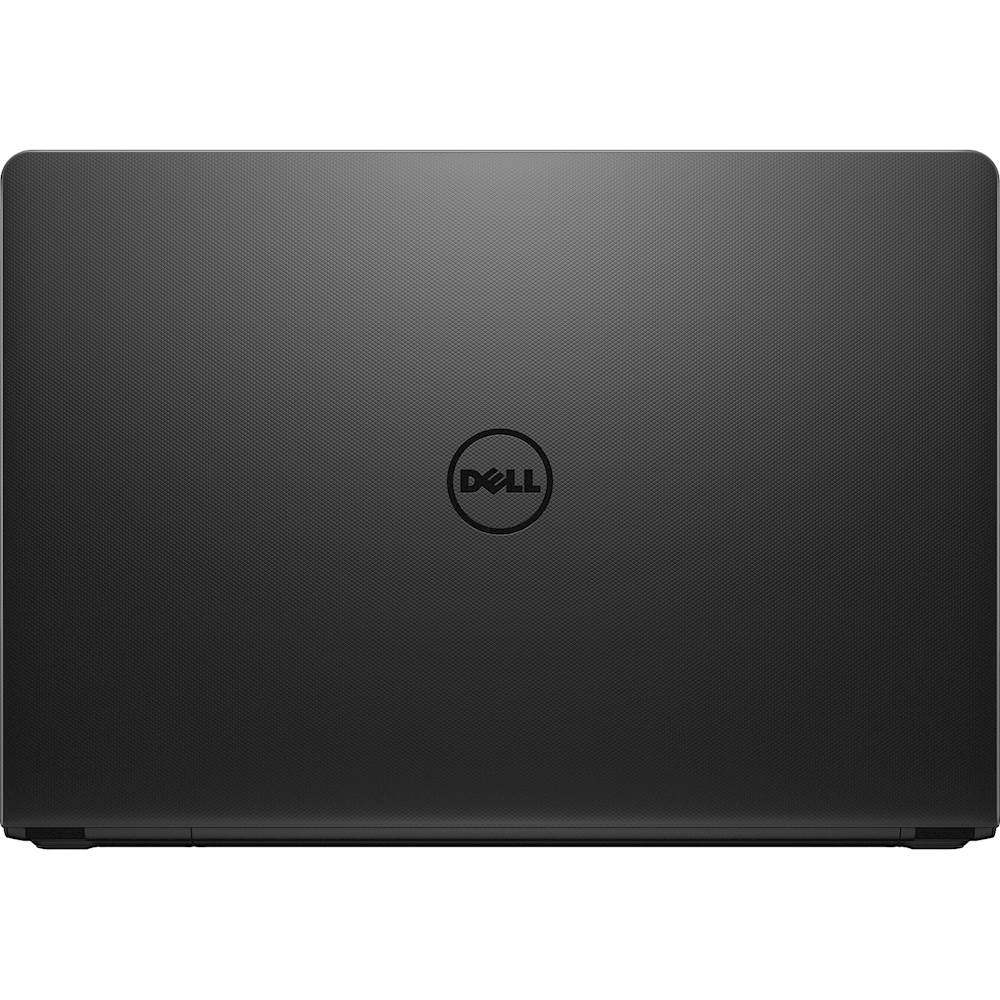
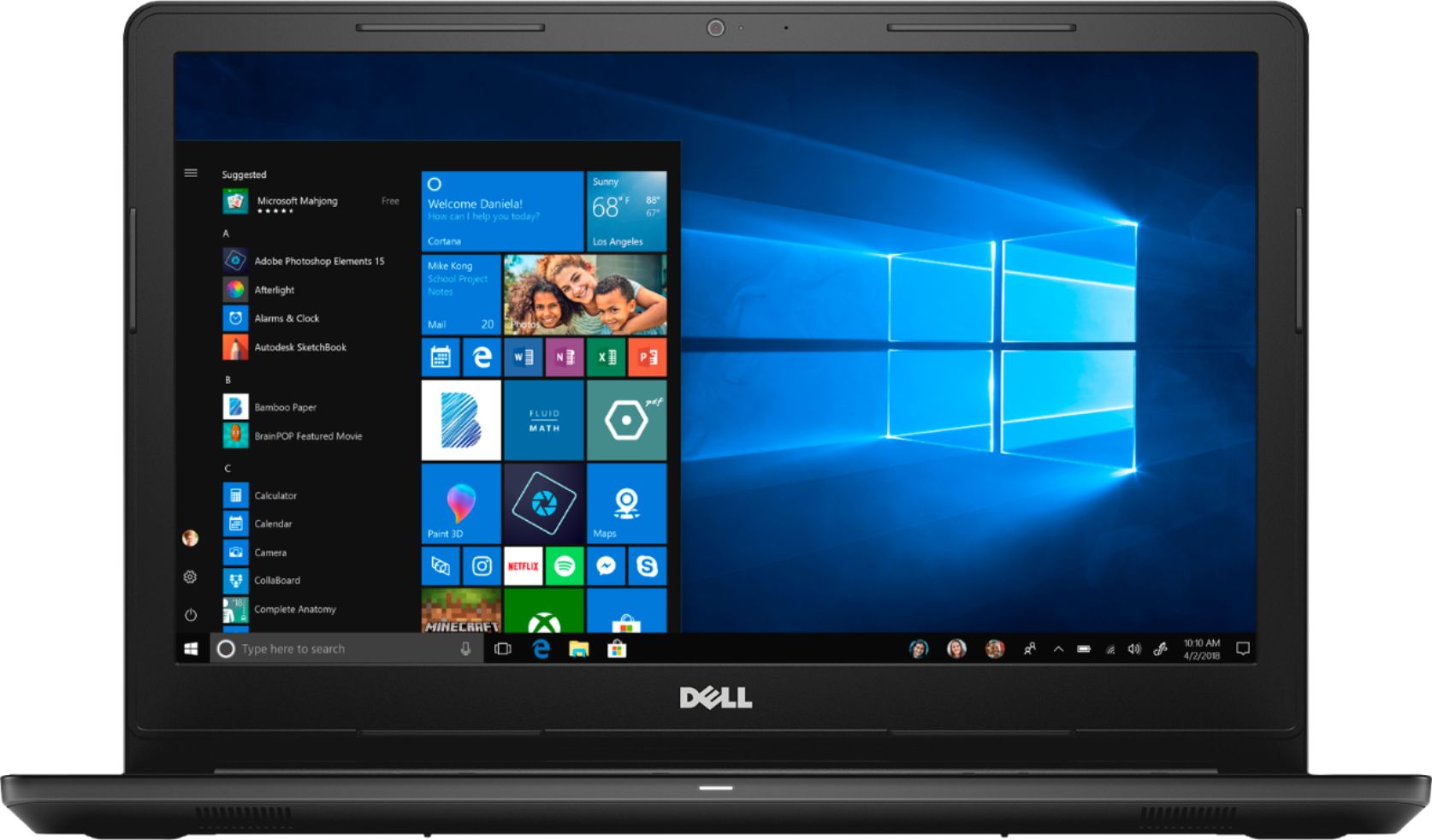
||Posted .This reviewer received promo considerations or sweepstakes entry for writing a review.This Dell - Inspiron 15.6" Touch-Screen Laptop - Intel Core i3 - 8GB Memory - 128GB Solid State Drive - Black is great and convenient.
I would recommend this to a friend