Customer Ratings & Reviews
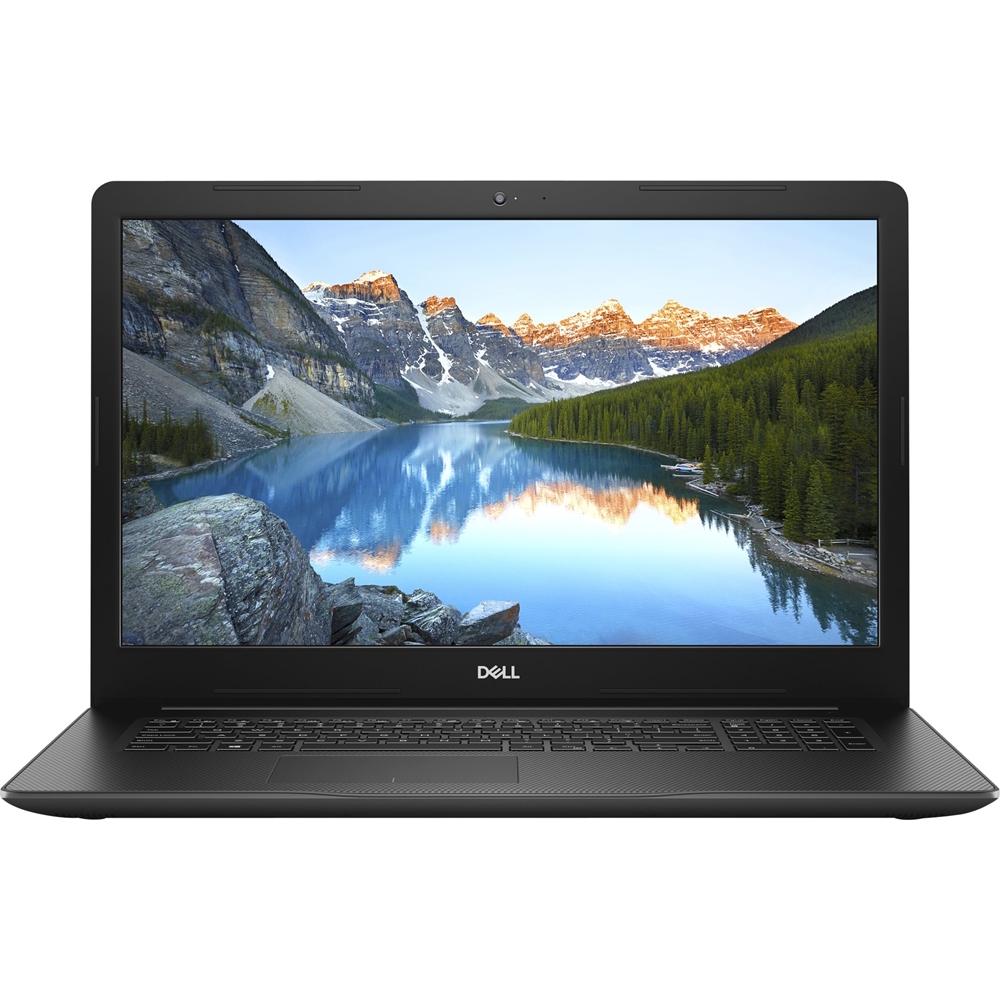
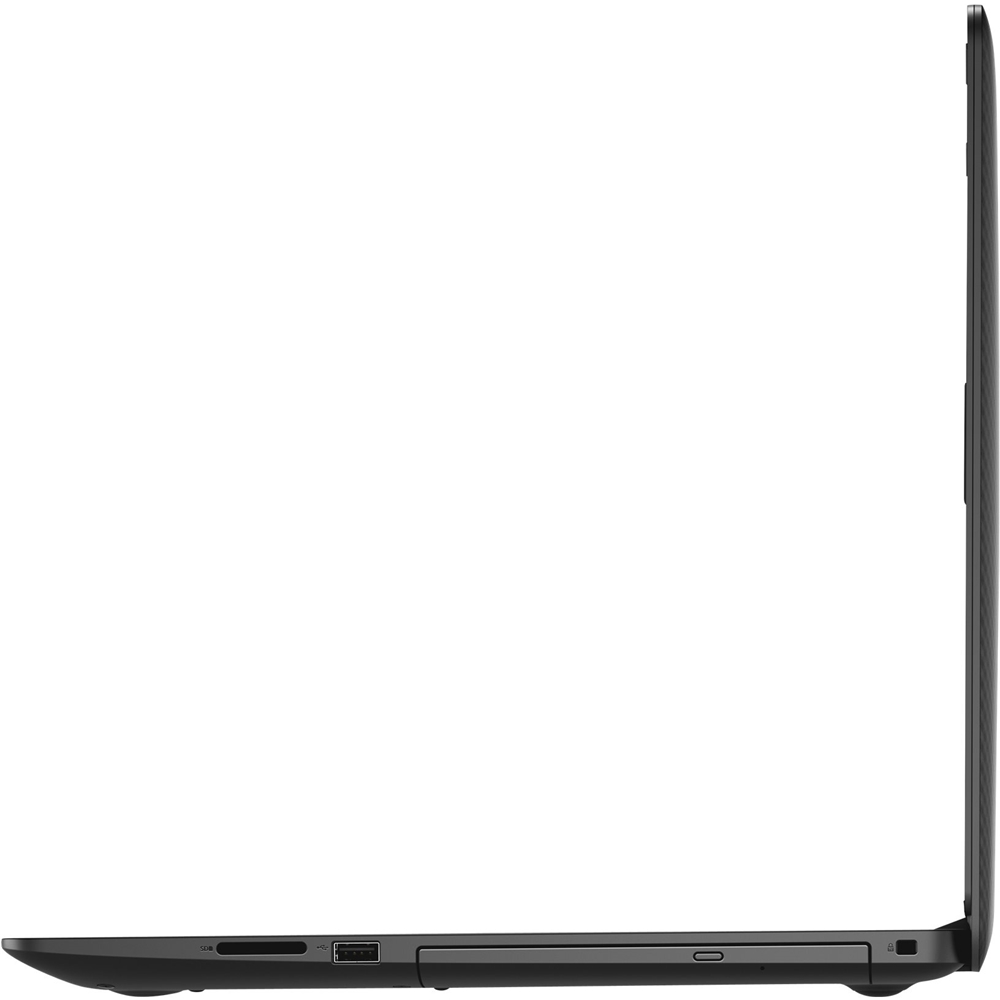
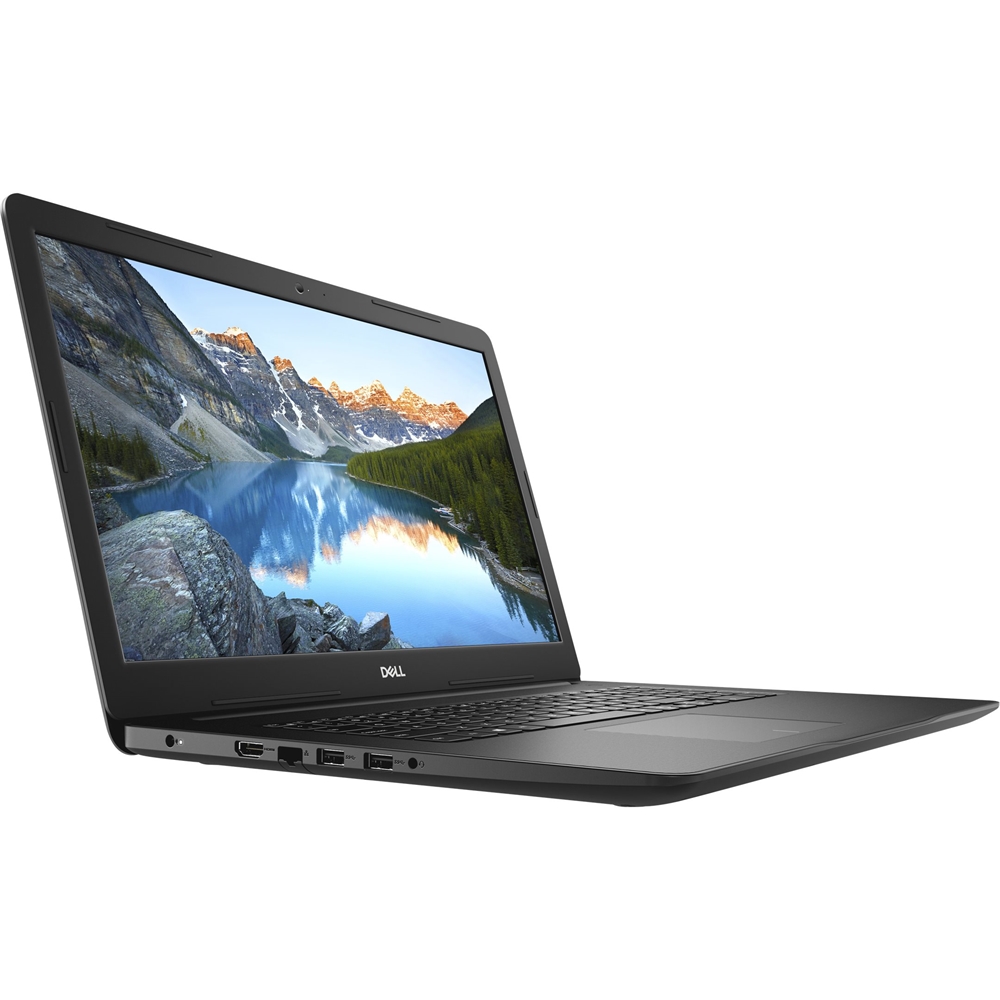
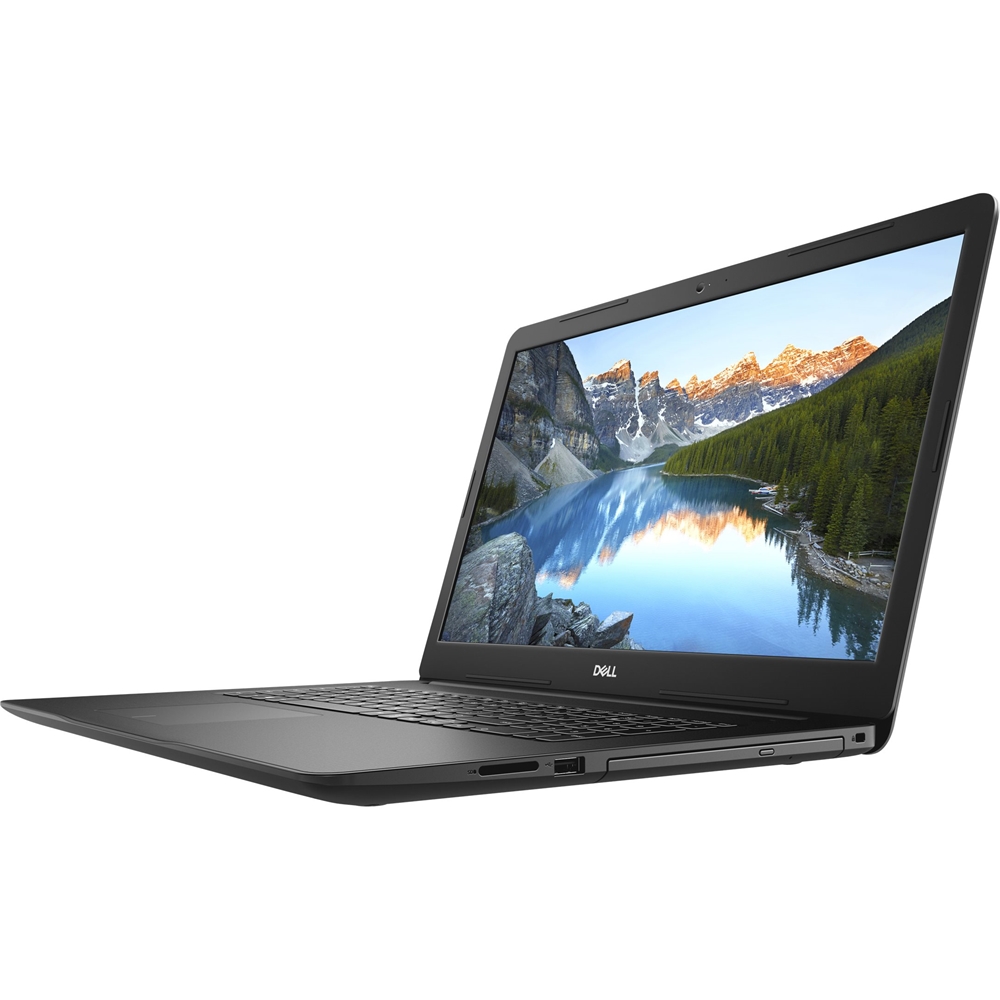

- Model:
- I3780-7766BLK-PUS
- SKU:
- 6347449
to a friend
- Pros mentioned:Processor
A+ for both personal and business use.
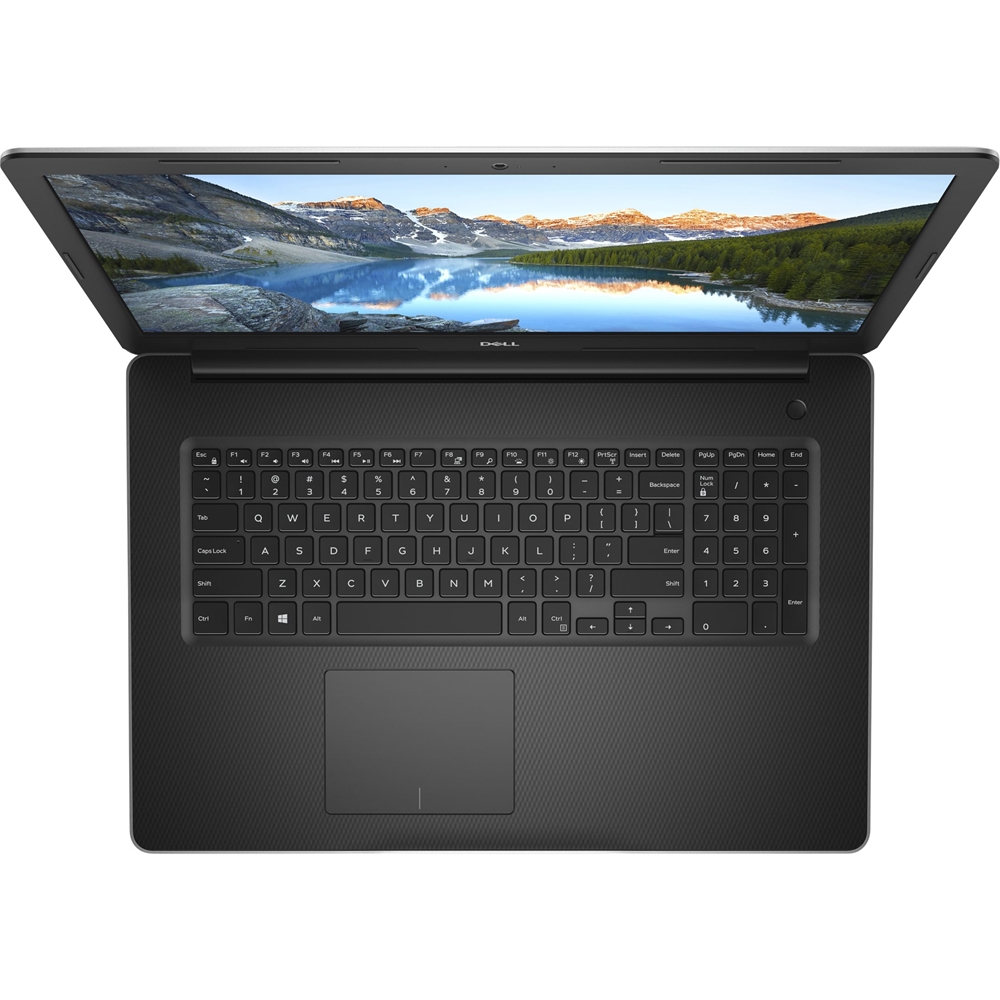
||Posted . Owned for 3 weeks when reviewed.This reviewer received promo considerations or sweepstakes entry for writing a review.Quick, accurate laptop with plenty of storage for whatever I need. Perfect machine for browsing the Internet, writing letters, editing long and short articles, researching virtually anything, and streaming entertainment packages of all sorts. Not a gamer, but with the i7 chip, this machine should be a whiz at that, too. Already filled it with various programs dedicated to writing, my professional profession and my current hobby. Looking forward to writing my first book on these keys using this quick, efficient, easy-to-operate computer, at home and on trips because of its portability. Got a great deal on an open-box machine certified by the Geek Squad, so I believe my computer needs are covered for the next several years.
I would recommend this to a friend - Pros mentioned:Performance
great laptop
||Posted . Owned for 10 months when reviewed.This reviewer received promo considerations or sweepstakes entry for writing a review.does everything you might want it to..great picture, sound, plenty of storage space, no lag
I would recommend this to a friend - Cons mentioned:Bloatware, Slow to boot
JUST OK for an I7 system
||Posted . Owned for 1 month when reviewed.This reviewer received promo considerations or sweepstakes entry for writing a review.It is slower to boot, log in or wake than i expected. There is too much bloat running in the background, both from Dell and Microsoft. I am going to have to go through the startup list and see what i can remove. If it gets too irritating i will wait 6 months for someone to write drivers for the hardware in a Linux distribution and wipe the drive and convert it to a Linux system.
No, I would not recommend this to a friendBrand response from YourDellTeam
Posted .Troll,
We appreciate your feedback. We're sorry to hear that your computer is starting slower than you hoped it would. We'd recommend trying the following in order to limit the programs that launch at startup:
1. Close all open windows.
2. Press CTRL + Shift + ESC key together on the keyboard.
3. In the Task Manager window, click Startup tab.
4. Select the program or application that you want to disable from loading during startup.
5. Right-click and select Disable.
6. Repeat Step 4 & 5 for all the programs or applications that you want to disable from loading during startup.
7. Restart your PC.
You can read the full article here - http://dell.to/2tSulGV.
Best,
Bryan
1-800-624-9896
- Pros mentioned:Powerful
Dell laptop
||Posted . Owned for 3 weeks when reviewed.This reviewer received promo considerations or sweepstakes entry for writing a review.The wife and I needed to upgrade from the dinosaur that she was holding onto. I found something that matches the specs of my desktop and so far so good.
No, I would not recommend this to a friend - Pros mentioned:Large screen
1st Dell I've ever owned & love it!
||Posted . Owned for 3 weeks when reviewed.This reviewer received promo considerations or sweepstakes entry for writing a review.Great design. Screen is very clear. Ease of program installation is wonderful
I would recommend this to a friend - Pros mentioned:Processor
Great laptop perfect upgrade
||Posted . Owned for 1 month when reviewed.This reviewer received promo considerations or sweepstakes entry for writing a review.I had bough an hp all in one desktop which was decent but this new lap top has better memory went from 4gb to 16gb whereas the processor was about the same ghz but the new dell works way faster with all my programs I enjoy using before I had trouble with keys getting stuck writing in Microsoft word but not anymore and my virus scanner runs at least three times faster all I reamember is being blown away it was finished so soon.
I would recommend this to a friend - Pros mentioned:Large screenCons mentioned:Slow to boot
Okay
||Posted . Owned for 10 months when reviewed.This reviewer received promo considerations or sweepstakes entry for writing a review.Bought for my husband. Says it is slower than the Asus he had which was much older. Size of screen is good but overall does not feel like a quality product. Disappointed.
No, I would not recommend this to a friend Great computer
||Posted . Owned for 3 weeks when reviewed.This reviewer received promo considerations or sweepstakes entry for writing a review.It’s a good computer to work with. It isn’t so fast when I thought but it’s Ok!
I would recommend this to a friend- Pros mentioned:Price
Dell computer
||Posted . Owned for 1 week when reviewed.This reviewer received promo considerations or sweepstakes entry for writing a review.Bought this product while it was on sale on line only, the selection was very good and the price was very affordable it had the software that I was interested in along with finance that help bring it home
I would recommend this to a friend Great for work
||Posted . Owned for 1 month when reviewed.This reviewer received promo considerations or sweepstakes entry for writing a review.Great computer for work. Easy to use nice size screen.
I would recommend this to a friend- Pros mentioned:Price
Great Laptop
||Posted . Owned for 1 month when reviewed.This reviewer received promo considerations or sweepstakes entry for writing a review.Meets all of my needs. Priced right for all the features.
I would recommend this to a friend - Pros mentioned:Performance
Great computer for the price
||Posted . Owned for 3 weeks when reviewed.This reviewer received promo considerations or sweepstakes entry for writing a review.Not the flashiest or slimmest, but a good machine that works fast and does what it's supposed to.
I would recommend this to a friend - Pros mentioned:Powerful
5 stars
||Posted . Owned for 1 week when reviewed.This reviewer received promo considerations or sweepstakes entry for writing a review.Very powerful and it’s a very good laptop for professionals
I would recommend this to a friend grand son is very happy with it
||Posted . Owned for 3 weeks when reviewed.This reviewer received promo considerations or sweepstakes entry for writing a review.great lap top for school and games. grand son uses it at school as well as play games with it
I would recommend this to a friend- Cons mentioned:Malfunction
Won't boot up
||Posted .This reviewer received promo considerations or sweepstakes entry for writing a review.Unit worked fine for the about 2 weeks then stopped booting up.
No, I would not recommend this to a friendBrand response from YourDellTeam
Posted .walt,
Thanks for your review and we're sorry to hear that your computer is not starting up. We'd recommend these steps to help start your computer again:
1. If the computer is displaying the Dell logo and does not move past that point, it has probably failed POST.
2. If the power indicator lights up and it is amber or orange, this is usually an indicator that it has failed POST.
3. If you see text on a black screen, the computer is currently performing the POST. If the computer stays in that condition and does not move past it, it has probably failed POST.
4. If the video screen displayed anything at all during the startup process but is now black, this probably indicates that the computer failed POST.
5. If the computer is beeping or if Caps/Num/Scroll Locks are flashing, note if there is a particular pattern in which it beeps or flashes.
6. If the computer is not beeping and caps/num/scroll locks are not flashing, unplug all connections and remove all media communication devices (e.g. external monitors); reconnect one at a time and check if the computer functions.
7. For a notebook, press and hold the Fn key and then press the power button. This starts the pre-boot testing and will launch ePSA. In case you have a Desktop at the Dell logo screen tap the F12 key to enter One Time Boot Menu and use the arrow keys to highlight Diagnostics and press enter.
You can read the full article here - http://dell.to/2uj1Sby.
Best,
Bryan
1-800-624-9896