Customer Ratings & Reviews

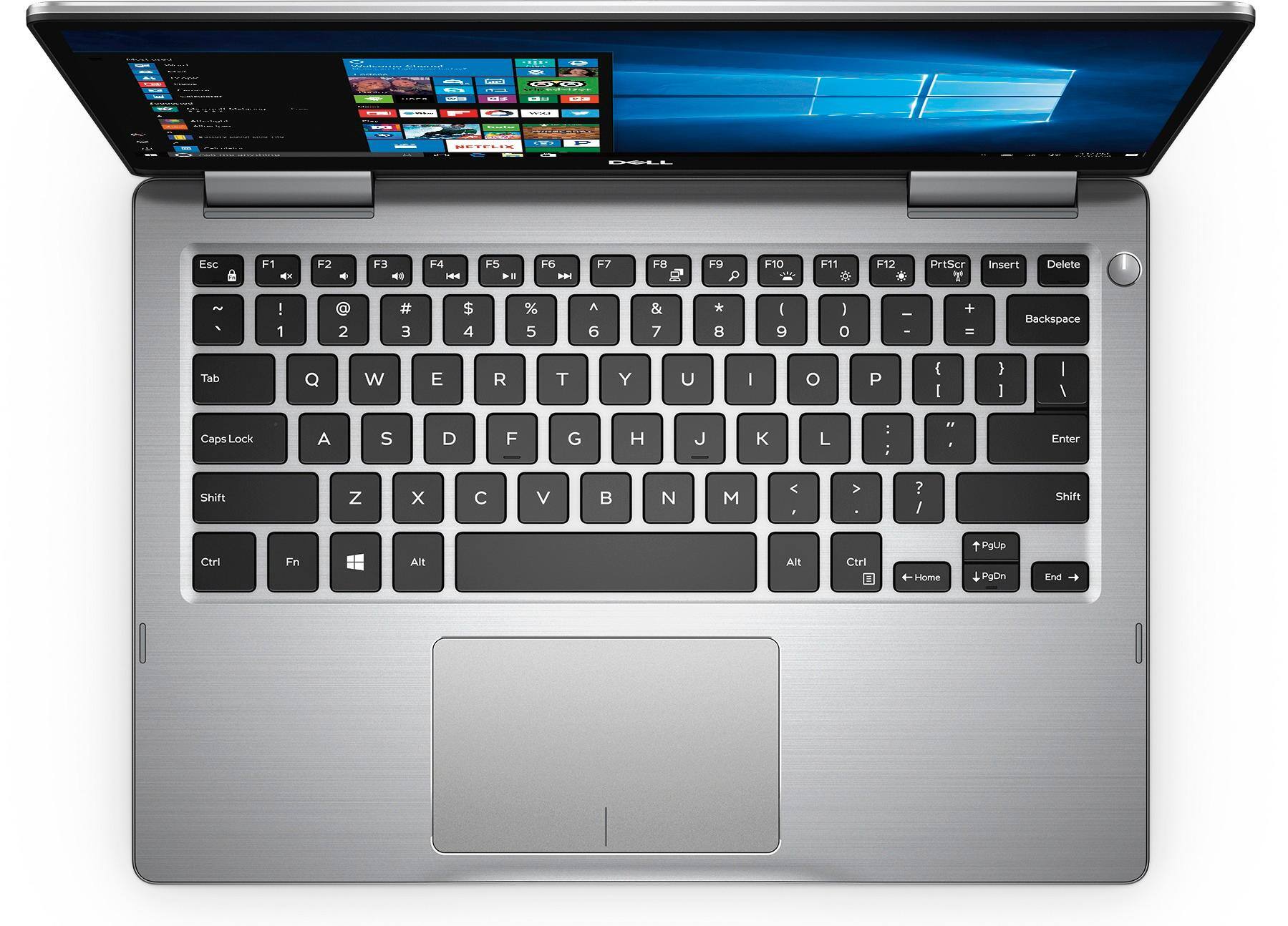
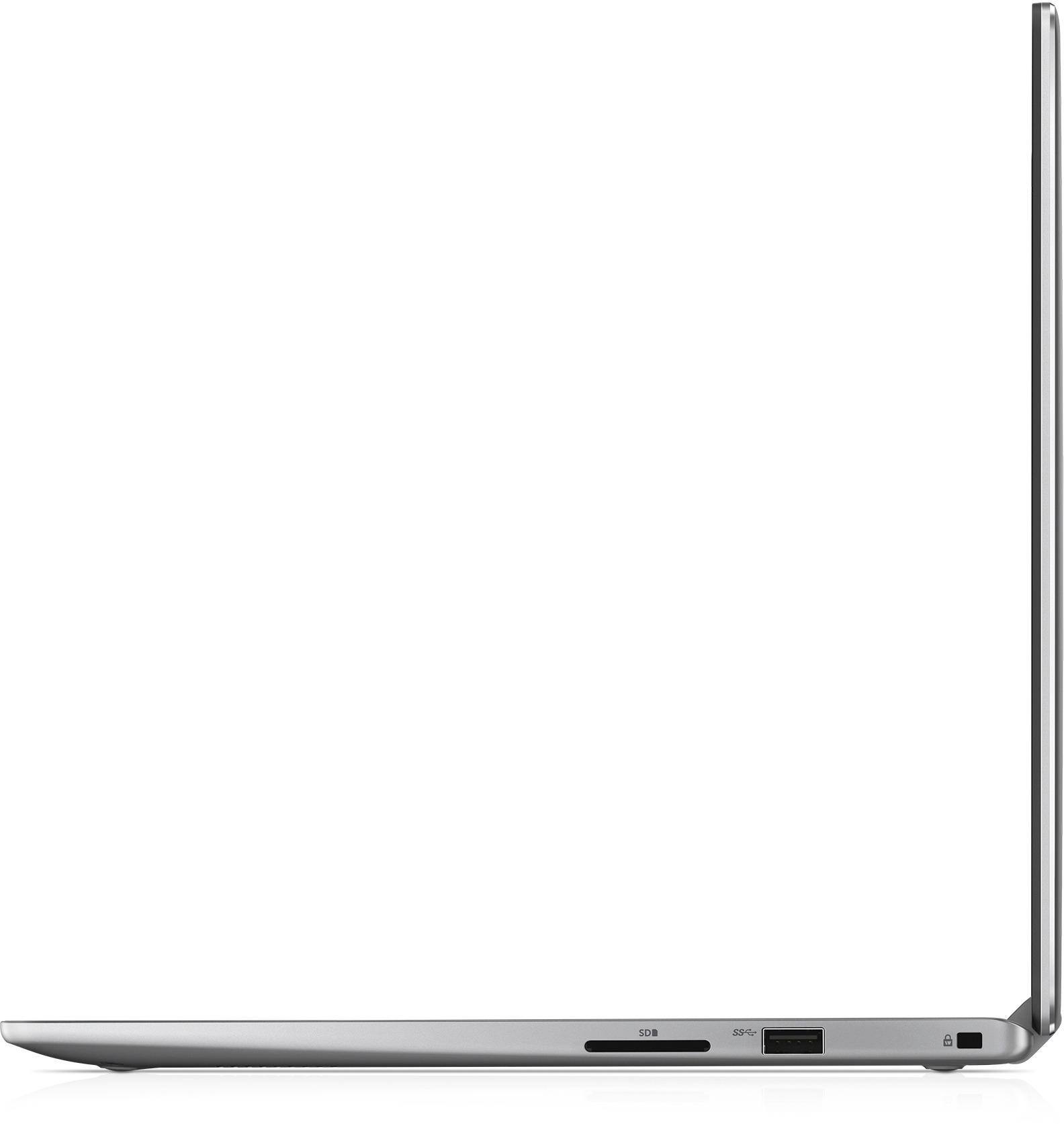
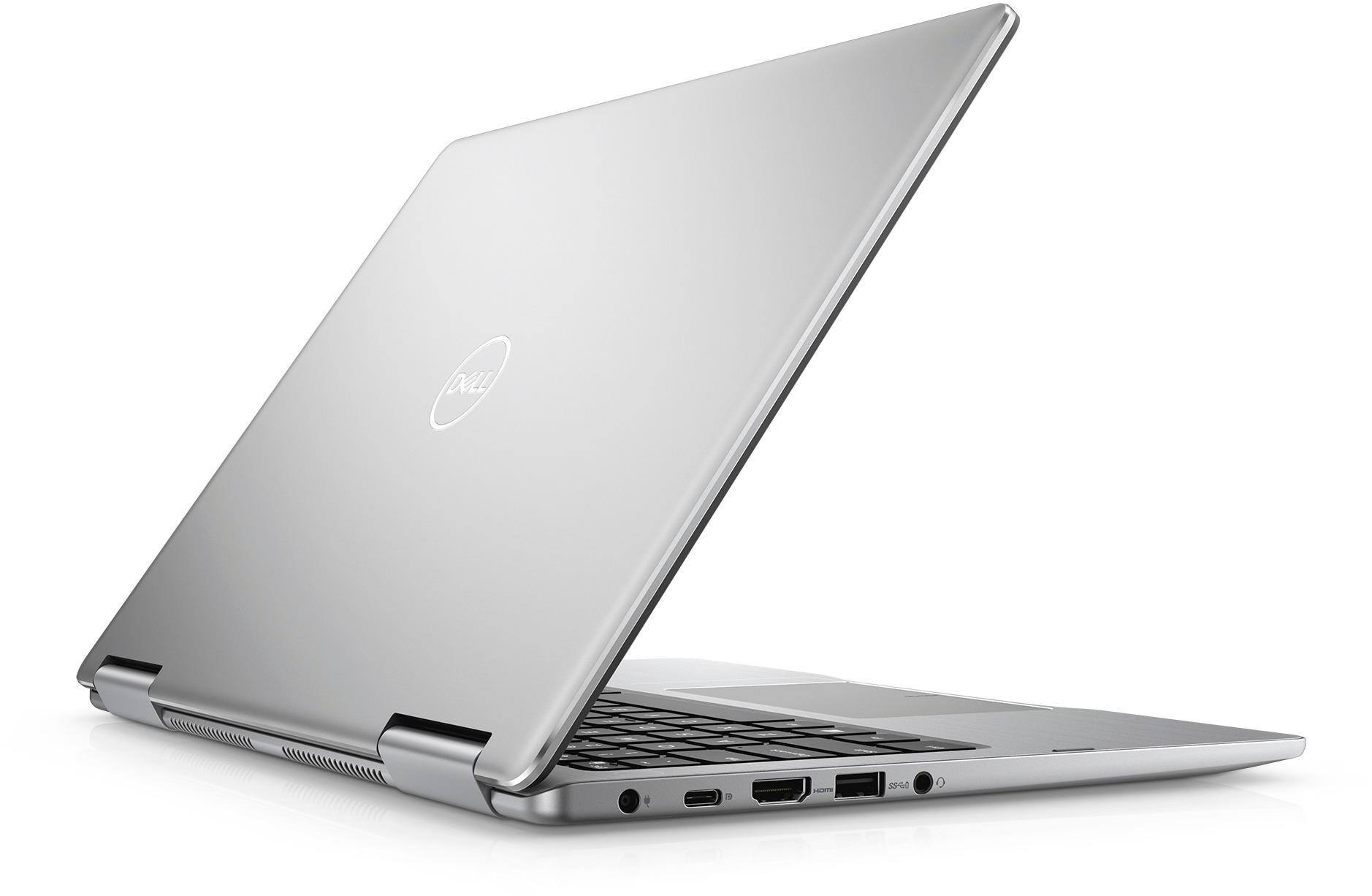
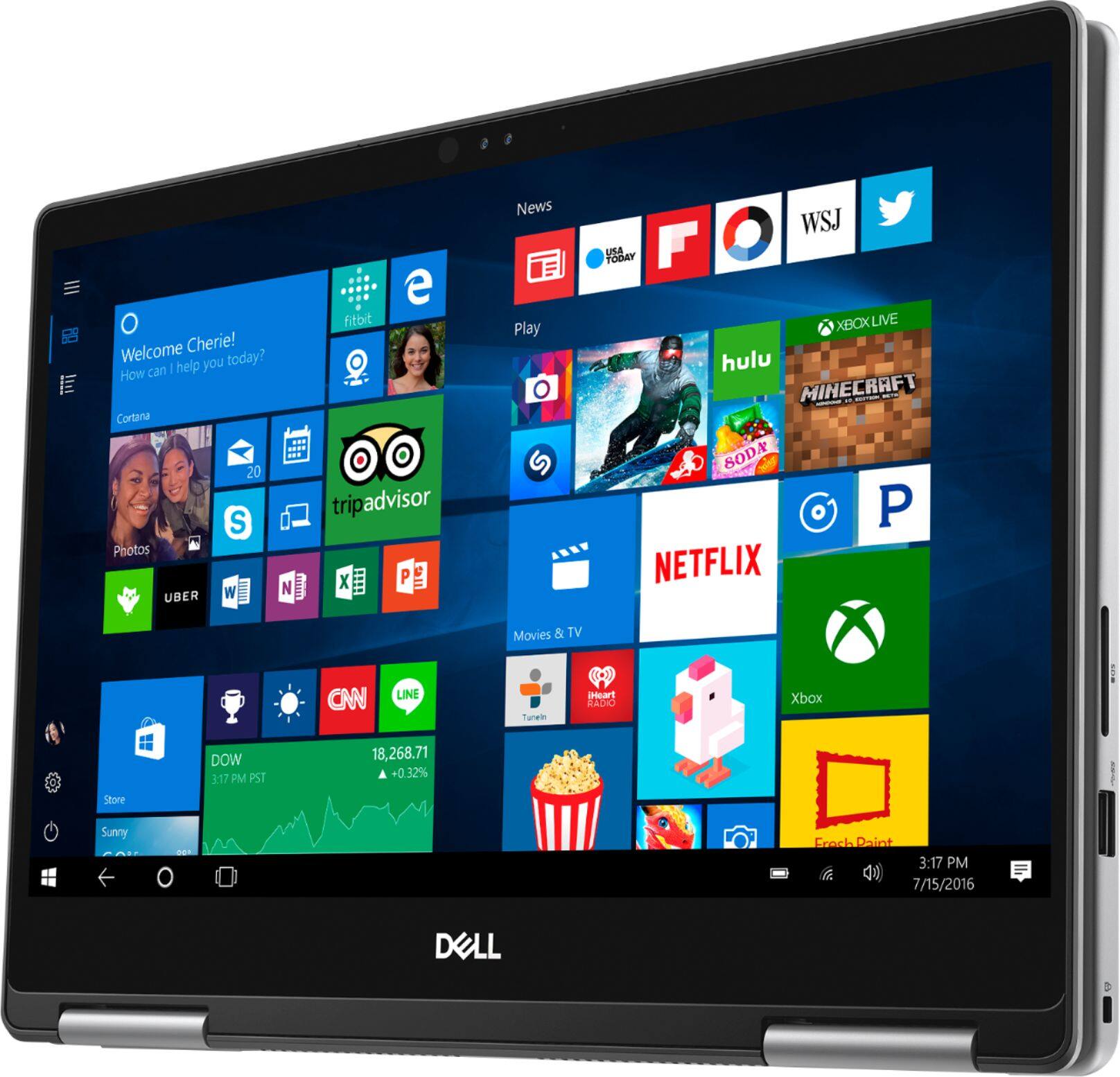
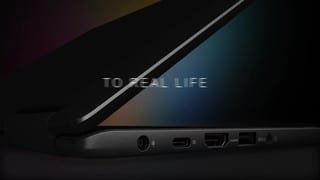


- Model:
- I7373-7227GRY-PUS
- SKU:
- 6083540
Rating by feature
- Value
Rating 3.9 out of 5 stars
- Quality
Rating 3.9 out of 5 stars
- Ease of Use
Rating 4.3 out of 5 stars
Customers are saying
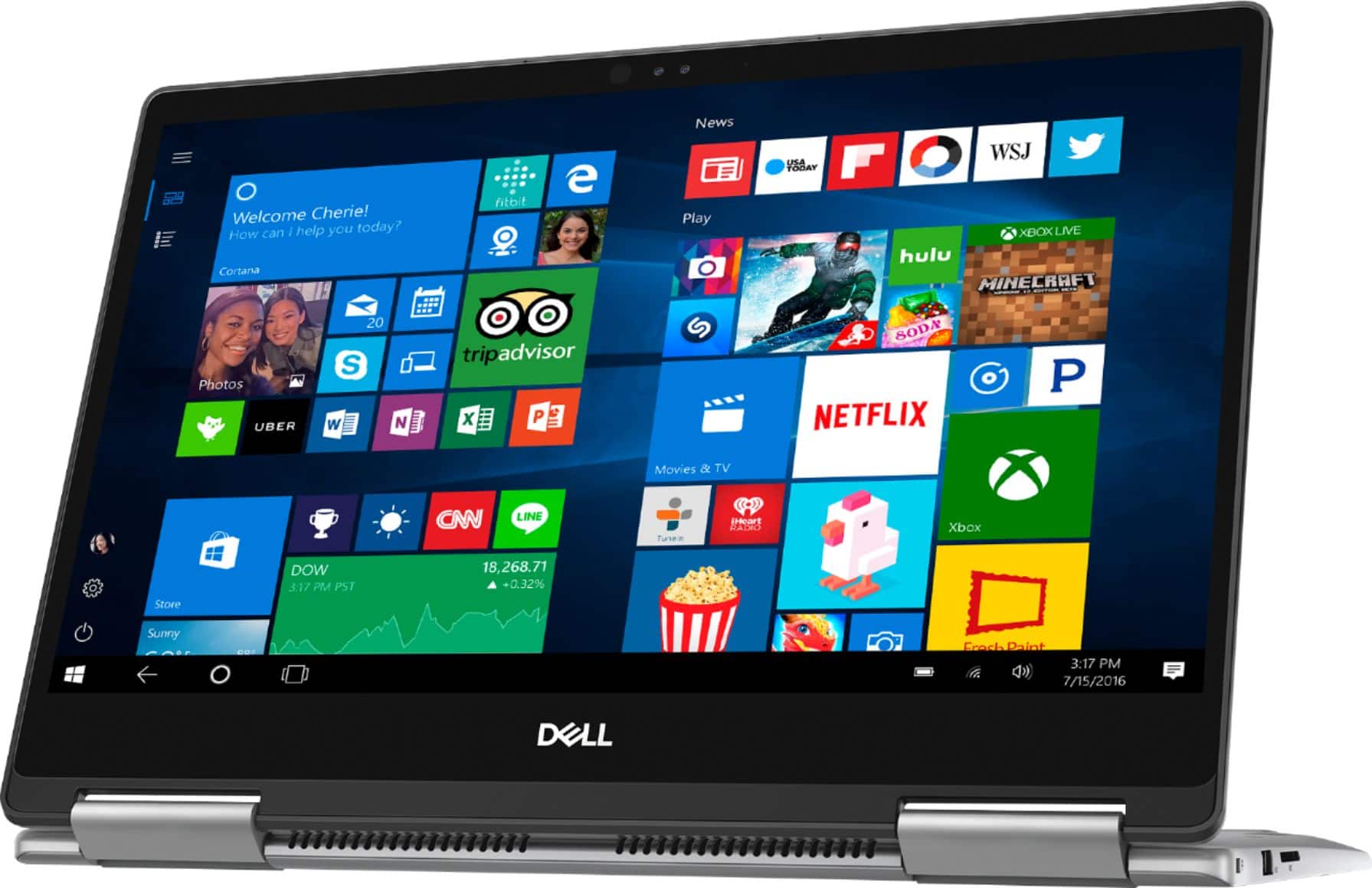
Customers are pleased with the Inspiron 2-in-1 laptop's fast performance, lightweight design, and reasonable price. Many users appreciate its touch screen capabilities and light weight. However, some users have concerns about its battery life, overheating, and fan noise.
This summary was generated by AI based on customer reviews.
- Pros mentioned:Touch screen
Nice laptop
||Posted .This reviewer received promo considerations or sweepstakes entry for writing a review.light weight and I love the touch screen. Would recommend
I would recommend this to a friend - Cons mentioned:Battery life, Overheating
Amazing performance
||Posted .This reviewer received promo considerations or sweepstakes entry for writing a review.I would give this laptop 5 stars if it wasn’t for the heating issue and battery life. Overall satisfied.
I would recommend this to a friend - Pros mentioned:Fast
light
||Posted .This reviewer received promo considerations or sweepstakes entry for writing a review.it's a powerful laptop. very fast for a smaller laptop
I would recommend this to a friend Battery life inconsistenty
||Posted .This reviewer received promo considerations or sweepstakes entry for writing a review.Daughter been using this laptop for couple weeks, easily usable but battery shows different life every now and then. Not consistent draining numerations, misleading read of battery life. Actual had return the same previous laptop partly because of this problem, but found after using second laptop... problem still exist so maybe this is a flaw with their battery indicator on these laptop. Kind of sucks for a $1000 laptop.
I would recommend this to a friendBrand response from YourDellTeam
Posted .@Boxme - Thanks for your review. There are a few things that we'd recommend when it comes to getting the most out of the battery life of your new 2-In-1. Here are some tips that should help you: Change the Power Plan:
1. On the notification area of the taskbar, right-click the Battery icon.
2. On the options list, click Power Options.
3. Select a power plan on the battery meter, such as Power Saver or Balanced. Windows 10 has a built in 'Battery Saver' mode that can be activated to extend your system's battery life. The Battery Saver mode will monitor and limit background activity and other features such as push notifications. You do have the option to enable or disable this mode within settings or within advanced Battery Saver settings you can customize the mode to best suit your needs.
1) Click on the Action Center icon within the taskbar and select the tile for Battery Saver.
2) If running Cortana then type Battery Saver into the search box and select from the results.
Within the Battery Saver settings page you will be able to turn on and off the feature and customize the feature to best meet your needs.
3) Turn Battery Saver On or Off.
4) Additional settings available via the Battery use and Battery saver settings links.
5) Battery use shows further info on apps and their power usage.
6) Battery Saver Settings screen allows you to customize further Battery Saver feature.
You can read the full article here - http://dell.to/2vfXWf4.
We hope these tips help increase the battery life of your computer. - Bryan
Great laptop at a good price
||Posted .This reviewer received promo considerations or sweepstakes entry for writing a review.The intel i7 chip with the combo ssd hard drive and 16gb ram makes the system run fast without any hiccups. I would recommend removing the bloat ware that comes preinstalled.
I would recommend this to a friend- Pros mentioned:FastCons mentioned:Battery life
Good 2-n-1 only if u can catch a sale!
||Posted .This reviewer received promo considerations or sweepstakes entry for writing a review.Has good speed and features, however it gets hot to quickly and the fan remains on the entire time I'm using it. Battery life is awful as I might get 2.5 hours of web browsing and a movie combined. I purchased mine open box and the condition was great, however if I had paid more than $600.00 for it, it would have been returned!
I would recommend this to a friendBrand response from YourDellTeam
Posted .Patmos,
We appreciate your feedback. We're sorry that your computer is heating up on you. We'd recommend the following tips to help your computer stay cool:
Tips for Proper Usage:
1. Dell does not recommend placing portable systems directly on your lap. Due to reductions in the thickness of modern portable systems, heat transfer can be an issue.
2. Using a portable system (Laptop) on a hard, flat, non-cloth surface will increase airflow and reduce heat from underneath and inside the system.
Using the portable system on a blanket, pillow, or other types of cloth will cover up the fan cause the computer to overheat and can cause permanent damage.
3. It is recommended to use the portable system in a Room temperature of 0°C to 35°C (32°F to 95°F) with a Humidity level no greater than 90%.
4. Use compressed air to clean the vents on a regular basis.
5. Using a cooling pad can decrease heat and increase performance.
6. If you want to know the temperature limitations for your system, go to the Dell Support Website, look up your system model then open the user guide under the manuals link.
You can read the full article here - http://dell.to/2uJ8AdG.
If you'd like to reduce the fan noise on your computer, please consider updating the BIOS:
An out-of-date BIOS can cause loud fan noises by having an outdated temperature table for the system. Refer to update BIOS and follow the instructions to update the BIOS on your computer. You can also follow up with our Technical Support Team here - 1-800-624-9896.
You can read the full article here - http://dell.to/2ENlXfz.
Lastly, if you'd like to increase your battery life, here are some tips:
Change the Power Plan:
1. On the notification area of the taskbar, right-click the Battery icon.
2. On the options list, click Power Options.
3. Select a power plan on the battery meter, such as Power Saver or Balanced. Windows 10 has a built in 'Battery Saver' mode that can be activated to extend your system's battery life. The Battery Saver mode will monitor and limit background activity and other features such as push notifications. You do have the option to enable or disable this mode within settings or within advanced Battery Saver settings, you can customize the mode to best suit your needs.
a) Click on the Action Center icon in the taskbar and select the tile for Battery Saver.
b) If running Cortana then type Battery Saver into the search box and select from the results.
Within the Battery Saver settings page, you will be able to turn on and off the feature and customize the feature to best meet your needs.
c) Turn Battery Saver On or Off.
d) Additional settings available via the Battery use and Battery saver settings links.
e) Battery use shows further info on apps and their power usage.
f) Battery Saver Settings screen allows you to customize further Battery Saver feature.
You can read the full article here - http://dell.to/2vfXWf4.
Best,
Bryan
1-800-624-9896
- Pros mentioned:Fast, Lightweight
Powerful compact laptop
||Posted .This reviewer received promo considerations or sweepstakes entry for writing a review.This is a great laptop for multiple uses. Great speed and processing power. I purchased it open box and saved a decent amount but received it in a plastic bag instead of a box.
I would recommend this to a friend - Cons mentioned:Fan noise
Nice purchase
||Posted .This reviewer received promo considerations or sweepstakes entry for writing a review.I am a huge fan of MacBooks however recently in my opinion apple is dropping off. Anyways I purchased this for work because the program i use does not work on a Mac. This machine is great. Fan can get a tad noisy but that’s when I am running it hard. I will use onenote, three different web browsers, run Spotify, & my program for work (which is a heavy program) with out any issues. Battery life is ok although we all know the battery capacity over time will deplete. In the past year of owning this I have not noticed it much. All in all a great buy. I paid $1,000 for it but now its a bit cheaper. Good purchase.
I would recommend this to a friend - Pros mentioned:Light, Touch screen
Nifty notebook
||Posted .This reviewer received promo considerations or sweepstakes entry for writing a review.Bought this for work, primarily for travel as it’s light and compact. Set up was easy, and I’ve found it to meet my needs very well. Touch screen is handy. No regrets.
I would recommend this to a friend - Cons mentioned:Battery life
I really want to love this
||Posted .This reviewer received promo considerations or sweepstakes entry for writing a review.I really want to love this computer but there is something seriously wrong with the touchpad. The pointer randomly moves and clicks on things when I'm not clicking on anything. It's a giant pain to have to be so careful and to have to correct whatever random thing was clicked on. Battery life is also not the best.. I get maybe 3 or 4 hours tops. I would prefer it to be double.
I would recommend this to a friend - Pros mentioned:Lightweight, Touch screen
Love this computer!
||Posted .This reviewer received promo considerations or sweepstakes entry for writing a review.I needed to set up a home office for myself. This computer does the trick. It’s lightweight yet fast. I like the touch screen very much. I’m very happy with it.
I would recommend this to a friend - Pros mentioned:LightCons mentioned:Battery life
Good except battery
||Posted .This reviewer received promo considerations or sweepstakes entry for writing a review.It’s light and has great design. Working really well. Just one thing that I disappointed is the battery of the laptop. It would last around 2 hours and 30 for a full charge. That’s so terrible for the laptop with the price over $1000. Considering about battery before buying this one.
I would recommend this to a friendBrand response from YourDellTeam
Posted .TrucNguyen,
We're happy to hear that your 2-In-1 is working well for you. Here are some tips to help improve your battery life:
Change the Power Plan:
1. On the notification area of the taskbar, right-click the Battery icon.
2. On the options list, click Power Options.
3. Select a power plan on the battery meter, such as Power Saver or Balanced. Windows 10 has a built in 'Battery Saver' mode that can be activated to extend your system's battery life. The Battery Saver mode will monitor and limit background activity and other features such as push notifications. You do have the option to enable or disable this mode within settings or within advanced Battery Saver settings, you can customize the mode to best suit your needs.
a) Click on the Action Center icon in the taskbar and select the tile for Battery Saver.
b) If running Cortana then type Battery Saver into the search box and select from the results.
Within the Battery Saver settings page, you will be able to turn on and off the feature and customize the feature to best meet your needs.
c) Turn Battery Saver On or Off.
d) Additional settings available via the Battery use and Battery saver settings links.
e) Battery use shows further info on apps and their power usage.
f) Battery Saver Settings screen allows you to customize further Battery Saver feature.
You can read the full article here - http://dell.to/2vfXWf4.
Best,
Bryan
1-800-624-9896
Great laptop in a small package
||Posted .This reviewer received promo considerations or sweepstakes entry for writing a review.This unit had everything I was looking for; i7 processor, 16GB RAM, 256GB memory and light weight. It performs well and is just the right size for commuting.
I would recommend this to a friend- Cons mentioned:Battery life, Overheating
Battery life is poor
||Posted .This reviewer received promo considerations or sweepstakes entry for writing a review.Computer seems to work fine, but the battery life is disappointing. I don't use the computer that much, and the battery lasts barely one day, even when the computer is just sleeping. Also, many times, the computer gets hot and the fan is running when it is sitting there doing nothing!
No, I would not recommend this to a friendBrand response from YourDellTeam
Posted .Peaches,
We're sorry to hear about the troubles that you've been having with your new Dell computer. For help with extending the battery life of your computer we'd recommend the following tips:
Change the Power Plan:
1. On the notification area of the taskbar, right-click the Battery icon.
2. On the options list, click Power Options.
3. Select a power plan on the battery meter, such as Power Saver or Balanced. Windows 10 has a built in 'Battery Saver' mode that can be activated to extend your system's battery life. The Battery Saver mode will monitor and limit background activity and other features such as push notifications. You do have the option to enable or disable this mode within settings or within advanced Battery Saver settings, you can customize the mode to best suit your needs.
a) Click on the Action Center icon in the taskbar and select the tile for Battery Saver.
b) If running Cortana then type Battery Saver into the search box and select from the results.
Within the Battery Saver settings page, you will be able to turn on and off the feature and customize the feature to best meet your needs.
c) Turn Battery Saver On or Off.
d) Additional settings available via the Battery use and Battery saver settings links.
e) Battery use shows further info on apps and their power usage.
f) Battery Saver Settings screen allows you to customize further Battery Saver feature.
You can read the full article here - http://dell.to/2vfXWf4.
If your computer continues to overheat we'd recommend the following:
Tips for Proper Usage:
1. Dell does not recommend placing portable systems directly on your lap. Due to reductions in the thickness of modern portable systems, heat transfer can be an issue.
2. Using a portable system (Laptop) on a hard, flat, non-cloth surface will increase airflow and reduce heat from underneath and inside the system.
Using the portable system on a blanket, pillow, or other types of cloth will cover up the fan cause the computer to overheat and can cause permanent damage.
3. It is recommended to use the portable system in a Room temperature of 0°C to 35°C (32°F to 95°F) with a Humidity level no greater than 90%.
4. Use compressed air to clean the vents on a regular basis.
5. Using a cooling pad can decrease heat and increase performance.
6. If you want to know the temperature limitations for your system, go to the Dell Support Website, look up your system model then open the user guide under the manuals link.
You can read the full article here - http://dell.to/2uJ8AdG.
We hope these tips help with the overall performance of your computer.
Best,
Bryan
1-800-624-9896
- Pros mentioned:Lightweight
I LOVE my new computer!!
||Posted .This reviewer received promo considerations or sweepstakes entry for writing a review.I needed a new laptop but had no idea what I really wanted. After some review, I decided on either Dell (which I have always had) or HP. The salesman was very helpful and answered the questions to my satisfaction and I decided on a Dell Inspiron 13 7000 2 in 1. I LOVE IT!! Very small and lightweight but handles everything I throw at it very fast!! Multiple tabs open at all times, can flip it over to use the touchpad, so its very versatile too! I'm so glad I decided on this one as I know and trust Dell and can use this like I do my iPad, so I'm thrilled!
I would recommend this to a friend - Pros mentioned:Fast, Light
Exactly right laptop
||Posted .This reviewer received promo considerations or sweepstakes entry for writing a review.After an exhausting search for just the right laptop, this is it! Great connectivity, screen resolution, and speed. Light and small. Love it.
I would recommend this to a friend - Pros mentioned:Lightweight, Touch screen
Awsome!! So thin and easy to travel.
||Posted .This reviewer received promo considerations or sweepstakes entry for writing a review.Typical Dell laptop. Eveything works fine, touchscreen perfect, except the face recognition after I had a haircut. Very good to travel. So light.
I would recommend this to a friend - Pros mentioned:Lightweight, Touch screen
This is a wonderful laptop. It has great features
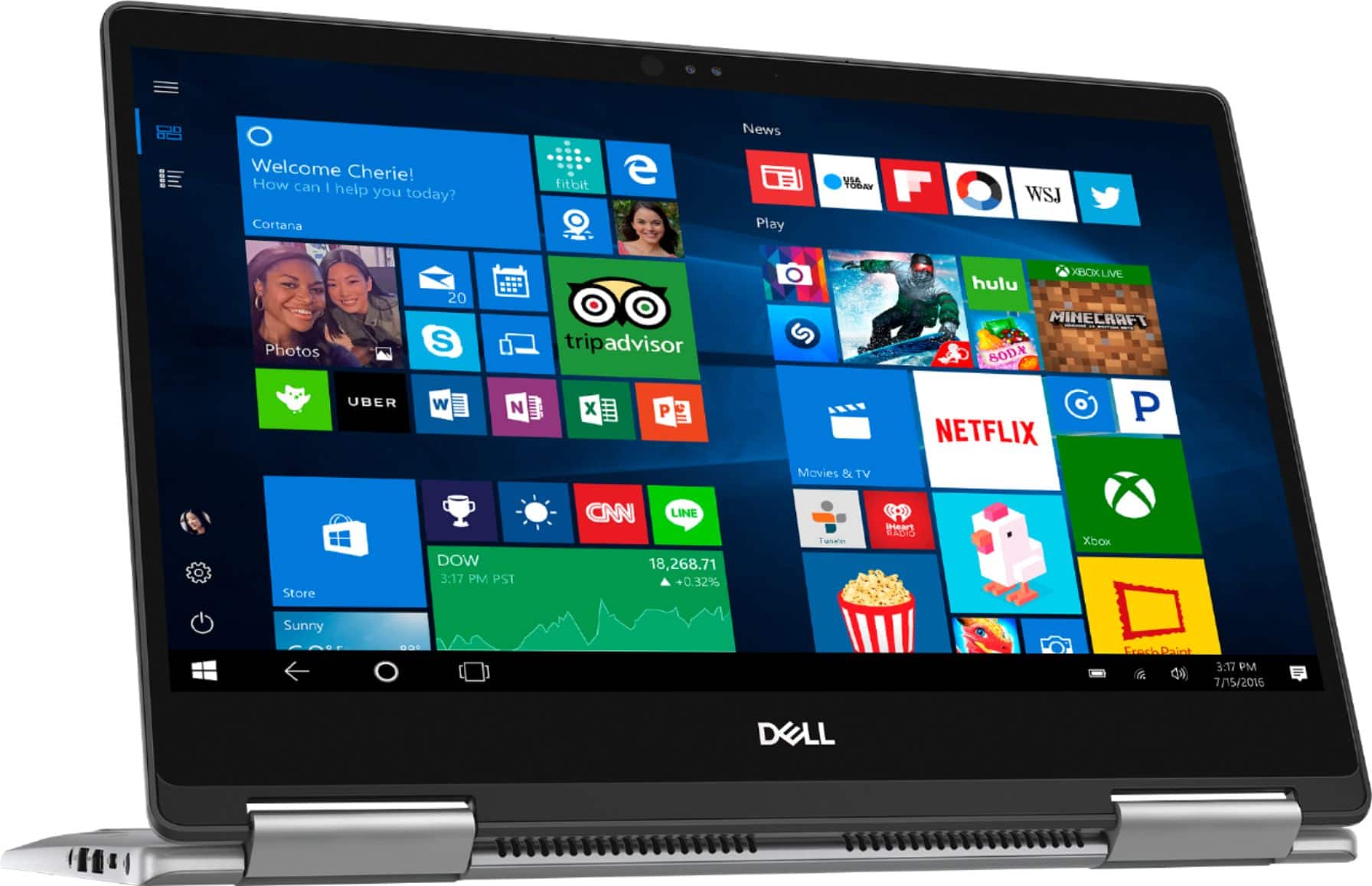
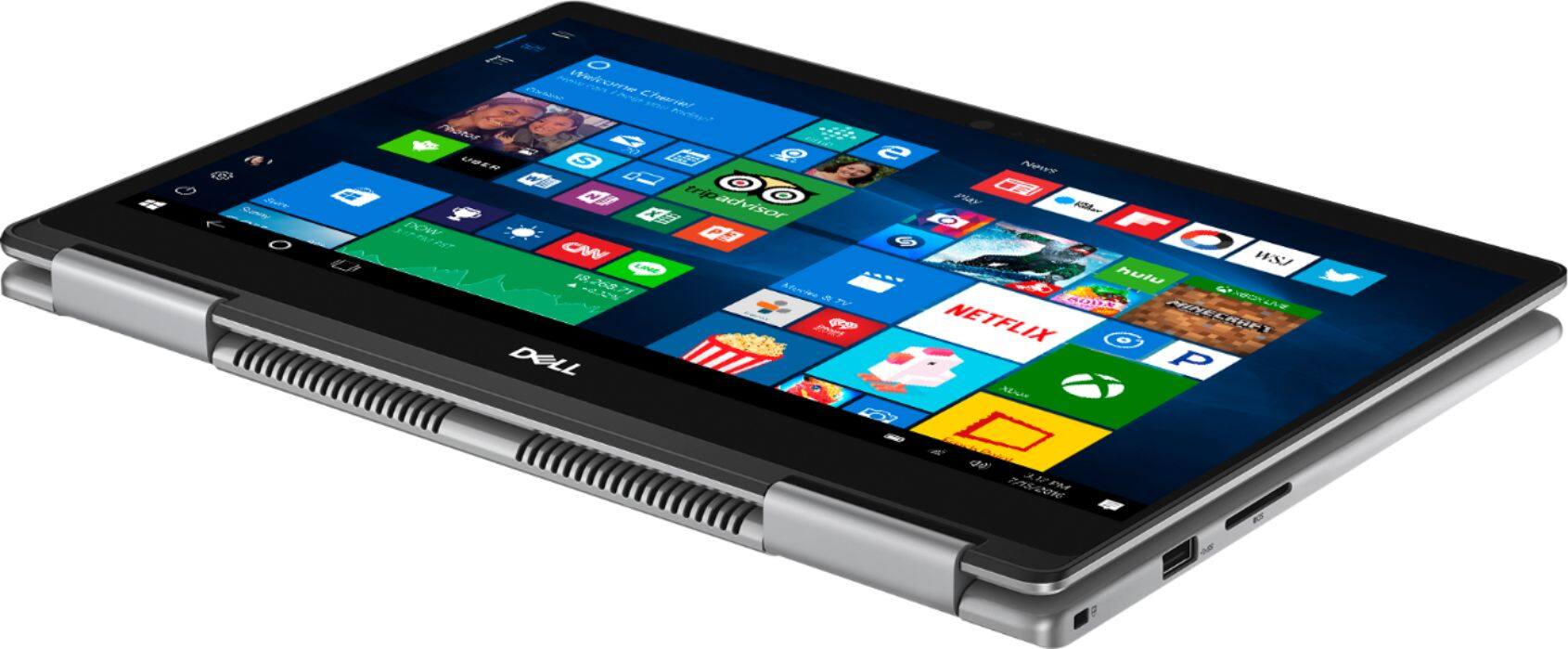
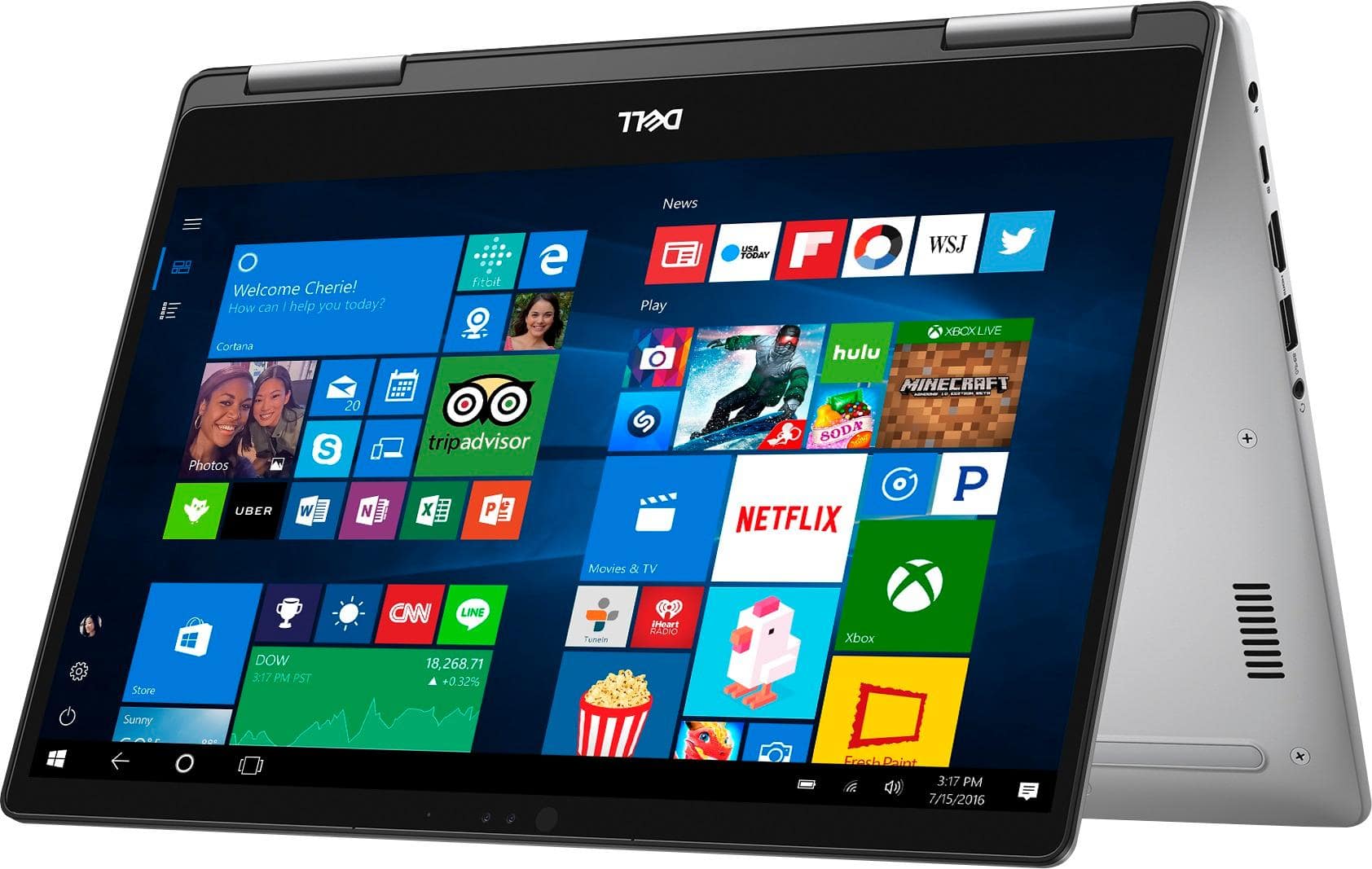
||Posted .This reviewer received promo considerations or sweepstakes entry for writing a review.such as a touch screen, the ability to fold it into a tablet and a wonderful display. It is also very portable yet is a nice size for computing.
I would recommend this to a friend - Pros mentioned:Fast, Lightweight
Dell - Inspiron 2-in-1 13.3" Touch-Screen Laptop -
||Posted .This reviewer received promo considerations or sweepstakes entry for writing a review.Love this PC. Works great (fast). Great size to have on your lap in a reclining position . Nice size and lightweight when traveling.
I would recommend this to a friend - Cons mentioned:Battery life
Good to go
||Posted .This reviewer received promo considerations or sweepstakes entry for writing a review.The Dell Inspiron 2-in-1 is still a great package, and it certainly feels like it's worth more than its asking price -- but that's with a heavy asterisk. If you need a laptop that runs all day, this is not the one for you. It's a shame the Inspiron's battery doesn't give it the power it needs to be truly exceptional.
I would recommend this to a friend