Customer Ratings & Reviews
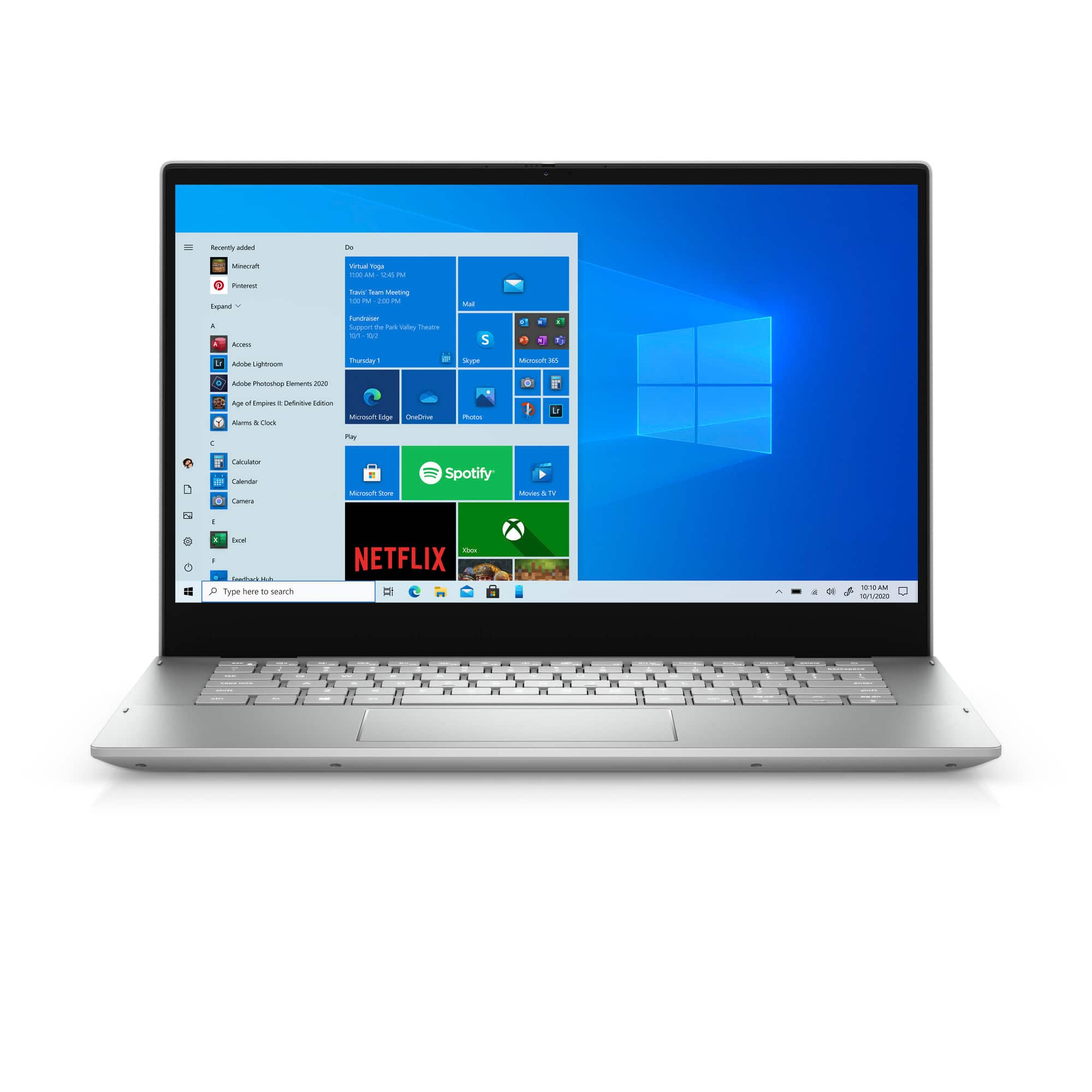
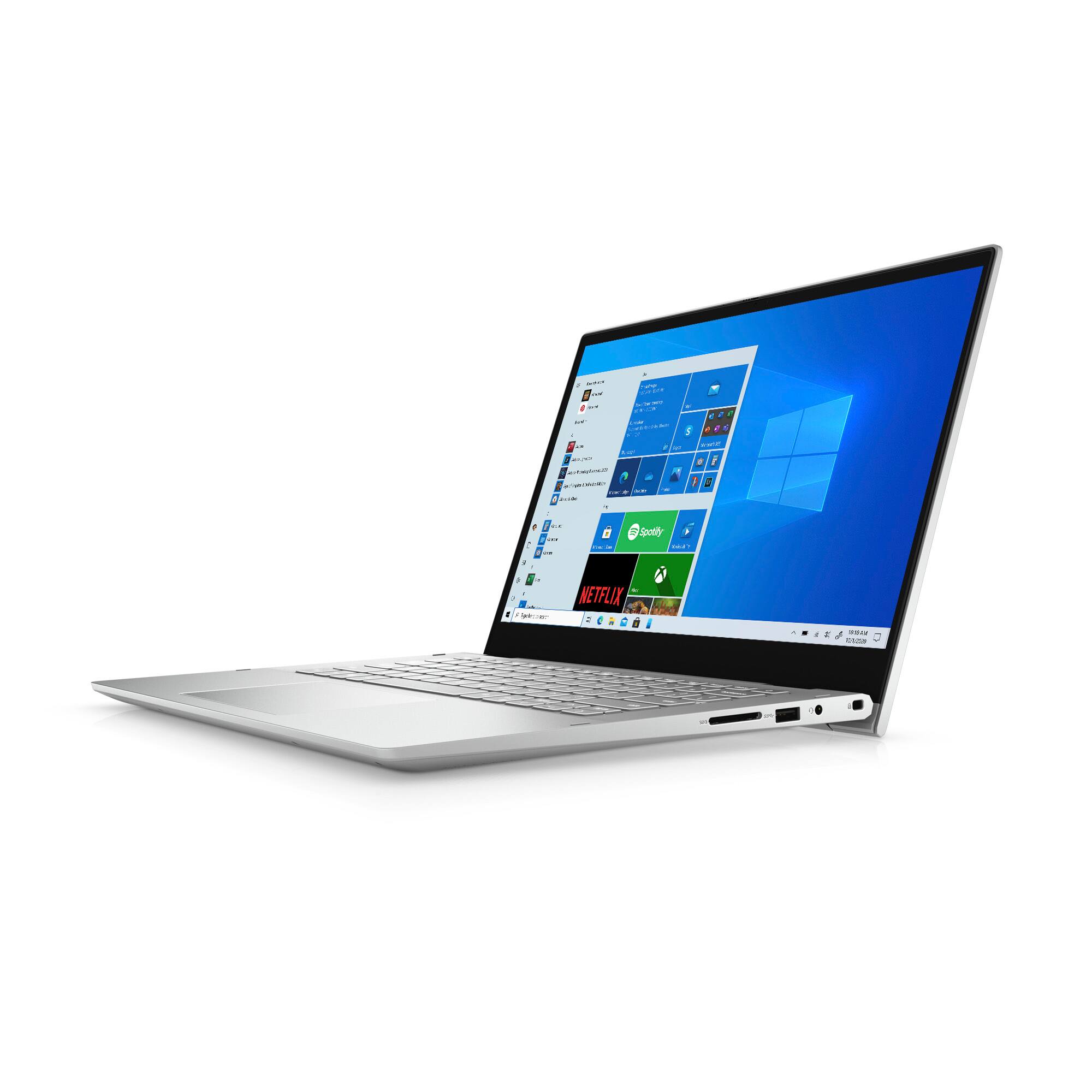
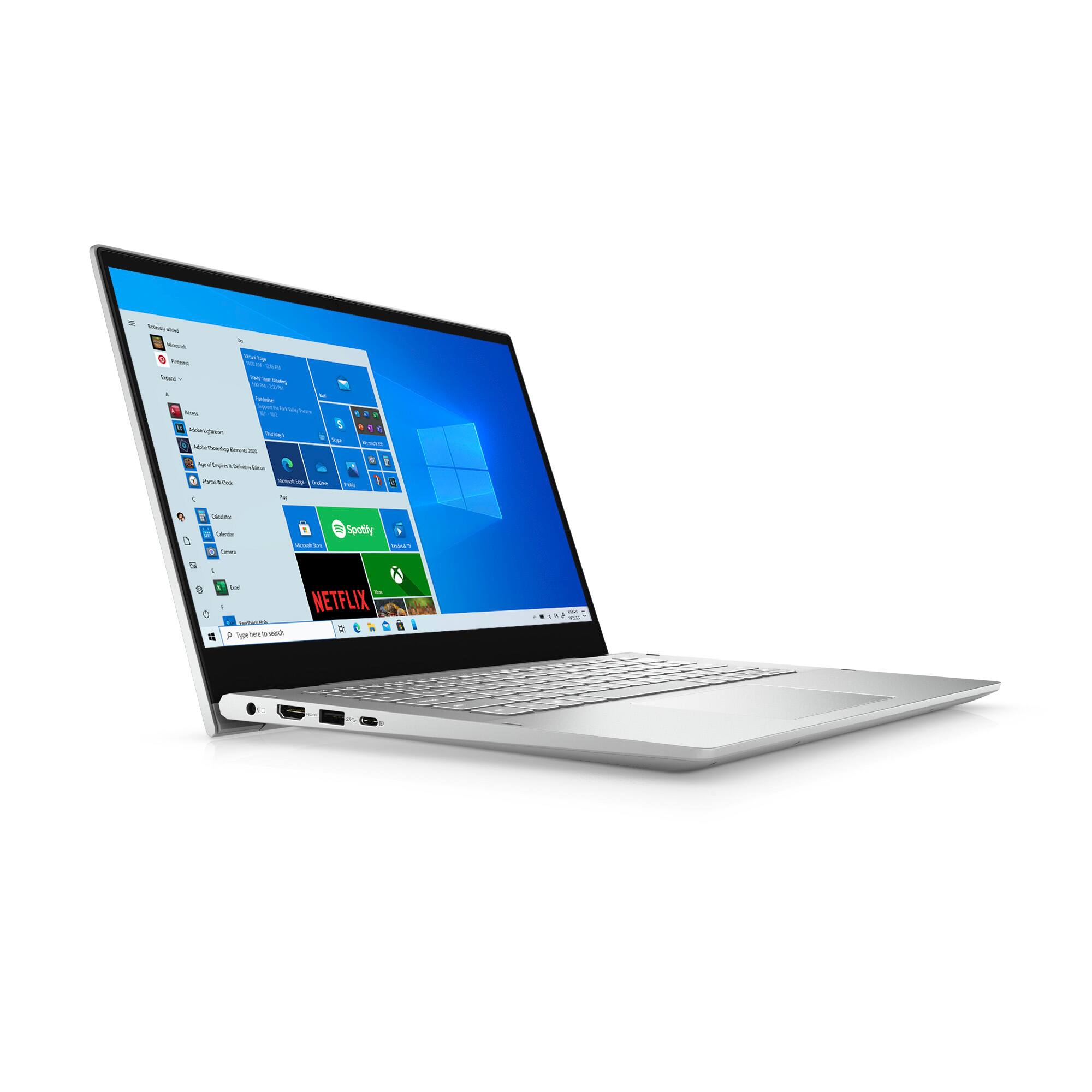
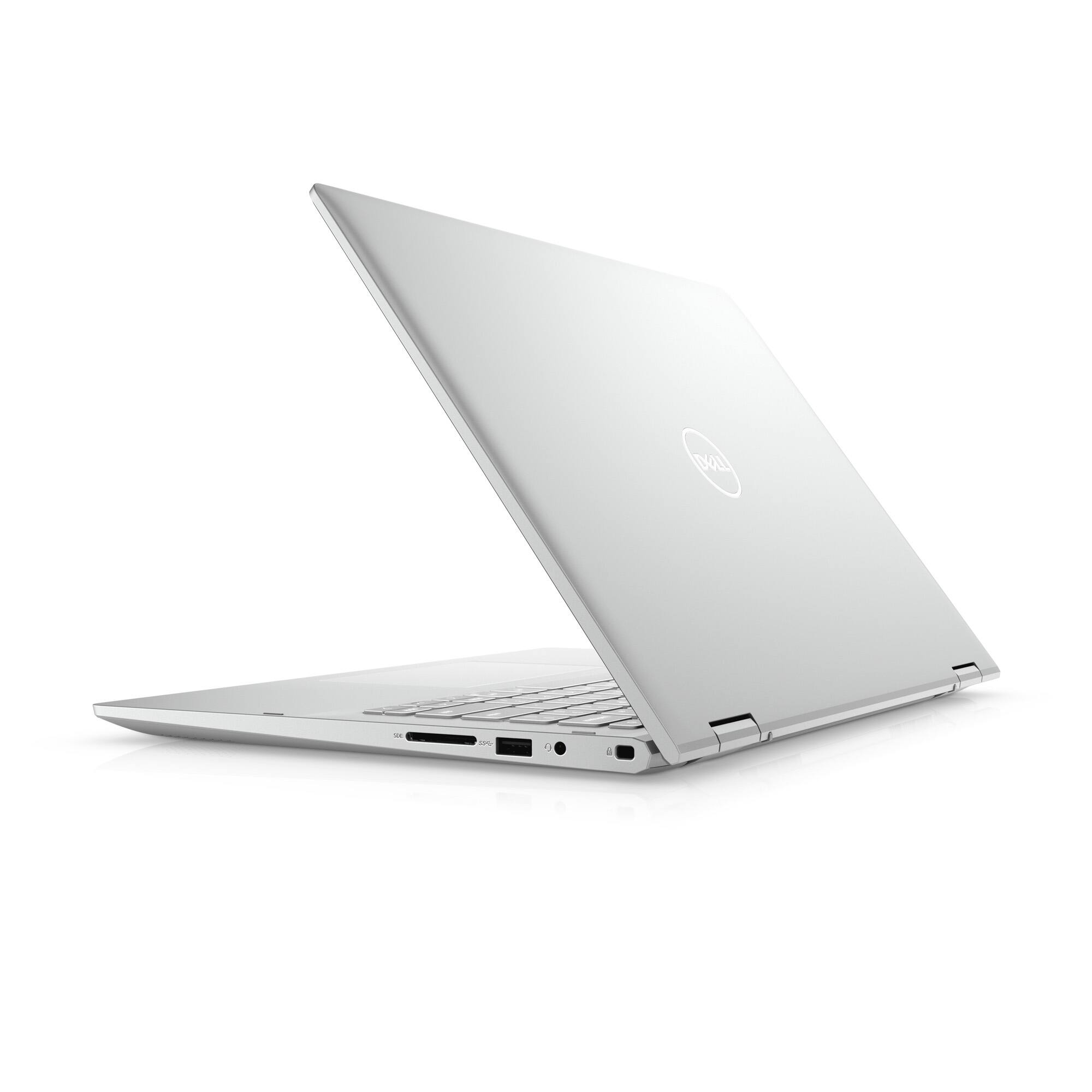
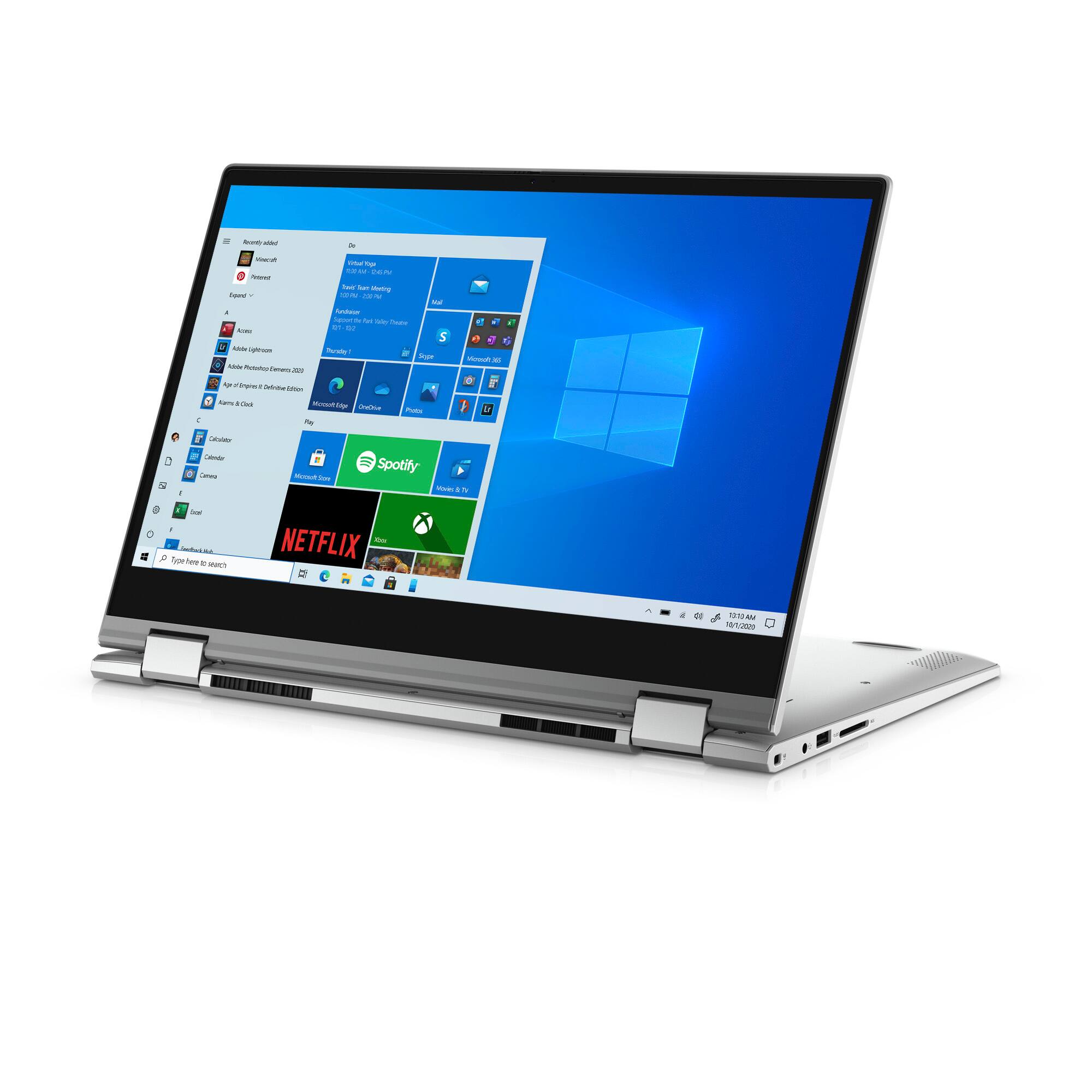
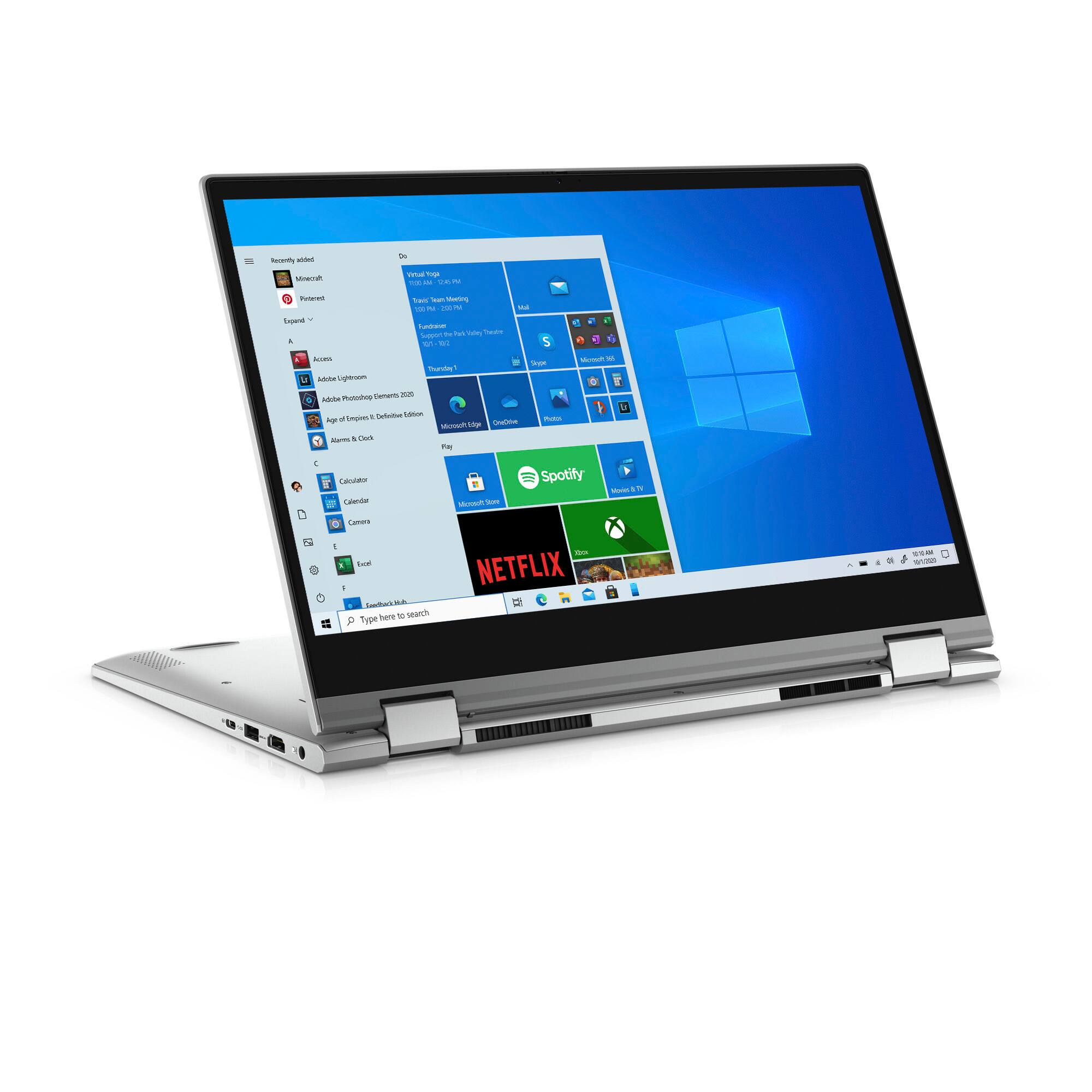
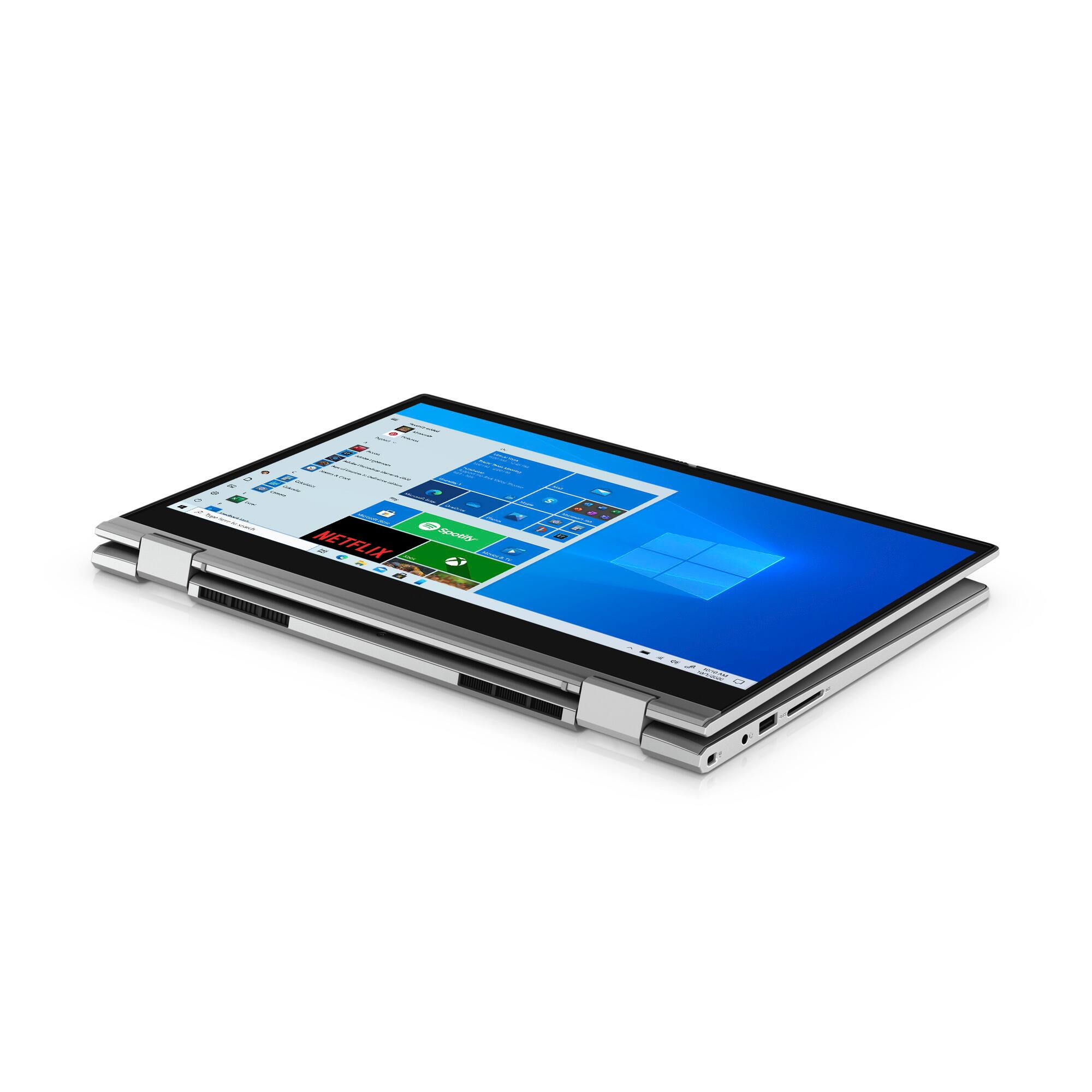
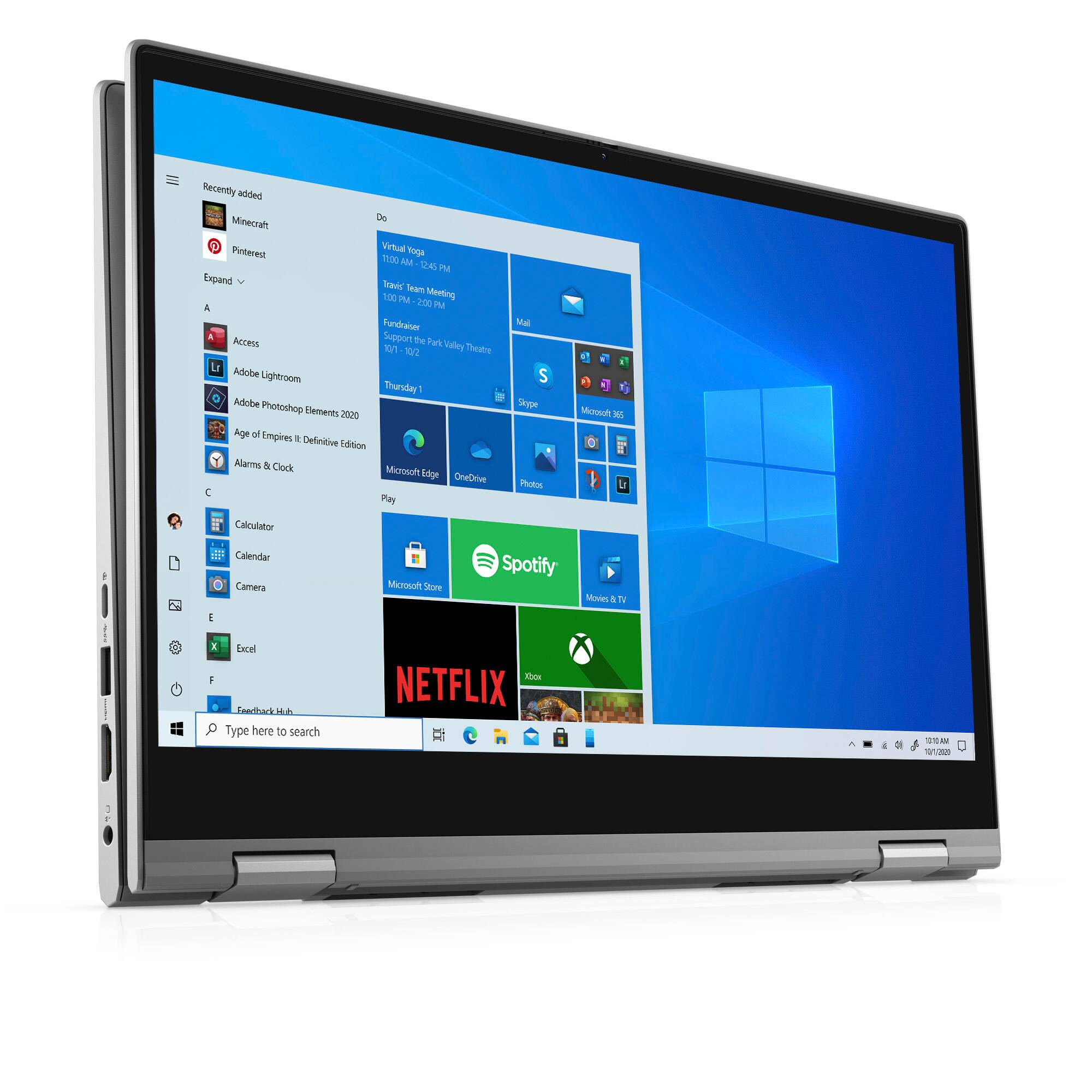



- Model:
- i5406-3661SLV-PUS
- SKU:
- 6468169
Rating by feature
- Battery Life
Rating 4.3 out of 5 stars
- Speed
Rating 4.4 out of 5 stars
- Display
Rating 4.4 out of 5 stars
Customers are saying
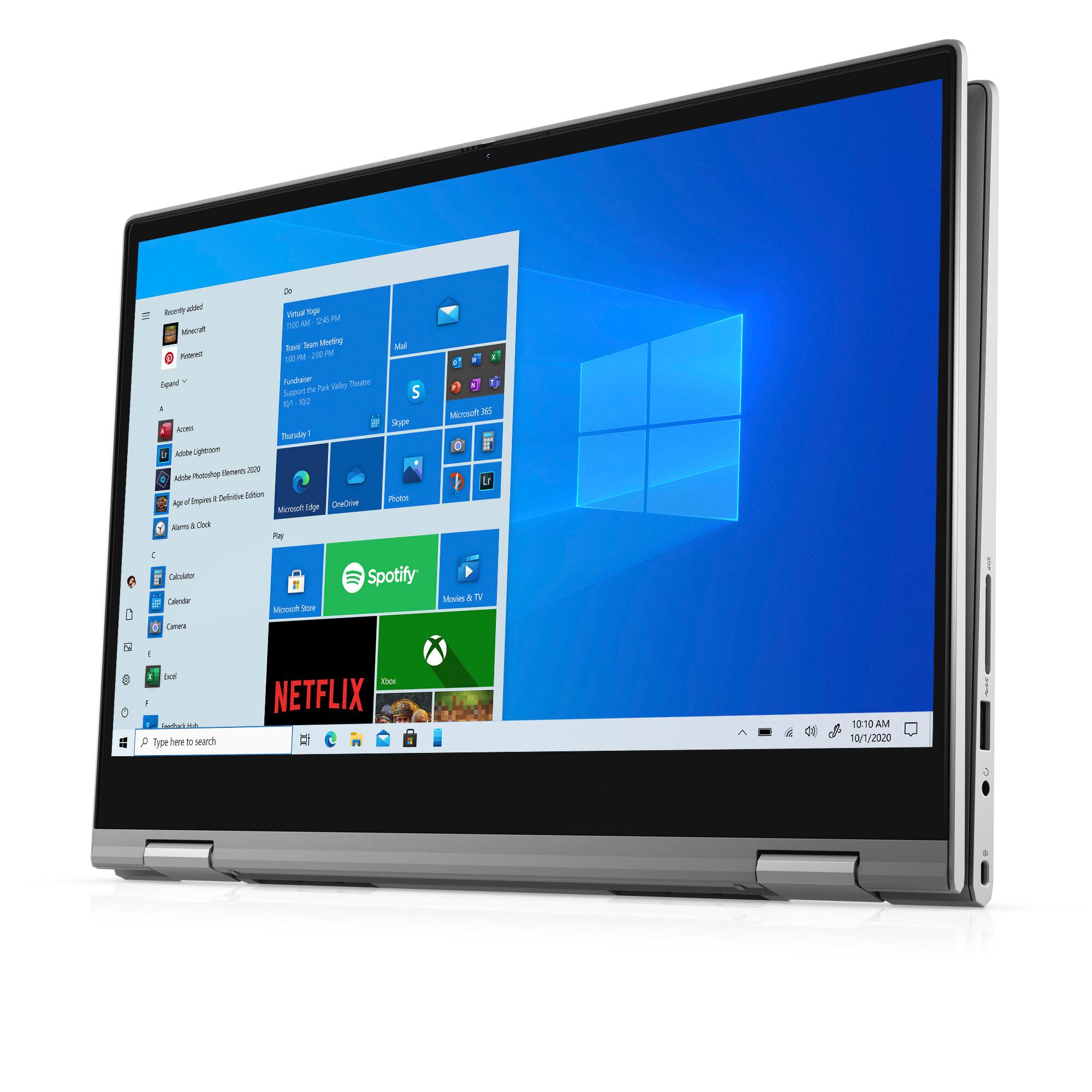
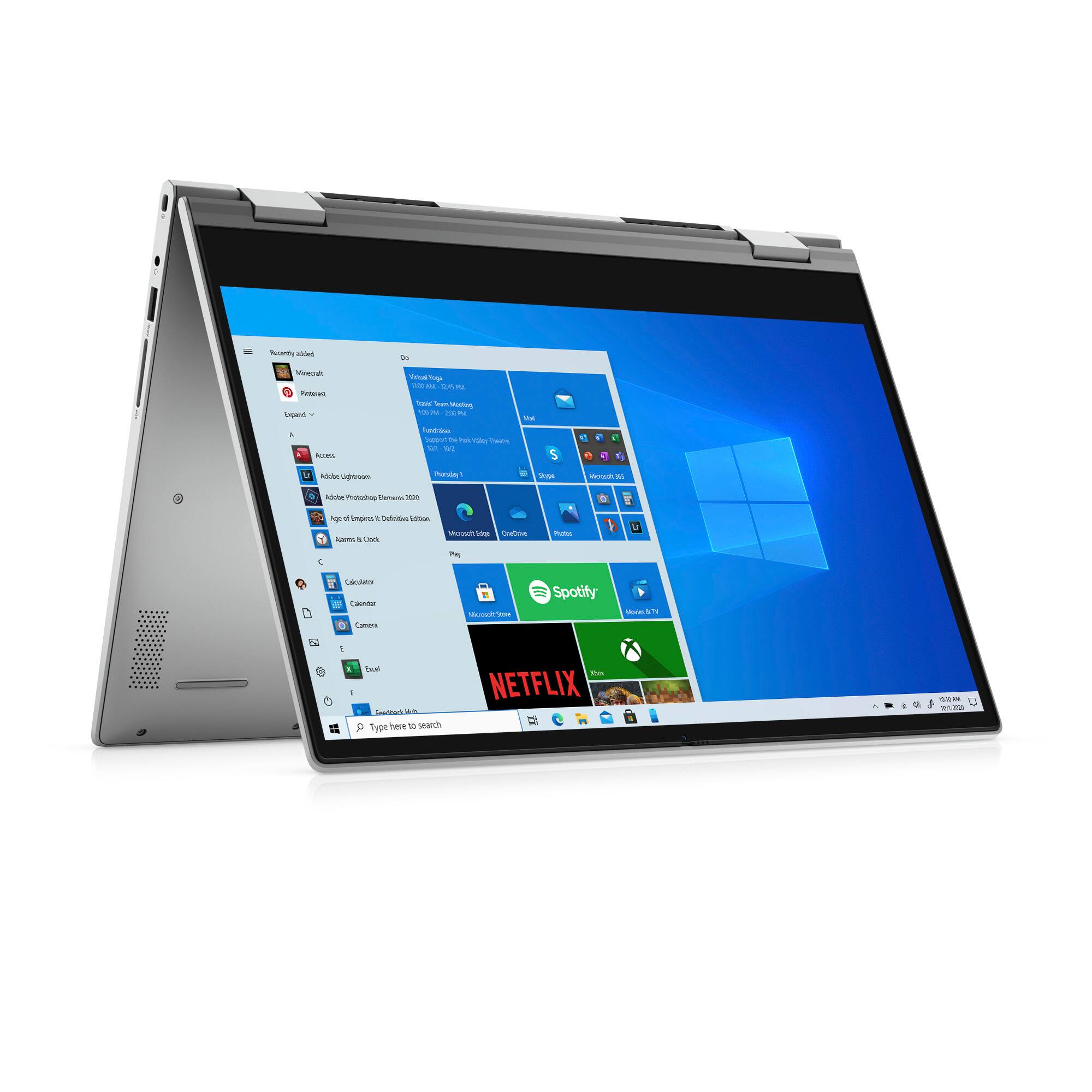
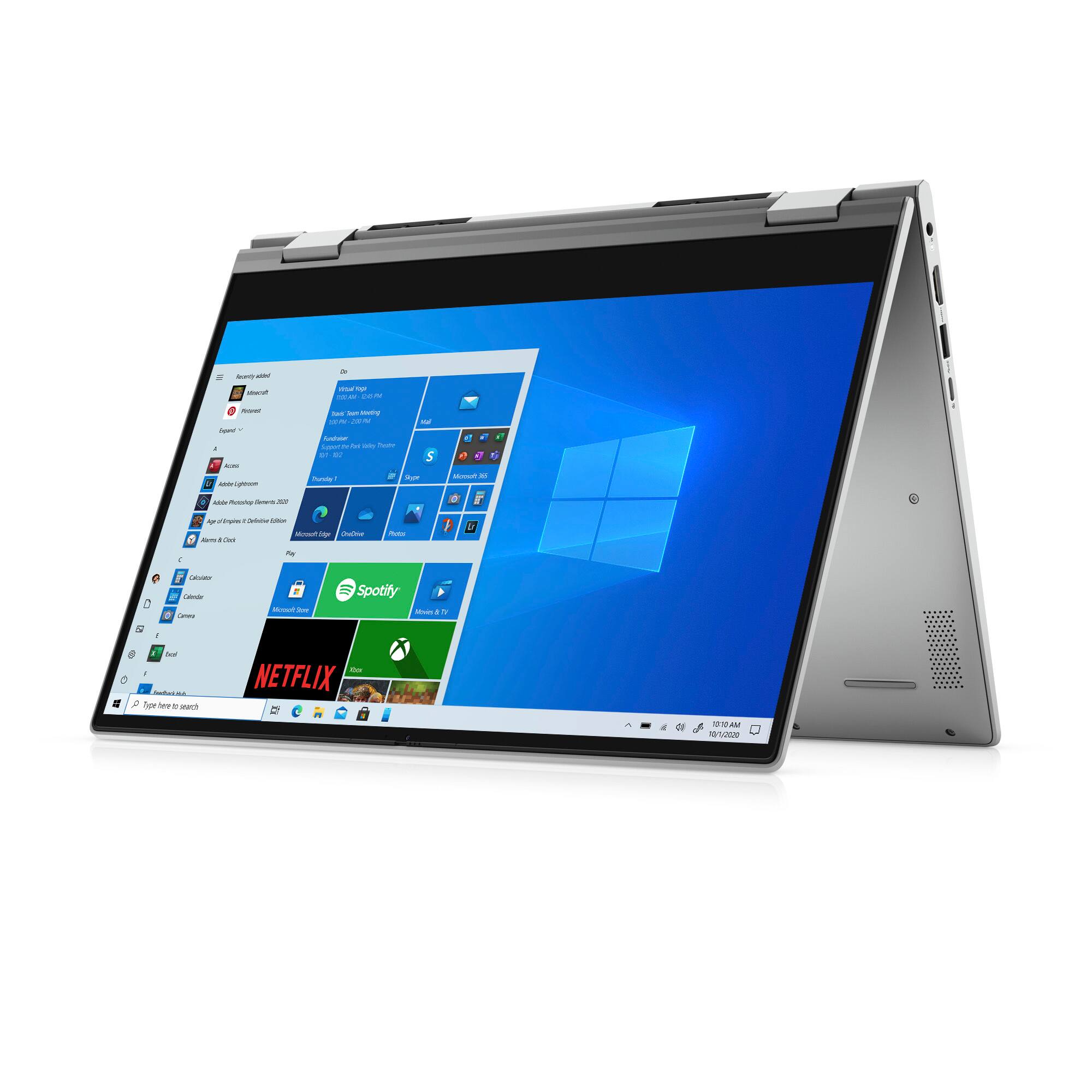
Customers are enthusiastic about the Inspiron 5000 2-in-1 laptop's compact size, touch screen, and affordable price. Many reviewers mentioned that it is lightweight and easy to carry around. Others praised its long battery life and backlit keyboard. While some customers found it unsuitable for gaming, most were pleased with its overall performance and value for the price.
This summary was generated by AI based on customer reviews.
Excellent product
||Posted . Owned for 10 months when reviewed.This reviewer received promo considerations or sweepstakes entry for writing a review.My son is really in love with the product, very good
I would recommend this to a friendAwesome
||Posted . Owned for 3 months when reviewed.This reviewer received promo considerations or sweepstakes entry for writing a review.Laptop works awesome only the power button is hard to turn it on.
I would recommend this to a friendGigi’s laptop
||Posted . Owned for 1 month when reviewed.This reviewer received promo considerations or sweepstakes entry for writing a review.Love it! So easy to get started & set up. Still have a lot to learn.
I would recommend this to a friendSilver dell
||Posted . Owned for 11 months when reviewed.This reviewer received promo considerations or sweepstakes entry for writing a review.I bought this computer for my class it's working great
I would recommend this to a friendLaptop review
||Posted . Owned for 3 weeks when reviewed.This reviewer received promo considerations or sweepstakes entry for writing a review.The laptop is exactly as described and works perfectly for what I need
I would recommend this to a friendGreat laptop with amazing feature
||Posted . Owned for 2 weeks when reviewed.This reviewer received promo considerations or sweepstakes entry for writing a review.Great feature in reasonable price, i3, 8gb, 256gb, 14 inches screen
I would recommend this to a friendLaptop
||Posted . Owned for 4 months when reviewed.This reviewer received promo considerations or sweepstakes entry for writing a review.Nice laptop for cheap, I use it for just about everything.
I would recommend this to a friendYou get what you pay for (or less)
||Posted . Owned for 3 months when reviewed.This reviewer received promo considerations or sweepstakes entry for writing a review.Terrible screen resolution. Had to tilt the screen back to a weird wide angle for the color to display correctly. Tried all kids of setting options, but that wasn’t the issue. Just poor display quality. I returned it. Spent a bit more for an HP.
No, I would not recommend this to a friendBrand response from YourDellTeam
Posted .Hello Judyo,
Thank you for taking the time to leave us your review. We sincerely apologize for the issues you had with the screen resolution of your Inspiron 5406 2 in 1. This is certainly not what we like to hear from our valued customers. We will share your comments with our quality team so improvements can be made now and in the future.
If you require further assistance, you can contact Dell directly with the information below.
Chat or call: https://bit.ly/DellSupportTeam
Phone number to Dell 1-800-624-9896
Best,
Ashley@Dell
Chime Pro
||Posted . Owned for 1 month when reviewed.This reviewer received promo considerations or sweepstakes entry for writing a review.Quick and easy. Pick up was great! Easy to find location
I would recommend this to a friendLaptop
||Posted . Owned for 2 weeks when reviewed.This reviewer received promo considerations or sweepstakes entry for writing a review.Easy to use when reading PDFs. Great value for it's features.
I would recommend this to a friendJust what I need
||Posted . Owned for 1 month when reviewed.This reviewer received promo considerations or sweepstakes entry for writing a review.Just what I need for my learning and business interests!
I would recommend this to a friendMore 4 Your $
||Posted . Owned for 1 month when reviewed.This reviewer received promo considerations or sweepstakes entry for writing a review.Sleek design coupled with optimum performance and options
I would recommend this to a friendA good buy
||Posted . Owned for 2 weeks when reviewed.This reviewer received promo considerations or sweepstakes entry for writing a review.Great laptop with great features. Said features are good.
I would recommend this to a friendDo not buy
||Posted . Owned for 1.5 years when reviewed.This reviewer received promo considerations or sweepstakes entry for writing a review.Not a great computer at all, very cheap materials and screen broke within a month of usage
I would recommend this to a friendAn ok cheap laptop
||Posted . Owned for 3 months when reviewed.This reviewer received promo considerations or sweepstakes entry for writing a review.It's a cheap convertible. Currently mine is sitting at a Dell repair shop because of screen issues for the past month. (Part supply chain issues). The laptop performs ok, as expected for it's spec but feels cheap. While mine is in for repair I purchased a Surface, night and day difference. Also Dell in the questions section said it was comparable with a pen, it is not.
No, I would not recommend this to a friendBrand response from YourDellTeam
Posted .Hi JimM,
Thank you very much for your valued feedback. We are sorry to hear that you experienced some issues with the screen on your Dell Inspiron 5406 2-in-1 computer. We hope that the repaired screen will make things better for you and ensure the quality Dell always intends to deliver. We will share your comments about the screen issues with our quality team, so future improvements can be made.
We apologize that the pen you have is not compatible with your Inspiron.
Please contact Dell Support Team at the information provided below at your earliest convenience. We hope that the next representative you speak with can help you to resolve this issue with the pen to your satisfaction.
Best,
Katarina@Dell
Should you need further assistance, you can contact Dell directly with the information below.
Chat or call: https://bit.ly/DellSupportTeam
Phone number to Dell 1-800-624-9896
Horrible silver keyboard
||Posted . Owned for 2 weeks when reviewed.This reviewer received promo considerations or sweepstakes entry for writing a review.Overall not bad for the price, but the silver keyboard is practically impossible to read with any ambient light.
No, I would not recommend this to a friendBrand response from YourDellTeam
Posted .Hi Brian,
We would like to thank you for taking the time to provide us with your feedback. We apologize for the issues you have come across with your Dell Inspiron 14” 2-in-1 because the letters on the keyboard are hard to see.
To help to see keyboard letters better, we suggest disabling the backlit keyboard when you are in lit areas. Below I have provided the steps to disable the backlighting and the full article link.
Backlit keyboard options in BIOS
1. Click the + sign next to System Configuration.
2. Click Keyboard Illumination.
3.* Disabled or Off - The keyboard illumination is off.
*Dim - The keyboard illumination is at half brightness.
*Bright - The keyboard illumination is at full brightness.
4. Click Apply, and then Exit.
How to turn off or on and troubleshoot backlit keyboard: https://dell.to/3tHbZ8X
If you need further assistance please use the toll-free number or chat link below to contact Dell Support at your convenience.
Best,
Katarina@Dell
Should you need further assistance, you can contact Dell directly with the information below.
Chat or call: https://bit.ly/DellSupportTeam
Phone number to Dell 1-800-624-9896
Just OK
||Posted . Owned for 2 months when reviewed.This reviewer received promo considerations or sweepstakes entry for writing a review.Good specs but trackpad is very clumsy to work with and not accurate. Display is average
No, I would not recommend this to a friendBrand response from YourDellTeam
Posted .Hi Satisfiedcustomer,
Thank you for taking the time to leave us your review. We are sorry to hear you are not completely satisfied with the trackpad of your Inspiron 5406 2 in 1. We will share your comments about the trackpad with our quality team so improvements can be made now and in the future. I have provided a link to an article to help with the use of your trackpad and troubleshooting if needed.
Touchpad Usage and Troubleshooting: http://dell.to/2tqmS02
If you still experience this issue after you have finished troubleshooting your PC, please reach out to our support team here: https://bit.ly/DellSupportTeam.
If you require further assistance, you can contact Dell directly with the information below.
Chat or call: https://bit.ly/DellSupportTeam
Phone number to Dell 1-800-624-9896
Best,
Ashley@Dell
- Cons mentioned:Gaming
Piece of junk
||Posted . Owned for 1 month when reviewed.This reviewer received promo considerations or sweepstakes entry for writing a review.Computer is very slow and not compatible with any games.
No, I would not recommend this to a friendBrand response from YourDellTeam
Posted .Dear Posdell,
We would like to thank you for taking the time to provide us with your feedback. We are sorry to hear that you are not too happy with your Dell Inspiron 5406 2-in-1 computer because it is performing very slowly and it is not compatible with many games you’d wish to play. We will share your comments with our quality team, so future improvements can be made.
I have provided some steps you can take that should help with the slow performance issue.
There are several ways to help improve the performance of your computer if it is running slower than you expected it to. We'd recommend the following steps to help improve your computer's overall performance and speed:
1. Restart your computer regularly.
2. Run the automated tools provided in the SupportAssist Tool.
3. Run a complete hardware diagnostic test.
4. Scan your computer for malware.
5. Restore your Dell computer using Windows System Restore.
6. Reinstall Microsoft Windows.
You can read the full steps associated with each of these recommendations here: https://dell.to/3n29QjE.
If the performance issue with your Inspiron is still not resolved after utilizing the troubleshooting options above, please contact the Dell Support Team at 1-800-624-9896 for further guidance.
Best,
Katarina@Dell
Should you need further assistance, you can contact Dell directly with the information below.
Chat or call: https://bit.ly/DellSupportTeam
Phone number to Dell 1-800-624-9896
poor screen quality
||Posted . Owned for 6 months when reviewed.This reviewer received promo considerations or sweepstakes entry for writing a review.poor screen quality. I wont recommend it. ........
No, I would not recommend this to a friendBrand response from YourDellTeam
Posted .Dear Oriana,
Thank you very much for your valued review. We are sorry to hear that you are not 100% satisfied with your Dell Inspiron 5406 computer because of its screen quality. This is certainly not the experience that we like to hear from our customers. We appreciate your feedback and will use it to help improve our current and future products.
To help with the screen issues, we recommend making sure, that all drivers are current and up to date. I have provided a link to the Drivers and Downloads Page for your Inspiron laptop where you can check for any applicable updates.
Drivers and Downloads page: https://dell.to/3wtKcwe
We also recommend following these troubleshooting tips:
1. Run the automated tools in SupportAssist to ensure that the drivers and BIOS are up to date and your computer is optimized
2. Verify display or video issue on an external monitor
3. Check for physical damage on the LCD screen
4. Run hardware diagnostics on the LCD screen
5. Verify the display or video issue in Windows Safe Mode
6. Download and install Microsoft Windows Updates
7. Change the video or display settings, and adjust the brightness
8. Touch screen troubleshooting
9. Run a Video Stress Test using Dell SupportAssist
10. Perform a Windows System Restore
11. Restore the computer to factory defaults
The whole article on this subject can be found here:
How to Troubleshoot Display or Video Issues on a Dell Laptop: https://dell.to/3pE7wm4
If the issue with the screen is still not resolved after utilizing the troubleshooting options above, please contact the Dell Support Team at 1-800-624-9896 for further guidance.
Best,
Katarina@Dell
Should you need further assistance, you can contact Dell directly with the information below.
Chat or call: https://bit.ly/DellSupportTeam
Phone number to Dell: 1-800-624-9896
You got to be joking
||Posted . Owned for 3 weeks when reviewed.This reviewer received promo considerations or sweepstakes entry for writing a review.Wont update ive called microsoft. Wasent able to finnish update. Now im stuck with this useless laptop as its exposed to and self inntitled winos trying to intrude on my information , i mean steal or worse. 600$ i paid to have myb personal information exposed. Thanks
No, I would not recommend this to a friendBrand response from YourDellTeam
Posted .Dear Asdfg,
We would like to thank you for taking the time to provide us with your feedback. We apologize for the issues you have come across with your Dell Inspiron 5000 2-in-1 laptop.
We would like to help you to resolve this issue as soon as possible. Please use the information below to contact Dell at your earliest convenience for further guidance.
Best,
Katarina@Dell
Should you need further assistance, you can contact Dell directly with the information below.
Chat or call: https://bit.ly/DellSupportTeam
Phone number to Dell 1-800-624-9896