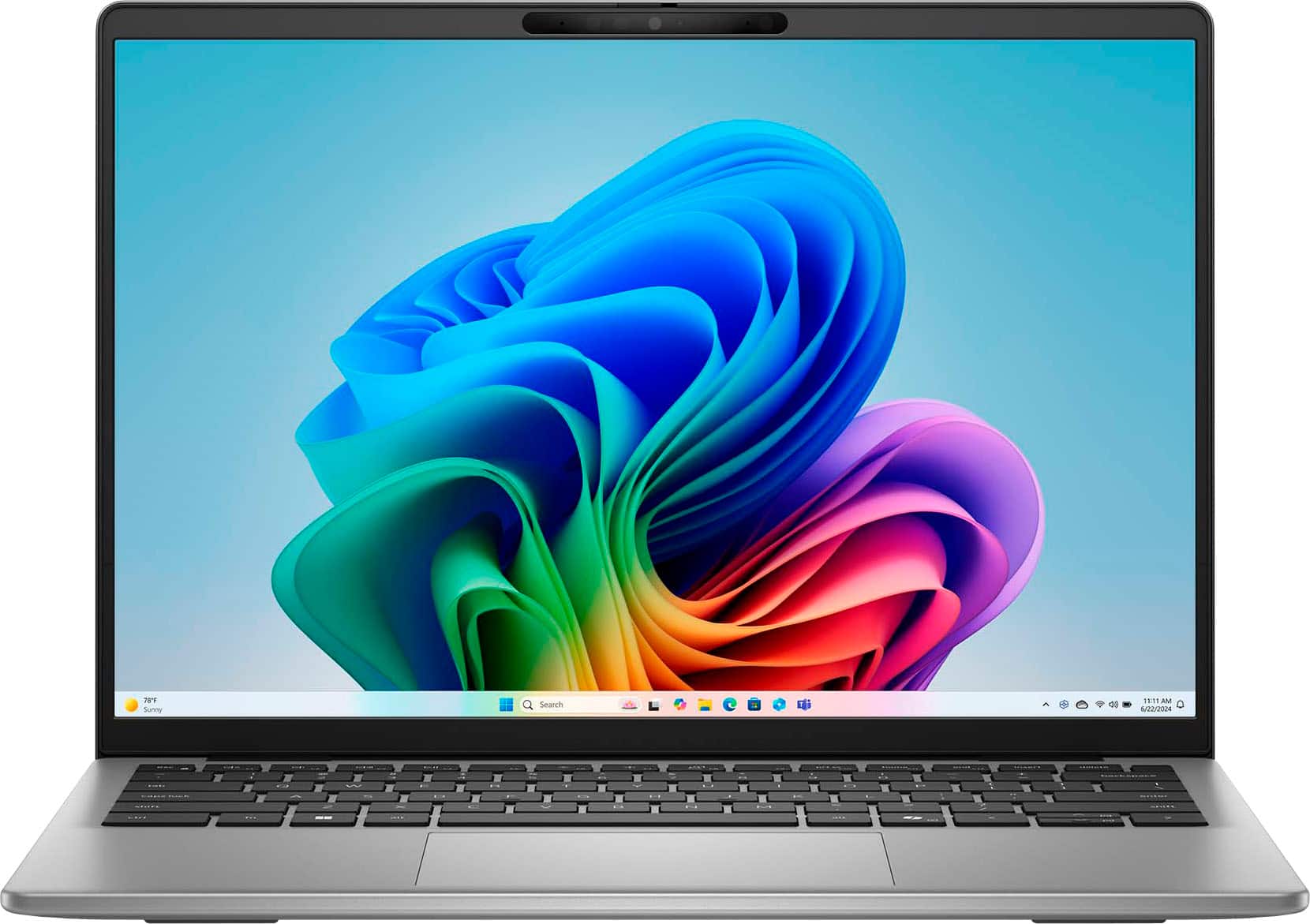
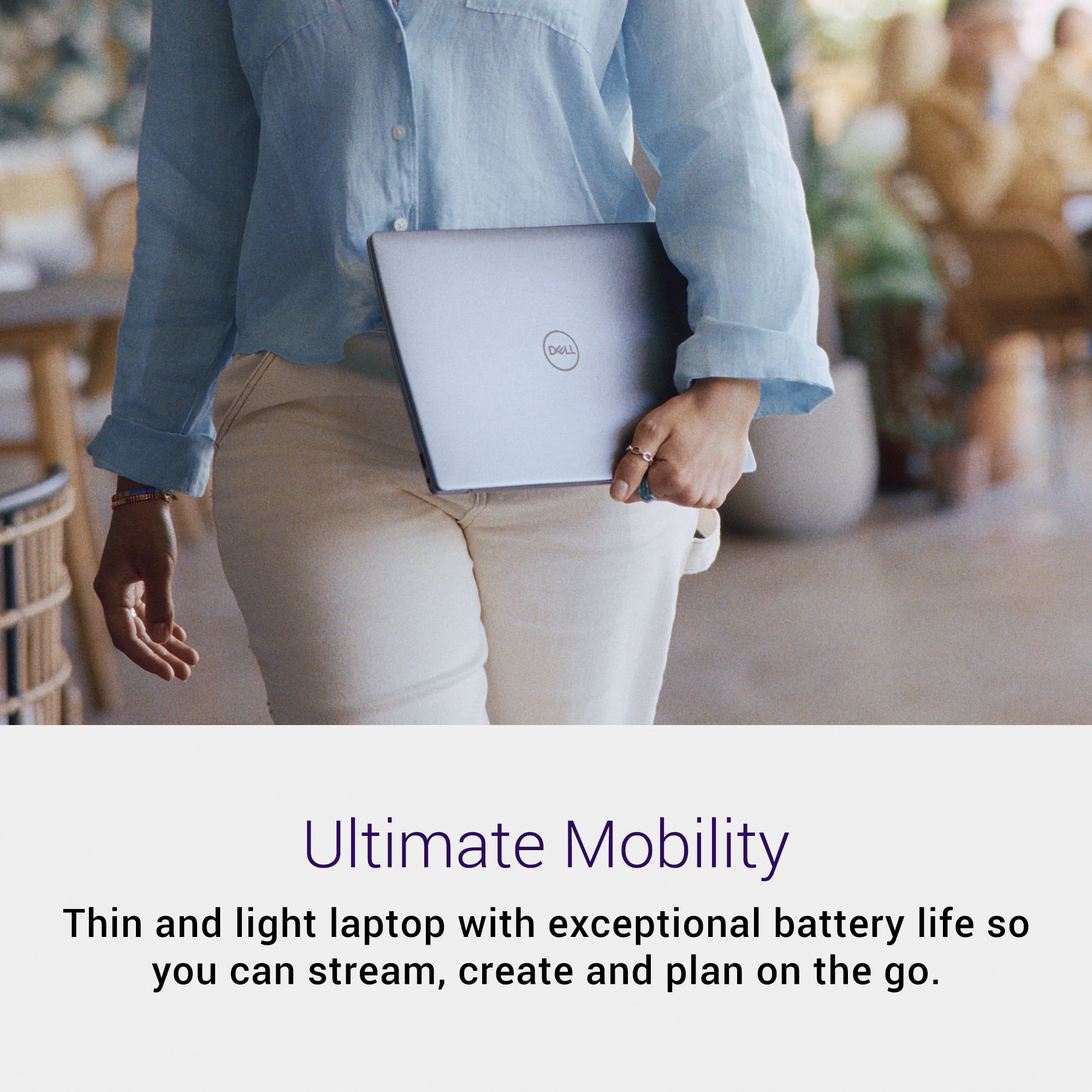
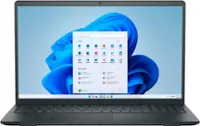
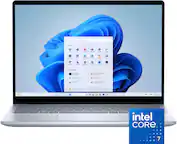
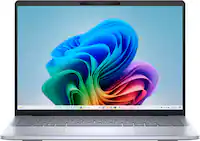
Customers consistently note the excellent build quality, long battery life, and impressively fast boot speed of the Inspiron 14" laptop. Its portability and adequate port selection are also frequently praised. However, the lack of a keyboard backlight is a common point of criticism. The display brightness and color accuracy are also mentioned as areas needing improvement by some users.
This summary was generated by AI based on customer reviews.
The vast majority of our reviews come from verified purchases. Reviews from customers may include My Best Buy members, employees, and Tech Insider Network members (as tagged). Select reviewers may receive discounted products, promotional considerations or entries into drawings for honest, helpful reviews.
Page 6 Showing 101-114 of 114 reviews
Pros mentioned:
Battery life, Build quality, Processor speed
Rated 5 out of 5 stars
Snapdragon is legit
|
Posted .
This reviewer received promo considerations or sweepstakes entry for writing a review.
I've been curious about the Snapdragon-powered Windows laptops since they were announced because of their promise of efficiency and superb battery life. Windows laptops have always trailed Macs in this area, but have been catching up lately. Snapdragon processors were supposed to accelerate their improvement, and I can definitely say they have.
I have been using this laptop on and off now for about a month and have only charged it a few times. I usually pick it up to watch some videos, do some surfing, or juggle files when I know it'll be easier to work with than my Macbook. I can safely say that for my general use cases, I haven't run into any compatibility issues with the ARM processor. Even my USB ISO software, formatting software, etc. work flawlessly on Snapdragon. My favorite thing about this laptop is that I close it and open it like my Mac and it's ready to use. Yes, my previous AMD and Intel laptops behaved that way, but it seemed like I was losing battery in sleep mode. This laptop doesn't drain appreciably in sleep mode; even after not picking it up for a week, it's ready to roll with about the same battery it had when I closed it.
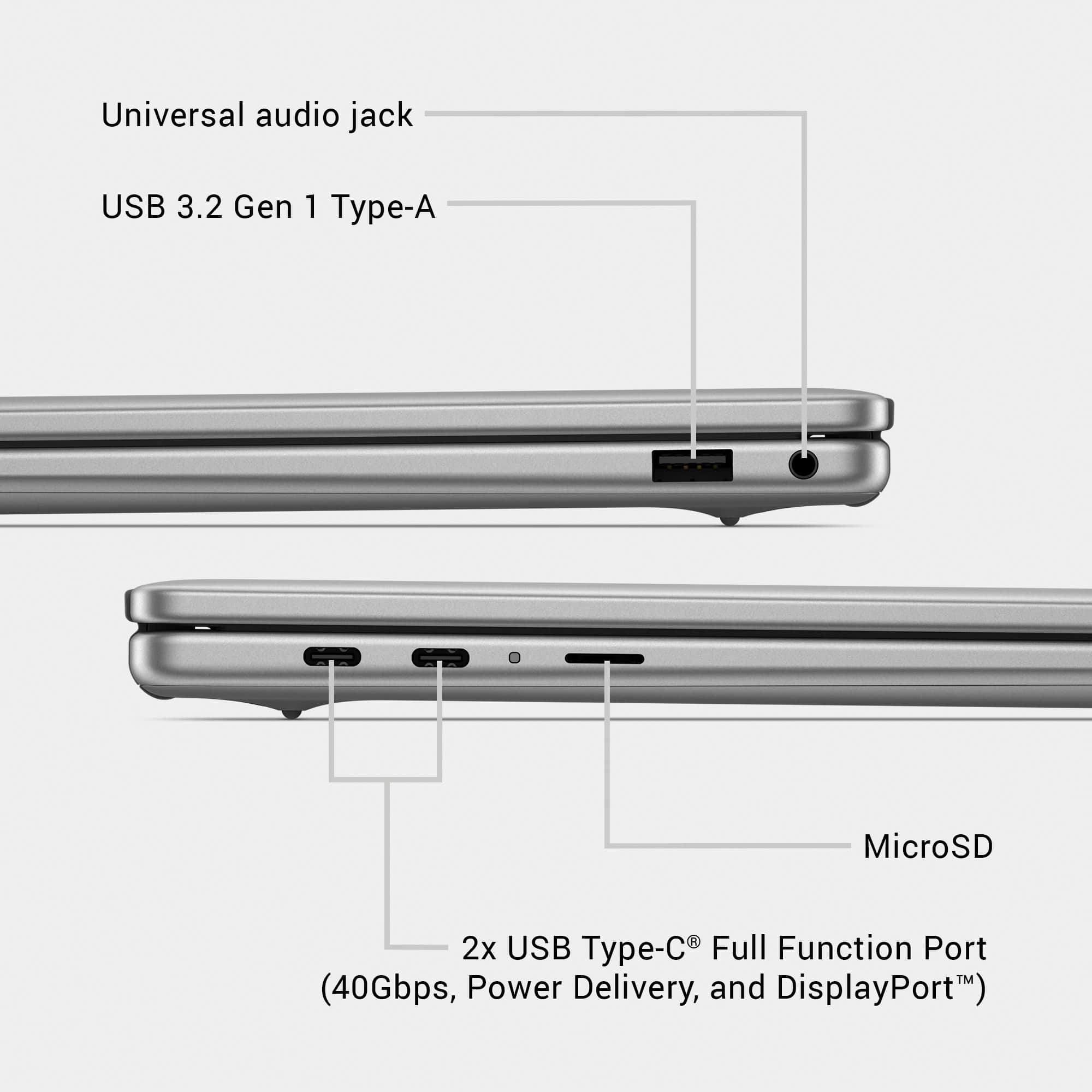
Everything else is straightforward: I'm typing this review on it and it's a perfectly good keyboard, albeit with no backlight. Trackpad is very good being non-glass. Hinge doesn't tilt 180, two USB-C (charging is USB-C), one USB-A, headphone jack, and (much appreciated) MicroSD slot.
Very useful laptop!
I would recommend this to a friend
Rated 1 out of 5 stars
Do not purchase
|
|
Posted .
This reviewer received promo considerations or sweepstakes entry for writing a review.
I purchased this laptop for my college daughter, to replace her MacBook. After three weeks, the WiFi drive corrupted. The return window has closed. Dell wants $99 to just speak to support. I have wasted hundreds of dollars. We are using usb WiFi adapter until her college tech support has an opening to assist.
No, I would not recommend this to a friend
Pros mentioned:
Build quality, Portability
Cons mentioned:
Keyboard backlight
Rated 5 out of 5 stars
High quality budget laptop, handles everything.
|
Posted .
This reviewer received promo considerations or sweepstakes entry for writing a review.
After using the Dell Inspiron 14 for over a week, it is hard not to give it five stars. It does everything well for what it's intended purpose is. It is an every day task machine, and it has perfected it.
The first thing I noticed was that the Dell laptop feels very premium, yet budget at the same time. It is hard to describe, but you can tell they used the very best budget parts, if that makes sense. It definitely does not feel cheap, yet it does not feel super premium. That is a good thing in my opinion.
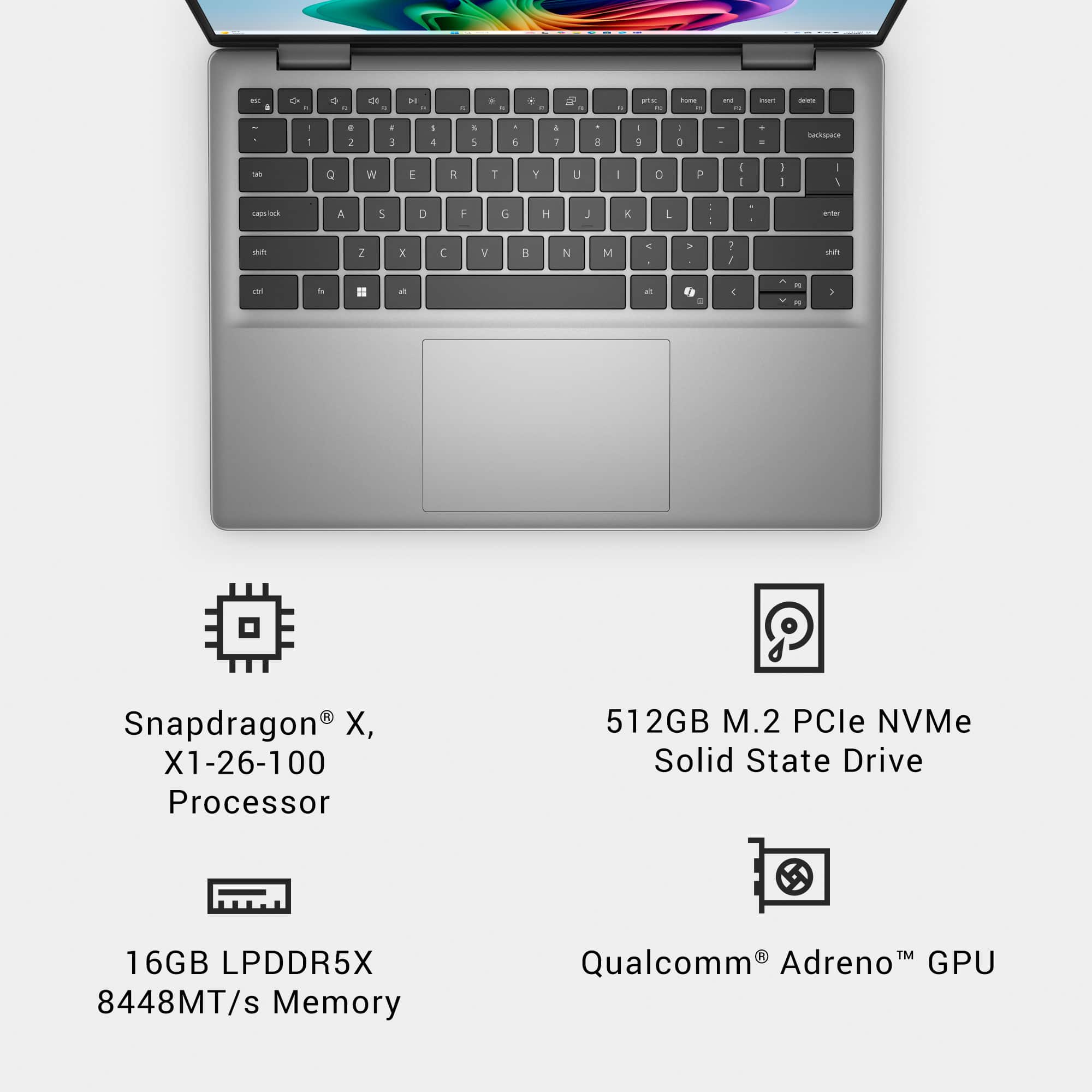
The keyboard is very quiet when typing. The keys feel nice and the clicks feel just right and not like you are going to break them. My only critique is the lack of a backlit keyboard. Once you have used one, it is hard to do without it.
The Dell Inspiron has some very convenient ports. It features two USB type C ports and one standard USB port. It also has a micro SD card slot and even a 3.5 headphone jack. This should be everything you need to stay productive. The only thing it lacks is a traditional HDMI port. A lot of monitors can use type C nowadays, but it is still nice to hookup to a TV or monitor via HDMI.
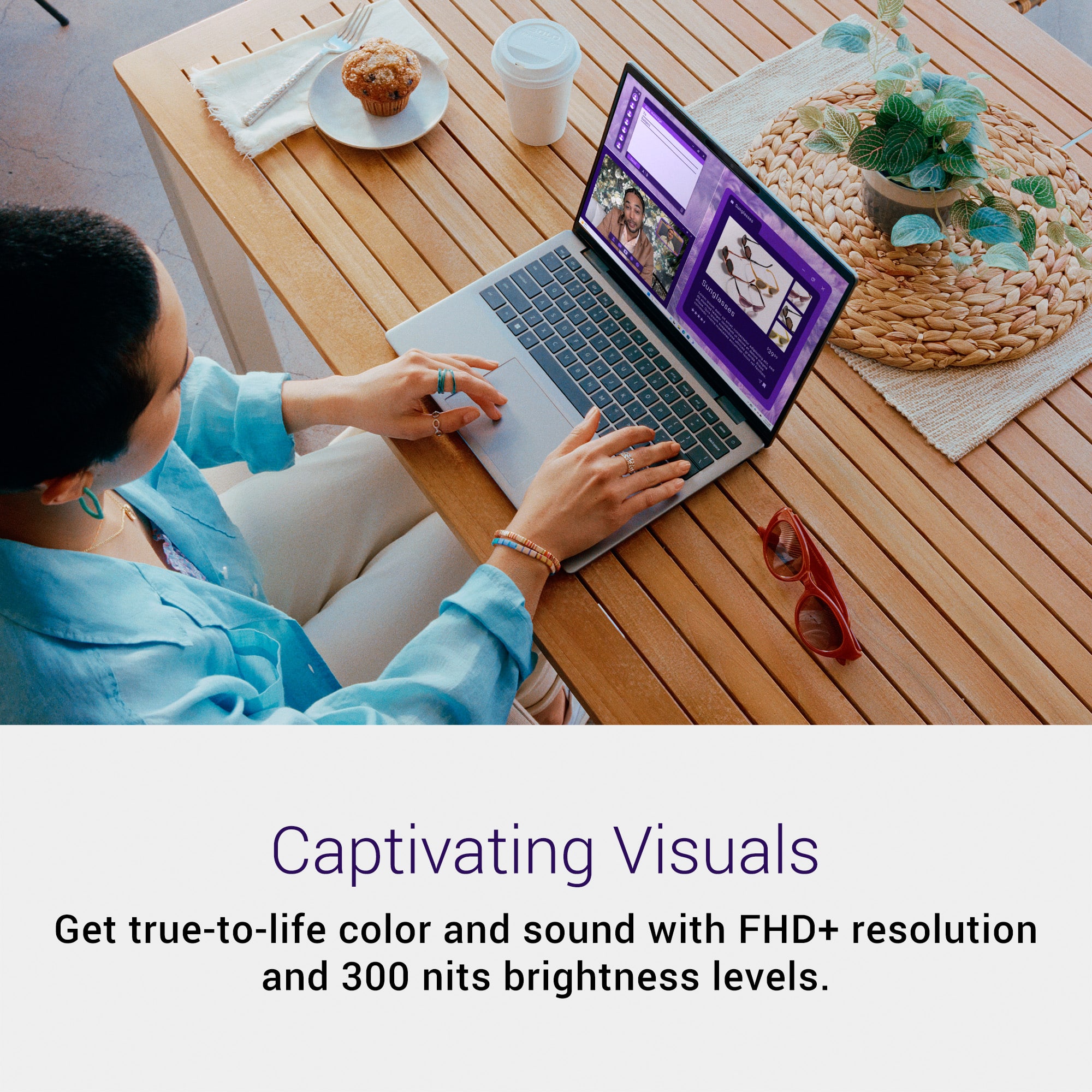
The display is super sharp. I had no issues with quality of any image I could bring up from photos to videos. The brights are high and the screen has an anti glare screen. The front also features a webcam with a built in camera guard to close for privacy.
The Dell Inspiron performed better than I predicted. The Snapdragon processor performed very well and handled every task I could throw at it. Keep in mind this laptop is built for every day computing, so I am talking video streaming, web browsing, and email communication. I ran a video call with no lag or issues.
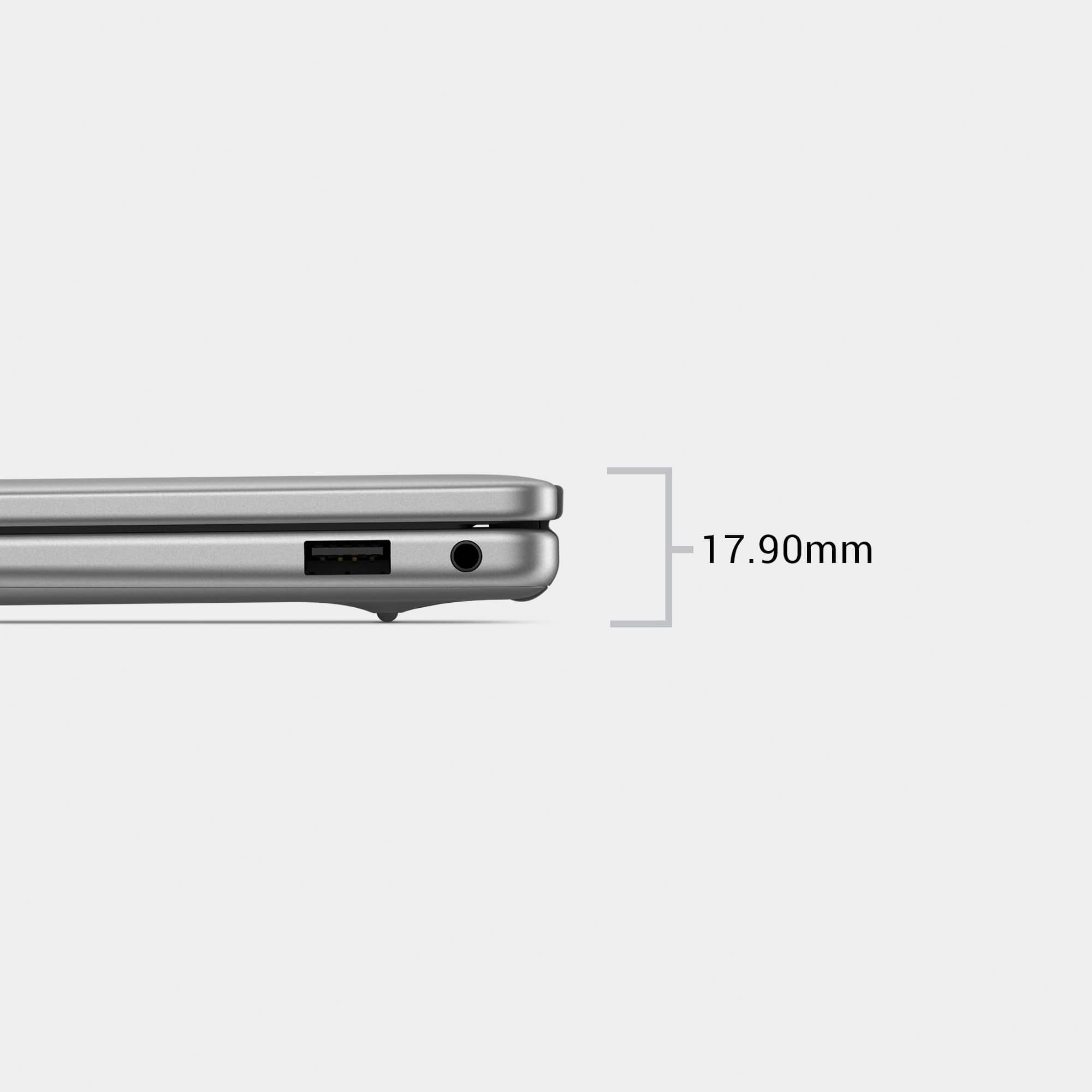
The laptop is overall very slim and light weight. You can take it anywhere and know that it will not become damaged due to the high quality build. I simply like this laptop and feel that it will not fail you in your daily routine.
I would recommend this to a friend
Pros mentioned:
Battery life, Build quality, Port count
Rated 4 out of 5 stars
If you value battery life and responsiveness
|
Posted .
This reviewer received promo considerations or sweepstakes entry for writing a review.
This is an ARM processor, this means that the battery life is going to be much better and it’ll just be quicker for light multitasking. My wife uses word, the internet, excel, the internet, Spotify, and the internet, so for her ARM is absolutely perfect. When you open the lid, it’s ready to go, even over night the wake-up time feels pretty instantaneous. The Wi-Fi is also more dependable, usually when I wake up my windows laptop the Wi-Fi will decide that it doesn’t exist for 30 seconds, windows on ARM hasn’t done this to me once, not on this laptop and not on the one that I’ve had for a year. I’ve been able to run normal applications, and it is getting better on what can be installed on ARM, however, if you are a gamer, engineer, or developer you will run into applications that simply wont work, so this is for the person that just needs has light computing needs which is probably most people.
Now for the build quality, I’m not super impressed with the screen, it gets decently bright and works good, but it isn’t amazing. The speakers are actually really good, usually they are too quiet, these are nice and loud and sound pretty good. The keyboard is really nice, it is solid, the keys have good travel, and the typing depth feels good. I have used laptops at twice the price of this that have worse keyboards which is really impressive and I think is more important that an amazing 4k display especially at this price point as the purpose I see for this computer is to communicate with the world not be absorbed in content locally and the best way to communicate to the world is with a good keyboard.
I like that there is an Aux port and a full USB A as well as a micro SD card slot and 2 USB C ports. I do wish that a USB C port was put on each side so that the power cord could be plugged into the most convenient side. Which brings up the part that it charges via USB C. I absolutely love this feature. I have a multi plug 65W charger that keeps this thing going as well as my phone without an issue, or you can use the included charger which looks like a traditional charger and is a little bulky for my taste, but I love the length of the charger.
I think the biggest question is if this actually is a good value, if you value battery life and responsiveness while not needing access to more than basic games (unless you have an excellent internet connection and access to cloud gaming) then this is an excellent choice.
I would recommend this to a friend

Pros mentioned:
Battery life, Build quality, Portability
Rated 4 out of 5 stars
A good laptop for basic needs
|
Posted .
This reviewer received promo considerations or sweepstakes entry for writing a review.
The Dell Inspiron line has always been a good value for the average person. They are usually good, not great. They won't excel but will get the job done. I think the Dell Inspiron 14 does that. I think for the average person, it is able to do most everyday things decently.
Out of the box, the Inspiron 14 does not break any molds here. It is a decent mix of aluminum and plastic. While it does not scream premium, it definitely doesn't feel cheap. Build quality feels fair which is consistent with its predecessors. It is very light and is easy to carry around without significant fatigue.
The Dell Inspiron 14 uses an ARM processor in the Qualcomm Snapdragon X. ARM processors are basically simpler processors. Most Windows laptops prior to this used x86 architecture. Basically ARM processors try to use shorter steps to accomplish tasks. They tend to be more efficient and have longer battery life as a result. Traditionally, however, they tend to lack in performance when needed. In my opinion, they were popularized by a certain fruit-named tech company who created their own ARM processors to make extremely efficient machines. Due to this, the battery life is good in this machine. Dell claimed up to 28 hours on the website but I was getting closer to 10 with my real-world use (streaming and browsing the web). This was a very big gap and I am not sure if it was a typo. While 10 hours is not anything to sneeze at, there are so many more laptops that have better battery life even at similar pricepoints. This was especially disappointing considering the Snapdragon X is probably one of the weakest in their lineup.
The keyboard is decent. It feels fairly firm with decent travel. The trackpad is also smooth and serviceable. Compared to all the laptops these days, the trackpad does feel a tad smaller by relativity. The display is a bit on the disappointing side. 300 nits is good indoors but any bit of sunlight and I was struggling. It doesn't seem very color accurate and if you are used to a good display then you will definitely see the difference.
All in all, the Dell Inspiron 14 is decent. It doesn't do anything particularly well nor is it trying to. While it doesn't have anything setting it apart from the competition, it is a good computer for students and a person who just streams videos and browses the web with light productivity work sprinkled in.
I would recommend this to a friend
Pros mentioned:
Battery life, Port count
Cons mentioned:
Keyboard backlight
Rated 4 out of 5 stars
Dell Inspiron with Snapdragon CPU is impressive
|
Posted .
This reviewer received promo considerations or sweepstakes entry for writing a review.
This Dell Inspiron 14" FHD+ Laptop with a Snapdragon X processor and Copilot+ PC is quite a nice laptop. Setup is as easy as connecting to your internet and letting the laptop lead you through the process screen by screen. Once I connected to my WiFi, this laptop has not lost connection at all. As for battery life, Dell claims up to 28 hours, but I know that is based on multiple factors which will vary by user. I tend to use my laptop plugged in, so I can't vouch for the accuracy of 28 hours, but Snapdragon X processors tend to have very good battery life because that is something that is prioritized versus say a gaming laptop. This laptop would be best used for web-surfing, email, watching videos and other everyday things. You would not be happy if you purchased this laptop for heavy gaming or heavy video editing, for example. With its specifications, this just isn't made for that. It does have a full HD+ display (1920x1200), 2 USB-C 4 ports, either can be used for charging which is very convenient (no Thunderbolt), 1 USB-A 3.2 port, a micro SD card slot and a headphone/microphone jack. The wireless standard is WiFi7 802.11be, which is the latest iteration currently available. and it has Bluetooth.
The 14" full HD+ display is a great size for me, but is only adequate as far as clarity. I find it to be lacking while watching (streaming) movies - not as crisp and clear as I would like. It is fine for those daily tasks I need to perform though. I am having a little bit of an issue with the touchpad. The top of the touchpad is very close to the space bar so that when I go for the spacebar, sometimes I touch the touchpad instead, and if you've done that before, you know it really messes up whatever you are typing. I have to be very careful and intentional with this. The keyboard is not backlit which is a disappointment to me. When it's needed, it would be great to have it. The 16 of LPDDR5X RAM is sufficient for me now, but is upgradeable to 32gb - many laptops nowadays have the RAM soldered onto the motherboard with no option to upgrade. The fact that this RAM is upgradeable is very nice. The 512GB PCle SSD is not very much storage but then, I do tend to use cloud storage a lot.
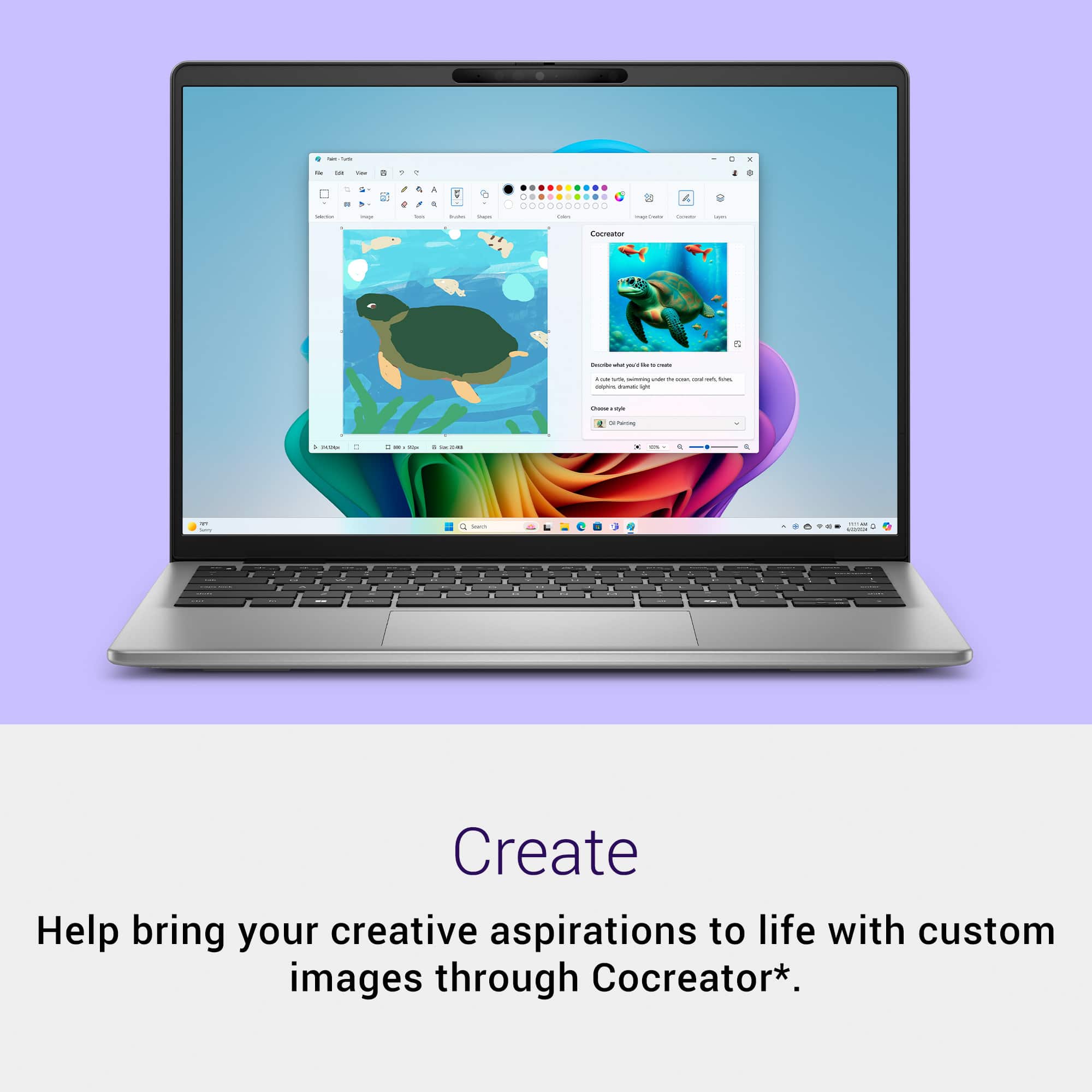
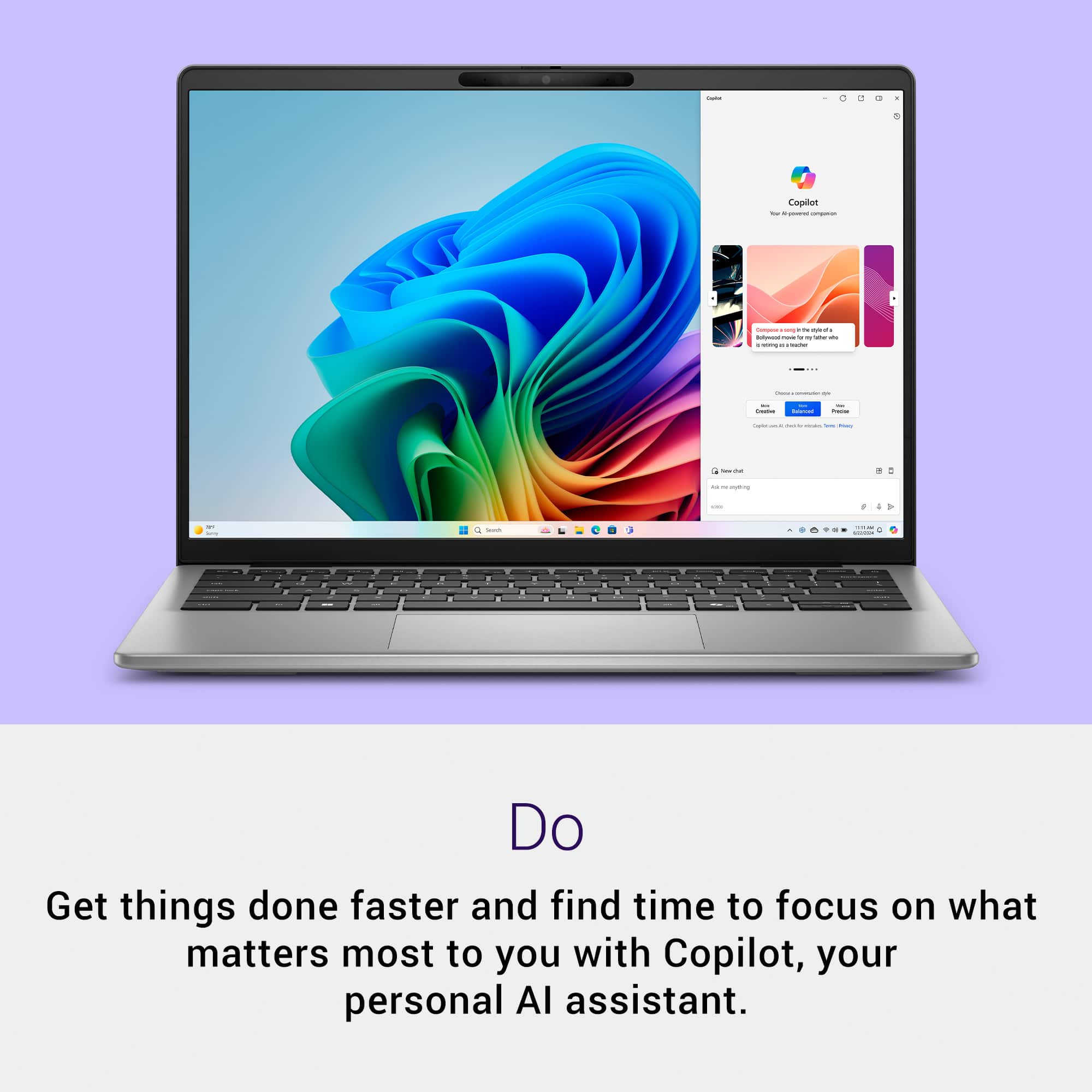
This laptop has CoPilot+ which is a nifty AI tool that can help in a lot of very creative and endless number of ways and is quite fun to use. This has a Neural Processing Unit (NPU) which aids in the processing of Artificial Intelligence. And this laptop is ENERGY STAR Certified.
Overall, this is a fine laptop running on Windows 11. It is not a powerhouse laptop by any means, but it is certainly quite sufficient for everyday tasks. I wouldn't consider this an entry-level PC, but a step above that. What is is built for, it does quite well. The only disappointments for me with this are: the display resolution seems lacking and the omission of a backlit keyboard. Otherwise, I am quite impressed and pleased with this laptop and would recommend it.
I would recommend this to a friend

Pros mentioned:
Battery life, Build quality
Rated 5 out of 5 stars
Great daily driver for everyday use!
|
Posted .
This reviewer received promo considerations or sweepstakes entry for writing a review.
This laptop is a great laptop with a sleek look/feel and has a little surprise in that it's based on a Qualcomm Snapdragon CPU which initially seemed a little scary to me based on my experience with prior ARM based CPU's in Windows laptops. The tables have definitely turned, and things have changed and this laptop is proof of that.
For everyday use, you're really not going to find a better machine that is great for browsing the web, using Microsoft Office or even doing photo/document editing with Adobe. The built-in Windows apps and many others support and are optimized for ARM processors like the Snapdragon. The AI features on this laptop are pretty good though, not necessarily something I use every day it's nice to know that should more software incorporate local NPU processing power this laptop is ready for that.
Why I like this one so much:
The battery life is good, especially when compared to others with similar specs - I was able to get real-world all day casual use but like with any laptop a lot of things can affect battery life from screen brightness to what tasks you are running.
The look/feel is good especially for the price point - while not the best in all of these areas it really does strike a happy medium offering a solid feel and look for the price. The keyboard is pretty solid and easy to type on and like most Dell laptops it has a good touchpad that is big, easy to use and is responsive.
Sound/speakers - they are good, perhaps not the best compared to a high-end gaming laptop but they are good/loud.
The display is good, even though not an OLED, it looks great and is bright. I certainly had no complaints about it and I really like the slim bezel on the display and am glad it was not a touchscreen!
Connectivity is good but you'll need a dock if you plan to use ethernet or connect more than one display. It does have USB-C with DisplayPort over USB-C connectivity on both ports so you could technically connect a USB-C Monitor to those ports, but you're not left with many other ports. I do like that it has a MicroSD card reader.
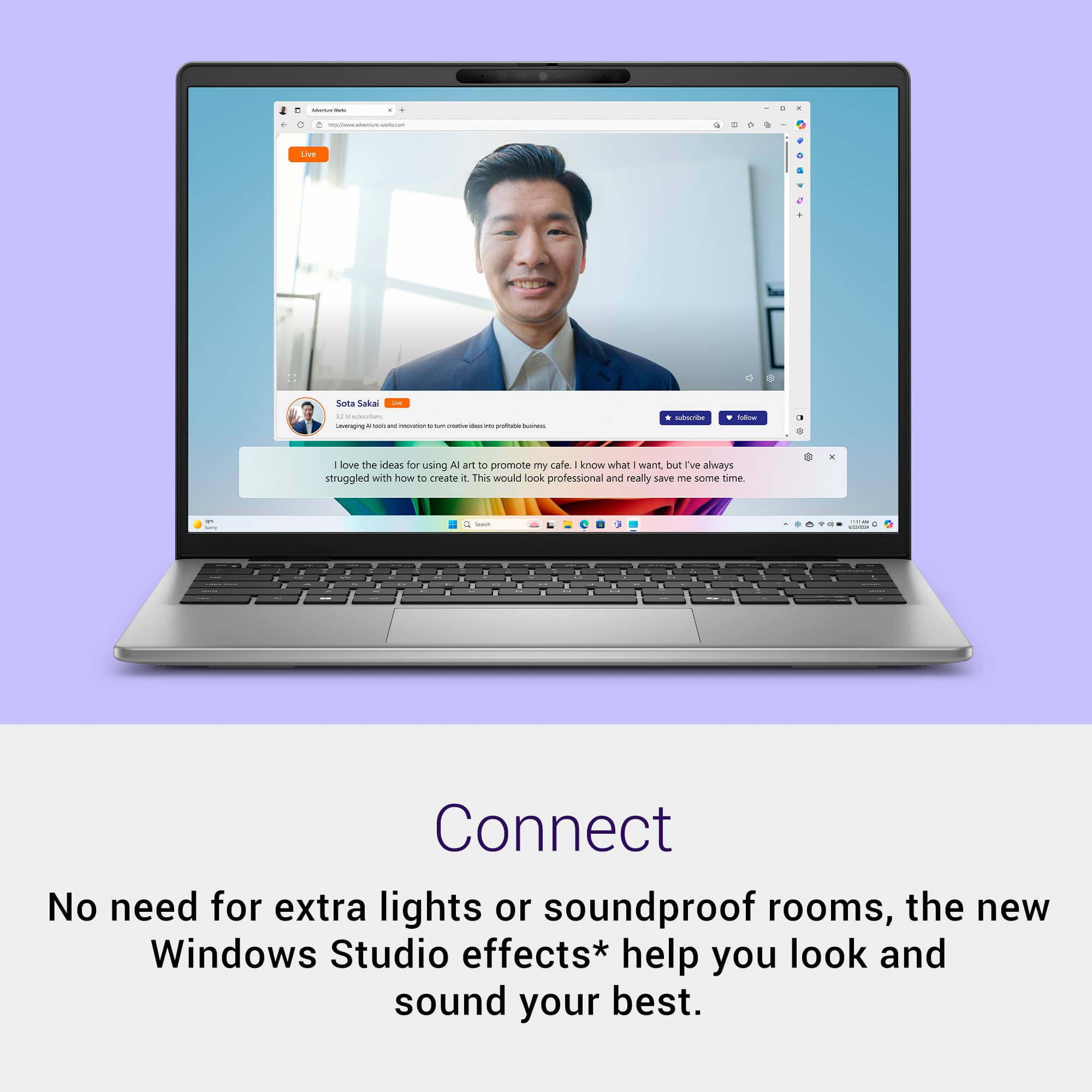
The camera was decent but not as good as others in higher end laptops. It would work for Zoom meetings just fine though.
In all, it's a solid PC to use for everyday tasks, like browsing the web, consuming media, playing videos, using AI enabled applications and ARM optimized apps/programs and some casual games. -Games that are not optimized for ARM will likely not be playable so I wouldn't recommend this laptop for gaming. That's not to say some casual or web-based games won't work.. I just would not recommend this laptop with the intention of playing any big title games.
Keep in mind, that running apps that are not optimized for ARM still work through emulation (which Windows handles) but there is a performance hit on those that are not necessarily optimized. For all of the programs I use (outside of games) this laptop runs everything I use normally for my home office work and casual use just fine. It does not work for my 3D printing applications, and those apps actually just crash. Those are known issues and the developers are working on ARM versions of those programs so I'd recommend doing a google search on Windows ARM compatibility for any programs you have to be able to use. I will say though, if they are optimized, like the Microsoft Office apps, Adobe apps and many others... they run just fine and in fact, seem to run better/smoother.
If you want to just use this laptop as it comes with the bundled applications, Microsoft Office and Adobe, then I'd recommend it.
Outside of that, I HIGHLY recommend you check any special programs you use outside of the standard Microsoft/Adobe stuff for compatibility.
Some applications work fine with emulation at the expense of battery life and speed, and others do not at all (like my 3D print slicer program), so it's best to check before you get this laptop. To that end, I would recommend just searching Google for "Apps Compatible With Windows ARM Laptops". There are several tech sites that are maintaining lists of software that is tested as compatible so you can easily check if what you use is. And if not, just search for that specific application and Windows ARM compatibility or go to the download/support site for the software.
Good news is if what you use is, then this would be a great laptop to get, the performance/speed and power use is great and feels snappy just like you run apps on your phone and is the reason why Dell and others are now releasing Snapdragon CPUs with Windows laptops.
I would recommend this to a friend

Pros mentioned:
Build quality
Rated 4 out of 5 stars
Surprised by the Snapdragon, but Prism disappoints
|
Posted .
This reviewer received promo considerations or sweepstakes entry for writing a review.
I'm reviewing this laptop on two fronts, first as laptop, and second as a Snapdragon X device running Windows on ARM64.
As a laptop, it’s a standard mid-entry-level 14-inch laptop. Build quality is solid. The aluminum housing is nice and firm.
It has a matte screen that is sufficiently lit (I’m able to work in the car in daylight hours with no problem), has decent contrast and is certainly better than a base-level panel, but there’s some noticeable washout if you’re used to better panels. Pixel density is good enough to drop screen magnification down to 125% and still be perfectly viewable at lap distances.
Speakers are functional and not offensive.
Keys are textured ABS and do a decent job hiding fingerprints.
The webcam is actually pretty good, with decent contrast and sharpness. The inclusion of a Hello-compatible camera was a nice surprise.
The design falls short in some areas that are not just nice-to-haves but table stakes at this price point: hinge opens to only 135 degrees at the fullest (not 180), no backlit keyboard, and no fingerprint reader. Lastly, the hinge design is strong but cheap, and it causes the edge of the screen to cut into my lap. I can’t go for more than 15 minutes without getting irritated at the edge.
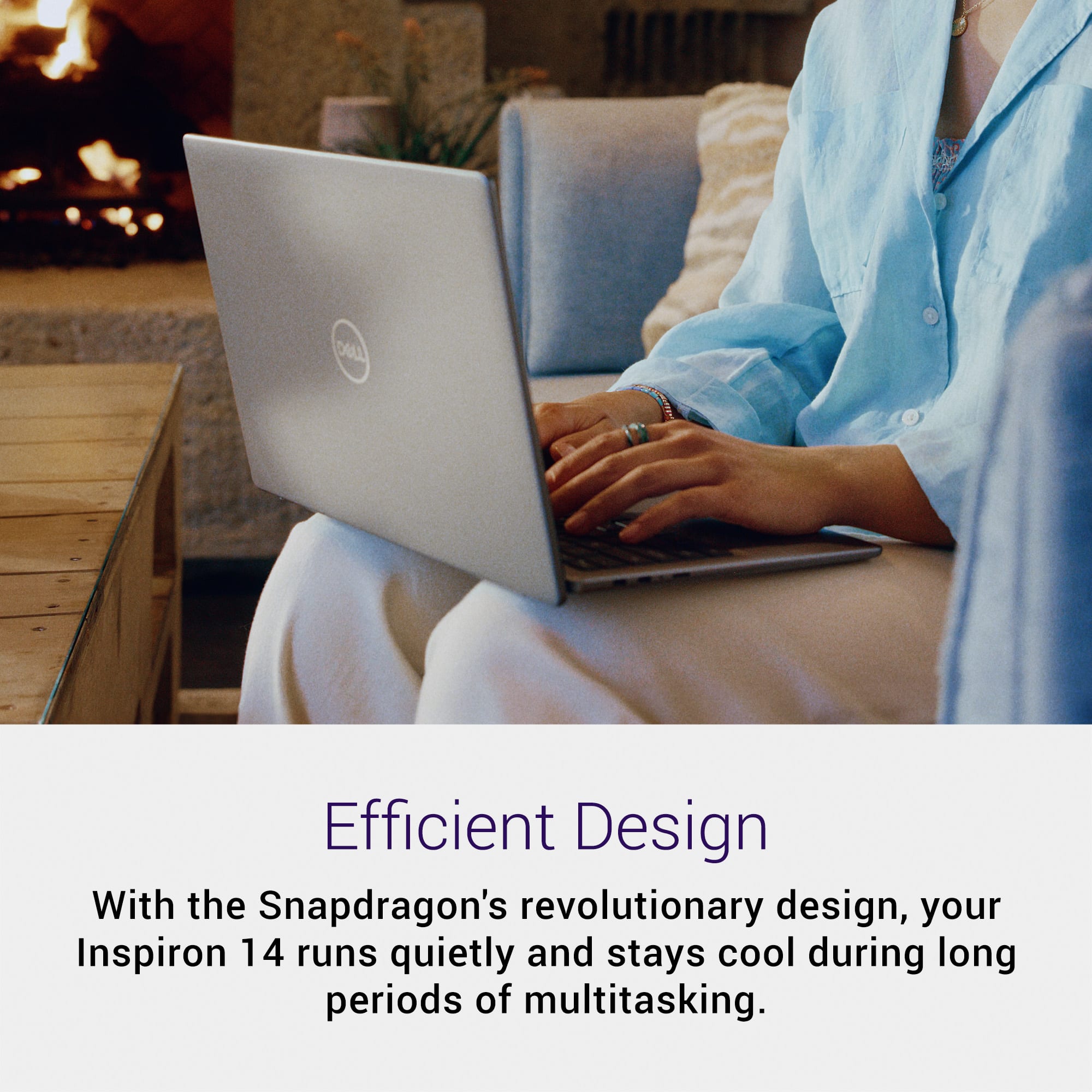
Now for the big proposition regarding this laptop, the Snapdragon X Plus and Windows 11 on ARM64. First, I am impressed with how well Windows runs on this tiny processor and modest amount of RAM. It’s not a screaming machine by any means, but it juggled 20-30 browser tabs without issue (probably helped by the use of Brave browser’s aggressive memory management). These tabs included a bunch of YouTube videos, Gmail, Office 365 web apps, and a bunch of random web pages. It didn’t get bogged down, and at no time did it get more than a little warm. I’ve never heard the fan turn on once since unboxing. (I’m assuming it has a fan. There are vents on the bottom. I’ve just don't think the fan ever came on.) So, this Snapdragon-Windows combo makes for a very comfortable, cool laptop to keep around the couch (minus the hinge design comment earlier). IMO, it beats an iPad on the couch.
I didn’t have enough time to test the battery beyond the initial charge prior to submitting this review, but on that charge, including the energy-demanding Windows set-up and app install routine, I got roughly seven hours of screen-on time. I do expect this number to increase in day-to-day usage over the weeks to come, but if it doesn’t, I’m going to be disappointed. The Snapdragon X is supposed to be more power efficient than x86, and seven hours screen-on time is in the range of many existing x86 laptops and far, far below the advertised 28 hours of battery life. The lack of heat speaks to that efficiency, but I want to see >15 hours of screen-on time.
Where things got dicey was with Windows Prism emulation. I was expecting a better experience. On the few apps I tried that required Prism, there was unacceptable lag and a major hit on projected battery life, which was basically halved. Microsoft made a big deal about how good Prism is, but my experience has been anything but. Maybe this processor is just underpowered; maybe Prism just isn’t great. Bottom line, if you need Prism, this laptop is not for you.
On the flip side, if you can function with web apps, both Edge, Chrome, and Brave all have native ARM64 versions. All run fine and basically highlight the most compelling use case for this machine as a Windows equivalent of a Chromebook. To drive web apps, I will pick this laptop every time over my Chromebook if only (or mainly) because I can run the browser of my choice.
Regarding Windows on Arm, only time will tell how viable it will be, and we really need more native ARM64 apps out there. While there’s a good number of major apps now, ARM64 versions are far from ubiquitous, and I don’t want to be in constant experimental mode and having to test whether something plays nicely on Prism.
This laptop works for me as a really good web app couch machine or for travel/mobile work where I know I can get by without the x86 apps I need, but I can’t expect it to be more than that, which I knew going in.
I would recommend this to a friend
Pros mentioned:
Build quality, Portability
Rated 5 out of 5 stars
My New Go-To Laptop
|
Posted .
This reviewer received promo considerations or sweepstakes entry for writing a review.
The Dell Inspirion pleasantly surprised me in two important ways. First the graphics are very clear and sharp. Second the keyboard has a very nice touch. The built-in mousepad is responsive but not overly helpful. (Overly helpful mouse is one that moves to the wrong spot, thus when I click, I get the wrong result!)
Setup did take two hours. There were three very simple questions (location, keyboard style) prior to the install update screen. The process said there were three steps. The first step took 45+ minutes. After that the screen just stayed in the same spot saying the first step was 100% complete. It seemed to be stuck. I was going to end the process and start over, but the screen asked me if I really wanted to end the in-progress updates. So, I stayed on the screen and after 25 minutes the process seemed to move forward. All in all, going through the updates took almost two hours, so plan for it.
I was very disappointed to find that all my files and Microsoft Edge settings were loaded even though I specifically said to setup as a new PC and not to bring forward my bookmarked webpages. Although not difficult to delete, it's a bit time consuming to delete the information. Ugh!
The Dell Inspiron is a bit heavier than a Chromebook, barely. It's just the right size at 14" and has a nice simple, sleek look. Very portable. Copilot is as advertised. Asked for a one-page story about a polar bear. No delay immediately had a great short story. I'm keeping it to read to my cousin's kids. I asked for the same thing two more times to see if it would repeat itself, and I got two additional polar bear stories. It offered to illustrate and or read aloud. Pretty nice.
I would recommend this to a friend

Pros mentioned:
Portability
Rated 4 out of 5 stars
DELL 14" LAPTOP HAS GREAT SPEEDY & UTILITY
|
Posted .
This reviewer received promo considerations or sweepstakes entry for writing a review.
A really nice laptop from DELL … nice upgrades with 16GB of memory and an ample size (512GB) for the SSD drive. The DELL laptop is speedy and appears to have pretty decent performance, which I believe the Snapdragon technology has something to do with it; a technology that I’m not familiary with.
The laptop is extremely lightweight. Very thin and a great, slick size that makes traveling with it a real plus! While I really miss not having a numeric pad as part of the keyboard, the general size of the keyboard made it easy to maneuver around.
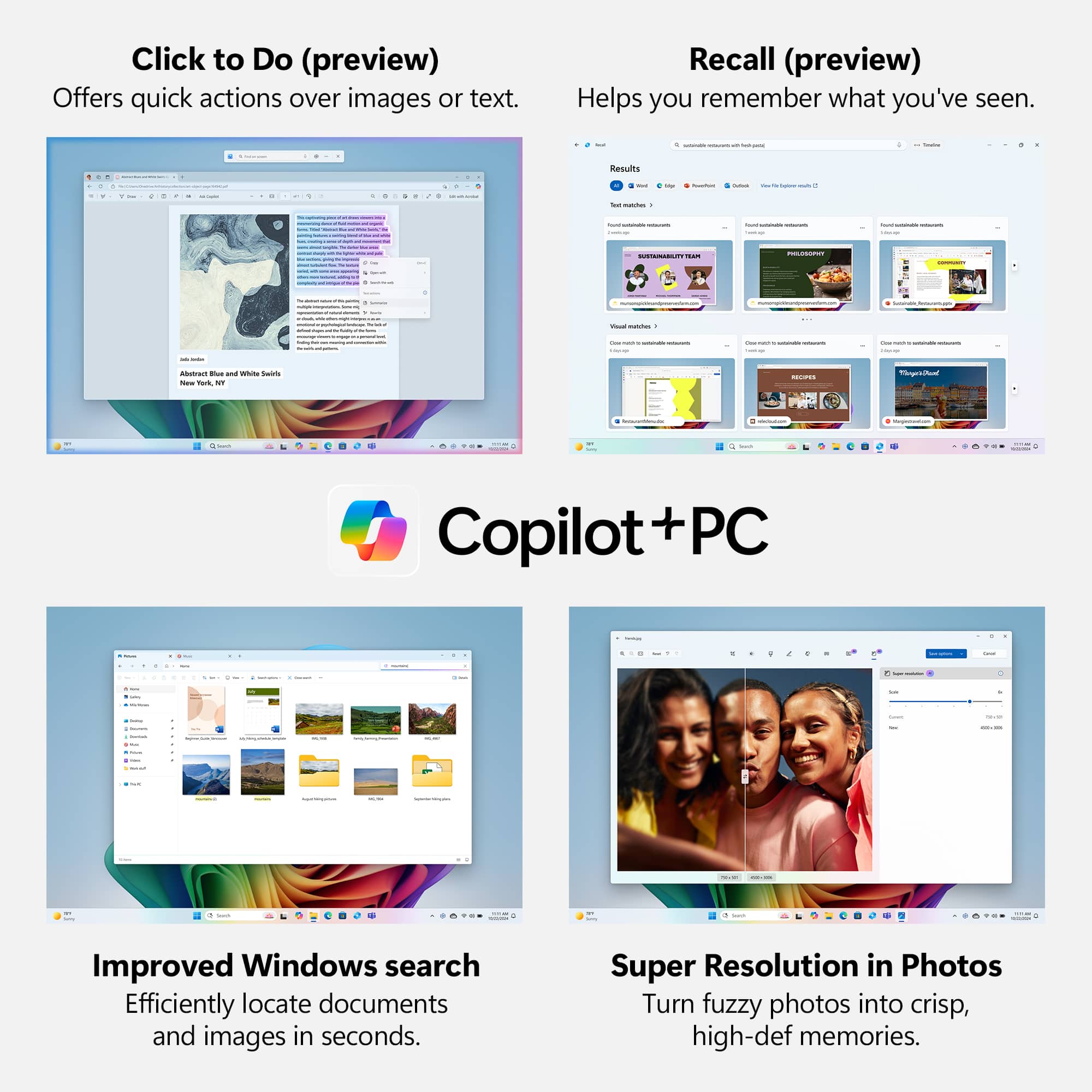
I have been resistant to adopt the use of COPILOT because it’s too much like HAL (2001 Space Odyessy), but I’m trying. The RECALL option was pretty cool, but will take some getting use to.
The hardware capabilities are about right, having 3 USB ports (…2 C and 1 A …) plus the MicroSD. Everything is going “small” … which is about time … plus less weight! The screen resolution is quite nice too!
The new Windows Search was real handy. I have a lot of business files that I name very descriptively, but sometimes its hard to remember which Folder they’re in or the exact naming when it’s a big project will many tasks and repeat tasks. The new Search made it quite easy to locate the specific file I was looking for, saving me lots of time.
This DELL Laptop seemed to have everything you need to improve productivity but I found that if the screen was a TOUCH version, then that would have helped even more! The laptop overall was quite nice, though. I would DEFINITELY recommend this DELL Laptop with Snapdragong and CoPilot to anyone!
I would recommend this to a friend
Pros mentioned:
Battery life
Rated 4 out of 5 stars
Snapdragon provides some nice benefits
|
Posted .
This reviewer received promo considerations or sweepstakes entry for writing a review.
Great daily driver computer for basic productivity tasks, providing great battery life, copilot + compatibility, and pretty nice specs overall for the price point that it lands. It doesn't necessarily do anything great, but it does everything good enough that you wont regret going on the more affordable end of the snapdragon lineup. I really enjoy using copilot to help learn new things by having more of a "conversation" format (please fact check your AI to the best of your abilities). The Snapdragon X offers Copilot+ compatibility allowing it to depend less on the cloud for certain tasks. Another feature of the snapdragon that is really compelling is the battery life, and thankfully this has driven for more competition on that front from Windows based laptops in general. Because the Snapdragon is a ARM processor more like your phone processor than it is your desktop, it uses much less energy than a traditional x86 processor. The secondary advantage of this past the improved battery life is by using less energy it will inherently run cooler. By running cooler Dell was able to keep this laptop fairly light because it requires a less robust cooling system. For folks working out of most Microsoft office apps this will be more than enough and provide you with better battery life than most other laptops, especially in this price range. For those that need horsepower to run Adobe photoshop, Adobe premier, or any CAD software for example, look elsewhere. The monitor is unremarkable but works well, and has a matte finish for those that may be looking to work outside because it is not a touch screen. I like the 14" form factor for a laptop that I am commuting with frequently. The complimentary specs of 16gb ram and 512gb of storage is adequate, I would have liked to see a 1TB minimum at this point in 2025 but this is a great value laptop overall so they had to make some concessions somewhere, but they did it in a way that it doesn't ruin the experience in any way thankfully. Loaded with the typical Dell bloatware which is unfortunate, I am hoping one day they dial it back... I know they will never completely stop. Overall a great option if you are looking for something that can handle light workloads and provide long battery life.
I would recommend this to a friend
Rated 3 out of 5 stars
OK, but not quite fully baked
|
Posted .
This reviewer received promo considerations or sweepstakes entry for writing a review.
Where do I begin? I have never wanted a device to be a five star, sure thing, beyond a shadow of a doubt recommend as much as this machine. On paper it sounds like a dream. 16 gigabytes of RAM, a brand spanking new ARM-based Snapdragon X processor, and the 512 gigabytes of storage is no slouch either. Finally, a definitive answer from Qualcom and Microsoft to the ARM-powered M1 Apple notebook computer that I use as a daily driver, I thought.
I envisioned setting up this Dell and using nothing but this machine all the way through to writing this review. But here I am, not doing that. Because the Dell once again is at 0% battery even though it was fully shut down (not asleep! explicitly shut down) and not plugged in for a couple days.
I did this intentionally. I wanted to verify that my prior experience could be replicated, and so I did. It seems the biggest flaw with this computer is that the battery will drain while unplugged no matter what. Even if you explicitly shut down Windows using the "shutdown -f -s" command. Something must be always running in the background draining battery life. It needs to be plugged in pretty frequently to maintain a decent charge if you want to use it on the go.
Now, I will say that overall the experience using the machine when it actually has a charge or is plugged in is quite nice. While Windows on ARM still has quite a ways to go to get anywhere close to what Apple has achieved with their ARM Macs and Rosetta 2, the experience is still pretty solid.
The machine feels zippy in all the right ways and, if it weren't for my aforementioned experience with battery life, I'd be comfortable recommending it to the older crowd looking to browse the web, do some emailing, and consume media. It could also have been an option for school-aged kids for research and homework. Unfortunately both of those groups tend to be used to things like Chromebooks which seem to have a real good grasp on energy conservation when fully shut down properly.
All in all, it's a good machine that could perhaps be improved down the road with some software or firmware updates. I can't, however, recommend it as a daily driver at this time if you plan on using it away from wall power frequently.
No, I would not recommend this to a friend
Rated 4 out of 5 stars
Good but some problems
Posted .
This reviewer received promo considerations or sweepstakes entry for writing a review.
The battery life can be inconsistent like getting between 6 to 16 hours even though doing the same thing. Display quality had alot of backlight bleeding.
I would recommend this to a friend
Rated 5 out of 5 stars
All around good Pc
Posted .
This reviewer received promo considerations or sweepstakes entry for writing a review.
Great PC for the price. Does everything I need it to do.