Customer Ratings & Reviews















- Model:
- LDB04255-A369BLU-PUS
- SKU:
- 12137229
Rating by feature
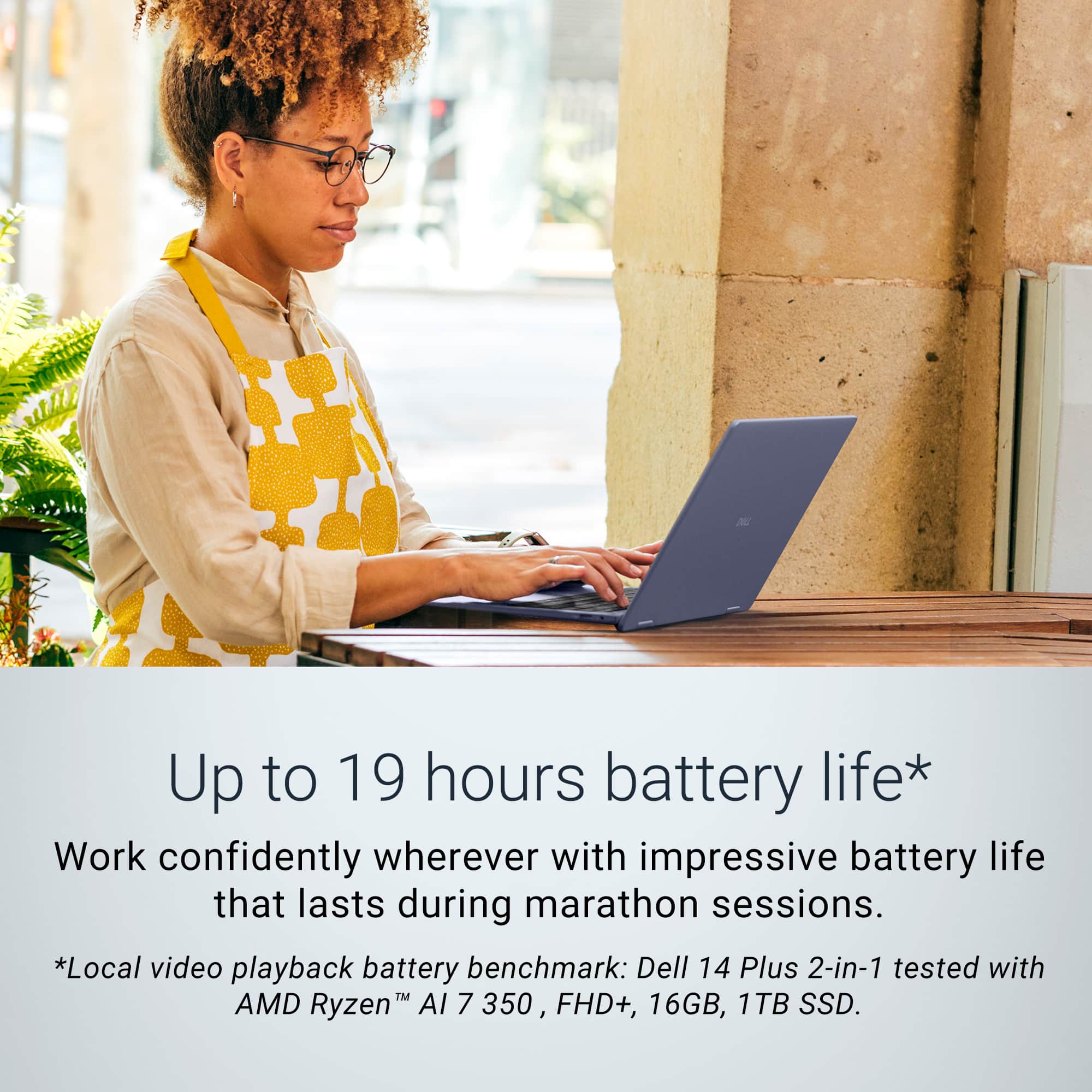
- Battery Life
Rating 4.7 out of 5 stars
- Speed
Rating 4.7 out of 5 stars
- Display
Rating 4.7 out of 5 stars
Jury is deliberating.
||Posted . Owned for 1 week when reviewed.This reviewer received promo considerations or sweepstakes entry for writing a review.This is a preliminary response. I will come back and update it shortly. Im a little unimpressed with the speed on this machine. I havent gotten around to multi task on it that much so the final verdict is pending.
I would recommend this to a friendWorks fine for web browsing... That's about it
||Posted . Owned for 3 weeks when reviewed.This reviewer received promo considerations or sweepstakes entry for writing a review.It's a laptop.... for the price not bad. Sufficient but not dazling. The speakers and mic seemed less than avg.
I would recommend this to a friendDell downloaded wrong drivers. Will not work!!!!!
||Posted .This reviewer received promo considerations or sweepstakes entry for writing a review.Terrible computer. Dell admitted that they downloaded the wrong drivers so you will not be able to connect to the internet to complete setup. I found ghjs out only after getti g a seco d replacement computer that also didn't work. MINUS 10 STARS. Computer is useless.
No, I would not recommend this to a friendIt's okay, not great, not terrible
||Posted . Owned for 1 week when reviewed.This reviewer received promo considerations or sweepstakes entry for writing a review.It's an okay laptop, not good enough to run any games but it's been okay
No, I would not recommend this to a friendExpress Shipping Not Honored by Best Buy
||Posted .This reviewer received promo considerations or sweepstakes entry for writing a review.I ordered a laptop from Best Buy and paid extra for express delivery, expecting it to arrive on the promised date. The very next day, the delivery date was changed. I contacted customer service, and they assured me that if the laptop wasn’t delivered on schedule, I’d be refunded the express delivery fee. Unfortunately, the laptop didn’t arrive on time. The original delivery date disappeared from the website, and when I called again, I was told the “actual” schedule had changed—so they wouldn’t refund the fee. This felt misleading and unfair. I didn’t expect this kind of experience from a major retailer like Best Buy. I paid for a service I didn’t receive, and they refused to make it right.
No, I would not recommend this to a friendAwesome product, delivered late
||Posted . Owned for 1 week when reviewed.This reviewer received promo considerations or sweepstakes entry for writing a review.Product is very good but the delivery was not on time
I would recommend this to a friendDell is garbage
||Posted . Owned for 1 month when reviewed.This reviewer received promo considerations or sweepstakes entry for writing a review.Dell tried to do a DSA security bios update and it literally froze and bricked my laptop. Super frustrating bc I just bought it a month ago. Will never buy a Dell computer again after this horrible experience.
No, I would not recommend this to a friend
Snappy productivity, but several faults
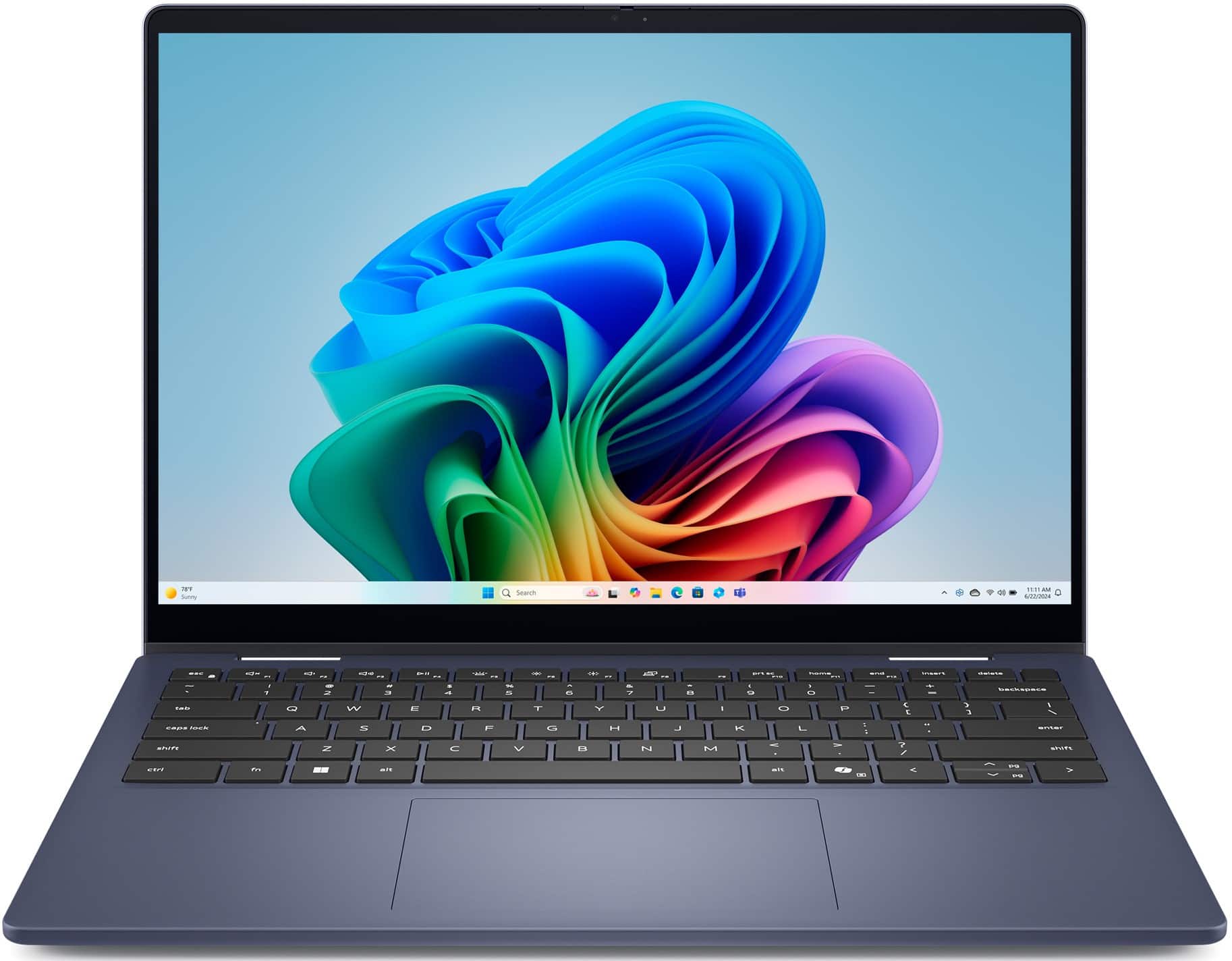
|Posted .This reviewer received promo considerations or sweepstakes entry for writing a review.I really wanted to like this Dell 2-in-1 14" AMD Ryzen AI 7 Copilot PC, but there are a few things that prevent me from giving a 5 star review. All of these are personal preferences so your impression of the laptop may be different. First the good. The laptop is certainly more of a "workhorse" computer. Apps load and function very fast, and thanks to the AMD processor and 16GB RAM multitasking works very well. I use a very intensive graphics processing software suite and the laptop handled that very well, better than any other laptop I've tried it with, (although not as good as a dedicated desktop PC). Battery life is also quite good, I would say better than average but not exceptional. As a test, I ran a FHD (1920x1200) video at full screen brightness and it lasted 8hrs before getting to about 8% battery remaining. Under normal use I would guess the battery would last 12-14 hours. I also like the 14" screen size, and the fact that it has a full size HDMI port. Unfortunately, that's about all the positive I can give. Here are my personal preference complaints: 1. My first impression was that the laptop is a bit bulky and heavy. It's a little thicker than others in this screen size range, and it definitely weighs more that I was expecting. I hoped that would translate into a larger battery/more capacity, but that is not the case. 2. The screen is not particularly bright, and colors seem washed out. 3. The keyboard seems a bit firm to press for my tastes, resulting in often missed keys as I type. 4. Likewise, the trackpad feels very unresponsive. I need to push hard for the left and right "mouse" buttons, and perhaps I have a light touch but the trackpad seemed sluggish. 5. Here is my main complaint - the laptop gets very warm and the fan is somewhat loud. I would not want to have this "laptop" on my lap. I believe there are better options at this price point.
No, I would not recommend this to a friendPowerful, Versatile and Lightweight Machine
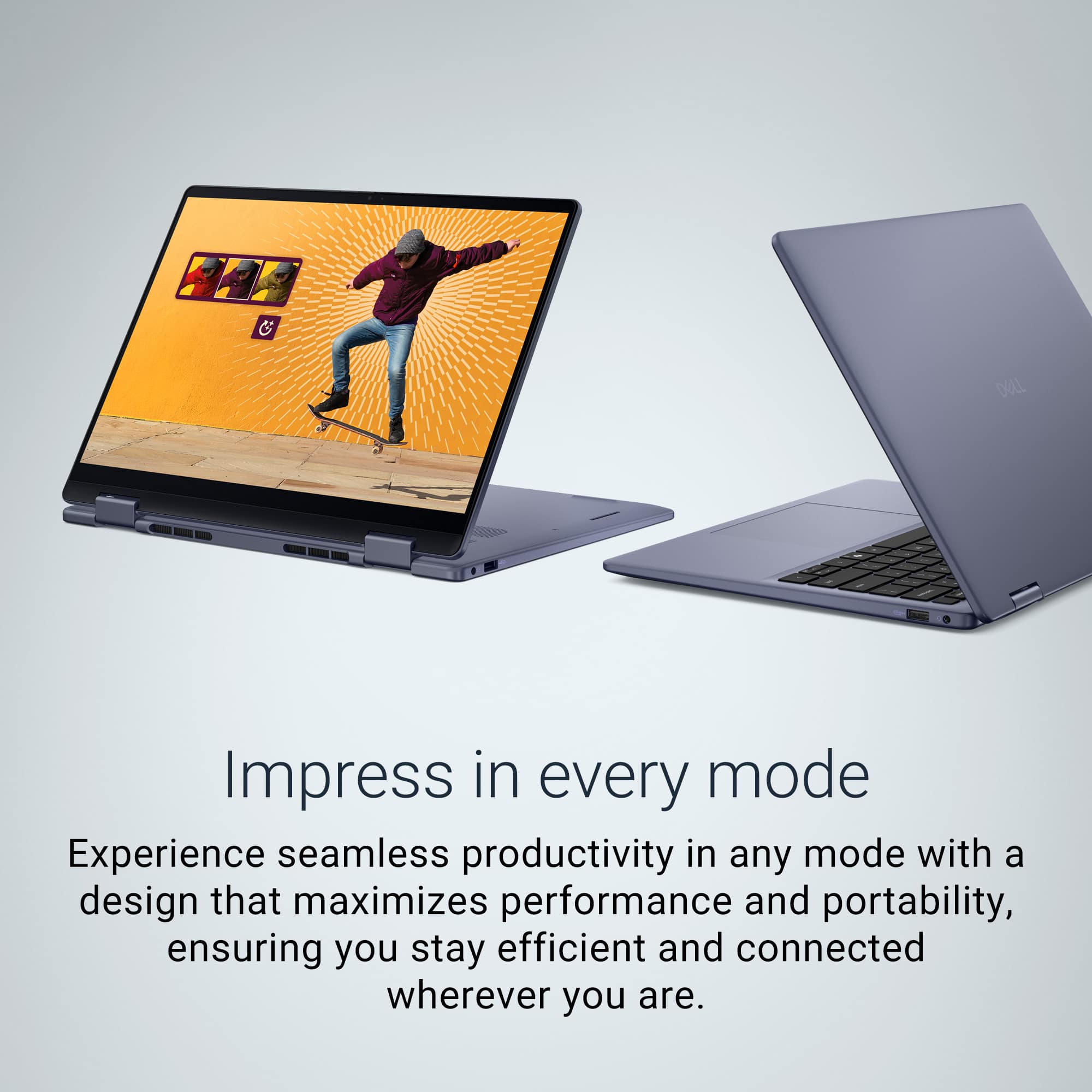
|Posted .This reviewer received promo considerations or sweepstakes entry for writing a review.I got my Dell Plus 2-in-1 14” FHD+ laptop a little over a week ago. My initial unit arrived defective, which was a bummer, but these things happen. However, experiencing this issue has really made me want to write a review for this device. Dell’s customer service was great. Once I contacted the company it didn’t take long to determine I needed a replacement at which point I had a new one at my door within 48 hours. It’s easy to toss out a 5-star review when everything goes smoothly, but how a company handles problems reveals so much more. Despite the minor hiccup of having to wait for the replacement, Dell’s responsiveness has left me feeling confident in not just their product, but the Company as well. Once I got the replacement set up and updated, I was genuinely impressed. The balance of size, weight, and power in this 2-in-1 is pretty remarkable. It tackles everything from web browsing with my typical huge amount of tabs open (I may have a problem with this lol) to moderately intense gaming without breaking a sweat. The fans can get noticeably loud during heavy gaming, such as when I was running Planet Coaster 2 with a large park with several thousand guests. It wasn’t too bad, but definitely noticeable. I wouldn’t call this laptop a “gaming” machine but you can play moderately intense games. The 14” FHD+ touch screen is responsive, with vibrant colors and sharp details. I watched all sorts of HD clips, looking for scenes with lots of action and color and it looks great. The audio, while limited by just two small speakers, is solid for casual use. Laptop speakers are never great with such obvious size limitations but I like these better than most laptops. The lightweight design—just over 3.5lbs—makes it a breeze to carry. The 2-in-1 functionality is a standout, seamlessly switching between laptop and tablet modes with a sturdy hinge for full 360-degree rotation. Connectivity is solid with Wi-Fi 7, I have zero issues here with plenty of speed. Battery life holds up well, allowing me to use it all day off and on with a moderate work load. The dedicated Copilot key is a neat touch, making AI features easily accessible. My father who lives with us since he had a stroke a few years ago will be using this one a lot. He really likes the combination of being touch screen and having onboard AI that you can type or talk to. He has problems learning new things, but is really enjoying using this computer. All in all, this is an impressive machine. My only gripe is the occasionally loud fans during intensive tasks. Overall, this Dell is an above average powered laptop for work and play, and their stellar customer service sealed the deal for me. If I knew someone looking for an easy to use versatile and light weight laptop in this price range I would absolutely recommend it to a friend.
I would recommend this to a friendSoftware glitch
||Posted . Owned for 3 weeks when reviewed.This reviewer received promo considerations or sweepstakes entry for writing a review.I purchased this laptop not even 3 weeks ago and I had to bring it in the other day to get it checked because I was having problems with the software.
No, I would not recommend this to a friendA Blue Workhorse of a Machine
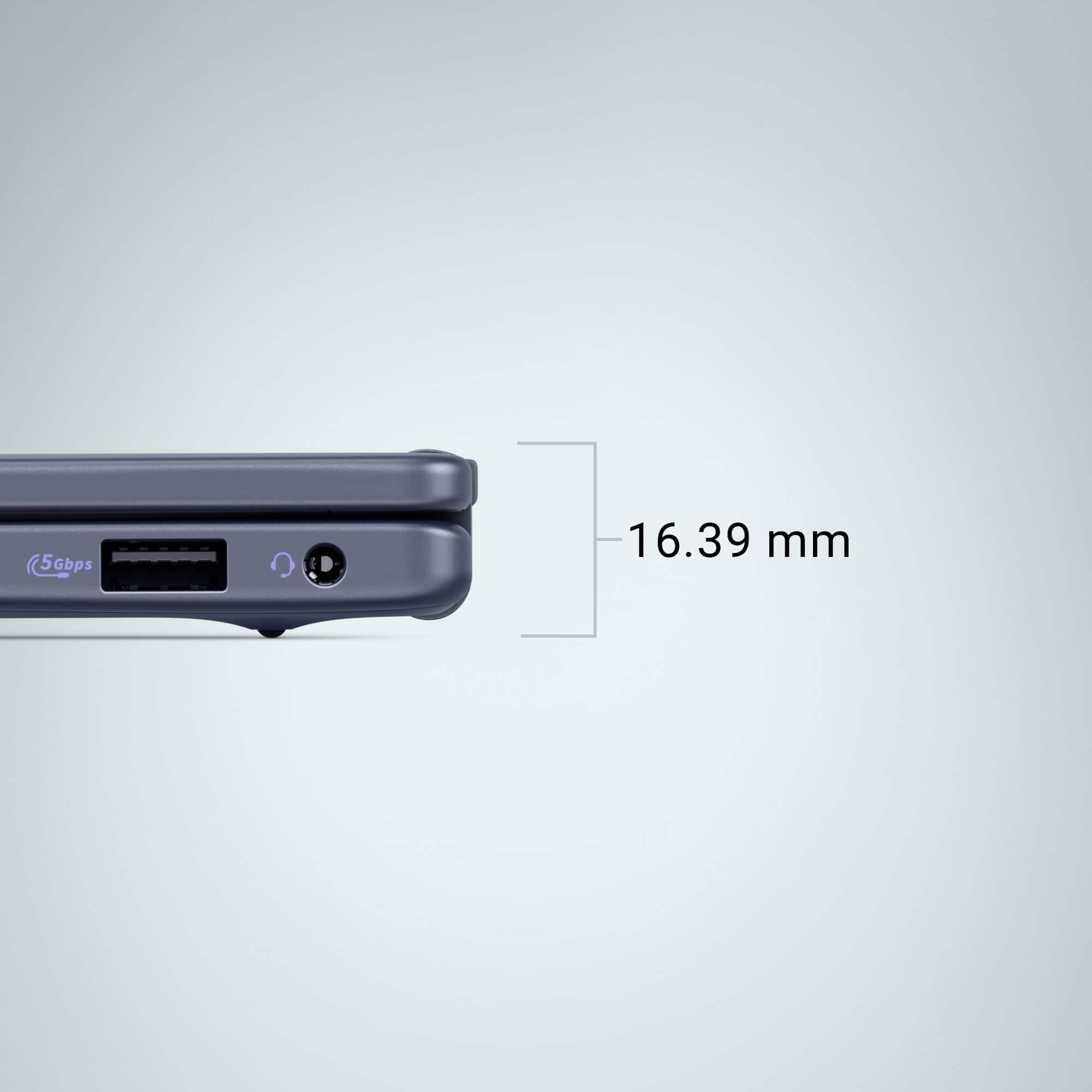
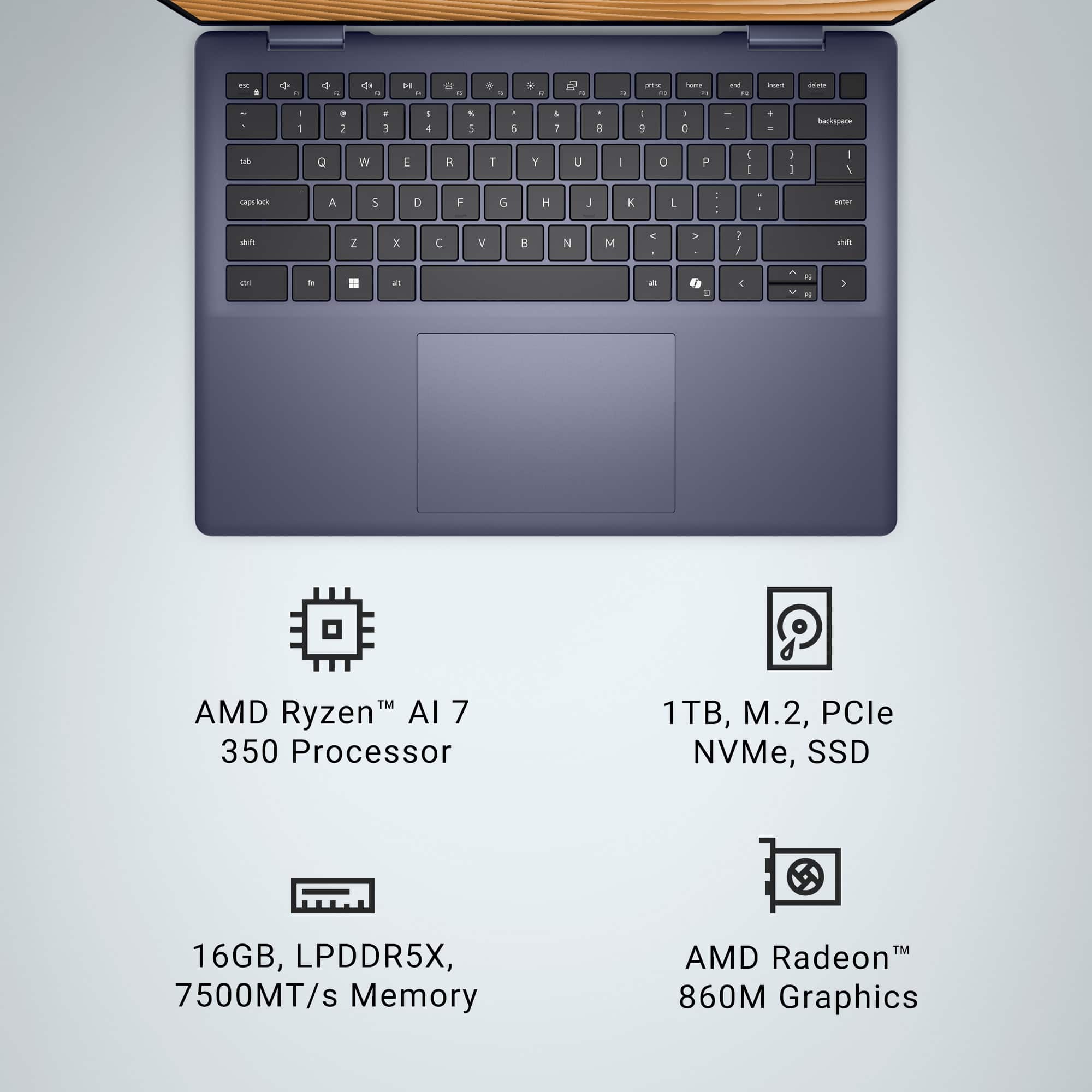
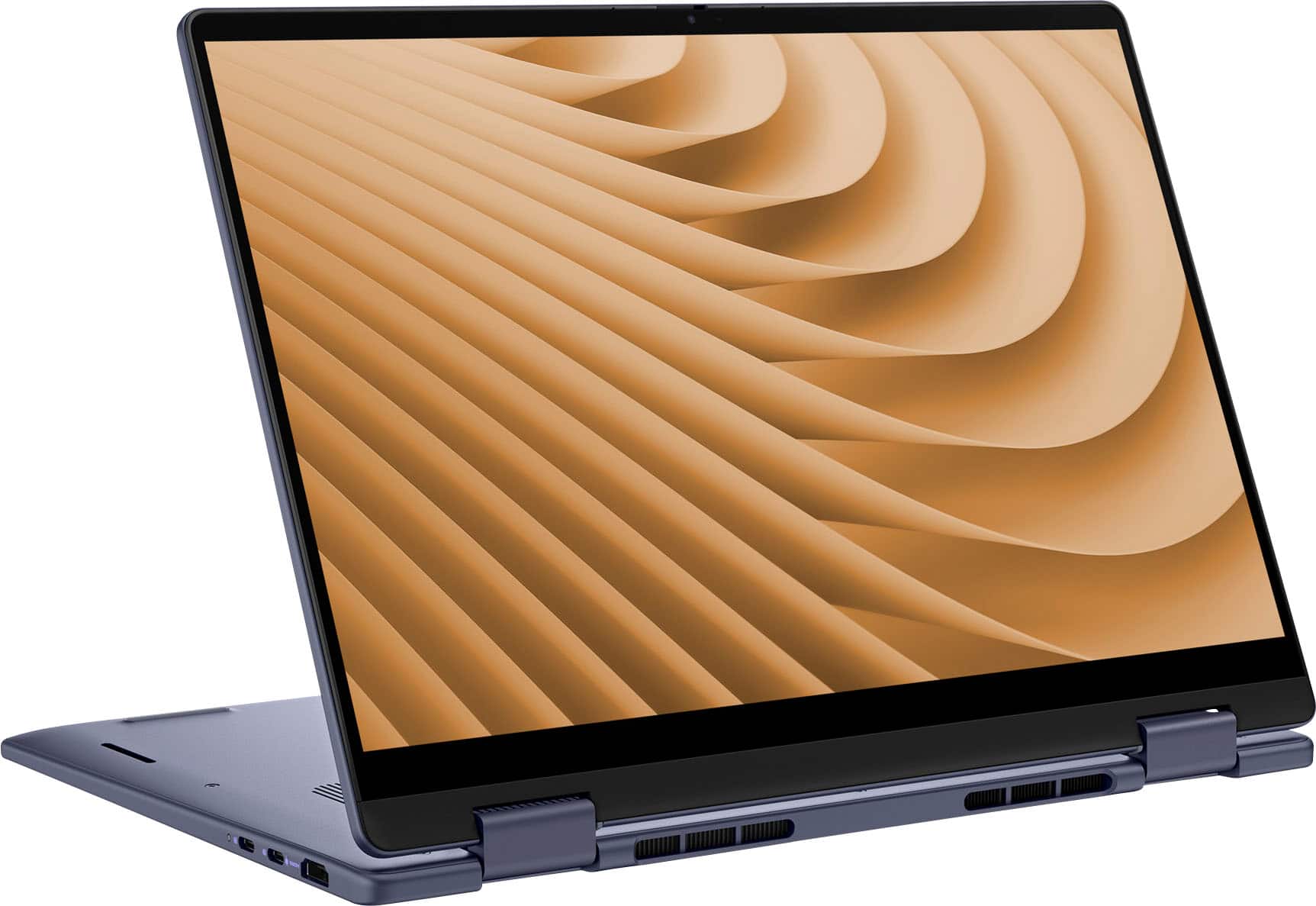
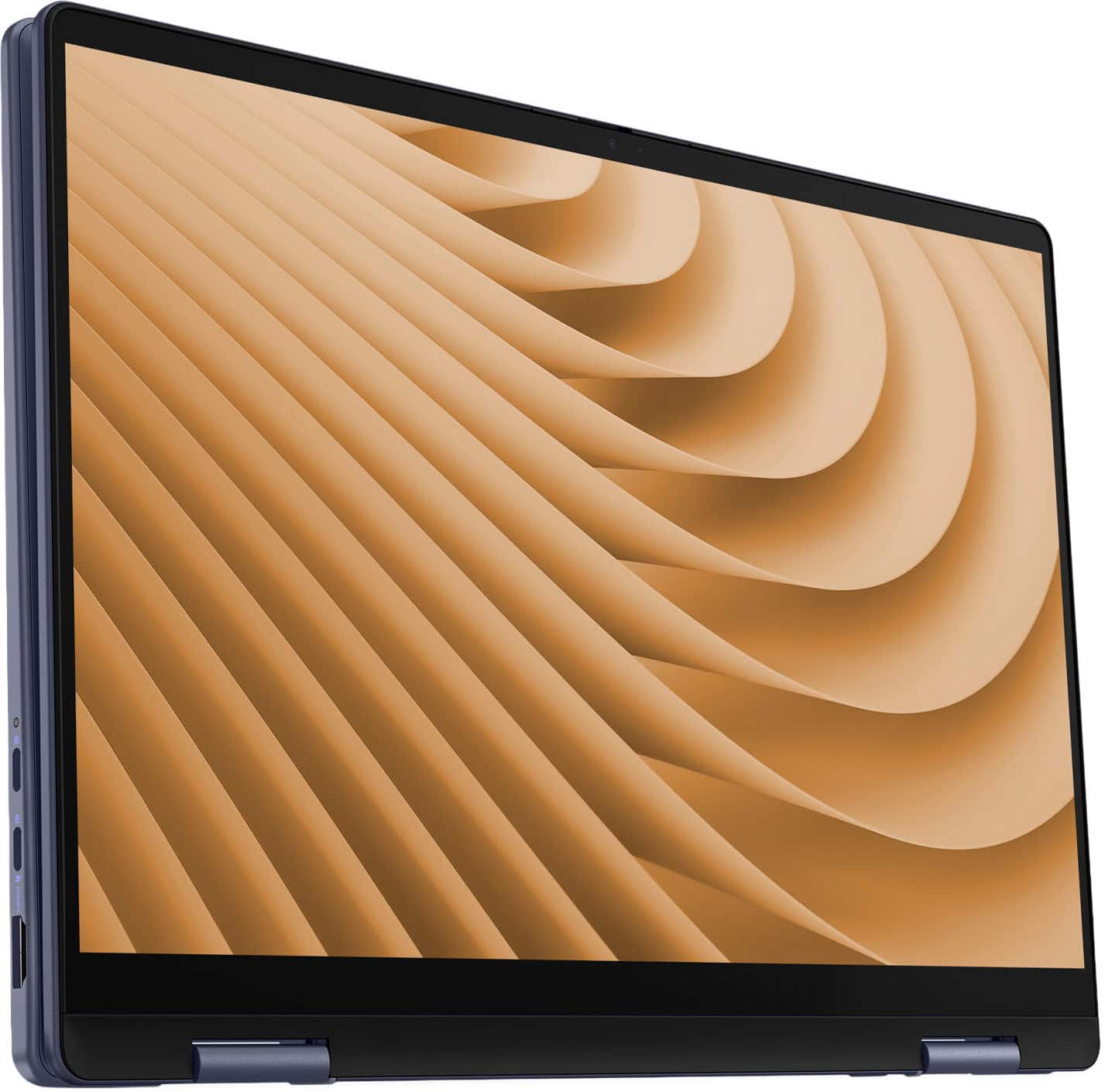
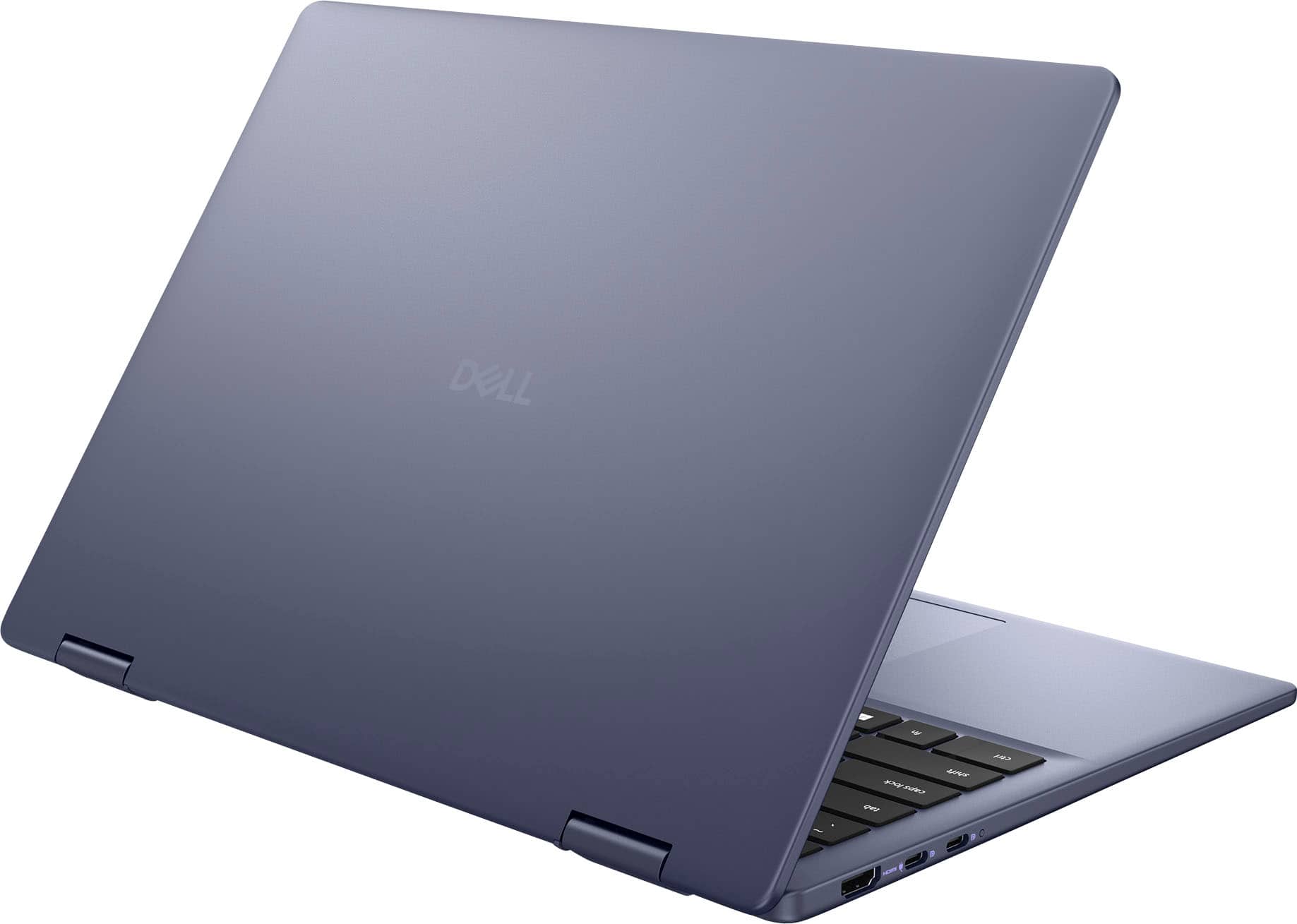
|Posted .This reviewer received promo considerations or sweepstakes entry for writing a review.I have always been a fan of 14” laptops – I really do not see the need for larger laptop screens as they quickly become unmanageable to use as a laptop and land (in my mind) closer to desktop replacement. With that said, what do I think of this 14” Dell overall? Overall, it is pretty good. On the list of things I like, first and foremost is the blue color to the case. My first laptop was also blue and there is something familiar and nice about the color of this case. On the right side of the case, you will find a USB A port along with a 3.5mm headset connection. On the left, two USB C ports and an HDMI port. Opening the computer up reveals the 14” screen with a webcam at the top with a privacy shutter – a nice touch because it would be impossible to add an external privacy shutter without it scratching the finish of the case. The keyboard is generous enough that I’m able to type on it with ease. At the top right of the keyboard is a fingerprint reader that also functions as the power button. After getting the fingerprint reader properly set up, it takes about half a second for the system to recognize me and log in. Turning the computer on reveals a stock Windows 11 Home installation. There’s a couple of Dell utilities pre-installed, Office, and McAfee. The latter has two different applications that need to be uninstalled because Windows does the same job better, for free, but it uninstalls cleanly. I have seen way worse over the years, and I am appreciative of such a clean installation. That clean installation is accompanied with a full terabyte of storage that I am confident will be difficult to fill up. Using the laptop is a great experience. I have tried the basics like web browsing and document entry; both worked great as one would expect. Feeling gutsy, I tried running the system through a 3Dmark benchmark – it ran the benchmark, I would say that it did not do fantastic, even with it being plugged into the wall. Out of the box, it is configured to give you 512MB of VRAM shared from the main system memory. You can change this setting in the AMD Software control panel to share as much system memory as you would like. I then picked one of my favorites for more modern games – GTA V. After installing it selected “minimum” as the graphics level which was more than playable. The performance of the laptop is perfectly adequate for my daily driver – I have got dedicated computers that can play games, but I need something day to day to use for my internet browsing and other productivity tasks. In this regard it fits my needs well enough. That said, it is not a perfect fit though for my daily driver. For starters, the speakers on this device are not fantastic. They are downward firing, so you need to place the laptop on a hard surface to hear properly (not that you should put it on a soft surface, that would cover the cooling fans entirely). They are also anemic – turning the volume up and holding the laptop so the bottom is facing me still left me looking for more bass and definition; my cell phone was able to out-perform the speakers. I am not expecting studio grade quality, but I am expecting something that I can listen to music on and enjoy it. The trackpad is also not great. It works perfectly fine to move the mouse around the screen, sure. But pressing on the trackpad to click yields a feeling closer to clicking with a cheap mouse – resistant and hollow at the same time. Other trackpads that I have used on devices like this either emulate the click with a haptic vibration motor or the trackpad has just a bit more travel to it that helps it feel slightly more premium. On the list of things that I would have done differently but did not provide a demerit for, I wish that the keyboard did not have the Microsoft Copilot key present. You can change it to be search or Copilot, but I wish that I could change it to be an “alt” key. Overall, I think Dell did a respectable job with this system. I would personally recommend it to college students as a laptop that should get them through their degree with room to spare. The AMD processor should provide enough performance to enable day-to-day tasks that a degree would require with room to spare for background music or video. The audio is not as much of a concern for that demographic because headphones are almost always preferred to the built-in speakers.
I would recommend this to a friendGreat daily driver and all-in-one machine!
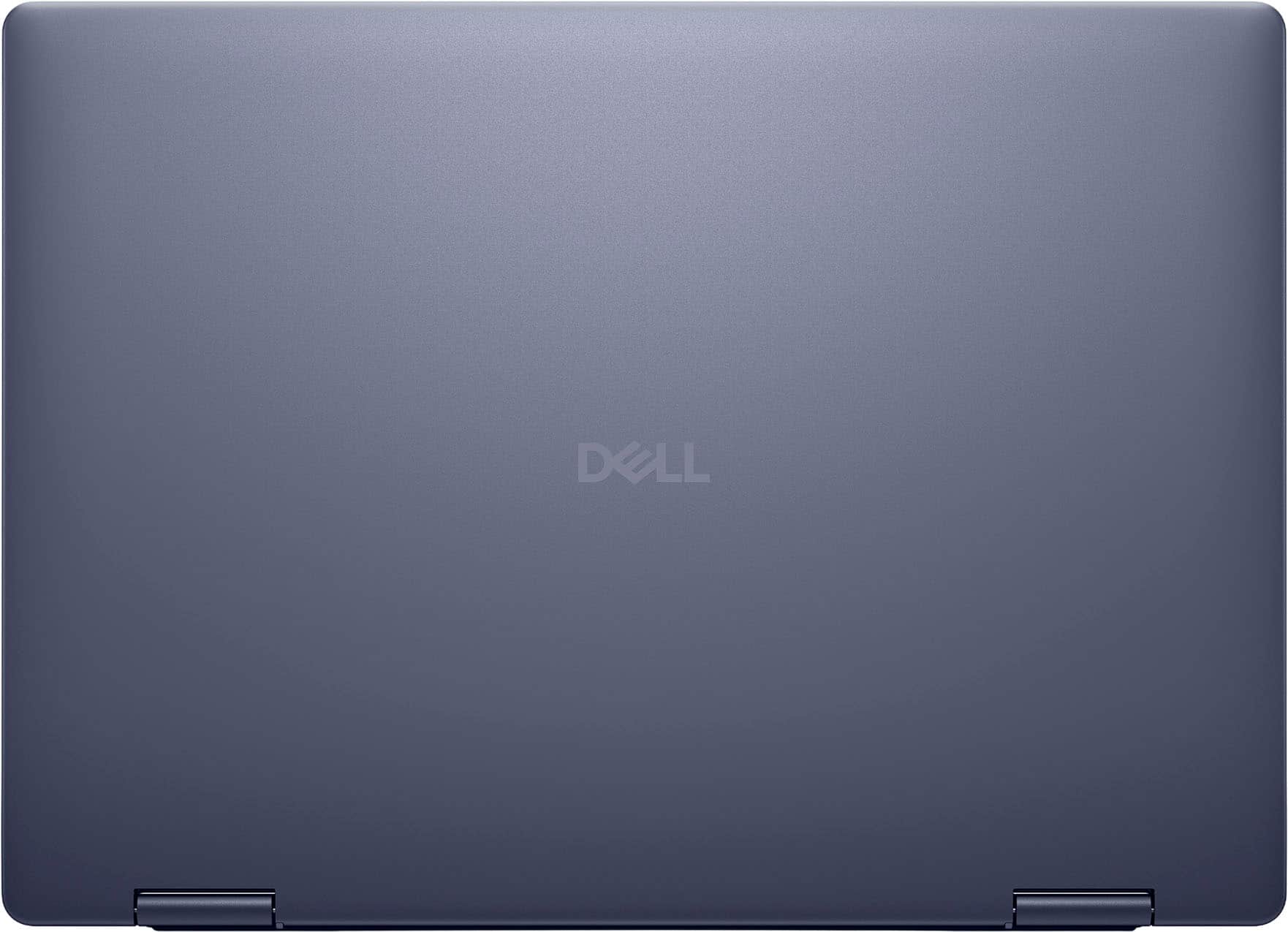
|Posted .This reviewer received promo considerations or sweepstakes entry for writing a review.This Dell laptop has blended, performance with fantastic battery life and a premium-feeling exterior at a great price. The Midnight Blue finish give the laptop a clean look, and I personally love the color! The hinge on this laptop is one I havent seen on other 2-in-1 laptops before and it give the laptop a sleek low profile appearance and very clean use while in tablet mode. I just used this in tablet mode on a recent long flight for work and it worked flawlessly while watching a few movies through the long cross country flight. After the flight I still had plenty of battery life to get some work done on this computer while at the hotel. Out of the box, setup was pretty straightforward and simple. The charging cord brick is a little large, and I'm unsure why it's still necessary to include this in today's modern laptops. I'm used to my Macbook Pro cord which only has the brick at the "plug end" of the cord and not in the middle of the charging cable, it's a little inconvenient and bulky. I like the large touchpad and its perfectly responsive and quick in my use so far. Overall, it's a great buy for the price point!
I would recommend this to a friendJust a couple of downsides in a solid laptop
|Posted .This reviewer received promo considerations or sweepstakes entry for writing a review.There are a lot of good things about this laptop. It is very light, but doesn't feel cheap at all. It's got a great modern / sleek look to it. I'm sure part of the reason for the lack of weight is that you don't have a lot of ports - 1 USB (boo), 1 Display, and no ethernet. Though I do not have much need to use the touch screen, it seemed to stay fairly fingerprint free when I did. No complaints about the display either. The keyboard buttons are nice and tactile, and the touchpad is adequate (though maybe a little big?). Power cord (call it 6ish feet in total) and brick (not massive, but does get fairly hot) are adequate as well. This of course is a Window machine, with some good and bad there. I have been a fan of the included Dell utilities for a long time, having used them on my gaming desktop for years. They are a great addition to standard Windows updates. However, I loathe McAfee and removed it immediately. Maybe it has improved, maybe it has not, but I will never know because of my experience with it years ago. I did have to run a slew of Windows updates upon receipt. I also ran a BIOS upgrade that caused a BitLocker Recovery issue I've never run into before. That took some finagling to take care of (if you are not technical, that could trip you up without some help). Should also note that the unit got exceptionally loud as it ran that BIOS update, but in general does not get hot. My spouse says the built-in camera is not as good as the 3+ year old Microsoft Surface we used during the pandemic - it looked pretty good to me though but just something to keep in mind.
I would recommend this to a friendNot for me
||Posted . Owned for 3 weeks when reviewed.This reviewer received promo considerations or sweepstakes entry for writing a review.I purchased this laptop but decided that it wasn't for me. I missed not having a key pad. I didn't like the constant interference of the AI. I also didn't like the keys. So, I exchanged it for a Lenova Yoga
No, I would not recommend this to a friendBad computer.
||Posted . Owned for 3 weeks when reviewed.This reviewer received promo considerations or sweepstakes entry for writing a review.This is our second one and we're still having problems with it.
No, I would not recommend this to a friendVerify the seller before buying
||Posted .This reviewer received promo considerations or sweepstakes entry for writing a review.Never got it. They sent me an empty box. I asked for replacement but they told me its sold out. Later when i checked, it's available but they bumped up the price.
No, I would not recommend this to a friendGreat 2-in-1 Windows laptop
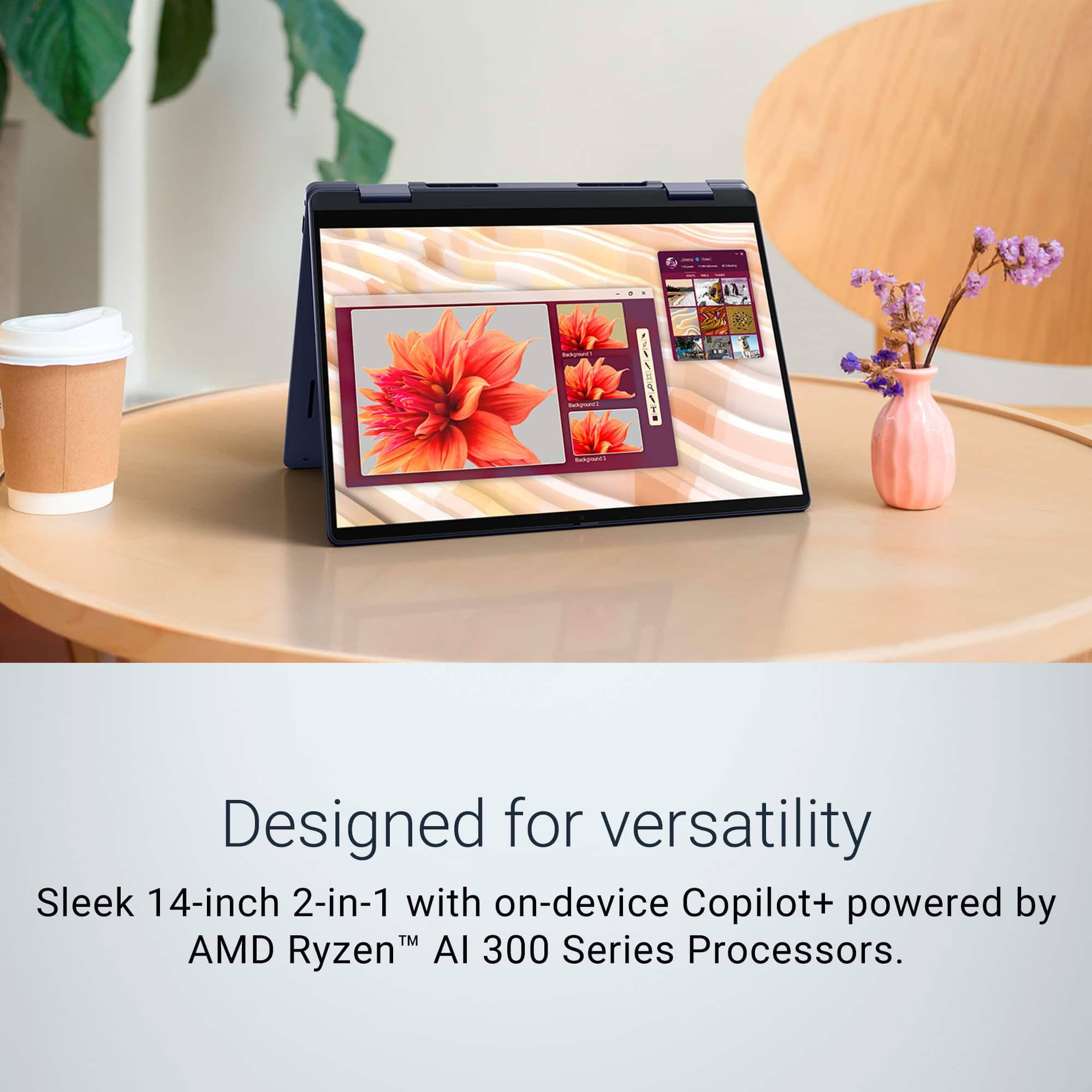
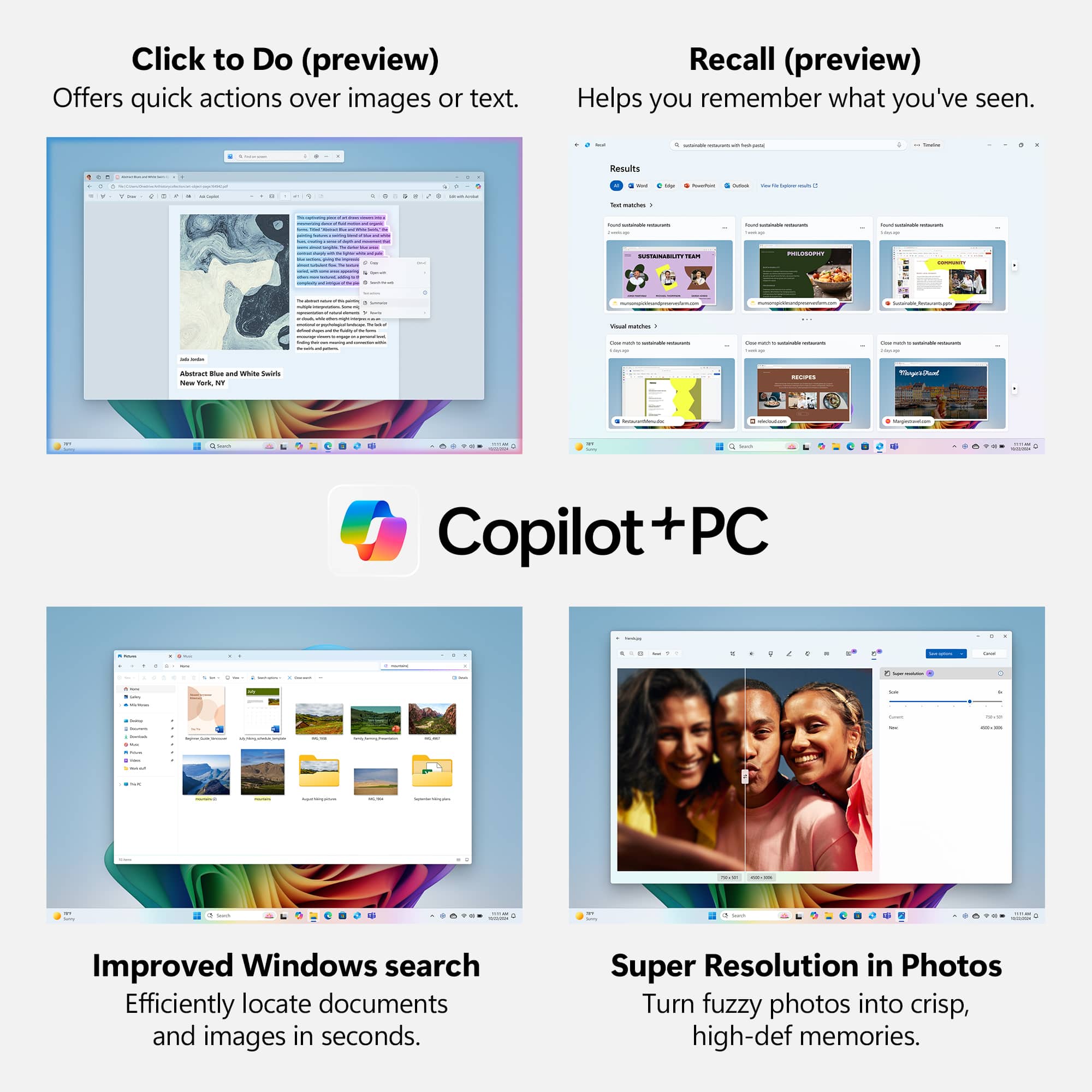
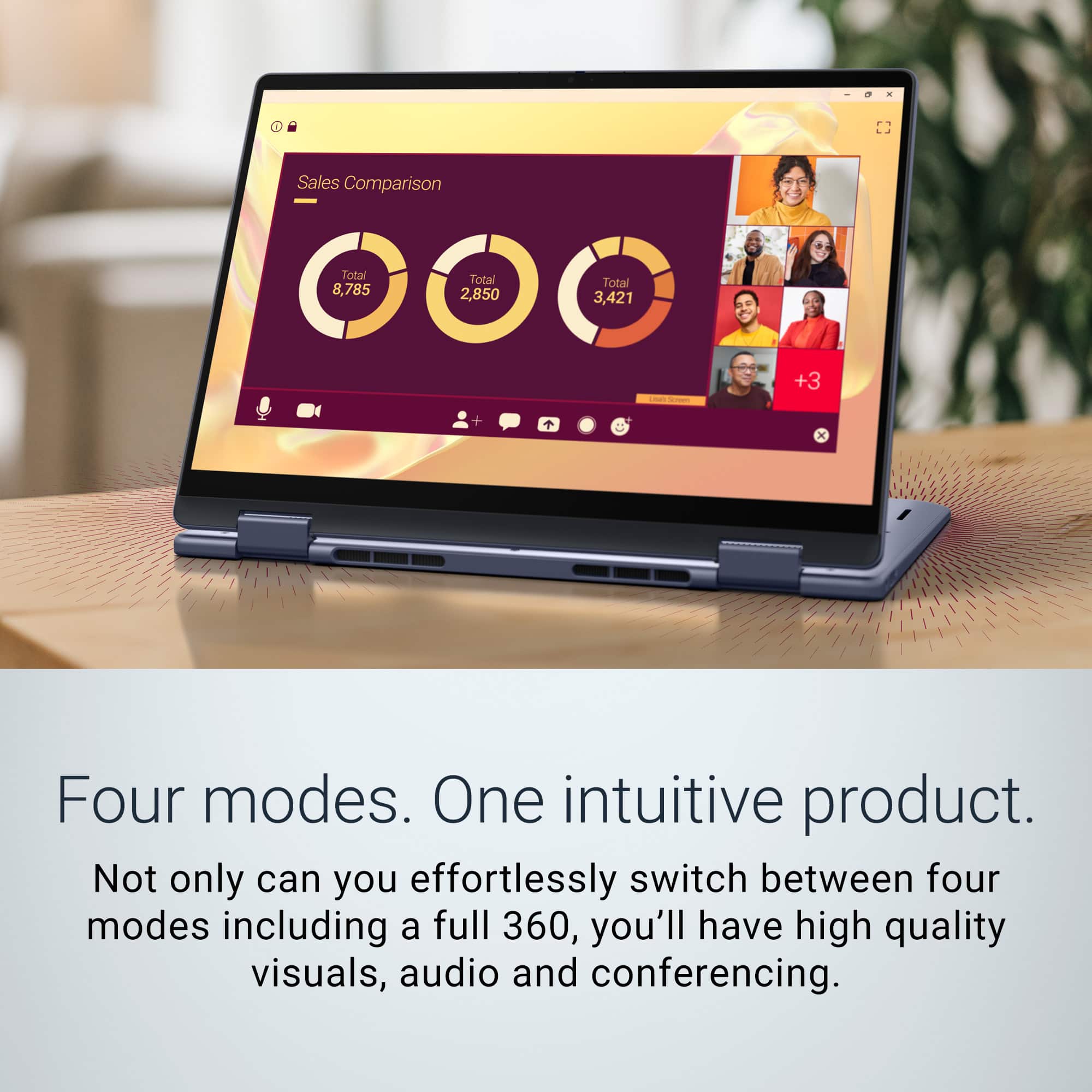
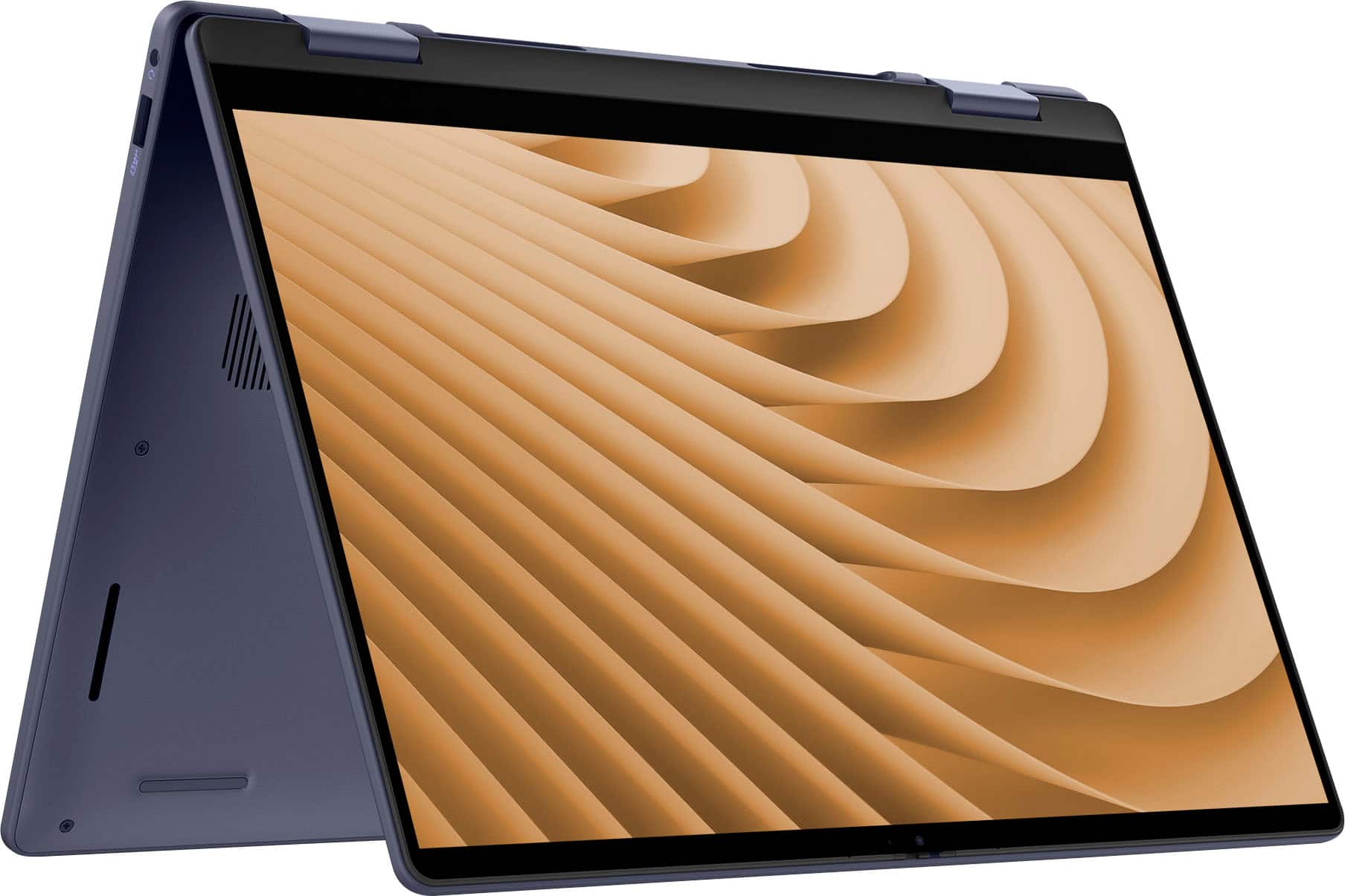
|Posted .This reviewer received promo considerations or sweepstakes entry for writing a review.The Dell Plus 2-in-1 14" laptop is a nice device. It comes with a FHD+ Touch-Screen that has good color saturation. The version I have comes with a 1 TB SSD drive and 16 GB of memory. It comes with an AMD Ryzen AI 7 processor that allows it to handle most tasks. The processor is fast but it does get hot for demanding tasks, which allows the fans to hear up. The laptop has vents at the bottom to dissipate the heat. However, I’ve noticed that heat comes through keys on the left side of the keyboard. This makes it somewhat uncomfortable to type on at times. The laptop comes with multiple ports for connecting to devices. It comes with a USB A port and headphone jack on the right side of the laptop. It coms with two USB-C ports and an HDMI port on the left side of the laptop. The keys on the keyboard feel good to type on with good key travel. The keys have backlighting that allows it to easily use in dark environments. The trackpad is responsive and works well. The laptop comes with a fingerprint reader button that allows you to quickly log into your device. It also supports Windows Hello. Unfortunately, the fingerprint reader button is the only way to quickly log into your laptop as the laptop’s webcam does not support Windows Hello. The laptop comes with 350 Copilot+ which takes advantage of Microsoft’s AI features. The 2-in-1 feature of the laptop is an added bonus. It allows me to use it as a traditional laptop, while also being able to flip it all the over and use it as a touchscreen tablet or use it in an A frame style for presentation mode. Despite the laptop having great features, I did run into an issue. It might be have something to do with Windows rather than the machine itself. It required a firmware update. Unfortunately when the computer rebooted once the firmware update was done, it took me to a blue screen that would not allow me to go any further unless I entered a BitLocker code. The blue screen provided a website to visit, log in using your Microsoft account to retrieve the key to unlock your device. After logging into the website from another device I did not see my device right away. As I scrolled down I eventually found it. I had to enter a 48 digit numerical number. After entering the numbers, I was then able to unlock my device and continue using it. Not sure if others may run into this same issue. Overall, I’m enjoying the device. I just wish the fan noise was minimal, as it can become a bit annoying at times.
I would recommend this to a friendreturned defective
||Posted . Owned for 1 week when reviewed.This reviewer received promo considerations or sweepstakes entry for writing a review.the laptop took 5 minutes to turn on. black screen for that time. returned and bought another brand.
No, I would not recommend this to a friendQuestionable decisions derail what could’ve been.
|Posted .This reviewer received promo considerations or sweepstakes entry for writing a review.I’m a strong believer that there’s no such thing as a bad laptop — there’s just laptops that are just not for what you are trying to use them for. That being said, here’s my thoughts on some things that stood out as nice touches and some things that were head scratchers. I conclude with this could be a great purchase for and who should look at something else (based on major since we’re heading into school year soon). + + + The Pros: + + + * Ports: includes a USB-A, USB-C, HDMI and headphone/audio jack. * Touchscreen: would make this an ideal companion in the classroom, the field or the office without requiring a separate tablet. * WiFi 7: provides speeds that exceed most wired connections, provided you have the supporting hardware and are paying your ISP for supporting speeds. * Webcam: decent quality for virtual meetings or school but the real star here is a physical switch when you don’t want to use the webcam. No tape required. * Storage: 1TB of storage is likely more than most people would need — but storage is also one of those things where you’d definitely rather have too much than too little. - - - The Cons: - - - * Display: 1080p is pretty much entry level at this point. With all the different resolutions (e.g. QHD, UHD/4K) and screen technologies (mini-LED, OLED) they really went bare basics on this one. And the brightness is noticeably lower than standard as well. Said differently, if you have an iPhone thats newer than an iPhone X, your device’s screen is considerably better than this laptop in 2025. Let that sink in. * Mixed Build Quality: The exterior touch points on the laptop are very high quality, but for some odd reason they resorted to plastic on the top case where the keyboard/trackpad is. It also has a lot of flex to it which doesn’t exactly exude high quality. * Fan Noise: Compared to my tablet that I use for most quick/simple computing tasks that’s fan-less, the fan noise on this stuck out and it runs even when you’re doing pretty basic tasks (like watching movies). * Ports: It’s weird to see a device with newer, higher-end technology like WiFi 7, but then all of the USB ports are older specs (no USB/Thunderbolt 4 or 5) and the HDMI output is limited to 4k at 30Hz or 1080p at 120Hz. * Stylus: is not included. It almost feels like if you’re pushing a touchscreen, this should be a non-negotiable and there should be somewhere to conveniently house and charge it at this point as well. * * * Who This Device Is Good For: * * * * Example common majors: Health; Communications; Education; Business Administration; Social Sciences; Economics; Finance; Nursing; Biology, Criminal Justice; Biology; Psychology; Political Science; Environmental Science; Law; Accounting. * * * Who Should Probably Pass on This One: * * * * Example common majors: Architecture; Engineering; Graphic Design; Advanced Mathematics/Statistics; Marketing (if using pro apps like Adobe); Computer Science/App Development; Music Production/Composition; Data Science. * For many of these majors the 16GB of memory/RAM would likely not be sufficient. * For majors where screen/color accuracy matter (e.g. Graphic Design) the screen specs would not be adequate.
I would recommend this to a friend2-in-1 decent midrange laptop with good specs
|Posted .This reviewer received promo considerations or sweepstakes entry for writing a review.If “mid-range” had a physical presence, it may look like the new Dell Plus 2-in-1 that I have been using the last couple of weeks. And that in no way implies that this laptop is a bad product, it’s just it’s not exciting as others in the market. It has good specs list, usable features and capabilities, but nothing stands out, except maybe the midnight blue color scheme. And for some users, especially in a class setting, or just as a casual computer at home, it gets the job done at a decent price; and from that I’m happy at least that these options still exist. The model I have comes with AMDs Ryzen AI 7 350 CPU with AMD Radeon 860M integrated graphics. It’s one of the latest APUs from AMD’s Krackan Point family, housing 8 cores/16 threads - 4 are Zen 5 cores, while the other 4 are Zen 5c cores. With an NPU with 50 TOPS, it’s supposed to be better in performing AI-related tasks, and thus gets Microsoft’s Copilot+ branding. The integrated Radeon 860M is baked on the RDNA 3.5 architecture, so it’s a decent unit. DX12, FreeSync, and ray tracing are all “supported”, but in the end of the day it’s still not a replacement for a dedicated GPU. Yes a lot of the latest games can be run, albeit at a lower settings and frame rate. For everyday use it’s more than adequate, especially considering the power draw/battery life, but this is not a gaming machine in any sense. Build-wise, the laptop is decent - it’s a run of the mill unit with very muted presence - nothing to impress my peers. The midnight finish is good, but other than that nothing stands out. The chassis flexes a bit under pressure, and the hinge is decent and seems to hold up well, at least out of the box - it’s hard to tell how it’ll hold up in the future. The display where the mid-range screams a bit - the 300 nits LCD with FHD+ (1920x1200) resolution is a throwback to a couple of years back when most laptops were drab and had an abysmal screen. It does the job, but after seeing sharper and OLED based displays it looked pretty dismal. Everything looked a bit washed out and I had to spend some time getting things a little better. I’d suggest taking a look at display units if possible to check if this will work for you. The touchscreen works flawlessly. It’s supposed to be compatible with active pens (from Wacom I believe), but I’m not a “pen” person myself so that's a feature I skipped over. The 2-in-1 style expands the versatility of the laptop, and the screen can be set up in different manners. For media consumption, I found the “tent” mode quite useful and distraction free, but most of my time I was using it in the traditional orientation. From performance wise, I got a decent experience. Regular apps opened up without issue, and heavy apps did not bog down the system, especially when plugged in. Dell provides some different power modes and I mostly used the balanced one. But it can be pumped up a bit with Performance mode, but it does take the fan speed up a notch. Overall, the laptop is not the quietest out there - the fan does spin up from time to time, even without apparent load, and some areas near the palm get a bit hot. The laptop is not the lightest or slimmest out there as well. At 3 lbs+, it is heftier than what I’m used to, but still manageable to be carried around the campus in a backpack. Overall, it’s a capable laptop that has good specs and decent performance. The 2-in-1 versatility can work as a stop-gap tablet for drawings/notetaking, so quite useful in an academic environment.
I would recommend this to a friend