Customer Ratings & Reviews




- Model:
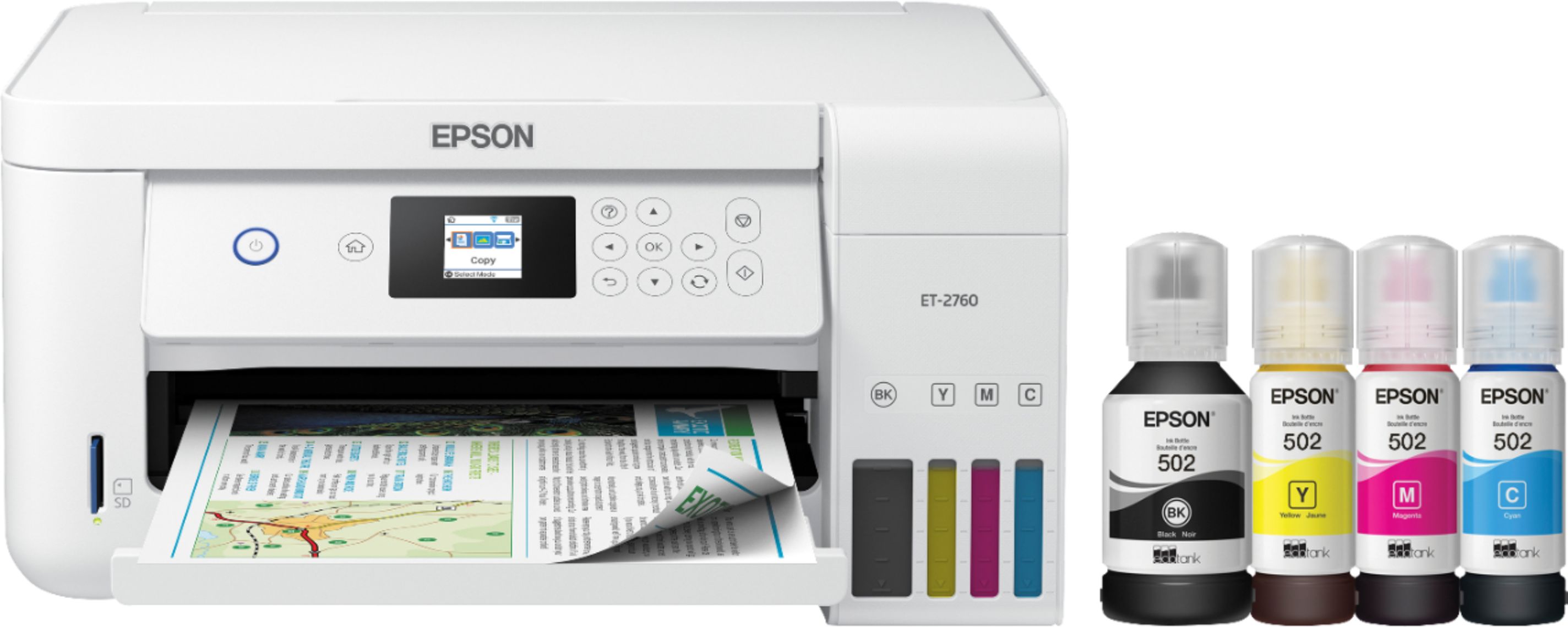
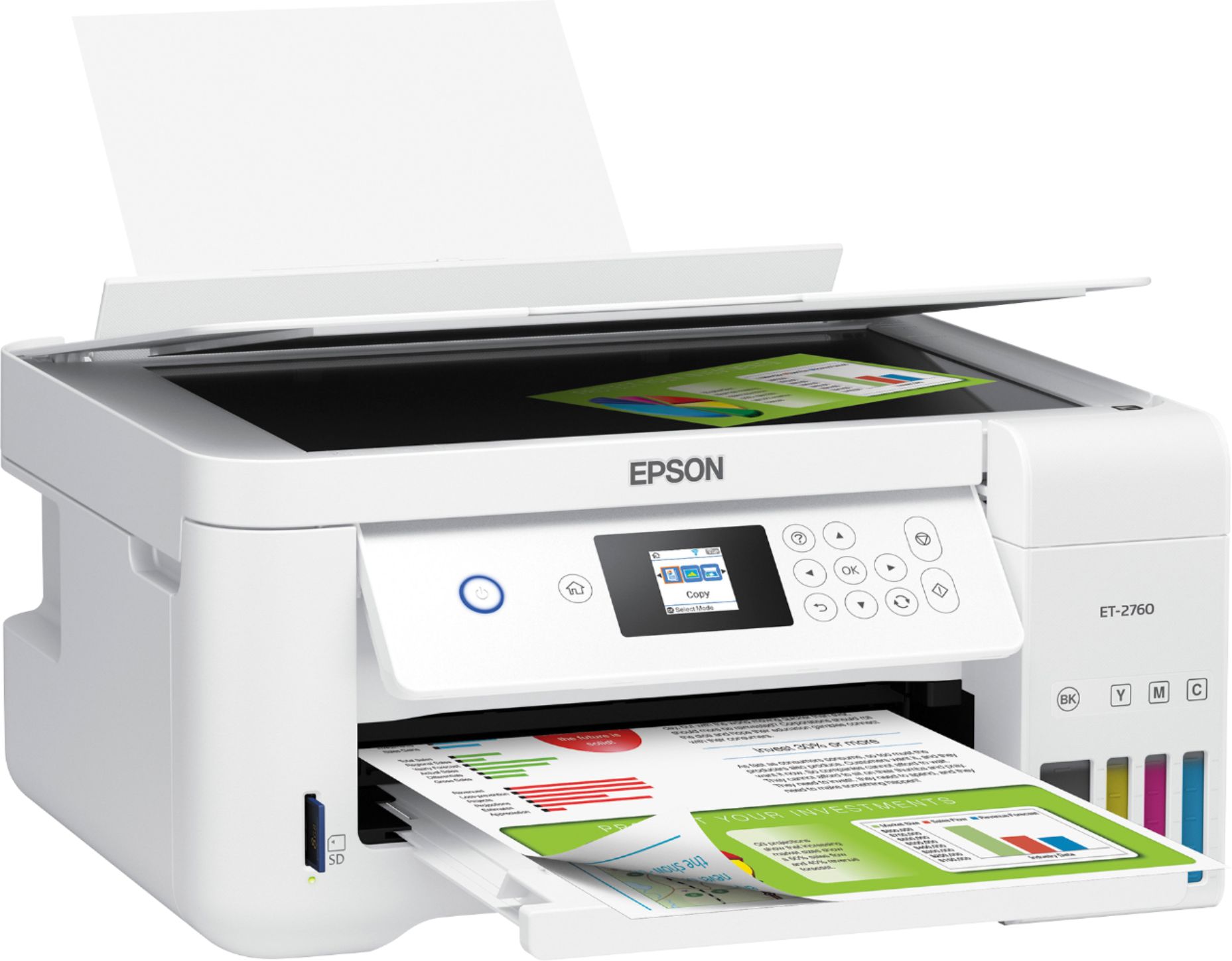
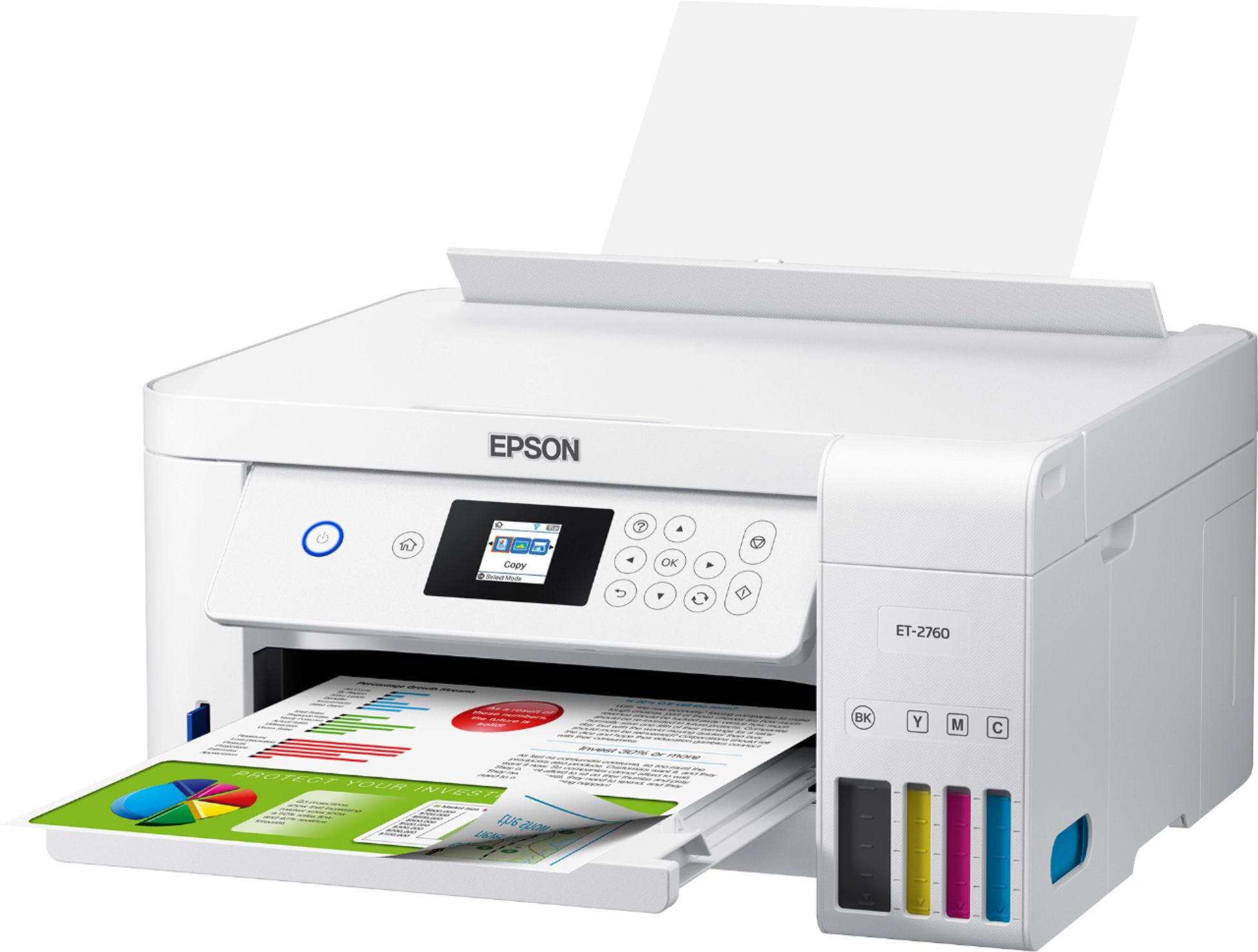
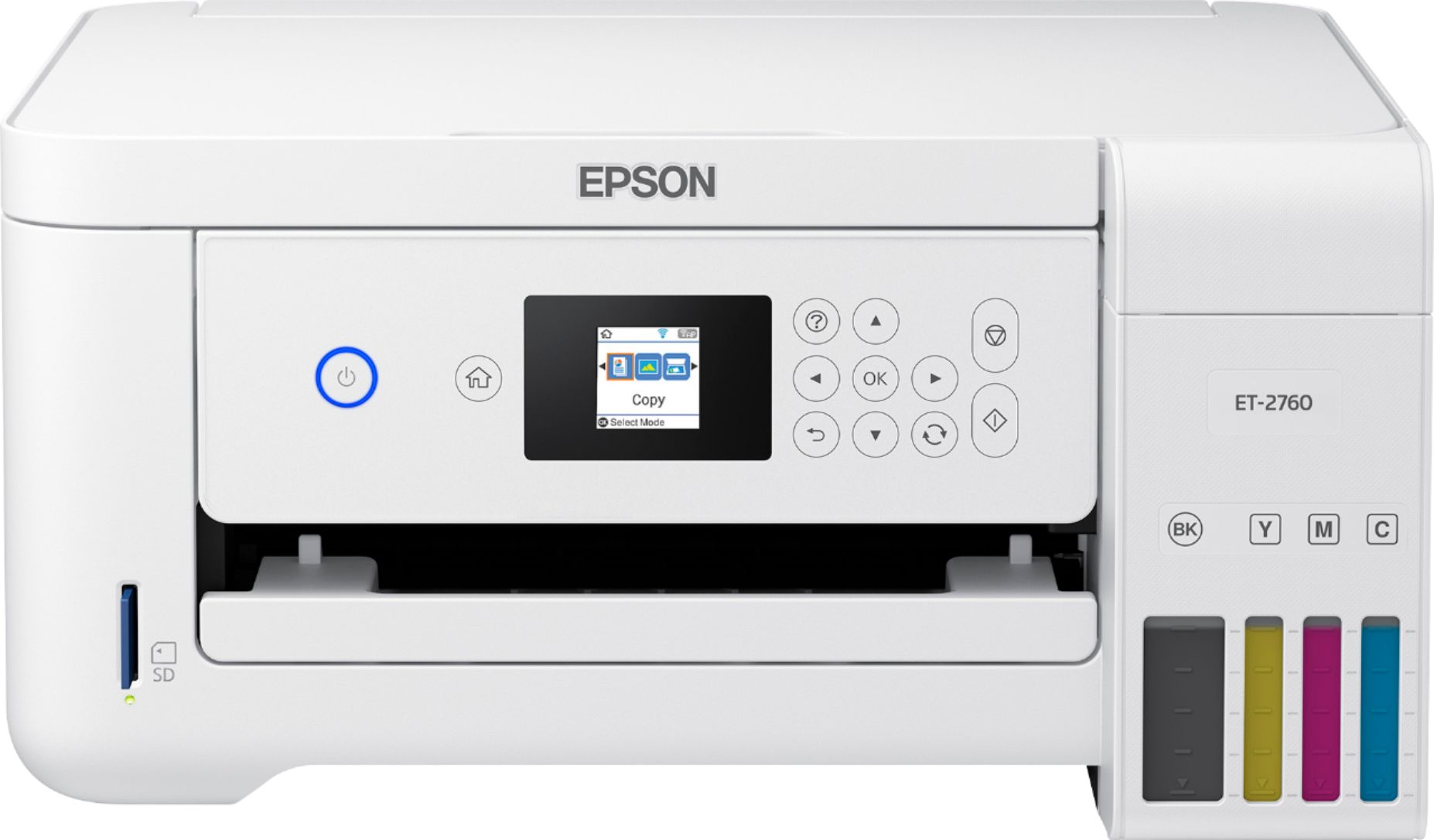
- ECOTANK ET-2760 PRINTER C11CG
- |
- SKU:
- 6347458
Customer reviews
Rating 4.4 out of 5 stars with 1710 reviews
(1,710 customer reviews)Rating by feature
- Value4.4
Rating 4.4 out of 5 stars
- Quality4.5
Rating 4.5 out of 5 stars
- Ease of Use4.4
Rating 4.4 out of 5 stars
Customers are saying
Customers enjoy the EcoTank ET-2760's high-quality prints and user-friendly design, frequently praising its ease of use and setup. The printer's compact size is also a plus for many users, along with its wireless connectivity options and affordable price. However, some customers have reported concerns about the printer's reliability and noise level during operation.
This summary was generated by AI based on customer reviews.
- Pros mentioned:Print quality, SizeCons mentioned:Noise level
Rated 5 out of 5 stars
Good printer.
||Posted . Owned for 3 weeks when reviewed.This reviewer received promo considerations or sweepstakes entry for writing a review.I am using this as a back up printer for now. It's a bit early to tell how much ink it will save using the ecotank system. If it saves $ it may become my primary printer. It does print very nice, a little noisy but acceptable. scanner is nice. The control panel take a bit to navigate. The printer is a compact size which is nice, fits a corner of a desk or small end table so it's easy to reach. Probably is best for personnel use or a small office. I run about 200 prints a month. So far so good. I like it.
I would recommend this to a friend - Pros mentioned:Print quality
Rated 4 out of 5 stars
ECO-FRIENDLY
Posted .This reviewer received promo considerations or sweepstakes entry for writing a review.This wireless multifuntional printer offer a lot of advantages, is very easy to install, recharge the ink, and scaning. It prints very fast and the quality of printings are excellent, the color are very bright and beautiful. You can print different sizes y type of paper: normal, photos, envelop. It is eco friendly, connect easily, throught wi-fi. The cost of new inks are cheaper than others printers, it can print up to 2 years with each replacement ink bottle set.This printer is expensive but you can save a lot of money in inks. I have already printed more than 500 pages since one week ago. “This is a review for the Epson EcoTank ET-2760 All-In-One SuperTank Printer that I received free of charge to do a beta test and review.”
I would recommend this to a friend - Pros mentioned:Print quality, Wireless connectivity
Rated 5 out of 5 stars
Good quality printing, affordable ink costs!
||Posted . Owned for 8 months when reviewed.This reviewer received promo considerations or sweepstakes entry for writing a review.For the past few years I've not had a working printer. The cost of ink has been so high, and it seems that companies now formulate ink so that it dries out more quickly even if you don't open the package. What this does is makes it hard to buy ink ahead when you see it on sale. In the early years I've had a computer printer since I got my first computer in 1995, but the climbing cost of ink made me stop buying printers since 2015 when I finished grad school. The first Epson Tank printers came out above $400 and since I was now working and not in school, I didn't need a printer at home enough to justify the price. This printer I bought on sale in March 2020 just a week BEFORE the pandemic shutdown began. I was inspired to buy it because the price was down below $200. For that price point it made sense to have it at home available. THEN the pandemic shut the world down and now I work from home. I don't need to do a LOT of printing but more than I was doing when I left the house to print. I'm very thankful for this printer and it's next to zero cost for ink so far. I recommend this printer for its affordability and basic quality. It also has good features like duplex printing. I can print from my laptop, tablet, desktop and phone. Images from the scanner are CRISP and clean. Wireless operation is great and for me was enhanced when I switched to a MESH system for my home network. It does vibrate when it's printing. I currently have it on a shelf that wobbles when the printer is in operation. I just need a sturdier shelf system. If you own an Apple computer that has Catalina updates, you have to make certain that you get the updates from Epson and you may need to call APPLE support to get them to help you remove a file based on the bad results of Catalina updates on your technology. GOOGLE "CATALINA UPDATE PROBLEMS" if you find that you have problems with the printer. It's not the printer. It's APPLE. I also own a Samsung laser printer, and I thought it was broken, until I attached it to my mother's PC. AGAIN, it was an APPLE issue related to the Catalina update that "broke" my other laser printer. The problem is not the printer... it's the computer software from Apple. For anyone value conscious, this printer with the tanks is the way to go.
I would recommend this to a friend Rated 5 out of 5 stars
Ease of use is Fantastic!
Posted .This reviewer received promo considerations or sweepstakes entry for writing a review.If you're like me, the thought of setting up a complicated system can cause a bit of panic. Let me eliminate your fears! The Epson printer looked huge in the box. Once it was removed from the box, i started to worry about the set up. It came with bottles of vacuum packed ink, a package of instructions and a power cord. Where were all the complicated wires??!! There aren't any, as I quickly discovered. I quickly opened the plastic package of instructions to see what I would have to buy to make my new printer work. Nothing!! You buy nothing because it's wireless. Thank you, Jesus!! Setting up this baby was a breeze. The instructions manual is clear and precise. I was able to do every task with zero problems. From start to finish in setting up my new Epson printer, it took less than 20 minutes and that included the 10 minute ink set up that the printer performed by itself. Setting up my WiFi was almost like the first time I got online, I was nervous and unsure. Following the instructions helped me get over that hump. If you have ever used a flip top phone to send a text message, you can do this!! This isn't your run-of-the-mill old ink jet printer that came standard issue with your big clunky desktop pc. This IS LUXURY! The Epson printer has a scanner too. Open the lid, place any document on the glass, close the lid and then choose how many copies you desire. The copier works like a dream! I was able to copy some family pictures that turned out fantastic! I've since been using it to print stationary that I have designed myself. I'm extremely pleased with the vibrant colors and precision the Epson printer performs. This is a review for the Epson EcoTank ET-2760 All-In-One SuperTank Printer that I received free of charge to do a beta test and review.
I would recommend this to a friend- Pros mentioned:Print quality, Setup, Size
Rated 4 out of 5 stars
Compact and easy to use
||Posted . Owned for 1 month when reviewed.This reviewer received promo considerations or sweepstakes entry for writing a review.The set up was easy, we have been using this printer for about a month now, printing quality is good, haven't had to recharge the Ink yet I'd like to see how much Ink we can save with this new system compared to buy the cartridges. Compact design makes the printer to fit perfectly under the desk.
I would recommend this to a friend Rated 5 out of 5 stars
Amazing
Posted .This reviewer received promo considerations or sweepstakes entry for writing a review.Excellent product i really recommend it is been already 5 year's and still working like new
I would recommend this to a friend- Pros mentioned:Ease of use, Print quality
Rated 5 out of 5 stars
Review
||Posted . Owned for 1.5 years when reviewed.This reviewer received promo considerations or sweepstakes entry for writing a review.Ease of use. Refilling is simple and mess free. Ink lasts a long time
I would recommend this to a friend - Pros mentioned:Print quality
Rated 4 out of 5 stars
Wireless doesn't always work
||Posted . Owned for more than 2 years when reviewed.This reviewer received promo considerations or sweepstakes entry for writing a review.Love the ink tanks - ink lasts a long time! It's difficult to use wi-fi with my laptop - I had it connected for a while, but then after I used the cord to connect to my desktop computer, the printer wouldn't connect via wi-fi to my laptop. Very frustrating.
I would recommend this to a friend - Pros mentioned:Print quality
Rated 5 out of 5 stars
Coolest Printer Ever!
Posted .This reviewer received promo considerations or sweepstakes entry for writing a review.I absolutely love this printer, I love the fact that I don't have to purchase ink cartridges constantly and that it just uses bottles of ink to refill. Not to mention they are virtually mess free and easy to use. The printing is exquisite and looks very professional. Have already come up with so many ideas on what I am going to use this printer for..and most excited about printing my daughters wedding invitations on it. This is a review for the Epson EcoTank ET-2760 All-In-One SuperTank Printer that I received free of charge to do a beta test and review.”
I would recommend this to a friend - Pros mentioned:Ease of use, Print quality, Size
Rated 5 out of 5 stars
Great printer! Nice size! It prints nicely!
||Posted . Owned for 1 month when reviewed.This reviewer received promo considerations or sweepstakes entry for writing a review.We really love our new Epson printer! The liquid ink is more economical as opposed to ink cartridges. It is easy to refill the ink. It is printing nicely and copies our documents well. The small size doesn’t take up much space on our desk! The info screen is a little small when trying to read especially when setting it up for the first time.
I would recommend this to a friend - Pros mentioned:Ease of use, Print quality, Size
Rated 5 out of 5 stars
Epson-EcoTank ET-2760
||Posted . Owned for 1 month when reviewed.This reviewer received promo considerations or sweepstakes entry for writing a review.This printer is very easy to set up with our laptops and wi-fi. The print quality has been outstanding. I haven't had to replace toner so far and it has been 45 days since I bought it. I also appreciate the compact size of the equipment. Fits well into my home office without being overbearing.
I would recommend this to a friend - Pros mentioned:Ease of use, Print quality, Wireless connectivity
Rated 4 out of 5 stars
Great Little Printer
||Posted . Owned for 2 weeks when reviewed.This reviewer received promo considerations or sweepstakes entry for writing a review.Multiple ways to connect wirelessly. Easy setup. The only thing I would mention is there is a technique to releasing the printer cover or it won't close at all. Prints quietly and B&W prints are very clear. The eco tank says it will last 2 years so that remains to be seen.
I would recommend this to a friend - Pros mentioned:Ease of use, Print quality
Rated 5 out of 5 stars
Best printer I’ve ever had
||Posted . Owned for 11 months when reviewed.This reviewer received promo considerations or sweepstakes entry for writing a review.There have been several printers through the years that have been on the receiving end of my rage when they decide they don’t want to do the one thing they were made to do. Won’t print a simple line of text because you’re out of cyan? RAGE! Decide you think my document looks better with a white line through every word? RAGE! Forget the ONLY WiFi network you’ve ever been connected to for no reason? RAGE! This printer has allowed me to save my rage for traffic or for when Alexa seems to intentionally ignore me. It is easy to use, prints quickly and the ink tanks are so much better than cartridges. You can physically see your ink levels! If you want a printer that does it’s job without making the veins in your forehead pop, this is the one for you.
I would recommend this to a friend - Pros mentioned:Print quality, Size
Rated 5 out of 5 stars
Terrific
||Posted . Owned for 1 week when reviewed.This reviewer received promo considerations or sweepstakes entry for writing a review.This is a nice little printer! It’s about 25% smaller than our old HP desk jet printer which is a nice aspect. I do like the fill tanks! The HP ink cartridges were way over priced at over $100 to install a full set of the XL cartridges. This Epson comes in well under $100 to fill the tanks. Tank refill is easy to accomplish. Containers of ink are keyed at the top to only fit their respective color so no mixing up colors. Hook up was easy, connecting to WiFi was easy, installing drivers was also quick and easy. No issues with any of that. It’s also much quieter than our old one and the printer prep time to actually print...it’s a lot quicker to the job of printing. Our old HP would adjust and klink and klang and adjust some more before it started printing. Overall very satisfied with this printer. We do basic home printing. Nothing of large quantity or super complex but I think it would do well with most jobs.
I would recommend this to a friend - Pros mentioned:Print quality
Rated 5 out of 5 stars
Use
||Posted . Owned for more than 2 years when reviewed.This reviewer received promo considerations or sweepstakes entry for writing a review.These are a really good investment. Loving not having to worry about the recycle. Filling has been made easy.
I would recommend this to a friend - Pros mentioned:Print quality, Wireless connectivity
Rated 5 out of 5 stars
Excellent!
||Posted . Owned for 7 months when reviewed.This reviewer received promo considerations or sweepstakes entry for writing a review.i need to print in color and was very unhappy w the usual color printers as they suck up the ink in short time. my brother told me about this printer and recommended i get one. so happy i followed his advice! i've had this printer for a little over 6 months. i print color pages all the time, almost every day. the ink levels have barely dropped w all the excessive color printing i have done. it's a little slower than my laser, but worth the wait. it's also the first time i've had a wireless printer, and am happy w it's performance in this area, too. overall, i highly recommend this printer and would not hesitate to buy again.
I would recommend this to a friend - Pros mentioned:Print quality
Rated 4 out of 5 stars
Great supertank printer except for small screen!
||Posted . Owned for 1 month when reviewed.This reviewer received promo considerations or sweepstakes entry for writing a review.I've been printing a lot of front and back pages. I have used about 10% to print 300+ pages. The super tank system is a lot easier than to refill ink cartridges. The black holds about 120 mL and color 70 mL of ink. It costs about $60 to buy an original ink refill kit. My old Epson WF-3640 with its original cartridges costs about $50-70 for about 30 mL of ink. I used a 3rd party refillable cartridges and it was cheaper to refill, but I had to deal with the annoying "not original ink cartridges" used. The printer stopped working after I hadn't print anything for 3+ months. I attempt to clean the print heads, but it never fixed the problem. I even went to great lengths to clean it. If the original ink refill kit is still expensive for you, you can always use 3rd party inks like from InkOwl. A Mega kit with black 250 mL and color 120 mL goes for $50. This is double the amount of ink you get for the price. You can always inject the ink into the ink bottles to use them again or inject directly in each ink tank. The only thing I don't like about this printer is the small screen. If you change paper size a lot. The small screen is really annoying, since I have to change the settings on the printer each time I use a different type and size paper. It was so bad I had to change my WiFi password to a shorter one, so I could clearly enter it in. I thought I would hate the top paper feeder too, but it makes it very convenient to switch paper compared to a pull-out paper tray. The printer can print on cardstock (110 lb). I have no issues using it as a wireless printer.
I would recommend this to a friend - Pros mentioned:Ease of use, Print quality
Rated 5 out of 5 stars
Great Little Printer
||Posted . Owned for 1 month when reviewed.This reviewer received promo considerations or sweepstakes entry for writing a review.Great little printer - has all the functions that we use - easy to setup and the keypad make using the printer simple and complete. Was initially concerned about the size of the display but it works fine and displays necessary information and action steps without any issues. If you are used to using a touch sceen, it only takes a few minutes to learn how to coordinate the non-touch display information with the keypad. Wireless operation is flawless and the print quality is excellent. As with our other EcoTank printer, filling the ink tanks is straight forward without issues. Have had no issues or problems with this printer at all and it perfectly satisfies it's intended use for us - highly recommend.
I would recommend this to a friend - Pros mentioned:Print quality
Rated 3 out of 5 stars
Wifi frustration
||Posted . Owned for more than 2 years when reviewed.This reviewer received promo considerations or sweepstakes entry for writing a review.I've always love Epson printers. However, this one has given some issues with not staying connected to the wifi. I quite often have to reset everything and re-enter the wifi password. There's nothing wrong with my wifi, everything else works just fine. I do love the EcoTank option. The ink is less expensive and lasts much longer. Very economical to use for home or the office. I would still recommend it even though it's quite frustrating.
I would recommend this to a friend - Pros mentioned:Ease of use, Print quality, Size
Rated 4 out of 5 stars
easy to set up and use
||Posted . Owned for 1 month when reviewed.This reviewer received promo considerations or sweepstakes entry for writing a review.So far, a great little printer. Very easy to set up - even for me!!. So far I've only use as a basic printer but works great. Small, light weight. Nice print quality. Would recommend.
I would recommend this to a friend