Customer Ratings & Reviews
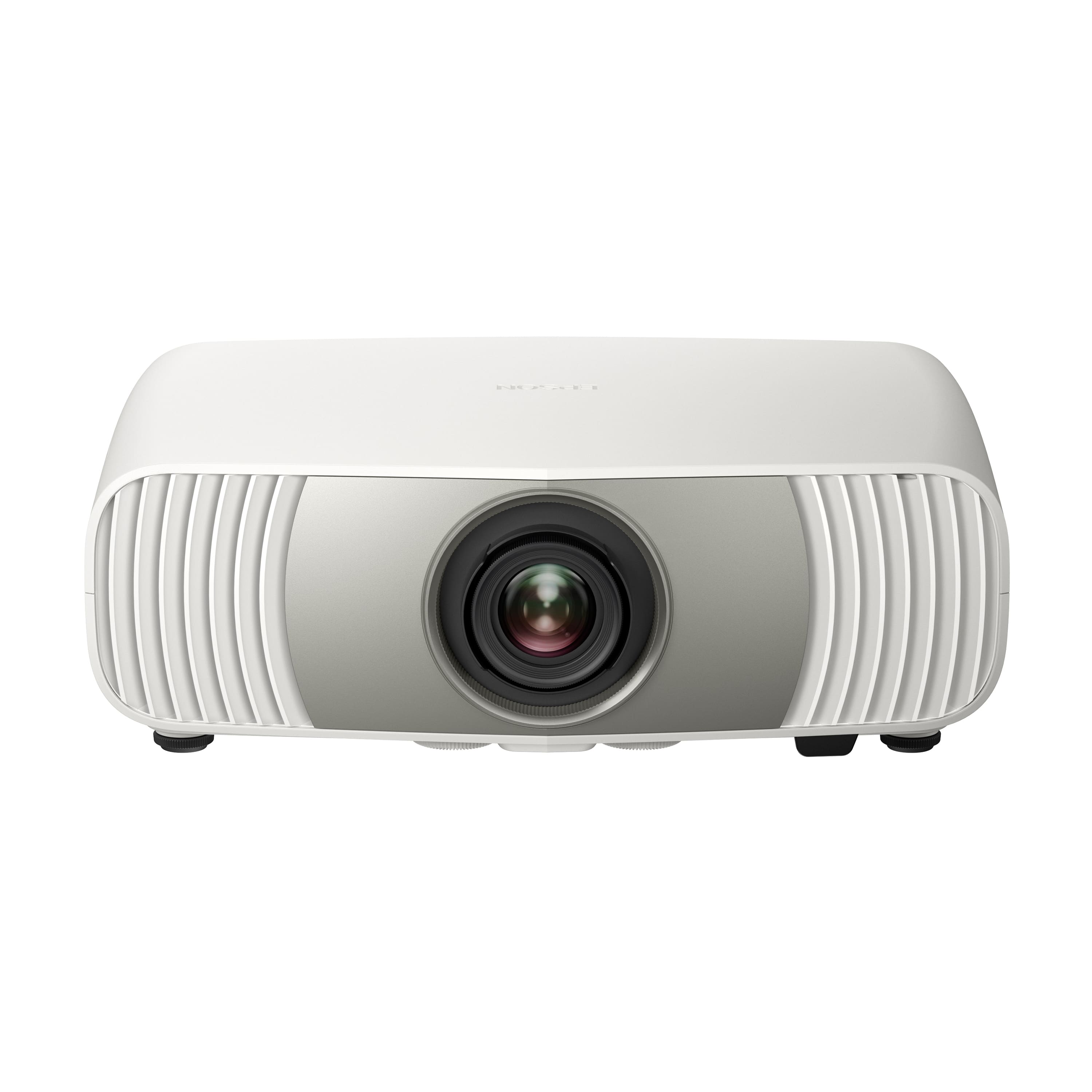

- Model:
- V11HC38020
- SKU:
- 6684618
to a friend

So bright you don't even need to dim the lights
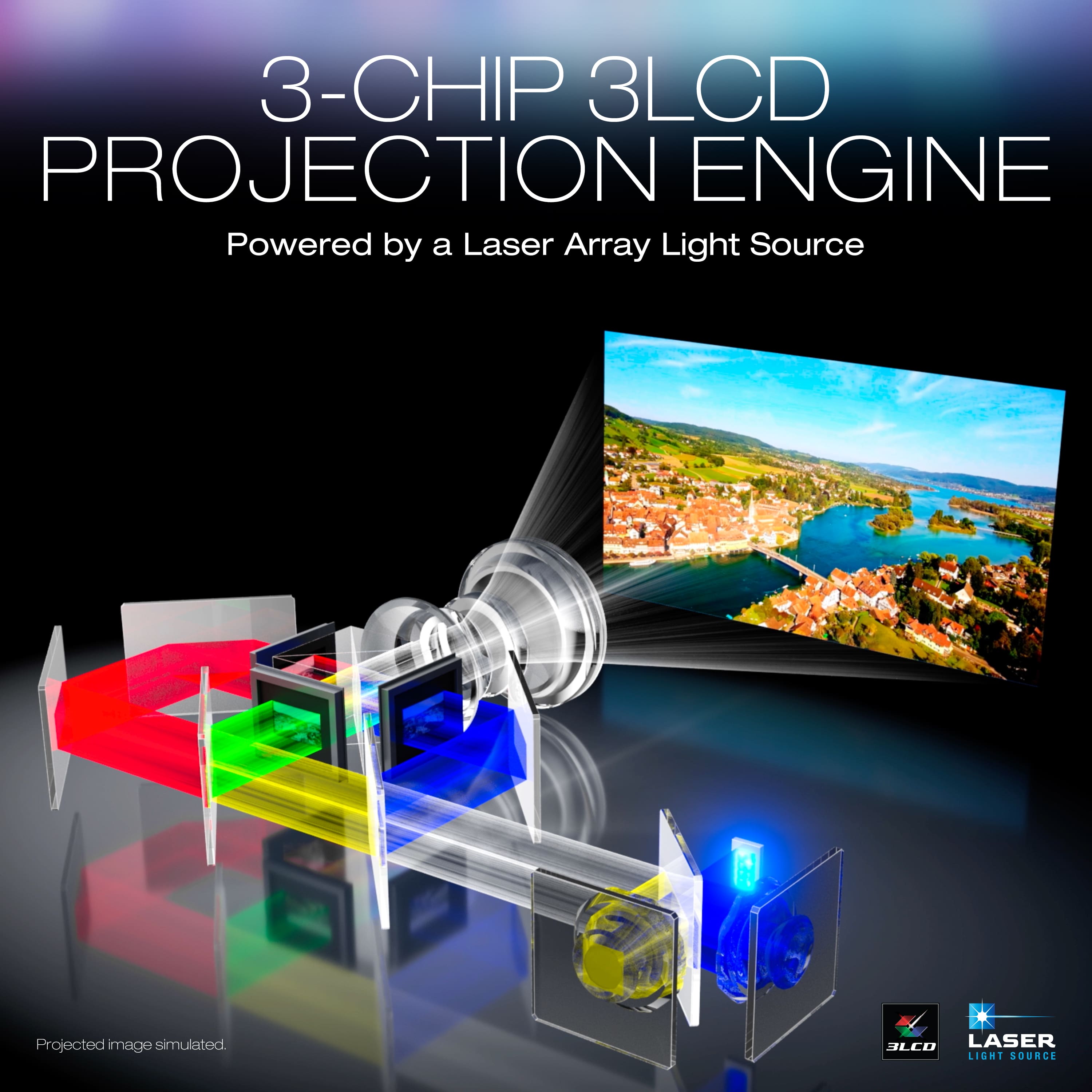
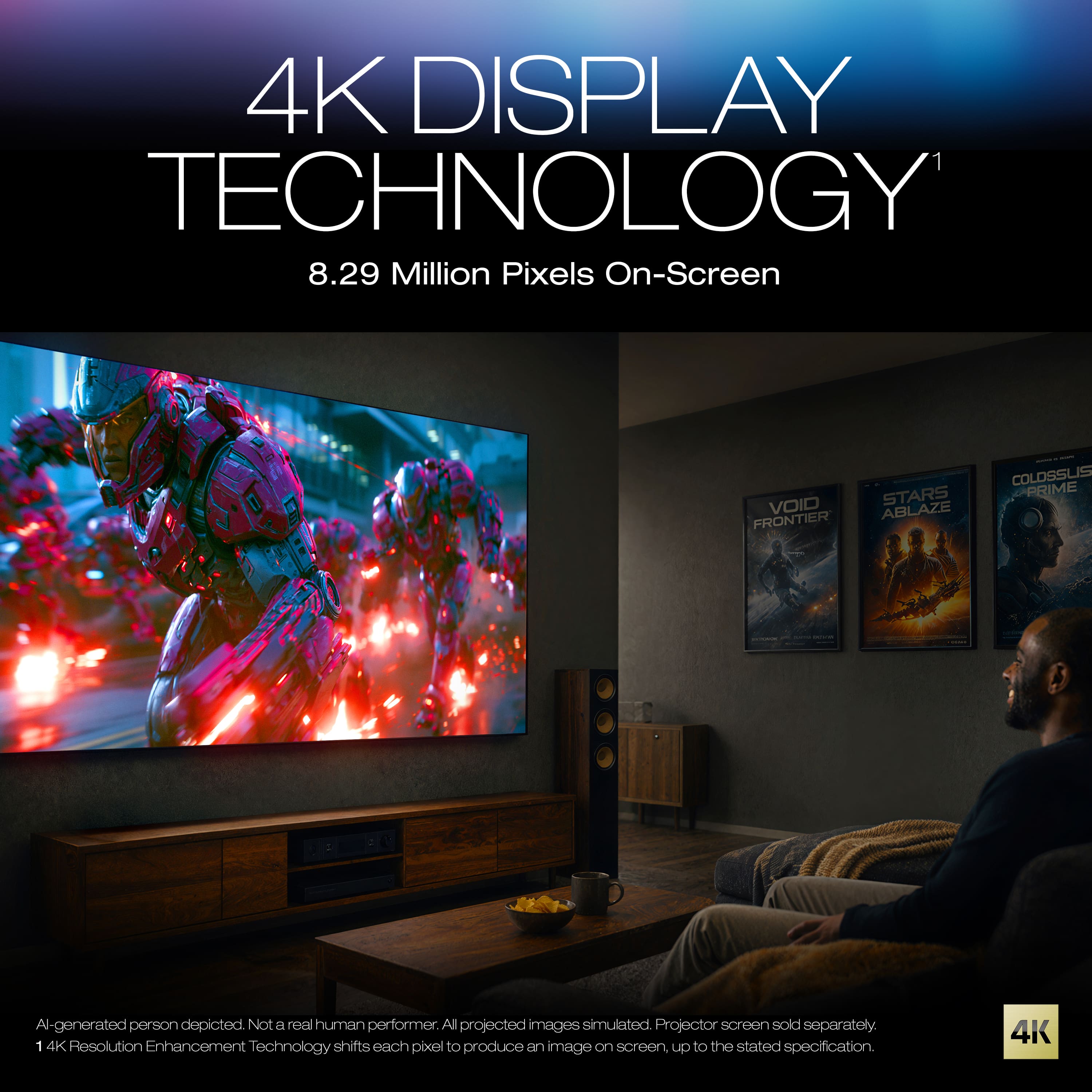
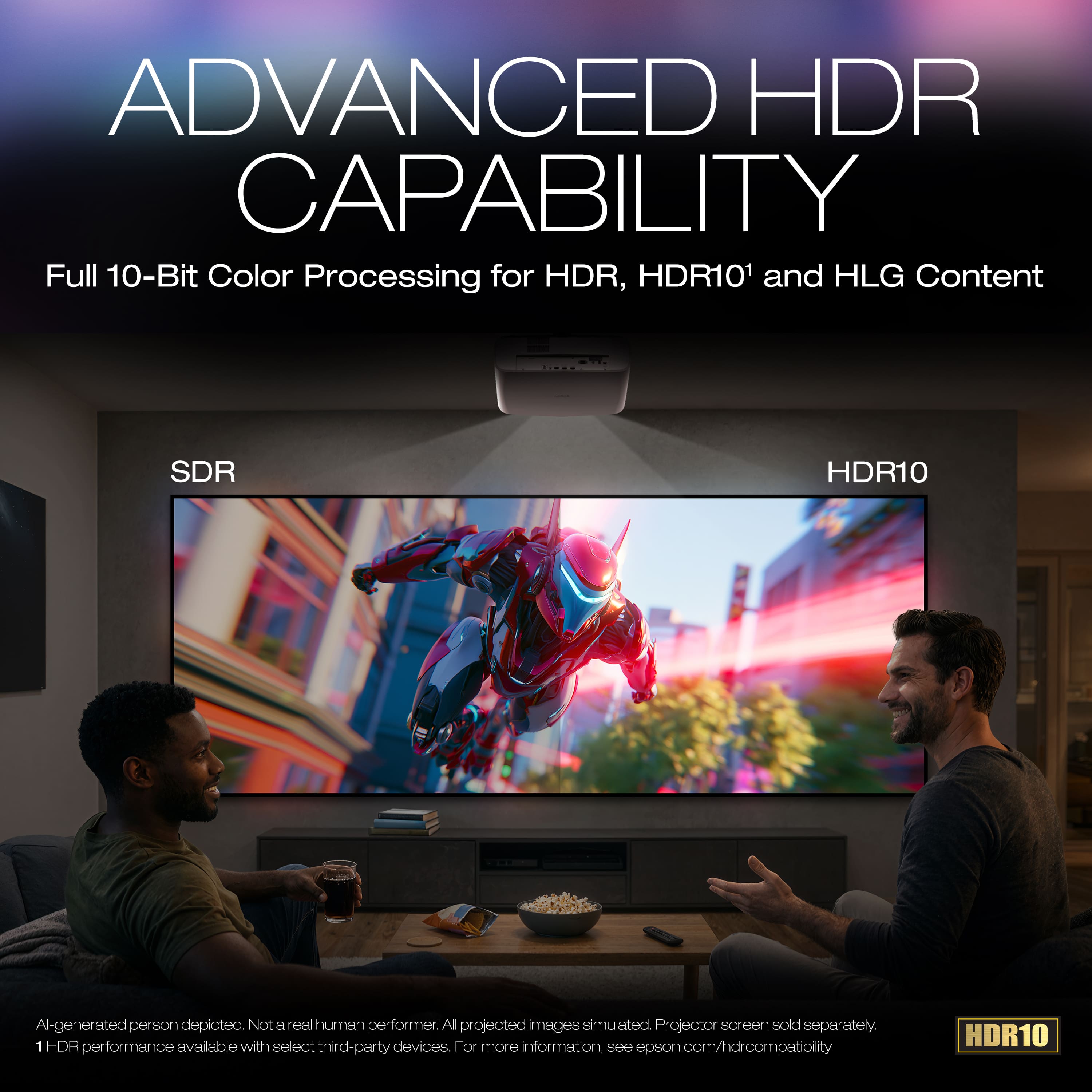
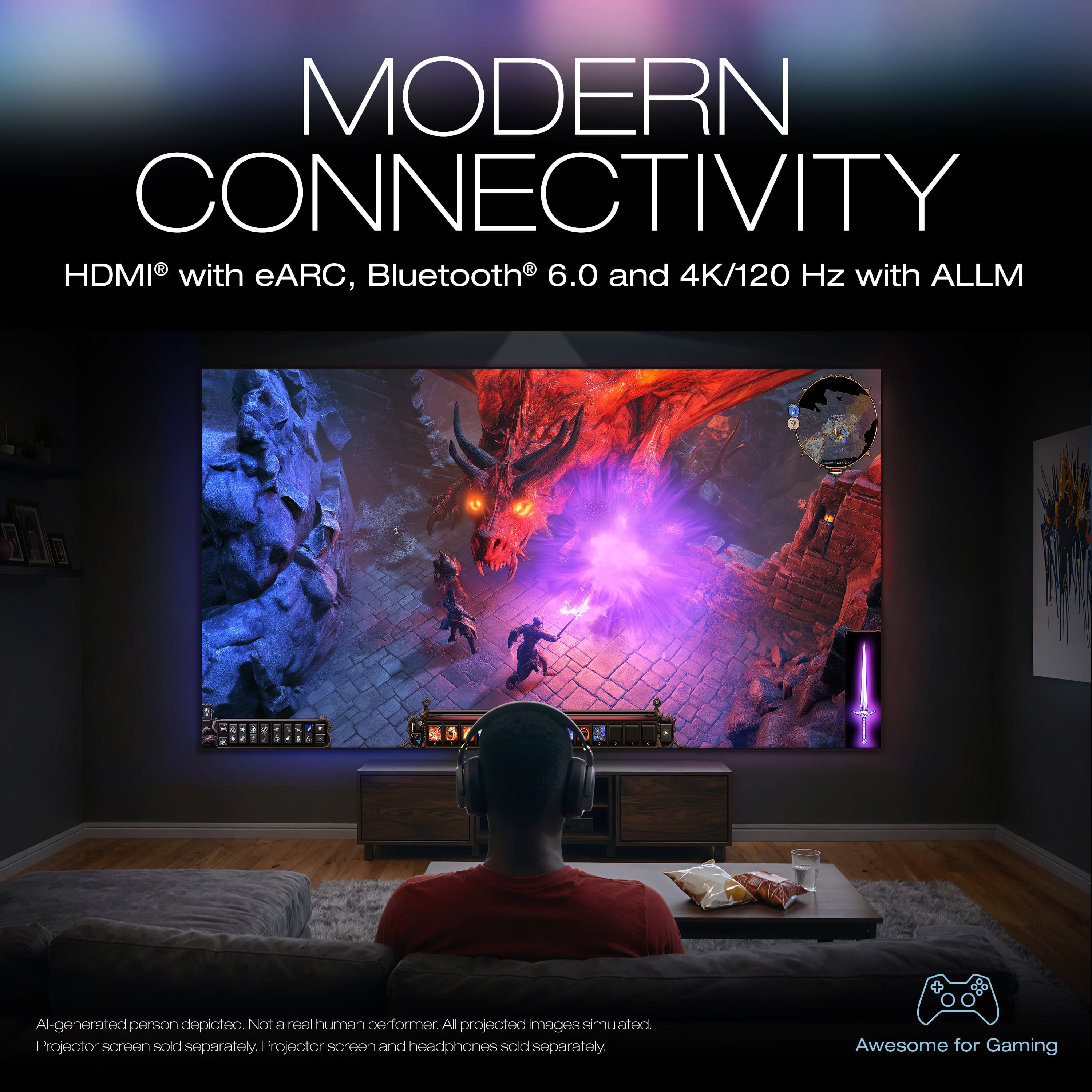
|Posted .This reviewer received promo considerations or sweepstakes entry for writing a review.So, I already have an epson home cinema 3800 4K (lamp) projector that I really like but don’t love having to replace the lamp or watching it slowly dim over the lamp life, so I have been wanting to get a laser projector upgrade for awhile. Enter the LS6000. With technology growing the price of laser has gotten a little more reasonable and the home cinema line is getting pretty high quality. I won’t bother to list all the specs for both because it would take a lot and is available on Epson's website if you want to compare them, but I prefer to compare them in real world situations. For example, the lumens on my 3800 is 3000 and the LS6000 is 3500, but in real world scenarios, it’s not really a noticeable difference. Honestly, unless they’re side by side, I really didn’t notice much of any visual differences in the two projectors. The 3800 is listed at $1800 (currently out of stock) and the LS6000 is $2199, so for 400 dollars, you get just about the same picture quality but the laser vs bulb and the better chip and modern menu and OS and technically better features and specs - contrast ratios, real time picture and 120htz for example. Don’t get me wrong, it’s worth it and it IS a better projector, it’s just that it doesn’t blow me away as a clearly better picture than the 3800 in the end. But they are in similar categories so that makes sense. So I am still very happy with the upgrade. There are a few things that make the new projector better than my old. The LS6000 has a modern google/android based menu system that is much more user friendly than the old epson menu. It is very similar to any android tv menu if you have ever experienced that. But with some of the classic epson options as well. The “AI” features are more of a buzz word than actual AI like most imagine when they hear those letters. I myself am not a fan of the classic AI and don’t understand why we need to put it in everything. But with this, it feels more like a catchy marketing term and less of a “hi I’m your assistant bot here to help” type feature - thankfully. In reality, the features on the LS6000 are just extremely fast processing options that allow the projector to adjust the picture in real time as the image changes. Similar to LED tvs with dimming zones that adjust based on the picture. I have turned some of the features on and off and dabbled with them, but honestly, I don’t love all of them and most have just been off. Not because they aren’t good or have a place, but because I’m a bit of a picture snob and I like to calibrate my picture my way and leave it there, not have it changing every scene. I balance it to what I like and let it sit there. At least for movies. With tv shows or sports or something, I do like turning these features on and I have noticed a quality jump for sure. But for sources like 480 DVD quality, the essentially “upscale” feature for resolution increasing didn’t really show an upgrade I thought was pleasant. It sharpened the image and cranked it up a bunch, but it didn’t look “good” anymore. This is all personal preference and has nothing to do with the quality of the projector mind you, but I think they are features mostly in there for general consumers and not for people who will spend hours calibrating the image manually. But hey, it’s nice to have it there. Gaming on the LS6000 is also a major upgrade from my old projector. With the ability to go to 120 refresh rate and a setting for ultra low input latency, you can game on a huge screen with virtually no lag. Now, I’m not a good enough gamer to see a huge effect from this, but it is one of those things you notice when it’s NOT there. So it’s definitely a nice option to have. Since I mostly use this projector in our movie theater room, I am not doing a ton of gaming on it, but we do have a few consoles hooked up to it and they have worked great. The image quality is quite nice as well for the price range. To get “4K” resolution at this price is really helping push projectors into more homes. It’s not a true 4k, but the pixel shifting from epson is really amazing and honestly, it’s hard to tell it’s not actual 4K. I think you would only know if you were looking at one side by side. The contrast is pretty good and I’m still trying to dial everything in since I have only had it a few days but the screen you project on makes a difference here as well. I am not using a super high end screen, but also not a low quality screen, so I still manage to get a really good contrast ratio out of this and in the blacked out room, the picture does look amazing. Even if it’s not blacked out, the brightness allows us to still see the picture fine with lights on or some sun coming in, though obviously not as good. The LS6000 also supports HDR-10 and HLG but sadly does NOT support Dolby Vision. This really bothers me and I don’t understand why the home cinema line does not seem to have Dolby Vision support. My old 3800 does not as well, but I thought by now that would be standard. If I’m paying over 2k for a projector, I want Dolby Vision support. That said, it still represents the HDR10 image really well. The picture settings all change so you can dial in your HDR levels without affecting the SDR settings. I like the ability to save your own custom picture modes as well. It has the standard picture profiles, I think something like; cinema, standard, vivid and sport etc. And you can customize all of those, but then you can save them as a custom memory and rename it. I like that option so I can make picture options for DVD vs HD vs HDR. Simply press a button on the remote to go to your memory list and pull up your profile for the source you are watching. OVERALL the LS6000 is a great midrange home cinema projector. The laser source is such a better experience than the old bulbs. The projector turns on and is instantly warmed up, the picture stays vivid and bright for thousands of more hours than a bulb, and the built in processing chip helps create a better picture experience in real time frame by frame. We used to love going to the movies, and still do. But now we have put a lot of time and money into building our own theater at home and the Epson LS6000 has just given me a nice upgrade to help make movie night at home that much closer to the experience at a movie theater.
I would recommend this to a friendExcellent projector for videos and theater room
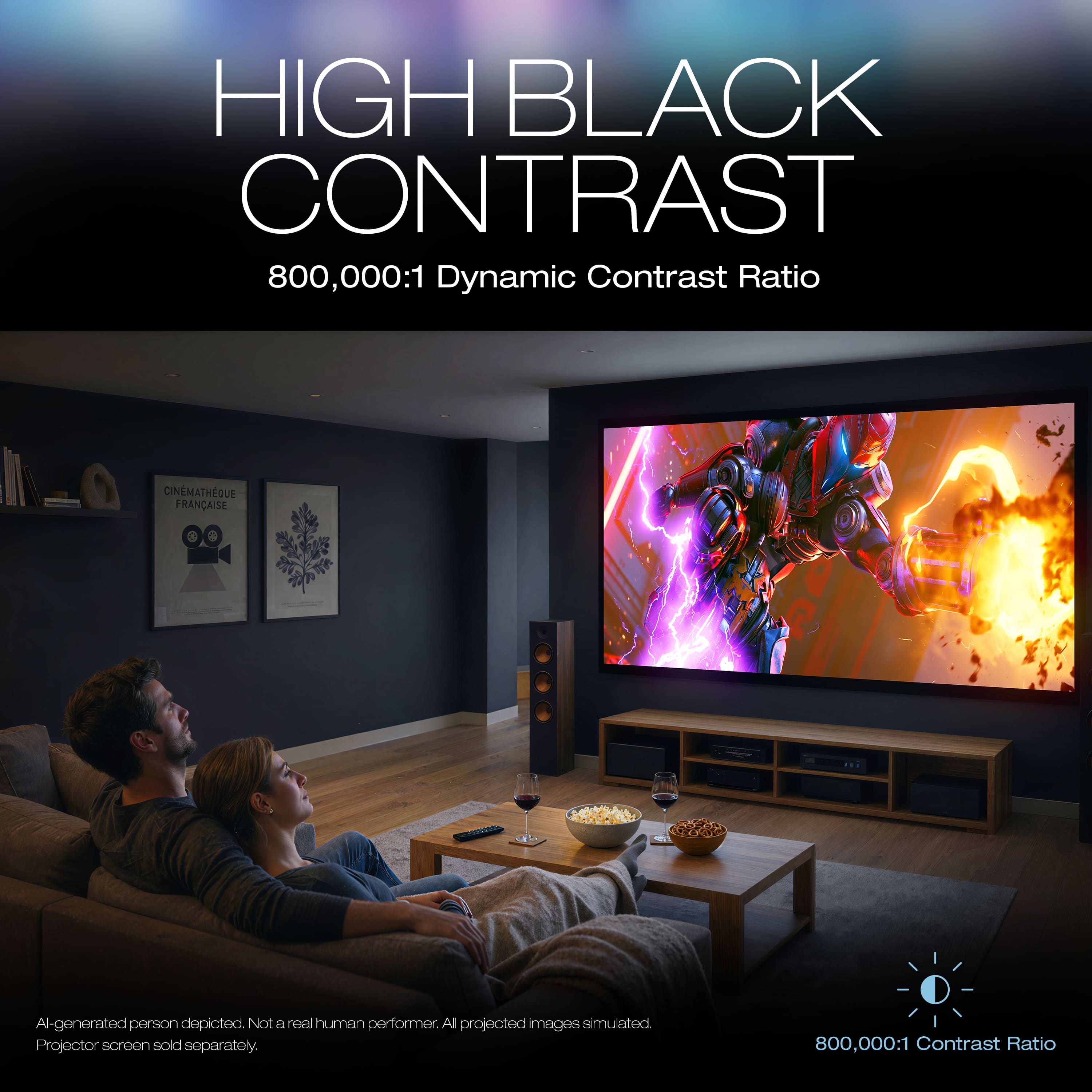
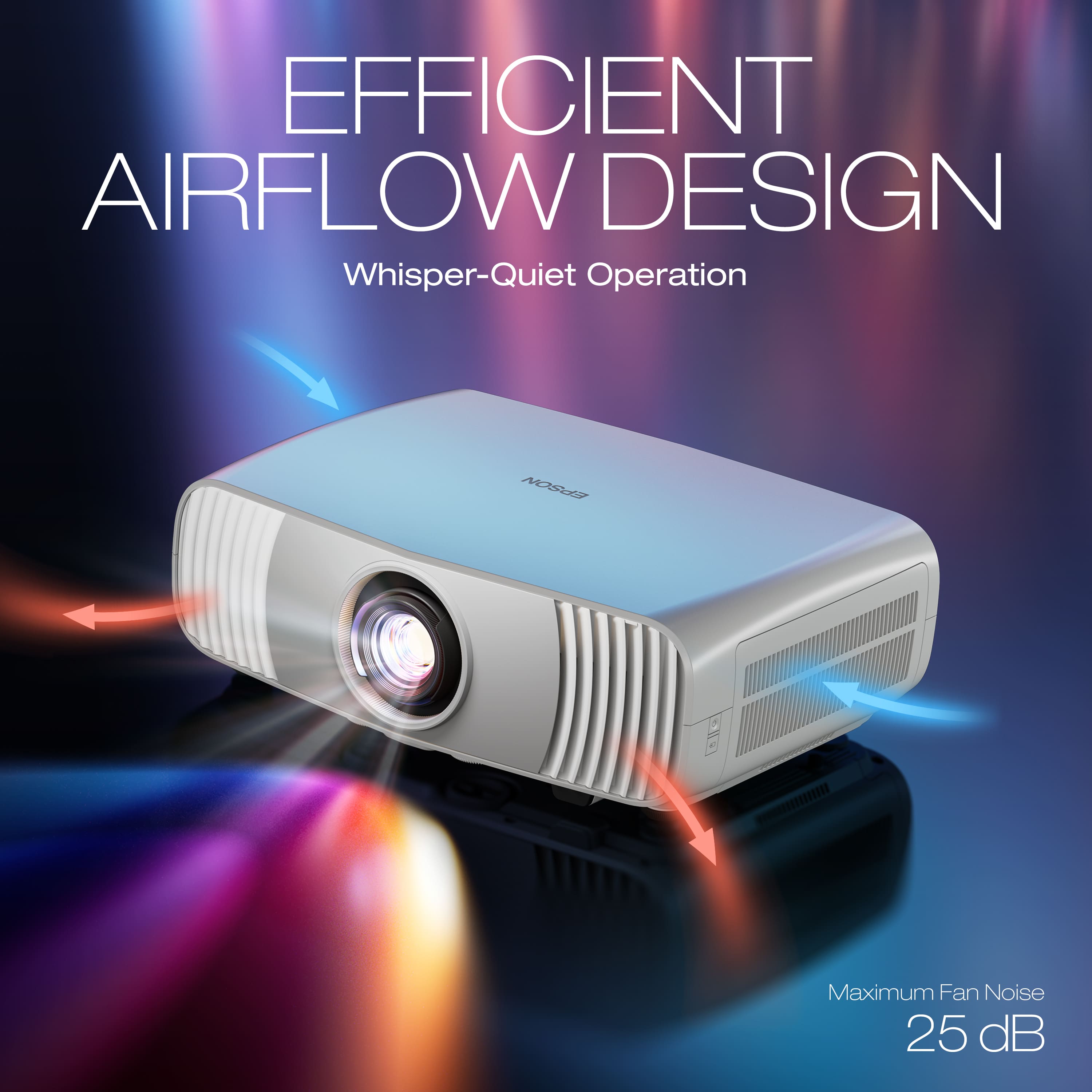
|Posted .This reviewer received promo considerations or sweepstakes entry for writing a review.The Epson LS6000 4K HDR Laser Projector has been a dream come true for my loft and game room area. The projector lives up to the hype of what I was expecting it to do with bright colors, clarity, and smooth motion. By far, this is a big improvement over the previous mediocre projector I thought was going a good job for our movie nights at home. This projector can give me up to 300 inches of excellent 4K video and the results look bright, crisp, and naturally flow across the screen. The 800,000:1 contrast ratio excels with a distinction between light and dark scenes. This has been fantastic at giving a fluid motion while watching sports content, gaming, and movies. The football games I watched this past weekend all looked amazing and the colors of the team jerseys and visuals on the field all popped with accuracy. There are two turndials under the projector that will allow for screen shifting of up/down and also left/right. Focusing the lens is a manual turn style process on the front of the projector. So far I have hooked up an Amazon Fire 4K stick, Apple TV, and Roku stick to watch various content across platforms. The projector rear has 2 HDMI inputs, eARC, and Ethernet port, along with USB-A port, and a headphone jack. The device is easy to use and offers user friendly interfaces to navigate through various setup screens. Another small touch that I like is that this projector comes with a larger sized remote which will fit in your hands very easily and is harder to misplace. The orange backlight on the remote makes it easy to see what you’re selecting in a dark room. The 3400 lumens of brightness are quite bright, and I think ideal for various rooms and settings that I have tried this in. 10-bit color processing for HDR, HDR10 and HLG content with Epson’s automatic HDR scene correction keeps the best picture quality on screen. I have seen the 120Hz refresh rate in play while viewing sports and video games so it’s very visible and appreciated. The projector is quiet and performs well with near silent operation, and gets drowned out by any connected soundbar or audio equipment. There is also wireless audio with Bluetooth 6.0 that makes this good for easy connection to audio equipment and personal headphones. Included in the package is the projector, power cord, remote control w/ batteries, and the quick start guide. This will be up and running within minutes and takes minimal setup time to start watching your video content.
I would recommend this to a friendBright and great quality videos
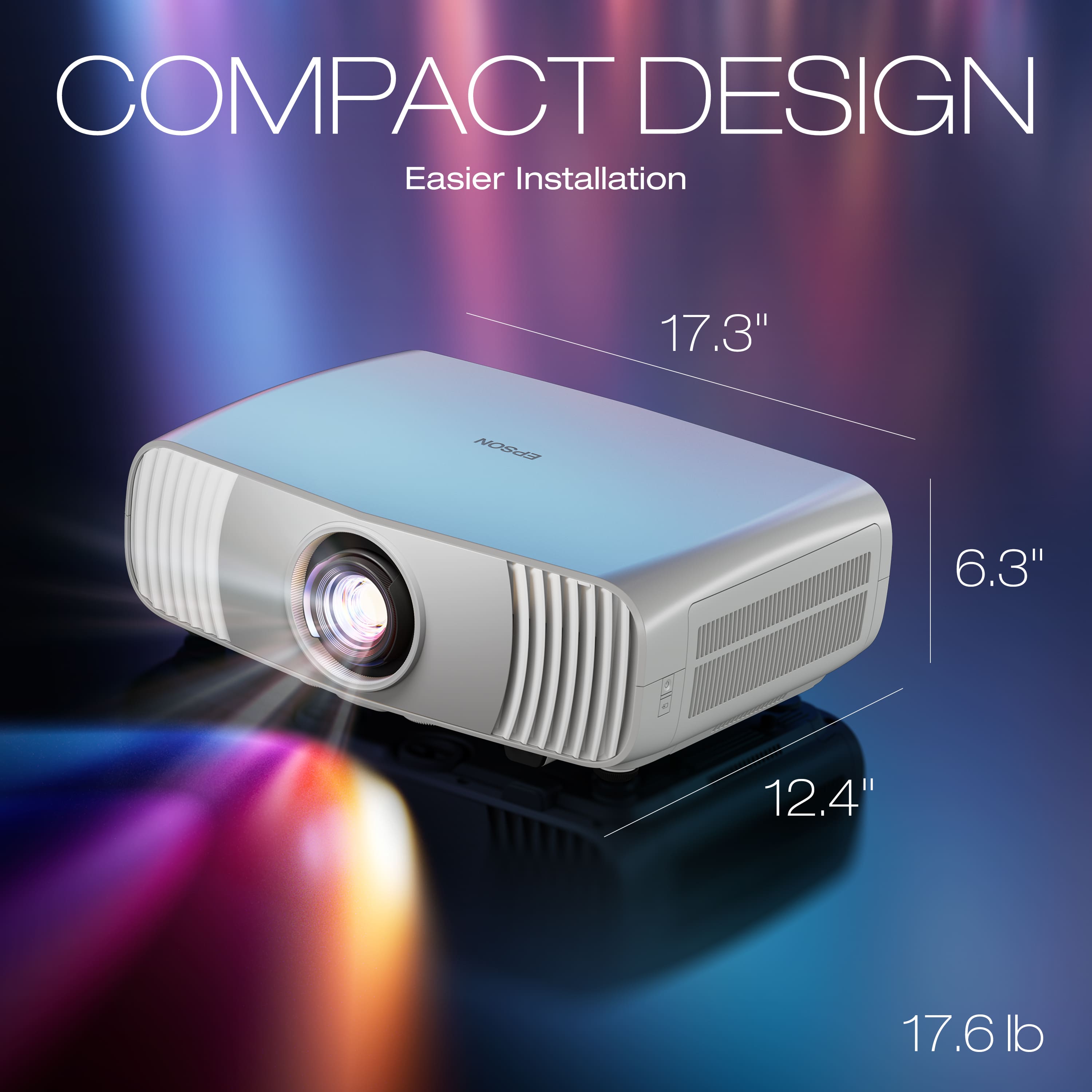
|Posted .This reviewer received promo considerations or sweepstakes entry for writing a review.This was a lot bigger than I was expecting. Been a while since I have gone with a projector. But glad I did. That said, why 4 stars. For me, by now I would expect for a projector, especially one that can connect to Wi-Fi wirelessly (or wired if you prefer), to have streaming service apps installed such as YouTube, Netflix etc. This did not. I do have a Roku stick, so I did plug that in. I also could not figure out how to bring the sides in or out. I had this at an angle going up a little, so the bottom was a little closer than the top. Past projectors I used, had a way to adjust that to make it squarer and even. Last thing I noticed, when using the onscreen keyboard, it would not let you go to the right and then pop over to the left side. So, example, if you had to input 1 and then 0, you could not go left from 1 to get on 0. you would have to go all the way to the right to 0. So takes a little longer to type things. Those are the only few things for now. That said, I will post a couple pictures. The pictures are showing this on a wall that is an off-white color that has ridges in it. My light was also on, and you will see that even in a lit room, the color pops out and it looks great. It only has 2 HDMI ports. One you can use as an ARC to feed soundbars. It also has a couple USB-A ports. One was an output for power. This is what I plugged my Roku stick in for power and worked great. I do suggest getting a HDMI box so you can plug in a few HDMI devices and easily swap between them. I have an Xbox, switch, PS5 and Roku plugged into the HDMI 1 port and then the ARC into a soundbar. Games (especially switch) was a lot of fun. Other games were just as fun and looked great. I was not too big a fan to play shooter games online if you make the screen big. But that is my preference. Overcooked is a game that wife loves to play. Best part is watching movies. I was not expecting it to look this nice for a projector. We have an 80" screen to project onto. The wall worked great but even better if you do have a projector screen. Right now, we just put this on a TV tray to project onto the screen. I hope to one day have a place that I can just mount this on the ceiling out of the way. When you go thru the set up, you can select how you want this, upside down, regular, etc. I do like this and compare to a TV, if you do not have a lot of room, you can set this up when needed and then if you do need the room, can take it down easier than a TV and store it. I do wish that Epson would provide a case for this though that would hold this a long with the cord and remote. If looking for a great 4k projector than I suggest this.
I would recommend this to a friend