Customer Ratings & Reviews



- Model:
- B11B228201
- |
- SKU:
- 5689000
Customer reviews
Rating 4.5 out of 5 stars with 426 reviews
(426 customer reviews)Rating by feature
- Value4.4
Rating 4.4 out of 5 stars
- Quality4.6
Rating 4.6 out of 5 stars
- Ease of Use4.5
Rating 4.5 out of 5 stars
Customers are saying
Customers have good things to say about the WorkForce ES-500W Wireless Document Scanner's ease of use, scan quality, wireless functionality, and compact size. Many appreciate the straightforward setup process and reliable performance. However, some users have expressed dissatisfaction with the provided software and occasional paper handling challenges. A few users reported issues with the scanner jamming, though this was not a widespread concern.
This summary was generated by AI based on customer reviews.
- Pros mentioned:Speed
Rated 5 out of 5 stars
Speedy and a lick as silk
||Posted . Owned for 2 weeks when reviewed.This reviewer received promo considerations or sweepstakes entry for writing a review.This device was well packaged and easy to set up. It scans items quickly and easily of various sizes of photos and documents - automatically on both sides of there is writing on the item. Even though it’s wireless, it’s ideal to have it situated near a computer so you can decide where to file the digital images and move between scanning and saving. Dark photos don’t scan in as much detail but it’s not bad. It does not scan slides or negatives. The software is very good too; business cards, OCR for creating searchable documents and more.
I would recommend this to a friend - Pros mentioned:Scan quality, Size, Speed
Rated 5 out of 5 stars
Compact and fast!
Posted .This reviewer received promo considerations or sweepstakes entry for writing a review.Not everyone has a need for a 50-sheet document scanner, but those of us who do, the Epson WorkForce ES-500W is a fast and reliable document scanner and has been a welcomed addition to my home office. The ES-500W quickly recognized and connected to my home network with ease and began downloading the software and necessary drivers, I was up and scanning in a matter of minutes. The wireless connectivity allows for scanning wirelessly so no need to be constantly wired to your computer. I was pleasantly surprised at the small footprint of this device, it's very compact and fits neatly upon the desk without being too big or bulky, and the rear paper guide serves as a cover and dust protector. Scanning couldn't be any easier, you place your documents in the rear tray face down and press the scan button. Scanning is quick at lower resolutions (up to 35 PPM) but slows down at higher settings, which is typical for all scanners. Scans to BITMAP, JPEG, PNG, TIFF, Multi-TIFF, PDF and Searchable PDF. Scanned output is clean and easy to read, I've had no complaints from any of my clients regarding clarity or readability. The one-pass double-sided scanning is a blessing, no waiting for a duplexer to flip the paper over or having to flip the paper manually, both sides of the paper are scanned at the same time. This feature is either on or off though, would be nice if there were an option for automatic mode as some of the other options have. Initially I had issues with skewing of my scanned documents but after a quick stop in the settings I was able to correct this and now the results are nicely aligned. The 'Epson Scan 2' software is a bit Windows 95-ish to be perfectly honest but it gets the job done. Scanning directly to cloud storage via 'Epson Scan 2' is apparently absent, instead you must use 'Document Capture Pro'. And although Dropbox is one of the services advertised in literature I've seen online, I couldn't figure out how to do it, perhaps Dropbox support has been since discontinued? I'm not sure, but I had no issues sending to other cloud storage services, such as Google Drive or OneNote. The ES-500W also scans photographs fairly well. I threw a stack of 4x6 pictures at it and it scanned them all with no issues. The photos were scanned adequately however I did notice there were visible scan marks on some of the scanned images which I was unable to resolve via the settings, not a big deal far as I'm concerned after all this is a document scanner and not a photo scanner but it's nice to know I can quickly scan a photo if need be. The ES-500W also works great for scanning receipts and other miscellaneous paperwork lying about your home, scanning is fast and efficient, it's been excellent for getting rid of all the clutter on and around my desk. Overall, this is a pretty nice compact document scanner, it's fast & it's quiet, and other than the lack of Dropbox support which honestly I probably wouldn't use much anyway it's the perfect companion to my Workforce printer. I would recommend. This was a review for the Epson ES-500W Wireless Duplex Document Scanner that I received free of charge to do a beta test and review. All opinions expressed here are genuine and 100% my own, based solely on my observations during the beta period.
I would recommend this to a friend - Pros mentioned:Ease of use, Size, Speed
Rated 5 out of 5 stars
An Excellent Document Scanner to remove Clutter
Posted .This reviewer received promo considerations or sweepstakes entry for writing a review.This is a review for the Epson ES-500W Wireless Duplex Document Scanner that I received free of charge to do a beta test and review. I got this scanner last week , I already have a copy ,print and scan device but the scanner I have is one doc at a time. So I have a suitcase full of documents which I am too lazy to scan and save a soft copy. But since I got this all powerful scanner I have scanned around 400 pages so far and more to go next weekend. You can get all the tech details from Epson site but here is what I saw The initial setup was easy with wire but setting up WI-FI was a little tricky . You need to get a direct connection with the wireless printer with your laptop ,then use the Epson .Net connection to WIFI and save settings. So I would suggest to look in FAQ section of Epson. But after one set up you are good to go. Document Pro application provided by Epson is great. You can skip blank pages, do Text enhancement, sharpen the image quality ,double sided scans , gray or color printer. I had some docs where the background was darker , 1099 from a bank ( its tax season) , but the application removed those dark background and the numbers in those blocks are visible. I like the searchable pdf’s so that after you have more docs you can search the words you are looking for. The size is very compact , you can put it in a very small space. The WIFI connectivity is also good . Depending on your internet speed. I have 25 mbps , 60 page doc I was able to do in 5 min. So Far I really liked the scanner and it is well worth the money and to remove clutter. But make sure you make backups or backups before you destroy your hard copy just to be safe and secure..
I would recommend this to a friend - Pros mentioned:Size, Speed
Rated 3 out of 5 stars
Quick, but expected a little more
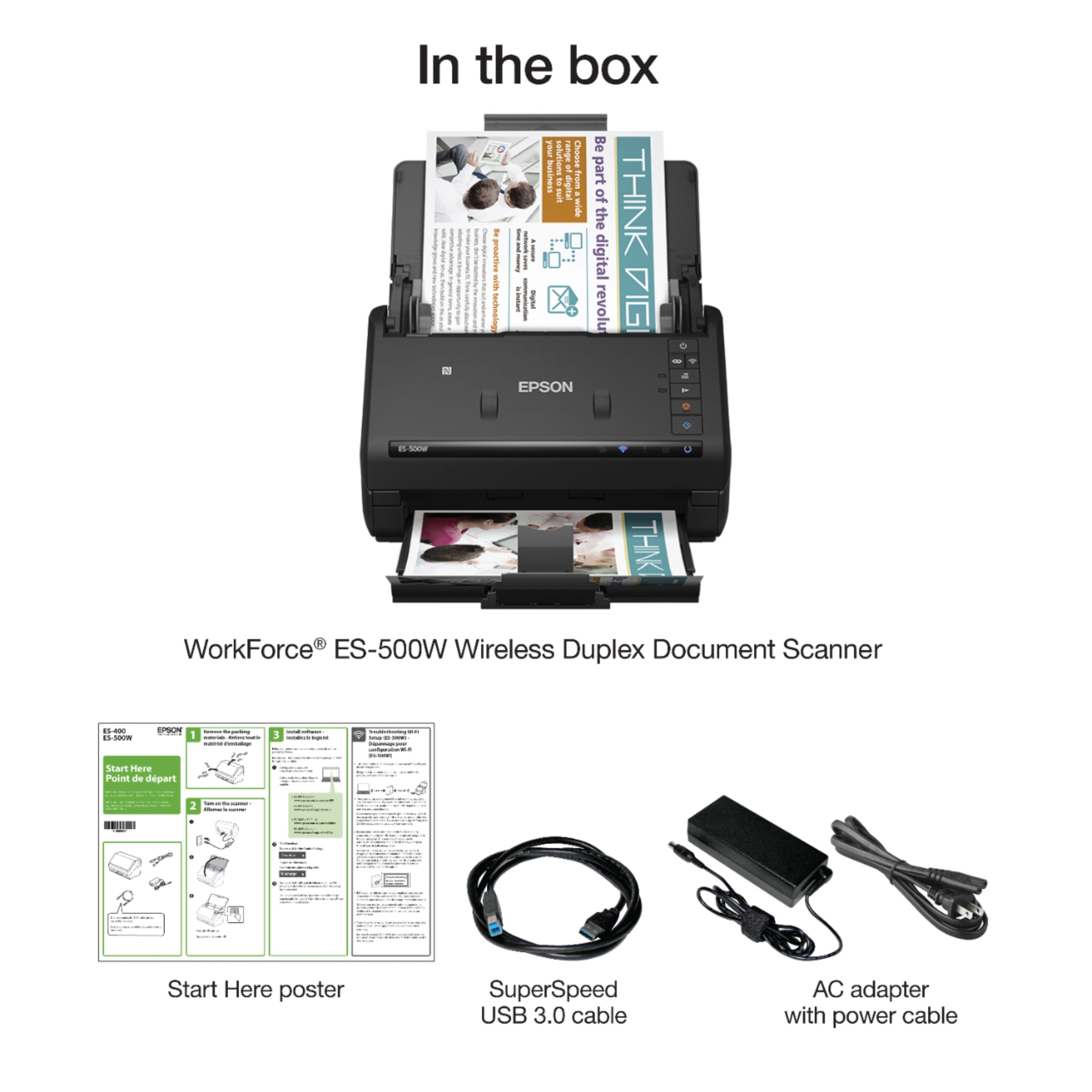
Posted .This reviewer received promo considerations or sweepstakes entry for writing a review.Upon receiving the ES-500W, I was struck by just how small and compact Epson have managed to make it. For someone looking to save space (both desk space and clutter space taken up paper documents), this seems like a pretty good contender. Moving into setup of the scanner was a tad laborious, but not outright awful. There is no media (USB drive or CD) included for driver/software installation, so you’ll need to download the relevant pieces from Epson’s site. The included “quick-start” quide is alright for getting it up and running, but it could prove to be a little frustrating. If you’re connecting straight to USB and not over wifi, you shouldn’t run into any issues but the wifi setup was a little rocky (run the Epson Net application if you don’t have success in the auto-install setup). For anything past immediate setup, you’ll need to refer to the Help Guide which is not the most detailed document. For the price, I would feel inclined to lean more toward a multifunction unit if I was in the market for a printer and a scanner. Space saving aside (this is compact), having a single-function device doesn’t make any sense when there are other products out there that can print/scan/copy all in one slightly larger footprint. From a small business/home office perspective, this unit makes seems feasible for a single to a few users. Since you can’t initiate a scan wirelessly to a device or cloud/remote storage, you’ll have to load the documents needing to be scanned and then initiate the scan from a computer (which would get rather hectic with more than a few people trying to use it). One of the biggest let downs was the online storage scanning feature. While you can scan to online storage, you have to do so via Epson’s Document Capture application. This means you have to scan the document to a computer/device first, then upload that document to the desired cloud storage location (or have a set job that uploads directly via a scan - still via the Document Capture app). Ideally, there would be a user-configurable setting where pressing the scan button on the ES-500W would scan directly from the scanner to the configured cloud storage location (there are other devices out there that currently offer this solution) without the need to have a computer as the middleman for each scan Packaging: -Neatly/compactly packed. Includes USB 3.0 Printer Cable (A-Male to B-Male) and power adapter (laptop style brick w/ extension) -Well surrounded by styrofoam. In bag with plastic bunched up at top so you can easily pull it out of the box (it’s in there pretty good) -All trays taped closed so no rattling/damage during shipping -Some parts are even taped with custom cut pieces of foam to make sure that there’s no flexing while being shipped Size: -Small/compact -Smaller than a “2 piece of toast” toaster oven Documentation -Comes with a quick start guide (English, French, Spanish. Portuguese) -Need internet to download software (no cd included) Mobile/Wifi: -Epson DocumentScan available for Android and iPhone Pros: -Small/compact, folds up nicely to save space (this, besides scanning speed, is probably the biggest win for the device) -Quick. Compared to other multifunction duplex capable devices, this scanner really zips through pages without having a serious impact on the image quality -Good image quality, with multiple levels of detail (DPI) settings available -TWAIN/OCR support -One-button scan (if connected via USB) Cons: -Can’t scan directly to a cloud service from the scanner with 1-button (must go through computer first) -Can’t scan wirelessly to a computer via 1-button (must initiate from a computer -No 802.1x, so can’t do username/password on corporate wifi -No ethernet port/connection -Epson apps are a little bulky/non-intuitive in the UI department (especially for initially setting up cloud/remote scan options) Overall, the ES-500W does a good job for what it is marketed as: a scanner. If you’re looking for a single-function scanning device for one to a few users, this product accomplishes that task. It does a good job scanning documents quickly, reliably, and with good image quality. For best results, direct connected via USB or networked over wifi in a centrally-located area seems to be the best option. This is a review for the Epson ES-500W Wireless Duplex Document Scanner that I received free of charge to do a beta test and review.
No, I would not recommend this to a friend - Pros mentioned:Scan quality, Size
Rated 5 out of 5 stars
A Great Duplex Scanner
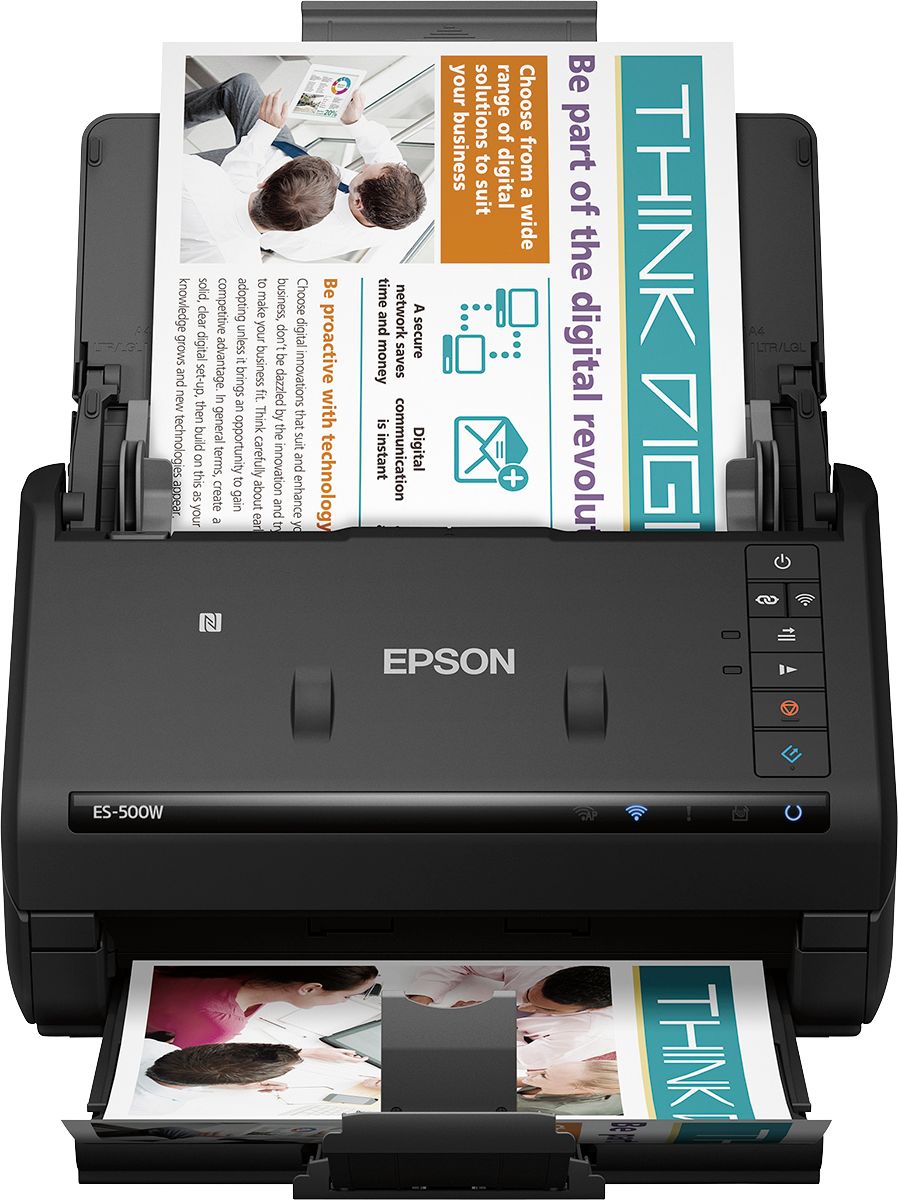
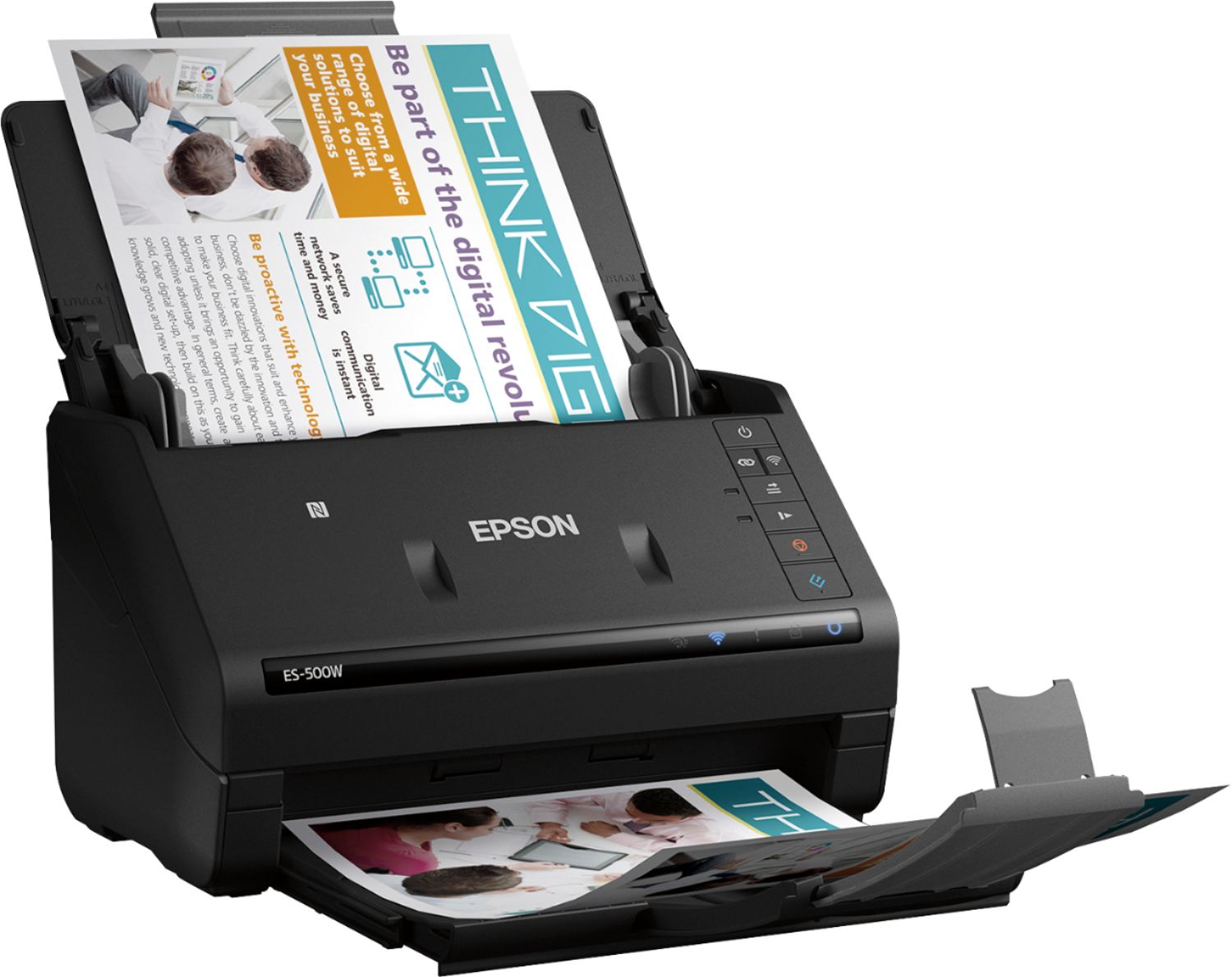
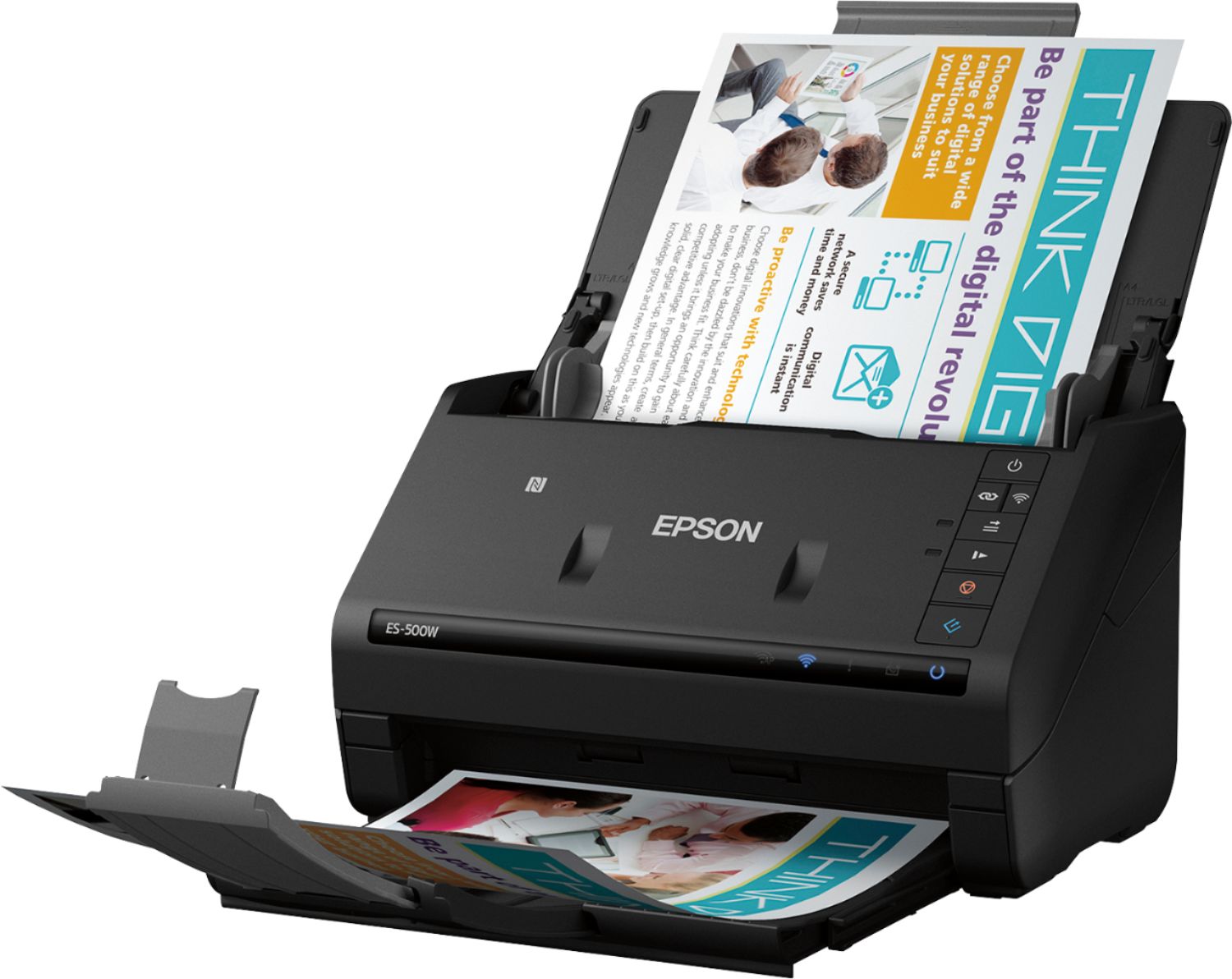
Posted .This reviewer received promo considerations or sweepstakes entry for writing a review.This is a review for the Epson ES-500W Wireless Duplex Document Scanner that I received free of charge to do a beta test and review. I find the Epson ES-500W Wireless Duplex Document Scanner to be a very useful addition to our home office. One of the first things that struck me after unboxing the Epson ES-500W Wireless Duplex Document Scanner is how much it reminded of an armadillo when folded up. I consider this to be a space savings benefit as my free desk space is at a minimum. The Epson ES-500W Wireless Duplex Document Scanner quickly becomes ready for use by flipping up the top portion so it becomes the document input. Then you pull out the stacking assembly. The stacking assembly has a flip up tab to keep your documents from falling all over the floor. The Epson ES-500W Wireless Duplex Document Scanner is as it says WiFi capable. Be sure to read the instructions carefully. I initially missed the part where you have to hold the Wireless button down until it turns a solid blue. Another thing is initially if using the WPS setup on your router it would be best to have the Epson ES-500W Wireless Duplex Document Scanner as near it as possible. Once connected you can then move it wherever you want as long as you have a signal. Now we come to performance of the Epson ES-500W Wireless Duplex Document Scanner. WOW! I have always wanted a Duplex scanner. If you have any documents where you need to scan both sides it is so great to have duplex scanning. And the Epson ES-500W Wireless Duplex Document Scanner does an excellent job of duplex scanning. In fact, it is so good that on one document I deleted it’s scan and re-scanned it only to realize that the quality was so high it picked up where the paper was folded for the envelope and thought it was a line on the original.
I would recommend this to a friend - Pros mentioned:Speed, WirelessCons mentioned:Paper handling
Rated 4 out of 5 stars
Wireless feature worth it! Quality great...
||Posted . Owned for 4 months when reviewed.This reviewer received promo considerations or sweepstakes entry for writing a review.PRO: The wireless feature is my favorite part of this Epson. I have a Macbook that unfortunately doesn't have the ports to fit the cable that other older versions of the scanner needs. So, this scanner is easy to use due to the wireless function. It's also very fast upon connection to the computer. It closes when not in use so doesn't get dusty inside of the machine. The scan of paper work is fast too and in the software you can rename, delete, and organize the scans. It makes organizations easy to do. CON: I have had issues with receipts getting stuck. Not just typical, home-depot or target receipts, but also unusual ones that come from other companies. It doesn't happen often but if the receipt isn't perfect it can cause a problem. Also, if you're scanning a copy, it may sometimes show it in the computer in a lower-quality. For example, I had to scan a copy of a school ID and it distorted my picture. So much so, anyone wouldn't be able to tell who it was on the photo. However, due to having another scanner (attached to my old printer), it was no problem for me. If that is a problem for you, take that into consideration prior to using it.
I would recommend this to a friend - Pros mentioned:Ease of use, Scan quality, Speed
Rated 5 out of 5 stars
Fast Scanning and Easy to Use
||Posted .This reviewer received promo considerations or sweepstakes entry for writing a review.I used to do all my scanning at work on the copier/scanner. Working from home, I needed a device with similar performance. This scanner is fast and produces good quality scans. To-date of have scanned receipts, documents, and other scraps of paper with no issues. I like the fact that it is on my wireless network. It was very easy to set up.
I would recommend this to a friend - Pros mentioned:Size, SpeedCons mentioned:Jamming
Rated 5 out of 5 stars
So happy I left Neat Desk for this scanner
||Posted . Owned for less than 1 week when reviewed.This reviewer received promo considerations or sweepstakes entry for writing a review.I have used NeatDesk scanner for years because I need to scan long receipts and the flat bed printer scanner doesn't do well. I had to cut up receipts and tape to a sheet of paper to use the flat bed. No time for that nonsense. In January 2020 Neat abandoned their old software and made it unusable. The new software is a minimum charge of $15 per month for 100 documents to upload per month. I didn't want to upload but you have to in order to use their software to optimize file size. A 2 page document was 12 mb! Bought the Epson ES-500W a few days a ago. I am so happy I did. Doesn't jam! It's fast! It's compact. I used to fight the Neat to scan big jobs and make sure no pages were missed. The Epson handles them in seconds. I wish I had bought this a long time ago. There is an optional subscription to export searchable receipts to accounting or tax software if you need that. I just want to save the pdfs to my pc. Some people say the wifi is slow. It does take a minute to reconnect when you first turn it on but it's not a problem. It still scans really fast! Sorry to be so long with this but I needed to tell people how happy I am with this scanner. Did I mention how happy I am with this scanner?
I would recommend this to a friend - Pros mentioned:Ease of useCons mentioned:Jamming
Rated 5 out of 5 stars
Great so far.
||Posted . Owned for 1 month when reviewed.This reviewer received promo considerations or sweepstakes entry for writing a review.This is a very simple scanner to use, yet it gives you options so that it will do what you want. I have scanned pictures, documents, and checks for deposit. Single or double sided works great. No jams yet. If there is a sticky note on a page, it will pause, thinking that it has a double feed. Just open, remove the note, close, and hit resume. This way it will stay in one file and not make you start another file name. Set up was easy. I hope it lasts for a long time.
I would recommend this to a friend - Cons mentioned:Software
Rated 4 out of 5 stars
Pleasantly Suprised
||Posted . Owned for 5 months when reviewed.This reviewer received promo considerations or sweepstakes entry for writing a review.As a former “Neat” user, I was forced to upgrade my equipment because “Neat” chose to abandoned their desktop users. I am a home user that scans my receipt and other home documentation for electronic storage. The decision of a new scanning system was difficult because of the limited options and inconsistent reviews. I was driven to this system because I was trying to replicate many features of the “Neat” hardware and software which proved difficult to match. Although the software is not comparable to the Neat system, I found it to be acceptable for what I need. With Neat, there was a Neat database that was easy to use to scan and store my documents. While this does not offer a database application, I quickly realized that I really didn’t need it, and I’m probably better off without it. When the Neat hardware quit working, my data was trapped in their database which required hours of exporting my years of documents into pdf files. The Epson scans them to pdf files and you just set up you own file directory system to support it, so now I no longer feel trapped by a propriety application. (Yea I know, there’s still Adobe) Scanning is simple, (not thrilled by the upside down and reverse feed) however it scans reliably, software is minimal and is easy to use, setup effort was reasonable and not overly challenging, (connected to two PC’s). I like the ability to close it up to reduce its footprint on my desk and help keep control dust accumulation when not I use. I do not feel at risk of manufacturer changing to a subscription based service like Neat did, and expect to use for years to come.
I would recommend this to a friend - Pros mentioned:Scan quality, Speed
Rated 5 out of 5 stars
Very good to organize your life
||Posted . Owned for 1 week when reviewed.This reviewer received promo considerations or sweepstakes entry for writing a review.We have a lot of documents that we can dispose of and shred but we wanted to make a digital copy of it first. We wanted something that could handle multiple pages and also work wirelessly since both my Wife and I would use it on two different computers. We looked at a few options and decided to go with the Epson ES-500W. Setup was super easy and quick. You plug in the scanner during the software installation and then you can set it up for wireless connection. Switching back and forth between two PC isn't easy but it does work. Scanning speed is very good. There are some slow downs but only when scanning a lot of pages at once. The software automatically launches and picks up the scans and creates a PDF. I love that it will scan double-sided even when you don't specify it because I sometimes forget to turn the feature on when needed. The software gives you a lot of options for where to store the file, whether it is locally or on the cloud. I've been able to scan so many different type of documents as well: Receipts, legal size docs, business cards. It takes it all. If it ever jams, there is a release switch that will let you lift the top half and completely reveal your jammed paper. We're de-cluttering our house from all these documents and I couldn't be happier with this purchase. Going back and reading what I just typed made me feel old.
I would recommend this to a friend - Pros mentioned:Scan quality, Speed
Rated 5 out of 5 stars
Great for photo scanning
||Posted . Owned for 3 months when reviewed.This reviewer received promo considerations or sweepstakes entry for writing a review.After my father's passing, I had thousands of photos to go through and attempt to share with other family. Epson makes a similar model in the Fast Foto FF-680W, but aside from the software, I could not find anything to justify the extra $200. The scanner made fairly quick work of all the photos it scanned, only having trouble with small wallet photos or those removed from an old album that still had glue residue on them. I was very happy with the quality of the scans and would recommend this scanner for anyone with similar needs.
I would recommend this to a friend - Pros mentioned:Ease of use, Speed, Wireless
Rated 5 out of 5 stars
Best Scanner Ever!!
||Posted . Owned for 5 months when reviewed.This reviewer received promo considerations or sweepstakes entry for writing a review.This Scanner is by far the most fastest, efficient, and simple to use! It does exactly what it states and what you need it to do and saves you hours of time being frustrated with old jammed machines that ultimately don’t get the job done! Worth every penny! Best part is the wireless feature!!
I would recommend this to a friend - Pros mentioned:Ease of use, Speed
Rated 5 out of 5 stars
Great COVID project saver!
||Posted . Owned for 3 weeks when reviewed.This reviewer received promo considerations or sweepstakes entry for writing a review.We're home and can't put off those "If I ever have some time" projects any more. We have several boxes of photographs which are vulnerable to aging and discoloration as well as California's fires. We decided to scan them and store a backup copy. The first packet was done at our trusty flatbed OfficeJet. A very long and inefficient process. I went to Best Buy and found the Epson line of document scanners on display. The ES-500W was on sale and the associate showed me why it was a better buy than the model below. I can put a stack of 30 photos into the feeder, push a button and they come through about every 3 seconds. I create a digital folder that I name for the event and it files each photo with a unique number. I then put each group into a fresh envelope with the same folder name on it and file them back into the box. Very easy to use and the Epson software saves time. Well worth it's price versus taking a box of photos to a service to digitize.
I would recommend this to a friend - Pros mentioned:Ease of use, Speed, Wireless
Rated 5 out of 5 stars
Fast ... Fast ... Fast!
||Posted .This reviewer received promo considerations or sweepstakes entry for writing a review.As an older fella, seems we like to keep paper versions of our old stuff! Well ... I've run out of room in my file cabinet and needed a way to reduce all this personal paper to digits. This Epson 500w does the job. It is Fast, easy to set-up and use. Flexible in that it can be hard-wired or Wireless. Got rid of a 40 pound file box first day.
I would recommend this to a friend Rated 5 out of 5 stars
This thing scans FAST!!
||Posted . Owned for more than 2 years when reviewed.This reviewer received promo considerations or sweepstakes entry for writing a review.Great software and super easy to use with lots of output options and good scan resolution. There's almost nothing you can ding this scanner for. The one weak area in my view is the output tray which pulls out the front in a few segments which operate stiffly and almost feel as though you might break them with the force required to shove them in and pull them out. If you have the space to leave the output chute/tray fully deployed all the time this would be no issue. I extend and stow mine frequently and it hasn't broken or had any issues - so I'm going to say it's a feel thing rather than something to be overly concerned about. I've gotten great service from this unit and recommend it highly.
I would recommend this to a friend- Pros mentioned:Ease of use, Speed, Wireless
Rated 5 out of 5 stars
Great scanner!
||Posted . Owned for 11 months when reviewed.This reviewer received promo considerations or sweepstakes entry for writing a review.It scans very fast and picture quality is great, I love the wireless option, you can use it with your computer or your phone if you have the Epson scanner app, it is fast, easy to use, convenient, it’s awesome!
I would recommend this to a friend - Pros mentioned:Ease of use, SpeedCons mentioned:Jamming
Rated 5 out of 5 stars
Fast
||Posted . Owned for 2 weeks when reviewed.This reviewer received promo considerations or sweepstakes entry for writing a review.Scans receipts really fast. Sometimes you still have to place them in one at a time to prevent the receipt getting jammed. Just try to keep sizes together. Over all, it makes my life much easier. Super easy to install on my Mac.
I would recommend this to a friend Rated 5 out of 5 stars
I Really Like This Scanner!
Posted .This reviewer received promo considerations or sweepstakes entry for writing a review.This is a review for the Epson ES-500W Wireless Duplex Document Scanner that I received free of charge to do a beta test and review. I have been using this scanner for a couple of weeks now and I decided to write this review because of how much I liked the product. It is a high quality scanner that is very simple to setup and use. The scanner is able to scan both sides of the page at one time and is very fast. It produces a high quality scan and can store images to your computer as an image file or pdf. It can also store your images to the cloud so they are easy to share. The adjustable document feeder can hold up to 50 pages of paper at one time making scanning large jobs easy. It is also a very versatile scanner that is able to accept paper sizes from very small to legal size. You also have the option to connect this scanner to your computer with either a USB cable that is included or with a wireless Wi-Fi connection. The best part of this scanner for me is the very small size. This enables me to place the scanner on my desk so it is always close to me when I am working. The only thing I use the scanner on my all-in-one printer (which is too large to sit on my desk) for now is the rare occasion when I need a flatbed scanner to scan items that will not feed through the ES-500W document feeder. If you are in the market for a small, reliable and high quality document scanner you should definitely consider the Epson Workforce ES-500W. It is one of the best scanners of this type that you can buy.
I would recommend this to a friend- Pros mentioned:Ease of use, Speed, Wireless
Rated 5 out of 5 stars
Must have
||Posted . Owned for 1 year when reviewed.This reviewer received promo considerations or sweepstakes entry for writing a review.This is a must have for work and home! Wireless! Scans quickly, the program is easy to use. I have one for work and one for home. The one for home I scan photos, receipt,.. etc it keeps me organized.
I would recommend this to a friend