Customer Ratings & Reviews

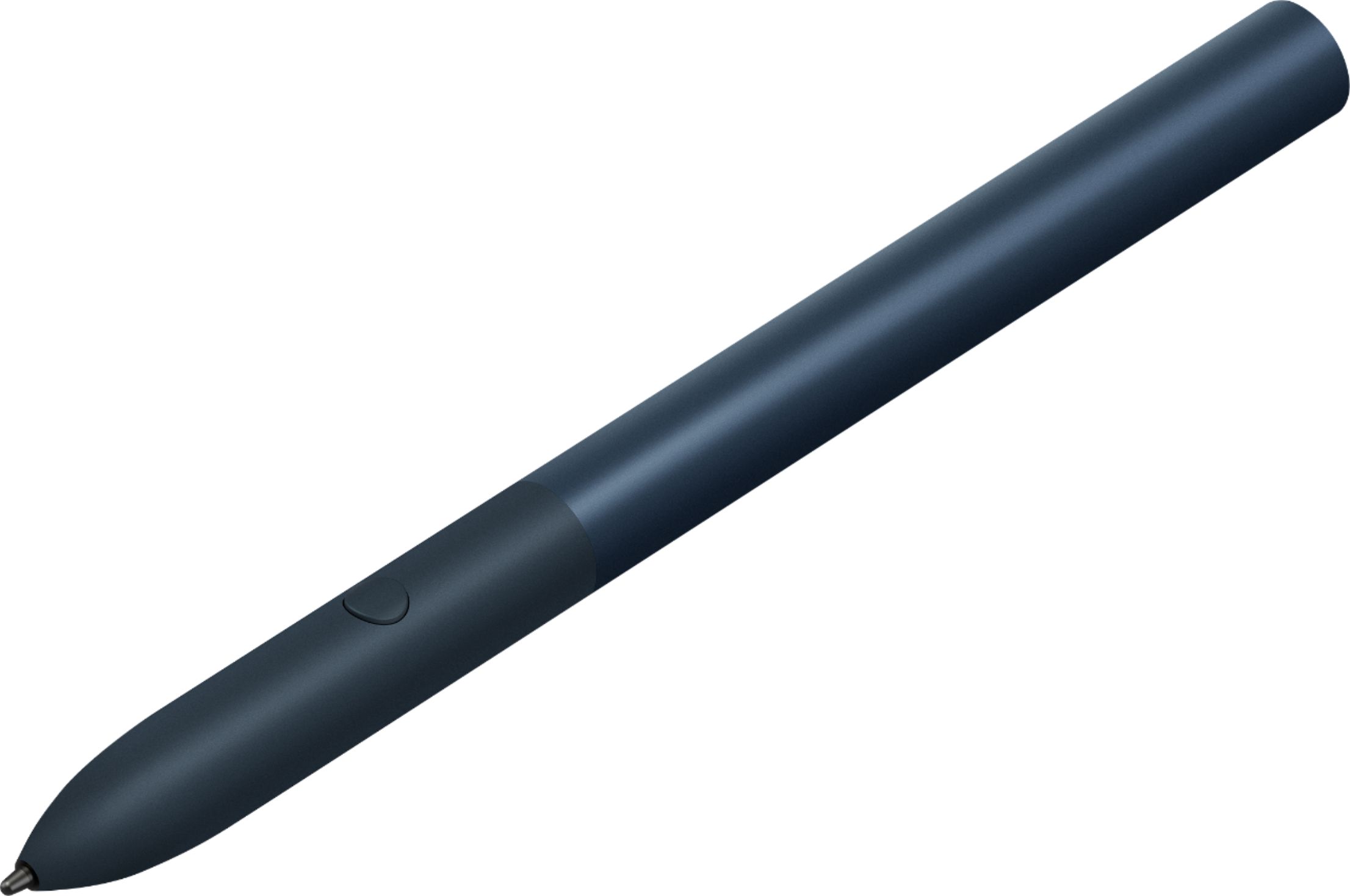

- Model:
- GA00561
- SKU:
- 6306364
Rating by feature
- Value
Rating 3.9 out of 5 stars
- Quality
Rating 4.6 out of 5 stars
- Ease of Use
Rating 4.5 out of 5 stars
Customers are saying
Customers praise the Pixelbook Pen's ease of use, responsiveness, and compatibility with various devices. Many appreciate its comfortable feel and accurate stylus functionality, while some find the battery life and lack of a storage mechanism to be drawbacks. The price point also received mixed feedback.
This summary was generated by AI based on customer reviews.
- Pros mentioned:Compatibility
Great Pen!
||Posted . Owned for 7 months when reviewed.This reviewer received promo considerations or sweepstakes entry for writing a review.Works great with the Pixelbook. Definitely works well if you do a lot of drawing.
I would recommend this to a friend - Cons mentioned:Price
Works well but pricey
||Posted . Owned for 7 months when reviewed.This reviewer received promo considerations or sweepstakes entry for writing a review.Work well and as described but is a little price if not included with the Slate.
I would recommend this to a friend - Pros mentioned:Ease of use
Awesome Pen
||Posted . Owned for 5 months when reviewed.This reviewer received promo considerations or sweepstakes entry for writing a review.This pen is awesome. Makes it easier for me to work on my Pixelbook.
I would recommend this to a friend - Cons mentioned:Battery life
Works well, but...
||Posted . Owned for 5 months when reviewed.This reviewer received promo considerations or sweepstakes entry for writing a review....tends to chew through batteries fairly quickly and no good place to store it with a Slate/Google Keyboard combo. Too pricey on its own, but I got it bundled with the Slate.
I would recommend this to a friend - Pros mentioned:Ease of use
good
||Posted . Owned for 1 month when reviewed.This reviewer received promo considerations or sweepstakes entry for writing a review.i got it free with my pixel slate purchase. i dont use it much but it works
I would recommend this to a friend - Pros mentioned:Ease of use
Easy to use
||Posted .This reviewer received promo considerations or sweepstakes entry for writing a review.The pen is easy to use...just put the battery in it's that simple.
I would recommend this to a friend - Pros mentioned:Ease of use
Great accessory!
||Posted . Owned for 3 weeks when reviewed.This reviewer received promo considerations or sweepstakes entry for writing a review.I have a Pixel Slate and enjoy using the poem with it very much!
I would recommend this to a friend - Pros mentioned:Feel
Great pen
||Posted .This reviewer received promo considerations or sweepstakes entry for writing a review.Awesome to write with, feels good in hand and is sturdy.
I would recommend this to a friend - Pros mentioned:Compatibility
Great accessory
||Posted . Owned for 1 month when reviewed.This reviewer received promo considerations or sweepstakes entry for writing a review.A must for the tablet. Glad it was included in an incredible bundle
I would recommend this to a friend - Pros mentioned:Stylus
Only choice
||Posted . Owned for 10 months when reviewed.This reviewer received promo considerations or sweepstakes entry for writing a review.The stylus itself is great, but the two flaws are there is no place on Pixel devices to hold the it and it is sluggish on Pixel slate.
I would recommend this to a friend - Pros mentioned:Ease of use
Great pen.
||Posted . Owned for 1 month when reviewed.This reviewer received promo considerations or sweepstakes entry for writing a review.Easy to use and is very durable. Works great with the tablet.
I would recommend this to a friend - Pros mentioned:Compatibility
Cool
||Posted . Owned for 5 months when reviewed.This reviewer received promo considerations or sweepstakes entry for writing a review.Cool accessorie for the Google pixel slate pretty useful
I would recommend this to a friend - Cons mentioned:Price
Not as integrated as one would expect
||Posted . Owned for 2 weeks when reviewed.This reviewer received promo considerations or sweepstakes entry for writing a review.Came bundled with the purchase of the pixel slate tablet. Very few apps take the pen into consideration. Very pricey for what it does.
No, I would not recommend this to a friend - Cons mentioned:Battery life
Got it with a Black Friday deal
||Posted . Owned for 1 month when reviewed.This reviewer received promo considerations or sweepstakes entry for writing a review.Would not have purchased this if it didn't come with the deal I got. It is nifty but not necessary. Uses a AAAA battery to power?
No, I would not recommend this to a friend Good but could be better
||Posted . Owned for 1 month when reviewed.This reviewer received promo considerations or sweepstakes entry for writing a review.This is a good pen for the pixel slate. I would of been better if it had a magnet to stick to the table itself and sometimes has some latency issues.
I would recommend this to a friendMediocre
||Posted .This reviewer received promo considerations or sweepstakes entry for writing a review.It does the trick but nothing fancy. This pen only works with the Google Pixelbook line (and the Slate tablet)--no other chromebook or pc.
No, I would not recommend this to a friendGood, responsive unit, good feel in the hand
||Posted . Owned for 3 weeks when reviewed.This reviewer received promo considerations or sweepstakes entry for writing a review.This stylus is good for multi-purpose use. Not quite as responsive as the Samsung stylus on their units, but still good pressure sensitivity. This will serve well for handwriting and sketching, as well as swipe operation of the onscreen keyboard.
I would recommend this to a friendOnly good if it's free
||Posted . Owned for 4 months when reviewed.This reviewer received promo considerations or sweepstakes entry for writing a review.Free accessory compliments the slate well. Does not have enough functionality to buy for $100.
I would recommend this to a friendNeeded
||Posted . Owned for 1 month when reviewed.This reviewer received promo considerations or sweepstakes entry for writing a review.If you’re a pen person and have the date grab this but it’s not really worth buying the slate for this
No, I would not recommend this to a friend- Pros mentioned:ResponsivenessCons mentioned:Lag

Good pen, no eraser, terrible 3rd party support
|Posted .This reviewer received promo considerations or sweepstakes entry for writing a review.The performance of the Pixelbook Pen is quite impressive, for the most part. It's light in the hand and has a good grippy surface so it doesn't slip around when writing. The girth is just right, requiring no extra effort to hold it naturally in the hand. Using the built in chrome drawing app, "Canvas' there was virtually no lag and the markings were exactly where I expected them to be thanks to the tilt support (something sorely lacking in the surface pen). The canvas app didn't appear to support pressure sensitivity, or if it did, most of the tools didn't do anything different. With google's auto backup for your drawings, plus layer support, this is definitely where I can see myself doing my sketching in the future. The button on the pen activates Google Assistant, so when you hold the button and draw a circle around something, it'll do a search for whatever you highlighted. Unfortunately, this half-baked idea doesn't really work too well. I would've gladly preferred the option to instead have some sort of smart eraser. Flipping the pen around and trying to erase with the back of it does not work. Finally, using 3rd party apps is less of a great experience. Adobe Illustrator lags big time, with the strokes appearing almost a half second after lifting up the pen, making it impossible to do any sort of fine detail work. Autodesk Sketchbook had a little bit of lag, but nowhere near as severe. Both apps supported the pressure sensitivity pretty well. If drawing is your thing, then this is pretty much a must have accessory. If you don't draw and would rather type than write, this is definitely skippable.
I would recommend this to a friend