Customer Ratings & Reviews
- Model:
- AGMSS-011
- SKU:
- 12370933
Rating by feature
- Value
Rating 4.2 out of 5 stars
- Quality
Rating 4.5 out of 5 stars
- Ease of Use
Rating 4.1 out of 5 stars
Content Creation Here We Come
||Posted . Owned for 3 weeks when reviewed.This reviewer received promo considerations or sweepstakes entry for writing a review.I Love my GoPro Fluid AI with Tracking. I am impressed by its design. I have been thrilled by its functionality. I would Love to begin creating content with my Toy Poodle; Positivity A.K.A. Tha Shadow. I purchased my GoPro AI with Tracking to bring my content creating dream to fruition. I am a novice. I have experience with black and white photography. I have experience developing my own photographs in a dark room. I have however; been away from photography for years. I am looking forward to beginning my journey toward content creation with my Toy Poodle; Positivity A.K.A. Tha Shadow.
I would recommend this to a friendGood but could be GREAT!
||Posted . Owned for 2 weeks when reviewed.This reviewer received promo considerations or sweepstakes entry for writing a review.It’s super technical and fast, some angles that it sits at like looking down for pov shots can overheat the motor, but overall, and as long as you can get the balance right it is great with any go pro, I have not tested it with a phone. I would say to go pro that it should have a stronger motor, but other than that it is a good piece of equipment.
I would recommend this to a friendGood purchase
||Posted . Owned for 3 weeks when reviewed.This reviewer received promo considerations or sweepstakes entry for writing a review.Great product! Enjoy all its features and offers great stability for your videos.
I would recommend this to a friendLove it.
||Posted . Owned for 1 month when reviewed.This reviewer received promo considerations or sweepstakes entry for writing a review.This thing is awesome with the app and a phone. Highly recommend this item
I would recommend this to a friendGoPro ai is great for vloggers, nothing more
||Posted . Owned for 1 week when reviewed.This reviewer received promo considerations or sweepstakes entry for writing a review.Great versatile gimble, but not worth the price. Works the same as other cheaper gimbles with the ability of the ai gimicky camera
No, I would not recommend this to a friendGoPro gimble
||Posted . Owned for 2 weeks when reviewed.This reviewer received promo considerations or sweepstakes entry for writing a review.Excellent gimble! A little difficult to get the hang of setup with just the booklet provided. Exceeds expectations once setup properly! Vastly improved quality of videos taken on Samsung Galaxy S23!
I would recommend this to a friendSuper disappointed with this product.
||Posted . Owned for 1 week when reviewed.This reviewer received promo considerations or sweepstakes entry for writing a review.I purchased it to record kids basketball games with my phone so I could watch the game. We've set it up, gotten it all calibrated and working, but the first time we tried to use it at a game, it wouldn't track. Back to the drawing board, we watched a lot of videos and tried again. Worked fine at the house, but wouldn't track the game. It stops tracking if someone walks between it and the person or persons it's tracking. it will only track part way to each end of the court. At home, it follows the target 360 degrees. This is the second product I've purchased at Best Buy for this purpose, the first was even worse.
No, I would not recommend this to a friendGimbal
||Posted . Owned for 2 weeks when reviewed.This reviewer received promo considerations or sweepstakes entry for writing a review.I love it. It’s outstanding works as it should highly recommend getting one for yourself.
I would recommend this to a friendAmazing value
||Posted . Owned for 1 week when reviewed.This reviewer received promo considerations or sweepstakes entry for writing a review.It is the best thing for what I do. Works great a bit difficult to start but once you figure it out it’s amazing
I would recommend this to a friendAwesome product
||Posted . Owned for 1 week when reviewed.This reviewer received promo considerations or sweepstakes entry for writing a review.Great quality product that works great, very well made.
I would recommend this to a friendMore tech
||Posted . Owned for 1 week when reviewed.This reviewer received promo considerations or sweepstakes entry for writing a review.I like that it can converted to use my iPhone or with my hero 13. I’m a novice with using the ai tracking, but it seems like it takes some trial and error to get the functionality I want
I would recommend this to a friend
Super fun once you figure it out
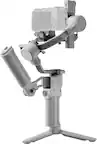
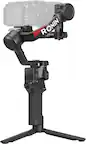
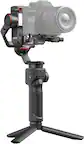
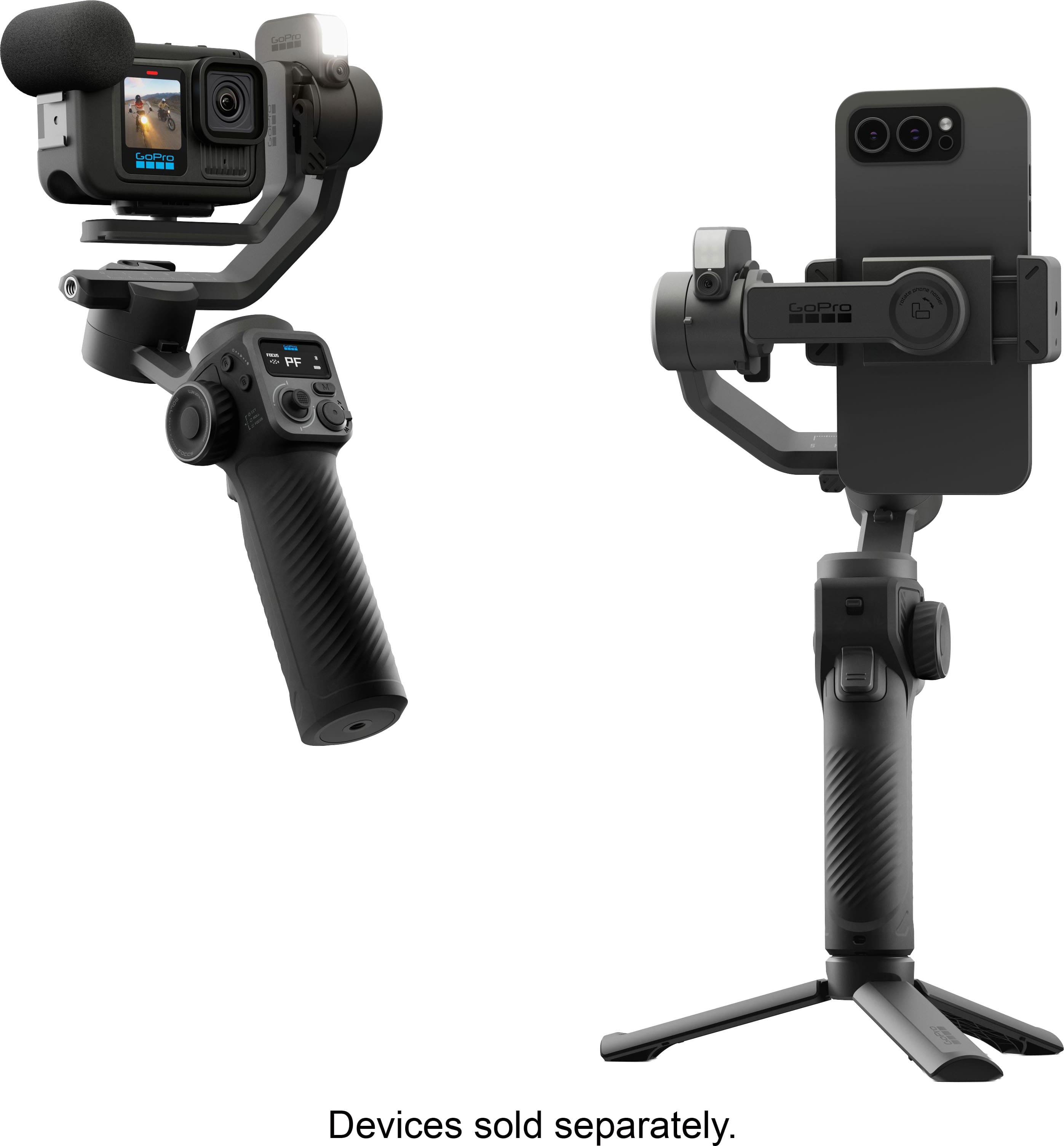
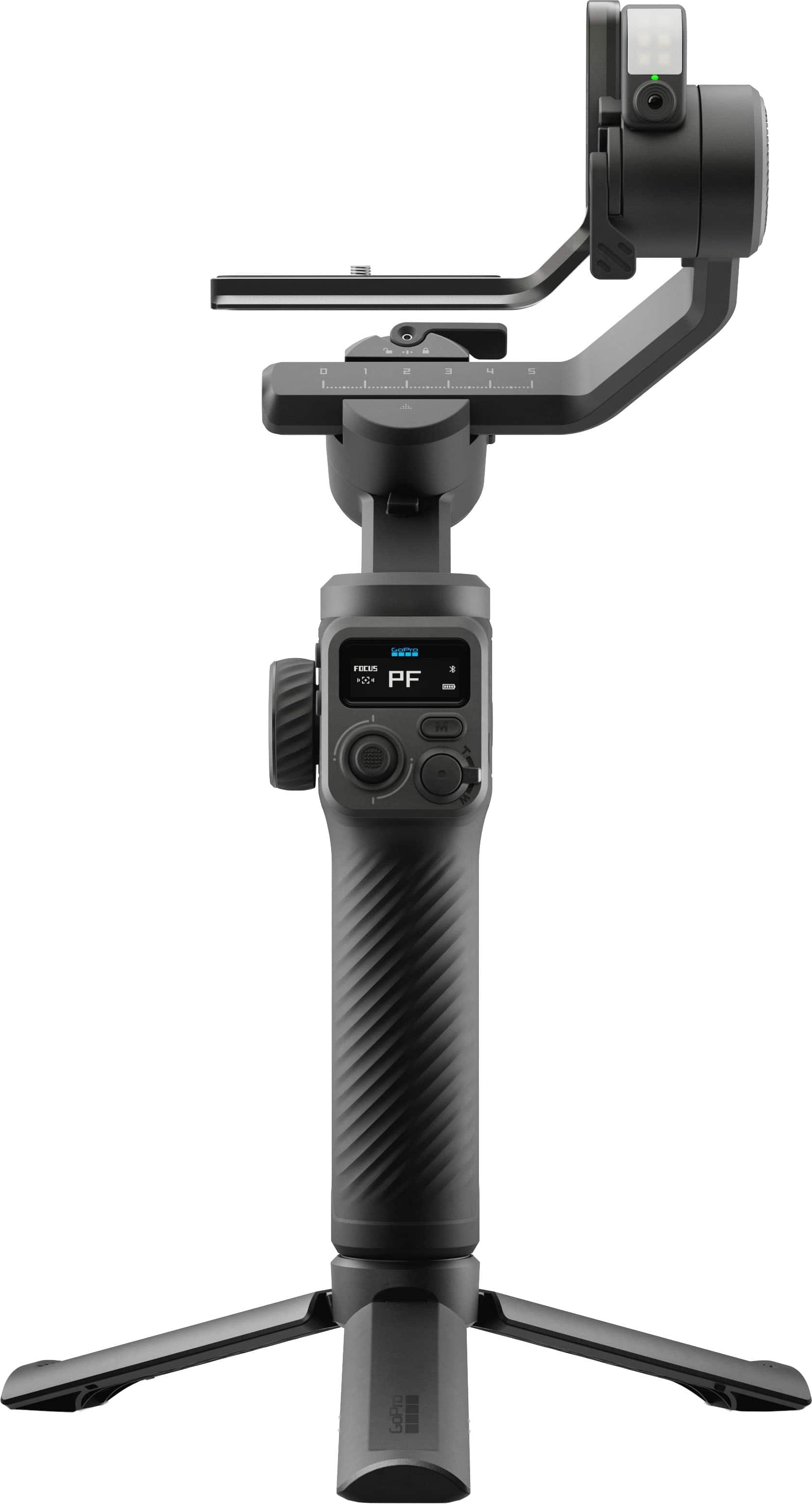
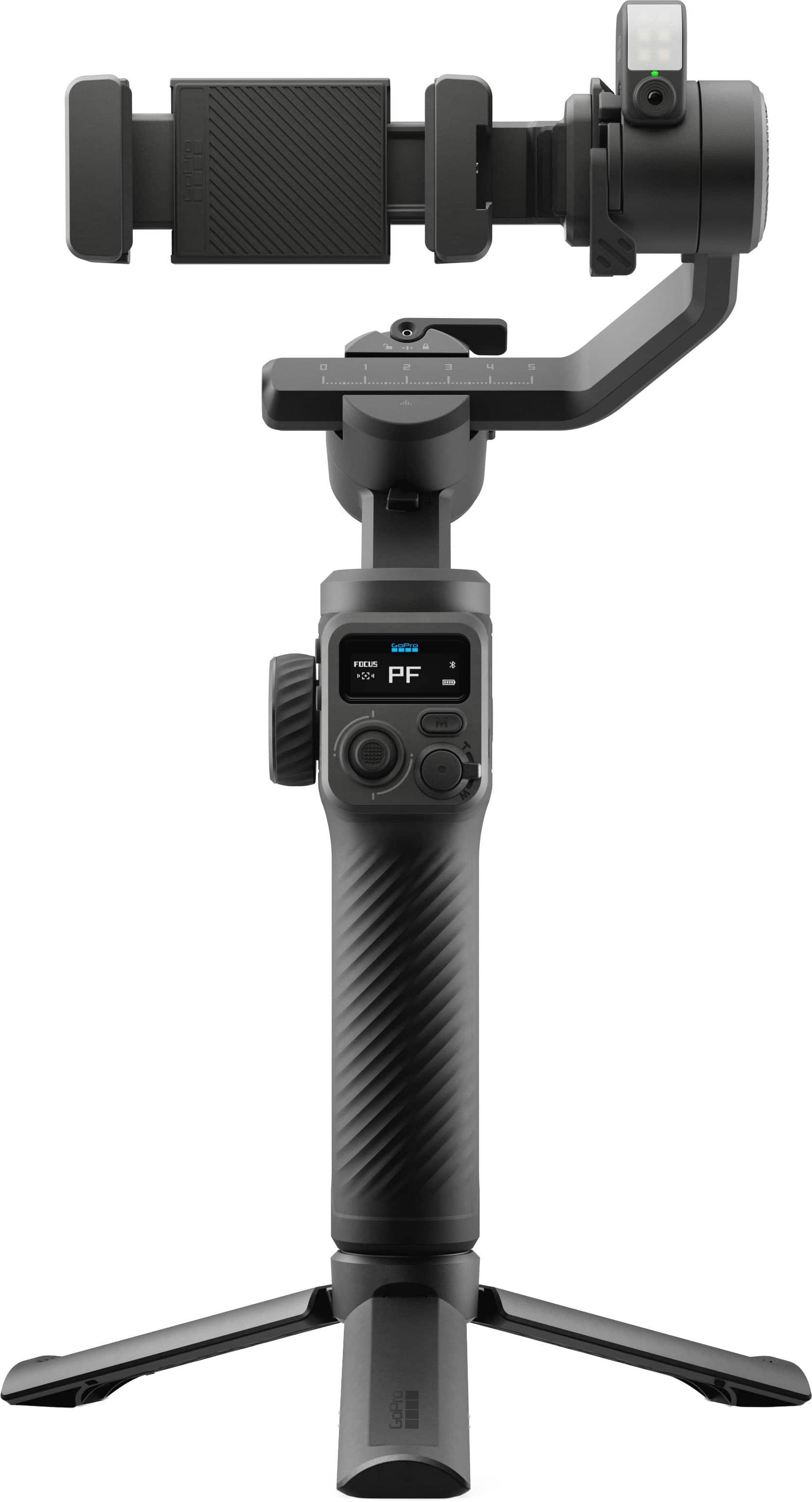
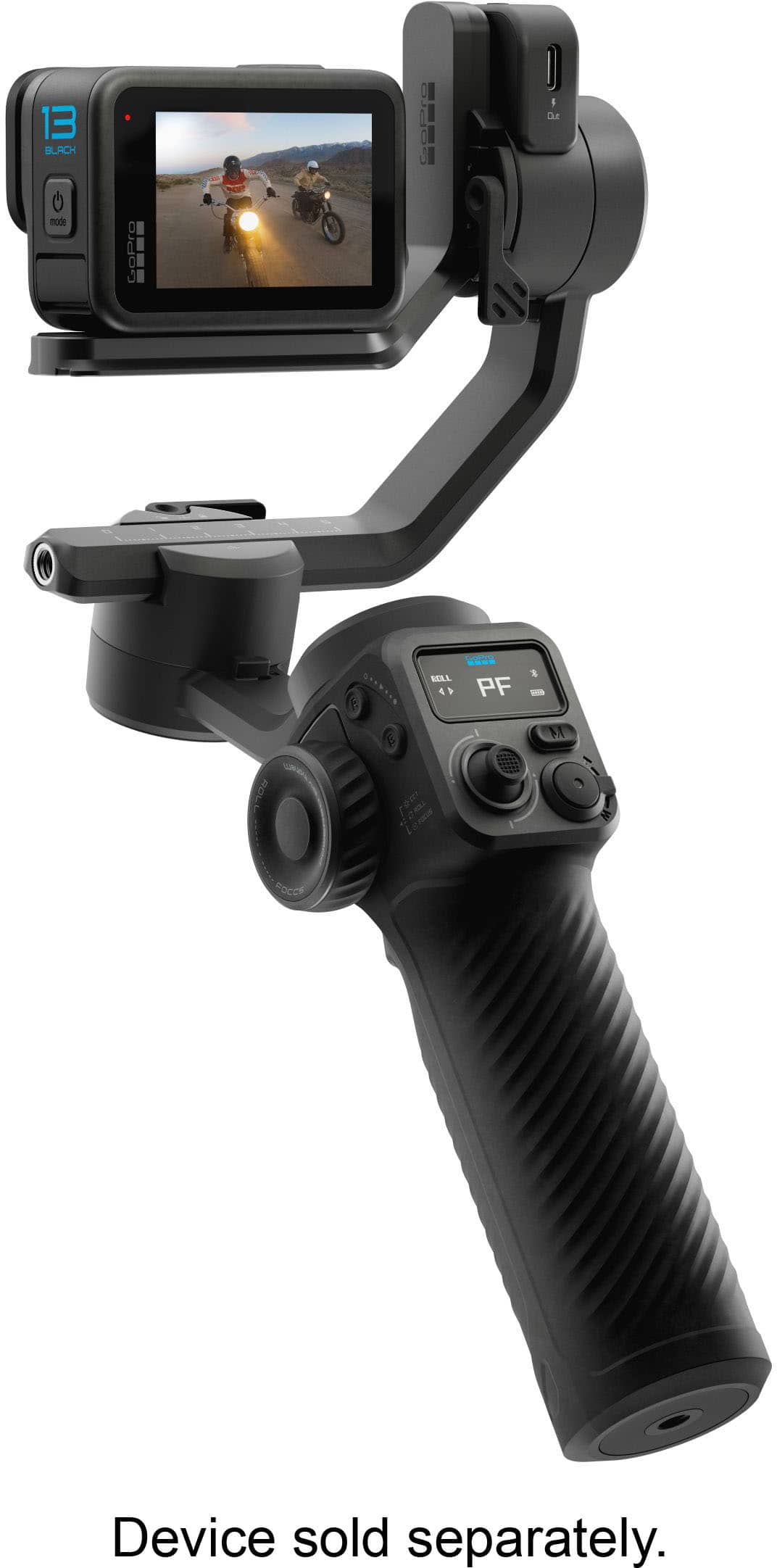
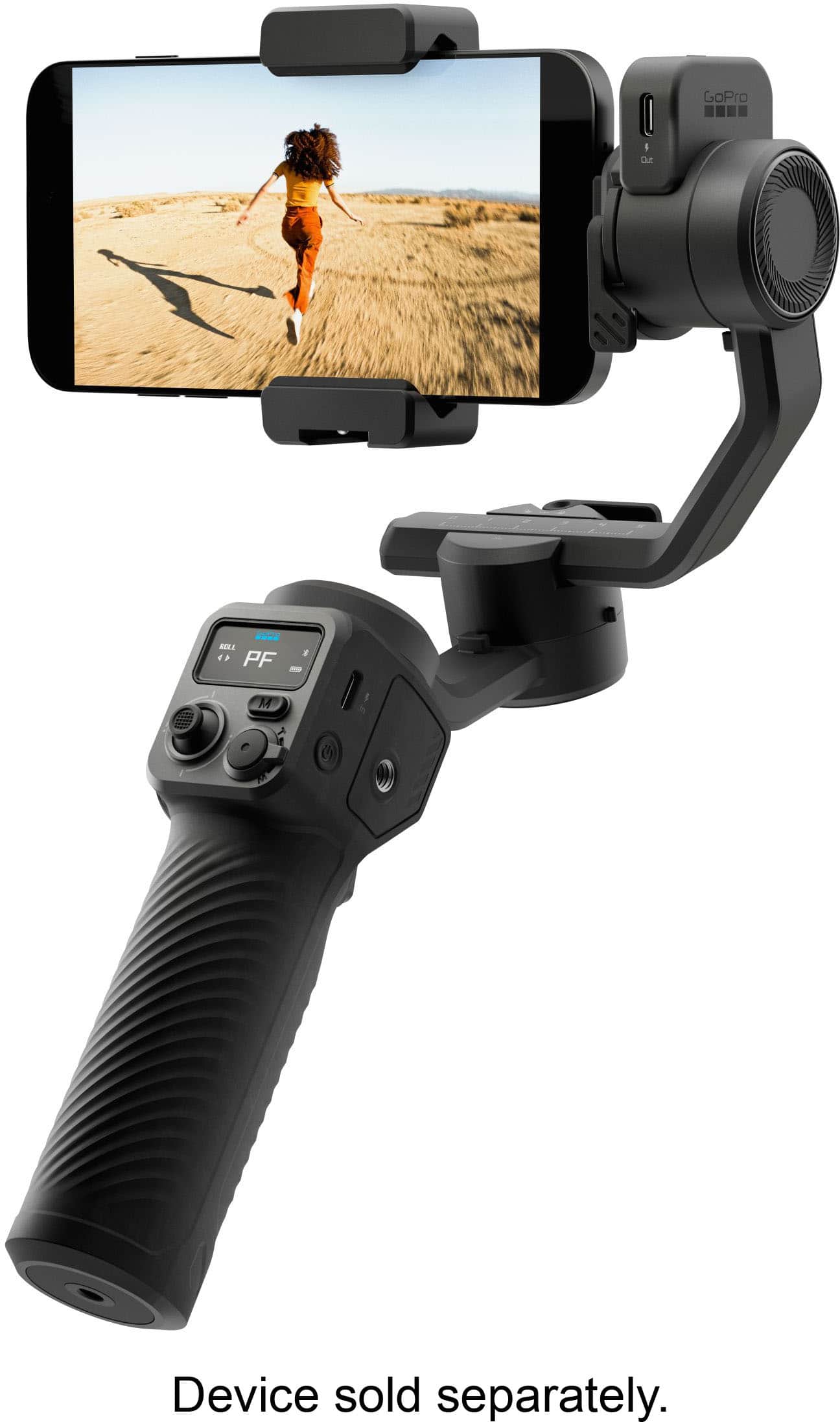
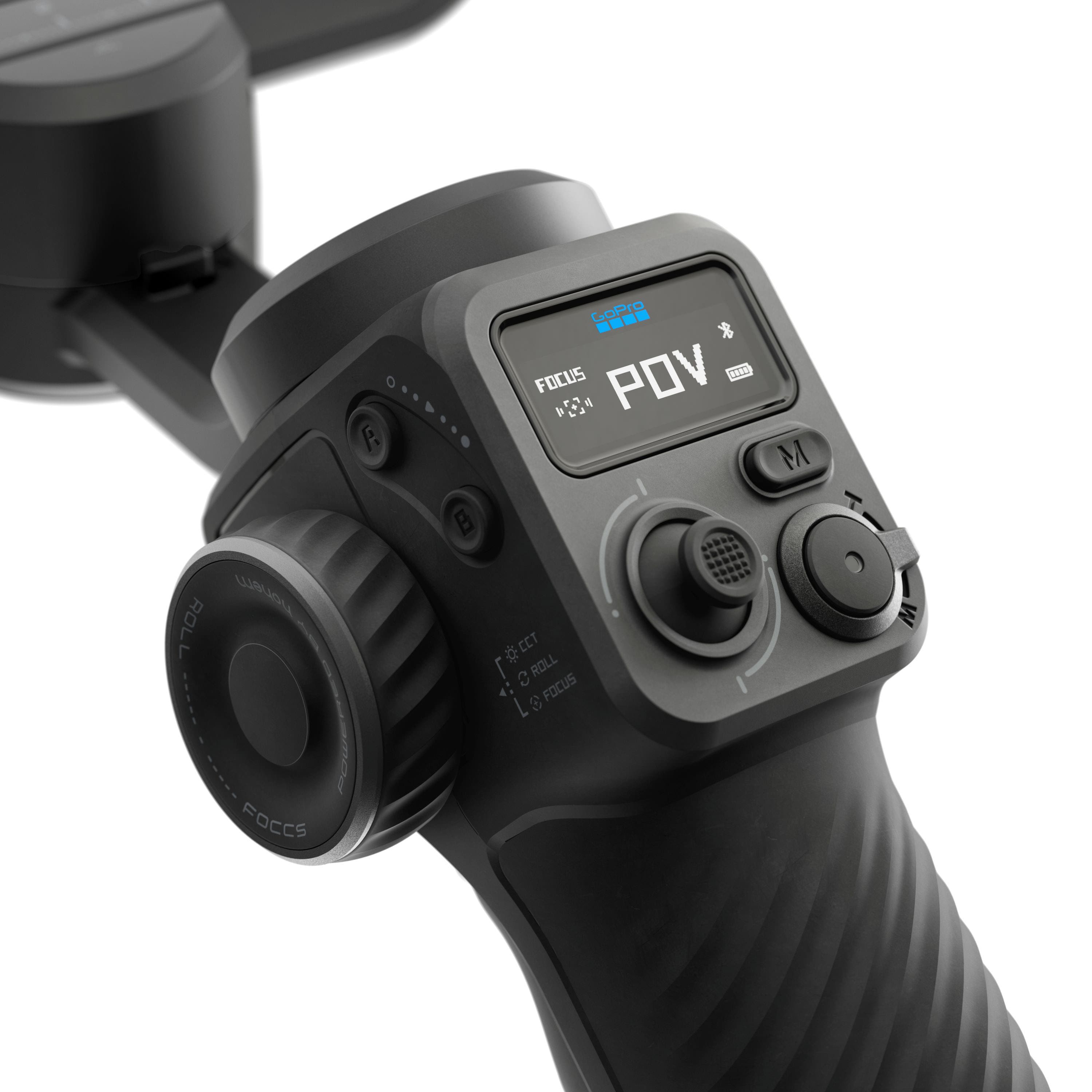
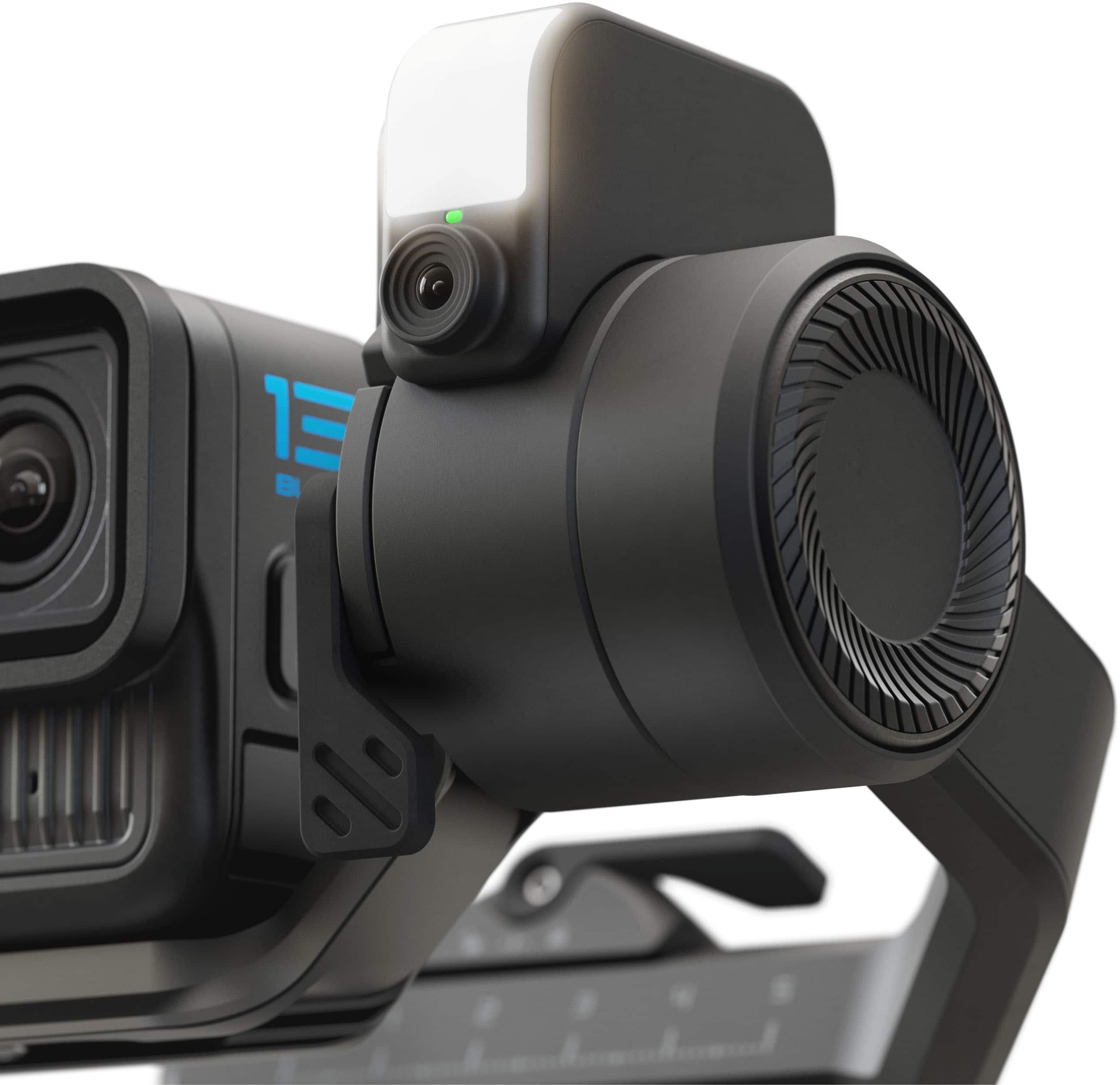
|Posted .This reviewer received promo considerations or sweepstakes entry for writing a review.The GroPro Fuild Pro AI gimble is pretty sweet once you figure it out. I had a pretty steep learning curve, and the instructions that come with it weren’t great. I found that watching tutorial and review videos online helped more than the manual. It comes in a nice soft shell molded case. It will protect the unit well and it’s still small enough and flexible enough to shove in a backpack with some give. Getting my GoPro set up on the gimbal for the first time was frustrating. I had a hard time understanding how everything should be oriented and balanced. This is a critical step. Use the tripod, set it on a stable surface, and take the time to get your device balanced BEFORE you turn on the gimbal. There seems to be an issue with the motors overheating. While this product needs to improve the cooling design, it definitely helps if you get it balanced correctly so that the motors don’t have to work as hard. This gimbal is feature rich. It has a built in fill light that allows you to adjust both brightness and tone. It really helps with the vibe you are trying to capture. It also has a trigger that is programmed with preset functions based on how many times you pull it. For example, if you pull it three times, the gimbal will flip around 180 degrees to focus on your face rather than forward. Click it three more times and it flips back. Click it twice and it recenters the gimbal. Handy if you get it out of whack. 4 times and it changes its orientation so you can use wide angle lenses without having to worry about catching part of the arm in the frame. It’s very cool. It also has a little joystick that allows you to pan and tilt. It makes for some great creative cinematic effects. You can move the camera in a different direction than you are physically moving. It’s fun. Let’s see…what else… It also has different modes such as lock, pan tilt, and pan tilt follow. Each gives you a different vide. Perhaps one of the coolest things is the AI follow. It has a little camera under the light. You can use hand gestures to have the AI lock on you, unlock, and position yourself in the frame. It does a really nice job of following you as long as you stay within 10 feet of the gimbal. If you get further away, it can lose you, especially if the lighting isn’t ideal. It’s fun for things like landing fish since it will follow you around the boat throughout the fight. It also has full 360 rotation capabilities, so once you have the AI locked on you, you can walk a full circle around the camera and it follows. You can connect your camera to the gimbal with a small USB cable that come with the unit. It works with Go Pro Cameras, smart phones, and small point and shoot cameras. It has a pretty decent app to go with your phone that allows you to control gimbal function on your phone. It lets you do things like simply dragging a box around the person or thing that you want the gimbal to follow in frame. You can set it so that the gimbal reacts to the gyroscope in your phone and effectively turn your phone into a remote joystick to control the gimbal. Not sure when I’d use it, but it’s a fun feature. You need to know about the weight limit. I think it’s 400g. That’s plenty for a GoPro camera with a lens, mic, light and windscreen, but you’re not going to be putting a large camera on this gimbal. Also, it’s worth noting that if you put a smart phone on it in the orientation it says, you won’t be able to connect to the unit via USB. You can flip the phone to the opposite orientation and make it work. It does overheat from time to time and just shuts off and flops down. That needs fixed. I found it initially very frustrating to figure out, but once I got the hang of it, I found it fun and very versatile considering I can use it with my GoPro OR my smartphone. I’m still learning, and I suspect I will be for quite some time, but overall, it’s very cool, and very fun IF you can survive the learning curve. 4 stars for complex learning curve and subpar instructions as well as the overheating issue and low weight limit.
I would recommend this to a friendGreat little product
|Posted .This reviewer received promo considerations or sweepstakes entry for writing a review.Performance & Stabilization As someone who shoots a mix of vlogs, event coverage, and creative short clips, the Fluid Pro AI has been a game-changer. The 3-axis stabilization is buttery smooth, even when I’m walking or panning quickly. The unlimited 360° pan and wide tilt range make shots feel cinematic without the jitter you’d expect from handheld footage. AI Tracking & Ease of Use The AI subject tracking is surprisingly accurate. Whether I’m filming myself or following someone else, the forward/rear-facing module locks onto faces and bodies reliably. Gesture controls are intuitive—I can start tracking or adjust framing without touching the gimbal, which keeps the workflow natural and hands-free. Lighting & Build Quality The built-in fill light is a subtle but powerful addition. It’s not a replacement for studio lighting, but it balances shadows nicely for outdoor vlogging or quick interviews. The build feels solid and professional, easily supporting my GoPro with accessories like filters and small lenses. At 400 g capacity, it’s versatile enough for most compact setups. Battery & Connectivity Battery life is excellent—I’ve filmed for hours without worrying. The fact that it doubles as a power bank is a lifesaver when my phone or GoPro runs low mid-shoot. Wireless camera control through the Fluid app is seamless, letting me adjust shutter, zoom, and focus without fumbling with settings. App Integration The GoPro Fluid app adds creative tools like motion time-lapse and smart framing presets. It’s not just a stabilizer—it feels like a creative assistant that expands what my camera can do. Pros Rock-solid stabilization with wide motion range Reliable AI subject tracking with gesture control Built-in fill light for balanced shots Strong build supports heavier setups Long battery life + power bank function Smooth wireless camera control and app integration Backed by GoPro’s lifetime warranty Cons Slightly bulky compared to ultra-light gimbals Fill light is helpful but not a full lighting solution Best suited for GoPro and compact cameras—DSLRs are too heavy Final Verdict The GoPro Fluid Pro AI Gimbal Stabilizer is a premium tool that feels designed for serious content creators. If you’re a vlogger, filmmaker, or event shooter who wants smooth footage, reliable tracking, and extra creative features, this gimbal is worth the investment. It’s not the smallest option out there, but its durability, versatility, and AI-powered features make it one of the most complete stabilizers I’ve used.
I would recommend this to a friendIncredible
||Posted .This reviewer received promo considerations or sweepstakes entry for writing a review.This is a must have product for your GO-PRO. It’s amazing how well it works and the AI built in is incredible. It does take sometime to get used to however it’s incredibly awesome. Would highly recommend.
I would recommend this to a friendGreat product
||Posted . Owned for 1 week when reviewed.This reviewer received promo considerations or sweepstakes entry for writing a review.This product is amazing the way I film and take photos with it has improved my videos incredible I would highly recommend this to anybody who wants to make improvements on taking videos
I would recommend this to a friendGopro for the win.
||Posted .This reviewer received promo considerations or sweepstakes entry for writing a review.It works really good. I got it for my husband so he can make the videos hes been wanting and he has gotten alot of use from it.
I would recommend this to a friendGoPro for FUN
||Posted . Owned for 1 month when reviewed.This reviewer received promo considerations or sweepstakes entry for writing a review.GoPro completes my FUN!!! Yeah, GoPro!!! Having so much FUN!
I would recommend this to a friendGimbal
||Posted . Owned for 2 weeks when reviewed.This reviewer received promo considerations or sweepstakes entry for writing a review.This pairs great with the GoPro Hero 13 its a game changer for sure.
I would recommend this to a friendGopro Fluid
||Posted . Owned for 3 weeks when reviewed.This reviewer received promo considerations or sweepstakes entry for writing a review.Great product. I enjoy the ease of use for GoPro hero 13
I would recommend this to a friendLike this
||Posted .This reviewer received promo considerations or sweepstakes entry for writing a review.Very easy to use and leaves the videos and fits cousins I love to use it
I would recommend this to a friend