Customer Ratings & Reviews
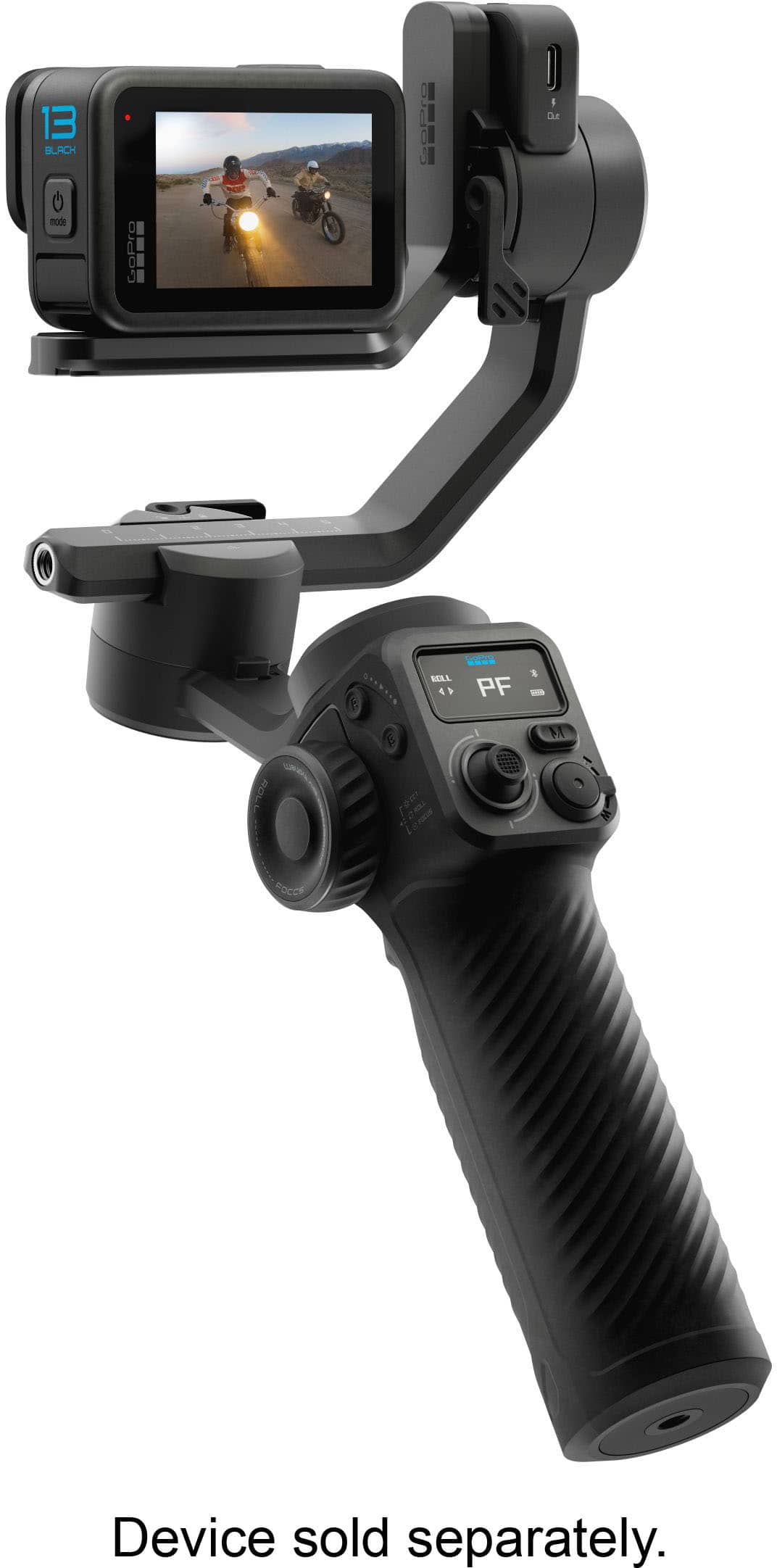
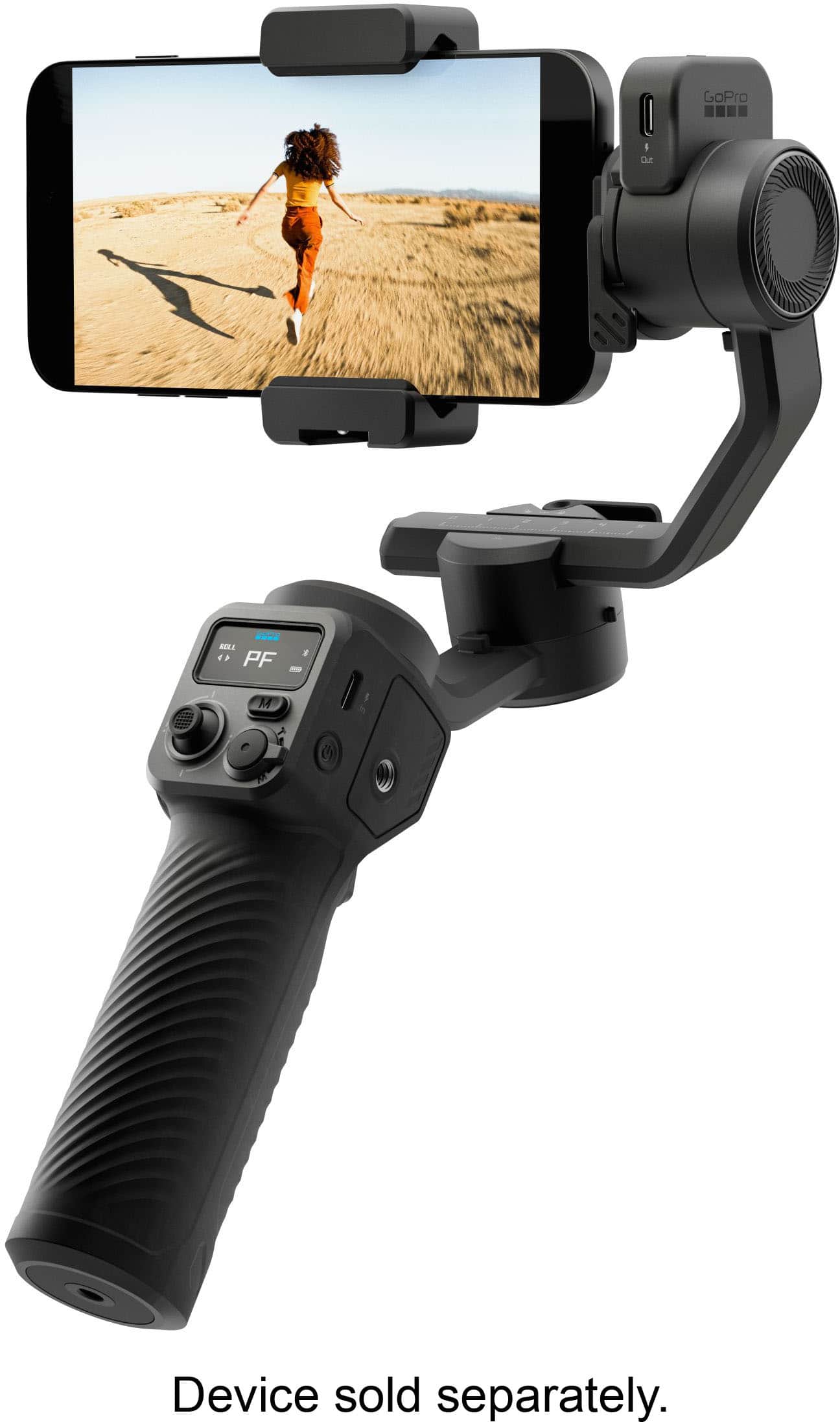
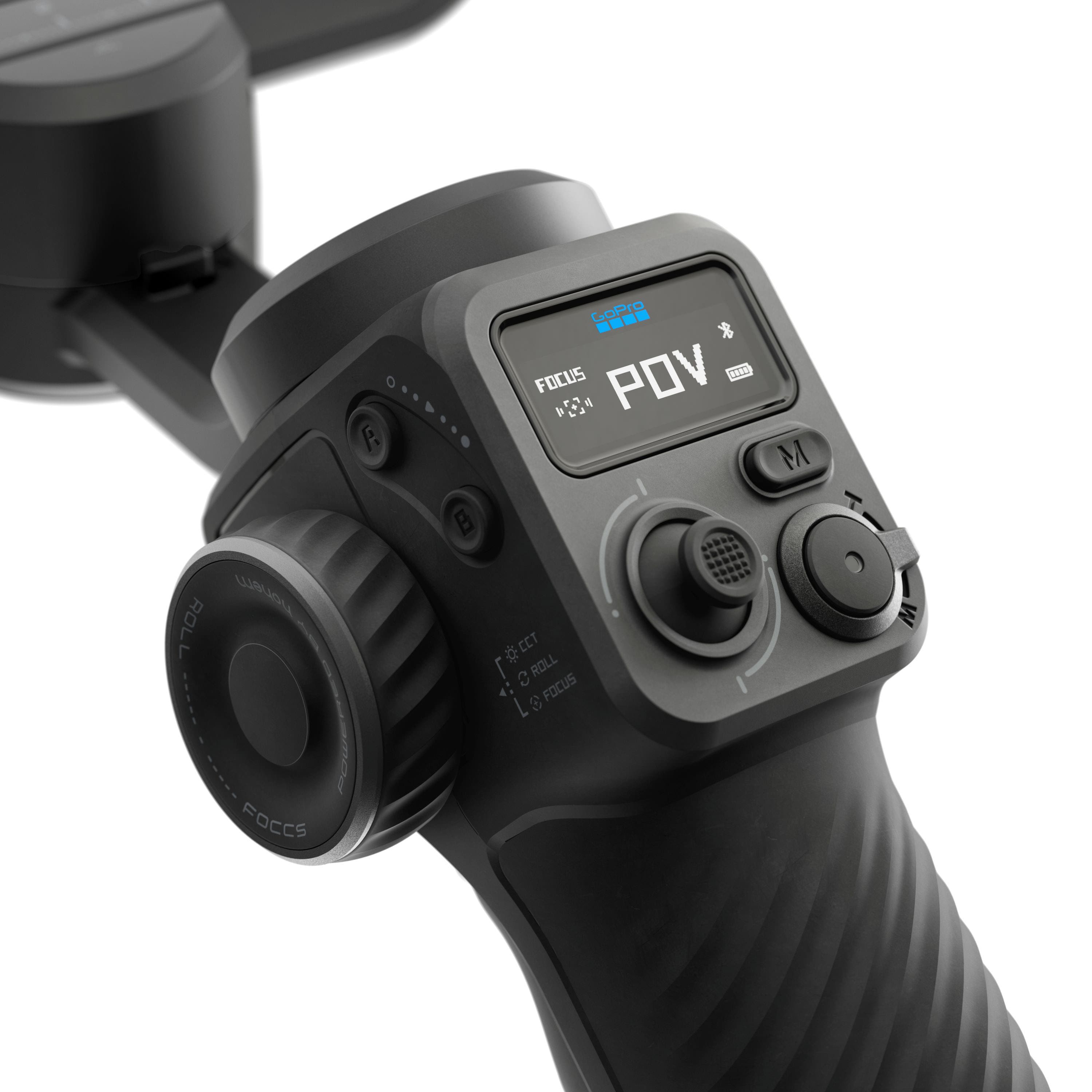
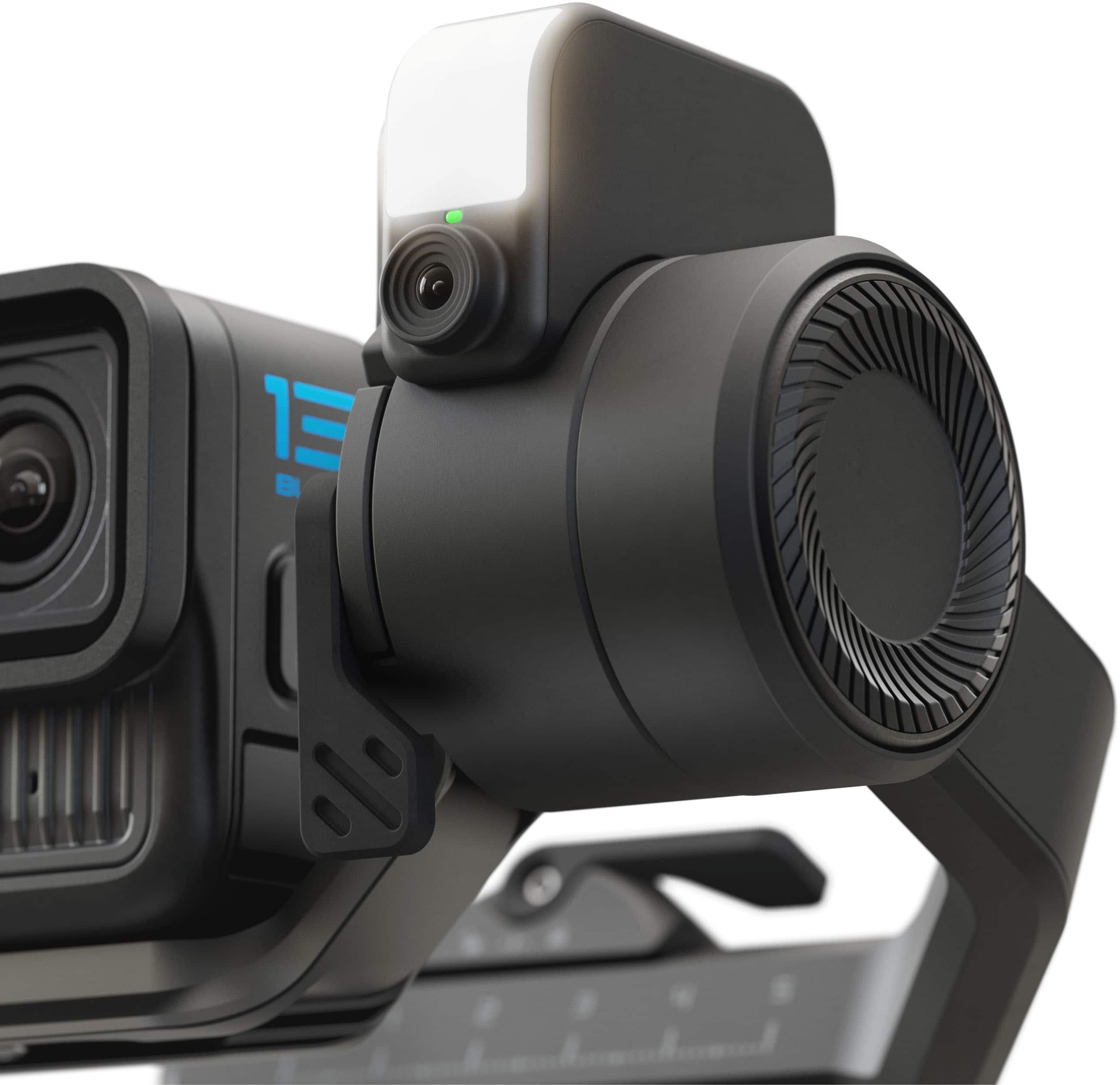
- Model:
- AGMSS-011
- SKU:
- 12370933
Rating by feature
- Value
Rating 4.2 out of 5 stars
- Quality
Rating 4.5 out of 5 stars
- Ease of Use
Rating 4.1 out of 5 stars
Don’t Buy
||Posted .This reviewer received promo considerations or sweepstakes entry for writing a review.Purchased a Fluid AI Pro and when I got home I found out that the LCD screen didn’t work. Tried reaching out to GoPro but no response from them. Worse product ever.
No, I would not recommend this to a friend
Great for action camera and phone use!
|Posted .This reviewer received promo considerations or sweepstakes entry for writing a review.I do a lot of filming with my action cameras, as well as with my cell phone. I was looking for a gimbal that would easily be able to handle both. When I saw this one, it seemed like it would fit the bill perfectly! Out of the box this feels like a very solid and well-built gimbal. If you have ever used a gimbal before, I think you will find the controls pretty easy to work with. This is designed mainly to use with GoPro cameras, but it also has an adapter for cell phones as well. I was also able to use it with some other non-DJI action cameras as well with a little creative adapter use. So, this will work with something like a Osmo action camera (or others) if you get a little creative with the mounts. Getting it set up was very easy. It all comes in a case, not quite a hardshell plastic case, but one with a firm outside that should protect the gimbal very well. After you take it out, you will need to unlock the gimbal by using the small switches on it. You can use this with the Fluid Pro AI app which will help control the functions of the camera. You can use it kind of like a remote control to operate the camera if you aren’t holding it, which works great for solo users. Once you get it all set up you just have to balance whatever device you are using, which is as easy as sliding it back and forth till you get the right balance point and then you can lock it into place. This works just the same as most gimbals. You can lock out certain axis to help control your camera. There are also all the zoom and pan and tilt joysticks as well so you can control the tilt of the camera while its on the gimbal. I found that it worked very well with my DJI and non DJI cameras, as well as my Galaxy S24 Ultra phone. The movement was very fluid and I found it very easy to control my camera and get just the shot I wanted. This gimbal also has another trick up its sleeve. On the Gimbal there is a little box that has a built-in light, and there is also a built in AI tracker. This is very useful if you are shotting by yourself and you want the camera to follow you while you are walking or moving. You can simply select what you want to follow, hit record, and the gimbal will automatically follow your movement. I tried this out literally running back and forth in front of the camera, and it tracked me perfectly with nice smooth movement. This is a game changer for solo vloggers! I found the light to not be all that useful unless you are in a very dark place. You don’t get a ton of light off it, but if its pitch black, you can light up a subject enough to get a clear shot. Overall, this is a great gimbal. If you shoot with both cell phones and action cameras, you’ll be hard pressed to find a better. If you only shoot with a cell phone, there is definitely 1 better option out there, so do your research. But, if you shoot on various formats, this is the one to get!
I would recommend this to a friendPremium multi-device gimbal with advanced AI
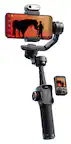
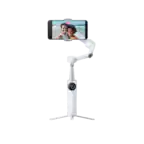
|Posted .This reviewer received promo considerations or sweepstakes entry for writing a review.GoPro cameras are well known for their smooth image stabilization as they are built for action in motion. This feature-packed GoPro Fluid Pro AI Gimbal Stabilizer cranks it up a few notches and works with both GoPro cameras and large Smartphones that attach to the built-in holder with tripod, AI sensor and fill light. It can support a total weight of 400g combined payload of your camera and accessories. It is fairly compact and comes with a carrying case for the device attachments which makes it weigh a bit, close to two pounds as a complete package. That added weight is also due to its large built-in lithium battery that can last up to 18 hours of use. The battery can also be used as reserve power for your GoPro camera or phone while mounted on the gimbal 3-axis stabilization motor that’s the heart and soul of this intelligent selfie stick/tripod. The AI powered brain can track people's faces, pets and reasonably sized objects with 360 degrees of panning, 320 degrees of tilting and rolling. The GoPro FLUID App pairs with the gimbal via bluetooth and allows you to view and control your settings from up to 32 ft away. The selfie-stick has an optional tripod that can be attached to the bottom to help with hands-free operations, but it also has a screw-hole on the bottom if you need to attach it to a full height tripod - a very useful feature. I used it hands-free with both my older GoPro 7 HERO and Galaxy S25 Ultra to record a few attempts at teaching my nephew a few soccer moves. The AI tracking worked very well especially on the horizontal plane, from side to side, not as much on the vertical axis. I also noticed that if you’re too far from the tripod tracking sensor, it will eventually stop tracking, at about 12 feet distance. The tracking ability may also be affected by sunlight glare or other bright lights. The multimodal AI camera sensor can also be activated by hand gesture commands so you can start/stop videos or the AI tracking, with simple gestures like the “OK” sign to start and the “Palm” sign to stop. The GoPro Fluid App has additional advanced operations that you could spend hours playing around with all the available settings, but if you’re a beginner it could be a little overwhelming. Overall, this GoPro Fluid Pro AI Gimbal Stabilizer differentiates itself from the competition with its interchangeable mounts for different devices and is a great addition for any video/content creation and I can’t wait to bring it with me on my next adventure.
I would recommend this to a friendOutstanding Handheld Gimbal!
|Posted .This reviewer received promo considerations or sweepstakes entry for writing a review.If you've never had a gimbal, this is a game changer for filming, either with a GoPro camera or your smartphone. It includes mounts for both in the box. Set-up out of the box was a bit confusing as the instructions aren't great, so I recommend watching some YouTube videos of the set-up process if you get stuck. That's also a helpful tip if you're new to using a gimbal, as this product features more complexity and features than more basic gimbals on the market. There is a learning curve here, even if you have experience, but the more you use it, the more intuitive it becomes. I've been using it with my GoPro camera, and the results are amazing. Filming waterskiing from the boat is now stable and videos of my dog on hikes are perfectly smooth. The pan and 360 features allow for some really cool shots and content. I haven't had to use the front mounted light yet, but it's good to have it for low light situations. The star of the show is the camera on the front of the gimbal that lets you lock on an track whatever you're filming. That means you don't have to be staring at the screen the whole time to stay locked on to your target. You can also set this on a table using the included stand and it will follow you if you're filming content. Overall, this is a really fun gimbal to use and I love how much it's improved the quality of videos. I would absolutely recommend this to anyone!
I would recommend this to a friendSteep Learning Curve High Tech Gimbal
|Posted .This reviewer received promo considerations or sweepstakes entry for writing a review.The Fluid Pro AI gimbal comes in a sturdy zippered storage case that allows you to quickly disassemble the gimbal for storage or transport. The gimbal itself is quite heavy, and has internal batteries to power the motors that maintain the position of the phone or camera being used. Maybe it's just me, but this device seems to share an issue with GoPro cameras themselves--the tiny little control and power buttons are very easy to accidentally press. There is an included manual with a detailed diagram of the controls and adjustments, but you need a magnifying glass to read it. And you need to learn where *not* to touch the gimbal when you are attaching the phone (or camera) and getting it ready to use. The phone needs to be balanced in it’s mount every time you use the gimbal. There are two USB-C ports, one is used for charging the gimbal and one can be used to power other devices or charge up a phone. The gimbal has a standard threaded mount at the base that you attach and use as a handle extension, or expand the three “legs” to use as a table top tripod of sorts. The standard thread permits you to be able to use the gimbal on a standard tripod or other camera mount. Included are an adjustable mount for cell phones that can be positioned in landscape or portrait mode, and a cradle for suitable GoPro cameras. Like anything else electronic that still needs a human to produce the results, your videos quality depends on your own patience and your own movements. So far my results have not been great, I would be embarrassed to upload any of them. I have not been able to master the AI functions, it will take some more trial and error. This device requires you have a technical kind of mind.
Good gimbal for GoPro users
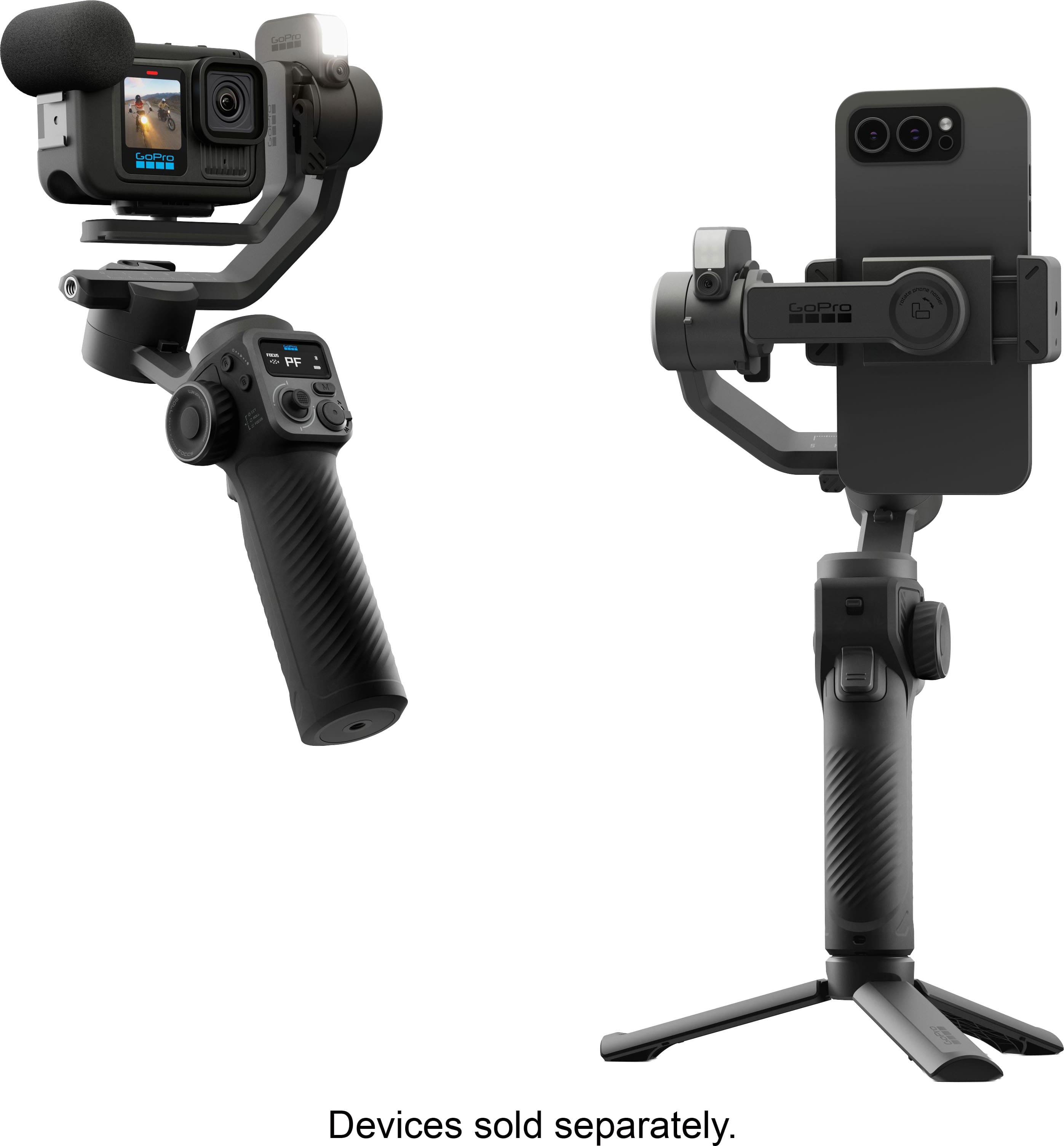
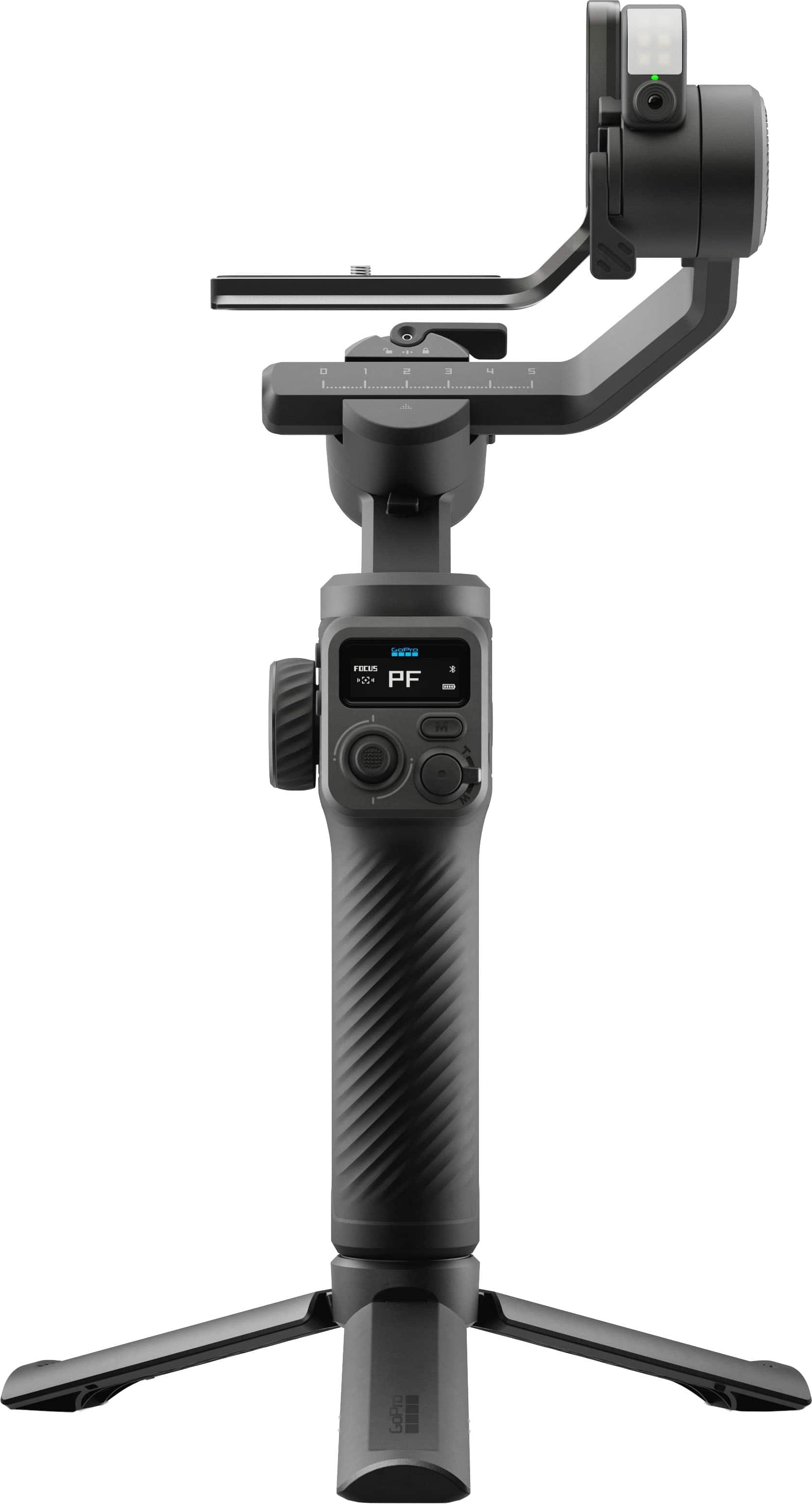
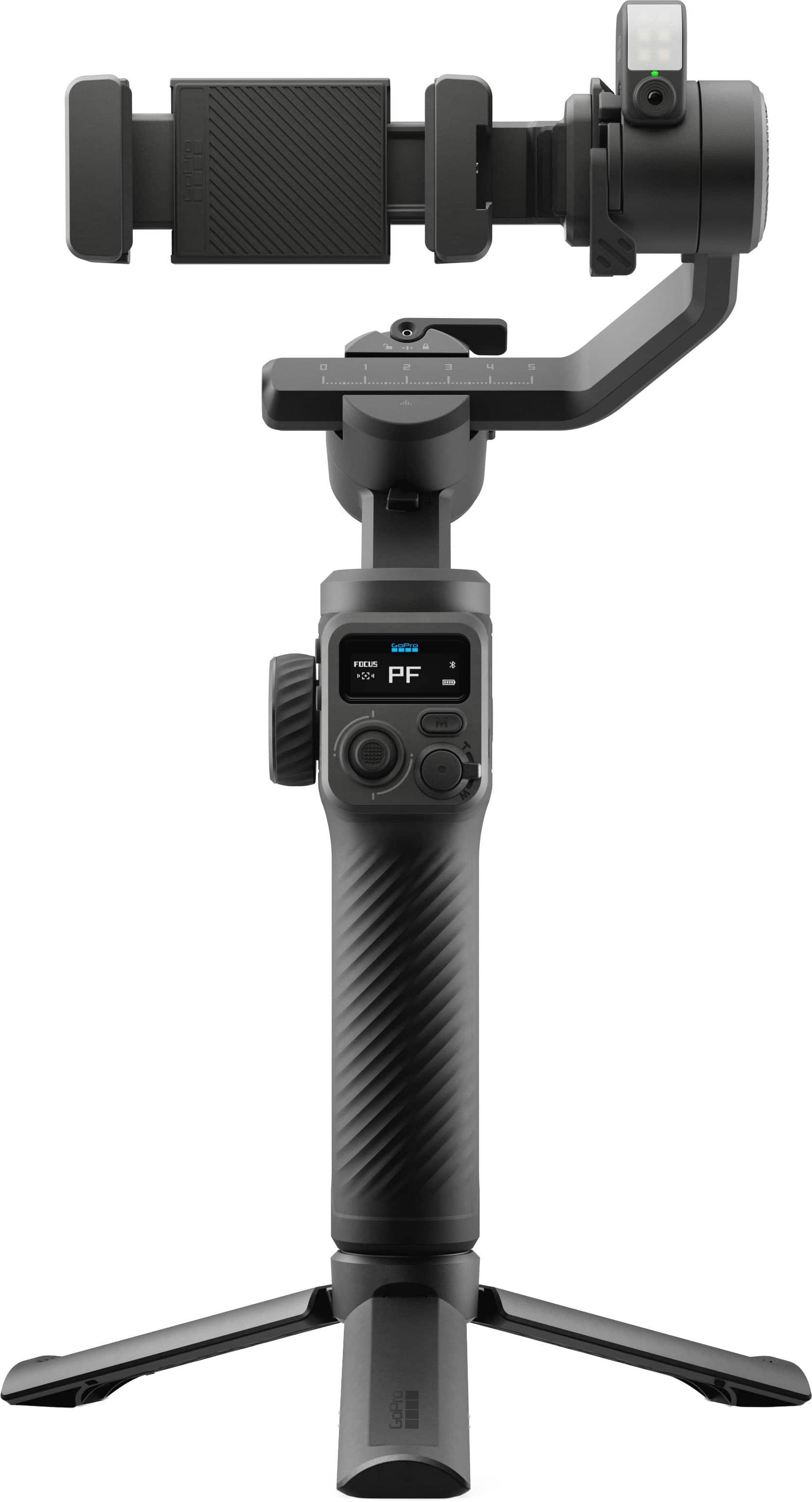
|Posted .This reviewer received promo considerations or sweepstakes entry for writing a review.In the box: • 3-axis motorized gimbal • AI Tracking unit (with integrated light) • Tripod • Phone Clamp • GoPro Camera Bracket • Finger Adapter • Thumb Screw • USB-C gimbal charging cable • USB-C device charging cable • Carrying case • User Guide • Product Safety Information Setup: Mounting and balancing of smart phone was easy. This is best done with the phone out of any protective case. Pairing with smart phone was relatively easy considering that, if you are using the phone mount, it must be done with the phone balanced in the gimbal with the gimbal powered on. Pairing with a GoPro camera (13 Black with Media mod in my case) was easy once I figured out how to put the gimbal in pairing mode again. This does not require that the gimbal be unpaired from the phone (my original mistake). The gimbal can be paired with both at the same time. This allows the phone to serve as a remote control for the GoPro camera using the GoPro Fluid app. Design: GoPro camera and phone brackets can both be mounted in landscape or portrait orientation. The tripod can be collapsed for two-handed operation. A USB-C reverse charging port on the AI Tracking unit can be used to charge a smart phone or GoPro camera. A short, coiled cable is included and, after rebalancing, can be used during operation. AI Tracking unit connects to the tilt motor using a USB-C connector and alignment pins and can be easily removed and mounted in either direction. With a GoPro camera mounted in the gimbal, the GoPro Fluid app on a smart phone can be used as a remote control. However, there is no image displayed in the app and one of the GoPro camera displays must be enabled or the GoPro Quik app must be used to preview the frame. Operation: The gimbal functioned smoothly in all four modes. AI tracking and hand gestures work well. I could find no User Guide for the GoPro Fluid app. It appears to have quite a few features for controlling settings and function of a gimbal-mounted GoPro camera but there is no documentation to tell you how to use them or whether a particular operation was possible. For example, I could find no way to select an object for tracking apart from in-frame hand gestures for tracking a single person. With a GoPro camera mounted on the gimbal, the Quik and Fluid apps can be used simultaneously to control the camera. This allows a preview (in Quik) without the need to enable the front or rear display on the camera. However, starting a recording using the Fluid app interrupts the preview in Quik. Starting the recording in Quik, the preview on the phone remains active during recording. Either app may be used to end the recording. Using the Fluid app, zooming with an iPhone 15 Pro Max stuttered as the phone switched between lenses. Overall: This is a good gimbal for GoPro camera users. AI tracking works well for people when hand gestures are used but I found no way to track other moving objects. The Fluid app could be improved to smooth zoom transitions when using a smart phone and to include the functionality of the Quik app when using a GoPro camera.
I would recommend this to a friendEasy to use with good smooth, quiet tracking
|Posted .This reviewer received promo considerations or sweepstakes entry for writing a review.As the user of a somewhat older gimbal from a few years back, this GoPro Fluid Pro AI is a big step up for me. Surprisingly, it's not the most expensive thing out there, so that's definitely a plus; but what you get for that $$$ is solid performance when paired with your phone or an actual GoPro. Build: The overall build of the device is sturdy and doesn't have that light, plasticky feel. It indeed has some weight to it, but nothing that makes it uncomfortable to use. The gimbal feels substantial in my hands. Controls: Speaking of hands, I would say it's most effective with right-handed operation - just because the buttons, dials, etc. are better placed for thumb action that way...although there are some buttons that required your other hand if you're hold it. The "AI" hand controls are my favorite part of this device. When you install the light/tracker attachment, you can use hand controls to turn the automatic tracking on and off and even control recording. And fortunately, there aren't a ton of gestures to remember - just a few and they worked really well. Tracking on the gimbal is smooth and quiet. Setting it up with the included tripod, the gimbal followed me around a room and the quality of the motion was excellent. Other Stuff: The only real "challenge" with me using the gimbal was the initial calibration and balancing. Everything is adjustable, but it took a few tries to get it just right. The gimbal also includes a nice hardshell case. Everything fits in it - including a GoPro. I just wish it had a special compartment to put the camera so that it wouldn't bang against everything else.
I would recommend this to a friendGreat Stabilizer
|Posted .This reviewer received promo considerations or sweepstakes entry for writing a review.The Gopro Fluid Pro stabilizer is a really nice stabilizer, that is very versatile. It can be used on with a variety of camera types from GoPros to Smart Phones to lighter point and shoot or DSLRs. The device feels very nice and well built from the moment you pick it up. It can be a bit intimidating at first. But once you read the instructions and watch the setup videos, it's not so bad. Once I really started playing around with it, I really saw how full featured this gimbal really is. It probably has way more features than I will ever really use. When they say Pro, they really mean it. I think this is targeted to actual professionals who are making videos for a living. I am mostly using it for personal use with home movies and videos of family vacation and things like that. It still works really well for those applications. The resulting videos are very smooth and clean looking. Using a stabilizer like this really adds a layer of polish that you don't realize is missing until you see it in action. Overall I am very happy with this stabilizer. It was a bit overwhelming at first with all the features, but once you really start using it, it's not bad at all. And the resulting videos look amazing. I would definitely recommend for anyone wanting to take their videos up a notch.
I would recommend this to a friendPerfect companion for your GoPro or smartphone!
|Posted .This reviewer received promo considerations or sweepstakes entry for writing a review.I’ve been carrying a GoPro with me to document my outdoor adventures for over 10 years and have only ever carried the standard GoPro handle/stick style grip. I thought it did well enough, and since I was just creating these videos to document my travel and adventures for my friends and family it was fine. I’ve seen other gimbals while shopping and it crossed my mind a few times to get one after seeing how much better the footage turned out, but I couldn’t find one that checked every box and didn’t cost me an arm and a leg. When I saw this being released and had a chance to read up on it, I decided it was time to pull the trigger and finally get one! I’m so glad I did! This has changed the game for me and now no one gets motion sick while watching my videos! I thought there would be more of a learning curve to operate, but honestly it was very intuitive to use and this has been my “go to” every time I teach for my GoPro. I actually haven’t used anything else since I’ve got this. It’s been hunting, fishing, on a river float tour, to a national park, on a few bike rides, and on an over-landing trip! It’s an easy recommendation to buy this asap, you won’t regret it.
I would recommend this to a friendSolid and beyond useful
|Posted .This reviewer received promo considerations or sweepstakes entry for writing a review.This was a game changer for using the gopro or a phone for capturing video. We've used a few different gopros over the years and have tried out a few different packs of accessories to go with it. Nothing in any of the various price accessory packs comes close to this. It comes in a nice little secure package that holds everything securely and can easily be put into a carrying bag or backpack for transport. The case is nice quality and feels protective. Much like the gopro itself, this has a nice solid build. It's got a good weight to it and my phone attached securely as well. I will warn you, if you have a larger iphone or android then you may have to remove your case from your phone for it to fit properly in the attachment but it does hold securely so I wasn't worried about my phone slipping at all. Setup did take a little bit as you have to read through the instructions a bit and figure out how to calibrate it initially but it's been go to go since then. I'm still working through all the various options and controls but fall more in love with this every time I use it. Can't recommend this enough especially if you are using for content creation.
I would recommend this to a friendGood, but wish it worked with more cameras
|Posted .This reviewer received promo considerations or sweepstakes entry for writing a review.As a video content creator, I've been slowly amassing camera gear whenever I can afford it. In order to capture more complex camera movements, what I really needed was a gimbal. There's only so much that the automatic image stabilization can do for a shaky video, with some solutions cropping out much of the frame in order to correct the jitter. I was originally super excited because not only could I use my GoPro cameras with this gimbal, but also my smartphone, as well as any other point and shoot camera under 400g. I really should have weighed my cameras, because although the listed weight was under, it was for the camera body only and didn't include the lens that took me over the weight limit. Since I couldn't use my nice mirrorless cameras, I went ahead and tried to fit my smartphone in the mount. The instructions were sort of confusing, because I couldn't figure out which way I should be having the phone facing. If I had the better back camera facing the same way as the AI camera, then the mount would cover the screen. If I wanted to see the screen, for example in order to actually use the GoPro phone app, then I would be forced to use the lesser quality front facing camera. Also, the mount grips along the side of the phone, which is where the power and volume buttons are, so the phone needs to be on before you attempt to attach the mount. Not only that, but the instructions say that the whole mount has to be balanced prior to turning on the power to the gimbal, and the weight distribution of my phone is such that it's only in balance bare millimeters from the end stop of the sliding bar on the adjustable mount. My tiny GoPro Hero 5 Session was much, much easier to attach to the GoPro specific mount. Setup issues aside, once I had everything in balance and turned on, using the Fluid Pro AI gimbal was a dream. While testing out the stability, I ran all around my house, turning this way and that, and the resulting footage looked like it was done on rails. The handle fit nicely in my hand, and the buttons to control the zoom and record functions of the app worked with barely any perceptible lag. The handle handily folds out into a tripod, and after setting the rig on my table, I tried out the AI focus mode. This mode lets the camera automatically swivel around after acquiring a target, and will have the camera constantly keep the subject in the frame. There is a setting to deprioritize faces, so that if you are demoing a product you can have the AI lock on to that instead, which is great for the shy product reviewers that don't want to show their face on camera. All in all, this product is a great little device for vloggers and other video content producers, especially those with much smaller crews or doing their own filming. I wish that it could hold more weight so that I could stick my APS-C mirrorless camera on it, as even an increase of 100 grams would allow so many more cameras to be used with it. The convenient case to store everything is my favorite part of the whole package.
No, I would not recommend this to a friend