Winter SaleEnds 1/19. Limited quantities. No rainchecks.Shop now

Main Content

Customer Ratings & Reviews

Your price for this item is $399.99
The comparable value price is $499.99

Customer reviews

Rating 4.6 out of 5 stars with 63 reviews

Rating Filter

Rating by feature

  • Value

    Rating 4.6 out of 5 stars

  • Quality

    Rating 4.9 out of 5 stars

  • Ease of Use

    Rating 4.5 out of 5 stars

Pros mentioned filter

Cons mentioned filter

95%would recommend to a friend
The vast majority of our reviews come from verified purchases. Reviews from customers may include My Best Buy members, employees, and Tech Insider Network members (as tagged). Select reviewers may receive discounted products, promotional considerations or entries into drawings for honest, helpful reviews.
Page 2 Showing 21-40 of 63 reviews
  • Tech Insider Network Member

    Rated 4 out of 5 stars

    Excellent camera; a few drawbacks

    |
    Tech Insider Network Member
    Posted .
    This reviewer received promo considerations or sweepstakes entry for writing a review.

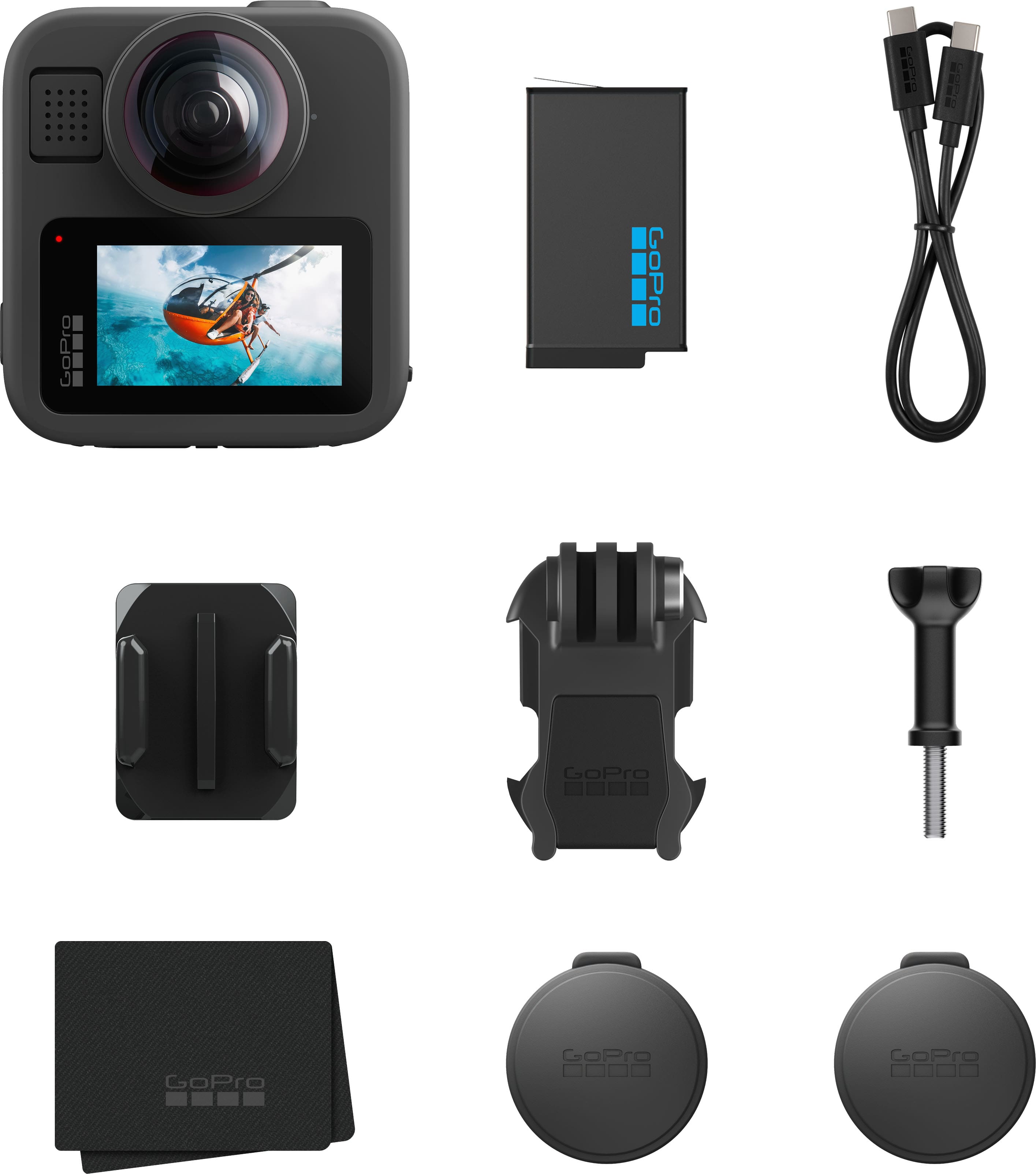
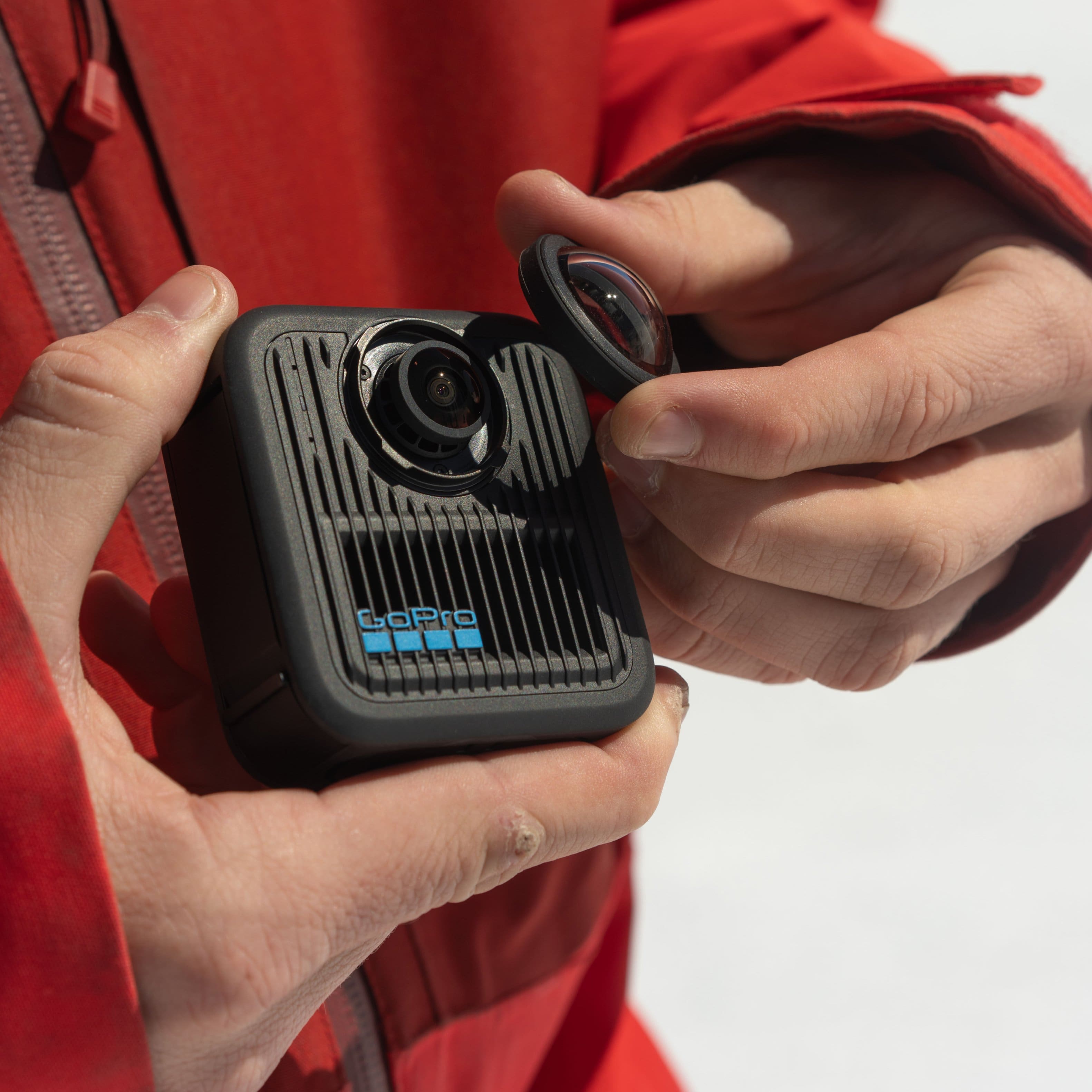
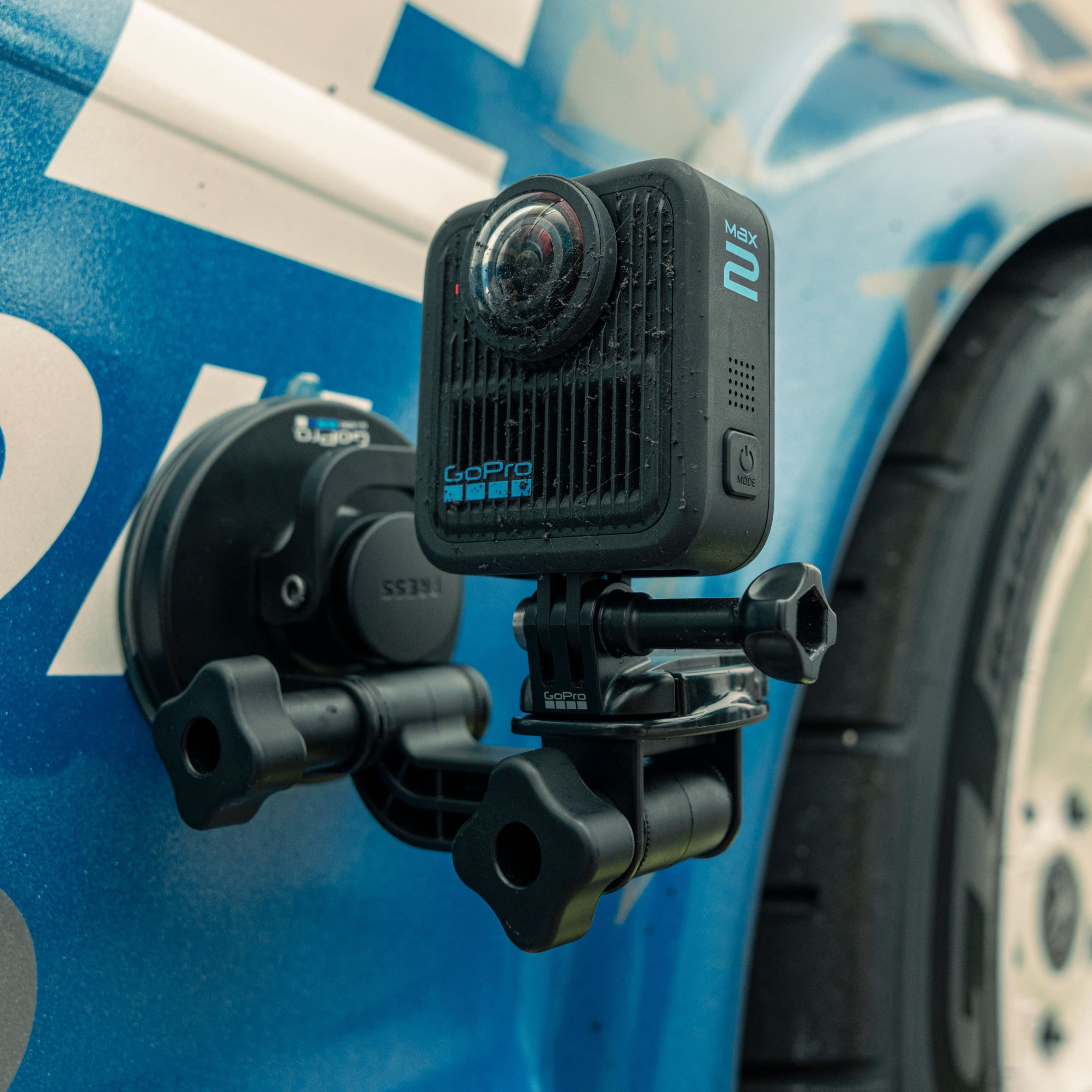
    The short version: extremely capable camera with some amazing features packed into a durable and well-designed system. Accessories are easy to use and it’s fairly easy to use right out of the box. Weaknesses are low light filming, camera heating up, and dealing with editing. The Go Pro Max 360 sports dual lens to capture amazing immersive 360 video in up to 8k resolution with 60 frame per second capability. It has incredible stabilization and great, crisp capture in good light. In low light, it is way less crisp. The camera also seems to heat up quite quickly--even though I was not operating it in temps above about sixty degrees F. The battery life could definitely be better. I am wondering how quickly the batter dies in truly cold weather. Investing in a second batter certainly seems like a worthwhile idea if you truly want to use this for longer recordings or a whole day of shooting. The setup on the camera is pretty quick and easy, but you do have to update and charge up the battery before recording epic excitement. Also, a micro SD card is required; Go Pro’s website explains which cards have the right capabilities for the camera, FYI. The options on board are many, but the menus are not hard to navigate once you get the hang of the different swipes and directions for the LDC screen on the camera. That said, it’s a *tiny* screen and it’s a little hard to navigate with human-sized fingers and a little hard to read for my old eyes. But, it does the job and lets the user preview video. Some trial and error is required to get used to the advantages of 360 capture vs. single lens capture in different situations. However, what is also impressive about the 360 is how much detail the camera can take in and that the user can later work with in editing. The single lens mode is also impressive nonetheless, with options for wide angle capture that the big lenses do well with. Also, these lenses are durable and replaceable. It is indeed possible (with a pretty hard twist) to pop the lens off and put on a new one should something happen. I did actually drop the camera with the lens cap off, though, and I can attest that at least short falls left the lenses completely unharmed. I had relatively little difficulty going from box to taking videos; that doesn’t mean the first videos have been great, but it’s not hard to “make it go.” There are some nice options included in the camera settings for 360 (like time lapse/time warp, star trails, light painting, night lapse) and for the single lens mode (time lapse/time warp, photo capture), but you can also adjust these presets and customize the on board options. Other options are for aspect ratio, recording resolution, frame rate, and other basic options. There’s also a ‘protune’ series of settings that allow finer adjustments to video settings (exposure, Iso, white balance, etc). Also, the voice activation for the camera does ACTUALLY WORK, and that is pretty slick. Definitely a plus if you’re doing some crazy stuff, wearing gloves, or any number of other reasons it might be inconvenient to pause and look at the camera screen or try to push a small button. The Go Pro system is pretty clever; the camera has several mounting features. In its most basic, the Max 2 360 has a convenient standard ¼”-20 thread to mount to most tripods or monopods. As well, the mounts include the Go Pro buckle system, which allows the user to clip into a variety of Go Pro mounts and accessories with relative ease. The clips are connected through a screw system, which allows the user to position the camera at a variety of angles. In addition, Go Pro sells quick change magnetic mounts that can bypass some of the fussiness of the thumb screws. The basic camera package comes with a curved mount to adhere to a helmet, a flat mount, and the thumbscrew/clip system. This means that out of the box, one either needs an existing tripod/stick or needs to be ready to mount the camera to a helmet or other surface you want to slap a mount onto, like a surfboard or dash, for a good amount of utility. Yes, one can just carry the camera, but that doesn’t gain full range of the camera. Having a chest harness or mounting the camera on a helmet or other surface and going hands-free, or mounting to a pole or other rig will let the camera shine. Note that the official Go Pro accessories are a bit spendy. But, they work well, though the buckles do seem like potential weak points down the line. Editing videos and especially editing the 360 videos is where the system gets a little rickety. The Go Pro Quik app is a nice resource and it's so fast, apparently the "c" had to be dropped from "quick") but it’s only available on mobile device platforms, not laptop platforms. So the user can edit on a tablet or a smartphone, which is great if one is out in the wild somewhere looking to post a video immediately, but less great if the user is trying to do so something with higher production value, frustrated looking at a tiny screen, or annoyed using a touchscreen. The Quik app actually has a lot of good features though I am still finding it aggravating for the reasons above. Added to this is that my tablet is a little too old, apparently, and I get warnings that Quik can’t show me the video in full resolution. The 360 videos are incompatible with other editors, so to use it, one must export it into a file that can be read by your video editing software. One can do this exporting on the computer from the Go Pro player, which can be downloaded off the Go Pro website, but the number of steps to make this video usable is aggravating. That said, one can do some basic editing the Go Pro Player. I will say that once the video is uploaded into a player/editor, the user can really see how much the 360 captures. It’s pretty incredible and the user can really manipulate what actually appears in the frame of a final product. Figuring out how to do all that and make it into a usable video and edit it takes a little more work; work which I have not really been able to do in depth so far. It make take less if the user is more experienced with Go Pro software and devices already. Still, it would be FAR BETTER if the Quik app could simply be downloaded as an actual computer program rather than only an app on mobile devices.

    I would recommend this to a friend
  • Tech Insider Network Member

    Rated 4 out of 5 stars

    Great action cam, okay for vlogging

    |
    Tech Insider Network Member
    Posted .
    This reviewer received promo considerations or sweepstakes entry for writing a review.

    I do vlog style videos on Youtube on my EV ownership. The original idea I had with the GoPro Max2 360 camera is to just hit record and not worry about where the camera is pointed. I can walk around my garage or move in and out of the traditional frame. Because it records in 360, it should record everything around it. What I did not realize is I have to spend more time in post because the file it creates when recording with both lenses is not compatible with my video editing software (Final Cut Pro). There are plugins for Adobe Premiere but I don’t use that or familiar with it. I also would have to frame it up then export. So it is more work but not having to worry about whether I’m in the frame or not is great. You will want to record in 8K all the time so you have the highest quality to work with when editing. There is a desktop app for macOS but it looks like they are no longer updating it to focus more on the mobile solution with cloud service (paid subscription). Again, battery usage when you transfer footage from camera to phone. It also uses phone storage so a good idea to get large storage for your phone. I don’t like using my phone to do these kinds of tasks... maybe I’m just old. I also had issues connecting to the camera with my phone when viewing or trying to transfer files. I noticed it won’t connect when I’m charging it with USB. It says connect to USB thinking it’s mounted onto a computer. This is when I’m charging in my car’s USB. When stabilizing footage, it will crop the footage but with 8K resolution, you can maintain high quality. I don’t plan on exporting beyond 4K resolution anyway. Keep in mind as you are transporting files to your phone, you are using the battery. Battery life is not that great specially when recording in 8K. The white balance has preset values. It increments by 500K. From 2300K to 6500K. I normally have my other cameras at 5700K. With this camera, I set it at 5500K. You can use preset and have one custom. The screen on the camera is big enough to preview your shot and good resolution. The touch screen response time is good as well when navigating around the menus. Using my iPhone connecting to it and managing media does take some time and will consume more battery. Okay, for editing. I have an iPhone 17 Pro Max. The app has different ReFrame modes from object tracking, motion frame, POV, and more. The editing process is similar to other 360 camers where you add key frames when you want to change frames. You can change lens from linear to wide and custom. You can enable HyperSmooth to stabilize your footage. So far from recordings, it does a good job. There are different settings: low, medium, and high. You can have it horizon lock or direction lock. Many options. The built-in microphone is actually good as long as you’re not in a loud area. I did some test records in my car and around the parking lot. I cannot find in the settings to connect an external microphone though. As an action cam, I guess audio isn’t as important? Many will just remove the audio and add background music. This is a nice action camera that records 360. It will not replace or complement as a vlogging camera the way I have my workflow set up. The microphone is not bad if you need to do record something where it’s not too noisy. I don’t know how I feel about the lens cover being two different pieces – one for each lens. Just more I could lose. Other 360 cameras have one piece that covers both lenses. The camera does heat up. I left it on over 10 minutes on a tripod on my desk. No shutting down so far. Get extra batteries specially if you plan to shoot in 8K. Get a phone with large storage because this camera is designed to be used with your phone and constantly reminds you to subscribe to their cloud service.

    I would recommend this to a friend
  • Tech Insider Network Member

    Rated 4 out of 5 stars

    Provides a Cool Perspective, But at a Price

    |
    Tech Insider Network Member
    Posted .
    This reviewer received promo considerations or sweepstakes entry for writing a review.

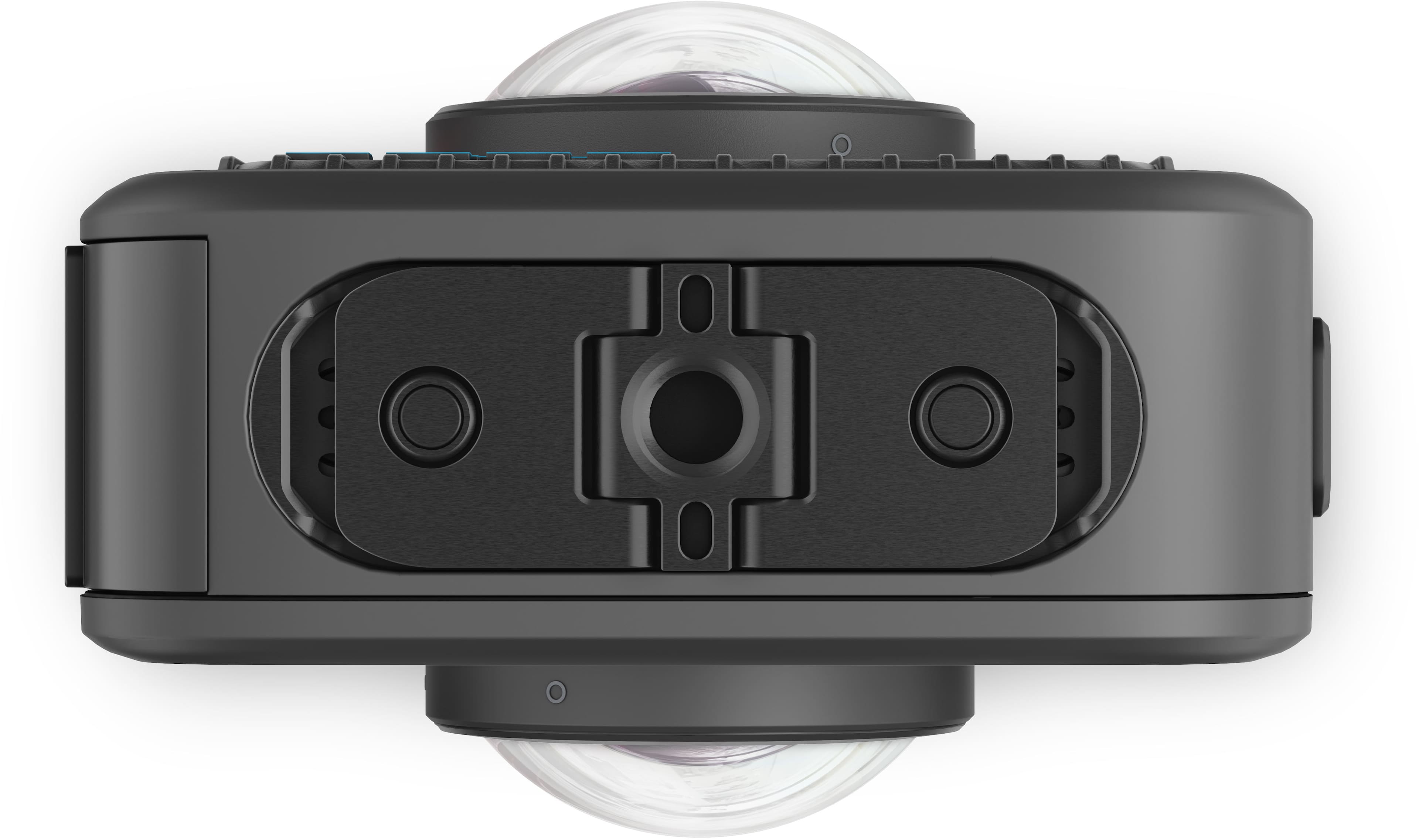
    If you’re already a part of the GoPro ecosystem, the Max 2 is a great piece of hardware for capturing 360 photos and videos. The Max 2’s mounting points are of course compatible with GoPro mounts and accessories. The ¼-20 thread mount also makes it compatible with other camera mounts, tripods, etc. Extension poles will be invisible so long as they remain straight and within the camera’s stitch line. II want to mount mine to the top of my Miata while I’m zipping through some windy roads next summer. The Max 2 is well built with the periphery having a little give to it, which makes me believe it will be able to take a few tumbles without much issue. If the glass covering the lense(s) were to break, they are easy to remove and replace. Not sure the same can be said about the screen’s glass. Alas. Using the camera is straightforward. The only two physical buttons on the device are power and shutter. Unlike previous GoPros that I’ve had, the touch display is responsive and menus are easy to navigate, albeit there are many. Because the Max 2 captures footage in 360, just be sure it has a clear view of what you want to capture, and hit record. Missing the shot is almost impossible. Resolution is phenomenal. For a relatively small camera, 8K 30 video and 29 MP 260 photos are impressive. Downloading content to the GoPro Quik app wirelessly is fine, but I found a USB C connection to my iPad Pro to be blazing fast. Just a few minutes for almost an hour of footage. The app itself allows you to do a good amount of editing and even more if you purchase a premium subscription. So what’s not to like? I think the biggest thing for me is price. The Max 2 is spendy. If you want a GoPro, but don’t need 360 footage, you can immediately save $70 just by purchasing a Hero 13 or even more if you purchase an older GoPro. Not to mention replacement lens kits are $50 from Best Buy currently. While battery life if good, I was getting roughly 4 hours of mixed use with my testing, Enduro batteries for Max are also spendy at $45 a pop. Don’t forget the cost of an SD card as that isn’t included. I guess no one said action sports, hobbies, and photography were cheap. The only trouble I had with the camera itself was with specific lighting. When shooting from a dark space towards one that is lit, images seem to get really washed out. The Max 2 seems to excel in generally well lit environments. I think that’s where most people will be using it anyway. All in all, I do like the Max 2. Despite the price tag, it is built well and has the benefit of modularity if a lens does get broken along the way. It’s an excellent choice for capturing 360 footage in environments where you wouldn’t want to take your phone or other more sensitive photography equipment.

    I would recommend this to a friend
  • Tech Insider Network Member

    Rated 4 out of 5 stars

    Great 360 Action

    |
    Tech Insider Network Member
    Posted .
    This reviewer received promo considerations or sweepstakes entry for writing a review.

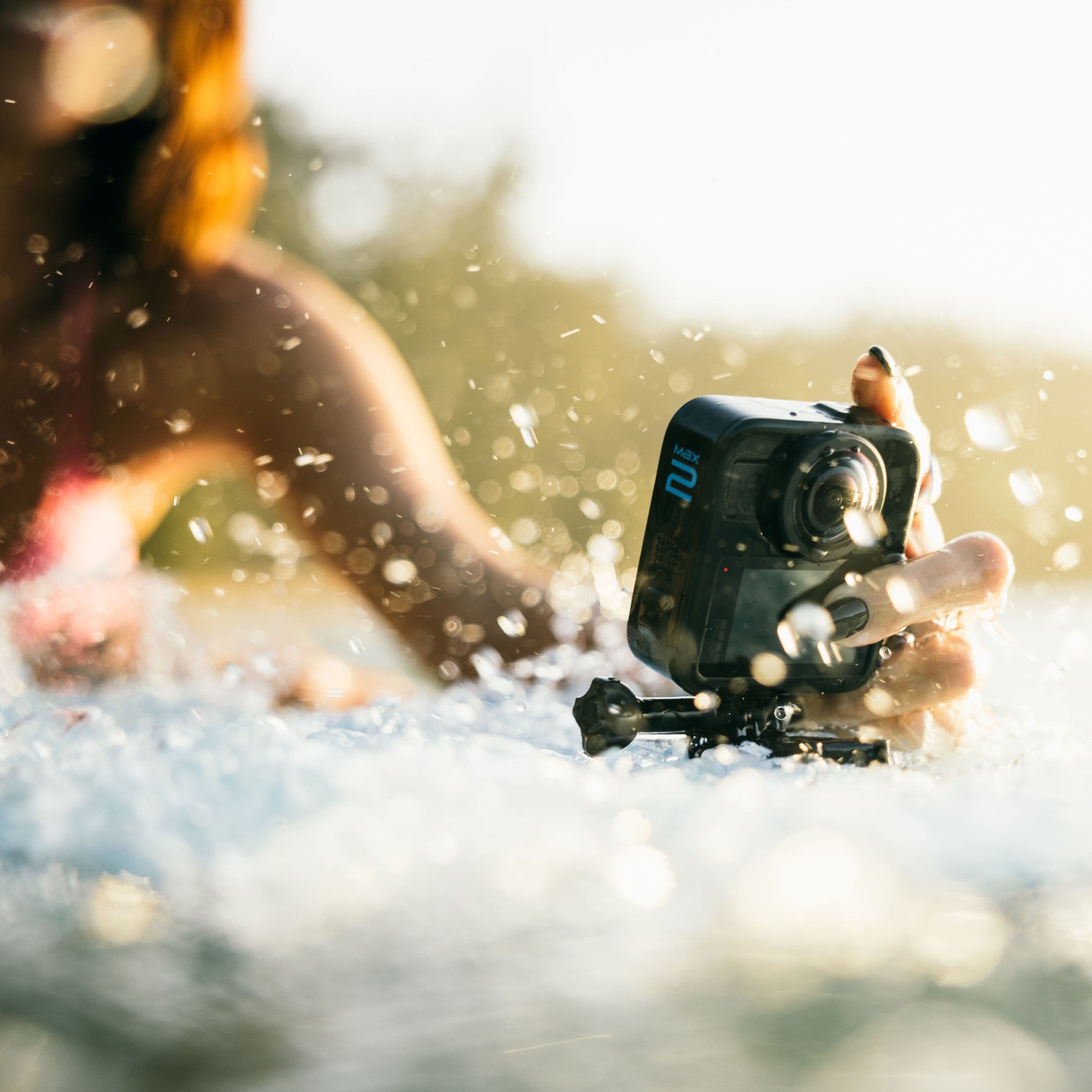
    As someone diving into 360 action cameras for the first time, I’m genuinely impressed by the GoPro Max 2. It’s packed with thoughtful features that elevate the shooting experience. Right out of the gate, it delivers stunning invisible pole shots, making your footage look like it’s floating or drone captured with no selfie stick in sight. The camera supports true 8K resolution with 10 bit color, offering richer tones and about 20 percent more pixels than its closest competitors. It’s also waterproof up to 16 feet, so you can take it confidently into pools, rain, or shallow dives. That said, for truly clear underwater shots, you’ll need a dedicated dive case — and as of this writing, that accessory isn’t yet available. Daytime image quality is phenomenal with crisp detail and vibrant color. Night shots, on the other hand, are rendered with a very natural look that avoids both under- and over-enhancement — they appear much as the scene actually does, which means they’re not especially vibrant, but also free of artificial processing. The replaceable lens system is a standout feature. If you scratch a lens, you can swap it out on the spot without needing a full repair. That’s a huge win for adventurers and creators on the move. Mounting flexibility is another highlight. The Max 2 features fold out mounting fingers on the bottom, allowing seamless compatibility with legacy GoPro mounts. Fold them in and you’ll find a standard 1/4 inch thread, perfect for tripods or third party accessories. Plus, the built in magnets make it easy to snap onto magnetic quick mounts, a thoughtful touch for creators who value speed and versatility. One thing to watch out for is lens cleanliness. I’ve noticed unwanted reflections in some shots when they’re even slightly smudged. The GoPro Quik app deserves a shoutout too. It’s packed with creative tools that make editing a blast. From cinematic transitions to dynamic reframing options, it turns raw footage into polished content with surprising ease. Playing around with the features feels more like fun than work. However, the lack of editing capabilities on the desktop app is a big disappointment, as many users prefer a full-featured editing experience on a larger screen. And with built in GPS, you can overlay location data and even display your speed — but here’s the catch: you cannot use stickers like “current speed” or other telemetry overlays when recording in 360 mode. That’s a big disappointment, especially since many users choose 360 cameras specifically for immersive action scenarios. I had hoped to use this during boat racing to show my speed while capturing the surrounding boats, but that functionality just isn’t supported in 360 capture. Verdict If you're looking to step into the world of 360 action filming, the GoPro Max 2 is a strong contender. It combines high end specs with thoughtful design, and while it’s not perfect in low light — and has some frustrating limitations in 360 overlays and desktop editing — its strengths far outweigh the compromises.

    I would recommend this to a friend
  • Pros mentioned:
    Video quality

    Rated 4 out of 5 stars

    Excels in picture quality

    |
    |
    Posted .
    This reviewer received promo considerations or sweepstakes entry for writing a review.

    It's been a long wait for the Max 2 and some will debate whether it was worth that wait. Cons: Desktop software is lacking (although GoPro say they are working on it). Lacks low light video capability. Pano shots removed? Pros: Image quality during daylight is simply far better than other 360 cameras (thanks to the true 8K resolution). GoPro Labs unlocks even more features that beat the competition hands down. Integrated GPS means you don't have to shell out for an extra GPS receiver. Bluetooth Audio! All in all, this camera is built for those that want exceptional image quality from their 360 camera and who are pro editors (who film in LOG). If you shoot action, this is the choice for you. 360 nightlapses and star trails just look amazing too.

    I would recommend this to a friend
  • Rated 5 out of 5 stars

    Perfect 360 camera

    |
    |
    Posted .
    This reviewer received promo considerations or sweepstakes entry for writing a review.

    The GoPro Max 2 completely exceeded my expectations. The 360° capture is smoother, sharper, and more immersive than anything I’ve used before. The stabilization feels almost unreal — even on bumpy rides or fast‑moving shots, the footage comes out buttery and cinematic. What really stands out is how easy it is to use. Switching between 360 mode and traditional wide‑angle shooting is seamless, and the updated interface makes the whole experience feel intuitive. Editing the footage afterward is surprisingly fun, especially with the reframing tools that let you pull out multiple angles from a single shot. Battery life is solid, the build feels rugged and premium, and the audio quality is noticeably improved. Whether you’re traveling, riding, or creating content for social platforms, the Max 2 gives you a ton of creative freedom in one compact device.

    I would recommend this to a friend
  • Rated 4 out of 5 stars

    Great camera, lackluster app (for now)

    |
    |
    Posted . Owned for 3 weeks when reviewed.
    This reviewer received promo considerations or sweepstakes entry for writing a review.

    Hoping GoPro steps up the editing software to something that can produce quick social media content without havjng to jump through too many hoops in the app. My biggest gripe right now is the inability for the app to do automatic highlights of 360 videos.

    I would recommend this to a friend
  • Pros mentioned:
    Video quality

    Rated 4 out of 5 stars

    Great Action camera!

    |
    |
    Posted . Owned for 1 week when reviewed.
    This reviewer received promo considerations or sweepstakes entry for writing a review.

    Just got the new camera, but so far, it seems to be better than the previous model. Cameras are now back to back, so you dont get the stitching marks.. I definitely recomend this camera..

    I would recommend this to a friend
  • Pros mentioned:
    Video quality

    Rated 5 out of 5 stars

    Excellent

    |
    |
    Posted . Owned for 1 month when reviewed.
    This reviewer received promo considerations or sweepstakes entry for writing a review.

    I've been having a lot of fun with this gopro, takes the best quality videos out of the other ones

    I would recommend this to a friend
  • Pros mentioned:
    Video quality

    Rated 5 out of 5 stars

    Upgrade

    |
    |
    Posted . Owned for 1 week when reviewed.
    This reviewer received promo considerations or sweepstakes entry for writing a review.

    I upgraded my GoPro Max 360 to this Max 2 and the quality of the videos are much better across the board

    I would recommend this to a friend
  • Rated 5 out of 5 stars

    Gopro Max2 product purchase through Best Buy

    |
    |
    Posted . Owned for 3 weeks when reviewed.
    This reviewer received promo considerations or sweepstakes entry for writing a review.

    Great product with high quality manufacturing. Bought for son for Christmas early. When product went on sale for Black Friday, Best Buy honored the difference and credited me $100 with no questions asked and within 5 min. Very good customer service. Warranty program is very good!

    I would recommend this to a friend
  • Pros mentioned:
    Video quality

    Rated 5 out of 5 stars

    The best Gopro

    |
    |
    Posted .
    This reviewer received promo considerations or sweepstakes entry for writing a review.

    Got this Gopro for the first time. It's so rad, crisp video and photos. Great for drifting and racing cars.

    I would recommend this to a friend
  • Rated 5 out of 5 stars

    Top noth 360 camera!

    |
    |
    Posted . Owned for 1 month when reviewed.
    This reviewer received promo considerations or sweepstakes entry for writing a review.

    top notch and so much easier to use than the original. I am a gopro fanatic and I am so glad this camera came out. You can use the 360 or just ose one side and the quality is great

    I would recommend this to a friend
  • Pros mentioned:
    Overall performance

    Rated 5 out of 5 stars

    Go pro.. is the way 2go!

    |
    |
    Posted . Owned for 1 week when reviewed.
    This reviewer received promo considerations or sweepstakes entry for writing a review.

    Have 7 go pro’s now!! Awesome product! Thank you!!

    I would recommend this to a friend
  • Rated 5 out of 5 stars

    Max2 is better than original Max 360

    |
    |
    Posted .
    This reviewer received promo considerations or sweepstakes entry for writing a review.

    I have both Max and now Max2. Some say not much difference, but color and quality is much better in the Max2. I debated over and over and decided to stick with GoPro 360. Most of my shots are driving moving videos so 360 is a must.

    I would recommend this to a friend
  • Rated 5 out of 5 stars

    Great Camera

    |
    |
    Posted . Owned for 1 week when reviewed.
    This reviewer received promo considerations or sweepstakes entry for writing a review.

    We have multiple Go Pros and love them! We have no issues with any and anticipate the same with this one.

    I would recommend this to a friend
  • Rated 5 out of 5 stars

    Great 360 camera for sports

    |
    |
    Posted . Owned for 1 week when reviewed.
    This reviewer received promo considerations or sweepstakes entry for writing a review.

    We use this camera en Kart Racing and it is GREAT recording 360.

    I would recommend this to a friend
  • Rated 5 out of 5 stars

    GoPro Max 2

    |
    |
    Posted . Owned for 2 weeks when reviewed.
    This reviewer received promo considerations or sweepstakes entry for writing a review.

    Best 360 camera I’ve used. Tried all 3 top brands flagship cameras and this is the one. Tracking is a nice feature.

    I would recommend this to a friend
  • Rated 5 out of 5 stars

    Max2 upgrade

    |
    |
    Posted . Owned for less than 1 week when reviewed.
    This reviewer received promo considerations or sweepstakes entry for writing a review.

    easy setup nice to switch over from Max to Max2 with trade in credit got $100 off with black friday excited to see what shots I can get

    I would recommend this to a friend
  • Rated 5 out of 5 stars

    Great!

    |
    |
    Posted .
    This reviewer received promo considerations or sweepstakes entry for writing a review.

    Better than the original max. Loving the new features and quality. If you can get now while on sale do it!

    I would recommend this to a friend
Sponsored