Customer Ratings & Reviews
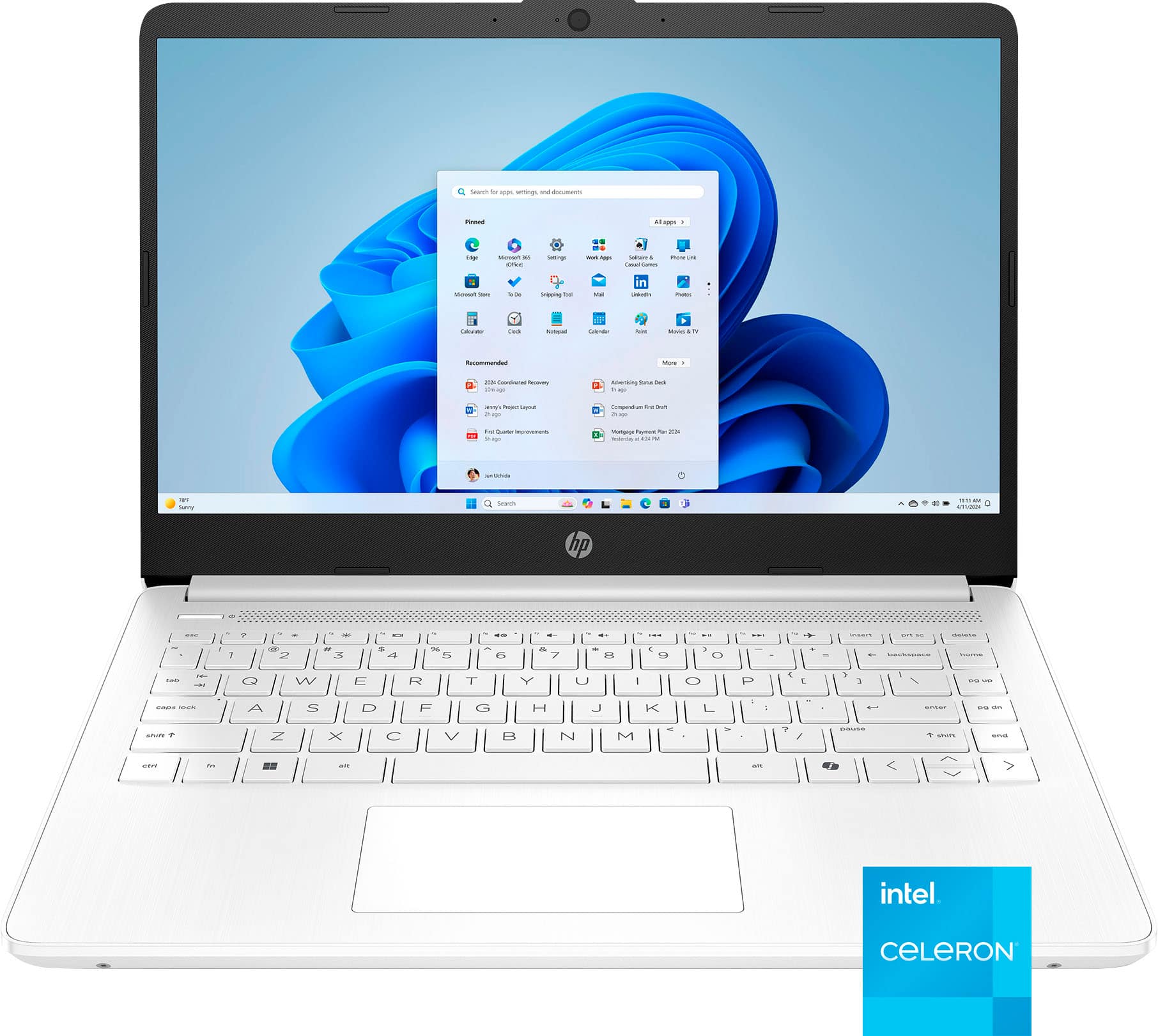



- Model:
- 14-dq3000dx
- SKU:
- 10287103
Rating by feature
- Battery Life
Rating 4.4 out of 5 stars
- Speed
Rating 3.8 out of 5 stars
- Display
Rating 4.3 out of 5 stars
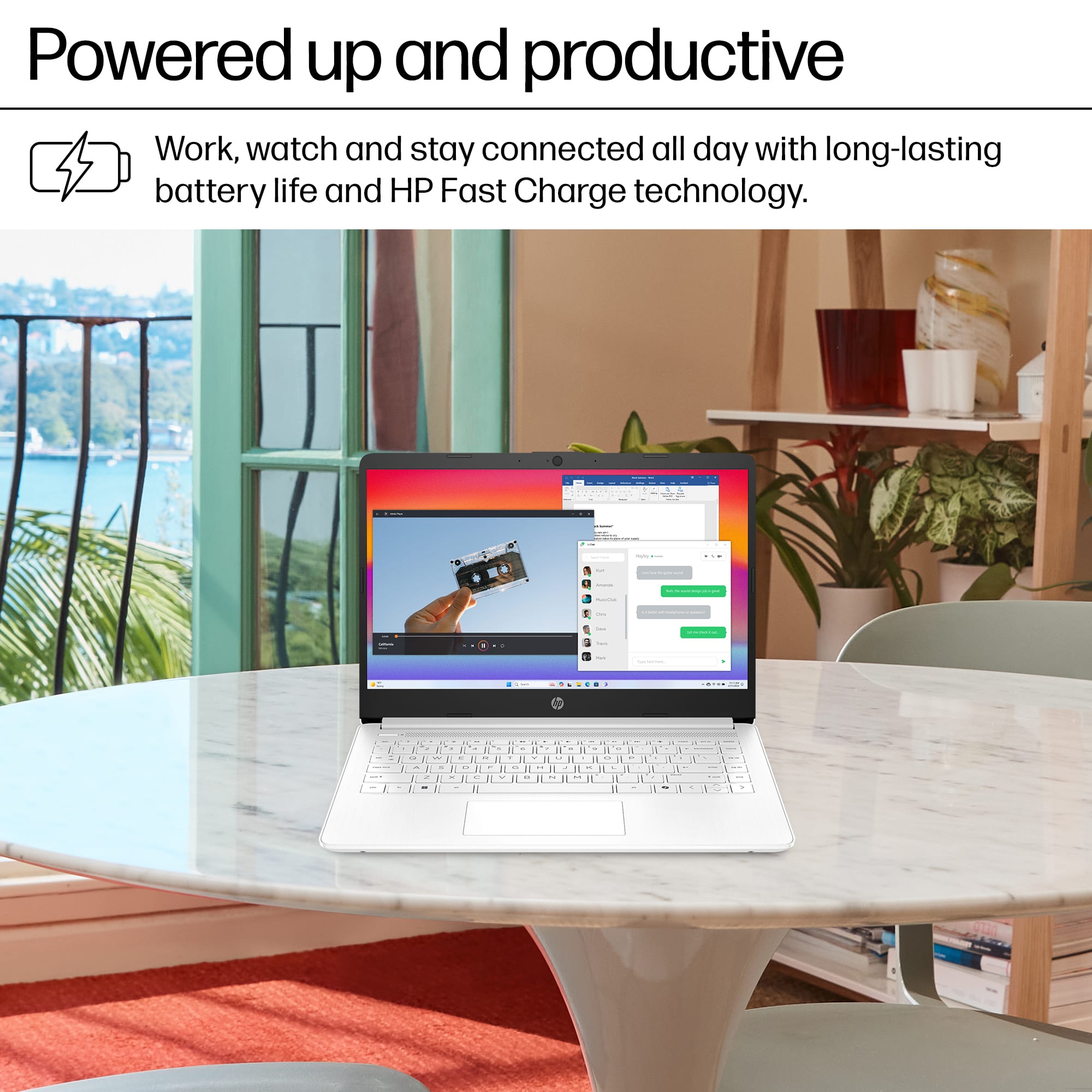
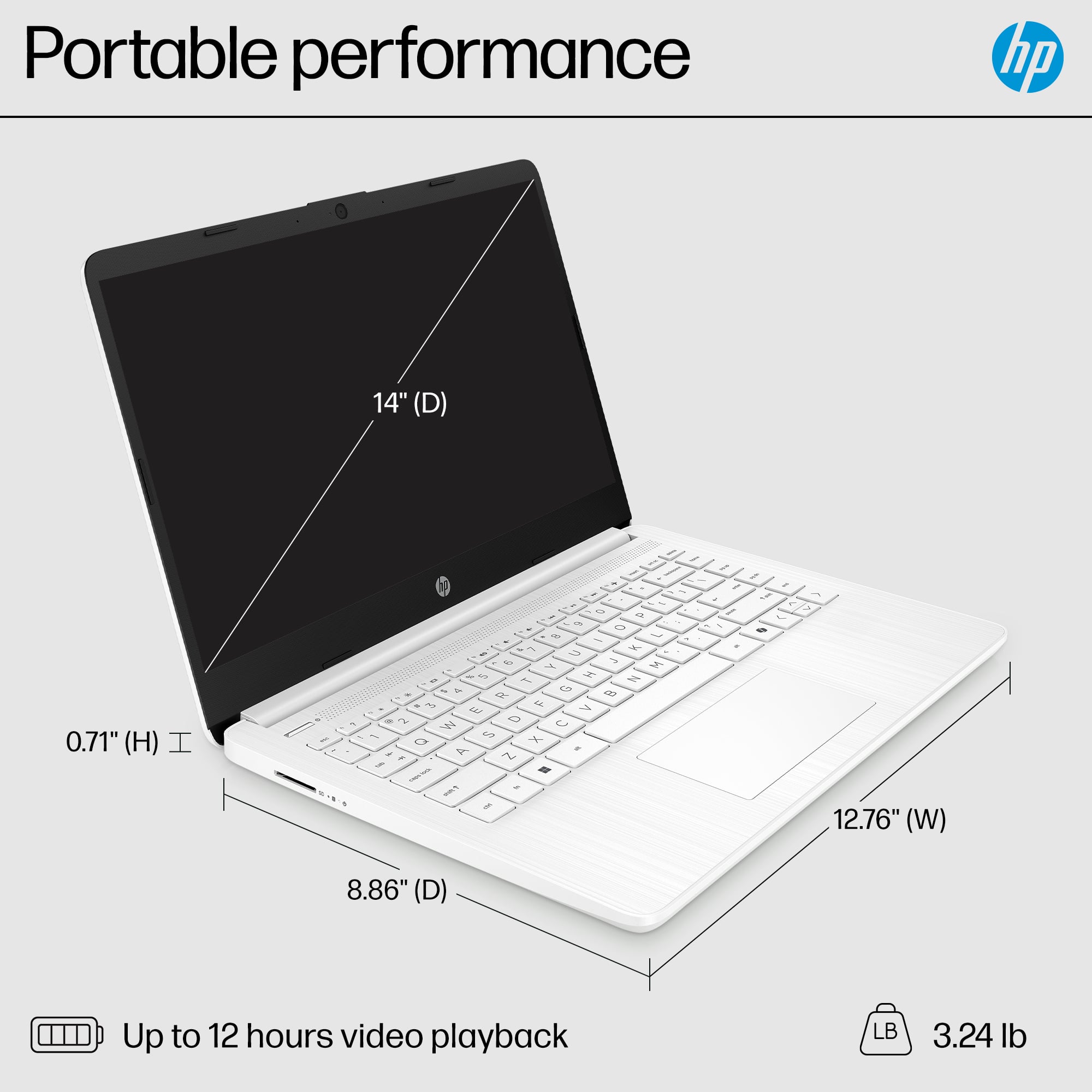
- Pros mentioned:Battery life, Weight
Pleased with my purchase
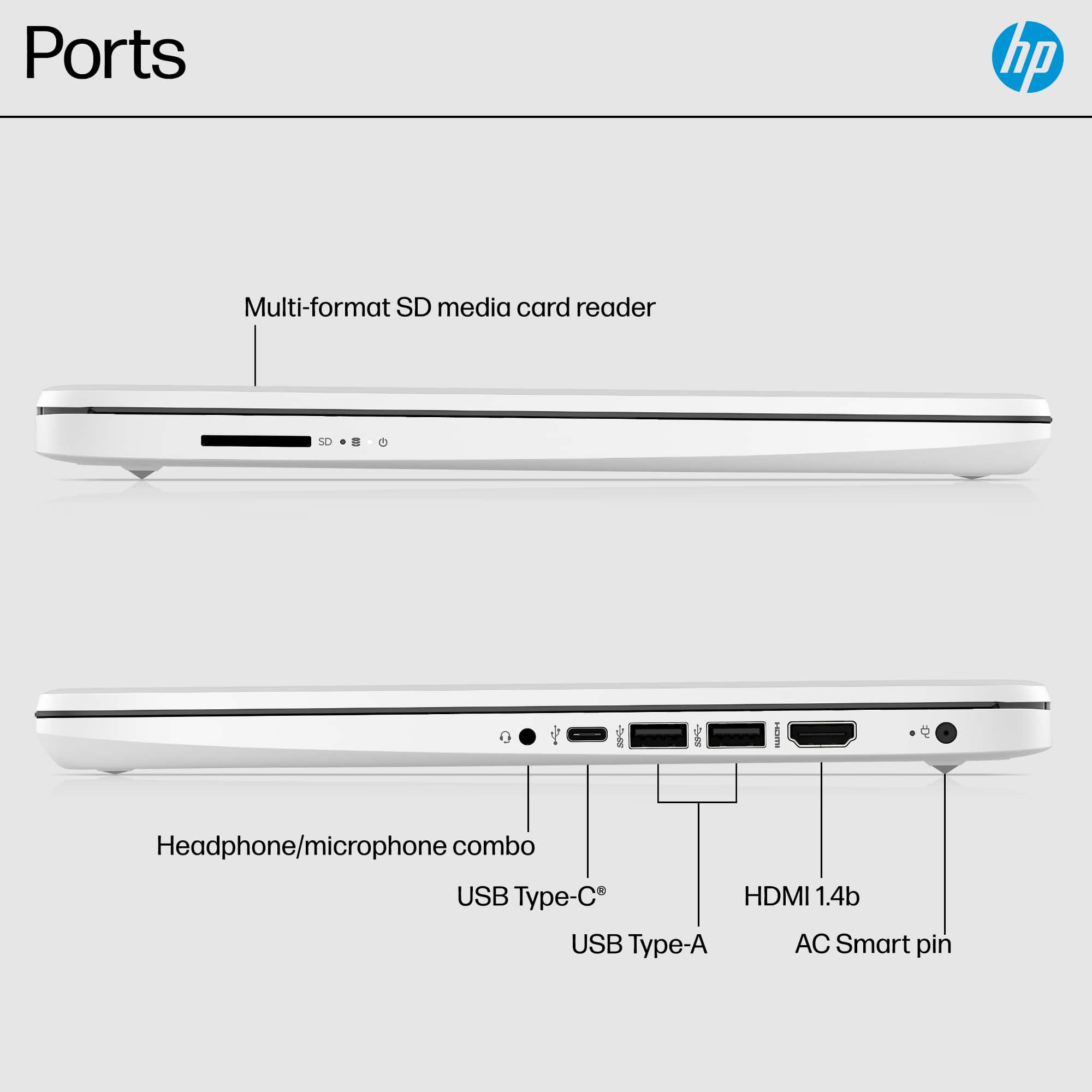
Posted .This reviewer received promo considerations or sweepstakes entry for writing a review.I am very pleased with this laptop. The set-up was simple, it's easy to maneuver through the different programs. Installing programs/ apps are quick and painless. Browsing speed is phenomenal. I am very pleased with the battery life as my last laptop had a horrible battery life. Having more than one USB port is great. The clarity in the screen is incredible. It's so lightweight which is another great thing about it. Lastly great price!!
I would recommend this to a friend worst laptop ever
||Posted . Owned for 1 month when reviewed.This reviewer received promo considerations or sweepstakes entry for writing a review.wayyyy toooo slow. couldnt even get into setupp of this thing horrible!!!
No, I would not recommend this to a friendun satisfied
||Posted . Owned for 1 month when reviewed.This reviewer received promo considerations or sweepstakes entry for writing a review.The laptop glitches and I am not able to retrieve my work from it
No, I would not recommend this to a friendCrashed completely 2 mo
||Posted . Owned for 2 months when reviewed.This reviewer received promo considerations or sweepstakes entry for writing a review.It Stopped working after 2 months of using it for my child’s homework.
No, I would not recommend this to a friendNot goid at all
||Posted . Owned for less than 1 week when reviewed.This reviewer received promo considerations or sweepstakes entry for writing a review.I only had for 2 weeks and it stopped working i returned it
No, I would not recommend this to a friend- Cons mentioned:Processor speed
Could be Better But It's Nice as a backup
Posted .This reviewer received promo considerations or sweepstakes entry for writing a review.This computer is great for the price I paid but it moves kind of slow and the resolution isn't the best. Please don't download Mcafee, they tried to scam me. Use the security features that come with the computer or another trusted security. overall I like the color of it and the keyboard is very easy to type on and the mouse pad is sensitive but my old HP computer died out on me and I chose this one.
I would recommend this to a friend Underrated, Sleek 2023 Designed Windows 11 Laptop
Posted .This reviewer received promo considerations or sweepstakes entry for writing a review.To whomever is viewing this review, PLEASE do not get scared about the individuals saying this laptop is a slow, undesirable device. Simply, most of them have not or do not know how to rid the device of the pre-loaded bloatware which comes with it (standard practice for Windows machines). I am a guy who came from a $1400 M2 MacBook air which I thought for the money was just ok and opted for this device instead. Let me TELL YOU, once you open the box, turn the power on and allow the pc to download all necessary updates (took me about 2 hours for me to just sit and wait painfully).. This device is then ready to be utilized in FULL Windows 11 mode (not 'S' mode which is by default for this machine), de-bloated and de-animated (maximum performance) before full functionality that most of these reviewers are not receiving simply because they have not taken the time or do not know how to perform these steps. First to get out of the Windows 'S' mode, I recommend looking to the internet. Once out of 'S' mode, turn to the web browser (default Edge) and search for 'CC Cleaner'. This free program once installed on the machine will allow you to rid of all the bloatware programs (common Windows practice) that were installed on the device. Once the programs are all ridded of the bloatware, turn to the internet and see all the advanced Windows settings in regards to turning off unnecessary animations, game mode (not needed especially for this machine) and adjustments to the minimum processor speed for both battery and plug in. Once you turn off/tweak these critical settings, the device PERFORMS. In conclusion, this HP 14" is a wonderfully designed, steal of a product once ridded of all the unnecessary junk and tweaked to a stress free experience.
I would recommend this to a friend- Cons mentioned:Screen quality

I never thought I'd recommend a Chromebook...
|Posted .This reviewer received promo considerations or sweepstakes entry for writing a review.Well, if you're looking at this computer, I'm guessing it's between this and a Chromebook. I never thought that I'd actually recommend a Chromebook (they've always struck me as "baby's first computer"), but I think that I have to... This machine is running Windows S. I figured, great! You can run some real applications on here. Not really. The "S" means that it's kept in the Windows sandbox and doesn't play with other programs. You're restricted to the app store just like a Chromebook, only Window's store isn't as extensive. Now that you can use Word, Excel, etc. through the Google store, you might as well get a Chromebook for school. This machine has similar specs to a Chromebook, so it should be similar, right? Nope. The specs of a decent Chromebook make for a laggy experience with a machine running even a limited version of Windows. But you can at least have a decent experience with web-browsing and some simple videos, right? Nope. The lag gets you again. I tried watching 480p videos on YouTube and you get sputters every minute or so, even with nothing else at all running in the background. Every aspect of this is a profoundly cheap machine. The screen isn't great, the audio isn't great, the keyboard feels cheap and flexes really easily. The design of the machine even makes it look like the keyboard is permanently flexed and I needed to use a ruler to see that it's actually flat. The plastic case feels cheap... Just get a Chromebook. Even a low-end one...
No, I would not recommend this to a friend - Cons mentioned:Memory
A Very Budget Laptop
Posted .This reviewer received promo considerations or sweepstakes entry for writing a review.I knew what I was getting when I bought this laptop considering the price. A couple of things I've noticed / done to make it a travel laptop that I won't worry about if it gets stolen / lost: * Format the HD with Debian/Ubuntu as you soon as you buy it. I can't imagine using Windows on it considering the processor speed and memory * I had to disable the trackpad and use a USB mouse. It seems that it's easy for the trackpad to stay pressed continually, at least on mine, making the computer unusable. * Power / Suspend doesn't seem to work on mine. I had to disable suspend, so, when I close my laptop, it doesn't go into suspend mode. Not sure if it is a HW issue or SW, but, couldn't fix it. I'm willing to accept these flaws considering why I bought the machine.
I would recommend this to a friend - Pros mentioned:Overall performance
Lovely products
Posted .This reviewer received promo considerations or sweepstakes entry for writing a review.Good product with lovely price. What a lovely product
I would recommend this to a friend - Pros mentioned:Overall performance
Great buy
Posted .This reviewer received promo considerations or sweepstakes entry for writing a review.This is my second purchase of this laptop. I bought one in 2023 for myself for college and I just bought my high schooler one. Simple laptop that meets our requirements.
I would recommend this to a friend - Pros mentioned:Portability
Perfect for school
Posted .This reviewer received promo considerations or sweepstakes entry for writing a review.My wife is going back to school. This is perfect for her. Lightweight, compact and versitile.
I would recommend this to a friend - Pros mentioned:Overall performance
Wonderful
Posted .This reviewer received promo considerations or sweepstakes entry for writing a review.Beautiful great exceptional marvelous supercalifragilisticexpealidocious
I would recommend this to a friend - Pros mentioned:Overall performance
Awesome purchase
Posted .This reviewer received promo considerations or sweepstakes entry for writing a review.Great computer especially for the price. Easy pick up. Great experience!
I would recommend this to a friend - Pros mentioned:Portability
Lover this computer
Posted .This reviewer received promo considerations or sweepstakes entry for writing a review.love this computer. It is so easy to use. Great Buy was very helpful when I was looking for a computer.
I would recommend this to a friend - Pros mentioned:Overall performance
Laptop
Posted .This reviewer received promo considerations or sweepstakes entry for writing a review.Its been awhile since I've purchased a laptop, my experience at the Best Buy location was good, i had to wait for a few minutes before someone helped me, but i do love my computer
I would recommend this to a friend - Pros mentioned:Color, Portability
Easy to set up
Posted .This reviewer received promo considerations or sweepstakes entry for writing a review.Easy to use and set up .. love the color ..was easy to set up with my printer..
I would recommend this to a friend - Pros mentioned:Portability
Good
Posted .This reviewer received promo considerations or sweepstakes entry for writing a review.Great price and value. Easy, deliered to my door. Ease of install
I would recommend this to a friend - Pros mentioned:Portability
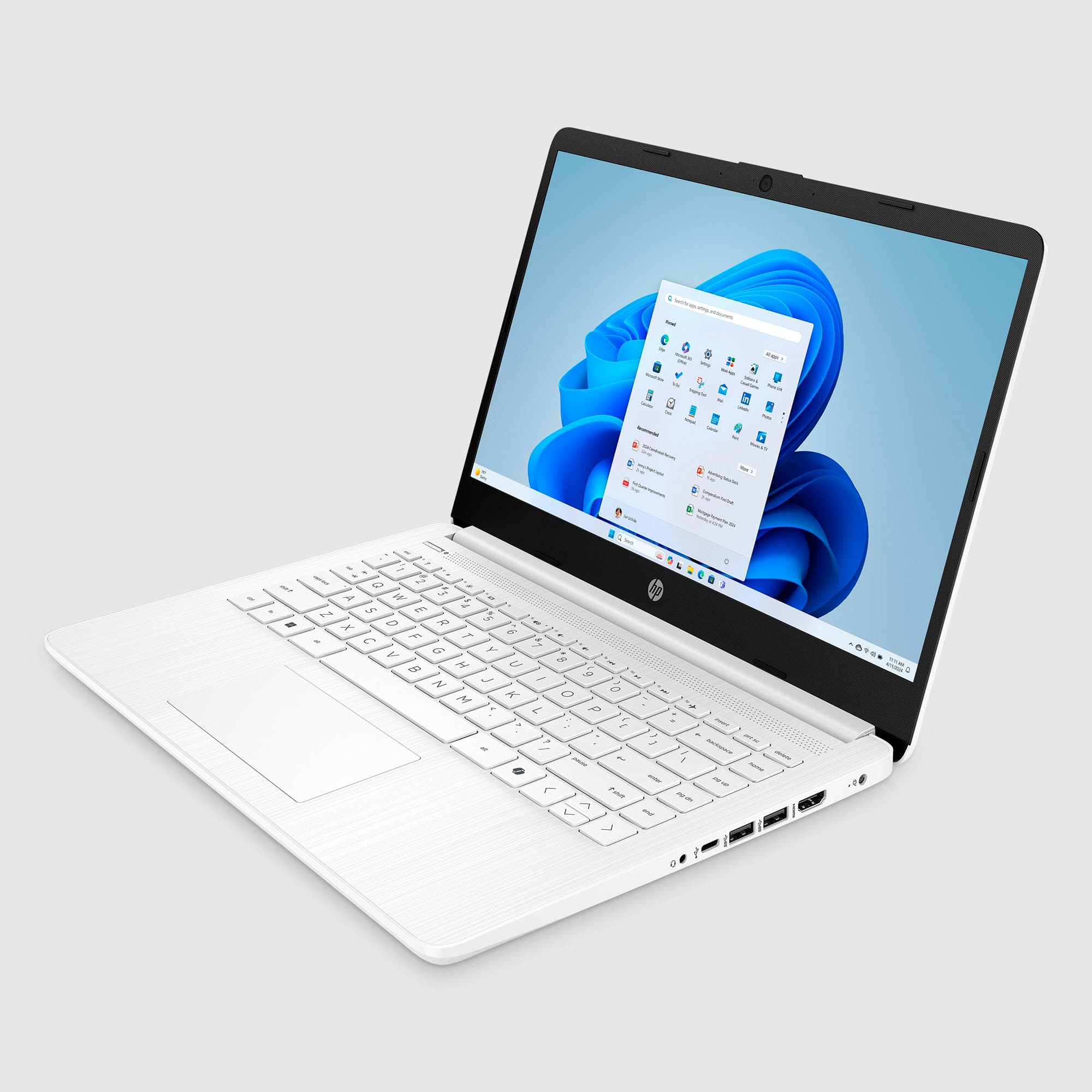
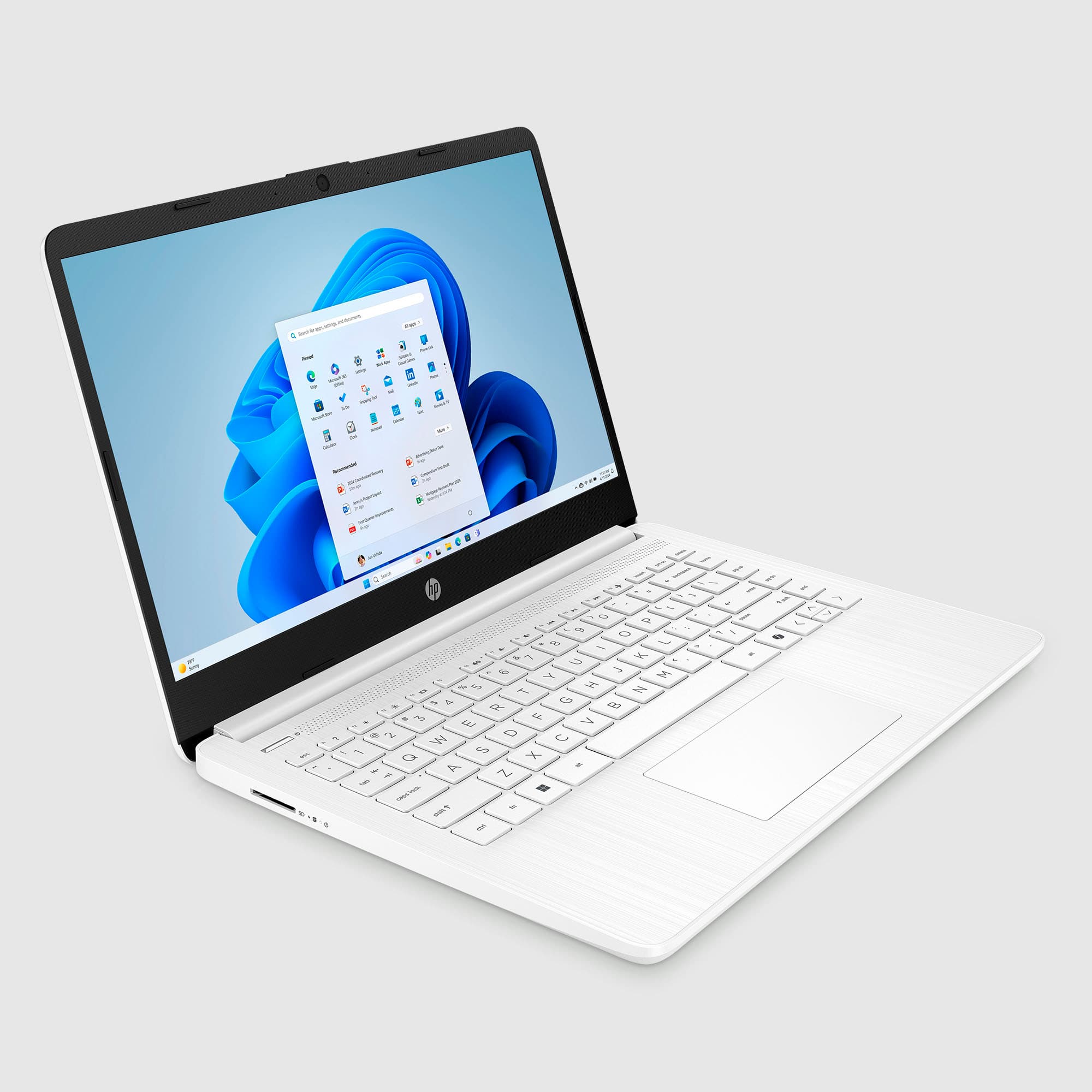
Good size, beautiful color
Posted .This reviewer received promo considerations or sweepstakes entry for writing a review.Beautiful computer, color and just very comfortable for my use. Highly recommended
I would recommend this to a friend - Pros mentioned:Portability
Computer
Posted .This reviewer received promo considerations or sweepstakes entry for writing a review.This computer is very easy to use convenient for travel. I enjoy the quickness of navigating thru it.
I would recommend this to a friend