Customer Ratings & Reviews
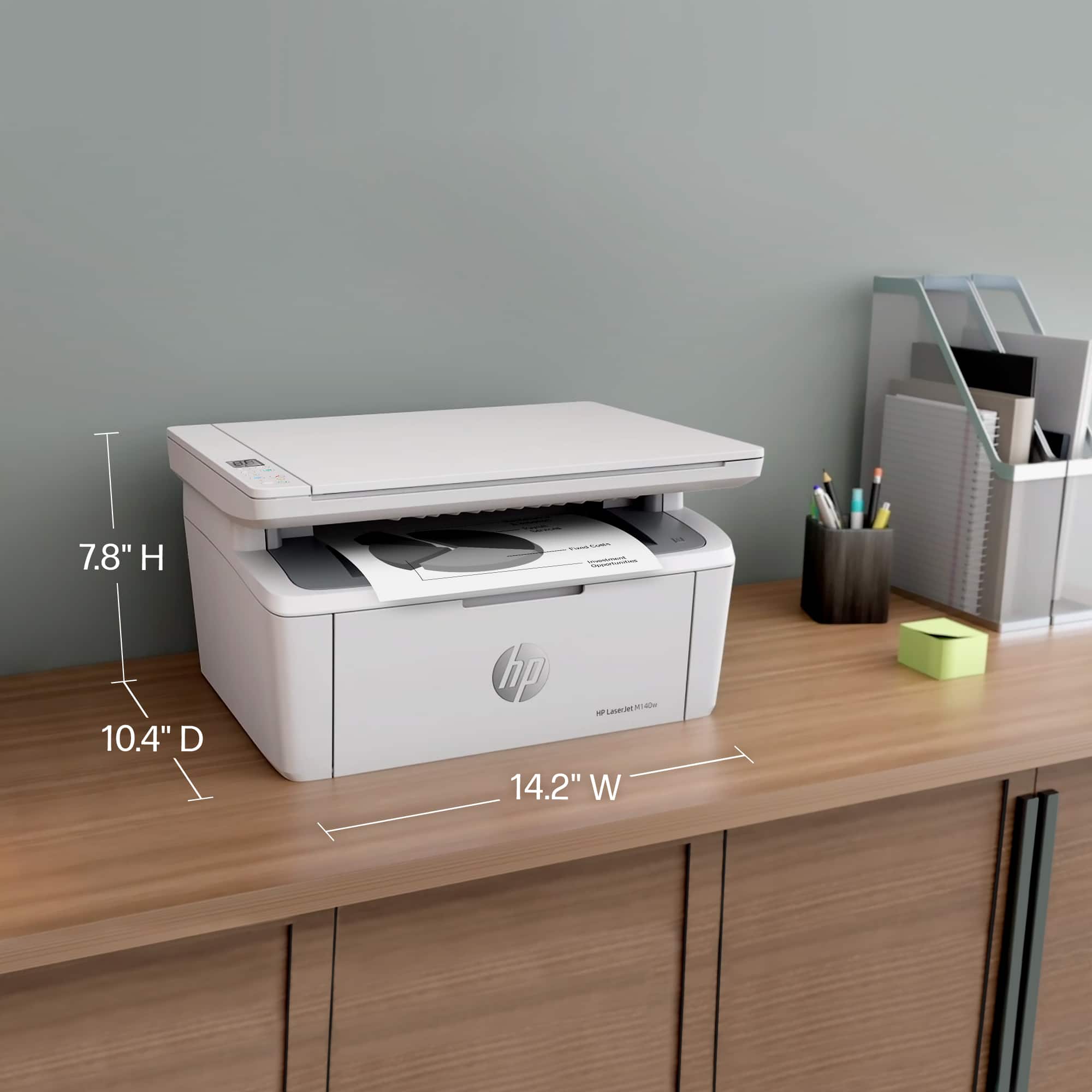



- Model:
- M140W/7MD72F#BGJ
- |
- SKU:
- 10757630
Customer reviews
Rating 4.4 out of 5 stars with 681 reviews
(681 customer reviews)Rating by feature
- Value4.5
Rating 4.5 out of 5 stars
- Quality4.5
Rating 4.5 out of 5 stars
- Ease of Use4.4
Rating 4.4 out of 5 stars
Rated 1 out of 5 stars
Bad connection
||Posted . Owned for 3 months when reviewed.This reviewer received promo considerations or sweepstakes entry for writing a review.The Wi-Fi connection is poor. You cannot use it without granting geolocation permissions. It takes a very long time to print. I already regret buying it. The only positives are its light weight and compact size.
This review is from HP - LaserJet M140w Wireless AI-Enabled Black and Laser Printer - White
No, I would not recommend this to a friendRated 2 out of 5 stars
Connecting Wireless Printer
||Posted .This reviewer received promo considerations or sweepstakes entry for writing a review.While this printer seems to be good, I couldn’t connect it to my computer. Worked with two Geek Squad people who couldn’t figure it out either. I returned it to Best Buy.
This review is from HP - LaserJet M140w Wireless AI-Enabled Black and Laser Printer - White
No, I would not recommend this to a friendRated 5 out of 5 stars
Good product
||Posted . Owned for 10 months when reviewed.This reviewer received promo considerations or sweepstakes entry for writing a review.Good service at this store, and the product is great.
This review is from HP - LaserJet M140w Wireless AI-Enabled Black and Laser Printer - White
I would recommend this to a friendRated 5 out of 5 stars
good
||Posted . Owned for 1 week when reviewed.This reviewer received promo considerations or sweepstakes entry for writing a review.The truth pretty good of very good quality price so I'm happy
This review is from HP - LaserJet M140w Wireless AI-Enabled Black and Laser Printer - White
I would recommend this to a friendRated 5 out of 5 stars
Laser Jet Printer
||Posted . Owned for 1 week when reviewed.This reviewer received promo considerations or sweepstakes entry for writing a review.I am very happy with the printer but cost me a lot to update and have new drivers installed in my computer to connect with my printer. It's all working well now.
This review is from HP - LaserJet M140w Wireless AI-Enabled Black and Laser Printer - White
I would recommend this to a friendRated 1 out of 5 stars
Worked great for a few weeks now jams
||Posted . Owned for 7 months when reviewed.This reviewer received promo considerations or sweepstakes entry for writing a review.Only holds a few pieces of paper at a time. Worked great for the first month or two but now it jams all the time. Not happy
This review is from HP - LaserJet M140w Wireless AI-Enabled Black and Laser Printer - White
No, I would not recommend this to a friendRated 5 out of 5 stars
Confidence!
||Posted . Owned for 1 month when reviewed.This reviewer received promo considerations or sweepstakes entry for writing a review.Works great & dependable, as advertised! Sincere thanks to Best Buy staff & Geek Squad! Increasing confidence in overcoming techno problems… & fears of.
This review is from HP - LaserJet M140w Wireless AI-Enabled Black and Laser Printer - White
I would recommend this to a friendRated 5 out of 5 stars
Over 80 years Senior
||Posted . Owned for 1 week when reviewed.This reviewer received promo considerations or sweepstakes entry for writing a review.Printer is now working after calling HP representative to resolved ER06 meaning paper jammed. number of Geek Squad did not help with this issue.
This review is from HP - LaserJet M140w Wireless AI-Enabled Black and Laser Printer - White
I would recommend this to a friendRated 3 out of 5 stars
Paper are curved after print
||Posted . Owned for 3 weeks when reviewed.This reviewer received promo considerations or sweepstakes entry for writing a review.I’m disappointed with this printer because (1) the paper comes out curved after printing, and (2) the text appears slightly misaligned on the page.
This review is from HP - LaserJet M140w Wireless AI-Enabled Black and Laser Printer - White
No, I would not recommend this to a friendRated 5 out of 5 stars
HP Jem
||Posted . Owned for 1 month when reviewed.This reviewer received promo considerations or sweepstakes entry for writing a review.Very easy set up and operation. Sales person was very helpful in the store.
This review is from HP - LaserJet M140w Wireless AI-Enabled Black and Laser Printer - White
I would recommend this to a friendRated 1 out of 5 stars
HP Problem Printer
||Posted . Owned for 1 month when reviewed.This reviewer received promo considerations or sweepstakes entry for writing a review.Constant problems with printers. You have to wade through written solutions which don’t work. I have had 2-Printers and do not appreciate that you have to call and talk to someone in Geek Dept far away . Person who set up second computer just took off without making sure I understood. Geek Squad used to be great. Now customer service at Best Buy is nit very accessible. Everyone you talk to refers you to someone else. You have to pay $150;to get help. In future I will shop elsewhere!
This review is from HP - LaserJet M140w Wireless AI-Enabled Black and Laser Printer - White
No, I would not recommend this to a friendRated 1 out of 5 stars
Setup/install app is a mess on Windows PC
||Posted . Owned for less than 1 week when reviewed.This reviewer received promo considerations or sweepstakes entry for writing a review.The printer is probably fine, but the "HP Smart" setup/driver utility for Windows was a deal killer for me. Tried on 2 different Win 11 PC's, same problems, one error message after another, "Printer not found" messages in the setup app even though I could see the printer on my network device list, multiple times the setup screen just turned white and froze, on both PC's. Spent an hour on it and gave up, honestly, it's a printer, shouldn't have to jump though hoops to install it on a PC. Put my old wifi printer back in service, clicked "add printer" on my PC and whammy! Old printer installed, you know, like it should work. Returned the M140 to store, not worth the aggravation and I've got better things to do than spend hours on the phone with tech support over a $150 printer.
This review is from HP - LaserJet M140w Wireless AI-Enabled Black and Laser Printer - White
No, I would not recommend this to a friendRated 5 out of 5 stars
HP printer/copier
||Posted . Owned for 3 weeks when reviewed.This reviewer received promo considerations or sweepstakes entry for writing a review.So far I’m happy with my purchase. The only Tung is that I wish it had an automatic shut off or sleep motion when not in use.
This review is from HP - LaserJet M140w Wireless AI-Enabled Black and Laser Printer - White
I would recommend this to a friendRated 1 out of 5 stars
Useless white elephant
||Posted . Owned for 3 months when reviewed.This reviewer received promo considerations or sweepstakes entry for writing a review.I got this printer several months ago because I hated how my old inkjet would not let me print in black and white because full, colored ink reservoirs were mis-read as being empty. I thought a b&w LaserJet would be more reliable, and print more per-cartridge. Wrong on both counts! Thing disconnects from my Wi-Fi weekly, so every time I want to print I need to reset it, taking about 10 minutes. Then, the kicker is that the toner cartridge has so little capacity, it is now empty after fewer than 100 pages of b&w text. No images, etc. It therefore costs me over $1 per printed text page, and several minutes each time. Kinkos is cheaper! Previous 10-yr old, $80 printer also stayed connected to Wi-Fi and scanned far faster, and could scan multiple pages at once. I wish I'd never changed, and will soon be changing back to anything that is not HP.
This review is from HP - LaserJet M140w Wireless AI-Enabled Black and Laser Printer - White
No, I would not recommend this to a friendRated 4 out of 5 stars
printer
||Posted . Owned for 3 weeks when reviewed.This reviewer received promo considerations or sweepstakes entry for writing a review.Easy to put the paper into the paper storage drawer. Easy to install the ink cartridge.
This review is from HP - LaserJet M140w Wireless AI-Enabled Black and Laser Printer - White
I would recommend this to a friendRated 4 out of 5 stars
Works well.
||Posted . Owned for 1 month when reviewed.This reviewer received promo considerations or sweepstakes entry for writing a review.Once I got it working to my computer (which took some time) it works very well.
This review is from HP - LaserJet M140w Wireless AI-Enabled Black and Laser Printer - White
I would recommend this to a friendRated 3 out of 5 stars
Paper output problem
||Posted . Owned for 3 weeks when reviewed.This reviewer received promo considerations or sweepstakes entry for writing a review.The printer works fine but has a drawback. The extended tongue for holding printed pages is not long enough. The pages slide off. This happens with 20 lb paper weight.
This review is from HP - LaserJet M140w Wireless AI-Enabled Black and Laser Printer - White
No, I would not recommend this to a friendRated 5 out of 5 stars
Great little printer!
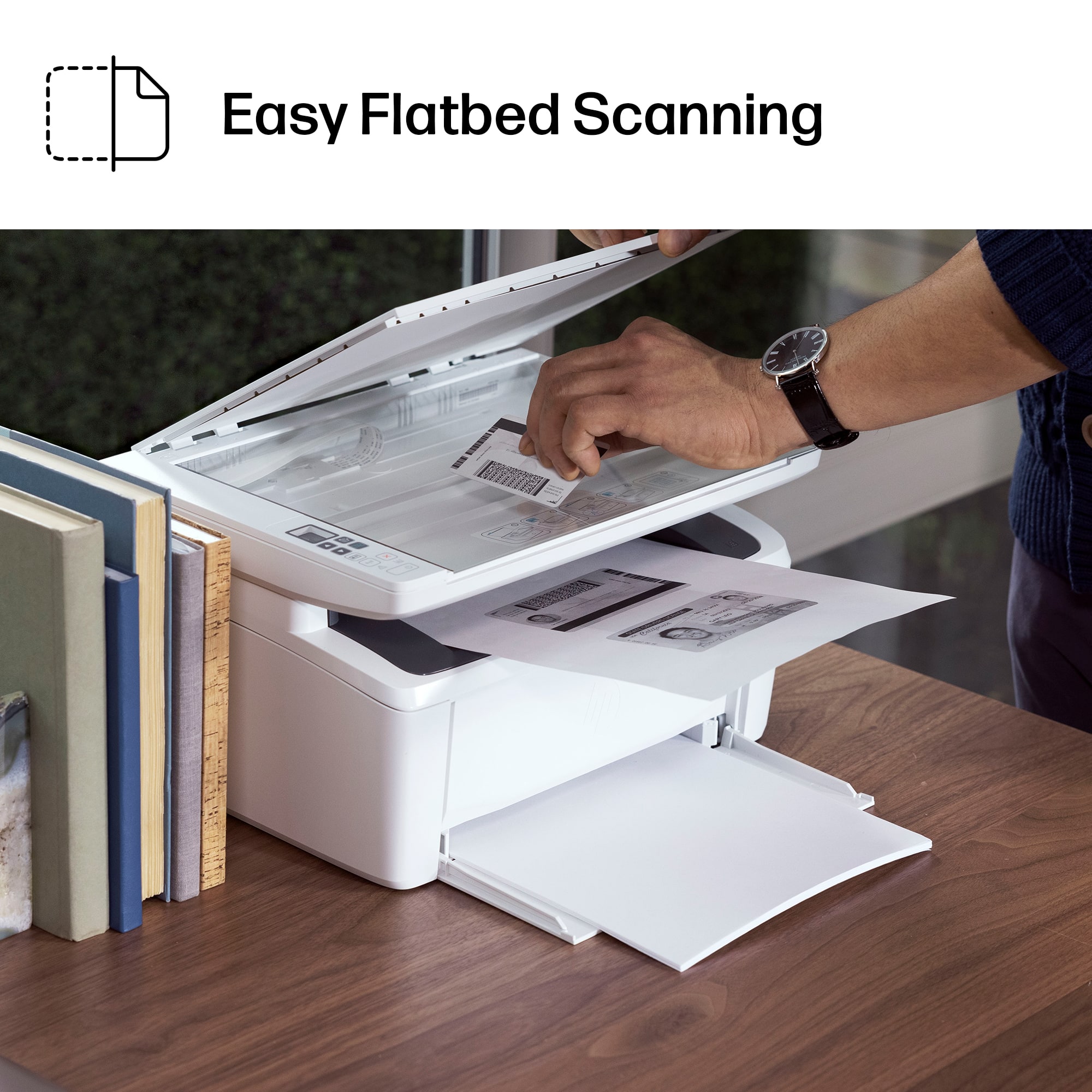
||Posted . Owned for 3 weeks when reviewed.This reviewer received promo considerations or sweepstakes entry for writing a review.No nonsense, no frills printer/scanner/copier. Just what I wanted, and works perfectly.
This review is from HP - LaserJet M140w Wireless AI-Enabled Black and Laser Printer - White
I would recommend this to a friendRated 2 out of 5 stars
Printer
||Posted . Owned for 1 month when reviewed.This reviewer received promo considerations or sweepstakes entry for writing a review.I returned printer not because of any particular issue but it wasn't what person needed.
This review is from HP - LaserJet M140w Wireless AI-Enabled Black and Laser Printer - White
I would recommend this to a friendRated 5 out of 5 stars
Affordable, efficient home printer
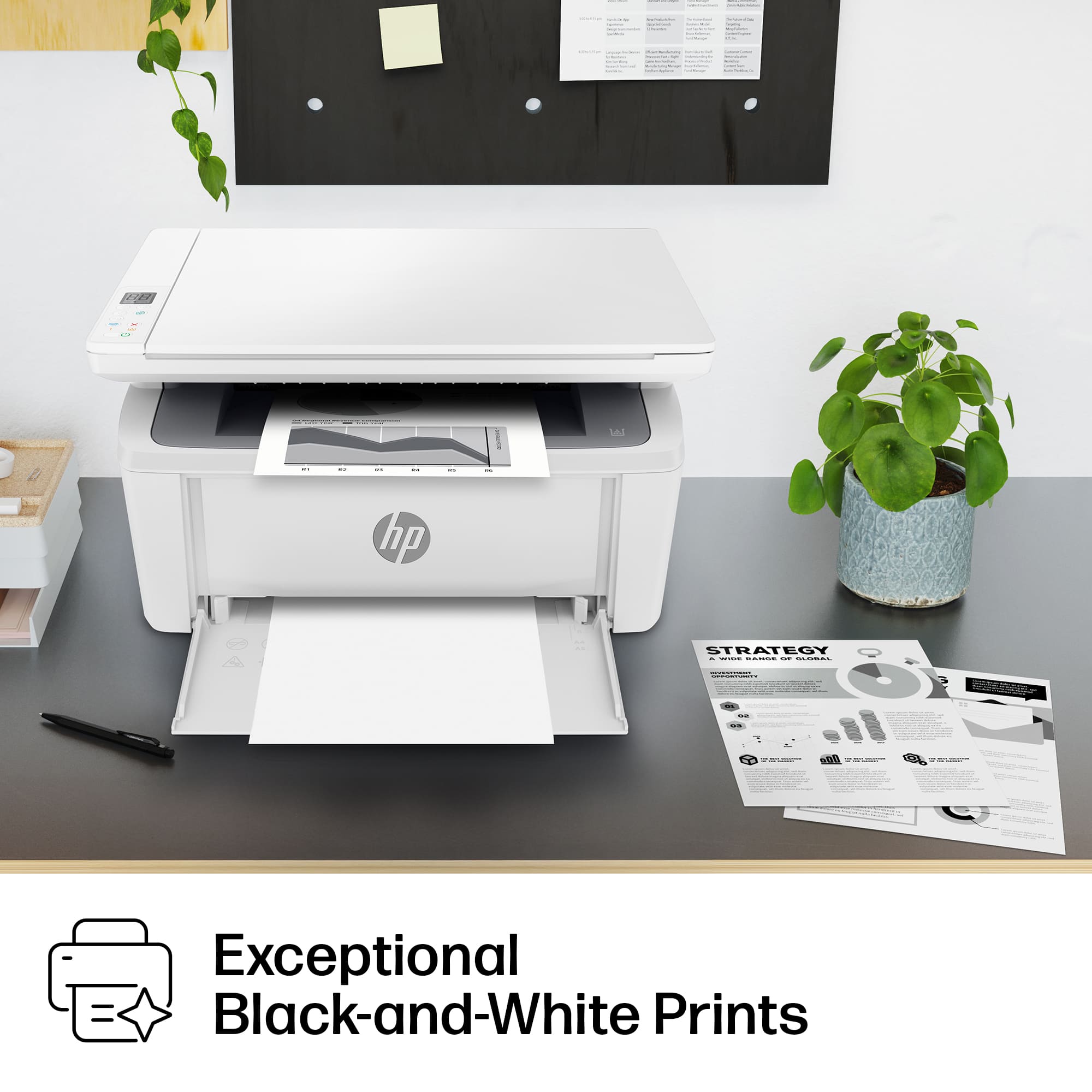
||Posted . Owned for 1 week when reviewed.This reviewer received promo considerations or sweepstakes entry for writing a review.This printer is perfect for home. Use is efficient affordable, and the best thing is laser printer
This review is from HP - LaserJet M140w Wireless AI-Enabled Black and Laser Printer - White
I would recommend this to a friend



















