Customer Ratings & Reviews
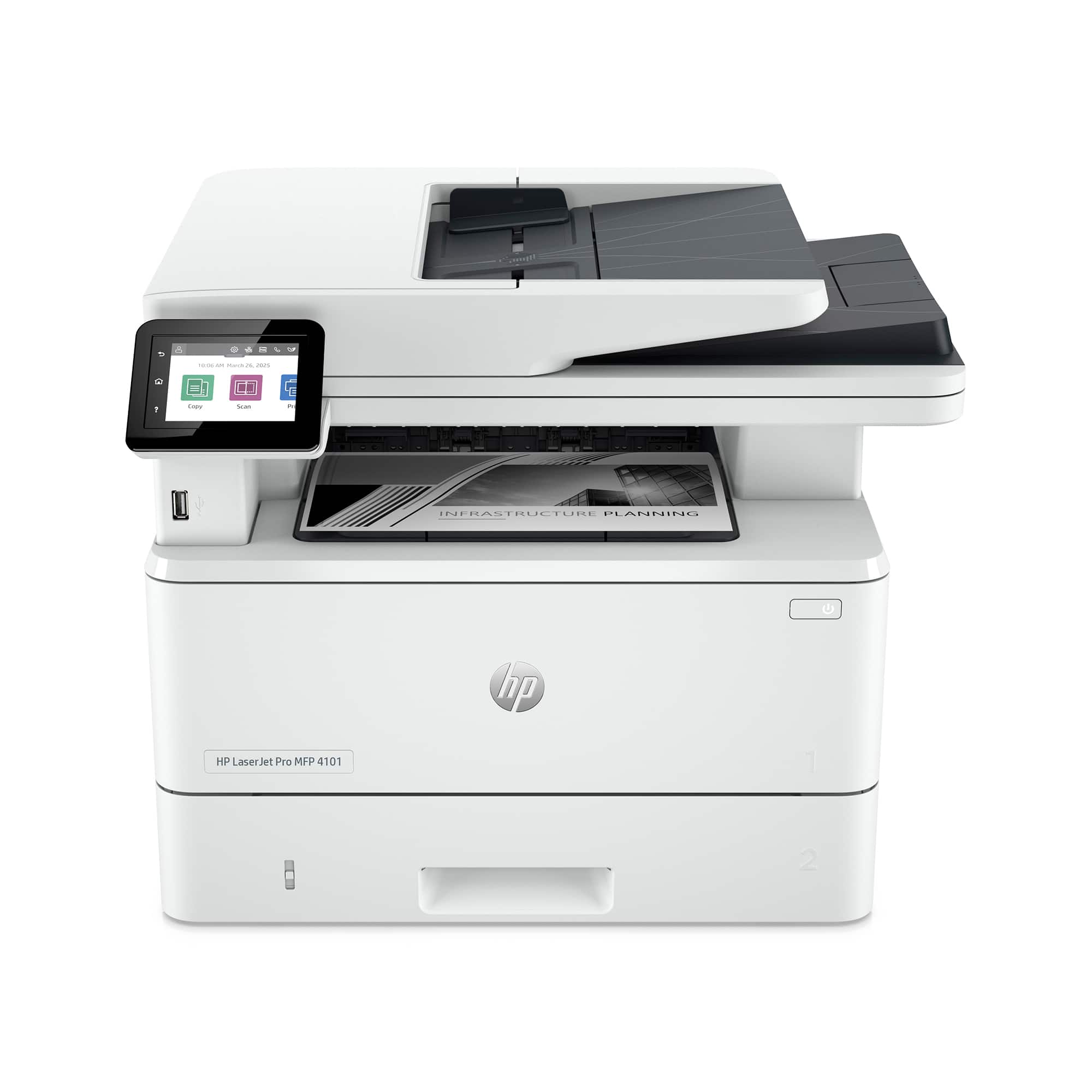
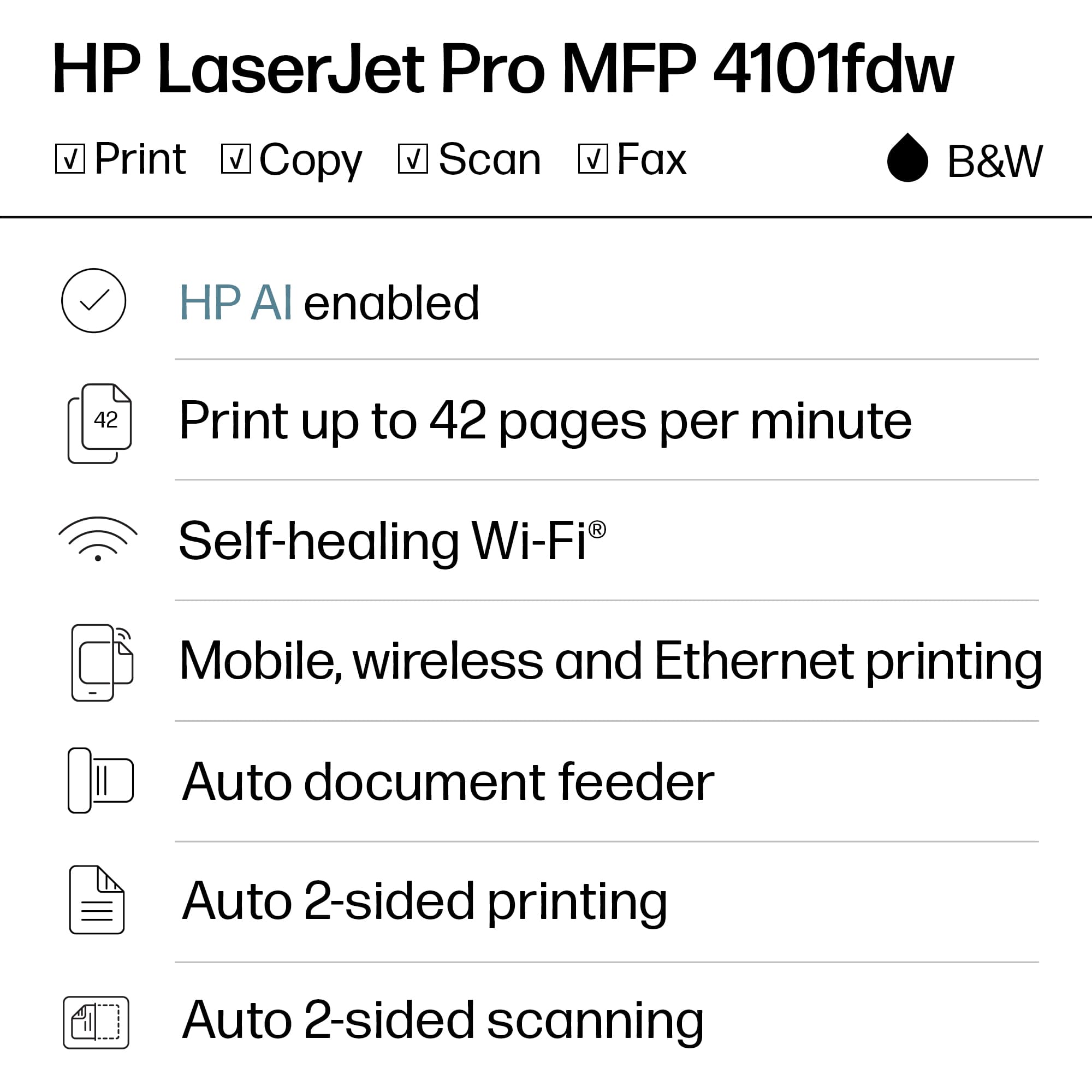


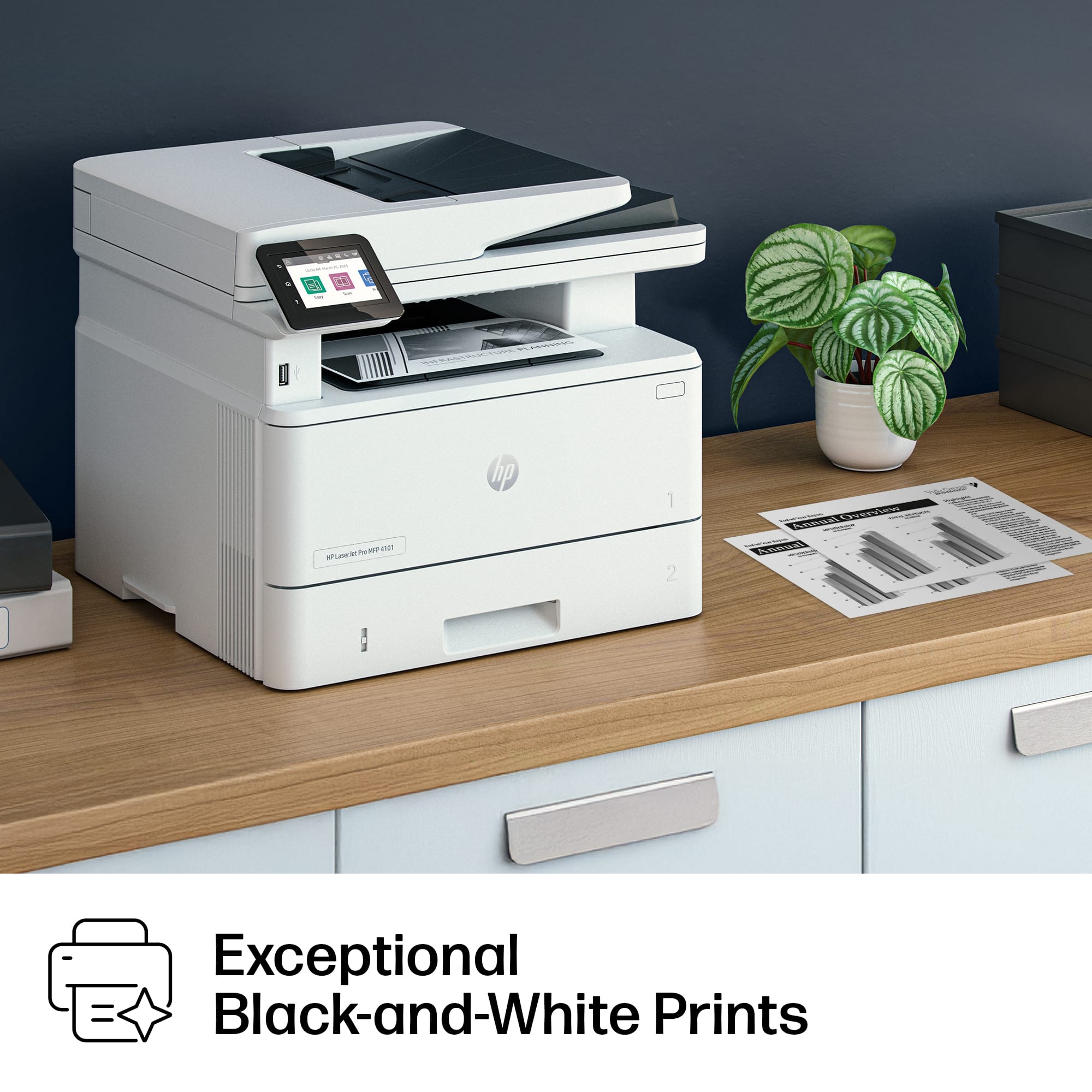

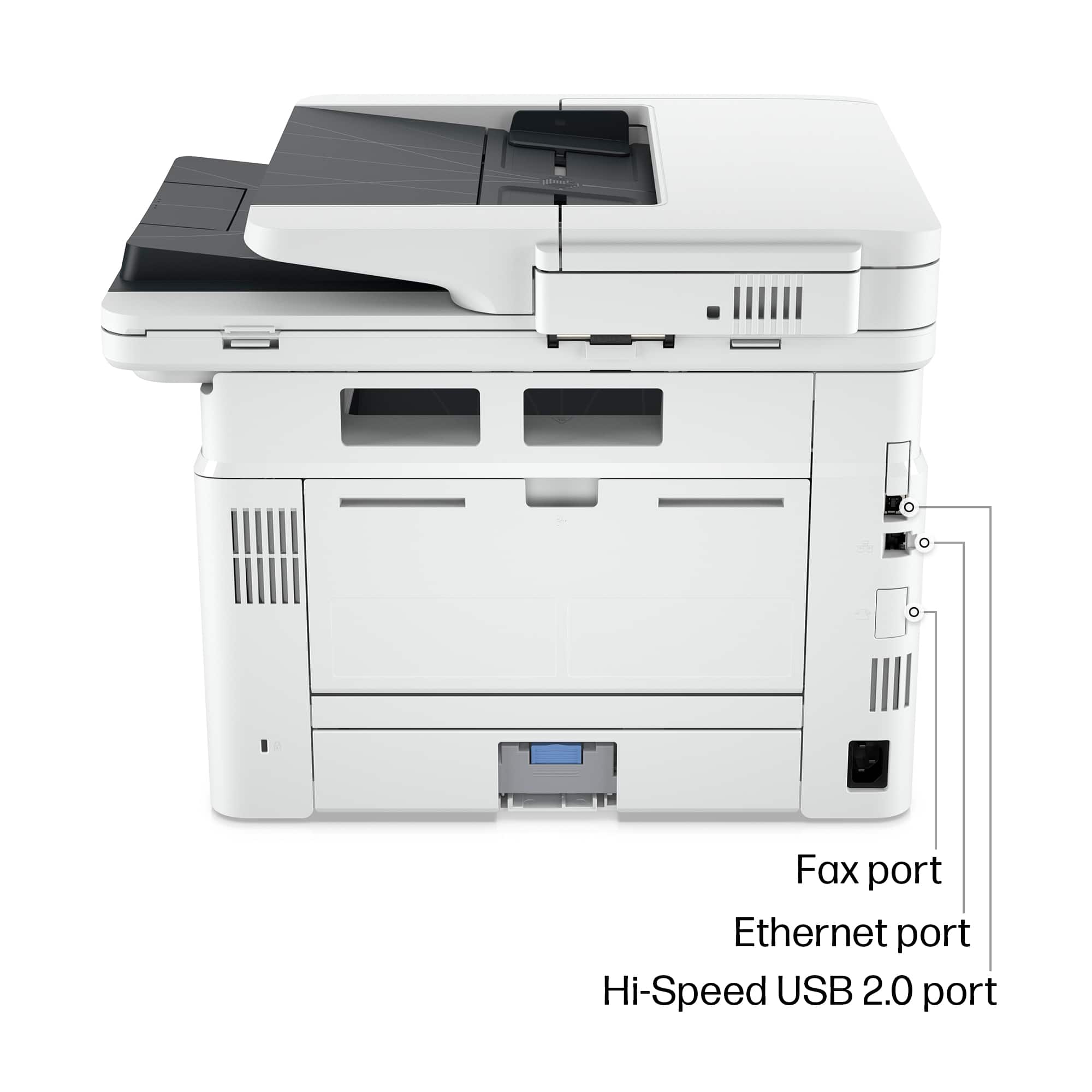


- Model:
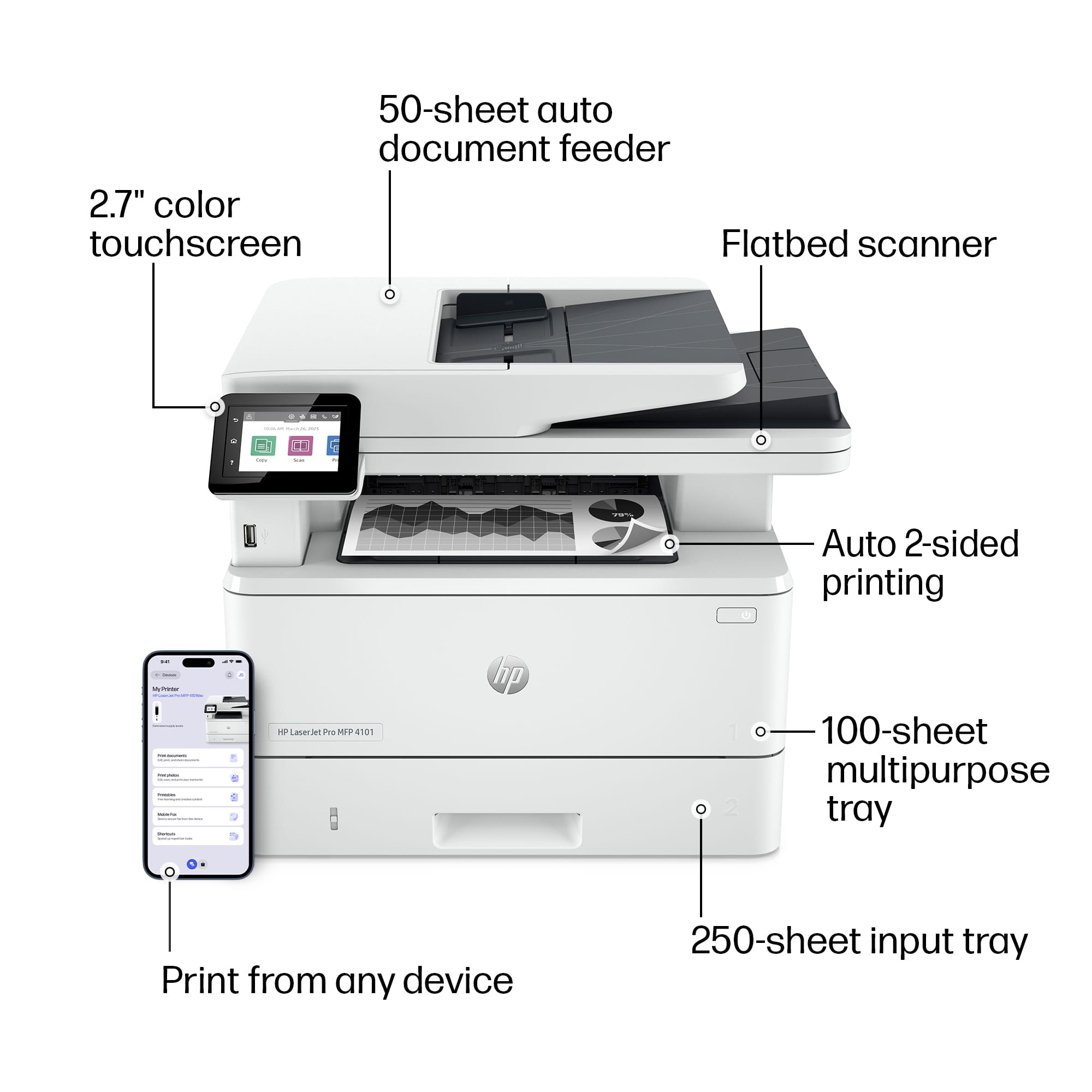
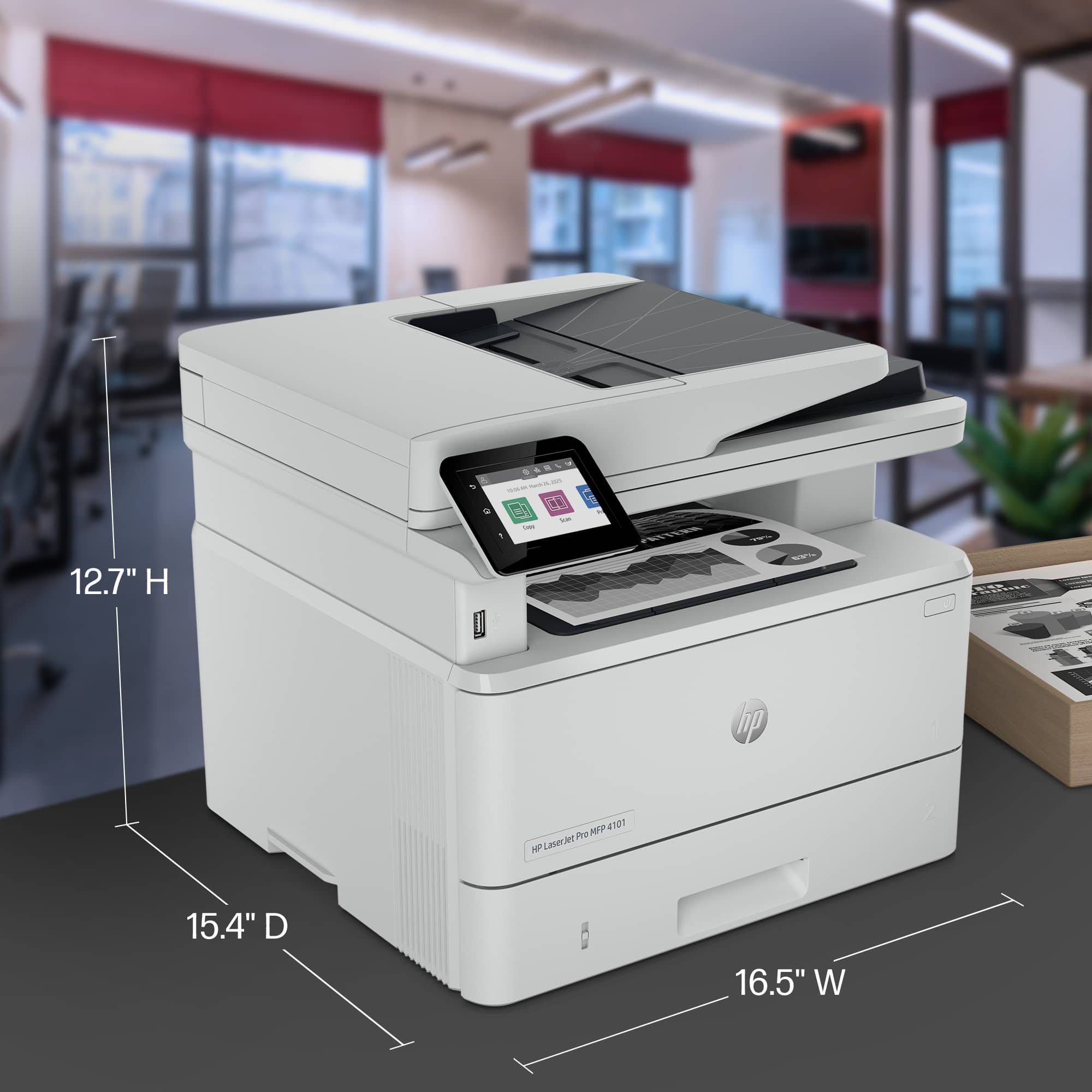
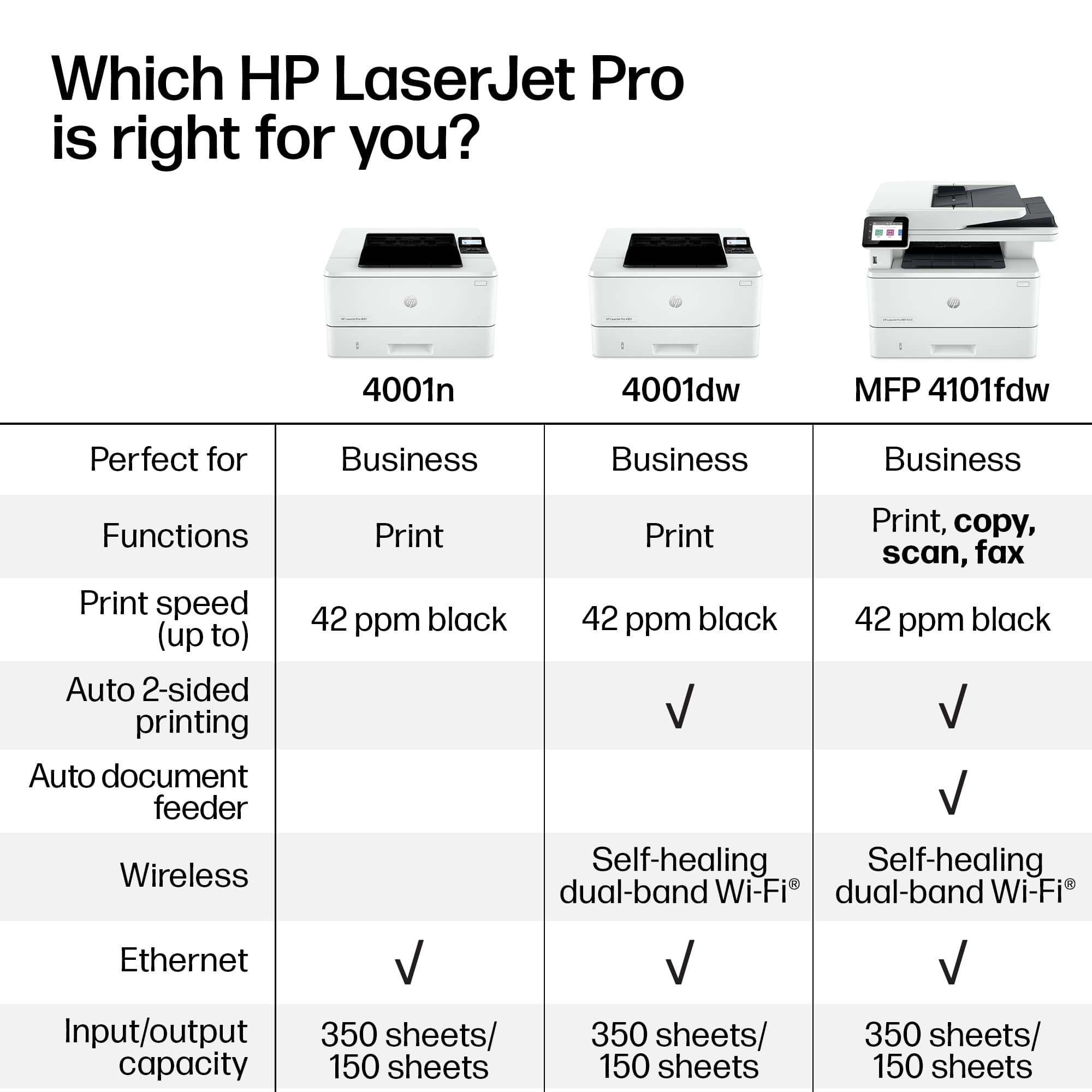
- LJ Pro MFP 4101fdw/2Z619F#BGJ
- |
- SKU:
- 11277543
Customer reviews
Rating 4.6 out of 5 stars with 368 reviews
(368 customer reviews)Rating by feature
- Value4.6
Rating 4.6 out of 5 stars
- Quality4.6
Rating 4.6 out of 5 stars
- Ease of Use4.6
Rating 4.6 out of 5 stars
Rated 5 out of 5 stars
Highly satisfied customer!
||Posted . Owned for 1 month when reviewed.This reviewer received promo considerations or sweepstakes entry for writing a review.I have used the HP-LaserJet Pro MFP 410fdw for my business for over 10 years now. They last very long with little to no maintanace all. We print a large number of documents and receive lots of faxes as well and this printer simple holds up. I had to get one for my home too!
This review is from HP - LaserJet Pro MFP 4101fdw AI-Enabled Black-and- All-in-One Laser Printer - White
I would recommend this to a friendRated 5 out of 5 stars
Great printer
||Posted . Owned for 3 weeks when reviewed.This reviewer received promo considerations or sweepstakes entry for writing a review.Excellent printer. Prints and scans fast, easy to setup.
This review is from HP - LaserJet Pro MFP 4101fdw AI-Enabled Black-and- All-in-One Laser Printer - White
I would recommend this to a friendRated 5 out of 5 stars
Great printer for small business
||Posted . Owned for 3 weeks when reviewed.This reviewer received promo considerations or sweepstakes entry for writing a review.Love this printer. Was a replacement for an inkjet. Will def be more cost efficient for my small business. Is fast and quality of print is perfect. Very happy with my purchase!!
This review is from HP - LaserJet Pro MFP 4101fdw AI-Enabled Black-and- All-in-One Laser Printer - White
I would recommend this to a friendRated 5 out of 5 stars
HP-LaserJet Pro MFP 4101fdw
||Posted . Owned for 3 weeks when reviewed.This reviewer received promo considerations or sweepstakes entry for writing a review.We have been using this printer for the past couple of weeks, and love it. It's fast, easy to use and so far, dependable.
This review is from HP - LaserJet Pro MFP 4101fdw AI-Enabled Black-and- All-in-One Laser Printer - White
I would recommend this to a friendRated 4 out of 5 stars
Pronter
||Posted . Owned for 1 month when reviewed.This reviewer received promo considerations or sweepstakes entry for writing a review.I like the quality and speed of the printer but it will only print the 1st 14 pages of a document and quit.
This review is from HP - LaserJet Pro MFP 4101fdw AI-Enabled Black-and- All-in-One Laser Printer - White
I would recommend this to a friendRated 5 out of 5 stars
Love the printer, and the savings on ink is a plus
||Posted . Owned for 1 week when reviewed.This reviewer received promo considerations or sweepstakes entry for writing a review.The print speed is amazing, and I love that is really small considering everything it can do. And the ink is cheaper than buying four cartridges for $900.
This review is from HP - LaserJet Pro MFP 4101fdw AI-Enabled Black-and- All-in-One Laser Printer - White
I would recommend this to a friendRated 5 out of 5 stars
Everything advertised
||Posted . Owned for 3 weeks when reviewed.This reviewer received promo considerations or sweepstakes entry for writing a review.Got it on sale at a great price. Easy to use, printing, scanning and copies are all very good quality.
This review is from HP - LaserJet Pro MFP 4101fdw AI-Enabled Black-and- All-in-One Laser Printer - White
I would recommend this to a friendRated 4 out of 5 stars
Great printer, except…
||Posted . Owned for 1 week when reviewed.This reviewer received promo considerations or sweepstakes entry for writing a review.The printer was simple to set up for use. Printing black and white flawless. I copied and printed a letter that was not satisfactory to me. It was a black and white letter that had a shaded box with dark letters. I “copied” and printed the letter. The shaded box came out looking very grainy which took me by surprise. I would still buy it because of the purpose in which I bought this printer was more than adequate.
This review is from HP - LaserJet Pro MFP 4101fdw AI-Enabled Black-and- All-in-One Laser Printer - White
I would recommend this to a friendRated 5 out of 5 stars
Black and white printer.
||Posted . Owned for 3 months when reviewed.This reviewer received promo considerations or sweepstakes entry for writing a review.Love this printer and would never purchase any other brand. My second HP and the last one gave me 12 years of service but it required a parallel port. Was able to gain space because this one has fax, scanner etc. all in one. It prints extremely fast and well and I have mine running all on WiFi. You can't go wrong with this printer!
This review is from HP - LaserJet Pro MFP 4101fdw AI-Enabled Black-and- All-in-One Laser Printer - White
I would recommend this to a friendRated 4 out of 5 stars
HP Reliability
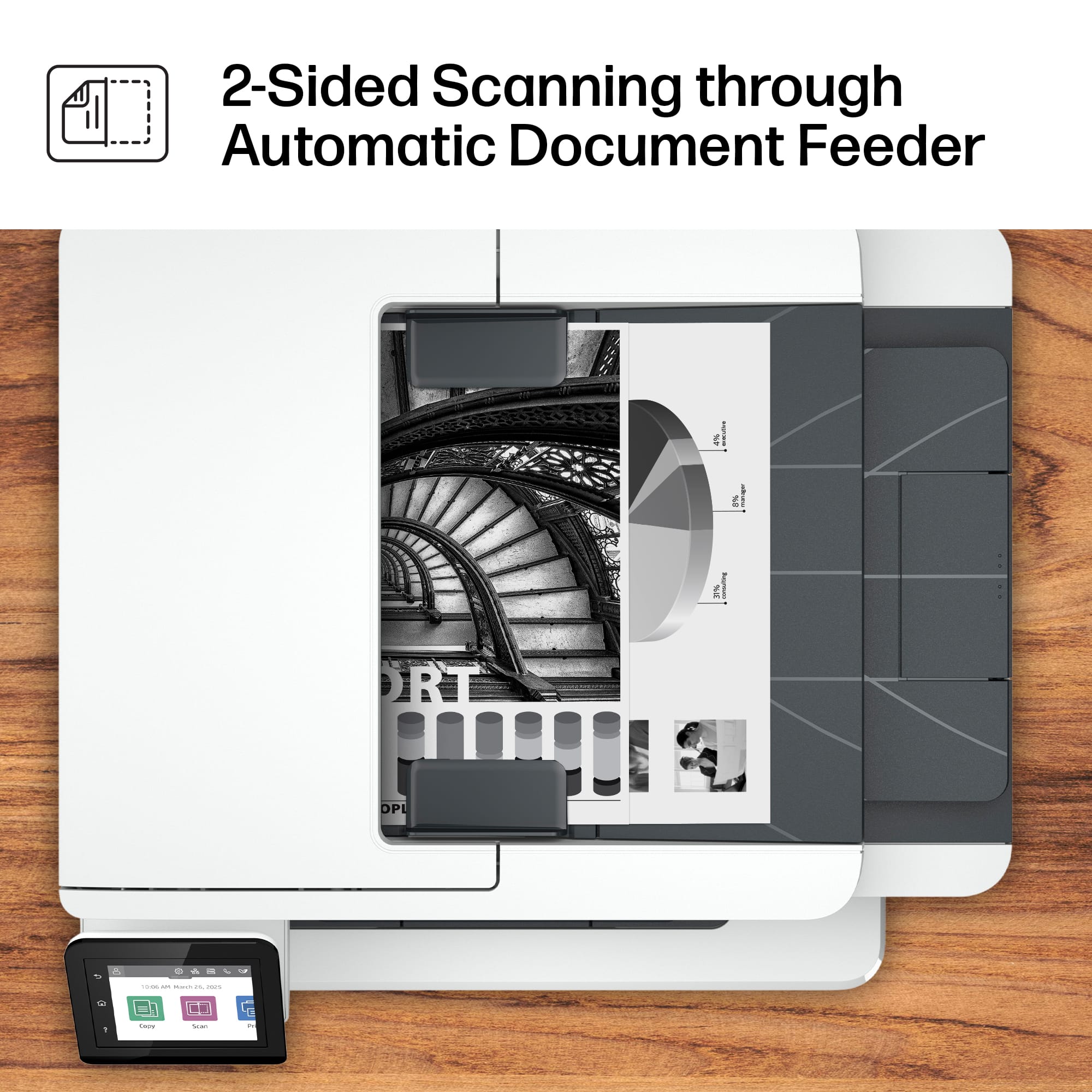
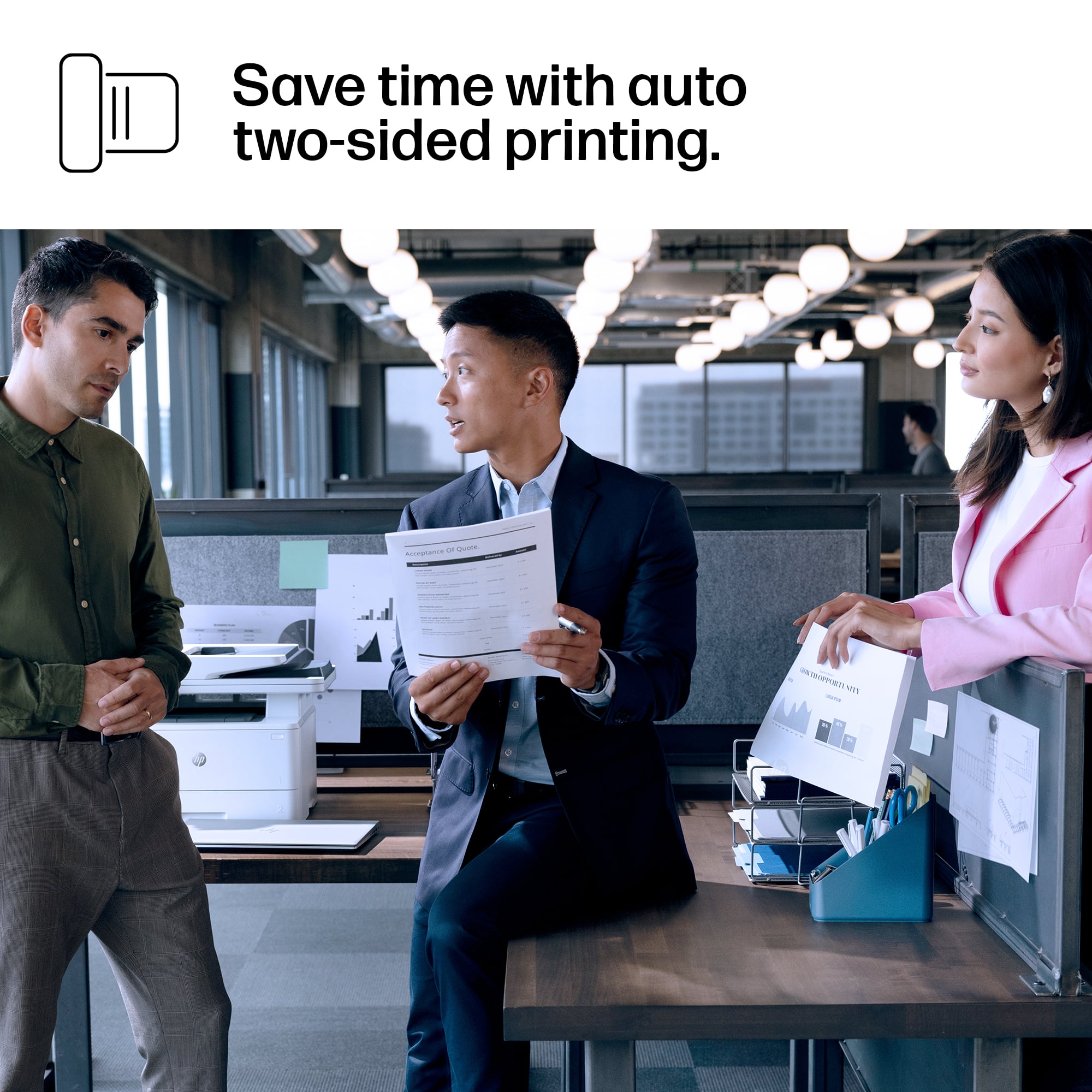
||Posted . Owned for 1 month when reviewed.This reviewer received promo considerations or sweepstakes entry for writing a review.I typically prefer the HP brand laser printers. This one was easy to set-up and use out of the box. Print quality is good and I like that it prints double sided.
This review is from HP - LaserJet Pro MFP 4101fdw AI-Enabled Black-and- All-in-One Laser Printer - White
I would recommend this to a friendRated 5 out of 5 stars
Great Printer
||Posted . Owned for less than 1 week when reviewed.This reviewer received promo considerations or sweepstakes entry for writing a review.This thing for the price prints great and the color pops! Such a great purchase for my new small business!
This review is from HP - LaserJet Pro MFP 4101fdw AI-Enabled Black-and- All-in-One Laser Printer - White
I would recommend this to a friendRated 5 out of 5 stars
New Printer
||Posted . Owned for 2 weeks when reviewed.This reviewer received promo considerations or sweepstakes entry for writing a review.Love this Printer Easy to set up fast printing Excellent choice ! It was on sale too couldn’t beat the price
This review is from HP - LaserJet Pro MFP 4101fdw AI-Enabled Black-and- All-in-One Laser Printer - White
I would recommend this to a friendRated 5 out of 5 stars
Printer
||Posted . Owned for 7 months when reviewed.This reviewer received promo considerations or sweepstakes entry for writing a review.Great printer, love the quality and easier to install
This review is from HP - LaserJet Pro MFP 4101fdw AI-Enabled Black-and- All-in-One Laser Printer - White
I would recommend this to a friendRated 5 out of 5 stars
In printers, HP is the best.
||Posted . Owned for 1 month when reviewed.This reviewer received promo considerations or sweepstakes entry for writing a review.When it comes to printer, HP is the best. They may be more expensive than other brands, but the quality is there. I bought this HP to replace my older HP printer that lasted 10 years!
This review is from HP - LaserJet Pro MFP 4101fdw AI-Enabled Black-and- All-in-One Laser Printer - White
I would recommend this to a friendRated 5 out of 5 stars
Great printer for your office
||Posted . Owned for 3 weeks when reviewed.This reviewer received promo considerations or sweepstakes entry for writing a review.This is a great printer for a business. It is fast and reliable.
This review is from HP - LaserJet Pro MFP 4101fdw AI-Enabled Black-and- All-in-One Laser Printer - White
I would recommend this to a friendRated 2 out of 5 stars
Don't let it auto-update.
||Posted . Owned for 1 month when reviewed.This reviewer received promo considerations or sweepstakes entry for writing a review.This printer worked great for about two weeks. As soon as I wanted to scan, I set up the App so it would scan right to my laptop. I made the stupid, stupid mistake of checking the box that said something to the affect of "allow printer to auto-update". The next day it was completely bricked. Spent 45 minutes chatting online with HP help only to have them decide to just send me a new one. I will let you know how it goes with the new one, but not a chance in hell I ever let it update again. The fair rating is because I actually did like it a lot for two weeks. Just really frustrated with their stupid app and tech.
This review is from HP - LaserJet Pro MFP 4101fdw AI-Enabled Black-and- All-in-One Laser Printer - White
No, I would not recommend this to a friendRated 5 out of 5 stars
HP - LaserJet Pro MFP 4101fdw All-in-One Printer
||Posted . Owned for 1 week when reviewed.This reviewer received promo considerations or sweepstakes entry for writing a review.Was easy to setup, printing is very crisp, easy to print envelopes. So far very happy with it.
This review is from HP - LaserJet Pro MFP 4101fdw AI-Enabled Black-and- All-in-One Laser Printer - White
I would recommend this to a friendRated 5 out of 5 stars
Hp printer.
||Posted . Owned for 2 weeks when reviewed.This reviewer received promo considerations or sweepstakes entry for writing a review.Prints really well and fast. Det up was easy. Scanner is good too.
This review is from HP - LaserJet Pro MFP 4101fdw AI-Enabled Black-and- All-in-One Laser Printer - White
I would recommend this to a friendRated 2 out of 5 stars
Constant Jamming and Ghost Print Jobs
||Posted . Owned for less than 1 week when reviewed.This reviewer received promo considerations or sweepstakes entry for writing a review.The printer prints well enough but I ran into two man issues. First, for some reason, on my mac it will not print certain documents. When atempting to print my EIN number for my business, the display on the printer would register that it recieved a print job, but the the HP logo would appear and it would buffer for a minute or tso and then it would go back to the regular screen and it would say it was temporarily not connected to wifi. I assume that this is some security feature because it only happens with very specific documents. I cannot seem to get get past this unless I use a differnt program. This printer is too exspensive for it to require work-a-rounds. Secondly, the document feeder jams every single time I attempt to use it. This is unacceptable. I cannot afford to distroy original documents or waste paper becuase one of the main functions of this printer is not functional.
This review is from HP - LaserJet Pro MFP 4101fdw AI-Enabled Black-and- All-in-One Laser Printer - White
No, I would not recommend this to a friendRated 5 out of 5 stars
Yes, I would buy again and recommend !
||Posted . Owned for 1.5 years when reviewed.This reviewer received promo considerations or sweepstakes entry for writing a review.Awesome printer because of ease to setup/use/longevity.
This review is from HP - LaserJet Pro MFP 4101fdw AI-Enabled Black-and- All-in-One Laser Printer - White
I would recommend this to a friend