Customer Ratings & Reviews

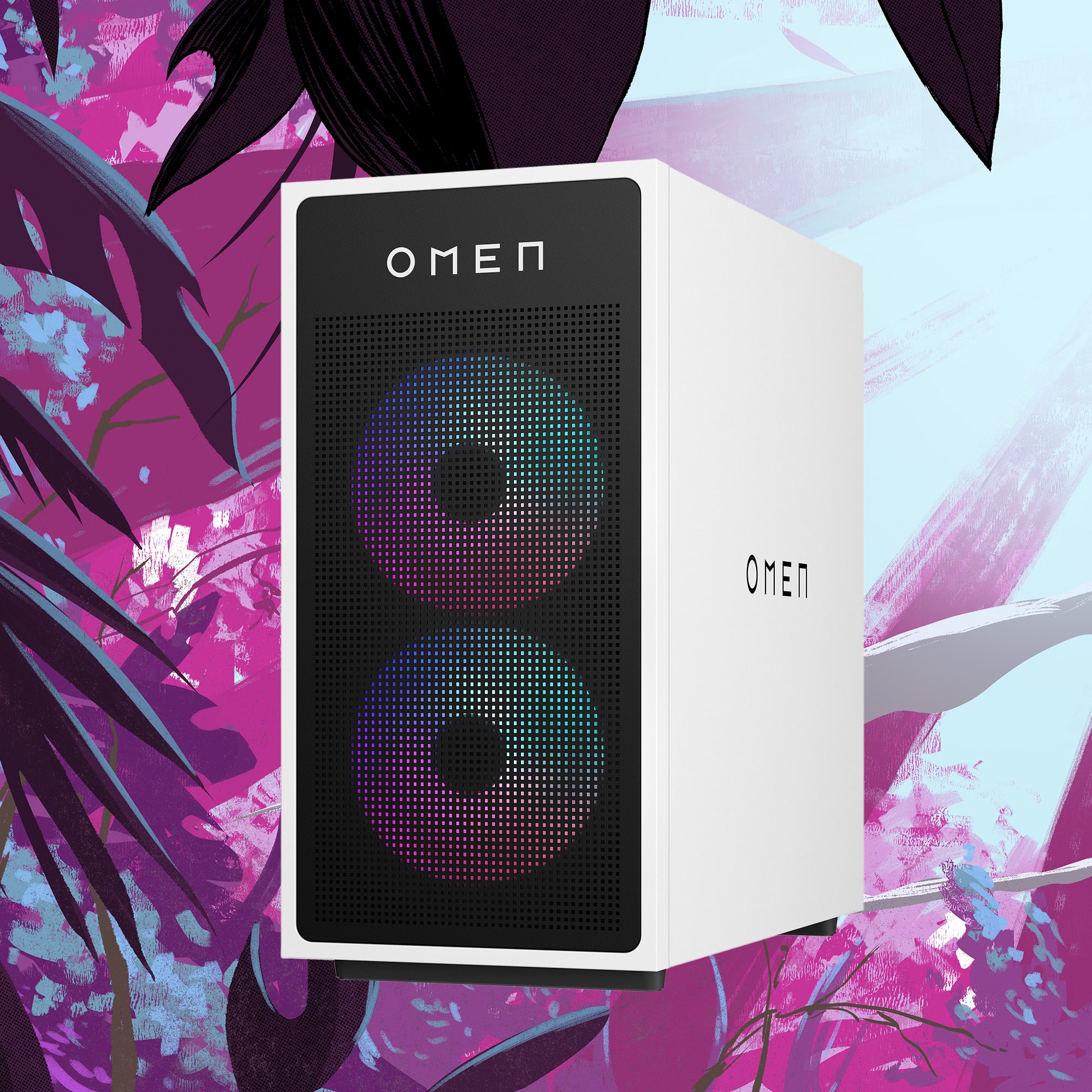

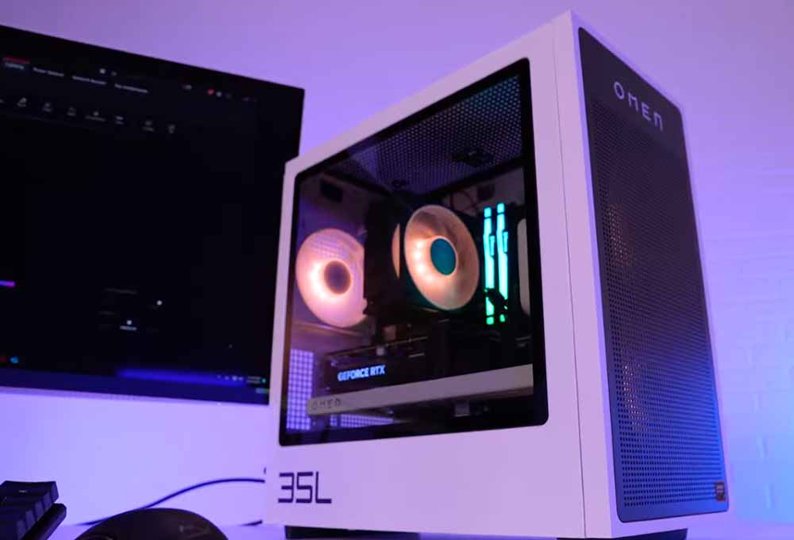

- Model:
- GT16-0014
- |
- SKU:
- 6589126
Customer reviews
Rating 4.7 out of 5 stars with 235 reviews
(235 customer reviews)Rating by feature
- Value4.7
Rating 4.7 out of 5 stars
- Quality4.7
Rating 4.7 out of 5 stars
- Ease of Use4.8
Rating 4.8 out of 5 stars
Customers are saying
Customers are positive about the desktop's performance, quiet noise levels, and sleek design. Many also appreciate the quick and easy setup and overall ease of use. However, some customers have expressed concerns about the GPU performance in AAA games and the power supply being insufficient for more powerful graphics cards.
This summary was generated by AI based on customer reviews.
- Pros mentioned:Noise level, Performance
Rated 5 out of 5 stars
Powerful, Sleek, and Built for Serious Gaming!
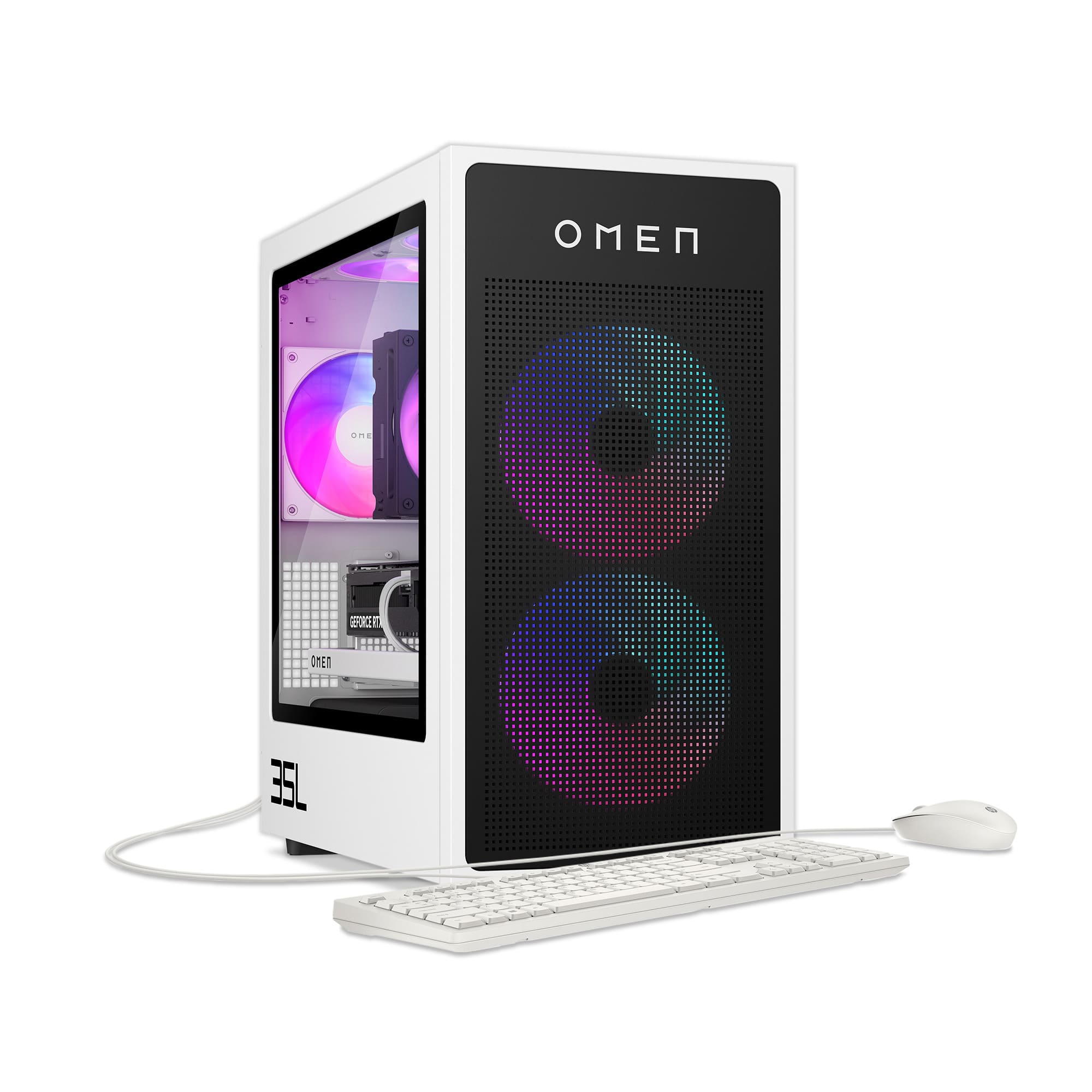
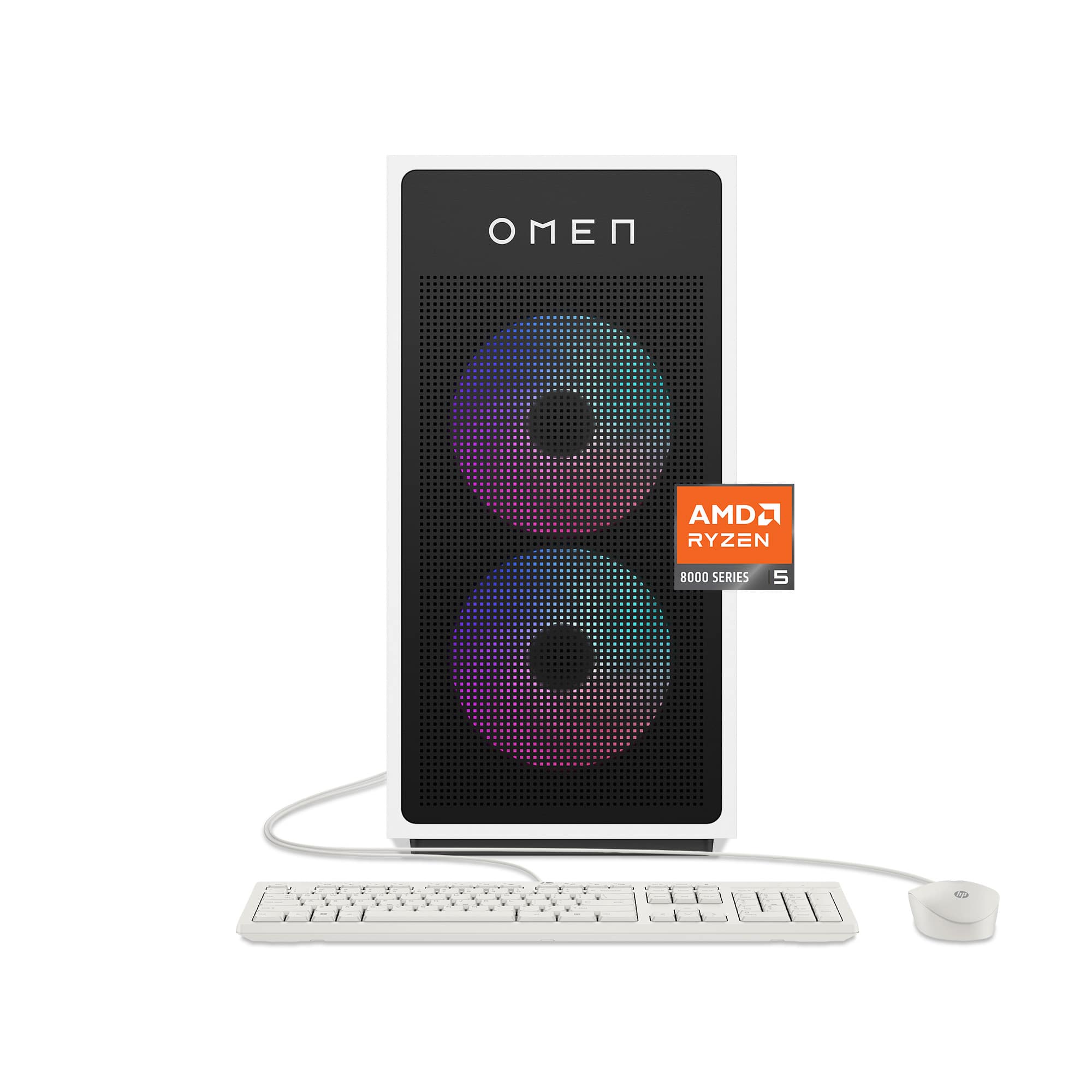
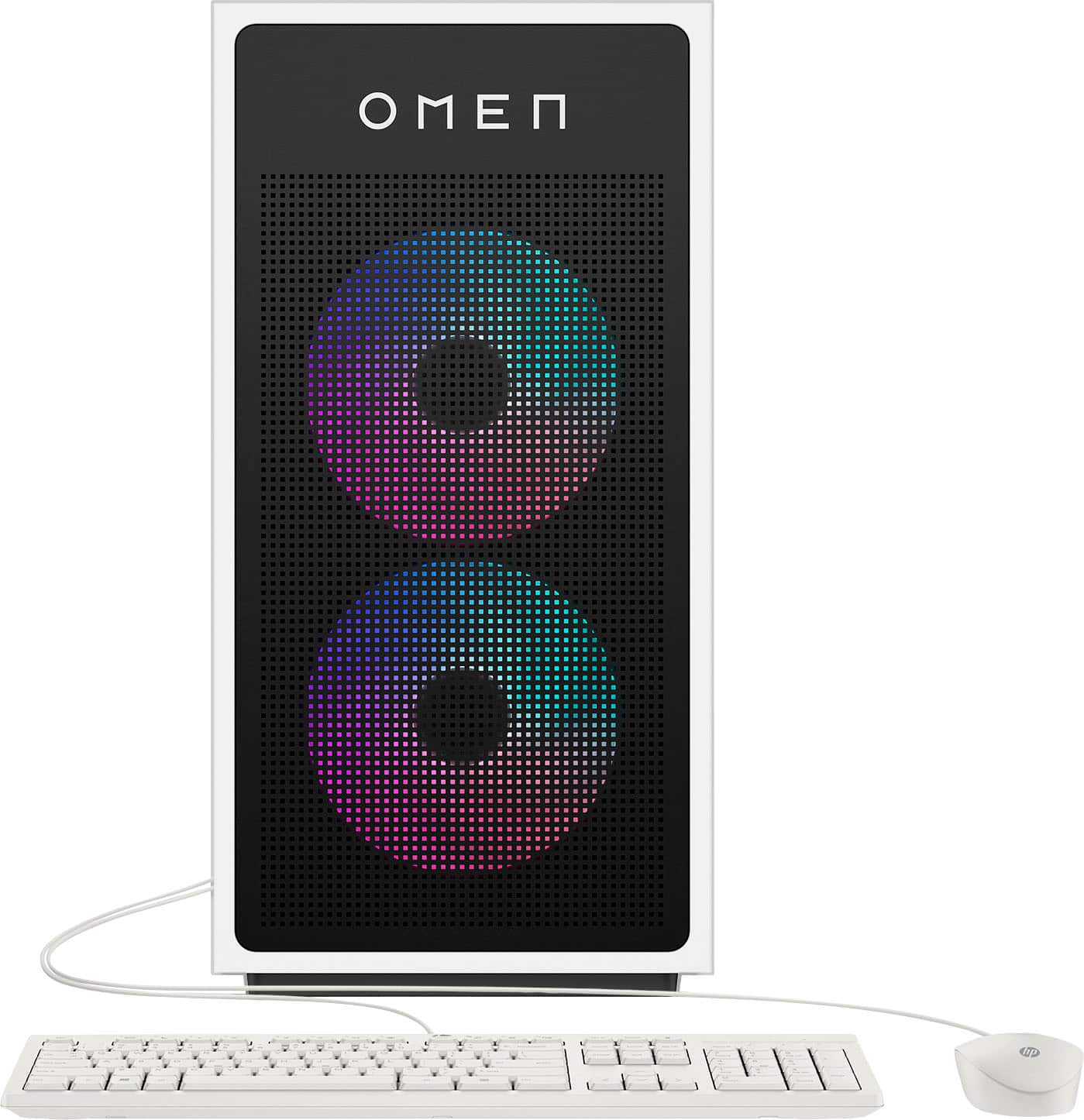
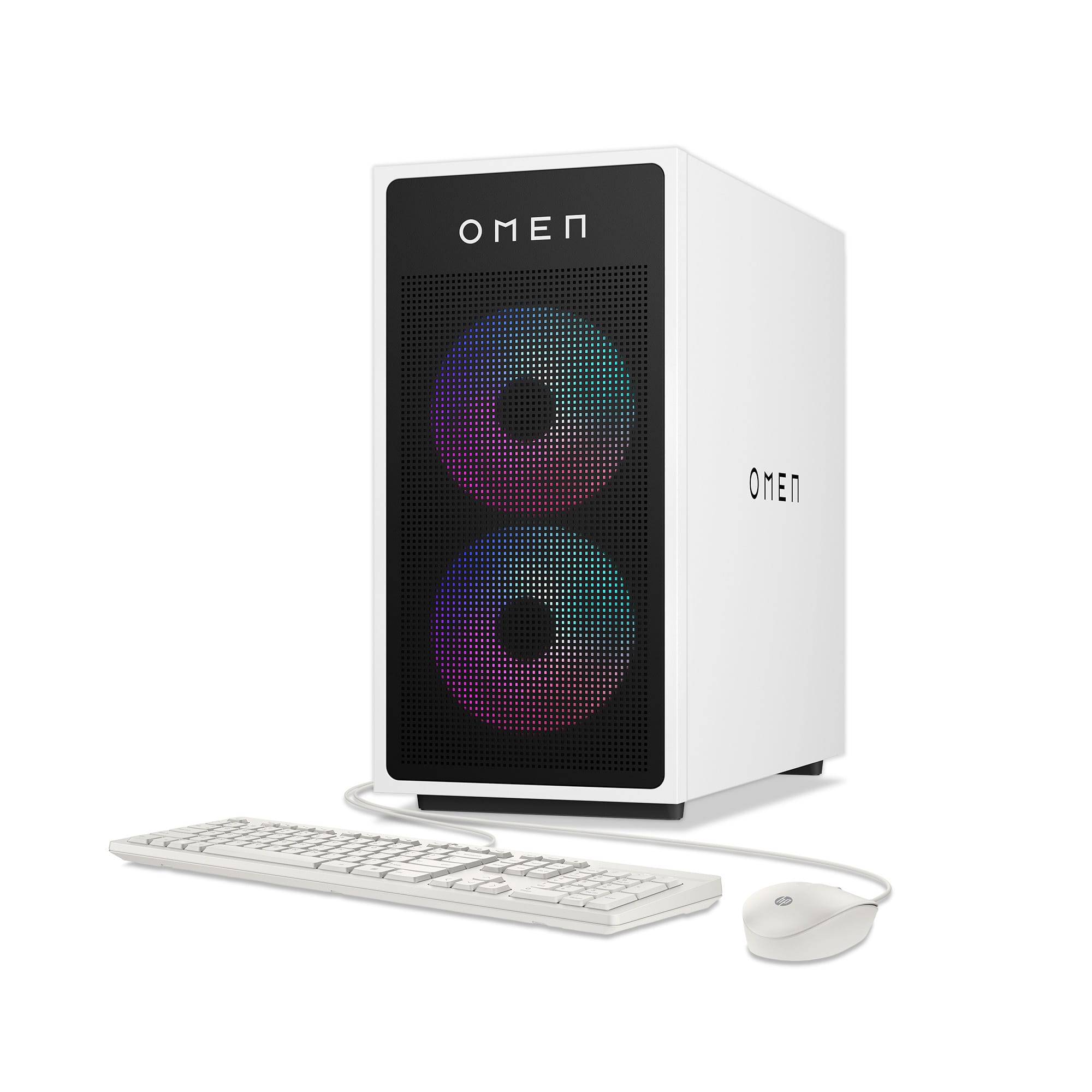
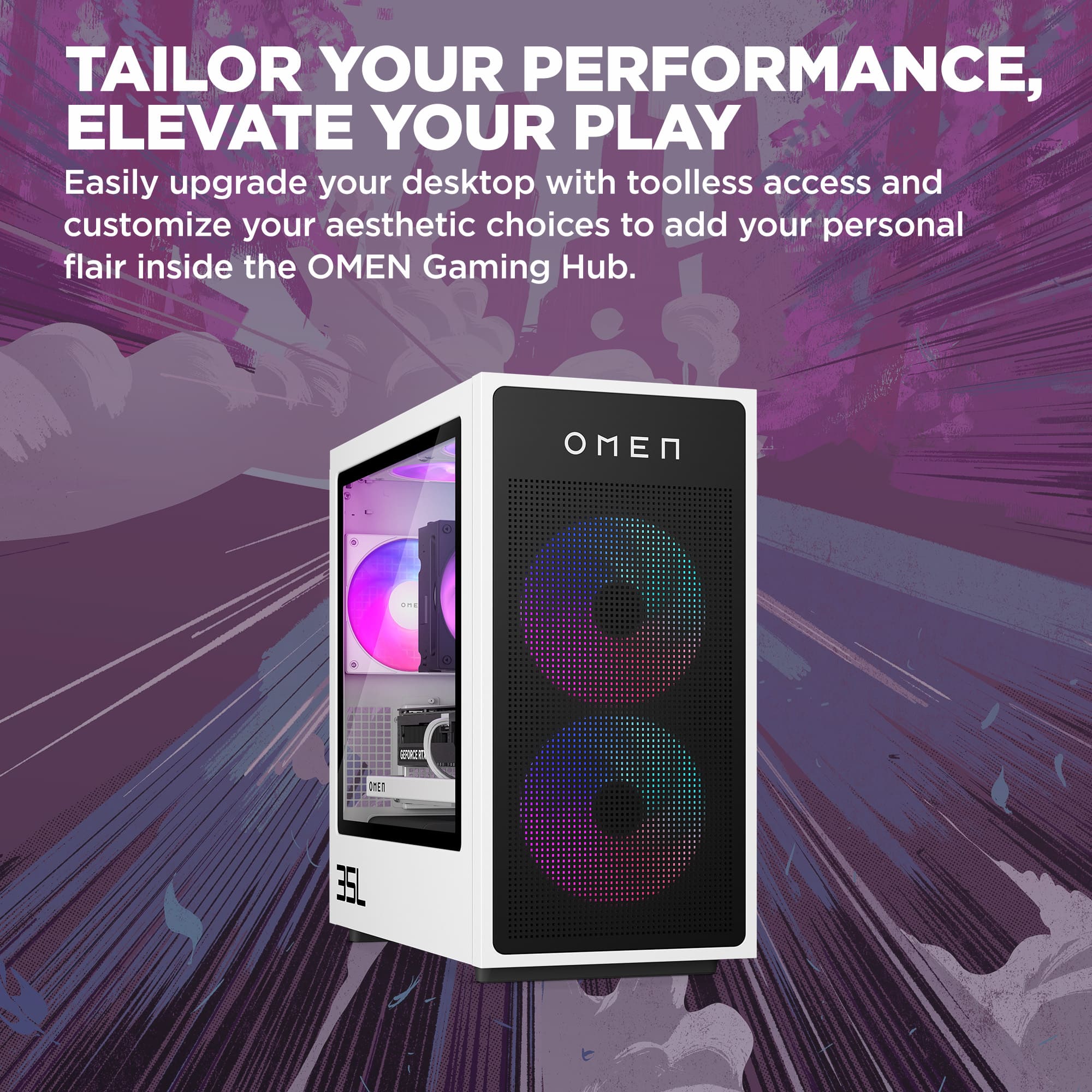
||Posted . Owned for 3 months when reviewed.This reviewer received promo considerations or sweepstakes entry for writing a review.I’ve been using the HP Omen 35L Gaming PC for a few months now, and I can confidently say it’s one of the best pre-built gaming rigs out there for both performance and value. Performance: This machine is an absolute powerhouse. With options for high-end Intel or AMD processors and NVIDIA GeForce RTX graphics cards, it handles everything from AAA titles to demanding multitasking without breaking a sweat. Games like Cyberpunk 2077, Elden Ring, and Warzone run flawlessly on ultra settings with high FPS and no stuttering. Cooling and Noise: The thermal design is excellent. The 35L’s spacious chassis and upgraded cooling system (including liquid cooling on some models) keep temperatures low, even during long gaming sessions. It also runs surprisingly quiet for a system with this much power. Design and Build Quality: The case is both sleek and functional. It has a clean, minimalist look with customizable RGB lighting that adds a great visual touch. Tool-less access to the interior is a huge plus if you want to upgrade or swap parts down the line. Connectivity and Expansion: Plenty of USB ports (front and back), Wi-Fi 6 support, and room for storage upgrades make it future-proof. Whether you’re streaming, editing, or gaming, it’s ready for it all. Final Thoughts: If you’re looking for a high-performance gaming PC that looks great, runs smoothly, and doesn’t require you to build it yourself, the HP Omen 35L is a fantastic choice. It’s powerful, customizable, and perfect for gamers who want reliability and style in one package.
I would recommend this to a friend - Pros mentioned:Noise level, Performance
Rated 5 out of 5 stars
Best purchase yet
||Posted . Owned for 3 weeks when reviewed.This reviewer received promo considerations or sweepstakes entry for writing a review.I’ve used a lot of PCs over the years, but this one truly stands out. From the unboxing to daily use, it’s been a flawless experience. The speed is incredible—boot times are practically nonexistent, and multitasking is smoother than ever. I use it for everything from video editing and gaming to work projects, and it hasn’t broken a sweat. The design is sleek and modern, and it runs whisper-quiet, even under heavy loads. What really surprised me was how much value I got for the price—this machine feels future-proof, with room to grow and upgrade if needed. Best Buy made the process effortless, and the customer service was genuinely helpful. This was more than a purchase—it was an upgrade to my entire workflow and lifestyle. Highly recommend to anyone who wants power, reliability, and style in one package!
I would recommend this to a friend - Pros mentioned:Ease of use, Performance, Setup
Rated 5 out of 5 stars
Omen 35L
||Posted .This reviewer received promo considerations or sweepstakes entry for writing a review.Was my first PC it runs games smooth and was so easy to set up! It was a great first PC for me
I would recommend this to a friend Rated 5 out of 5 stars
Extremely satisfied customer ; )
||Posted . Owned for 1 week when reviewed.This reviewer received promo considerations or sweepstakes entry for writing a review.Extremely happy with this item! Very affordable and super easy to hook up. Not to mention how pretty it is when it’s on and all the different color lights come on! My 15 yr old son is extremely satisfied with how fast and efficient it runs and how convenient it is to be able to add on different parts later down the road. Very happy and would totally recommend to any gamer out there!
I would recommend this to a friend- Pros mentioned:Design
Rated 5 out of 5 stars
Graphics
||Posted . Owned for 2 months when reviewed.This reviewer received promo considerations or sweepstakes entry for writing a review.Good for revit modeling and 3d graphics rendering. The total appearance is great
I would recommend this to a friend - Pros mentioned:Performance
Rated 5 out of 5 stars
Love this PC
||Posted . Owned for 2 weeks when reviewed.This reviewer received promo considerations or sweepstakes entry for writing a review.I’ve been playing this PC for about a month now, and I must say it’s a game-changer for me. This is my first PC, and it’s definitely made a difference in my life. I’ve been a loyal customer of OMEN, and I was recommended this particular model by a friend. I ended up snagging it on sale, which was a great deal. I highly recommend this PC to anyone who’s interested in PCs or is considering getting one soon.
I would recommend this to a friend - Pros mentioned:Performance
Rated 5 out of 5 stars
My first gaming pc
||Posted . Owned for 1 month when reviewed.This reviewer received promo considerations or sweepstakes entry for writing a review.Great rig for the price to performance. Great for beginners or someone looking to upgrade. Handles all games I play in higher settings. Elden ring, helldivers, marvel rivals, stardew valley, league of legends. Those are just a few games I play.
I would recommend this to a friend - Pros mentioned:Performance
Rated 5 out of 5 stars
Pc is a beast !!
||Posted . Owned for 2 months when reviewed.This reviewer received promo considerations or sweepstakes entry for writing a review.The HP OMEN has been treating me great so far!! It runs smooth, fast, and handles everything I throw at it without breaking a sweat. Games like Fortnite, Call of Duty, and other games run on high settings with no lag or overheating.
I would recommend this to a friend - Pros mentioned:Performance
Rated 5 out of 5 stars
Reliable Retail Pre-built!
||Posted . Owned for 10 months when reviewed.This reviewer received promo considerations or sweepstakes entry for writing a review.I have had this pc for almost a year now and it is amazing! The only thing is you may have to replace the CPU over time and general use but it's definitely one of the best prebuilds on the market for the price
I would recommend this to a friend - Pros mentioned:Performance
Rated 5 out of 5 stars
HP Omen Gaming PC
||Posted .This reviewer received promo considerations or sweepstakes entry for writing a review.Amazing! Was in very good condition and everything was working from the start no issues found and the system is amazing with Playing the Latest Games would highly recommend this PC
I would recommend this to a friend - Pros mentioned:Performance
Rated 5 out of 5 stars
Great for Gaming AND College
||Posted . Owned for 3 months when reviewed.This reviewer received promo considerations or sweepstakes entry for writing a review.I have had absolutley no issues with my OMEN. In fact, I am extremely pleased with the ease of use and quality! I am in college, and this can handle my statistical software AND my video games-- best of both worlds!
I would recommend this to a friend Rated 5 out of 5 stars
Fast, quiet, and Beautiful build!
||Posted .This reviewer received promo considerations or sweepstakes entry for writing a review.This Omen PC has been amazing so far. It’s incredibly fast, super quiet, and handles multitasking and gaming with no issues at all. The cooling system works great and the RGB lighting gives it a really sharp, modern look. Setup took only a few minutes and everything ran smoothly right out of the box. A fantastic choice if you want power, reliability, and a premium feel. Highly recommend!
I would recommend this to a friend- Pros mentioned:Design
Rated 4 out of 5 stars
Great pc
||Posted . Owned for 1 week when reviewed.This reviewer received promo considerations or sweepstakes entry for writing a review.I love the sleek design and it’s great because of the deal I’ve gotten on it so worth the purchase and they guys gave me some fair warning about stuff I should be worried about but still decided to buy it and I don’t regret it at ll
I would recommend this to a friend - Pros mentioned:Performance
Rated 5 out of 5 stars
Great For Mid Tier Gaming
||Posted . Owned for less than 1 week when reviewed.This reviewer received promo considerations or sweepstakes entry for writing a review.I recently purchased this and it has played everything with mo issuse, played COD 6 , extreme settings, 110 average fps , GTA 5 on ultra 181 fps , Icarus on max settings , and many more games .
I would recommend this to a friend Rated 5 out of 5 stars
works great
||Posted . Owned for 1 week when reviewed.This reviewer received promo considerations or sweepstakes entry for writing a review.a great value for what i got. its my first gaming setup and i think its definitely clean looking and runs so smoothly
I would recommend this to a friend- Pros mentioned:Performance
Rated 5 out of 5 stars
Omen 35 L
||Posted . Owned for 3 weeks when reviewed.This reviewer received promo considerations or sweepstakes entry for writing a review.Awesome PC, good quality and performance all inclusive in this computer from HP, I already recommend to all my friends, I just love my PC I'm very happy with my purchase, the best computer I ever have
I would recommend this to a friend Rated 5 out of 5 stars
Great buy!!
||Posted .This reviewer received promo considerations or sweepstakes entry for writing a review.Had my baby for over a year and she has been amazing. Runs all my games perfectly and hasn't given me any type of issues!
I would recommend this to a friend- Pros mentioned:Performance
Rated 5 out of 5 stars
My first PC!
||Posted . Owned for 3 weeks when reviewed.This reviewer received promo considerations or sweepstakes entry for writing a review.fantastic First ever pc id been wanting one my whole life as a kid and i finally got the chance to make my dreams come true. A first step to a new habit
I would recommend this to a friend Rated 5 out of 5 stars
Omen computer
||Posted .This reviewer received promo considerations or sweepstakes entry for writing a review.By Far, the best purchase I have made in a long time. Runs smoothly and has a better storage than my previous computer. Will buy again in a few years, if I need to.
I would recommend this to a friend- Pros mentioned:Performance
Rated 5 out of 5 stars
Great PC
||Posted . Owned for 1 week when reviewed.This reviewer received promo considerations or sweepstakes entry for writing a review.I can now play all the games I currently have without any choppiness. I love this computer. It is also upgradable for future games.
I would recommend this to a friend