Customer Ratings & Reviews






- Model:
- SMART TANK 5101/1F3Y0A#B1H
- SKU:
- 6527565
Rating by feature
- Value
Rating 4.4 out of 5 stars
- Quality
Rating 4.4 out of 5 stars
- Ease of Use
Rating 4.3 out of 5 stars
Customers are saying
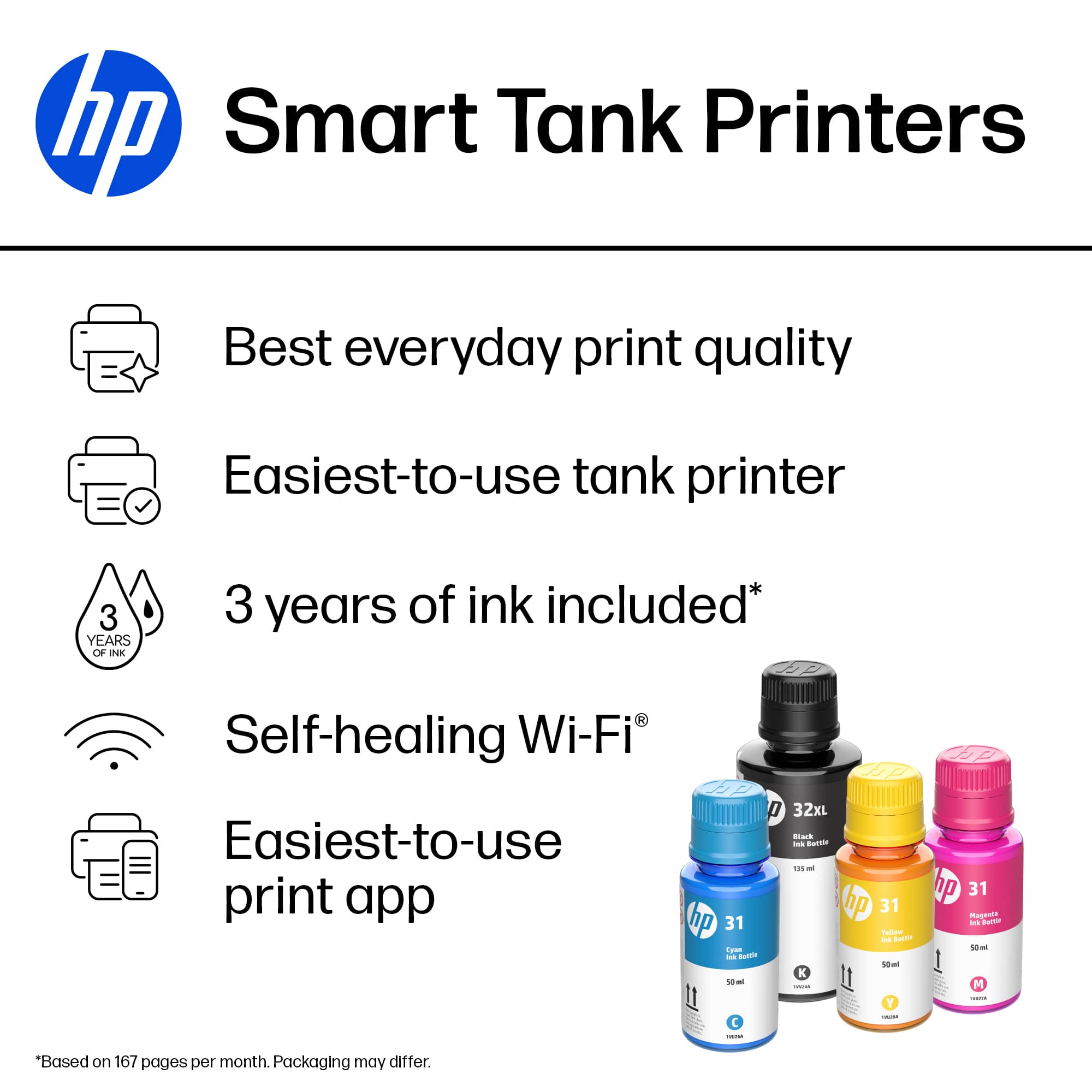
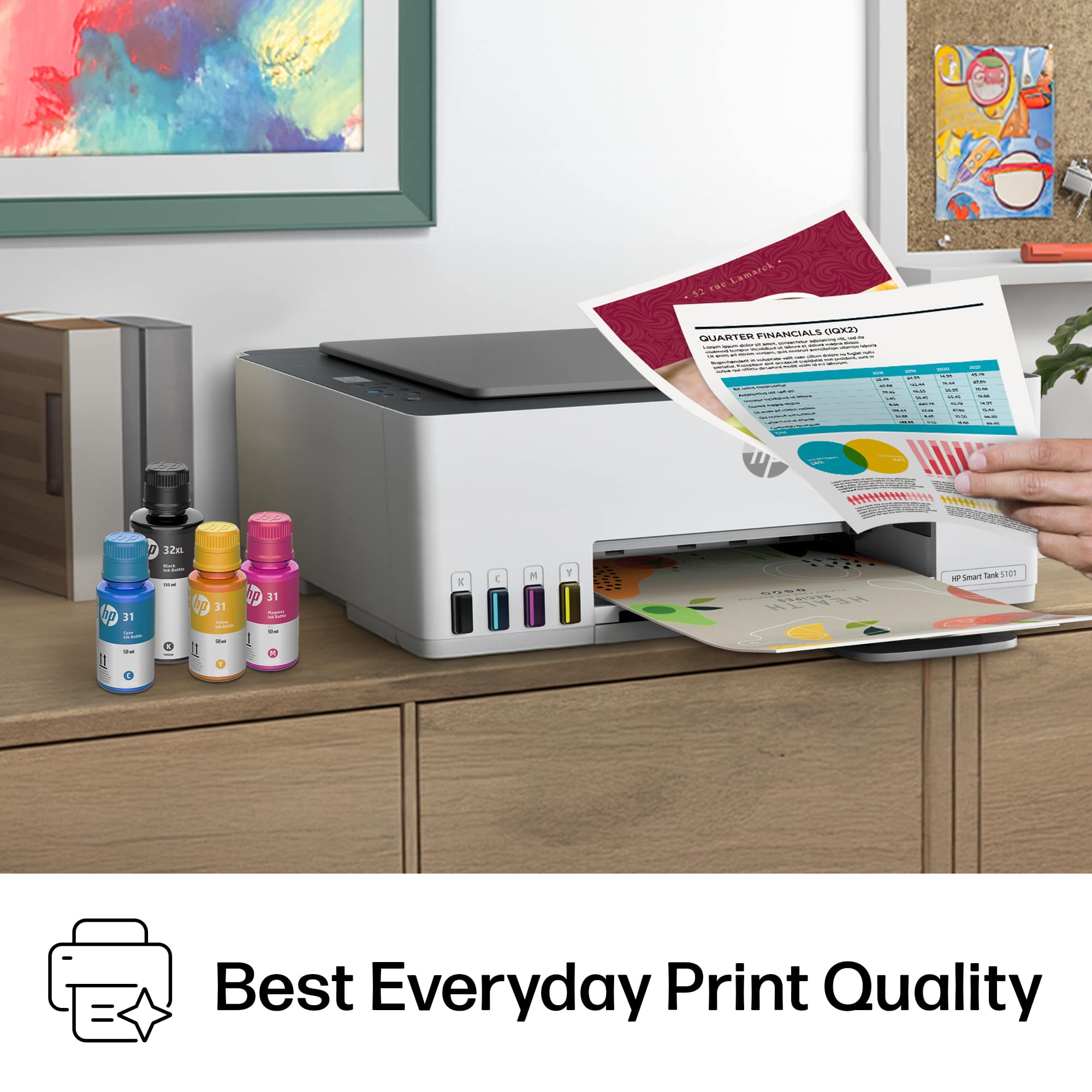
Customers frequently mention the good print quality and ease of use of the Smart Tank 5101 printer. Many customers find the printer easy to set up and appreciate its overall performance. Additionally, users like the printer's connectivity and compact size.
This summary was generated by AI based on customer reviews.
- Pros mentioned:Ease of use, Overall performance, Print quality
Great value
||Posted .This reviewer received promo considerations or sweepstakes entry for writing a review.Works great . Print quality is excellent . Simple to set up
I would recommend this to a friend - Pros mentioned:Ease of use, Print quality, Setup
A good purchase
||Posted .This reviewer received promo considerations or sweepstakes entry for writing a review.It was easy to set up and connect to WiFi and all devices. It prints and copies beautifully. Economical and perfect for home use. We ditched our printer that used expensive cartridges and we are very satisfied with this one.
I would recommend this to a friend - Pros mentioned:Print quality

Does It's Job, Could Be Better...
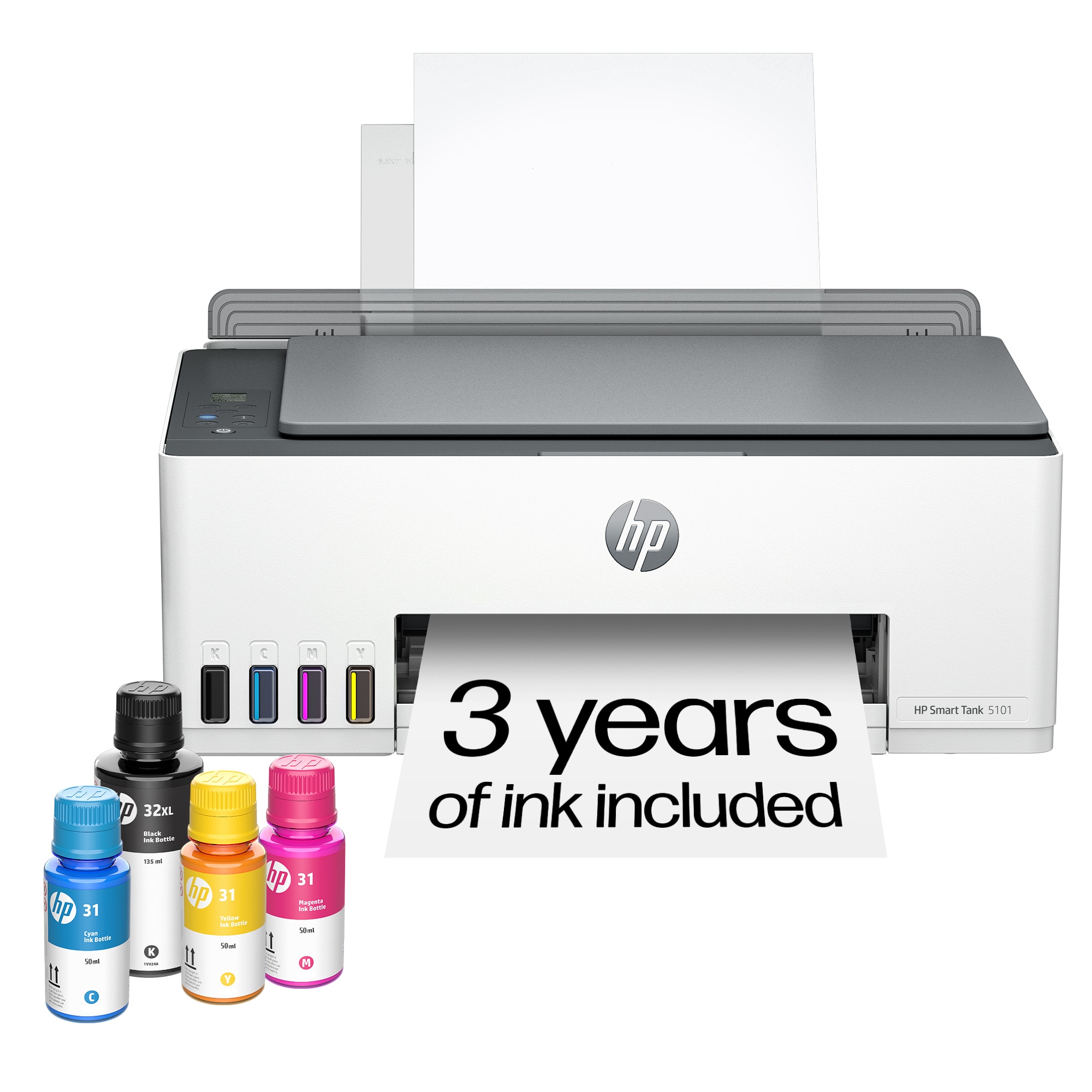
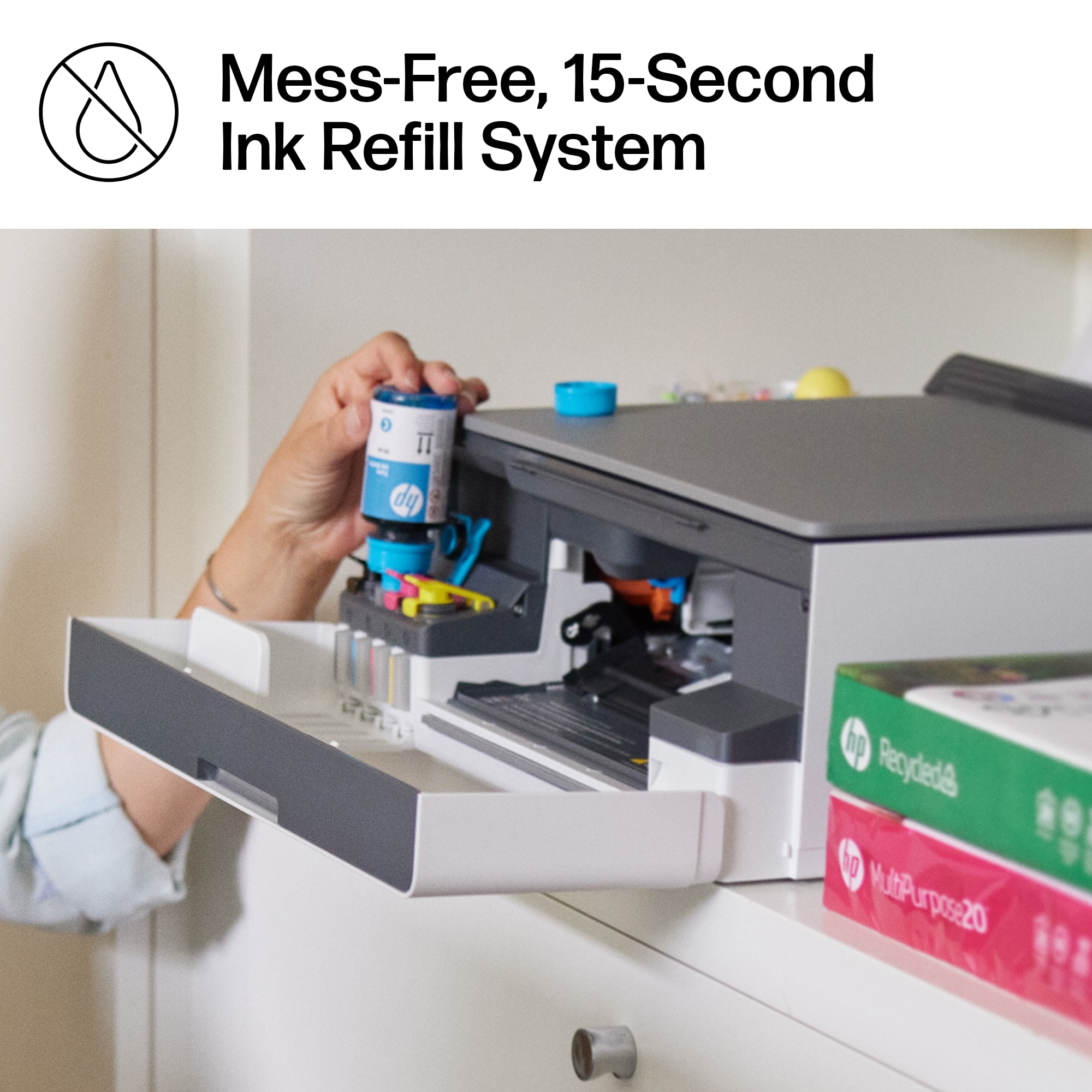
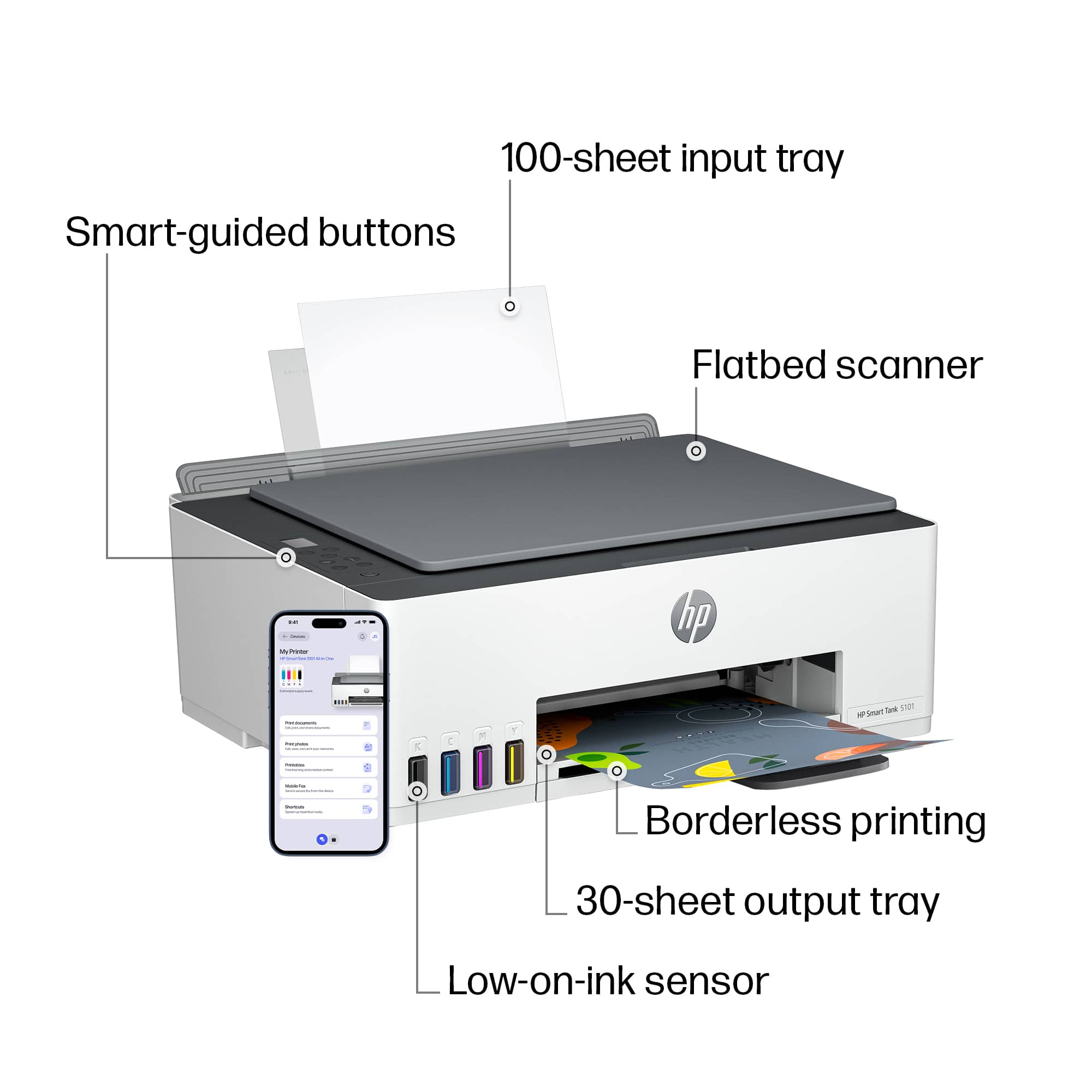
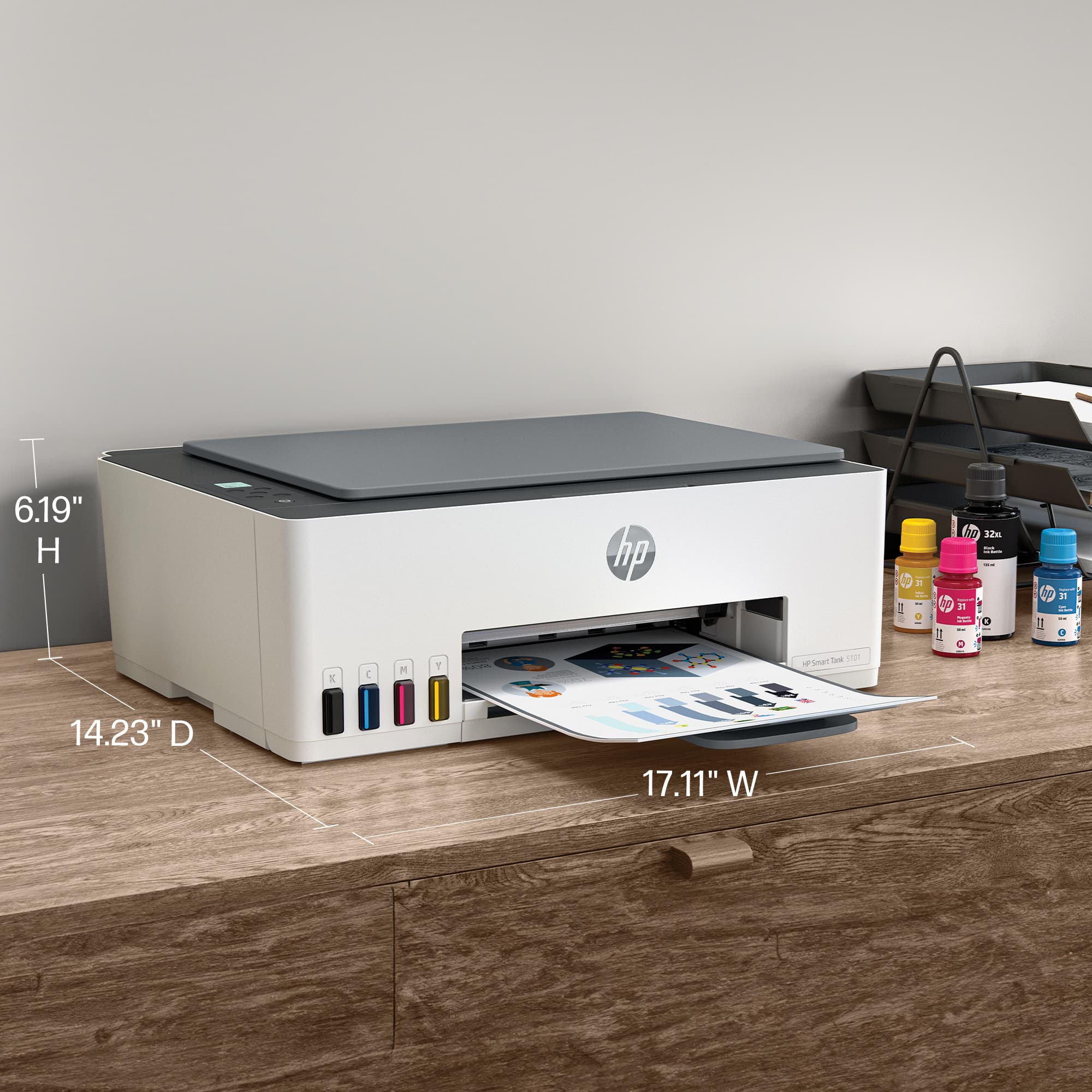
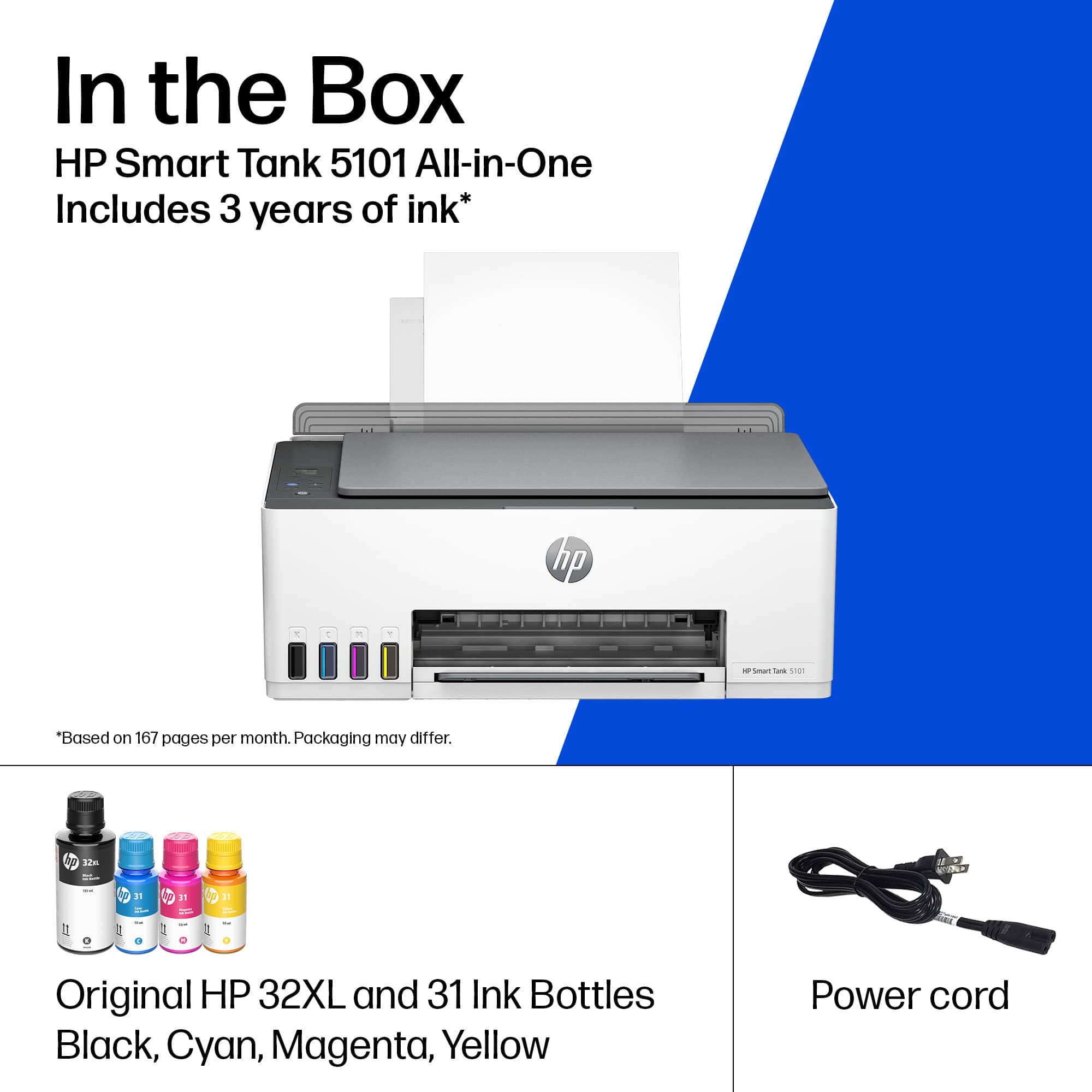
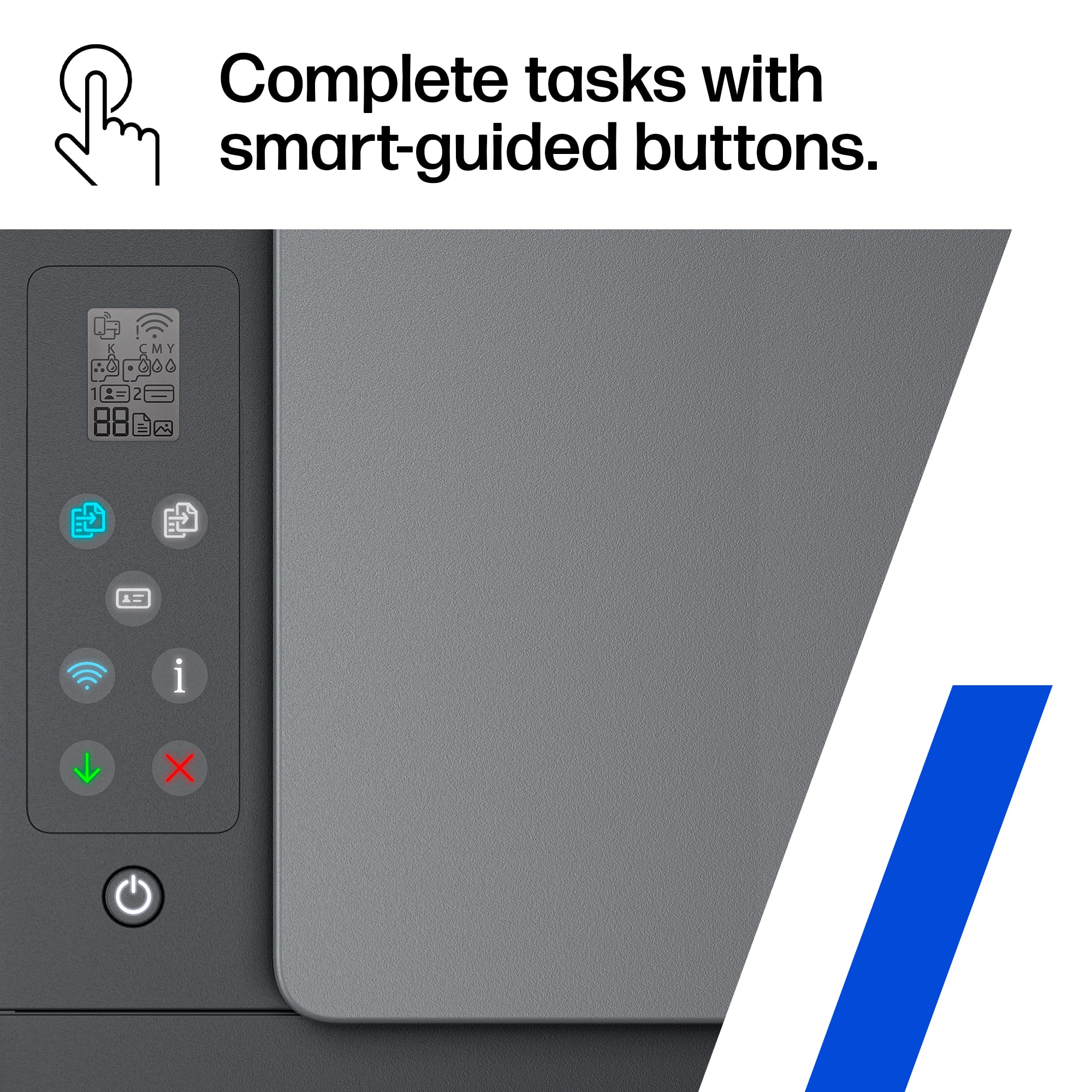
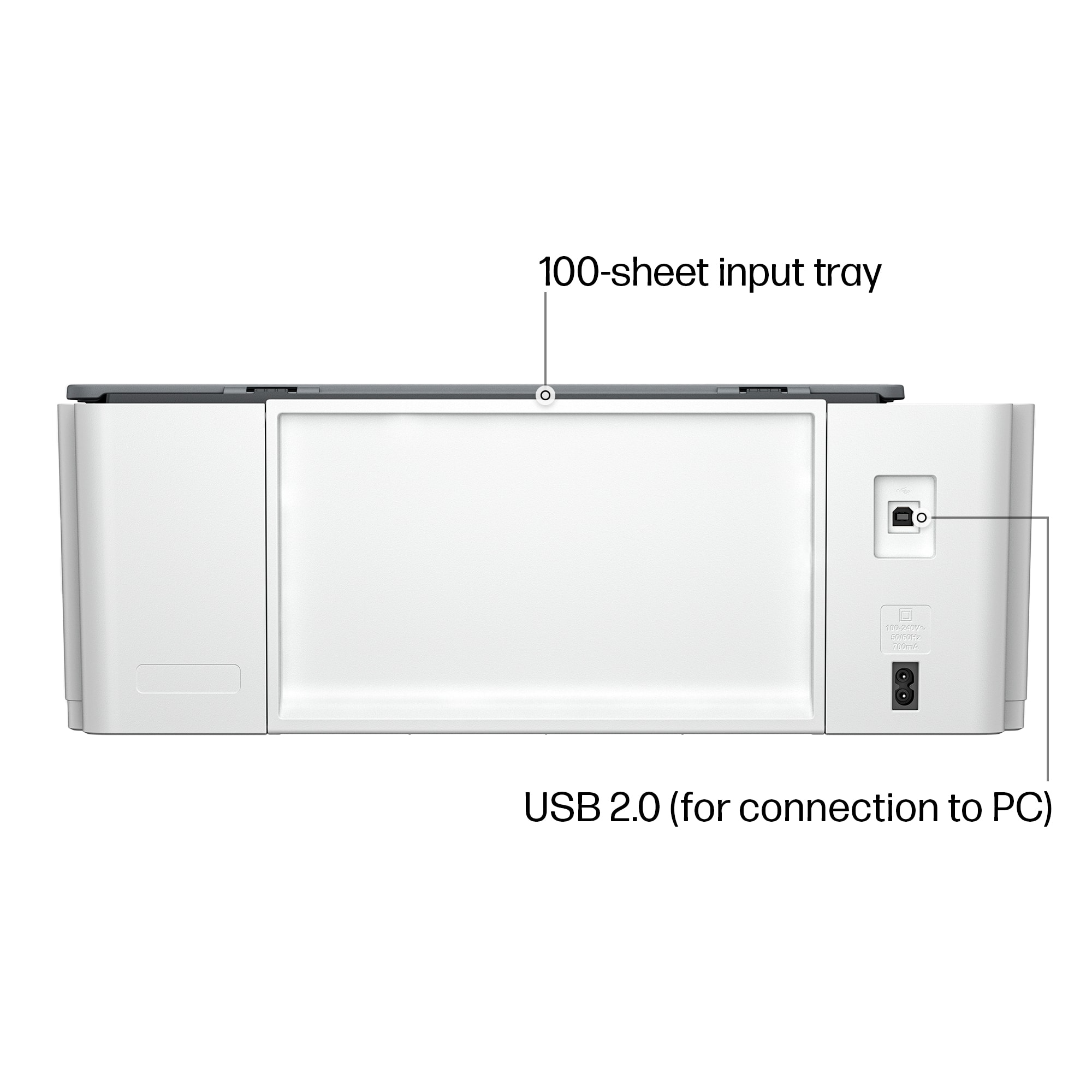
|Posted .This reviewer received promo considerations or sweepstakes entry for writing a review.The HP is a no frills, compact, all-in-one printer made from 45% recycled plastic. The Ink Tank and Ink Bottle design allows for quick, mess free refilling process when needed. Although it seems like a good design from face value, I quickly learned there are several drawbacks or limitations due to the design itself. For home or infrequent use, this might be acceptable but for office or frequent use this might not be the best choice. In the Box: - HP Smart Tank 5101 All-in-One Printer - Original HP 32XL 135-ml Black Ink Bottle - Original HP 31 Cyan Ink Bottle - Original HP 31 Magenta Ink Bottle - Original HP 31 Yellow Ink Bottle - HP Smart Tank Printhead - Manual, Setup Guide, Warranty Info - Power Cord Setup: At first I was a little thrown back by the setup process of this printer. It requires un-packaging, installing the print heads, and filling the ink tanks in addition to traditional setup of powering the unit on and setting up the software. Quickly I realized this isn’t a daunting task and it went by fairly quickly although I would set aside 30 minutes to do this. I really praise HP for the software setup as this can be done from the HP app on your smartphone or PC. I already had the software on my PC but chose to use the mobile app for this unit. It was very easy and everything went smoothly. Once it was connected to my Wi-Fi, I was able to control many aspects of the printer which I have never used before in such a fashion. The physical setup of installing the print heads and filling the ink tanks wasn’t bad either but it did require reading the directions to avoid any missteps. HP first tells you to install the ink. Basically open the bottle, turn it upside down, and snap it onto the correct tank filler. This truly is a no mess design as long as you let the tank fill before removing the bottle. You should have a little black left and the tanks require all the color ink provided. Installing the print heads was a little different but essentially you unlock the holder, pull a shipping piece out (CAREFUL! There is a splash of ink on it) and snap the two heads into place. It was not difficult but I had never done this before so it was new to me. The paper tray… well let’s just say it’s there. Usage: So after using the printer after a few days I have come to dislike more of the physical design vs the performance of the unit itself. The paper tray doesn’t hold a ton of paper so you’ll be refilling it often. At least it is out in the open, right? The 1x1” monochromtic display is incredibly hard to read and is not backlit. Not to mention it is so small that you really need to memorize the icons and lights on the buttons to know what it going on. The printer does have a few physical buttons which are nice but again it is hard to know what exactly is going on. If you control the unit from your computer or app, it makes it much more intuitive and easy to use. Luckily, this printer integrates well on the software side otherwise this could be a disaster. The physical printing speed and quality is good and what you should expect from a new printer of this price and size. I would say it might be a little slower than my previous unit. The images come out clean and clear both print and digital. There is no automatic document feeder so any 2 sided documents or several pages in a row will need to be manually placed onto the scanner. This is not something I used often but my last compact printer had this function so it’s a worthy note. This also does not do duplex printing which is one area I used often. Given this is a manual process it really is a downside. Overall: This HP printer does everything it should as an all-in-one design. It prints, scans, copies, and more but with some complexity that shouldn’t be required. The smart tank design is very neat and works well for refilling the tanks. It should be more cost effective over time but the main concern would be the print heads staying unclogged in occasional use but that does for every ink jet printer. The lack of a paper tray, duplex printing, and easy to use screen are the biggest shortcomings I would like to see. As a whole, I would strongly consider what you want in a printer and whether this model fits your needs. I am sure HP has other models that might work better if this one is missing something you want/need. Pros: - Made from recycled plastics - Compact(ish) Design - Ink Tank (Refillable) - Setup/Software - Print Quality Cons: - Lack of Paper Tray - Small Screen - No Duplex Printing/Paper Feeder - Shorter Power Cord, Plugs in Backside (5 Feet?)
No, I would not recommend this to a friend - Pros mentioned:Overall performance, Print quality
Really nice
||Posted . Owned for 1 month when reviewed.This reviewer received promo considerations or sweepstakes entry for writing a review.Let me start by saying when I pick this one up it was on sale so it was a great deal. The printer itself works really good. The qualities is great. You can print pictures and they come out really nice. Also, the fact that the cartridges are more like bottles are easy to fill, and the ink really does last a really long time. It’s really quick , and it doesn’t lose any quality. So in general, it’s a good quality printer with ink that lasts for a good long time and it’s pretty simple to set up.
I would recommend this to a friend - Pros mentioned:Ease of use, Overall performance, Print quality
BEST PRINTER EVER!
||Posted . Owned for 1 month when reviewed.This reviewer received promo considerations or sweepstakes entry for writing a review.This printer was not costly, was easy to set up, printed beautiful pictures, and was the best home printer I have ever purchased. Don't sleep on this one. I am so glad I won't have to buy ink cartridges again!!!
I would recommend this to a friend - Pros mentioned:Overall performance, Print quality, Setup
Great Printer for the Price
||Posted .This reviewer received promo considerations or sweepstakes entry for writing a review.Easy to set up, works great, replaces my Cannon, which is eight years old. I like the ink filling method, no mess, the print is fine, well worth the money and does the job.
I would recommend this to a friend - Pros mentioned:Print quality
Bottle ink reduces plastic waste and cost
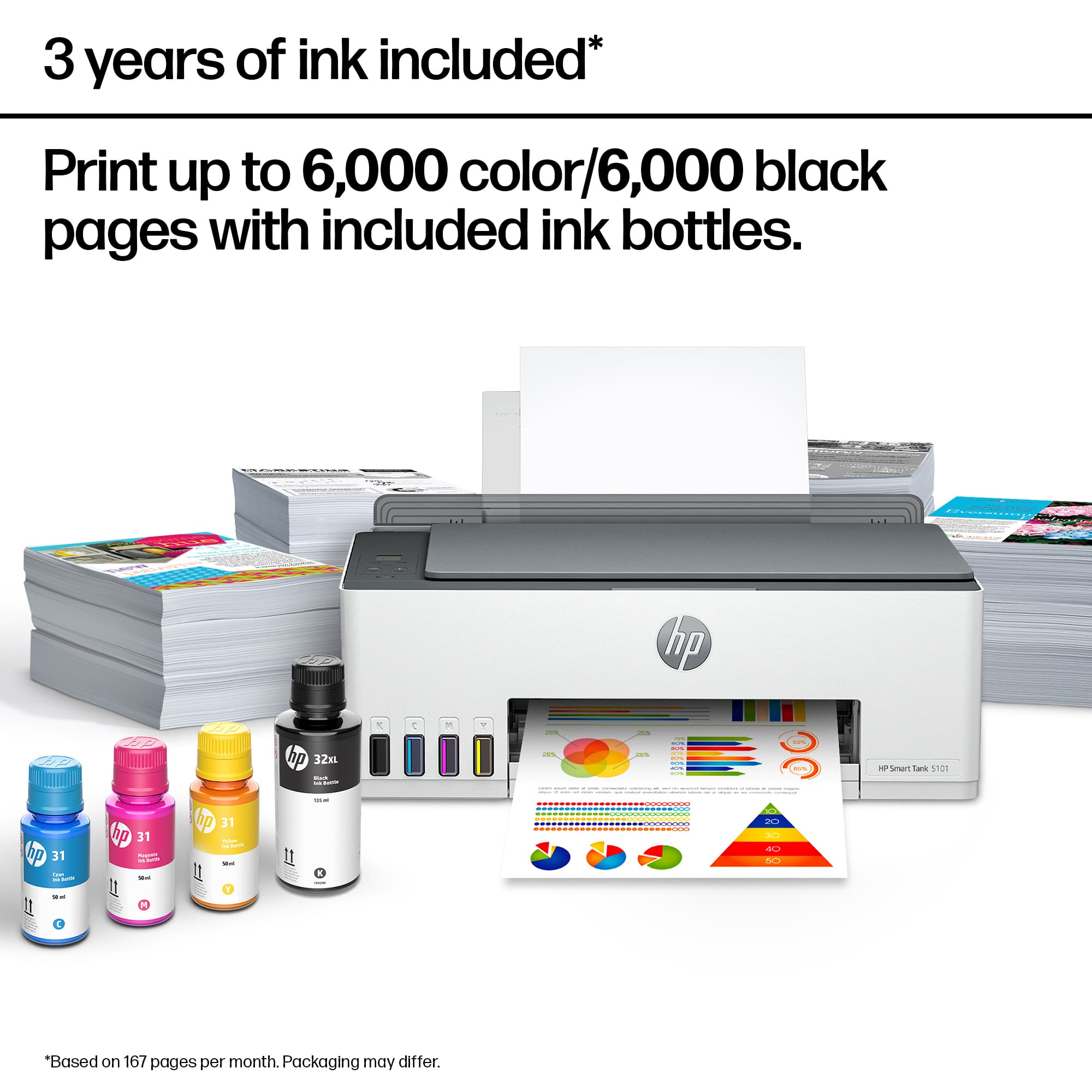
|Posted .This reviewer received promo considerations or sweepstakes entry for writing a review.The bottled ink reduces the waste or need to recycle an ink cartridge. HP states that a family or small home office can expect two years of printing before requiring refilling. I found the fillig process safe, easy and fast. The black ink bottle can fill the tank twice. The great thig is how well the fill process went. Not a drop leaked during the fill. No mess. It is a bit intimidating to install the print heads. he color coding and install manual had clear illustrations and instructions. I have an EERO router which required a bit of extra work. EERO does not allow nor does it have a WPS feature. EERO settings allow one to temporarily disable the 5mz band. This makes it easy for the HP printer to find the 2.4mz band. Too bad it doesn't allow the higher frequency. Once the Wi-Fi was set, HP Smart app did the rest. I was able to use direct printing from my Motorola android phone, and my iPad pro. Connectivity there is easy. HP smart prints and scans for the PC (Windows). I use FileCenter as a scanning platform and filing system for my home office. While it prefers a TWAIN driver, it did work with HP's driver. The printer scanned perfectly. High resolution PDF's and JPGs resulted. Printing was also great. I didn't see if it allows for duplex printing.
I would recommend this to a friend - Pros mentioned:Ease of use, Print quality
Reliable, Quiet, and Super Easy to Use
||Posted . Owned for 2 weeks when reviewed.This reviewer received promo considerations or sweepstakes entry for writing a review.I’m very impressed with this printer! Setup was quick and seamless, and the ink bottles were easy to fill without any mess. The print quality is crisp for both documents and photos, and it’s surprisingly quiet during operation. I also love that it includes two years of ink—it’s a huge money saver. The wireless connectivity works perfectly with my laptop and phone, and the HP Smart app makes printing and scanning effortless. Definitely one of the best home office purchases I’ve made this year! Highly recommend it.
I would recommend this to a friend - Pros mentioned:Ease of use, Print quality, Setup
If you need a printer this is the one
||Posted . Owned for 3 weeks when reviewed.This reviewer received promo considerations or sweepstakes entry for writing a review.I like it so far . easy set up ,good copys great color.
I would recommend this to a friend - Pros mentioned:Ease of use, Overall performance, Setup
New printer
||Posted .This reviewer received promo considerations or sweepstakes entry for writing a review.Exactly what I needed at a good price. Easy setup and functional.
I would recommend this to a friend - Pros mentioned:Ease of use, Print quality, Setup
Printer
||Posted . Owned for 3 weeks when reviewed.This reviewer received promo considerations or sweepstakes entry for writing a review.Very easy to use and start up. Prints fast and wireless feature is a plus.
I would recommend this to a friend - Pros mentioned:Connectivity, Ease of use, Print quality
"HP Smart Tank 5101: Unmatched Performance and Cos
||Posted . Owned for 3 weeks when reviewed.This reviewer received promo considerations or sweepstakes entry for writing a review.The HP Smart Tank 5101 is a standout multifunction printer that delivers exceptional performance. Its innovative ink tank system ensures cost-effective printing with impressive yield, reducing the hassle of frequent cartridge changes. With high-quality prints, reliable wireless connectivity, and user-friendly features, the Smart Tank 5101 excels in both home and office environments. The easy setup, intuitive touchscreen interface, and mobile printing capabilities enhance its overall convenience. This printer's durability, efficient functionality, and remarkable print quality make it a top choice for those seeking a reliable and efficient printing solution.
I would recommend this to a friend - Pros mentioned:Connectivity, Setup
Printer
||Posted . Owned for 11 months when reviewed.This reviewer received promo considerations or sweepstakes entry for writing a review.Easy to use simple setup control from my computer smoothly and the tanks are a great feature I don’t use often so it’s way more cost efficient than having to buy the ink cartridges
I would recommend this to a friend HP Smart Tank 5101 All-In-One Supertank
|Posted .This reviewer received promo considerations or sweepstakes entry for writing a review.The HP Smart Tank 5101 Wireless All-In-One Supertank is your typical Inkjet Printer with a slight twist; the "Supertank" refillable reservoirs. The initial hardware portion of the setup process introduces you to the most unique feature of this printer: the fillable "smartank". This printer features separate bottles of ink, which you flip upside-down and insert into the top "click in" module of each corresponding tank. Do not worry when flipping the ink upside-down as there is a rubber grommet type device that ensures no ink will spill out. The included black in bottle uses about 75% or so of the bottle to fill the black tank. The other colors use 100% of the bottle. In most cases, black ink is used more than color, so while I understand this initial reasoning I wish they would simply have included all of the ink bottles to be the same size. I'm sure the researchers at HP have done their homework and my desire for this is not justifiable enough. Once the ink is all ready to go and all of the packaging bits are removed, insert your paper and run some "alignment sheets". I found the auto align process to have worked perfectly without the need for any manual adjustments. I then proceeded to download the HP Smart app onto my iPhone for initial setup. This process was easy. I then proceeded to setup the printer on both my Windows and macOS devices. I downloaded the same app on both OSs. Starting with macOS. Here I ran into some initial issues as the HP Smart app instructed me at the end of the setup to "install the drivers" which it provided perfect instructions to do. However, I am running the latest macOS Ventura, and there are no official drivers for Ventura at the time of setting this up. I thought this was strange. I then setup the printer on my Windows device which went start to finish perfectly fine. I then was shown a "print anywhere" guide from the app, which allows me to printer via the HP cloud, from anywhere via any device signed into the proper HP accounts from the HP smart app. Setting this up then allowed me Venture macOS device to print to the printer without issue. Next I updated the firmware on the printer to the latest. After this completed, I noticed over some time, my macOS Ventura machine picked up on the printer via Bonjour, and was natively recognized. Everything about this printer is about what you'd expect. There is little to no reason to get much into the other details in this review, however, I will say that printing from any device using the HP smart app is simple and results in a perfectly printed page, color, black and white, borderless, etc. Using AirPrint via an iOS device also works perfectly, and as expected. Scanning via the HP Smart app is also super simple on any device. I found the HP Print Anywhere technology to be especially welcome for situations where an Android, or even a guest device may be present. It's easy to print from literally anywhere you have access to the internet and this app to sign into. All in all, this is a great inkjet printer with a lot of modern conveniences. My only real gripe was the somewhat "broken" setup process on macOS Ventura initially, though this was mostly and easy work around to then ultimately getting properly fixed. Time will tell if this new ink tank technology offers any real value to the inkjet type printers, which are traditionally, a total waste of money, as ink costs are so high in comparison to the printers, and the ink usage is so heavy that replacements tend to happen more often that it financially makes sense. If HP's promise of "2 years" is true, this printer would be an excellent value.
I would recommend this to a friend- Pros mentioned:Overall performance, Print quality, Setup
A solid printer
||Posted .This reviewer received promo considerations or sweepstakes entry for writing a review.A solid printer. Easy to set-up. I appreciate the ink tanks vs. the individual ink cartridges. This helps to manage ink costs.
I would recommend this to a friend - Pros mentioned:Connectivity, Ease of use, Print quality
Great for home use
||Posted . Owned for 1 month when reviewed.This reviewer received promo considerations or sweepstakes entry for writing a review.This printer suits my needs perfecly as it copies, scans, and prints. I love the Smart Tank ink system - easy to use and should last a long time. The set up was easy and it works with all my devices. Great printer for the home user.
I would recommend this to a friend - Pros mentioned:Connectivity, Ease of use, Print quality
The Smart Tank is a great printer copier & scanner
||Posted . Owned for 3 weeks when reviewed.This reviewer received promo considerations or sweepstakes entry for writing a review.This product.....A HP SMART TANK....5100 series printer / scanner is a superior unit. Now that is set up it prints without wires from my laptop computer. A single convenience copy can be made from the copy bed with one button to push....very easy!...........The draw back i was able to overcome was the installation instructions.....They will move you all over mny screens.......You ay have to pusg a button on the back of your router......It is all explained.....in several languages in the ample SET UP & REFERENCE GUIDE.......Having got this one set up I am vert pleased
I would recommend this to a friend - Pros mentioned:Ease of use, Print quality
Mr.
||Posted . Owned for 3 weeks when reviewed.This reviewer received promo considerations or sweepstakes entry for writing a review.By far, one of the easiest printers, I have set up and used. Print quality is very good, and reasonably quick. It's not overly large, doesn't take up a lot of space, and is easy to use. For what it is worth, it is not an ugly piece of equipment. I'm retired, and did not grow up using computers and printers. Consequently, I cannot be considered a computer geek by any stretch of the imagination, but I am very comfortable using the HP Smart Tank 5101.
I would recommend this to a friend - Pros mentioned:Print quality, Setup
Fine for personal use
||Posted . Owned for 3 weeks when reviewed.This reviewer received promo considerations or sweepstakes entry for writing a review.This model had the size & functionality I needed. I hope the ink lasts as long as claimed. Set-up instructions were easy to follow. Inconvenient vertical paper feeding requires too much headroom for my space under the desk. I now need a lower stand.
I would recommend this to a friend - Pros mentioned:Connectivity, Ease of use, Print quality
Fine little printer
||Posted . Owned for 1 week when reviewed.This reviewer received promo considerations or sweepstakes entry for writing a review.Easy setup, quick internet wifi connecton, prints fast, clear
I would recommend this to a friend