Customer Ratings & Reviews







- Model:
- CINSABMA
- SKU:
- 10116415
Rating by feature
- Value
Rating 4.6 out of 5 stars
- Quality
Rating 4.8 out of 5 stars
- Ease of Use
Rating 4.6 out of 5 stars
Nice action camera
||Posted . Owned for 3 months when reviewed.This reviewer received promo considerations or sweepstakes entry for writing a review.Good camera, just get a good mount for motorcycles. Almost lost this thing once. Has potential to make you some money too. App and pc software dont offer same features.
I would recommend this to a friendiOS and need network or internet? It's not for you
||Posted . Owned for 8 months when reviewed.This reviewer received promo considerations or sweepstakes entry for writing a review.What I didn't know before purchase is that the camera requires iPhone, iPad, etc., to join a Bluetooth network with the camera. In order to learn this, I had to do research and finally found a few posts about it. Then, it took about 15 back and forth posts over 24 days with support at Insta before I finally got someone to confirm that this is the way it's supposed to work. In the case of iOS this means that your phone, or iPad can no longer connect with a Wi-Fi network because iOS can only connect with one network at a time, though I'm given the impression that android can. No big deal ... right? Well - it can be when you have a large file you've spent time editing and then find that you have run out of the limited storage space many of us may have on our phones or tablets. Thinking of uploading to the cloud... or just sharing on social media? Remember, no Wi-Fi available. Even if you're fortunate enough to have a strong data signal from your carrier, AND an unlimited data plan - it's a big file. Also, when there are firmware updates you are prompted to download and update them when connecting to the camera so again the need for Wi-Fi or a strong forgiving data plan from your carrier comes into play. It should be noted that you CAN connect with a cable. I have not tried connecting iOS and the camera with a cable but my experience is that when editing both devices are depleting battery at a pretty good clip so I like to have power cables engaged. Connecting the camera to a desktop with a cable is what I've done but then I have to use the 360 Studio for editing. There are lots more options in 360 Studio but also there are some in the iOS editors that are not in Studio - it's another piece of software to learn... but at least you do have access to network assets like external storage, terabyte drives and even cloud. And wired to desktop is how I end up downloading and updating firmware but need to be careful about battery level during the process. I wonder, why couldn't they design the product with an option to connect to existing Wi-Fi (for ease of use when available) OR the way it connects today so that it can be used this way when no Wi-Fi is available?
No, I would not recommend this to a friend360
||Posted .This reviewer received promo considerations or sweepstakes entry for writing a review.Definitely in live. Take this camera on all my trips. Much more fun that a go pro
I would recommend this to a friendInsta 360
||Posted .This reviewer received promo considerations or sweepstakes entry for writing a review.Awesome camera. Love the way it captures the whole scene
I would recommend this to a friendAwesome Camera
||Posted .This reviewer received promo considerations or sweepstakes entry for writing a review.It’s an awesome camera. The only issue that I have is sometimes it won’t stop recording.
I would recommend this to a friendBest camera ever!
||Posted . Owned for 2 months when reviewed.This reviewer received promo considerations or sweepstakes entry for writing a review.Great app, awesome camera but the only issue I have is when I use it in my car it picks up wind noise, other than that I love it
I would recommend this to a friendCamera is amazing
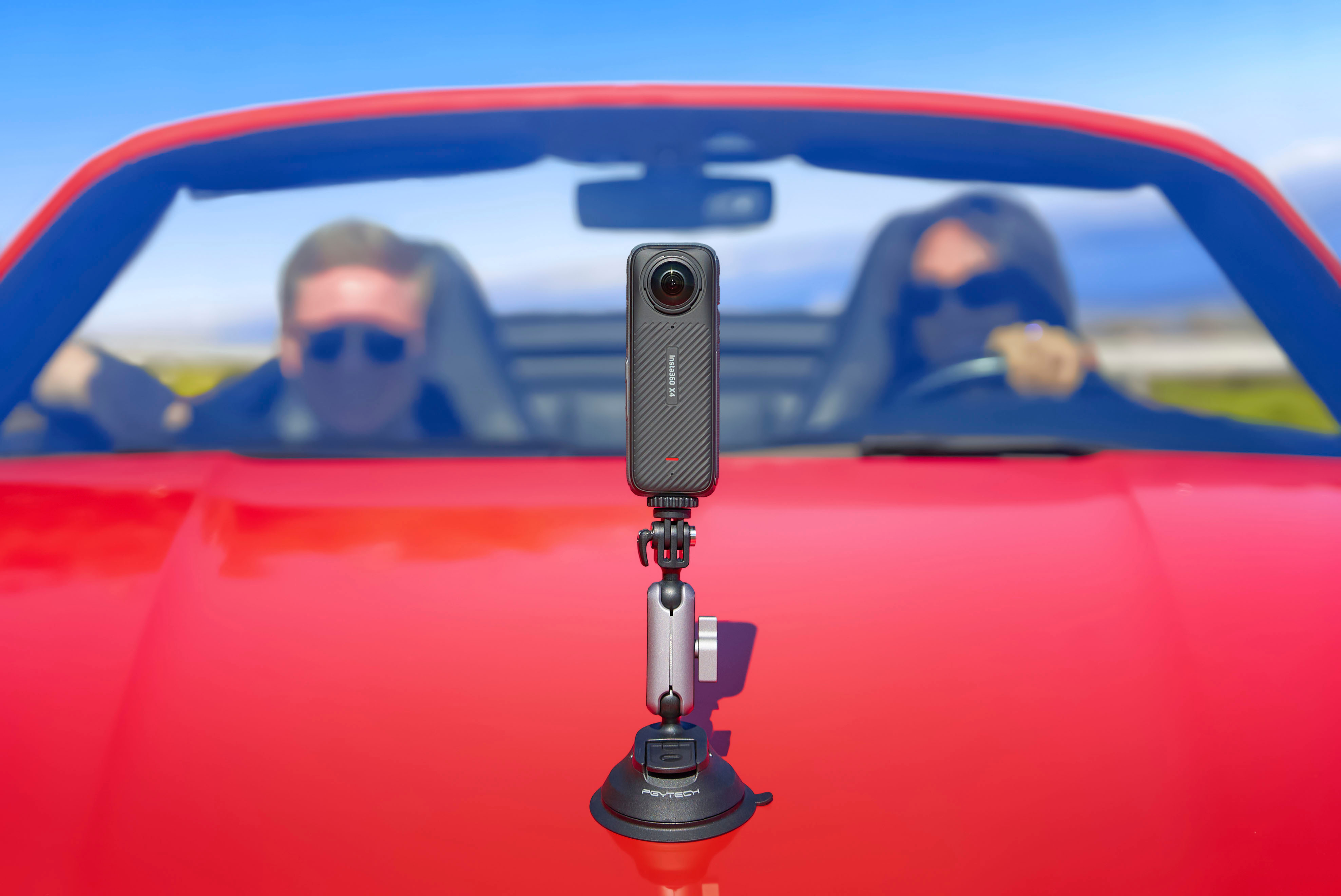
||Posted . Owned for 2 weeks when reviewed.This reviewer received promo considerations or sweepstakes entry for writing a review.This camera is so clear and it makes a great car dash cam as well
I would recommend this to a friendA lot bigger the the x3
||Posted . Owned for 2 months when reviewed.This reviewer received promo considerations or sweepstakes entry for writing a review.I personally think the x3 has better lines protection this one spins off an on but doesn’t keep moisture out so they coulda did better I always have to take em off an wipe em
I would recommend this to a friendGreat moto vlog camera
||Posted . Owned for 2 months when reviewed.This reviewer received promo considerations or sweepstakes entry for writing a review.I love it its a great dashcam/vlogging camera so many uses
I would recommend this to a friendGood camera
||Posted . Owned for 3 weeks when reviewed.This reviewer received promo considerations or sweepstakes entry for writing a review.Is a very good action camera just a little bit difficult to operate
I would recommend this to a friendNew 4x 360
||Posted . Owned for 2 weeks when reviewed.This reviewer received promo considerations or sweepstakes entry for writing a review.Great product, super clarity. Just need to know how to use it
I would recommend this to a friendAmazing camera
||Posted . Owned for 1 month when reviewed.This reviewer received promo considerations or sweepstakes entry for writing a review.Amazing product, I bought it to register fun moments with my family during trip, and it’s perfect. The app os easy to use and edit videos.
I would recommend this to a friendGreat camera, BUT.....
||Posted .This reviewer received promo considerations or sweepstakes entry for writing a review.The non-replaceable camera lens prevents a 5 star rating. Otherwise, lots of features in the software makes this one of the best 360° action cameras around.
I would recommend this to a friendGreat Camera
||Posted . Owned for 1 month when reviewed.This reviewer received promo considerations or sweepstakes entry for writing a review.It’s an amazing camera would recommend for anyone trying to make film to use this
I would recommend this to a friendCool Camera, can be confusing to edit footage.
||Posted . Owned for 3 weeks when reviewed.This reviewer received promo considerations or sweepstakes entry for writing a review.Great camera. I would like to see some improvements to the PC software.
I would recommend this to a friendAction Camera
||Posted . Owned for 1 month when reviewed.This reviewer received promo considerations or sweepstakes entry for writing a review.I purchased it for my grandson and he just loves it. He also purchased the mount for it and it works great.
I would recommend this to a friendNeat tech
||Posted . Owned for 1 month when reviewed.This reviewer received promo considerations or sweepstakes entry for writing a review.Great technology for outdoors lovers, amazing how you can capture all at once
I would recommend this to a friendExcellence
||Posted . Owned for 1 month when reviewed.This reviewer received promo considerations or sweepstakes entry for writing a review.It's an enormous product. I recommend it to everyone. Thank you best.
I would recommend this to a friend
Pretty solid camera
|Posted . Owned for 2 weeks when reviewed.This reviewer received promo considerations or sweepstakes entry for writing a review.I wish it could send videos to ur phones camera roll wit hi out ssd
I would recommend this to a friendInsta 360
||Posted .This reviewer received promo considerations or sweepstakes entry for writing a review.A great purchase. Now to learn more about using this device.
I would recommend this to a friend