Customer Ratings & Reviews
- Model:
- JCD383
- SKU:
- 10757515
Rating by feature
- Value
Rating 4.2 out of 5 stars
- Quality
Rating 4.4 out of 5 stars
- Ease of Use
Rating 4.6 out of 5 stars
very good for daily use
||Posted .This reviewer received promo considerations or sweepstakes entry for writing a review.it is very helpful with 8 ports, but it is kind of heating a lot but still very helpful
I would recommend this to a friendBrand response from J5create Team
Posted .Minemem03, If the JCD383 is becoming warm, this is normal due to electricity running through the hub. If it is becoming hot to the point where it is harming you, we recommend contacting the support team and a rep will diagnose, troubleshoot and offer solutions; if necessary offer an exchange under the manufacturer's warranty.
Respectfully,
j5create
Technology improvement is great
||Posted . Owned for 3 weeks when reviewed.This reviewer received promo considerations or sweepstakes entry for writing a review.Since buying a Lanova laptop computer with usb-c adaptor slots, l am well pleased with info speeds on downloading & receiving info. Love it.
I would recommend this to a friendGreat product
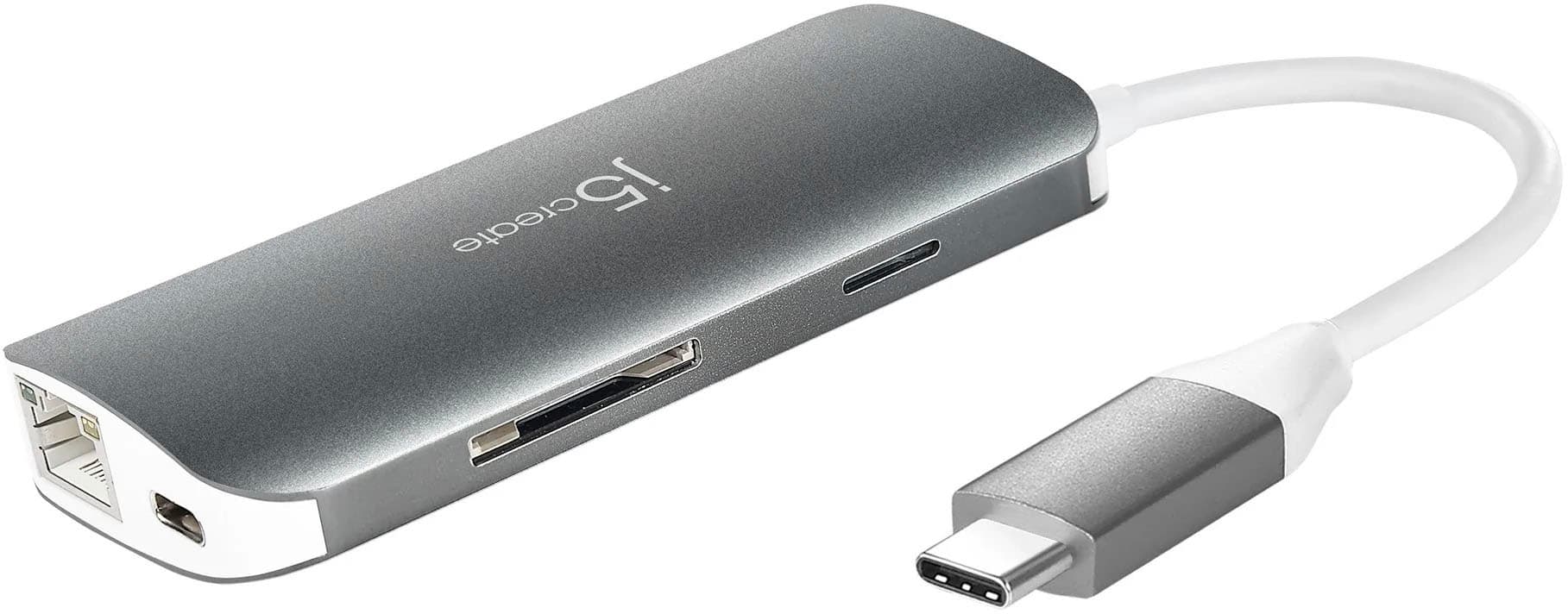
||Posted . Owned for 1 month when reviewed.This reviewer received promo considerations or sweepstakes entry for writing a review.Needed a way to access my camera cards without much desk space available. Tj5Create worked well and is of excellent quality. Second time I have purchased this brand of accessory and they have not disappointed me yet. Good product.
I would recommend this to a friendBrand response from J5create Team
Posted .Hi Randy,
We are always happy to hear from repeat customers. The JCD383 is a great way to add ports to a laptop that are not commonly included. Have a great day.
Thank you,
j5create
Appraiser
||Posted . Owned for 4 months when reviewed.This reviewer received promo considerations or sweepstakes entry for writing a review.the cord is much too short for working well on a desktop computer... probably ok for a laptop
No, I would not recommend this to a friendGets hot
||Posted . Owned for 8 months when reviewed.This reviewer received promo considerations or sweepstakes entry for writing a review.I’ve noticed that I have trouble using my DVD player with this adapter into my MacBook Pro. It’s gets really hot during use and loses connection
No, I would not recommend this to a friendBrand response from J5create Team
Posted .High power devices like optical media players are best plugged directly into your computer. Apple even recommends that their Super Drive be plugged into the computer and not through a hub. The adapter may seem warmer than other computer adapters and that is due to the aluminum construction. The aluminum will transfer the heat from internal components while plastic will insulate and keep heat in.
Love the multiple adapters.
||Posted . Owned for 1 week when reviewed.This reviewer received promo considerations or sweepstakes entry for writing a review.Overall great product! Has almost every adaption you might need.
I would recommend this to a friendWorks exactly like advertised
||Posted . Owned for 3 weeks when reviewed.This reviewer received promo considerations or sweepstakes entry for writing a review.Its slim profile blends well with my MacBook pro. Would recommend this to anyone need extra ports to work with their laptop.
I would recommend this to a friendShort Cord
||Posted . Owned for 1 month when reviewed.This reviewer received promo considerations or sweepstakes entry for writing a review.The cord needs to be a foot longer so that it lays on the desk flat. Right now it is hanging off of my Surface Pro 7.
No, I would not recommend this to a friendBrand response from J5create Team
Posted .Thank you for your review on the Adapter. We apologize for the short cable. Sincerely, j5create.
good value
||Posted . Owned for 5 months when reviewed.This reviewer received promo considerations or sweepstakes entry for writing a review.works ok, may not be able to fully charge a phone due to lower output, when more is needed by device. does help in additional sockets when needed for other devices.
I would recommend this to a friendBrand response from J5create Team
Posted .The USB orange port supports fast charging BC 1.2 for smartphone/table/iPad® or similar devices.
Does the job. No complaints no issues. Feels qual
||Posted . Owned for 7 months when reviewed.This reviewer received promo considerations or sweepstakes entry for writing a review.Does the job. No complaints no issues. Feels quality. Ive had no connection issues.
I would recommend this to a friendAdded extreme capability to my laptop
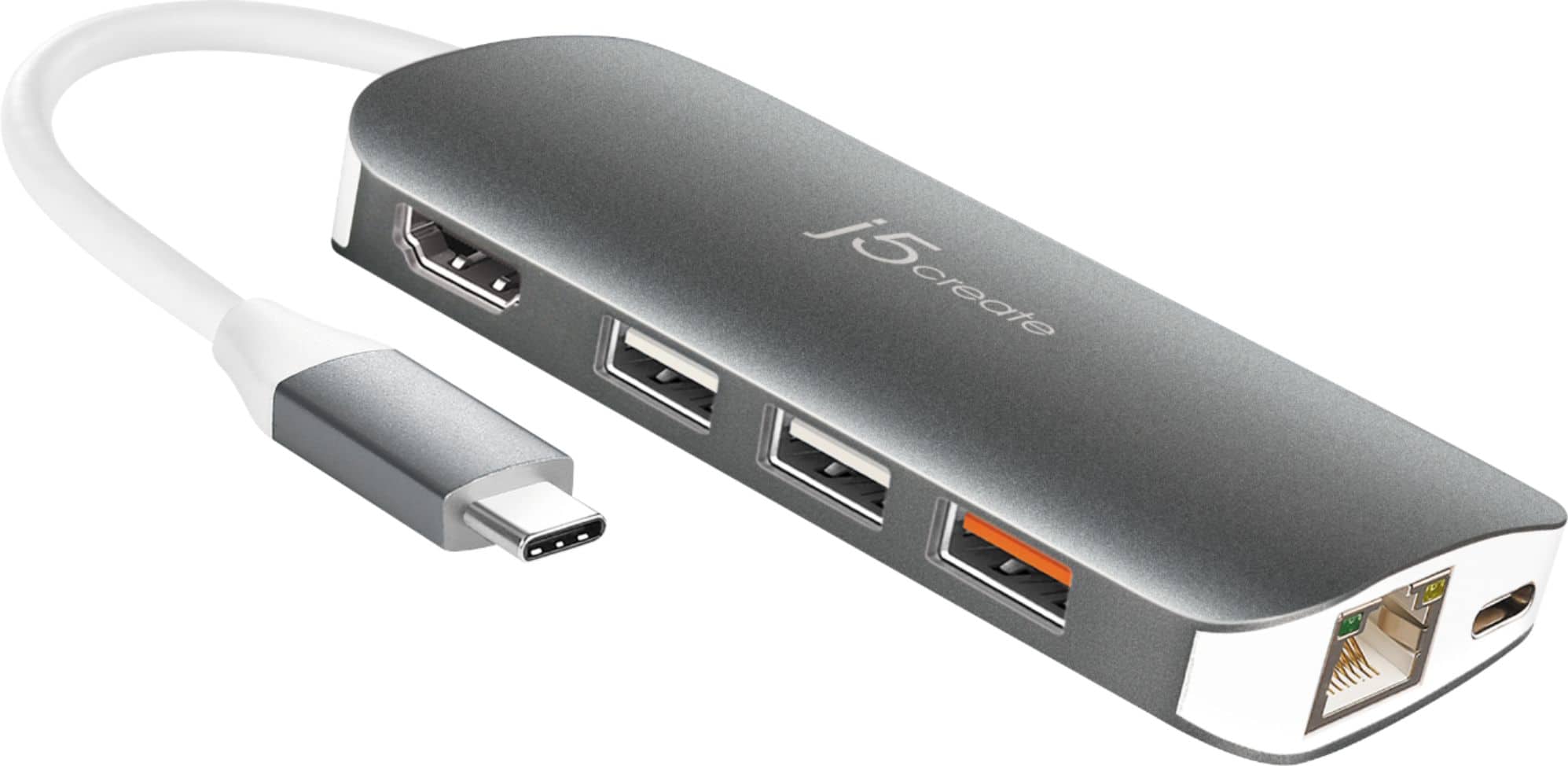
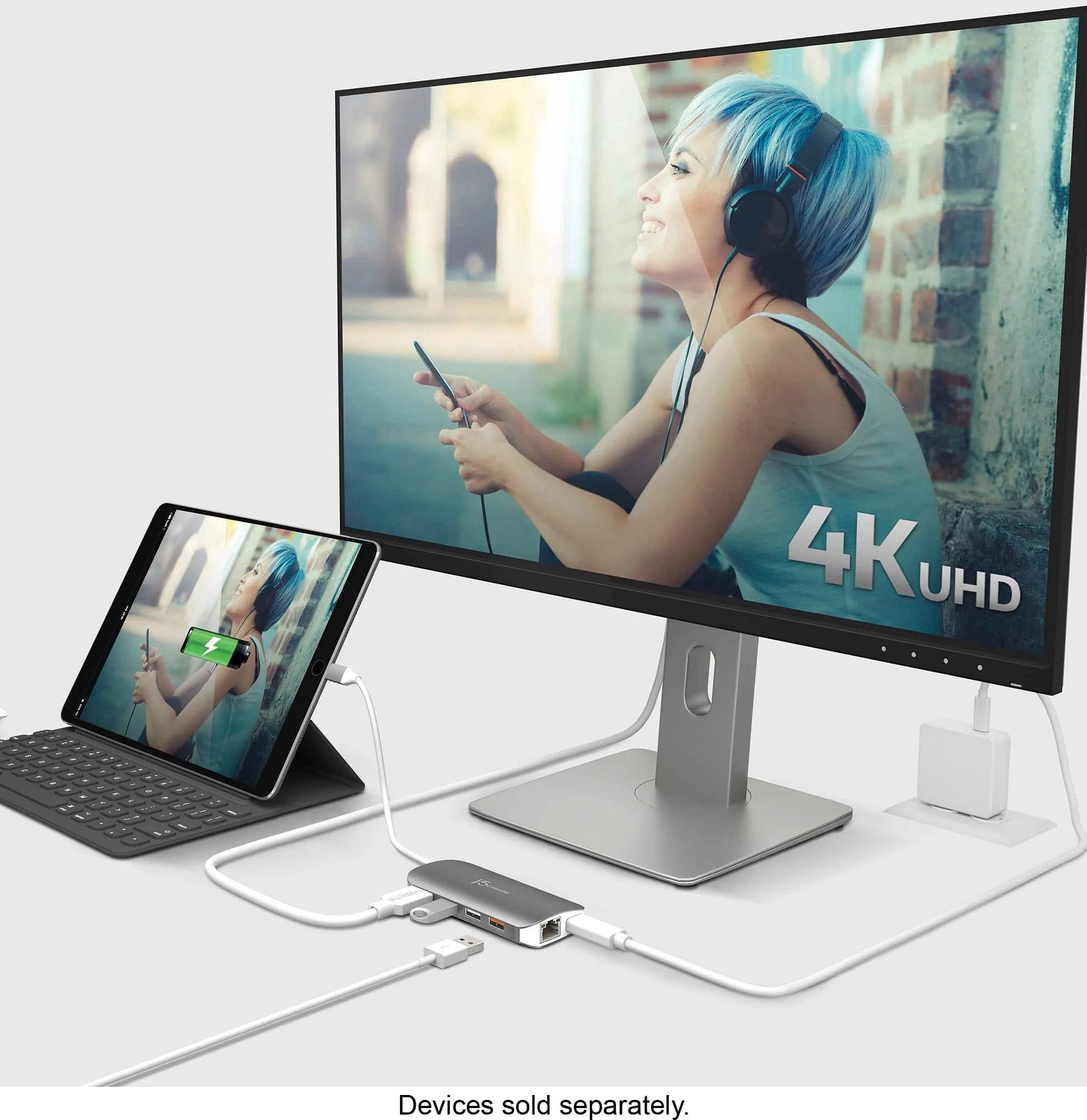
||Posted . Owned for 3 weeks when reviewed.This reviewer received promo considerations or sweepstakes entry for writing a review.An outstanding accessory for my new Dell laptop/tablet combo! The laptop didn't have an Ethernet or HDMI port and this multi-adapter provides them both as well as 3 USB ports. The perfect accessory!
I would recommend this to a friendBrand response from J5create Team
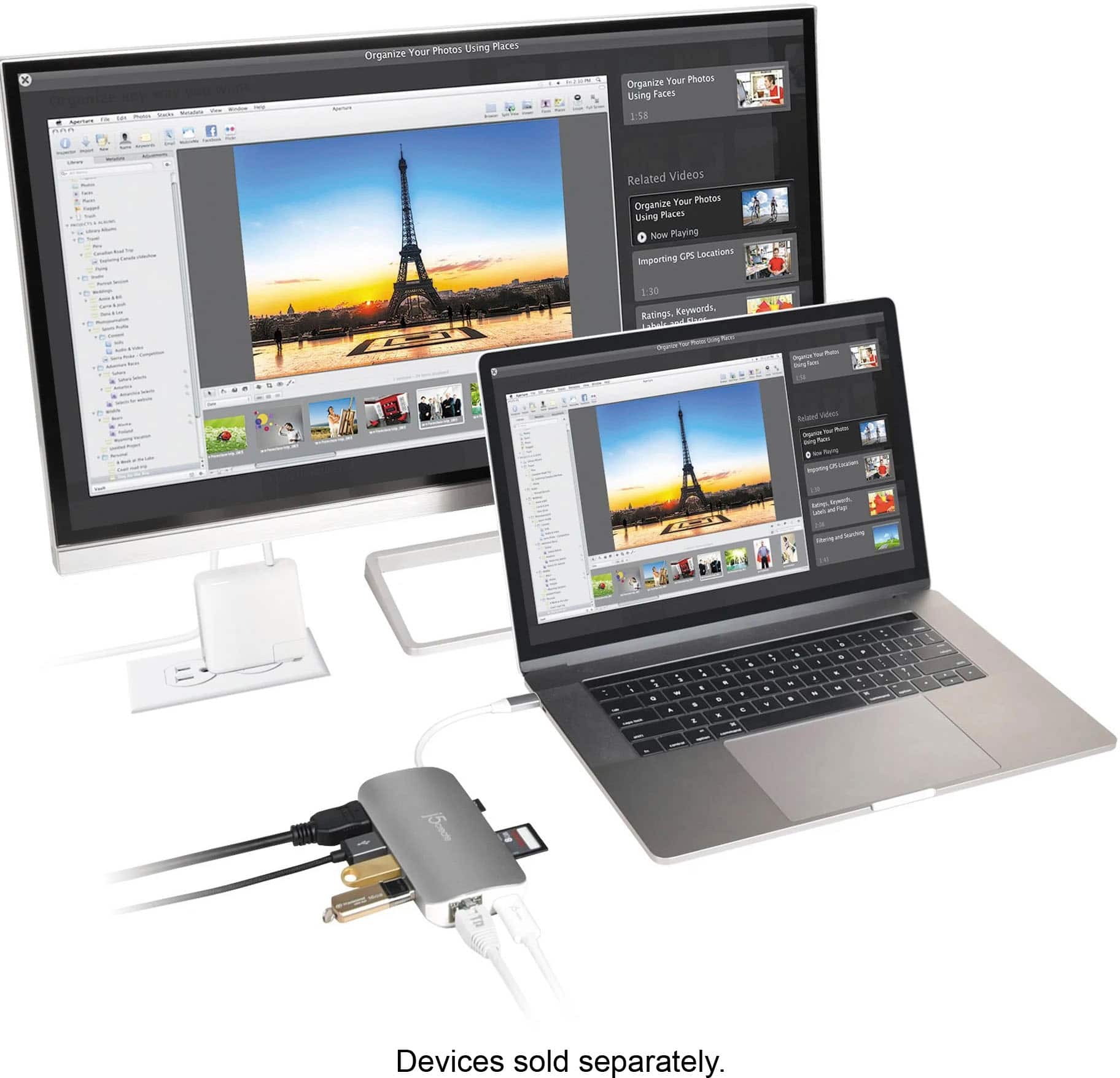
Posted .Connect your laptop to a 4K monitor, provides direct access to a wired network. Perfect for a small workstation.
great multiport for Mac
||Posted . Owned for 3 weeks when reviewed.This reviewer received promo considerations or sweepstakes entry for writing a review.excellent and convenient multiport for Mac users. The extension coord keeps my USB drives available.
I would recommend this to a friendHelpful
||Posted . Owned for 1 year when reviewed.This reviewer received promo considerations or sweepstakes entry for writing a review.Having a laptop that doesnt have many ports i use this everyday for work to connect all the things i need.
I would recommend this to a friendNow working as advertised
||Posted . Owned for 4 months when reviewed.This reviewer received promo considerations or sweepstakes entry for writing a review.Never worked properly from day one! One the day that I purchased my new Mac Pro Retina I was very excited to have my new device in hand. However, I was quickly saddened because I had to purchase another apparatus to be able to use my mouse. "I use my mouse about 95% of the time." At first, I thought my issue was with the Mac but, after going through, through three different j5create - USB Type-C Multi Adapter - silver with very little luck with either of them and after going to the Apple store and calling Apple tech support multiple time for dynastic testing I feel that the issue is with this device but, I can't be sure. I just wish it worked advertised. Or maybe I have the bad luck of purchasing three lemons. I am so unhappy with this product. When it does work it gets really hot. OMG! I really-really hate using the Trackpad! Apple, Help me, please!! @apple #apple j5create, Help me, please! @j5create #j5create Best buy, Help me, please! @bestbuy#bestbuy
No, I would not recommend this to a friendBrand response from J5create Team
Posted .Hi!
I'm really sorry to hear about that! We do offer a customer service team of our own and would be more than happy to work with you on getting up and running. Our information can be located on our website under the contact page.
Thanks,
j5create
only for occasional use
||Posted . Owned for 1 year when reviewed.This reviewer received promo considerations or sweepstakes entry for writing a review.It works and it connects everything it says. However, if the tiny cable is not 100% straight it will start disconnecting over time. Also if you use the Ethernet plug for extended periods of time, it will overheat and lose connection. If you want this for occasional use, it's ok. For a full setup, spend the extra cash and get a good quality dock and save yourself the headaches.
No, I would not recommend this to a friendMy new laptop didn't have enough ports.
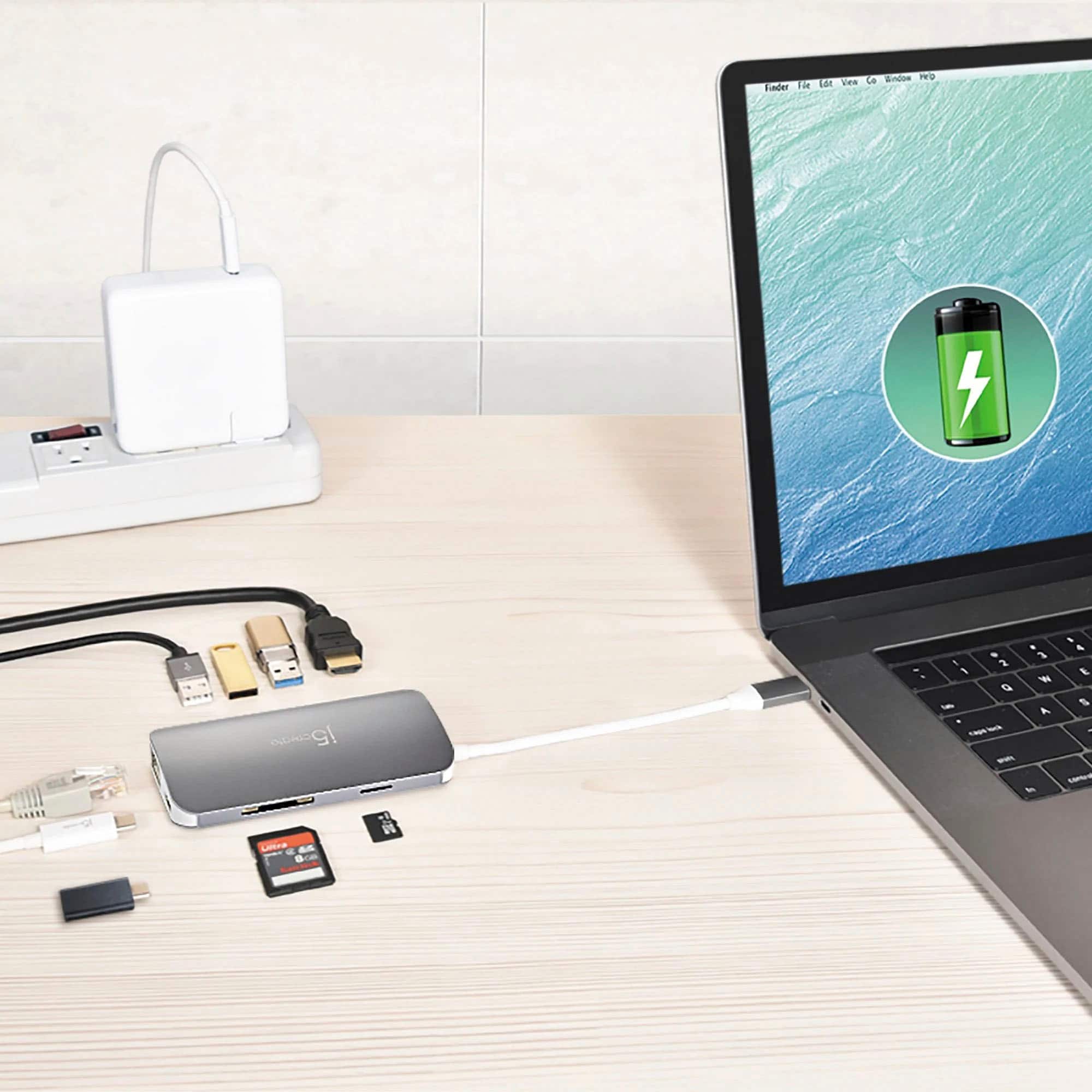
||Posted . Owned for 1 month when reviewed.This reviewer received promo considerations or sweepstakes entry for writing a review.I expanded my new laptop with this. The laptop had 1 USB 3 and 1 USB C port. I needed more ports for various legacy devices including an eternal monitor, USB printer, and USB keyboard and mouse. This unit did the trick!
I would recommend this to a friendBrand response from J5create Team
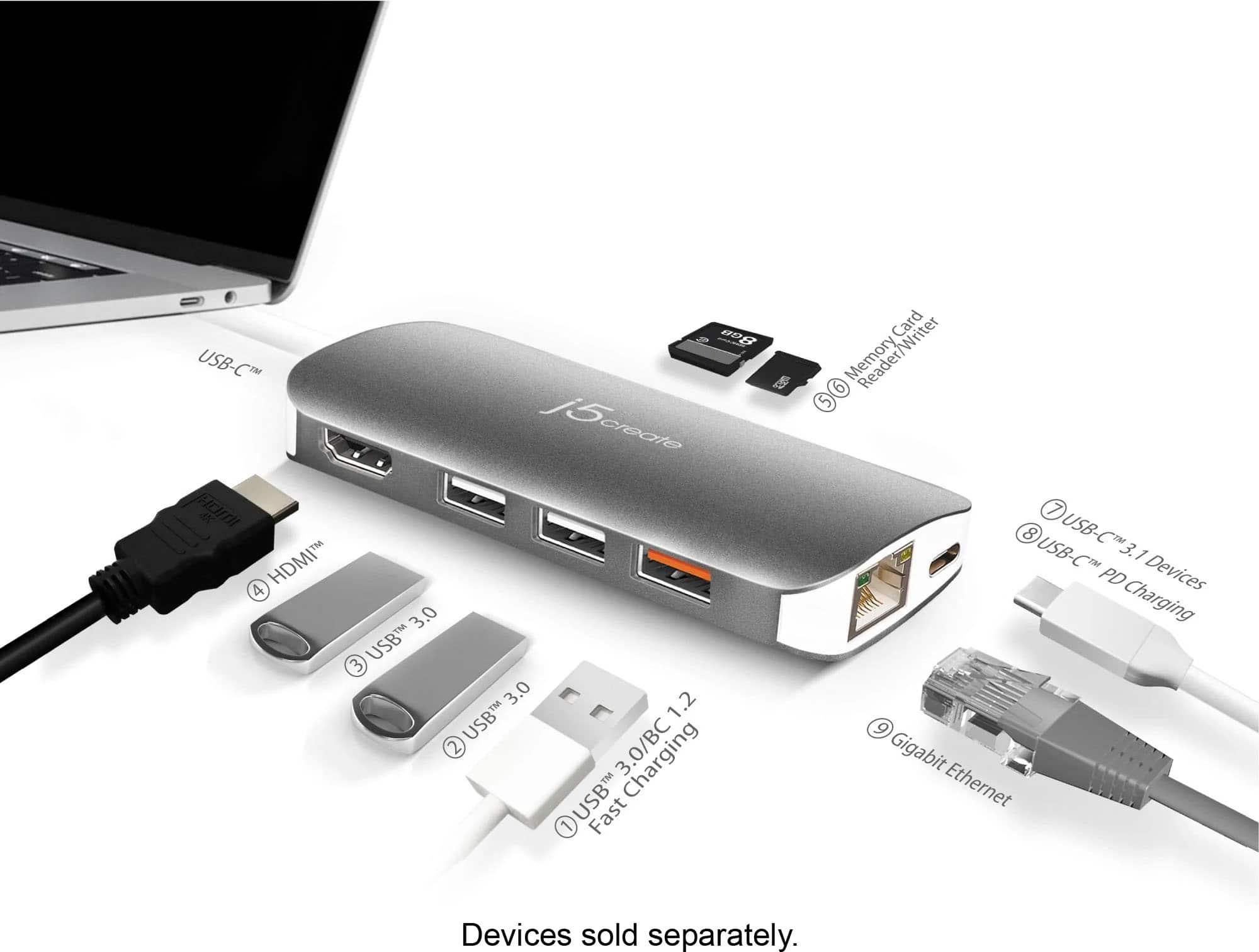
Posted .8-ports for all your connections needs
Needed
||Posted . Owned for 1 month when reviewed.This reviewer received promo considerations or sweepstakes entry for writing a review.This is a very important piece if you have a new Mac much needed and cheaper than Apple itself
I would recommend this to a friendGood Multi Adapter for Macbooks
||Posted . Owned for 1 year when reviewed.This reviewer received promo considerations or sweepstakes entry for writing a review.Overall, it works as it is advertised however, it is little bulkier than how the picture shows.
I would recommend this to a friendPowerful tool!
||Posted . Owned for 1 month when reviewed.This reviewer received promo considerations or sweepstakes entry for writing a review.This is very powerful tool for using my MacBook. I strongly recommend you to use this tool.
I would recommend this to a friendWorks for multiple connections
||Posted .This reviewer received promo considerations or sweepstakes entry for writing a review.I use to connect my macbook to my 4k Monitor. i also use this to connect my desktop speaker to the audio connection it has , additionally i use it for my mouse and various other USB devices i have. The price for this adaptor is reasonable considering some other adaptors out there. My main focus was to hook up my 4k monitor and have excellent resolution on my desktop screen but i did find that it was not holding up as well as it should.
No, I would not recommend this to a friendBrand response from J5create Team
Posted .Hi Jules, the high definition HDMI 2.0 outputs 3840 x 2160 @ 30 Hz. If possible, try switching with another 4K HDMI cable. If the issue remains, please contact j5create customer service support and they'll be glad to assist you further. Thank you for your feedback. Respectfully, j5