Customer Ratings & Reviews
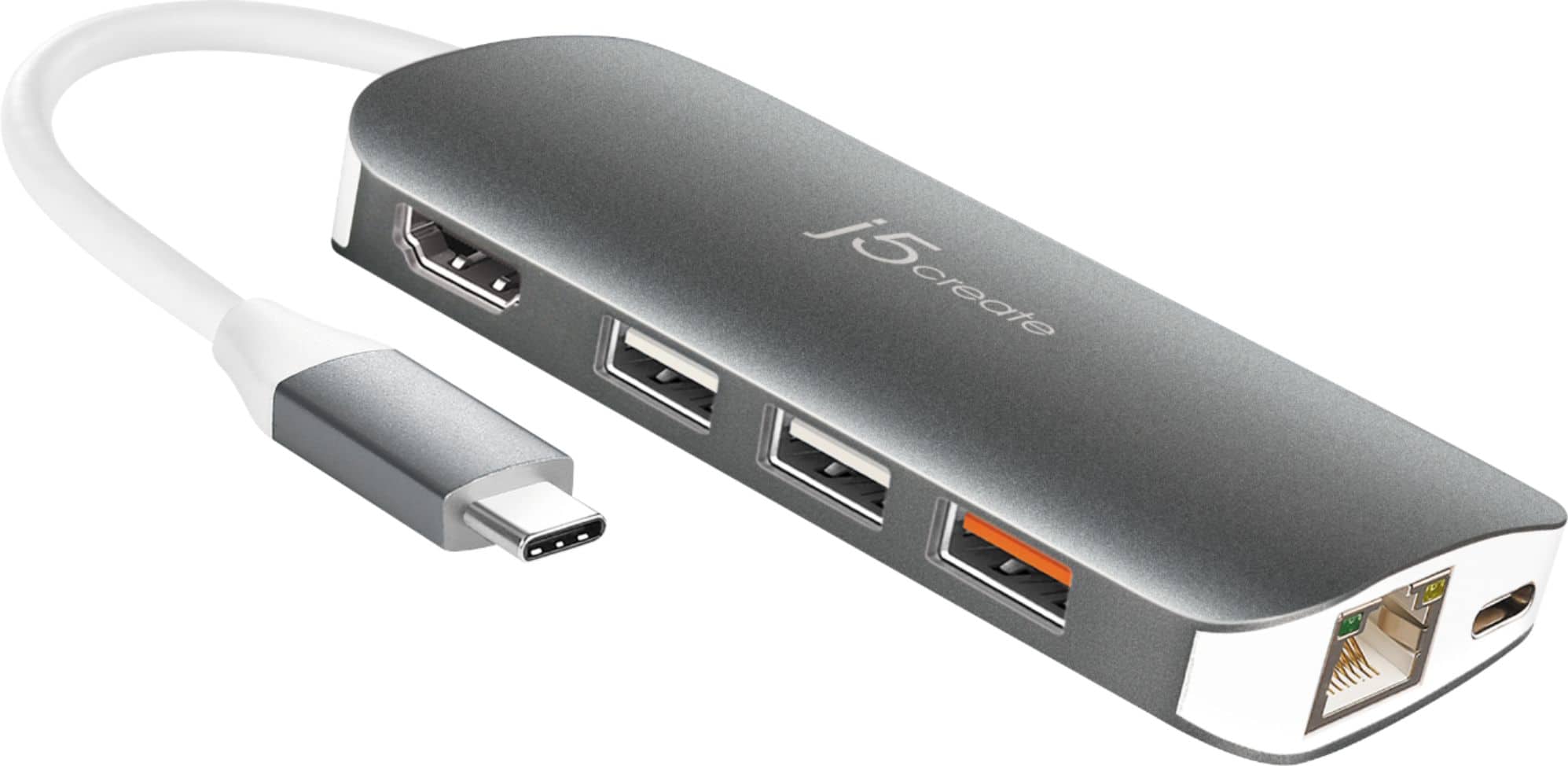
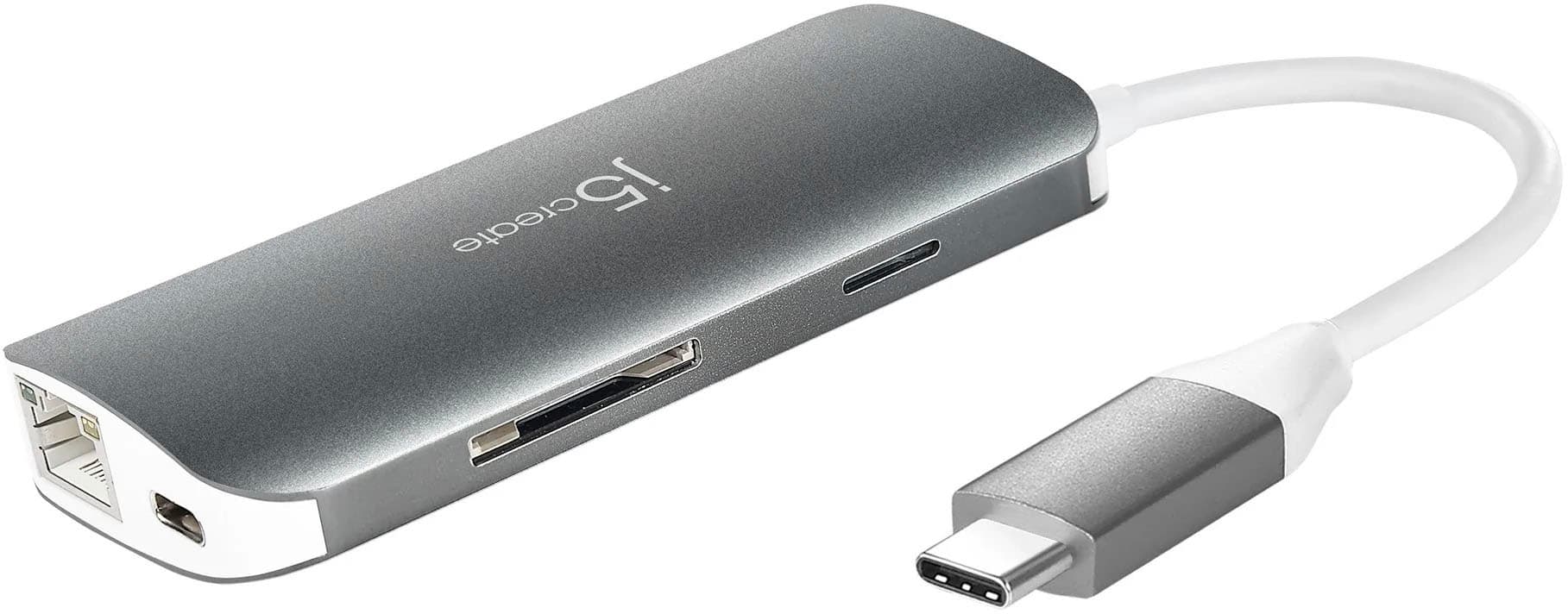
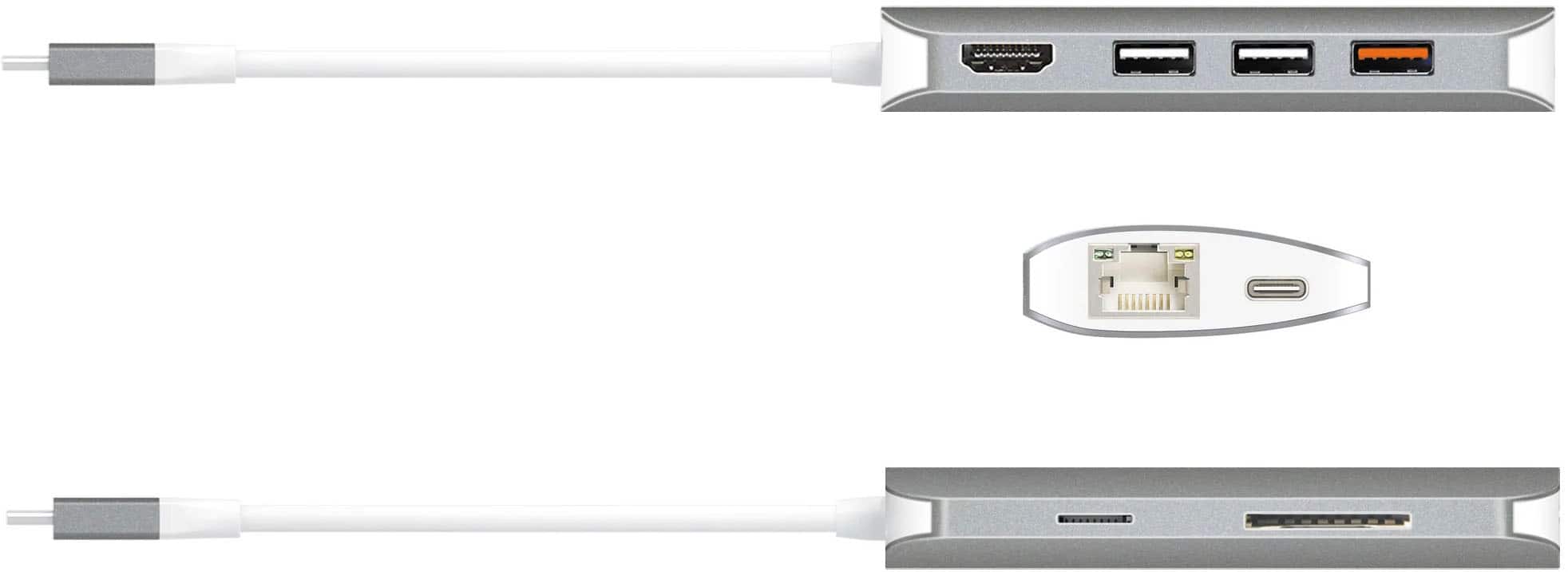
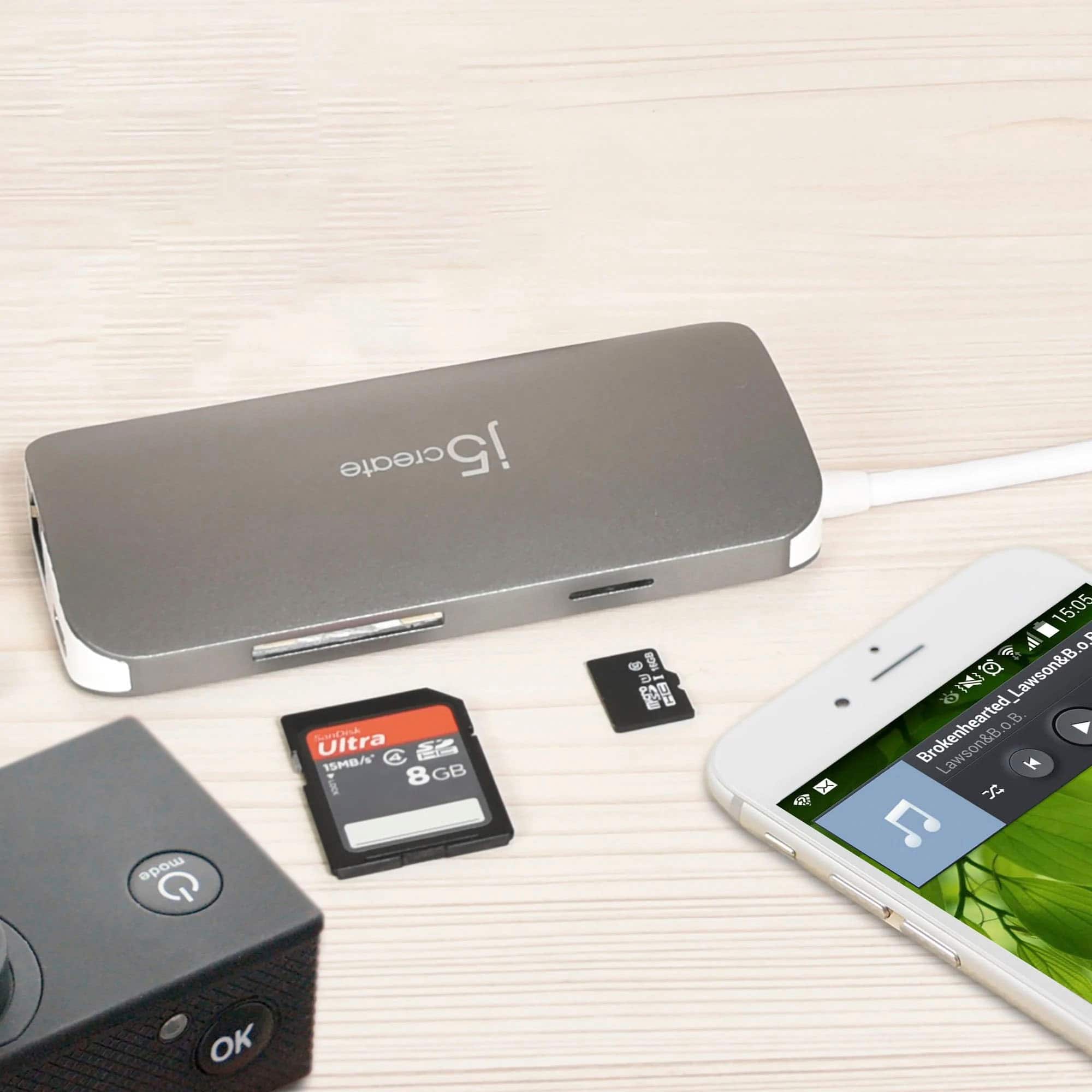
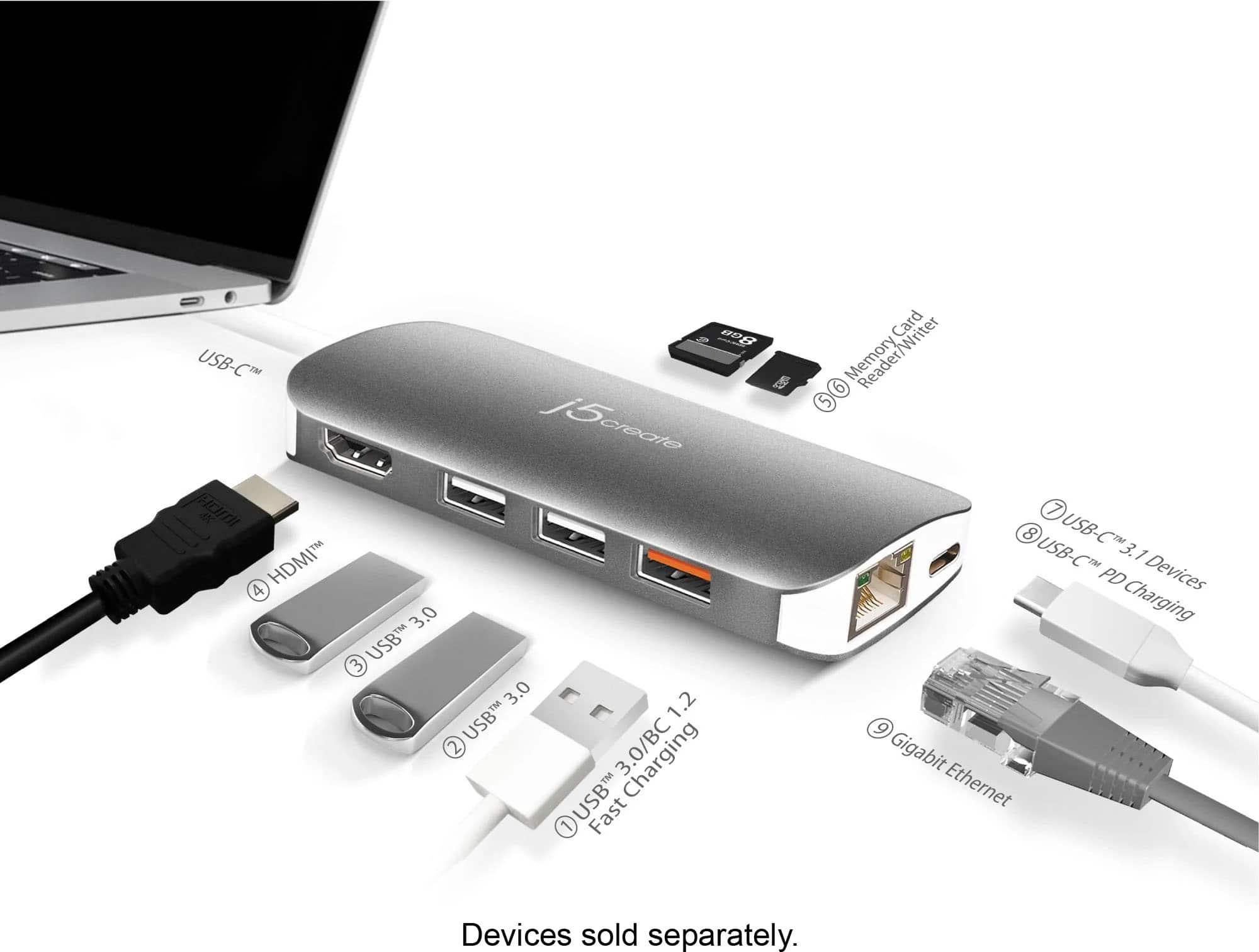
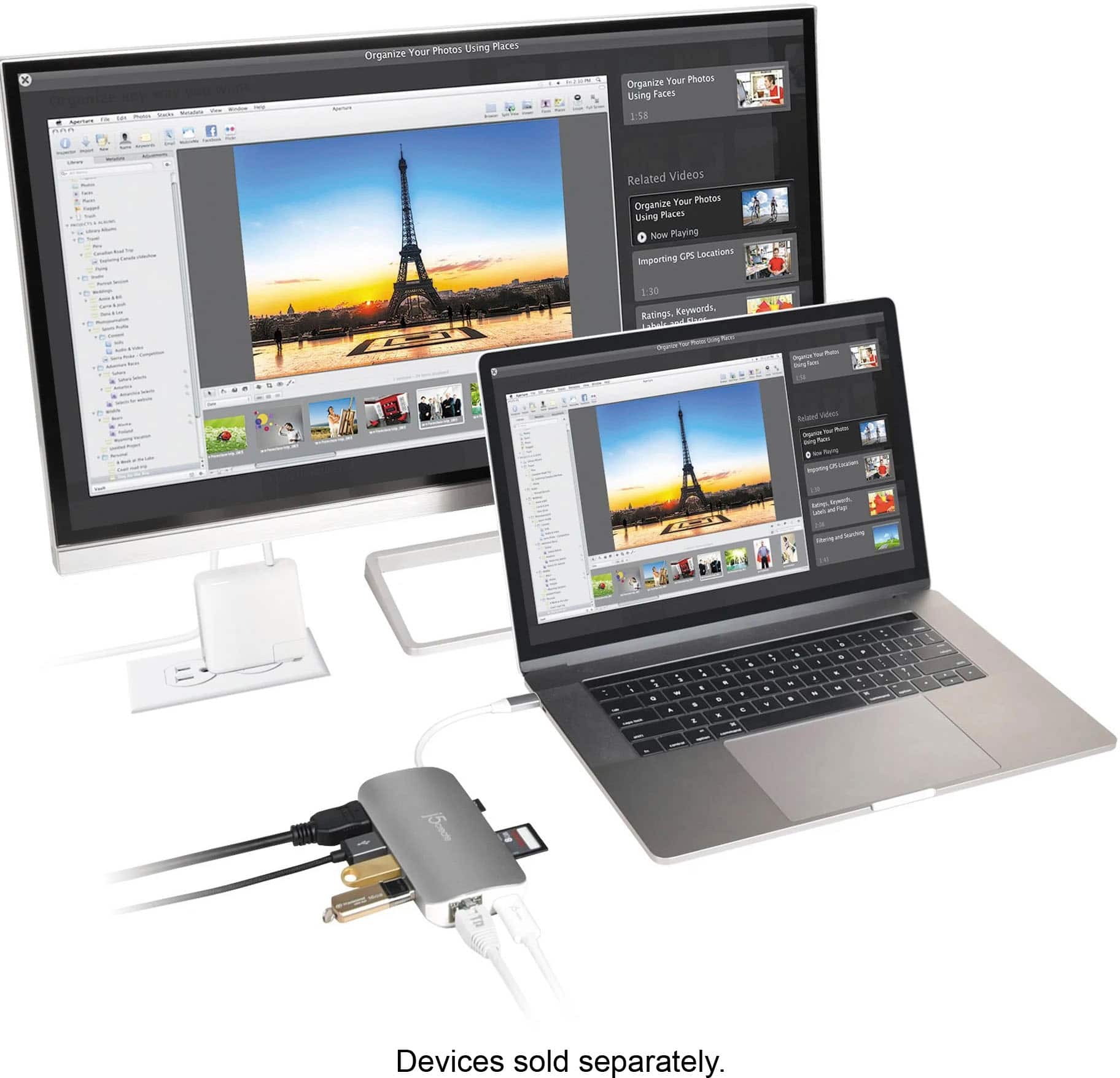
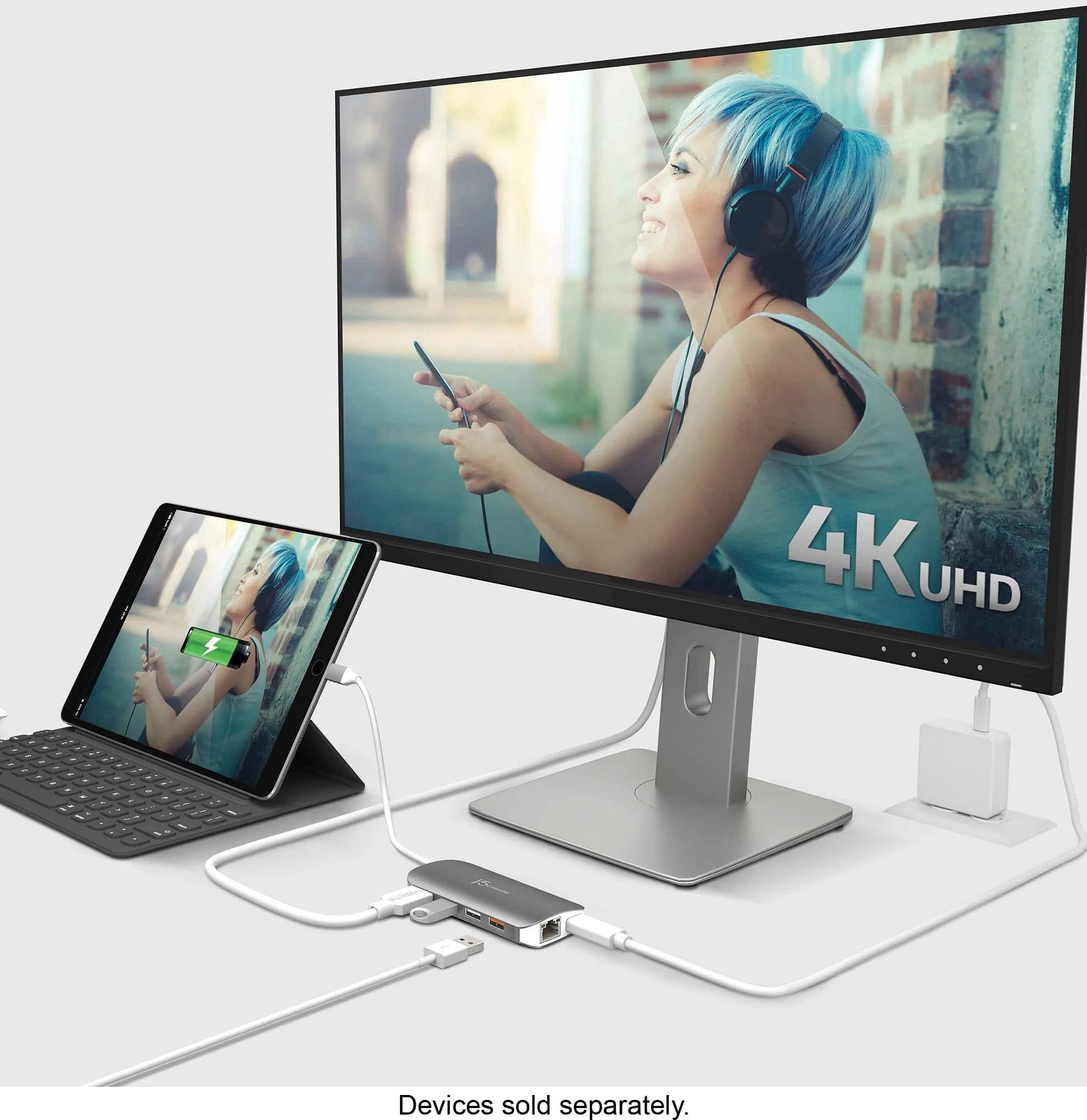
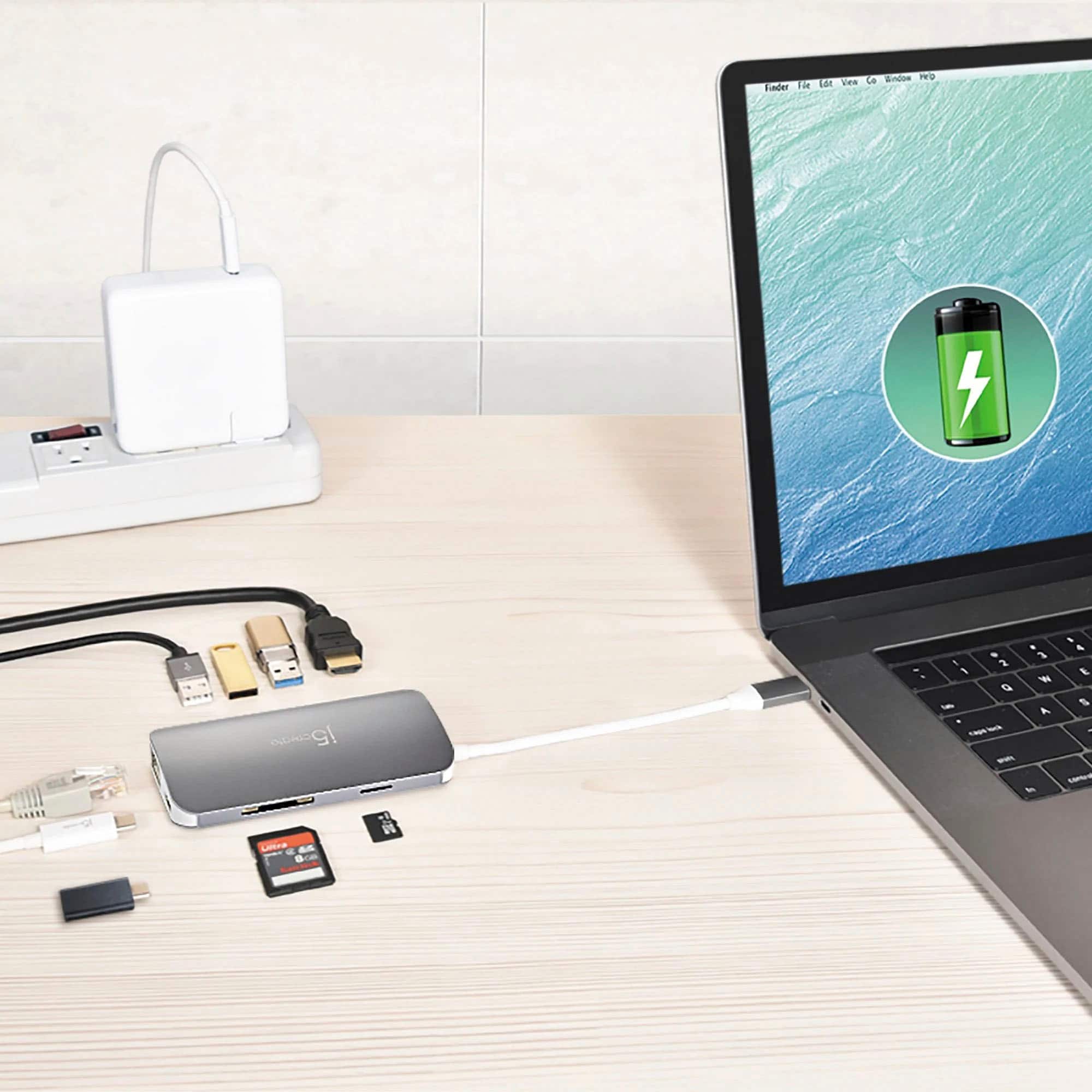
- Model:
- JCD383
- SKU:
- 10757515
Rating by feature
- Value
Rating 4.2 out of 5 stars
- Quality
Rating 4.4 out of 5 stars
- Ease of Use
Rating 4.6 out of 5 stars
Great product
||Posted . Owned for 1 month when reviewed.This reviewer received promo considerations or sweepstakes entry for writing a review.Great product, Great proce and Safe product ok okk
I would recommend this to a friendBrand response from J5create Team
Posted .I'm glad to hear the JCD383 has met your expectations, if you ever have any other questions or concerns, please feel free to reach out to support, our contact information can be found on the casing and website.
Regards,
j5create
Solution for limited USB ports on laptop
||Posted . Owned for 1 week when reviewed.This reviewer received promo considerations or sweepstakes entry for writing a review.Worked easily and solved limited USB port problem.
I would recommend this to a friendBrand response from J5create Team
Posted .Limitations on USB ports for peripherals can cause headaches having to constantly unplug one device to use the other, with the JCD383, you can have it all in one - simply plug it in and enjoy!
Regards,
j5create
Small compact adapter to expand your ports.
||Posted .This reviewer received promo considerations or sweepstakes entry for writing a review.Does the job but it runs hot. The USB C seems a little flimsy. Does not seem to stay in the laptop as solidly as other USB C wires.
No, I would not recommend this to a friendBrand response from J5create Team
Posted .Hi1
I'm sorry to hear that! If you're having trouble with our device my customer service team would be more than happy to assist in helping. Our information can be found on the back of all of our product boxes and on our website.
Thanks,
j5create
Flimsy
||Posted . Owned for 6 months when reviewed.This reviewer received promo considerations or sweepstakes entry for writing a review.Kinda cheap and very simple, loose connections, didn't seem well built
No, I would not recommend this to a friendHas all ports needed.
||Posted .This reviewer received promo considerations or sweepstakes entry for writing a review.Adapter has all the ports I need including SD slot.
I would recommend this to a friendBrand response from J5create Team
Posted .Having all the ports needed in one is what the JCD384 does; it's space-efficiency and economical nature make this a highly sought out adapter.
Gratefully,
j5create
SHORT PLUG
||Posted .This reviewer received promo considerations or sweepstakes entry for writing a review.To plug into my computer it has to hang which I think could be a problem down the road. The plug should be longer to solve the problem.
No, I would not recommend this to a friendBrand response from J5create Team
Posted .We keep our cord at a reasonable length to avoid signal degradation. We appreciate your feedback on the Adapter. Thank you.
Hot while in use
||Posted . Owned for 1 month when reviewed.This reviewer received promo considerations or sweepstakes entry for writing a review.It’s very hot while using looking like won’t go long. Slow transferring data. Still working good.
I would recommend this to a friendBrand response from J5create Team
Posted .Please note that hotter operating temperatures can be expected when pass-through charging and/or all ports on the hub are utilized. If you have any concerns, our contact info is available on the website under the "Support" tab. Kindly, j5.
Mostly works as a hub
||Posted . Owned for 1 month when reviewed.This reviewer received promo considerations or sweepstakes entry for writing a review.It works as a hub for everything I have tried. But, in the description it is supposed to have charging pass through. This function does not work for me.
No, I would not recommend this to a friendBrand response from J5create Team
Posted .Hello,
Thank you for your feedback on the adapter. A lower wattage charger going through the adapter to the laptop may not provide enough power for charging. This adapter can support up to 85 watts for pass through charging. If you are still encountering issues you can contact our customer support team and they would be happy to assist you with specifications and requirements for any of our devices.
Thank you,
j5create
Not A Good Purchase From Best Buy...
||Posted .This reviewer received promo considerations or sweepstakes entry for writing a review.This product was difficult to deal with while inserted into my laptop. That said it worked well for a matter of about 4 months. I now cannot return it to the store, nor can I have it worked on by my technical support that I purchased for all my electronic purchases. Needless to say I am disappointed in both the product as well as the fact I cannot get it worked on under my BB tech support.
No, I would not recommend this to a friendBrand response from J5create Team
Posted .Hello MMAV, we apologize the Adapter is no longer working. Please contact our Customer Service Department so they may be able to further trouble shoot the issue with you. If the outcome turns out to be defective. they will do an exchange with you. Contact info is available on j5create website. Respectfully, j5create.
Not Compatible
||Posted . Owned for 1 month when reviewed.This reviewer received promo considerations or sweepstakes entry for writing a review.It was not totally compatible with our laptop. The ports that did work did so very well. I learned not every USB C port is the same
I would recommend this to a friendBrand response from J5create Team
Posted .Hello,
It is true that not every USB-C is the same. There is a feature called Display Port Alternate Mode on some USB-C ports that allow a native display output from the USB-C in addition to data. It is good to hear that everything else worked well on the adapter. Thank you for the review.
Have a good day,
j5create
Poor Best Buy purchase, sadly does not perform
||Posted . Owned for 10 months when reviewed.This reviewer received promo considerations or sweepstakes entry for writing a review.This adapter overheats with anything you try to use with it. Then you cannot touch it while in use as it stops working for a while. The problem is not on the USB-C connection but with the device. Because of this, it is unusable to me. I need to find an alternative.
No, I would not recommend this to a friendBrand response from J5create Team
Posted .Hi!
I'm so sorry to hear about this! If you would contact my customer service team we'd be more than happy to work with you on a replacement unit. Our information can be found on the back of all of our product boxes and on our website.
Thanks
j5create
Works individual great
||Posted .This reviewer received promo considerations or sweepstakes entry for writing a review.Works good when using single port. As soon as using multiple port as the same time it's start overheating too much.
I would recommend this to a friendBrand response from J5create Team
Posted .It is expected to observe that the aluminum shell of the USB-C hub gets warmer, especially if the USB-C pass-through charging and/or all ports on the hub are utilized. Please note that hotter operating temperatures can be expected.
Very Hot
||Posted . Owned for 6 months when reviewed.This reviewer received promo considerations or sweepstakes entry for writing a review.Works but after a short time it gets extremely warm. I rarely use it for that reason.
No, I would not recommend this to a friendBrand response from J5create Team
Posted .I'm really sorry to hear about this! We do expect that the device will get warm to moderately hot, but this is well within normal ranges. Our device has been stress tessed and we have found that the average max opeational temperature for this product is ~106 °F / 41 °C, this is also while the adapter is under a full load or is being used continuously for >~ 1hr.Please remember that ambient temperatures can also affect the unit as well as your computer. Manufacturer's recommend that computers be used where the temperature is between 50° and 95° F (10° and 35° C)." If you are finding that your device is exceeding the average temperature of 135 °F/57 °C, for periods > 30 minutes, it may be defective and we'd be more than happy to help with an exchange. While testing, we haven't found this product to run at anything higher than 112°F/44 °C, for periods <10 minutes.If you would like to speak to our customer service representatives, our information can be located on the back of all of our product boxes, as well as on our website on the contact page.Thanks! j5create
Too hot to handle
||Posted .This reviewer received promo considerations or sweepstakes entry for writing a review.Purchased a “adapter”. It gets hot and I just unplug after use.
No, I would not recommend this to a friendBrand response from J5create Team
Posted .if the device is too hot to handle, please contact j5create support and they will do an exchange under the 2-year limited warranty. We apologize for the inconvenience this has caused. j5create.
Won't buy again.
||Posted . Owned for 1 year when reviewed.This reviewer received promo considerations or sweepstakes entry for writing a review.Doesn't connect to everything. Had issues connecting multiple devices.
No, I would not recommend this to a friendBrand response from J5create Team
Posted .The USB-C Multi Adapter requires a computer to support DisplayPort Alt Mode and Power Delivery over USB-C. Without those features, this device will not be compatible to your computer. ** If you require further assistance; please contact the j5create Technical Support team and they will be glad to further assist if necessary. Their information can be found on our website under the "Support" tab. Thank you.
Could have a better connection
||Posted . Owned for 3 weeks when reviewed.This reviewer received promo considerations or sweepstakes entry for writing a review.I feel like the port that connects to my PC isn't very good. It should not glitch out if the device gets moved a hair.
No, I would not recommend this to a friendBrand response from J5create Team
Posted .Bad connections can be frustrating, we understand and apologize. In order to narrow down what the issue could be, we would value the opportunity to troubleshoot this and offer an alternative if we're unable to resolve it. If interested, technical support can be obtained by contacting support on the packaging and a representative will be glad to help.
Respectfully,
j5create
Perfect
||Posted . Owned for more than 2 years when reviewed.This reviewer received promo considerations or sweepstakes entry for writing a review.Used this to connect my computer to my tv and it worked perfect.
I would recommend this to a friendSHORTCOMINGS
||Posted . Owned for 1 month when reviewed.This reviewer received promo considerations or sweepstakes entry for writing a review.Returned to store. Item did not have adequate number of ports for internet line, HDMI and USB accessories.
No, I would not recommend this to a friendBrand response from J5create Team
Posted .Hi,
If you have any questions or need suggestions about any of our devices the j5create customer support team is available to assist. Our team not only can help troubleshoot they can make recommendations based off of your needs and computer system.
Cheers,
j5create
Gets hot!!
||Posted . Owned for 5 months when reviewed.This reviewer received promo considerations or sweepstakes entry for writing a review.Works as describe however, this thing gets hot and I mean hot you can al amor burn yourself. Be very cautious when touching this thing. I don’t really recommend it.
No, I would not recommend this to a friendBrand response from J5create Team
Posted .Generally, adapters emit heat as a normal part of its operation, especially if the USB-C pass-through charging and/or all ports on the hub are utilized. Please note that hotter operating temperatures can be expected. Make sure the multi-adapter is placed on a flat surface with sufficient airflow around it. Blocking the vents or using the adapter in an enclosed space can contribute to overheating. However, if the Multi Adapter becomes too hot to handle, please contact j5create Technical Support Team regarding this issue. Their information can be found on our website under the "Support" tab and a specialist will be ready to assist you. Thank you.
Couldn't stand the strain.
||Posted . Owned for less than 1 week when reviewed.This reviewer received promo considerations or sweepstakes entry for writing a review.Heated up under use of 3 monitors. Wasn't built for heavy use.
No, I would not recommend this to a friendBrand response from J5create Team
Posted .Hello Steve,
Thank you for sharing your review for the Mini Dock.
It is expected that the JCD383 USB Type-C Mini Dock will get very warm-to-moderately hot, but is there no need for alarm.
We have stressed tested the JCD383 USB Type-C Mini Dock and have been able to determine that the average maximum operational temperature for the adapter is ~106 °F / 41 °C, while the adapter is under full-load or being used continuously for periods >~ 1hr.
Please also take into consideration, the ambient temperatures will also affect the temperature that the adapter, as well as the computer, will operate at.
However, if you are noticing that the JCD383 is exceeding the average temperature of 135 °F/57 °C, for periods > 30 minutes, your product may be faulty and may be needing to be replaced.
In our testing, we have not found the JCD383 to run anything higher than 112°F/44 °C, for periods <10 minutes.
Thank you,
j5create