Customer Ratings & Reviews
- Model:
- JCA374
- SKU:
- 5602501
Rating by feature
- Value
Rating 4.2 out of 5 stars
- Quality
Rating 4.3 out of 5 stars
- Ease of Use
Rating 4.5 out of 5 stars
Customers are saying
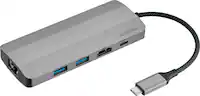
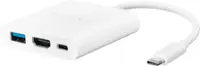
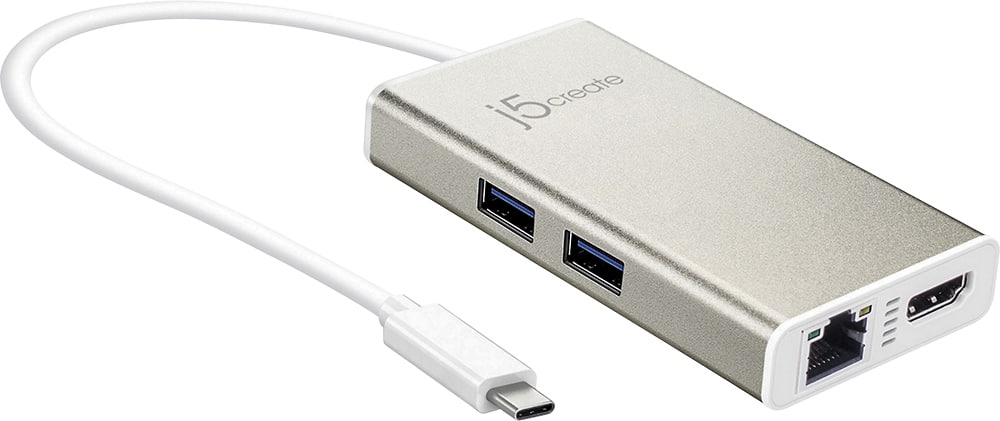
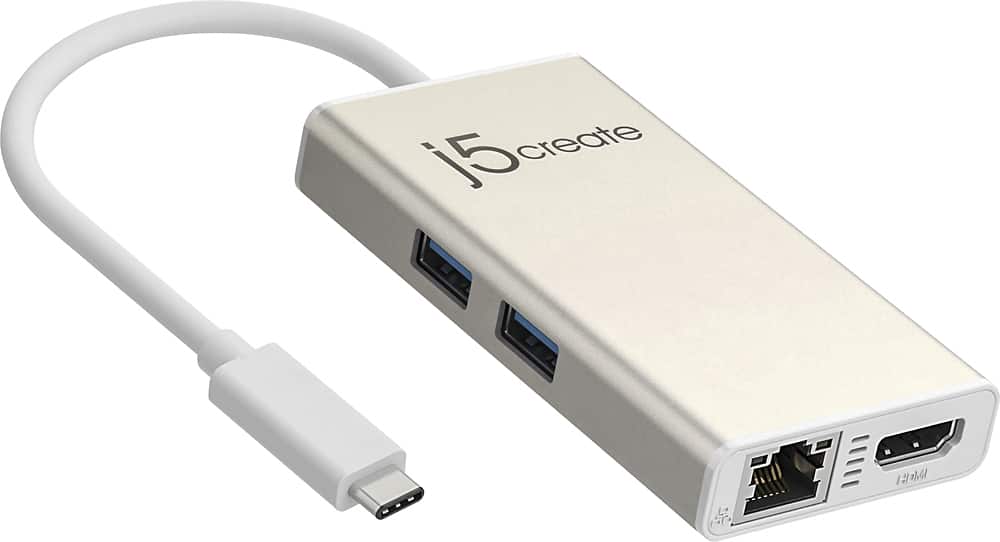
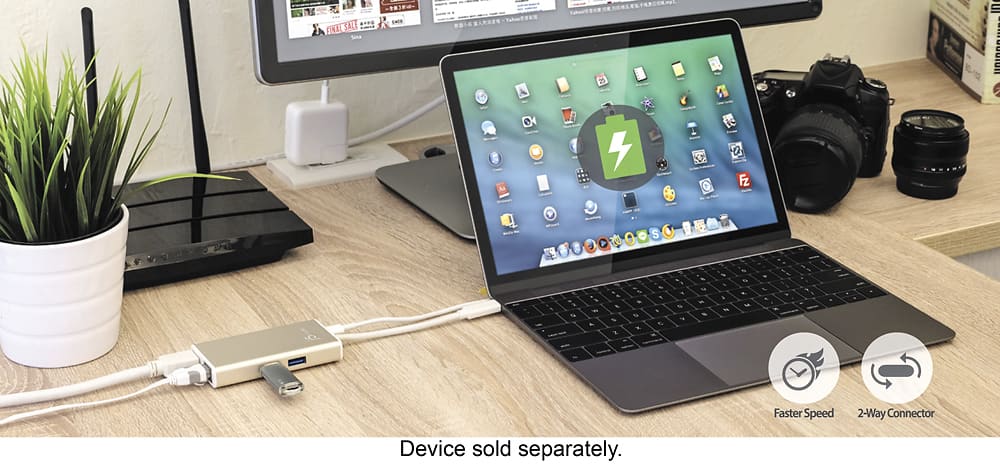
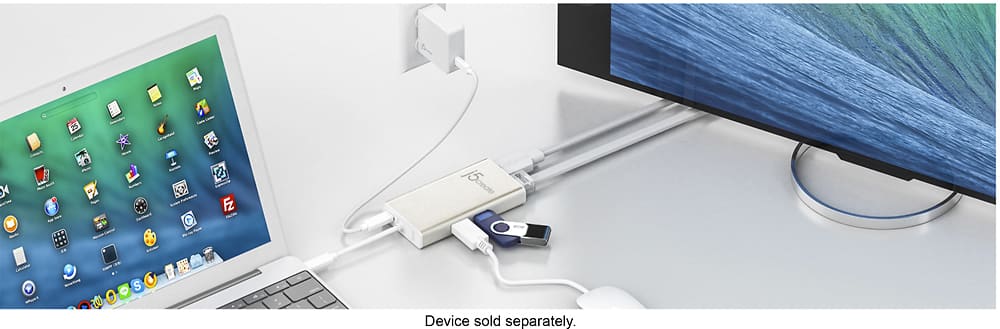
Customers commend the USB-C Multi-Adapter for its HDMI functionality, ease of use, and overall performance. Users appreciate its connectivity options and compact size, as well as its compatibility across different operating systems. However, some customers have expressed concerns about the product's price, power delivery, and heat generation.
This summary was generated by AI based on customer reviews.
No current issues
||Posted .This reviewer received promo considerations or sweepstakes entry for writing a review.It was a gift, therefore, I have no feed back. A gift!
I would recommend this to a friendBrand response from J5create Team
Posted .Adds extra functionality to your laptop

Great adapter
||Posted .This reviewer received promo considerations or sweepstakes entry for writing a review.Does what it’s supposed to do, great fit and finish.
I would recommend this to a friendBrand response from J5create Team
Posted .Compact and lightweight design for maximum portability
Nice, has network adapter
||Posted .This reviewer received promo considerations or sweepstakes entry for writing a review.Works as advertised, the USB-C cable is a little stiff.
I would recommend this to a friendBrand response from J5create Team
Posted .Designed to work with computers equipped with the newest USB-C port.
Hard to use on latest Macbook pro
||Posted .This reviewer received promo considerations or sweepstakes entry for writing a review.So I bought this because rhe latest MacBook pros are all USB C. The package and directions say this works with OSX Mojave as plug-n-play. For me that was NOT the truth...I had to go to their website download and install the “driver” for this. The process is a bit convoluted. If I wanted to buy stuff that does not work properly. I would have bought a PC! There are other adapters out there. Try them... you will do yourself a favor!
No, I would not recommend this to a friendBrand response from J5create Team
Posted .We're very sorry to hear you had such a negative experience with the JCA374. The multi adapter is a PnP and only requires a driver for the Ethernet, but we definitely understand how frustrating the install process can be. If possible, we would value the opportunity to troubleshoot this, get this working properly for you. Support information can be located on the packaging and a rep will be happy to lend a helping hand.
Thank you,
j5create
Good product
||Posted .This reviewer received promo considerations or sweepstakes entry for writing a review.A good and cheaper alternative to an apple adapter.
I would recommend this to a friendBrand response from J5create Team
Posted .Compact and lightweight design for maximum portability
It works
||Posted .This reviewer received promo considerations or sweepstakes entry for writing a review.Not the best quality but it does the job. If you're in a pinch this is a good alternative. Better to spend a little extra for a higher quality item
I would recommend this to a friendBrand response from J5create Team
Posted .Add extra functionality to your laptop with the USB-C Multi-Adapter.
Might be defective
||Posted .This reviewer received promo considerations or sweepstakes entry for writing a review.I bought this so I could be hard wired instead of using WIFI all the time and thus getting zapped by EMF radiation. I haven't been able to hook to the TV yet via the HDMI port. I've tried several things and don't know what the problem is. It looks as if it may be defective, so I will probably have to return it as of now and get another one. It it works, it's a great product. But this one doesn't appear to be working properly.
No, I would not recommend this to a friendBrand response from J5create Team
Posted .Because the HDMI port on the JCA374 is PnP, it requires that your computer support Thunderbolt 3/DP alt-mode to output a display. In order to narrow down the root of the problem, we would value the chance to troubleshoot this and offer a solution if necessary. Support information can be found on the casing and a representative will be happy to help.
Regards,
j5create
Works great
||Posted .This reviewer received promo considerations or sweepstakes entry for writing a review.Works great but cumbersome on desk top. Just sits there tethered to laptop. Would prefer something that fits tight up against the computer.
I would recommend this to a friendBrand response from J5create Team
Posted .Girly, If you wish to learn about a device that fits snuggly on your computer, please reach out to support and an agent will gladly point you in the right direction.
Appreciatively,
j5create
Excellent for the new mac
||Posted .This reviewer received promo considerations or sweepstakes entry for writing a review.Absolute must have for anyone getting a new MacBook
I would recommend this to a friendBrand response from J5create Team
Posted .Compact and lightweight design for maximum portability
Works Mostly
||Posted .This reviewer received promo considerations or sweepstakes entry for writing a review.Everything worked, besides ethernet port, which is the reason I purchased it. Maybe I used it wrong with my MacBook Pro, but all the other ports worked.
No, I would not recommend this to a friendBrand response from J5create Team
Posted .Please visit j5create website, select the "Support" tab > "Downloads/Drivers". From here please locate your j5 model number device, then download and install the driver. Once completed, go ahead and connect a Ethernet cable and the other end to a router or modem. Go to your Network settings and make sure to select AX88179 and connect.
Great device
||Posted .This reviewer received promo considerations or sweepstakes entry for writing a review.However it is not very compatible with the new macs
I would recommend this to a friendBrand response from J5create Team
Posted .Designed to work with computers equipped with the newest USB-C port.
Is NOT 100% comparable with my Samsung Book 12
||Posted .This reviewer received promo considerations or sweepstakes entry for writing a review.Data speed is seriously compromised when used with the Samsung Book 12. A regular usb port replicator delivers much better data transfer speeds.
No, I would not recommend this to a friendBrand response from J5create Team
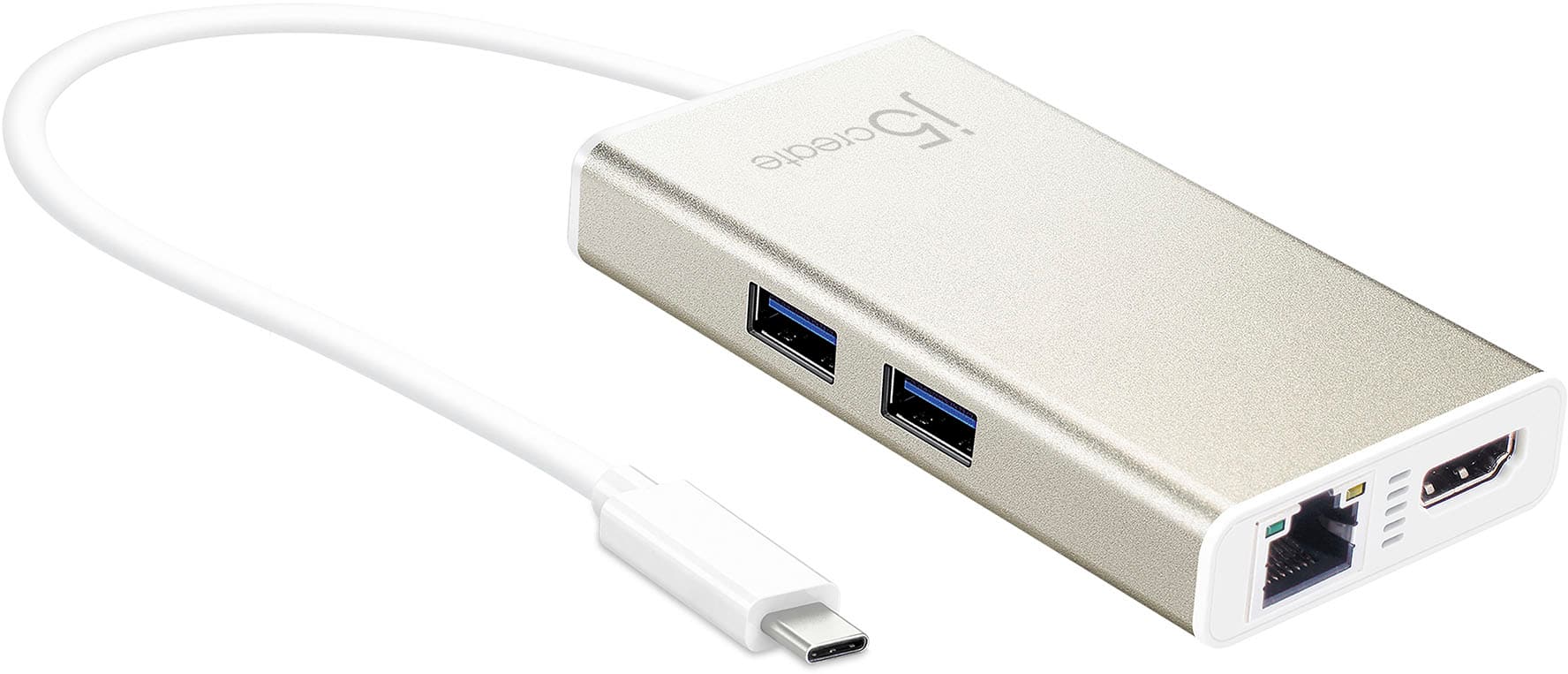
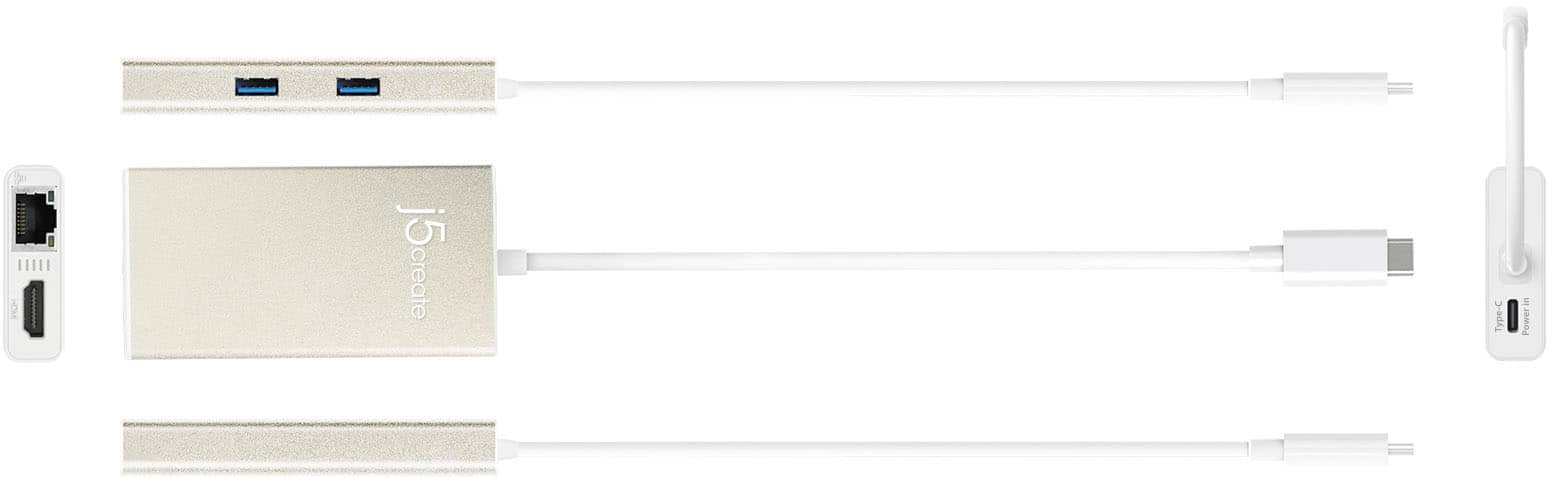
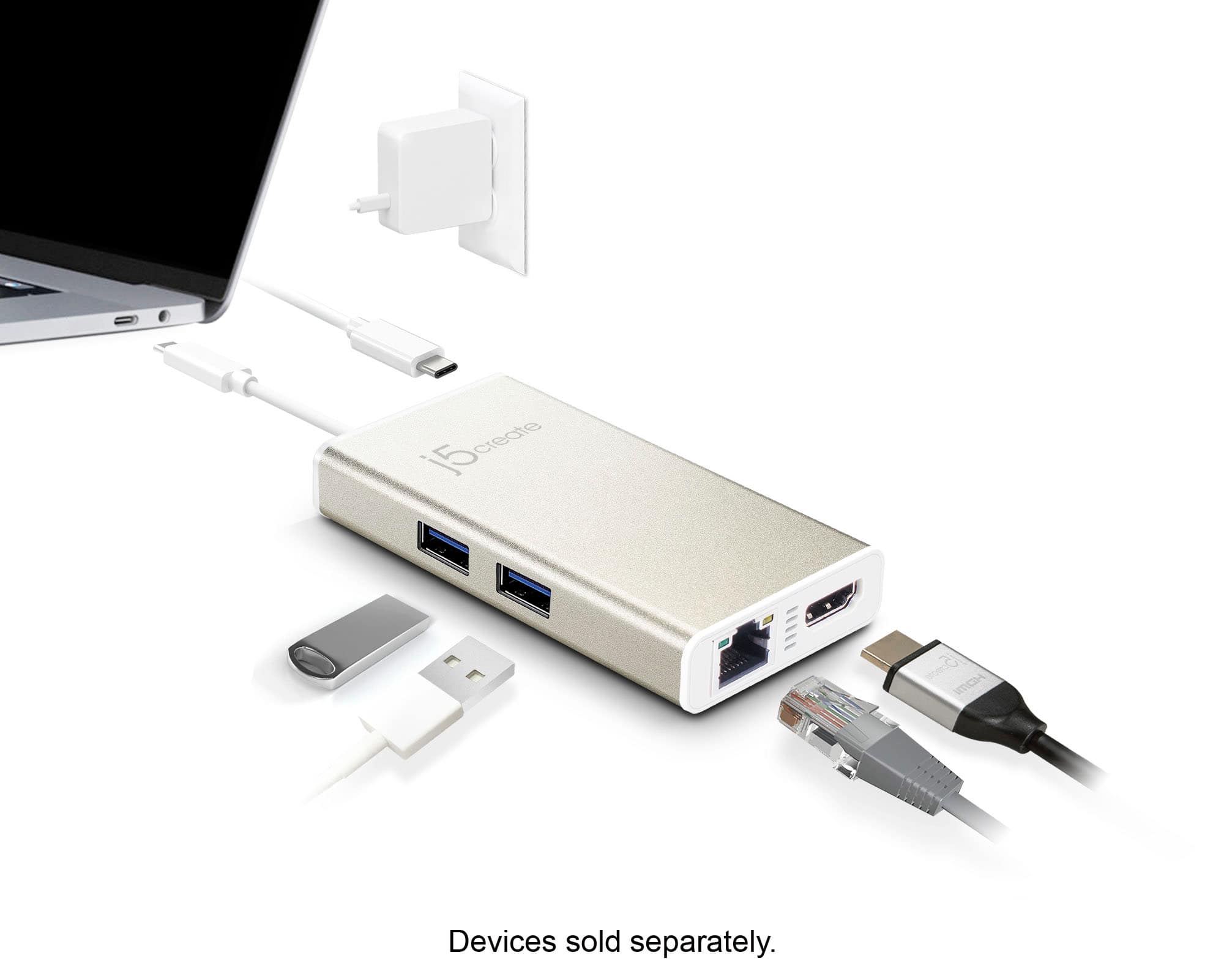
Posted .2 x SuperSpeed USB 5 Gbps ports to connect additional peripherals transfer speed
Not good for monitor
||Posted . Owned for 4 months when reviewed.This reviewer received promo considerations or sweepstakes entry for writing a review.While this was a good hub for additional USB 3.0 ports, I primarily used this to connect my MacBook Pro to my monitor via HDMI. While in use the monitor would constantly blank out, as if blinking, constantly interrupting work flow. I downloaded the driver but this did not fix the problem. I recently bought a hyper drive and do not experience the blinking at all.
No, I would not recommend this to a friendBrand response from J5create Team
Posted .Hello,
Our customer support team would be happy to offer troubleshooting assistance for your JCA374. Our contact information can be found on the j5create website under the ‘Support’ drop down. I hope that you give us the opportunity to the adapter up and running.
Thanks,
j5create
must need
||Posted .This reviewer received promo considerations or sweepstakes entry for writing a review.i wish they had a sd card reader built in as well,
I would recommend this to a friendBetter products out there
||Posted .This reviewer received promo considerations or sweepstakes entry for writing a review.I bought quite a few of these as they were needed. I ended up with a Cable Matters alternative that proved more affordable and more reliable. Unfortunately I am outside the return period so I'm stuck with an entire fleet of these bad boys. Not entirely useless, but requires plugging and unplugging and replugging to get ethernet and display to work often times.
No, I would not recommend this to a friendBrand response from J5create Team
Posted .Reset the networking hardware, i.e. power-cycle the modem, router, and/or switch. Power-off your networking hardware for approximately 30 seconds then power it back on. Cross-test the device with another Ethernet cable, or connect the Ethernet cable into another RJ45 port on the networking hardware or Renew the DHCP lease.
- Cons mentioned:Heat
Don't buy, doesn't always work
||Posted .This reviewer received promo considerations or sweepstakes entry for writing a review.Overheats quickly and the hdmi out put doesn't always work especially with projectors. It will keep blinking.
No, I would not recommend this to a friend - Pros mentioned:Ease of use
Great gadget
||Posted .This reviewer received promo considerations or sweepstakes entry for writing a review.Easy to connect in and out my connections it’s so compact I can put it in my lab top case
I would recommend this to a friendBrand response from J5create Team
Posted .Space-efficient, economical and having everything you need to get the job done; the JCA374's unique build is next to none on the market and we are glad to hear it is working to your expectations.
Gratefully,
j5create
Multiple issues
||Posted . Owned for less than 1 week when reviewed.This reviewer received promo considerations or sweepstakes entry for writing a review.Not sure if i got a defective unit but in the 3 days I've owned it it's lost connectivity from the computer (ethernet, power and hdmi didn't work). The only way to get it to work again was to unplug the power-in usb-c. It also constantly forgets the resolution of my 2nd monitor.
No, I would not recommend this to a friendBrand response from J5create Team
Posted .Please contact our Technical Support Team, so that they can get more information from you; in order to narrow down the exact issue you are experiencing. Their information can be found on our website under the "Support" tab and a specialist will be ready to assist in resolving this. Thank you.
good product but
||Posted . Owned for 3 months when reviewed.This reviewer received promo considerations or sweepstakes entry for writing a review.overall it is a good product, but you can find a better hub at the same price
I would recommend this to a friendBrand response from J5create Team
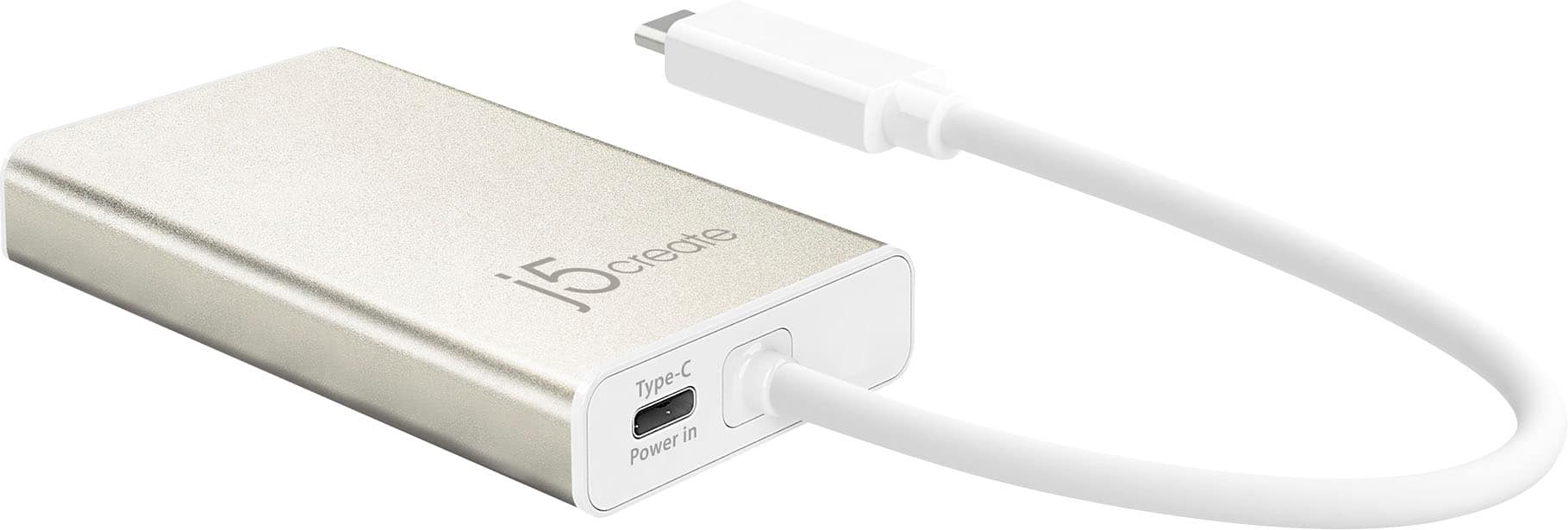
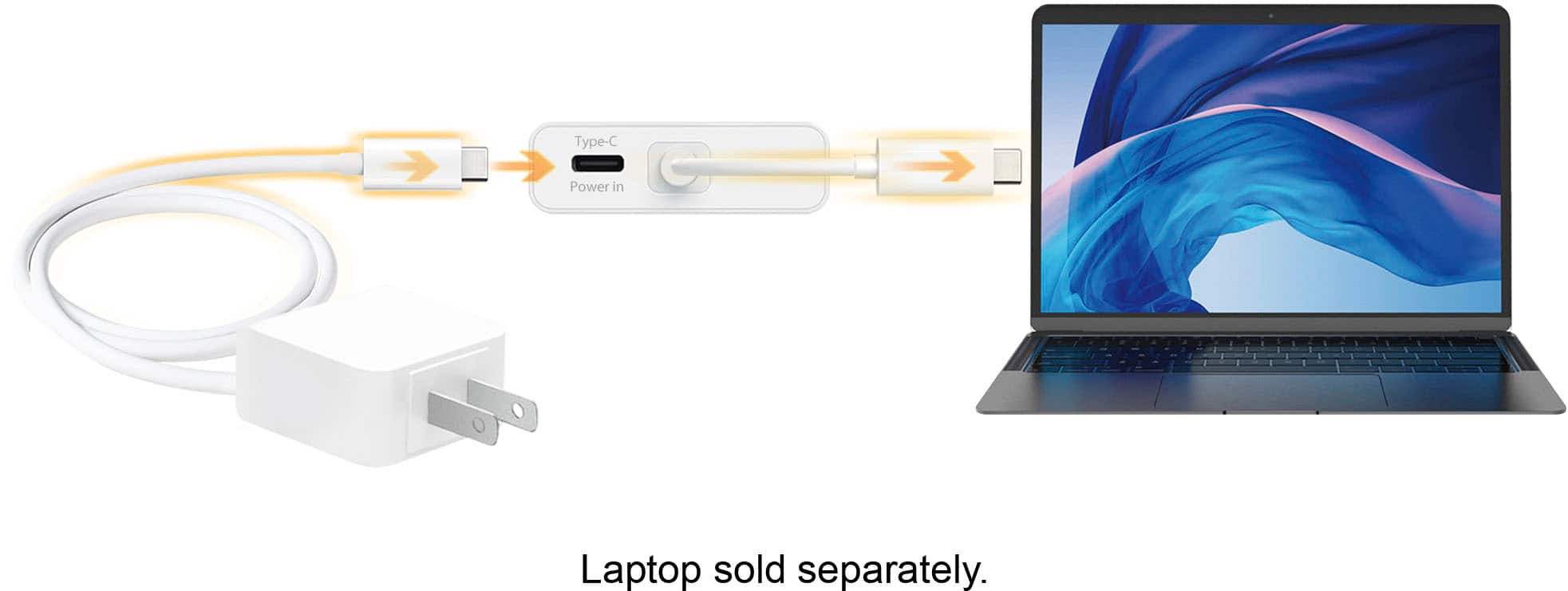
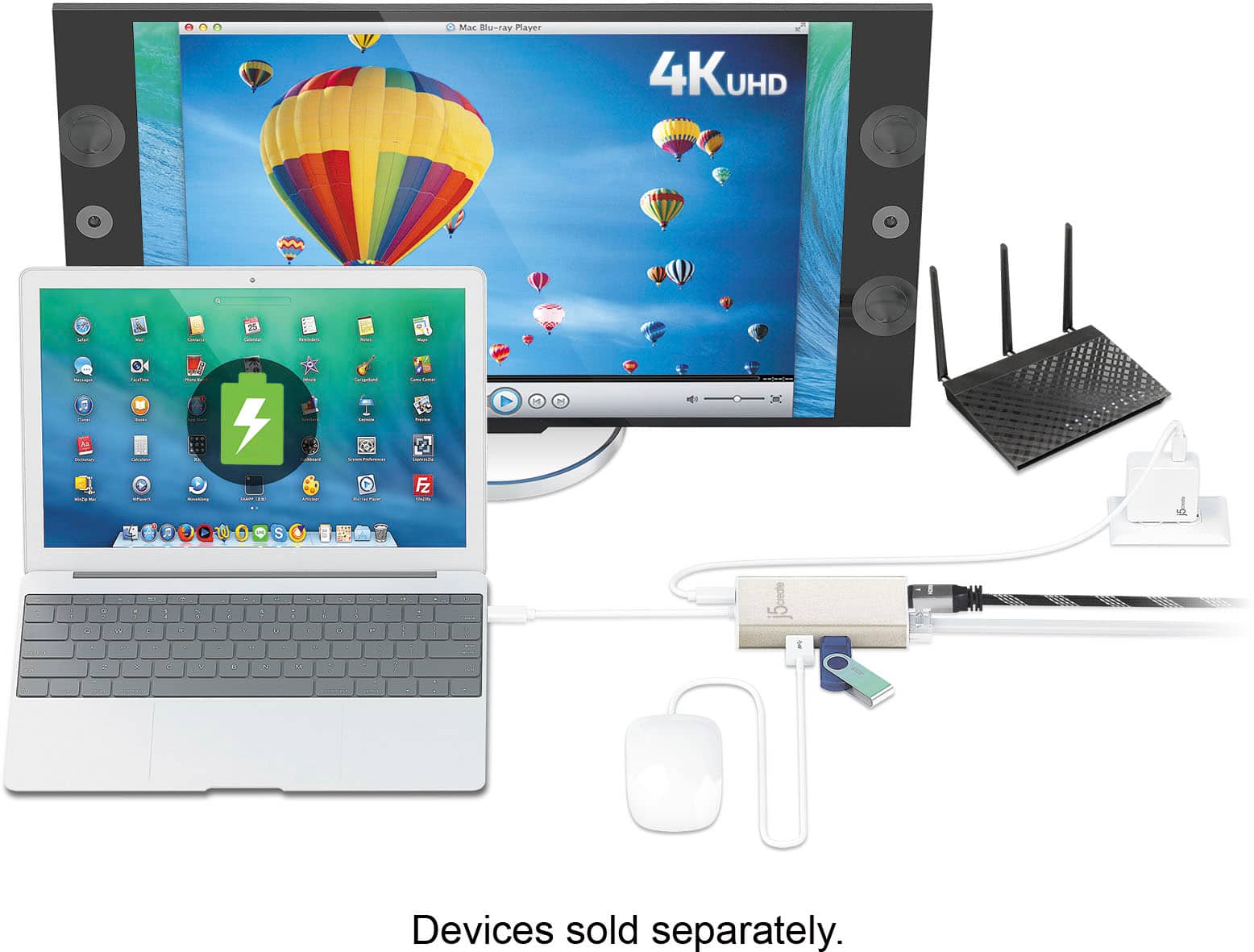
Posted .Allows you to add two additional USB peripherals, 4K or 1080p HDMI display, and Gigabit Ethernet through your USB-C port.
Ok
||Posted . Owned for 1 month when reviewed.This reviewer received promo considerations or sweepstakes entry for writing a review.Works. But the shape and angles of the cords is not streamlined. So its bulky. Takes roo much space.
No, I would not recommend this to a friendBrand response from J5create Team
Posted .Hello,
Your feedback is regarding the adapter is appreciated. We are constantly working to improve the quality and design of our products so our customers have a simpler and more efficient computing experience. Thank you for taking the time to post a review.
Have a good day,
j5create