Customer Ratings & Reviews
- Model:
- JCA374
- SKU:
- 5602501
Rating by feature
- Value
Rating 4.2 out of 5 stars
- Quality
Rating 4.3 out of 5 stars
- Ease of Use
Rating 4.5 out of 5 stars
Customers are saying
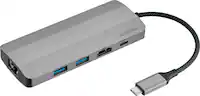
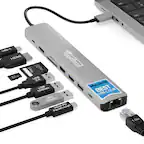
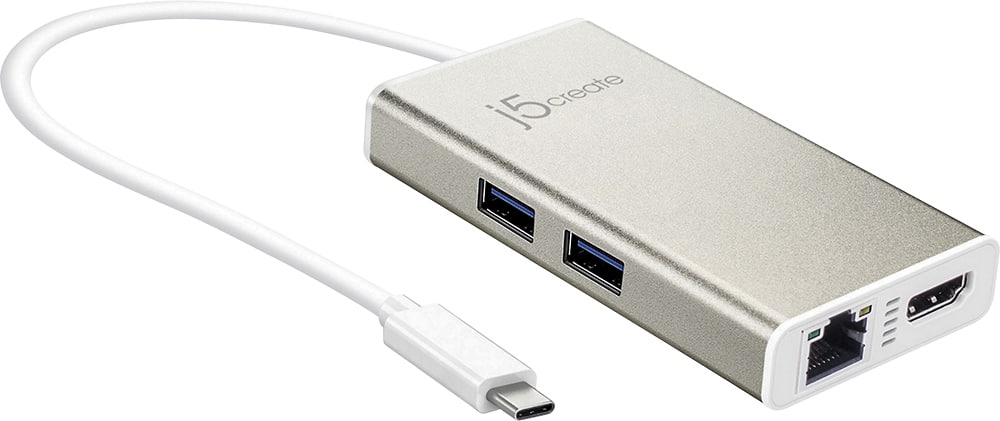
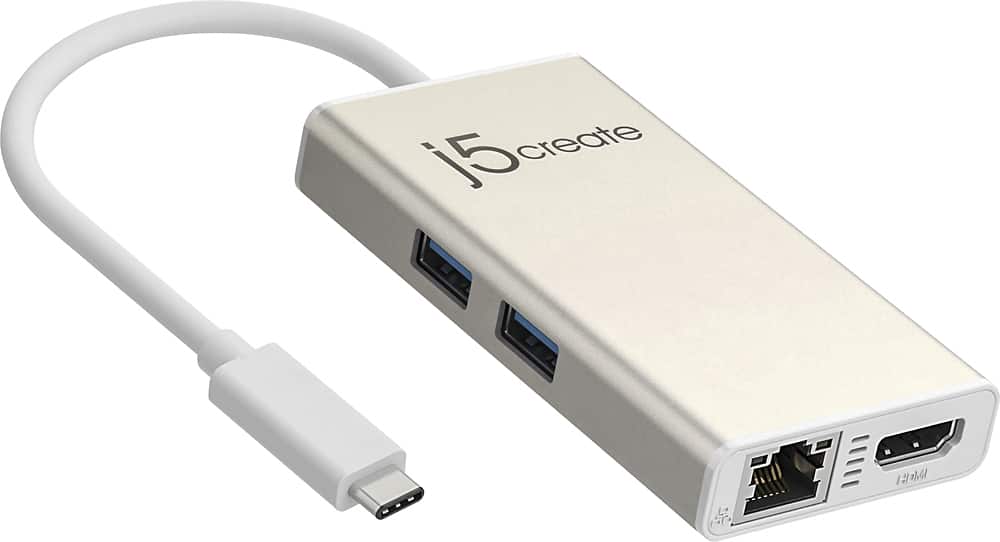
Customers commend the USB-C Multi-Adapter for its HDMI functionality, ease of use, and overall performance. Users appreciate its connectivity options and compact size, as well as its compatibility across different operating systems. However, some customers have expressed concerns about the product's price, power delivery, and heat generation.
This summary was generated by AI based on customer reviews.
Had to return first one
||Posted .This reviewer received promo considerations or sweepstakes entry for writing a review.First one would not work. I recommend it with reservations.
I would recommend this to a friendBrand response from J5create Team
Posted .Thank you for your review. We apologize for the inconvenience on first purchase. Cordially, j5.

dont buy
||Posted . Owned for 9 months when reviewed.This reviewer received promo considerations or sweepstakes entry for writing a review.Went from working well to completely not connected my laptop to my monitor. Another product made to break. Just did expect it to only be a few months.
No, I would not recommend this to a friendBrand response from J5create Team
Posted .Hello EAD123, in order to narrow down the exact issue you are experiencing, we recommend contacting support on our website and a specialist will be ready to assist in resolving this. We apologize for the inconvenience.
Does not plug properly
||Posted . Owned for 2 months when reviewed.This reviewer received promo considerations or sweepstakes entry for writing a review.Very expensive and the quality is not what I expected . It has only two Type A USB ports. It does not plug properly into the computer, and it needs to be readjusted constantl`y. On the long run it will probably damage the computer's port.
No, I would not recommend this to a friendBrand response from J5create Team
Posted .ABCD, In regards to constantly readjusting, this could be due to a cover on your computer impeding a full insertion or a loose USB-C connector. Regardless, we would love the chance to discuss the situation and if still within the two year warranty, we would be more than happy to exchange it for you. Feel free to reach out to support and a rep will gladly lend a helping hand.
Respectfully,
j5create
Does not work with M1 Mac
||Posted . Owned for less than 1 week when reviewed.This reviewer received promo considerations or sweepstakes entry for writing a review.It did not work with my M1 Mac, although there was no notice of this on the box. When I went on their website to download the driver, there is a notice that it only works on Intel Macs. Had to return it.
No, I would not recommend this to a friendBrand response from J5create Team
Posted .I'm very sorry for the inconvenience this caused with your M1 Mac. At this time, our research and development team is still working on the drivers for M1 and as soon as that software is available, you will be notified as long as you are on our 'On-Hold' list. If you are not on the list and would like to be placed on it, please feel free to reach out to support; our information can be found on the packaging or website. As an alternative, we may recommend a plug-and-play model that requires no software installation and that will work for you once it is connected such as the JCD383, or the JCE133G.
Respectfully,
j5create
Cheap Quality For The Price
||Posted . Owned for 4 months when reviewed.This reviewer received promo considerations or sweepstakes entry for writing a review.We got 2 of these for our boys to use with their Chrome Books for school so we weren't all using the wireless in the house. One of them broke within the first 2 months. Not very well made for the price.
No, I would not recommend this to a friendBrand response from J5create Team
Posted .Dreyn72, thank you for your input on the JCA374. In the case where the adapter breaks or stops working as intended, our products are covered under a 2 year manufacturer's warranty. Please feel free to reach out to the support team printed on the casing and an agent will be glad to process an exchange for you in no time. We apologize for the inconvenience and look forward to assisting you.
Thank you,
j5create
Nice speaker
||Posted .This reviewer received promo considerations or sweepstakes entry for writing a review.I would recommend this product to a friend. Nice speaker
I would recommend this to a friendBrand response from J5create Team
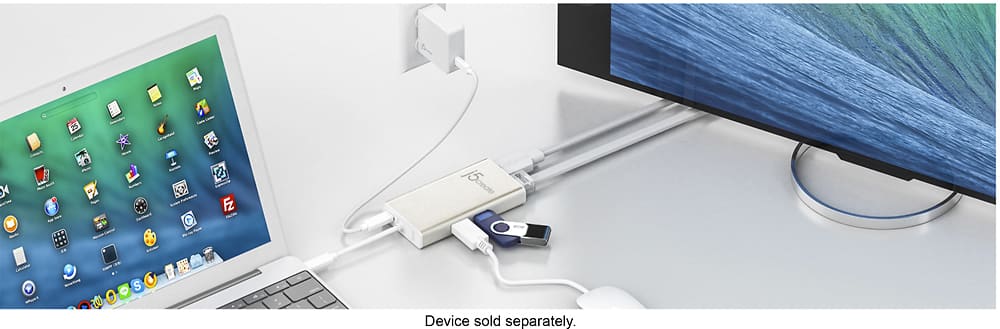
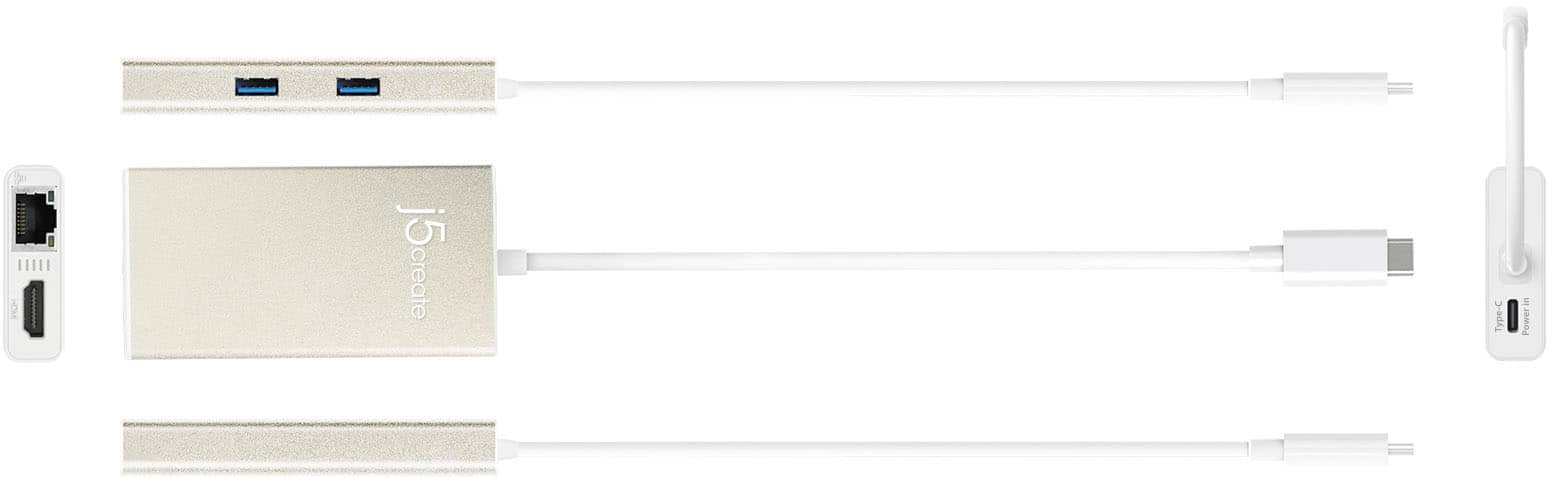
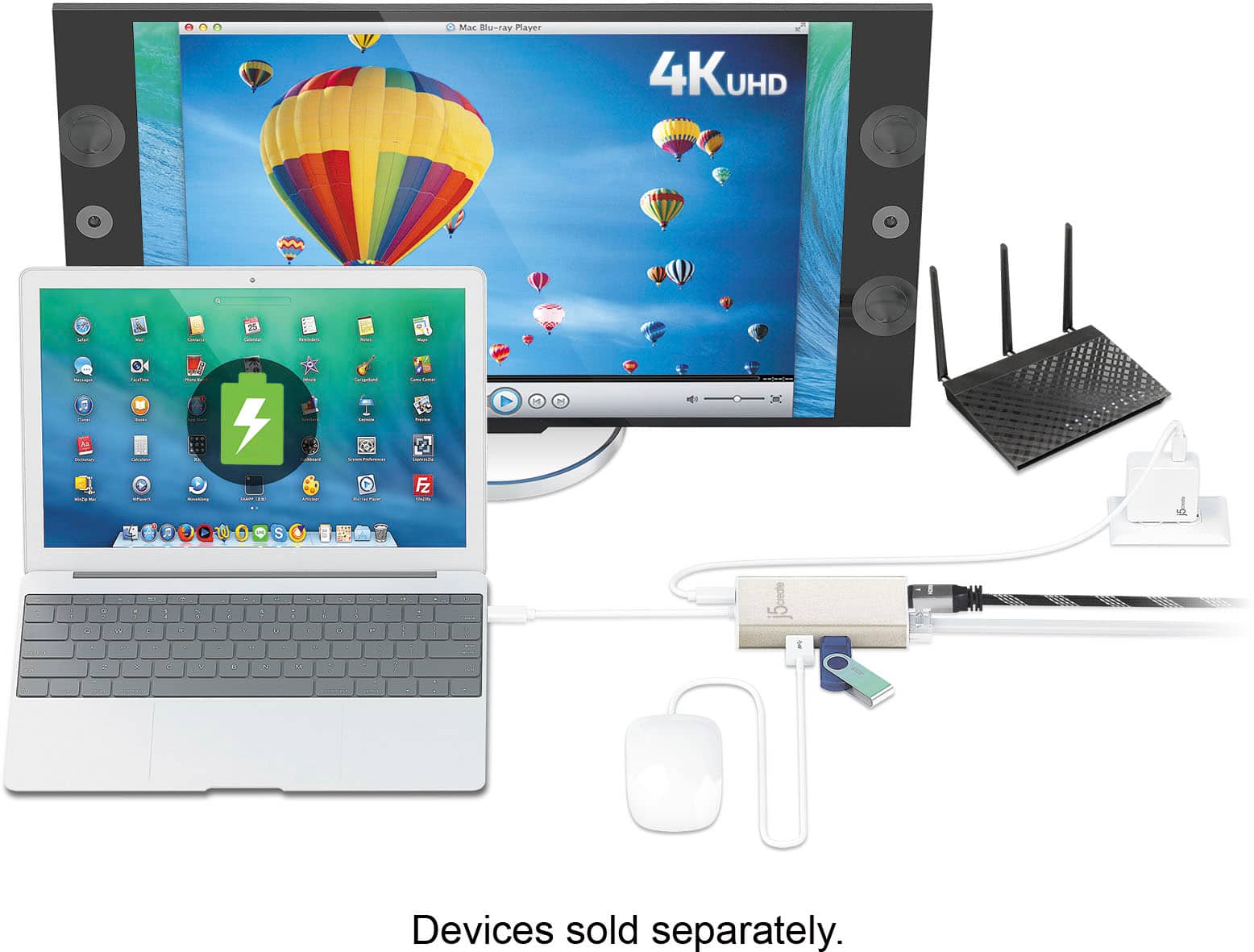
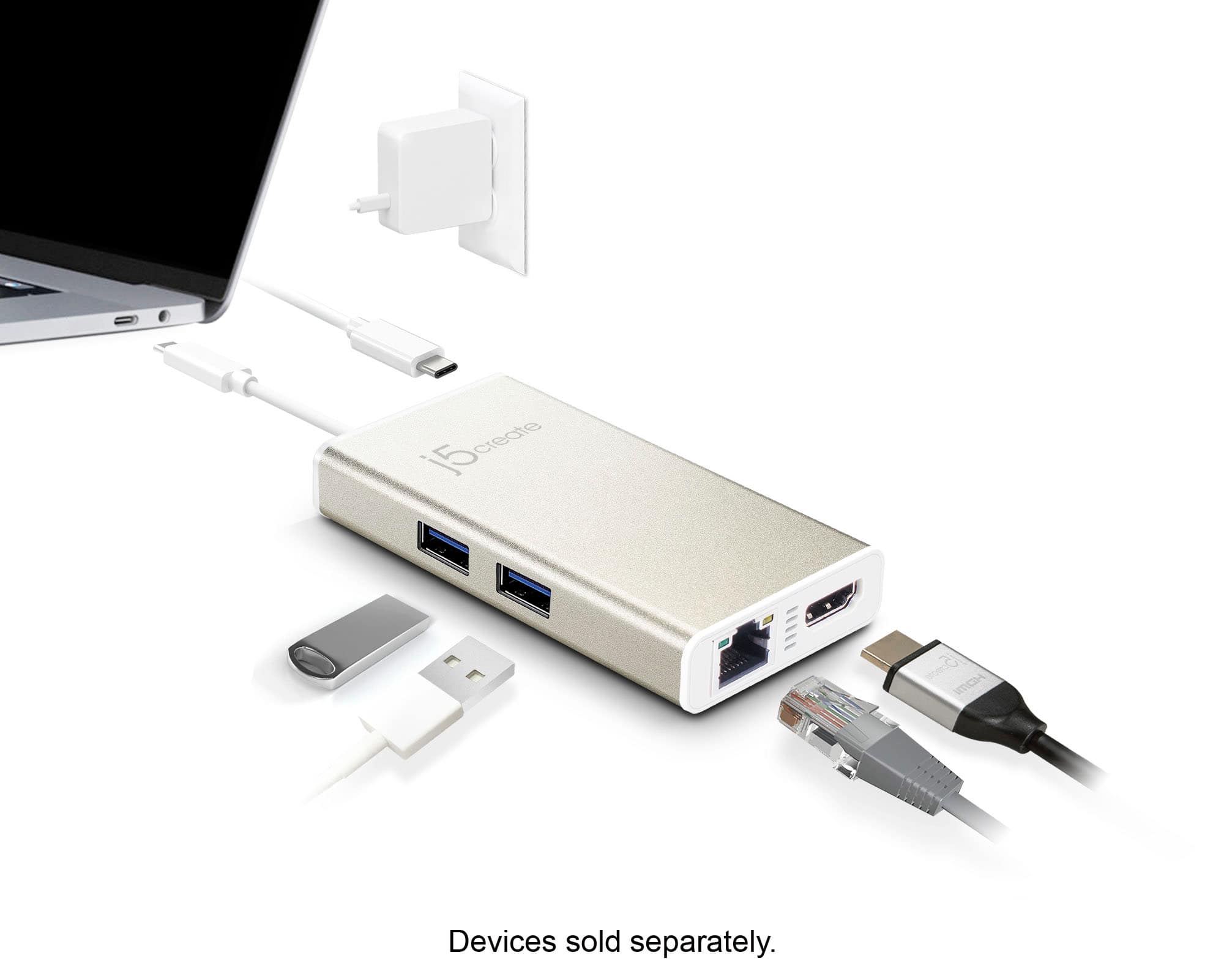
Posted .Supports 4K HDMI, Data, Ethernet and Power Delivery.
- Cons mentioned:Price
Not long lasting
||Posted .This reviewer received promo considerations or sweepstakes entry for writing a review.Broke after a few months being carried in my bag. It was in a pouch so it was never thrown around of anything. Got 3 or 4 good uses, and now I cannot get a PC to recognize it. Not worth the money I paid
No, I would not recommend this to a friendBrand response from J5create Team
Posted .Notquitepro, We sincerely regret to hear the JCA374 stopped being recognized. The JCA374 is covered under a manufacturer's two year warranty and if still within that period, please reach out to the support team and a rep will gladly diagnose, troubleshoot and offer solutions; if still within the time frame and if needed, we will gladly exchange it for you. Thank you for your time and we hope to hear from you.
Respectfully,
j5create
Must have!
||Posted .This reviewer received promo considerations or sweepstakes entry for writing a review.Newer devices use different USB types. With this adapter, problem avoided.
I would recommend this to a friendBrand response from J5create Team
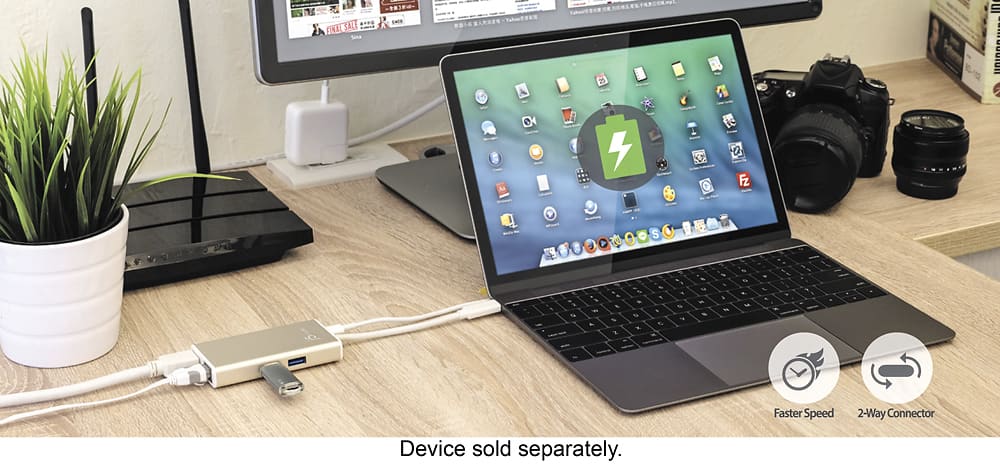
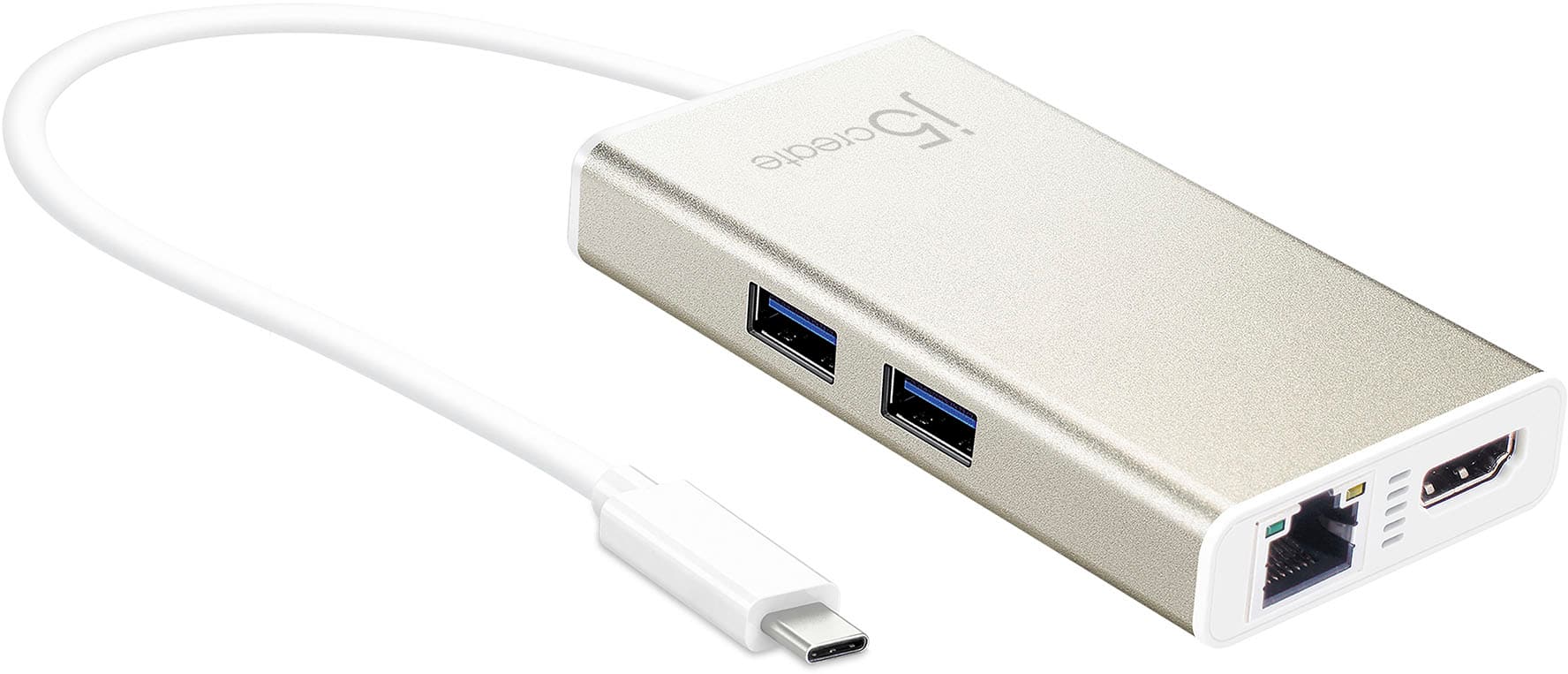
Posted .Providing the user with HDMI, Ethernet, charging capabilities + 2 USB ports for peripherals make the JCA374 a very handy hub to have and we are pleased to hear it is working to your expectations.
Sincerely,
j5create
Decent
||Posted .This reviewer received promo considerations or sweepstakes entry for writing a review.Decent resolution for no USB port on the new MacBook
I would recommend this to a friendBrand response from J5create Team
Posted .Transmits both audio and video from a USB-C computer or tablet to a 4K Display
Doesn’t work for my 2020 Mac Book pro
||Posted . Owned for less than 1 week when reviewed.This reviewer received promo considerations or sweepstakes entry for writing a review.After being recommend by a Best Buy employee unit Didn’t work for my 2020 Mac book pro. Downloaded driver as stated online and then plugged device in. Didn’t Recognize device. Return for a refund!
No, I would not recommend this to a friendBrand response from J5create Team
Posted .I’m sorry to hear that the adapter did not work with your computer. Our customer support team is available for troubleshooting assistance with any of our products and may have been able to save you a trip back to the store. We appreciate your feedback.
Have a good day,
j5create
- Cons mentioned:Power delivery
Never worked properly
||Posted . Owned for 4 months when reviewed.This reviewer received promo considerations or sweepstakes entry for writing a review.Was never able to charge via the USB C port on this device, all devices would say low power charger and would not pass through. Frequent disconnects as well.
No, I would not recommend this to a friendBrand response from J5create Team
Posted .Hi!
I'm very sorry for the inconvenience that this has caused you. We would be more than happy to help you with this and you can find our information on the back of all of our product boxes and on our website under the support tab. There you can find links to our livechat, phone, and ticketing services.
Thanks,
j5create
Didn't work well, and died in just over two years.
||Posted . Owned for 1 year when reviewed.This reviewer received promo considerations or sweepstakes entry for writing a review.Died in two years and three months. Multiple laptops now fail. to recognize the hub or any devices attached through it. While working, my laptop would often not recognize the HDMI monitor until I unplugged the J5 from laptop and power, and replugged it back in. I think it had something to do with my laptop going to sleep. Regardless, I will not miss this thing. Getting a different brand.
No, I would not recommend this to a friendBrand response from J5create Team
Posted .Please contact our Technical Support Team for further information about this issue. Their information can be found on our website under the "Support" tab and a specialist will be ready to assist you. Thank you.
Requires a driver to be downloaded
||Posted . Owned for 3 weeks when reviewed.This reviewer received promo considerations or sweepstakes entry for writing a review.Surprised I need a driver for the MacBook Pro. The entire reason I needed this was for the Ethernet port so I had to return it
No, I would not recommend this to a friendBrand response from J5create Team
Posted .jfla, the JCA374 requires a driver for the Ethernet port, unfortunately. If you are looking for a PnP device, please look into JCD383. Thank you for your review.
Power up
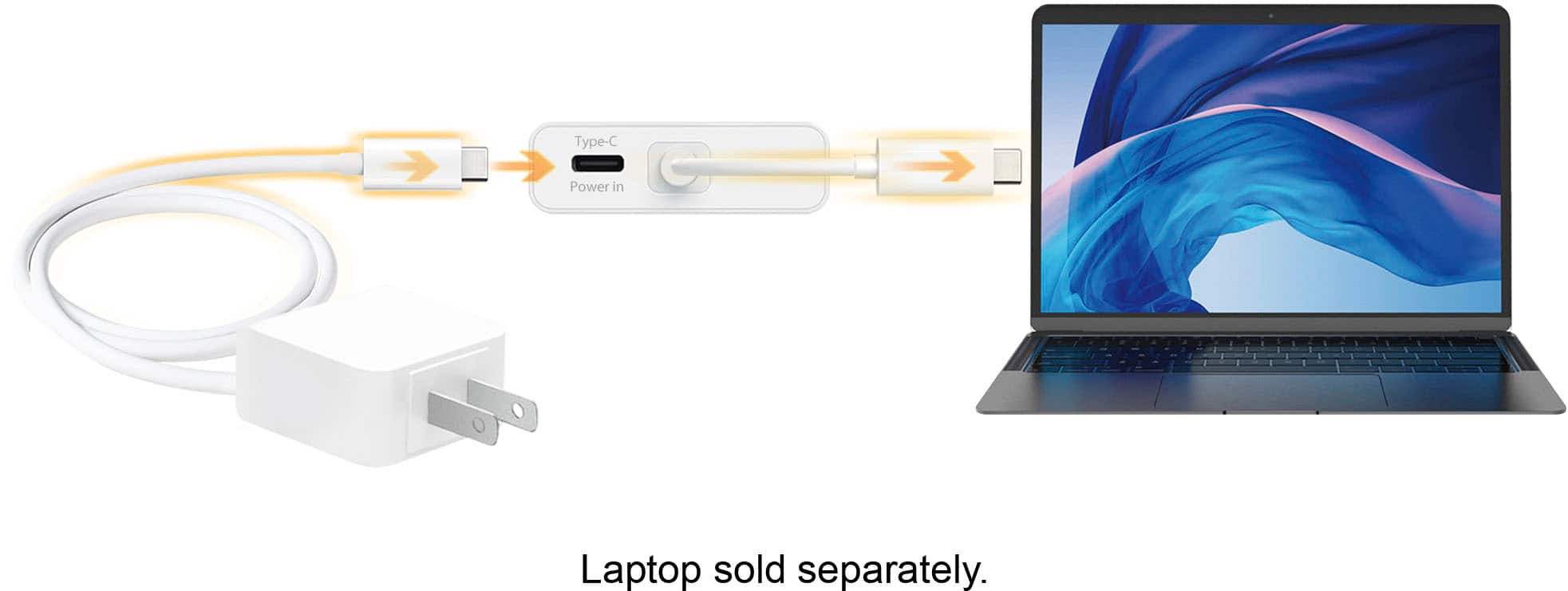
||Posted . Owned for 1 week when reviewed.This reviewer received promo considerations or sweepstakes entry for writing a review.Works great but I did not realize when I purchased it that it needed power to function. other than that it works pretty well.
I would recommend this to a friendOk adapter
||Posted .This reviewer received promo considerations or sweepstakes entry for writing a review.I got this as an alternative to a docking station so I could connect two screens to my laptop. Whenever my screen goes to sleep and I wake it, only one screen comes up and I have to disconnect and reconnect the HDMI cable to active the second screen.
No, I would not recommend this to a friendBrand response from J5create Team
Posted .Transmits both audio and video from a USB-C computer or tablet to a 4K Display (Driver not required).
- Pros mentioned:Ease of use
Works great
||Posted .This reviewer received promo considerations or sweepstakes entry for writing a review.We purchased this product and found it do exactly what we needed.
I would recommend this to a friendBrand response from J5create Team
Posted .For those looking to add different capabilities to their computers, the JCA374 is a great start; providing HDMI, Ethernet, charging and USB ports for gadgets make this a popular choice.
Cordially,
j5create
- Pros mentioned:Hdmi
Super convenient
||Posted .This reviewer received promo considerations or sweepstakes entry for writing a review.I usually go with Mac products , but this beats it ! Thank you
I would recommend this to a friendBrand response from J5create Team
Posted .Supporting up to 1 gigabyte Ethernet speeds along with HDMI, charging and USB ports for peripherals is what the JCA374 provides and we are glad to hear it has met your expectations.
Thanks,
j5create
Avoid!
||Posted .This reviewer received promo considerations or sweepstakes entry for writing a review.It doesn’t work, plain and simple. Both the Ethernet and HDMI won’t detect. I’ve installed the drivers, updated the firmware, updated usb internal drivers. Even modified my bios to try and get it to work. Nothing. I even checked J5 YouTube channel for a solution (comments were conveniently turned off on this model troubleshooting video) at the end of the day, given the price tag, there are better options than this. Go with a more reputable brand, buyer beware.
No, I would not recommend this to a friendBrand response from J5create Team
Posted .The new updated JCA374 is a PnP device, no drivers needed. However, computers must support DP Alt Mode and PD for full functionality. In order to narrow down the exact issue you are experiencing, we recommend contacting support and a specialist will be ready to assist in resolving this. Kindly, j5.
OK for HDMI, USB -- Not for Ehernet
||Posted . Owned for less than 1 week when reviewed.This reviewer received promo considerations or sweepstakes entry for writing a review.OK for HDMI & USB, but it requires special download for Ethernet. Even GeekSquad couldn't get it to work. Returned to BB.
No, I would not recommend this to a friendBrand response from J5create Team
Posted .The USB-C Multi-Adapter requires an installation of a driver. Once completed connect a Ethernet cable to the device and the other end to a router or modem, then you would need to go to your Network Settings and the name should come up as AX88179. ** Feel free to contact j5create Technical Support if you require further assistance. Their information can be found on our website under the "Support" tab. Thank you.
Connection issues
||Posted . Owned for 1 month when reviewed.This reviewer received promo considerations or sweepstakes entry for writing a review.Disconnects constantly, very difficult time with this one
No, I would not recommend this to a friendBrand response from J5create Team
Posted .Here are a few troubleshooting steps you can try to address the problem: 1. Ensure a stable connection: Make sure that the adapter is securely plugged into the appropriate port on your device. 2. Update drivers and firmware: Visit the manufacturer's website and check for any available driver or firmware updates for your device. Installing the latest updates can often resolve compatibility issues and improve connectivity. 3. Test with different ports or devices: If possible, try connecting the adapter to different ports on your device or test it on another device altogether. This can help determine if the issue is specific to the adapter or if it's related to a particular port or device. ** If you require further assistance; please contact the j5create Technical Support team and they will be glad to further assist if necessary. Their information can be found on our website under the "Support" tab. Thank you.