Customer Ratings & Reviews
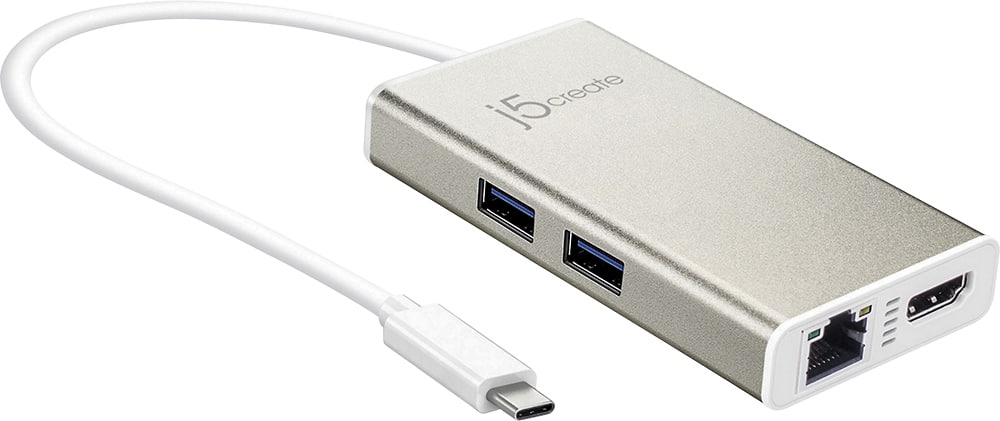
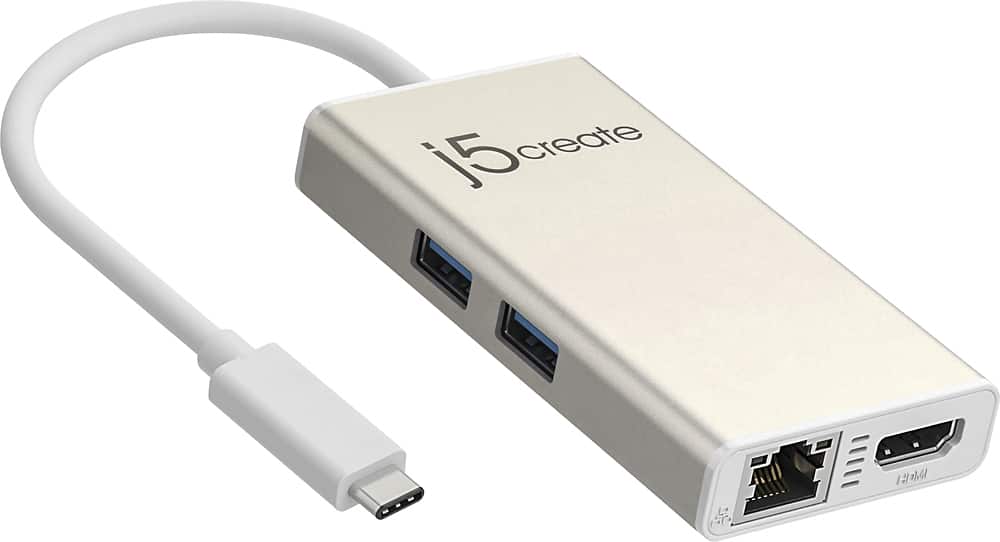
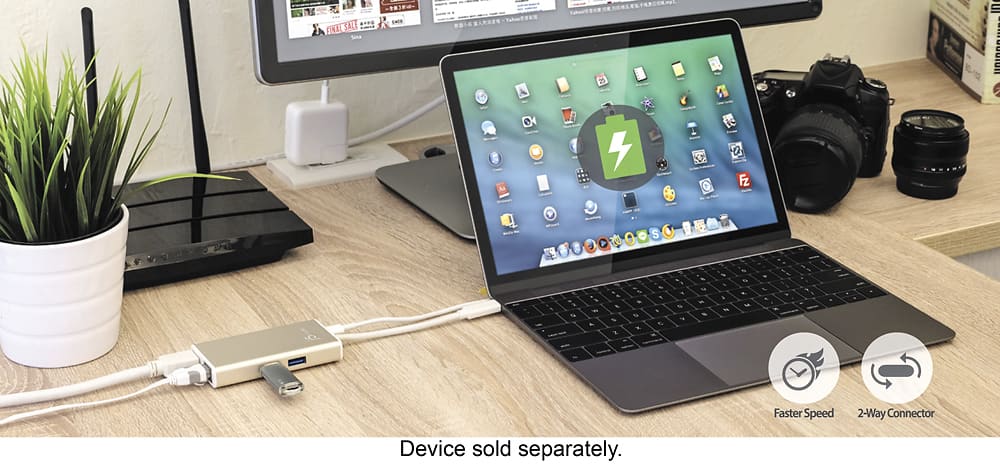
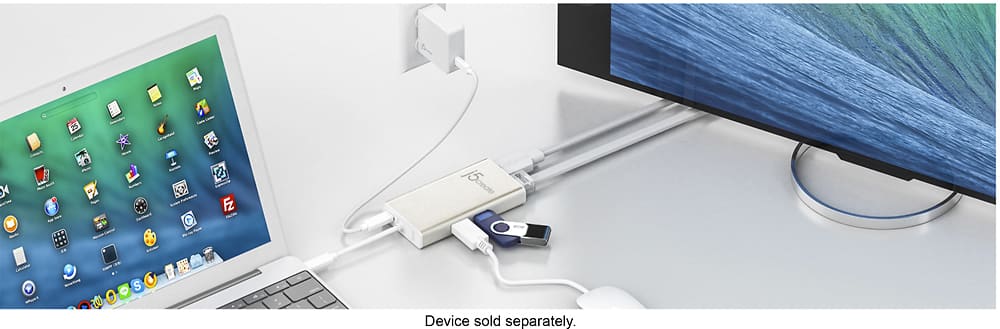
- Model:
- JCA374
- SKU:
- 5602501
Rating by feature
- Value
Rating 4.2 out of 5 stars
- Quality
Rating 4.3 out of 5 stars
- Ease of Use
Rating 4.5 out of 5 stars
Customers are saying
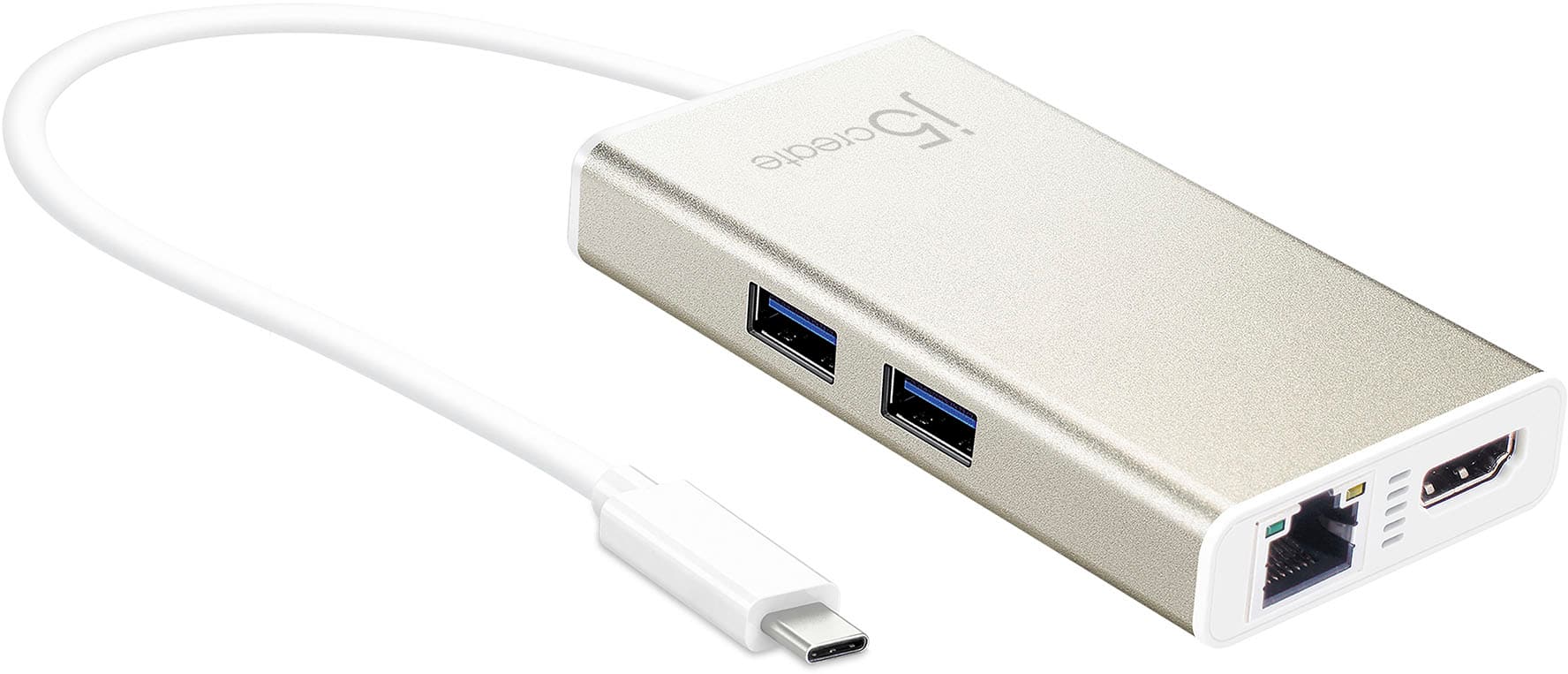
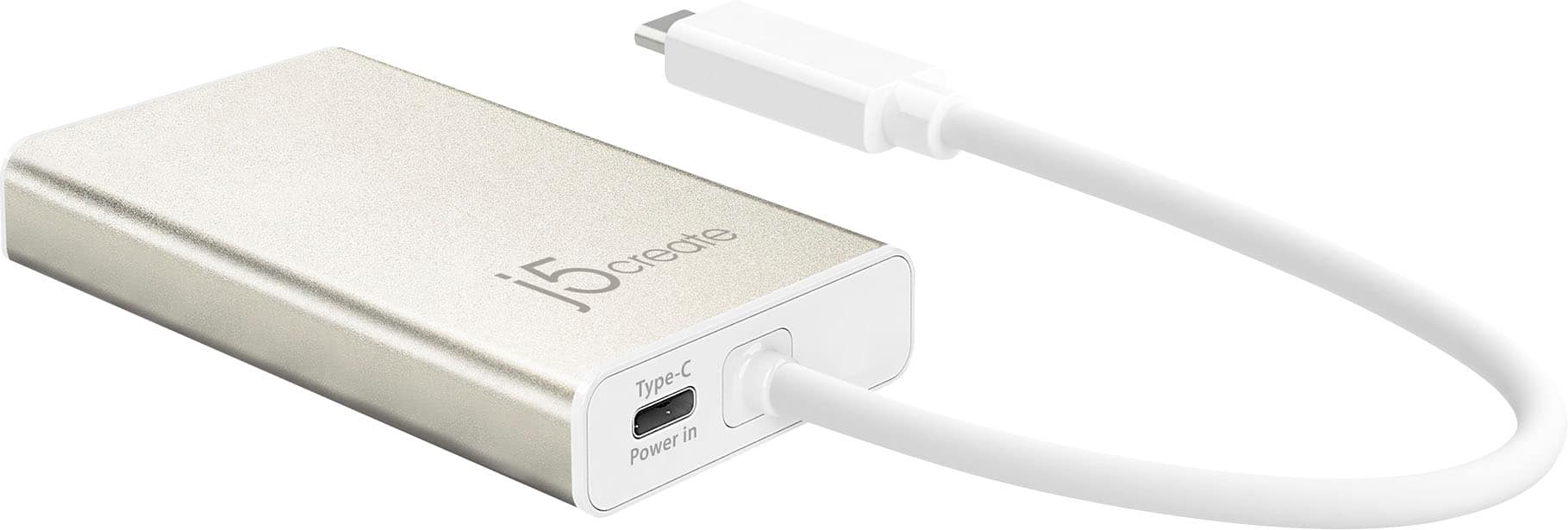
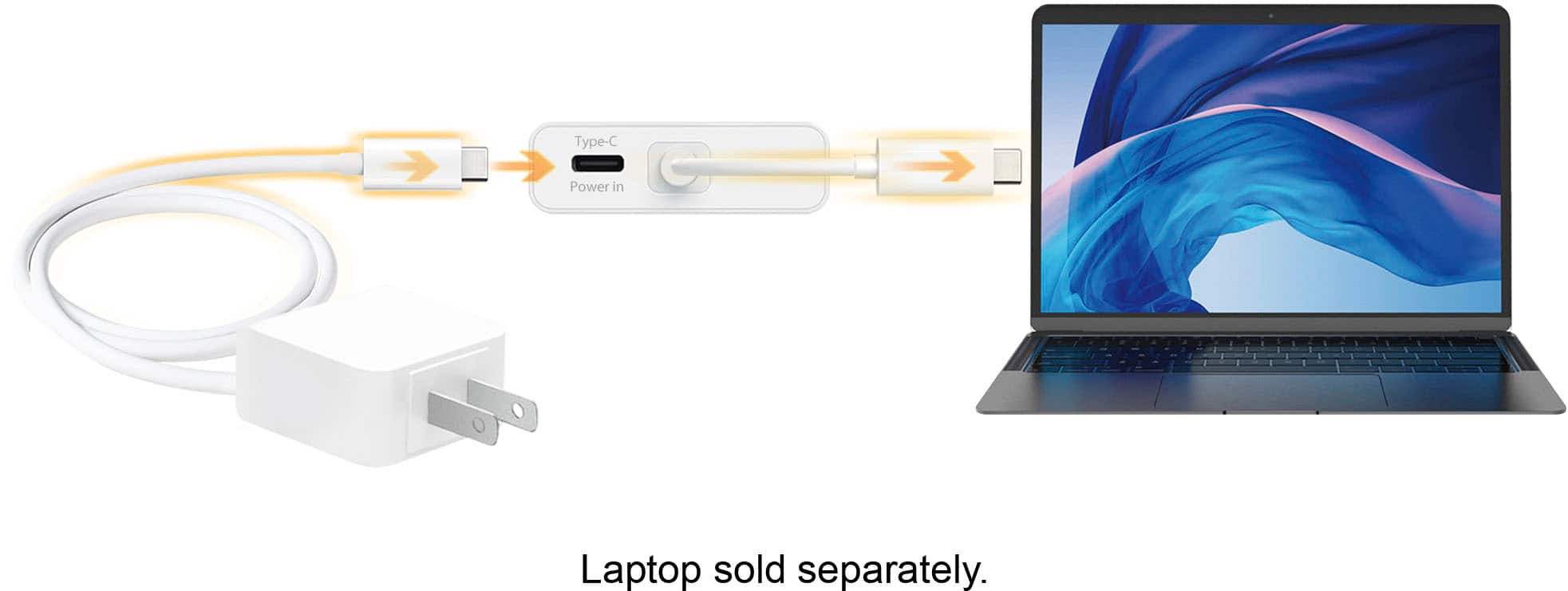
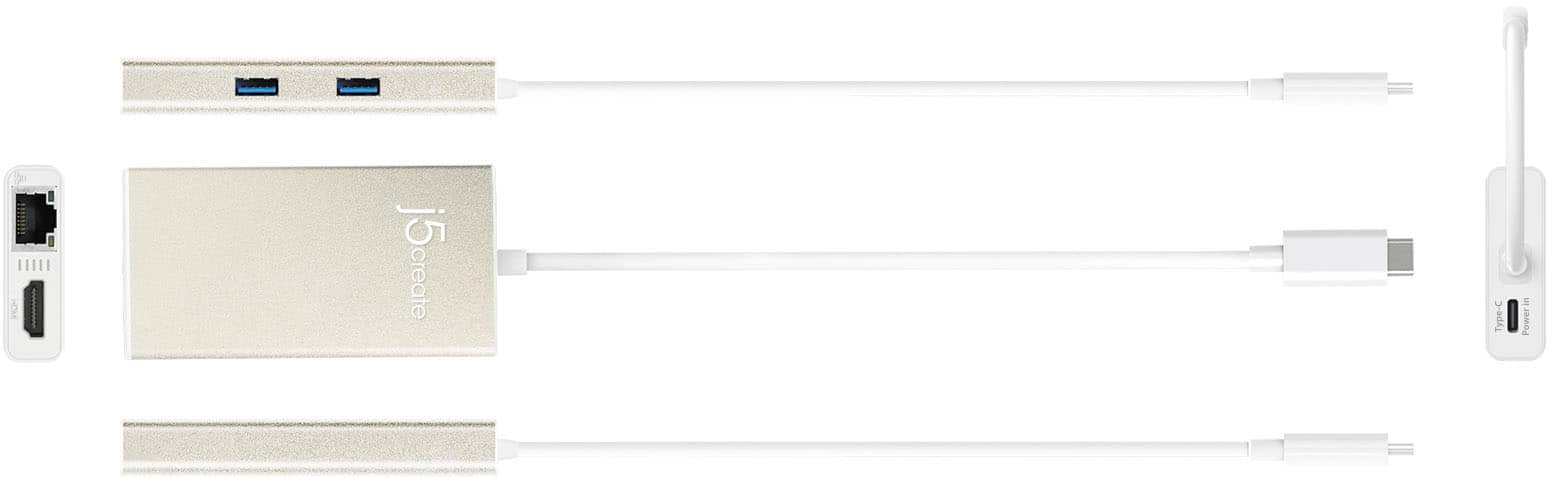
Customers commend the USB-C Multi-Adapter for its HDMI functionality, ease of use, and overall performance. Users appreciate its connectivity options and compact size, as well as its compatibility across different operating systems. However, some customers have expressed concerns about the product's price, power delivery, and heat generation.
This summary was generated by AI based on customer reviews.
Broke easy
||Posted . Owned for 1 month when reviewed.This reviewer received promo considerations or sweepstakes entry for writing a review.It was good at first. For about a week, then it broke. Too much money for it to be too sensitive. Had to go buy another one. Wasted $50.....
No, I would not recommend this to a friendBrand response from J5create Team
Posted .Hello,
We would be interested in hearing what exactly failed with the adapter. If you would consider contacting j5create customer support we can assist with troubleshooting the adapter and get it up and running for you. Our contact information is on the product packaging and on our website under the ‘Support’ drop down. I hope that you consider giving us the chance to get the adapter working for you.
Thank you,
j5create
Does not stay plugged in
||Posted . Owned for 5 months when reviewed.This reviewer received promo considerations or sweepstakes entry for writing a review.Within a month this was useless. It would not stay plugged into my laptop. If my laptop moved even a mm the plug would just fall out disconnecting everything. I had to stop trying to use it.
No, I would not recommend this to a friendBrand response from J5create Team
Posted .I apologize for the experience you have had with your USB-C Multi-Adapter - HDMI/Ethernet/USB 3.1 HUB/PD 3.0. I would make sure the product is securely connected to the computer. Our customer support team can assist you with finding the problem and coming up with a solution. To contact our customer support team please visit the j5create website then click on the "SUPPORT" tab at the top right of the webpage. Thank you.
no internet
||Posted . Owned for 4 months when reviewed.This reviewer received promo considerations or sweepstakes entry for writing a review.Works well for connecting everything but cut out internet speed down extreamly.
No, I would not recommend this to a friendBrand response from J5create Team
Posted .Please right click on the windows button then go to Device Manager. Then click on the arrow next to Network Adapters, if you see ax88179 (driver) or Realtek (PnP), right-click on "AX88179" or “Realtek” and select properties. Select the Advanced tab and select on Speed & Duplex. From here, look along the right-pane under "Value". We recommend selecting full duplex. Just to be sure, please reboot the computer, then turn the modem and router off for at least 30 seconds then turn them both back on and then power up the computer. ** If you require further assistance; please contact the j5create Technical Support team and they will be glad to further assist if necessary. Their information can be found on our website under the "Support" tab. Thank you.
Terrible Product
||Posted . Owned for 1 month when reviewed.This reviewer received promo considerations or sweepstakes entry for writing a review.This is very cheap in how it feels and performs. The way it feels should be more comparable to a $10 product vs. a $60. I bought a more expensive one on purpose to make sure this problem didn't happen and it still does. The mouse in consistently lagging and borderline unusable.
No, I would not recommend this to a friendBrand response from J5create Team
Posted .If using a wireless mouse, you may be experiencing RF interference from USB 3.0 devices. If possible to test by reconnecting the USB wireless receiver 'dongle' to a USB 2.0 port instead of a 3.0 port, if any or test with a wired mouse.
Didn't work on my MacPro
||Posted . Owned for 1 week when reviewed.This reviewer received promo considerations or sweepstakes entry for writing a review.I don't know why the Ethernet didn't work on my MacBookPro. I had to return it. Wouldn't recommend if you want to buy it for Ethernet on Mac
No, I would not recommend this to a friendBrand response from J5create Team
Posted .Hi!
I'm really sorry to hear about this! I hope that you'd allow my team to help you find a product that works for you whether it is with us or not. Our contact information is available on the back of our product boxes as well as on our website under our contact page.
Thanks,
j5create
Get the Apple adapter
||Posted . Owned for 3 weeks when reviewed.This reviewer received promo considerations or sweepstakes entry for writing a review.Did not work for me. Had issues with the wireless mouse through USB and also the monitor.
No, I would not recommend this to a friendBrand response from J5create Team
Posted .Computer's must support "DP Alt Mode" for video out over USB. it's possible you may be experiencing RFI, wireless interference from USB 3.0 devices. Try testing a wired mouse instead of wireless or reconnect the USB wireless receiver 'dongle' to a USB 2.0 port. ** Feel free to contact j5create Technical Support if you require further assistance. Their information can be found on our website under the "Support" tab. Thank you.
Broke easily
||Posted .This reviewer received promo considerations or sweepstakes entry for writing a review.I used this for maybe a week. The end broke off easily inside my new MacBook from pulling it out of the port. Otherwise it was a very nice product though it just broke easily.
No, I would not recommend this to a friendProblem was more the laptop than this
||Posted . Owned for 8 months when reviewed.This reviewer received promo considerations or sweepstakes entry for writing a review.It’s a lot of plastic. Did not work with my Lenovo, but I think the issue was with the Lenovo. It has a super sucky mini hdmi
No, I would not recommend this to a friendBrand response from J5create Team
Posted .Hello,
If you would like help setting up the adapter you can contact j5create customer support. Our contact information is printed on our product packaging and can also be found on the j5create website under ‘Support’.
Thank you,
j5create
Only works half the time
||Posted . Owned for 1 year when reviewed.This reviewer received promo considerations or sweepstakes entry for writing a review.I've had two of these, and both have been inconsistent with the HDMI connection, which is the one thing I need it to do. The most recent one I've gotten doesn't seem to have a functioning ethernet port at all, even when plugged in using a known good cable directly to a router. I wouldn't purchase this brand or model again, and it's a shame as there really aren't too many other options out there.
No, I would not recommend this to a friendBrand response from J5create Team
Posted .Hi and thank you for the review. In regards to the Ethernet not working, this could be due to a number of different reasons and in order to provide an accurate response, we strongly recommend contacting the technical support team on the packaging to properly diagnose the situation and offer a solution. We sincerely apologize for the inconvenience this has caused and hope we can still turn things around.
Respectfully,
j5create
Does not connect to internet via ethernet cable
||Posted . Owned for 1 month when reviewed.This reviewer received promo considerations or sweepstakes entry for writing a review.This is an adaptor, but does not actually convert broadband internet through your computer's USB-c port because it does not have its own MAC address. Really disappointing and took a lot of troubleshooting to discover. For the price, this adaptor should be a little more sophisticated, or they should advertise this fact better.
No, I would not recommend this to a friendBrand response from J5create Team
Posted .Hello,
If you would like assistance getting the Ethernet port on the adapter working I would recommend that you contact j5create customer support. They will be able to assist you with troubleshooting the adapter and get you up and running. Our contact information is on the product packaging and on the j5create website under the ‘Support’ drop down. We appreciate that you took the time to leave a review. I hope that you give us an opportunity to assist you.
Thank you,
j5create
Not so impressive for me.
||Posted . Owned for 1 month when reviewed.This reviewer received promo considerations or sweepstakes entry for writing a review.A nifty device that I was excited to have found. I used it several times with success. However, a few of times I could not get the ethernet connect to work. I was disappointed and returned it.
No, I would not recommend this to a friendBrand response from J5create Team
Posted .The Ethernet port on the Adapter requires an installation of a driver. Verify your network settings on your computer. Make sure that the Ethernet connection is enabled, and there are no conflicting settings.
Do not buy!
||Posted . Owned for 1 month when reviewed.This reviewer received promo considerations or sweepstakes entry for writing a review.I purchased two of these - one for regular office and the other for my home office. Both are failing. I have both connected to a 2nd screen and I have to fiddle around with them for a good 2-5 minuets before it will recognize the HDMI cable for the 2nd screen. I do not recommend buying.
No, I would not recommend this to a friendBrand response from J5create Team
Posted .Hi Brooke, thank you for the review on the JCA374. We are sorry to hear you are having such difficulties using another monitor via HDMI and you have to move it around in order to make a connection. It is possible the USB-C connecter is loose and thus causing such outcome. In this case we recommend trying a different HDMI cable to ensure it is not the cable that could be at fault and if the issue persist, contact technical support for assistance in troubleshooting and if necessary, we will exchange the JCA374 with the manufacturer's 2 year warranty as it is deemed defective.
Respectfully,
j5create
Works ok except not a great fit
||Posted .This reviewer received promo considerations or sweepstakes entry for writing a review.The connector that goes into the PC is slightly undersized, so if there is any movement of the adapter, the display glitches out temporarily.
No, I would not recommend this to a friendBrand response from J5create Team
Posted .Russ, We regret to hear about the JCA374 not fitting correctly causing constant glitching. This could be due a factory defective device. If in the future, you experience such issues with a j5create device, please reach out to support and a rep will gladly make suggestions to help.
Respectfully,
j5create
Unreliable
||Posted .This reviewer received promo considerations or sweepstakes entry for writing a review.It rarely reads the phone connected to it - as in I can't download photos or charge my phone. It's also large and the cord is long so it's awkward.
No, I would not recommend this to a friendBrand response from J5create Team
Posted .Available USB-C port that supports DisplayPort Alt Mode and USB Power Delivery 2.0 or 3.0
Intermittent connectivity
||Posted .This reviewer received promo considerations or sweepstakes entry for writing a review.I was disappointed in this product because not in frequently does it seem to lose the connectivity and so it will occasionally freeze
No, I would not recommend this to a friendBrand response from J5create Team
Posted .Intermittent connectivity is unacceptable and has no place in our ranks, we're sorry this has been your experience with our products. In order to narrow down the problem, troubleshoot, or if necessary exchange the device; we would value the chance to discuss the issue. Support information can be located on the packaging and a specialist will be glad to help.
Thank you,
j5create
Nothing more than a charging block
||Posted .This reviewer received promo considerations or sweepstakes entry for writing a review.I bought this to hook an external drive to my Mac and all I got was an error that my drive needed power. I was able to charge my phone and computer but never got the drive to work. Hooked HDMI cable between it and my TV and still not enough power to work it. Not sure what this was designed for but it was a piece of junk that a salesperson told me would work for what I needed and it did nothing more than charge a few devices.
No, I would not recommend this to a friendBrand response from J5create Team
Posted .Raider, We are really sorry to hear about the experience you had with the JCA374. If your external drive is not working, this could be due to the hard drive requiring more power than what can be provided via the dock, resulting in non-functionality. We recommend connecting directly to the computer instead. If you computer lacks USB-A ports, we advise looking at the JUCX05 which is a simple USB-C to USB-A converter and that will allow connectivity. If you wish to speak with a rep on this matter, please reach out to us and an agent will gladly point you in the right direction.
Respectfully,
j5create
Unreliable HDMI connection
||Posted . Owned for 2 months when reviewed.This reviewer received promo considerations or sweepstakes entry for writing a review.I bought this adaptor to use with an external display on my MacBook Air. There was a frustrating delay (2min) in the display turning on when the MacBook powered on or came out of sleep mode. So way to solve the issue in system preferences. I bought a Apple adaptor which works perfectly.
No, I would not recommend this to a friendBrand response from J5create Team
Posted .In order to narrow down the exact issue you are experiencing, we recommend contacting the Technical Support Team and a specialist will be ready to assist in resolving this. Their information can be found on our website under the "Support" tab. Thank you.
Cheaply Built!
||Posted . Owned for 2 months when reviewed.This reviewer received promo considerations or sweepstakes entry for writing a review.I have had this for a couple months now and its terrible! Every time I use the hdmi output and move the cable it disconnects! I tried plugging in my power cord through the Type-C input and it pops right out again every time you move the unit.
No, I would not recommend this to a friendBrand response from J5create Team
Posted .Hi!
I'm so sorry to hear this! My customer service team is more than ready to help get you up and running and figure out what the issue is. This is definitely not something that we expect from our devices so we would be happy to help. Our information can be found on the back of our product boxes and on our website.
Thanks,
j5create
Spotty
||Posted . Owned for 11 months when reviewed.This reviewer received promo considerations or sweepstakes entry for writing a review.Sometimes takes several attempts to register that something has been plugged in to it. Do not recommend.
No, I would not recommend this to a friendBrand response from J5create Team
Posted .Hi!
I'm very sorry for the inconvenience that this has caused you. Please contact us and we'd be more than happy to assist you in correcting this issue. Our information can be found on the back of all of our product boxes and on our website under the support tab. There you can find links to our livechat, phone, and ticketing services.
Thanks,
j5create
Apple adapter
||Posted . Owned for 3 weeks when reviewed.This reviewer received promo considerations or sweepstakes entry for writing a review.Does not work very well. Very, very ineffective. Could not recommend it.
No, I would not recommend this to a friendBrand response from J5create Team
Posted .In order to narrow down the exact issue you are experiencing, we recommend contacting support by Live Chat or email and a specialist will be ready to assist in resolving this. Their information can be found on our website under the "Support" tab. Thank you.