Customer Ratings & Reviews
- Model:
- JCA374
- SKU:
- 5602501
Rating by feature
- Value
Rating 4.2 out of 5 stars
- Quality
Rating 4.3 out of 5 stars
- Ease of Use
Rating 4.5 out of 5 stars
Customers are saying
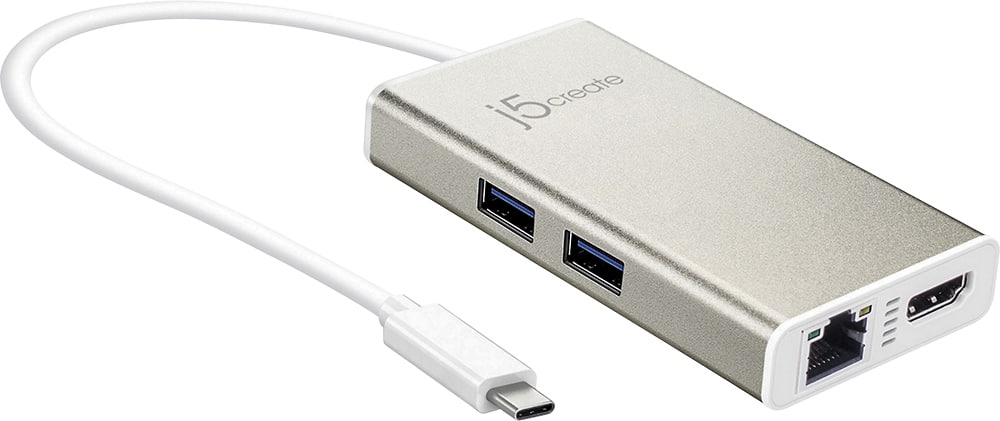
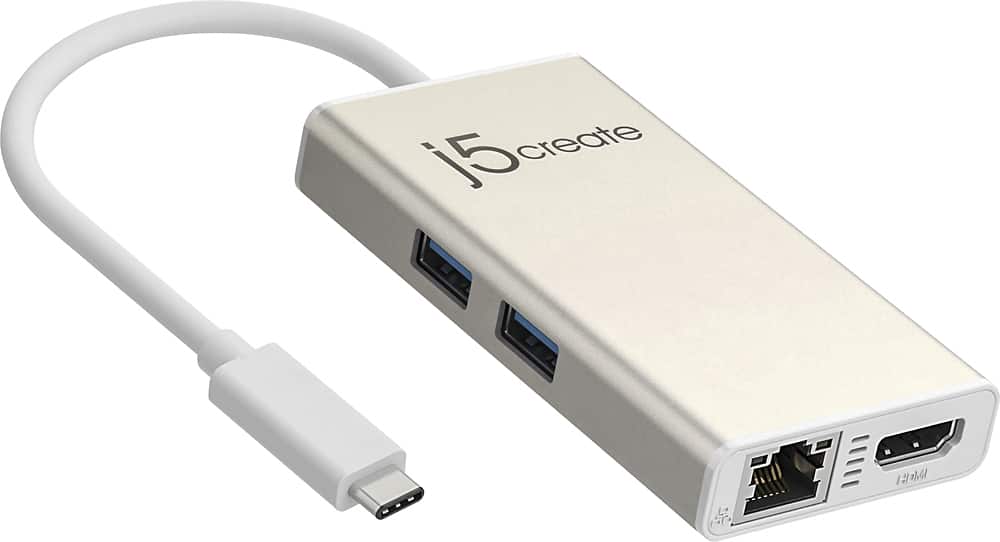
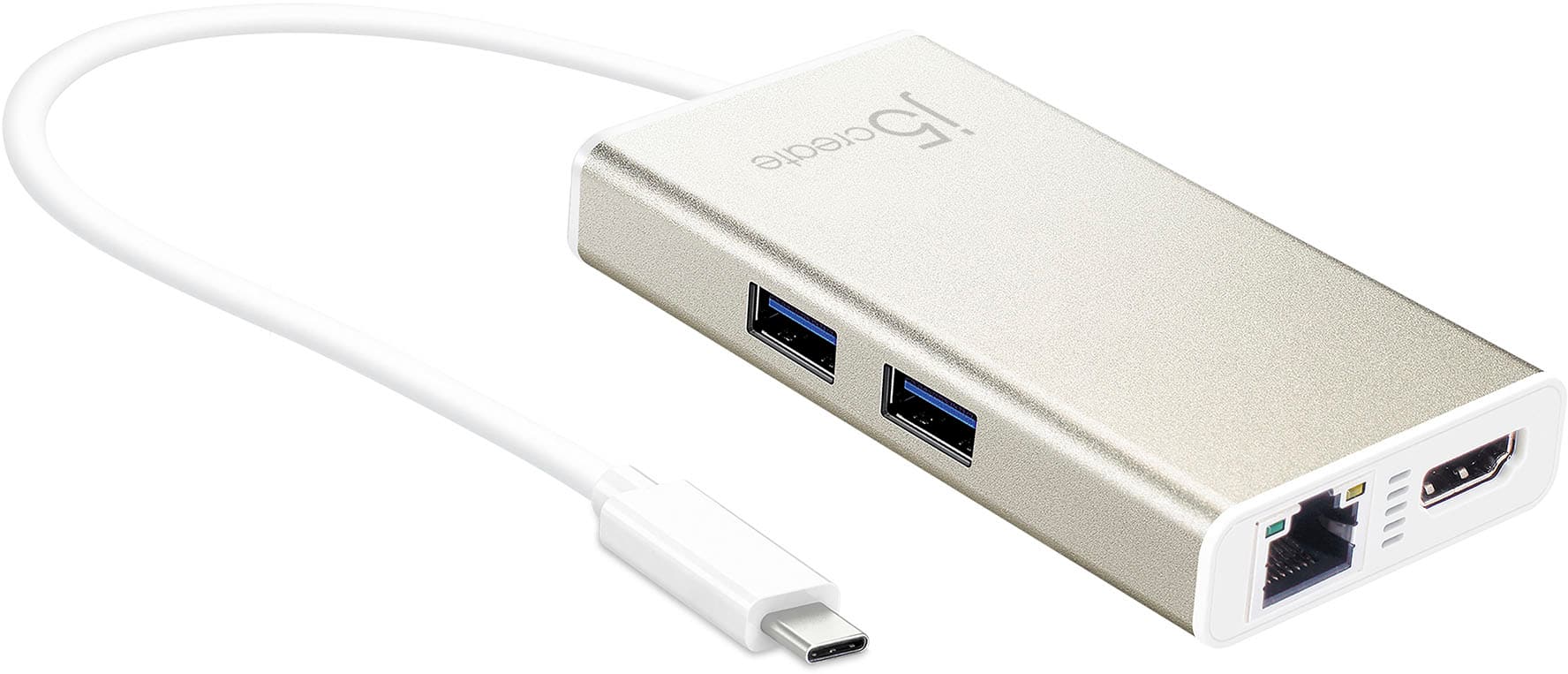
Customers commend the USB-C Multi-Adapter for its HDMI functionality, ease of use, and overall performance. Users appreciate its connectivity options and compact size, as well as its compatibility across different operating systems. However, some customers have expressed concerns about the product's price, power delivery, and heat generation.
This summary was generated by AI based on customer reviews.
Great product
Posted .This reviewer received promo considerations or sweepstakes entry for writing a review.Just the product I was looking for at the right price
I would recommend this to a friendBrand response from J5create Team
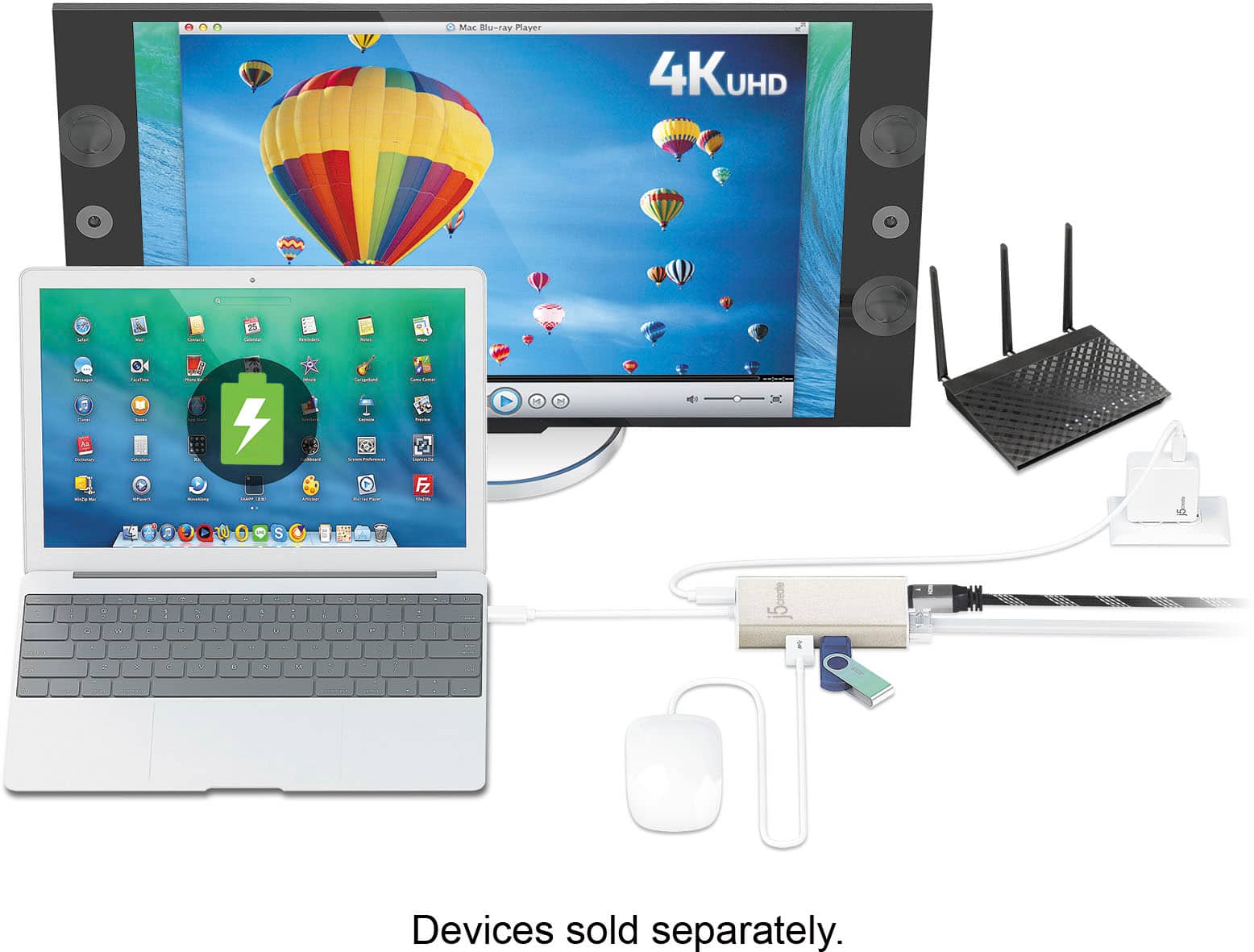
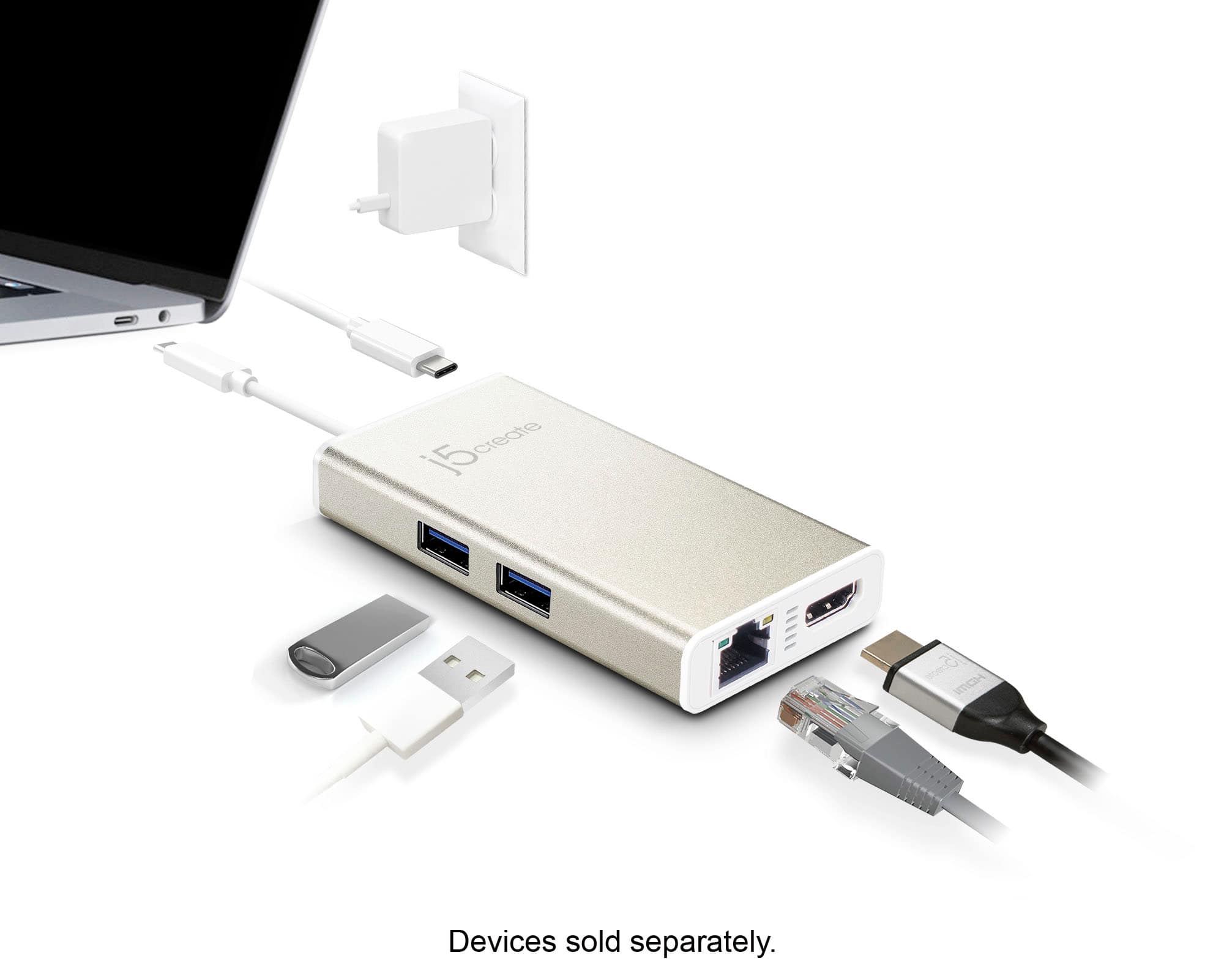
Posted .Add extra functionality to your laptop with the USB-C Multi-Adapter.

Poor Quality Wiring
Posted .This reviewer received promo considerations or sweepstakes entry for writing a review.J5 Create PN JCD381 and JCA374 just out of warranty, (6 months). Both have issues with the wires connecting them to the laptop. both have failed after somewhat minimal use. if i wriggle the connection points, i can get them to work, but this is frustrating. When contacting J5 Create C/S, i was informed that they are not repairable and that the problem must be a manufacturing issue.
No, I would not recommend this to a friendBrand response from J5create Team
Posted .Thank you for bringing this to our attention. We would like to clarify that both the j5create JCD381 USB-C Dual HDMI Mini Dock and the JCA374 USB-C Multi-Adapter are covered under a 2-Year Limited Warranty, not just 6 months.
If your devices are experiencing issues within this warranty period, please reach out to our customer support team with your proof of purchase and a description of the problem.
Thank you.
Buy something else
Posted .This reviewer received promo considerations or sweepstakes entry for writing a review.This thing does not work well at all. I often have to unplug and re-plug in my hdmi cable for it to connect to the monitor. It wastes a lot of my time. Doesn't work well with USB drives. One of the USB ports on mine doesn't work at all and I have only had it for a few months and have only used it at home (no transporting anywhere so no way it could break that way). I will likely have to buy a different one so that was $60 down the drain.
No, I would not recommend this to a friendBrand response from J5create Team
Posted .In the case where the JCA374 is intermittently connecting and disconnecting, it is possible the USB-C connector may be loose and therefore an exchange would be required. If within 2 years of purchase, please feel free to reach out to the technical support team mentioned on the packaging to speak with a rep and seeking an exchange. We apologize for the troubles you experienced and hope we can still assist.
Respectfully,
j5create
Ethernet port stopped working
Posted .This reviewer received promo considerations or sweepstakes entry for writing a review.it's been less than a year since I purchased it and the ethernet port stopped working.
No, I would not recommend this to a friendBrand response from J5create Team
Posted .Hello and thanks for reviewing the JCA374. It is possible there may have been changes done to the computer i.e. updates to cause the Ethernet to stop working and in this case an uninstall and reinstall may resolve the situation. In order to accurately determine the root of the issue, we would value the opportunity to troubleshoot and offer a solution. Our support information can be found on the casing and an agent will be happy to help.
Thanks,
j5create
This device damaged my computer
Posted .This reviewer received promo considerations or sweepstakes entry for writing a review.I would give this zero stars if I could. I recently purchased this for my MacBook, which has only one port which everything has to go through. This adapter doesn't always work, so sometimes my charger is plugged in through it and nothing is actually happening, i.e. it is not charging. There is nothing on the device to indicate that it is working or not. I tried to turn on my MacBook this morning to discover that the batter was at 0% because it had not been charging all night. I'm not sure how much damage this has caused to my computer. This is not just an inconvenience, it is a product that has actually damaged an expensive computer.
No, I would not recommend this to a friendBrand response from J5create Team
Posted .I sincerely apologize for the inconvenience you experienced. We would really appreciate the opportunity to diagnose, troubleshoot and offer solutions to the problem. Our contact information is available on the website and packaging in order to speak with a rep. Cordially, j5.
Doesn't work with Dell XPS 13 9365
Posted .This reviewer received promo considerations or sweepstakes entry for writing a review.I purchased this item for travel and home use, but it falls short. It is basically only usable for jump drives. I could not use a USB pointer/slide advancer with it, couldn't display using the HDMI port and couldn't use a click share remote display system. All of these items worked fine with the port replicator that came with my laptop, but not with the j5create - 2-Port USB 3.0 Hub with HDMI and Gigabit Ethernet USB Type-C Adapter. In addition to that my laptop starts acting crazy and unstable when the J5 is plugged into it....changing screens and moving the cursor like it is possessed. I am on the hunt for a better product and would not recommend this to anyone
No, I would not recommend this to a friendBrand response from J5create Team
Posted .Hi!
I'm so sorry to hear that this happened to you! Since your review, we've improved on all of our products and are always happy to troubleshoot when something like this does occur. I hope that in the future you'd be willing to give us a second chance so that we can show you how much we've improved! Thanks, j5create
Stay away!
Posted .This reviewer received promo considerations or sweepstakes entry for writing a review.Expensive adapter died after a few months. It took 3 months to get a hold of the manufacturer to get a replacement. The replacement was DOA! Stay away from this brand. P.S. the only reason I gave it 2 stars instead of 1 is because of the sleek design, that's all.
No, I would not recommend this to a friendBrand response from J5create Team
Posted .Behr, We sincerely apologize for the inconvenience and terrible experience you had with our products. If in the future, you experience any issues with your j5create device, please reach out to support and request to speak with a supervisor and we will gladly get this handled appropriately.
Respectfully,
j5create
Problems with MacBook and USB
Posted .This reviewer received promo considerations or sweepstakes entry for writing a review.This is a good idea but doesn't seem to work well. If I connect more than one USB device it keeps resetting. Can't hook up a USB HD and my phone or tablet at the same time like I was expecting even when my MacBook has a full charge and I have the USB charger connected to it.
No, I would not recommend this to a friendBrand response from J5create Team
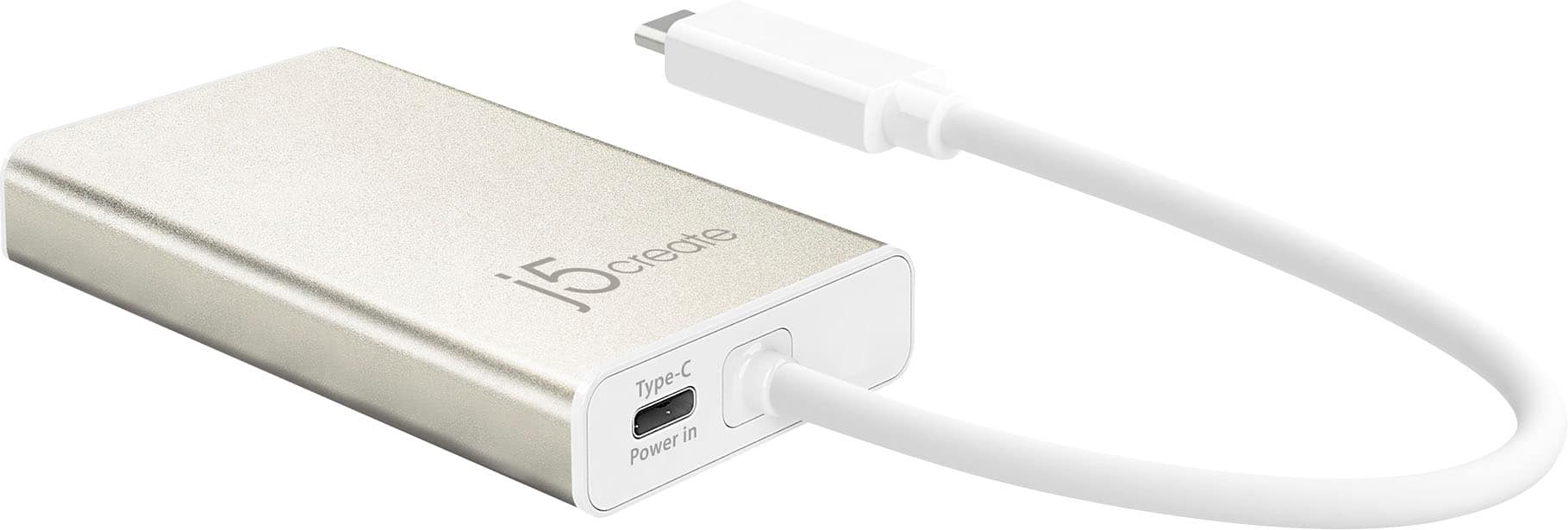
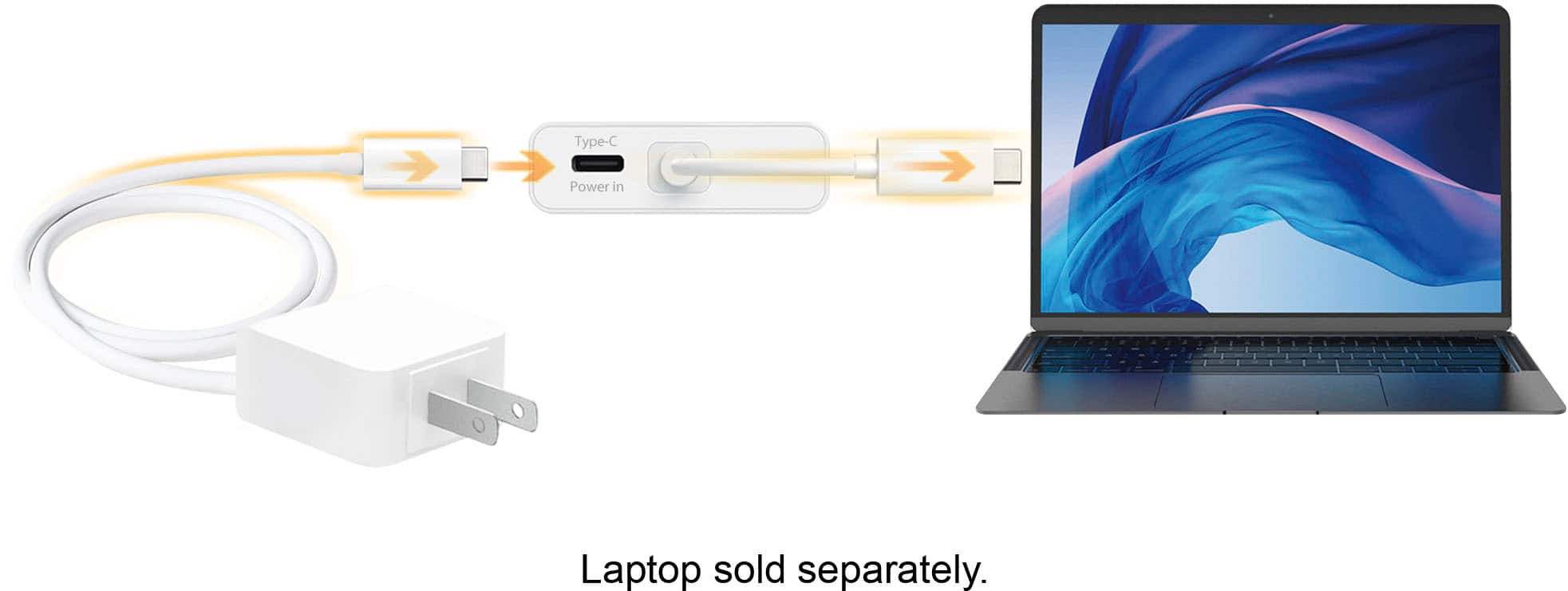
Posted .Supports upstream charging & power delivery 2.0 via USB-C charging port.
Junk
Posted .This reviewer received promo considerations or sweepstakes entry for writing a review.I recently purchased this to use with my new Dell XPS 13 2-in-1 (also purchased from Best Buy). I am very happy with the Dell XPS (just a great computer) but horribly disappointed with the J5 Create USB C Hub. I have multiple wireless keyboard/mouse combos at our office, and they operate perfectly with our other hubs, but do not run well with the J5 Create USB C Hub. Best Buy will not allow a return on this product, and instead directs you and your complaints to the manufacturer.
No, I would not recommend this to a friendBrand response from J5create Team
Posted .Spike, Unsatisfied customers are unacceptable to us and we apologize for the inconvenience this may have caused. When it comes to the wireless peripheral issues, we recommend using wired or Bluetooth as the USB 3.0 ports' radio waves collide causing such performance to occur. If you have any more concerns, please reach out to us and a specialist will be more than happy to assist.
Respectfully,
j5create
J5 creat is a joke
Posted .This reviewer received promo considerations or sweepstakes entry for writing a review.Get the cheaper smaller one. This one has a driver in it that is a complete pain. Tech support 5 days, no one has any idea how to make it work. Very common they don't work at all. Never ever recommend
No, I would not recommend this to a friendBrand response from J5create Team
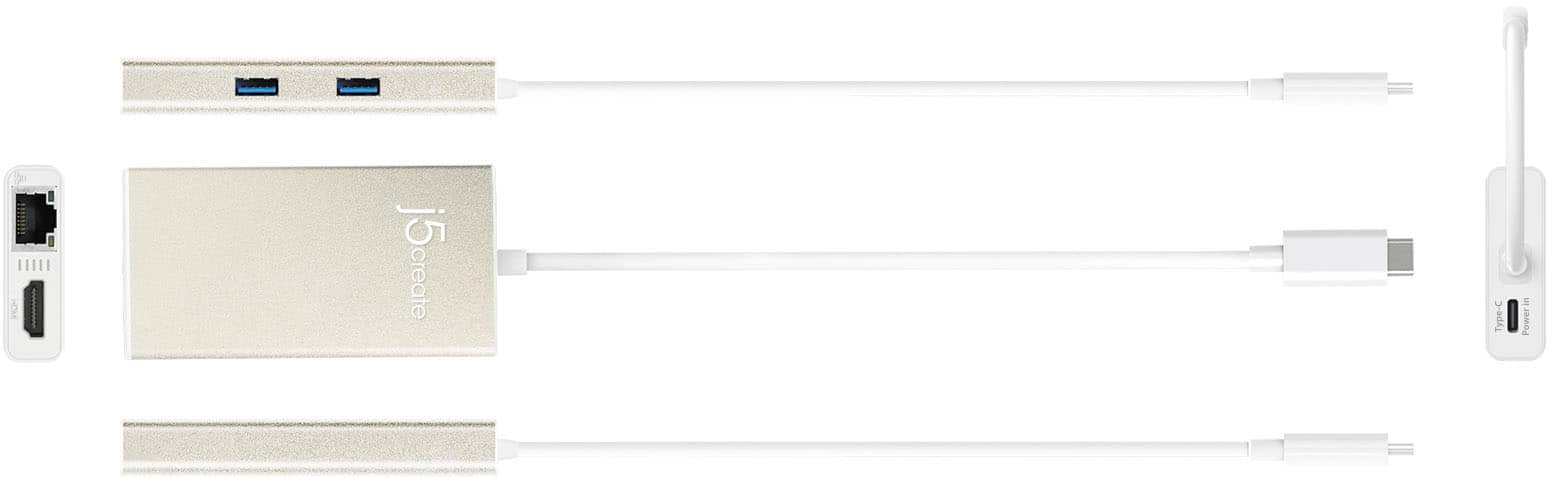
Posted .The Ethernet port requires a driver. The HDMI port requires DisplayPort v1.2 Alt Mode from a computer's USB-C port as well as USB Power Delivery 2.0 or 3.0 for the USB-C power-in port on the Adapter. Please refer to the manufacturer of your hardware for more information on your device. Thank you.
Loose power connection, poor digitization
Posted .This reviewer received promo considerations or sweepstakes entry for writing a review.Avoid this. 1) The power in USB-C slot is loose, so my MacBook Air keeps losing charge if I give it the slightest nudge 2) The USB-c to -a digitization is really poor so I can't use my USB headset adapter with this (or I sound like a drowning robot) 3) The Ethernet adapter for Mac requires installing a 3rd party kernel extension from China, which I don't trust.
No, I would not recommend this to a friendBrand response from J5create Team
Posted .pbpolar - We are sorry to hear about your experience with the JCA374. In the case that you are not obtaining a consistent charge and the connection is coming loose, we recommend exchanging it as it sounds defective. In regards to downloading the required software for the Ethernet port, we do have plug-and-play adapters that do not require driver installation. If interested in learning about PnP devices, feel free to take a look at the JCD383, JCD384 or if you wish you can contact support printed on the casing to speak with an agent and they will be glad to assist.
Respectfully,
j5create
Waste of money
Posted .This reviewer received promo considerations or sweepstakes entry for writing a review.If a receiver is plugged into this dock, it is incredibly slow and lags about 30 seconds behind. Additionally, if I use the USB-C input to charge my computer, it takes hours longer than if it were plugged directly into the computer. Spend your money on something that's better made.
No, I would not recommend this to a friendBrand response from J5create Team
Posted .We're sorry to hear you were less than satisfied with our Adapter. Please contact our Customer Service Department, so that they can get more information from you; in order to properly trouble shoot our device with you. Their information can be found on our website under the "Support" tab. Cordially, j5.
Garbage
Posted .This reviewer received promo considerations or sweepstakes entry for writing a review.Product worked fine for about a month and then died for no reason. Exchanged it. Worked again for a month, died for no reason again. 2016 MacBook Pro. Finally exchanged for just a set of dongles. Too bad because I really wanted to like this product, and I was happy with it, until, again, broke for no reason. Twice.
No, I would not recommend this to a friendBrand response from J5create Team
Posted .Check any available updates for your computer. Being behind on updates could cause the j5 device to not function as intended. Cordially, j5
Great at first...
Posted .This reviewer received promo considerations or sweepstakes entry for writing a review.1 year, stopped working! Too much $ for shelf life.
No, I would not recommend this to a friendBrand response from J5create Team
Posted .Thank you for reviewing the JCA374. Purchasing a device that is only functional for one year and then stops working is no fun - we're deeply sorry to hear this. We do offer a 2 year manufacturer warranty on our devices and if you are still within the time period, we would be more than happy to troubleshoot and exchange if necessary. Please feel free to contact technical support mentioned on the packaging and a specialist will be happy to help.
Respectfully,
j5create
Customer
Posted .This reviewer received promo considerations or sweepstakes entry for writing a review.They do a poor job supporting this product. Mac users have waited months for an update that is compatible with the current version of the operating system. Without it this product does is useless.
No, I would not recommend this to a friendBrand response from J5create Team
Posted .Obtaining multiple capabilities such as Ethernet, HDMI, SD card reading, and USB ports for accessories in one can be achieved with the JCD383. It's plug-and-play design requires no driver installation getting you up and running in no time. We apologize we currently do not have Ethernet drivers for macOS Big Sur and hope we can turn things around here.
Thank you,
j5create
Faulty
Posted .This reviewer received promo considerations or sweepstakes entry for writing a review.HDMI needs to be unplugged and plugged back in to sync. Even tried different monitors with the same results. So much for just one plug hub. Sometimes have to disconnect because the ethernet adapter isn't recognized. Lastly, requires a driver for OS X / Mac.
No, I would not recommend this to a friendBrand response from J5create Team
Posted .Available USB-C port that supports DisplayPort Alt Mode for video out. Try another HDMI cable. Try another Ethernet cable or port. For Technical Support, please call and a specialist will be happy to help. Thank you.
Failed to work on ethernet and HDMI
Posted .This reviewer received promo considerations or sweepstakes entry for writing a review.Was never able to get the ethernet to work through the adapter. The HDMI doesn't work on through this adapter to my monitor. Not helpful product, especially for the price. Bottom line, I won't buy this brand again.
No, I would not recommend this to a friendBrand response from J5create Team
Posted .Pete, I sincerely regret to hear about the experience you had with the JCA374. Depending on the OS you are using, different installation instructions apply. In order to better understand the setup, we strongly recommend contacting support and a specialist will be more than happy to get you setup in no time.
Respectfully,
j5create
Doesn't even work
Posted .This reviewer received promo considerations or sweepstakes entry for writing a review.Bought this with an HP Spectre 360. Doesn't work out of the box. Plugged in the power, plugged it into computer. Dead on arrival. Sure takes the fun out of a new machine when you can't count on the peripherals you need.
No, I would not recommend this to a friendBrand response from J5create Team
Posted .Available USB-C port that supports DisplayPort Alt Mode and USB Power Delivery 2.0 or 3.0 Please refer to the manufacturer of your hardware for more information on your device
does NOT work!!!
Posted .This reviewer received promo considerations or sweepstakes entry for writing a review.purchase for MacBook Pro, use the HDMI cable to connect an HP screen and it did not work it would not even charge my laptop! disappointed!! Best Buy, please sell good stuff, NOT JUNK!!!
No, I would not recommend this to a friendBrand response from J5create Team
Posted .Hi luli, we are really sorry to hear about your negative experience with the JCA374. There is some troubleshooting that can be done in order to determine defectiveness in the JCA374 and if possible, we would advise to reach out to the technical support team for assistance. In the case where the adapter is deemed to be defective, we would exchange it for another under the manufacturer's 2 year warranty. Thank you for the review.
Respectfully,
j5create
Don't buy if using windows
Posted .This reviewer received promo considerations or sweepstakes entry for writing a review.I was having trouble using this with my windows laptop THO it does work with chromebook and samsung dex
No, I would not recommend this to a friendBrand response from J5create Team
Posted .This device features PnP but a Chromebook must support DP Alt Mode and PD over USB-C. Same thing goes for the Samsung device. For DeX Mode, Open Settings, then select Connections > From Connections, select More connection settings > From here, select HDMI mode > Select Samsung DeX. ** Feel free to contact j5create Technical Support if you require further assistance. Their information can be found on our website under the "Support" tab. Thank you.