Customer Ratings & Reviews
- Model:
- JCA374
- SKU:
- 5602501
Rating by feature
- Value
Rating 4.2 out of 5 stars
- Quality
Rating 4.3 out of 5 stars
- Ease of Use
Rating 4.5 out of 5 stars
Customers are saying
Customers commend the USB-C Multi-Adapter for its HDMI functionality, ease of use, and overall performance. Users appreciate its connectivity options and compact size, as well as its compatibility across different operating systems. However, some customers have expressed concerns about the product's price, power delivery, and heat generation.
This summary was generated by AI based on customer reviews.
- Pros mentioned:Hdmi
Great product
||Posted .This reviewer received promo considerations or sweepstakes entry for writing a review.I have a chromebook so this is a great product. Chromebooks don't have all the extra ports, so this works perfectly for being able to upload things from outside source like flash drives and SD cards.
I would recommend this to a friendBrand response from J5create Team
Posted .Designed to work with computers equipped with the newest USB-C port.

- Pros mentioned:Hdmi
Works well
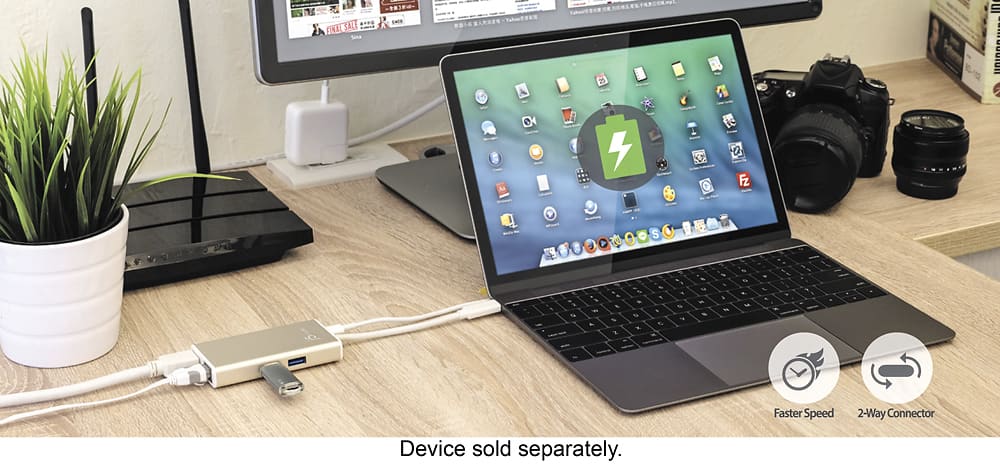
||Posted . Owned for 8 months when reviewed.This reviewer received promo considerations or sweepstakes entry for writing a review.Works as expected, no surprises, no setup was needed on my Linux system. Good to have for a laptop that has no Ethernet port and minimal USB type A ports. Faster than using WiFi. I have two 512G thumb drives in the USB slots.
I would recommend this to a friendBrand response from J5create Team
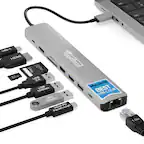
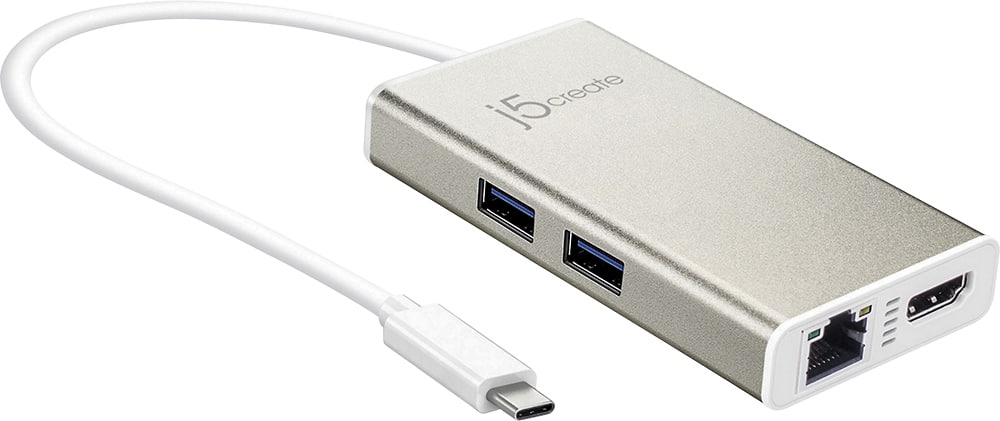
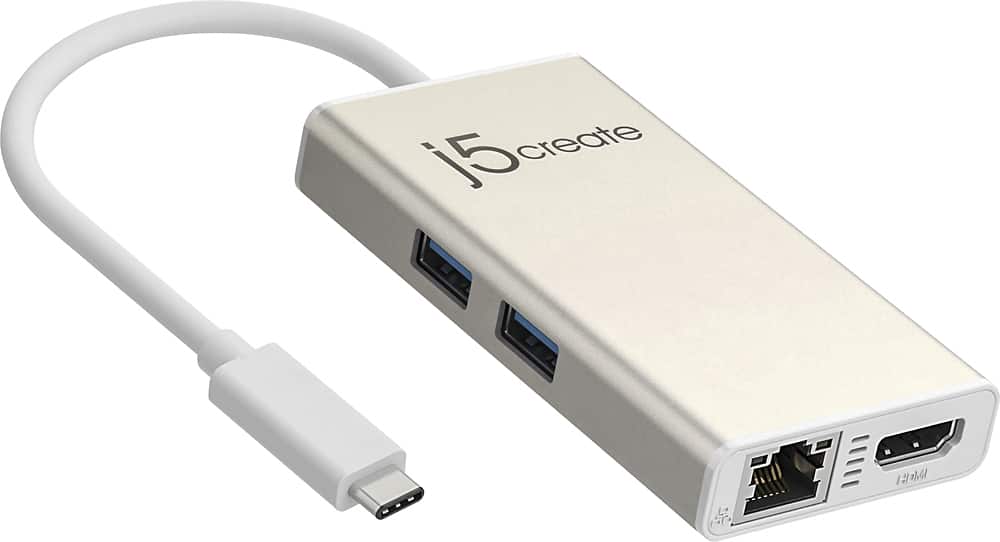
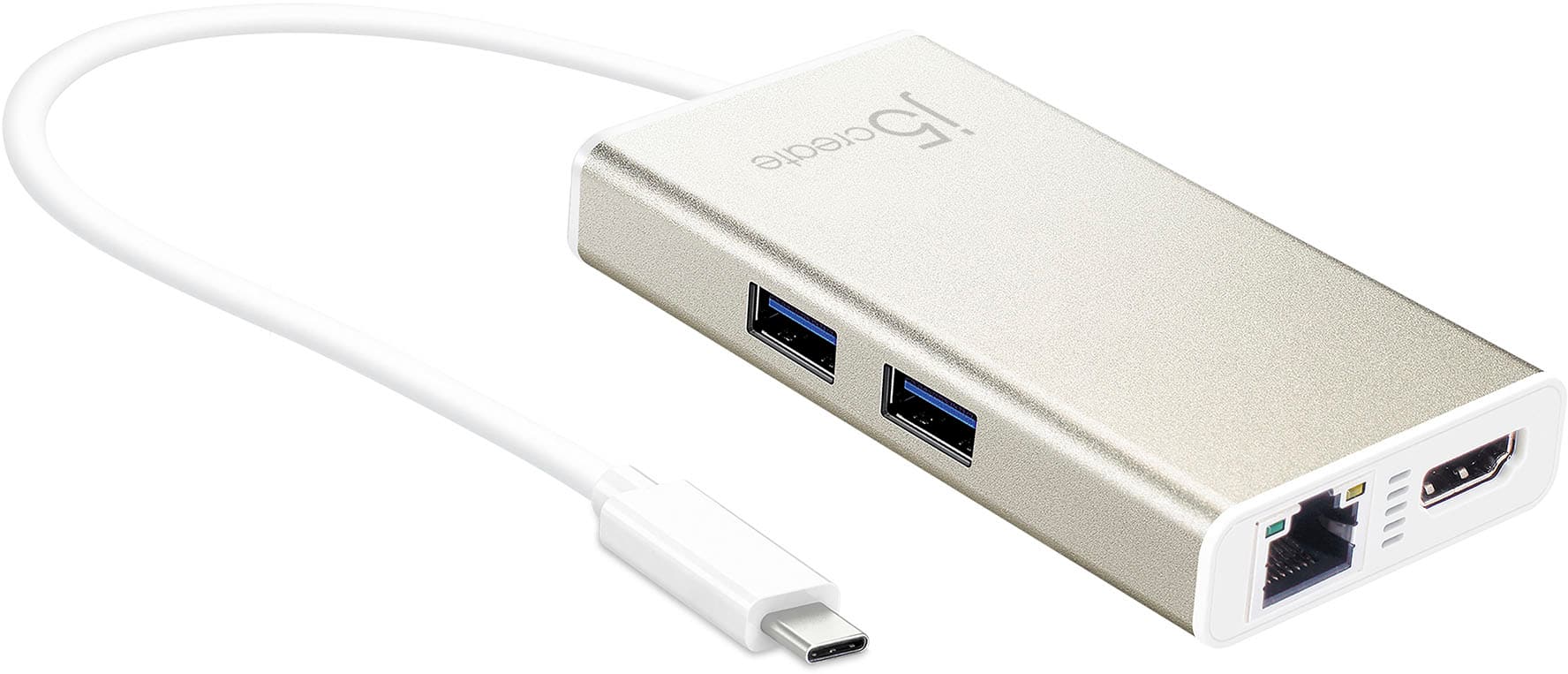
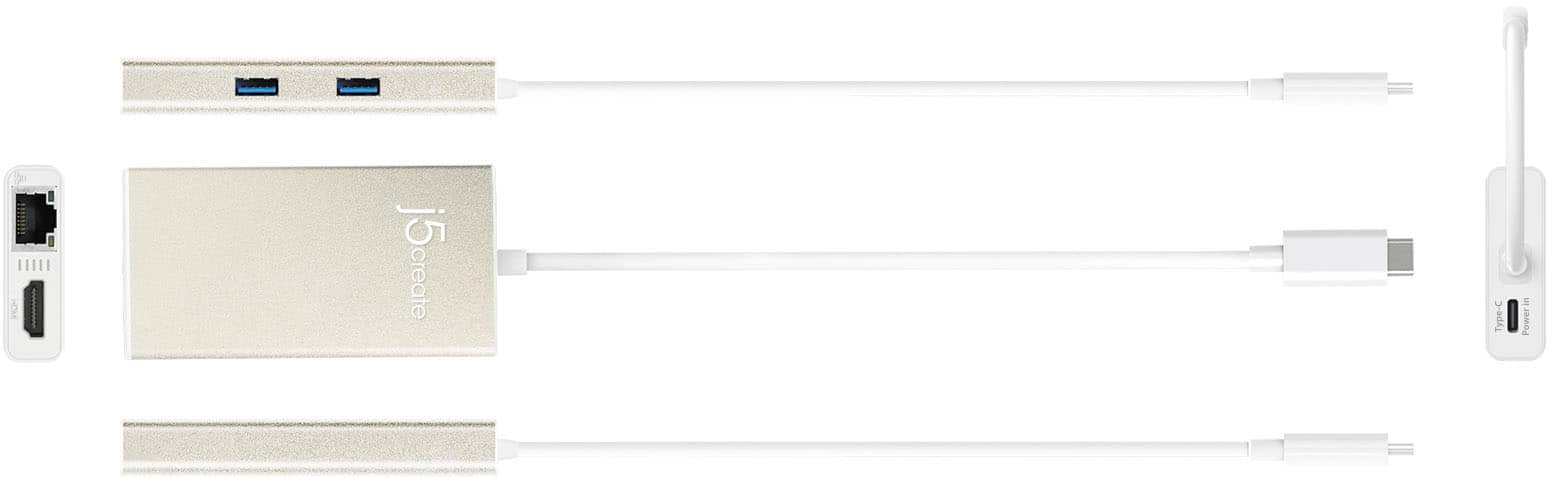
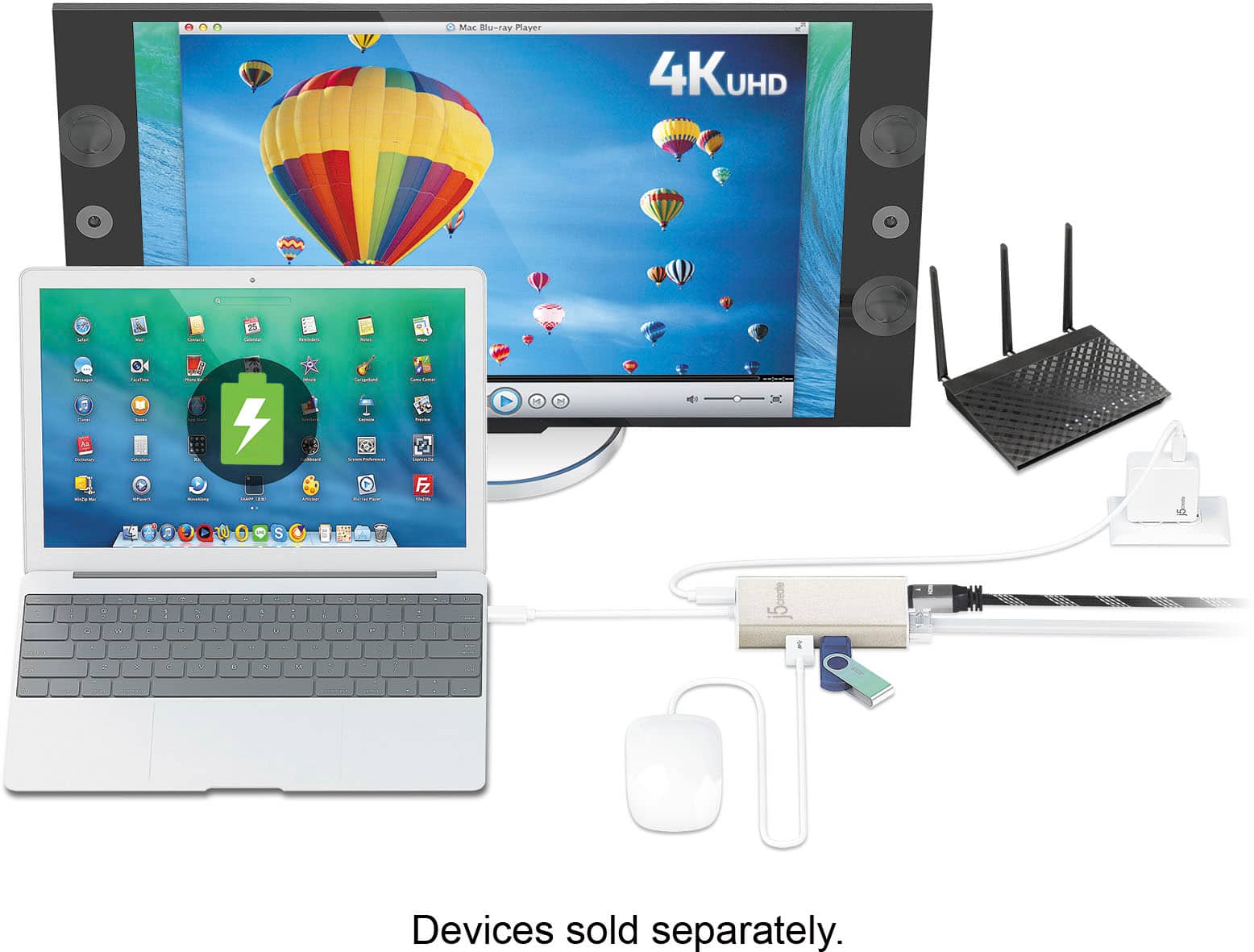
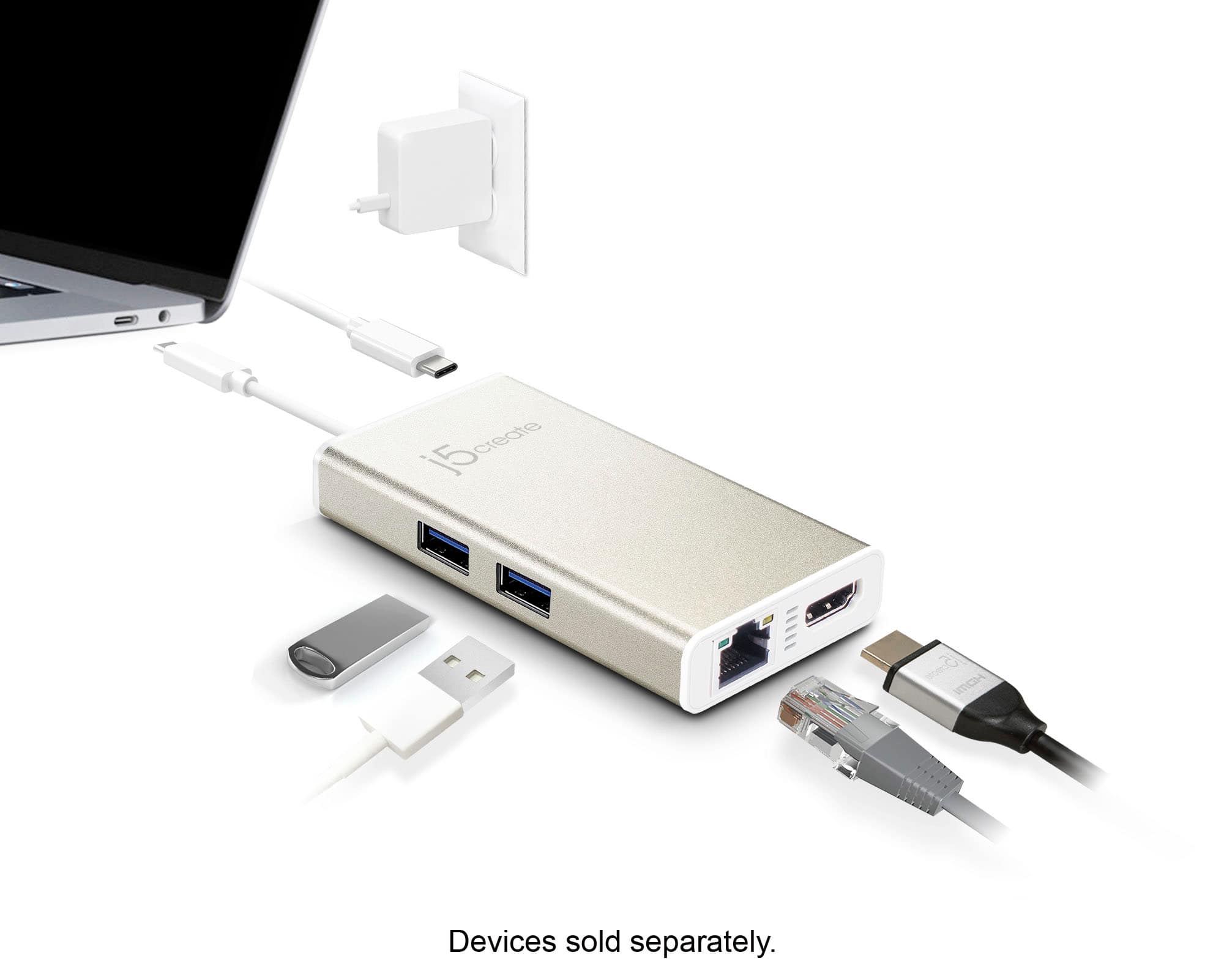
Posted .Allows you to add two additional USB peripherals, 4K or 1080p HDMI display, and Gigabit Ethernet through your USB-C port.
- Pros mentioned:Ease of use
LAPTOP EXPANDER
||Posted . Owned for 3 weeks when reviewed.This reviewer received promo considerations or sweepstakes entry for writing a review.GREAT MADE MY NEW LAPTOP ABLE TO DO MORE WITH ONLY THIS SMALL DEVICE
I would recommend this to a friend - Pros mentioned:Connectivity
simple hub
||Posted . Owned for 3 weeks when reviewed.This reviewer received promo considerations or sweepstakes entry for writing a review.very nice and convenient little hub. bought for daughter to do schoolwork. have monitor, mouse, keyboard, and internet cable hooked to it and ready to go. she just hooks the usb type c cord into laptop and she is ready to get serious about schoolwork.
I would recommend this to a friendBrand response from J5create Team
Posted .Allows you to add two additional USB peripherals, 4K or 1080p HDMI display, and Gigabit Ethernet through your USB-C port.
- Pros mentioned:Hdmi
As good as a doc, except no power included
||Posted .This reviewer received promo considerations or sweepstakes entry for writing a review.This does everything I expected and I would choose it again. The only thing I would have liked is to have power for the type C connector to also charge my PC while connected at the desktop.
I would recommend this to a friendBrand response from J5create Team
Posted .Hi, TechDad, When it comes to the computer not charging via USB-C, this will unfortunately be due limitations on the computer itself; in order for the computer to charge via USB-C, it needs to support pass through charging via USB-C, in the case that it does not, it will not charge unfortunately. If you would like more information, please reach out to support and a rep will gladly answer any questions you have.
Respectfully,
j5create
- Pros mentioned:Connectivity
One feature sets it apart
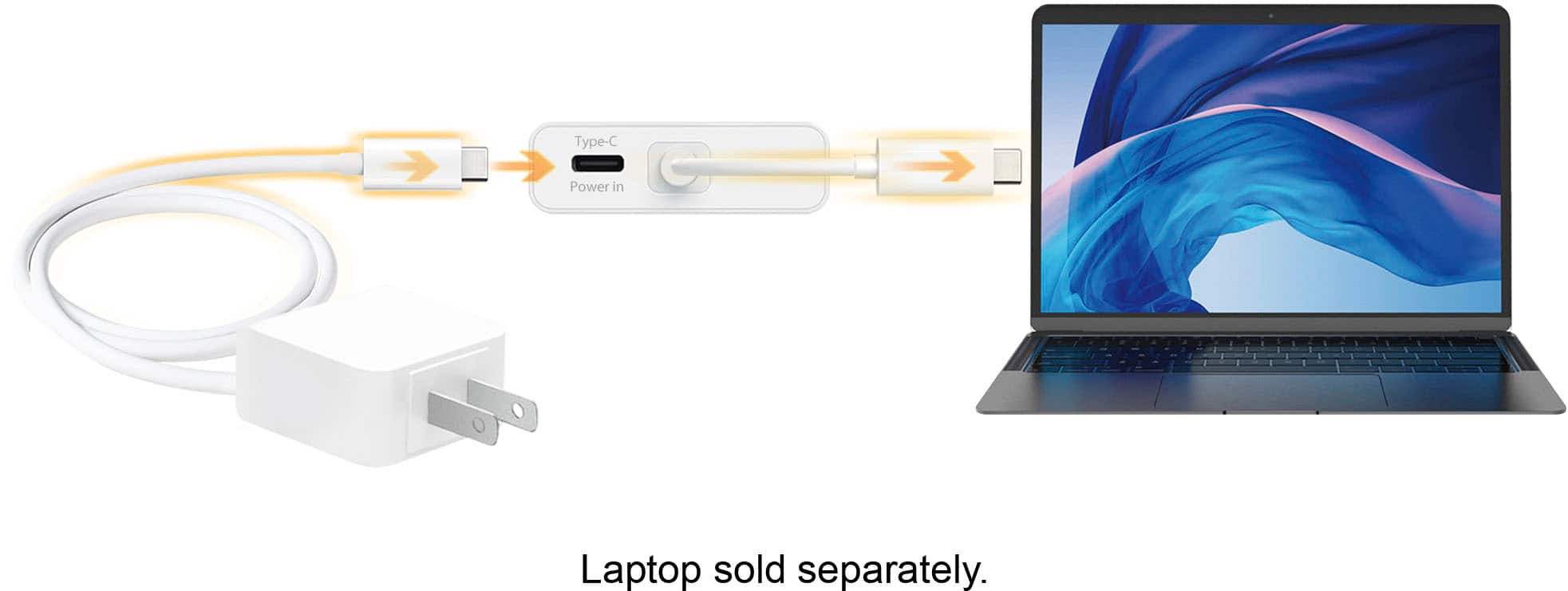
||Posted .This reviewer received promo considerations or sweepstakes entry for writing a review.I have two other usb/thunderbolt hubs but they plug directly into the MacBook without cables. If you bump them you lose contact and your hard drives disappear. But this unit has a cable, so no lost connections if the laptop is moved. You can also charge the laptop while using the hub. With the others you can’t.
I would recommend this to a friendBrand response from J5create Team
Posted .Hi, Christopher, We're glad to hear the JCA374 has made a great impression with it's charging capability and more. If in the future, you have any questions, concerns with your device, please reach out to support and a rep will happily assist.
Appreciatively,
j5create
- Pros mentioned:Hdmi
Handy hub on the go
||Posted . Owned for 8 months when reviewed.This reviewer received promo considerations or sweepstakes entry for writing a review.This little box gives my HP Envy ultralight the ability to do more on the road, especially when I need to give presentations or need an external keyboard and mouse and would otherwise run out of ports.
I would recommend this to a friend reliable connection
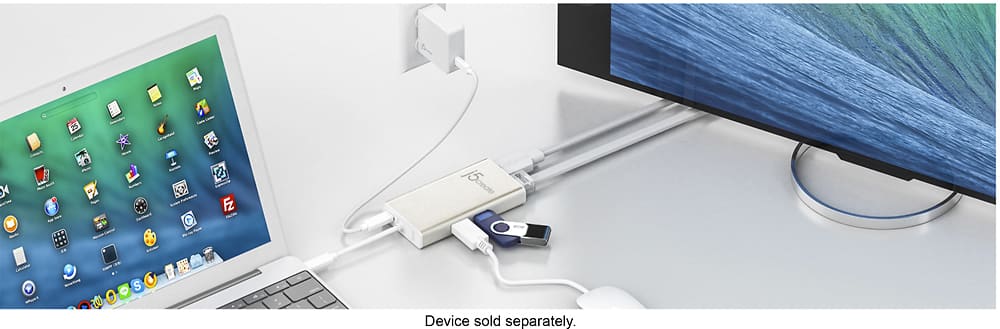
||Posted .This reviewer received promo considerations or sweepstakes entry for writing a review.This device does what it is supposed to do. MacBook Air laptops were made very thin and light by removing many features, such as USB ports and memory card slots. There is only a single USB Type-C port which is for the charger. So, if you want to plug anything (card reader, external hard drive, flash drive, etc.) into your Air--you need some sort of multi-port adapter such as this one. This device allows you to continue charging the laptop while gaining the additional connections. I've used it for a few months and I've not had any connection failures.
I would recommend this to a friendBrand response from J5create Team
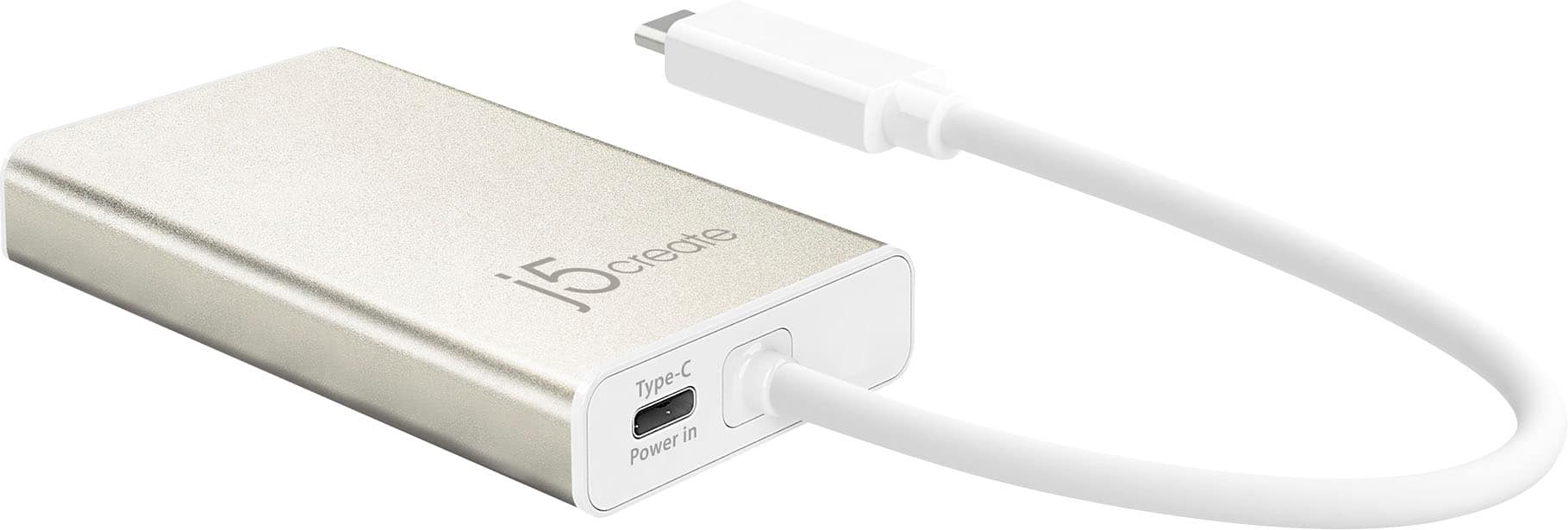
Posted .Power your laptop with up to 60W pass-through charging using this adapter and a USB-C power adapter
- Pros mentioned:Overall performance
Regular ports for cables to MacBook Pro
||Posted . Owned for 2 months when reviewed.This reviewer received promo considerations or sweepstakes entry for writing a review.I don't know if the type of connection the MacBook has is going to become the norm. Meanwhile, an adapter like this is essential. I bought this one to replace the same model which had broken - don't know what happened. Maybe I dropped it too hard or something. Otherwise, no problems.
I would recommend this to a friendBrand response from J5create Team
Posted .Hello Candy, if you have any issues with your JCA374, feel free to contact support printed on the casing and speak with a rep; the agent will diagnose, troubleshoot and offer solutions and if necessary, offer an exchanger under the manufacturer's two year warranty.
Thank you for your time,
j5create
- Pros mentioned:Size
Handy multi adapter
||Posted . Owned for 1 month when reviewed.This reviewer received promo considerations or sweepstakes entry for writing a review.A little on the expensive side, but does the job. Provides the additional ports I need in a fairly small package to take traveling.
I would recommend this to a friend Works well, as expected
||Posted .This reviewer received promo considerations or sweepstakes entry for writing a review.Im new to the USB C standard now firmly enforced on the new MacBook. This allow me a lot of flexibility on the road, and all of the ports work as expected. It's pricier than most such connecters in previous USB realms, but it appears uniquely-suited to the task of using the MacBook, and not replacing all old peripherals.
I would recommend this to a friendBrand response from J5create Team
Posted .This device allows you to add two additional USB peripherals, a 4K or 1080p HDMI display, and Gigabit Ethernet through your USB-C port. Power your laptop with up to 60W pass-through charging using this adapter and a USB-C power adapter
- Pros mentioned:Hdmi
Very simple to use - plug & play second monitor
||Posted . Owned for 3 weeks when reviewed.This reviewer received promo considerations or sweepstakes entry for writing a review.THe primary reason I bought this was to allow me to attach a second monitor to my laptop, which it does effortlessly. I plugged it into my laptop and ran and HDMI cable to a second monitor and it worked right away. Additional ports are an added bonus for me.
I would recommend this to a friendBrand response from J5create Team
Posted .Hello!
Glad to hear that the JCA374 has expanded your set up and made things a little better for you. If you should ever have any questions regarding your device, please don't hesitate to contact us and we would be more than happy to assist you. Our information can be found on the back of all of our product boxes and on our website under the support tab. There you can find links to our livechat, phone, and ticketing services.
Thanks,
j5create
- Pros mentioned:Overall performance
Nice unit
||Posted . Owned for 1 month when reviewed.This reviewer received promo considerations or sweepstakes entry for writing a review.Provides what is stated............................................................................................
I would recommend this to a friend - Pros mentioned:Hdmi
Just what I needed!
||Posted . Owned for 1 month when reviewed.This reviewer received promo considerations or sweepstakes entry for writing a review.A great accessory for times when a LAN connection is needed! It has other useful ports also!
I would recommend this to a friend - Pros mentioned:Hdmi
Gotta have this if you have an Apple
||Posted . Owned for 3 weeks when reviewed.This reviewer received promo considerations or sweepstakes entry for writing a review.This is a must-have if you have a newer Apple laptop. I have a new Air with the M1 chip, and it only has two USB C ports, so this lets me use other devices and even hardline to the internet with an ethernet cable. Well worth the money.
I would recommend this to a friendBrand response from J5create Team
Posted .Hi MadProfMisal, thank you for leaving a review and hearing that it works well with your Mac. Take care!
- Pros mentioned:Overall performance
2-Port USB 3.0 Hub Adapter
||Posted .This reviewer received promo considerations or sweepstakes entry for writing a review.I recently purchased a 2-Port USB 3.0 Hub Adapter so I could connect my external data source and flash drive. I purchased several other products from Best Buy including my new MacBook Pro 13.3. Everything is working great!
I would recommend this to a friendBrand response from J5create Team
Posted .Designed to work with computers equipped with the newest USB-C port.
- Pros mentioned:Hdmi
Not great functionality as I thought
||Posted .This reviewer received promo considerations or sweepstakes entry for writing a review.I bought this to essentially serve as a docking station. My computer doesn't have an HDMI input but has USBC. The USBC input is plugged into my computer and the HDMI is plugged into the device and then leads to my monitor. I'm able to make the connection from computer to monitor but it isn't automatic. I almost always have to unplug and re plug the USBC in to my computer until they it displays on the monitor. Also, I use a wireless mouse and keyboard which are regular USB inputs that are plugged into the device. There is a lag on the mouse that will not go away.
No, I would not recommend this to a friendBrand response from J5create Team
Posted .You may have to check your display settings and power option. Also look under "choose what closing or power does in Control Panel. K+M lagging is the result of wireless interference from USB 3.0 devices, such as external HDD and other USD 3.0 removable media. If possible, test with a wired mouse.
- Pros mentioned:Ease of use
Easy to use
||Posted . Owned for 2 months when reviewed.This reviewer received promo considerations or sweepstakes entry for writing a review.Works very easily. I just plugged it into my laptop and connected my monitor and just like that it was up and running.
I would recommend this to a friendBrand response from J5create Team
Posted .With Power Delivery 2.0, it supports upstream streaming ensuing your connected laptop powered up while in use.
- Pros mentioned:Ease of use
easy to use USB-C Multi-adapter
||Posted . Owned for 1 month when reviewed.This reviewer received promo considerations or sweepstakes entry for writing a review.This item was very easy to setup and use. Didn't need directions
I would recommend this to a friend Helpful to have
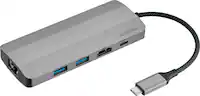
||Posted . Owned for 1 month when reviewed.This reviewer received promo considerations or sweepstakes entry for writing a review.Definitely necessary, since my new MacBook Pro uses the new type of ports, vs. the USB ports I used on my old MacBook Pro. So, in order to plug in phone for charging, uploading, etc.) I needed the extra port converter. This one has 2 USB ports, an ethernet port and an HDMI port.
I would recommend this to a friendBrand response from J5create Team
Posted .Ethernet, HDMI and USB ports for gadgets in one; the JCA374 supplies all your basic needs in one.
Thanks,
j5create