Customer Ratings & Reviews

- Model:
- JBLVBUDSWHTAM
- SKU:
- 10735801
Rating by feature
- Sound Quality
Rating 4.5 out of 5 stars
- Battery Life
Rating 4.5 out of 5 stars
- Connectivity
Rating 4.5 out of 5 stars
Bad customer service
||Posted . Owned for 1 month when reviewed.This reviewer received promo considerations or sweepstakes entry for writing a review.Don't work well and keeps slipping off my ear when i move
No, I would not recommend this to a friendPoor performance
||Posted . Owned for 1 month when reviewed.This reviewer received promo considerations or sweepstakes entry for writing a review.Not very loud, very little bass, not noise cancelling. Kind of disappointed.
No, I would not recommend this to a friendBrand response from JBL Support
Posted .We appreciate your feedback on our JBL Vibe Buds. We're always looking for ways to improve. We'll make sure to share your feedback with the appropriate team. If you have any questions or concerns about your device, please contact our Customer Support.

Headphones
||Posted . Owned for 1 month when reviewed.This reviewer received promo considerations or sweepstakes entry for writing a review.They don’t even work. Will not connect to the phone
No, I would not recommend this to a friendBrand response from JBL Support
Posted .Thanks for reaching out. We're here to help with your JBL Vibe Buds. Please make sure that the earbuds are in pairing mode so they can be detected by your source device. Verify that you are connecting to the headphone's product name that excludes 'LE'. The 'LE' connection is only intended for a voice assistant feature compatible with your headphones. If you need more help, please contact JBL Customer Support so we can assist you.
Djf
||Posted . Owned for 1 month when reviewed.This reviewer received promo considerations or sweepstakes entry for writing a review.Will disconnect if phone is more than a feet away.
No, I would not recommend this to a friendBrand response from JBL Support
Posted .We're here to help with your JBL Vibe Buds. To avoid constant disconnection, please make sure that the source device is within the range of the headphones. It has a maximum Bluetooth range of 10–15 meters, with no large objects blocking the line of sight. Also please forget pairing on all previous Source Devices it was connected to, then re-pair. This can help refresh your device’s Bluetooth configuration. If you need more help, please contact JBL Customer Support.
Poor battery life
||Posted . Owned for 1 month when reviewed.This reviewer received promo considerations or sweepstakes entry for writing a review.Battery life is poor and it usually drains the right earbud a lot faster than the left side. It can go from full battery to one being at 70% and the either being 20%
No, I would not recommend this to a friendBrand response from JBL Support
Posted .Thank you for providing your feedback. Our JBL Vibe Buds has up to 8 hours of playtime which may vary depending on volume and music content. If the right earbud doesn't meet the advertised playtime hours even at low to mid-volume levels, there could be a problem with the battery of the bud. Please contact JBL customer support so we can assist you.
Not usable for talking on phone
||Posted . Owned for 1 month when reviewed.This reviewer received promo considerations or sweepstakes entry for writing a review.With iPhone SE22, microphone on ear buds barely work. In a quiet room/environment, call recipients can barely hear me talking with ear buds connected. In a noisy room/outside, unusable. Otherwise, as wireless headphones, they work great. The JBL app (ios) works great
No, I would not recommend this to a friendBrand response from JBL Support
Posted .Thank you for taking the time on providing us with your feedback. We're sorry to hear that our JBL Vibe Buds didn't match your expectations in terms of wireless calling. If you have any queries or issues about your device, please contact us via our official website or toll-free hotline.
Didn't work for me.
||Posted . Owned for 1 month when reviewed.This reviewer received promo considerations or sweepstakes entry for writing a review.I guess I got a defective unit. Constant drop of audio. Spent about an hour online with customer support for them to say - send it back and we'll replace it. Nope - took it back to Best Buy and got another product.
No, I would not recommend this to a friendNot Satisfied
||Posted . Owned for 3 weeks when reviewed.This reviewer received promo considerations or sweepstakes entry for writing a review.Thought these were going to be great headphones but my left headphone keep on saying powering off with it beinf charged for hours.
No, I would not recommend this to a friendBrand response from JBL Support
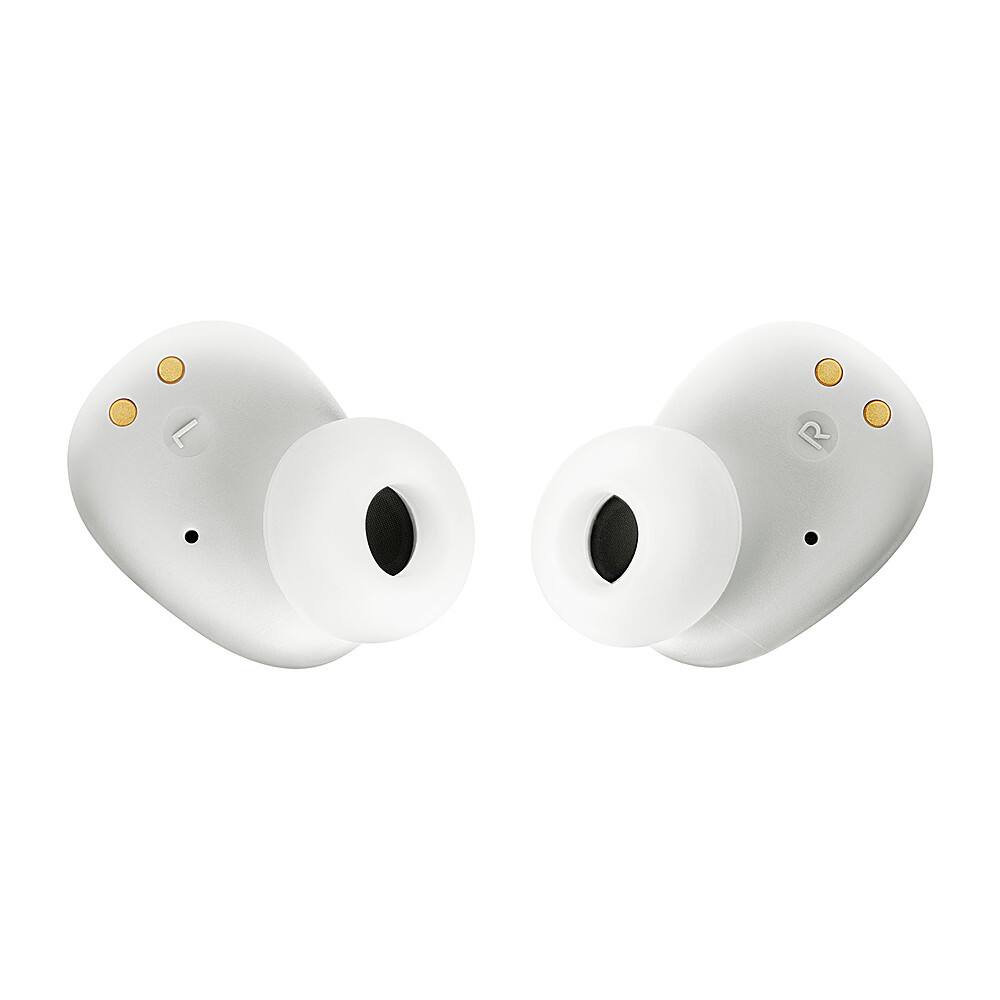
Posted .Thanks for your feedback. We're here to help with your JBL Vibe Buds. We recommend cleaning the contact pins on the case and earbuds using a cotton swab with alcohol. These pins are sensitive to dust. Please ensure the pins are dried before placing them back in the case. If you need more help, please contact our customer support for assistance.
Trash
||Posted . Owned for 2 months when reviewed.This reviewer received promo considerations or sweepstakes entry for writing a review.These things are like 50 bucks and they skip or mute for a second so during pod cast or videos it skips words and are very annoying
No, I would not recommend this to a friendBrand response from JBL Support
Posted .Thank you for taking the time to provide us with your feedback. We are sorry to hear that our Vibe Buds didn't meet your expectations. Audio dropouts can be caused by wireless interference or weak connection. Please make sure that there are no obstructions between the source and the Vibe Buds. We're always looking for ways to improve. We'll make sure to submit your feedback to the appropriate department.
Don't buy
||Posted . Owned for 3 weeks when reviewed.This reviewer received promo considerations or sweepstakes entry for writing a review.Audio cuts out too much. I don't like my audio to not work regularly
No, I would not recommend this to a friendBrand response from JBL Support
Posted .Thanks for bringing this to our attention. Bluetooth typically performs well within a 30-foot range, but walls, obstacles, and other wireless devices can impede this. If you experience dropouts within 10 feet, there may be interference. To resolve the issue with your JBL Vibe Buds, ensure it is within 10 feet of your device with a clear line of sight (no obstacles). Try to forget/unpair the speaker on your device, and initiate a reset. To reset your earbuds, with both earbuds on, and not charging, tap two times and hold the button on the third tap for more than 5 seconds. Lastly, try to connect the earbuds to a different device to determine if the issue lies with the earbuds or the initial device you paired them with.
J
||Posted . Owned for 1 month when reviewed.This reviewer received promo considerations or sweepstakes entry for writing a review.It doesn’t have a good quality it’s not good I lost them too
No, I would not recommend this to a friendBrand response from JBL Support
Posted .We appreciate your feedback. We're always looking for ways to improve, we'll make sure to pass this along to our development team.
Jnl ear buds
||Posted . Owned for 1 month when reviewed.This reviewer received promo considerations or sweepstakes entry for writing a review.Hard tohear always have to connect to bluetooth manual
No, I would not recommend this to a friendBrand response from JBL Support
Posted .We appreciate your feedback. The two earpieces of your JBL Vibe Buds should automatically be paired and connected together without issue. However, if you need to pair them manually every time you use them, try to forget/unpair the earbuds on your device, and initiate a reset. To reset, take the earbuds out of the case, double-tap the right earbud, and press the button for over 5 seconds on the third tap. Reset will wipe all previous pairings, so it will be necessary to pair your earbuds with your device again. To make sure the earbuds pair together automatically and avoid mono mode, always take them out of the case at the same time. If the issue persists, try to connect the earbuds to a different device (phone/tablet/music player) to determine if the issue lies with the earbuds or the initial device you paired them with.
JBL earbuds
||Posted . Owned for 1 month when reviewed.This reviewer received promo considerations or sweepstakes entry for writing a review.Can not get them to work!!!!!!!!!!!!!!!!!!!!!!!!!!
No, I would not recommend this to a friendBrand response from JBL Support
Posted .We're here to help with your JBL Vibe Buds. We'd like to know more and work with you directly to address and isolate the issues you're experiencing with your earbuds. Please contact JBL Customer Support so we can assist you.
No good
||Posted . Owned for 1 month when reviewed.This reviewer received promo considerations or sweepstakes entry for writing a review.These wireless headphones suck. I guess you get what you pay for.
No, I would not recommend this to a friendBad Buds
||Posted . Owned for 2 months when reviewed.This reviewer received promo considerations or sweepstakes entry for writing a review.Stopped working a month and a half after purchased.
No, I would not recommend this to a friendBrand response from JBL Support
Posted .We'd like to work with you directly to address the issues you're experiencing with your JBL Vibe Buds TWS. If needed, we'd also like to get more information so we can check your options. Please contact our customer support service via our official website or toll-free hotline.
Jbl buds
Posted .This reviewer received promo considerations or sweepstakes entry for writing a review.The sound was very good. Having trouble keeping the earbuds in. Tried small medium and large and still the same problem. Maybe it's my ear
I would recommend this to a friendSatisfied- very good product
Posted .This reviewer received promo considerations or sweepstakes entry for writing a review.I’m enjoying this product. It gives perfect beats and sound. Good battery life and quick bluetooth connection. Totally meets my expectation. Recommended.
I would recommend this to a friendI cannot recommend these.
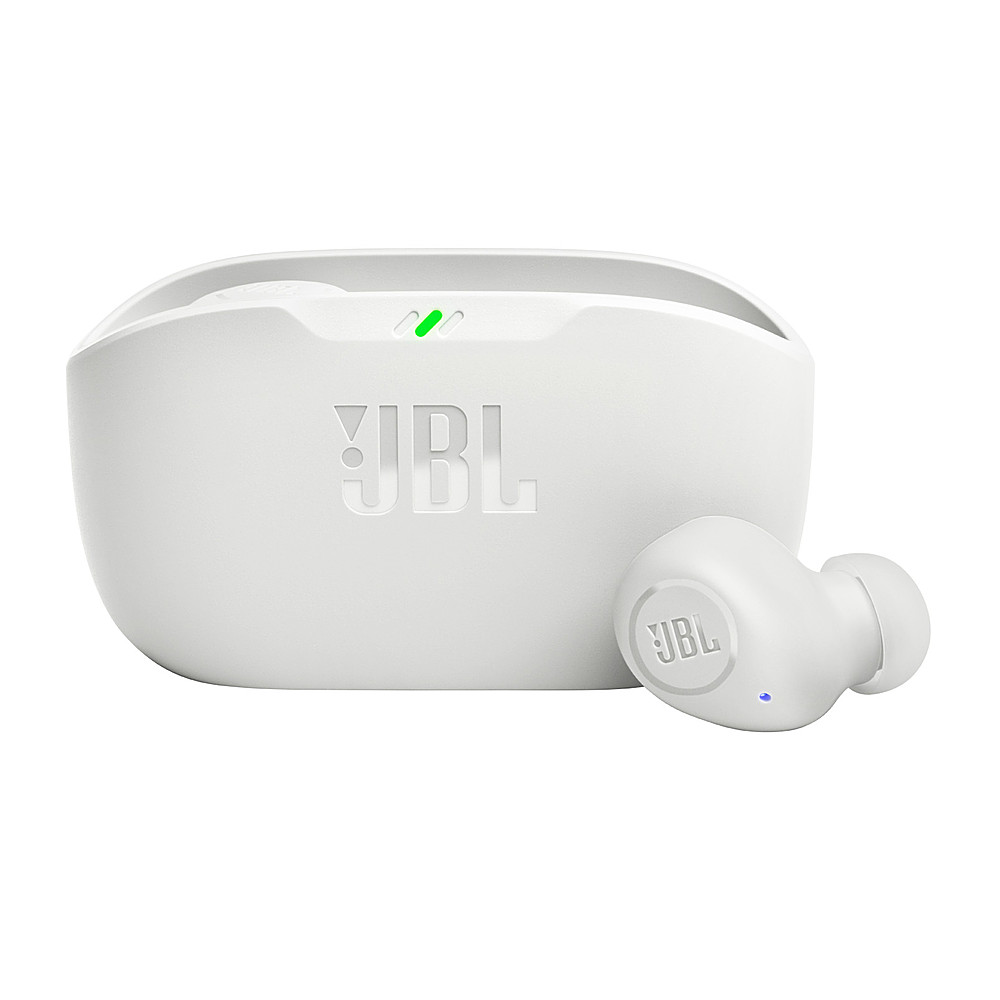
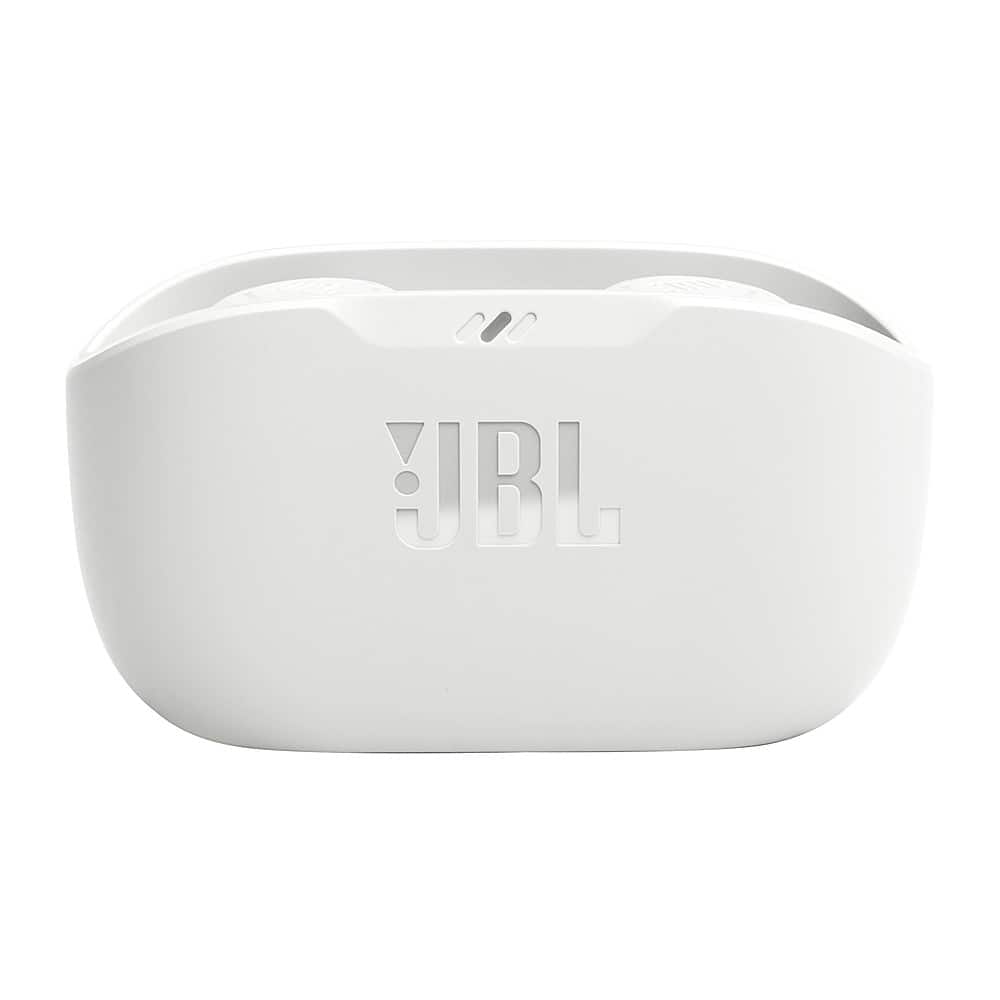
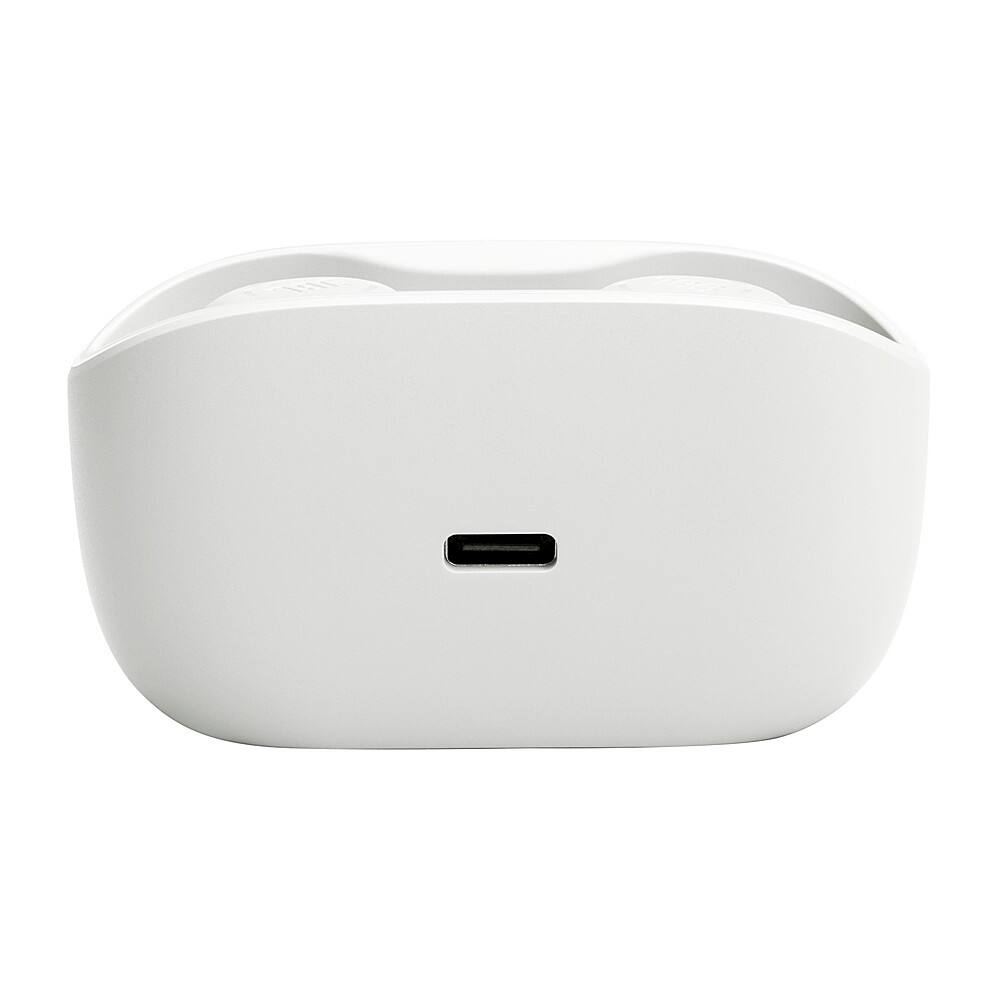
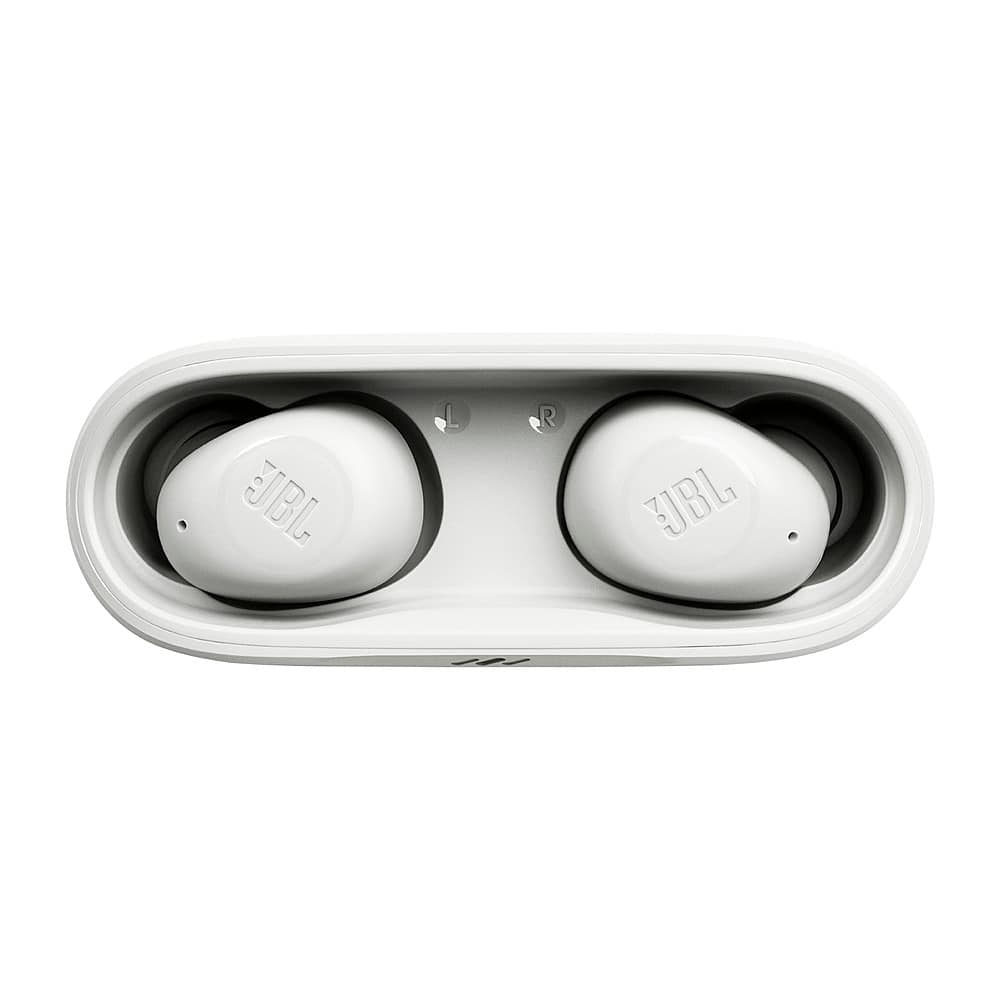
Posted .This reviewer received promo considerations or sweepstakes entry for writing a review.These earbuds do technically work, but I would absolutely not recommend them. My first complaint is the case: there is no lid on it so if you put them in a pocket or bag, little bits get into the case. They also don't feel at all protected if you drop them while they are in the case. My other complaints are about the connectivity and touch controls. They take 5-10 full seconds to connect to my phone when I take them out of the case and the connection is already set up. The touch controls are far too sensitive. If my hair brushes up against them, my music gets paused or my phone calls get hung up. There is also no way of turning them on if they are turned off outside of the case without returning them to the case and taking them out again.
No, I would not recommend this to a friendBrand response from JBL Support
Posted .Thanks for your feedback. We're here to help with your JBL Vibe Buds. We are always looking for ways to improve. If you are having a connectivity issue with your earbuds, try to connect to a different device. If the issue remains, you may try to reset your earbuds. With both earbuds on, and not charging, tap two times and hold the button on the third tap for more than 5 seconds. To resolve the touch control issue of your earbuds, you can use our JBL Headphones App to navigate and change the touch control using the App. We also want to let you know that most of our products have a standby mode which will automatically turn off if there is no sound playing on the headphones/earbuds. In order for you to turn it back on, the JBL Vibe buds require you to put back both buds from their charging case and remove them again. For further assistance, please contact our customer support.
Good quality
Posted .This reviewer received promo considerations or sweepstakes entry for writing a review.Gifted to my brother he liked it. Good sound and bass excellent, fits in ears.
I would recommend this to a friendGood not great
Posted .This reviewer received promo considerations or sweepstakes entry for writing a review.It just needed to drown out loud background noise. I work around loud machinery in a warehouse. That is my only concern other than that i really enjoy them.
I would recommend this to a friend