Customer Ratings & Reviews
- Model:
- MTALKPRORBLK4
- SKU:
- 6417454
Rating by feature
- Value
Rating 4.1 out of 5 stars
- Quality
Rating 4.2 out of 5 stars
- Ease of Use
Rating 4.1 out of 5 stars
Customers are saying
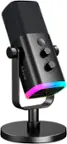
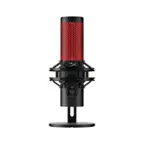
Customers highly value the TALK PRO Professional Plug & Play USB Microphone's superior sound quality and ease of use. Many appreciate its stylish design and convenient features like the mute button and long cable. Positive feedback also highlights the microphone's affordability. However, some users have reported issues with the USB connection.
This summary was generated by AI based on customer reviews.
Awesome
||Posted . Owned for 7 months when reviewed.This reviewer received promo considerations or sweepstakes entry for writing a review.Great for the money and cheap for what is offers!!
I would recommend this to a friendDOA
||Posted . Owned for 8 months when reviewed.This reviewer received promo considerations or sweepstakes entry for writing a review.This item did not work out of the box. Returned this item.
No, I would not recommend this to a friendBrand response from JLab Audio Team
Posted .Thanks for the feedback, and we're sorry to hear about the product you received.

Good Mic!
||Posted . Owned for 1 week when reviewed.This reviewer received promo considerations or sweepstakes entry for writing a review.Great product! Sounds great and has very good voice pickup range.
I would recommend this to a friendWork like it should
||Posted . Owned for 3 weeks when reviewed.This reviewer received promo considerations or sweepstakes entry for writing a review.Very good works for what I wanted it for. Would recommend
I would recommend this to a friendKid wanted it
||Posted . Owned for 3 weeks when reviewed.This reviewer received promo considerations or sweepstakes entry for writing a review.I guess it’s nice! It was a great deal and my kid wanted it.
I would recommend this to a friend- Cons mentioned:Usb
USB-C not recognized by the PC.
||Posted . Owned for 1 week when reviewed.This reviewer received promo considerations or sweepstakes entry for writing a review.Bought this item on special. The usb cord that comes in the box was not working so I had to connect another usb c cable to the mic. Once plugged to the pc, and error 'unrecognized usb device' pops up. Tried troubleshooting and still not able to connect. Had no other choice but to return the item.
No, I would not recommend this to a friendBrand response from JLab Audio Team
Posted .Hi there, when you get that message you can solve it by going into security settings and allowing permission to the microphone. -JLab
Bought for zoom
||Posted . Owned for 1 week when reviewed.This reviewer received promo considerations or sweepstakes entry for writing a review.Did not work very well for me I needed it for a zoom call on my Mac and the mic was intermittent
I would recommend this to a friendMic
||Posted . Owned for 1 month when reviewed.This reviewer received promo considerations or sweepstakes entry for writing a review.Not very user friendly .... make sure you make a note of your current computer settings.
No, I would not recommend this to a friendBrand response from JLab Audio Team
Posted .If you have any troubles please feel free to reach out to JLab for help. -JLab Audio
- Cons mentioned:Usb
Microphone chord does not work
||Posted .This reviewer received promo considerations or sweepstakes entry for writing a review.The chord it comes with to plug into the pc does not work I’ve done what I can to make it work but it always says the usb is unrecognizable so I’ve not been able to use the mic for the past month I’ve had it
No, I would not recommend this to a friend Defextive
||Posted .This reviewer received promo considerations or sweepstakes entry for writing a review.This microphone came to me with the mute vutton stuck.
No, I would not recommend this to a friendDid Not Work for Me
||Posted . Owned for less than 1 week when reviewed.This reviewer received promo considerations or sweepstakes entry for writing a review.I have a 2021 Mac mini with Apple processor and this would not produce a useable volume even with all of the settings maxed out. I subsequently retuned this and purchased the Blue Yeti Blackout which works as expected.
No, I would not recommend this to a friendBrand response from JLab Audio Team
Posted .We're very sorry to hear that your experience has not met your expectation. We would love to learn more about your experience as it's hard to give any tips on how to address your issue with the information provided. Our customer support team is ready and willing to help if you reach out to them. -JLab
- Pros mentioned:Ease of use, Sound quality

Great high quality mic
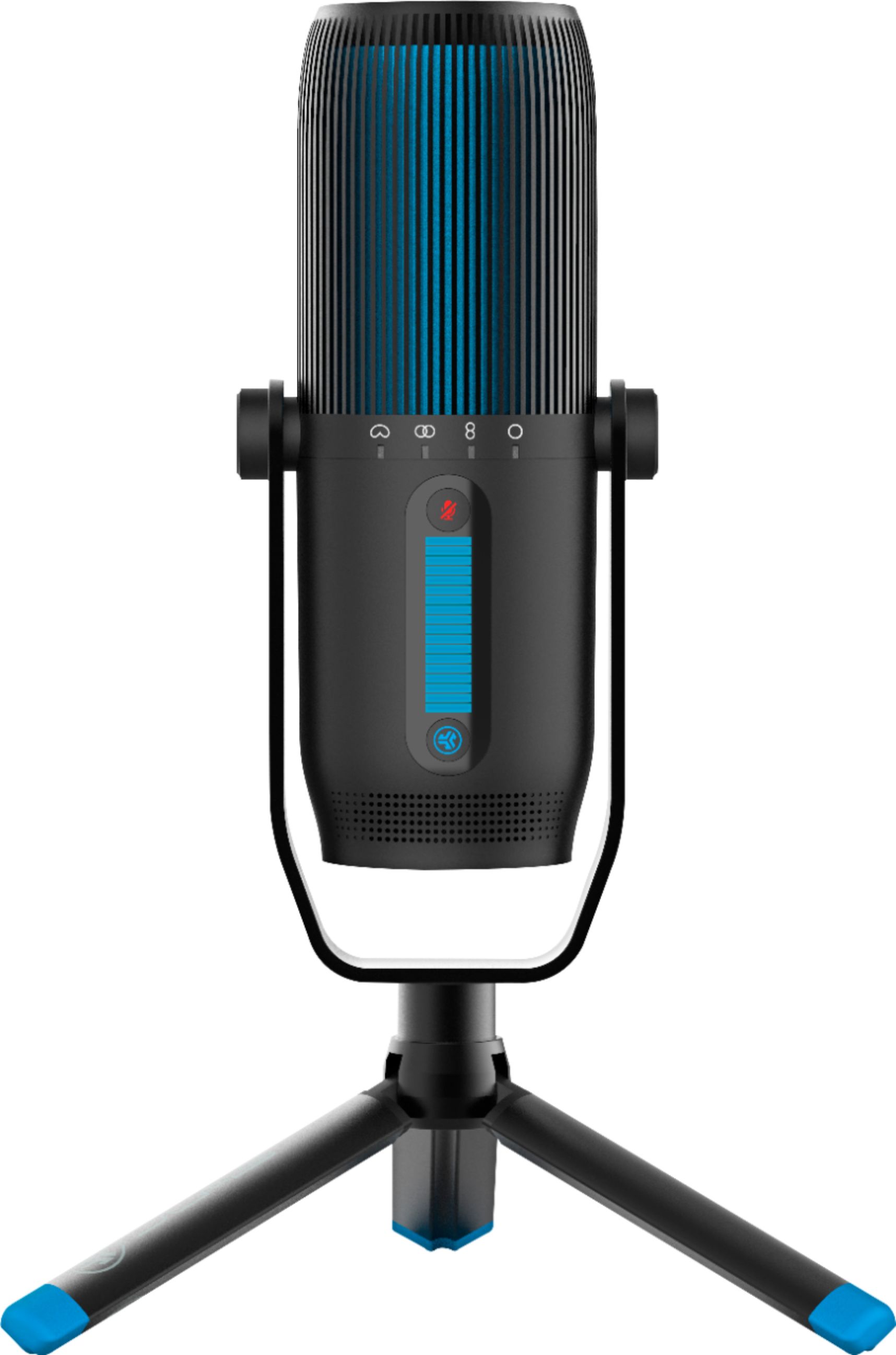
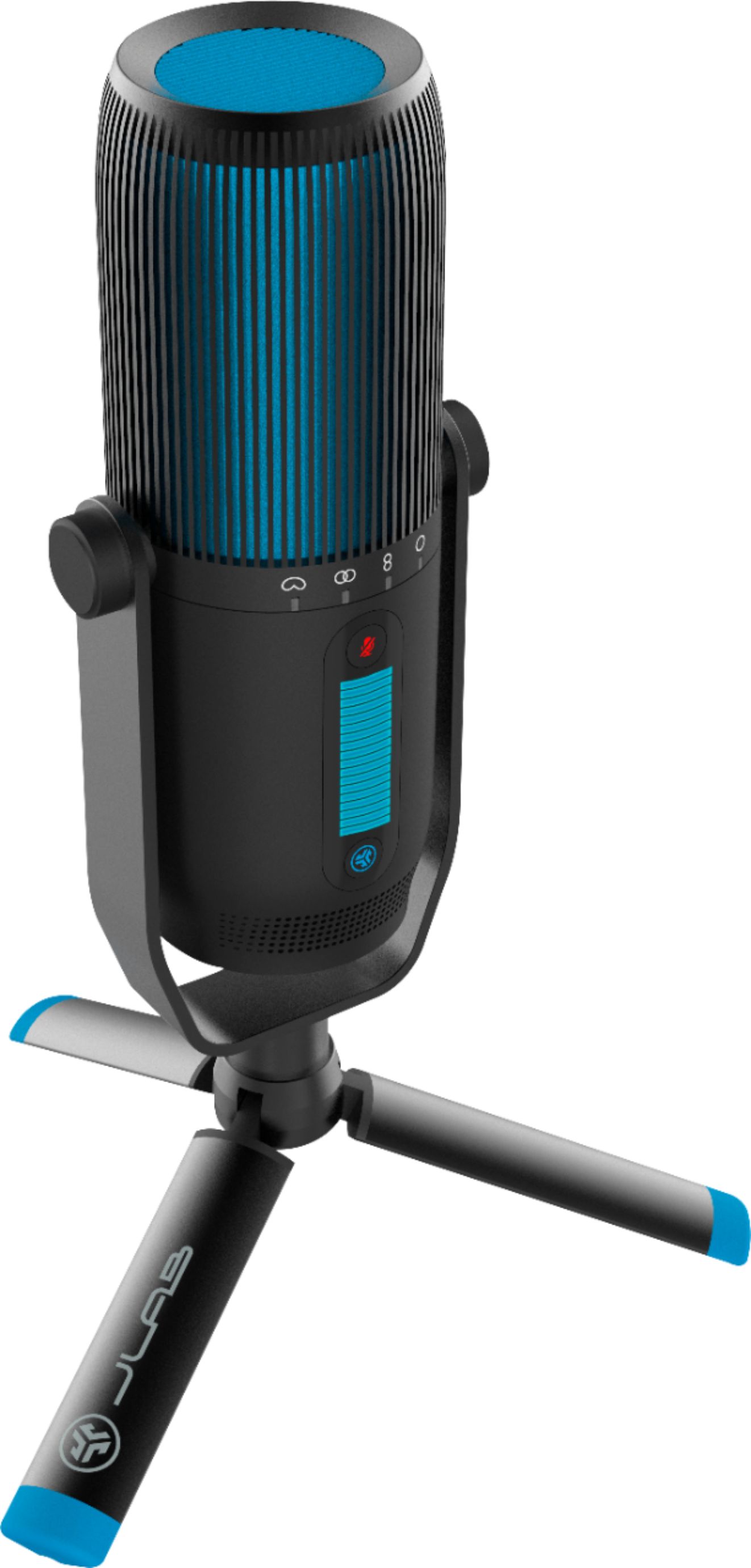
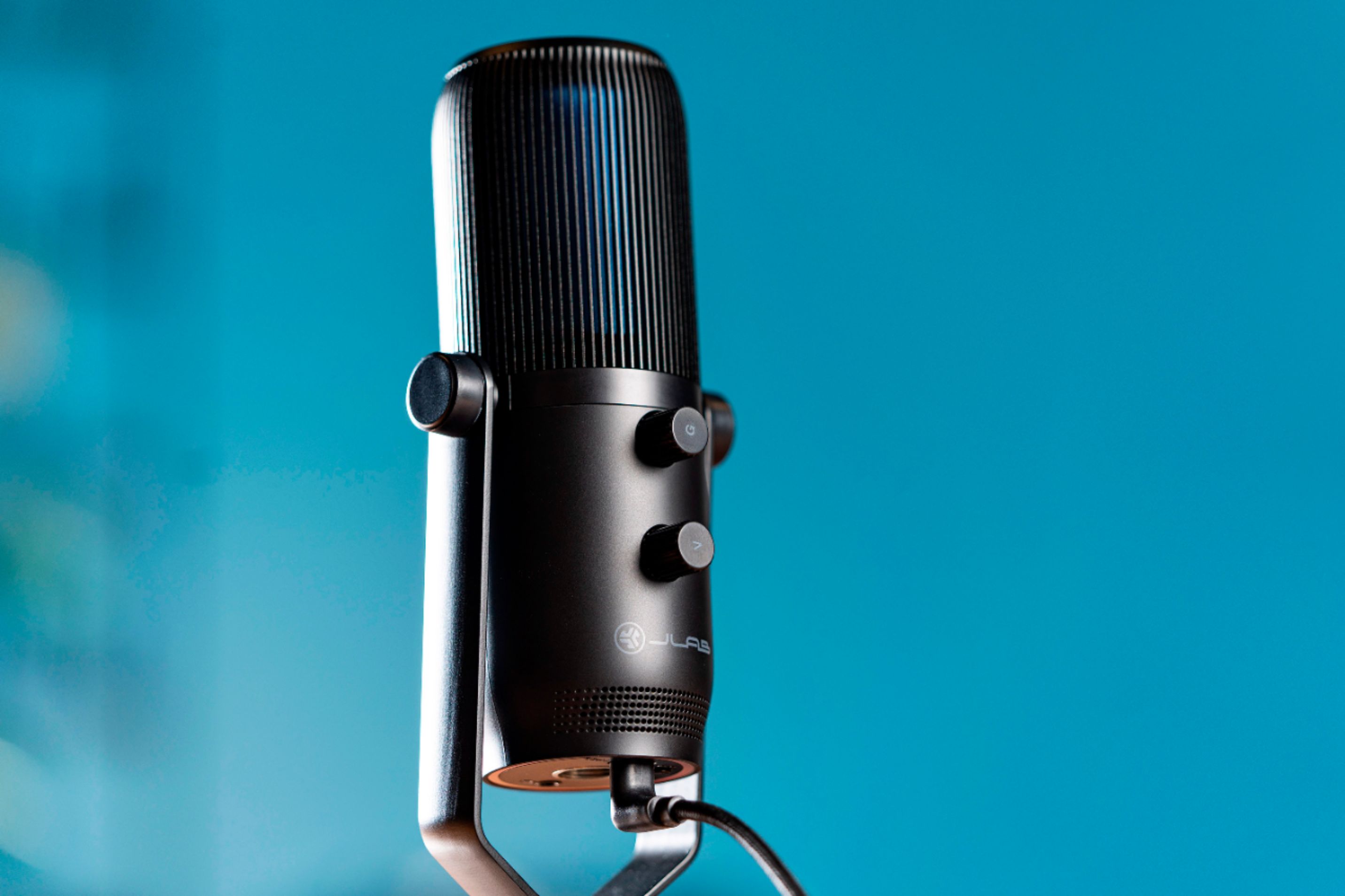
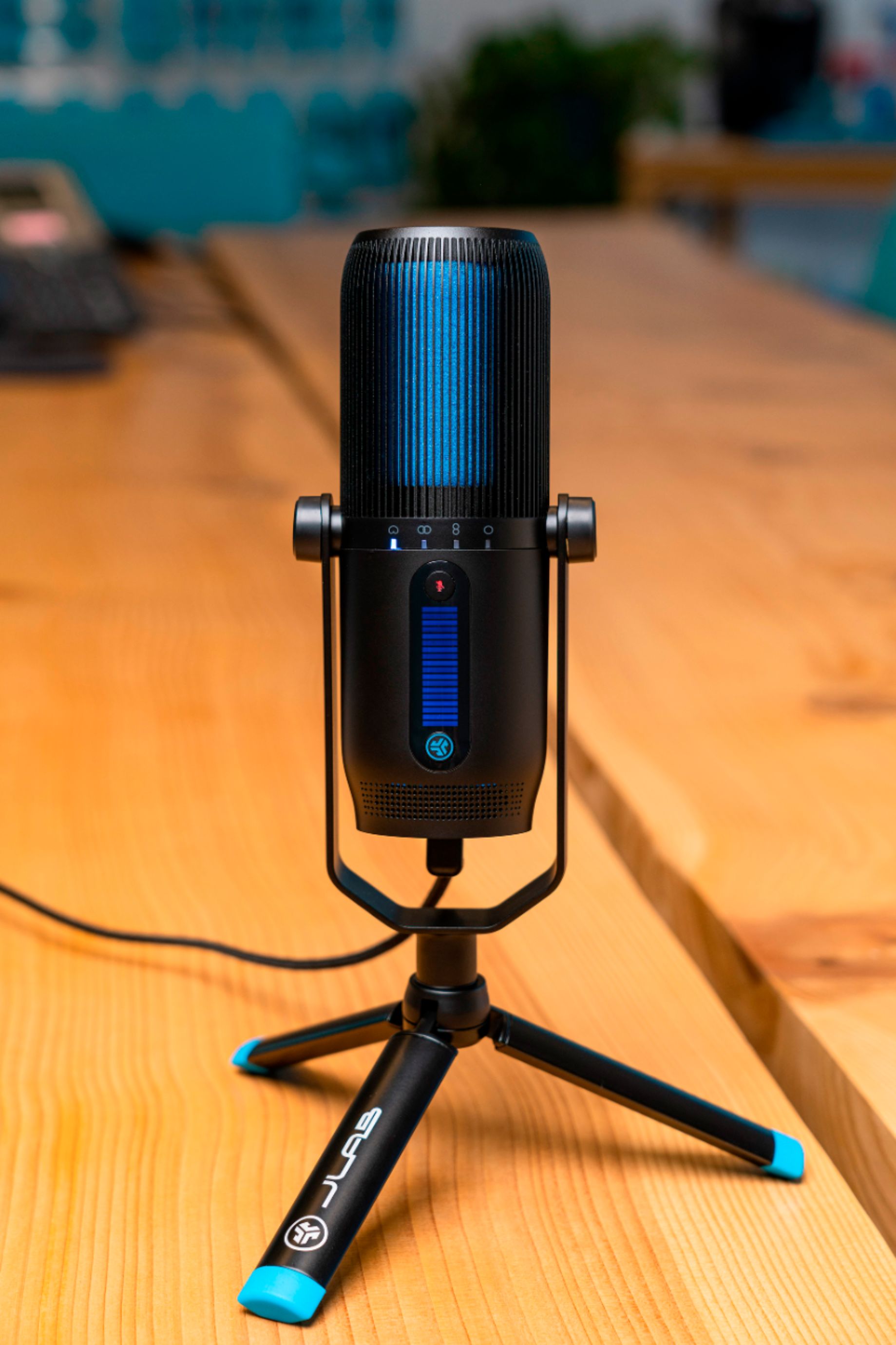
|Posted .This reviewer received promo considerations or sweepstakes entry for writing a review.I’ve been really excited to start using this mic. Since the pandemic we’ve been doing music lessons for our kids over video conference. Obviously, this has had its issues. One of the biggest issues is that the teachers are trying their best to figure out what the student is doing, but they are being handicapped. Some teachers try to watch fingers, some try to listen for the sound, others are just guessing. A good teacher can often tell what’s happening by the sound alone, if the sound is clear enough. That's where this mic comes in. Once we got this mic we set it up next to our daughter’s harp where you would expect a microphone to be placed in a concert or performance setting. The teacher noticed the difference right away. With this new mic instead of the one built into the webcam, the teacher was able to really tell what was happening and make a lot more useful and accurate corrections / feedback. Because of this mic I’m actually convinced the bottleneck is now the teacher’s speakers, not our mic. I also tried the mic on a couple conference calls and other activities just to see how it worked. Everyone agreed that this mic was much better than anything built into the webcams or laptops I'd used before. I also tried it in a gaming context. I probably needed to play with the settings a bit more, but the microphone seemed to be a bit too good here and caused more background noise than my cheaper microphone and it could be a bit irritating at times. Beyond being able to pick up great sound, this mic was a snap to use. It just needed to be plugged in and it was ready to go. A few changes to the computer’s settings to select it as the mic and we were up and ready to go. One thing that was weird is that it said it was also a speaker, which i couldn't figure out. I tried to get it to play through the driver but no sound ever came out so I’m not sure what is happening there. The mic also has a 3.5mm connection if you are looking to connect that way. I haven’t tried it since I don’t really have a device that would work well for so I can’t comment on the quality. I also don’t know if it would also need power through the USB if connected using the 3.5 mm jack. The mic feels nice and solid and the tripod base it comes with offers a lot of stability so I don’t feel like it’s going to topple over if I bump the table. It also has a quick toggle for 4 different recording modes that allow the mic to create different sound / recording options. It also has a gain and volume control on the back. We haven’t played with all those settings too much to figure out the ideal setup for our use, but I’m sure we’ll like the mic even more once we have all those figured out. Even though it has a few different settings and controls it still feels fairly simple and straightforward in a way that anyone could handle without getting overwhelmed. This is the first mic at this slightly higher quality level I’ve ever owned so I know there is still a lot more that I can learn to get the full benefit from it. However, my main use is to help us get more done while we’re all stuck inside during the pandemic and it perfectly satisfies those needs.
I would recommend this to a friend - Pros mentioned:Design, Sound quality
Pro Sound Quality
|Posted .This reviewer received promo considerations or sweepstakes entry for writing a review.Has 4 EQ modes and I found the Cardiod mode best for talking, seemed to bring out the best tone in my voice. I found this mic works best with my PC laptop. I did use the headphone out into a PA, but had to have the USB cable connected to the laptop for it to work. I would not use this for professional music recording due to most audio interfaces do not support a USB audio input but I suppose you could possibly go direct to your DAW within windows if desired. I have not had any drop out issues. Very stylish looking in design and color. Materials used feel quality. Very nice product. Price is good for what your getting.
I would recommend this to a friend - Cons mentioned:Usb
Did not work
||Posted . Owned for 3 weeks when reviewed.This reviewer received promo considerations or sweepstakes entry for writing a review.Microphone did not work out of the box. Light turned on but would not show up in devices. Probably faulty USB cable.
No, I would not recommend this to a friend - Pros mentioned:Design, Ease of use
Slick look & feature set, but...
|Posted .This reviewer received promo considerations or sweepstakes entry for writing a review.I had the mic in my office and, despite choosing "front" mode, it picked up quite a bit of the background while I was on conference calls. I had to have it pretty close to my face in order to get the desired effect, which was just awkward and uncomfortable. Additionally, on my Surface Book 2 it continually dis/reconnected, which is problematic when I'm trying to work from home and join conference calls. However my son says on his Asus laptop it works just fine. Not much to configure/install w/ a USB mic so ... The look of the mic is pretty slick, and it's got a quick & easy button to switch modes of the pick-up with dials on the back to adjust volume, etc. If you have USB headphones it'll take some configuring on your PC end because the mic itself has speaker-out but only for a 2.5mm jack. My advice: really analyze your need/usage of an external dedicated mic like this; for the price you can probably find something better.
No, I would not recommend this to a friend AVI
||Posted . Owned for 4 months when reviewed.This reviewer received promo considerations or sweepstakes entry for writing a review.When I just got this unit working find, but the mic itseft not reading on my laptop , I try to fix but can't, I just put under the mixing board.
No, I would not recommend this to a friendBrand response from JLab Audio Team
Posted .Hi there, there's a chance your computer is not allowing a connection because of the security settings. We suggest going into your settings and allow access to your mic. JLab also has a 2 year warranty on all products. -JLab
- Pros mentioned:Sound quality
Better than a Laptop Mic
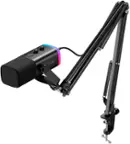
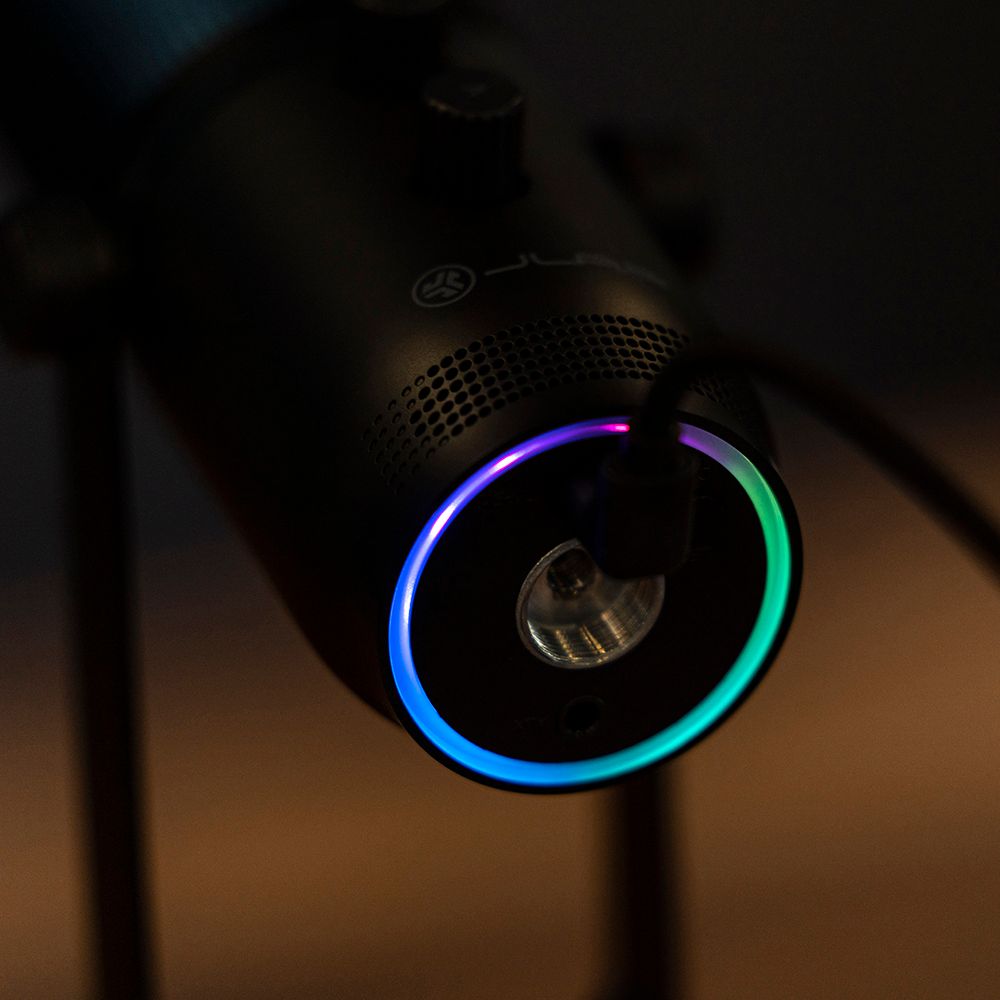
|Posted .This reviewer received promo considerations or sweepstakes entry for writing a review.The JLab Talk Pro is a step towards a production level microphone, it has the looks, and the features, but build quality feels a little cheap. the included tripod works well, but I like symmetry and when fully threaded on to the tripod, the stand and mic don't line up in the orientation you are supposed to have the mic facing, leaving the legs going out in awkward directions in relation to the mic. Out of the box seemed to be the best setting for my home office, with gain turned practically to zero. Of course, the recording software you choose will also have an impact on the quality of the sound. I played around with a couple different ones to get a feel for the recording quality. I feel like it is a great alternative and upgrade to a stock built-in mic on a laptop or webcam or even the built-in mics on headphones. But if you are using those you are not so much worried about creating production quality content. I feel like this device is just a step above other lower priced external microphones, just with the flare of being top-end. I did feel it did a good job on the one directional setting and not picking up the ambient sounds of my Desktop PC fan whirling away. The device does feel a little gimmicky with the LED light ring that is tucked away the bottom side of the microphone. There is a button that can change the colors, but it is bright, which means it is not distracting, but it also isn't noticeable, so it purpose would be only for an offset camera angle in use of a video blog, etc. My purpose of this device is just to create voice over content for picture slideshows/presentations. So not high end production quality type content. However, a lot can be done in digitally in a studio, so sounds can be tweaked dependent on your recording software. The instructions state that the device works with Windows 7,8, & 10 (I am on Win 10). However, the setup instructions are written for Windows 7, as the steps they have for setup no longer exists. Kind of weird since support for Win 7 ended in January. But my experience of overseas is that doesn't mean anything...the entire Ethiopian Airport flight arrival/departure boards are still ran on Win XP! With JLab Pro, there is no software to install. Immediately, my desktop recognized it as an input and output device (it has a 3.5mm headphone jack) and then set that to the main input and output. To change that just go into Settings>System>Sound, to change input/output settings for your computer. It can also be done via Devices>USB in place of going to System. One nice nice touch that I did appreciate is the thick USB-A to USB-C right angle cable included. It will definitely hold up and is about 4ft long. The fact that the device is USB-C is also a huge plus as no proprietary cable is necessary. I would recommend this device with an asterisk. Know your needs and desired outcome and determine how much editing/tweaking you want to do before deciding. I feel like JLab tried to hit the cool the factor more than quality factor here. If you are trying to be the next Twitch star or the like, this will definitely get you in the right the direction. This device I think hits the sweet spot as being better than anything built-in, will be targeted at entry-level gamers looking to become Twitch stars or someone like me that just wants something to create some mediocre content without it sounding like you are talking through a tin can and has the ability to only pick up sound from specified directions. The four stars is that JLab is wanting this device I think to punch higher than what it actually does, but again depending on your expectations it is a great starter device at trying to create some better content than what you can expect from built-in microphones on devices that are clearly designed to deliver great audio or video, tiny little pin holes and boom mics are not intended to capture full sound. Looking at our current situation and the digital meeting space that will continue to take hold for a quite some time and possibly just become the norm, it will definitely make you sound better in those meetings. Just know this device alone won't make you the next Lil' Hot Thang to top the charts...that takes a whole studio to do...but it could definitely help you on your way to learn the trade.
I would recommend this to a friend Mike
||Posted .This reviewer received promo considerations or sweepstakes entry for writing a review.when connected to my laptop it is not recognizing it what is the use
No, I would not recommend this to a friendBrand response from JLab Audio Team
Posted .Please check your security settings and allow the microphone access. -JLab
Staticky Nightmare
||Posted . Owned for 3 weeks when reviewed.This reviewer received promo considerations or sweepstakes entry for writing a review.it would disconnect any time I started my computer, I'd have to unplug it, restart my computer, and then plug it back in. It also sounded really scratchy and robotic on my streams. Viewers constantly complained about it. There's no drivers or audio mixer for it available, just plug and play.
No, I would not recommend this to a friendBrand response from JLab Audio Team
Posted .Hey there. reach out to our customer support team to get info on the issue you're running into. -JLab Audio
- Pros mentioned:Design, Sound quality
Solid performer
|Posted .This reviewer received promo considerations or sweepstakes entry for writing a review.While the performance of this mic is mostly on par with what Blue Mics is offering with their Yeti's, it's still $20 more. So, the question is whether this mic offers enough MORE than a Blue to overlook the market dominance and lower price point. That's why I am giving the product 4 stars. The performance was good, the features are all there, but I don't see the value compared to its biggest competitor. If you're looking for a great mic and want to try a different brand than the usual, this is a great mic to go with. It has an awesome futuristic look that will pop on your twitch streams or youtube videos. The materials all feel high quality, and I expect the mic to last a long time.
I would recommend this to a friend