Customer Ratings & Reviews
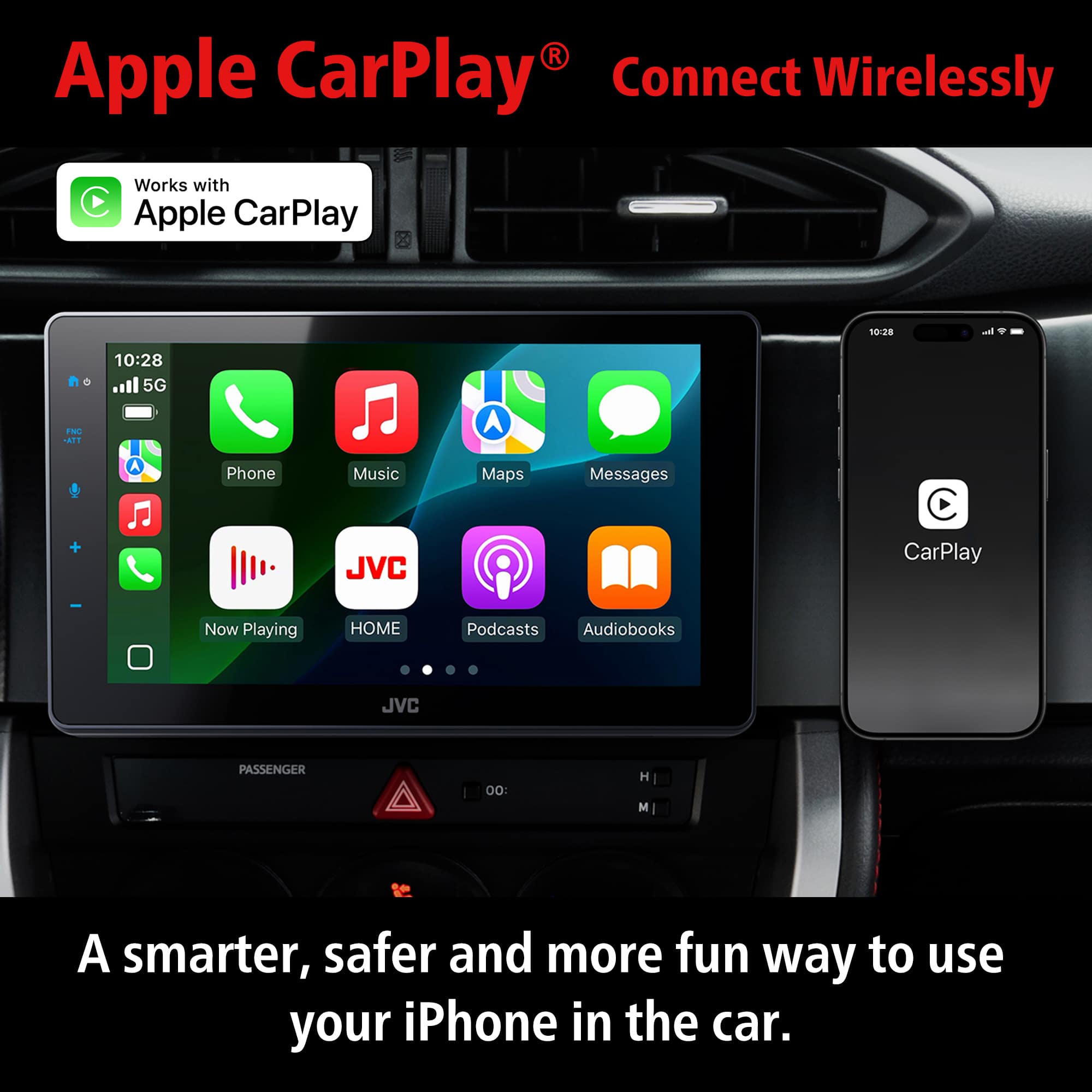
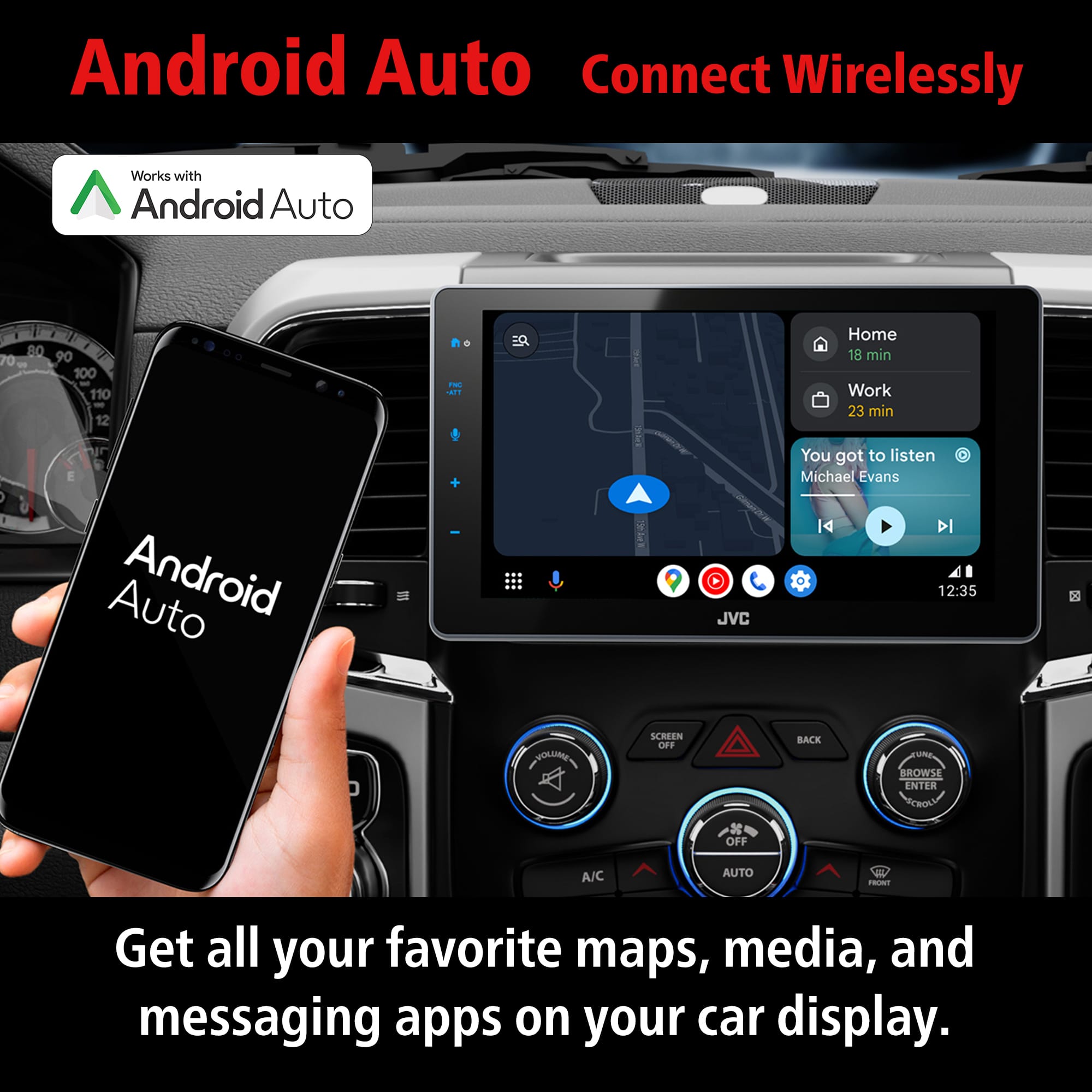
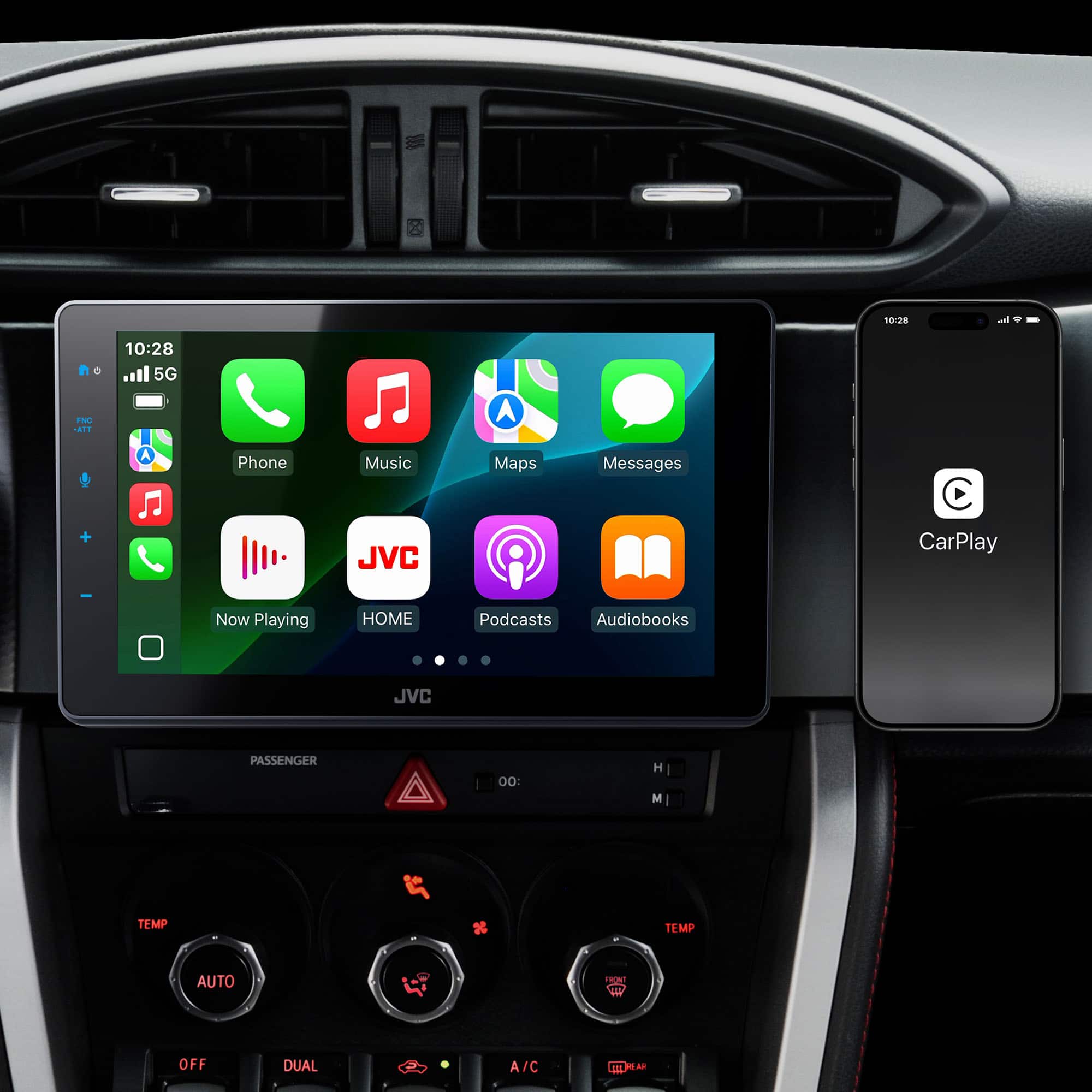
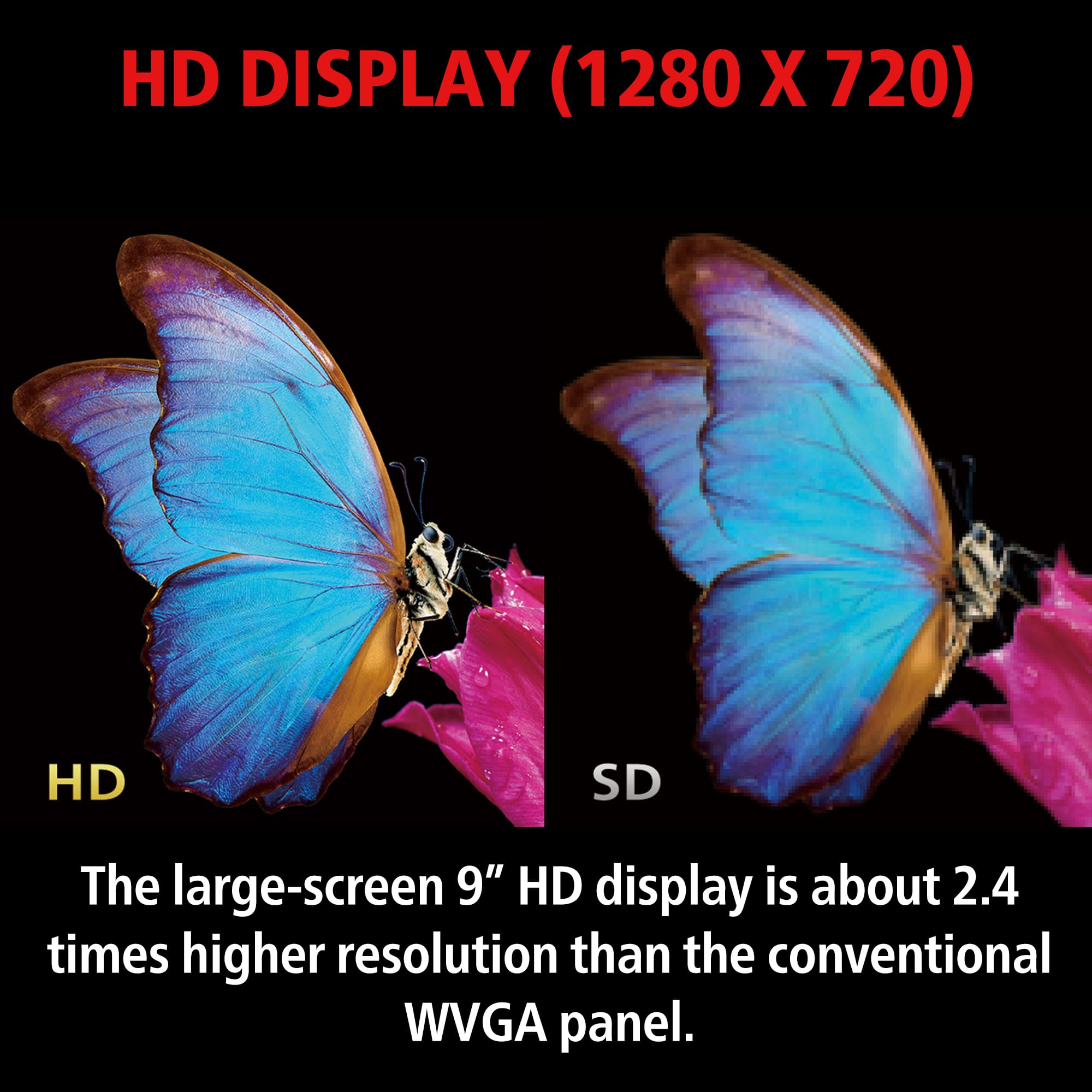
![DSP AM 10:42 FNC ATT Speaker / X'over [dB] Bluetooth ALL SRC EQ/SW Level Position / DTA FAD/BAL Volume Offset 62.5 100 160 250 400 1.6k 2.5k 4k 6.3k 10k 16k [Hz] Volume adjust Flat Jazz Pop C P Hop Hard Rock R&B User Initialise Memory 00: H M TEMP TEMP FRONT](https://pisces.bbystatic.com/image2/BestBuy_US/images/products/2a447e4c-7d0c-46ed-b4e1-fc0eb2514aa6.jpg)
- Model:
- KW-Z900W
- |
- SKU:
- 6640583
Customer reviews
Rating 4 out of 5 stars with 13 reviews
(13 customer reviews)Rating by feature
- Value4.6
Rating 4.6 out of 5 stars
- Quality4.3
Rating 4.3 out of 5 stars
- Ease of Use4.6
Rating 4.6 out of 5 stars
Rated 2 out of 5 stars
Mirroring doesn’t work; unprompted screens
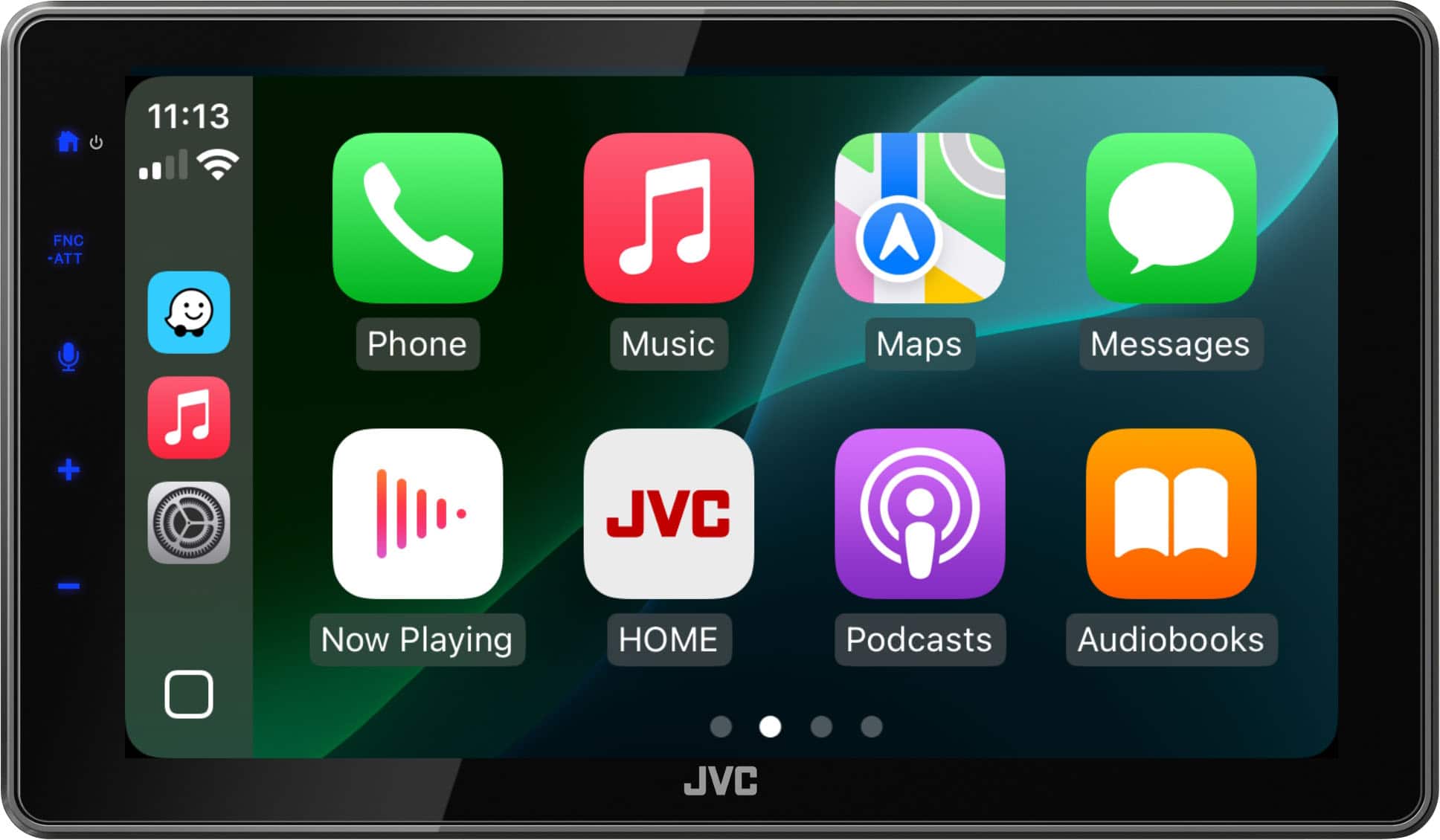
||Posted . Owned for 3 weeks when reviewed.This reviewer received promo considerations or sweepstakes entry for writing a review.Purchased this because I wanted CarPlay in my vehicle and for the mirroring feature. I sit in my car a lot and so that was a draw. Mirroring did not work via app or direct cable. The install seems to be fine (although I randomly get GPS isn’t detected popups). We had issues connecting the second phone at first (had to do a whole reset). But the issue is the information screen will pop up unprompted and show you PSI, and battery voltage when you just want your CarPlay screen. Which then requires you to push the home button, then CarPlay again. So it hasn’t been plug and play essentially for us. When things like that happen during use it’s frustrating. The screen looks nice but the user friendliness of it just isn’t there. This will probably require me to go back to installation (JVC tech support isn’t easy to find or contact, Best Buy tech support tells you to make an appt). So overall disappointed, feel pretty stuck with it since out of exchange and cost of install) and just want it to work like we need it to. So at this point, would not buy again or recommend
No, I would not recommend this to a friendBrand response from JVCKENWOOD USA Team
Posted .Thank you for taking the time to share your feedback. We're sorry to hear that you’re experiencing an issue with your JVC KW-Z900W receiver, it’s definitely not the experience we want for our customers. Please ensure you have the latest firmware update. We’d also love to learn more about what’s happening so we can help make things right. Please reach out to us at 1-800-252-5722 or email us at [email protected], and our team will be happy to assist you. Thank you for choosing JVC, we appreciate your support and are here to help! Best regards, The JVC Customer Relations Team
Rated 2 out of 5 stars
Review
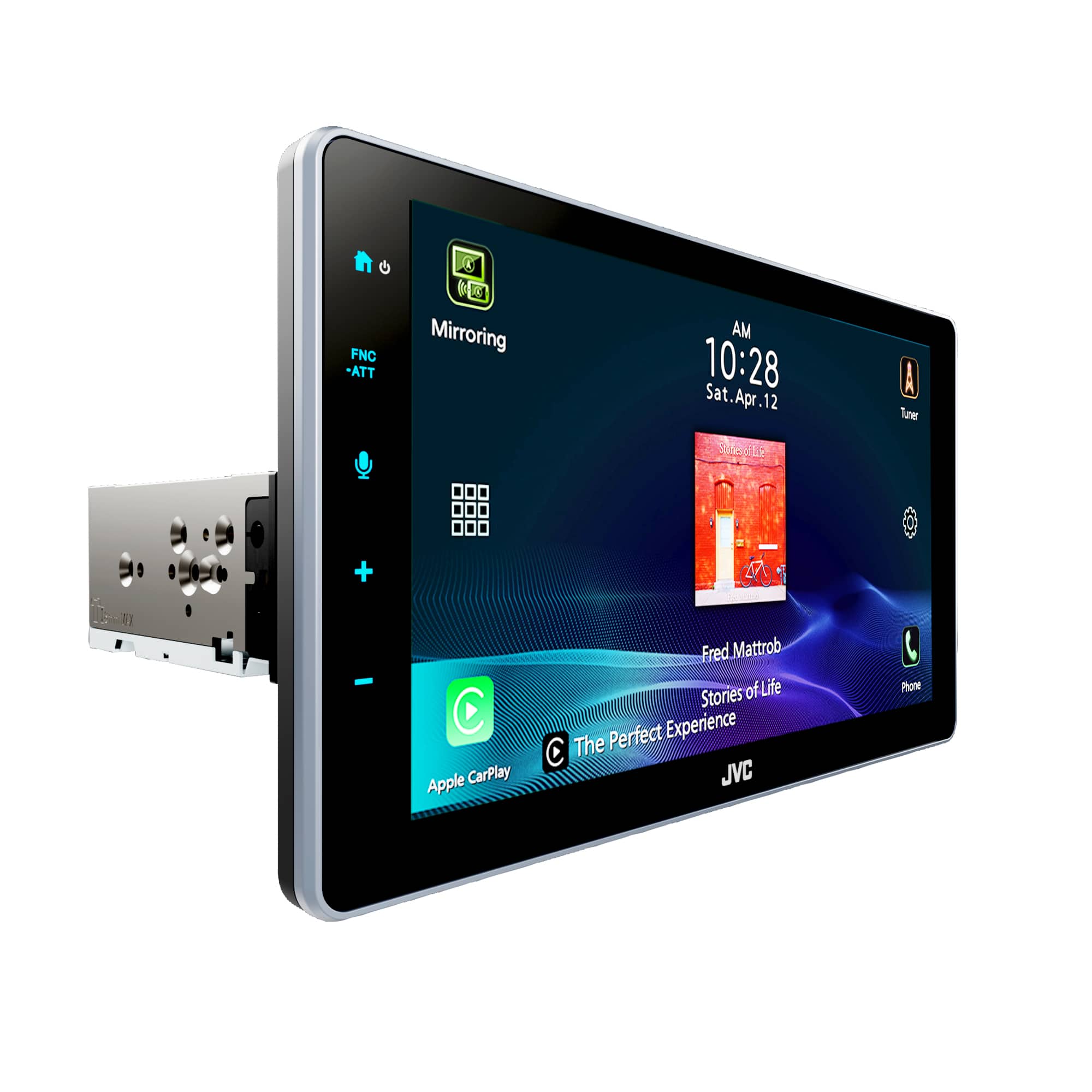
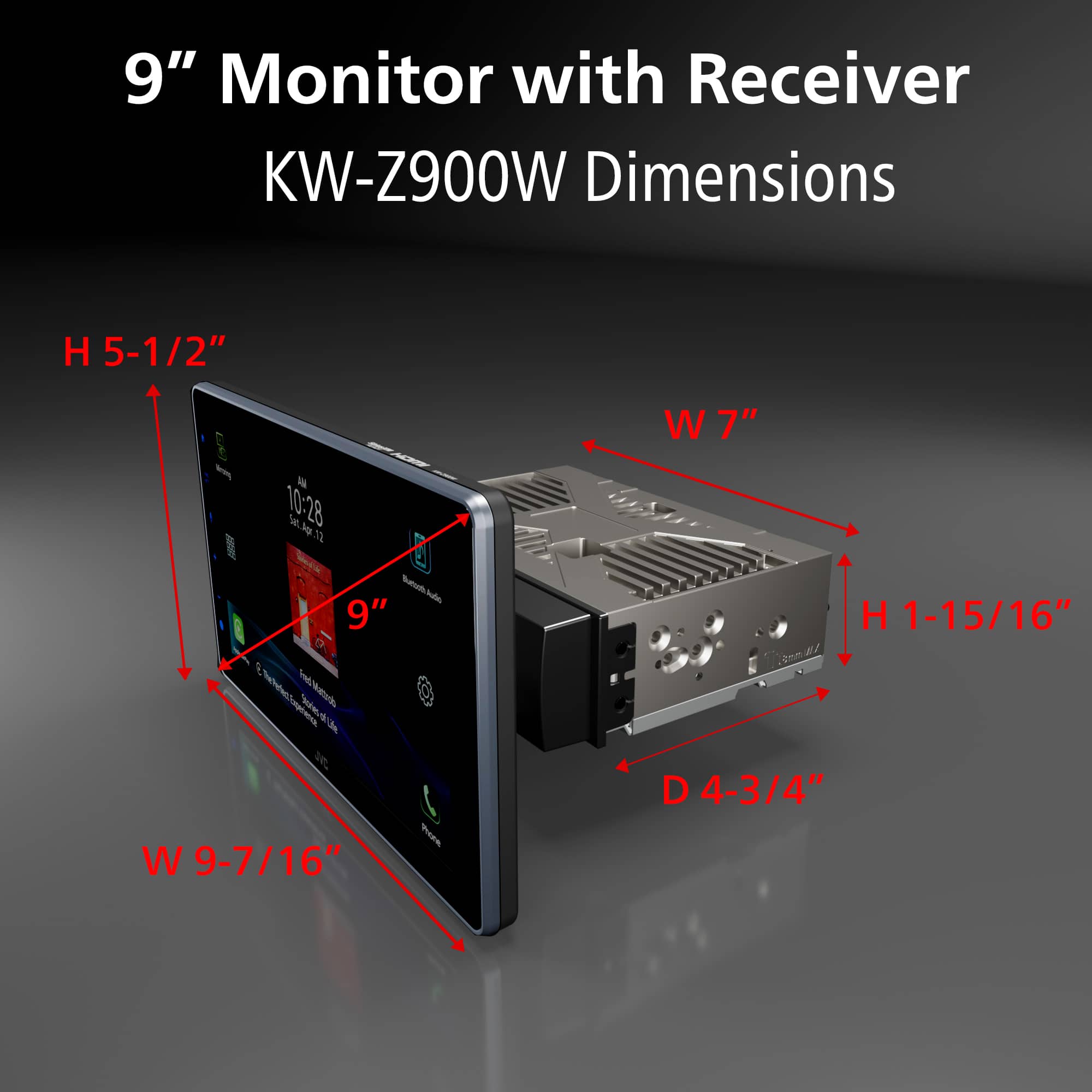
||Posted . Owned for 2 weeks when reviewed.This reviewer received promo considerations or sweepstakes entry for writing a review.Product doesn’t do what it says with ease, and GPS freezes then reroutes, for instance, i’ll drive an hour then 20 min down the road it’ll freeze then say 1min then kick back to an hr, also screenmirroring was a mislead, it’s as if you’re screensharing on facetime, i recommend the pioneer dmh more than this one foresure, the size of the radio is nice though, one last thing, if you have a 2003 avalon it’ll block your A/C a bit
No, I would not recommend this to a friendBrand response from JVCKENWOOD USA Team
Posted .Thank you for taking the time to share your feedback. We're sorry to hear that you’re experiencing an issue with your JVC KW-Z900W receiver, it’s definitely not the experience we want for our customers. We’d love to learn more about what’s happening so we can help make things right. Please reach out to us at 1-800-252-5722 or email us at [email protected], and our team will be happy to assist you. Thank you for choosing JVC, we appreciate your support and are here to help! Best regards, The JVC Customer Relations Team
Rated 5 out of 5 stars
Awesome radio
||Posted . Owned for 2 months when reviewed.This reviewer received promo considerations or sweepstakes entry for writing a review.Headunit is amazing and works so smoothly and sounds amazing when paired with a dsp the 4-5v pre outs give crazy sound
I would recommend this to a friend- Pros mentioned:Screen quality
Rated 3 out of 5 stars
It's ok
||Posted . Owned for 3 weeks when reviewed.This reviewer received promo considerations or sweepstakes entry for writing a review.I've had this for about a month now, and so I'm seeing the things i didn't notice in the beginning. First, the long press on thy volume up button sropped working, it used to wirk, and it still works for the volume down, so I know it's a feature.. but it stopped working. Second, there seems to be a 5 second delay when using the android auto an making calls. It's kind of annoying. Also, i use an ipod connected through a usb in my console to listen to music, the unit doesn't give a playlist, only thr song that playing, so it's a surprise what song will come on next. Overall, it's pretty decent. The touchscreen responds, aside from the volume up button, as i would expect, and it's large enough to see what I'm looking at.
I would recommend this to a friend Rated 4 out of 5 stars
Good not Great
||Posted . Owned for 1 month when reviewed.This reviewer received promo considerations or sweepstakes entry for writing a review.Considering what kind of radio I had prior to installing this unit, I have to say it is a whole new world. It is not instinctive/intuitive however once you get accustomed to it, it is OK. In my vehicle, there are some glitches or lagging in some of the short cut button responses... however that aside, I do appreciate the size and the responsiveness of the touch screen by in large. For what I have paid in this category of unit, I am good with the purchase and I am happy to have this JVC unit in my vehicle.
I would recommend this to a friendRated 4 out of 5 stars
Enjoying my stereo
||Posted . Owned for 2 weeks when reviewed.This reviewer received promo considerations or sweepstakes entry for writing a review.I am enjoying my new stereo very much. I was just looking for something to go into my 2008 truck and this was more than I needed but glad I have it all. Box was misleading making me think my Sirus Radio would automatic connect but found out I needed an adapter to make that happen. Also wish that the present channels could be on the main page with the radio information but again, not a big deal. Otherwise, great sound, easy to use.
I would recommend this to a friend- Pros mentioned:Screen quality
Rated 5 out of 5 stars
Very Nice Stereo
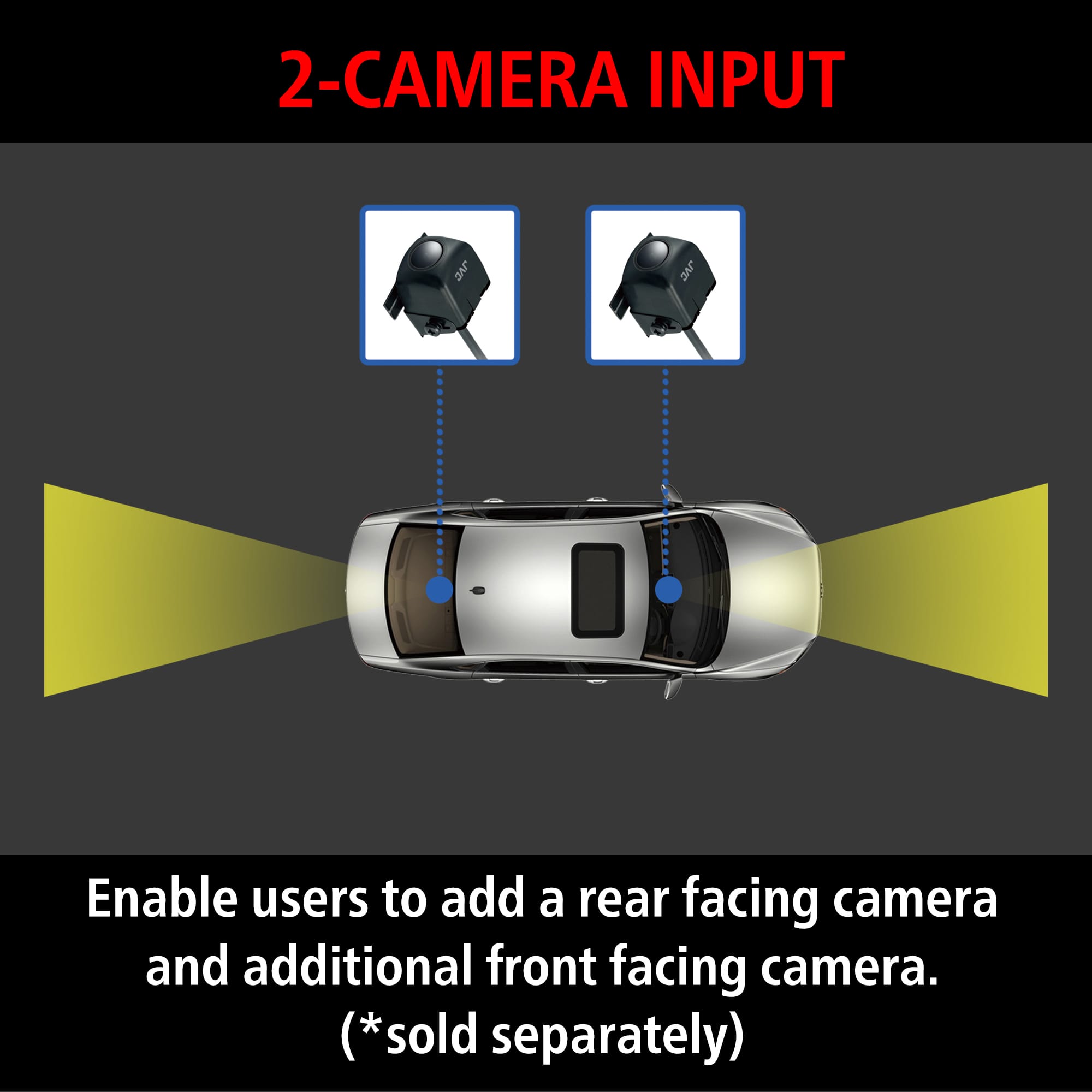
||Posted . Owned for 1 month when reviewed.This reviewer received promo considerations or sweepstakes entry for writing a review.Great addition to my car. It has all the features needed and it also connects to my vehicles cameras. Great display!
I would recommend this to a friend - Pros mentioned:Screen quality
Rated 5 out of 5 stars
New JVC radio is Great !
||Posted . Owned for 3 weeks when reviewed.This reviewer received promo considerations or sweepstakes entry for writing a review.I love my new radio ! It makes backing up a drean with the new big bright screen. And Android Auto is great for getting directions that are clear and precise.
I would recommend this to a friend Rated 5 out of 5 stars
Loving the sound
||Posted . Owned for 3 weeks when reviewed.This reviewer received promo considerations or sweepstakes entry for writing a review.I love this stereo and the value of the purchase. In fact it brings my little Kia Rio to life and even the deck itself was a gigantic improvement on my sound system over the stock stereo system I had before installing the new deck. I found it very much a big start point for my now banging system.
I would recommend this to a friendRated 5 out of 5 stars
BEST BUY service the BEST‼️
||Posted . Owned for 1 month when reviewed.This reviewer received promo considerations or sweepstakes entry for writing a review.JVC product great BEST BUY service the BEST‼️ EVERYONE at Best Buy had my Best interest at heart.
I would recommend this to a friendRated 2 out of 5 stars
JCV-unable to set time manually
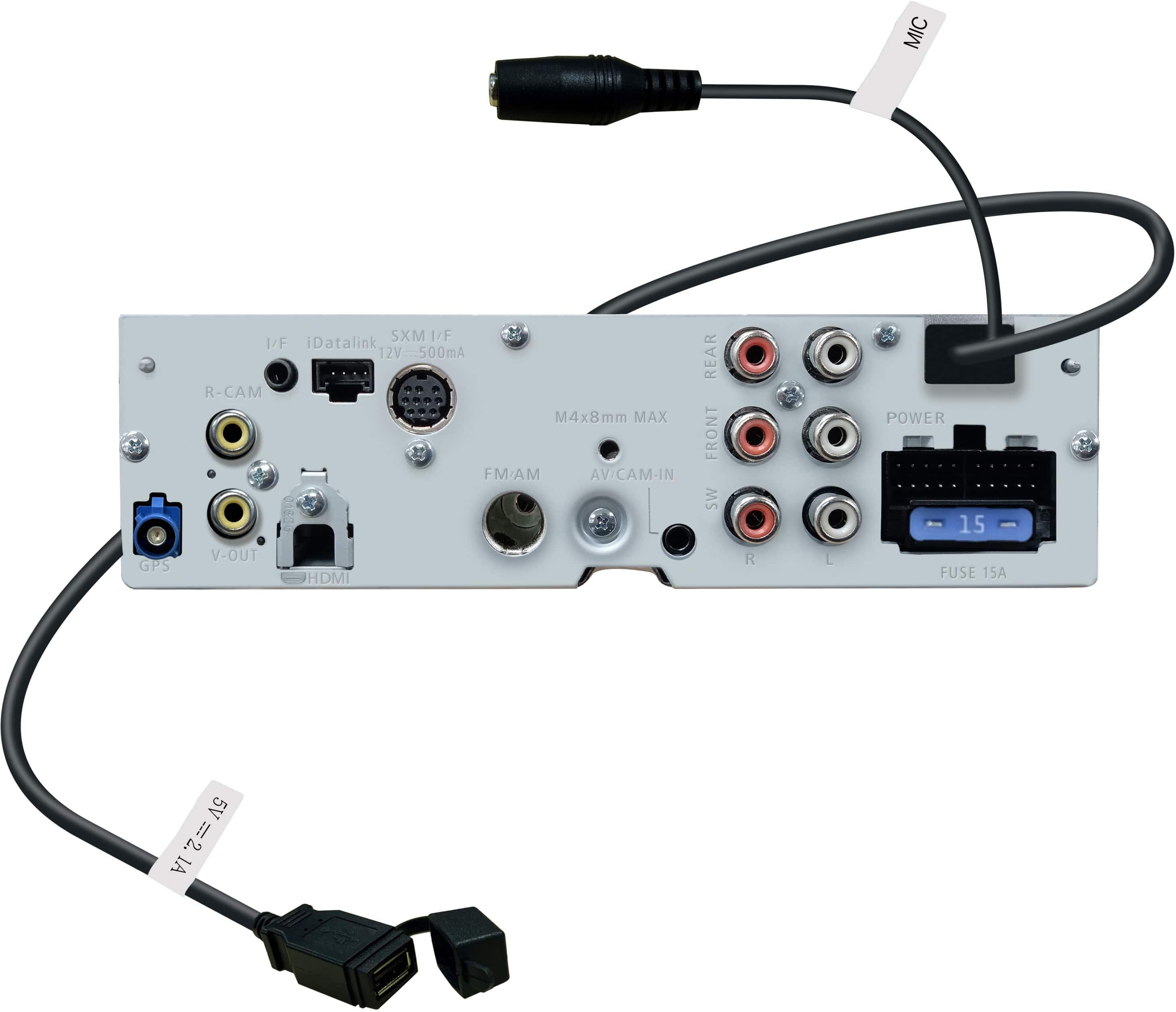
||Posted . Owned for 2 weeks when reviewed.This reviewer received promo considerations or sweepstakes entry for writing a review.The product works well. My feedback is about not being able to manual set the time. It needs a GPS signal and there was no gps antenna included in the packaging. There should be an option to set the time manually.
I would recommend this to a friendBrand response from JVCKENWOOD USA Team
Posted .Thank you for taking the time to share your feedback. We're sorry to hear that you’re experiencing an issue with your JVC KW-Z900W, it’s definitely not the experience we want for our customers. On the JVC KW-Z900W you can set the clock manually if you don’t want it to sync automatically. By default, many JVC receivers try to auto-sync the time (from GPS, radio data, or smartphone connection), but you can switch the clock to Manual and adjust it yourself. How to set the time manually: Press HOME on the receiver. Then tap SETUP. Then go to System or User Interface settings. Then find Clock and change it from Auto / GPS-Sync to Manual. Then tap Clock Adjust. Then set the date and time, then tap Set. If you have any further questions/issues, please reach out to us at 1-800-252-5722 or email us at [email protected], and our team will be happy to assist you. Thank you for choosing JVC, we appreciate your support and are here to help! Best regards, The JVC Customer Relations Team
Rated 5 out of 5 stars
Jvc car stereo
||Posted . Owned for 1 week when reviewed.This reviewer received promo considerations or sweepstakes entry for writing a review.Cody from geek squad was fantastic and all the employees at best buy thank you so much
I would recommend this to a friendRated 5 out of 5 stars
Head unit
||Posted . Owned for 1 month when reviewed.This reviewer received promo considerations or sweepstakes entry for writing a review.Does just what I wanted it to do. Haven’t had any problems with it.
I would recommend this to a friend