Customer Ratings & Reviews


- Model:
- 83N6000GUS
- SKU:
- 6619188
Rating by feature
- Performance
Rating 4.8 out of 5 stars
- Storage Capacity
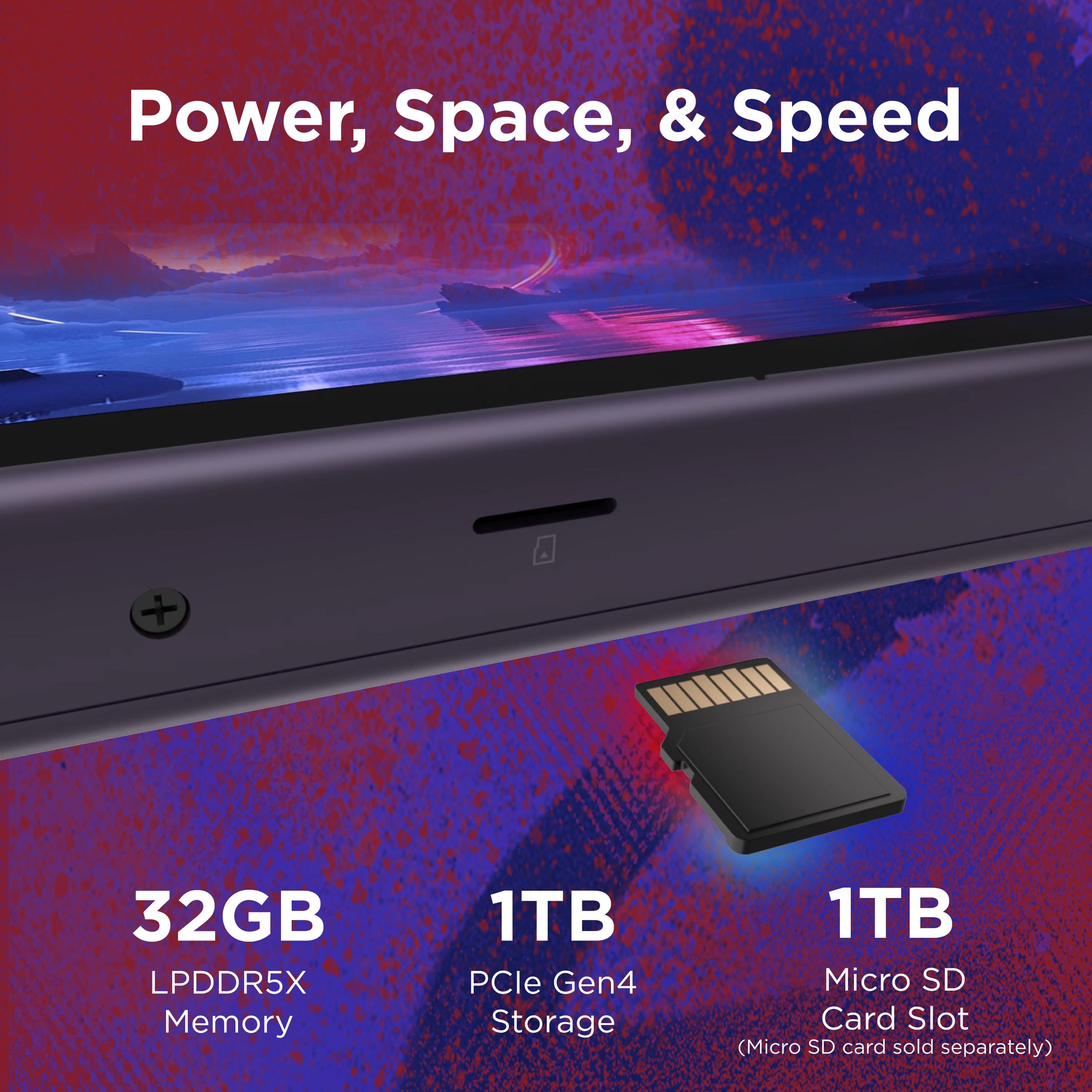
Rating 4.8 out of 5 stars
- Controller
Rating 4.7 out of 5 stars
Customers are saying
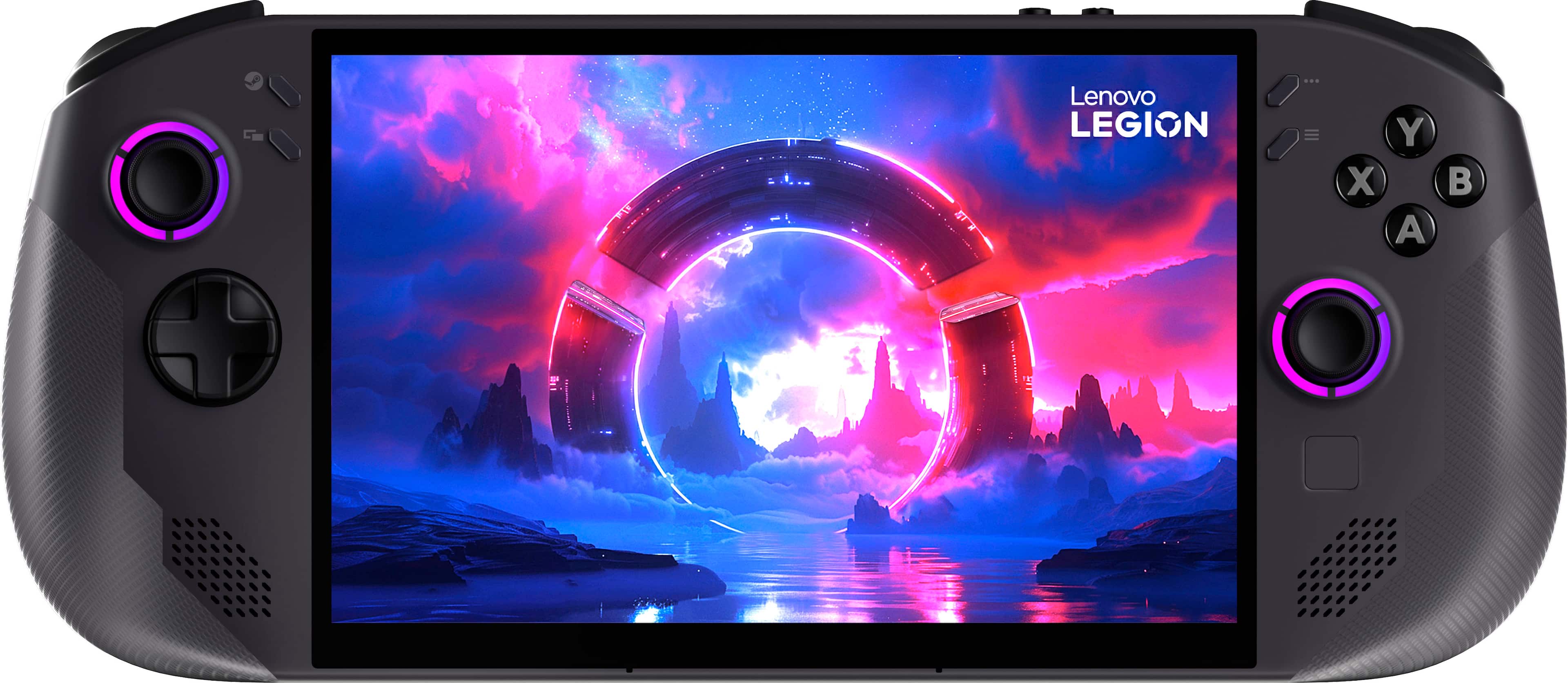
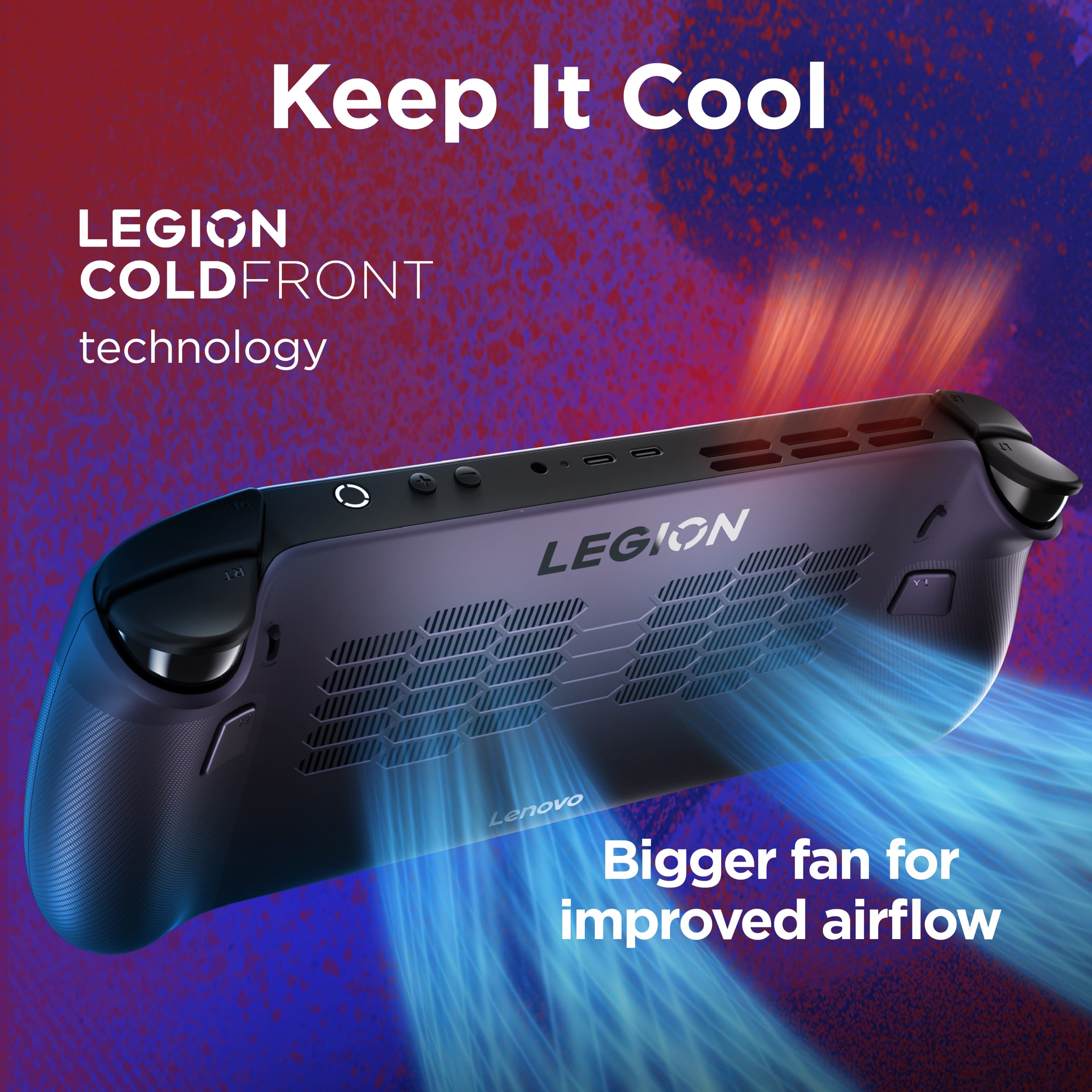
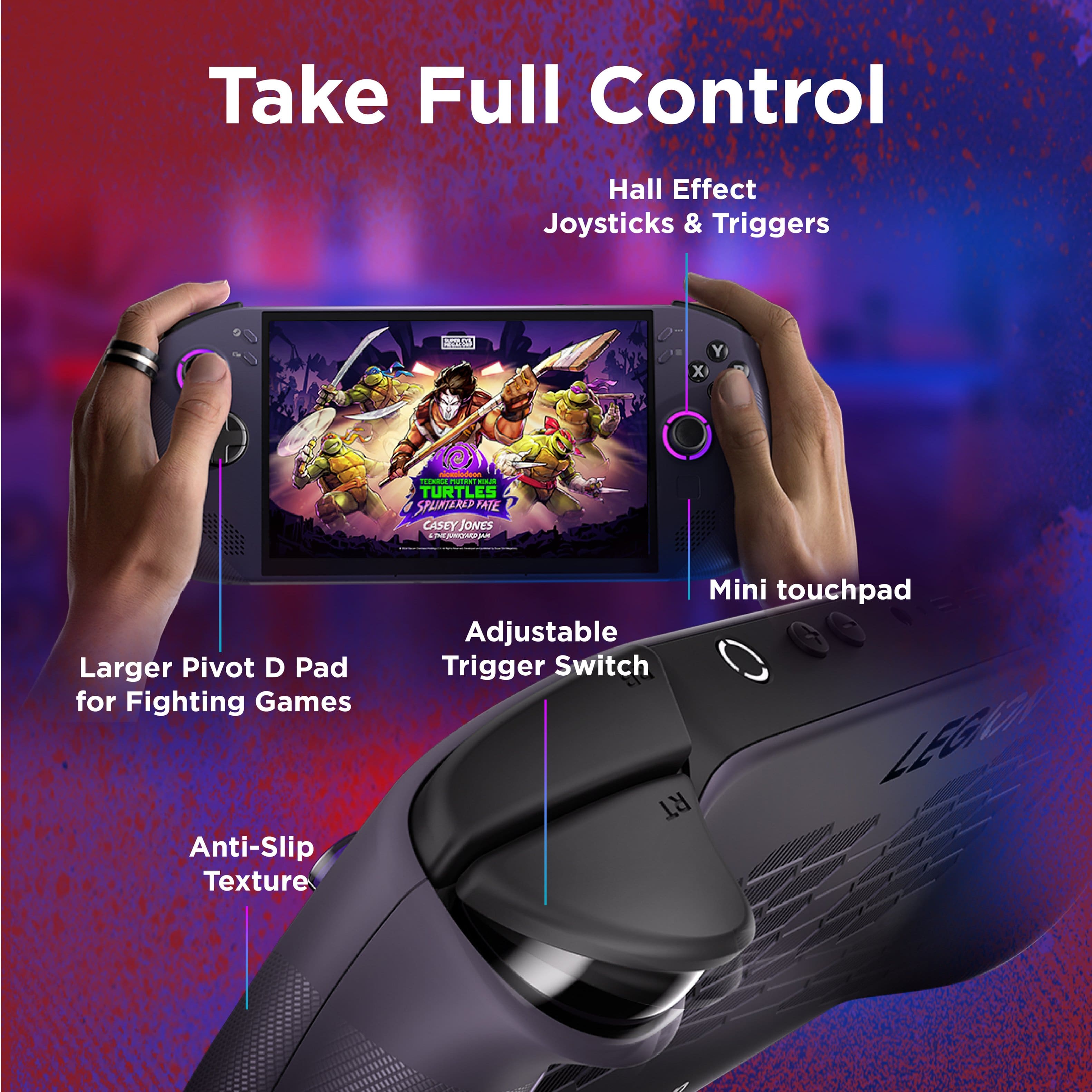
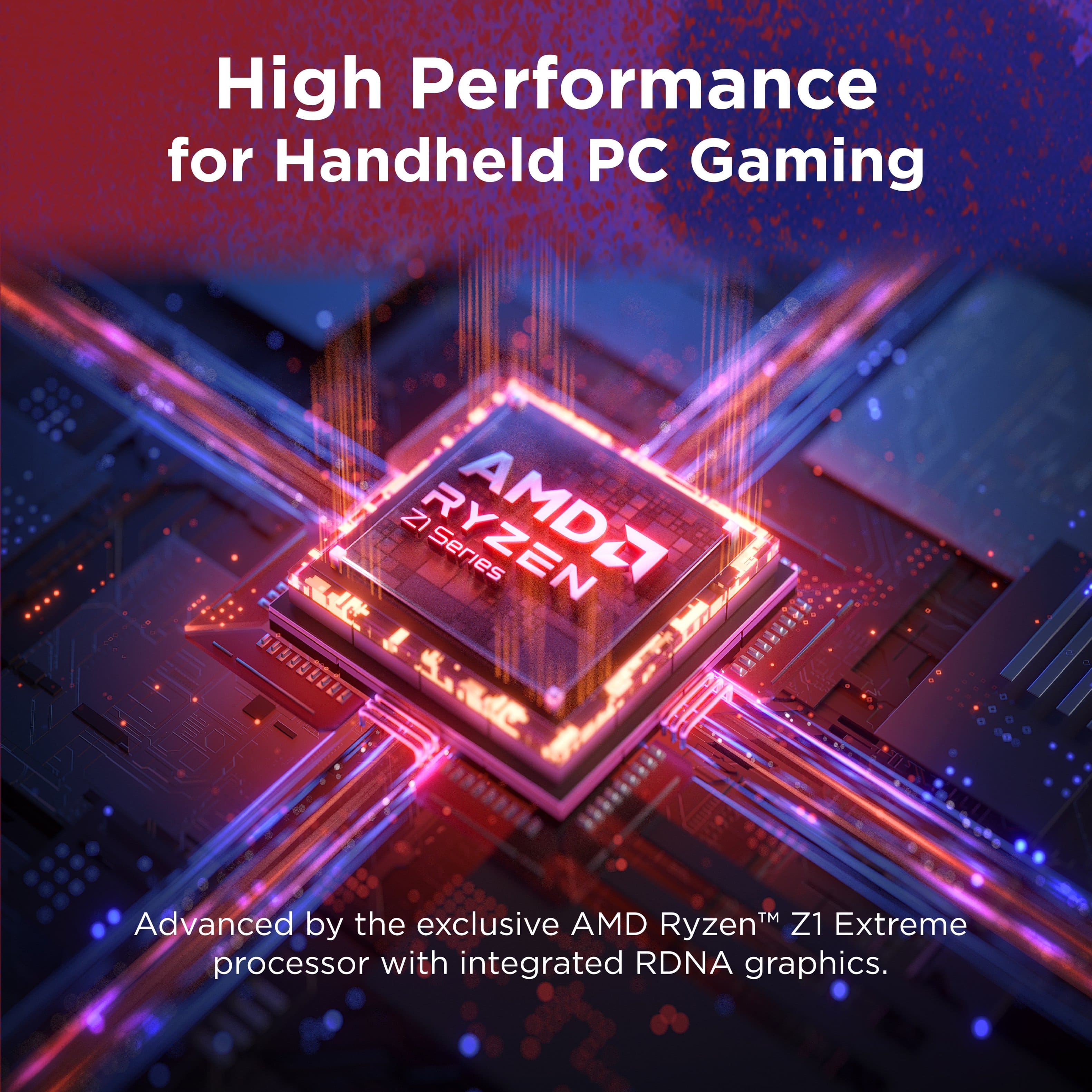
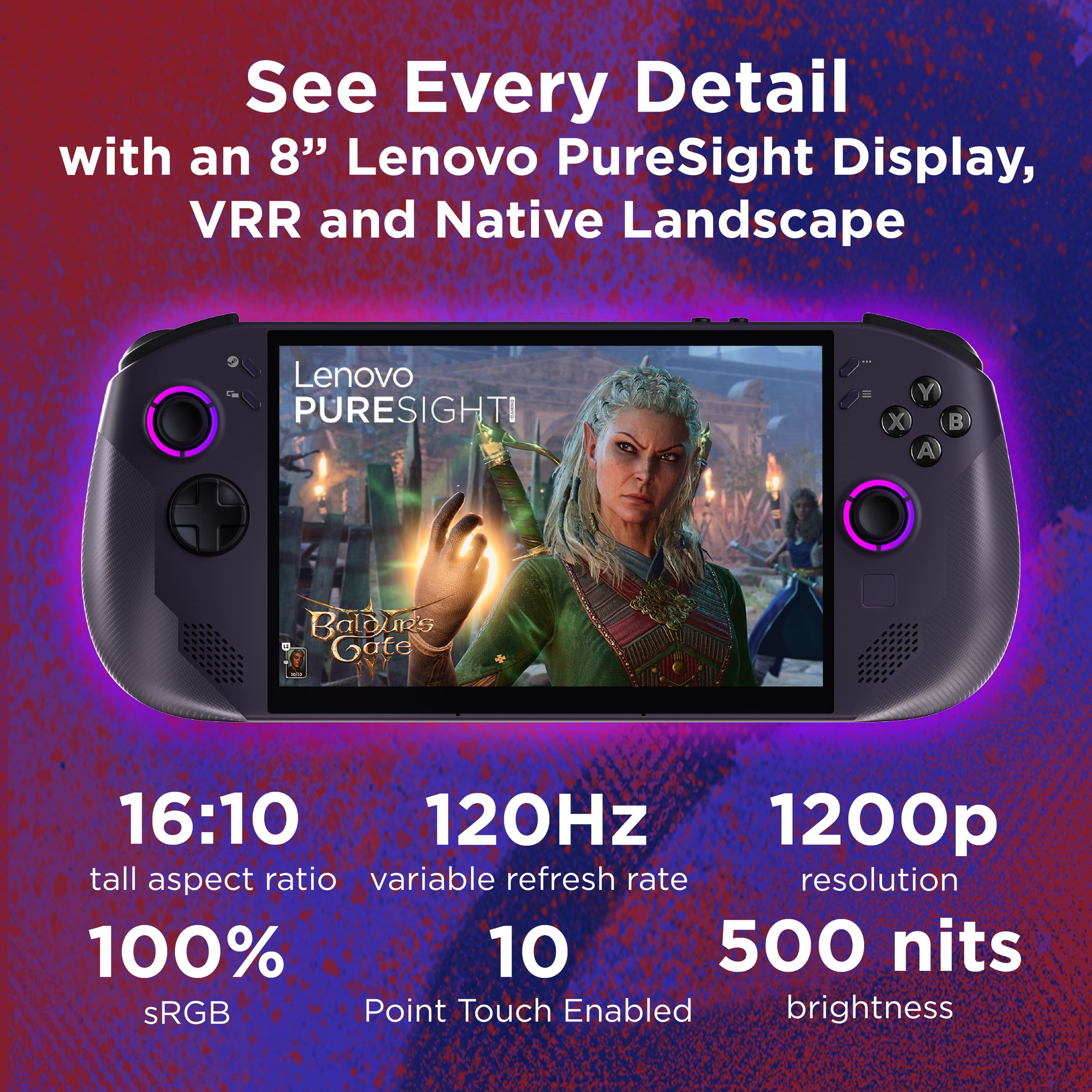
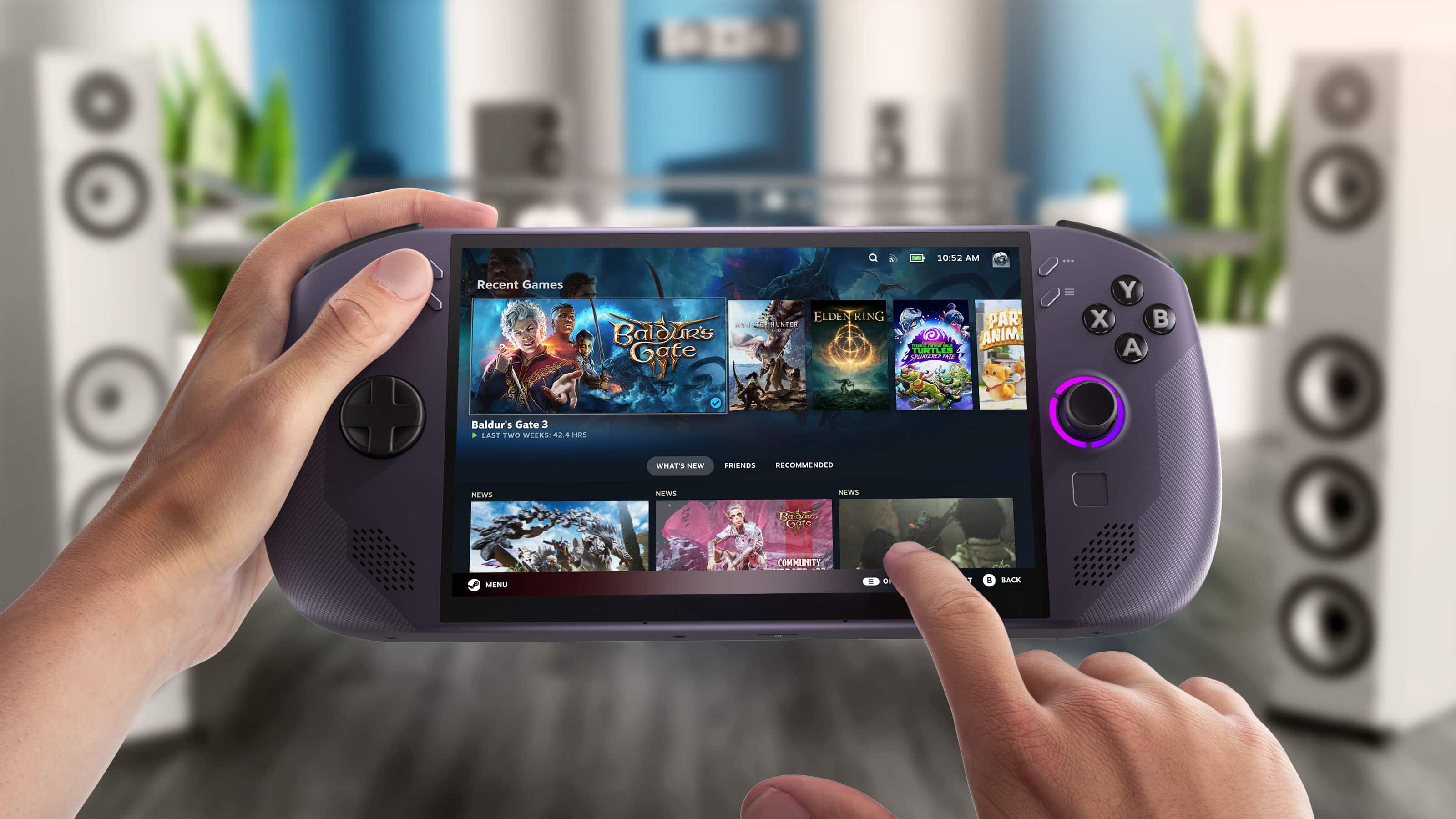
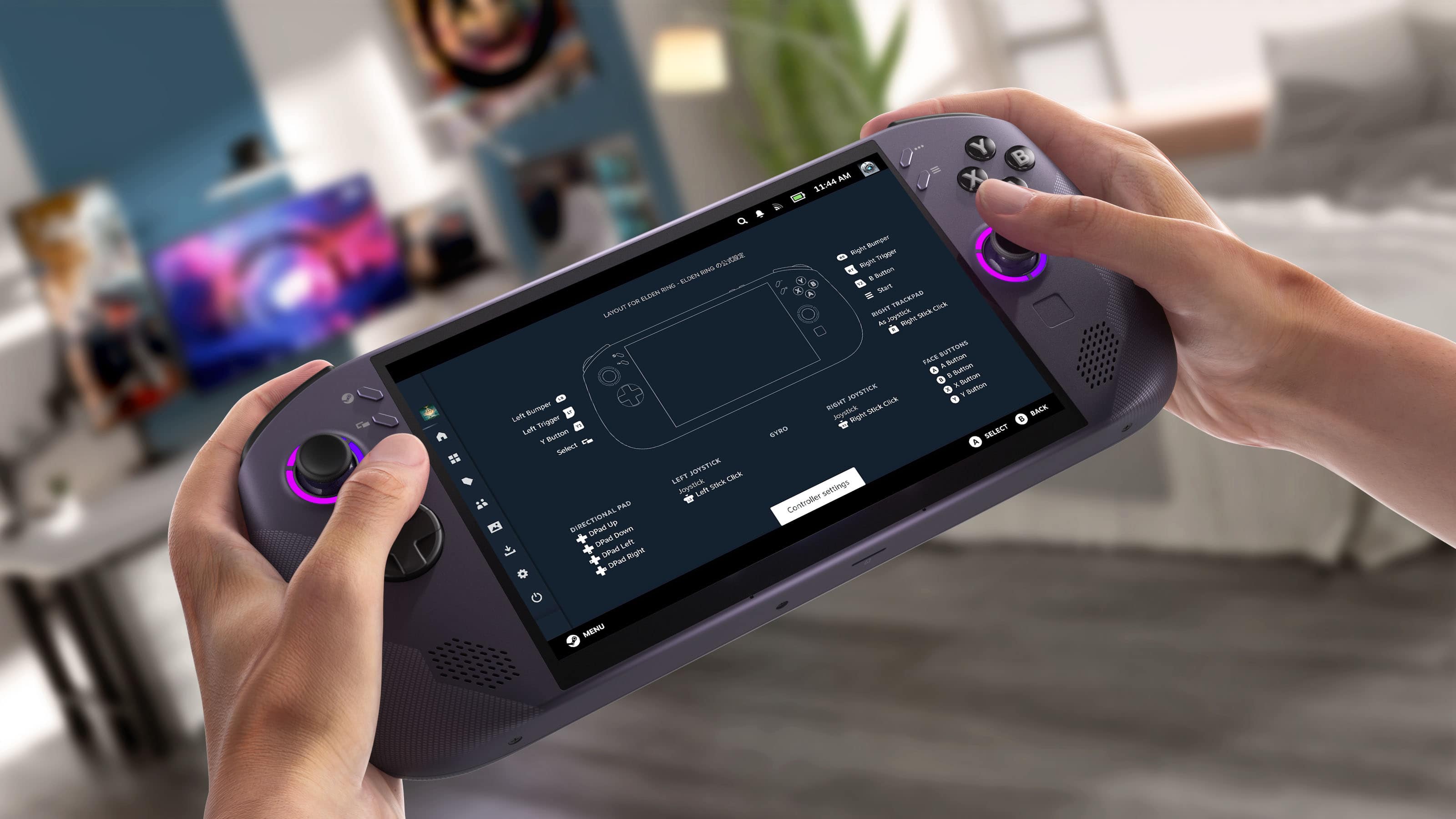
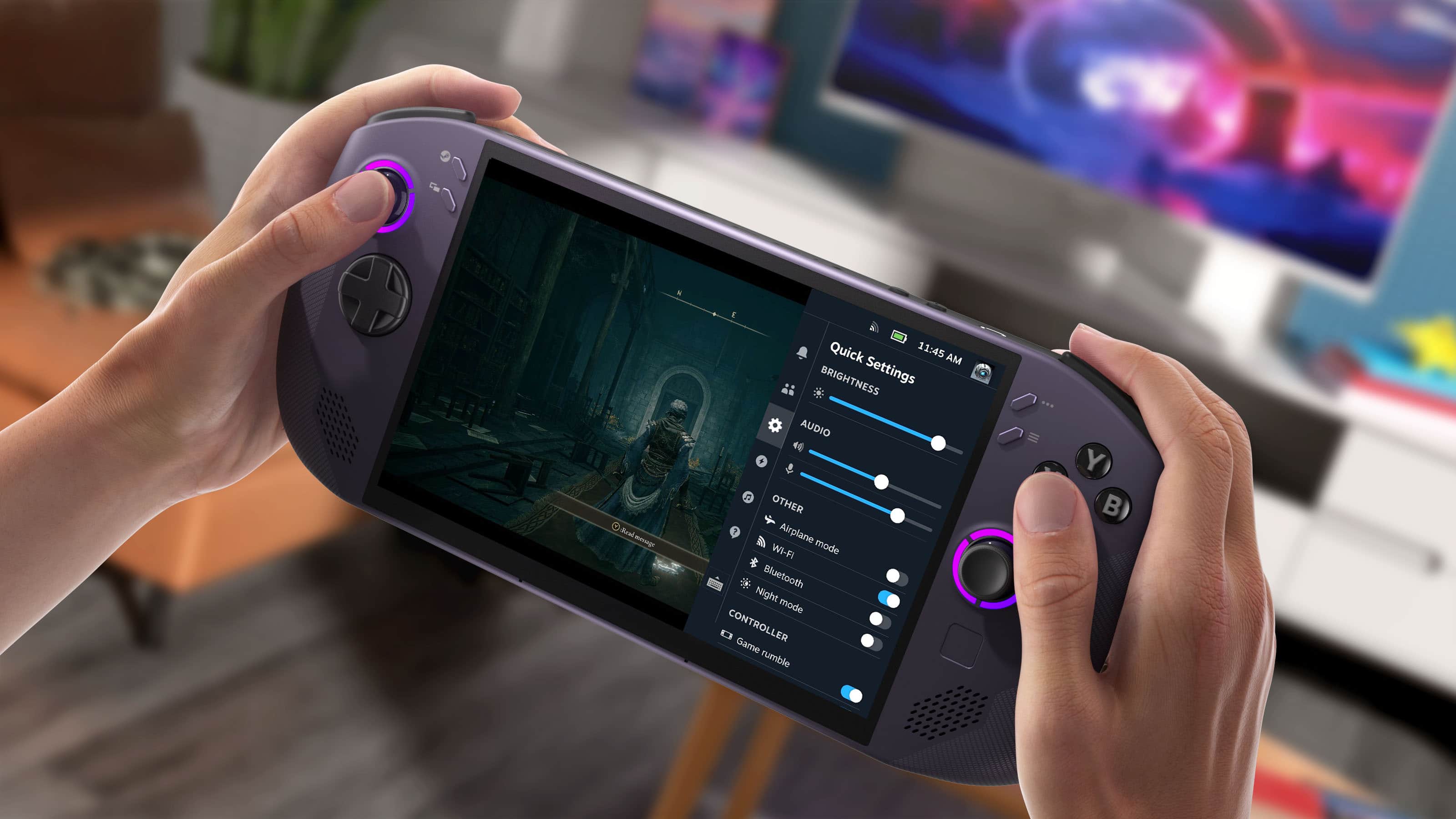
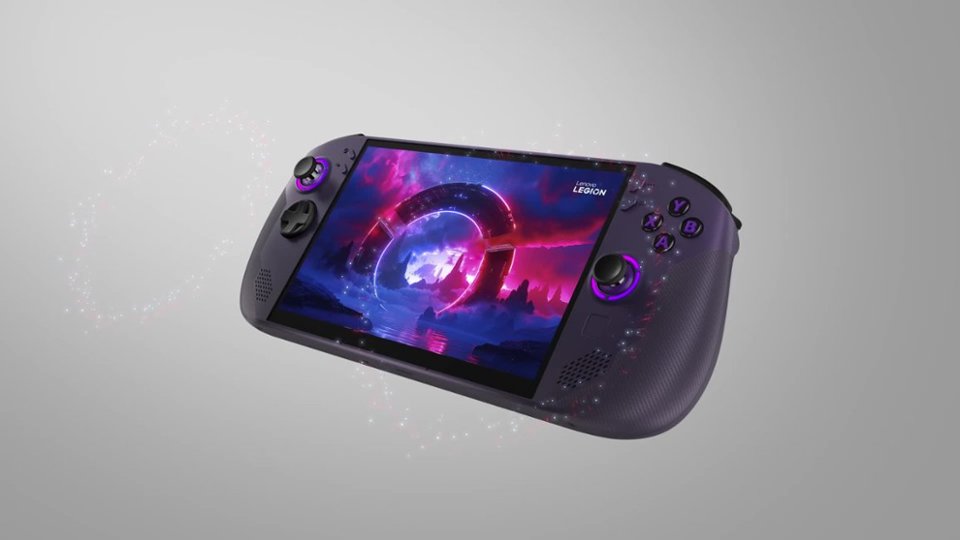
Customers are positive about the Legion Go S 8" gaming handheld's overall performance, screen quality, and comfortable ergonomics. Many also appreciate the smooth operating system and fast processor speed. However, some customers express concerns regarding the device's battery life, fan noise, and weight compared to similar products.
This summary was generated by AI based on customer reviews.
- Pros mentioned:Overall performanceCons mentioned:Battery life
Average battery life, but solid device overall
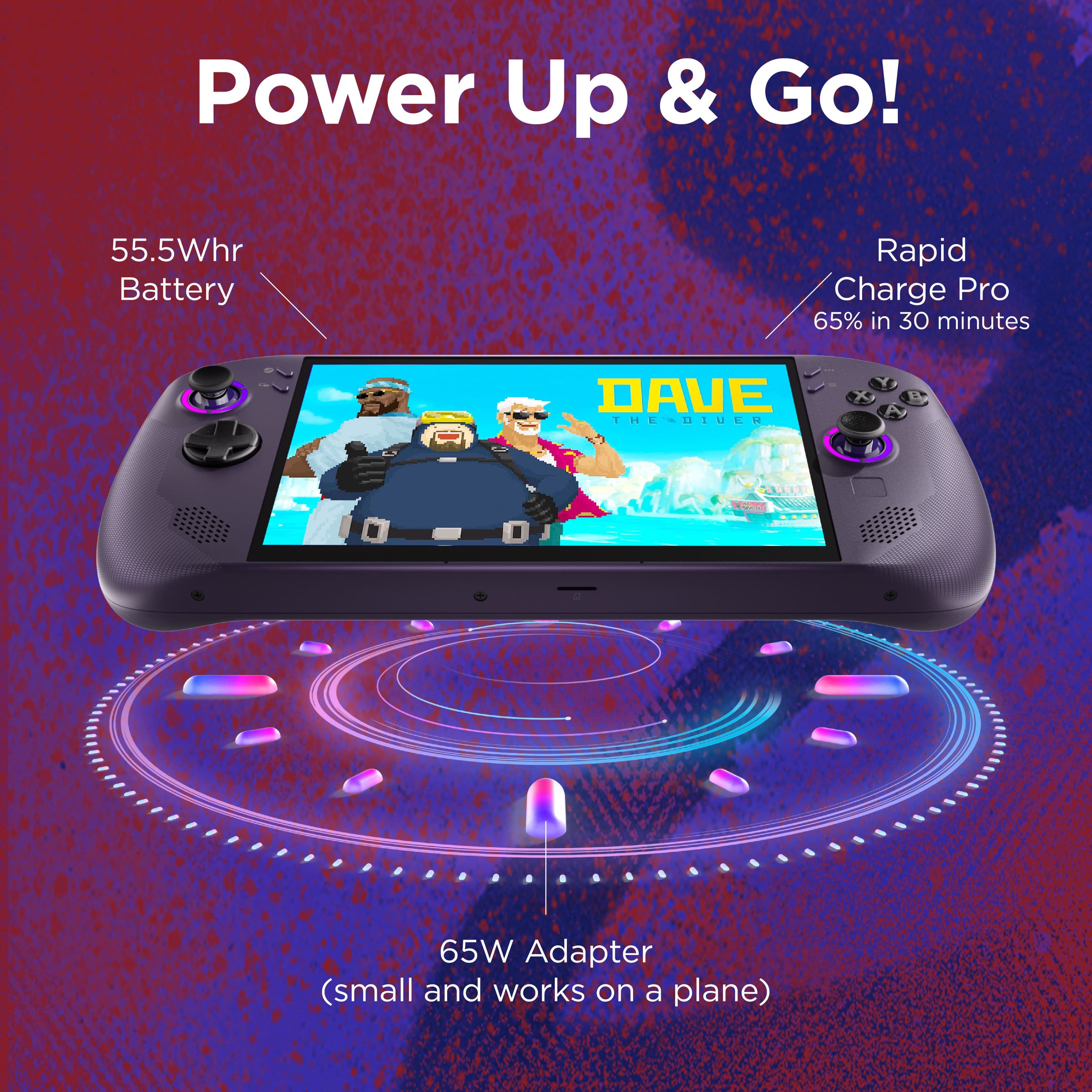
||Posted . Owned for 2 months when reviewed.This reviewer received promo considerations or sweepstakes entry for writing a review.Great device that handles most games at playable settings. Battery life is a bit lackluster but not terrible
I would recommend this to a friend - Pros mentioned:Operating system, Overall performance
One of the best handheld PC's ive owned!
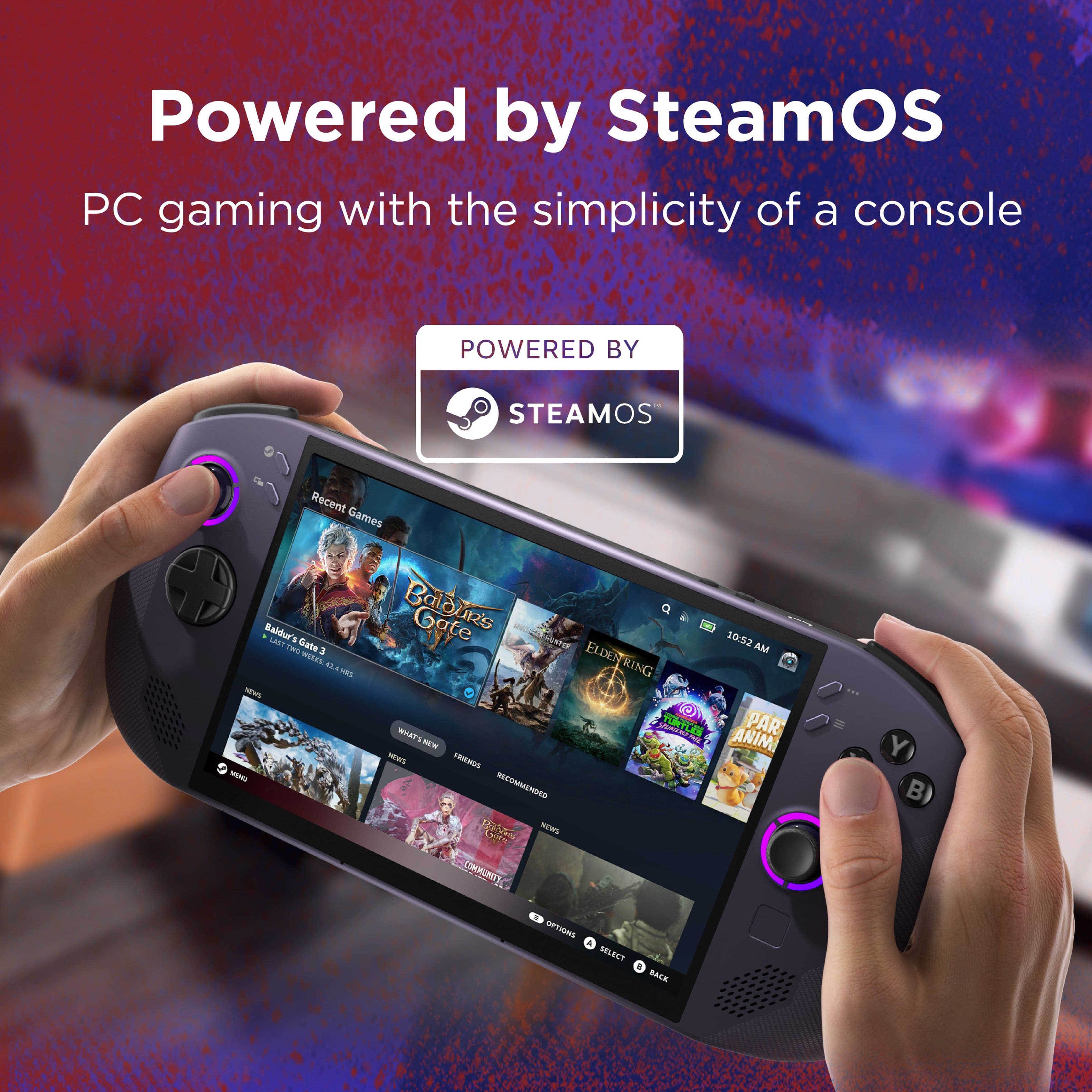
||Posted .This reviewer received promo considerations or sweepstakes entry for writing a review.Easily one of the best handhelds ive ever had! Making Steam OS public was one of the best decisions Valve has made. Not having to deal with Windows is a game changer for this already solid device. Its an easy recommend from me!
I would recommend this to a friendBrand response from Lenovo Product Expert
Posted .Hi,
Thanks for choosing Lenovo and for sharing your feedback with us!
We are glad to read that you are satisfied with your purchase.
Please don't hesitate to reach out to us via the Q& A section of this product page or contact Lenovo Support should you have any questions or need assistance.
Regards,
Lenovo
- Pros mentioned:Overall performanceCons mentioned:Battery life
Good gaming system
||Posted . Owned for 3 weeks when reviewed.This reviewer received promo considerations or sweepstakes entry for writing a review.Good gaming system, not so great battery life. Increasing the battery life in future models would be great
I would recommend this to a friend - Pros mentioned:Overall performance
Good for steam.
||Posted . Owned for 2 weeks when reviewed.This reviewer received promo considerations or sweepstakes entry for writing a review.Bought this for me originally but my son ended up with it. Would have given it less stars if it didn’t work so good for him. It is a lot more complicating to use for Xbox and windows than it should be. It works great for a steam deck. My son loves it but it just didn’t do what I wanted it to do out of the box. I ended up getting the go 2 and it was exactly what I was looking for out of the box. For a tech person who doesn’t mind having to find work around to make this like the go on their own, this would be great. But I didn’t want to deal with it. Don’t get me wrong, it’s a great device and has great potential. But it’s more for steam than anything else hence the “s” I guess.
I would recommend this to a friendBrand response from Lenovo Product Expert
Posted .Hi,
Thanks for choosing Lenovo and for sharing your feedback with us!
We are glad to read that you are satisfied with your purchase.
Please don't hesitate to reach out to us via the Q& A section of this product page or contact Lenovo Support should you have any questions or need assistance.
Regards,
Lenovo
- Pros mentioned:Overall performance
Innovation made portable
||Posted . Owned for 3 weeks when reviewed.This reviewer received promo considerations or sweepstakes entry for writing a review.This handheld device has worked wonders in the amount of time i had it for! Playing games on steam and then playing the nostalgic ones for the good reminiscing on desktop mode. 10/10 best device i had in years
I would recommend this to a friend - Pros mentioned:Overall performanceCons mentioned:Battery life
Love it, awesome OS
||Posted .This reviewer received promo considerations or sweepstakes entry for writing a review.Love this thing, the download speed is better than my PC somehow. The OS is awesome and things run great. Battery life is an issue obviously because you can kill it with some games pretty fast but as long as you have an outlet you're good anywhere.
I would recommend this to a friendBrand response from Lenovo Product Expert
Posted .Hey RyanW,
Thanks for choosing Lenovo and for sharing your feedback with us!
We are glad to read that you love the Legion Go S. Please keep in mind that when applicable, switch to a more power efficiency performance mode to save battery life when needed.
Please feel free to reach out to us via the Q& A section of this product page should you have any questions or need assistance.
Best,
Lenovo
- Pros mentioned:Screen quality
Perfect at this price!
||Posted .This reviewer received promo considerations or sweepstakes entry for writing a review.This thing rules. I’ve been waiting for the steam deck 2 and using my switch, but this deal at $500 finally pushed me over the edge and I pulled the trigger. I’m so glad I did. It’s too big to hold comfortably with one hand, but that’s not really a problem. Screen is beautiful, steamOS works perfectly, and I would buy again in a second. I’m really glad I didn’t buy one of the $800+ handhelds.
I would recommend this to a friendBrand response from Lenovo Product Expert
Posted .Hi,
Thanks for choosing Lenovo and for sharing your feedback with us!
We are glad to read that you are satisfied with your purchase.
Please don't hesitate to reach out to us via the Q& A section of this product page or contact Lenovo Support should you have any questions or need assistance.
Regards,
Lenovo
I can’t stop playing it
||Posted . Owned for 1 month when reviewed.This reviewer received promo considerations or sweepstakes entry for writing a review.So first off, there were 3 things that made me pull the trigger to this purhcase: 1…The Nintendo Switch 2. When the Nintendo Switch 2, like most I bought mine on the day of launch. I did not have a pre-order in place, or bought it from a third party, I bought mine on day of from GameStop. From day one I was in love with the sleekness and size, no other gaming console matches the size and design. However, what held me back from making it my EDC gaming device was my Steam Game Library. 2…..Steam, Nintendo has the games I want, but I just could not swallow paying full price for games. Sales on the Nintendo E store just do not happen fast enough, at least not as fast Steam. Also, I could not abandon my Steam Library and the discounts and price, just could not be beat. Which leads me to 3….The price, Best Buy finally did it, they put the Lenovo Legion Go S on a black friday deal which made it finally cheaper than the most expensive Steam Deck. Doing so I gave up on an OLED display, but I ended up getting a device with higher performace, bigger screen with higher refresh rate, with an open box $569 price tag. The device for me was a no brainer. I still have the Nintendo Switch 2, but the Lenovo Legion Go S is what I play.
I would recommend this to a friendBrand response from Lenovo Product Expert
Posted .Hi,
Thanks for choosing Lenovo and for sharing your feedback with us!
We are glad to read that you are satisfied with your purchase overall.
Please don't hesitate to reach out to us via the Q& A section of this product page or contact Lenovo Support should you have any questions or need assistance.
Regards,
Lenovo
- Pros mentioned:Screen quality
Good purchase
||Posted . Owned for 3 weeks when reviewed.This reviewer received promo considerations or sweepstakes entry for writing a review.I had a steam deck oled and I will say there are pros and cons from switching over to this. I still like this handheld more than the steam deck. I will say it’s based on preference this vs steam deck oled. I might just be a sucker for rgb so I like how the legion looks more, it’s slightly bigger than then steam deck. This screen vs the oled screen —I personally don’t recognize the difference like a lot of ppl do. I miss the trackpads a lot from the steam deck.
I would recommend this to a friend - Cons mentioned:Noise level
Awesome system
||Posted .This reviewer received promo considerations or sweepstakes entry for writing a review.This is a great system. The steam os is wonderful, i love it. The only problem with the steam os is you can not run all games on it. Example is Battlefield, COD, Madden or most EA games. Once steam figures out the anti cheat they will be better than windows. The fans are a little louder but the system stays cool better than the legion go and legion go s with windows
I would recommend this to a friendBrand response from Lenovo Product Expert
Posted .Hi,
Thanks for choosing Lenovo and for sharing your feedback with us!
We are glad to read that you are satisfied with your purchase.
Please don't hesitate to reach out to us via the Q& A section of this product page or contact Lenovo Support should you have any questions or need assistance.
Regards,
Lenovo
Best Handhled on the Market (right now)
||Posted . Owned for 5 months when reviewed.This reviewer received promo considerations or sweepstakes entry for writing a review.The best PC handheld on the market right now. The Legion Go S is not as powerful as it's older brother, the GO 2, nor is it as compact or ergonomic as the Xbox ROG Ally X. In fact, I would say that is not the "best handheld" in any of the major categories such as performance, battery life, or screen type. Still, the combination of things it does well elevate this handheld to the top spot among it's competitors. SteamOS is wonderful and easy to navigate. The performance is good enough to play most games at acceptable settings and resolutions. It is comfortable and the buttons are responsive.
I would recommend this to a friend- Pros mentioned:Screen quality
Gamers mom
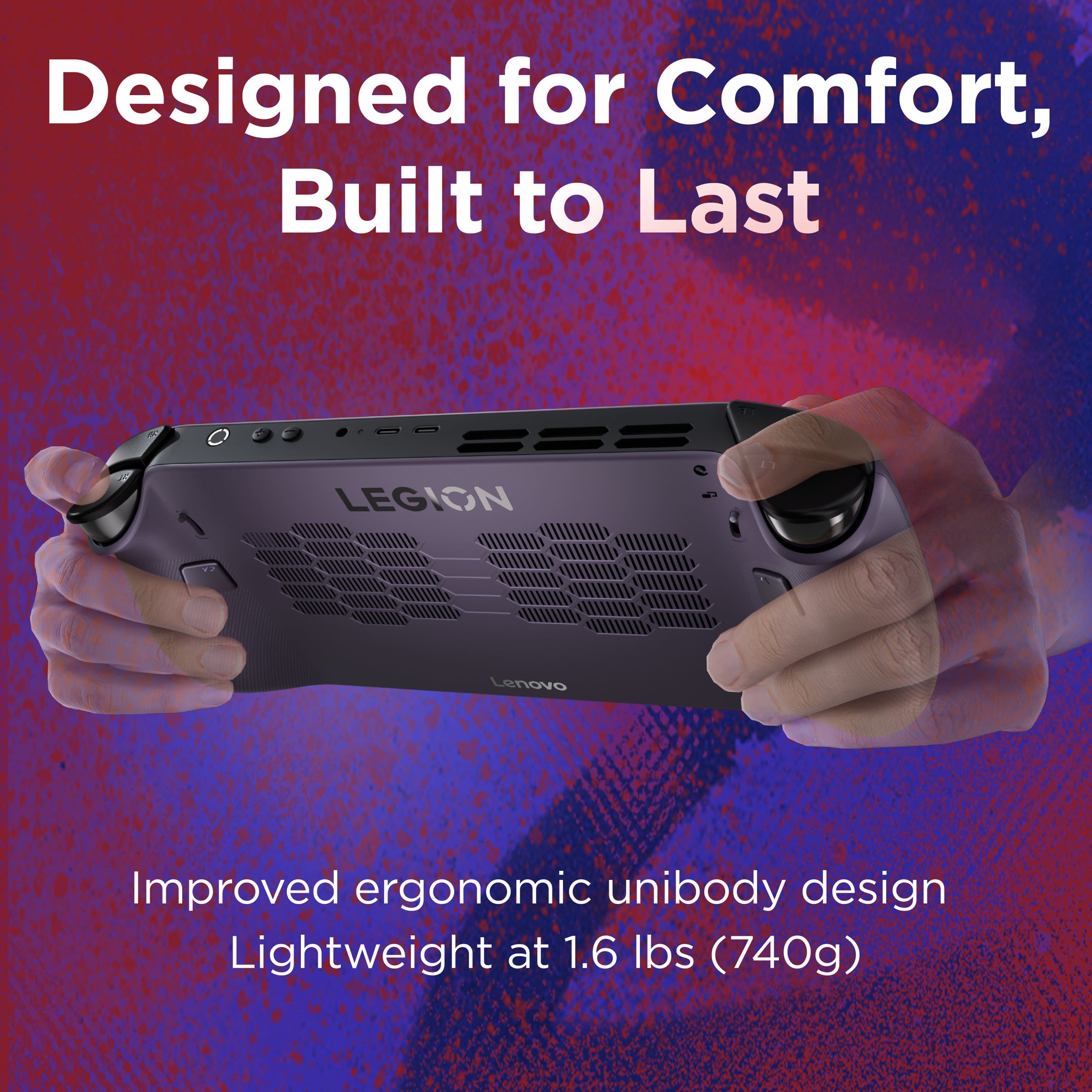
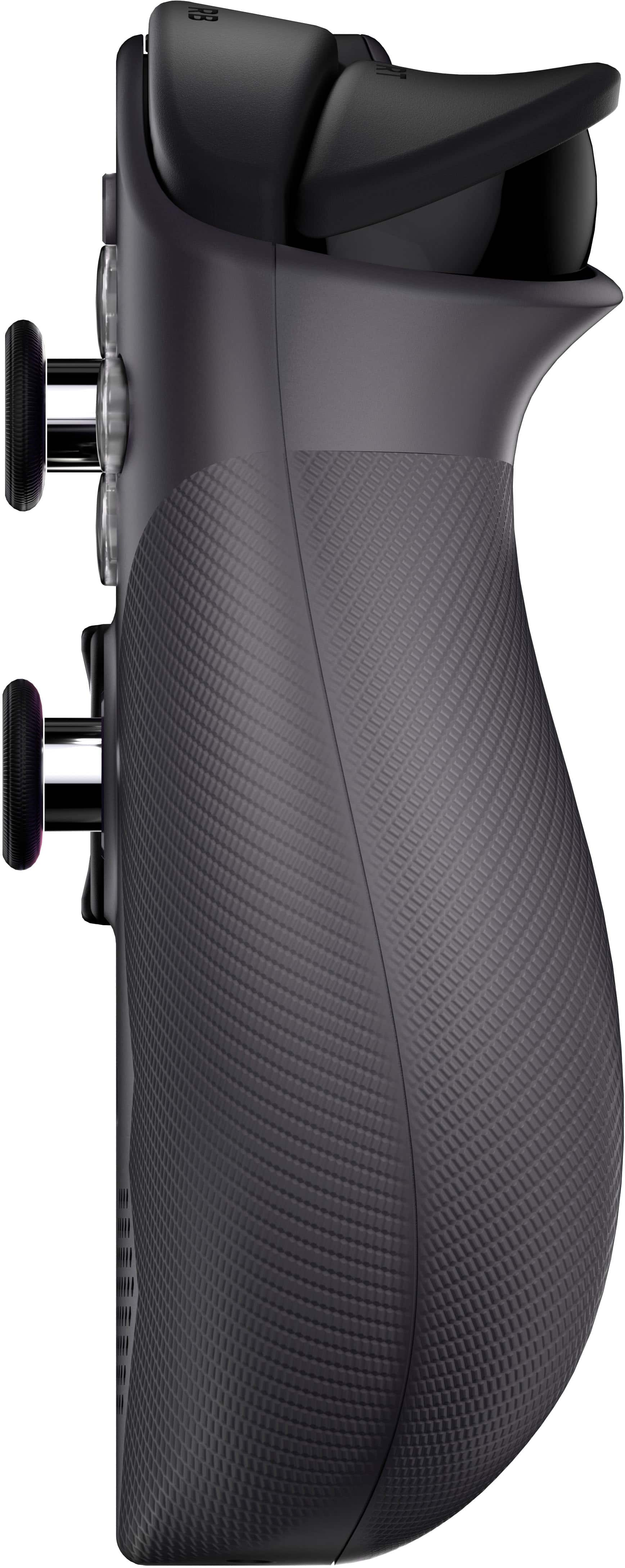
||Posted .This reviewer received promo considerations or sweepstakes entry for writing a review.A gift for my son that he truly loves. Screen is clear and the sounds to the games are amazing. Also, the images on the screen are also clear. Looks like he is playing on his desktop except it’s portable. The weight of the console is good on the hand and the side grips makes it easy to hold the console while playing.
I would recommend this to a friend - Pros mentioned:Overall performanceCons mentioned:Battery life
Great device.
||Posted .This reviewer received promo considerations or sweepstakes entry for writing a review.It works excellent, the battery could be better though but it serves all the needs I needed to get out of it.
I would recommend this to a friendBrand response from Lenovo Product Expert
Posted .Hi,
Thanks for choosing Lenovo and for sharing your feedback with us!
We are glad to read that you are satisfied with your purchase overall.
Please don't hesitate to reach out to us via the Q& A section of this product page or contact Lenovo Support should you have any questions or need assistance.
Regards,
Lenovo
- Pros mentioned:ErgonomicsCons mentioned:Battery life
Pretty darn good
||Posted .This reviewer received promo considerations or sweepstakes entry for writing a review.Battery on max settings dies really fast. but other than that so far it’s awesome. Also very nice in the hands.
I would recommend this to a friendBrand response from Lenovo Product Expert
Posted .Hi,
Thanks for choosing Lenovo and for sharing your feedback with us!
We are glad to read that you are satisfied with your purchase overall.
Please don't hesitate to reach out to us via the Q& A section of this product page or contact Lenovo Support should you have any questions or need assistance.
Regards,
Lenovo
- Pros mentioned:Overall performance
Love it! If you have a PC, definitely worth
||Posted .This reviewer received promo considerations or sweepstakes entry for writing a review.This thing has blown me away. I got it on sale for $650, and it’s truly the best decision I’ve made gaming wise. The performance is so awesome to see. The only thing to keep in mind is the battery life if you’re playing more demanding games. You significantly improve the battery by altering your TDP and refresh rate, but still plan on buying a portable charger
I would recommend this to a friendBrand response from Lenovo Product Expert
Posted .Hi,
Thanks for choosing Lenovo and for sharing your feedback with us!
We are glad to read that you are satisfied with your purchase.
Please don't hesitate to reach out to us via the Q& A section of this product page or contact Lenovo Support should you have any questions or need assistance.
Regards,
Lenovo
- Pros mentioned:Ergonomics
Legion Go S Review
||Posted .This reviewer received promo considerations or sweepstakes entry for writing a review.The Legion Go S is an excellent handheld. I was hesitant on purchasing it, but this is one of the most comfortable handhelds I have ever used. The ergonomics are amazing, it is significantly lighter than I had anticipated, and most games run very well, aside from a number of recently released AAA titles. Even then, they are still playable with lower FPS.
I would recommend this to a friendBrand response from Lenovo Product Expert
Posted .Hi,
Thanks for choosing Lenovo and for sharing your feedback with us!
We are glad to read that you are satisfied with your purchase.
Please don't hesitate to reach out to us via the Q& A section of this product page or contact Lenovo Support should you have any questions or need assistance.
Regards,
Lenovo
- Pros mentioned:Screen quality
Great handheld
||Posted . Owned for 1 week when reviewed.This reviewer received promo considerations or sweepstakes entry for writing a review.Games run great on steam os. Dont have to worry too much about optimization. Just jump right in and start playing games from your steam library. Feels very comfortable in hands and the 8 inch screen looks fantastic
I would recommend this to a friend - Pros mentioned:Overall performance
BEST handheld gaming device, hands down!
||Posted .This reviewer received promo considerations or sweepstakes entry for writing a review.I purchased this for my 11 year old son to game on. He loves portable gaming. I have always been a fan of console and PC. This amazing handheld bridges the gap and allows me to experience gaming in a whole new experience. I catch myself playing on his Legion late at night. Definitely asking Santa for one for myself this year! GREAT PRODUCT! GREAT PRICE! AMAZING QUALITY!
I would recommend this to a friendBrand response from Lenovo Product Expert
Posted .Hi AaronL-
Thank you for choosing Lenovo and sharing your experience with us. We are happy to hear that you and your son are enjoying the Legion Go S together. We aim to offer great user experience and are overjoyed to see that we met our goal.
Please reach out to us through the Q & A section of this product webpage if you have any questions or need any assistance.
Best wishes,
Lenovo
- Pros mentioned:Overall performance, Screen quality
Legion Go S w/ Steam OS
||Posted .This reviewer received promo considerations or sweepstakes entry for writing a review.What a awesome handheld! Take the Steamdeck and give it a bigger screen. Its a great handheld. Bravo Lenovo.
I would recommend this to a friendBrand response from Lenovo Product Expert
Posted .Hi,
Thanks for choosing Lenovo and for sharing your feedback with us!
We are glad to read that you are satisfied with your purchase.
Please don't hesitate to reach out to us via the Q& A section of this product page or contact Lenovo Support should you have any questions or need assistance.
Regards,
Lenovo
- Pros mentioned:Overall performanceCons mentioned:Battery life
Good but battery life needs work
||Posted .This reviewer received promo considerations or sweepstakes entry for writing a review.Good handheld but extremely fast draining battery but performance is beyond expected
I would recommend this to a friend