Legion Go 8.8" 144Hz WQXGA Gaming Handheld - AMD Ryzen Z1 Extreme - 16GB with 512 GB SSD
Customers are saying
Customers often highlight the device's impressive overall performance and high-quality screen as its standout features, while also appreciating its portability and innovative controller design. However, some users express concerns regarding the battery life and note that the fan can become quite loud during operation. Additionally, a few customers find the device slightly heavy and have mentioned issues with heat dissipation during extended use.
Storage Capacity
512GBUnrivaled Visual Experience
16:10 8.8" WQXGA (2560x1600) 144Hz display that can be scaled down to 800P/60Hz gives you the flexibility you need for gaming or media consumption, balancing power and performance.
Performance Matters
Featuring the AMD Z1 Extreme Processor, 16GB of power efficient and performant 7500Mhz LPDDR5X memory, and 512GB PCIe Gen4 SSD with scalable power profiles from <10W to 25W+
Broad Game Compatibility
The Windows 11 Operating system provides maximum game platform and title compatibility. The integrated Legion Space software helps you keep it all organized. Comes with 3 Months Free XBOX Game Pass Ultimate so you can hit the ground gaming.
Versatile and User-Focused Design
More ways to play with detachable wireless controllers. Hall sensor, RGB-Lit joysticks for smooth play and increased durability. Sturdy integrated kickstand for convenience.
All About Extras
MicroSD Slot for expansion, Two full-function Type-C ports with USB 4.0, 49WHr Battery
- Maximum Graphic Quality1600Storage Capacity512 gigabytesNumber of USB Port(s)2
Reviews
Rating 4.5 out of 5 stars with 524 reviews
- Overall Performance (254)
- Screen Quality (139)
- Portability (68)
- Controller Design (33)
- Battery Life (63)
- Noise Level (19)
- Weight (16)
- Size (11)
- Heat Dissipation (8)
Customer Images
The vast majority of our reviews come from verified purchases. Reviews from customers may include My Best Buy members, employees, and Tech Insider Network members (as tagged). Select reviewers may receive discounted products, promotional considerations or entries into drawings for honest, helpful reviews.
Compare similar products

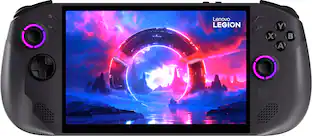
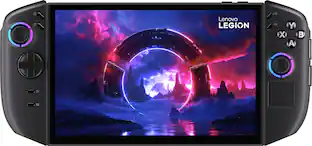
Experience true versatility with Legion Go handheld Gaming PC from Lenovo.
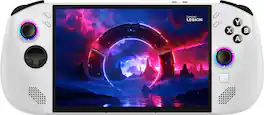
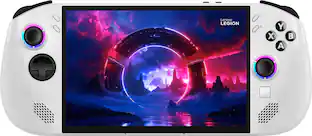
Get in the game with the Lenovo Legion Go S! Powered by the AMD Ryzen Z1 Extreme, the power is in your hands. See every beat on the native landscape 8" 120Hz Lenovo PureSight Display with VRR, and launch any title across various platforms right in Legion Space. The game is waiting, are you ready to go?

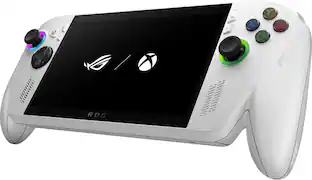
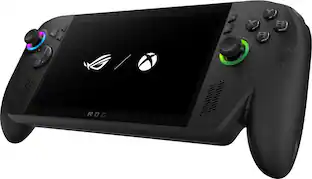
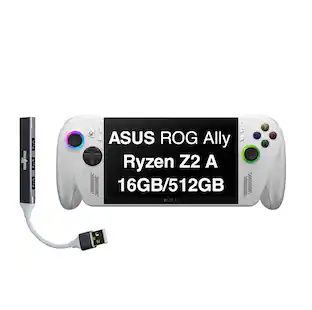
Meet the ROG Xbox Ally, a gaming handheld for everyone, combining the freedom of Windows, craftsmanship of ROG, and the power of Xbox into the palm of your hands. Built in partnership with Xbox, the ROG Xbox Ally gives you seamless experience across Xbox Game Pass, Steam, Epic Games, and more in one versatile system. It’s powered by the AMD Ryzen Z2 A processor, delivering smooth, responsive gameplay for both cloud and native titles. With 16GB of LPDDR5 6400 MHz memory and a 512GB SSD, the ROG Xbox Ally is engineered to tackle everything from indie games to AAA titles. Its 60Wh battery power extends play sessions, while the redesigned ergonomics and Xbox-inspired grips keep you comfortable all day. Enjoy crisp, fluid visuals on the 7” FHD 120Hz display with FreeSync Premium and launch straight into the Xbox full screen experience with just one press of a button.

Lenovo Legion Go 2 isn’t just a handheld. It’s a modular rig built for serious gaming. Detachable Legion TrueStrike controllers unlock multiple play modes, including FPS mode with mouse-like precision. Powered by the AMD Ryzen Z2 Extreme processor, an 8.8" 144Hz Lenovo PureSight OLED gaming display, and a massive 74Wh battery, it’s designed to push further, play longer, and stay unplugged.
| Pros for Legion Go 8.8" 144Hz WQXGA Gaming Handheld - AMD Ryzen Z1 Extreme - 16GB with 512 GB SSD | |||
|---|---|---|---|
| Overall Performance, Screen Quality, Portability, Controller Design | Overall Performance, Screen Quality, Portability, RAM | Overall Performance, Portability, Screen Quality, Battery Life, Comfort | Overall Performance, Portability, Battery Life, OLED Quality, Screen Size |
| Cons for Legion Go 8.8" 144Hz WQXGA Gaming Handheld - AMD Ryzen Z1 Extreme - 16GB with 512 GB SSD | |||
| Battery Life, Weight, Heat Dissipation, Noise Level, Size | Battery Life | Storage Capacity, Heat Dissipation, Game Compatibility, RAM, Setup Process | Weight, Storage Capacity |
Specs
Customers often buy these together
Video Games
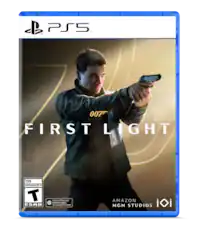
007 First Light - PlayStation 5
Labor Day Deal$67.99The price was $69.99








Gaming Controllers
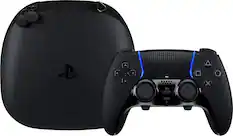
More recommended items
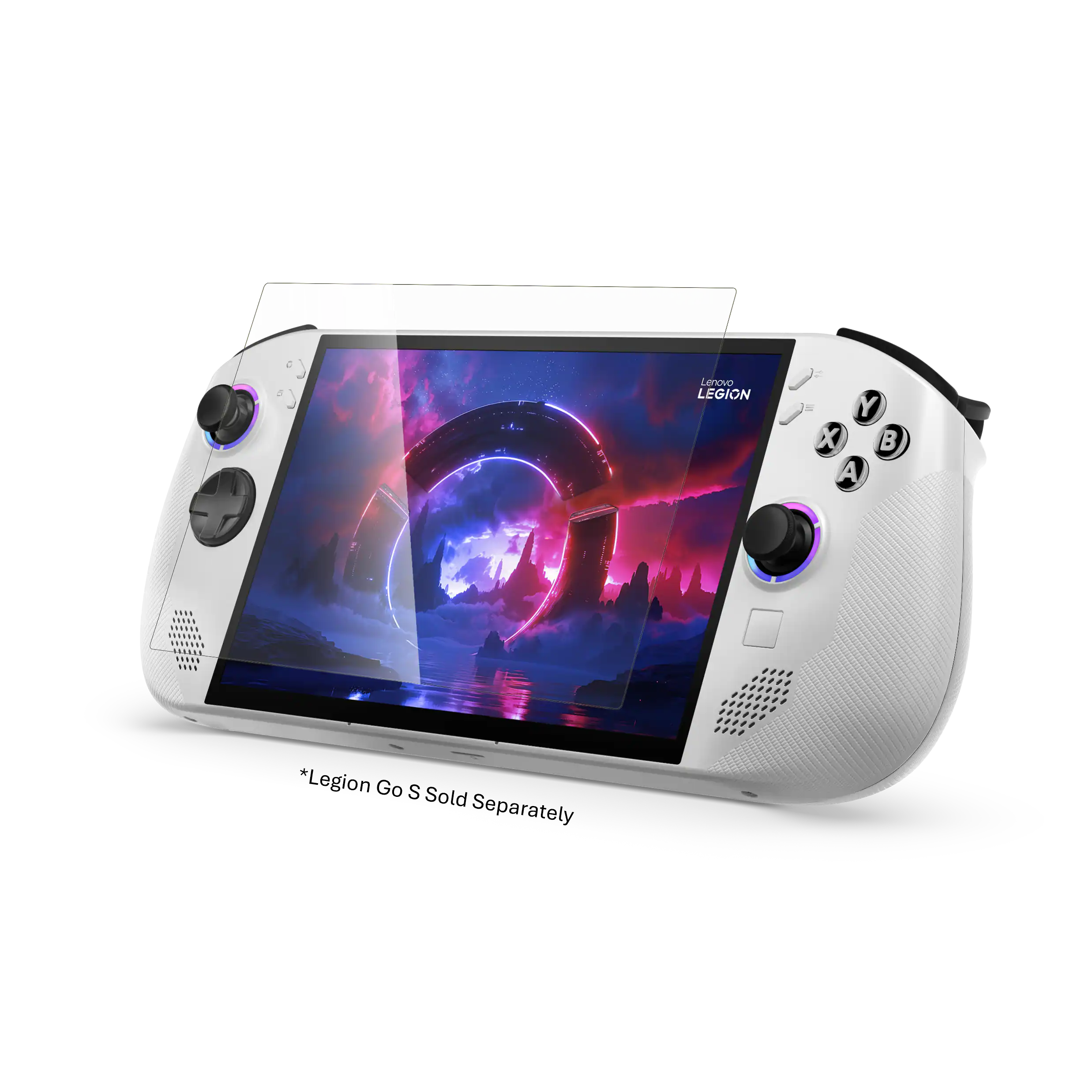 Gaming Screen Protectors
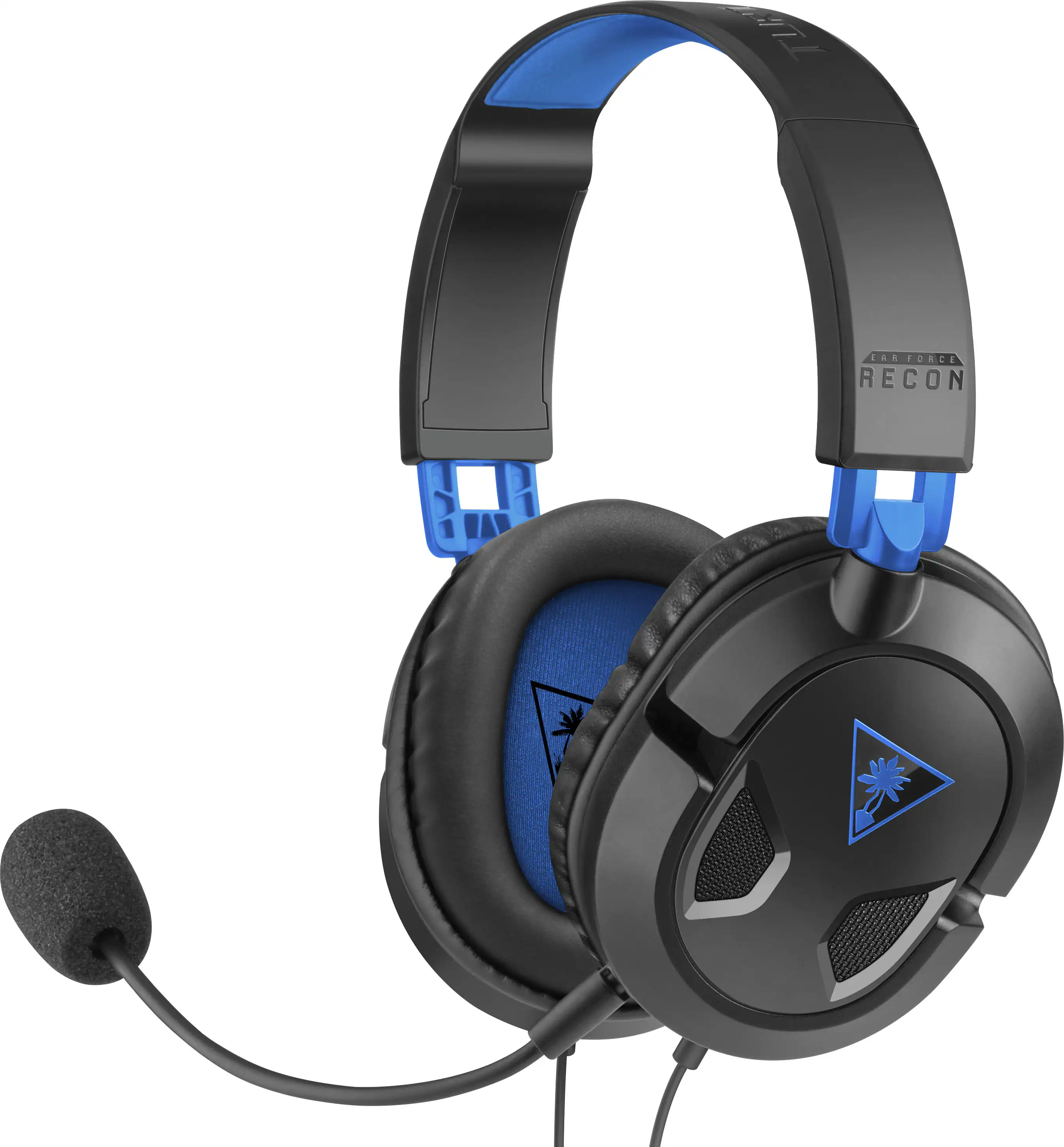 Gaming Headsets
 Video Game Cards
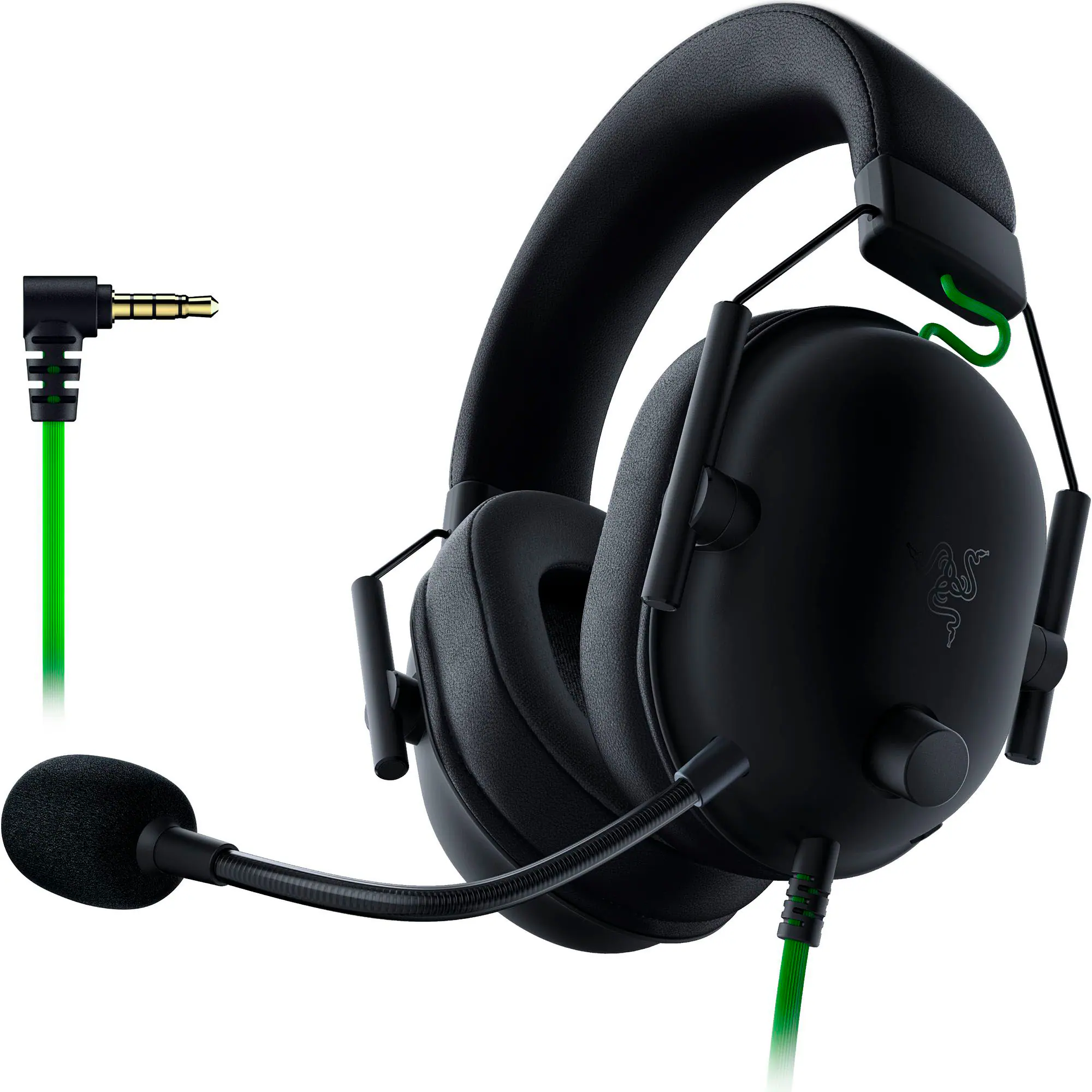 PC Gaming Headsets
More to consider
 $999.99The price was $1,579.99
 Clearance$637.99The price was $749.99

Level up your game Sponsored





Discover related products
 Labor Day Deal$32.99The price was $42.99
 $29.95The price was $44.95
Keep exploring
 $840.00The price was $849.00