Customer Ratings & Reviews


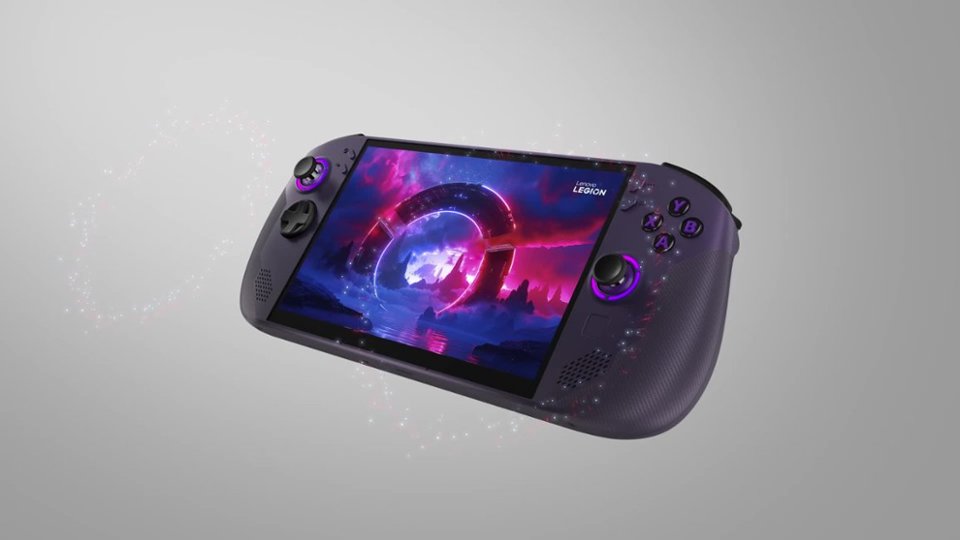
- Model:
- 83N6000GUS
- SKU:
- 6619188
Rating by feature
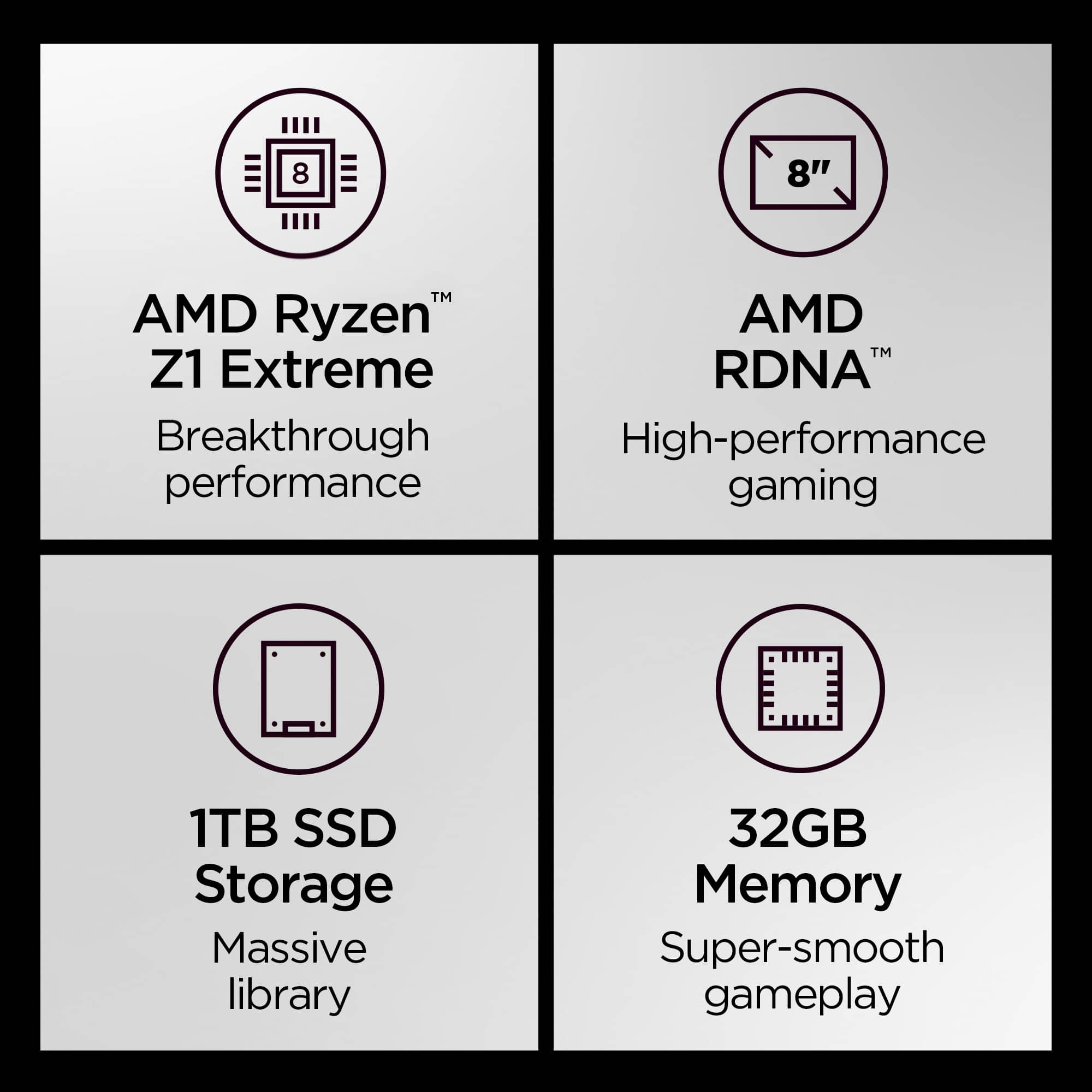
- Performance
Rating 4.8 out of 5 stars
- Storage Capacity
Rating 4.8 out of 5 stars
- Controller
Rating 4.7 out of 5 stars
Customers are saying
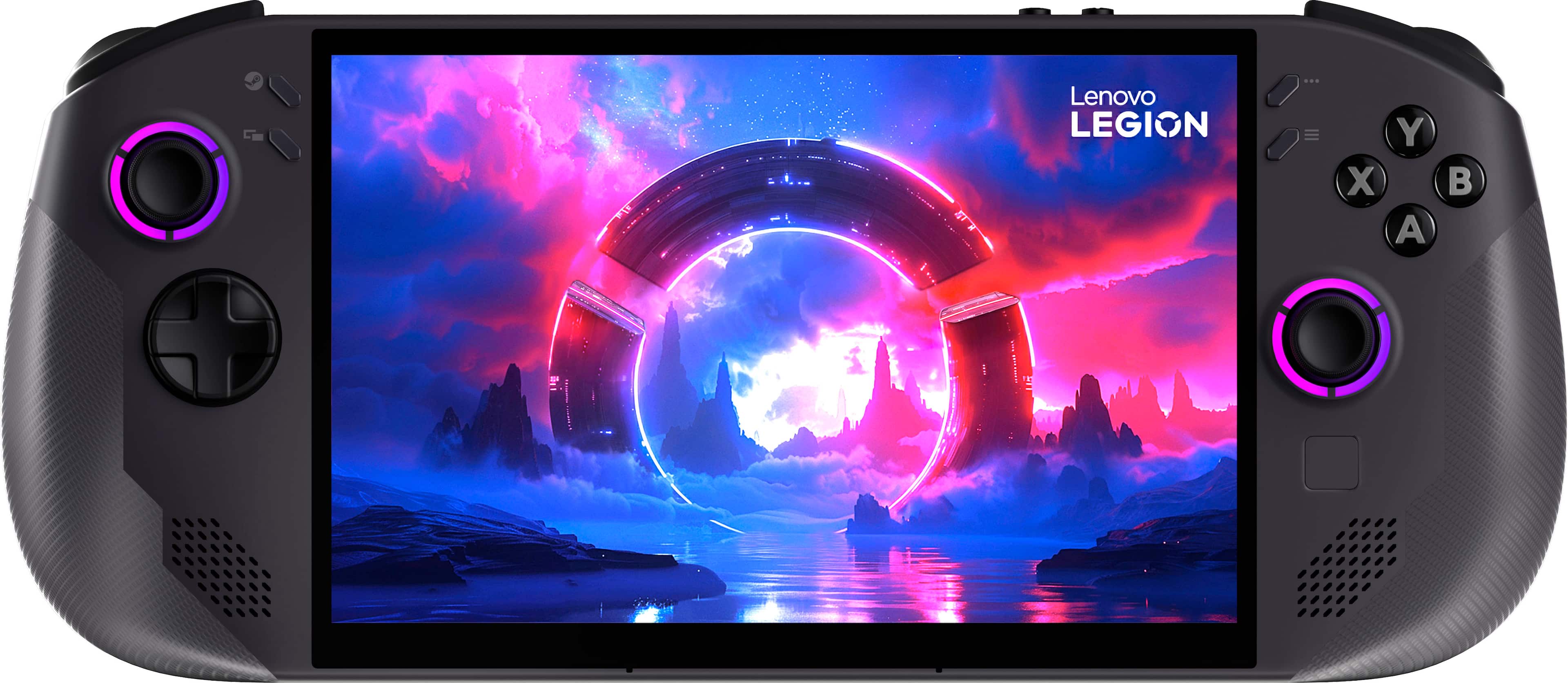
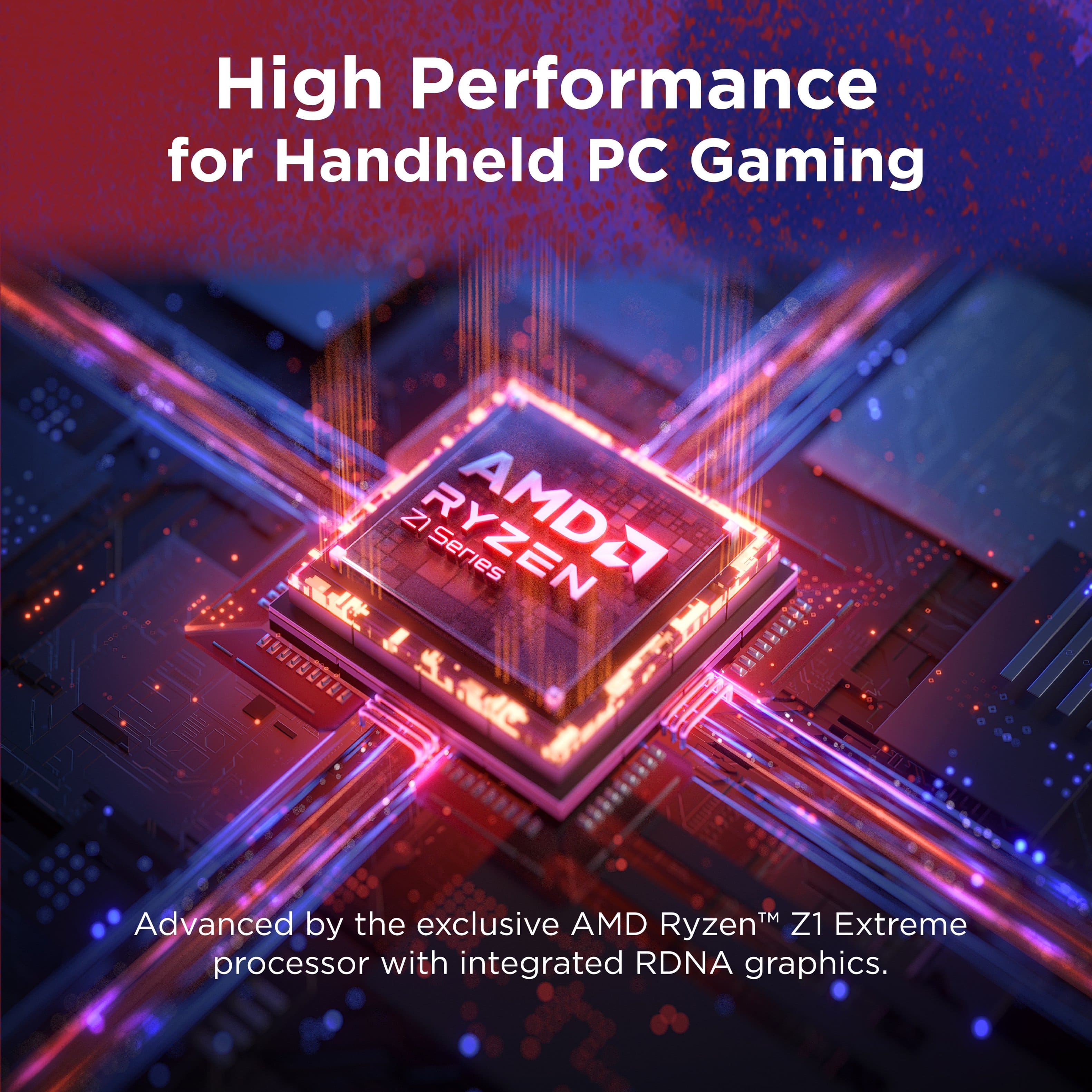
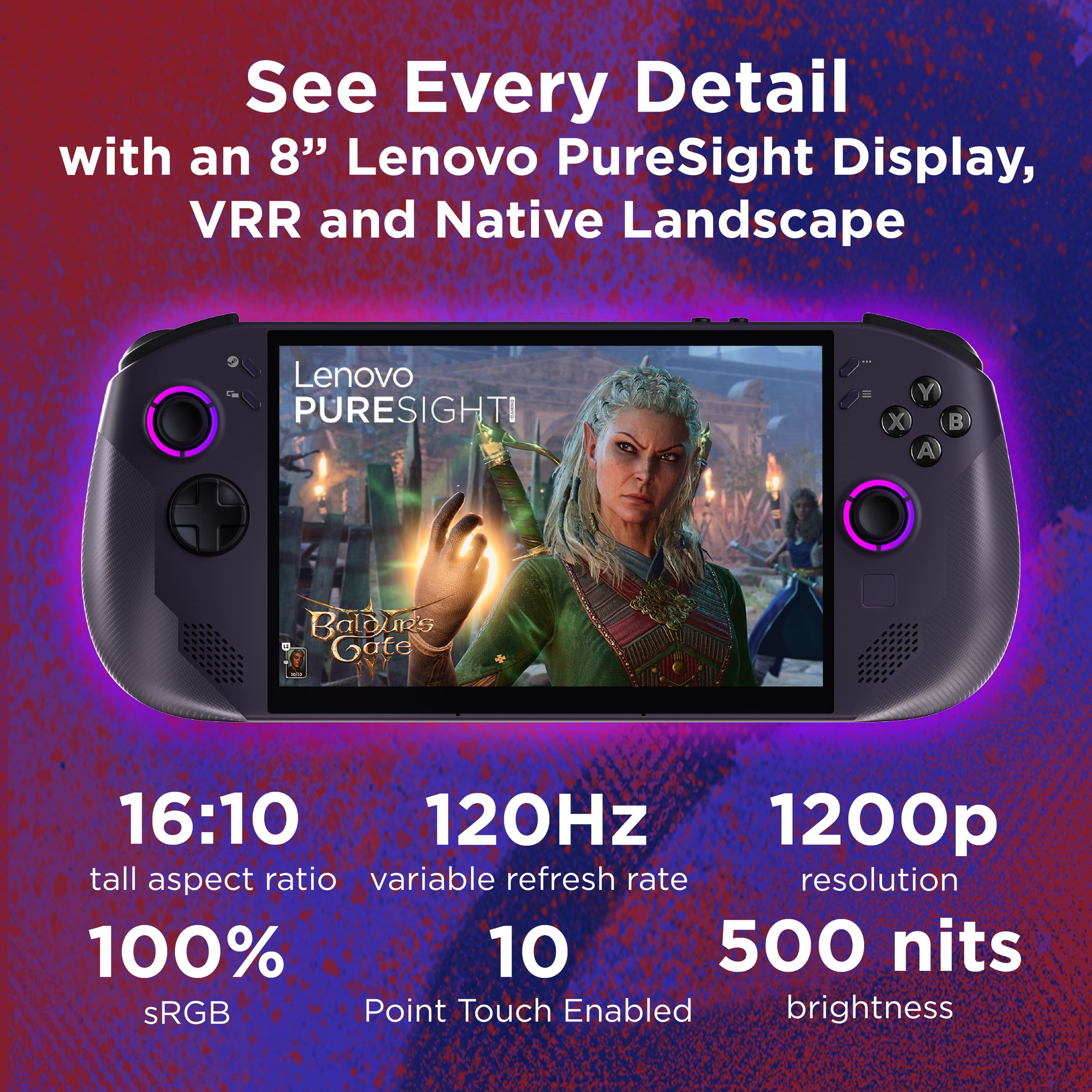
Customers are positive about the Legion Go S 8" gaming handheld's overall performance, screen quality, and comfortable ergonomics. Many also appreciate the smooth operating system and fast processor speed. However, some customers express concerns regarding the device's battery life, fan noise, and weight compared to similar products.
This summary was generated by AI based on customer reviews.
- Pros mentioned:Overall performance
Great console
||Posted . Owned for less than 1 week when reviewed.This reviewer received promo considerations or sweepstakes entry for writing a review.It's very clean and powerful compared to my steam deck. Nice experience overall
I would recommend this to a friendBrand response from Lenovo Product Expert
Posted .Hi DwayneH-
Thank you for choosing Lenovo and sharing your feedback with us. We are excited to hear that you are enjoying the performance of the Legion Go. We aim to provide excellent user experience for our products, and we are overjoyed to hear that we met our goal.
Please reach out to us through the Q & A section of this product page if you have any questions or need assistance.
Best wishes,
Lenovo
Legion Go S
||Posted . Owned for 3 months when reviewed.This reviewer received promo considerations or sweepstakes entry for writing a review.Love my Lenovo. I use it on a daily basis and feels comfortable in my hands.
I would recommend this to a friendGreat handheld gaming PC
||Posted .This reviewer received promo considerations or sweepstakes entry for writing a review.I was on the fence about purchasing a handheld gaming pc but after purchasing this during the Black Friday sale I wish I had done it far sooner. Nothing beats being able to play AAA games while sitting on the couch next to my wife.
I would recommend this to a friendBrand response from Lenovo Product Expert
Posted .Hi,
Thanks for choosing Lenovo and for sharing your feedback with us!
We are glad to read that you are satisfied with your purchase.
Please don't hesitate to reach out to us via the Q& A section of this product page or contact Lenovo Support should you have any questions or need assistance.
Regards,
Lenovo
Gamer
||Posted . Owned for 2 weeks when reviewed.This reviewer received promo considerations or sweepstakes entry for writing a review.Very good product fast and easy to buy it in best buy
I would recommend this to a friendLegion Go S
||Posted . Owned for 1 month when reviewed.This reviewer received promo considerations or sweepstakes entry for writing a review.I had ordered it only and it came a lemon. Had a bad CPU but Best Buy helped me out and swapped it for another. It's everything I wanted in a portable "console". Worth every penny.
I would recommend this to a friend- Cons mentioned:Battery life
Handheld
||Posted .This reviewer received promo considerations or sweepstakes entry for writing a review.Pretty decent handheld but battery life kind of sucks
I would recommend this to a friend Great for on the go Gaming
||Posted . Owned for 1 month when reviewed.This reviewer received promo considerations or sweepstakes entry for writing a review.I'm happy with my purchase. This things great for whipping out anywhere and getting a little bit of play time in.
I would recommend this to a friend- Pros mentioned:Overall performance
Definitely worth it!
||Posted . Owned for 1 month when reviewed.This reviewer received promo considerations or sweepstakes entry for writing a review.I think its awesome great graphics, fast, its really fun.
I would recommend this to a friendBrand response from Lenovo Product Expert
Posted .Hey CodyT,
Thank you for choosing Lenovo and for sharing your feedback with us!
We are pleased to read that you are satisfied with your purchase.
Please don't hesitate to reach out to us via the Q& A section of this product page or contact Lenovo Support should you have any questions or need assistance.
Regards,
Lenovo
- Pros mentioned:Overall performance
Awesome machine
||Posted . Owned for 1 month when reviewed.This reviewer received promo considerations or sweepstakes entry for writing a review.Awesome device. Have expectations in check, then this is one of the best out there
I would recommend this to a friendBrand response from Lenovo Product Expert
Posted .Hi SamB,
Thanks for choosing Lenovo and for sharing your feedback with us!
We are pleased to read that your experience with the Legion Go S has been awesome.
Please feel free to reach out to us via the Q& A section of this product page should you have any questions or need assistance.
Best,
Lenovo
- Pros mentioned:Overall performance
The best combination performance and price.
||Posted . Owned for 1 month when reviewed.This reviewer received promo considerations or sweepstakes entry for writing a review.This device has the best performance and features for the price I really like it.
I would recommend this to a friend - Pros mentioned:Overall performance
Good choice
||Posted .This reviewer received promo considerations or sweepstakes entry for writing a review.Heavy but nice graphics and plays the games I like!!!
I would recommend this to a friendBrand response from Lenovo Product Expert
Posted .Hi,
Thanks for choosing Lenovo and for sharing your feedback with us!
We are glad to read that you are satisfied with your purchase.
Please don't hesitate to reach out to us via the Q& A section of this product page or contact Lenovo Support should you have any questions or need assistance.
Regards,
Lenovo
Excellent
||Posted . Owned for 3 months when reviewed.This reviewer received promo considerations or sweepstakes entry for writing a review.Excellent device! Very powerful and very georgeous handheld!
I would recommend this to a friendLoving it
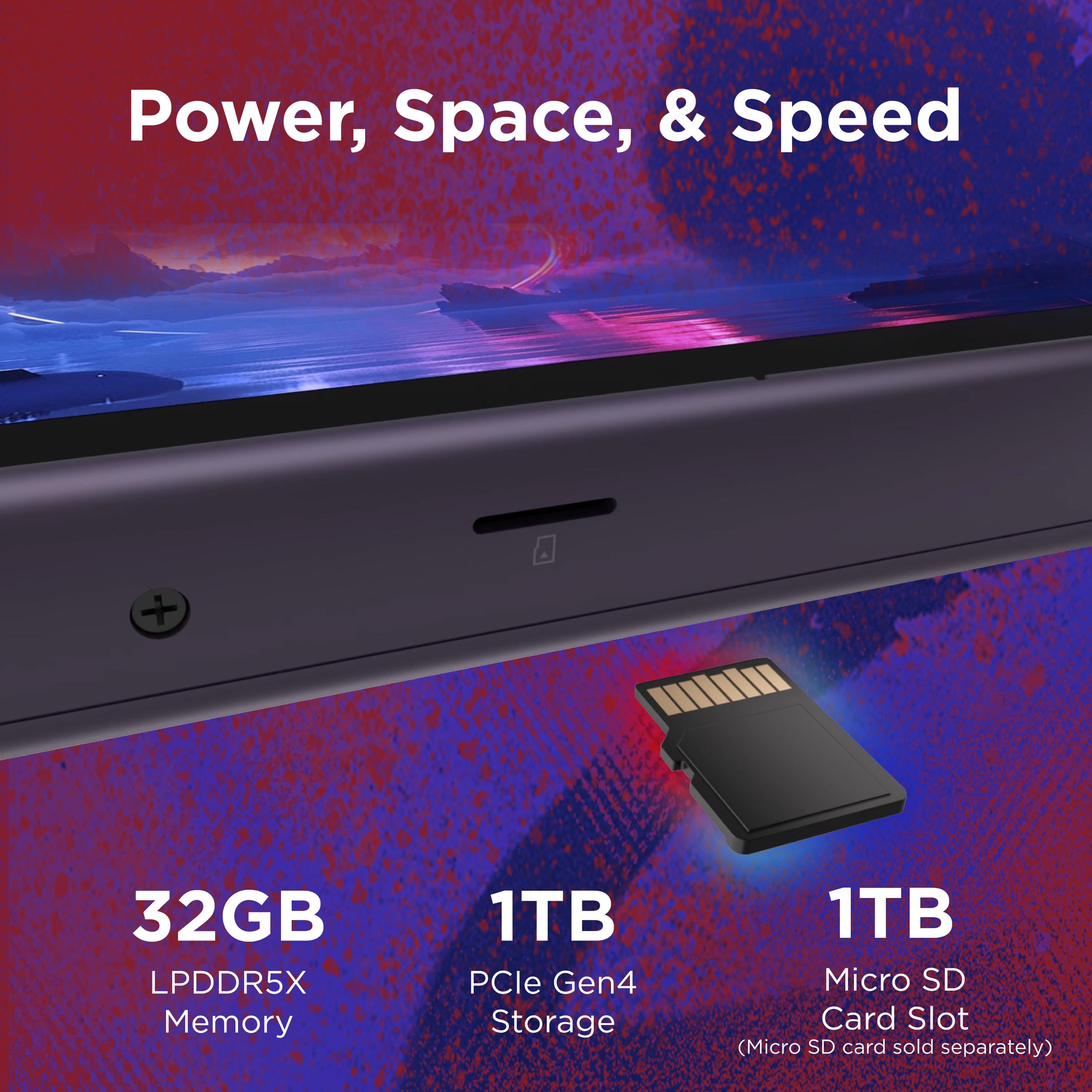
||Posted . Owned for 1 month when reviewed.This reviewer received promo considerations or sweepstakes entry for writing a review.This device has exceeded expectations. Do yourself a favor and upgrade to 4tb hd and dual boot so you can have the best of both worlds!
I would recommend this to a friend- Pros mentioned:Operating system
Fun fun fun!!
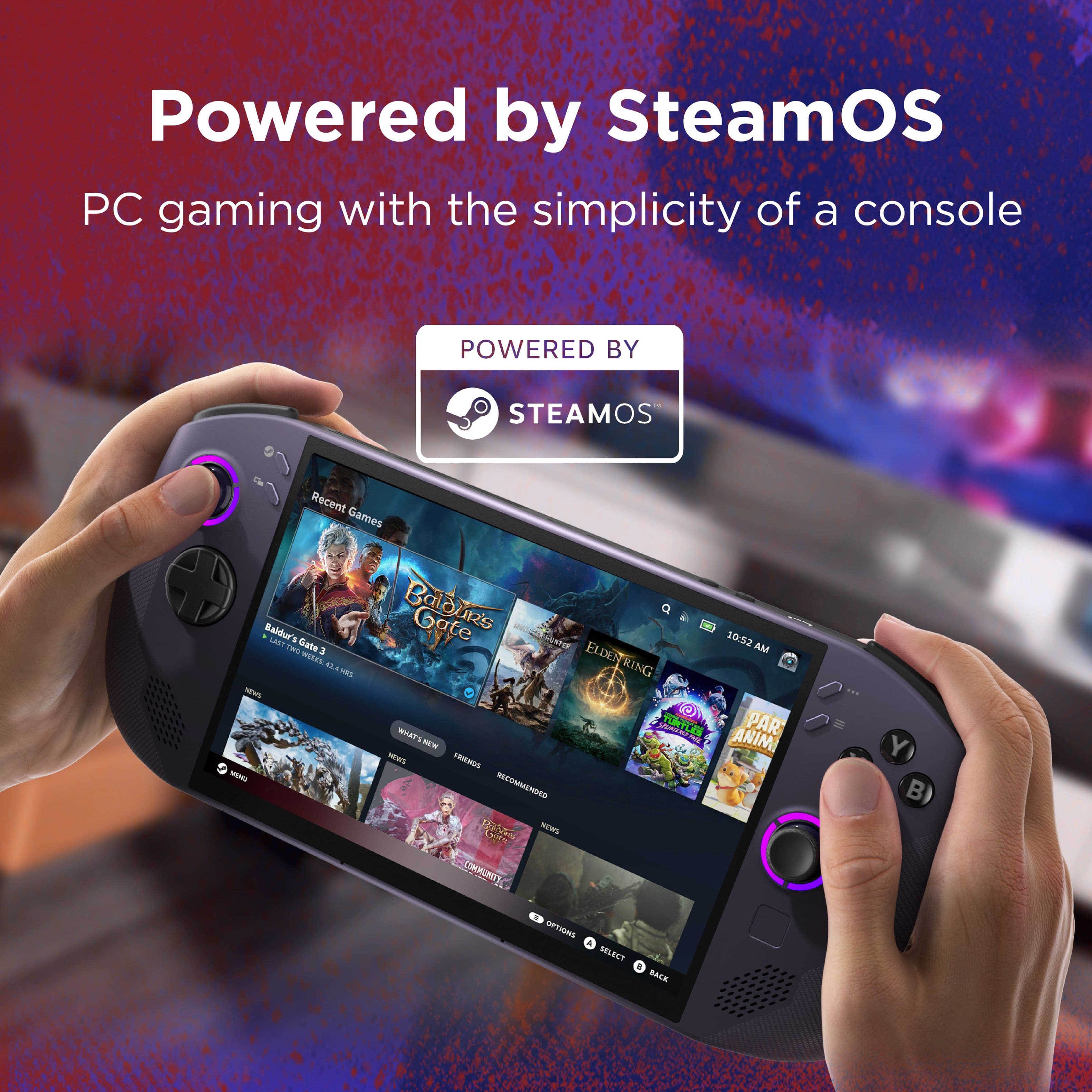
||Posted .This reviewer received promo considerations or sweepstakes entry for writing a review.Fantastic handheld this is one my of many PC handheld’s. Steam OS makes such a big difference.
I would recommend this to a friendBrand response from Lenovo Product Expert
Posted .Hi,
Thanks for choosing Lenovo and for sharing your feedback with us!
We are pleased to read that your experience with the Legion Go S has been fantastic.
Please feel free to reach out to us via the Q& A section of this product page should you have any questions or need assistance.
Best,
Lenovo
Legion go s
||Posted . Owned for 2 weeks when reviewed.This reviewer received promo considerations or sweepstakes entry for writing a review.It’s an amazing handheld would definitely recommend to any gamer.
I would recommend this to a friendNew traveling companion
||Posted . Owned for 3 weeks when reviewed.This reviewer received promo considerations or sweepstakes entry for writing a review.So easy to take anywhere. Many games are available for offline play. Love it
I would recommend this to a friendGreat system
||Posted . Owned for 3 weeks when reviewed.This reviewer received promo considerations or sweepstakes entry for writing a review.Battery life is a little low but the graphics are amazing
I would recommend this to a friend- Pros mentioned:Overall performance
Gets the job done. Big screen. Plenty fast for mot
||Posted .This reviewer received promo considerations or sweepstakes entry for writing a review.Solid device for most games and great design. Runs well.
I would recommend this to a friendBrand response from Lenovo Product Expert
Posted .Hey TannerF,
Thanks for choosing Lenovo and for sharing your feedback with us!
We are glad to read that the Legion Go S has been solid for you.
Please feel free to reach out to us via the Q&A section of the product page should you have any questions or need assistance.
Best,
Lenovo
- Pros mentioned:Overall performance

Awesome
|Posted . Owned for 1 month when reviewed.This reviewer received promo considerations or sweepstakes entry for writing a review.Awesome awesome awesomeness awesomeness awesomeness
I would recommend this to a friendBrand response from Lenovo Product Expert
Posted .Hi NicholasV,
Thanks for choosing Lenovo and for sharing your feedback with us!
We are pleased to read that the Legion Go S has been so awesome for you.
Please feel free to reach out to us via the Q& A section of this product page should you have any questions or need assistance.
Best,
Lenovo
We are Legion!
||Posted .This reviewer received promo considerations or sweepstakes entry for writing a review.Really enjoying this handheld so far, no regrets going for the steam OS because its much faster than windows and less bogged down with bloatware!
I would recommend this to a friend