Customer Ratings & Reviews





- Model:
- 80ST005XUS
- SKU:
- 5711715
to a friend
Customers are saying
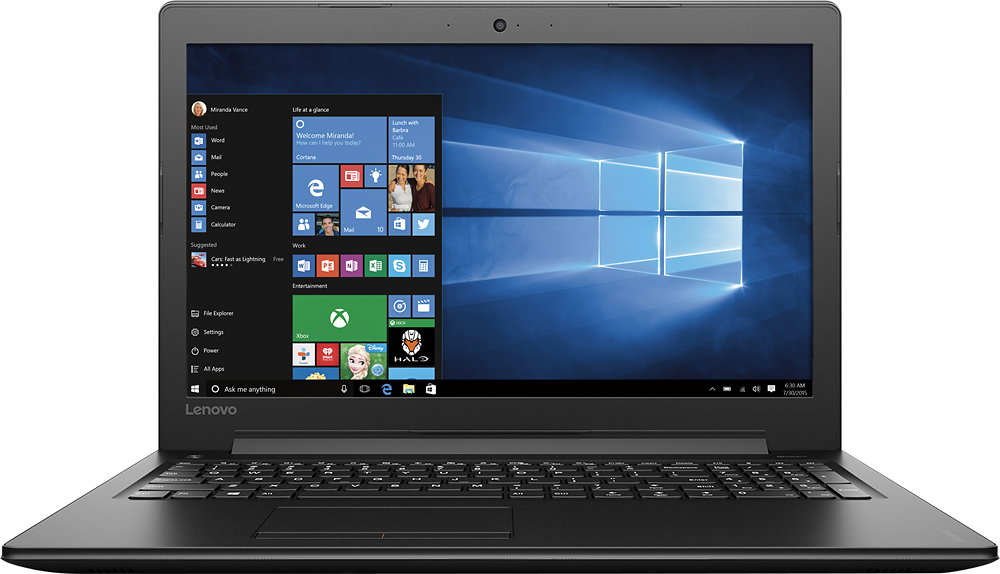
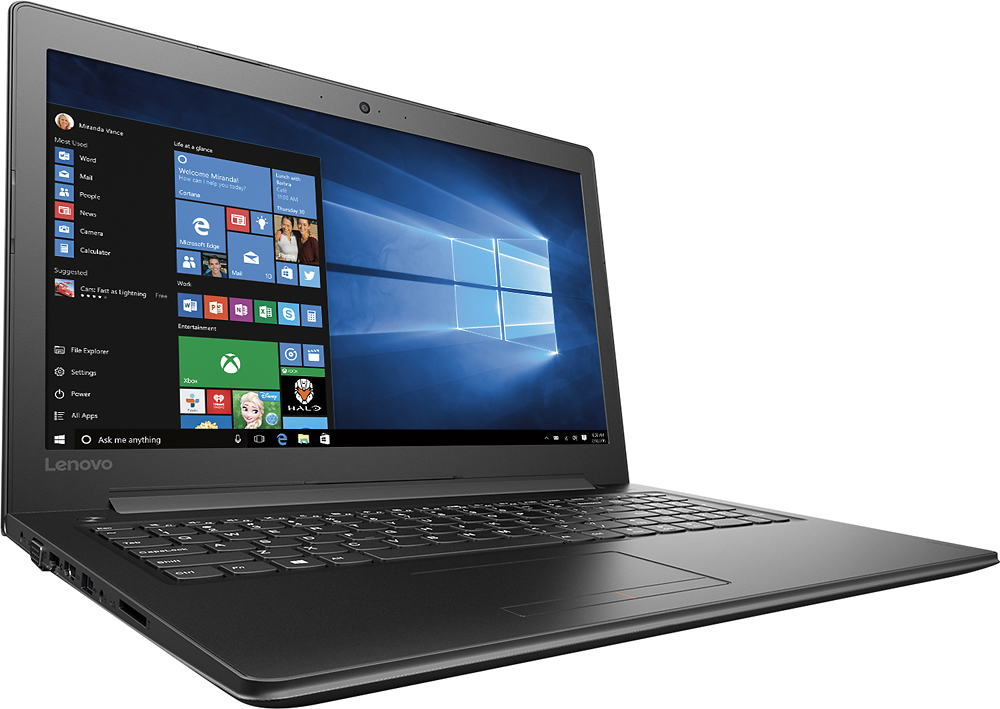
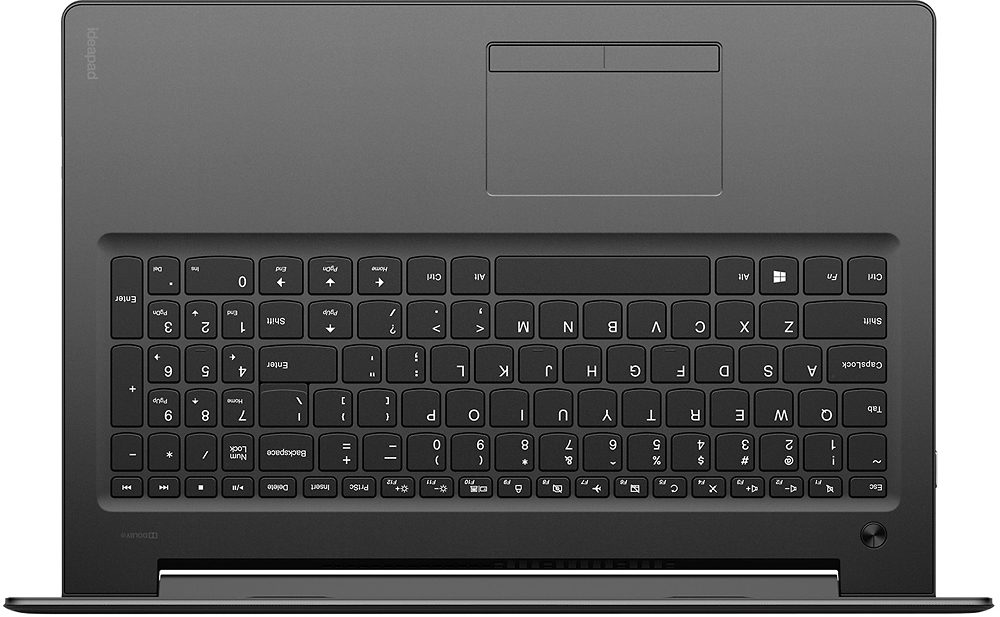
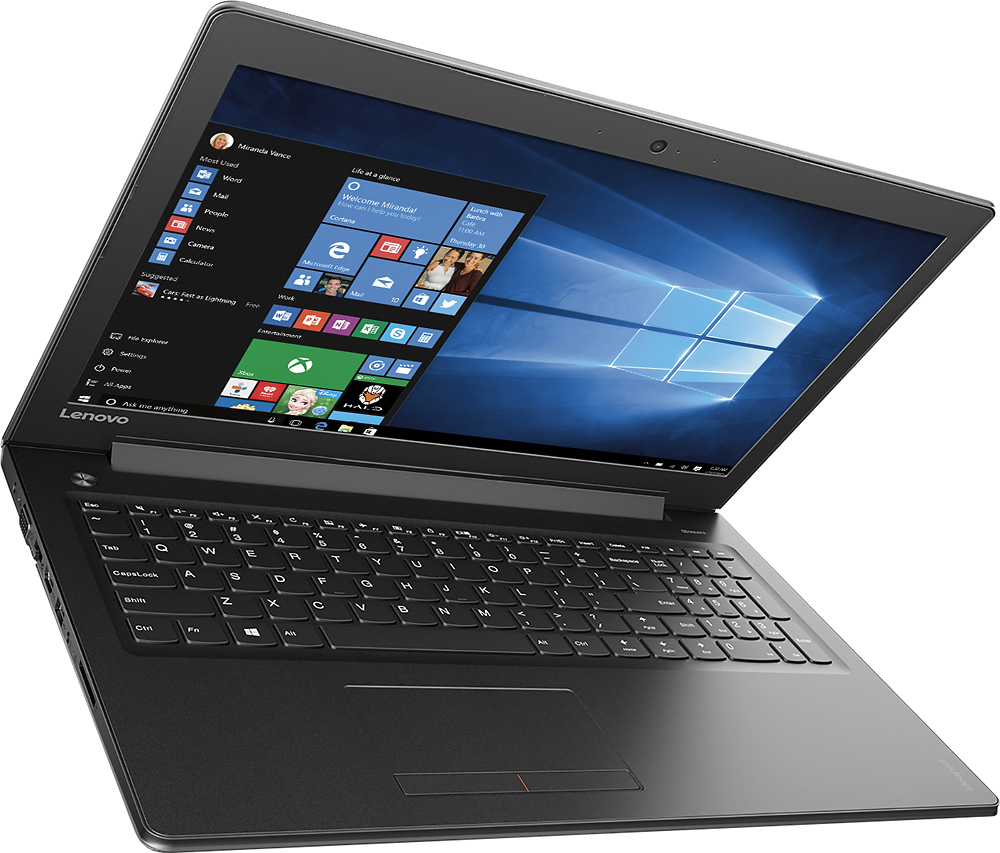
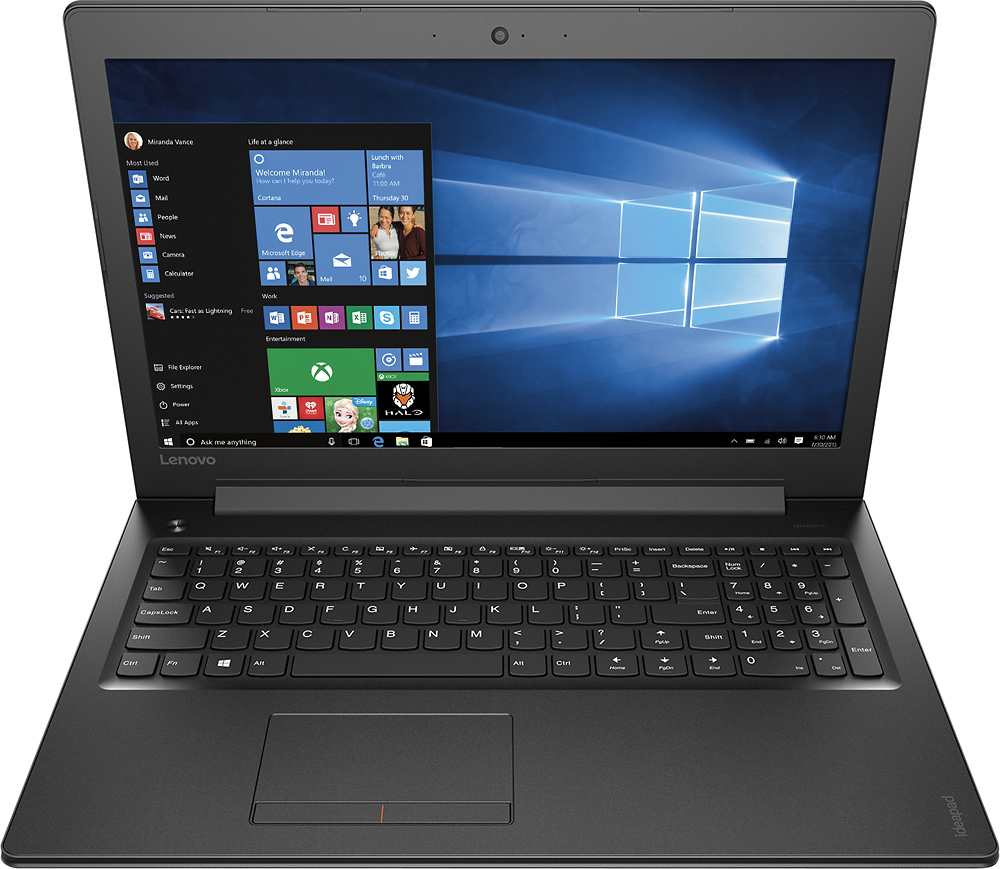
Customers express satisfaction with the 310-15ABR laptop's ease of use, performance, and price, frequently citing its good value for the money. Many also appreciate its lightweight design and ample RAM and storage. However, some users note that the battery life could be improved. The screen size and graphics capabilities also receive positive feedback.
This summary was generated by AI based on customer reviews.
Awesome computer great price
||Posted .This reviewer received promo considerations or sweepstakes entry for writing a review.This is a awesome laptop. Runs great! Nice design.
I would recommend this to a friendBrand response from Lenovo Product Expert
Posted .Thank you for choosing the Lenovo Ideapad 310-15 laptop. We are pleased to hear that the IdeaPad 310-15 meets your computing needs so well.

Great speed, great value
||Posted .This reviewer received promo considerations or sweepstakes entry for writing a review.Really nice combo- I upgraded to SSD and it flies!
No, I would not recommend this to a friendExtremely slow since day one
||Posted .This reviewer received promo considerations or sweepstakes entry for writing a review.I am not able to use this computer because it takes about 10 minutes every time I turn it on for it to power up.
No, I would not recommend this to a friendGood computer at first
||Posted .This reviewer received promo considerations or sweepstakes entry for writing a review.It was a good computer at first but after a year of having it, it is extremely slower. I’m actually quite disappointed in how much the quality has gone down over the past year especially for the price I paid for it. I would recommend buying this computer only for children with minimal use and if the price was lower. Next time I will invest my money into something better.
No, I would not recommend this to a friendDifficult
||Posted .This reviewer received promo considerations or sweepstakes entry for writing a review.Not easy to maneuver or fast. When I spoke with the salesperson I asked for a fast laptop. This one is not so fast.
No, I would not recommend this to a friendBrand response from Lenovo Product Expert
Posted .This system should be a fast system with its AMD A12 processor and 8GB of RAM. Be sure any software you installed is compatible with Windows 10. There is no need to install Microsoft Office software. The software is already part of the operating system, you just need to activate the software with a purchased product key. If you have installed a copy of Microsoft Office, this is conflicting with the existing copy on the system and this will slow your system down. If you have installed a 3rd party anti-virus program, be sure that Windows Defender is turned off and that the trial version of McAfee Anti-Virus software is uninstalled. There can only be one anti-virus program on the system. You may need to restore your system to original factory default settings if any of the programing errors have occurred. You can do that by typing "restore" in the Cortana search window. Just click on the magnifying glass icon at the bottom left of your Windows 10 Desktop. Click on "Reset This PC" Then click on "Get Started" and follow the on screen directions to restore to factory defaults.
Got for mother
||Posted . Owned for more than 2 years when reviewed.This reviewer received promo considerations or sweepstakes entry for writing a review.Got for my mother she loves. I am an Apple person so I am not a judge.
I would recommend this to a friendOk laptop
||Posted .This reviewer received promo considerations or sweepstakes entry for writing a review.I have not used windows 10 so we have some learning to do. No scroll on the mouse pad area.
No, I would not recommend this to a friendBrand response from Lenovo Product Expert
Posted .With regard to learning your way around Windows 10, you may want to try YouTube.com (just type that address in your browser address window). There are hundreds for free instructional videos there about Windows 10. Just type Windows 10 Introduction in to the YouTube search window. You can watch free videos there that will show you the basics all the way up to tips and tricks videos and they're all free. With regard to the touchpad, you can make adjustments to the touchpad in your system settings. You can get there by clicking on the magnifying glass at the bottom left your Windows 10 screen. Type "touchpad" in the search window. Select "Mouse & touchpad settings" from the list of choices. You can make general adjustments to the touchpad there. You can also select "Additional mouse options" for more detailed adjustments to the touchpad sensitivity by increasing the delay of the touchpad.
Ok
||Posted .This reviewer received promo considerations or sweepstakes entry for writing a review.Laptop runs well but seems to be slow when opening new programs and submitting documents
No, I would not recommend this to a friendbad start
||Posted .This reviewer received promo considerations or sweepstakes entry for writing a review.this is already having issues monitor goes dim mouse pad arrow inst showing up
No, I would not recommend this to a friendBrand response from Lenovo Product Expert
Posted .This sounds like an issue either with the initial activation of Windows 10 or a conflict with programs that were installed on the device. Be sure any software you installed is compatible with Windows 10. There is no need to install Microsoft Office software. The software is already part of the operating system, you just need to activate the software with a purchased product key. If you have installed a copy of Microsoft Office, this is conflicting with the existing copy on the system and this will slow your system down. If you have installed a 3rd party anti-virus program, be sure that Windows Defender is turned off and that the trial version of McAfee Anti-Virus software is uninstalled. There can only be one anti-virus program on the system. You may need to restore your system to original factory default settings if any of the programing errors have occurred. You can do that by typing "restore" in the Cortana search window. Just click on the magnifying glass icon at the bottom left of your Windows 10 Desktop. Click on "Reset This PC" Then click on "Get Started" and follow the on screen directions to restore to factory defaults.
I bought an open box. The computer is only ok.
||Posted .This reviewer received promo considerations or sweepstakes entry for writing a review.The computer is only ok. It likes to freeze up often. I bought it for my 10yo .
No, I would not recommend this to a friendSlow computer
||Posted .This reviewer received promo considerations or sweepstakes entry for writing a review.I am not happy with the speed of this computer. It is very slow.
No, I would not recommend this to a friendTerrible Laptop
||Posted .This reviewer received promo considerations or sweepstakes entry for writing a review.I had a very bad experience with this laptop. 1. If you touch type, the right shift key is going to be a pain. Such a poor keyboard design. I ended up buying a usb keyboard so that I don't get irritated every time I press the up arrow instead of the shift key. 2. don't ever let the computer auto update. The computer crashes and will never start again. Apparently, it's a known issue and Lenovo doesn't care. You'd have to format your computer to get it working again. (and yes, all your data would be lost, if you don't partition your C drive). I cannot return this device because I missed the 15 day return policy. The computer crashed for me twice. 3. Despite boasting a 8GB RAM, the laptop takes forever to load programs on start up. Terrible choice on my side and this is not something I am going to cherish.
No, I would not recommend this to a friendBrand response from Lenovo Product Expert
Posted .With regard to the right shift key issue you mention, there is a free software APP called KeyTweak that may help you. You can switch the key functions of specific keys on your keyboard with this software, so you could change the right shift key with the key you hit in its place. Just Google search "KeyTweak" and you will find articles about what the software does and you will find the download location for this free APP. You are correct, Windows 10 automatic updates can be a problem. You can turn off automatic updates within Windows 10. You will still get alerts when there is an update available, but you will be able to decide when to allow the update. This will give you the opportunity create a restore point before you allow the update and you can select when the update occurs. To change the automatic update settings in Windows 10, click on the magnifying glass icon at the bottom left of your Windows desktop screen. Type "automatic updates" in the search window. Select "Windows Update Settings" from the list of choices. Select "Advanced options". Under "Choose how updates are installed", click on the dropdown menus and select how you want Windows updates to occur. Finally, this system should be a fast system with its AMD A12 processor and 8GB of RAM. Be sure any software you installed is compatible with Windows 10. There is no need to install Microsoft Office software. The software is already part of the operating system, you just need to activate the software with a purchased product key. If you have installed a copy of Microsoft Office, this is conflicting with the existing copy on the system and this will slow your system down. If you have installed a 3rd party anti-virus program, be sure that Windows Defender is turned off and that the trial version of McAfee Anti-Virus software is uninstalled. There can only be one anti-virus program on the system. You may need to restore your system to original factory default settings if any of the programing errors have occurred. You can do that by typing "restore" in the Cortana search window. Just click on the magnifying glass icon at the bottom left of your Windows 10 Desktop. Click on "Reset This PC" Then click on "Get Started" and follow the on screen directions to restore to factory defaults.
Decent machine
||Posted .This reviewer received promo considerations or sweepstakes entry for writing a review.Does what it needs to but has lackluster specs even for price range.
No, I would not recommend this to a friendOk so far
||Posted .This reviewer received promo considerations or sweepstakes entry for writing a review.Ok so far but seems to take longer on start up. any suggestions?
I would recommend this to a friendBrand response from Lenovo Product Expert
Posted .Be sure you have not installed programs that are starting up at initial boot up that you don't really need at start up, this will slow down boot up. At factory original set up, this system should boot to the desktop in less that 30 seconds. Also check to see if there are any unwanted programs running in the background.
Not what I needed
||Posted .This reviewer received promo considerations or sweepstakes entry for writing a review.I'm sure the computer is good for small tasks but it did not work well for me. I always have 10 Windows open while running a bunch of programs and this couldn't keep up. I had to return this and get an i5.
No, I would not recommend this to a friendBrand response from Lenovo Product Expert
Posted .CPU Boss compares the AMD-A12-7th-Gen-A12-9700P within this configuration to the Intel Core-i7-6700K processor. This is an extremely powerful system. Be sure any software you installed is compatible with Windows 10. There is no need to install Microsoft Office software. The software is already part of the operating system, you just need to activate the software with a purchased product key. If you have installed a copy of Microsoft Office, this is conflicting with the existing copy on the system and this will slow your system down. If you have installed a 3rd party anti-virus program, be sure that Windows Defender is turned off and that the trial version of McAfee Anti-Virus software is uninstalled. There can only be one anti-virus program on the system. You may need to restore your system to original factory default settings if any of the programing errors have occurred. You can do that by typing "restore" in the Cortana search window. Just click on the magnifying glass icon at the bottom left of your Windows 10 Desktop. Click on "Reset This PC" Then click on "Get Started" and follow the on screen directions to restore to factory defaults.
Runs Slow
||Posted .This reviewer received promo considerations or sweepstakes entry for writing a review.It's a good thing I don't use my laptop much. It runs slow. I'm disappointed in the product. I did research on the laptop and I thought this would be a good purchase. Nice features but it just runs slow.
No, I would not recommend this to a friendBrand response from Lenovo Product Expert
Posted .This system should be a fast system with its AMD A12 processor and 8GB of RAM. Be sure any software you installed is compatible with Windows 10. There is no need to install Microsoft Office software. The software is already part of the operating system, you just need to activate the software with a purchased product key. If you have installed a copy of Microsoft Office, this is conflicting with the existing copy on the system and this will slow your system down. If you have installed a 3rd party anti-virus program, be sure that Windows Defender is turned off and that the trial version of McAfee Anti-Virus software is uninstalled. There can only be one anti-virus program on the system. You may need to restore your system to original factory default settings if any of the programing errors have occurred. You can do that by typing "restore" in the Cortana search window. Just click on the magnifying glass icon at the bottom left of your Windows 10 Desktop. Click on "Reset This PC" Then click on "Get Started" and follow the on screen directions to restore to factory defaults.
Started off so great
||Posted .This reviewer received promo considerations or sweepstakes entry for writing a review.The price was perfect and the computer was great then after two weeks the screen went black and never turned on again. I made sure it was fully charged and everything. Nothing seemed to work.
No, I would not recommend this to a friendBrand response from Lenovo Product Expert
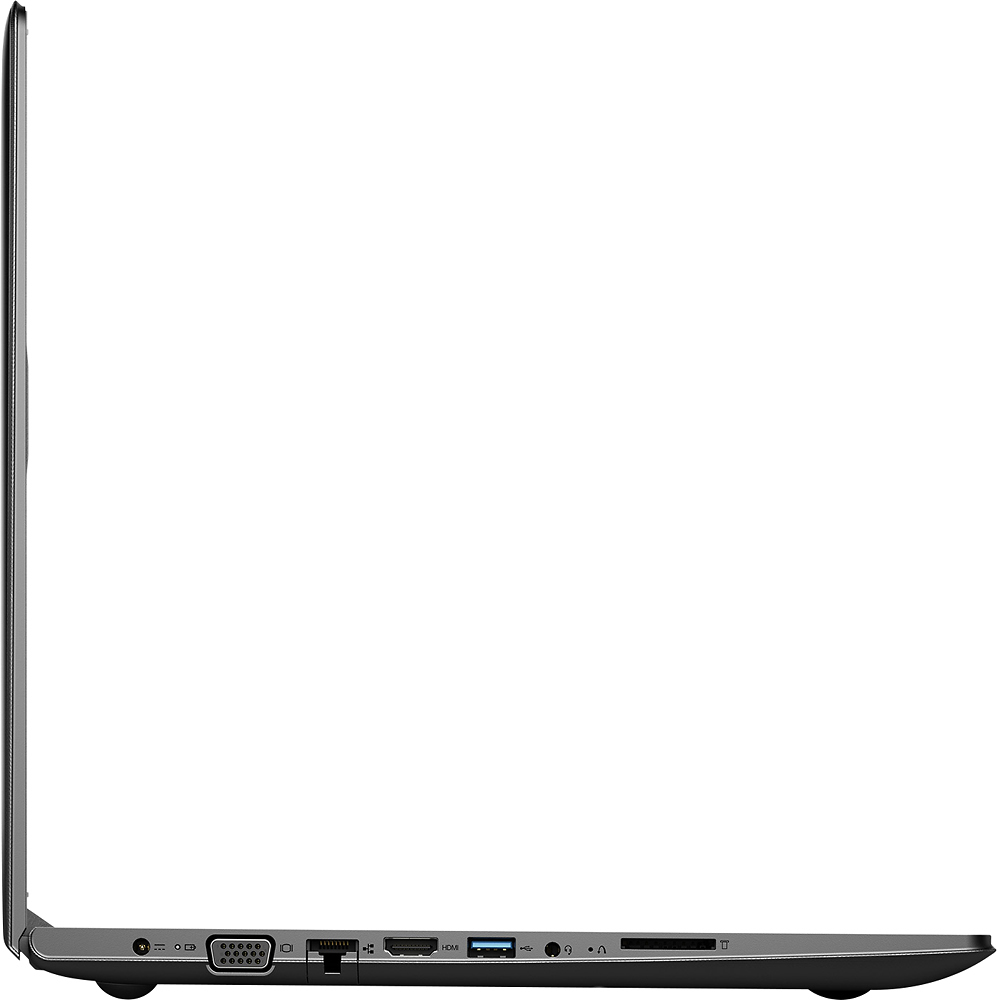
Posted .Sounds like there may have been an issue with an automatic Windows 10 update or a conflict with installed software. This system is equipped with OneKey Recovery System. There is a very small pin hole on the left side of the device, right near the headphone jack on the device. You will need a pin to push this reset button. Plug the device in. Let the battery charge for about 15 minutes. Push the reset button. The system should boot to a choice screen where you can choose "Restore To Factory Default". Select this. It will delete everything from the hard drive except the original factory install of the operating system. You will need to reinstall all programs and files after the reset. If you don't have copies of the files, try to make one before you restore by selecting "Boot to desktop" and trying to back up your files.
Its ok
||Posted .This reviewer received promo considerations or sweepstakes entry for writing a review.Light weight big screen no windows word installed was very disappointed in it.
No, I would not recommend this to a friendFreeze.
||Posted .This reviewer received promo considerations or sweepstakes entry for writing a review.This computer is slow, no have much program and no virus or malware. The screen rare failure.
No, I would not recommend this to a friendIt's ok
||Posted .This reviewer received promo considerations or sweepstakes entry for writing a review.The screen was so slow and freezing up was not into the product love touch screen but this was not worth it
No, I would not recommend this to a friend