Customer Ratings & Reviews





- Model:
- 80ST005XUS
- SKU:
- 5711715
to a friend
Customers are saying
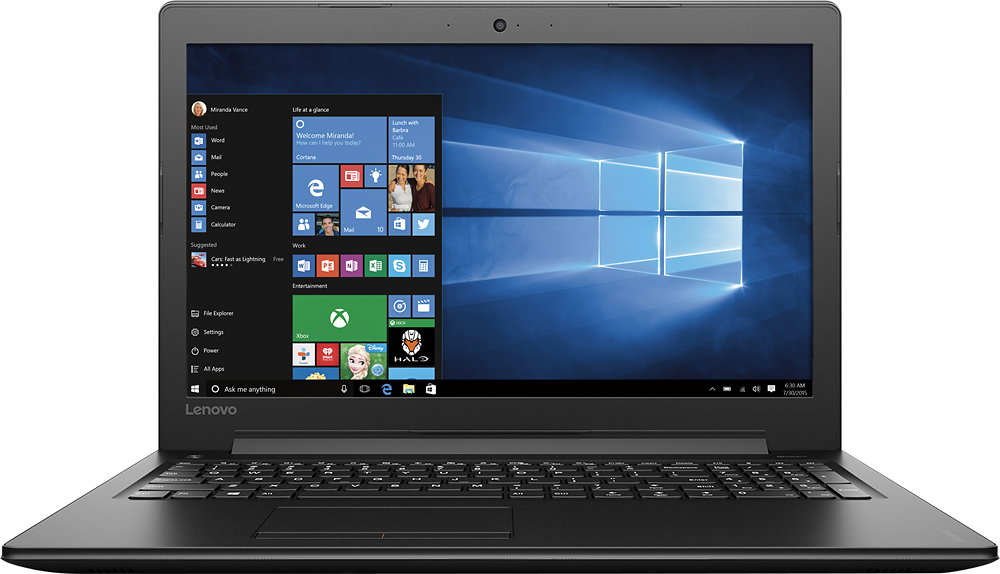
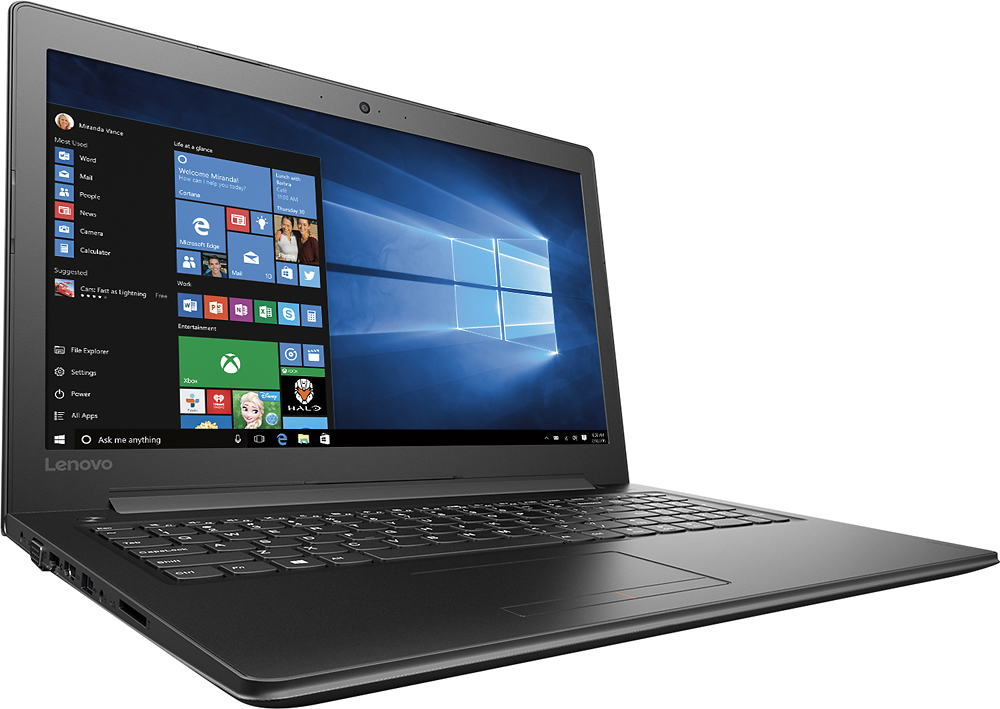
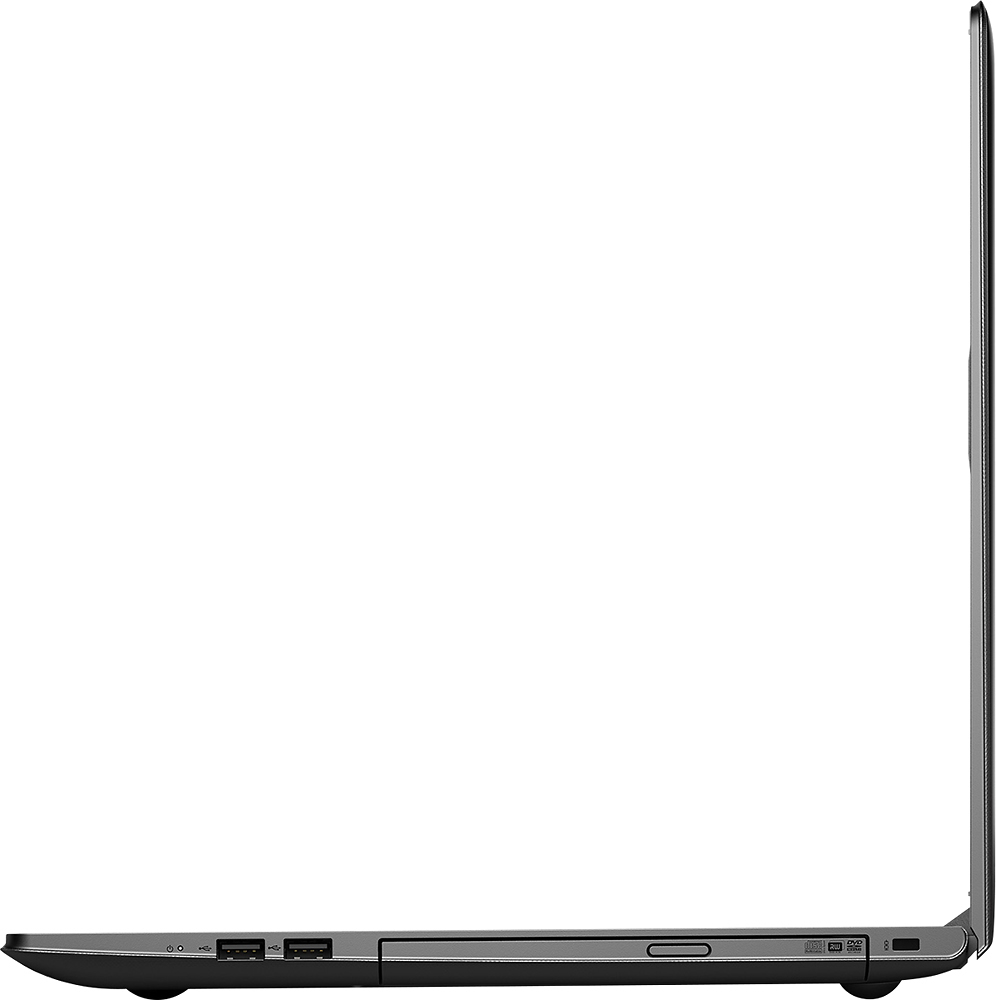
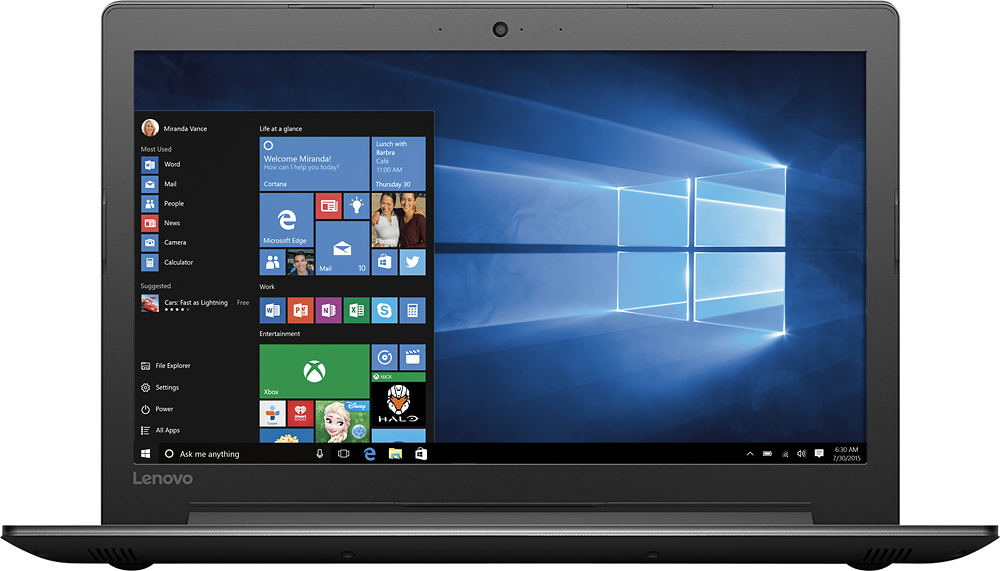
Customers express satisfaction with the 310-15ABR laptop's ease of use, performance, and price, frequently citing its good value for the money. Many also appreciate its lightweight design and ample RAM and storage. However, some users note that the battery life could be improved. The screen size and graphics capabilities also receive positive feedback.
This summary was generated by AI based on customer reviews.
- Pros mentioned:Price
Good Computer for the money
Posted .This reviewer received promo considerations or sweepstakes entry for writing a review.I had to return the first computer as it would not accept MS updates. But the second computer works well and it is good value for the money.
I would recommend this to a friend Not a good choice for typists
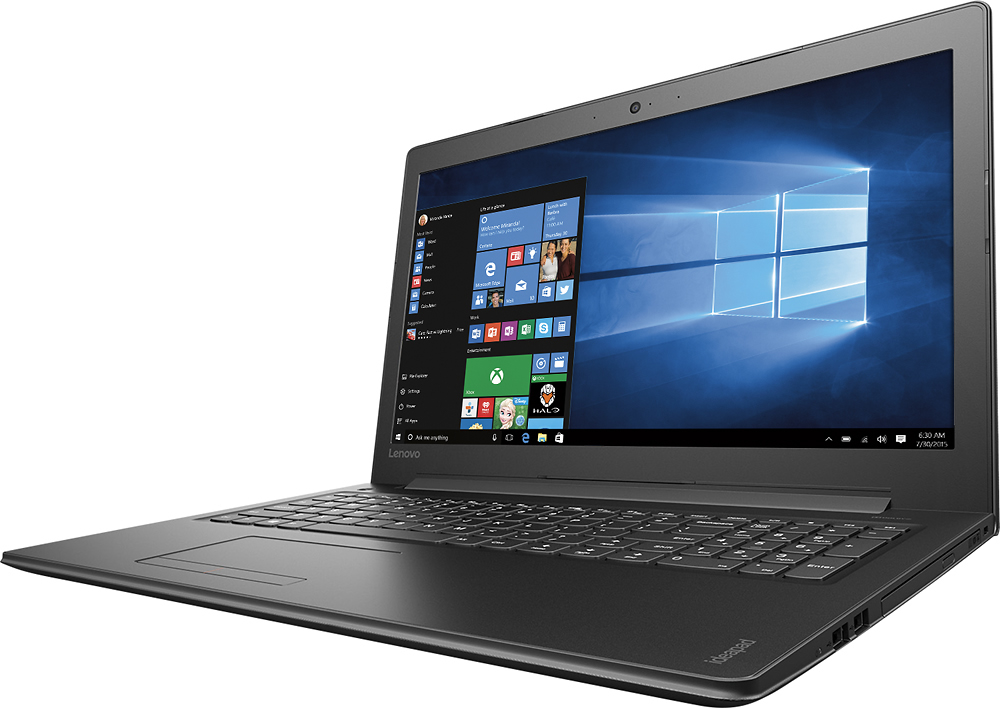
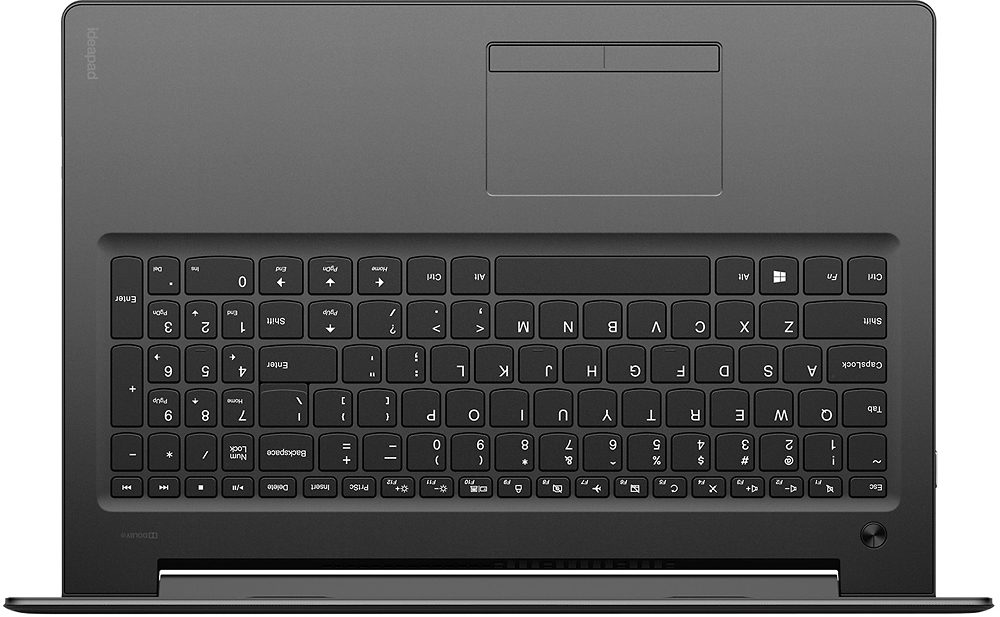
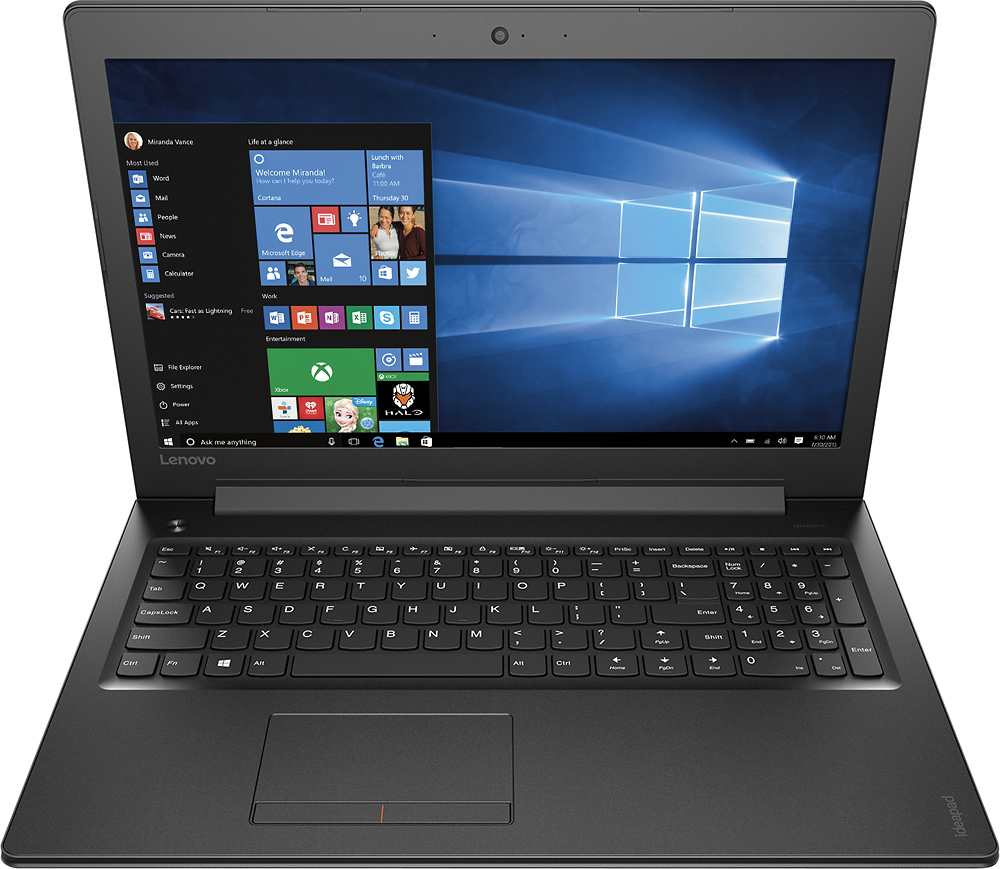
Posted .This reviewer received promo considerations or sweepstakes entry for writing a review.If you know how to type by touch (not two finger typing), this is NOT the laptop for you. I type 70 WPM. The shift key on the right side is misplaced and is two keys away, instead of right next to the ? key. I have had this laptop for about 36 hours and I am returning it for that reason. I cannot imagine dealing with this for the next 2+ years. I keep hitting the up arrow key instead of the shift key, so typing has been a real pain. A number key pad is on the laptop, which is kind of a good thing, except that means when you type, you have to type on the left side of the laptop, not in the center. It just feels very awkward. If you are a two finger kind of typist, then this might not be an issue for you. Otherwise, the sound is really good and for a laptop under $400, it is perfectly acceptable. Not super fast start up, but that's what you get for $400.
No, I would not recommend this to a friendKeyboard (right shift key too far)
Posted .This reviewer received promo considerations or sweepstakes entry for writing a review.The price and the hardwares inside are great. But the right side shift key on the keyboard is too far. Durin writing a letter the i accidentally press "Up Arrow" key when I try to press right shift key in order to Type capital letters. The right shift key is too far for anyone. By the way, if you are not interesting typing or writing an article, this one will be alright for you.
No, I would not recommend this to a friendBrand response from Lenovo Product Expert
Posted .With regard to the right shift key issue you mention, there is a free software APP called KeyTweak that may help you. You can switch the key functions of specific keys on your keyboard with this software, so you could change the right shift key with the key you hit in its place. Just Google search "KeyTweak" and you will find articles about what the software does and you will find the download location for this free APP.

Great product
Posted .This reviewer received promo considerations or sweepstakes entry for writing a review.Works great for what my mom is using it for. Facebook and random games.
I would recommend this to a friendBrand response from Lenovo Product Expert
Posted .Thank you for choosing the Lenovo IdeaPad 310-15 laptop for your mother. We are pleased to hear that the IdeaPad 310-15 meets your computing needs so well.
- Cons mentioned:Battery life
poor quality
Posted .This reviewer received promo considerations or sweepstakes entry for writing a review.I bought it on a Friday , and had to return it by Wednesday because the battery would no longer charge, I had used it twice and it was plugged in both times. BestBuy's service of this was even worse
No, I would not recommend this to a friend