Customer Ratings & Reviews






- Model:
- 80ST005XUS
- SKU:
- 5711715
to a friend
Customers are saying
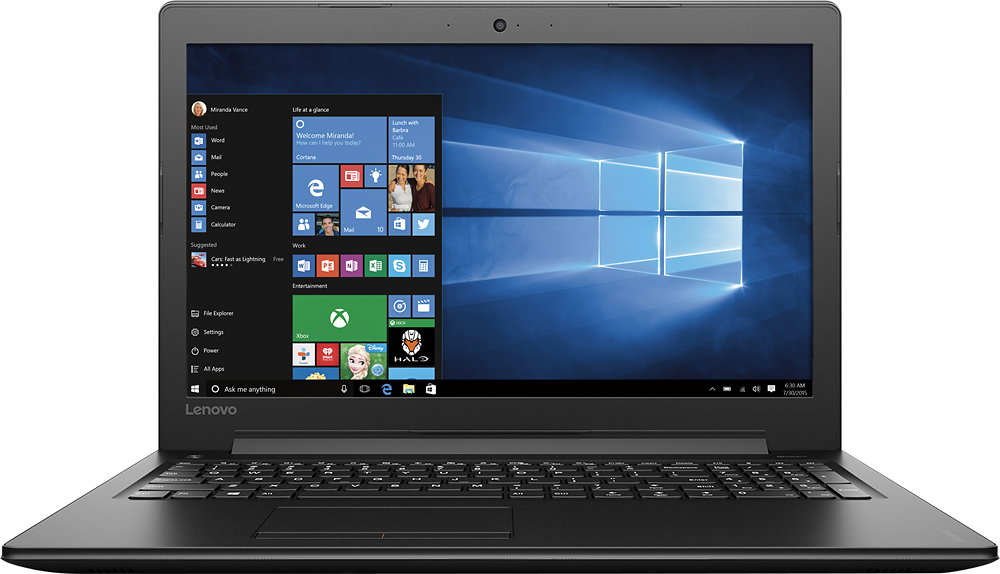
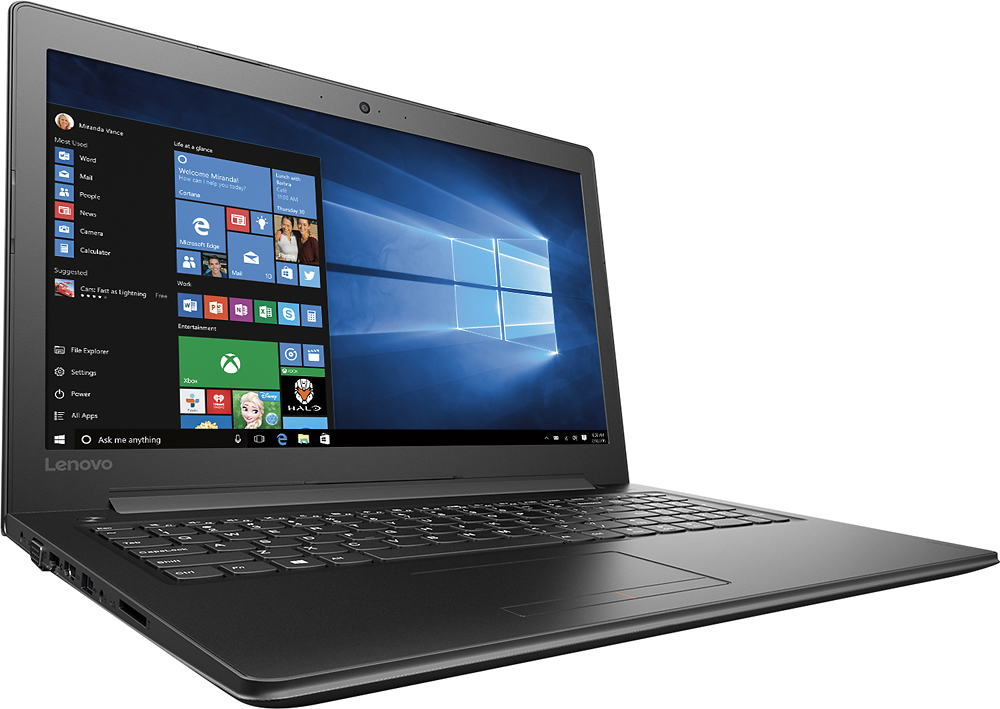
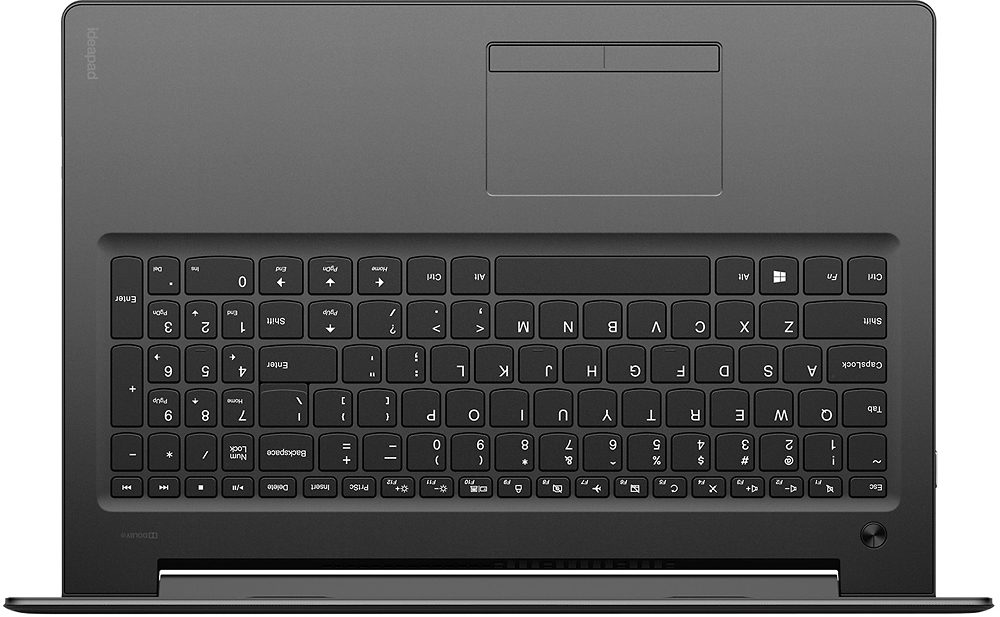
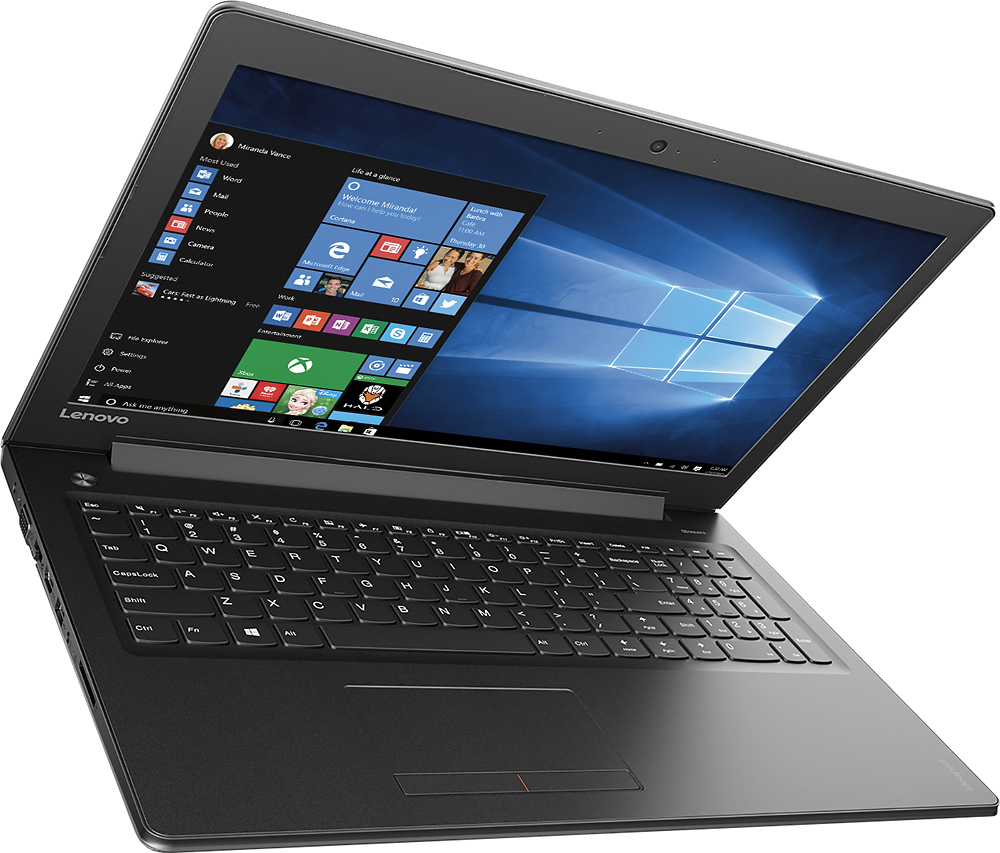
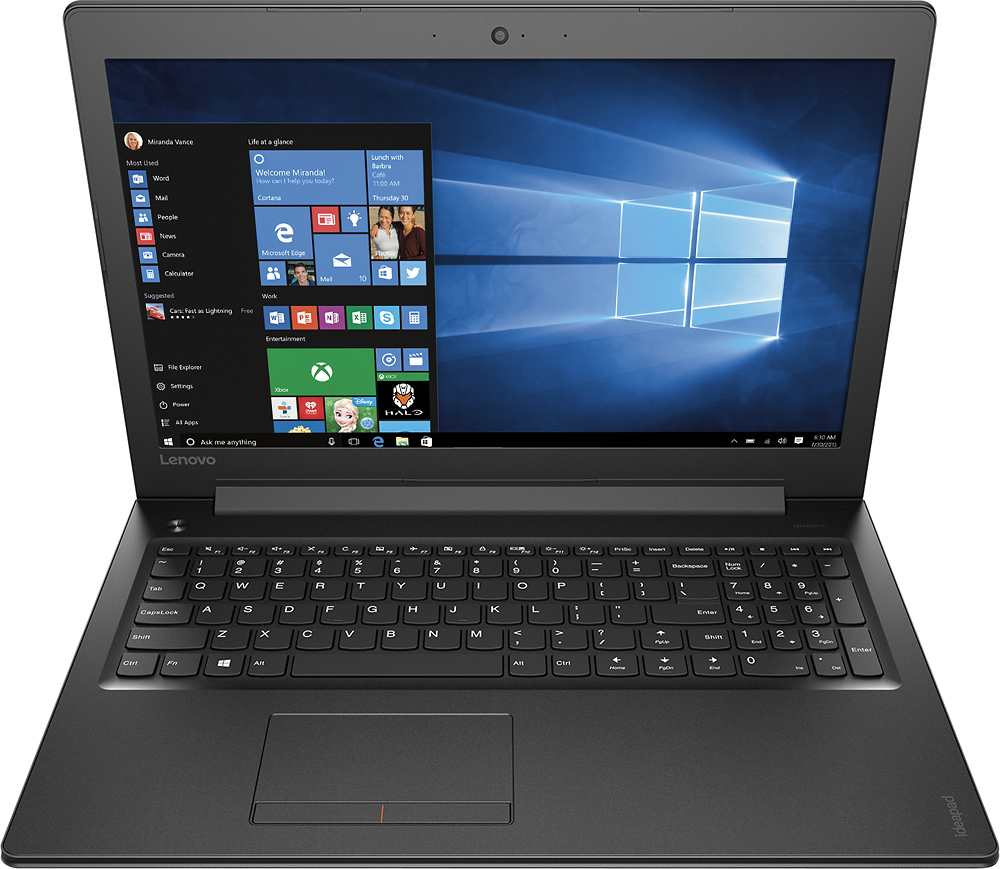
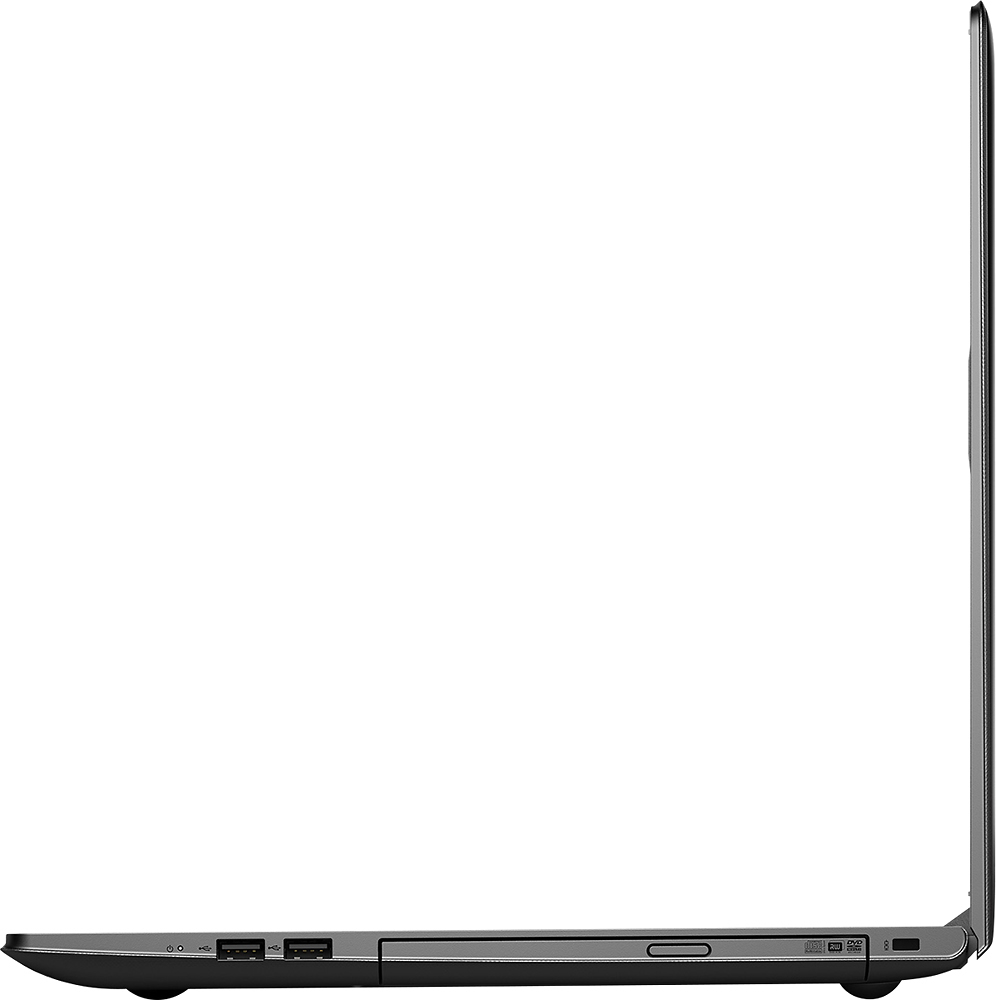
Customers express satisfaction with the 310-15ABR laptop's ease of use, performance, and price, frequently citing its good value for the money. Many also appreciate its lightweight design and ample RAM and storage. However, some users note that the battery life could be improved. The screen size and graphics capabilities also receive positive feedback.
This summary was generated by AI based on customer reviews.
- Pros mentioned:Ease of use
Really well formatted
||Posted .This reviewer received promo considerations or sweepstakes entry for writing a review.Like how easy to use it is and how easy it is for someone who isn't computer savvy to navigate.
I would recommend this to a friend pretty fast and no problems
||Posted .This reviewer received promo considerations or sweepstakes entry for writing a review.I bought a Lenovo laptop last year with only 1/2 the memory but I thought it was still pretty good so when I saw this one for double the memory and the price was right so I got it and I am very happy with it.
I would recommend this to a friendBrand response from Lenovo Product Expert
Posted .Thank you for choosing the Lenovo IdeaPad 310-15 laptop for your second Lenovo product. We are pleased to hear that the value and performance of your first Lenovo laptop encouraged you to purchase this IdeaPad 310-15. We appreciate your loyalty to the Lenovo Brand.

Great business/personal laptop
||Posted .This reviewer received promo considerations or sweepstakes entry for writing a review.This laptop was not what I originally went into the store to buy, but the sales associate showed me this as an open box item to keep me within budget. I use this for both business and personal use and it works quite well for both. No problems with slow response. Looks great. My only real complaint is the keyboard set up as the right "shift" button is small and oddly placed so I often mistype. Otherwise, great laptop!
I would recommend this to a friendA good solid laptop, but not without its flaws
||Posted .This reviewer received promo considerations or sweepstakes entry for writing a review.It works well and is comfortable to use, and was a good replacement for my old Dell laptop that was literally falling apart. It can be a bit slow to load sometimes though, and the touchpad freaks out sometimes and will randomly zoom in or scroll down a page wildly. All in all, a good computer if you just need it for web browsing / writing / working or if you want to play games that aren't too graphically intensive.
I would recommend this to a friendBrand response from Lenovo Product Expert
Posted .Thank you for choosing the Lenovo IdeaPad 310-15 laptop. With regard to the touchpad, you can make adjustments to the touchpad in your system settings. You can get there by clicking on the magnifying glass at the bottom left your Windows 10 screen. Type "touchpad" in the search window. Select "Mouse & touchpad settings" from the list of choices. You can make general adjustments to the touchpad there. You can also select "Additional mouse options" for more detailed adjustments to the touchpad sensitivity by increasing the delay of the touchpad. This system should be a fast system with its AMD A12 processor and 8GB of RAM. Be sure any software you installed is compatible with Windows 10. There is no need to install Microsoft Office software. The software is already part of the operating system, you just need to activate the software with a purchased product key. If you have installed a copy of Microsoft Office, this is conflicting with the existing copy on the system and this will slow your system down. If you have installed a 3rd party anti-virus program, be sure that Windows Defender is turned off and that the trial version of McAfee Anti-Virus software is uninstalled. There can only be one anti-virus program on the system. You may need to restore your system to original factory default settings if any of the programing errors have occurred. You can do that by typing "restore" in the Cortana search window. Just click on the magnifying glass icon at the bottom left of your Windows 10 Desktop. Click on "Reset This PC" Then click on "Get Started" and follow the on screen directions to restore to factory defaults.
- Pros mentioned:Performance
Great laptop for at home and travel work
||Posted .This reviewer received promo considerations or sweepstakes entry for writing a review.Bought this as a replacement for my 9 year old HP laptop that was on it's last leg. It's quiet, has a good battery life, and is easy to do work on keeping multiple programs running simultaneously.
I would recommend this to a friend - Pros mentioned:Price
Great laptop for the price
||Posted .This reviewer received promo considerations or sweepstakes entry for writing a review.Great laptop for the price. Very knowledgeable folks in store that understood my needs.
I would recommend this to a friend - Pros mentioned:Performance
Great laptop for everyday use
||Posted .This reviewer received promo considerations or sweepstakes entry for writing a review.This computer works great for surfing internet, playing games and general everyday use.
I would recommend this to a friendBrand response from Lenovo Product Expert
Posted .Thank you for choosing the Lenovo IdeaPad 310-15 laptop. We are pleased to hear that the IdeaPad 310-15 meets your computing needs so well.
- Pros mentioned:Ease of use
Perfect work computer
||Posted .This reviewer received promo considerations or sweepstakes entry for writing a review.Does just what I need. Using quick books to run a small business and this does the job.
I would recommend this to a friendBrand response from Lenovo Product Expert
Posted .Thank you for choosing the Lenovo IdeaPad 310-15 laptop. We are pleased to hear that the performance of the IdeaPad 310-15 meets your business computing needs so well.
- Pros mentioned:Performance
Good Computer for the price
||Posted .This reviewer received promo considerations or sweepstakes entry for writing a review.Got the computer so my daughter can do homework. Works good and gets the job done.
I would recommend this to a friendBrand response from Lenovo Product Expert
Posted .Thank you for choosing the Lenovo IdeaPad 310-15 laptop for your daughter. We are pleased to hear that the Ideapad 310-15 is working out so well for your daughter.
Decent laptop for price
||Posted .This reviewer received promo considerations or sweepstakes entry for writing a review.Laptop serves its purpose of surfing web and doing some work. It's a bit bigger than I thought, but I should have paid more attention to its dimensions. Internet can be a bit slow at times, but overall it's pretty good. Shift key as previous reviewers stated is oddly placed on the right side-something that you just have to get used to. Overall though for the price it can't be beat.
I would recommend this to a friendBrand response from Lenovo Product Expert
Posted .Thank you for choosing the Lenovo IdeaPad 310-15 laptop. With regard to the right shift key issue you mention, there is a free software APP called KeyTweak that may help you. You can switch the key functions of specific keys on your keyboard with this software, so you could change the right shift key with the key you hit in its place. Just Google search "KeyTweak" and you will find articles about what the software does and you will find the download location for this free APP.
- Pros mentioned:Performance
Computer
||Posted .This reviewer received promo considerations or sweepstakes entry for writing a review.This computer has done everything it was sold to me to do. I really like it.
I would recommend this to a friendBrand response from Lenovo Product Expert
Posted .Thank you for choosing the Lenovo Ideapad 310-15 laptop. We are pleased to hear that the Ideapad 310-15 meets your computing needs so well.
Good.....but keyboard quirk
||Posted .This reviewer received promo considerations or sweepstakes entry for writing a review.This is a good sound laptop. However, the shift key on the right side of the keyboard is not in it's usual place. This causes typing errors especially when trying to go caps. Had I known about this before, I would have not purchased this laptop. I do a lot of typing, and the placement of the shift key is actually out of compliance from standard and conventional keyboard.
No, I would not recommend this to a friend- Pros mentioned:Performance
Good for what we need
||Posted .This reviewer received promo considerations or sweepstakes entry for writing a review.This is good for what we need. Pay bills and maybe look things up online.
I would recommend this to a friend - Pros mentioned:Ease of use
Easy to use
||Posted .This reviewer received promo considerations or sweepstakes entry for writing a review.Bought this for my mother and she loves it. Easy to use and a good value.
I would recommend this to a friend - Pros mentioned:Performance
Great buy!
||Posted .This reviewer received promo considerations or sweepstakes entry for writing a review.For the price I couldn't have asked for better. Everything has performed flawlessly and I use this strictly for live music. I depend on this laptop to work 100% and it does!
I would recommend this to a friend - Pros mentioned:Price
Excellent product
||Posted .This reviewer received promo considerations or sweepstakes entry for writing a review.I have been using this product for a couple of months now. It has been great. I use it mostly for web access and development, Word and Excel documents. The price was excellent.
I would recommend this to a friend Easy to use.
||Posted .This reviewer received promo considerations or sweepstakes entry for writing a review.Easy to use. Great graphics and sound. Would recommend to the public.
I would recommend this to a friendBrand response from Lenovo Product Expert
Posted .Thank you for choosing the Lenovo IdeaPad 310-15 laptop. We are leased to hear that the features and performance of the IdeaPad 310-15 meets your computing needs so well.
- Pros mentioned:Ease of use
Great laptop to read emails
||Posted .This reviewer received promo considerations or sweepstakes entry for writing a review.It is a great laptop for doing online searches and checking emails.
I would recommend this to a friend Good value for the price
||Posted .This reviewer received promo considerations or sweepstakes entry for writing a review.Purchased my Lenovo about a month ago. It was a good purchase for the price and a welcome replacement for an old ASUS that expired unexpectedly. I'm quite happy with it. One annoyance is the placement of the sHIFT key on the right side of the key board. It's small and the page up key is just before it. I keep hitting the wrong key when I want to cAPITALIZE.
I would recommend this to a friend- Pros mentioned:Price
Good Buy, for the $$$
||Posted .This reviewer received promo considerations or sweepstakes entry for writing a review.I was glad, to be able to purchase this Lenovo ideapad 310 computer. It's a-lot of computer, value, for under $400.00! I'd suggest anybody look into Lenovo products!!!
I would recommend this to a friendBrand response from Lenovo Product Expert
Posted .Thank you for choosing the Lenovo IdeaPad 310-15 laptop. We are pleased to hear that the value and performance of the IdeaPad 310-15 meets your computing needs so well.