Customer Ratings & Reviews
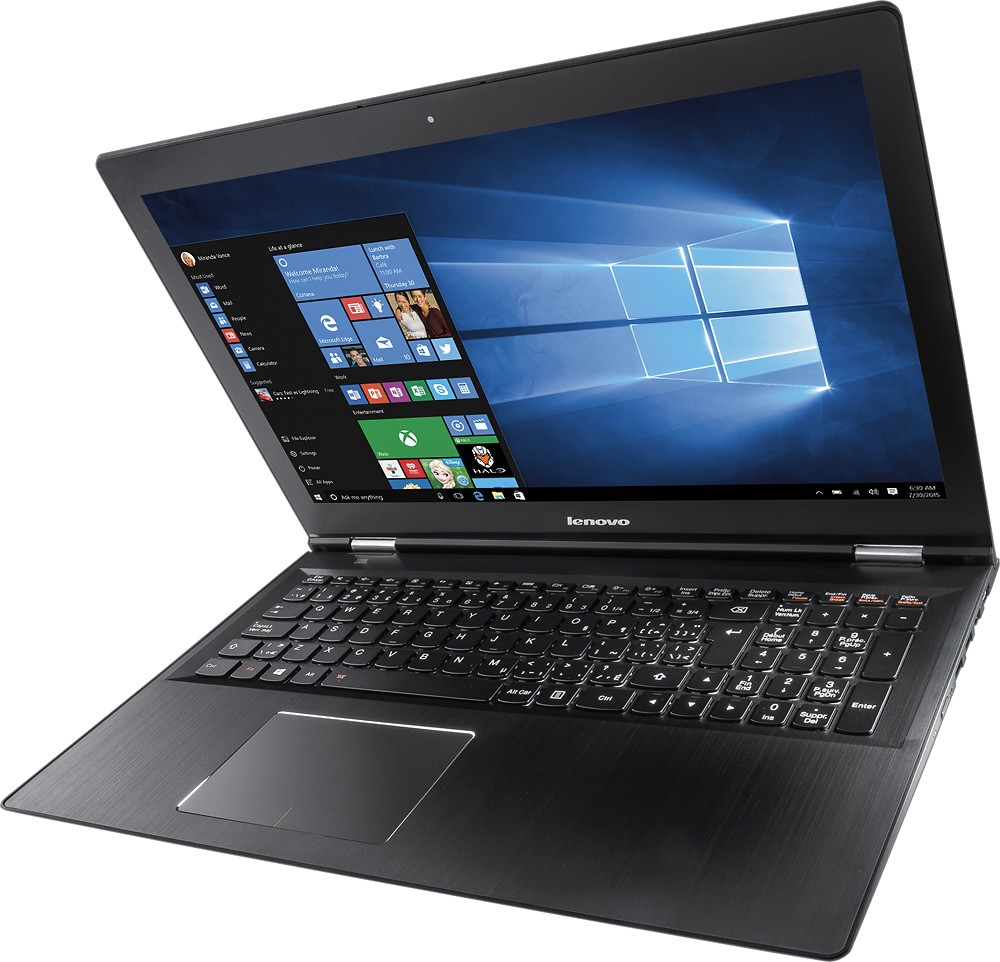
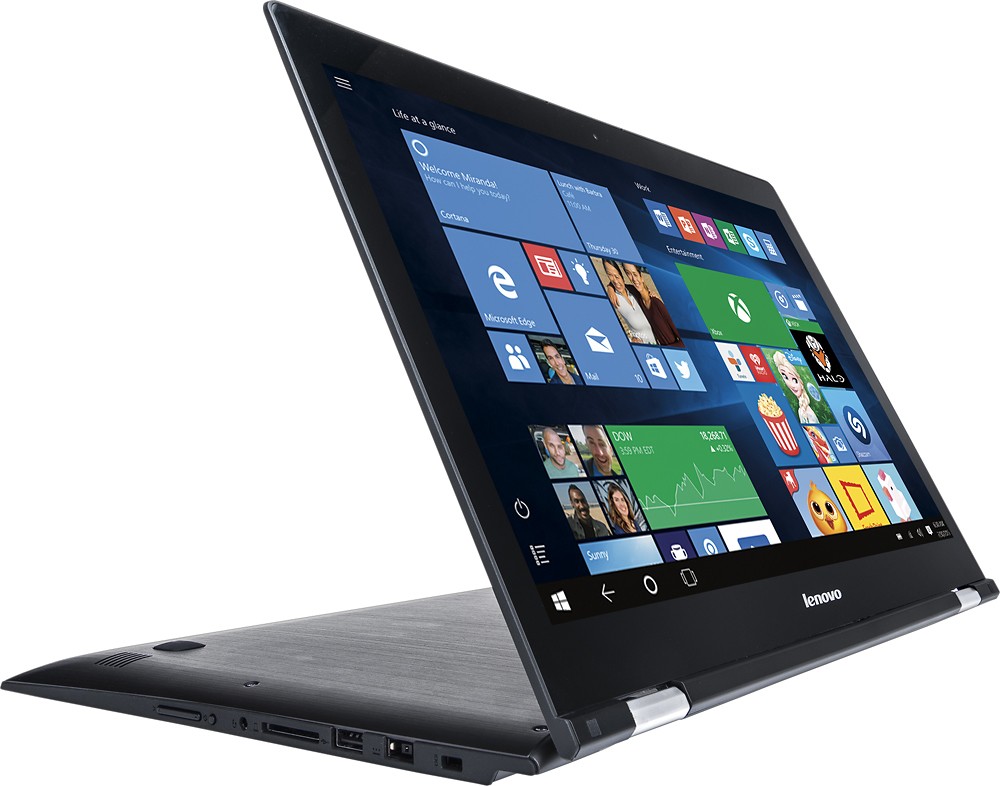

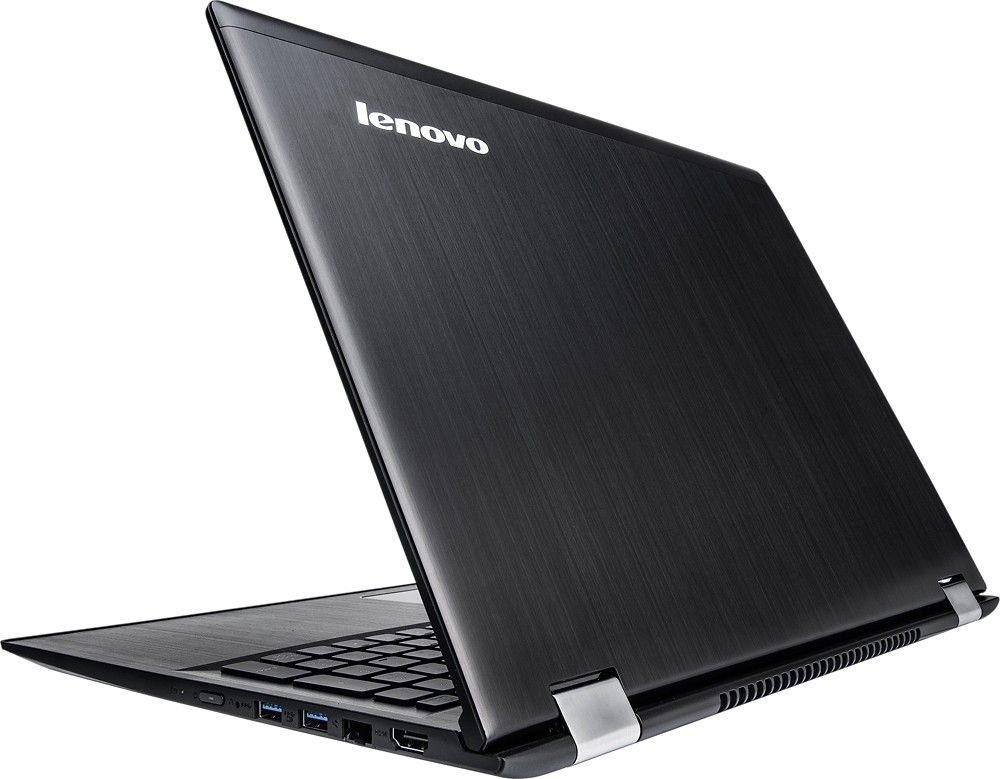





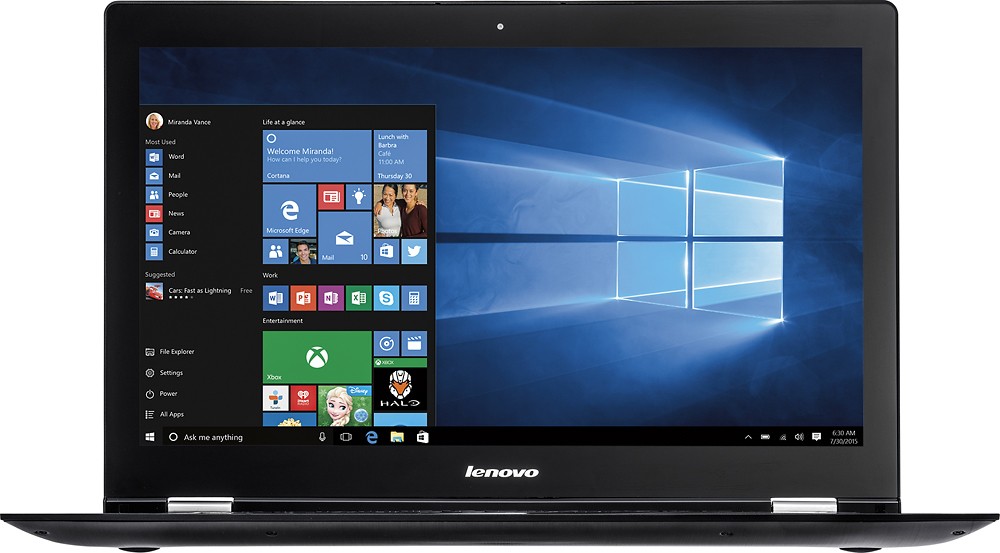
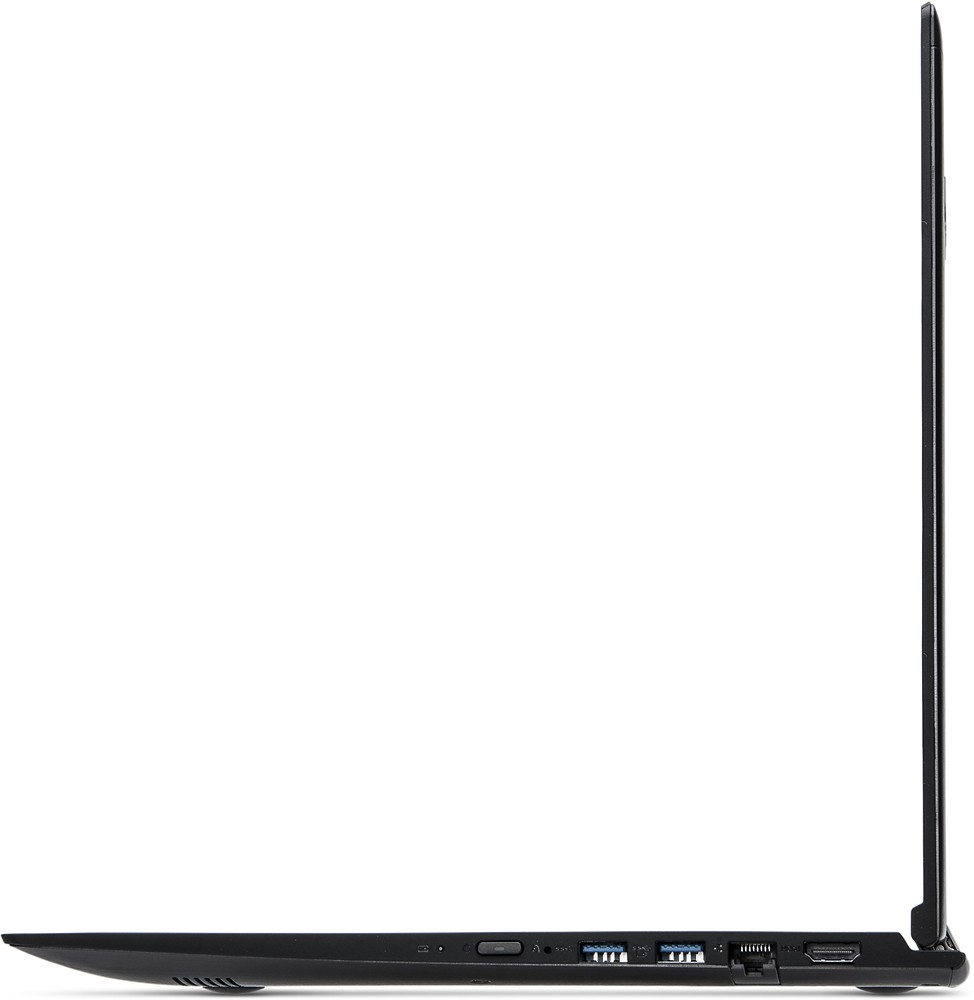
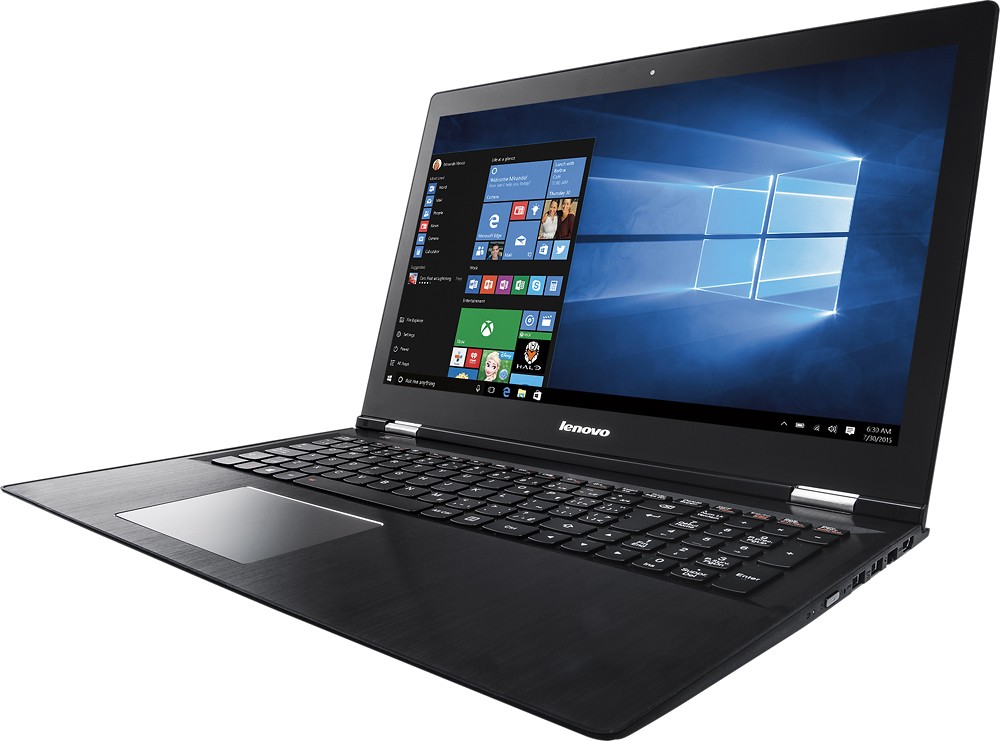

- Model:
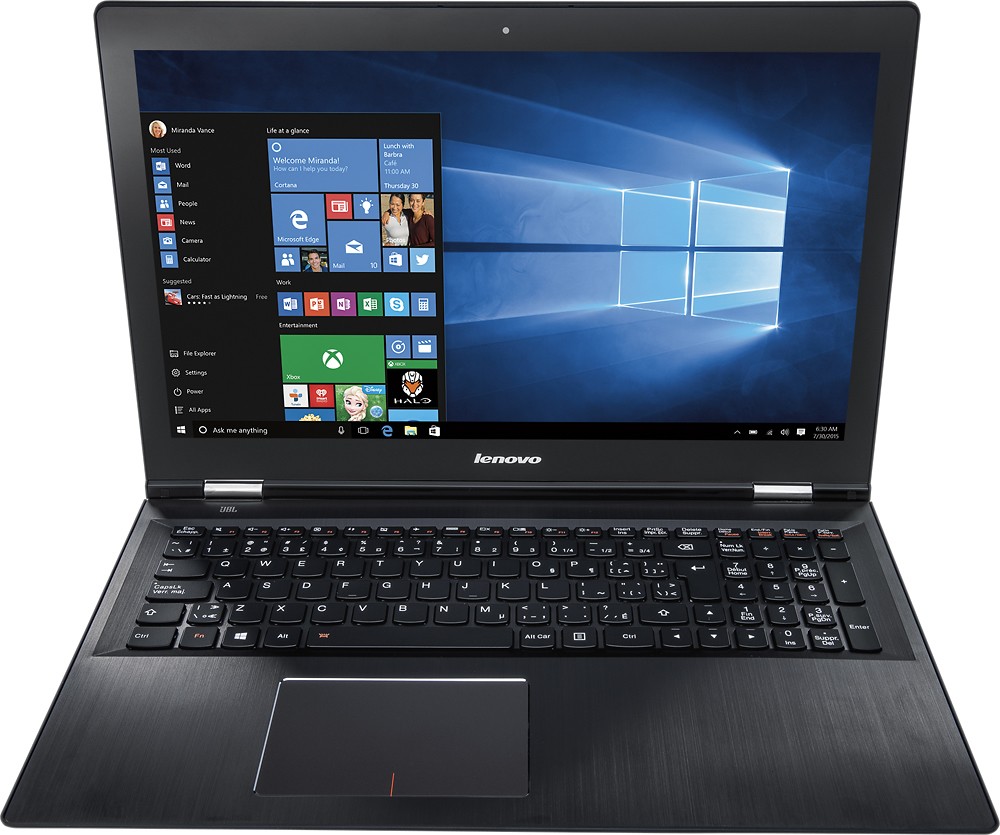
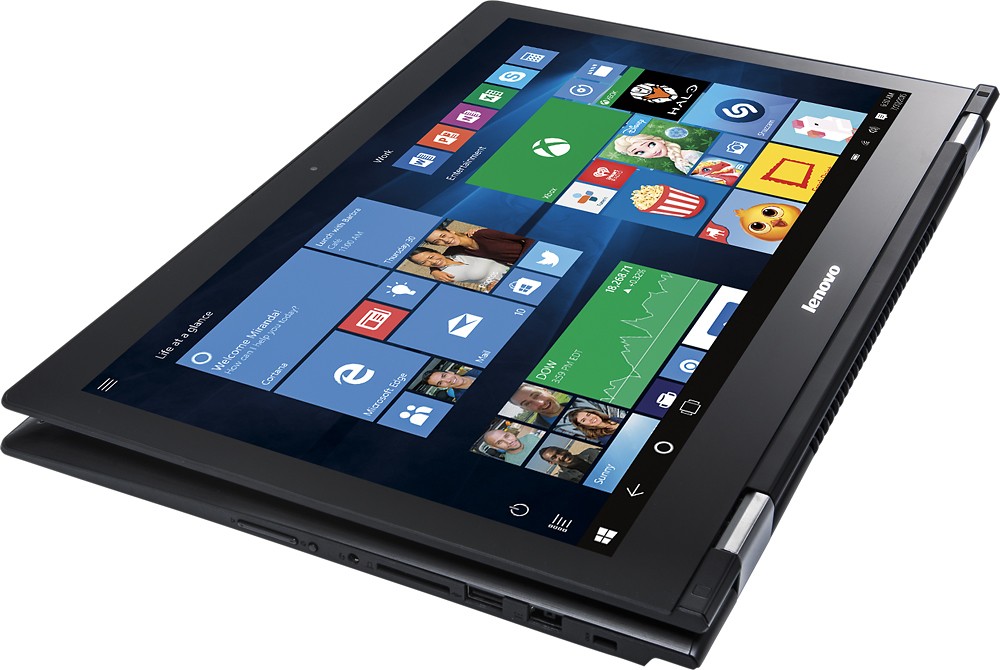
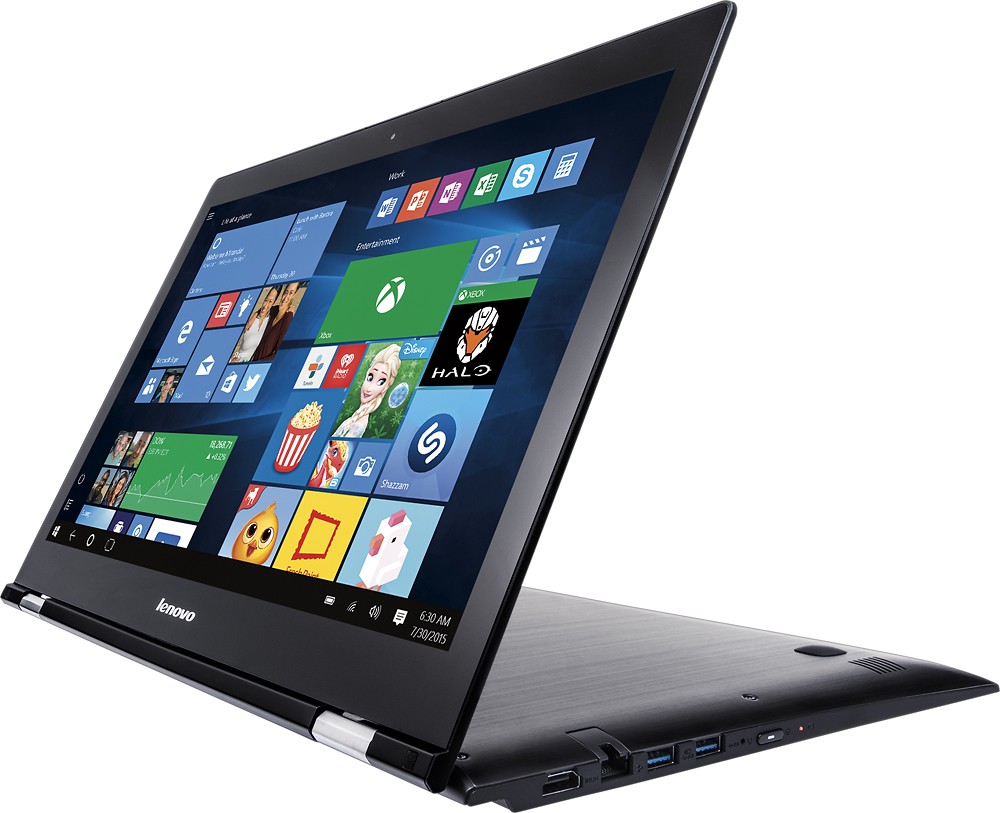
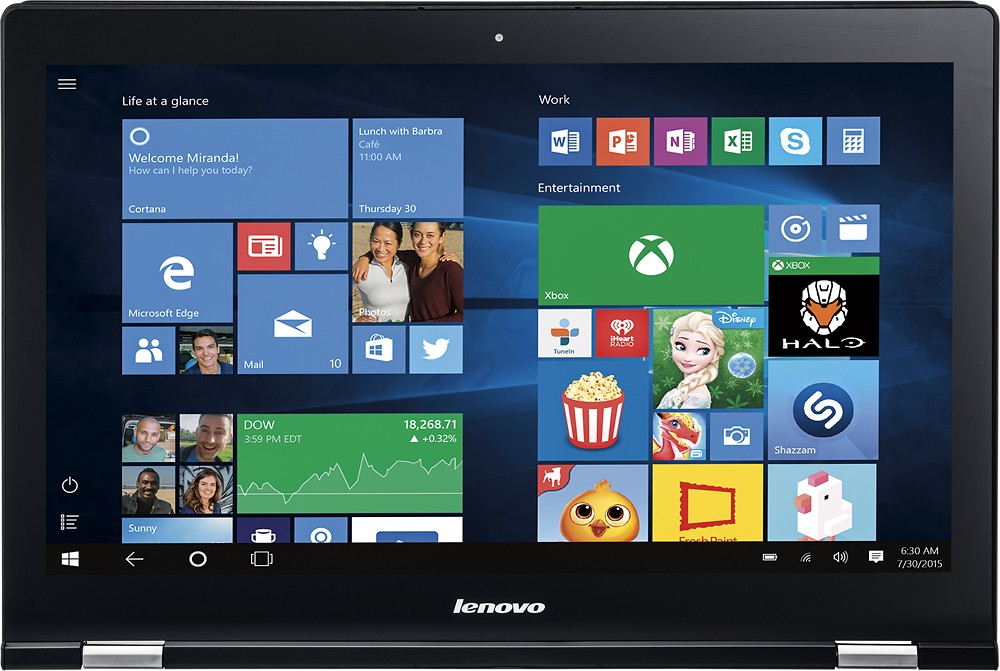
- EDGE 2 15 - 80QF0004US
- SKU:
- 4525501
to a friend
Customers are saying
Customers praise the Edge 2 15.6" 2-in-1 Touch-Screen Laptop for its touch screen, gaming capabilities, affordable price, lightweight design, user-friendly interface, impressive performance, and ample storage. However, some customers have concerns about the battery life, Windows 10 operating system, occasional sleep mode issues, and limited RAM upgradability.
This summary was generated by AI based on customer reviews.
My first touch screen computer
||Posted .This reviewer received promo considerations or sweepstakes entry for writing a review.Its light weight and easy to use. Nice big clear screen.
I would recommend this to a friendBrand response from Lenovo Product Expert
Posted .Thank you for choosing the Lenovo Edge 2. We are pleased to hear that the features and performance of the Edge 2 are meeting your computing needs so well.

Really bad laptop
||Posted .This reviewer received promo considerations or sweepstakes entry for writing a review.So this laptop completely died on me after 3 weeks of purchase. After the software update, it was starting to randomly shut off and finally died on me. I called the lenovo technical support and they said my motherboard went out.... Its almost 1000 dollar laptop and I can't believe it just died on me after 3 weeks. But it has good battery life.
No, I would not recommend this to a friendGreat for any kind of user
||Posted .This reviewer received promo considerations or sweepstakes entry for writing a review.I love my new laptop and would recommend it to anyone
I would recommend this to a friendBrand response from Lenovo Product Expert
Posted .Thank you for choosing the Lenovo Edge 2. We are pleased to hear that the Edge 2 is meeting your computing needs so well.
Great laptop
||Posted .This reviewer received promo considerations or sweepstakes entry for writing a review.My son loves his laptop.. He edits his photos etc.
I would recommend this to a friendGreat for any user looking to upgrade
||Posted .This reviewer received promo considerations or sweepstakes entry for writing a review.I absolutely love this laptop. You gotta try it!!!
I would recommend this to a friendBrand response from Lenovo Product Expert
Posted .Thank you for choosing the Lenovo Edge 2. We are pleased that is meeting your needs.
Bad Quality
||Posted .This reviewer received promo considerations or sweepstakes entry for writing a review.I have to say this laptop is the worst laptop I have ever bought. The whole screen is cracked and falls out right now due to a screw losing. I protect my laptop with care, but one week ago, when I opened the laptop the screen got separated from its holder. Righ now, I can not even open or close my laptop otherwise the screen will become pieces. My laptop becomes a desktop. Low Quality. Never recommend to others.
No, I would not recommend this to a friendPROGRAM GLITCH
||Posted .This reviewer received promo considerations or sweepstakes entry for writing a review.SECOND OF THE SAME MODEL - BOTH WITH THE SAME GLITCH WHERE THE CURSOR DISAPPEARS AND EVENTUALLY, ALL KEYS ONLY TYPE THE NUMBER 6. THE FIRST ONE WAS SENT TO LENOVO TWICE WHERE THEY SUPPOSEDLY CHANGED KEYBOARD AND REPROGAMMED THE UNIT, HAD IT WORKING AND WITHIN ONE WEEK IT WAS DOING THE SAME THING. EXCHANGED IT FOR SAME MODEL - SAME GLITCH
No, I would not recommend this to a friendNo wireless
||Posted .This reviewer received promo considerations or sweepstakes entry for writing a review.Purchased one ; no wireless connection, brought it to the geek squad and was assured it was fixed. Brought it home and; no wireless. Back to the geeks, replaced with more expensive Lenovo which would not connect to wireless network either. Brought back for refund. Found out later that it is not uncommon for these not to connect properly. Hardware is great but will not try again.
No, I would not recommend this to a friendNot happy
||Posted .This reviewer received promo considerations or sweepstakes entry for writing a review.Best Buy recommended this laptop, it seemed Ok at first, but then the screen would go black while I would be in the middle of something. Does not keep wireless connection.
No, I would not recommend this to a friendBrand response from Lenovo Product Expert
Posted .There are driver updates that might improve the issues you mention. You can follow the link below to Lenovo.com support-drivers to look for updates to your specific system. Be sure to create a restore point for your system before you make any changes or download new software to your system. Hope this improves your experience:
http://support.lenovo.com/us/en/products/Laptops-and-netbooks/Lenovo-Edge-Series-Laptops/edge-2-1580/80QF/0004US?linkTrack=Caps%253ABody_SearchProduct&tabName=downloads&beta=false
Step Away from that Laptop!
||Posted .This reviewer received promo considerations or sweepstakes entry for writing a review.This thing worked for about 2 weeks. Then it crashed, I sent it back to Lenovo and they can't repair it or replace it. Lenovo has had this laptop for two months. .So I'm out $800.00 for a laptop. I am a writer and need a laptop. I had to go out and buy a $200.00 HP that is slow, but at least it works. I wouldn't recommend this laptop to my worst enemy!
No, I would not recommend this to a friendThe worst Laptop ever
||Posted .This reviewer received promo considerations or sweepstakes entry for writing a review.I Bought this Lenovo - Edge 2 15.6 2-in-1 Touch-screen Laptop - Intel Core I7 - 8gb Memory - 1tb Hard Drive - Gunmetal in February and it is already dead the hard drive has crashed and before that was having a problem getting this to turn on and then had problems with not being able to shut it off. Save your money and buy a better laptop.
No, I would not recommend this to a friendBrand response from Lenovo Product Expert
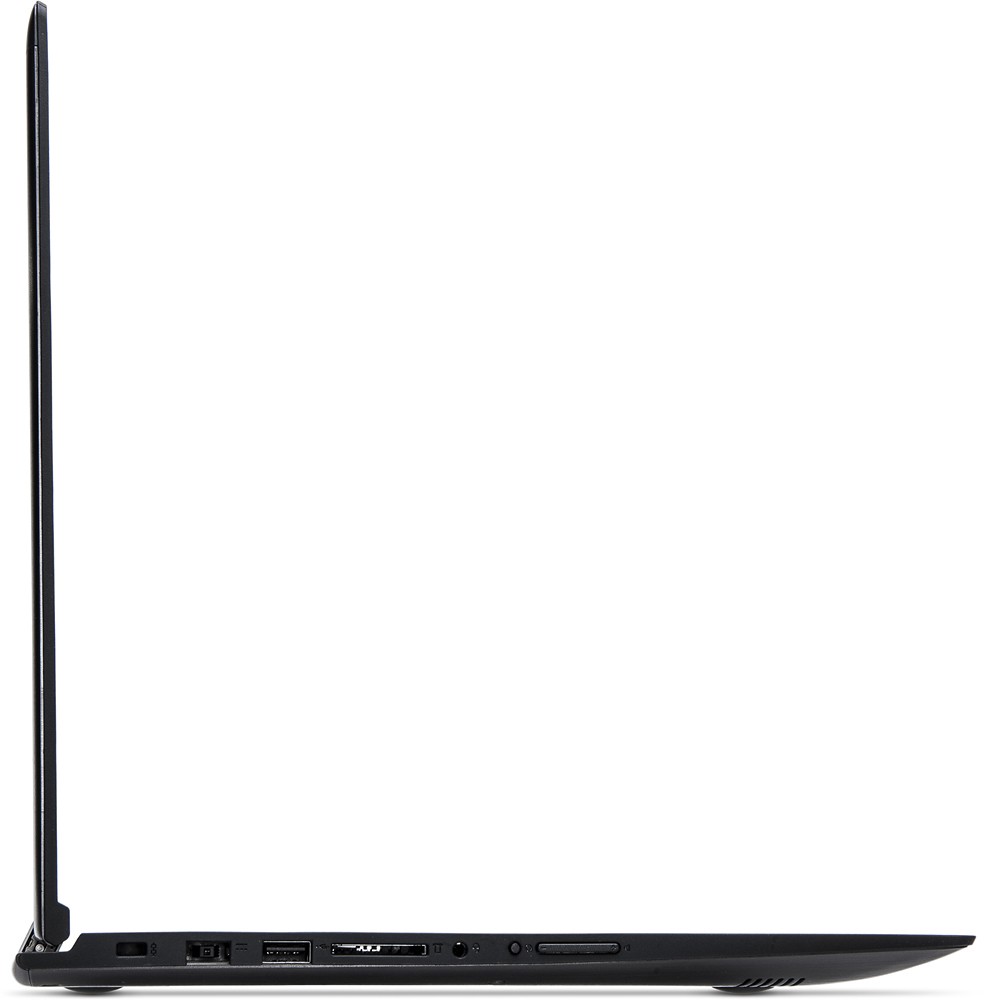
Posted .We are sorry to hear about the issues you are having with your Lenovo Edge 2 laptop. This system is equipped with OneKey Recovery System. There is a very small pin hole on the left side of the device, right near the SD card port on the device. You will need a pin to push this reset button. Plug the device in. Let the battery charge for about 15 minutes. Push the reset button. The system should boot to a choice screen where you can choose "Restore To Factory Default". Select this. It will delete everything from the hard drive except the original factory install of the operating system. You will need to reinstall all programs and files after the reset. If you don't have copies of the files, try to make one before you restore by selecting "Boot to desktop" and trying to back up your files. Once you have the system restored to factory default, Follow the link below to look for new driver updates for your specific system. You can also run diagnostics from the Lenovo site as well. As always, be sure to create a restore point on your system before you make any changes. You can do this by just typing "restore point" in the search window within Cortana and follow the link to create a restore point. Here is the link:
http://support.lenovo.com/us/en?menu-id=technical_support
No Good
||Posted .This reviewer received promo considerations or sweepstakes entry for writing a review.The laptop would not return from sleep mode and sometimes just power off. The battery was defective. It got worse over time. --After a few weeks I Couldnt get soundcard to work -The Touchpad and keyboard stopped working I am still waiting for a replacement :( If you read reviews, most people had to return this laptop more than once.
No, I would not recommend this to a friendDied in less than a year
||Posted .This reviewer received promo considerations or sweepstakes entry for writing a review.I've had this laptop for less than a year, and have always made sure it was properly ventilated, didn't leave it running for extended periods of time, and never dropped it. It suddenly refused to turn on for no apparent reason. I've verified the charger is working. I've never had a laptop just die on me like this.
No, I would not recommend this to a friendFreezes too often
||Posted .This reviewer received promo considerations or sweepstakes entry for writing a review.The laptop freezes up way too often which is a major concern. No other issues with it.
No, I would not recommend this to a friendBrand response from Lenovo Product Expert
Posted .This sounds like it may be a driver update issue. You can follow the link to Lenovo.com support-drivers and look for driver updates for your specific system. Be sure to create a restore point on your system before you make any changes, then create a new restore point once the issue is fixed. Here's the link:
http://support.lenovo.com/us/en/products/Laptops-and-netbooks/Lenovo-Edge-Series-Laptops/edge-2-1580/80QF/0004US?linkTrack=Caps%253ABody_SearchProduct&beta=false
Not Bad
||Posted .This reviewer received promo considerations or sweepstakes entry for writing a review.I have problems with cursor. My cursor jumps to random places on the screen.
I would recommend this to a friendBrand response from Lenovo Product Expert
Posted .Thank you for choosing the Lenovo Edge 2. With regard to the cursor issues you mention with your device, there may be driver updates for your specific system. Follow the link below to look for new driver updates for your specific system. As always, be sure to create a restore point on your system before you make any changes. Here is the link:
http://support.lenovo.com/us/en/products/Laptops-and-netbooks/Lenovo-Edge-Series-Laptops/edge-2-1580/80QF/0004US?query=&Shallow=1&Type=&OperatingSystems=&Component=&Symptom=&linkTrack=Caps%253ABody_SearchProduct&tabName=downloads&beta=false
It does not connect to 5G and mouse pad is poor
||Posted .This reviewer received promo considerations or sweepstakes entry for writing a review.It was a disappointment......if could would fo back and return it
No, I would not recommend this to a friendBrand response from Lenovo Product Expert
Posted .This system has an AC frequency WiFi adapter that is compatible with the latest 5G routers. There could be drivers that need to be updated. You can follow the link below to Lenovo.com support-drivers to look for the latest driver updates for your specific system. Be sure to create a restore point on your system before you make any changes or download any new software to your system. Hope this improves your experience:
http://support.lenovo.com/us/en/products/Laptops-and-netbooks/Lenovo-Edge-Series-Laptops/edge-2-1580/80QF/0004US?linkTrack=Caps%253ABody_SearchProduct&tabName=downloads&beta=false
Ok laptop for beginners
||Posted .This reviewer received promo considerations or sweepstakes entry for writing a review.This laptop is a great tool for a high school student
I would recommend this to a friendDon’t buy
||Posted .This reviewer received promo considerations or sweepstakes entry for writing a review.This product had to be return, didnt work, didn’t take the wifi, was sent to lenovo and it was even change, and a lot more problems that i dont have it fresh in my mind right know...doesn’t worth the price :/
No, I would not recommend this to a friendNo good
||Posted .This reviewer received promo considerations or sweepstakes entry for writing a review.Wireless card failed on two Lenovo computers within 2 weeks! I had to change brands. Sale rep told me this is a common problem with Lenovo.
No, I would not recommend this to a friendWorst 2 in 1 I have seen thus far.
||Posted .This reviewer received promo considerations or sweepstakes entry for writing a review.I have been working on pc's for over 20 years and this laptop has decent specs but its bottle necked by the hard drive. The cpu was maxed out at 100% all the time so was the hard drive back to Bestbuy it went.
No, I would not recommend this to a friend