Customer Ratings & Reviews






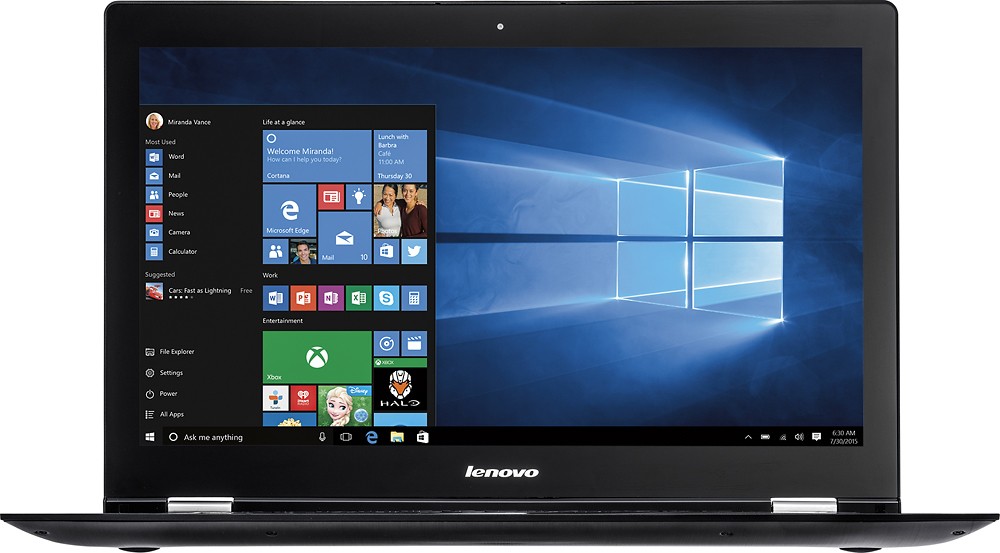
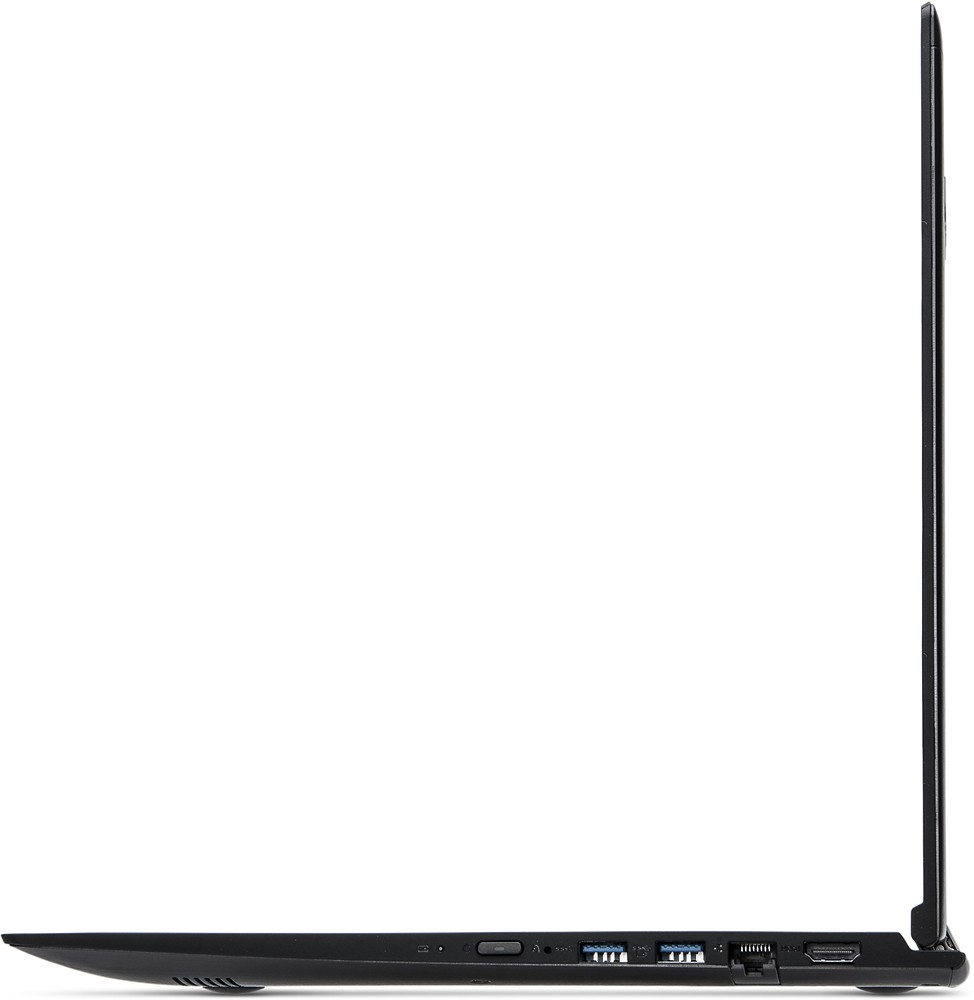
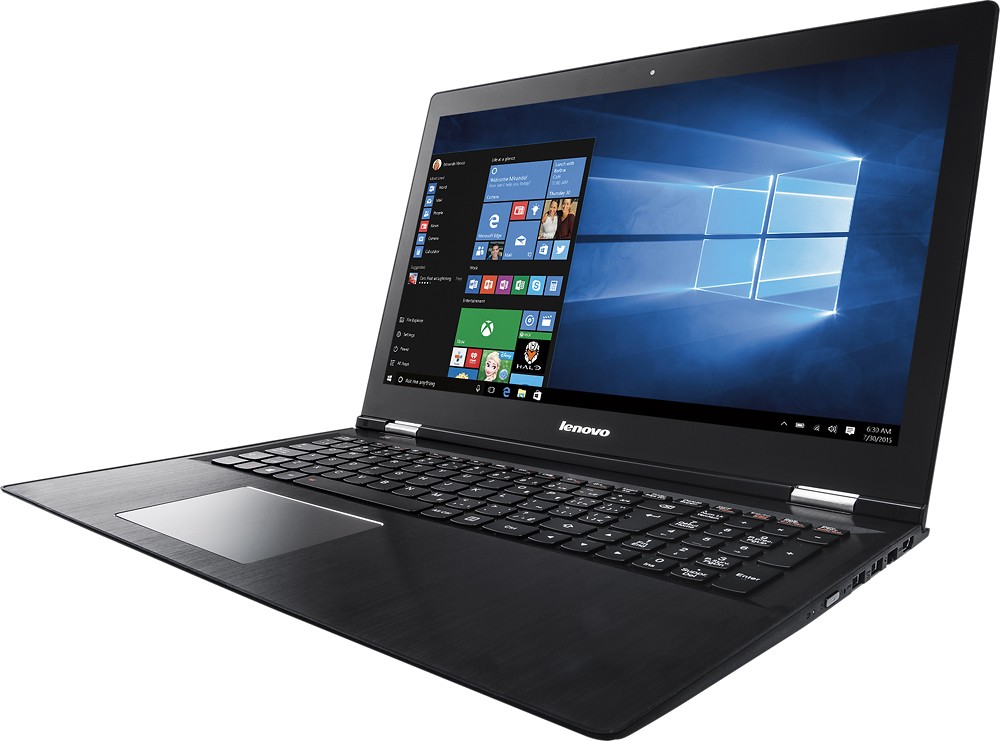

- Model:
- EDGE 2 15 - 80QF0004US
- SKU:
- 4525501
to a friend
Customers are saying
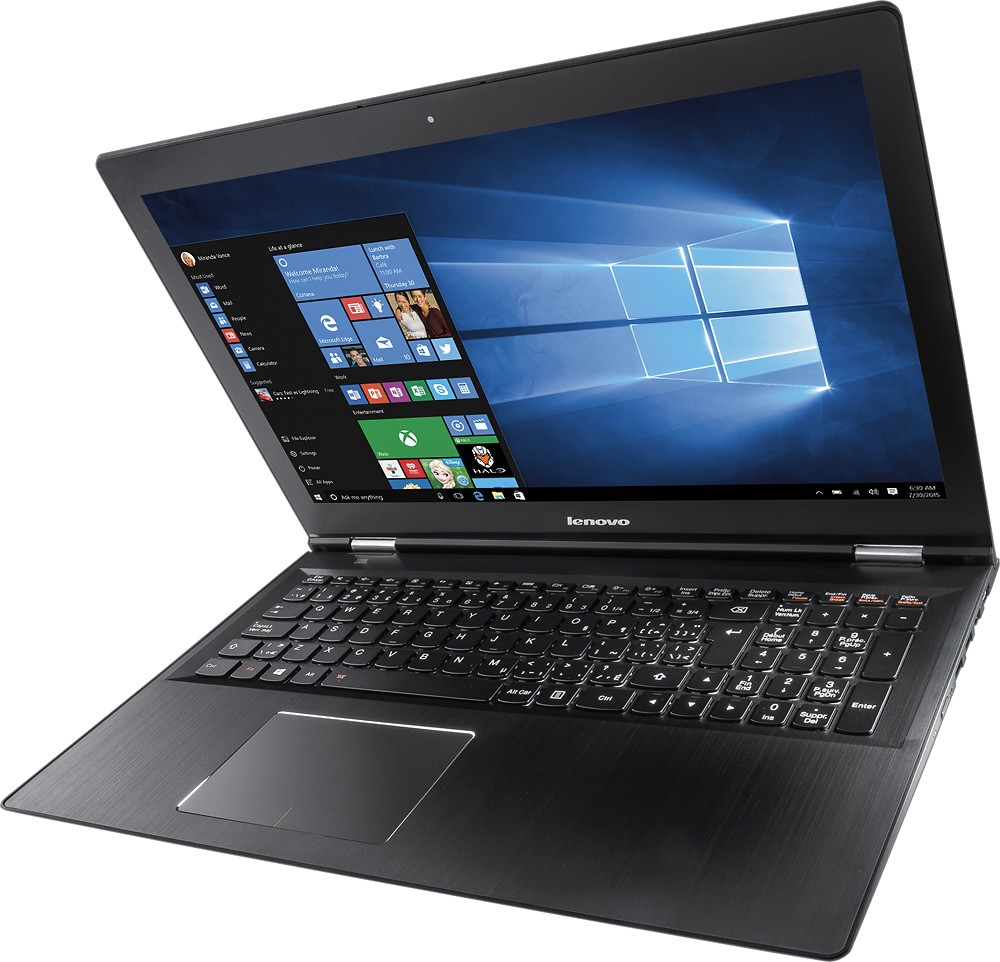
Customers praise the Edge 2 15.6" 2-in-1 Touch-Screen Laptop for its touch screen, gaming capabilities, affordable price, lightweight design, user-friendly interface, impressive performance, and ample storage. However, some customers have concerns about the battery life, Windows 10 operating system, occasional sleep mode issues, and limited RAM upgradability.
This summary was generated by AI based on customer reviews.
Worse laptop
||Posted .This reviewer received promo considerations or sweepstakes entry for writing a review.This is the worst laptop. I had to exchange it twice. Had so much problems with it and wifi would stop working while online. Didn't even have it for long after I purchased it that problems started accruing.
No, I would not recommend this to a friendBrand response from Lenovo Product Expert
Posted .You may want to check for driver updates by following the link below. Be sure you create a restore point on your system before you make any changes or download any new software. Hope this helps:
http://support.lenovo.com/us/en/products/Laptops-and-netbooks/Lenovo-Edge-Series-Laptops/edge-2-1580/80QF/0004US?linkTrack=Caps%253ABody_SearchProduct&tabName=downloads&beta=false
Poor performance
||Posted .This reviewer received promo considerations or sweepstakes entry for writing a review.Had bought this after recommendation by a friend. Performance went down in few weeks. Service center could not help and asked to ship to service center. Was lucky to be able to return.
No, I would not recommend this to a frienddisappointing
||Posted .This reviewer received promo considerations or sweepstakes entry for writing a review.Computer is extremely slow, especially to wakeup, screen locks up frequently, screen freezes with black boxes all over it on a regular basis, very frustrating to use on a daily basis
No, I would not recommend this to a friendBrand response from Lenovo Product Expert
Posted .Thank you for choosing the Lenovo Edge 2. It sounds as though there maybe driver updates for your system. Follow the link below. As always, be sure to create a restore point on your system before you make any changes. Here is the link:
http://support.lenovo.com/us/en/products/Laptops-and-netbooks/Lenovo-Edge-Series-Laptops/edge-2-1580/80QF/0004US?linkTrack=Caps%253ABody_SearchProduct&beta=false
Dont buy it
||Posted .This reviewer received promo considerations or sweepstakes entry for writing a review.Just took it to geek squad due to hinges breaking when u close it. Pieces falling off! They said it will take up to 3 weeks to fix. My son needs it for school
No, I would not recommend this to a friendThe computer has a problem
||Posted .This reviewer received promo considerations or sweepstakes entry for writing a review.I do have a problem with screen unfurtanetly I need to restart the computer many times to let the screen work
No, I would not recommend this to a friendBrand response from Lenovo Product Expert
Posted .This problem could be a driver that need to be updated. You can follow the link below to Lenovo.com support-drivers and look for driver updates for your specific system. Be sure to create a restore point on your system before you make any changes or download any new software to your system. Hope this solves the problem:
http://support.lenovo.com/us/en/products/Laptops-and-netbooks/Lenovo-Edge-Series-Laptops/edge-2-1580/80QF/0004US?linkTrack=Caps%253ABody_SearchProduct&tabName=downloads&beta=false
Disappointed
||Posted .This reviewer received promo considerations or sweepstakes entry for writing a review.Got this and installed a 480 pny ssd. Thought it would make this machine scream. Well it's not working. I'm really really disappointed
No, I would not recommend this to a friendBrand response from Lenovo Product Expert
Posted .You might want to scan your system now for drivers that may need to be updated. You can follow the link below to Lenovo.com support - diagnostics. Hope this helps!
http://support.lenovo.com/us/en/products/Laptops-and-netbooks/Lenovo-Edge-Series-Laptops/edge-2-1580/80QF/0004US?linkTrack=Caps%253ABody_SearchProduct&beta=false
Dissatisfied
||Posted .This reviewer received promo considerations or sweepstakes entry for writing a review.Totally not satisfied with this computer. It turns off by itself and won't turn on if in sleep mode. Wish I had not purchased it.
No, I would not recommend this to a friendBrand response from Lenovo Product Expert
Posted .Thank you for choosing the Lenovo Edge 2. With regard to the issues you mention with your device, there may be driver updates for your specific system. Follow the link below to look for new driver updates for your specific system. As always, be sure to create a restore point on your system before you make any changes. Here is the link:
http://support.lenovo.com/us/en/products/Laptops-and-netbooks/Lenovo-Edge-Series-Laptops/edge-2-1580/80QF/0004US?query=&Shallow=1&Type=&OperatingSystems=&Component=&Symptom=&linkTrack=Caps%253ABody_SearchProduct&tabName=downloads&beta=false
quit
||Posted .This reviewer received promo considerations or sweepstakes entry for writing a review.i reall liked this lap top, but the fan went out, so it died couldnt be replaced with like kind :-(
No, I would not recommend this to a friendSucks
||Posted .This reviewer received promo considerations or sweepstakes entry for writing a review.Can't even stay hooked up to WiFi for more than on session. The Dell I had for a week did the same thing.
No, I would not recommend this to a friendBrand response from Lenovo Product Expert
Posted .You might want to try updating your WiFi drivers. You can follow the link below to Lenovo.com support-drivers for updates for your system, hope this helps:
http://support.lenovo.com/us/en/products/Laptops-and-netbooks/Lenovo-Edge-Series-Laptops/edge-2-1580/80QF/0004US?linkTrack=Caps%253ABody_SearchProduct&tabName=downloads&beta=false
USB, Trackpad and Keybord do not work
||Posted .This reviewer received promo considerations or sweepstakes entry for writing a review.USB, Trackpad and Keybord do not work, called Lenovo support and they would not help
No, I would not recommend this to a friendReturned 4 of these
||Posted .This reviewer received promo considerations or sweepstakes entry for writing a review.Will not run Windows 10 Pro. Bought 4, tried to install on 3, gave up and returned for Lenovo.
No, I would not recommend this to a friendBrand response from Lenovo Product Expert
Posted .Thank you for giving Lenovo so many changes to earn your business. With regard to the issue with Windows 10 Pro upgrade, there are new driver updates that might have helped with the performance of the upgrade. We're sorry we didn't see your review sooner, but we appreciate you giving Lenovo a try.
Junk
||Posted .This reviewer received promo considerations or sweepstakes entry for writing a review.I took it back and got a Dell. Junk, total Junk. Open Box and was not checked out properly.
No, I would not recommend this to a friendNot a good computer
||Posted .This reviewer received promo considerations or sweepstakes entry for writing a review.This computer didn't even last a month. Started freezing up then stopped working altogether.
No, I would not recommend this to a friendBrand response from Lenovo Product Expert
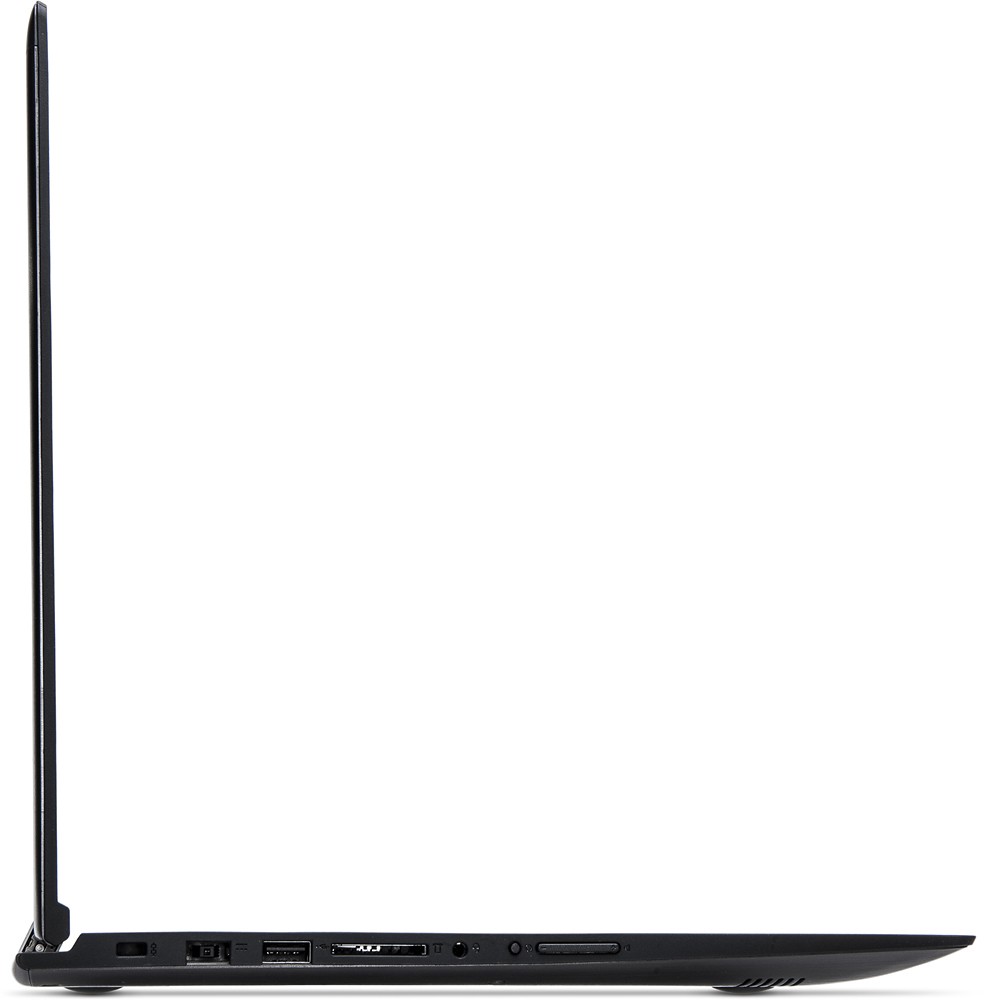
Posted .This system is equipped with OneKey Recovery System. There is a very small button on the left side of the device, near the volume control. The OneKey Recovery System will boot your system when it will not boot normally. The button is very small and you will need a pen or pencil to push the button. Once you push the OneKey Recovery Button you will be able to select "normal boot to desktop" or "restore to factory default". Once you get to your desktop, you can follow the link below to Lenovo.com support-drivers and look for driver updates for your specific system:
http://support.lenovo.com/us/en/products/Laptops-and-netbooks/Lenovo-Edge-Series-Laptops/edge-2-1580/80QF/0004US?linkTrack=Caps%253ABody_SearchProduct&tabName=downloads&beta=false
- Pros mentioned:Touch screen
Great traveling work laptop
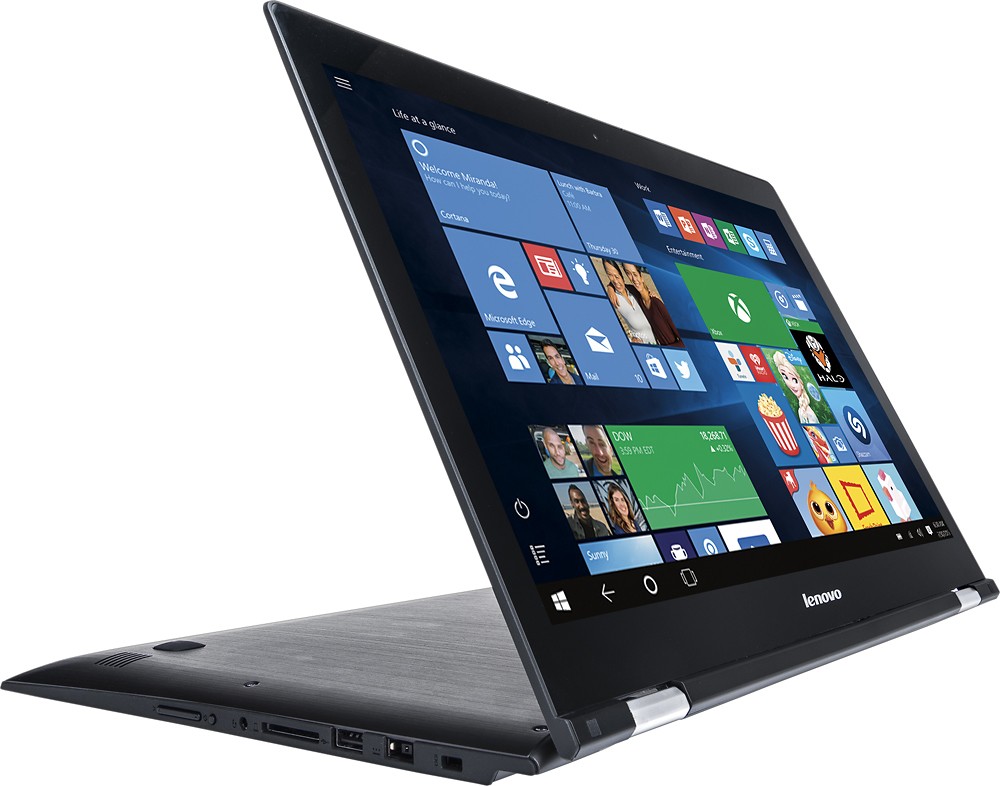
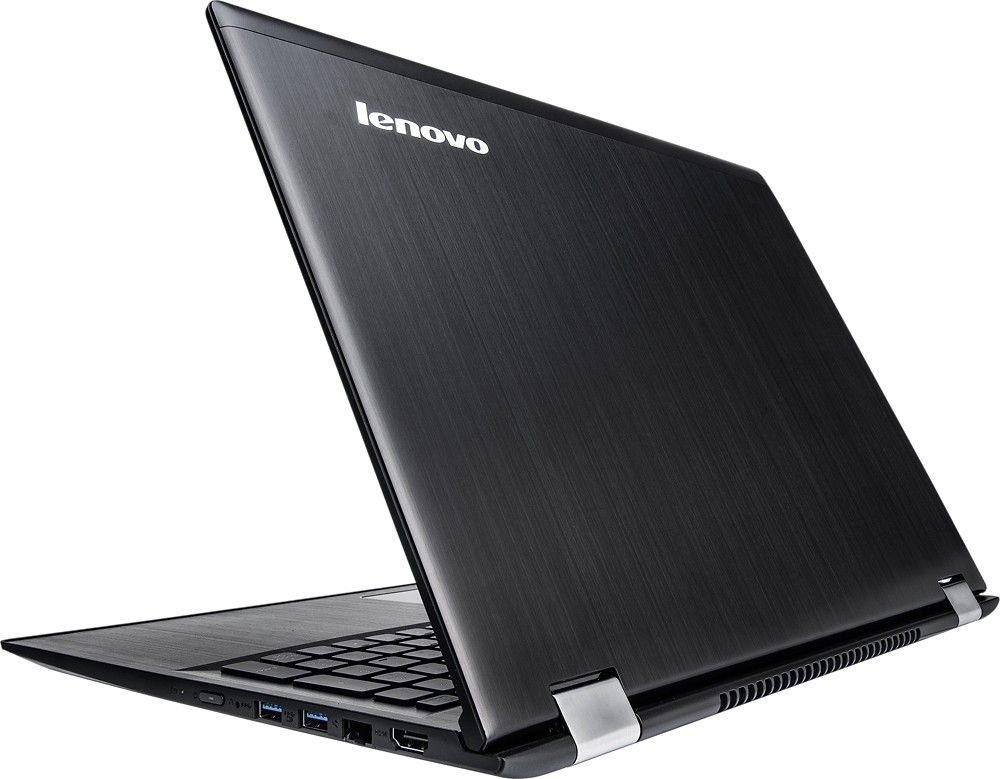
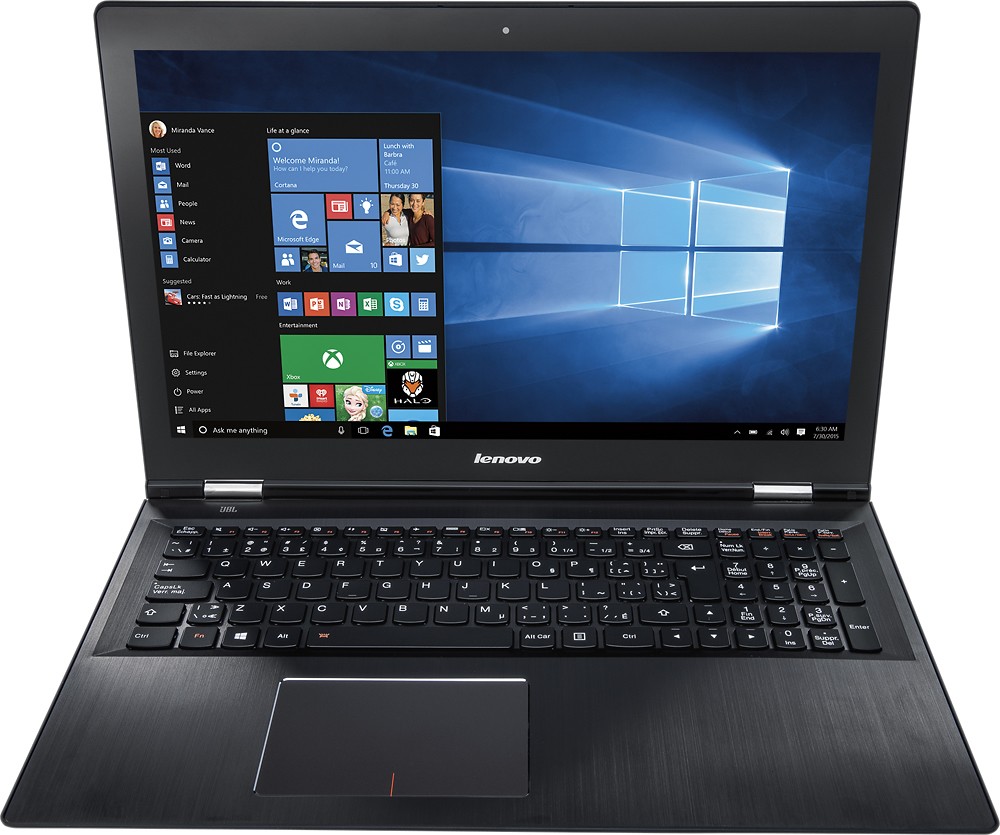
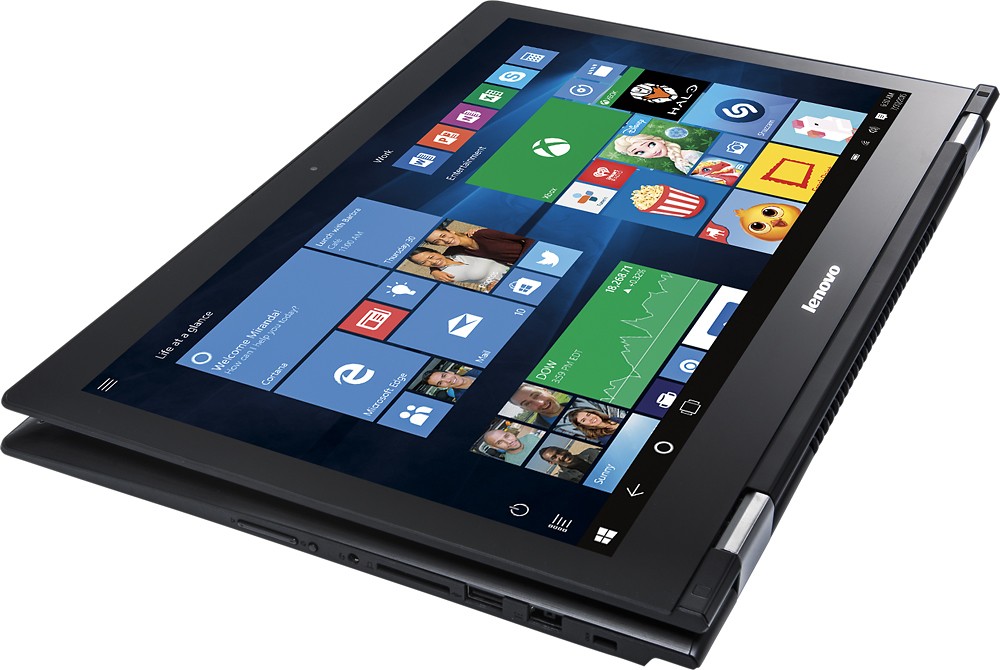
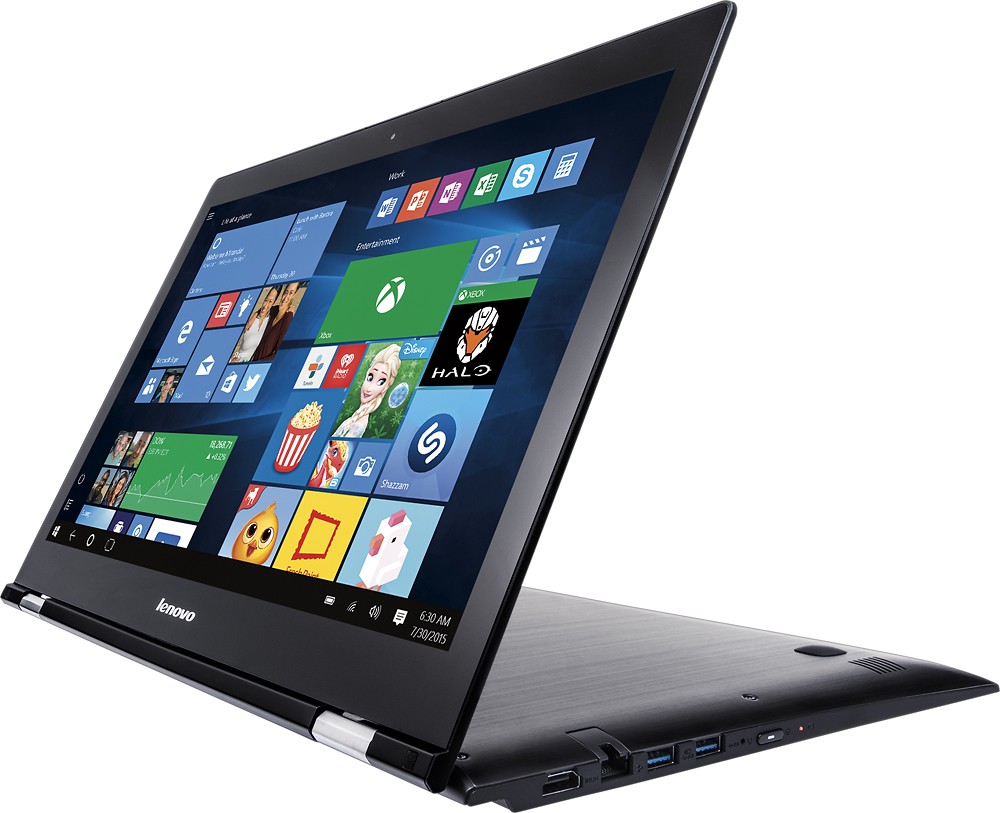
Posted .This reviewer received promo considerations or sweepstakes entry for writing a review.I have owned this laptop for a couple of months now. Primary use is for video & photo editing. I use the whole Adobe Creative Suite on this bad boy. The first thing I did was switch out the hard drive for an SSD. That drastically increased boot up speeds as well as applications, so I HIGHLY recommend you do that. Performance is awesome, the built in Nvidia GeForce 940m does wonders. I do some light gaming on the side so I can run games like Overwatch or Rocket League on high settings at 1080p. Beware however that this laptop does get a bit warm so keep it in an area well ventilated(not on your bed!) The 8gb of ram does the job, I have been able to keep photoshop, illustrator and chrome with 25 tabs open just fine. The touch screen on this huge 1080p 15.6 inch screen is amazing. Once you get used to touching the screen to increase the speed in which you do things, you'll start questioning peoples poor life choices on non-touch screen laptops. Something very underrated is the weefee(or wifi for those non-sarcastic) and bluetooth connectivity on this laptop. It has Bluetooth 4.0 which means you can connect multiple accessories without problems, I myself use the Logitech MXAnywhere 2 & Bose QuietComfort 35 via bluetooth. Amazing. The weefee(if paired to a wireless AC router) is freaking FAST. You can throw your 100ft ethernet cable away, you'll be just fine with this baby's weefee. The 2-1 feature is awesome, whenever I need to show my boss something I quickly flip it over and hand it to him. Its an awesome gloried tablet on steroids. Okay now some cons about this laptop. The touchpad is not great at all, it will take some getting used to. I found myself fiddling with it multiple times when I needed to select a couple of things on my desktop or right clicking in general. This laptop is built to last, the gunmetal feels very reassuring when carrying it around with one hand. However, there is a thin line of rubber that touches when you close the laptop, it has detached multiple times but it is very easily put back. Kind of annoying but other than that, everything else is fine. Over all I would recommend this laptop to anyone higher usage needs(not just browsing the web). If you want to do some light gaming or if you are in the creative content producing field this is your laptop.
I would recommend this to a friendBrand response from Lenovo Product Expert
Posted .Thank you for choosing the Lenovo Edge 2. Have taken note of the issues you mention and will look in to them.
Nice
||Posted .This reviewer received promo considerations or sweepstakes entry for writing a review.It was what I was looking for. Like the lager screen and expanded keyboard.
I would recommend this to a friend- Pros mentioned:Touch screen
Love the touchscreen on this fast computer.
Posted .This reviewer received promo considerations or sweepstakes entry for writing a review.I'm very happy with this open-box purchase. It came in like-new condition. 360 degrees rotation to tablet mode is actually useful and not just a sales gimmick. I like Windows 10 touch tablet mode much more that I thought I would. The Lonovo hardware is stylish, light and thin (for a 15"). It has played all the games my son has tried so far (Fallout 4, Battlefield 4, and racing games). Cons: - Screen is very shiny - Blue screens on me occasionally probably due to a hardware driver that I haven't figured out yet. - Power button is easy to push accidentally - Battery doesn't last as long as I want it to but it charges quickly - Initially had a problem with wifi but went away after updating driver
I would recommend this to a friend stop working in 1 month
||Posted .This reviewer received promo considerations or sweepstakes entry for writing a review.Poor performance. For some reason it stopped working.
No, I would not recommend this to a friendBrand response from Lenovo Product Expert
Posted .This system has a system called OneKey Recovery. There is a very small button on the left side of this system, you'll need a pencil or pen to push it. Even if your system won't start, the OneKey Recovery system should start your system. There will need to be power to the system, so be sure you plug the system in. Wait about 5 minutes to let the battery charge a bit, then press the OneKey Recovery Button with a pen or pencil. Your computer should boot up normally. Once it has booted to your desktop you can follow the link below to Lenovo.com support-drivers to look for driver updates for your system. Be sure to create a restore point on your system before you make any changes or download any new software to your system. Hope this helps:
http://support.lenovo.com/us/en/products/Laptops-and-netbooks/Lenovo-Edge-Series-Laptops/edge-2-1580/80QF/0004US?linkTrack=Caps%253ABody_SearchProduct&tabName=downloads&beta=false
Modest-Looking Beast
Posted .This reviewer received promo considerations or sweepstakes entry for writing a review.I researched laptops for around three months before I decided on this one. I was looking for a few things in a laptop, but most of them were not necessarily requirements. I was looking for something that had a dedicated graphics card, i7, ten-key, and was relatively modest. This thing delivered. Most of the laptops I looked at that met my requirements were gaming laptops, but knowing that I was going to be taking this to school I wanted to avoid the gaming rig look and feel to avoid having my laptop stolen. This computer is a perfect mix of build quality and modest feel. From the outside, you would never know how amazing this computer is. I am not a fan of benchmarks, but I do care about performance in games. I play a lot of Smite, and on maximum settings I get a smooth 30 fps, which is plenty for me. I'm sure there's some kind of optimization that I can be doing to improve this, but I don't care enough to look into it. There are some drawbacks. I have had the wifi driver crash a few times, taking me out of games and skype calls, sometimes for the rest of the day. The wired connection seems solid enough, but it is a pain to have to find an ethernet cord. There is also some weakness in the body of the computer. Specifically between the space bar and the track pad, if you press down there is quite a bit of give that ends with a click that sounds like the track pad just clicked, but the click doesn't do anything. Overall, this is an amazing computer that doesn't look the part, and I think that's a good thing.
I would recommend this to a friendGreat 2 in 1
Posted .This reviewer received promo considerations or sweepstakes entry for writing a review.Overall this computer has done what i needed it to do; handle coding, web design, light gaming, and even took on some virtualbox emulation of mint Linux. Screen is nice and clear, touch is responsive, keyboard is comfy with a great deal of finger travel. My only issue is that Microsoft with Windows still hasn't gotten sleep/hibernate down correctly. It takes me having to cold start the computer to get it up and running after closing the lid. This is 2015 and Microsoft still hasn't gotten that simple feature down. Overall great computer, battery life is decent, skylake processors have done great for laptop performance, and the hard drive is quite snappy considering its still using your traditional spinning discs over your more durable and swifter solid state drives.
I would recommend this to a friend- Pros mentioned:Gaming
Small and powerful All purpose laptop
Posted .This reviewer received promo considerations or sweepstakes entry for writing a review.Recently purchased this as open box for half the sticker price. First thing was Windows update broke the wifi. Fixed issue by downloading lenovos drivers. Boot time was slow with the 5400 rpm sata drive. Fixed issue with SSD, now it boots in 3 seconds. There was some bloatware and service hogs. Fixed with a fresh Windows 10 install and now it runs efficiently. Couldn't be happier with result. Great all around laptop for gaming, video processing, and as a bonus can go into tablet mode with the touchscreen. Lenovo is years ahead of other brands.
I would recommend this to a friend