Customer Ratings & Reviews






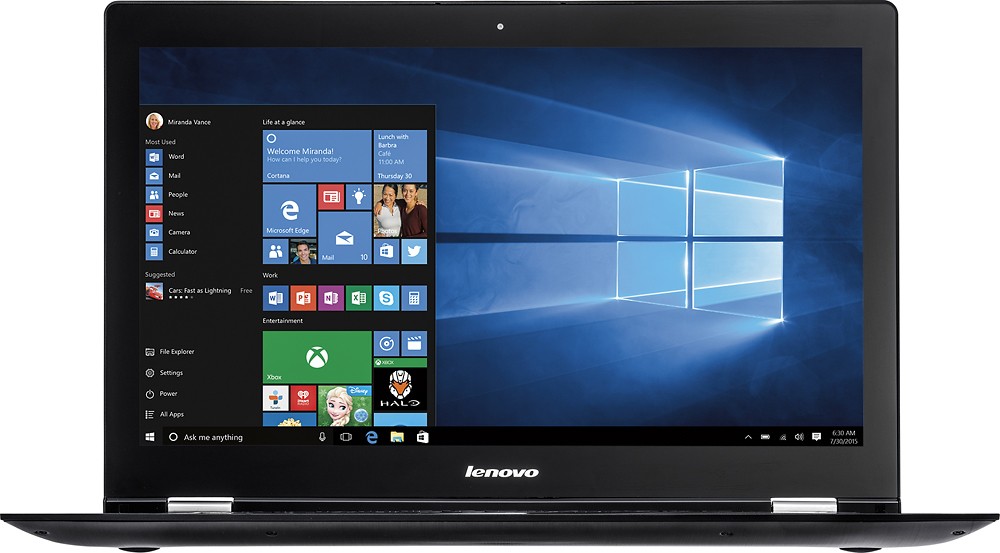
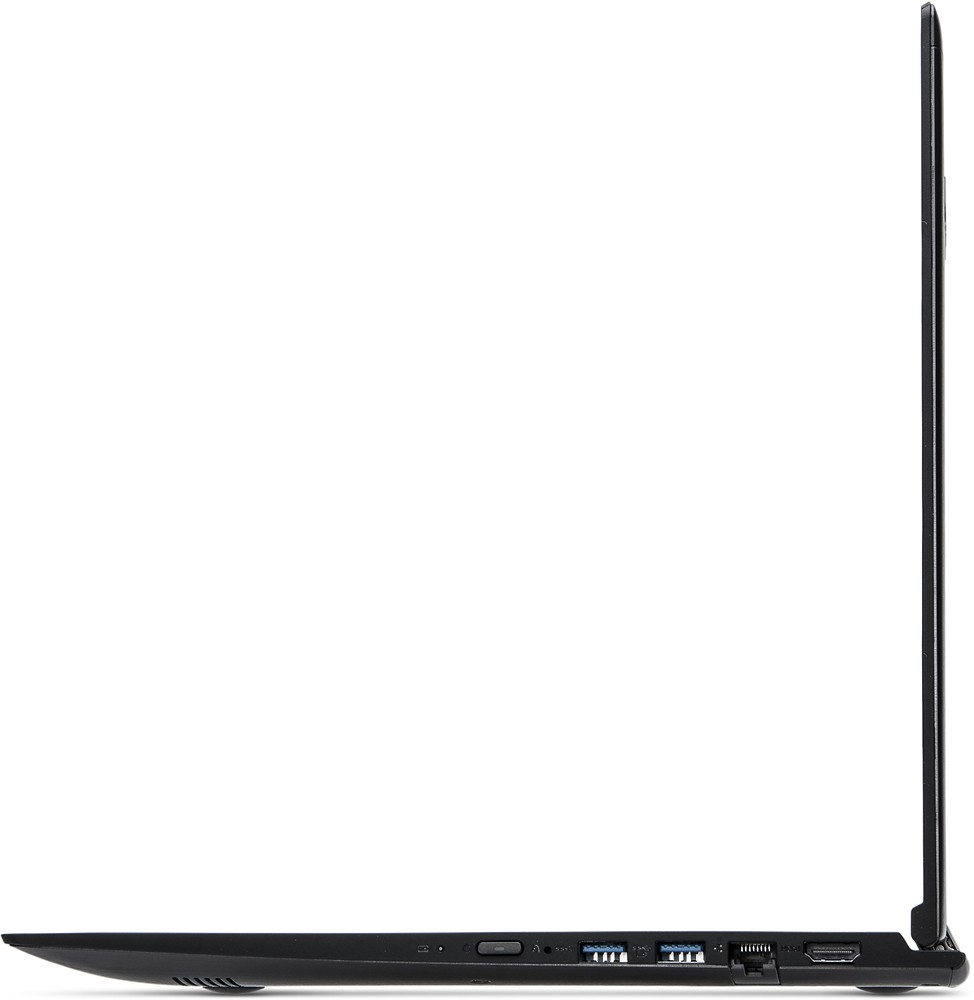
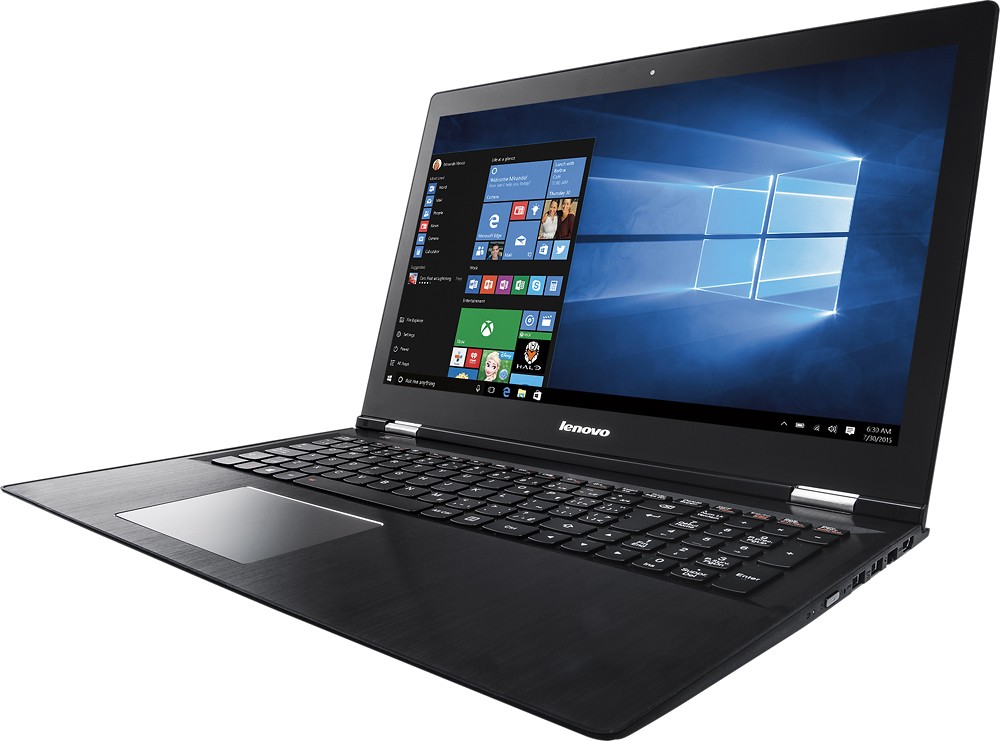

- Model:
- EDGE 2 15 - 80QF0004US
- SKU:
- 4525501
to a friend
Customers are saying
Customers praise the Edge 2 15.6" 2-in-1 Touch-Screen Laptop for its touch screen, gaming capabilities, affordable price, lightweight design, user-friendly interface, impressive performance, and ample storage. However, some customers have concerns about the battery life, Windows 10 operating system, occasional sleep mode issues, and limited RAM upgradability.
This summary was generated by AI based on customer reviews.
Horrible PC for the money
Posted .This reviewer received promo considerations or sweepstakes entry for writing a review.Lenovo quality is just not there anymore. Touch screen, keyboard, mouse pad are almost unusable. The whole PC quit working after about 2 months. Luckily I had a friend who knew of this KNOWN quirk. Had to disconnect the battery, let it sit and then reconnect. The access to the battery is a horrible design - you have to actually take all the bottom screws off with a special driver and expose the mother board. Do your self a favor and get a cheaper, better made PC
No, I would not recommend this to a friendWaste of time
Posted .This reviewer received promo considerations or sweepstakes entry for writing a review.Has been a disappointment from day 1. Geek Squad "updated" before I took home. Had to go back to store when I couldn't get online. (They "forgot" to update some drivers.)Went back again when it wouldn't turn on. Of course, works fine when I get there. Now can't print...on hold for 40 minutes so far to get online help. My wife bought a Toshiba 5 days before me. ZERO problems for her. Lenovo is suppossedly a "better" machine. Can't prove it by me. Gonna return this piece of junk tomorrow. I see why Best Buy had it on sale. I'll pay the diff for the "lessor" machine...the Toshiba.
No, I would not recommend this to a friendTerrible Laptop
Posted .This reviewer received promo considerations or sweepstakes entry for writing a review.My Aunt got this laptop and she absolutely hated this thing because it is super slow. My aunt gave me this laptop since she said that she didn't need it anymore. When I got the laptop, I hated it. This thing is super slow and now won't even allow me to choose a bootable USB stick in the BIOS (It won't even allow me to use a new hard drive in the BIOS) Once my hard drive dies, this laptop dies with it. It's that bad. I can't wait to get a new laptop.
No, I would not recommend this to a friendWorst laptop I have ever purchased
Posted .This reviewer received promo considerations or sweepstakes entry for writing a review.I will not be purchasing a laptop from Best Buy again. The first Lenovo Edge 2 I purchased had an issue with the screen glitching and becoming unreadable. I immediately brought it back and exchanged for a new one. Now my new one has started to randomly have blacks lines streak across it or go completely black for no discernible reason and I am outside the window to exchange it. Didn't expect this from a "high end" computer.
No, I would not recommend this to a friendBrand response from Lenovo Product Expert
Posted .With regard to the issues you mention with your device, there may be driver updates for your specific system. Follow the link below to look for new driver updates for your specific system. As always, be sure to create a restore point on your system before you make any changes. Here is the link:
http://support.lenovo.com/us/en/products/Laptops-and-netbooks/Lenovo-Edge-Series-Laptops/edge-2-1580/80QF/0004US?linkTrack=Caps%253ABody_SearchProduct&tabName=downloads&beta=false
POOR CHOICE FOR ME
Posted .This reviewer received promo considerations or sweepstakes entry for writing a review.Wanted a "bullet proof" LT for basic surfing and spreadsheet /word applications. Selected this model with Sales Tech's input. Purchased March '16. Numerous Geek visits over six weeks. Crashes, freezes, conflicts. Exchanged for similar SKU in May. Edge # 2 sent out for repair within ninety days. New keyboard and "motherboard". I am 0 for 2 with the product. Purchased an HP LT. Will keep the Lenovo for backup.
No, I would not recommend this to a friendRegret Purchasing Lenovo Edge 2
Posted .This reviewer received promo considerations or sweepstakes entry for writing a review.I purchased the Lenovo Edge 2 about 6 months ago after reading good reviews. It goes to sleep and won't wake up, the screen shuts off, or the computer just shuts off for no reason in the middle of an operation. I use it for work purposes and it is not reliable. I regret the purchase.
No, I would not recommend this to a friendBrand response from Lenovo Product Expert
Posted .We are sorry to hear about the issues you are having with your Lenovo Edge 2. With regard to the waking from sleep and shutting down issues you mention with your device, there may be driver updates for your specific system. Follow the link below to look for new driver updates for your specific system. You can also run diagnostics from the Lenovo site as well. As always, be sure to create a restore point on your system before you make any changes. Here is the link:
http://support.lenovo.com/us/en/products/Laptops-and-netbooks/Lenovo-Edge-Series-Laptops/edge-2-1580/80QF/0004US?tabName=Downloads&linkTrack=Mast:SubNav:Support:Drivers and Software|Drivers and Software&beta=false
Bad keyboard flaws
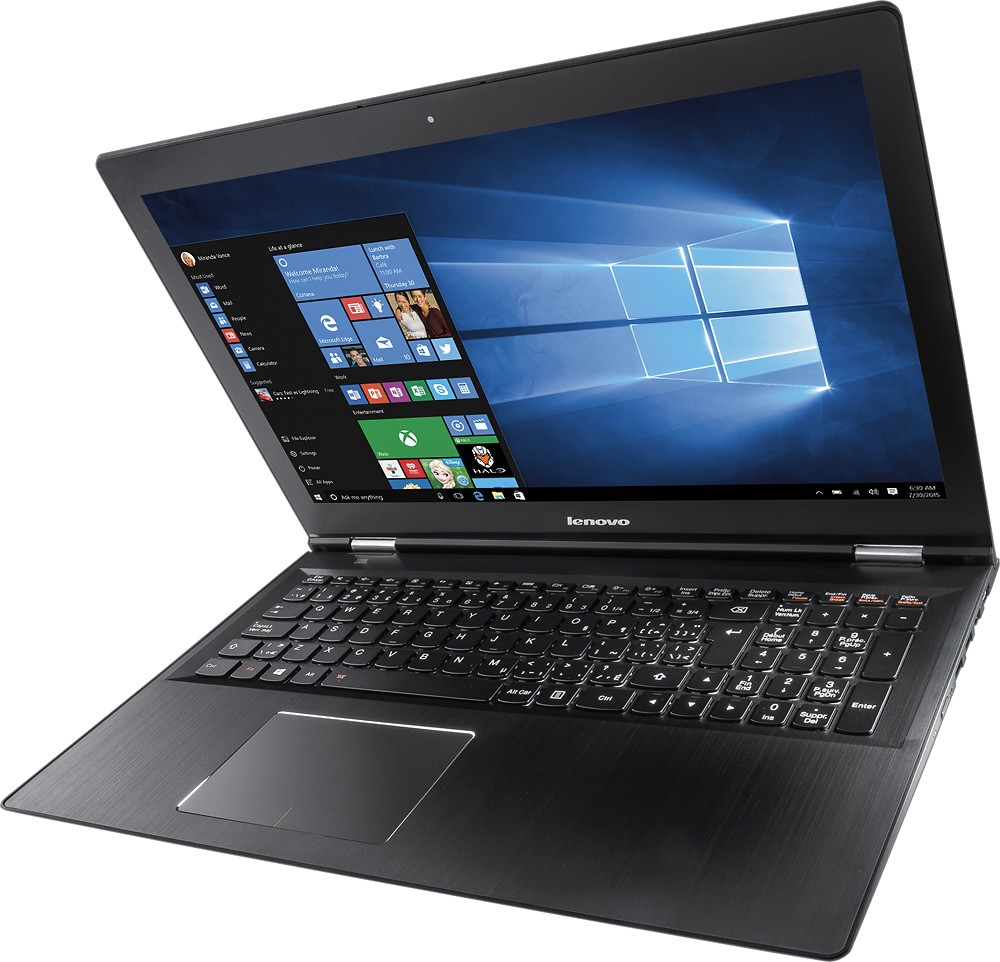
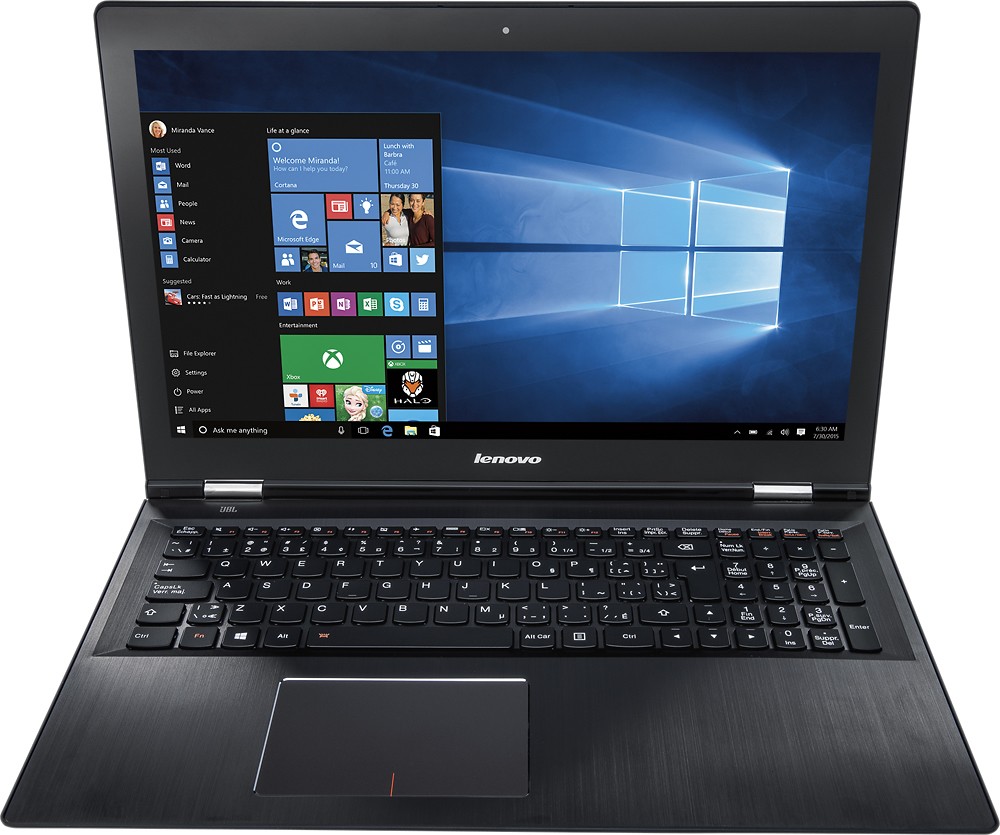
Posted .This reviewer received promo considerations or sweepstakes entry for writing a review.Look at the keyboard very closely, folks. The letters between L and return key. There are some THREE strange keys between them and it's impossible to type without looking down and the up arrow key at where the shift key supposed to be. Very bad! Serious keyboard flaw.
No, I would not recommend this to a friendBrand response from Lenovo Product Expert
Posted .With regard to the keyboard issues you mention, there is a free software APP called KeyTweak that may help you. You can switch the key functions of specific keys on your keyboard with this software. Just Google search "KeyTweak" and you will find articles about what the software does and you will find the download location for this free APP.