Customer Ratings & Reviews
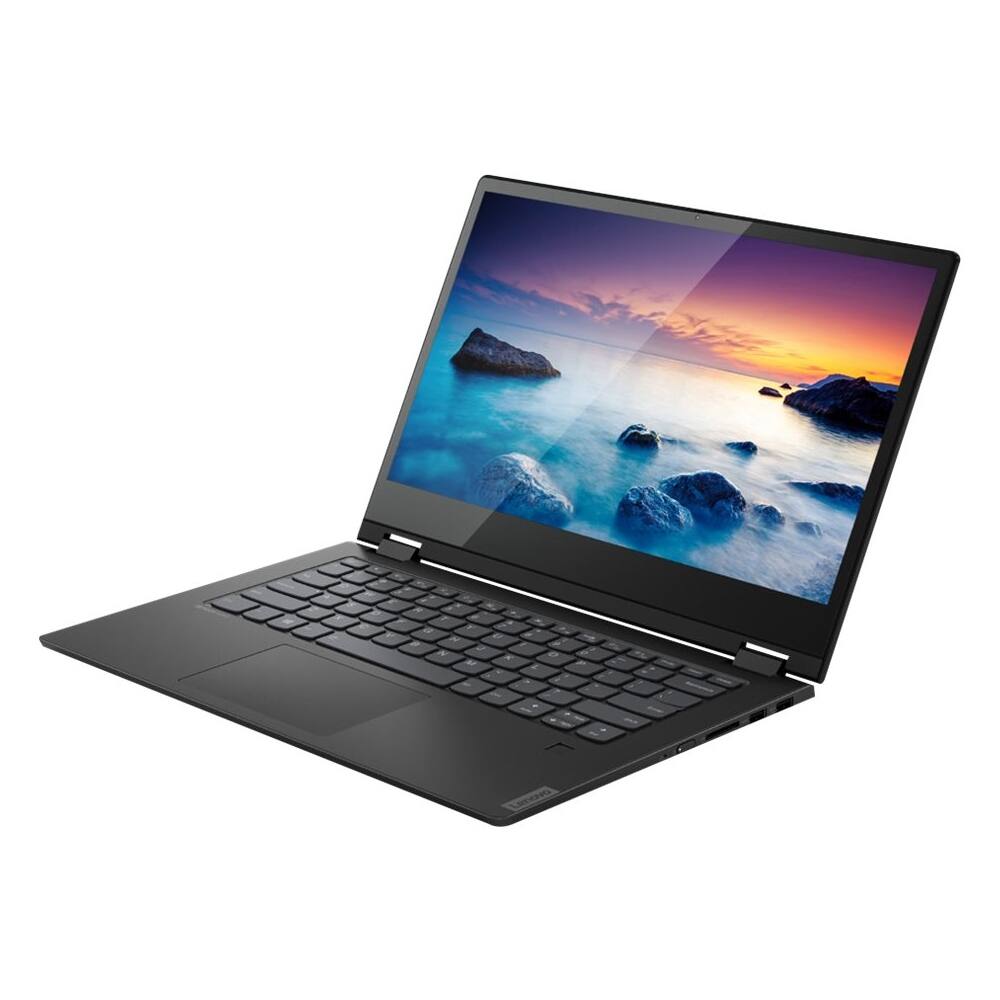
- Model:
- 81SQ0008US
- SKU:
- 6344761
to a friend
- Pros mentioned:Good sound, Hd, Light weight
Best laptop i ever used
||Posted . Owned for 1.5 years when reviewed.This reviewer received promo considerations or sweepstakes entry for writing a review.Best laptop i ever used, speed, performance, HD, light weight and good sound. I had issues in beginning but Lenovo vantage has frequent updates and keep the system in good condition
No, I would not recommend this to a friend - Cons mentioned:Slow performance
Disappointed with laptop
||Posted . Owned for 3 weeks when reviewed.This reviewer received promo considerations or sweepstakes entry for writing a review.I purchased this laptop as a replacement to a 256 SSD, 8G RAM Dell laptop. After using it for 3 weeks, I was disappointed with the performance. For a simple uncompress of the 300M file, it took 12 mins whereas my old laptop was taking less than 2 mins. Also, there is a lot of noise from the processor which was kind of distracting me when I am on calls using laptop mike. This laptop clearly disappointed me.
No, I would not recommend this to a friendBrand response from Lenovo Product Expert
Posted .The Lenovo Flex 6-14 ships with the powerful Quad-Core/Eight-Thread Intel Core i7-8565U processor, supported by 16GB DDR4-2400 RAM and a 512GB M.2 NVMe solid state hard drive. If you are experiencing slower than expected performance, Be sure any software and any files you installed are compatible with Windows 10. There is no need to install Microsoft Office software. The software is already part of the operating system, you just need to activate the software with a purchased product key. If you have installed a copy of Microsoft Office, this is conflicting with the existing copy on the system and this will slow your system down. If you have installed a 3rd party anti-virus program, be sure that Windows Defender is turned off and that the trial version of McAfee Anti-Virus software is uninstalled. There can only be one anti-virus program on the system. You may need to restore your system to original factory default settings if any of the programing errors have occurred. You can do that by typing "restore" in the Cortana search window. Just click on the magnifying glass icon at the bottom left of your Windows 10 Desktop. Click on "Reset This PC" Then click on "Get Started" and follow the on screen directions to restore to factory defaults. If the problem persists, we recommend you contact Lenovo Tech Support at: 877-453-6686

- Pros mentioned:Good sound
Good for cost
||Posted . Owned for 1 month when reviewed.This reviewer received promo considerations or sweepstakes entry for writing a review.Great buy for the cost. Good machine with alot of good amenities
I would recommend this to a friend


















